
Shields
1 file
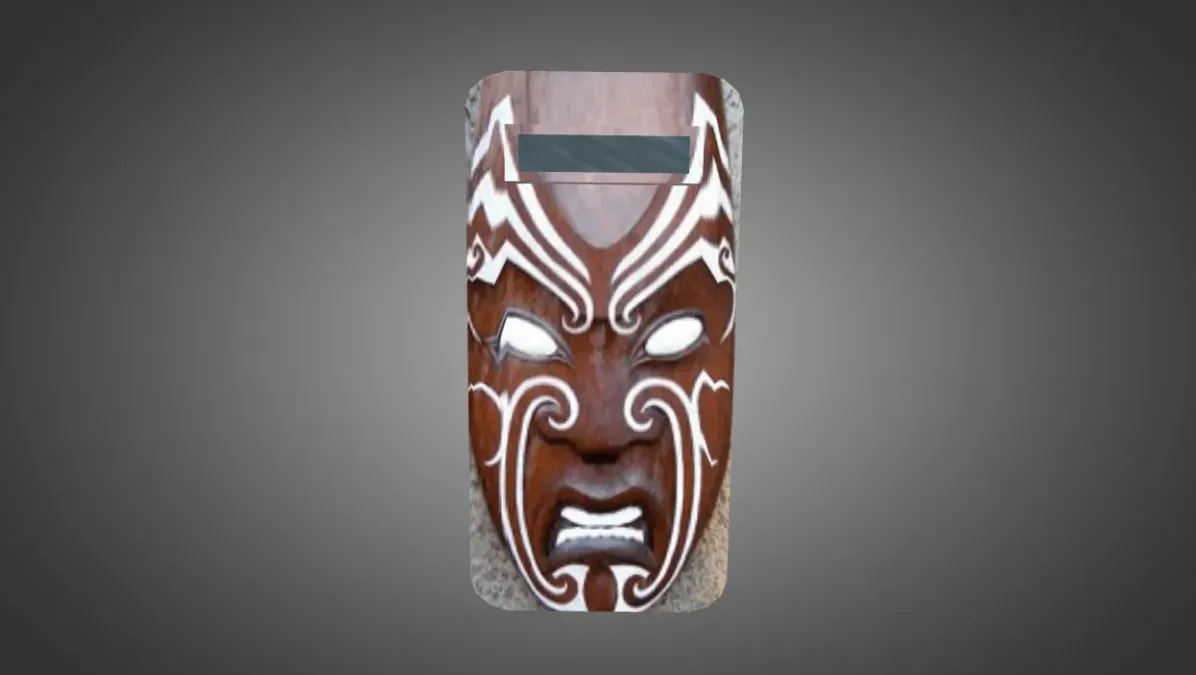
Get shield models for CS 1.6. HD custom skins that swap out the default riot shield. Simple drop-in setup. Free download.
FAQ
How do I install a shield model in CS 1.6?
To install a shield model in CS 1.6, unpack the downloaded files and move the .mdl files into cstrike/models. Put sound files into cstrike/sound and any sprites into cstrike/sprites. If asked to overwrite, go ahead, but back up your files first.
Where should shield model files go in CS 1.6?
Shield model files belong in specific folders inside your CS 1.6 installation. Put v_, p_, and w_ .mdl files in cstrike/models. Sounds go into cstrike/sound (often inside a subfolder such as weapons). If the model comes with custom sprites, place them in cstrike/sprites.
How can I enable or select a shield in CS 1.6?
To enable or select a shield in CS 1.6, you need a server that supports it, usually through a plugin such as AMX Mod X. On such a server, the shield might be available as a weapon or via a command. For client-side model replacement, just installing the files will change the look if the server uses the same model. In standard CS 1.6, you cannot enable a shield without a plugin.
Shield model not appearing in CS 1.6 – what should I do?
If your shield model is not appearing, verify that the files are in the right folders: cstrike/models for .mdl files, cstrike/sound for sounds. Make sure the filenames match the original shield model names exactly (e.g., v_shield.mdl). If you're on a server, the server might override your models or you may need to enable downloads. Also, look for consistency errors in the console.
How do I restore the default shield in CS 1.6?
To restore the default shield in CS 1.6, you need to replace the custom files with the originals. If you made a backup, copy the original .mdl and sound files back. If not, delete the custom files and reinstall the mod or plugin that provides the shield, or verify your game files through Steam.
Do custom shield models work on CS 1.6 servers?
Custom shield models work on CS 1.6 servers only if the server allows custom models and doesn't enforce consistency checks. Many servers use sv_consistency 1, which will kick players with modified files. If the server has the same shield model installed, you will see it; otherwise, the server may replace it with its own. So it's best to use custom models on servers that permit them or in single-player with a plugin.
How do I change shield sounds in CS 1.6?
To change shield sounds in CS 1.6, put the new sound files in cstrike/sound, following the same folder structure as the original sounds (e.g., weapons). Overwrite the existing files with the same names. If the sounds are part of a model pack, they are usually already in the correct folders; just copy them over. Make sure the sound files are in .wav format.