
AUG
1 file
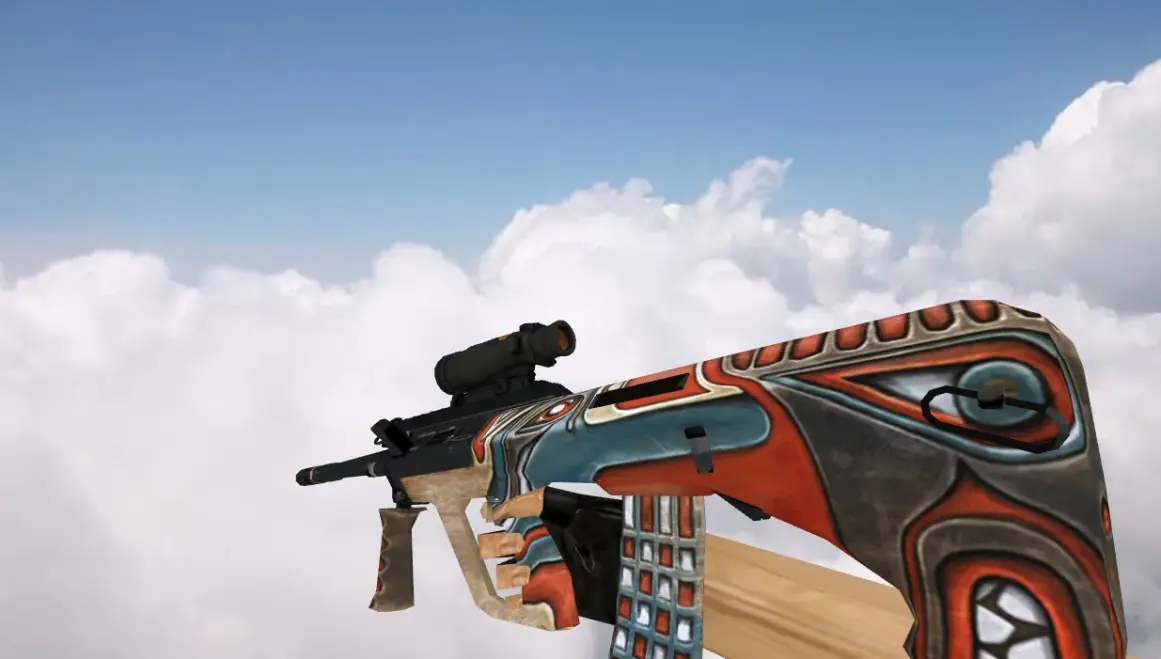
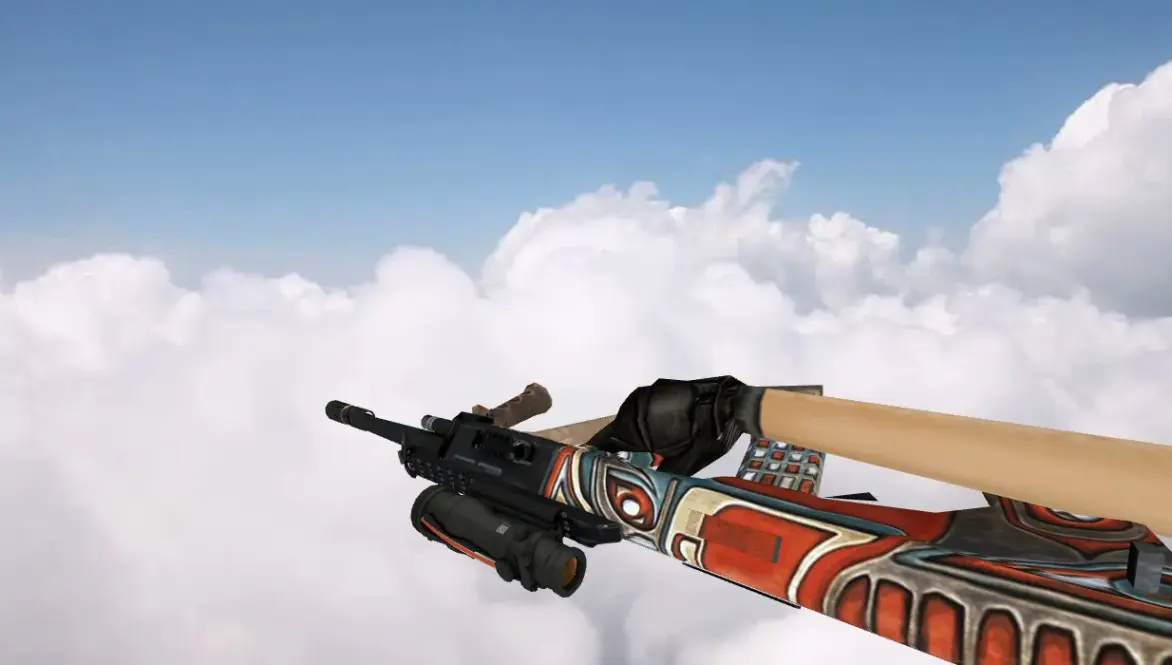
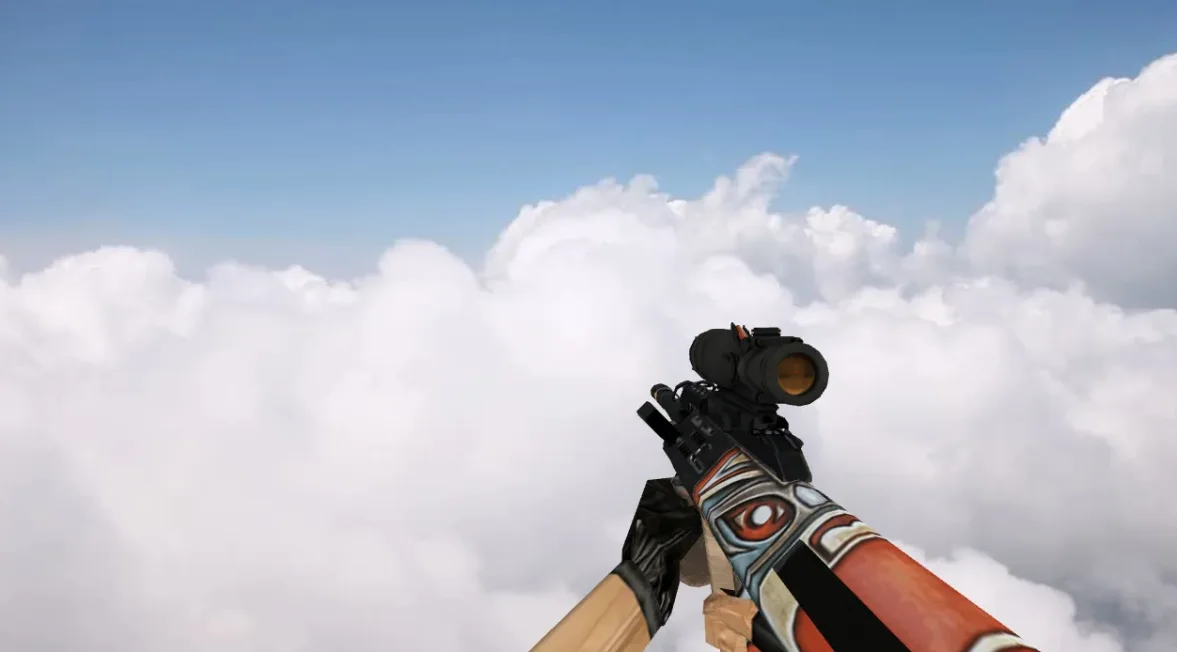
Get AUG skins for CS 1.6. HD textures with proper animations. Swap the default model quickly. No cost.
FAQ
How do I install an AUG model in CS 1.6 and where do the files go?
Move the .mdl files from the downloaded pack into your game's model folder, typically cstrike/models, and let them overwrite the existing AUG files. Before you replace anything, save copies of the original v_aug.mdl, p_aug.mdl and w_aug.mdl somewhere outside the game folder.
If your installation is localized, the folder might be cstrike_russian/models - files there take priority over cstrike. After copying, restart Counter-Strike 1.6 so the new model loads.
Which files does an AUG model replace in Counter-Strike 1.6?
A weapon model pack for the AUG usually includes three files, all placed in cstrike/models:
v_aug.mdl- the model you see in first person view.p_aug.mdl- the model shown in the hands of the player.w_aug.mdl- the model lying on the ground when the weapon is dropped.
Some packs also include custom sounds and sprites, which go into cstrike/sound and cstrike/sprites.
Does a custom AUG model work online on CS 1.6 servers?
Weapon models are client-side, so on most public servers only you see your custom AUG - other players still see the standard model.
Servers that use a consistency check can ignore or override your files, and on some servers mismatched files may cause a kick. If the server forces its own models, the custom AUG simply will not appear.
CS 1.6 does not show my AUG model or the game crashes - how to fix it?
- Check that the files are named exactly
v_aug.mdl,p_aug.mdlandw_aug.mdland lie directly incstrike/models, not in a subfolder. - Make sure the model is made for Counter-Strike 1.6 and not for Source or CS:GO - incompatible
.mdlfiles cause crashes. - Remove older AUG models from
cstrike_russian/models, since that folder overridescstrike. - Restore your backup and test again if the problem remains.
How do I get the default AUG model back in CS 1.6?
Delete the custom v_aug.mdl, p_aug.mdl and w_aug.mdl from cstrike/models and restore the backups you made before installing.
If you have no backup, verify the game files through your launcher or reinstall the game files for the AUG, which returns the original models.
Where do custom AUG sounds go in CS 1.6?
AUG sound files belong in cstrike/sound/weapons, the same folder where the standard weapon sounds are stored.
The new files must have exactly the same names as the sounds the model uses, otherwise the game will keep playing the default ones. Back up the original files before overwriting them.
How do I choose or switch between different AUG models in CS 1.6?
Counter-Strike 1.6 has no in-game model selector for weapons. To switch models you manually replace the files in cstrike/models and restart the game.
Keep each downloaded AUG pack in its own folder so you can copy the files you want back into cstrike/models when you want to change the look.