
Defuse Kits
1 file
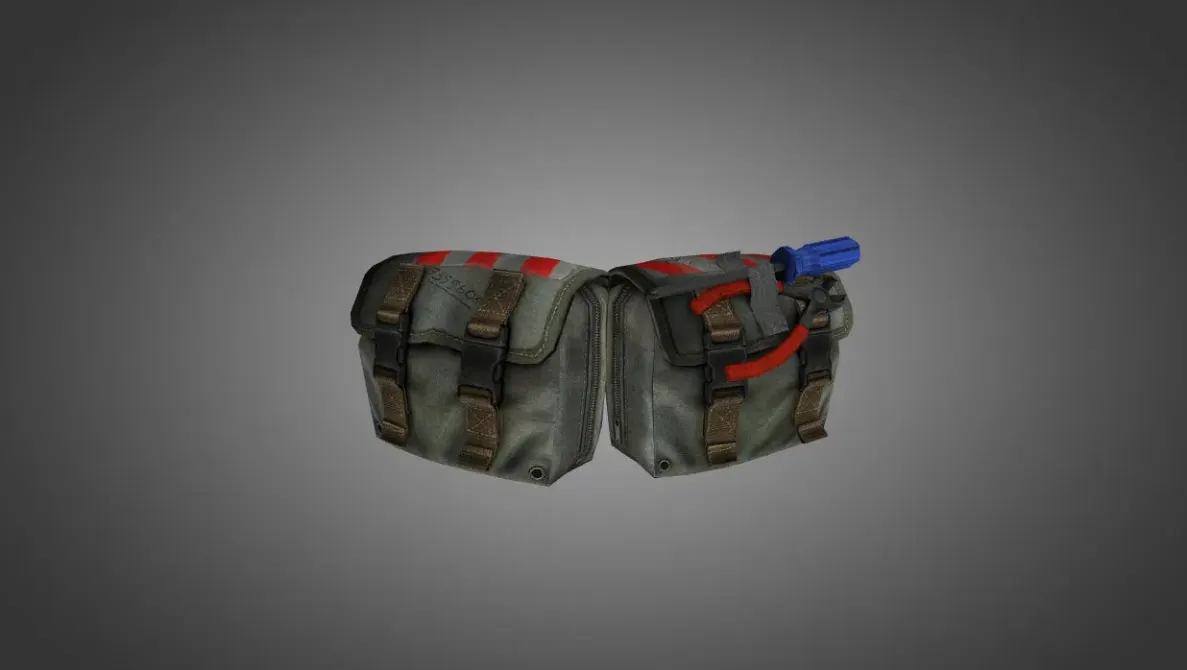
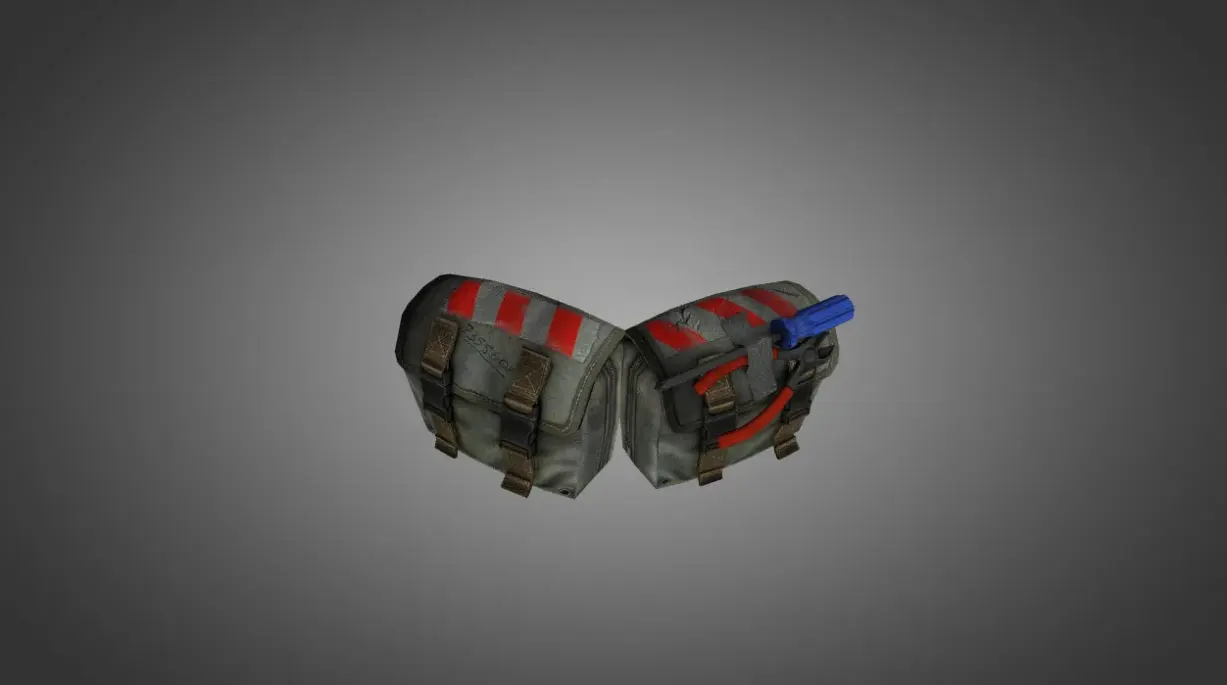
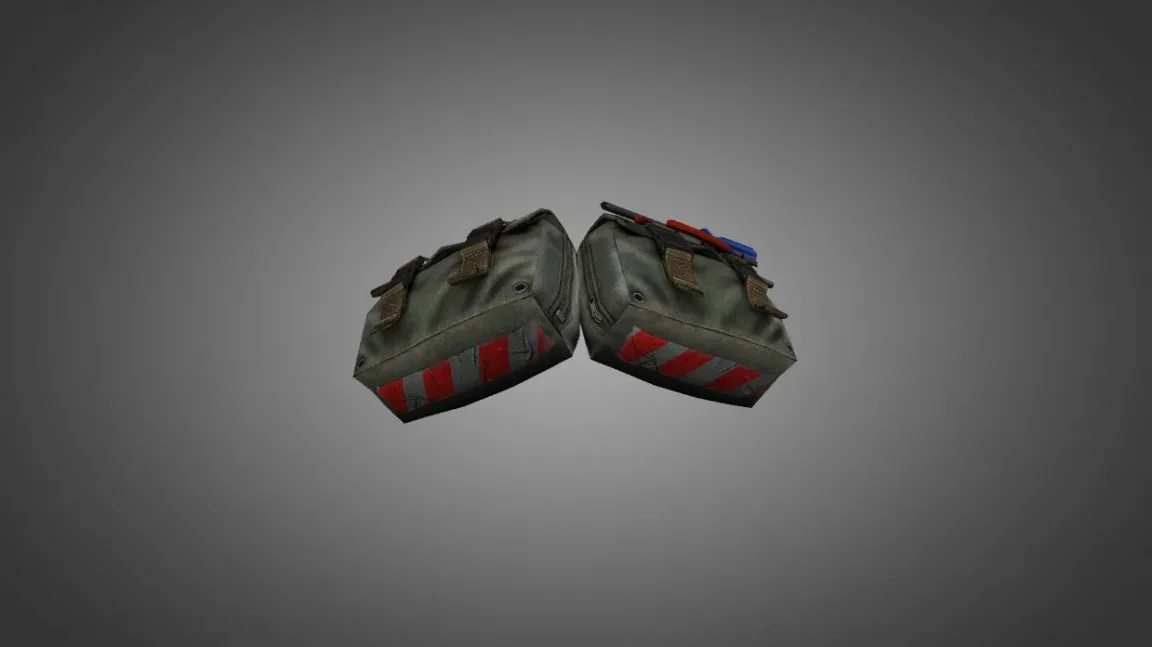
Grab defuse kit models for CS 1.6. These HD custom skins swap out the stock kit. A tiny change that makes a real difference. No cost to download.
FAQ
What is the process for installing a defuse kit model in CS 1.6?
Get the defuse kit model files first. Then move the v_, p_, and w_ model files into the cstrike/models directory. Should the model come with sounds, put those in cstrike/sound (frequently inside a subfolder such as weapons). Textures are typically placed in cstrike/models too. Launch the game and purchase a defuse kit to view the updated model.
Which folders should defuse kit files go into for CS 1.6?
The model files (v_, p_, w_) belong in cstrike/models. Sounds belong in cstrike/sound (for instance, cstrike/sound/weapons). Textures can go in cstrike/models or a subfolder, depending on what the readme says. For a localized install, look at cstrike_russian since files placed there take precedence.
In CS 1.6, how can I swap the defuse kit model?
You can't pick the defuse kit model from within the game; it swaps the stock model on its own. To swap it, overwrite the current model files inside cstrike/models with the new ones. Back up the original files beforehand. If you have several defuse kit models, swapping the files lets you use only one at a time.
Defuse kit model isn't appearing in CS 1.6, or the game crashes - what now?
Verify the model files sit in cstrike/models and carry the exact names the model needs (check its readme). If the game crashes, make sure the model files aren't damaged and that every required texture is there. Keep in mind that certain servers may replace your models with their own, so try a local game first. Restart the game once installation is done.
How do I bring back the stock defuse kit model in CS 1.6?
Remove the custom v_, p_, and w_ model files from cstrike/models. Or you can put the original files back from a backup. If no backup exists, reinstalling the game may be necessary to get the defaults back. After that, the normal defuse kit model shows up again.
Will a defuse kit model function on CS 1.6 servers?
On lots of servers, custom models might get swapped for the server's own models or trigger a consistency error, which could get you kicked. A few servers permit custom models, though it hinges on their configuration. For playing online, sticking with default models is the safest bet, or ask about the server's rules.
Is there a way to turn on an inspect animation for the defuse kit in CS 1.6?
A number of custom defuse kit models come with an inspect animation. That said, the defuse kit isn't a weapon you hold in CS 1.6, so no standard key exists to start an inspect animation. The animation might trigger on its own in some cases or could need a particular mod. Look at the model's readme to find out.