
Galil
3 files
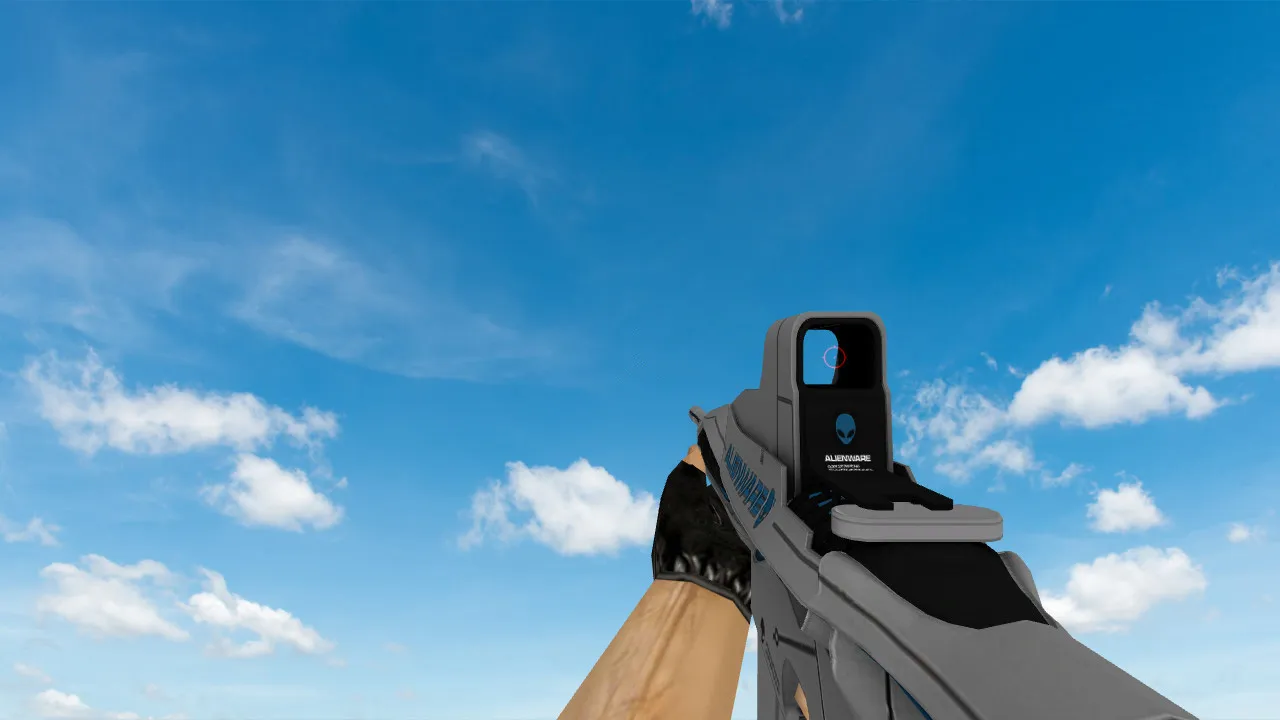
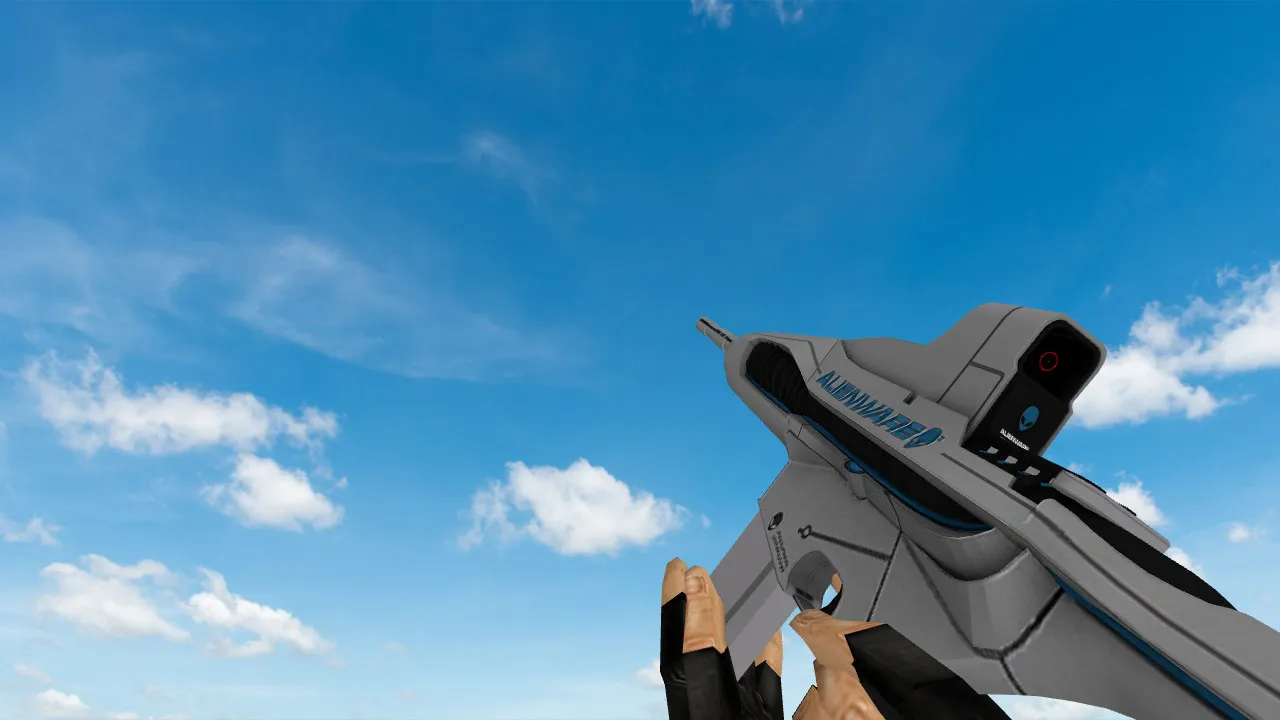
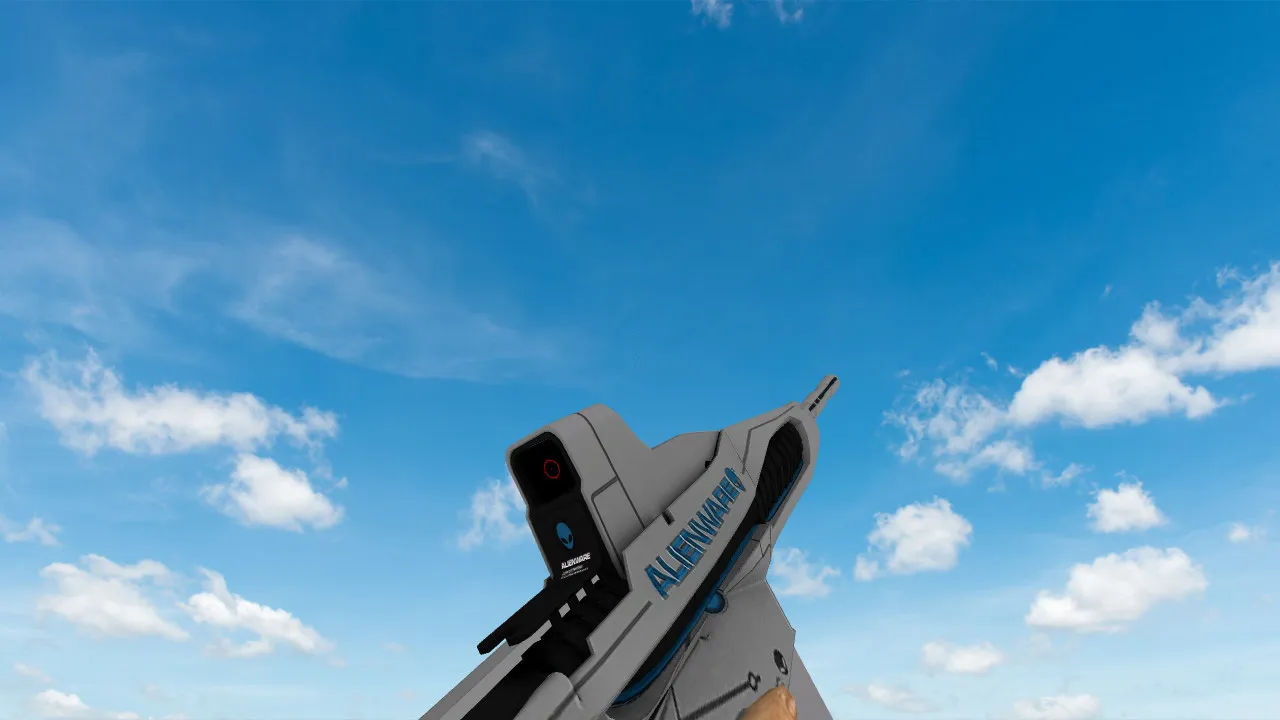


Get Galil skins for CS 1.6. High-def textures and proper fire animations. Swap out the default model right away. No cost.
FAQ
How do I install a custom Galil model in CS 1.6?
Get the model files and put them into cstrike/models. The key files are v_galil.mdl (first-person view), p_galil.mdl (player model), and w_galil.mdl (world model). If the model comes with custom sounds, place them in cstrike/sound/weapons. Always make a backup of the original files before you overwrite them.
Where should I place Galil model files in CS 1.6?
Put the .mdl files into the cstrike/models folder. If your game uses a localized folder such as cstrike_russian, place the files there instead, since files in that folder take priority. For sounds, use cstrike/sound/weapons. The file names have to match the original Galil file names.
How can I change the Galil model in CS 1.6?
- Make a backup of the original
v_galil.mdl,p_galil.mdl, andw_galil.mdlfromcstrike/models. - Swap them with the new model files, keeping the same names.
- If the model comes with sounds, copy them to
cstrike/sound/weapons. - Restart the game or switch the map to see the new model.
Why isn't my custom Galil model appearing in CS 1.6?
Make sure the file names are exactly v_galil.mdl, p_galil.mdl, and w_galil.mdl and that they are in the right folder (cstrike/models or cstrike_russian/models). Check that you replaced the files, not just added them. If you play on a server, it might use its own models or kick you for file consistency. Also confirm that the model is for CS 1.6 and not for a different game.
Does a custom Galil model work on CS 1.6 servers?
On many servers, custom models are permitted and will appear only to you. However, some servers enforce consistency checks and may swap your model with the default one or disconnect you if the files differ. To be safe, test on a local server first. If you get kicked, remove the custom Galil files.
How do I restore the default Galil model in CS 1.6?
Put the original v_galil.mdl, p_galil.mdl, and w_galil.mdl from your backup back into cstrike/models. If you don't have a backup, delete the custom files and verify the game files via Steam or reinstall the game. After restoring, the default Galil model will show up again.
What files are required for a Galil model replacement in CS 1.6?
A standard Galil model replacement includes v_galil.mdl (first-person view), p_galil.mdl (weapon in player's hands), and w_galil.mdl (weapon on the ground). Some packs also include sound files that go to cstrike/sound/weapons. All .mdl files go to cstrike/models or cstrike_russian/models if that folder exists.