
AWP
12 files
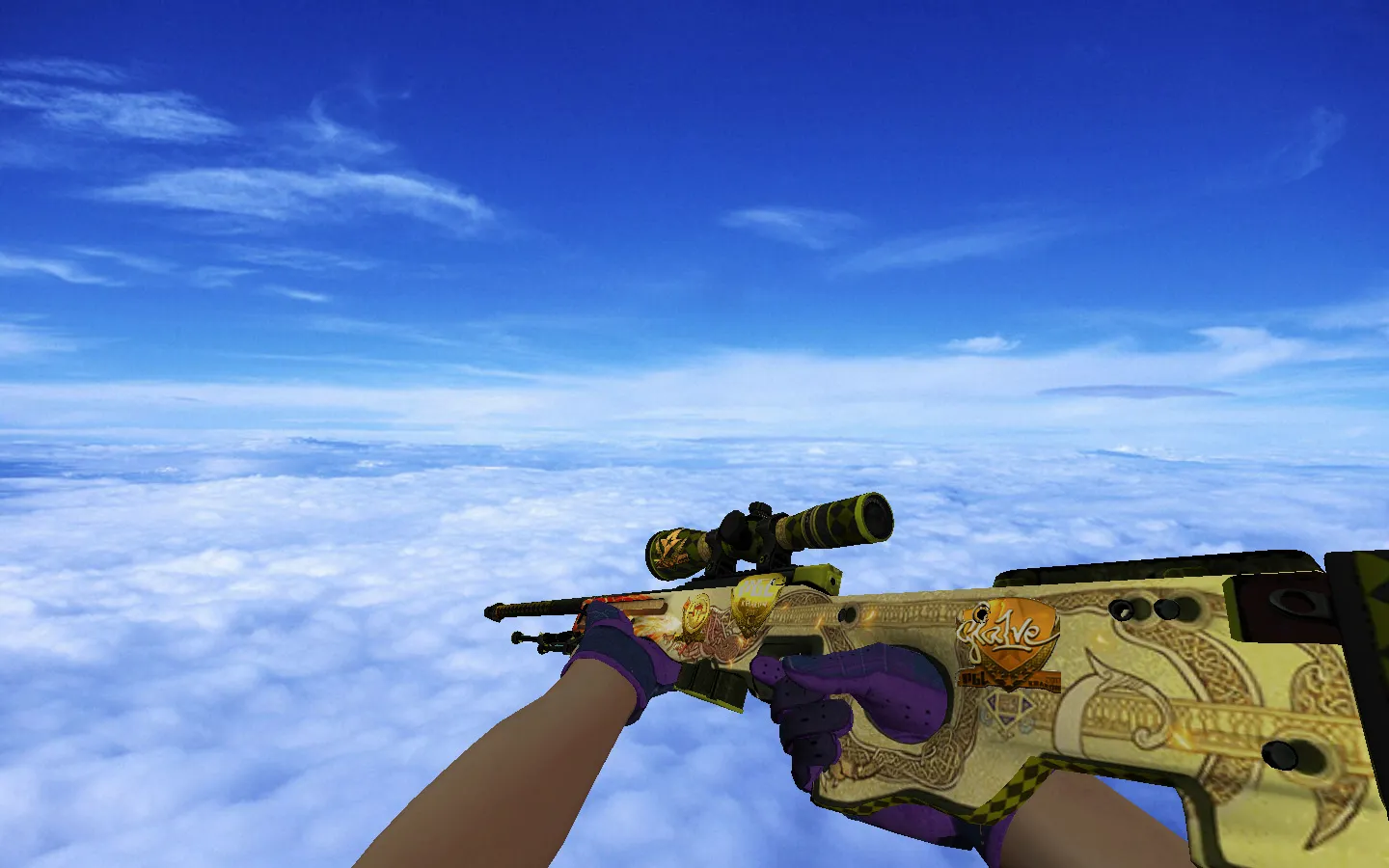
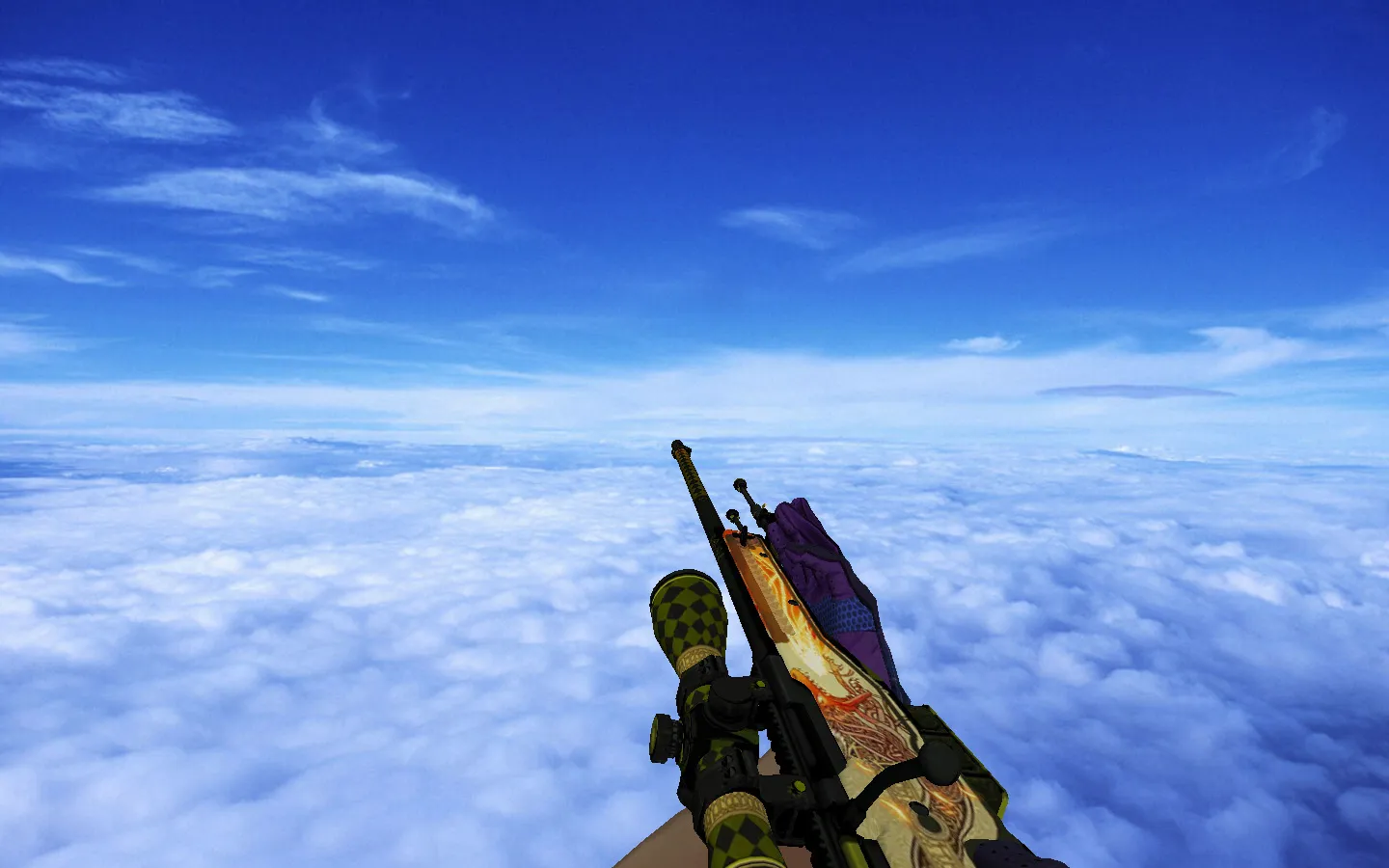
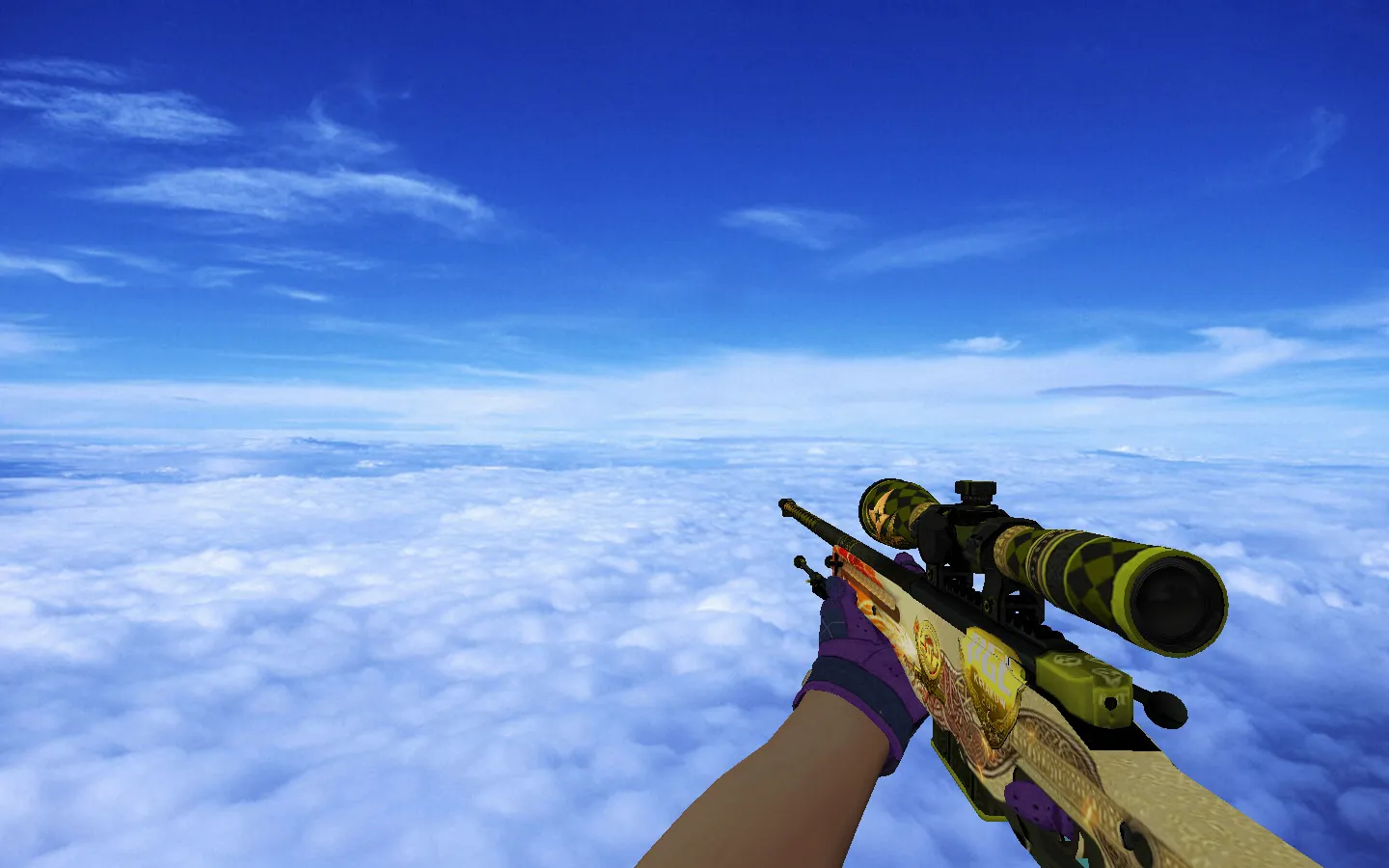
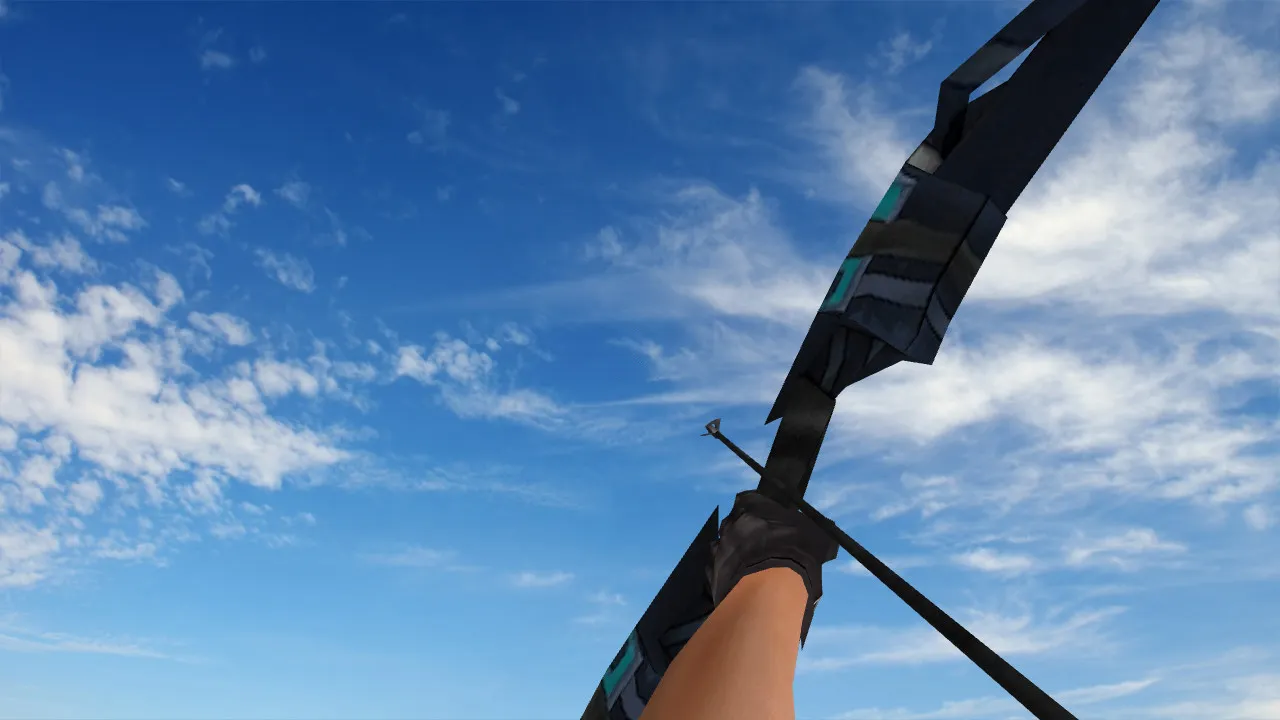

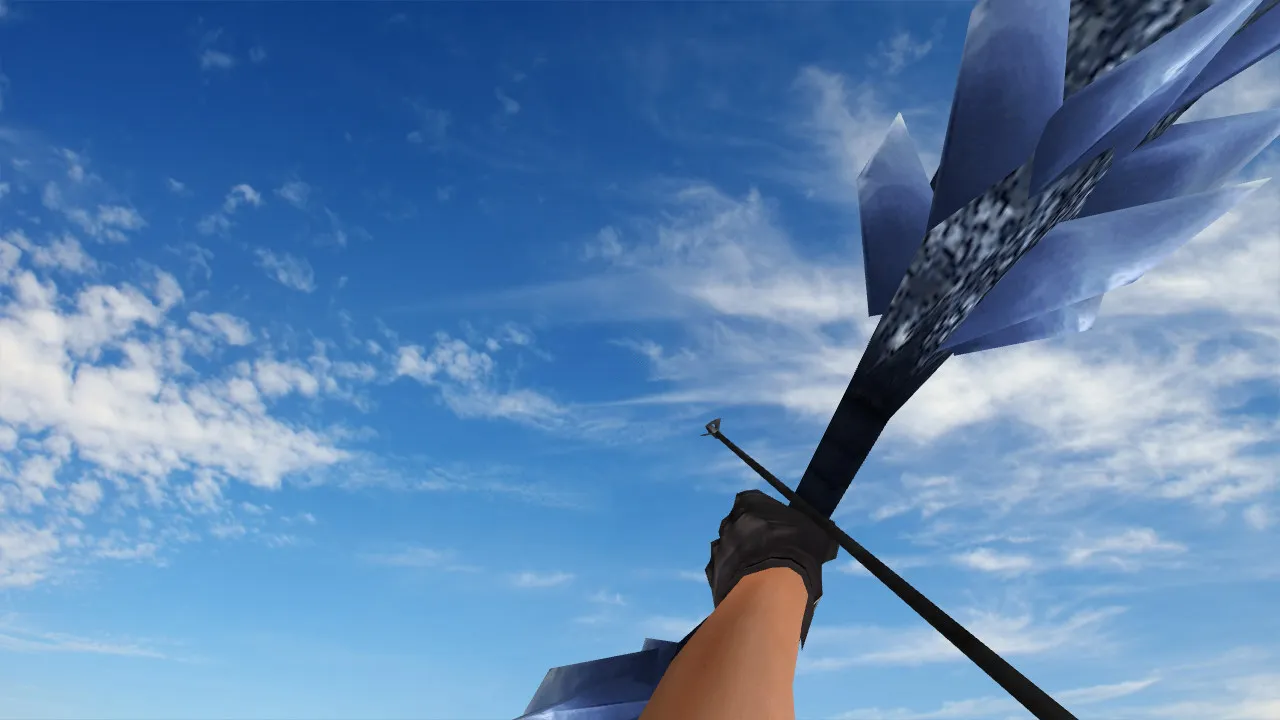
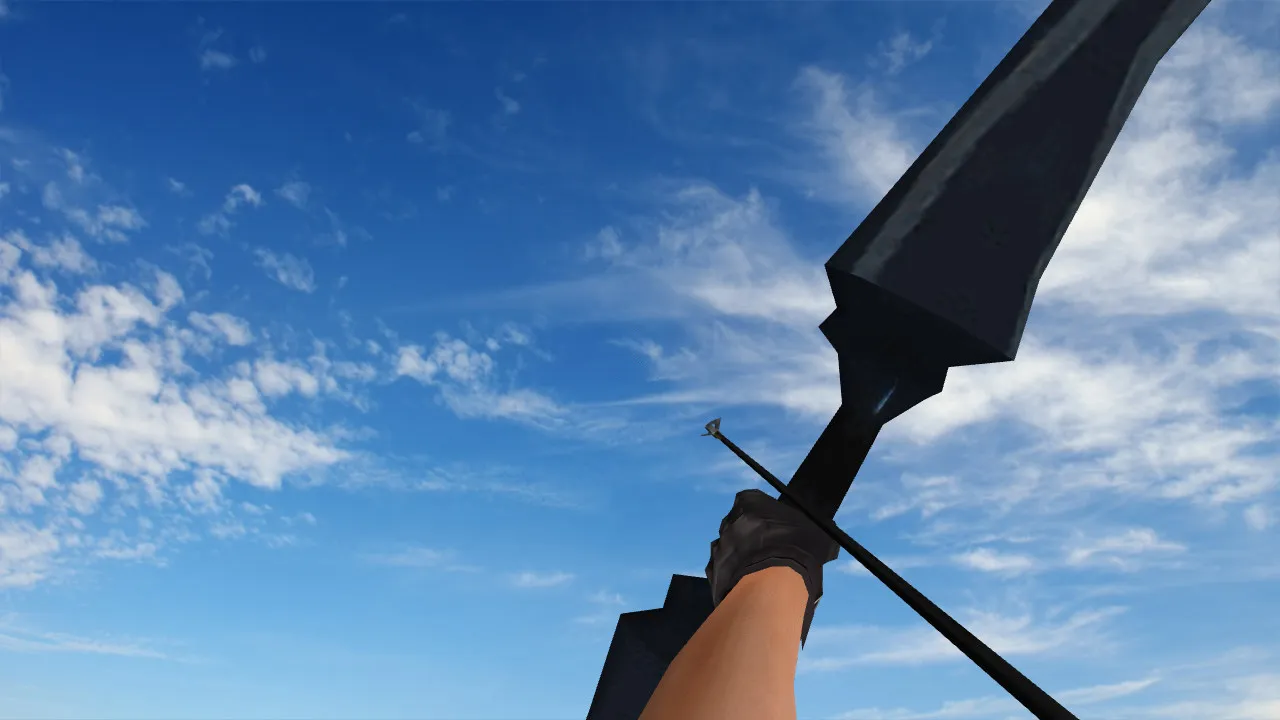
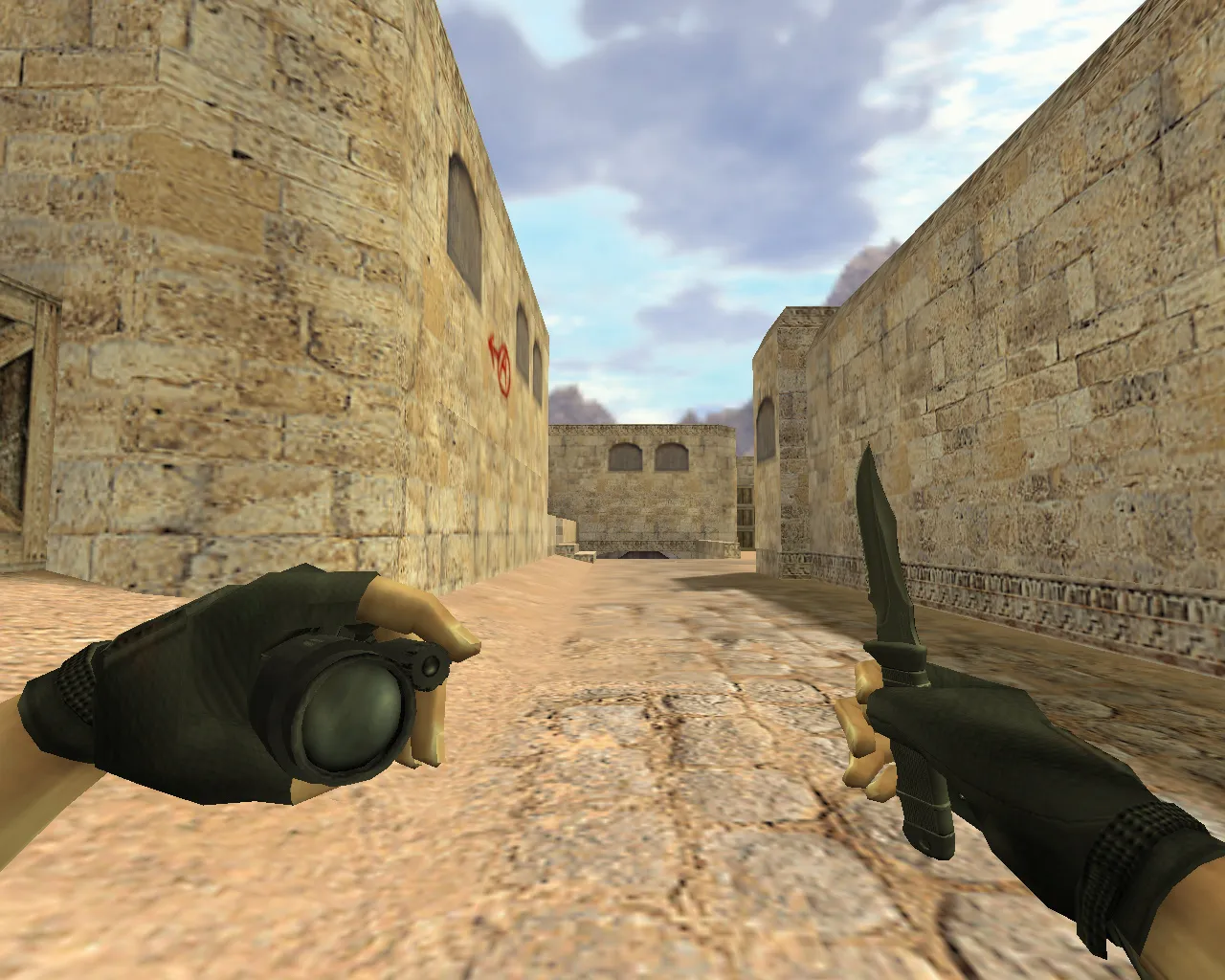
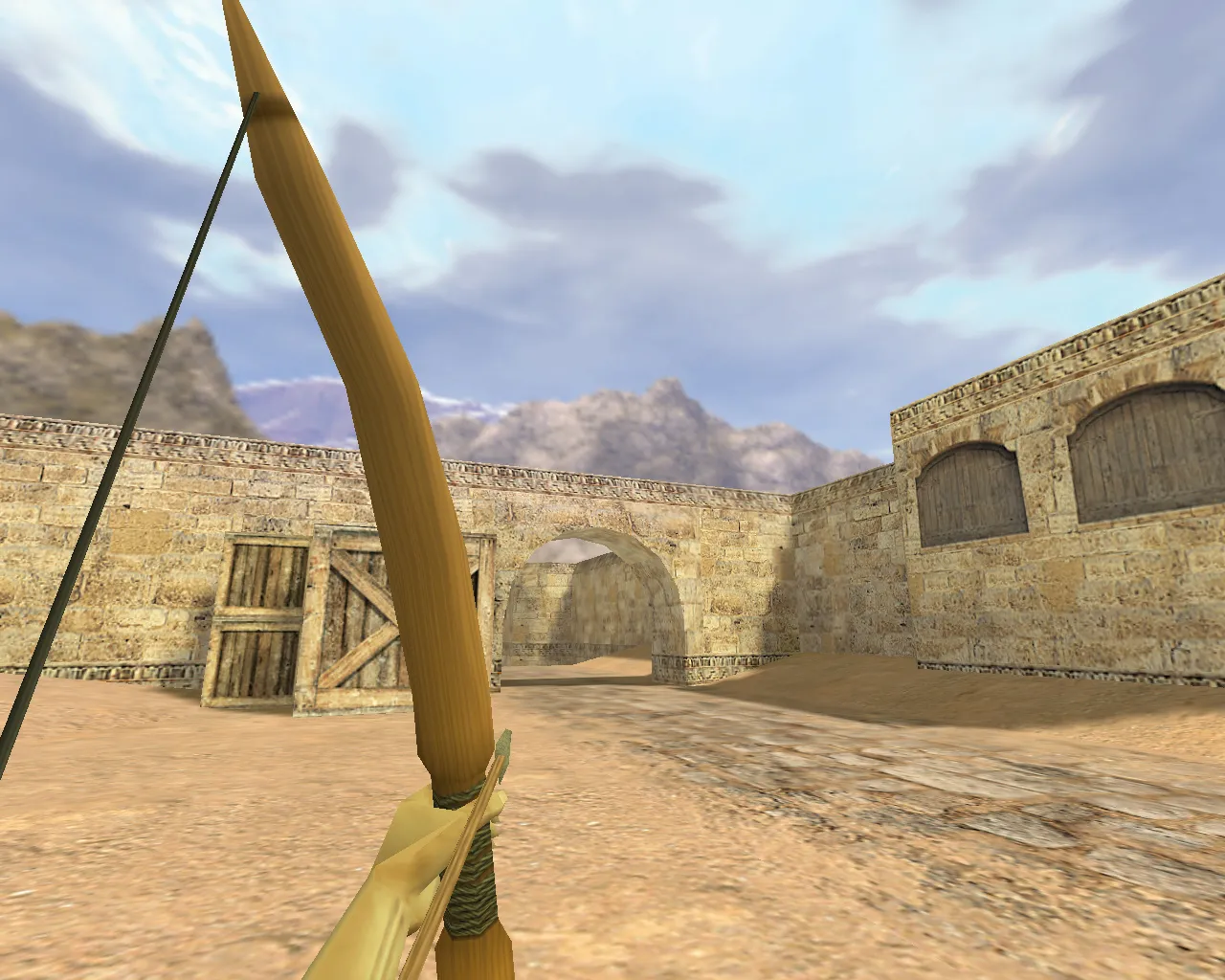
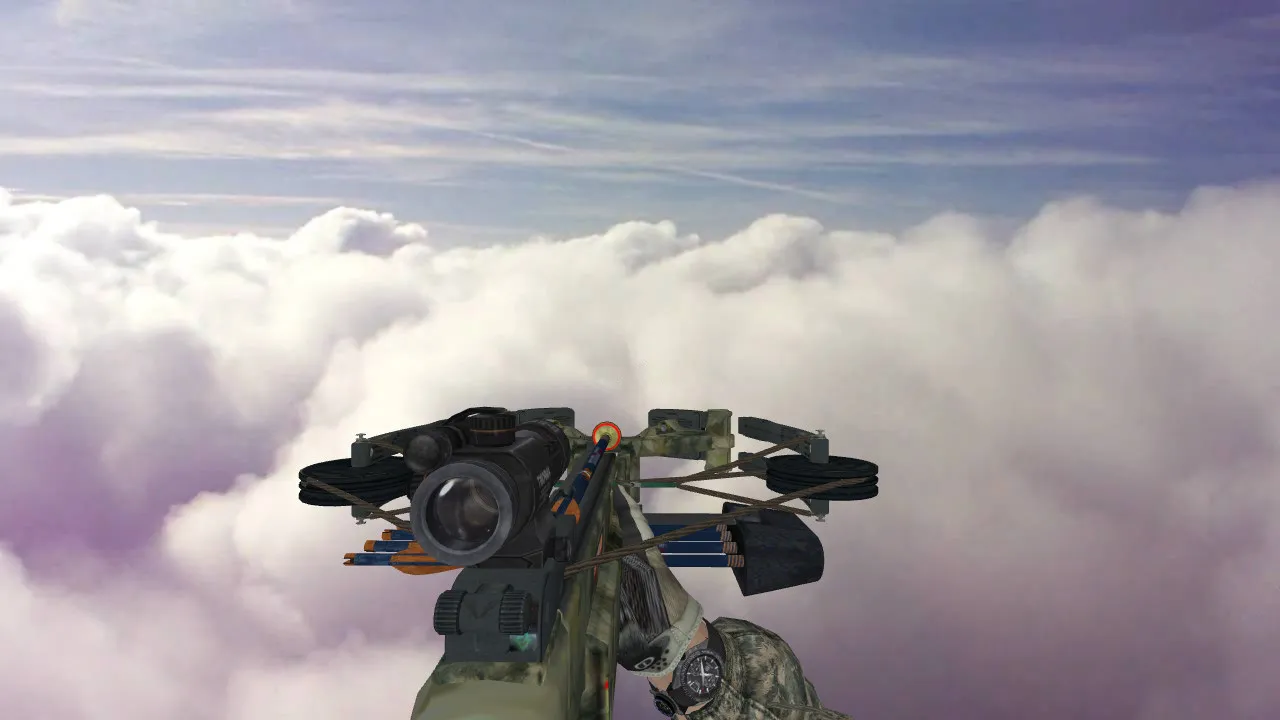
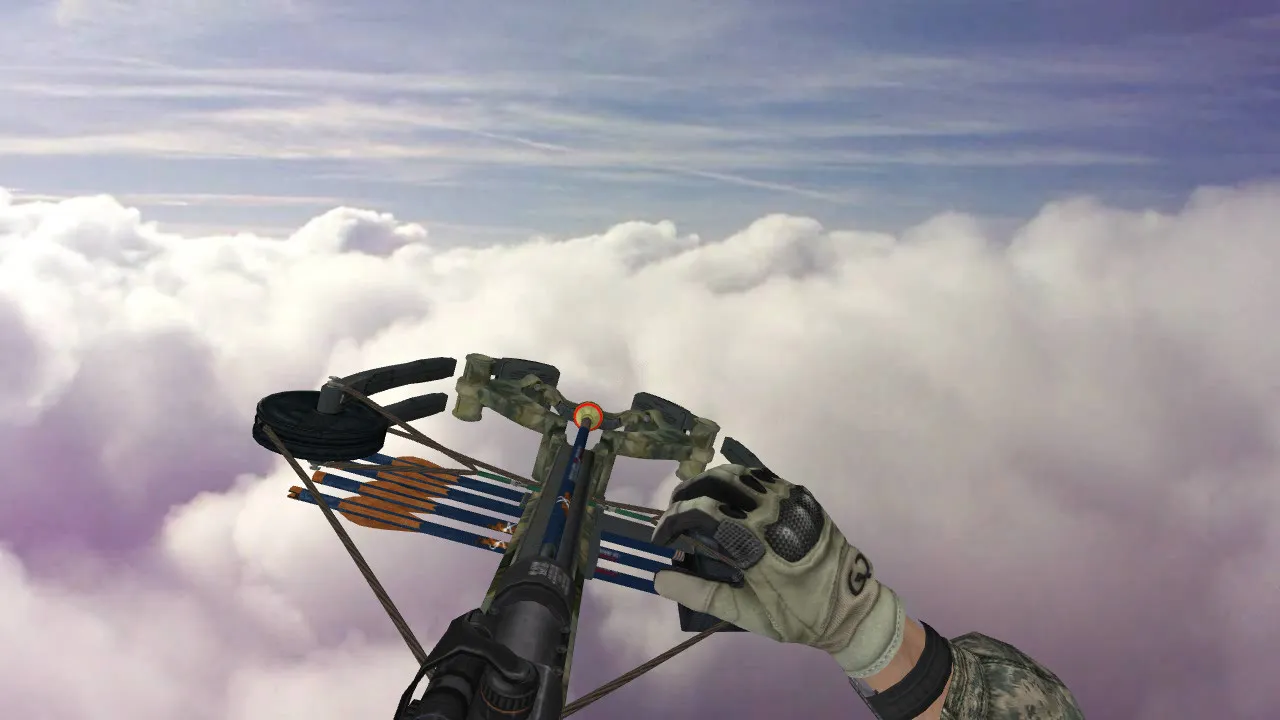
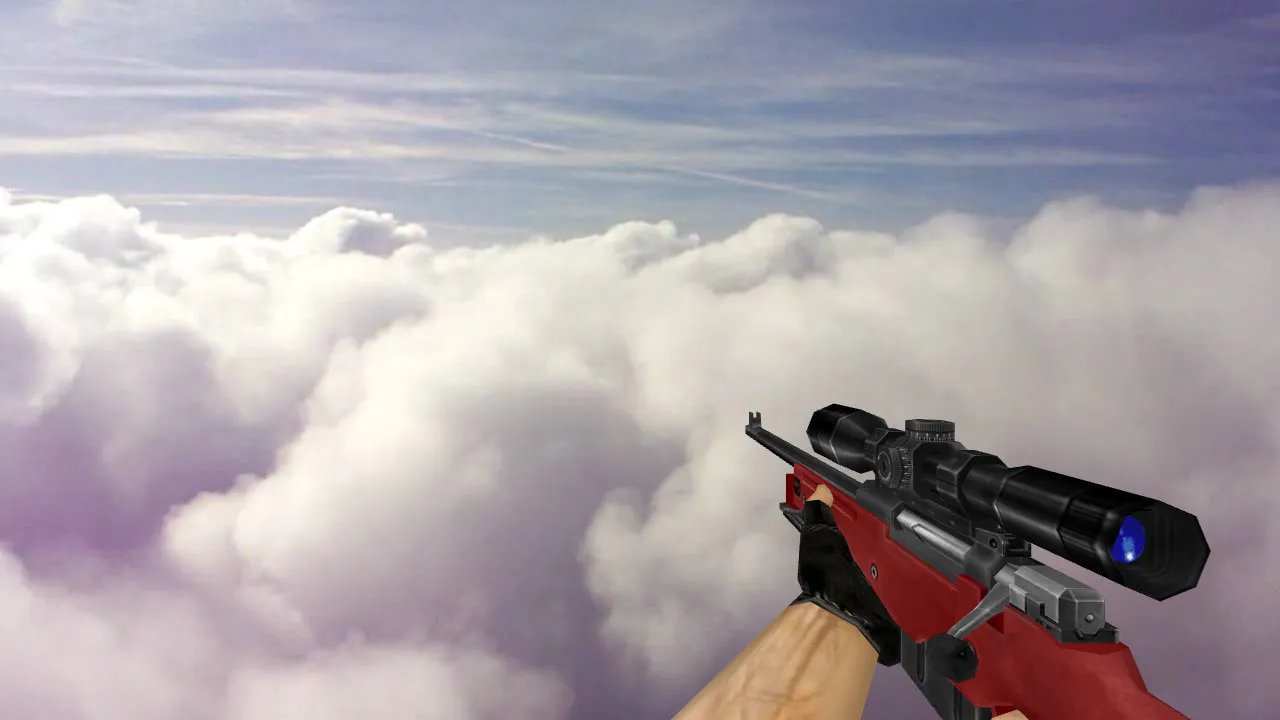
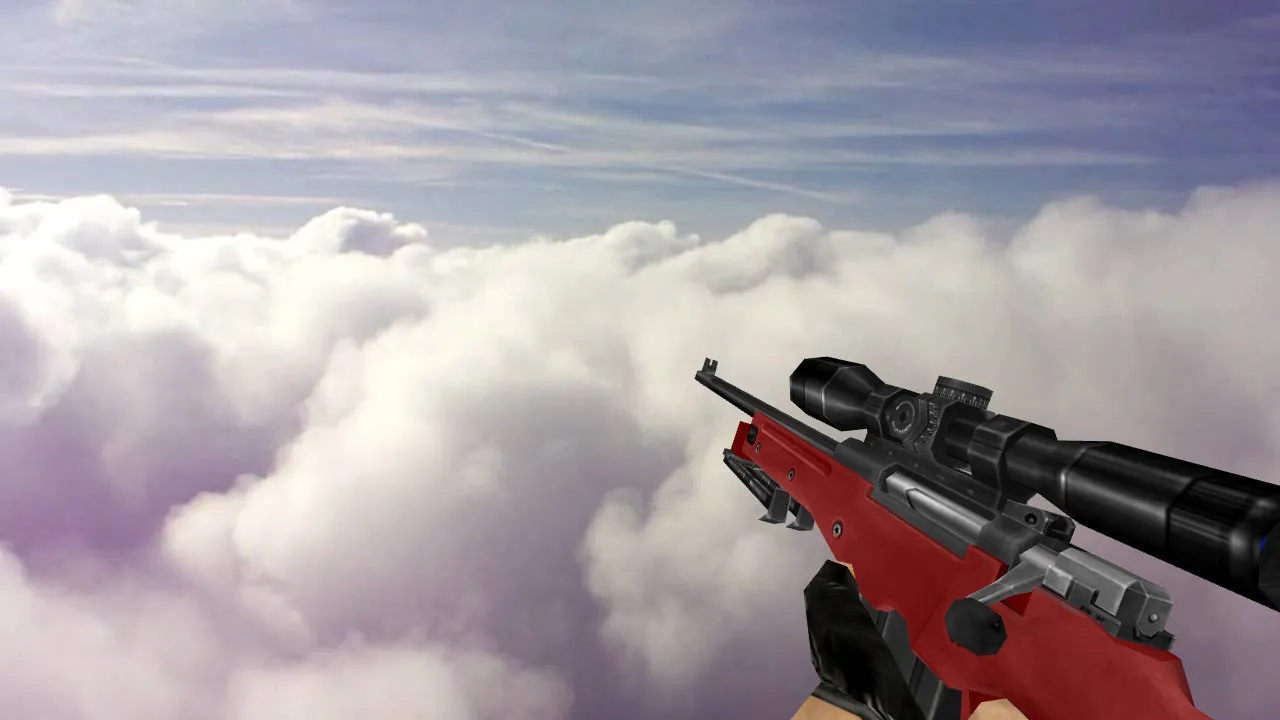
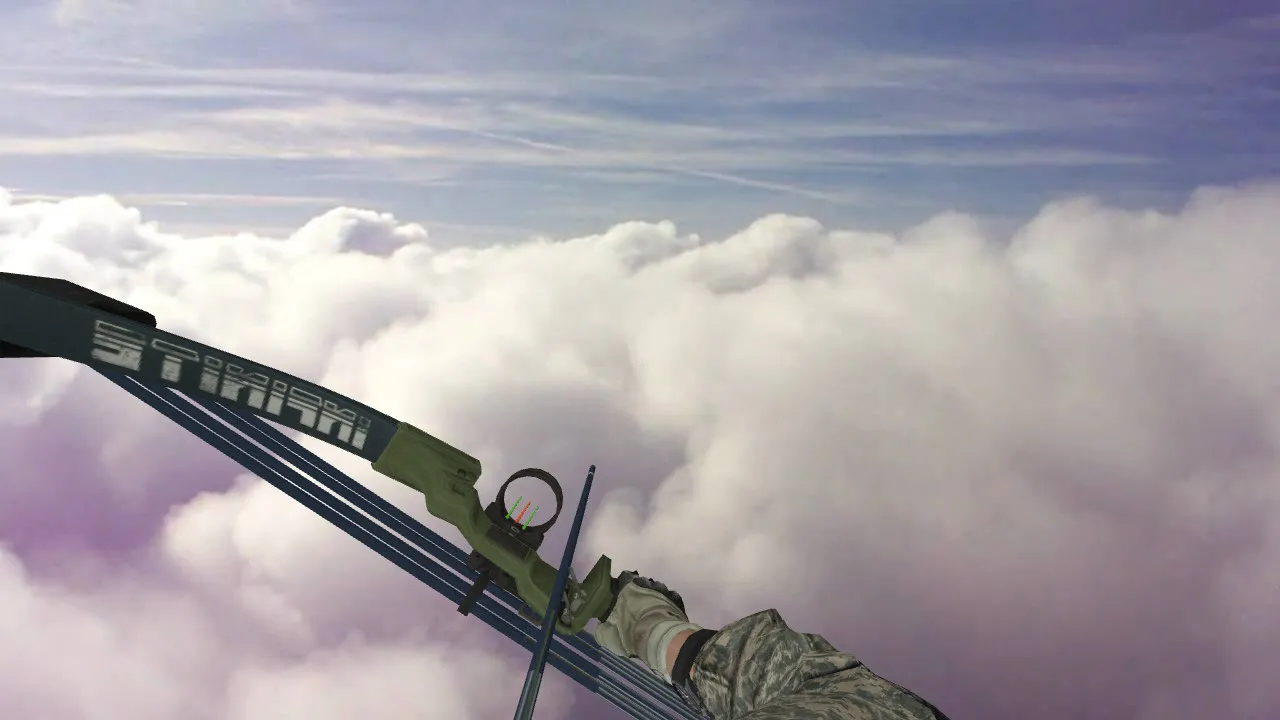
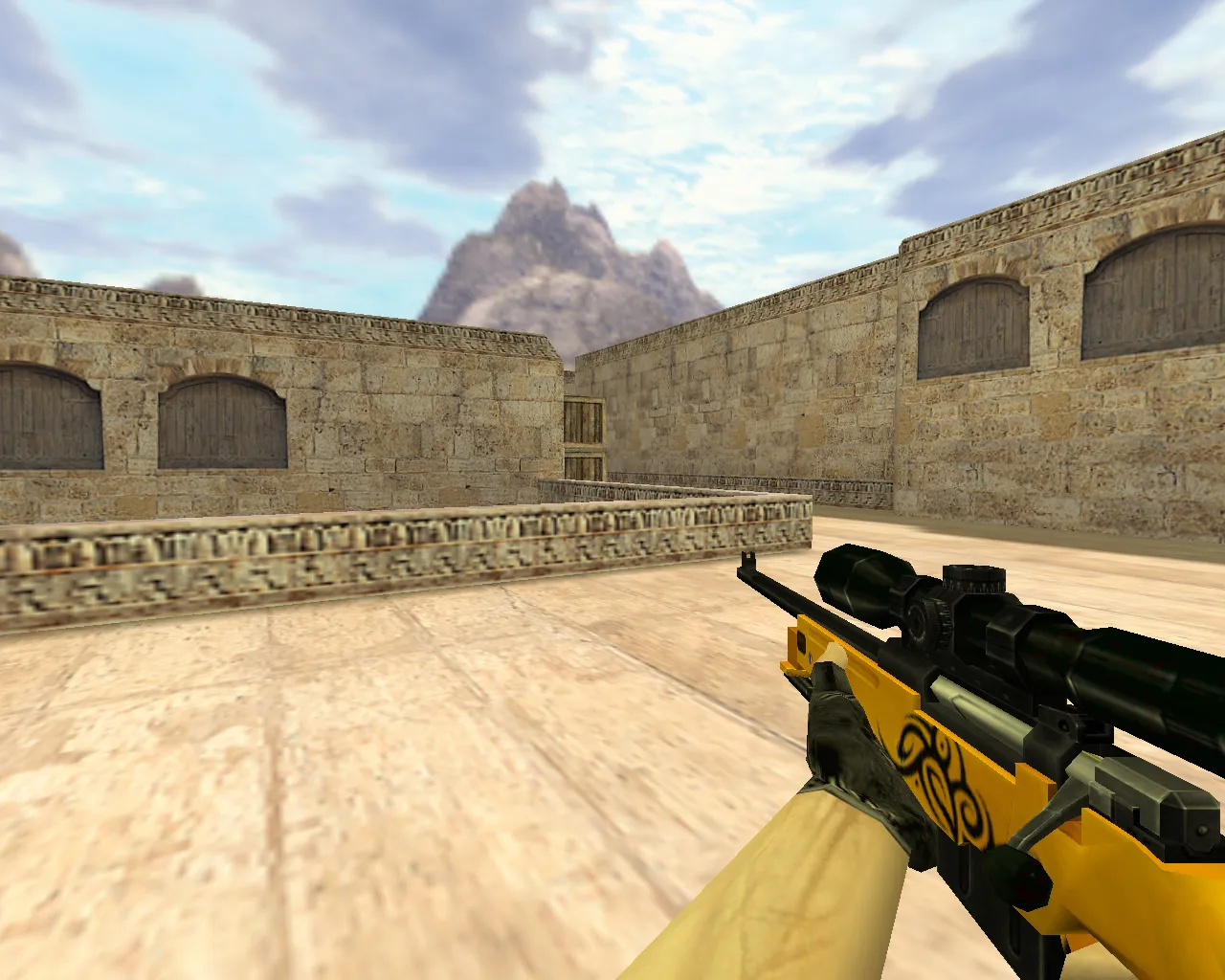

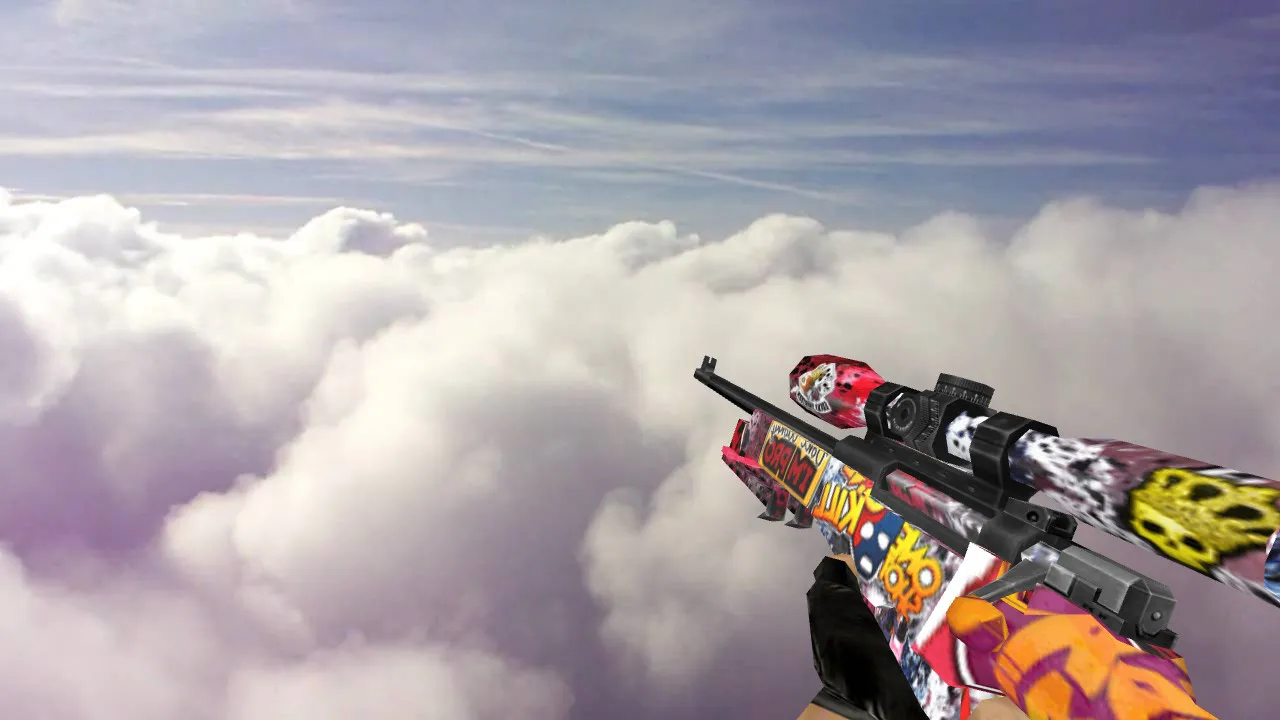
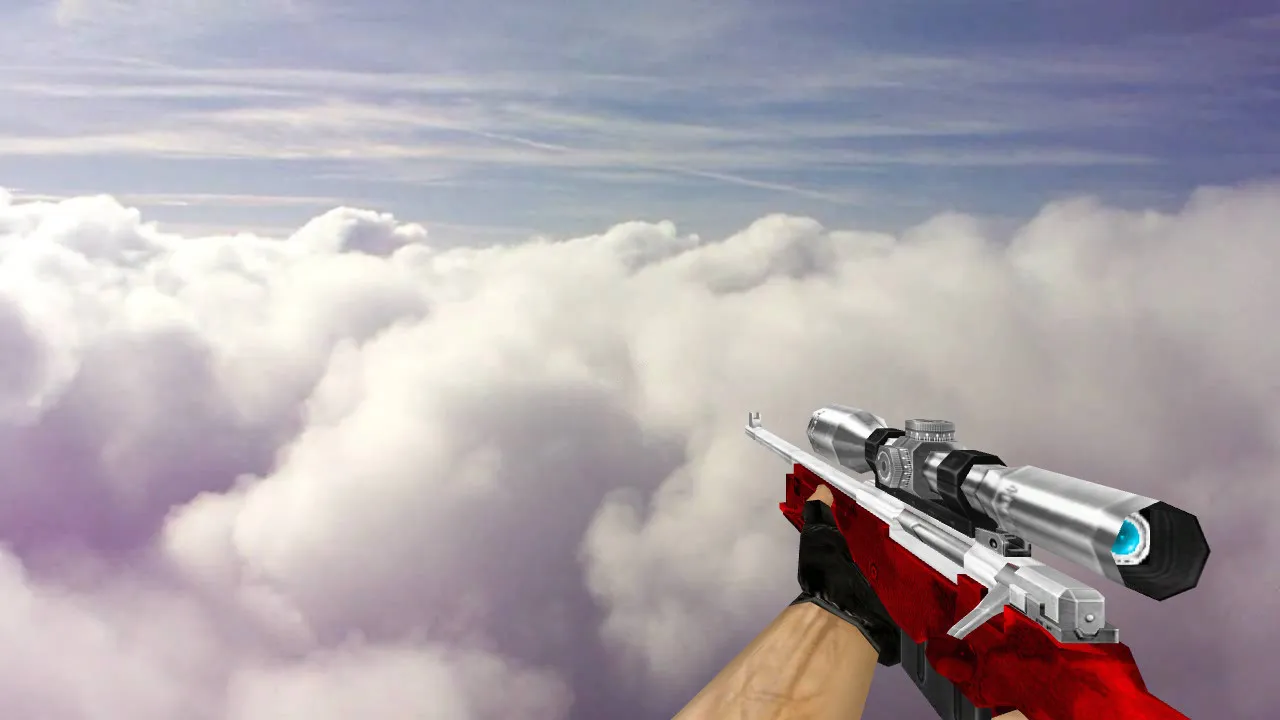
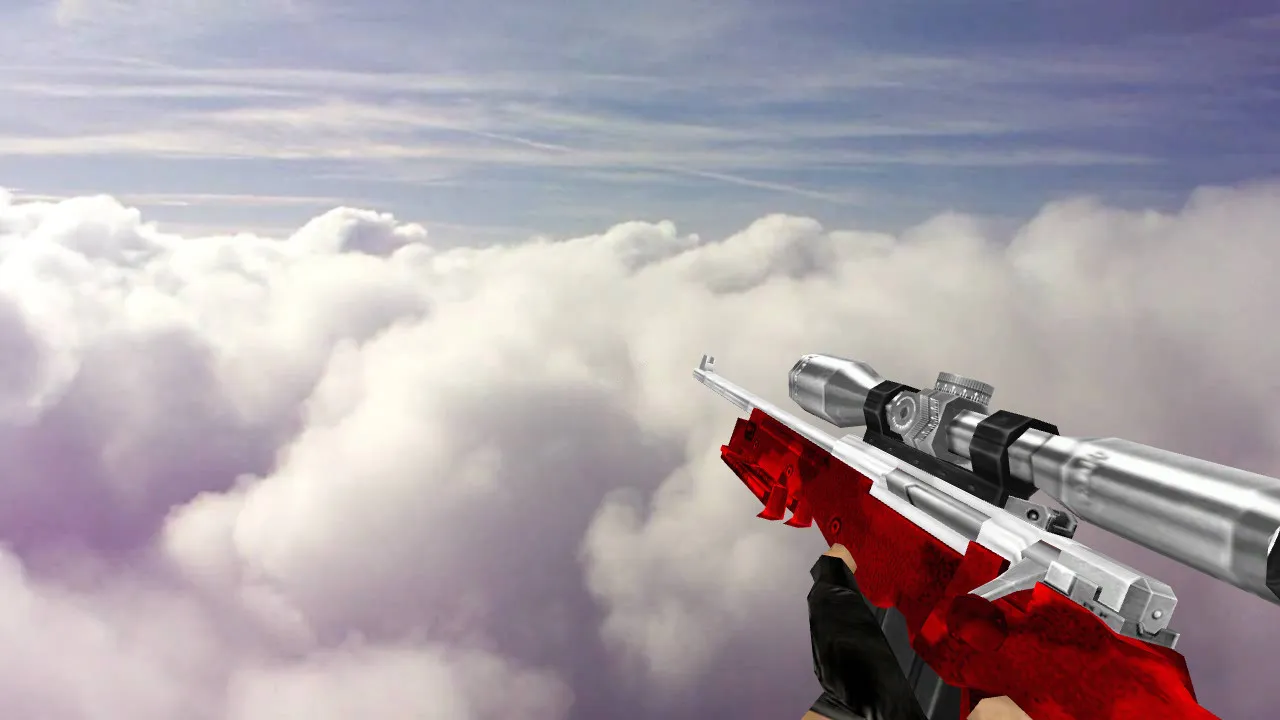
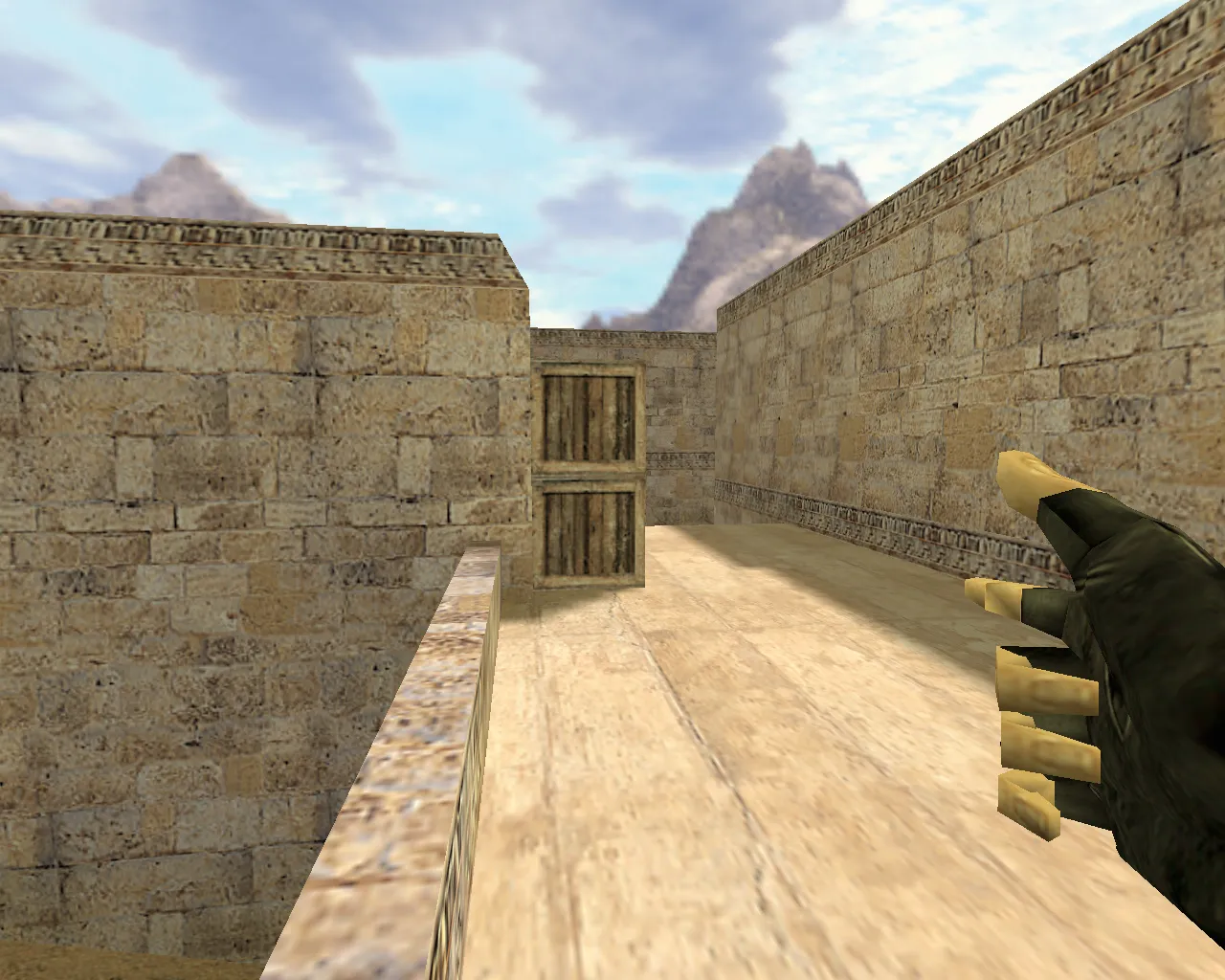
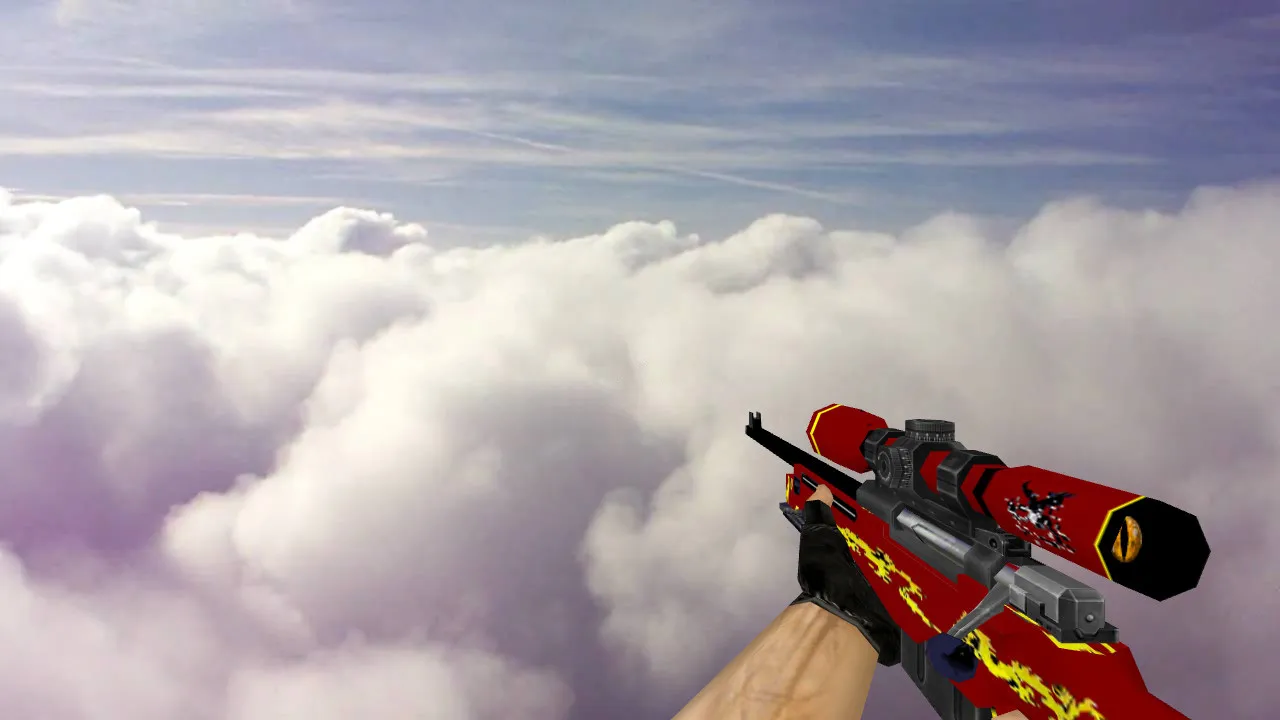
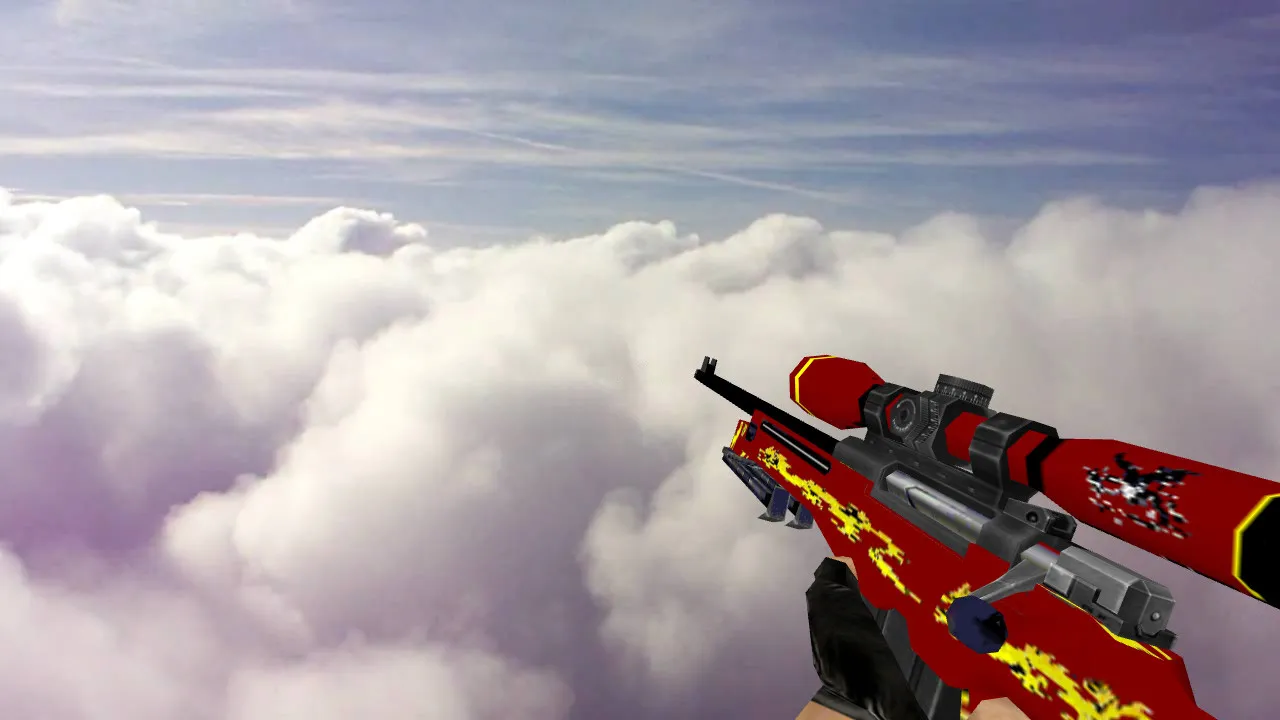
Get the top AWP skins for Counter-Strike 1.6. HD, animated, and classic models for matches and servers.
FAQ
What is the process for adding an AWP model to CS 1.6?
- Back up the original files found in
cstrike/models,cstrike/sound, andcstrike/sprites. - Unpack the downloaded archive and inspect its folder layout - it typically matches the game's directories.
- Move the
v_awp.mdl,p_awp.mdl, andw_awp.mdlfiles intocstrike/models, overwriting the old ones. - Place sounds in the corresponding subfolder of
cstrike/sound(oftenweapons) and scope sprites intocstrike/sprites. - Launch the game; the AWP will automatically use the new model.
In CS 1.6, where should AWP model files be placed?
Weapon models belong in cstrike/models: v_awp.mdl is the first-person view, p_awp.mdl is the model in the player's hands, and w_awp.mdl is the AWP on the ground. Sound files go into cstrike/sound using the same subfolder structure as the original, and scope sprites go into cstrike/sprites.
If your game uses a localized folder like cstrike_russian, files there take precedence - put the models there as well, or the old model might still appear.
How can I activate or choose a custom AWP model in CS 1.6?
There is no menu option for it - a custom AWP model works by replacing the standard game files. After v_awp.mdl, p_awp.mdl, and w_awp.mdl are in cstrike/models, the game loads them the next time you start it or load a map. Simply buy or pick up an AWP during the match and the new model will show.
Why isn't my AWP model appearing or the game crashing in CS 1.6?
- Verify that the file names exactly match what the game expects -
v_awp.mdl,p_awp.mdl,w_awp.mdl- and that they are incstrike/models, not inside a nested subfolder. - Ensure the model was made for the correct slot; a
p_model placed asv_can crash or look broken. - A corrupted or incomplete download is a frequent cause - re-extract the archive.
- If the game still crashes, remove the custom files and restore your backup of the original models.
How do I bring back the default AWP model in CS 1.6?
Remove the custom v_awp.mdl, p_awp.mdl, and w_awp.mdl from cstrike/models and restore the original files from your backup. Also delete any sounds or sprites the pack replaced, or restore them in the same way. If you didn't make a backup, restore the original files by verifying or reinstalling the game files.
Do custom AWP models function on servers and online in CS 1.6?
Client-side models are only visible to you - other players still see the standard AWP. Many servers enforce consistency checks for models and sounds, so your custom files may be overwritten by the server's versions or you may be kicked for a file mismatch. If that happens, remove the custom files before joining that server.
Is it possible to install multiple AWP models at once in CS 1.6?
No. All AWP models use the same file names in cstrike/models, so only one can occupy the slot at a time - the last one you copied wins. To switch between them, keep separate folders with the files and copy the one you want into cstrike/models before launching the game.