
Backpacks
1 file
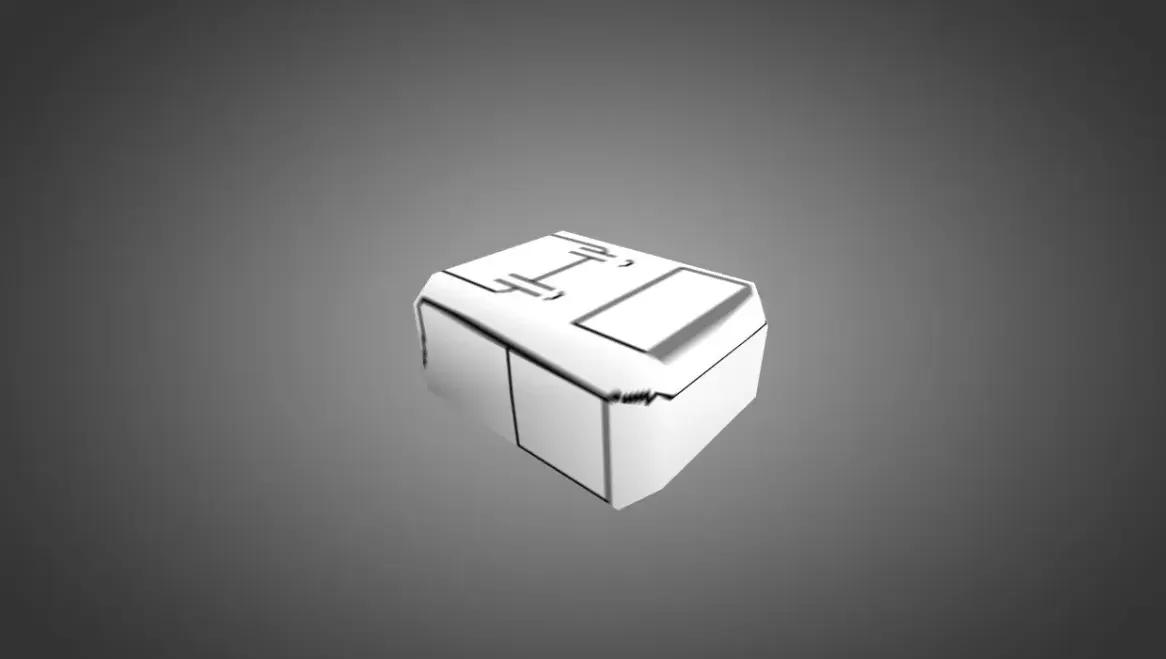
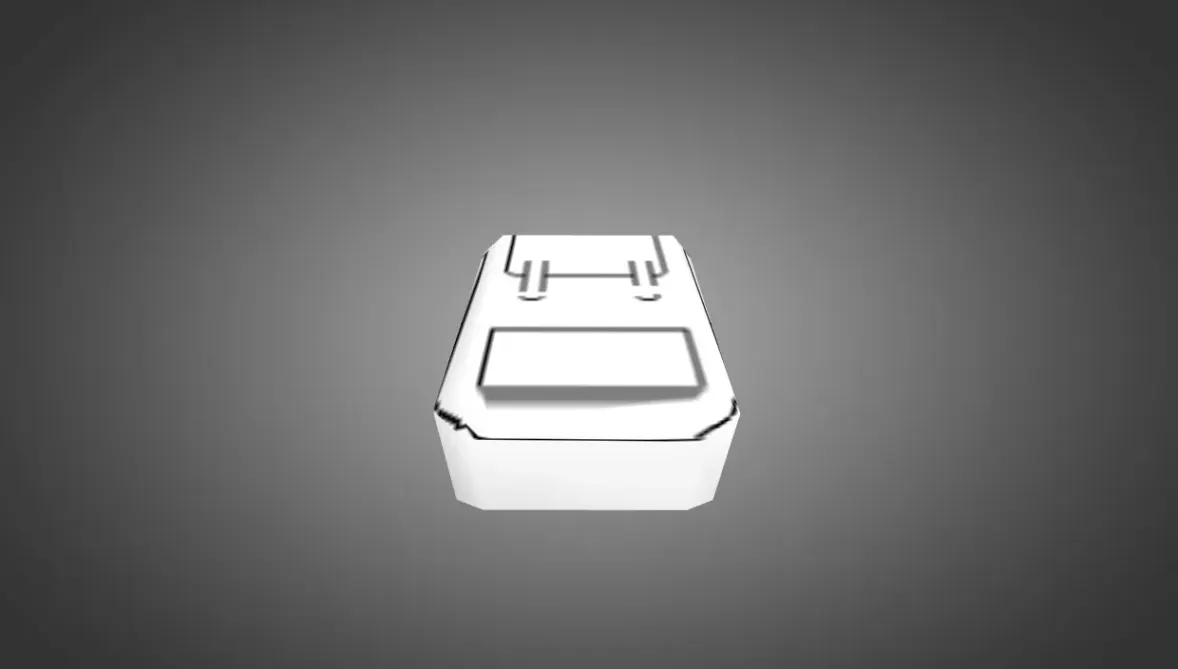
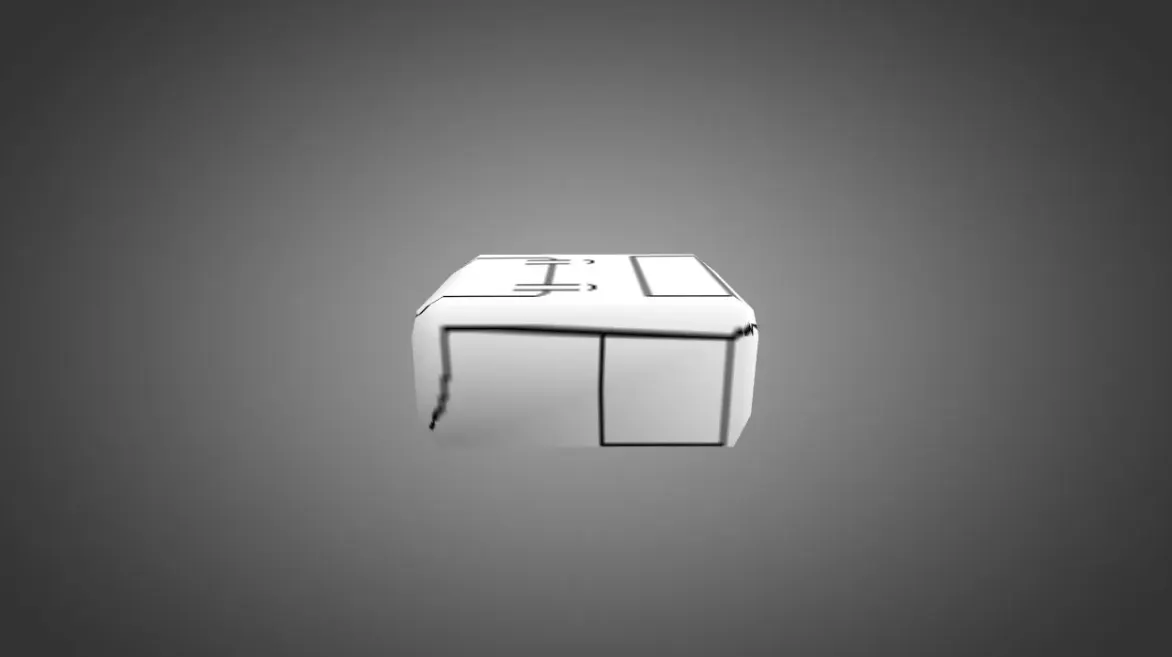
Get backpack models for CS 1.6. These visual add-ons show on player characters. HD textures, simple setup. Free download.
FAQ
How do I install a backpack model in CS 1.6?
To install a backpack model in CS 1.6, put the v_*.mdl, p_*.mdl, and w_*.mdl files into your cstrike/models folder. If the model has custom sounds, place them in the matching subfolders inside cstrike/sound. When asked, overwrite the existing files, but back them up first.
Where should I place backpack model files in CS 1.6?
Backpack model files belong in cstrike/models (or cstrike_russian/models if you use a localized version). The files are usually named v_*.mdl (first-person view), p_*.mdl (player model), and w_*.mdl (world model). Sounds go to cstrike/sound in the appropriate subfolder.
How can I change the backpack model in CS 1.6?
To change the backpack model, swap the existing v_*.mdl, p_*.mdl, and w_*.mdl files in cstrike/models with the new ones. If the new model uses different filenames, rename them to match the original weapon model files they replace. Then launch the game and pick the corresponding weapon.
Why isn't my backpack model showing up in CS 1.6?
If the backpack model doesn't appear, verify that the files are in the correct folder (cstrike/models) and that the filenames exactly match the original weapon model. Also, make sure you have replaced all required files (v_, p_, w_). If you're on a server, the server might force its own models or kick you for file consistency.
How do I revert to the default backpack model in CS 1.6?
To revert to the default model, delete the custom v_*.mdl, p_*.mdl, and w_*.mdl files from cstrike/models and restore the original files from a backup. Alternatively, verify your game files through Steam to re-download the default models.
Do backpack models work on CS 1.6 servers online?
Custom backpack models work on your own server if you install them correctly. On other servers, they may be replaced by the server's models or you may be kicked if the server enforces file consistency. To use them online, the server must allow custom models or you must use them on a server with consistency disabled.
What are v_, p_, w_ files for backpack models in CS 1.6?
In CS 1.6, v_*.mdl is the first-person view model, p_*.mdl is the model seen on the player, and w_*.mdl is the model lying on the ground. For a backpack model, all three may be included to fully replace the original weapon model.