
Zombie Models
5 files
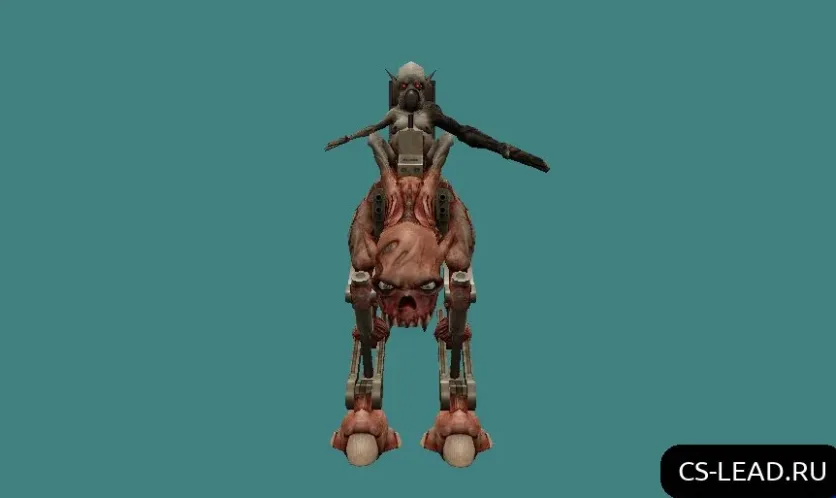
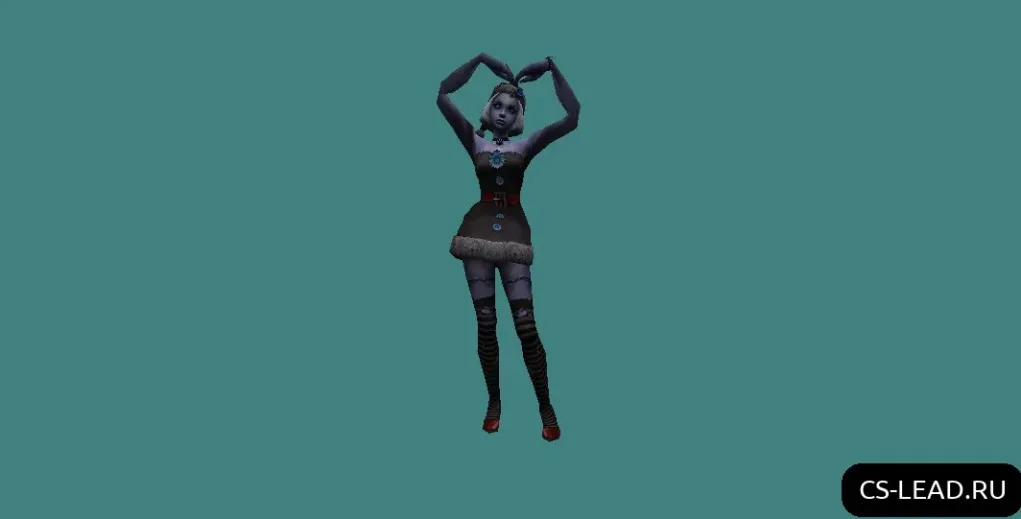
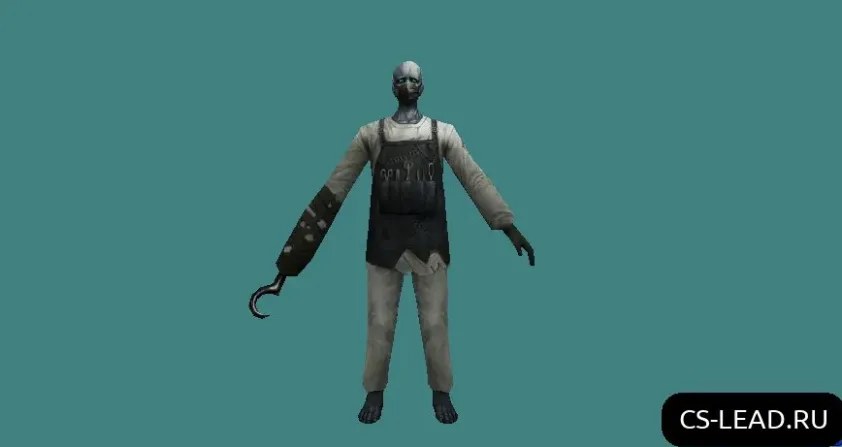
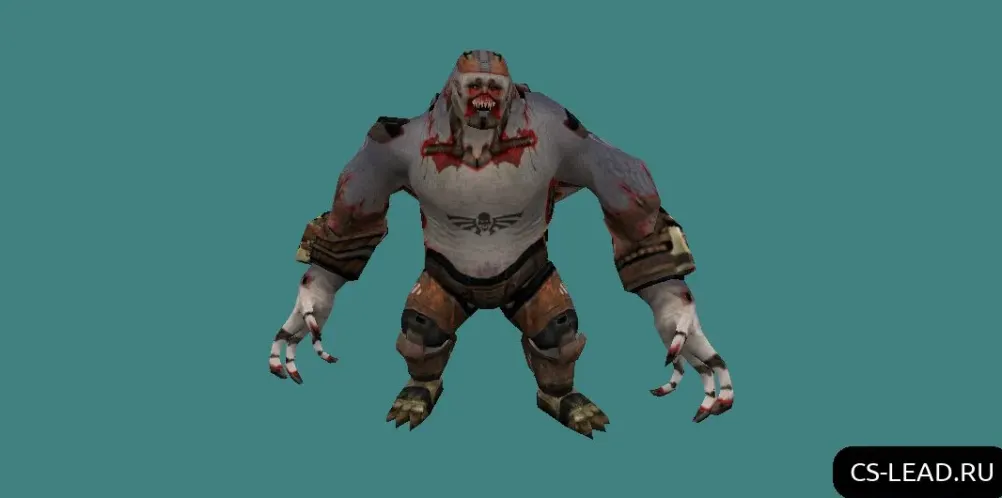
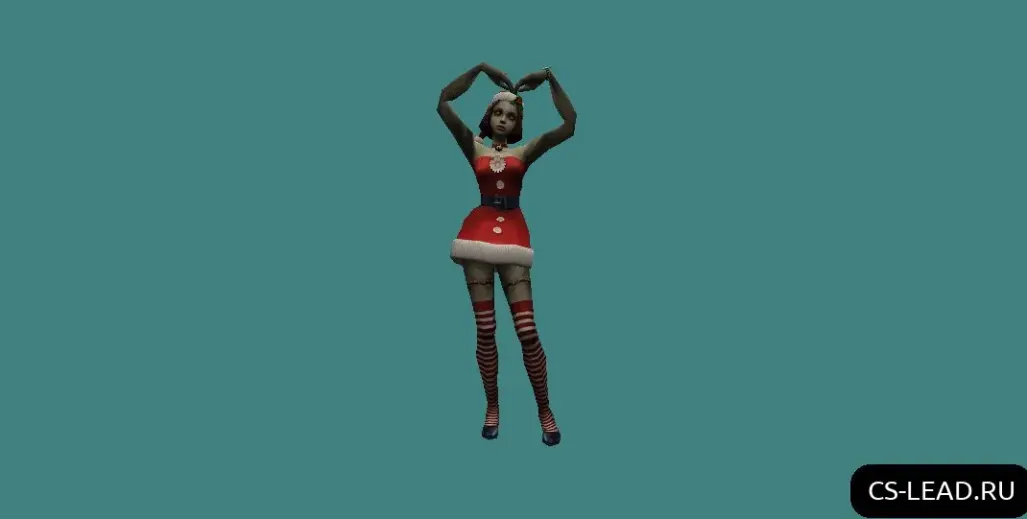
Counter-Strike 1.6 zombie models featuring HD textures, animated skins, and character packs ready to use. Grab free mods to improve your gameplay.
FAQ
What is the process for installing zombie models in CS 1.6?
Unpack the archive, then move the model folder to cstrike/models/player. The folder name has to match the .mdl file inside it, such as cstrike/models/player/zombie/zombie.mdl. Should you be running a localized version, place the files in cstrike_russian/models/player instead, since those files take priority.
In CS 1.6, where should zombie player model files be placed?
Every player model belongs in cstrike/models/player. Make a subfolder named after the model and put the .mdl file inside it, for example cstrike/models/player/zombie/zombie.mdl. When working on a server, follow the same path within the server's cstrike directory.
How can a zombie model be selected or enabled in CS 1.6?
Standard CS 1.6 does not let you choose a zombie model through the player menu. A zombie mod or plugin running on the server handles assigning zombie models. For local testing, set up a zombie mod and have it apply the model to the zombie team. If you merely swap out the model files, the game will only use them when the server asks for that specific model name.
What to do when a CS 1.6 zombie model fails or makes the game crash?
Make sure the folder name matches the .mdl file name exactly and that you haven't confused cstrike with cstrike_russian. Delete or rename any other custom models that might clash. If the game crashes while loading the model, the file could be damaged or intended for another game version; remove it and bring back the original files from a backup.
How do you uninstall zombie models in CS 1.6 and get the default player models back?
Remove or rename the custom model folder located in cstrike/models/player. If you overwrote standard files, recover them from your backup. Don't forget to look in cstrike_russian/models/player and delete the custom folder there too.
Are zombie models usable on CS 1.6 online servers?
Yes, though only when the server runs the same model or permits client-side models. A lot of public servers enforce consistency, replacing your custom model with their own or kicking you over a file mismatch. On zombie mod servers, the zombie model typically comes from the server, meaning your local files might not be applied.