
Star Wars
1 file
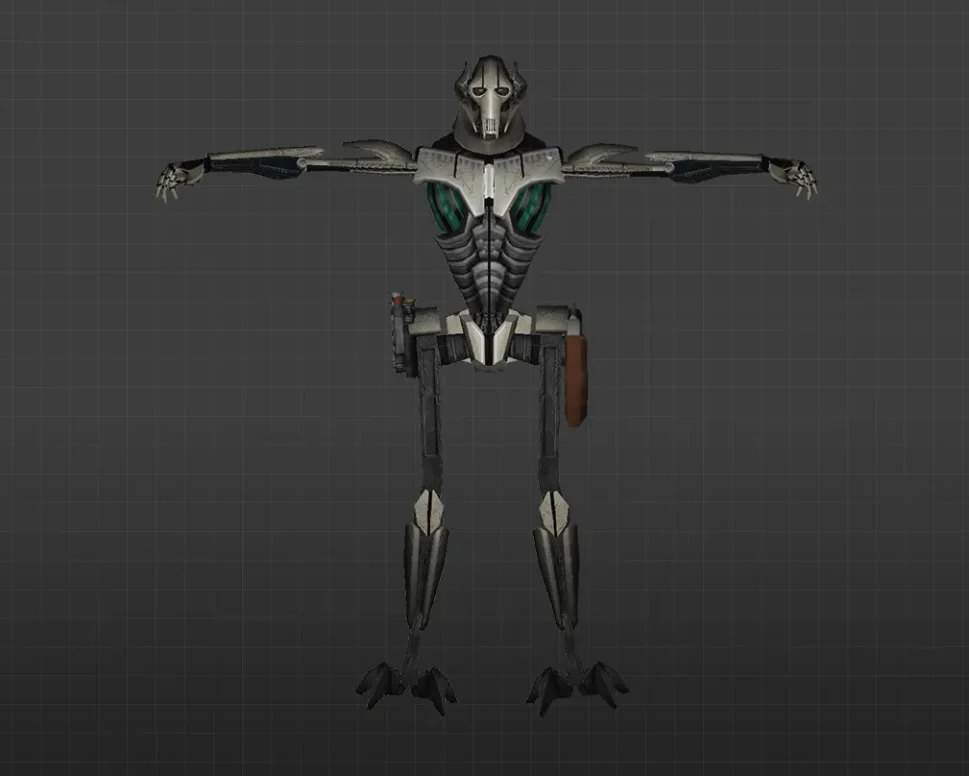
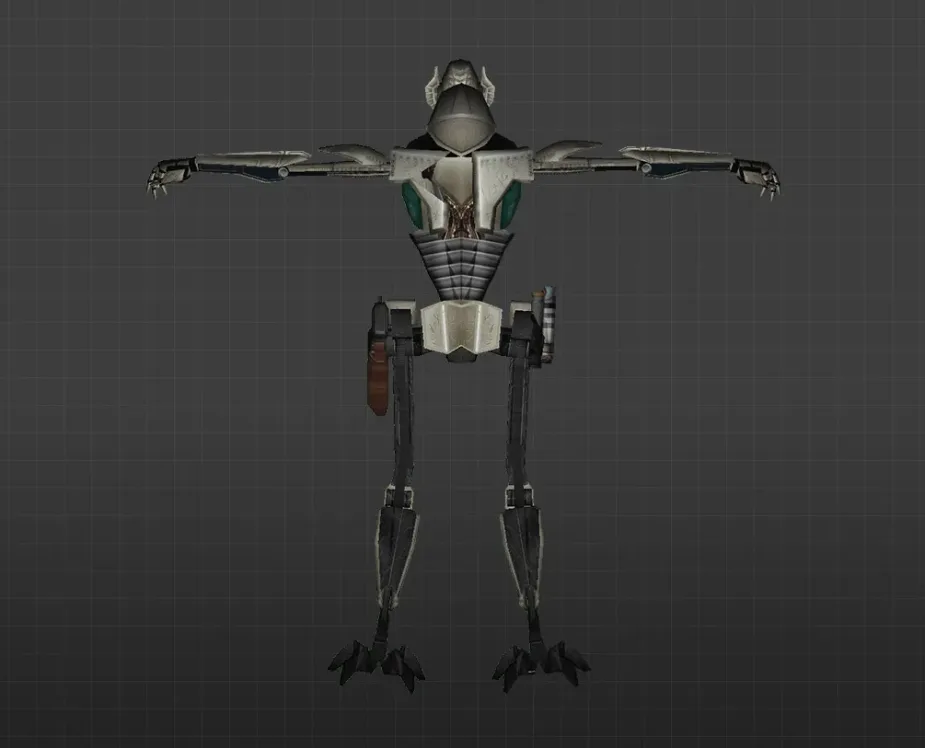
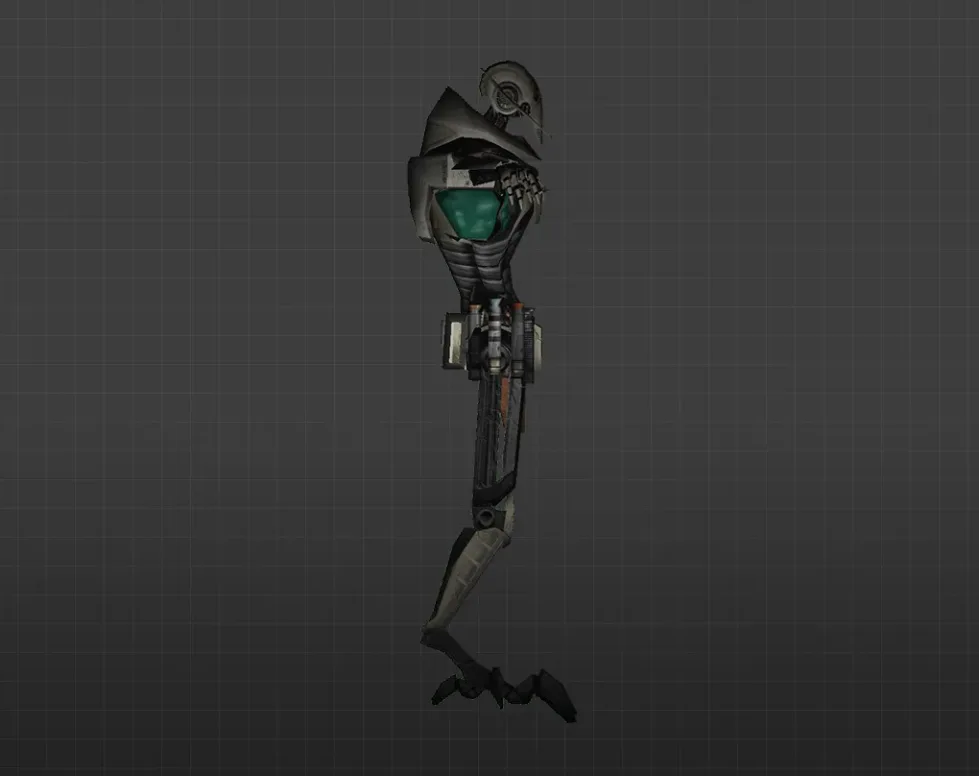
Get Star Wars player models for CS 1.6. HD themed skins ideal for custom servers. Simple drop-in setup. Free download.
FAQ
How do I install Star Wars player models in Counter-Strike 1.6?
Unpack the downloaded archive and move the model folder into cstrike/models/player/. The folder name and the .mdl file inside need to match. If your game uses a localized folder such as cstrike_russian, place the files there instead, since it takes priority.
Where should Star Wars player model files be placed in CS 1.6?
Every player model goes into cstrike/models/player/. Each model requires its own subfolder, for instance cstrike/models/player/darth_vader/darth_vader.mdl. The folder and the .mdl file must have the exact same name.
How can I choose a Star Wars player model in CS 1.6?
While in the game, go to the multiplayer team selection menu or the Customize section and select the model from the list. If it doesn't show up, check that the folder and file names match exactly. On certain servers the model might be overridden by the server settings.
Star Wars player model not working or CS 1.6 crashing - how do I fix it?
Make sure the folder and .mdl file names are identical and that the model is in cstrike/models/player/. If the game crashes, delete the custom folder and restore your backup. Also check that you didn't mix files between cstrike and cstrike_russian.
How do I restore default player models in CS 1.6 after installing Star Wars models?
Remove the custom model folder from cstrike/models/player/ or swap it with your backup. If you overwrote default files, restore them from a backup or verify the game files through Steam. The game will then use the standard models again.
Do Star Wars player models work on CS 1.6 online servers?
Custom player models are typically client-side, so other players might not see them. Many servers replace custom models with their own or kick for file consistency. They work reliably only on your own local game or on servers that allow custom models.