
Games and Movies
5 files
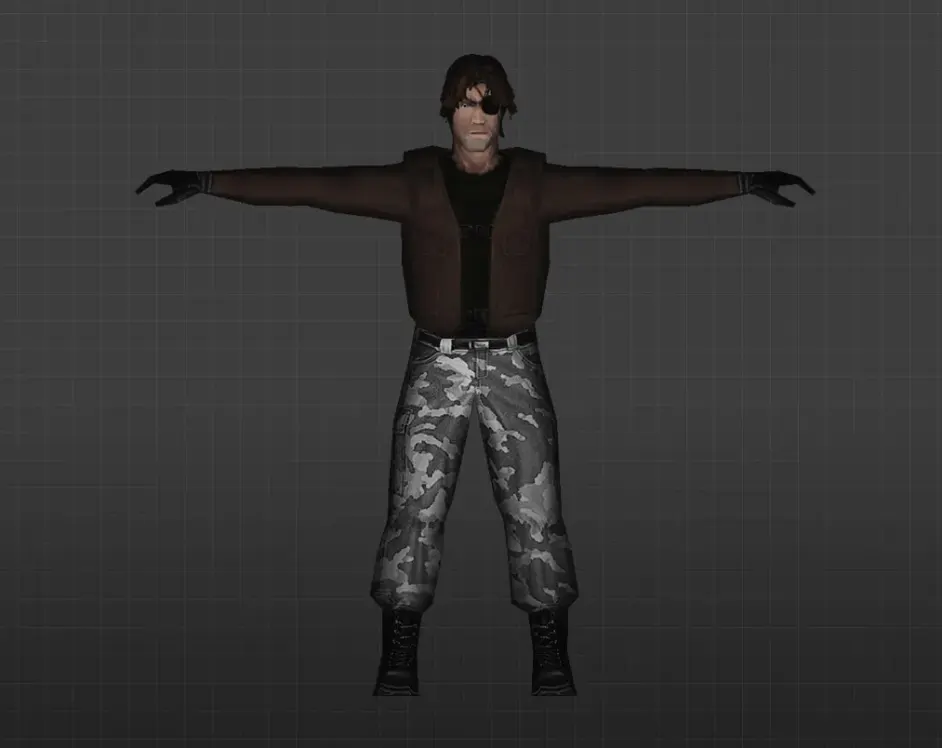
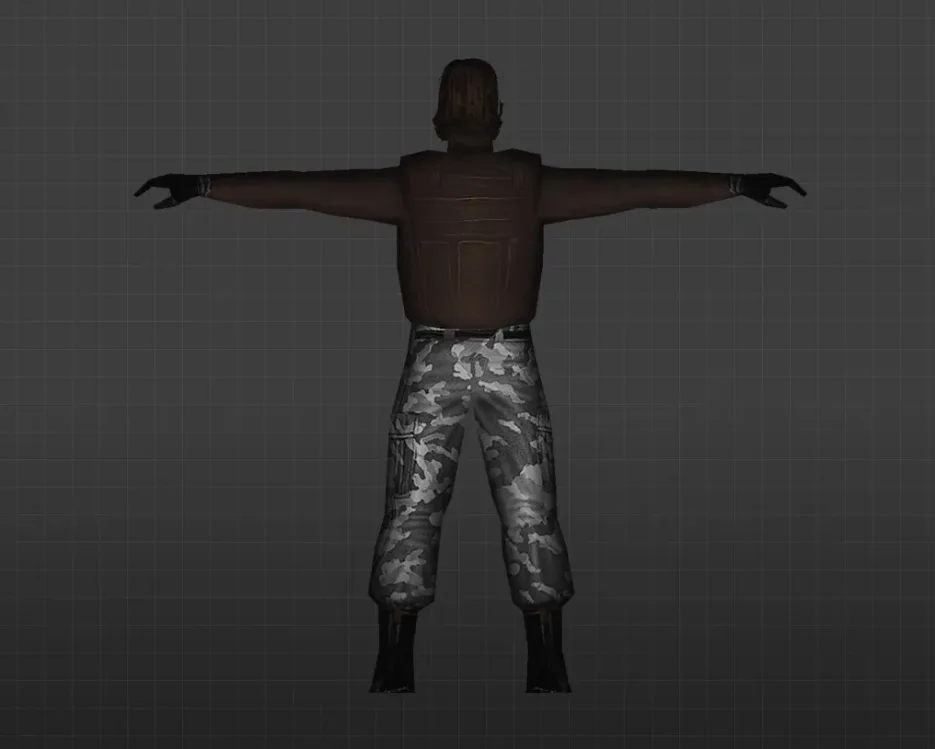
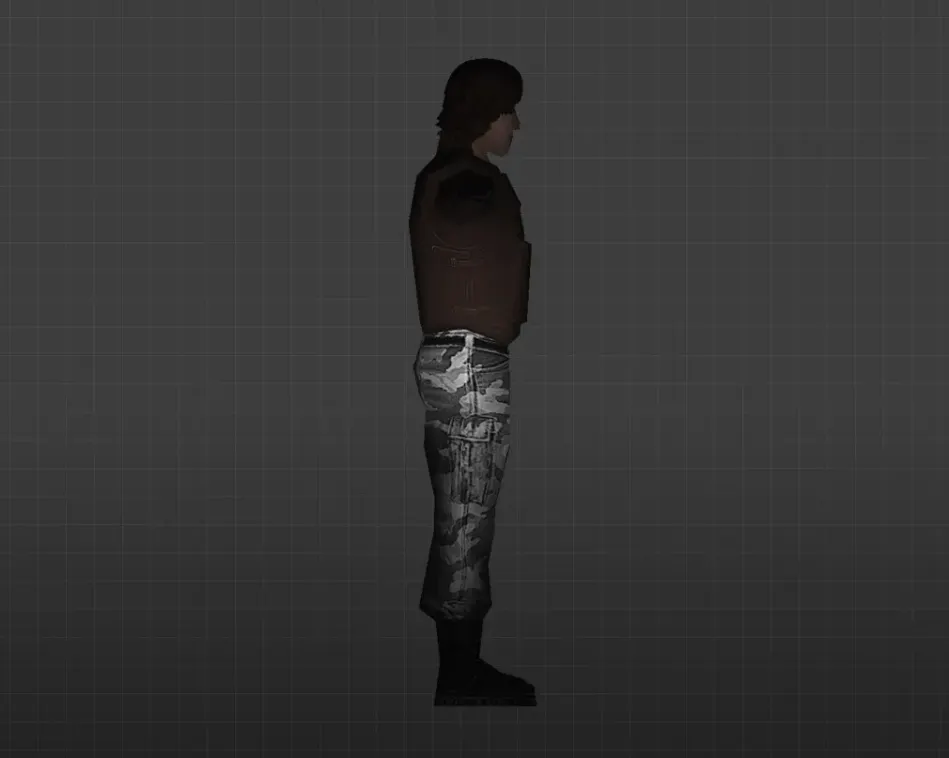
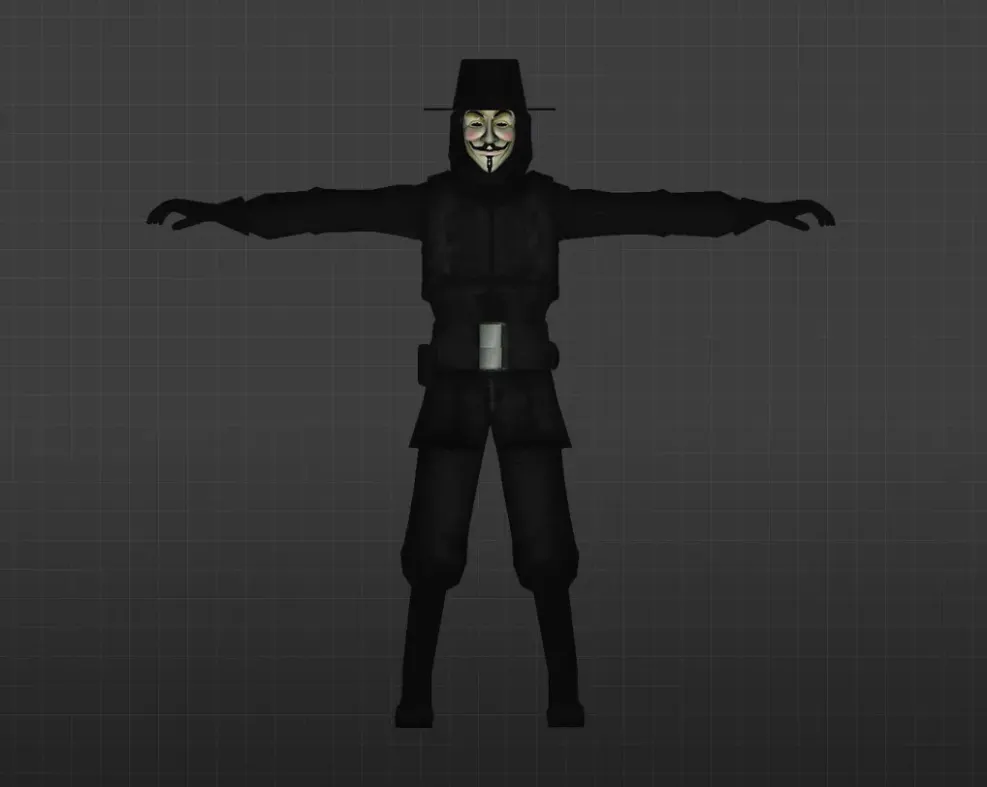
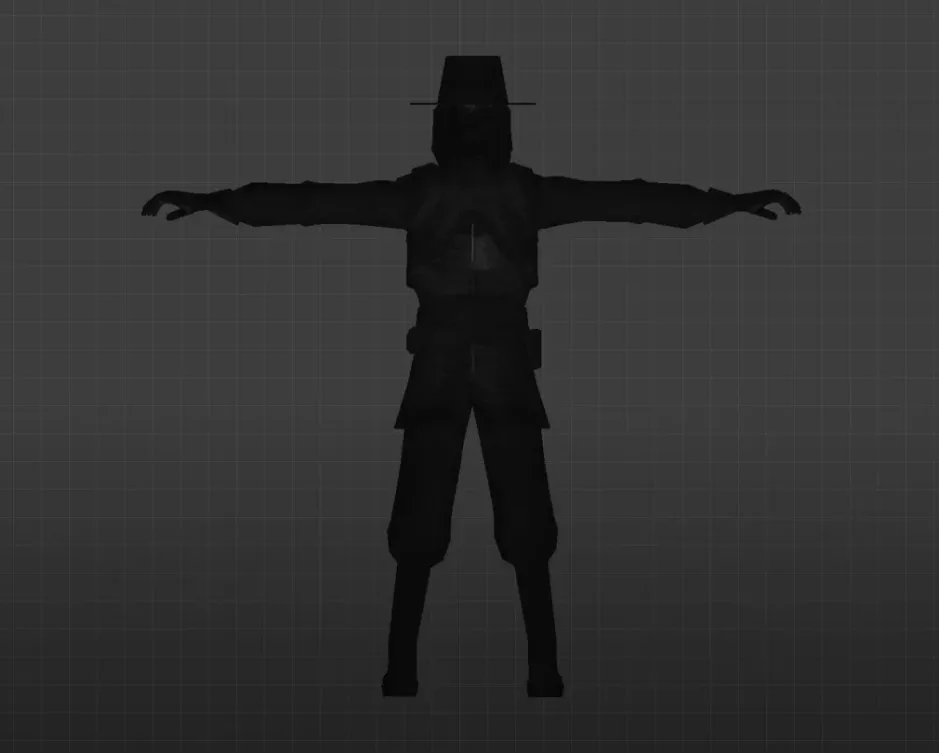
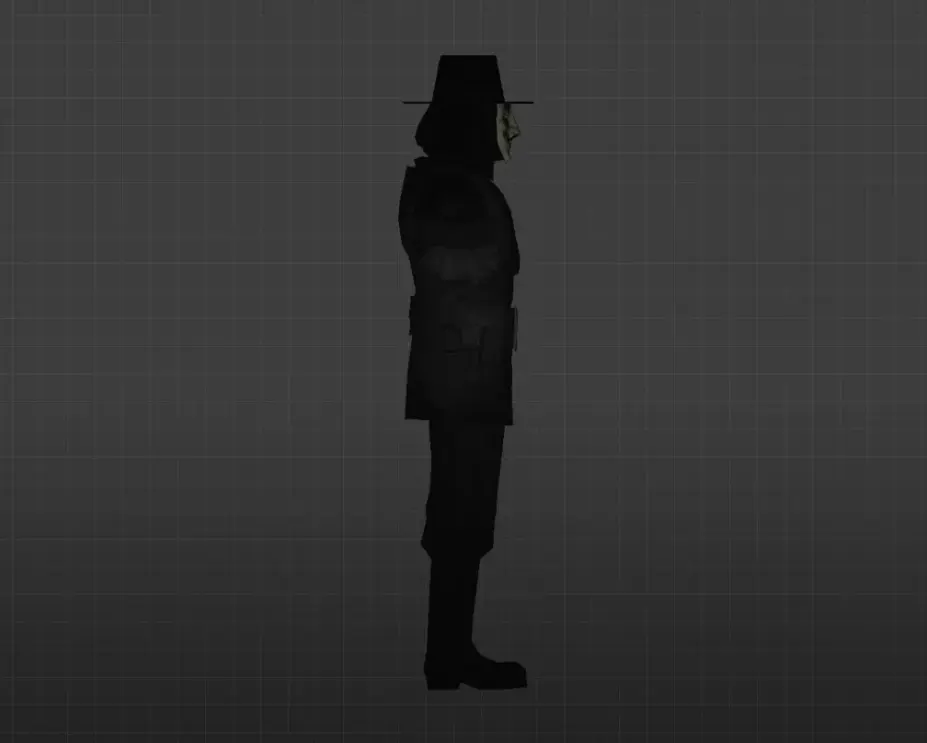
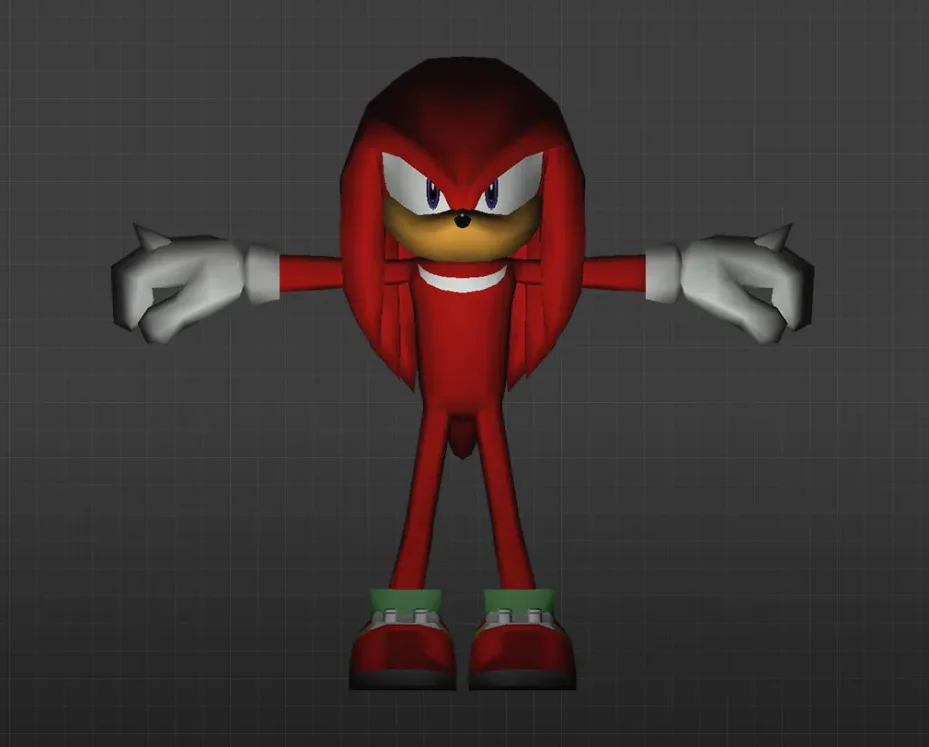
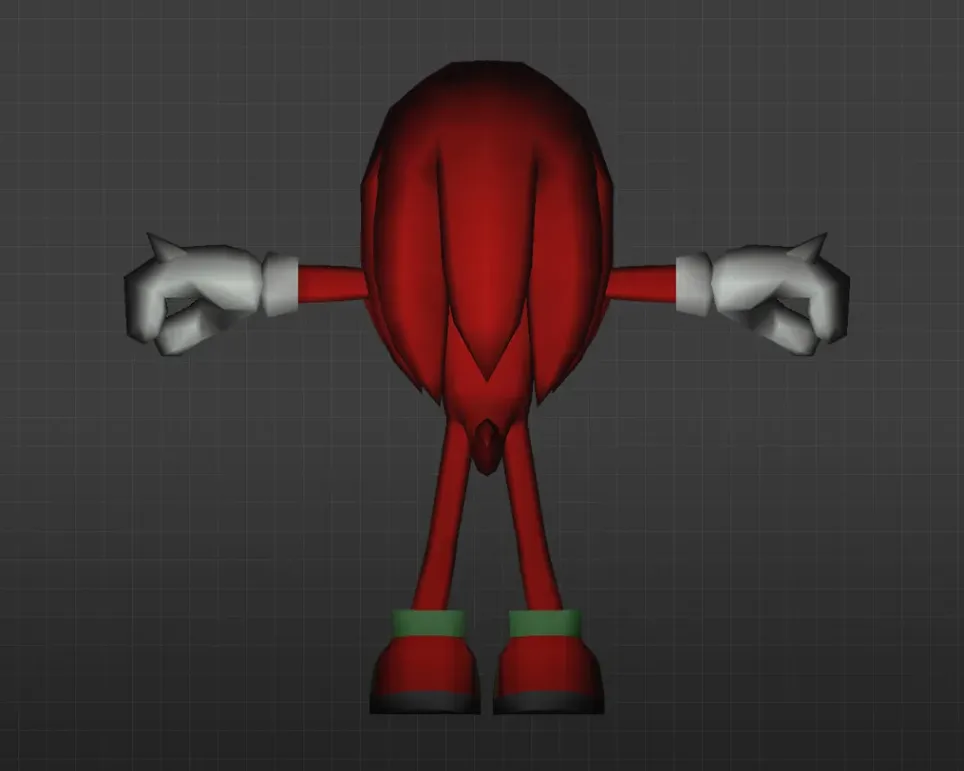
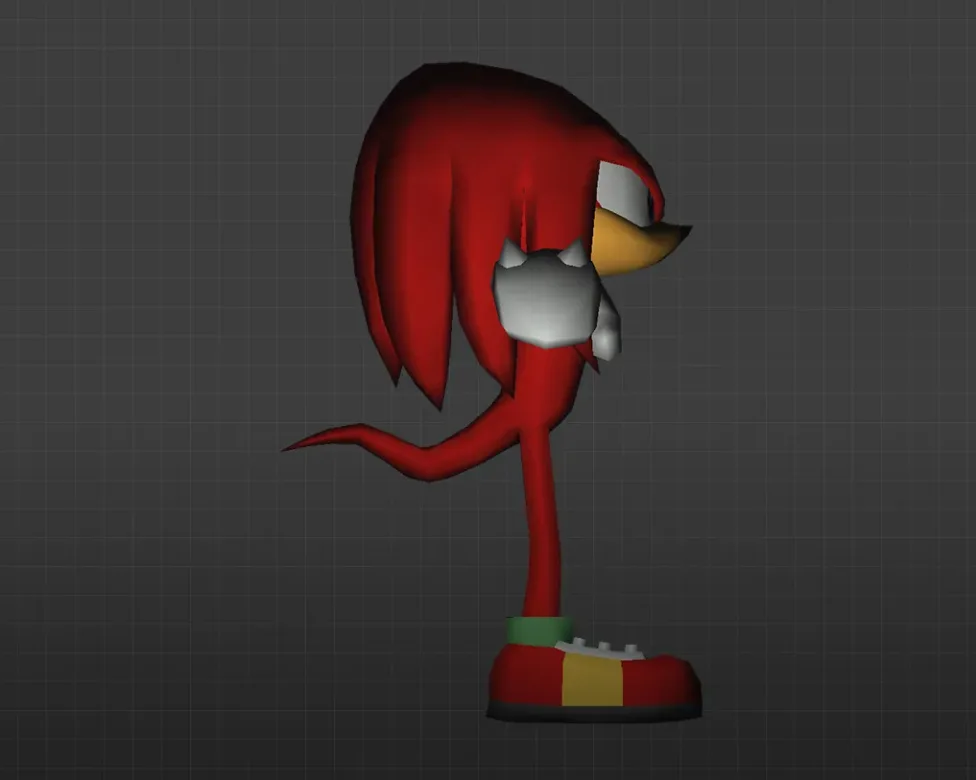
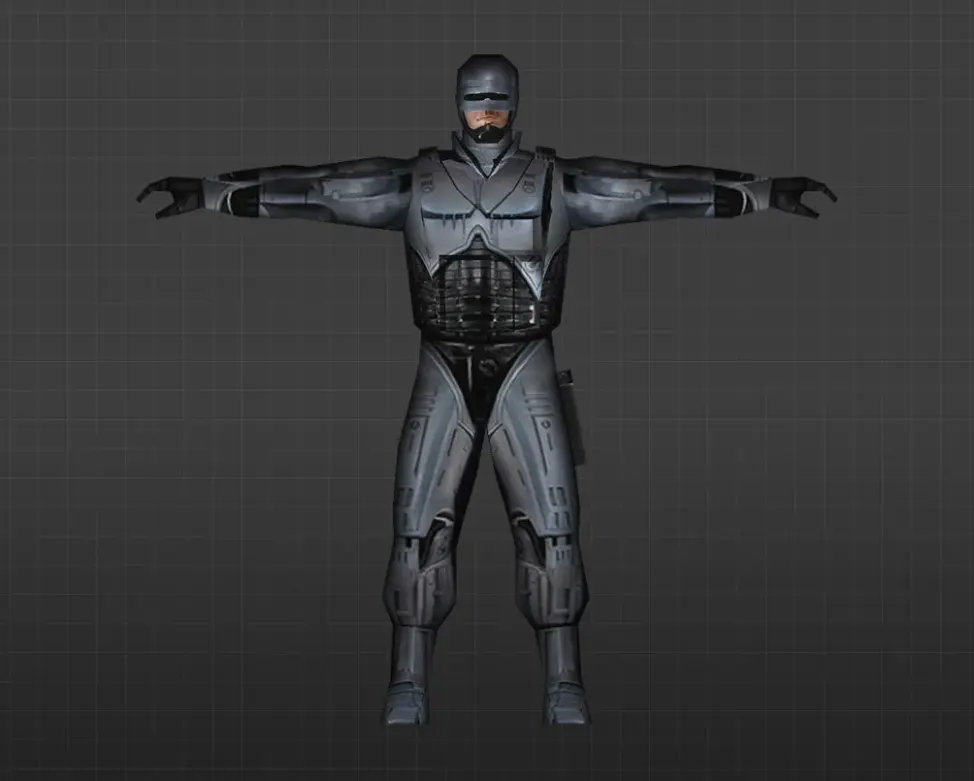
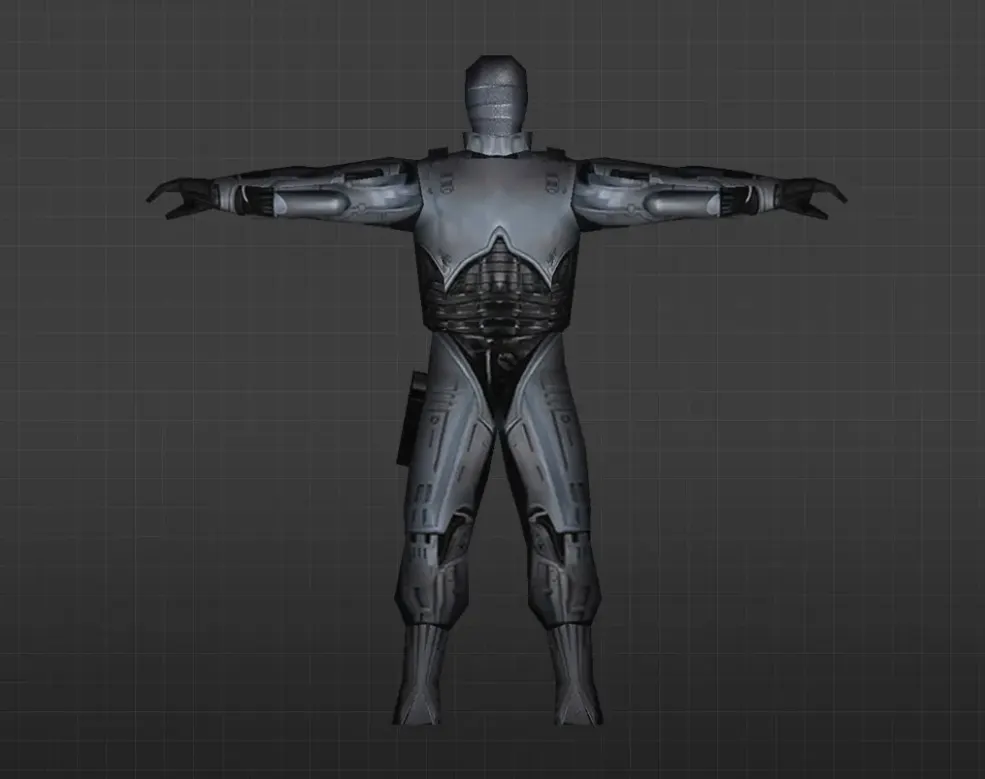
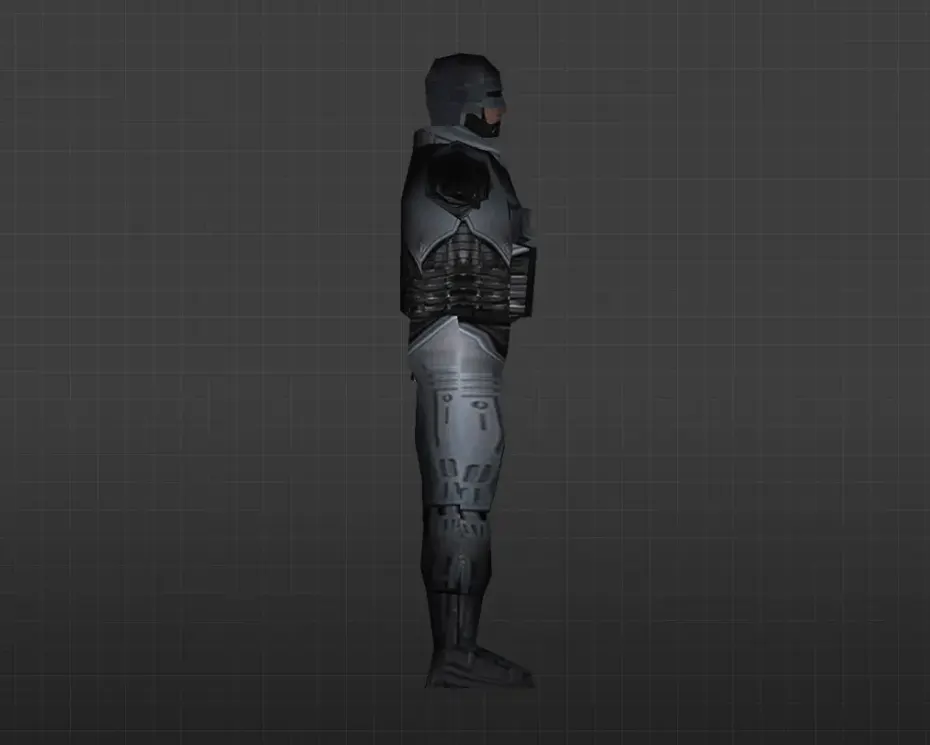
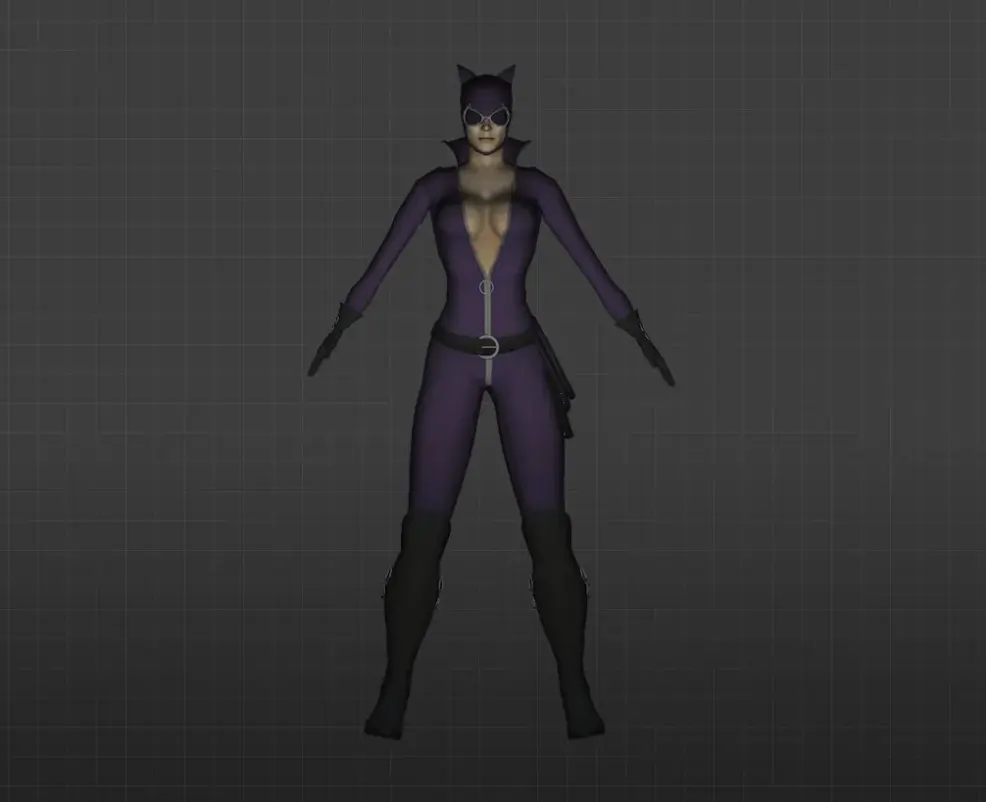
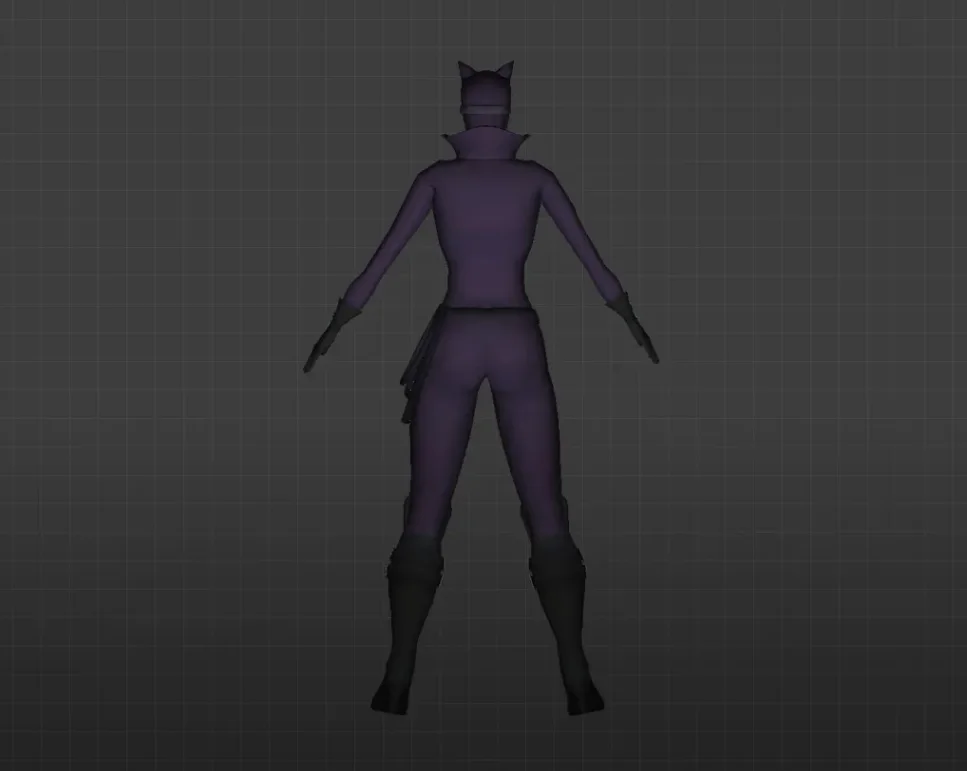
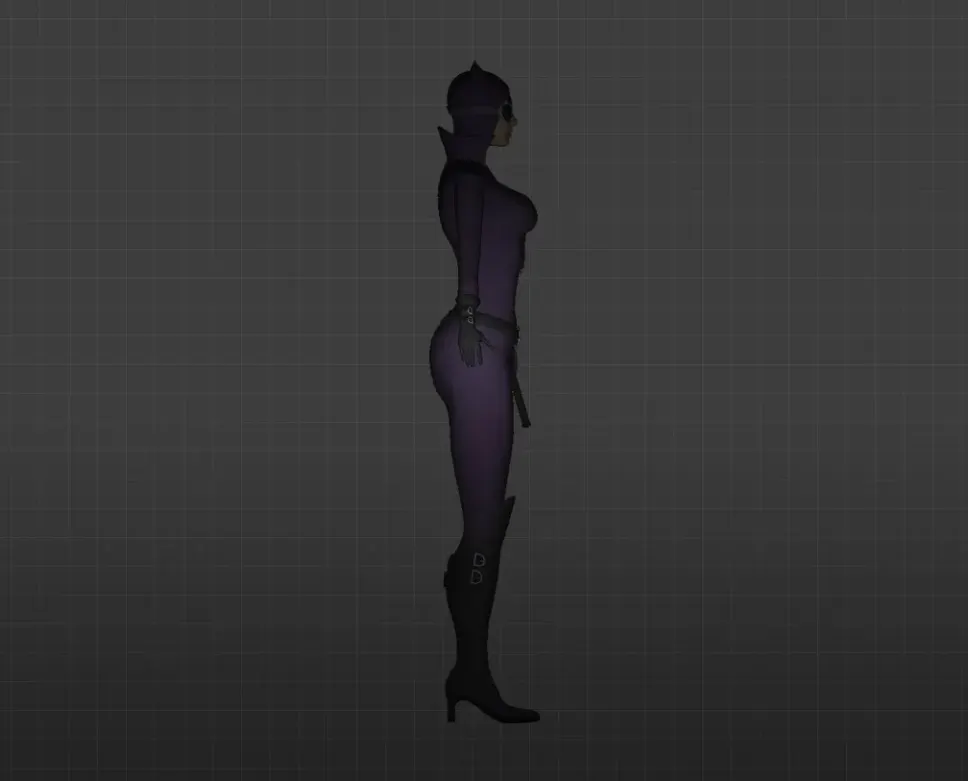
Get player models based on games and movies for CS 1.6. HD textures, simple install, no sign-up needed. Free download.
FAQ
What is the process for adding game and movie player models to CS 1.6?
Extract the model files, then move the folder into cstrike/models/player. The folder name and the .mdl file inside it need to match. When swapping out a default model, rename both the custom folder and file to the same name as the original you're replacing (for instance, urban or terror). Make sure to back up the original files before doing this.
Which folder should custom player model files go into in CS 1.6?
Custom player models belong in cstrike/models/player/. Every model gets its own folder, and that folder must contain a .mdl file named identically to the folder. So a model called spiderman would go at cstrike/models/player/spiderman/spiderman.mdl. On localized installs, look at cstrike_russian too, since it might take precedence.
How can I pick a custom game or movie skin in CS 1.6?
Once the model is installed, launch CS 1.6 and pick a team. The team selection screen lets you pick a player model from the available list. That list displays the folder names found in cstrike/models/player. If you swapped out a default model, choose that model's name (like "Urban") to apply your custom skin. Keep in mind some servers might override your selection.
What causes my CS 1.6 player model to not appear or to crash?
Typical reasons are folder and file names that don't match, absent textures or animations, or a model built for another game version. Make sure the folder and .mdl file names are identical. Also confirm the model works with CS 1.6 rather than Condition Zero or Source. Should the game crash, put your backup back in place and try another model.
How do I bring back the default player models in CS 1.6?
To go back to the default models, remove the custom model folder from cstrike/models/player and put the original files back from your backup. If no backup exists, you can verify the game files via Steam or reinstall CS 1.6. Another option is to grab the default model files from a reliable source.
Are game and movie player models usable on CS 1.6 online servers?
Client-side player models typically work on servers that permit custom content, yet plenty of servers run consistency checks. If your model files don't match the server's, you might get kicked or have your model swapped out. Certain servers also use plugins to enforce particular models. Testing on a local server or one that allows custom skins is the safest approach.
Is it possible to use models such as Spider-Man or Master Chief in CS 1.6?
Yes, game and movie character models can be used in CS 1.6 provided they've been correctly converted to the CS 1.6 format. Installing them works the same as any other player model: put them in cstrike/models/player. On online servers, though, other players might not see these models or they could be forbidden. For single-player or local play, they work without issue.