
GTA
1 file
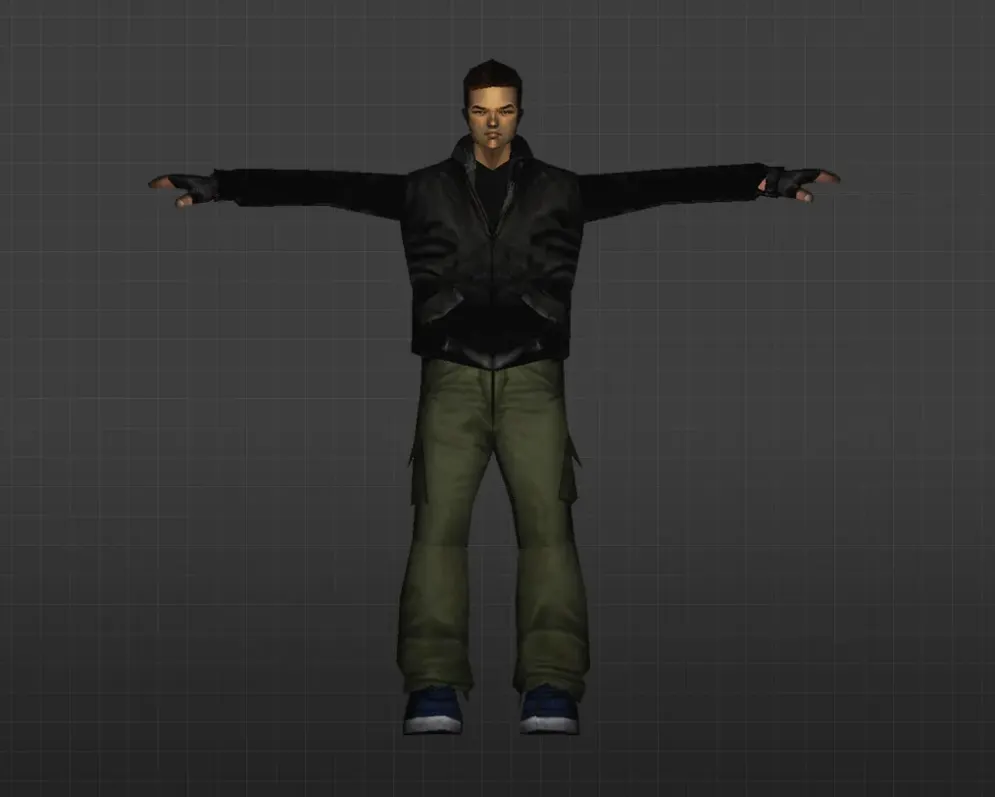
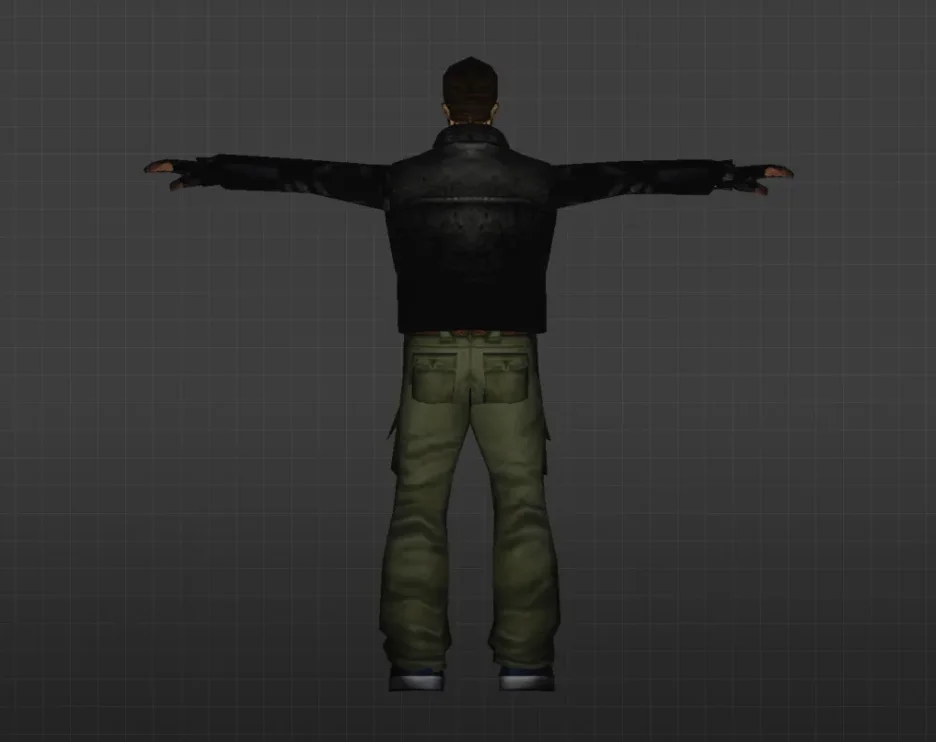
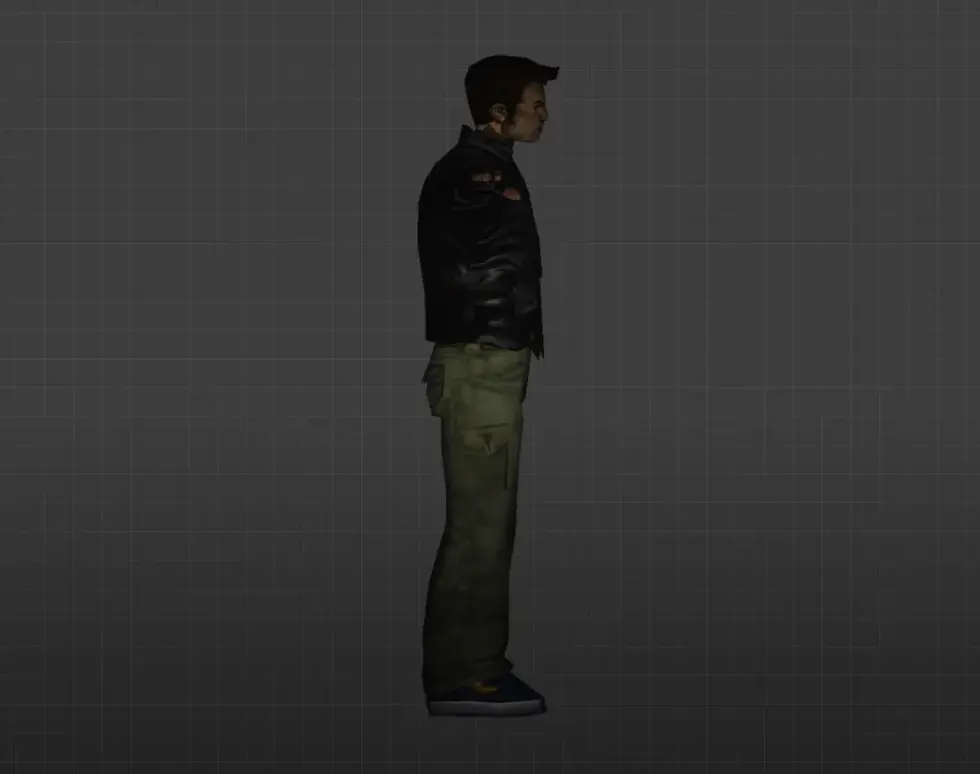
Get GTA-style player models for CS 1.6. HD textures, easy install, compatible with all CS 1.6 versions. Free download.
FAQ
How do I install GTA player models in CS 1.6?
Follow these steps:
- Extract the GTA player model files.
- Place them in
cstrike/models/player/ModelName/ModelName.mdl(folder and file names must match). - To use the model, replace an existing player model's files by renaming the GTA files to match the original model name and placing them in the original model's folder.
- Back up the original files before replacing.
Where should I put GTA player model files in CS 1.6?
Place GTA player model files in cstrike/models/player/. Each model should be in its own folder, and the .mdl file inside must have the same name as the folder (e.g., cstrike/models/player/ModelName/ModelName.mdl). If you use a localized version, check cstrike_russian as files there have priority.
How do I select a GTA player model in CS 1.6?
After installing the model by replacing an existing player model, select the corresponding team or class in the game's buy menu or class selection screen. The GTA model will appear instead of the original model for that class. If you used a server-side plugin to add custom models, follow the server's instructions to select it.
What should I do if a GTA player model doesn't work or crashes CS 1.6?
Try these steps:
- Verify that the folder and
.mdlfile names match exactly. - Check that all required files (e.g., textures) are present.
- Ensure the model is compatible with CS 1.6.
- If the game crashes, restore your backup of the original model files.
How can I revert to default player models in CS 1.6 after installing GTA models?
To revert, restore the original model files from the backup you made before installation. If you didn't make a backup, you can delete the custom model folder and reinstall the original files or the game to restore the defaults.
Do GTA player models work on CS 1.6 online servers?
Custom player models are client-side, so they only appear on your screen. On servers with consistency checking (sv_consistency 1), you may be kicked for modified files. Some servers allow custom models or have consistency disabled, so it varies by server.