
In Civilian Clothes
1 file
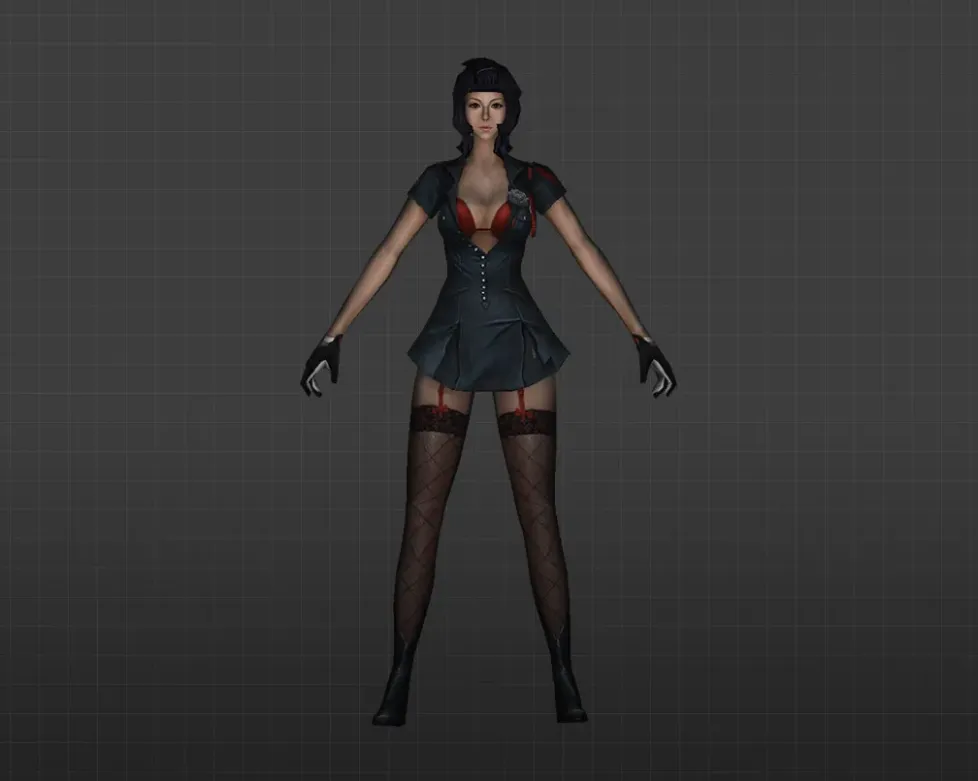
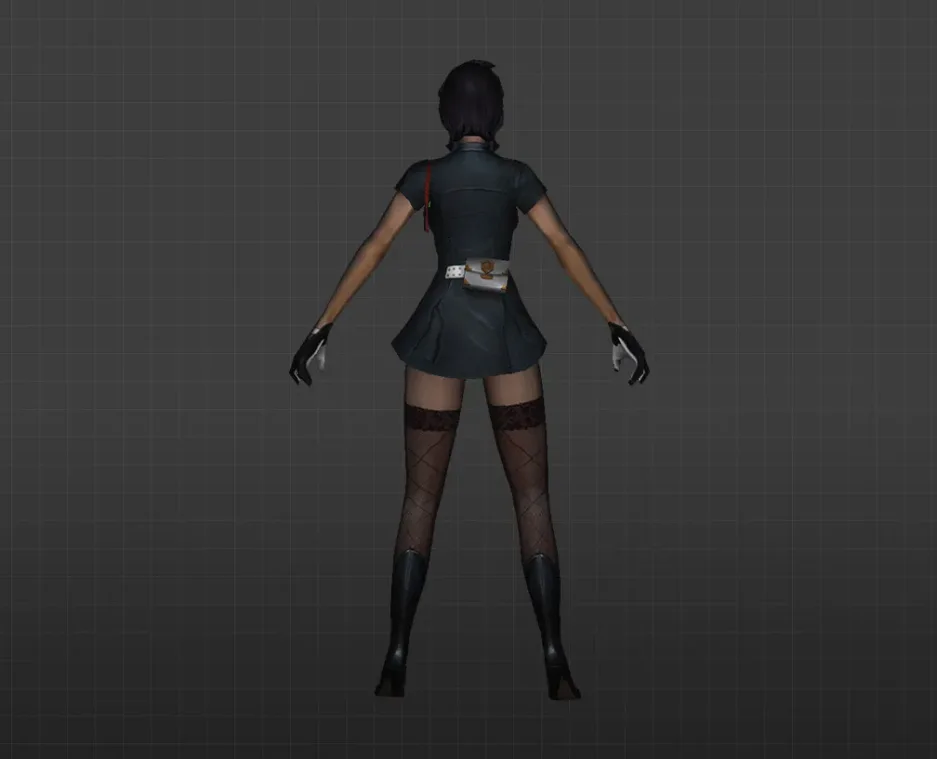
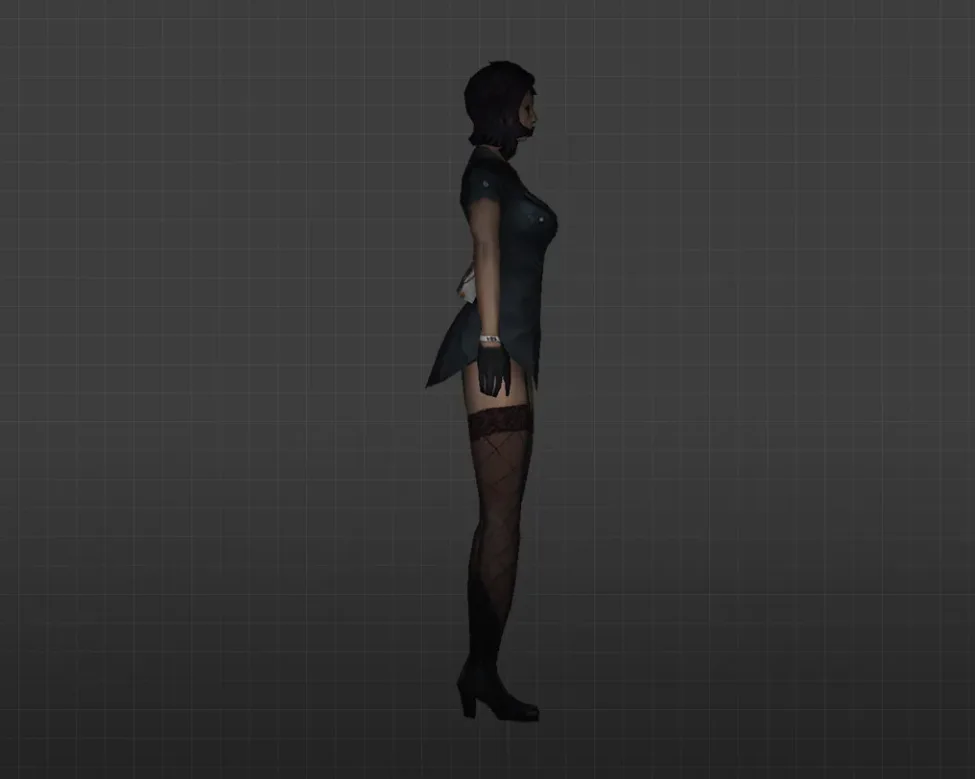
Get civilian clothing player models for CS 1.6. High-def textures, works with all versions. Easy installation. Free download.
FAQ
How do I install a civilian player model in CS 1.6?
Get the model and unpack the files. Move the model folder into cstrike/models/player. If the model is designed to replace a default character, overwrite the files in that character's folder (e.g., cstrike/models/player/gign). For a new model, make a folder named after the .mdl file and put the file inside it.
Where should I place civilian player model files in CS 1.6?
Player models are stored in cstrike/models/player. Each model has its own subfolder inside that directory. The .mdl file must go into a subfolder that matches the file's name (e.g., cstrike/models/player/civilian/civilian.mdl). If the model has custom textures, put them in the same subfolder. In localized versions, the folder might be cstrike_russian; files there take precedence.
How do I enable or choose a civilian player model in CS 1.6?
In CS 1.6, player models are tied to teams and managed by the server. To use a custom civilian model, you usually replace the files of an existing model (e.g., gign for CT or arctic for T). The game will then load your custom model whenever that default model is called. On certain servers, you can pick a model via a chat command or menu, but that depends on server plugins.
Why isn't my civilian player model appearing in CS 1.6?
Verify that the model files are in the right folder and that folder and file names match. Ensure the model is compatible with CS 1.6 (GoldSrc engine) and not a Source engine model. If you're on a server, it might enforce its own models or disconnect you for file consistency; in that case, your custom model won't show.
How do I revert to default player models in CS 1.6?
If you backed up the original files, copy them back into cstrike/models/player. If you didn't back up, you can verify game file integrity in Steam to restore the defaults. Alternatively, delete the custom model folder or files, and the game will use the default ones if they're still there.
Do civilian player models work on CS 1.6 online servers?
Custom player models can work on servers, but it depends on server settings. Many servers require model consistency and will swap your custom models with theirs or disconnect you if your files differ. To prevent problems, check the server rules or only use models that the server permits.
How to fix incorrect hitboxes on custom civilian player models in CS 1.6?
Hitboxes are part of the model itself. If they're wrong, the model probably wasn't made or compiled correctly for CS 1.6. You can't fix hitboxes from the client; you need to replace the model with one that has proper hitboxes. Some servers use plugins to adjust hitboxes, but that's server-side and not under player control.