
Player Models
3 files
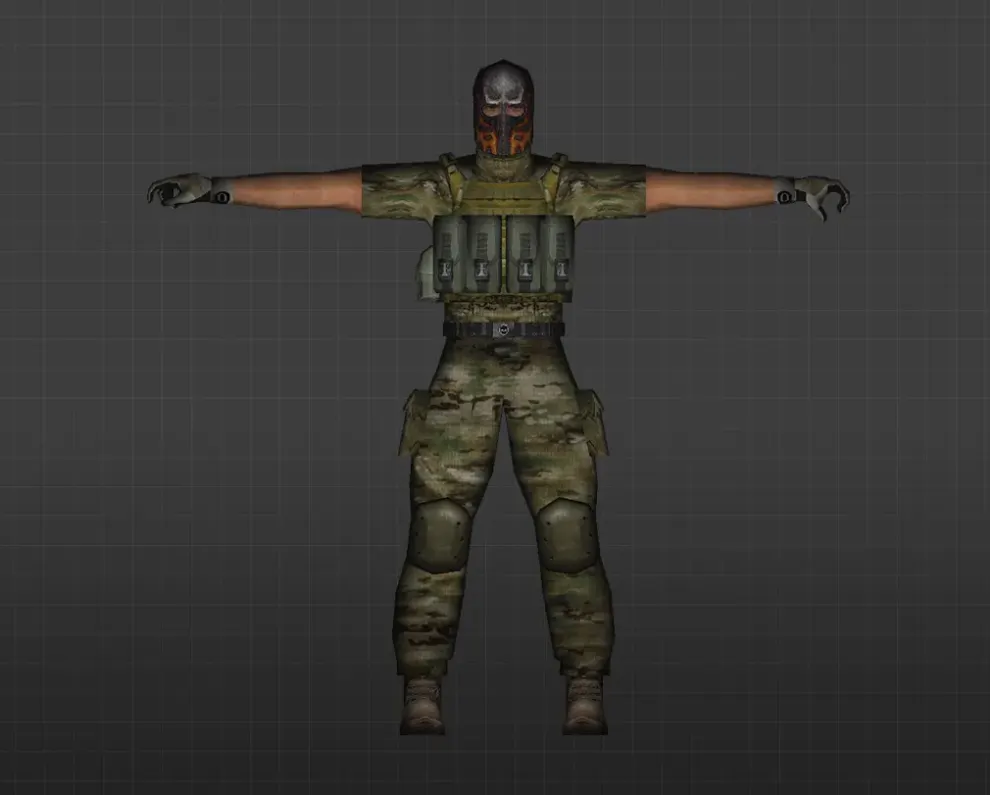
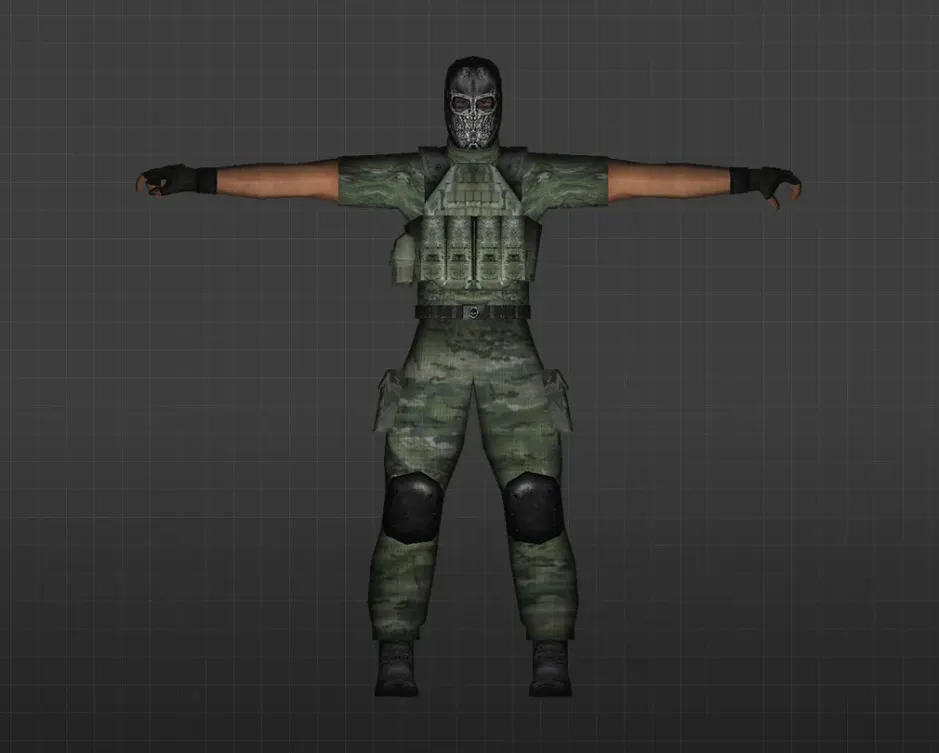
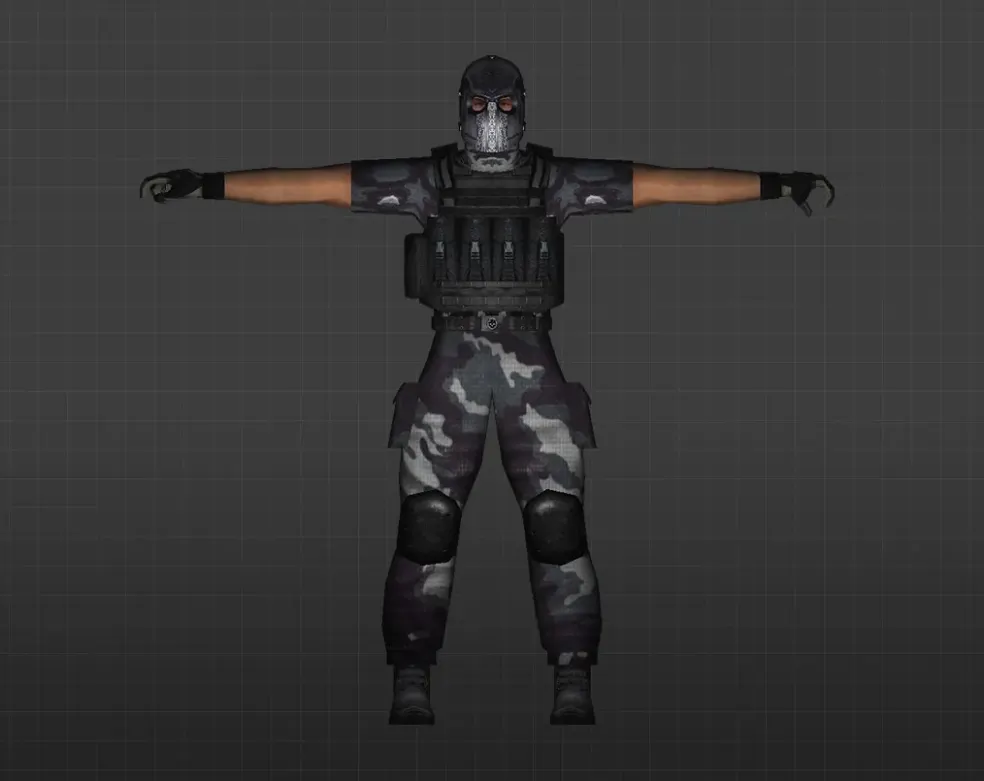
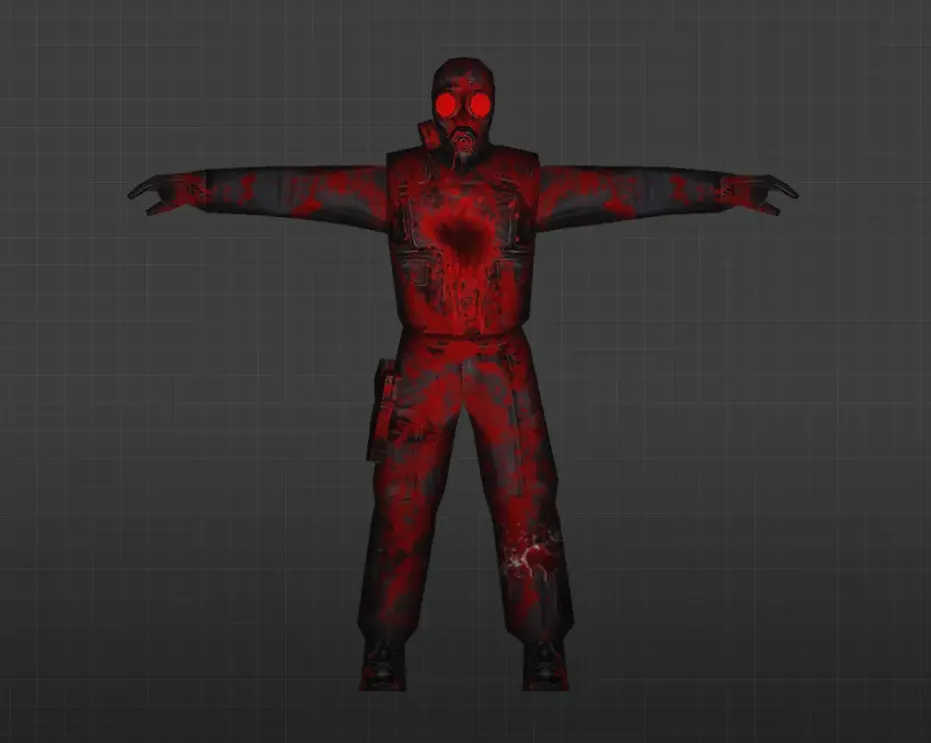
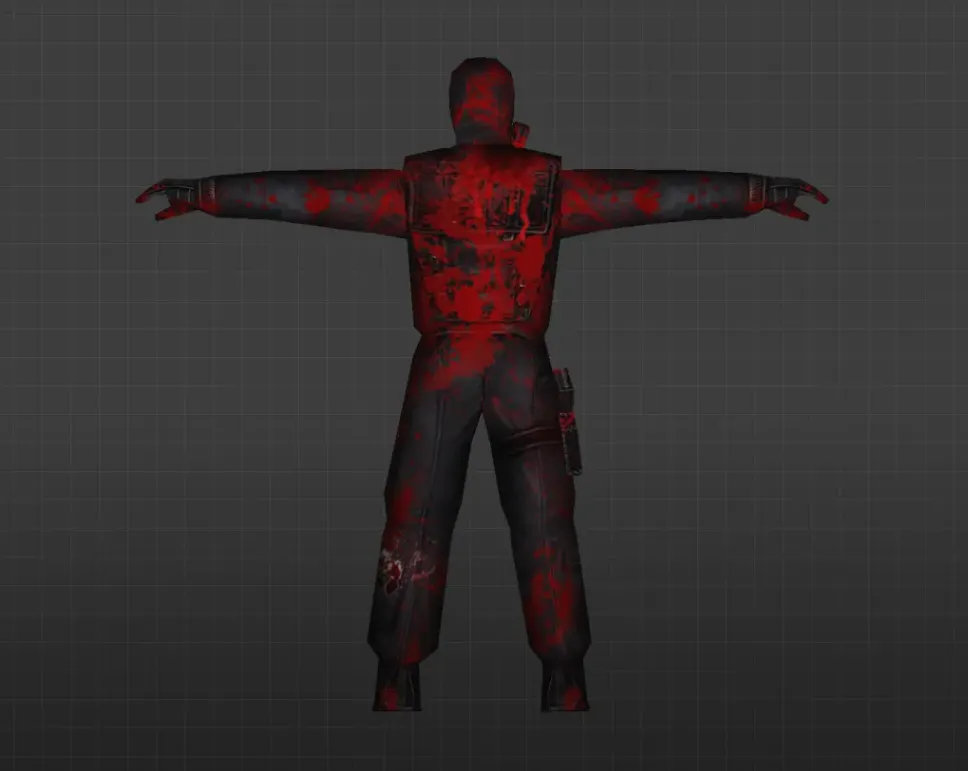
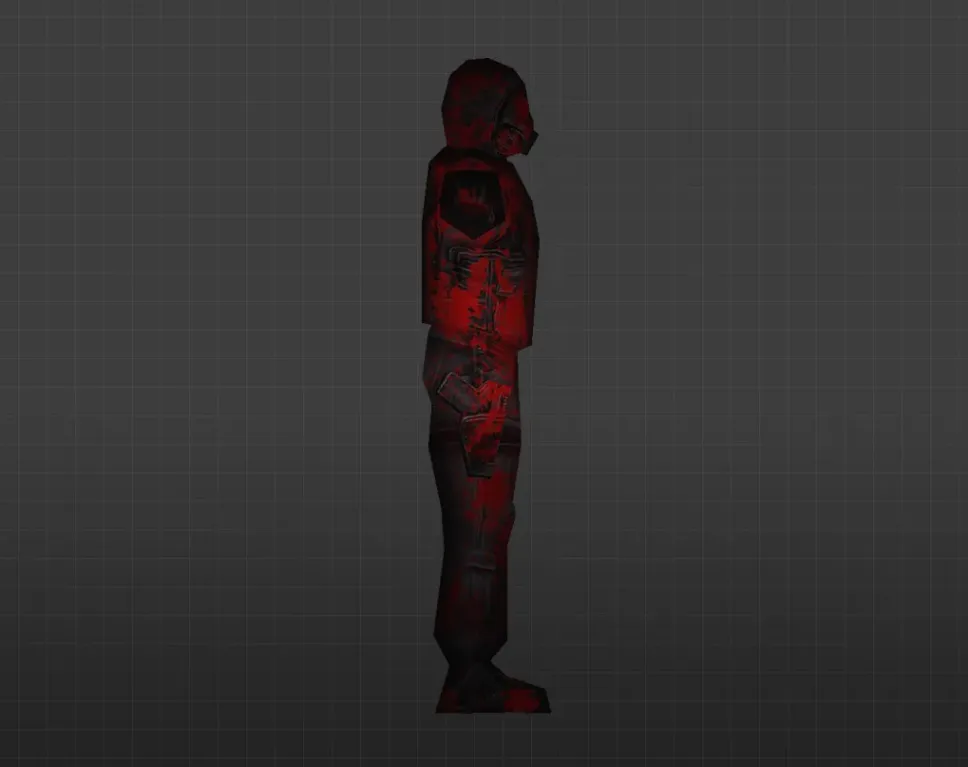
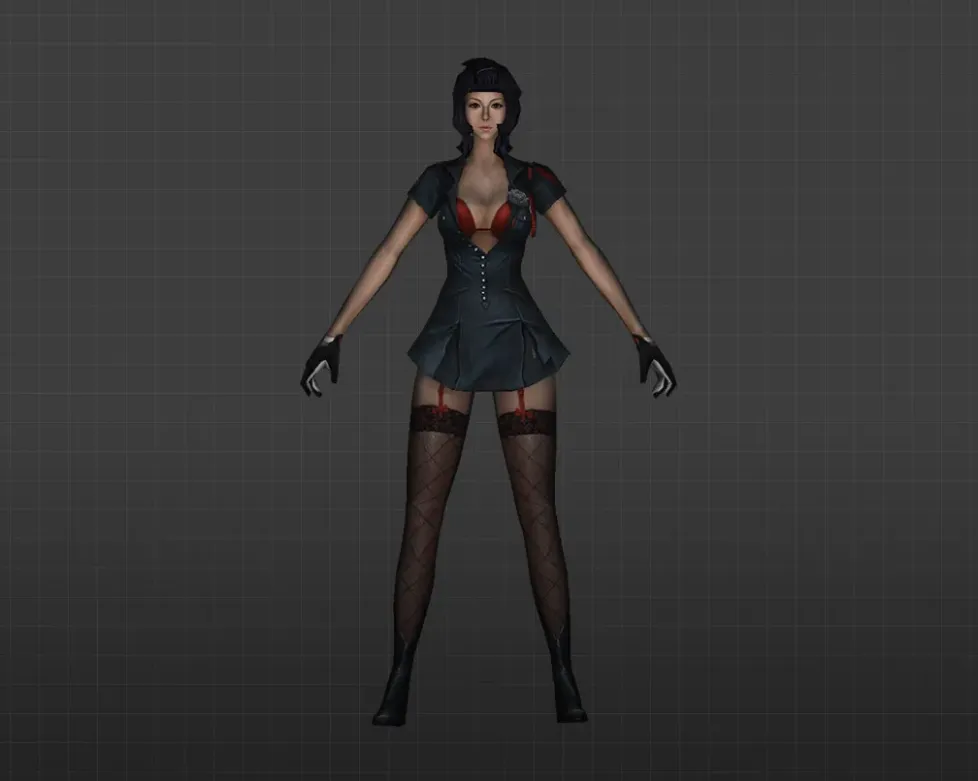
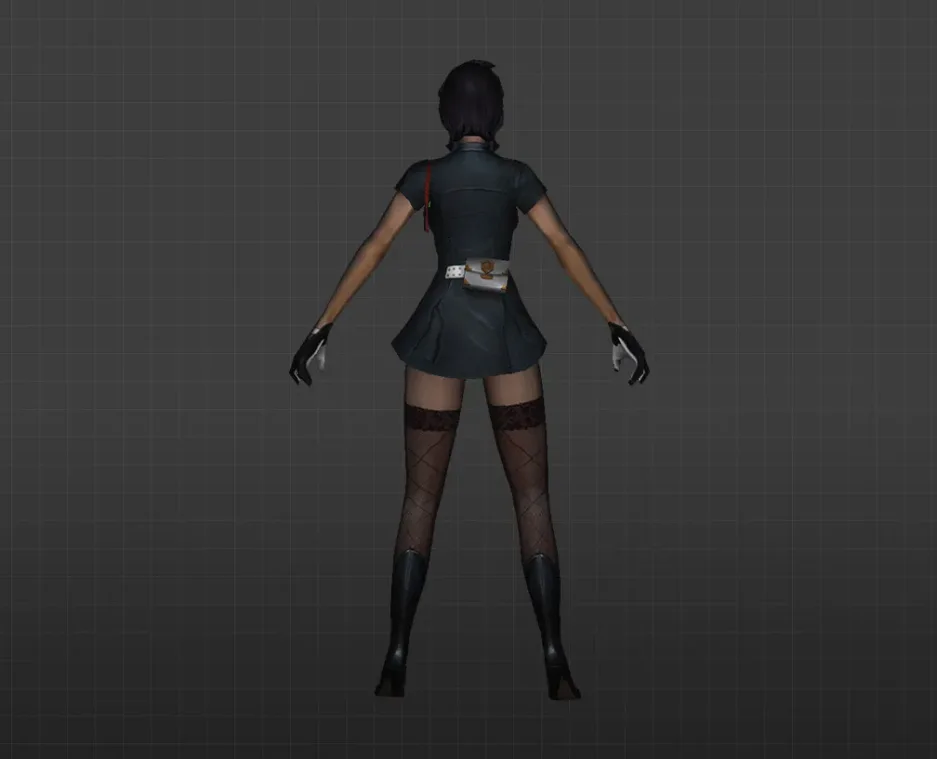
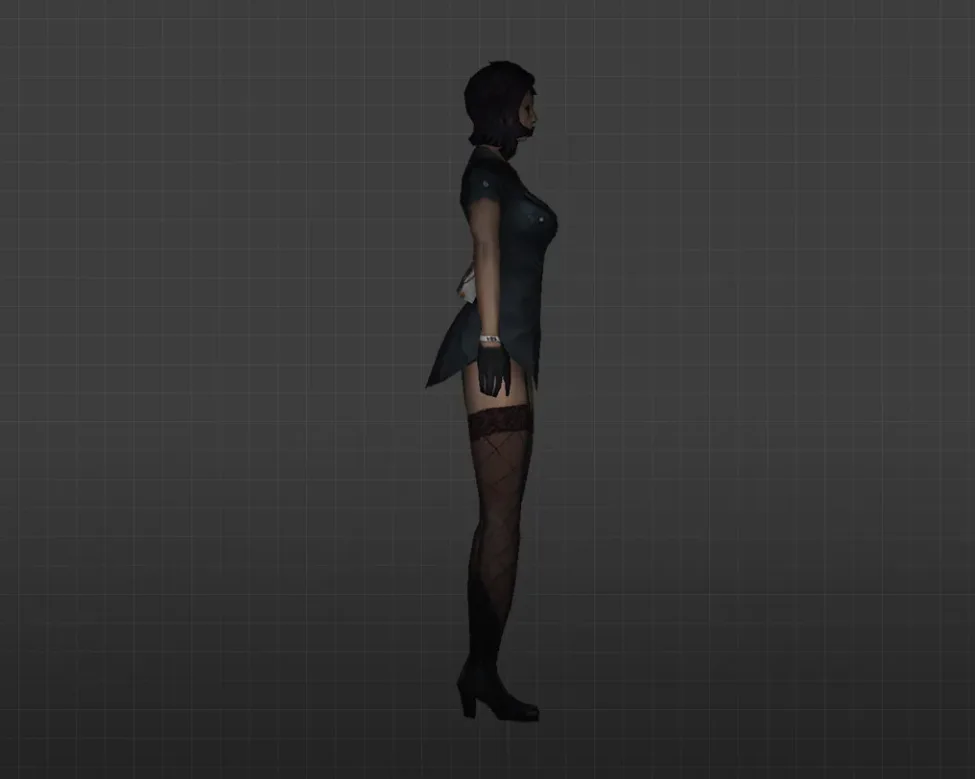
Get player models for CS 1.6 with HD textures, improved skins, and custom characters.
FAQ
What is the way to install player models in CS 1.6?
Since nearly all player models take the place of the standard skins, you install them by copying files into the game folder.
- Extract the archive you downloaded.
- Move the model files into
cstrike/models/player. - When the archive contains its own folder, the folder name and the name of the
.mdlfile inside must be identical. - Back up the original files before you overwrite anything.
Which folder holds player model files in CS 1.6?
Player models belong in cstrike/models/player. Each model is kept as a folder named after its .mdl file, for instance cstrike/models/player/urban/urban.mdl. In localized versions the game folder might be called cstrike_russian, and its files take precedence over cstrike, so if that folder is present in your game, place the model there too.
How can I pick or switch a player model in CS 1.6?
CS 1.6 selects the model from the regular team model list, which is why most custom skins are built to replace one of the standard folders inside cstrike/models/player. Pick the matching model when you join a team, and the replacement files will appear in place of the original skin. The server settings may restrict which model you can choose.
My CS 1.6 player model does not appear, the default skin stays - what should I do?
- Verify that the folder and the
.mdlfile share the same name. - Verify the path: it has to be
cstrike/models/player, notcstrike/models. - If a
cstrike_russianfolder exists, install the model there as well. - Confirm the archive was fully extracted and the files are intact.
Keep in mind too that a replacement is visible only on your end - other players still see their own copy of the standard model.
Are custom player models usable online on CS 1.6 servers?
Custom player models are client-side replacements, so you can view them on servers, yet the server relies on its own copy of the model for hitboxes. As a result, shots may seem inaccurate, and the server might kick you for modified files when it verifies consistency. On many servers the model you see locally will differ from what other players see.
How do I bring back the default player models in CS 1.6?
Restore the original files from the backup you created before overwriting them. If you have no backup, remove the modified model folder and recover the original files from your game or mod installation. Saving a copy of cstrike/models/player before any replacement keeps you from having to reinstall the game.
CS 1.6 crashes or freezes after a player model install - what should I do?
- Verify that the folder name matches the
.mdlfile name. - Extract the archive again - a corrupted download is a frequent cause.
- Uninstall the model and restore the backup to test whether the model is truly the source of the problem.
Models with an extremely high polygon count can also lead to performance drops or freezes, so trying a lighter version is worthwhile.