
Soldiers
1 file
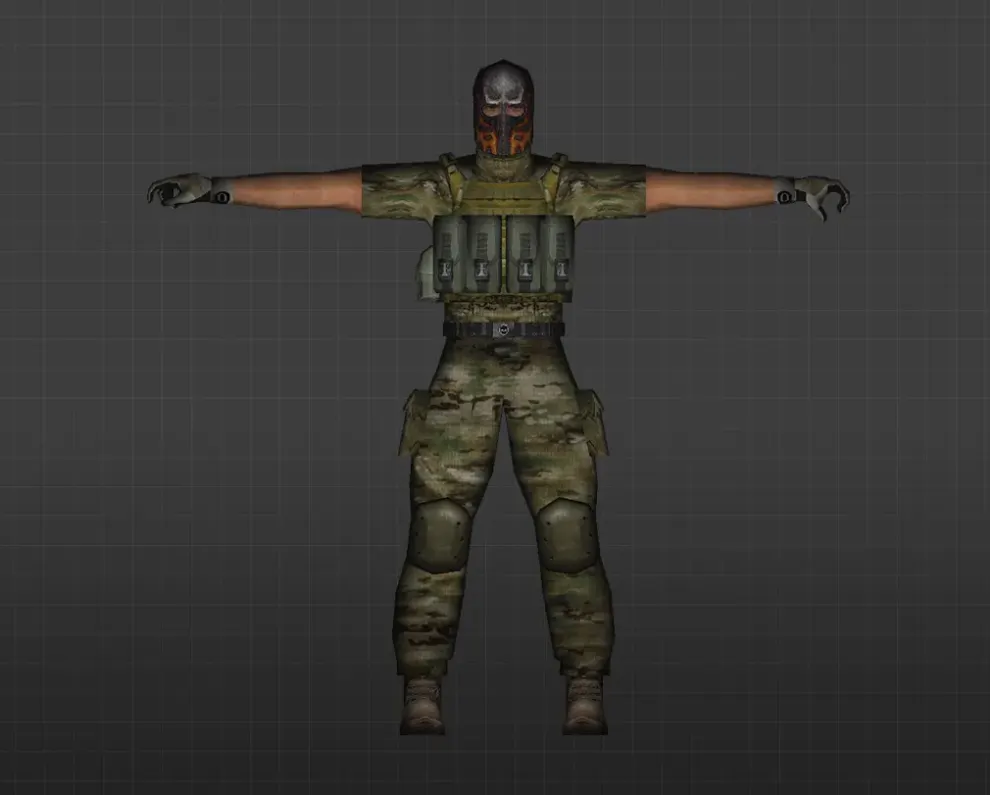
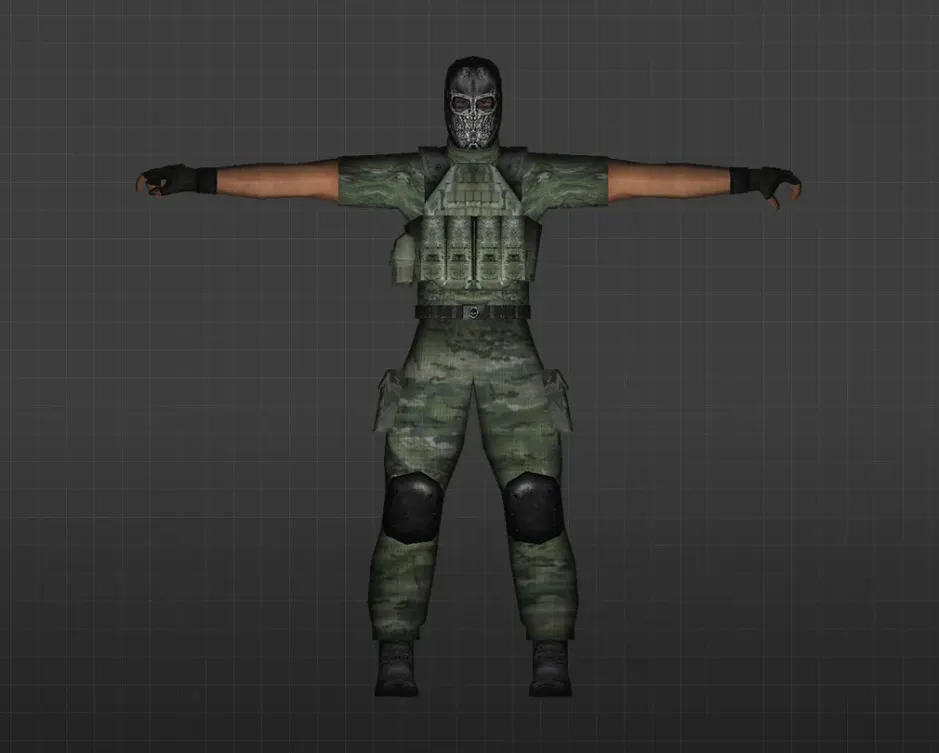
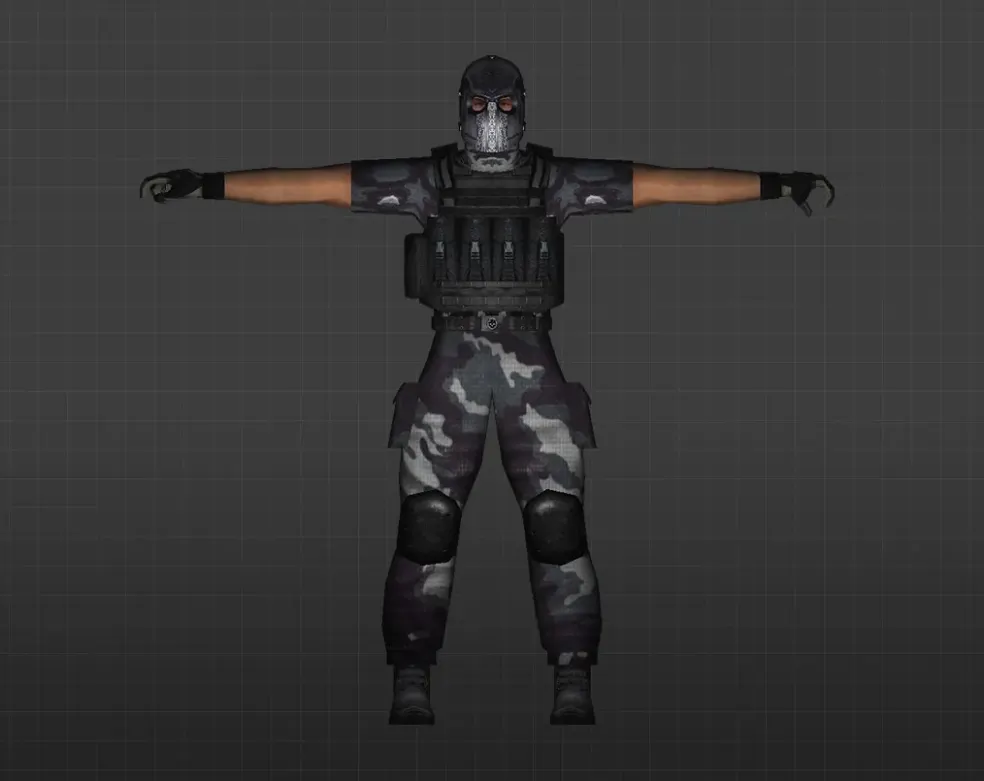
Get soldier player models for CS 1.6. HD military skins that suit any server. Simple install. Free download.
FAQ
How do I install soldier player models in CS 1.6?
Put the model folder inside cstrike/models/player. The .mdl file inside must have the same name as the folder, for example cstrike/models/player/riotguard/riotguard.mdl. Copy all files that came with the model, then restart the game.
Where should I place soldier player model files in CS 1.6?
Player models go in cstrike/models/player, with one subfolder per model. If your game uses a localized folder like cstrike_russian, files there take priority, so put the model in both folders or in the one that is actually used. Keep the original subfolder structure from the archive.
How do I select a soldier model in CS 1.6?
The standard game does not let you choose any random folder from a menu; it only uses the models defined for each team and class. To see a downloaded soldier in game, name its folder and .mdl file after the default model you want to replace. Some mods and servers add their own model menu on top of that.
CS 1.6 crashes or fails to load when choosing a soldier model, what should I do?
This usually means the model is incomplete or incorrectly named:
- Check that the folder name and the
.mdlfile name are identical. - Make sure all files from the archive, including textures, were copied.
- Remove the model folder to get the game running again.
How do I restore the default player models in CS 1.6?
Delete or overwrite the custom folder inside cstrike/models/player with the original files from your backup. If you did not back up the model, reinstall the game or copy the default model folder from a clean installation or from cstrike_russian.
Do soldier player models work on CS 1.6 online servers?
On servers the visible player model is chosen by the server, so a custom client model may be ignored or replaced by the server's own files. Servers can also kick players for file mismatch (consistency), so custom player models are not guaranteed to work online. Test on your own local game first.