
Recolored
1 file
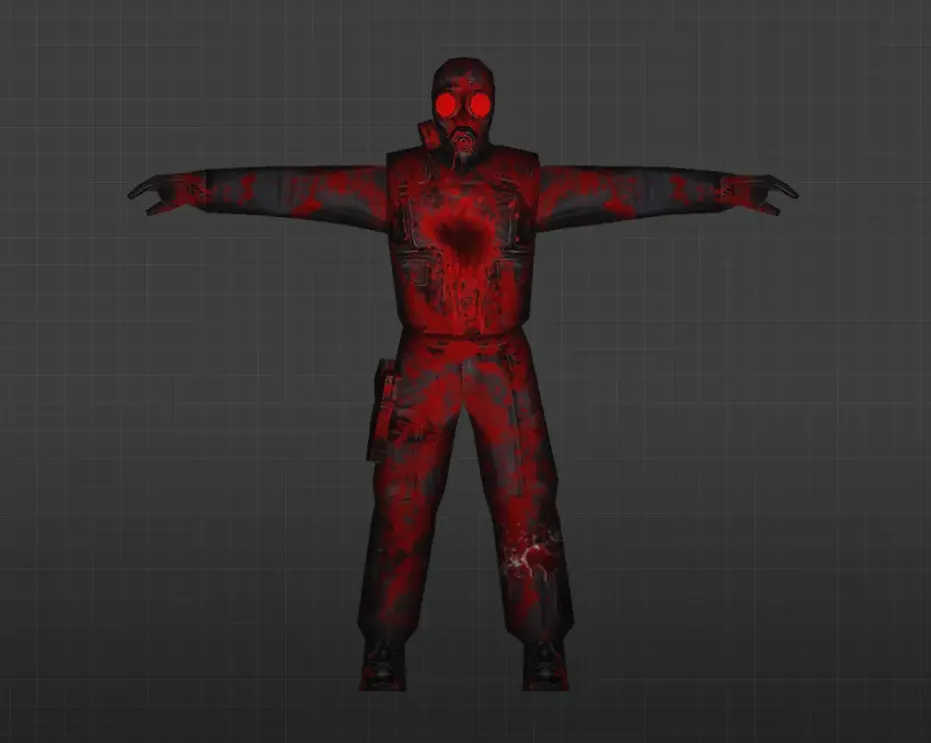
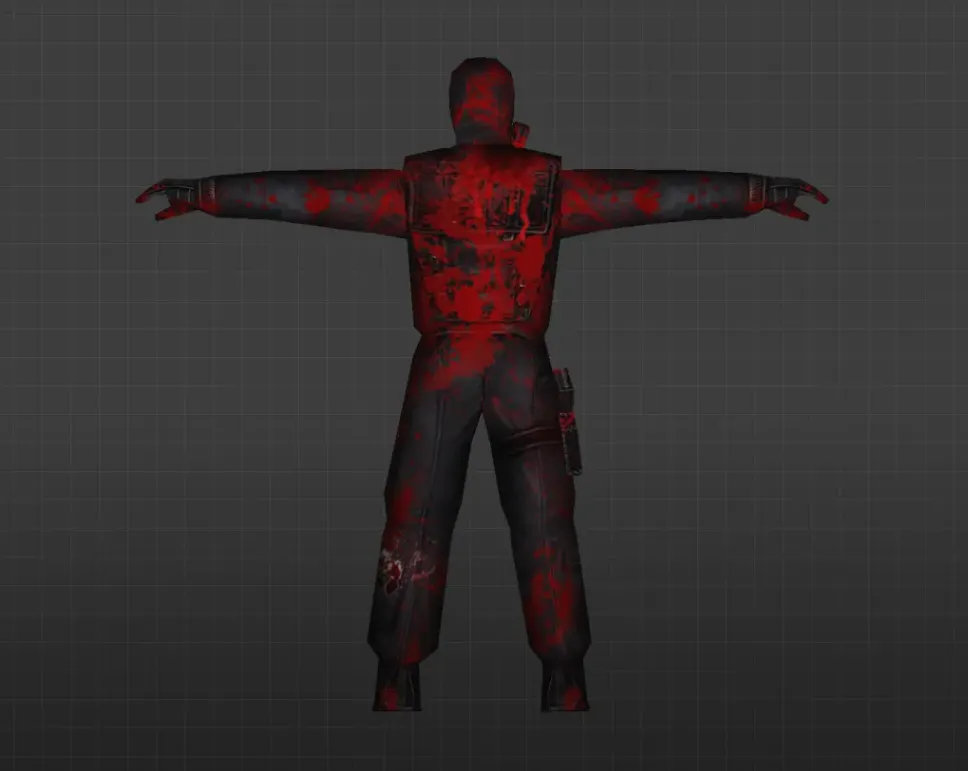
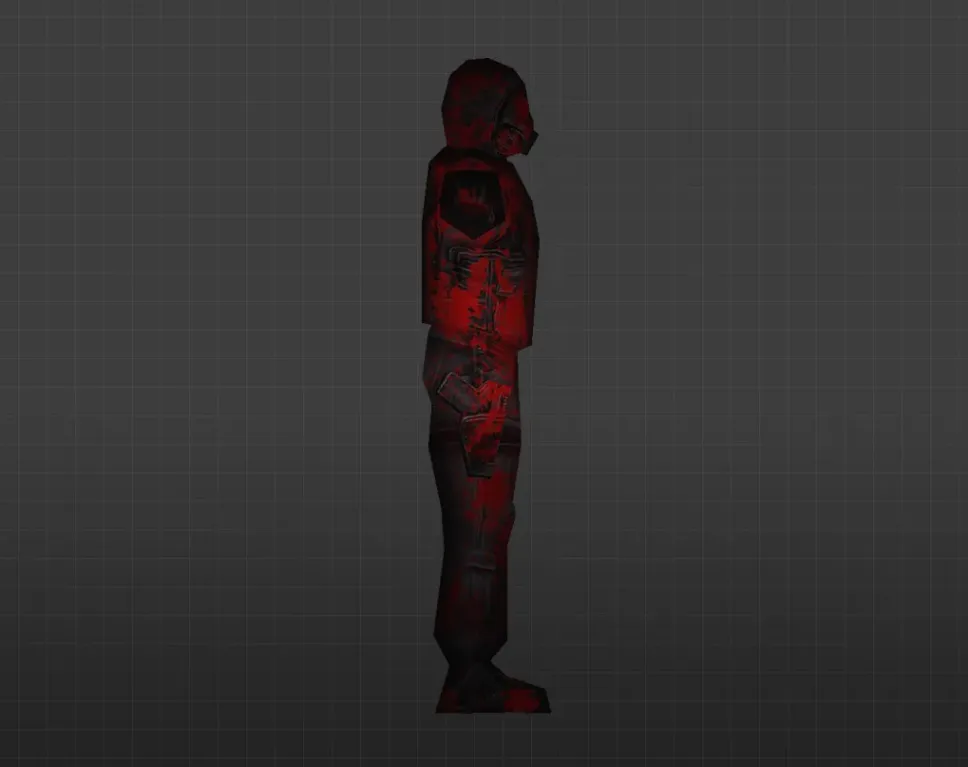
Get recolored player models for CS 1.6. Classic designs with custom color schemes and HD textures. Simple installation. Free download.
FAQ
How do I install recolored player models in CS 1.6?
Unpack the downloaded archive. You'll see a folder named after the model (e.g., urban). Move that folder to cstrike/models/player/. If the folder is already there, replace the files inside. Before doing this, back up the original folder.
Where should recolored player model files be placed in CS 1.6?
Player models belong in cstrike/models/player/. Each model has its own subfolder, and the .mdl file inside must match the folder name. For instance, cstrike/models/player/urban/urban.mdl. If you're using a localized version, also check cstrike_russian, since files there take precedence.
How do I choose a recolored player model in CS 1.6?
Recolored player models typically replace the default models for a specific team or class. After installation, launch the game and select the appropriate team or model from the team selection menu. For example, if you replaced the urban model, it will show up when you play as a Counter-Terrorist and pick that model. No console commands are required.
Recolored player model not working in CS 1.6 - what should I do?
Verify the folder structure: the model file must be at cstrike/models/player/NAME/NAME.mdl, where NAME matches the folder name. Ensure you haven't missed any required files from the archive. Also confirm you're placing files in the correct mod folder (cstrike or cstrike_russian). If the model still doesn't appear, try another model or check if the file is damaged.
How can I revert to default player models in CS 1.6?
Restore the original files from your backup, or verify the game files through Steam to re-download the default models. If you lack a backup, you can also delete the custom model folder and then verify integrity of game files. This will replace any modified models with the originals.
Do recolored player models work on CS 1.6 online servers?
On most public servers, your custom player models will be overridden by the server's models or you might get kicked for file mismatch. This happens because of consistency checks (e.g., sv_consistency). They work in local games or on servers that permit custom models. If you want to use them online, check the server rules or ask an admin.
CS 1.6 crashes after installing recolored player model - how to fix?
Delete the custom model folder from cstrike/models/player/ and restore the original files. Crashes often occur if the model file is corrupted or if the folder name and file name don't match. Also make sure you didn't mix models from different sources. After restoring, test the game to ensure it runs.