
Graffiti
1 file

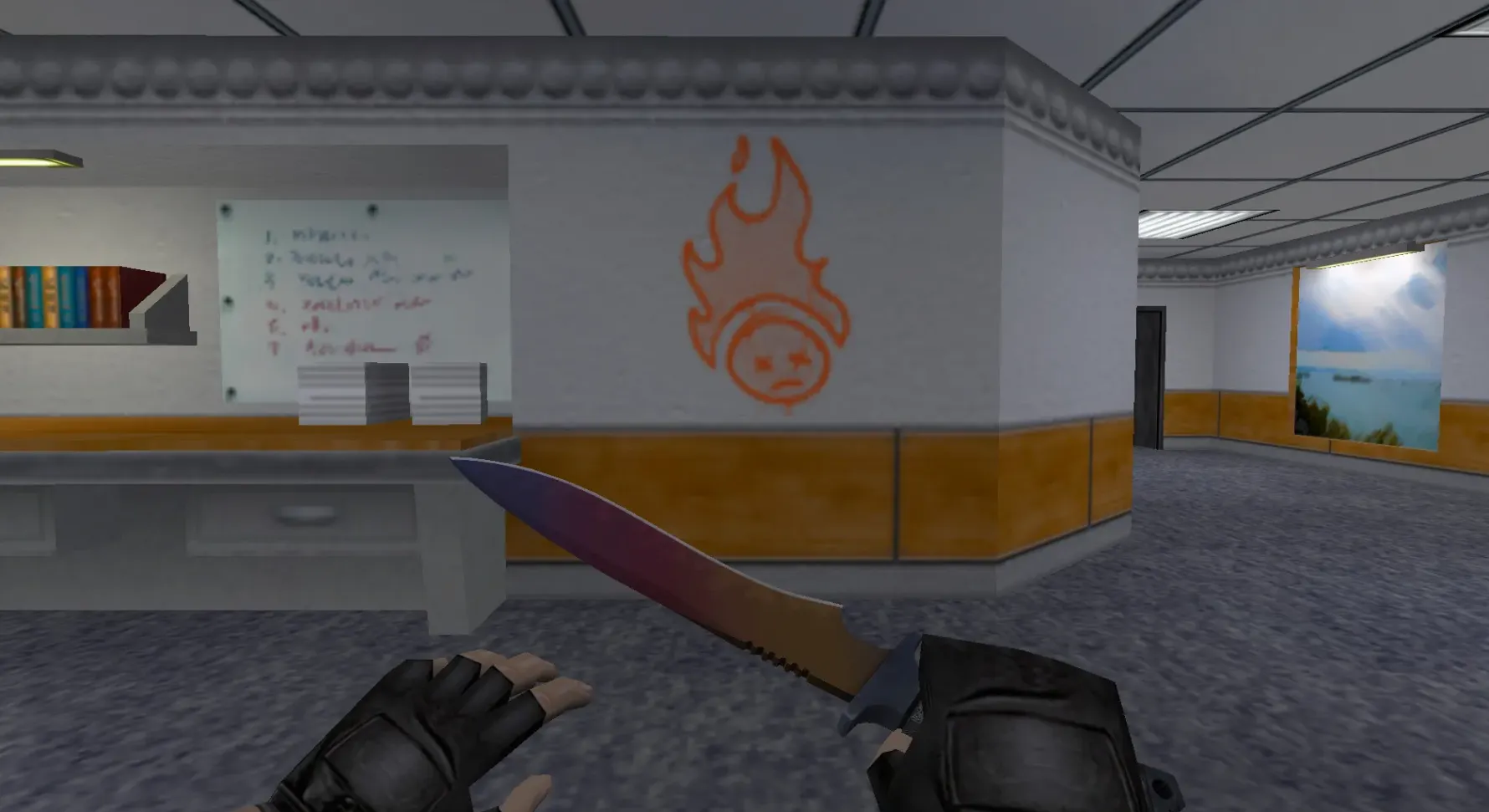
Browse a top-quality selection of graffiti textures and skins for Counter-Strike 1.6. Get them free to personalize and improve your gameplay.
FAQ
How do I install a graffiti spray in CS 1.6?
To set up a custom spray in CS 1.6, put the spray image file (typically .bmp) into your cstrike folder. After that, open the game and navigate to Options → Multiplayer → Customize. Choose Import Spray and pick your file. The spray will be stored as tempdecal.wad inside the cstrike folder.
Where should I place graffiti files in CS 1.6?
The spray file can go anywhere, but placing it in the cstrike folder is handy. The game won't load sprays from a folder automatically; you have to import them using the in-game menu. If you have a .wad file for map decals, put it in the cstrike folder.
How do I use graffiti in CS 1.6?
Once you've imported your spray, join a game and point at a wall. Hit the spray key (by default T) to place the graffiti. You can reassign the spray key in Options → Keyboard.
Graffiti isn't working in CS 1.6 - how can I fix it?
If your spray fails, try these checks:
- Verify the image is a proper
.bmpfile. - Confirm you imported it correctly through the Customize menu.
- Certain servers block custom sprays; test on a local server or one that permits them.
- If the spray shows up as a pink/black checkerboard, the file might be damaged or in an incorrect format.
How do I remove custom graffiti in CS 1.6 and get the default back?
To delete your custom spray and return to the default, remove the tempdecal.wad file from your cstrike folder. Then restart the game. The default spray will be restored.
Do custom graffiti work on online servers in CS 1.6?
That depends on the server. Many servers permit custom sprays, but some turn them off or substitute their own. If the server runs consistency checks, your spray might be replaced or you could be kicked. Review the server rules or test spraying on a local server first.
Can I use CS:GO graffiti in CS 1.6?
CS:GO graffiti aren't directly compatible with CS 1.6. CS:GO uses a separate graffiti system, whereas CS 1.6 uses sprays. You'd need to convert the CS:GO graffiti image to a .bmp file and import it as a spray in CS 1.6.