
From CS:GO
1 file
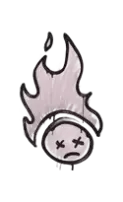
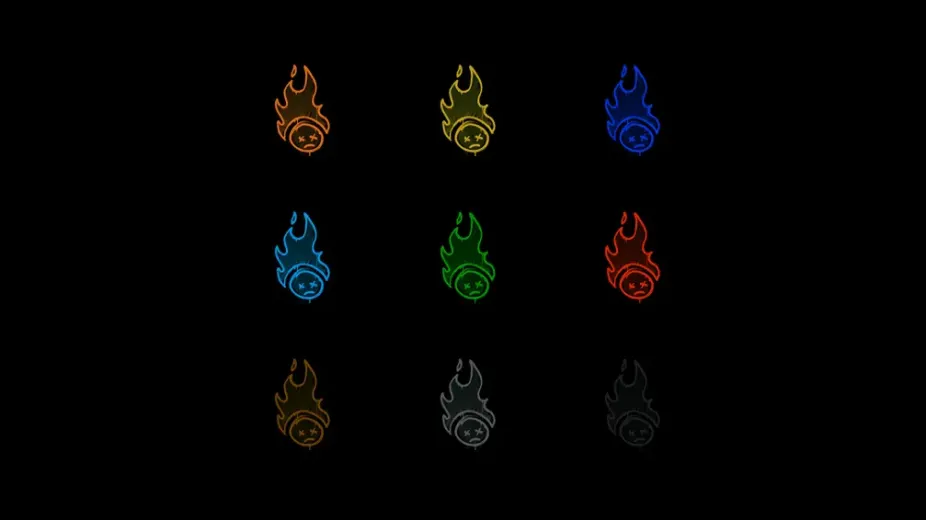
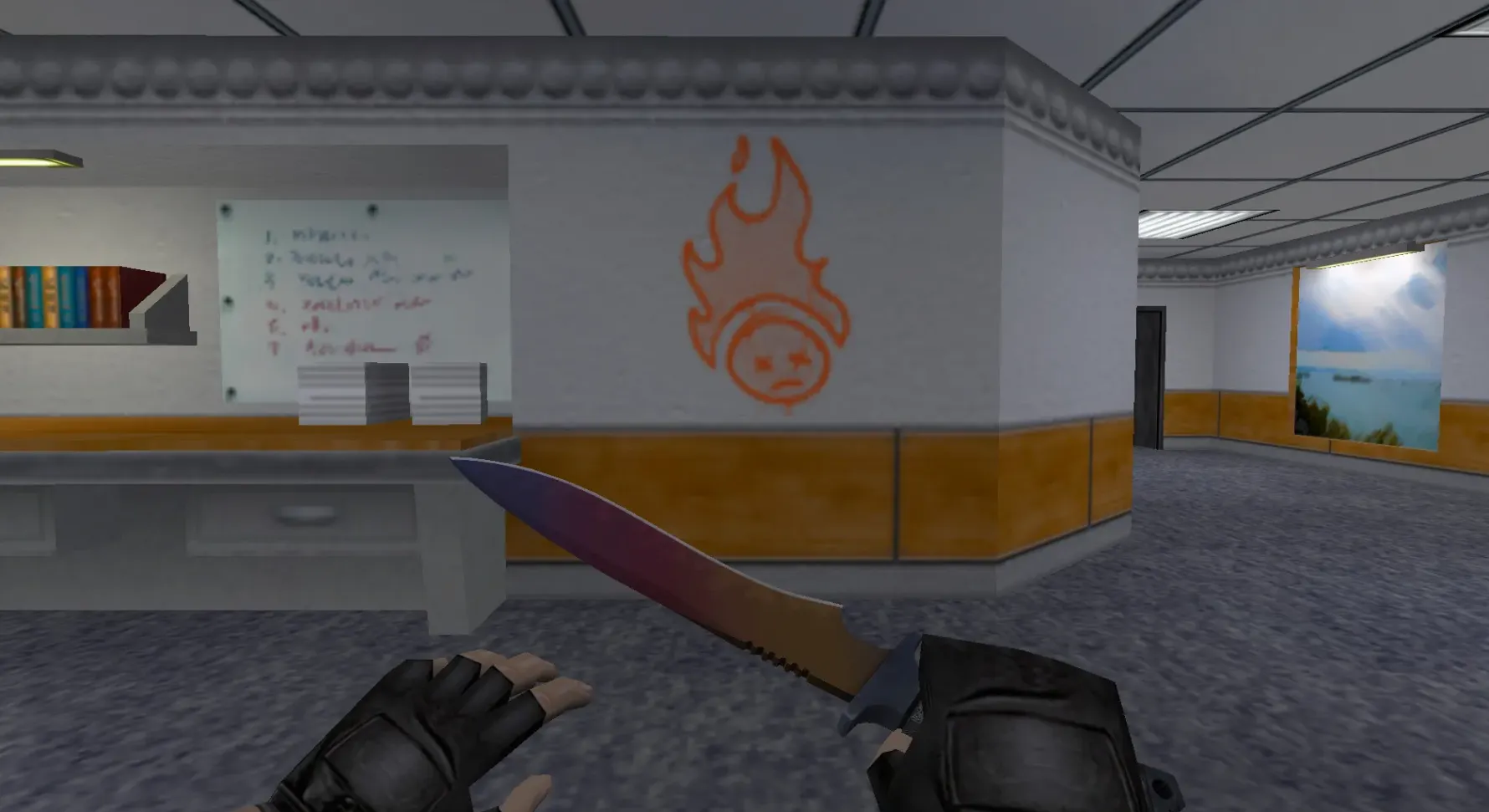
Download CS:GO player models ported to CS 1.6. HD textures and matching animations. Bring modern visuals to the classic game. Free download.
FAQ
How do I install CS:GO graffiti sprays in Counter-Strike 1.6?
Unpack the downloaded archive and check its contents. If it has image files, import them in game via the Customize menu; if it has ready-made game files, copy them into your mod folder (cstrike, or cstrike_russian if your version uses it) and keep the folder structure from the archive.
Before replacing anything, make a backup copy of the original files.
Where do I put graffiti spray files in CS 1.6?
The game mod folder is cstrike; in localized builds there is also cstrike_russian, and files in it take priority.
- If the pack has subfolders such as
spritesorsound, merge them with the same folders insidecstrike. - Your own spray is stored by the game as a decal file inside
cstrike. - Copy files, do not rename folders arbitrarily - paths must match the mod structure.
How do I enable and select a spray in Counter-Strike 1.6?
Open the Customize menu in the main menu and choose the spray logo you want; for your own image use the import spray option there. Then make sure a key is bound to Spray logo in Options → Keyboard, because without a bound key you cannot apply the spray in game.
How often players may spray is limited by the server setting decalfrequency.
My CS 1.6 graffiti spray does not show up - what is wrong?
- Check that the files were extracted into the correct folder and that
cstrike_russianis not overriding them with the default ones. - Restart the game after replacing files - changes are not picked up while it is running.
- Re-import your image through the Customize menu if you are using your own picture.
- If you still see the default logo, the replacement file was not loaded and you should re-check the install steps.
Do custom graffiti and sprays work on online CS 1.6 servers?
Player sprays generally work on servers, but custom files that the server also provides may be replaced by the server versions.
If you replace shared game files (sprites, models, sounds), some servers can kick you for file consistency mismatch. If that happens, restore the original files and join again.
How do I remove custom graffiti and get the default spray back in CS 1.6?
Restore the files you backed up before installing, or delete the files you added and let the game use its originals.
Your personal spray can be changed or reset from the Customize menu at any time. If the game files were damaged, verify the game files through your game client so the default content is downloaded again.
Can I turn a CS:GO graffiti image into my own CS 1.6 spray?
Yes. Prepare the picture in a graphics editor first - crop it and keep it simple, since the spray import accepts only limited image shapes and sizes.
Then use the import spray option in the Customize menu; the game converts the image into its decal format and stores it in cstrike.