
Player Models
1 file
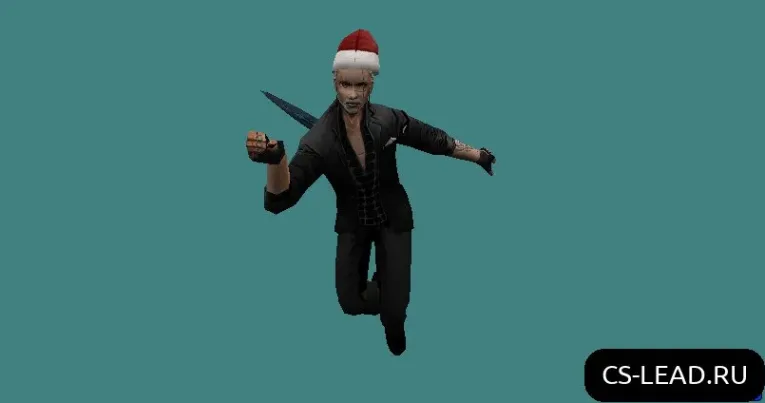
Player models for CS 1.6 with HD textures and custom character skins. Download high-quality mods to enhance your gameplay.
FAQ
How to install player models in CS 1.6
Unpack the model and place it in cstrike/models/player/. The folder name and the .mdl file name need to be identical, so the complete path appears as cstrike/models/player/NAME/NAME.mdl.
If your game uses a localized folder like cstrike_russian, put the model the same way inside it - files there take priority over the plain cstrike folder.
Where to put a player model to replace a default team in CS 1.6
Default team models are loaded by name, so to replace one use the same folder and file name as the original, for example cstrike/models/player/urban/urban.mdl or cstrike/models/player/gign/gign.mdl.
Back up the original .mdl before overwriting it so you can restore it later.
How to select or change a player model in CS 1.6
When you join a team, the game shows a model selection menu - pick the model there. The list contains the models available in your cstrike/models/player/ folder and those provided by the server.
If every model looks the same, check that cl_minmodels is set to 0 in the console.
Player model not showing up or CS 1.6 crashes - what to do
- Check the path:
cstrike/models/player/NAME/NAME.mdl- folder and file names must match exactly, including the.mdlextension. - Make sure the model is in the cstrike folder the game actually uses, since
cstrike_russianoverridescstrike. - Remove the model to test whether the game stops crashing; a corrupted or incompatible file is a common cause.
Do custom player models work online on CS 1.6 servers
Custom models work on your own listen or LAN server and on servers that allow client-side models. On many public servers the server may replace your model with its own or kick you for a file mismatch, so your custom model might not be visible to other players.
Do custom player models affect hitboxes in CS 1.6
Hitboxes follow the model's skeleton. A model built on the standard CS 1.6 skeleton with default proportions behaves the same as the original. If the model was re-rigged or resized, hit registration may differ, and servers with consistency checks may replace it anyway.
How to return the default player models in CS 1.6
Delete the custom folder from cstrike/models/player/, or restore the .mdl files you backed up.
If you only added loose model files, removing them makes the game load the original models from its pak archives again.