
Realistic
1 file
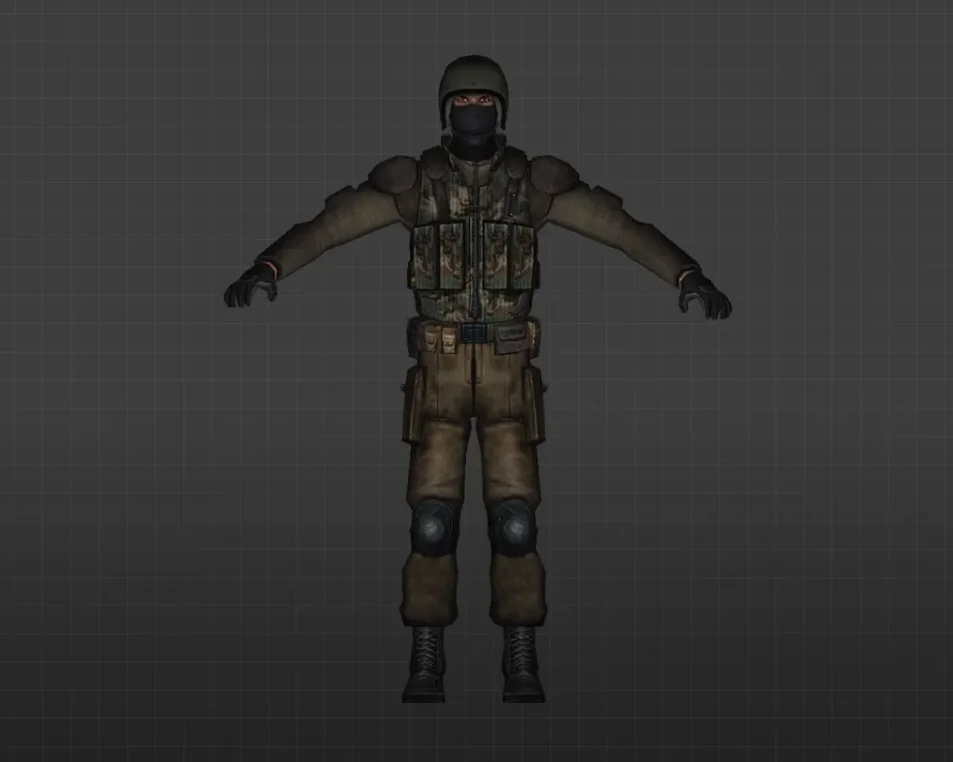
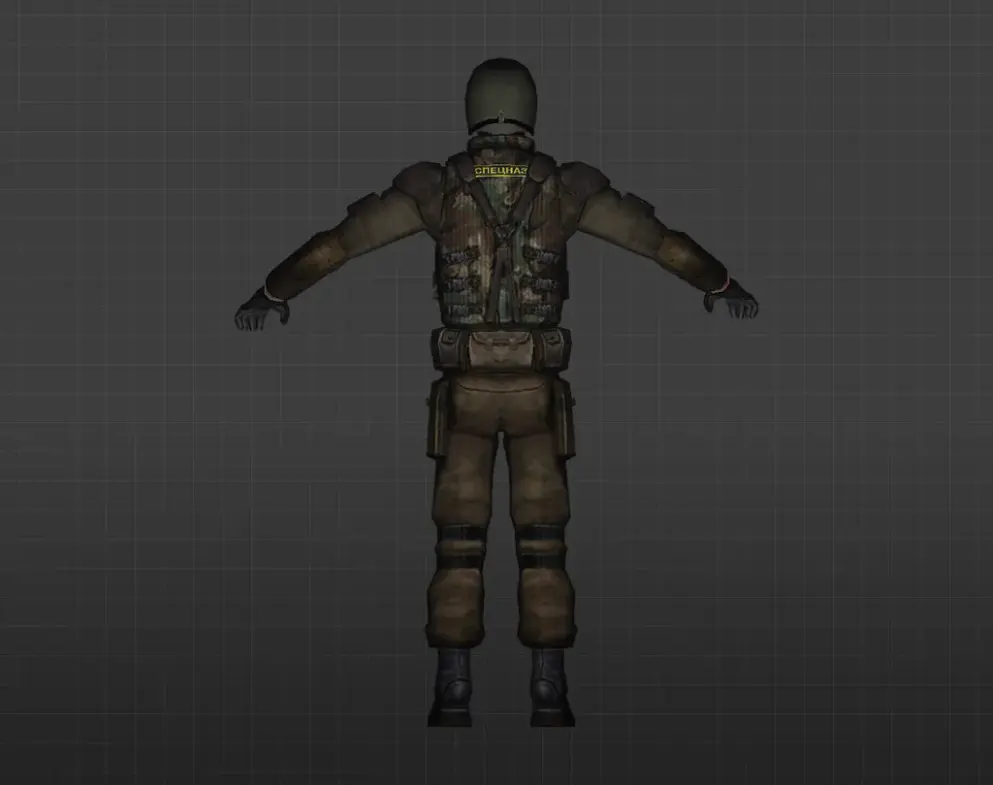
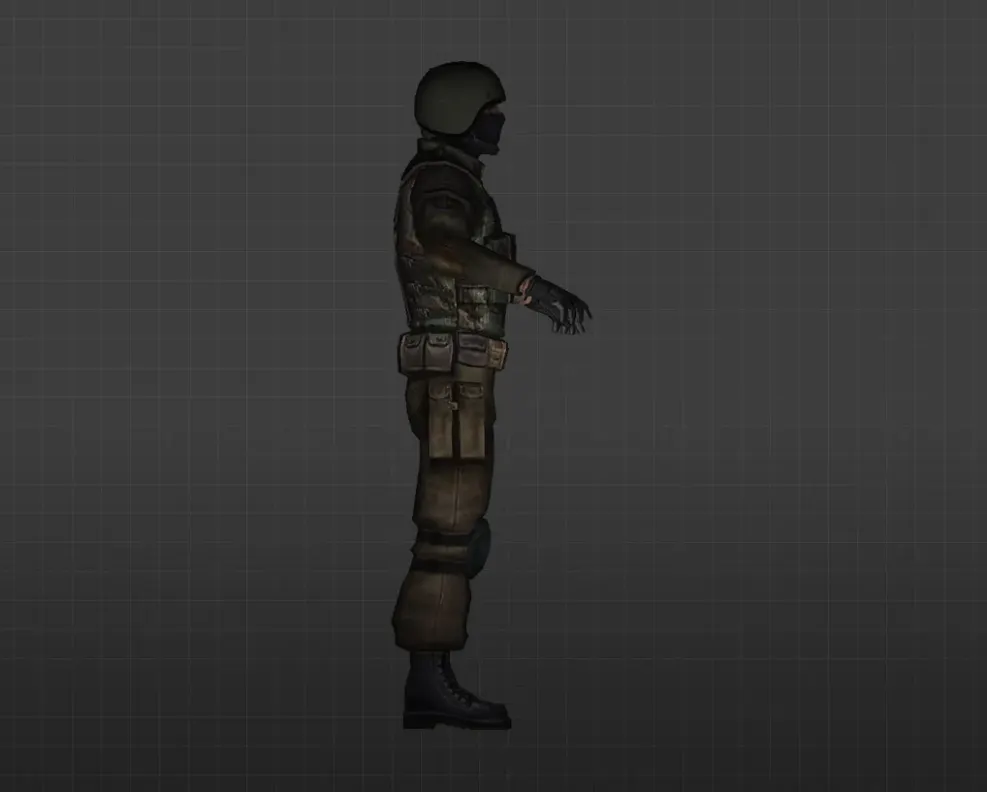
Get realistic player models for CS 1.6. HD textures that look lifelike and boost visual immersion in every game. Free download.
FAQ
What is the process for installing realistic player models in CS 1.6?
Unpack the model folder into cstrike/models/player/. The folder name and the .mdl file inside must be identical, for instance cstrike/models/player/realistic_model/realistic_model.mdl. Before you overwrite any files, make a backup of the original model folder.
In CS 1.6, where should custom player model files be placed?
Put them in cstrike/models/player/NAME/NAME.mdl, where NAME is the model name. For localized versions, also check cstrike_russian because files there take precedence. If the files are placed in the wrong folder, the model won't show up in the game.
How do you pick a realistic player model in CS 1.6?
After joining a team, select the model from the list on the team selection screen. If your custom model is installed properly, it will be listed there. Ensure the folder and .mdl file have the same name inside cstrike/models/player.
CS 1.6 realistic player model not appearing or not working?
Verify that the model files are in cstrike/models/player/NAME/NAME.mdl and that the folder and file names match. If there is a conflicting model in cstrike_russian, remove it. Also make sure the model is designed for CS 1.6 and not for a different game or mod.
How can I bring back the default player models in CS 1.6?
Delete or rename the custom model folder inside cstrike/models/player/, then restore the original files from your backup. If no backup exists, verify the game files through Steam or reinstall the game to recover the default models.
Are realistic player models usable on CS 1.6 online servers?
Custom models are client-side, so typically only you see them on your screen. Many servers use sv_consistency and might kick you for modified files, while others enforce default models. On servers with consistency turned off, the model may appear, but other players won't see it.
Why do my CS 1.6 player models revert to default on servers?
Most public servers force default models to prevent cheating and file mismatches. If the server has sv_consistency 1 or uses cl_minmodels settings, your custom model will be replaced or ignored. You cannot force a custom model on a server that doesn't allow it.