
Terrorists
1 file
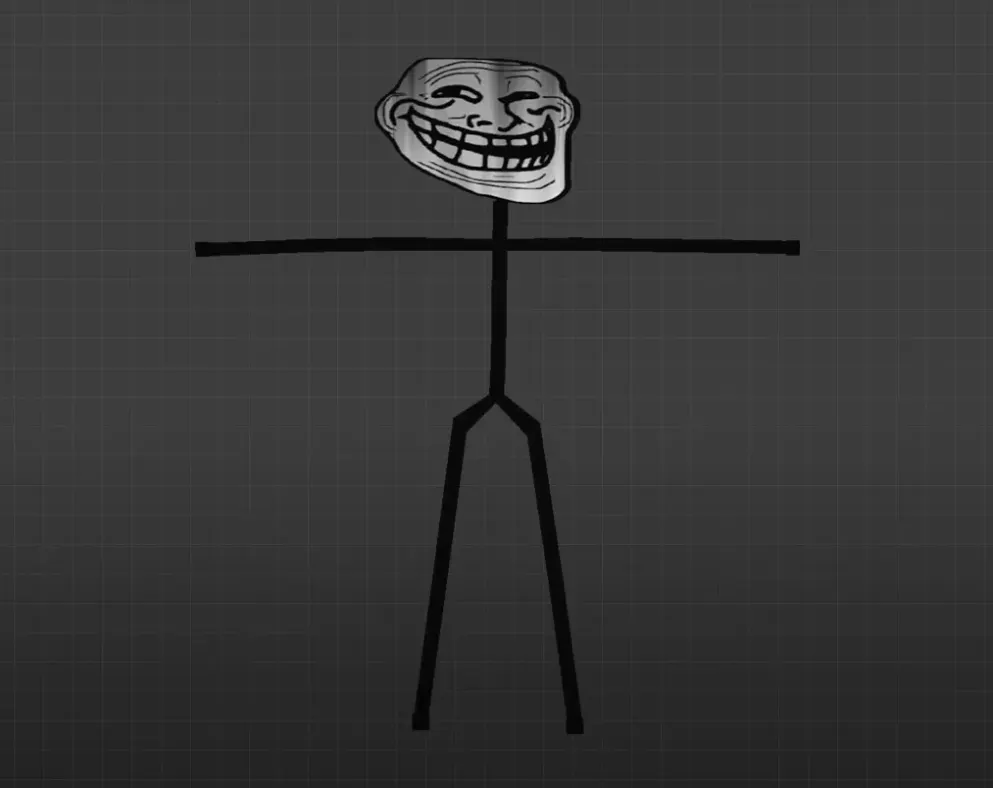
Grab T-side player skins for CS 1.6. HD models for terrorists, simple setup, works with every version. No cost download.
FAQ
What is the process for adding terrorist player models to CS 1.6?
Put the model folder inside cstrike/models/player/ to add a terrorist player model. The folder name and the .mdl file name must be identical. So if the model file is called trollface.mdl, the folder has to be trollface and hold trollface.mdl.
Which location should terrorist model files go to in CS 1.6?
Every player model belongs in cstrike/models/player/. With terrorist models, you can swap out the standard folders such as terror, leet, arctic, guerilla, or militia, or create a fresh folder for the custom model. The folder and .mdl file must be named the same.
What is the way to swap the terrorist model in CS 1.6?
Swap your terrorist model by replacing the standard model files inside cstrike/models/player/ with the custom ones. Rename the custom model folder and .mdl file so they match the default model you wish to replace (for instance, terror). Another option is a server-side plugin such as AMX Mod X to assign a custom model to players.
My custom terrorist model isn't appearing in CS 1.6 - why?
Verify that the model folder and .mdl file share the same name and sit in cstrike/models/player/. Also confirm the model works with CS 1.6. On certain servers, server settings override custom models or you might get kicked for consistency, so try it in a local game first.
How can I bring back the default terrorist models in CS 1.6?
Remove the custom model folder from cstrike/models/player/ or swap it back with the original files from a backup to return to default terrorist models. If you renamed any default folders, put the original names and files back.
Are custom terrorist models usable on CS 1.6 online servers?
Custom terrorist models work on the client side, yet plenty of online servers require model consistency. When the server uses different models, your custom one could be swapped out or you might get kicked. To use custom models online, the server has to permit them or you must match the server's models.
How do I pick a particular terrorist model such as Trollface in CS 1.6?
CS 1.6 offers no built-in menu for choosing custom player models. To use a particular model such as Trollface, you have to replace a default terrorist model file with the custom one. Rename the Trollface model folder and .mdl file to match a default terrorist model (for instance, terror), then drop it into cstrike/models/player/.