
By YouTubers
11 files
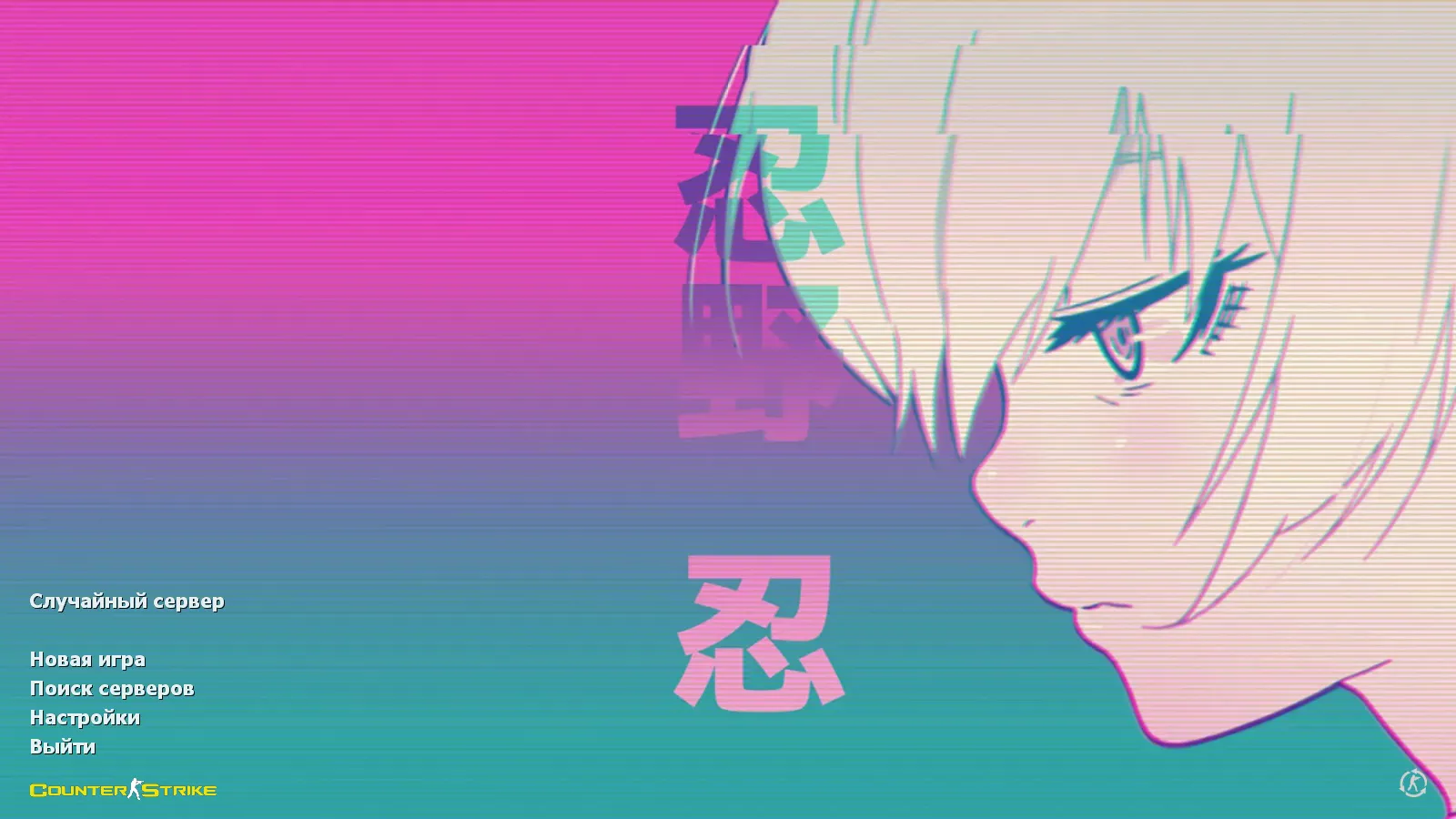
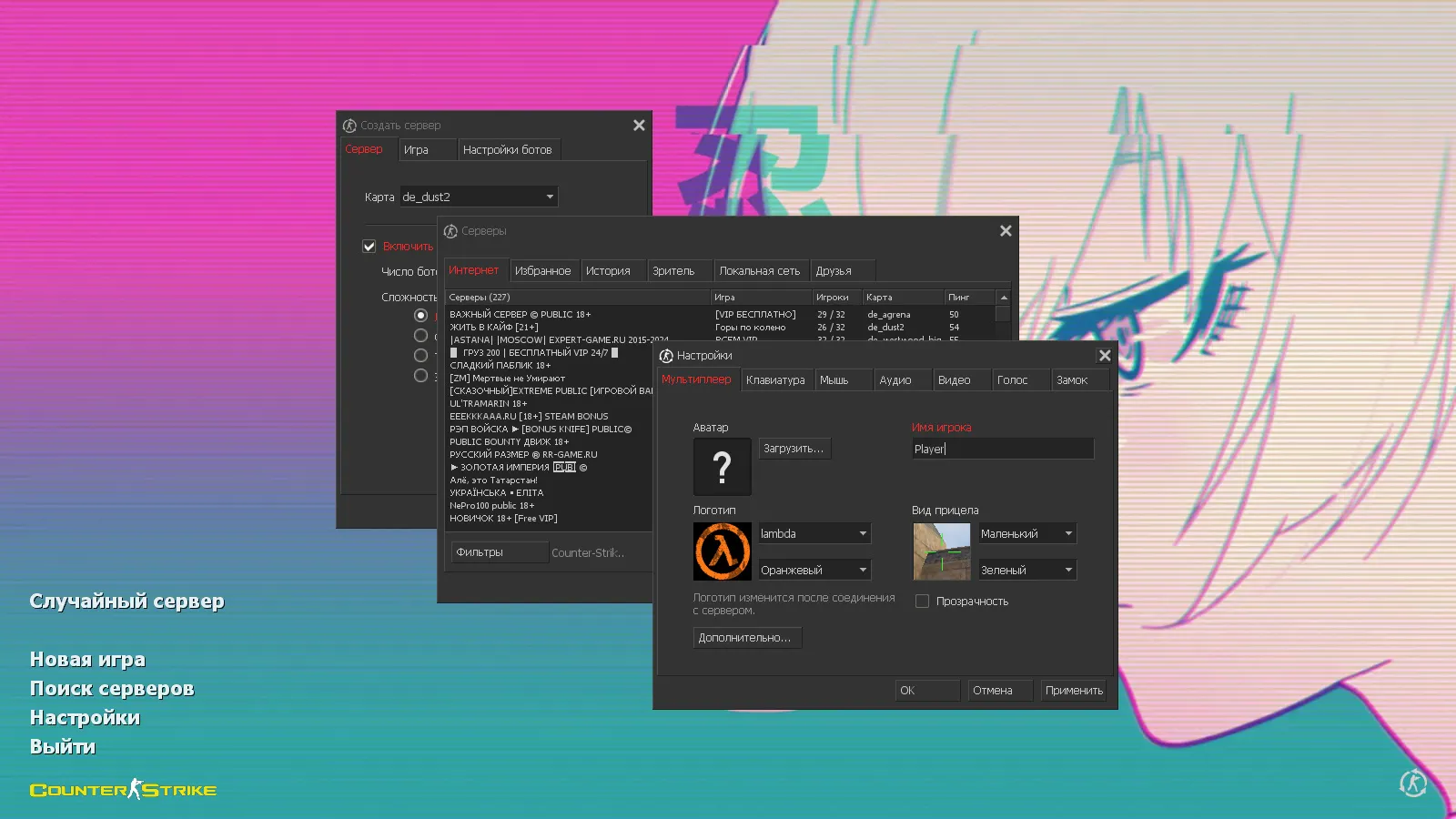
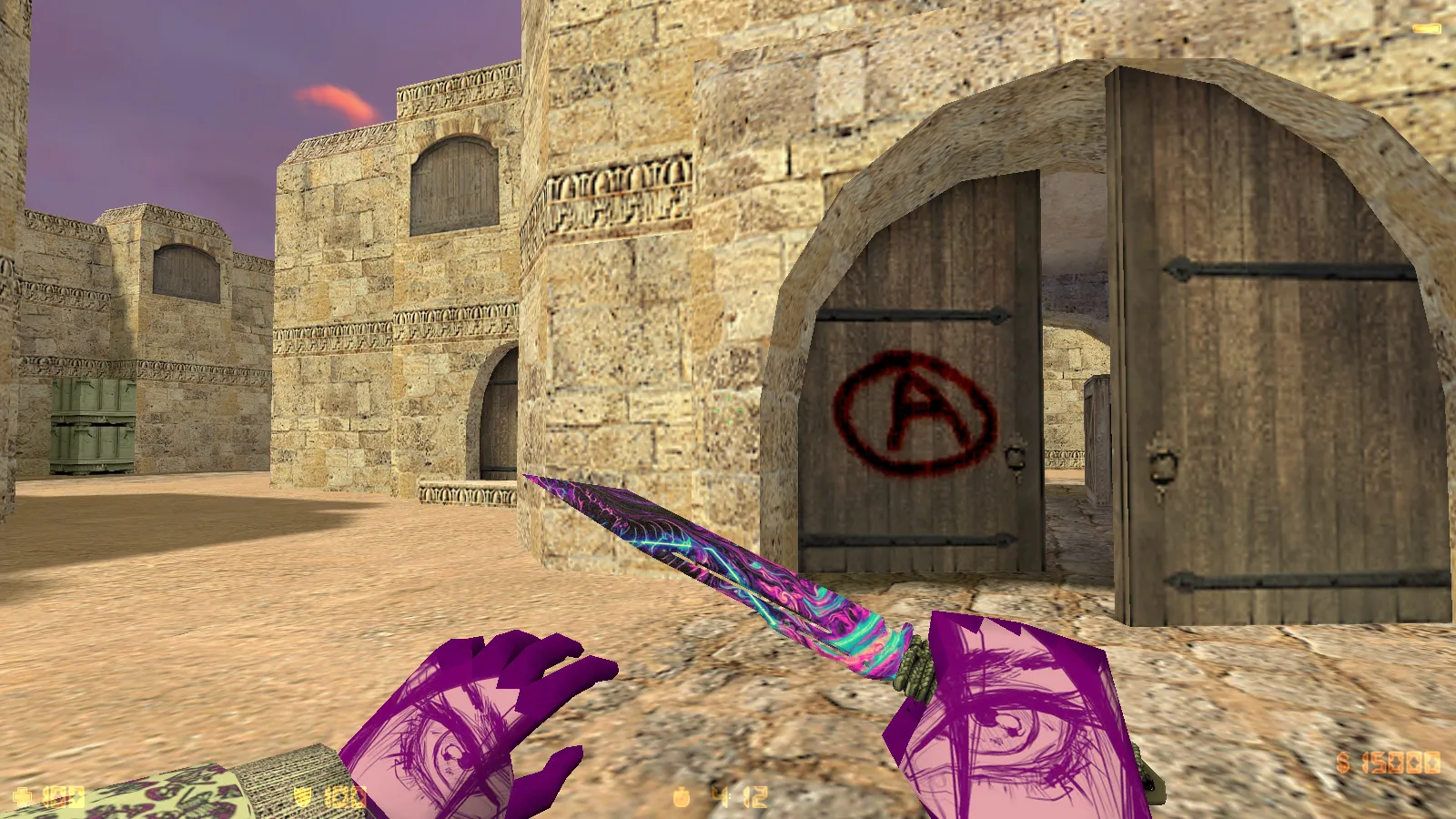
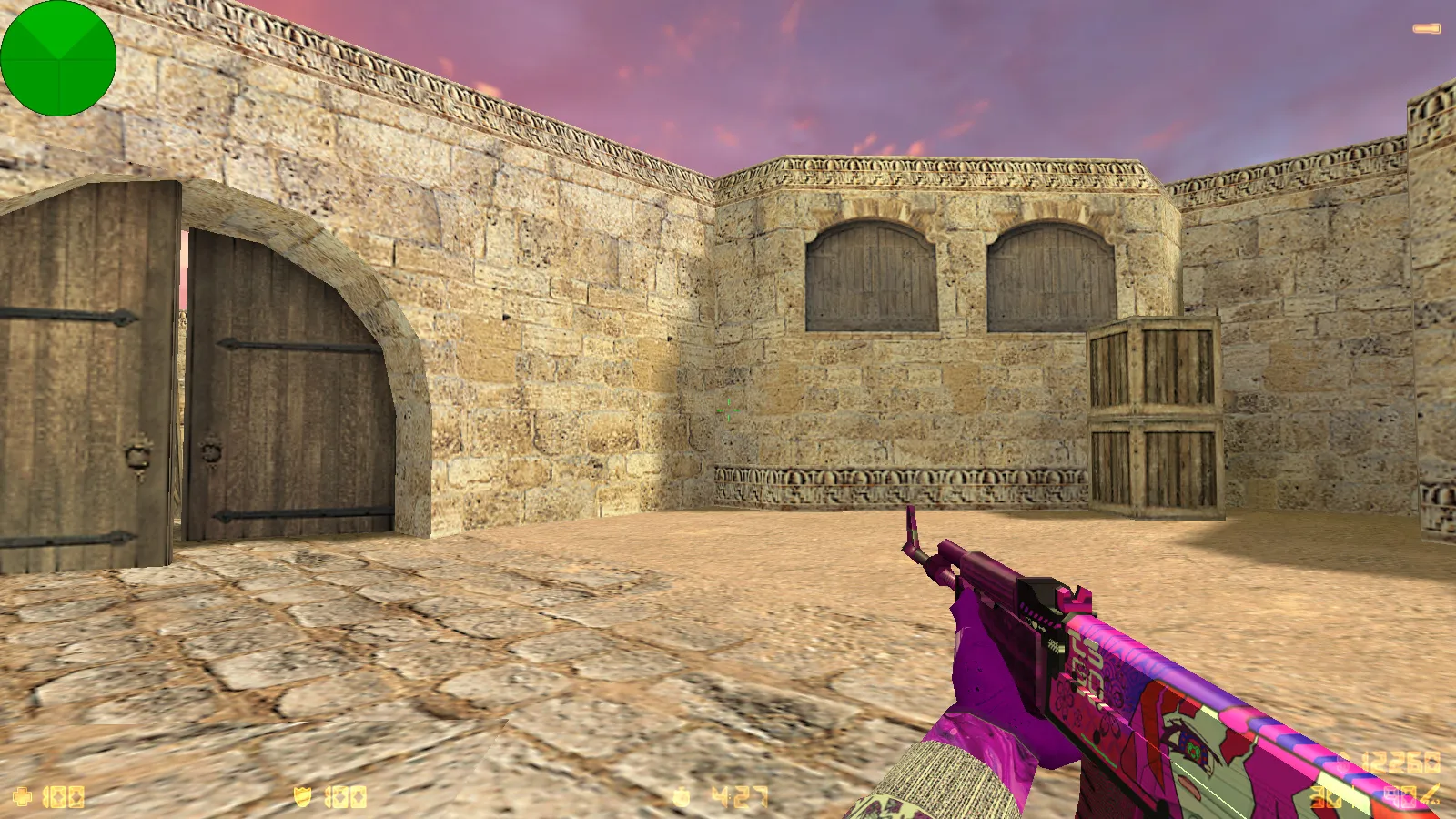
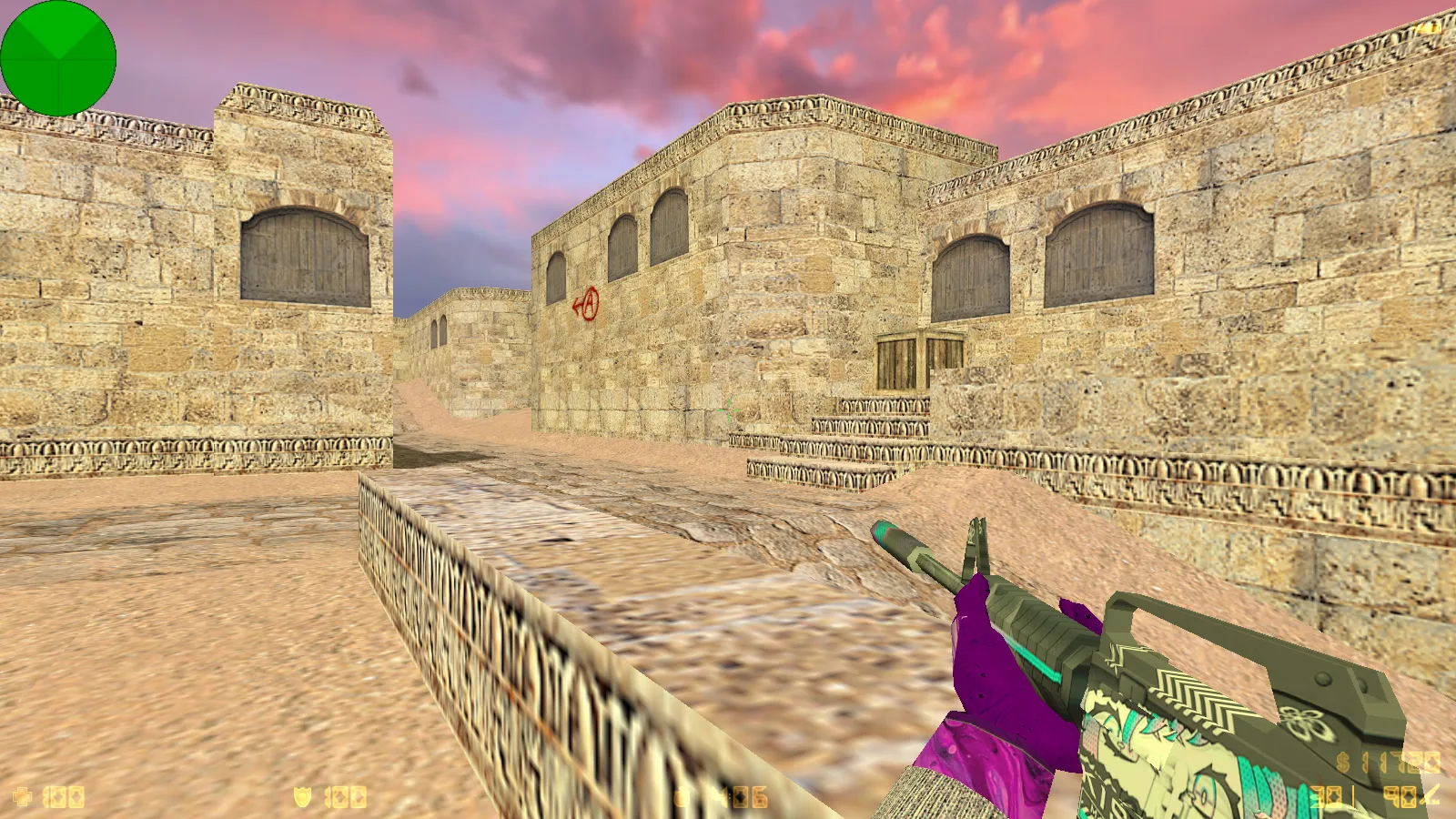

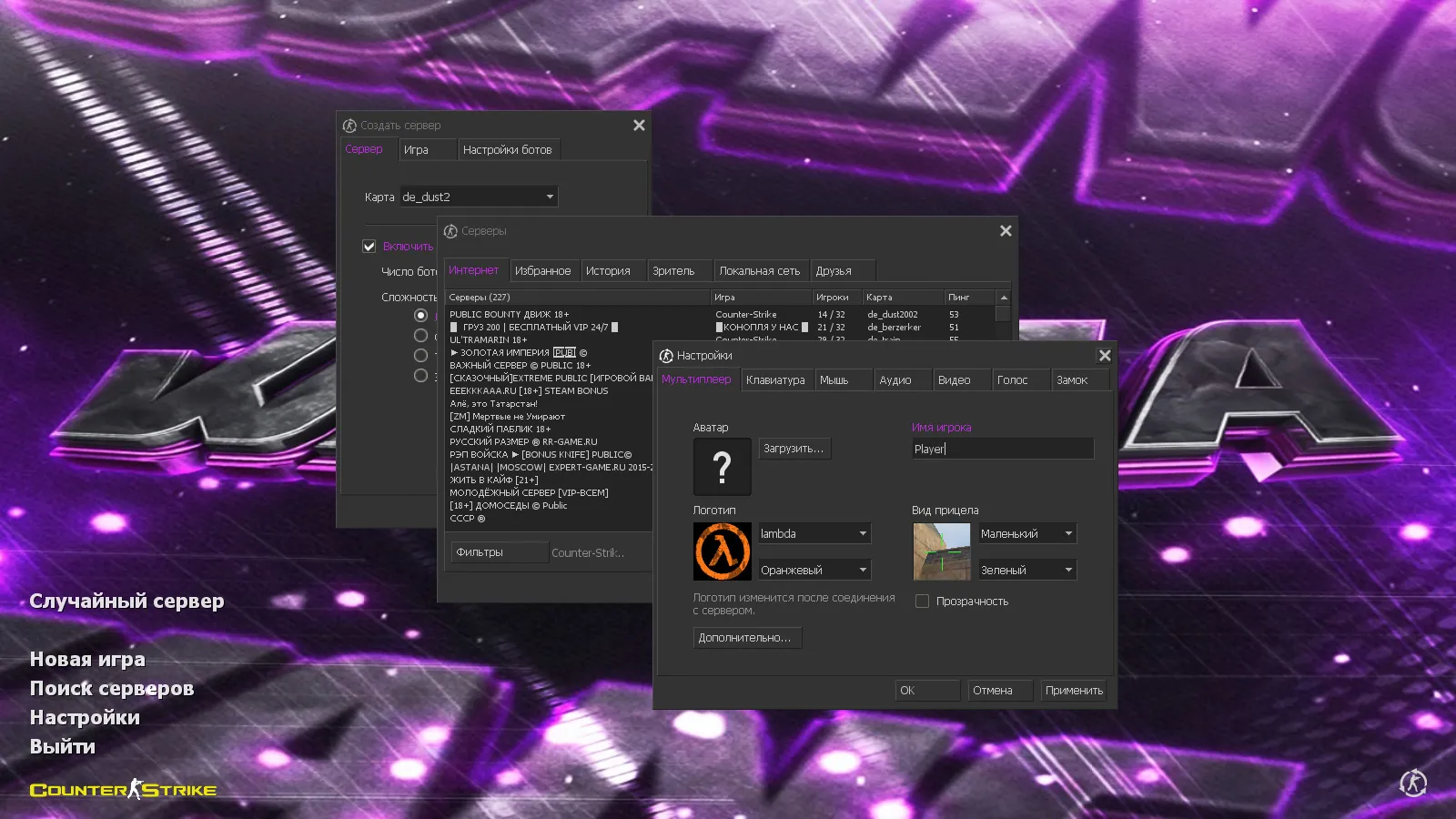
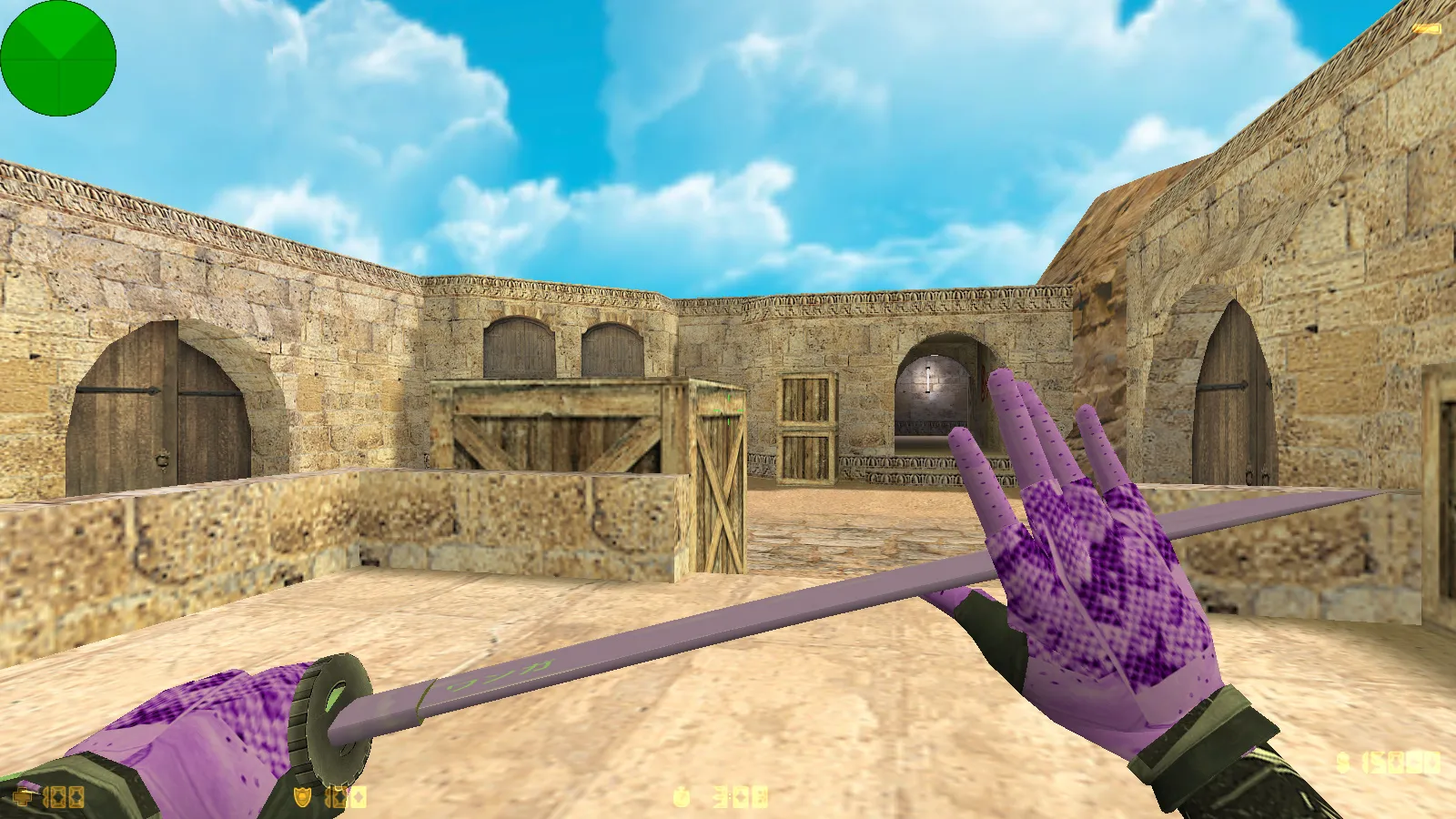
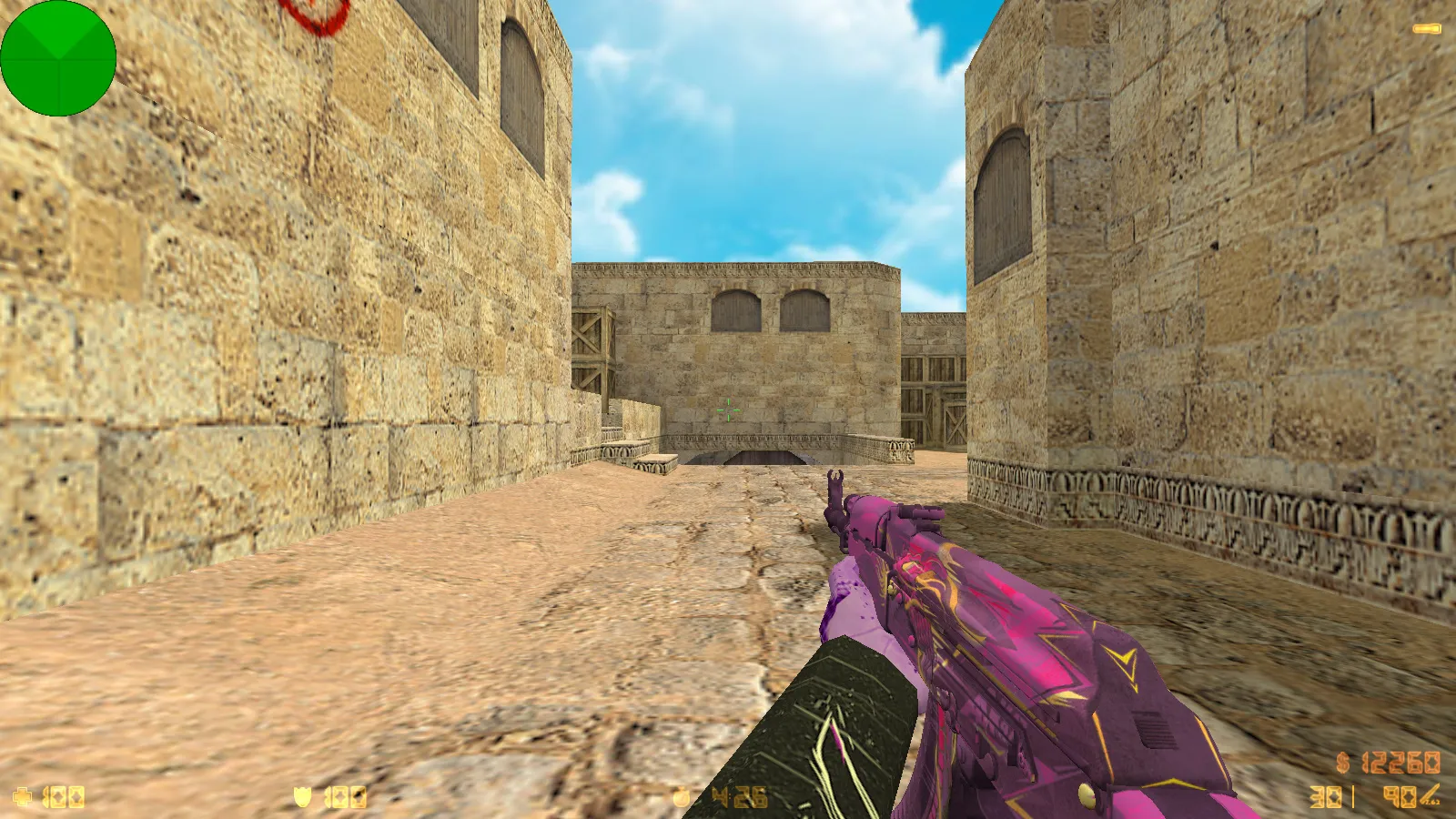
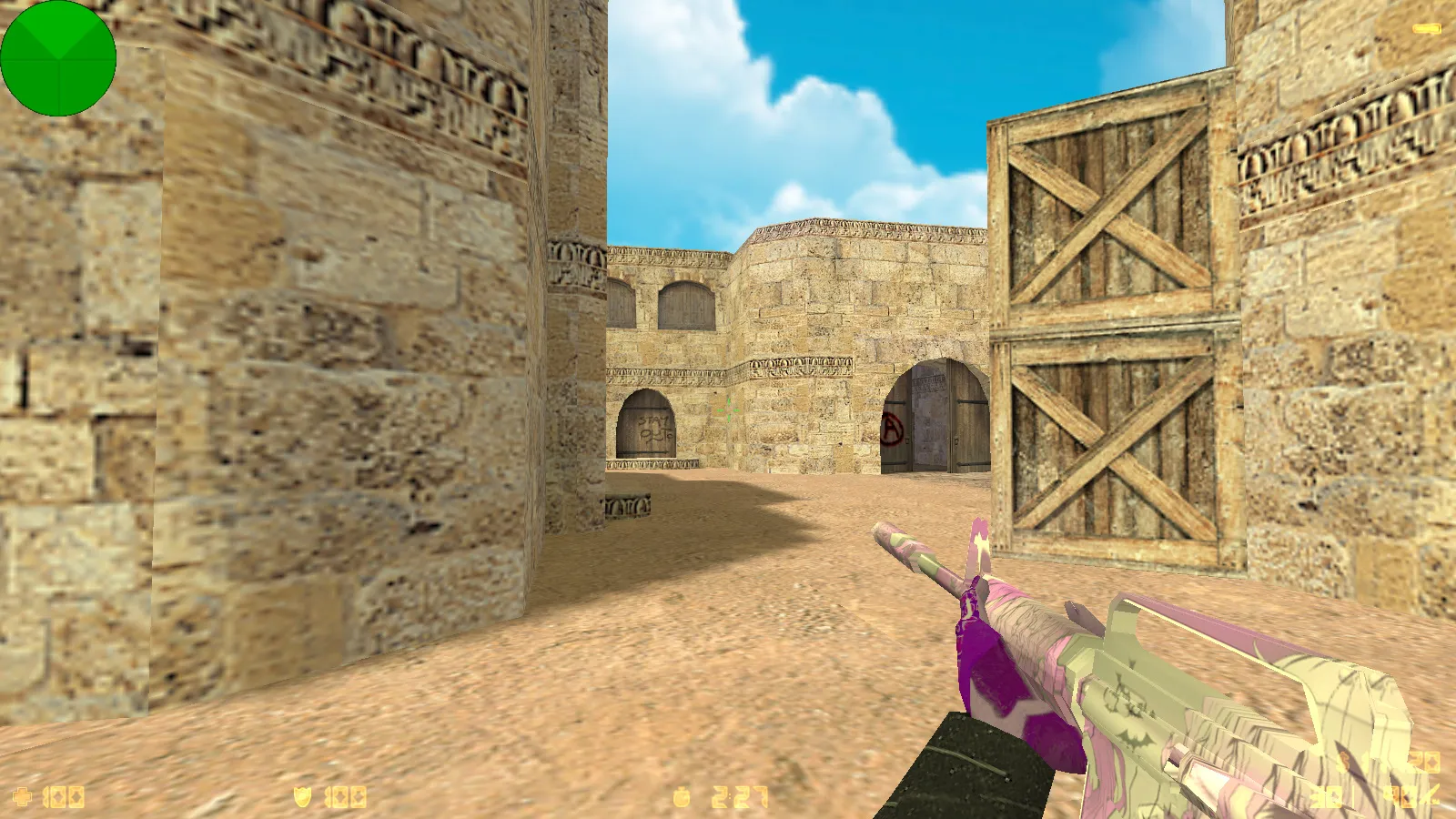
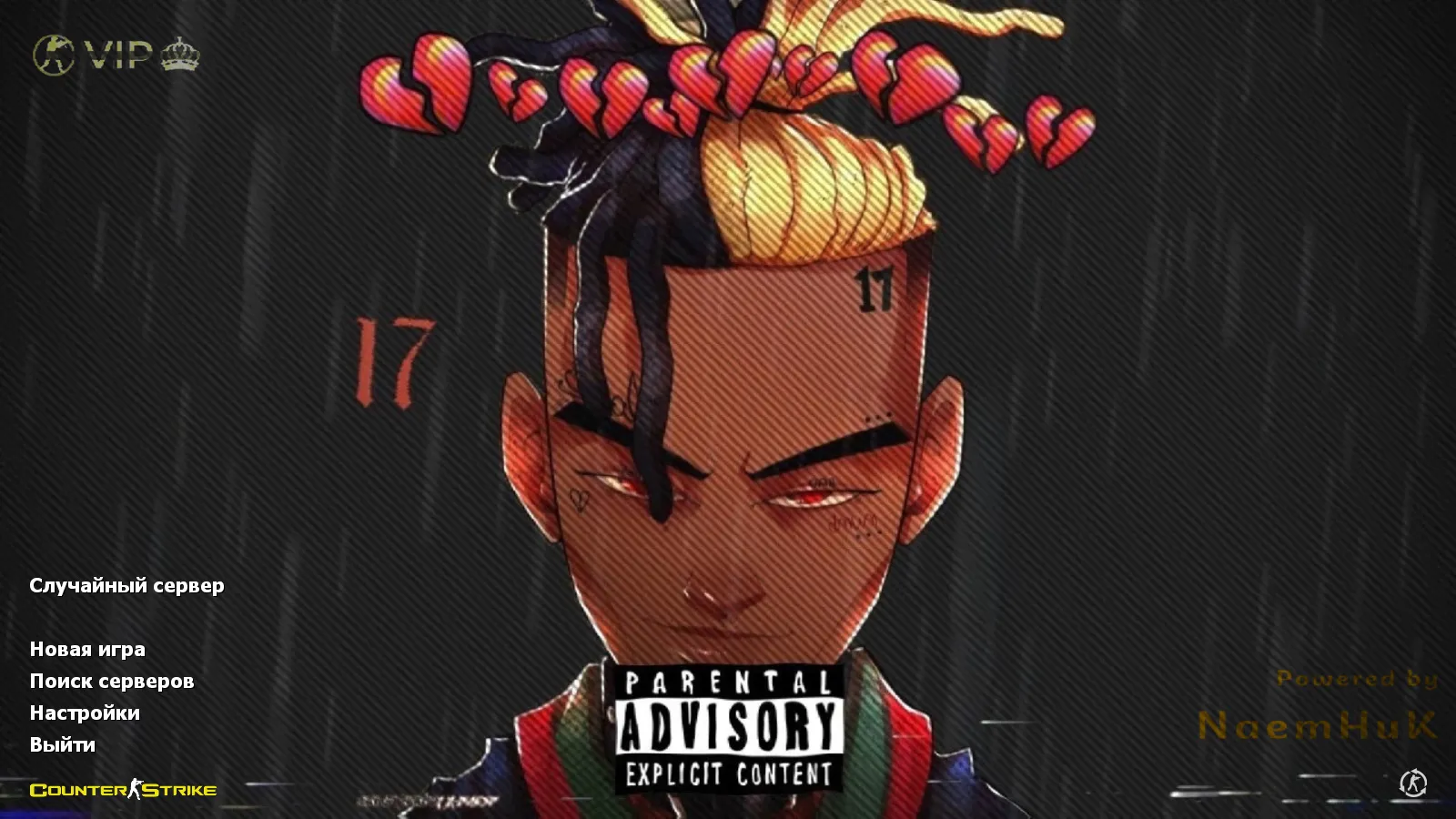
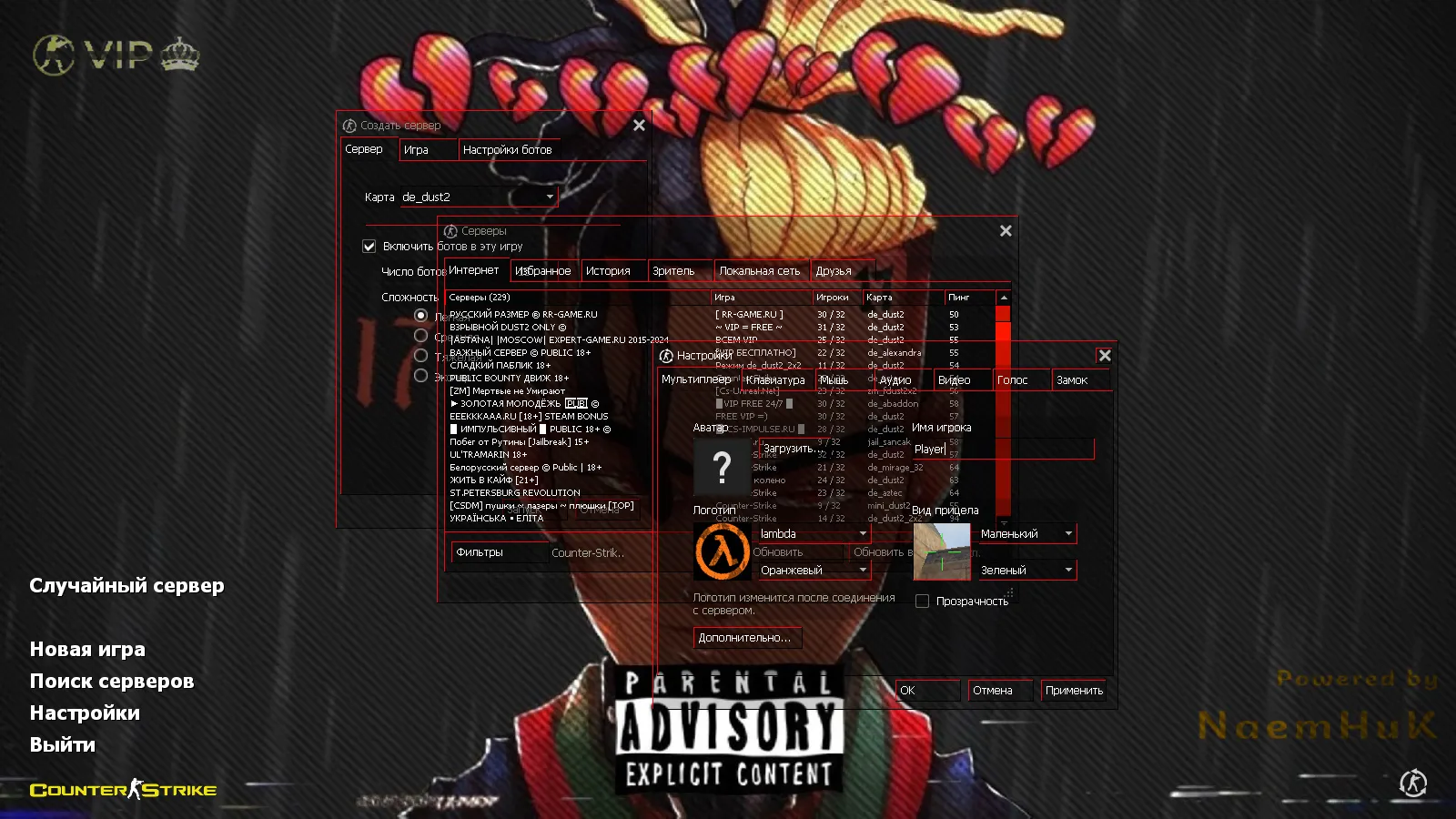
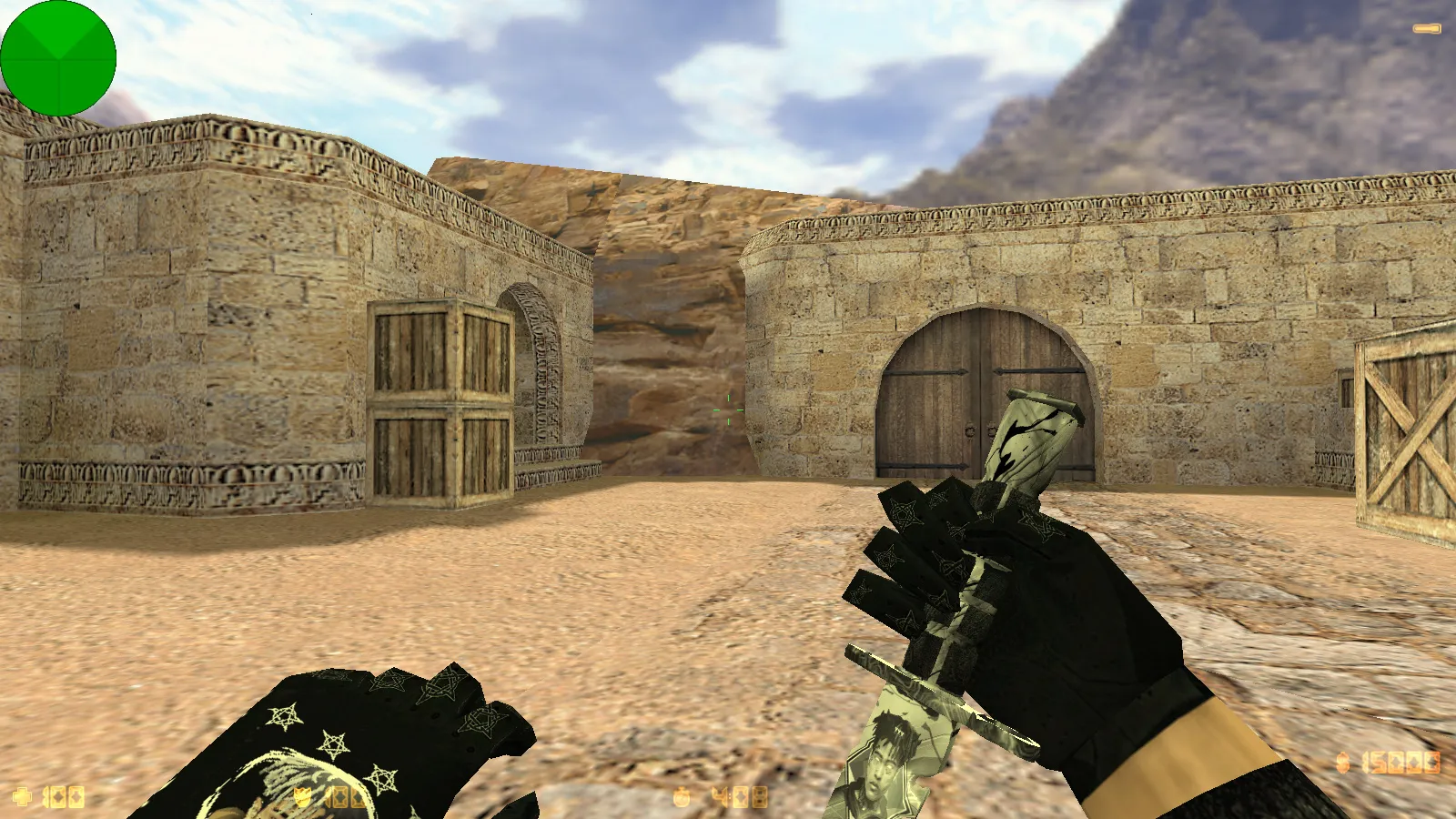
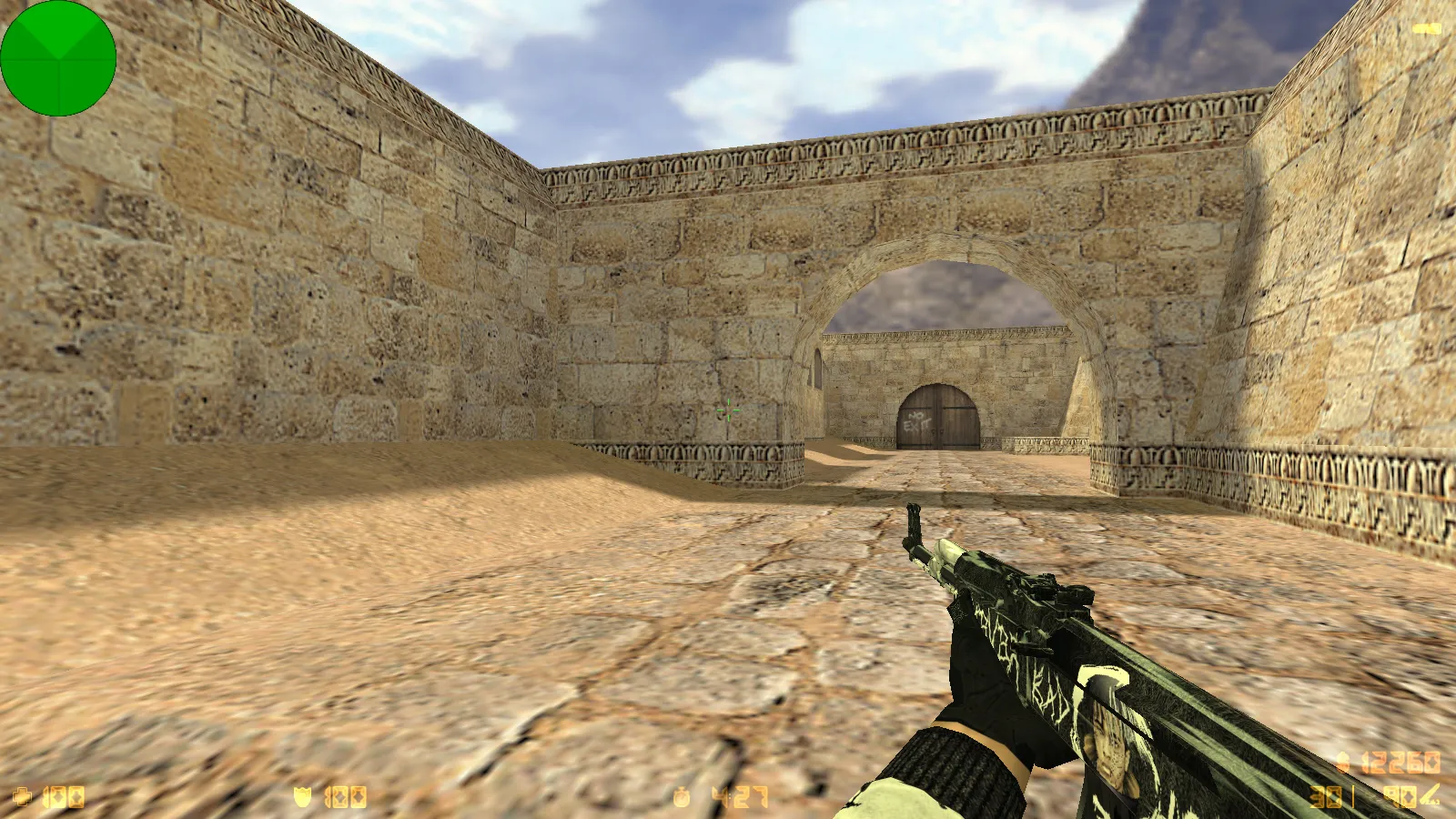
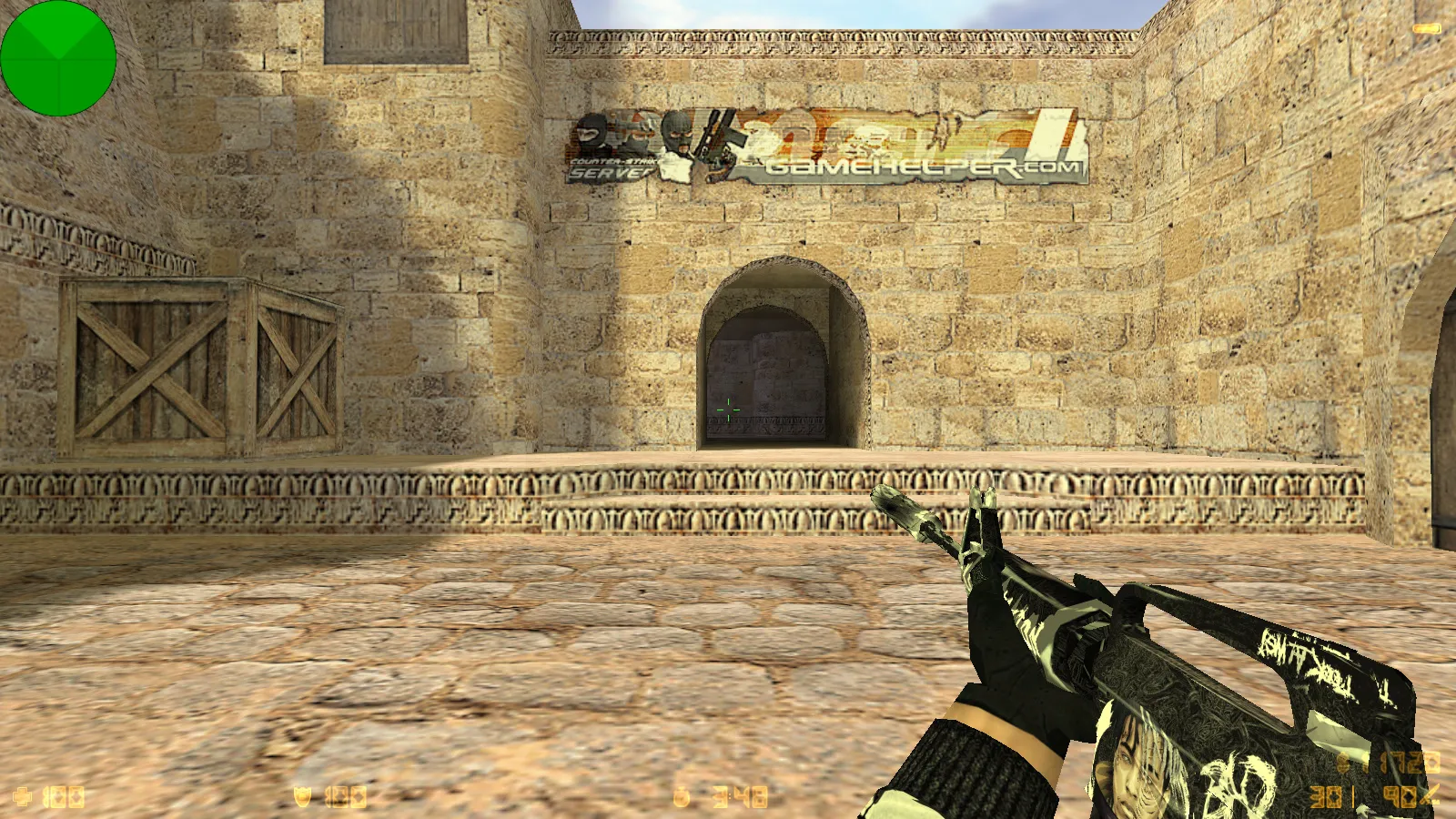
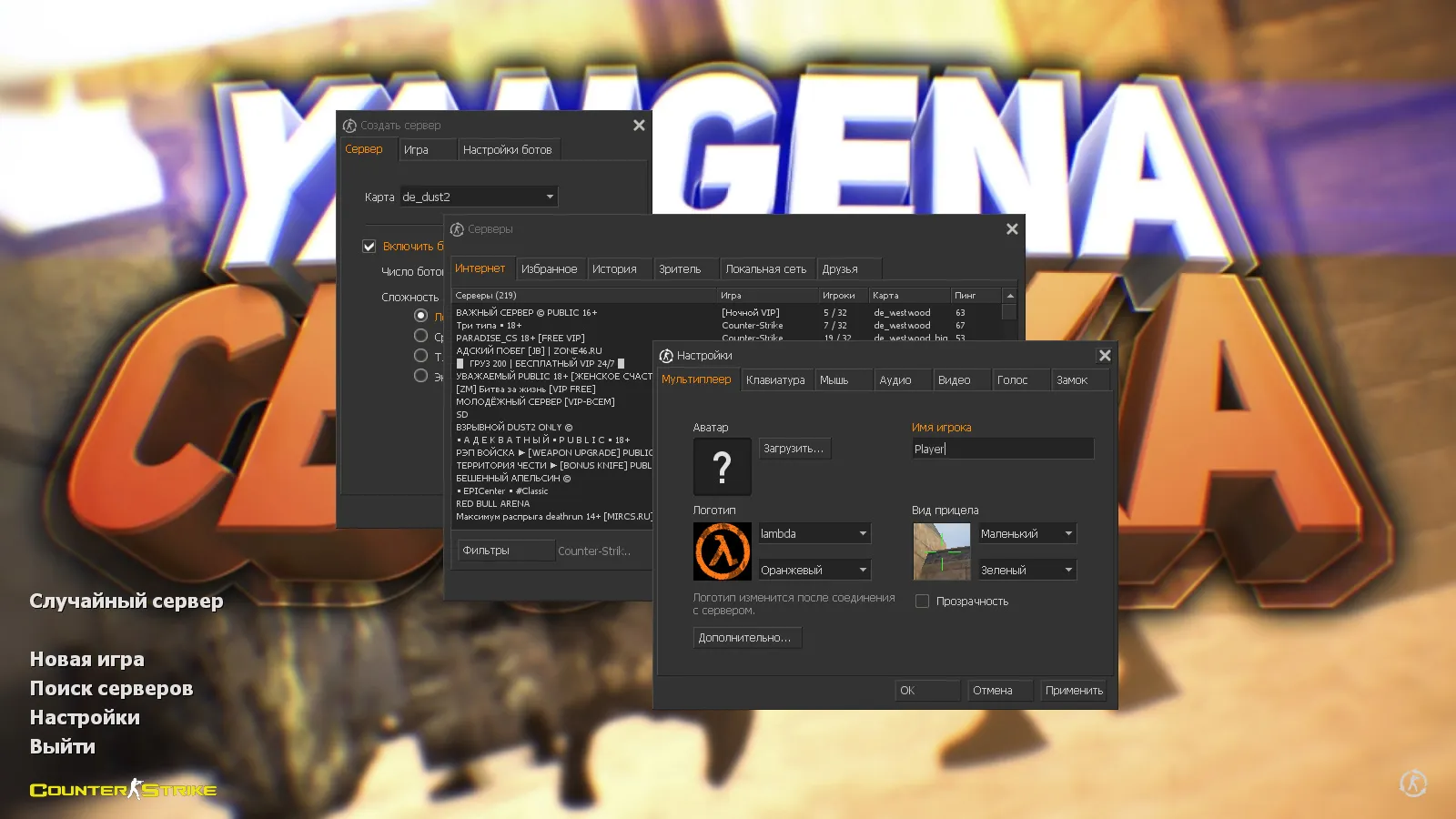
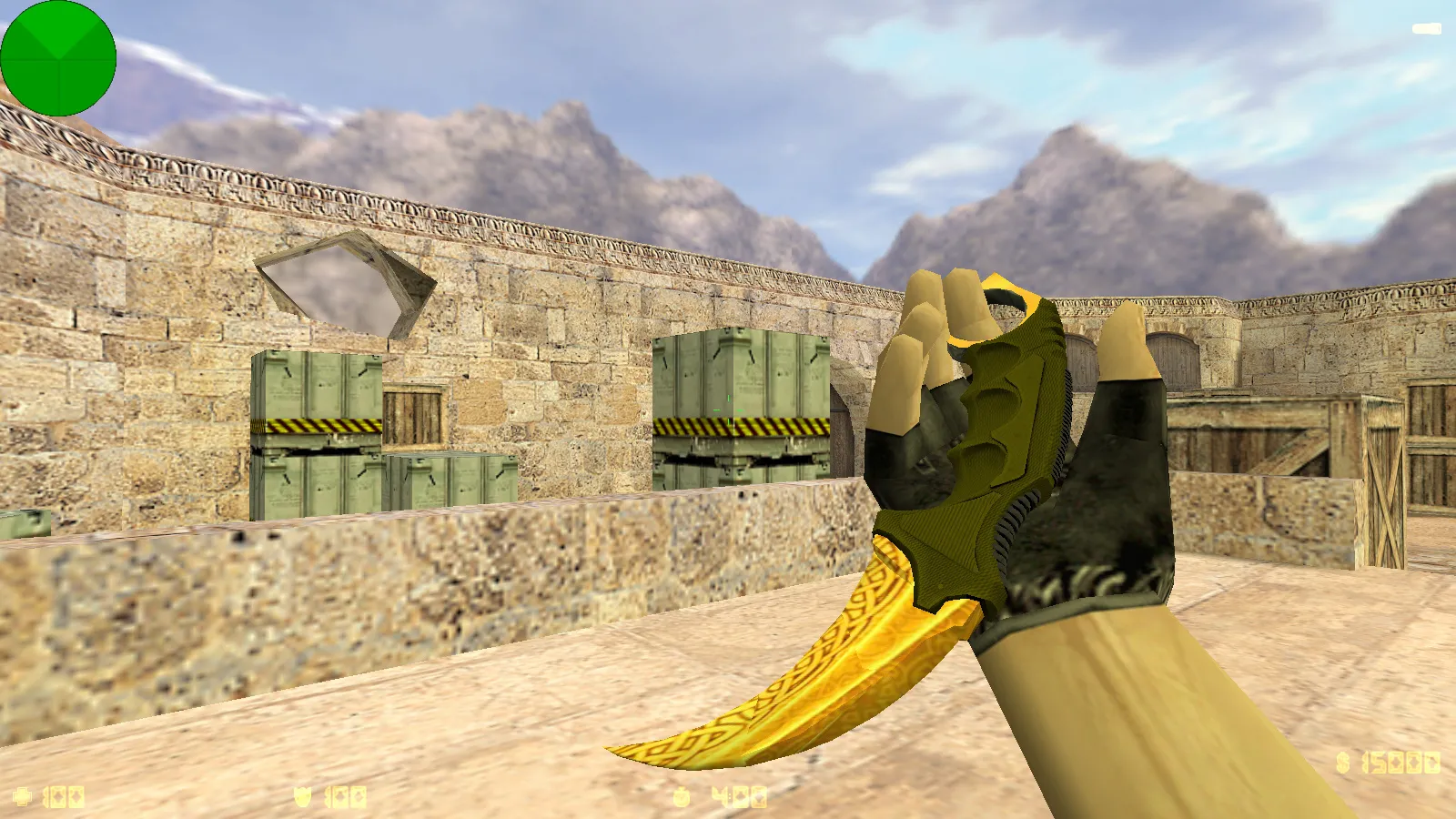
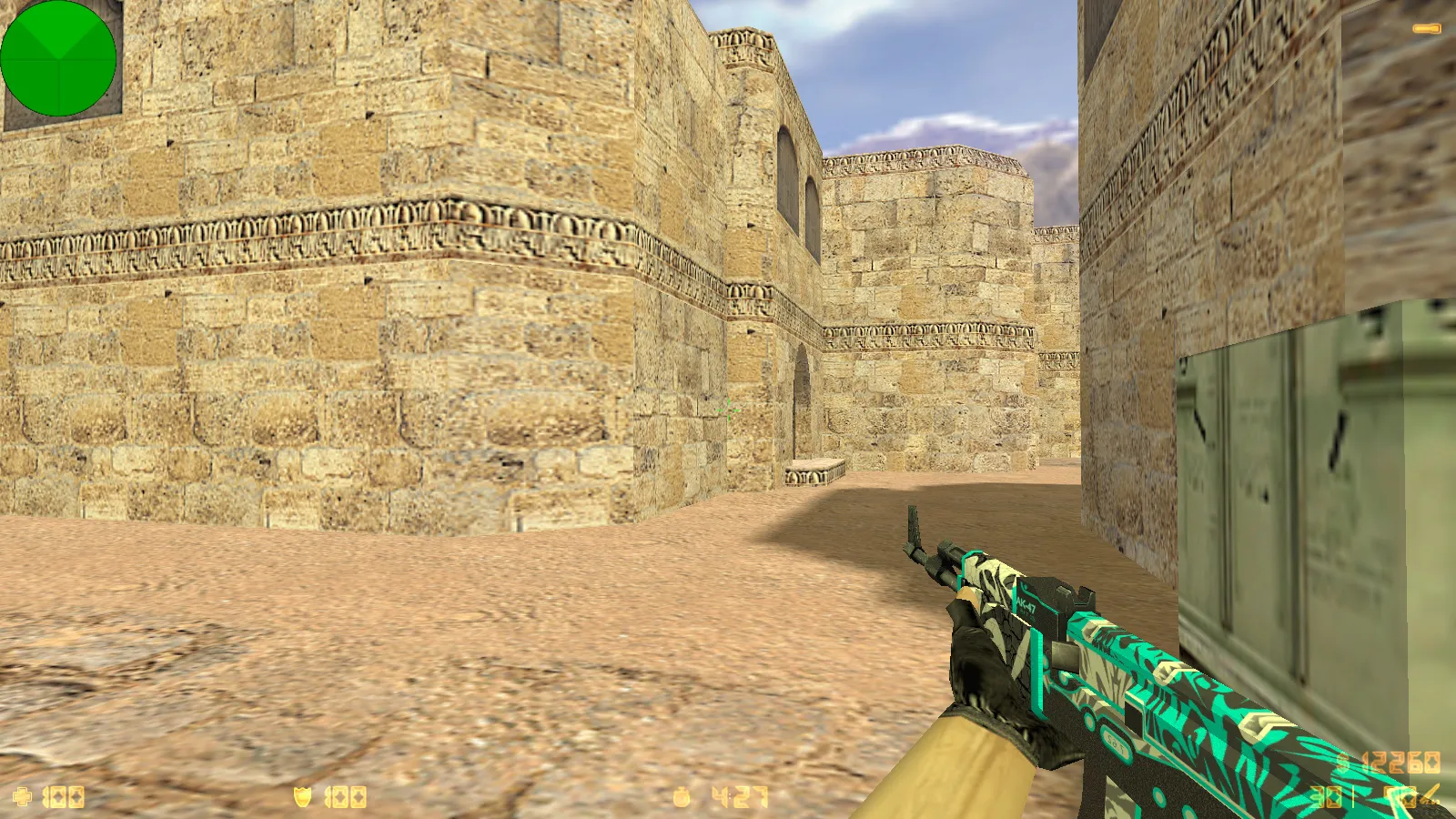
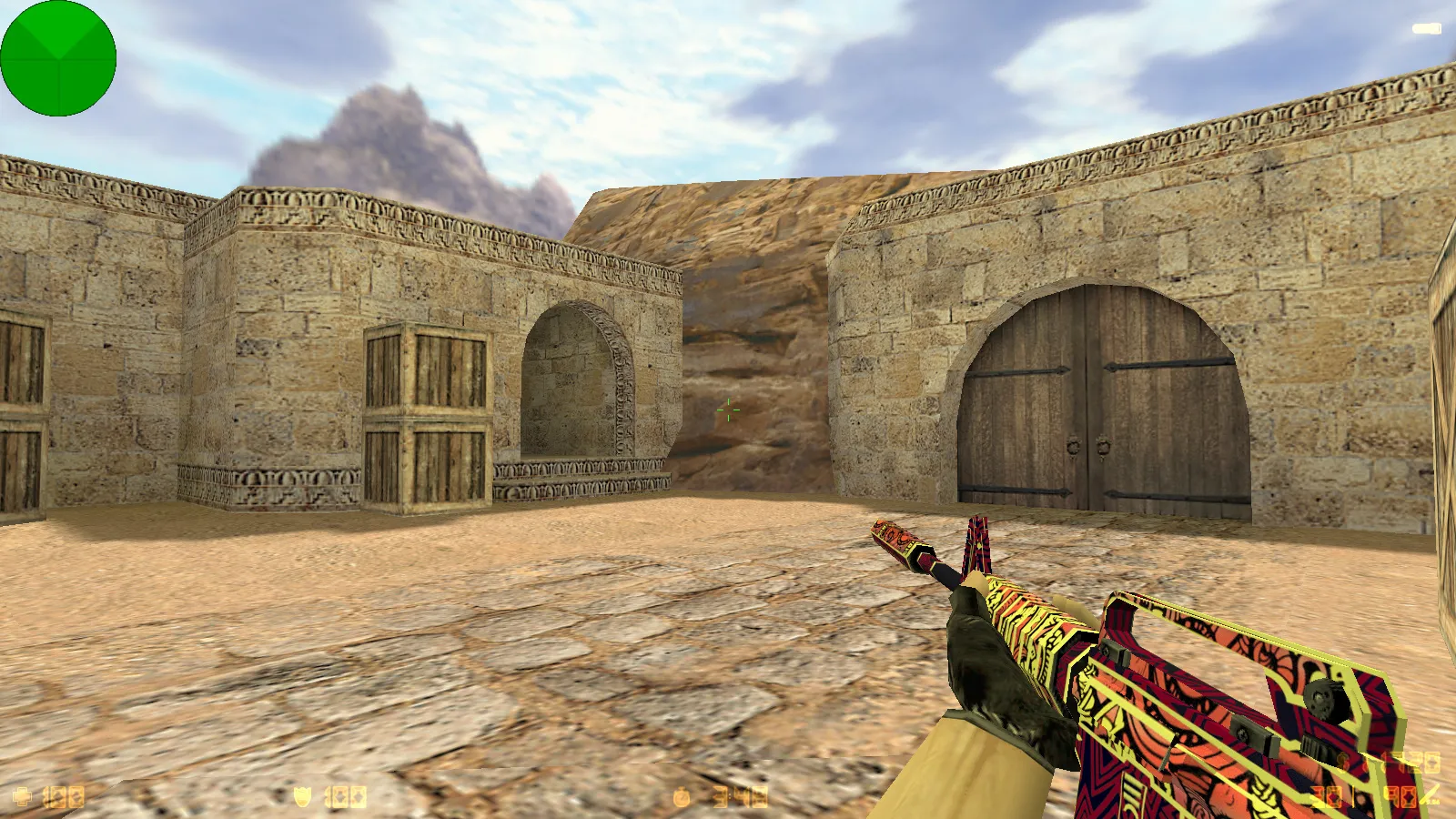
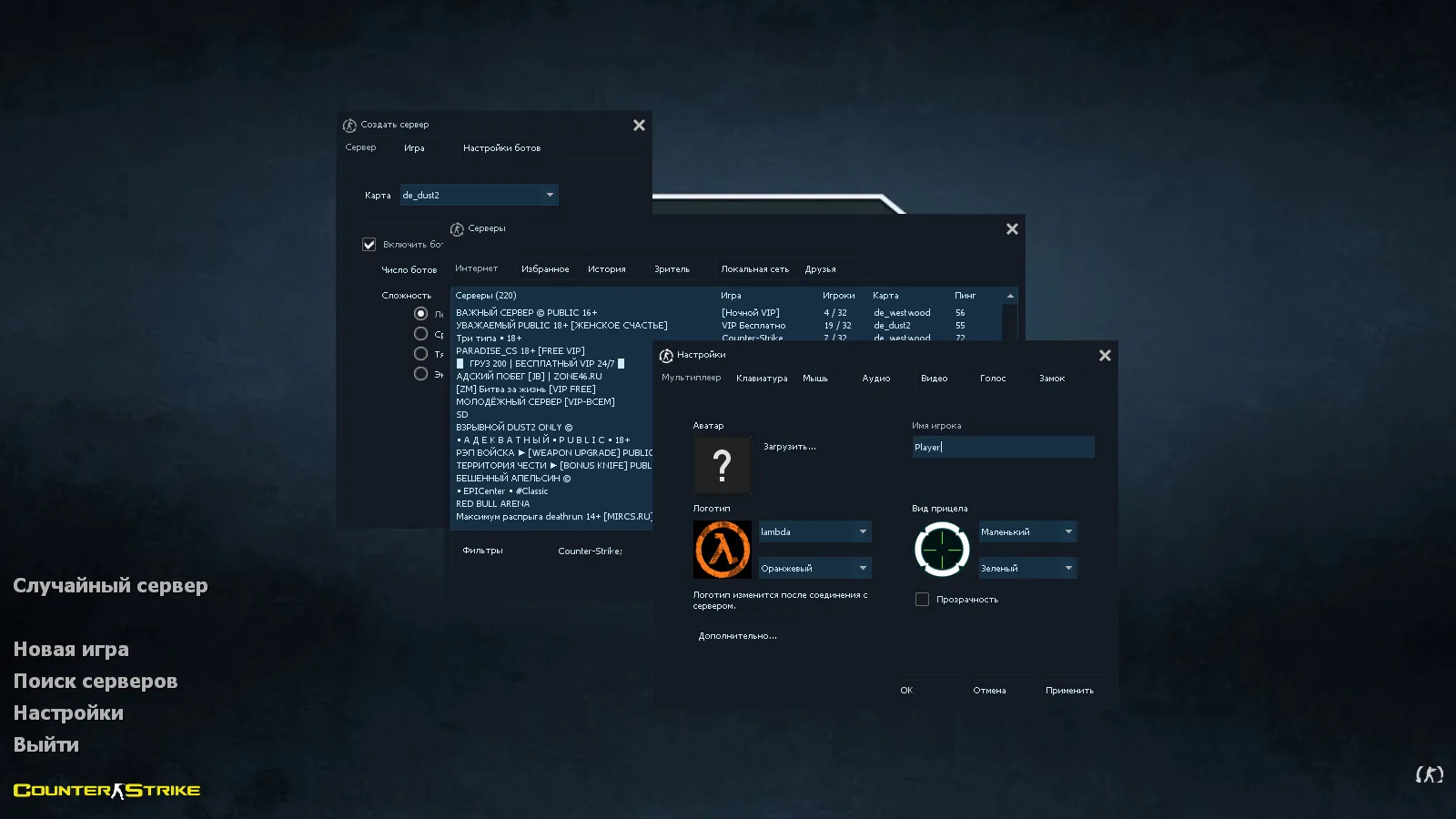
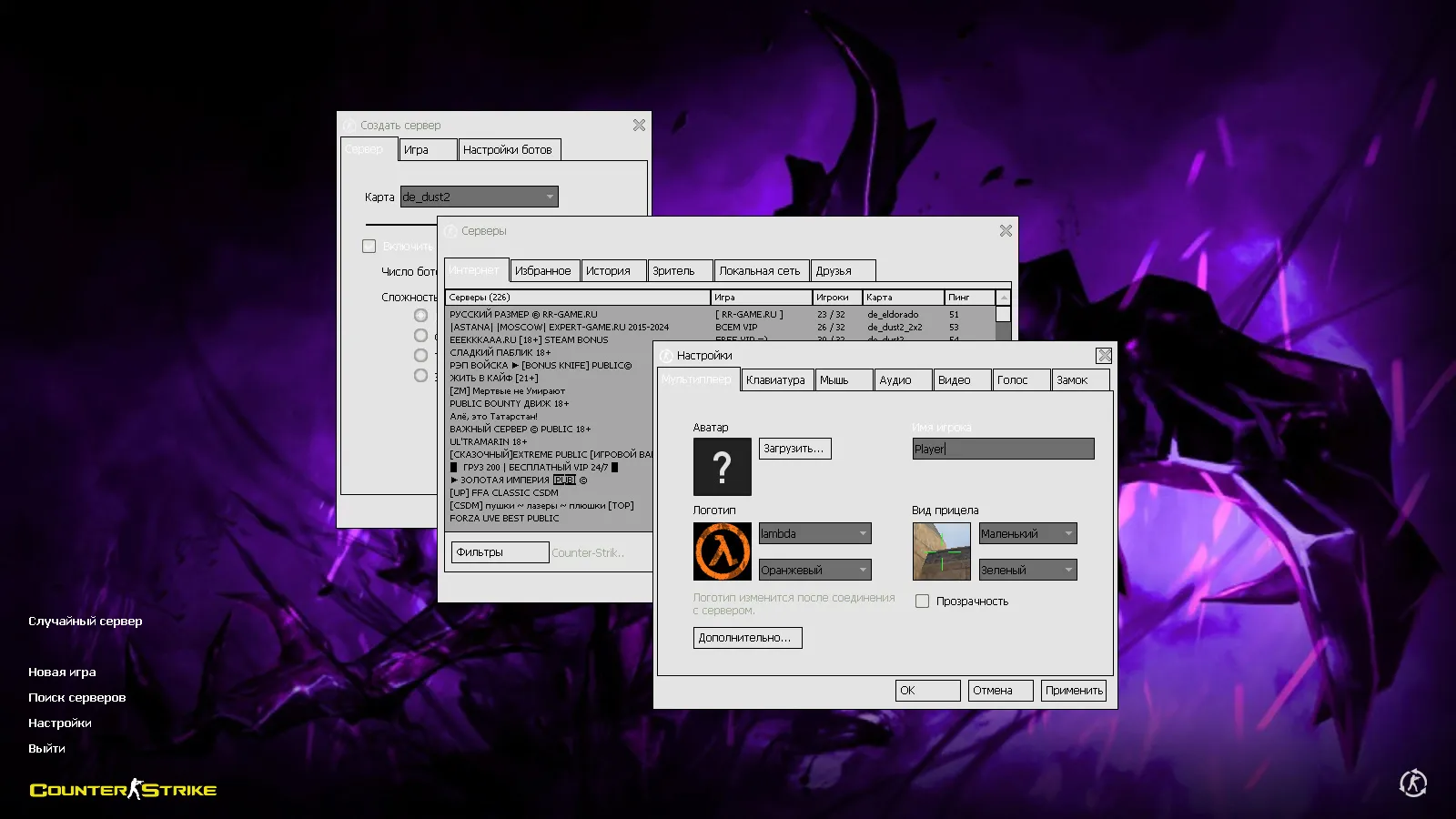
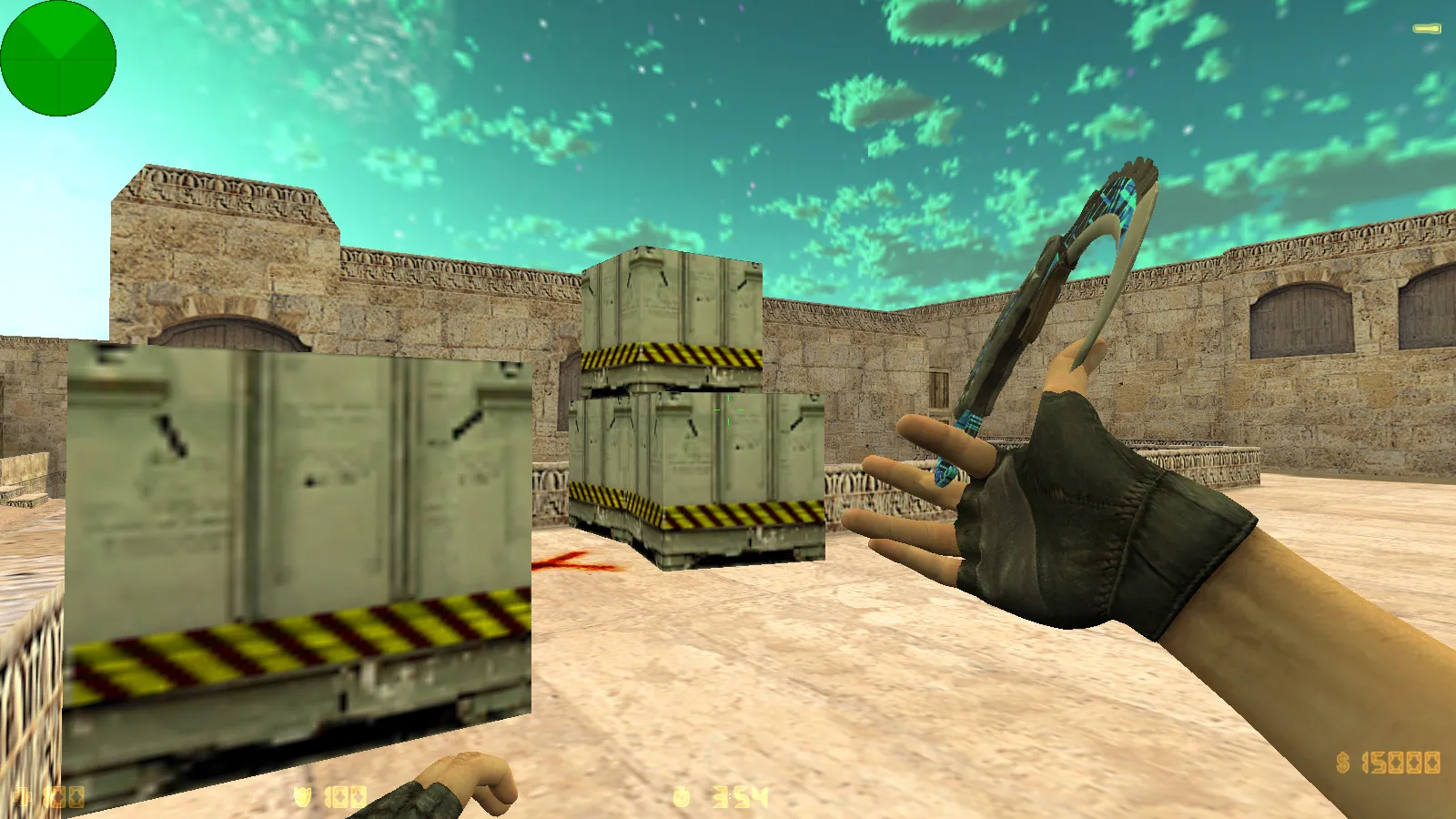
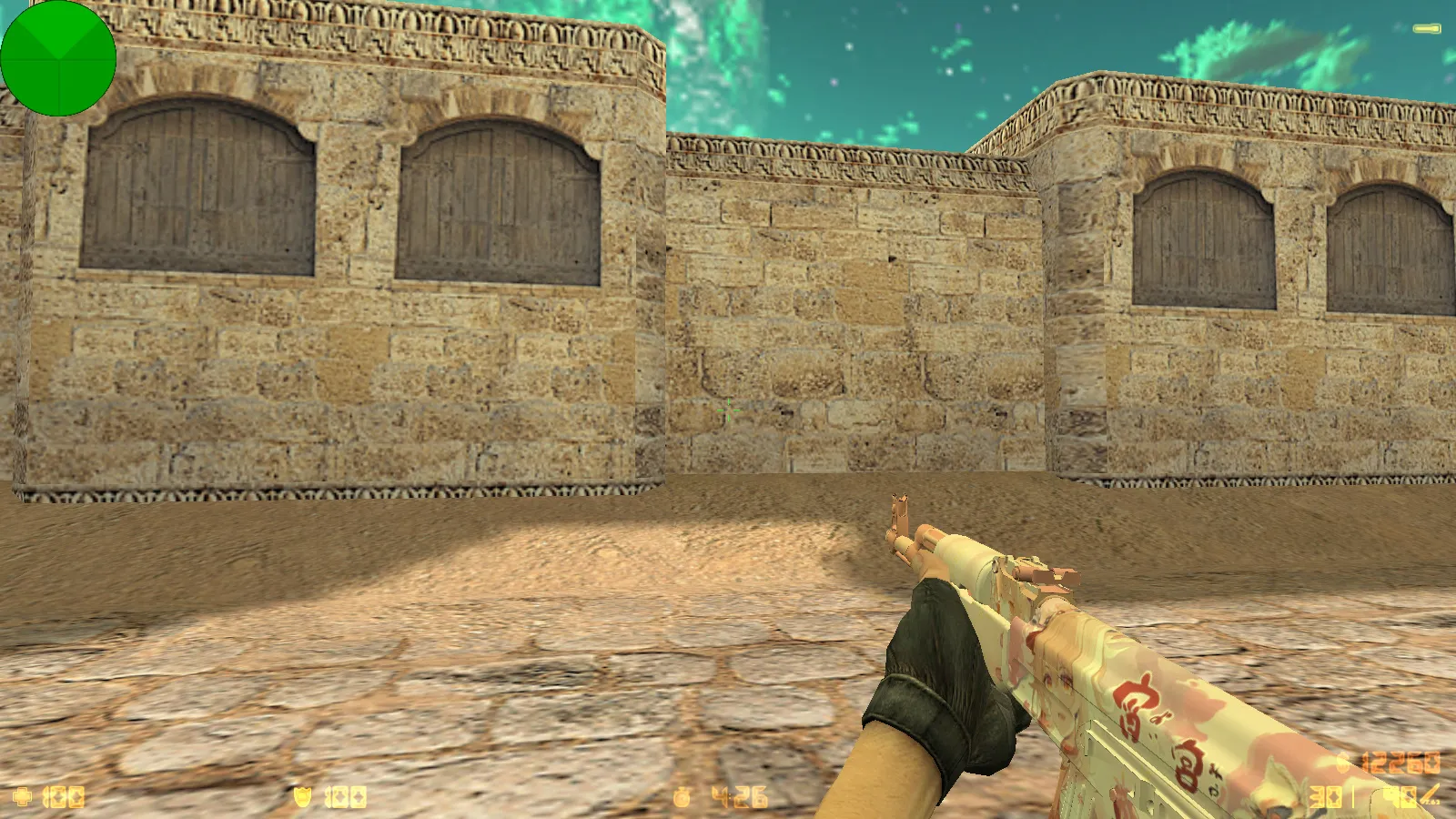
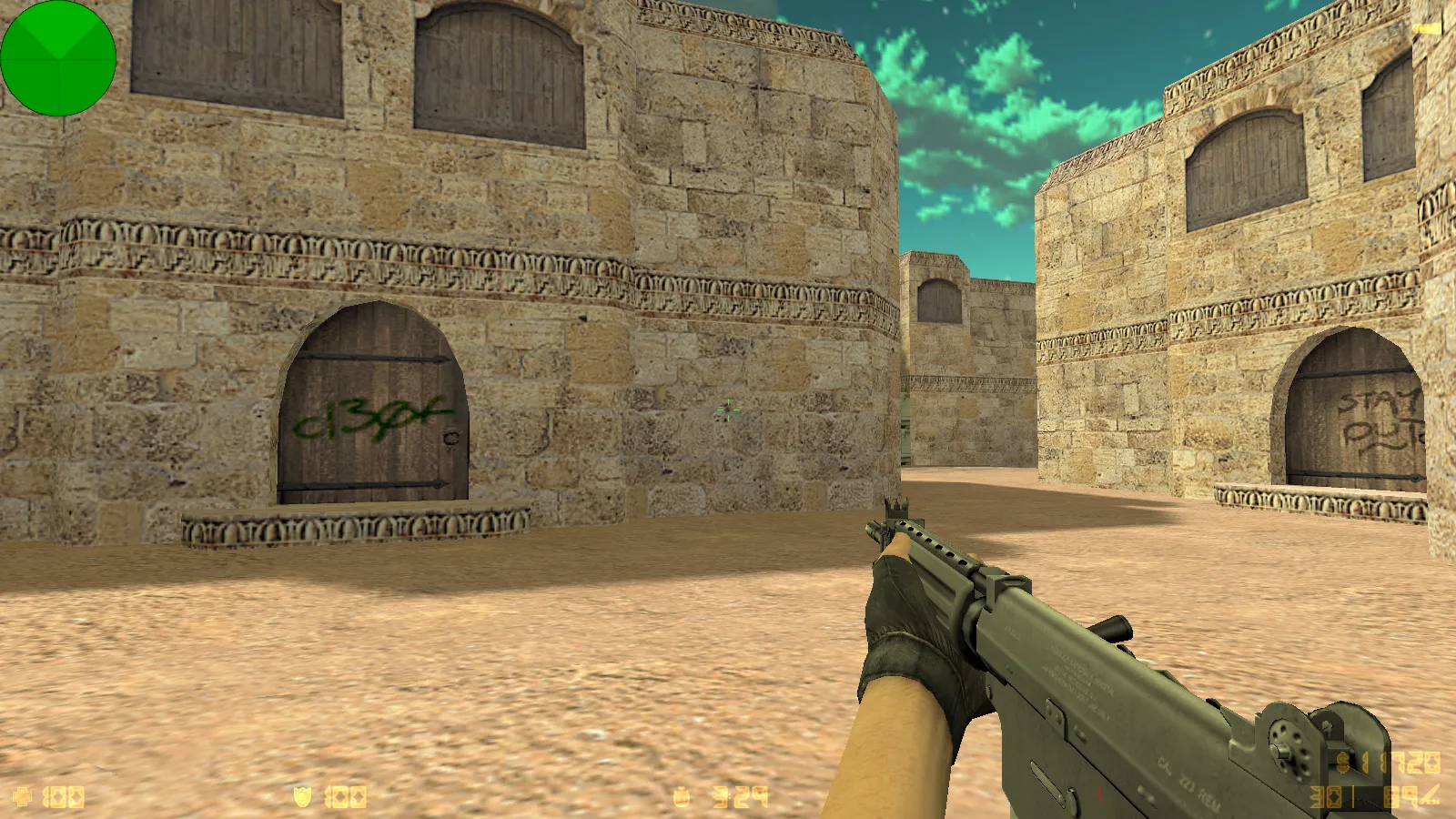
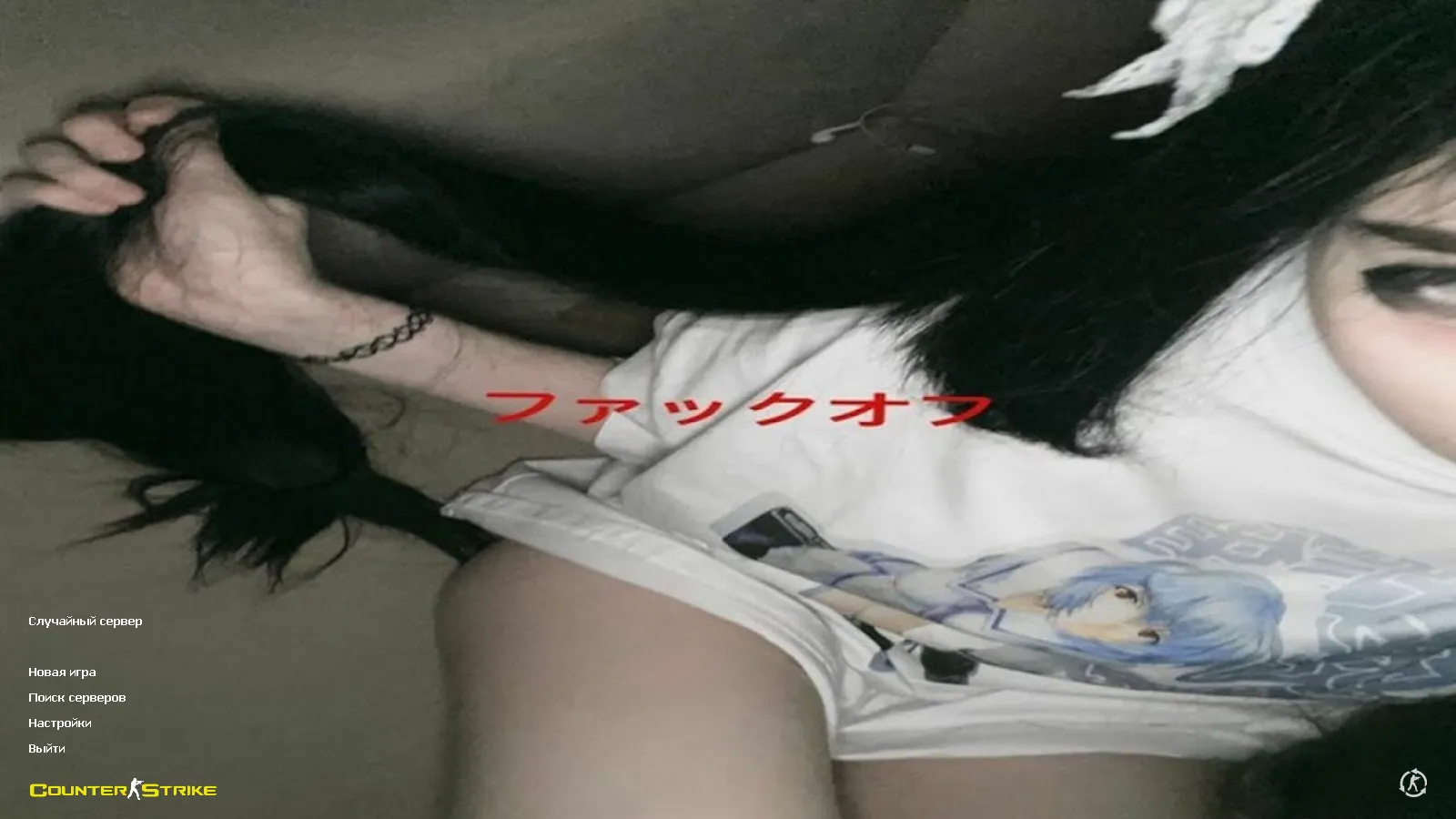
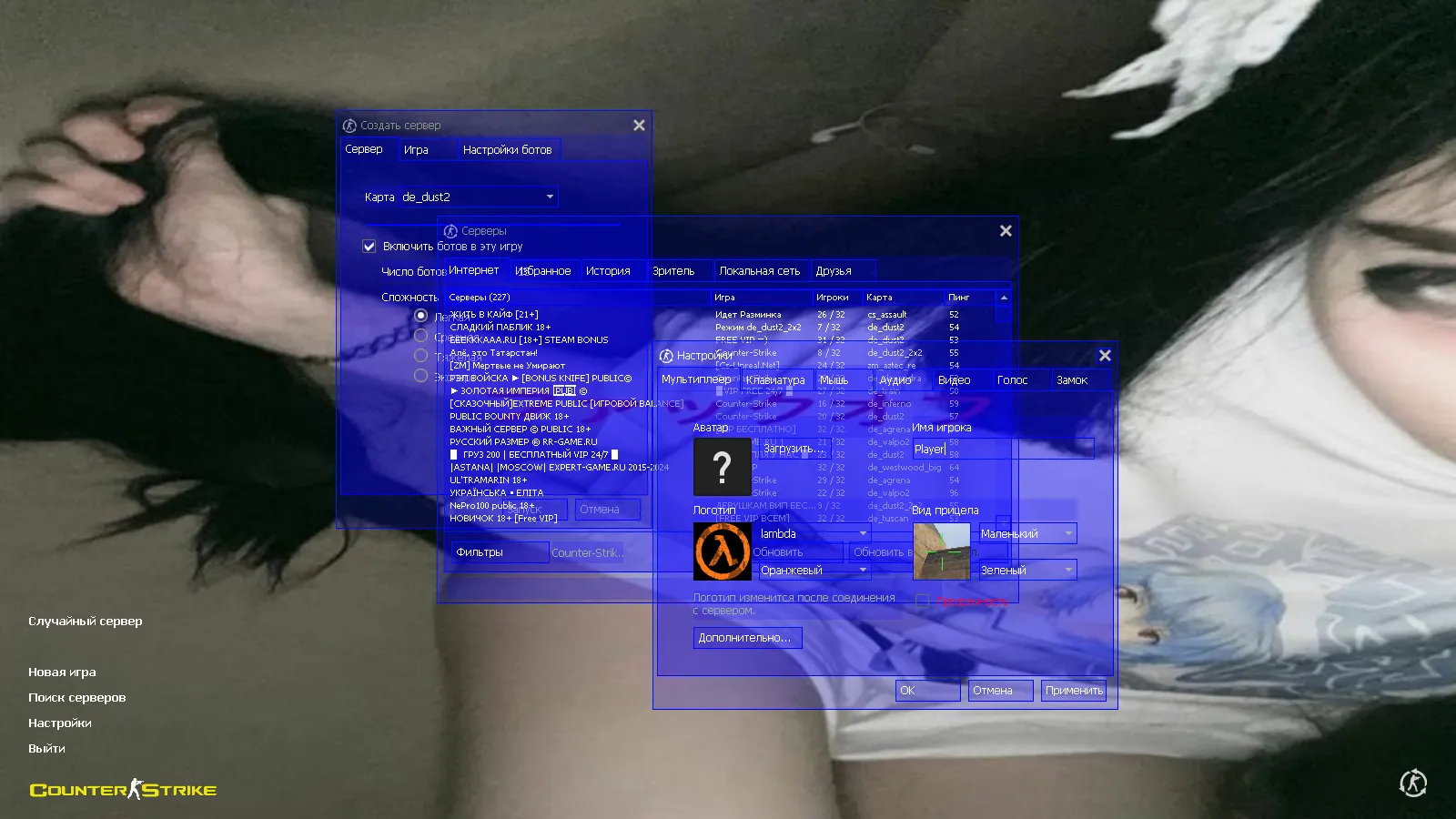
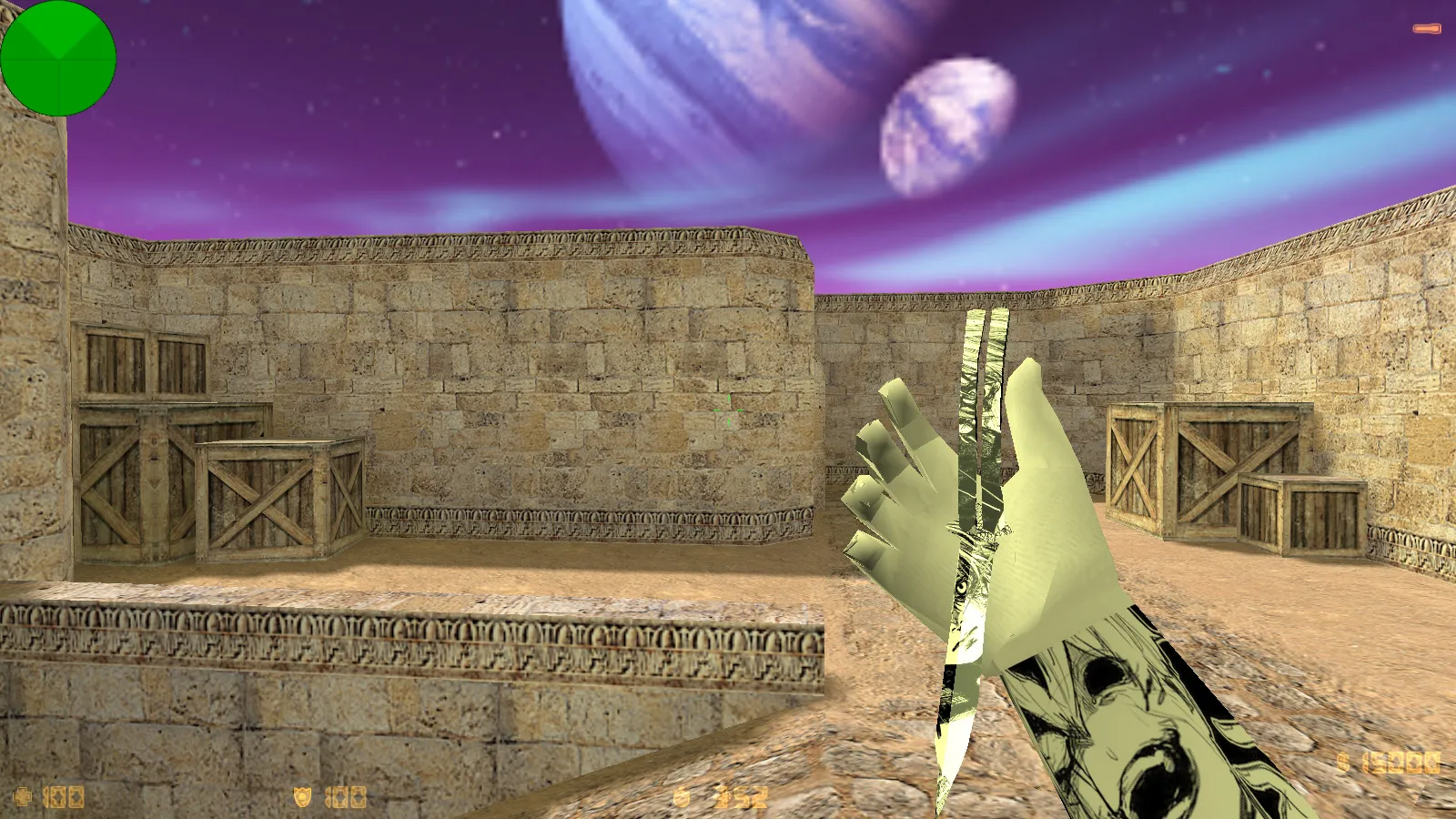
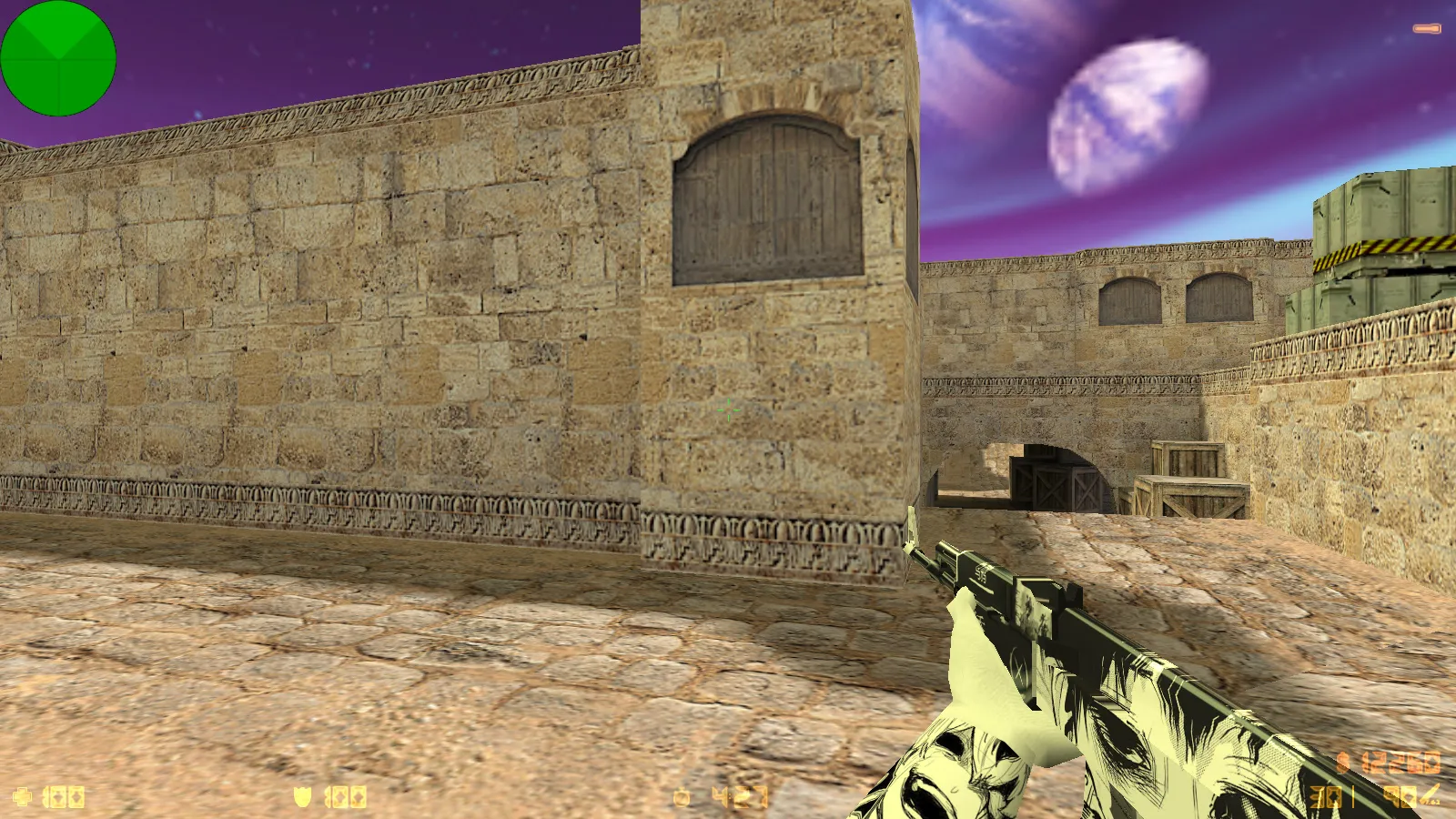
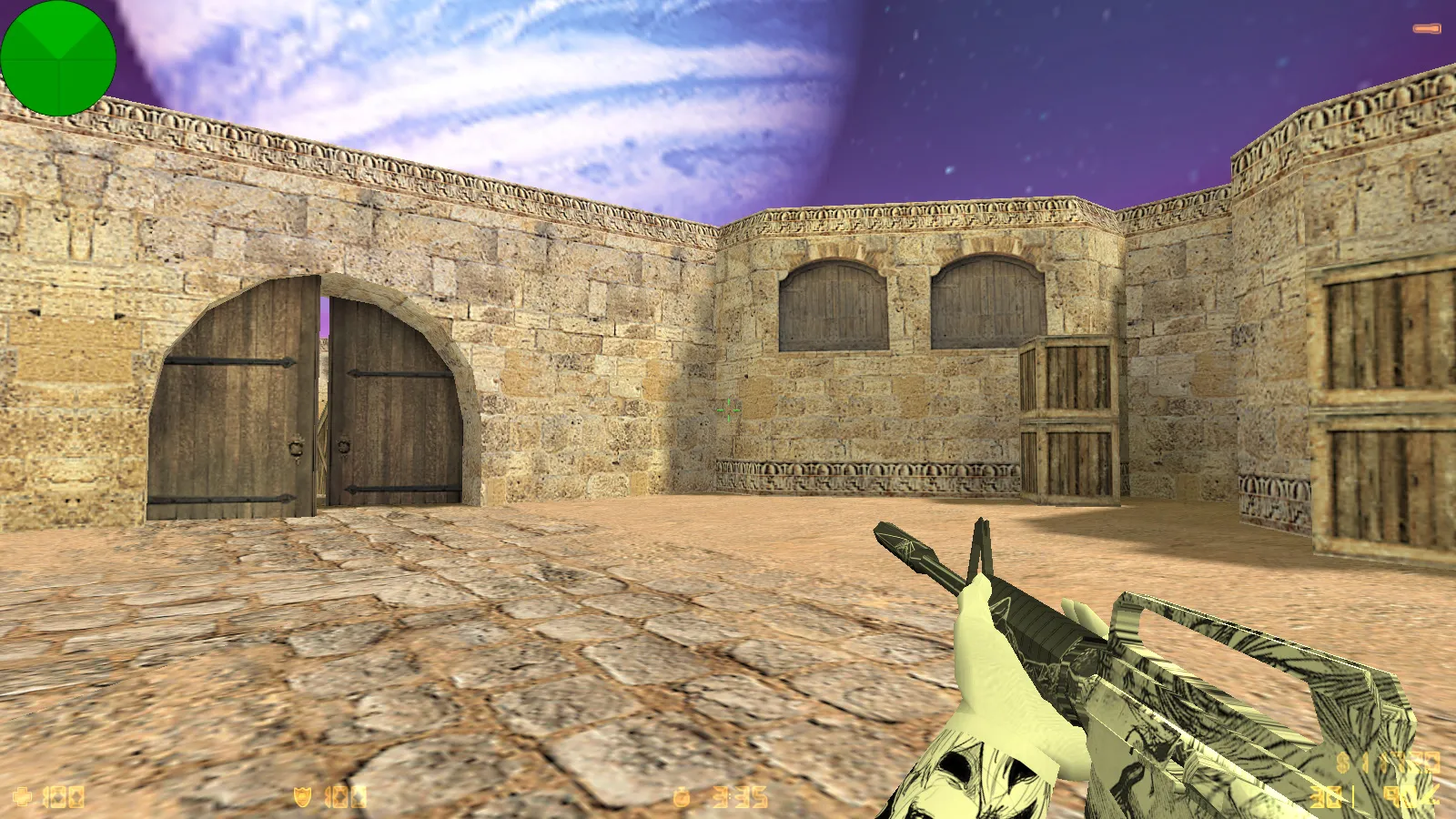
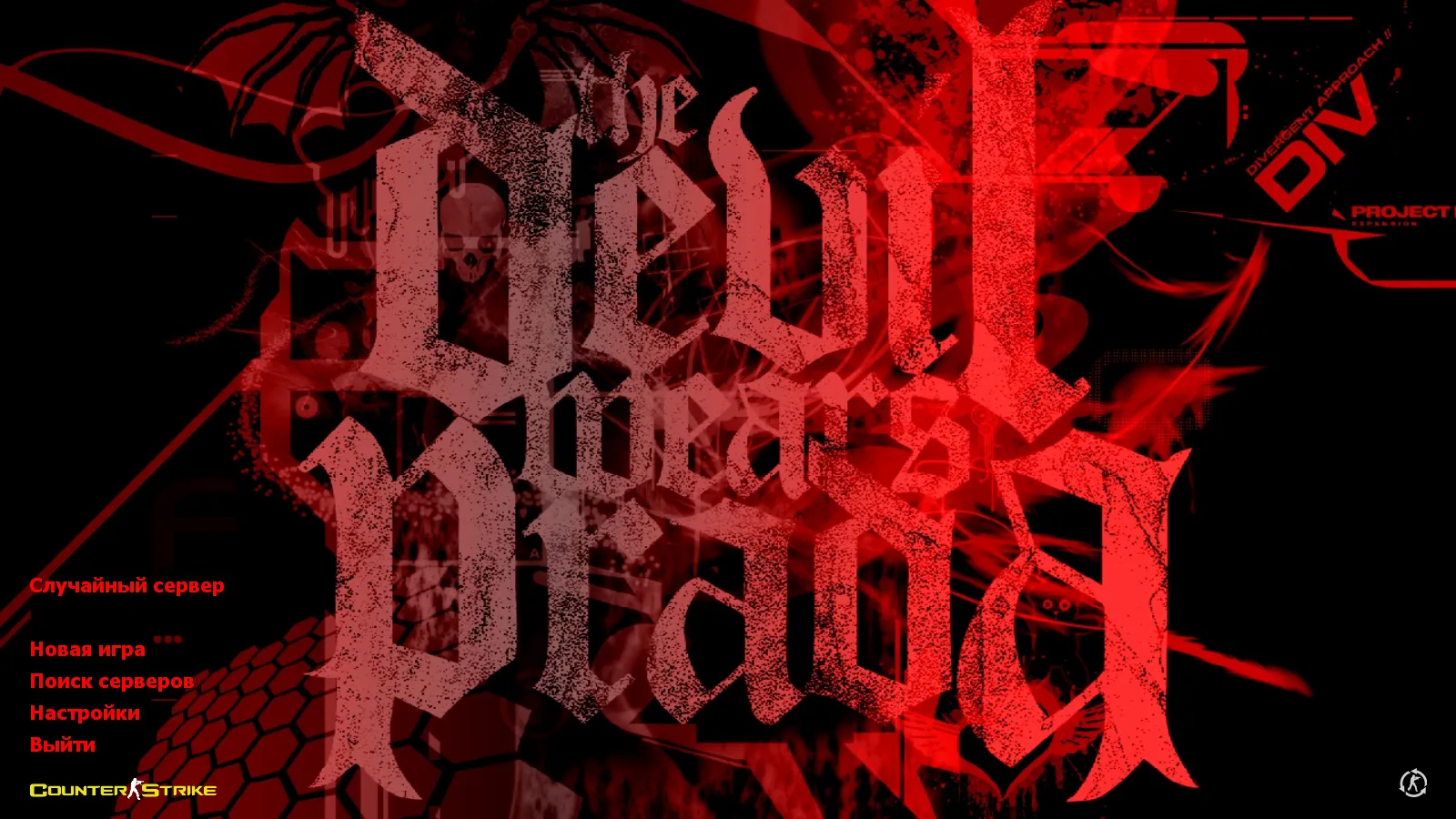
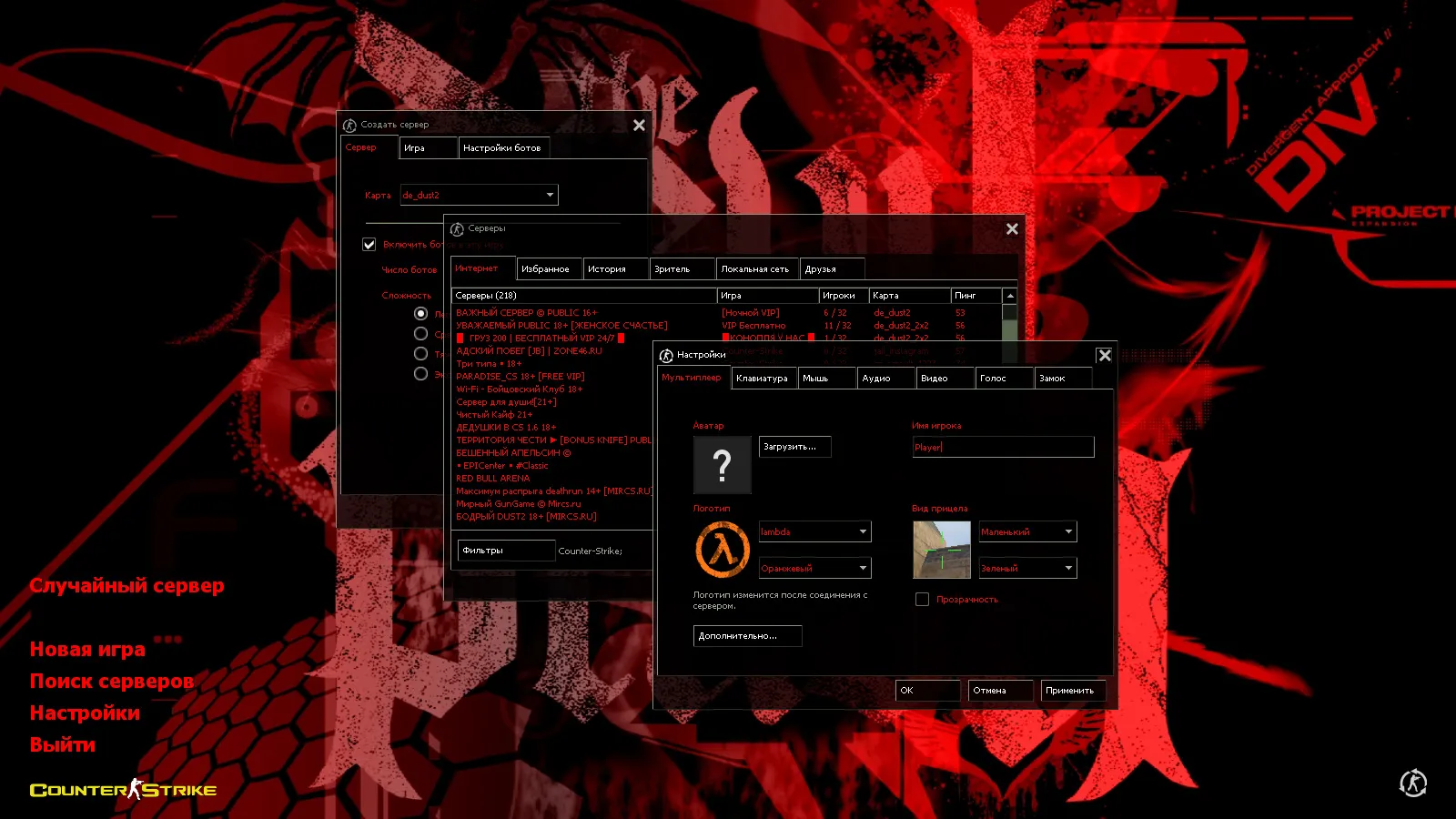
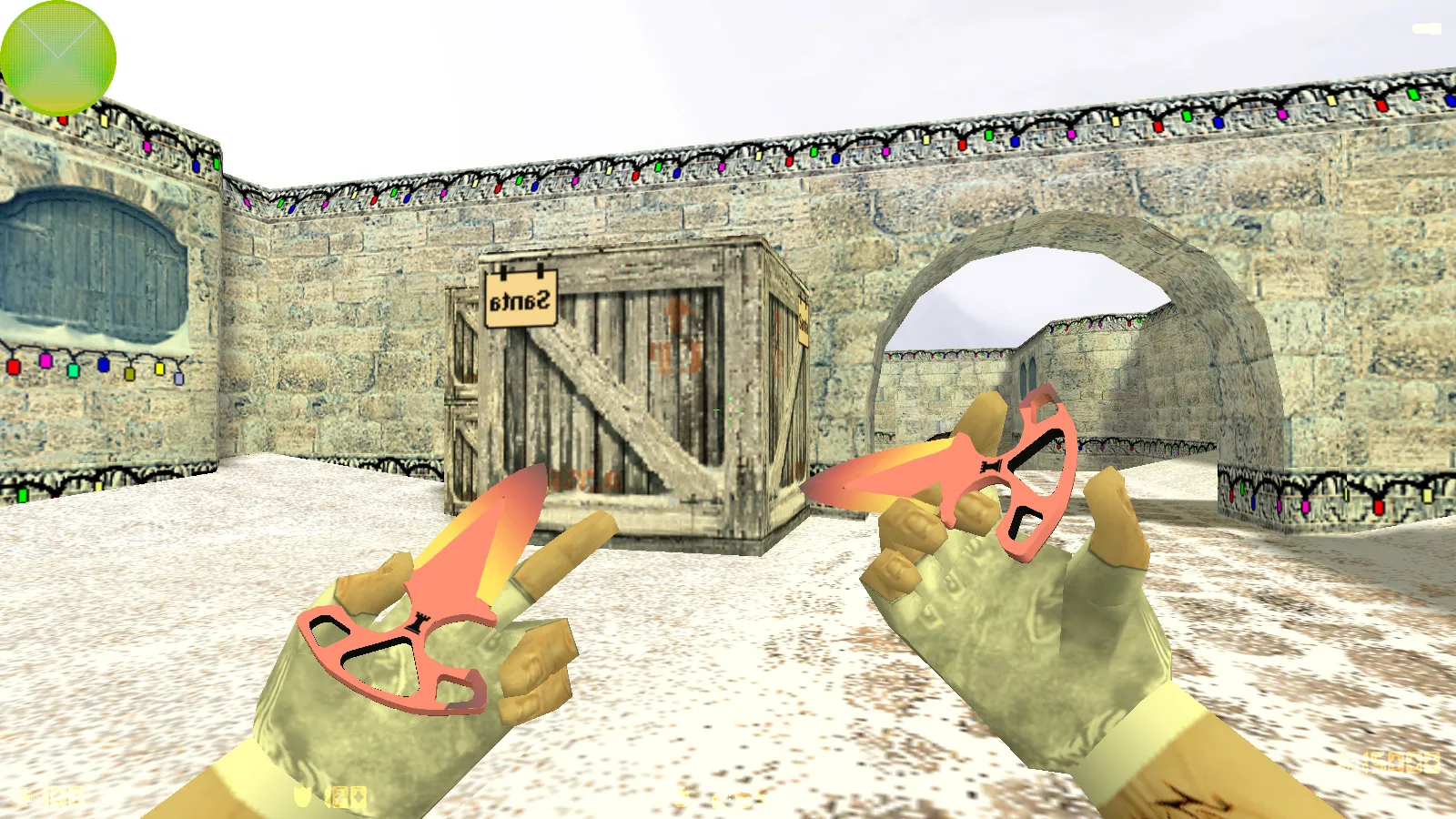
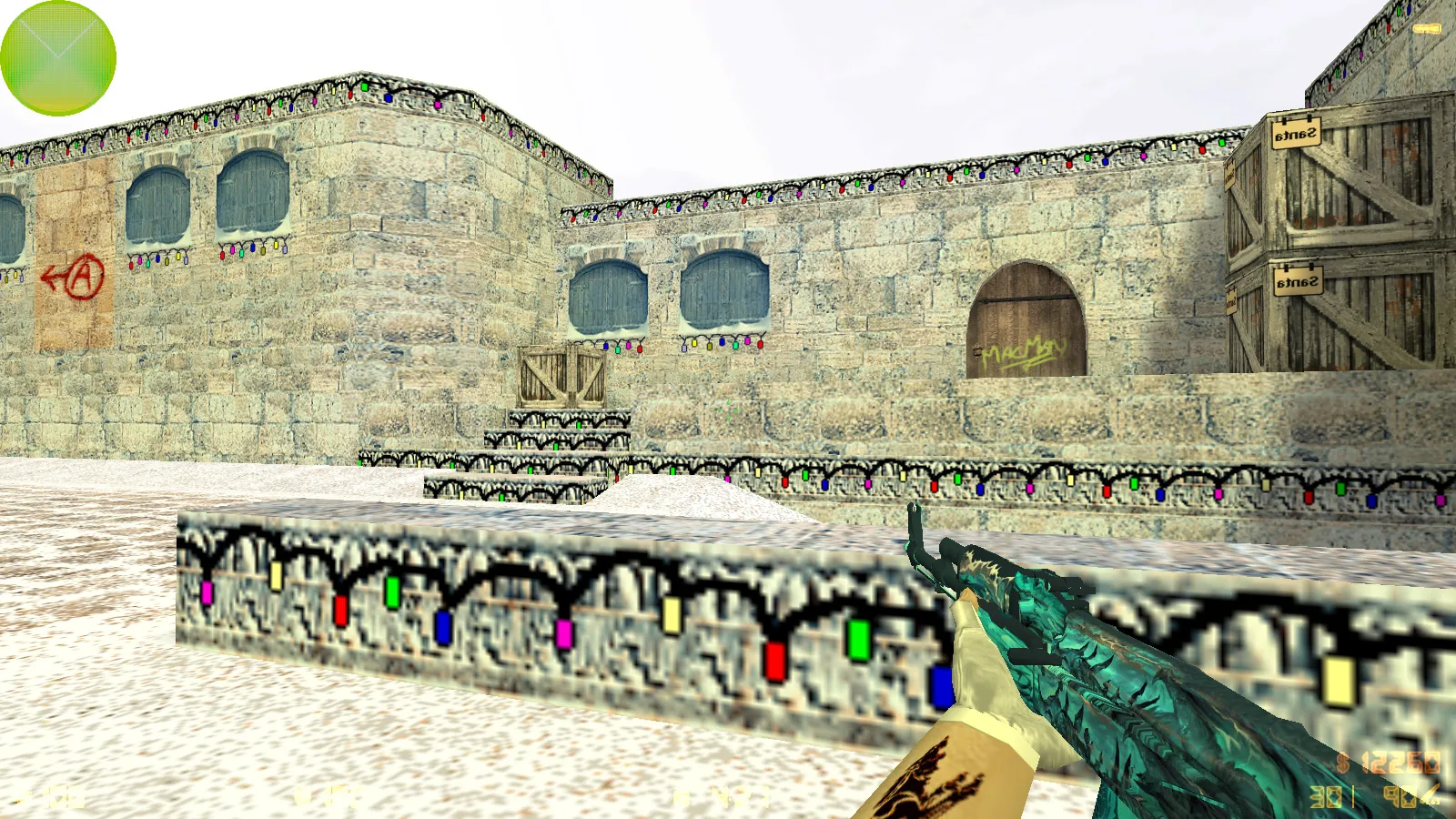
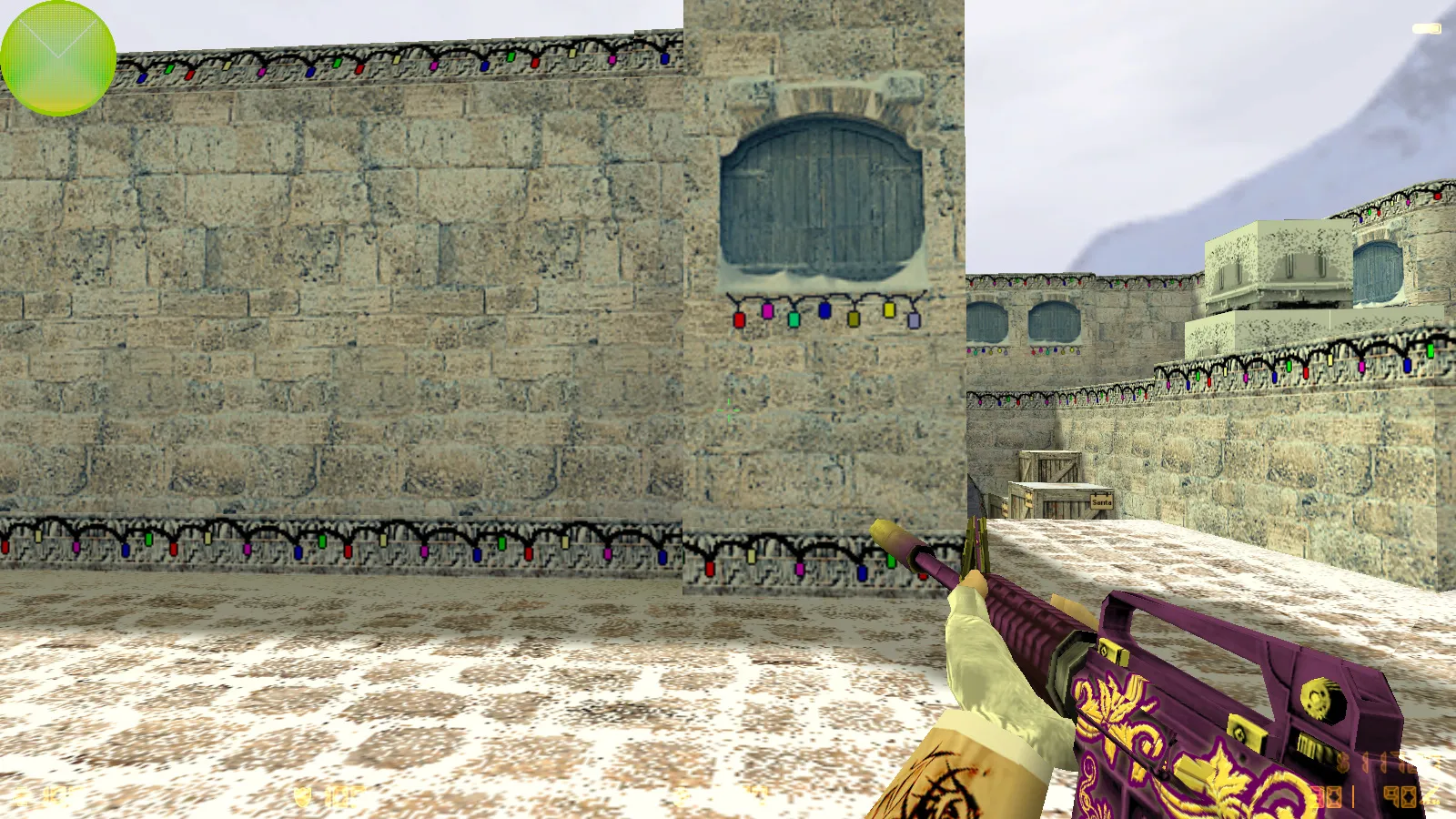
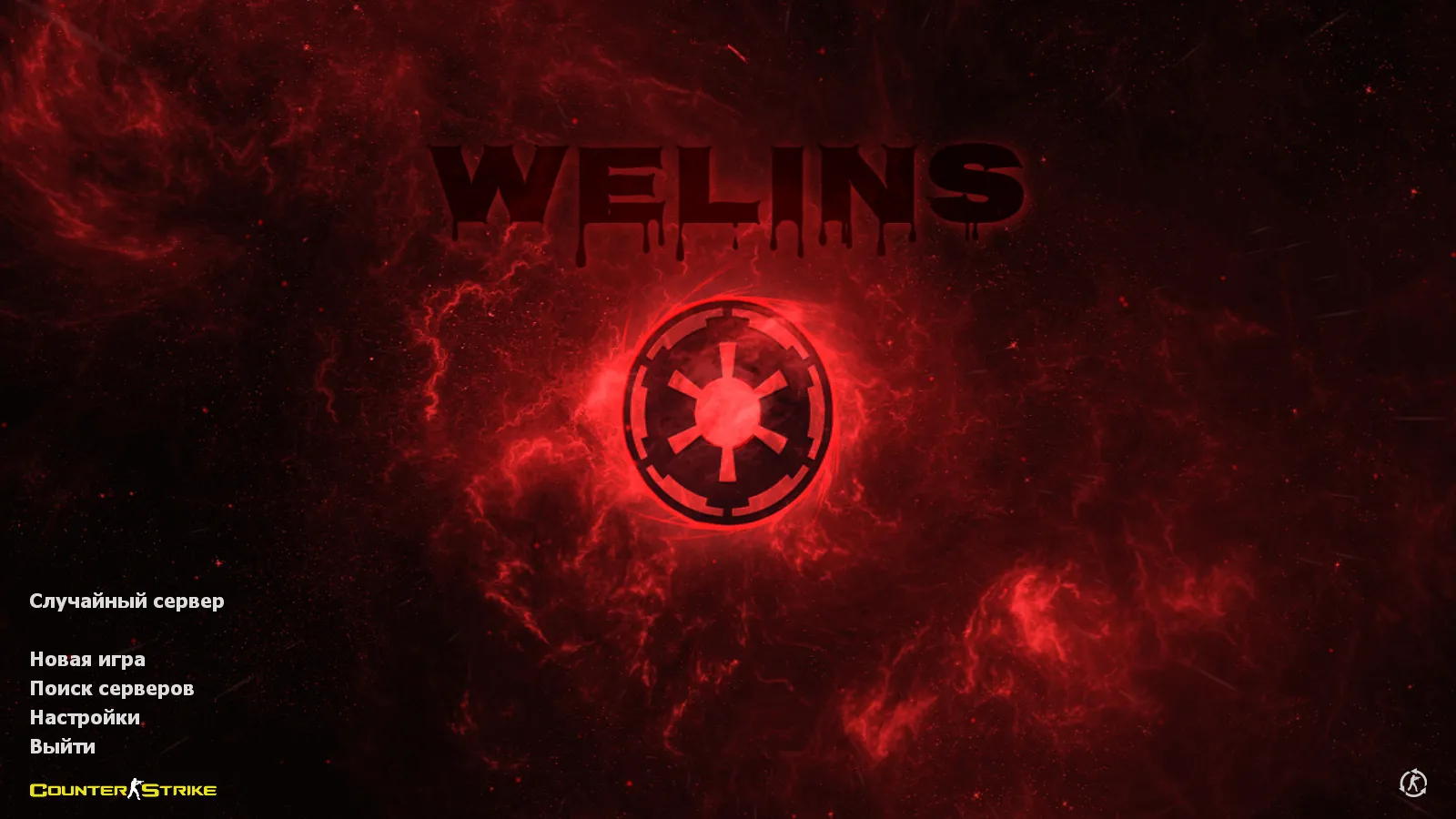
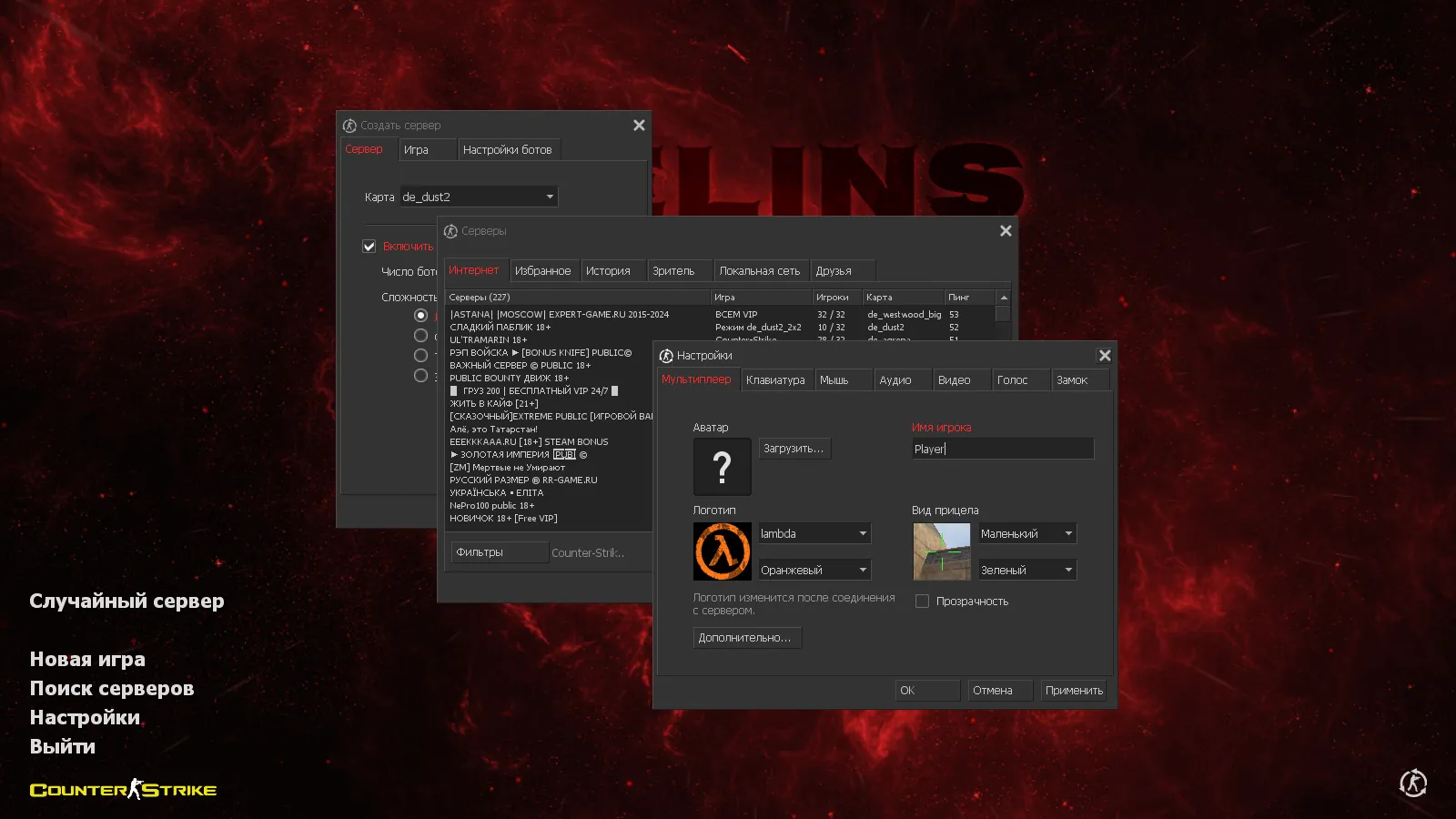
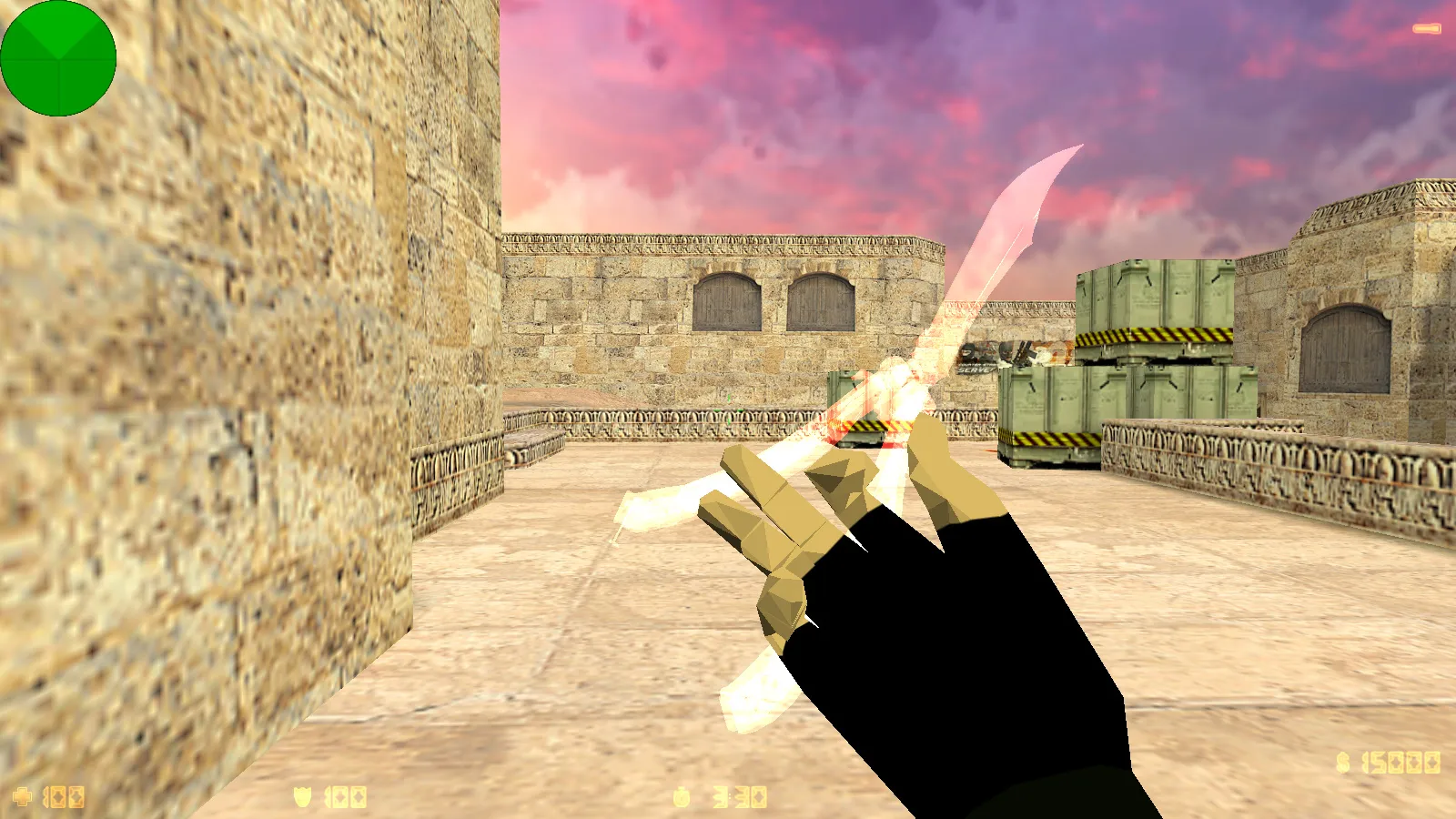
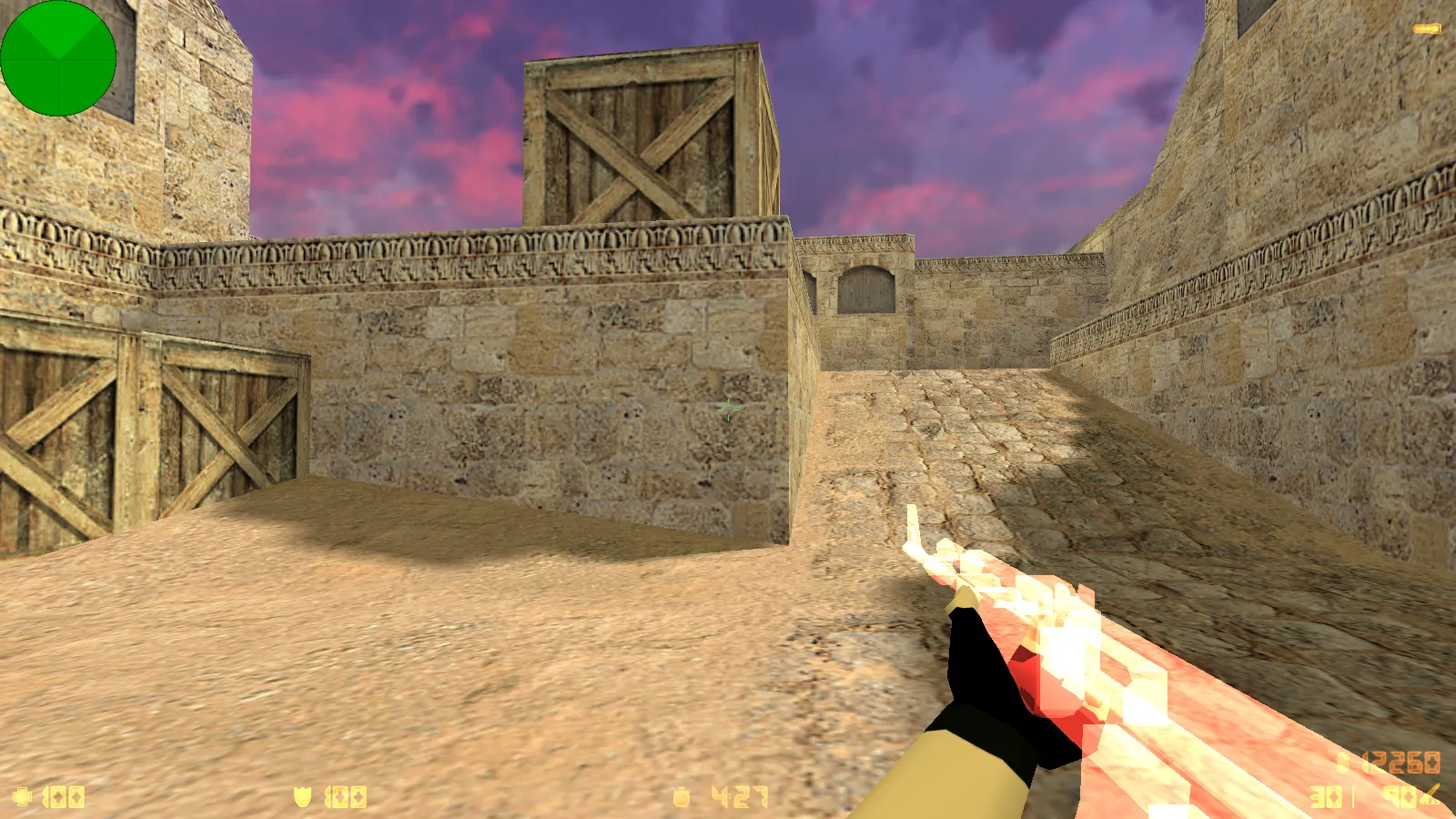
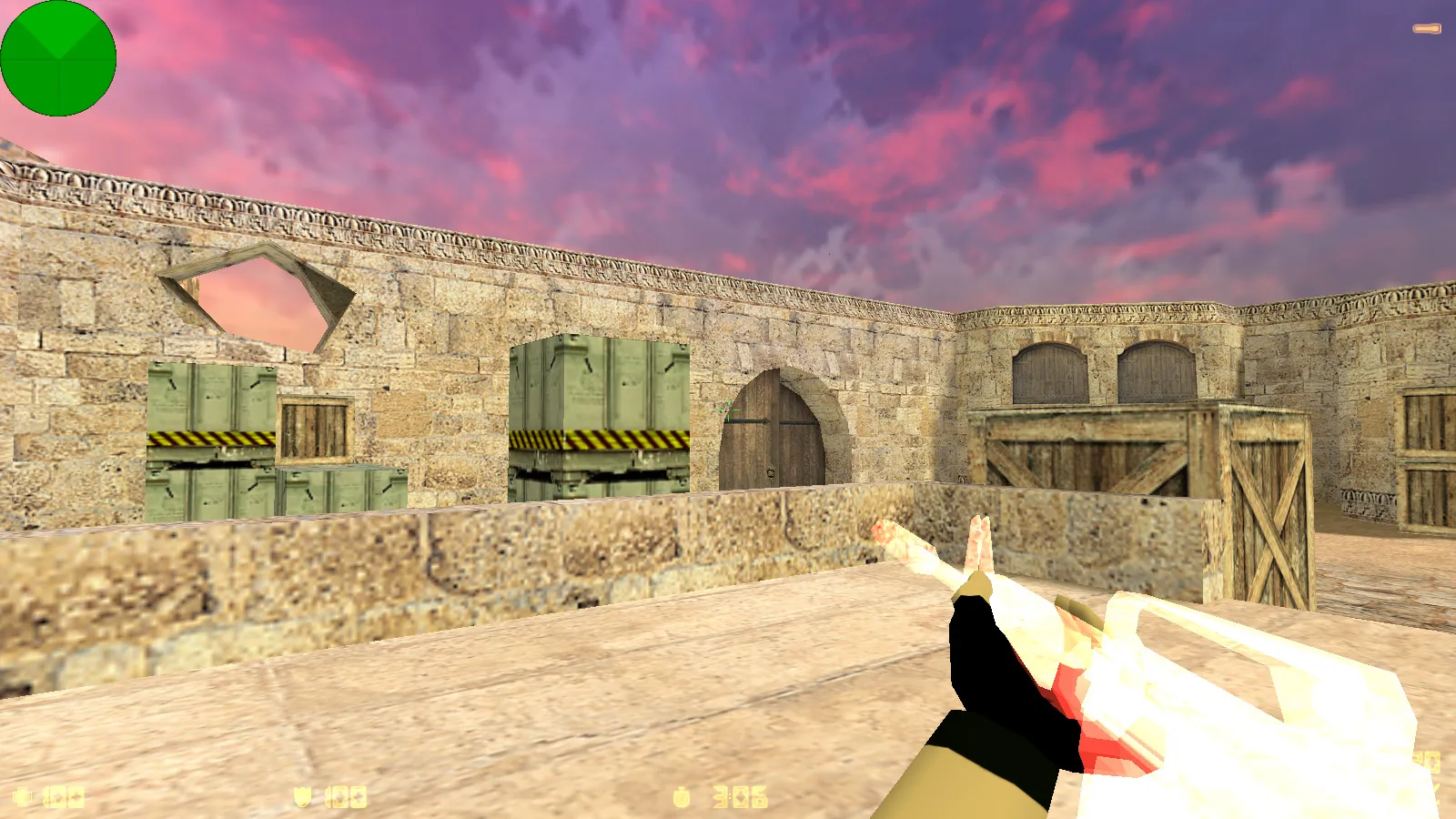
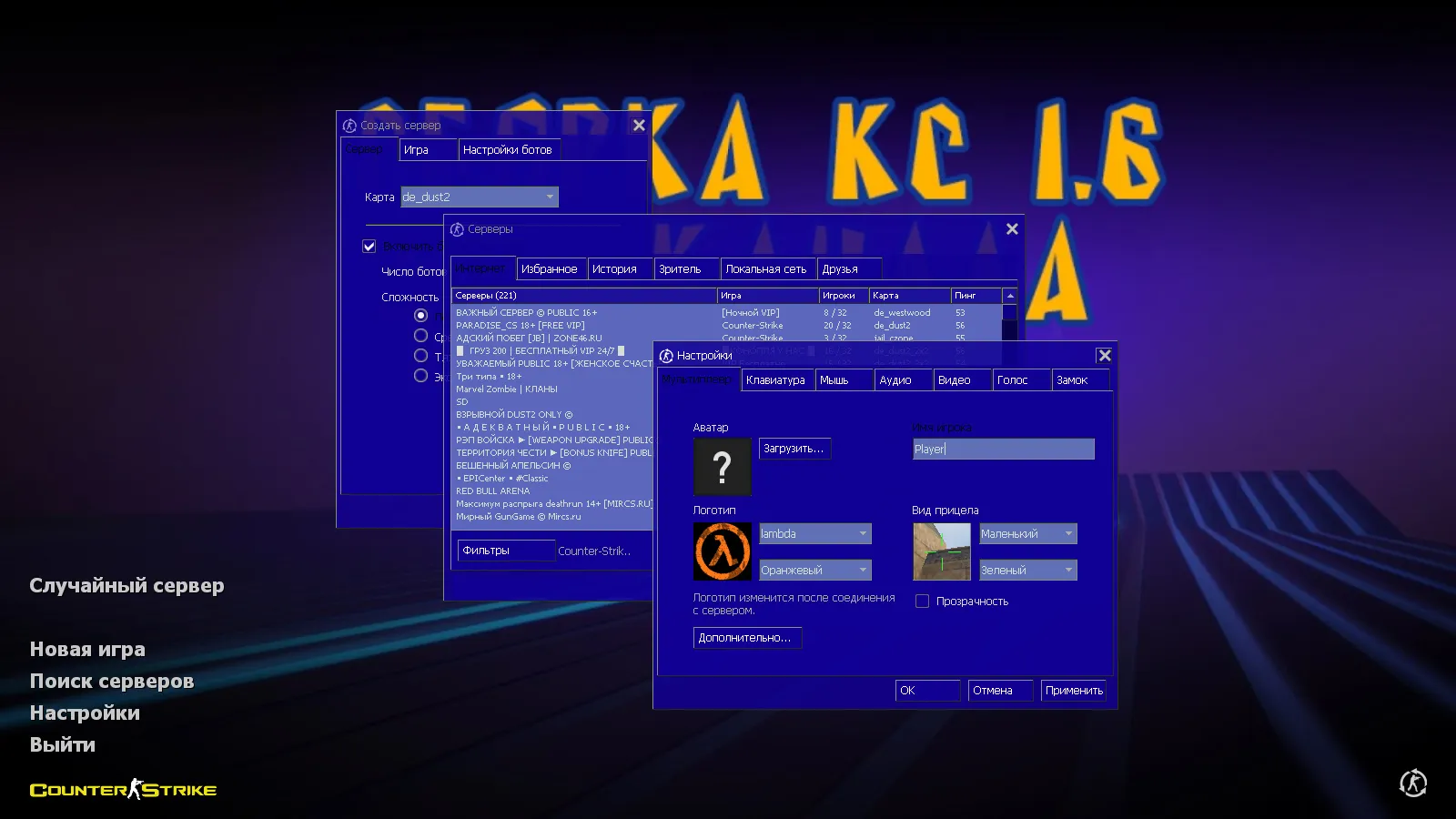
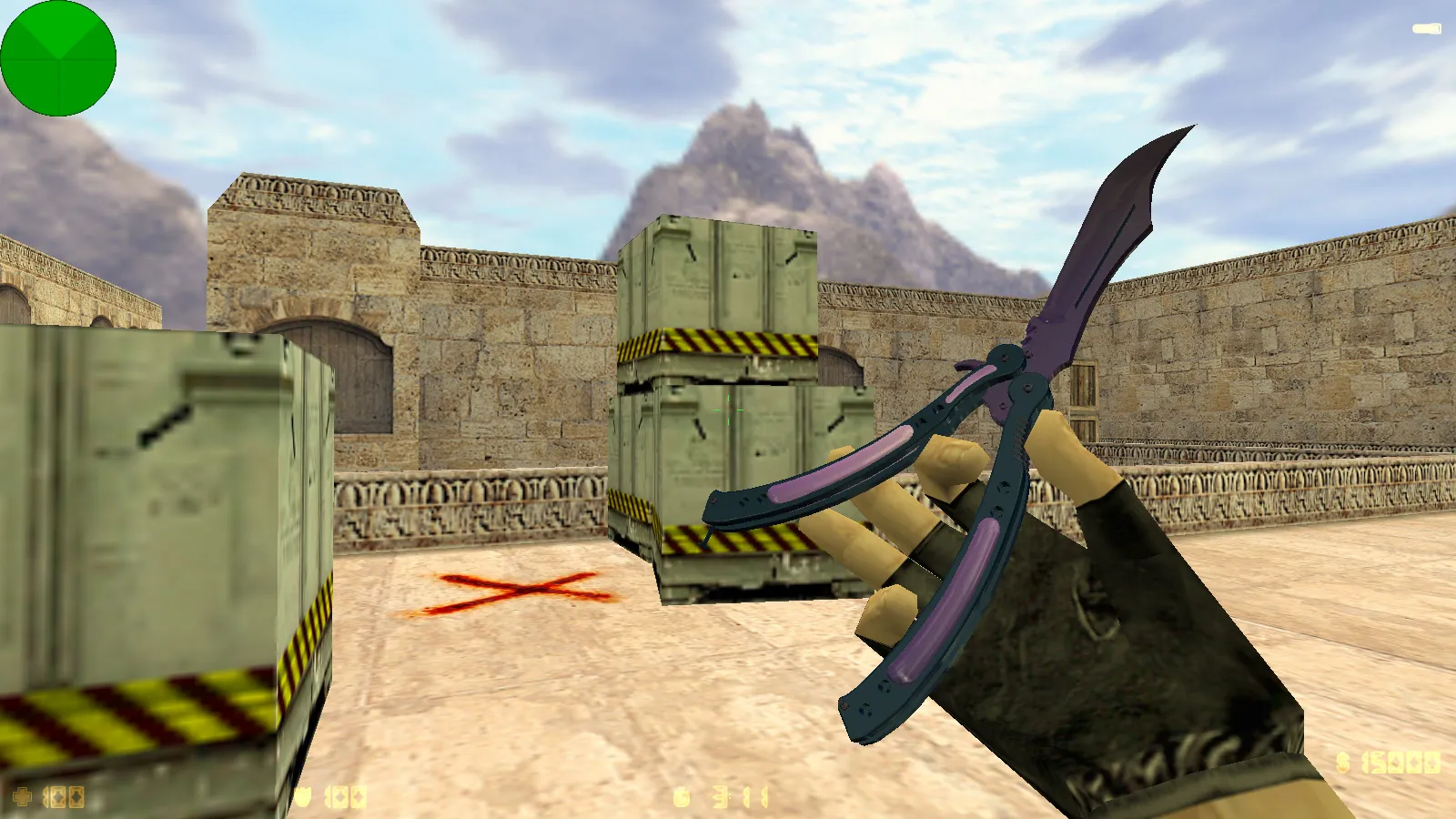
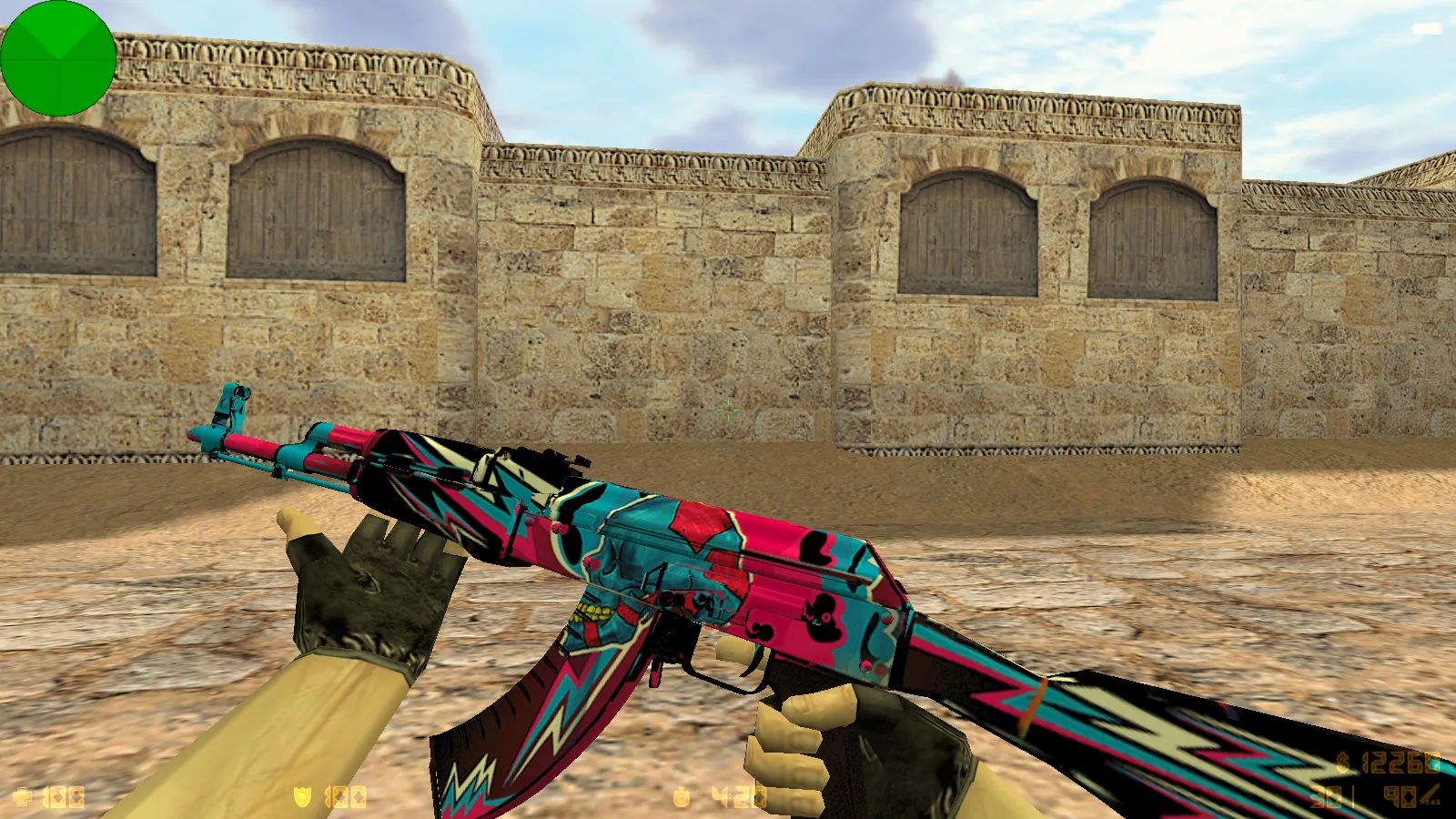
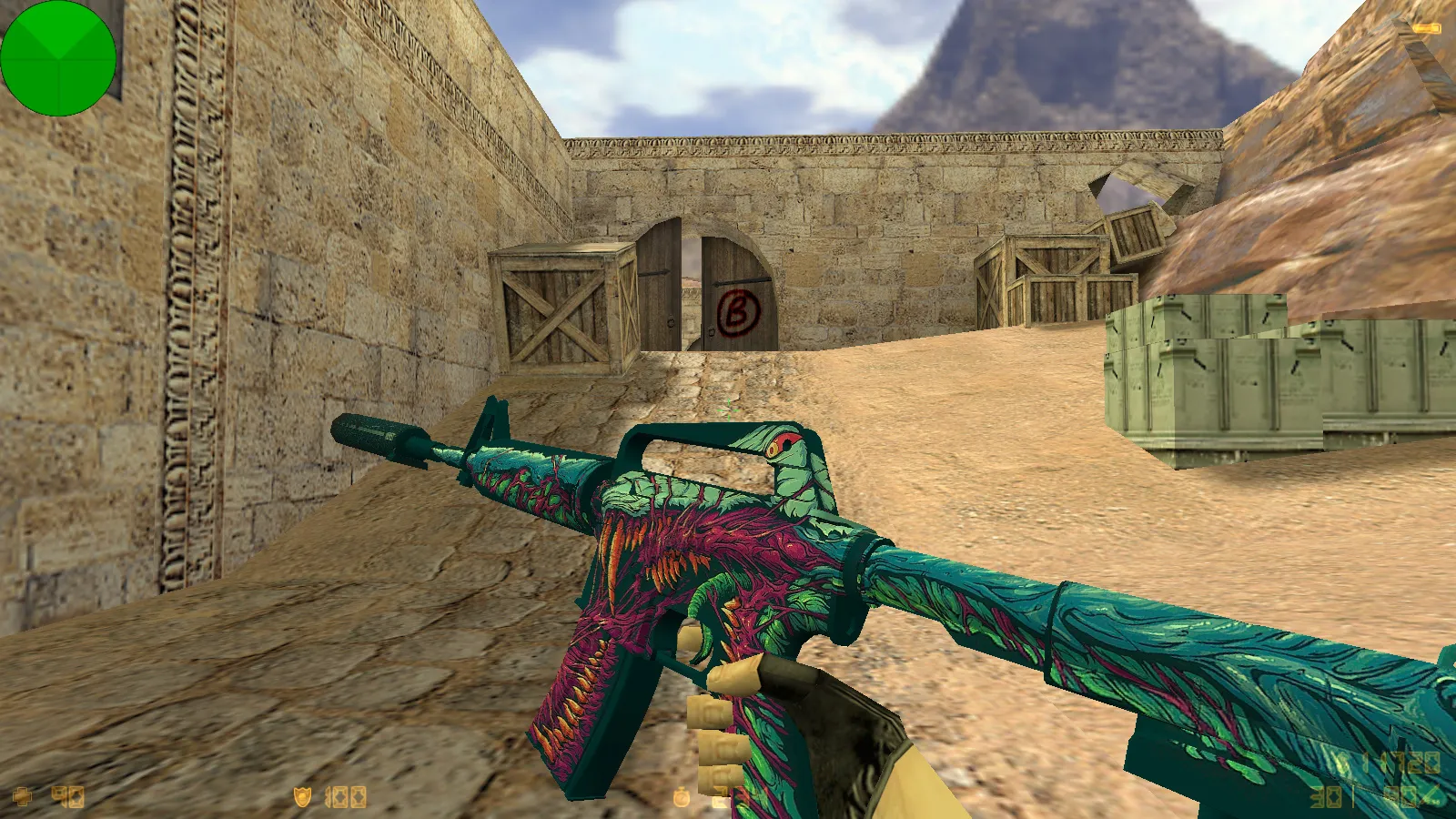

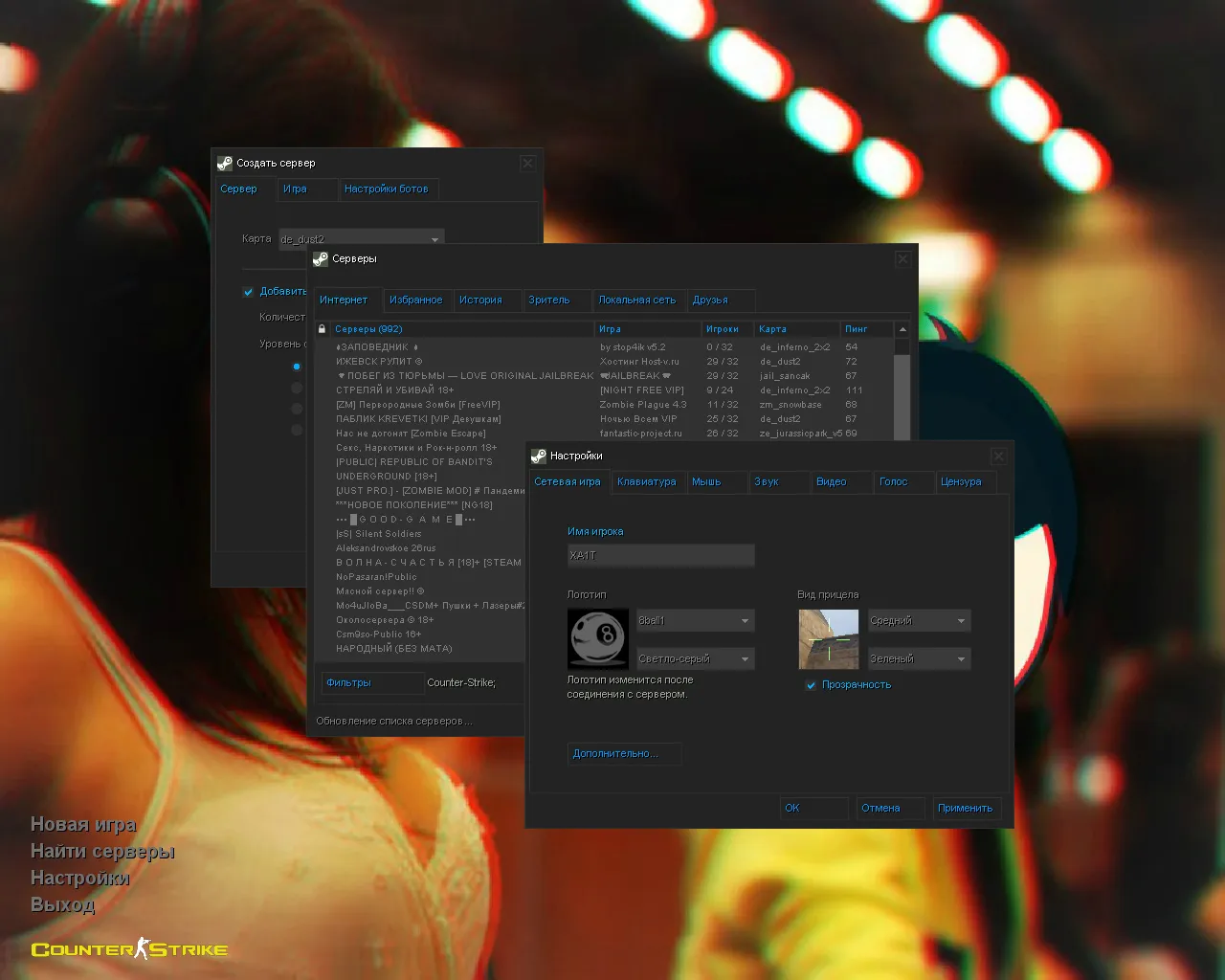
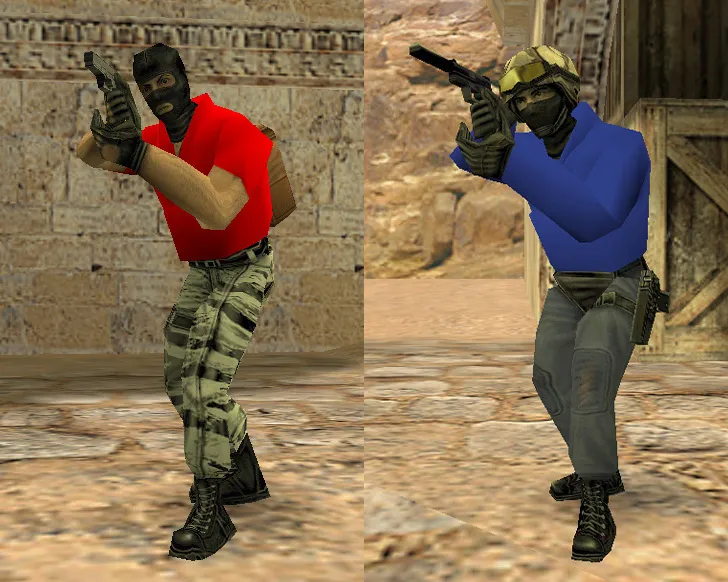
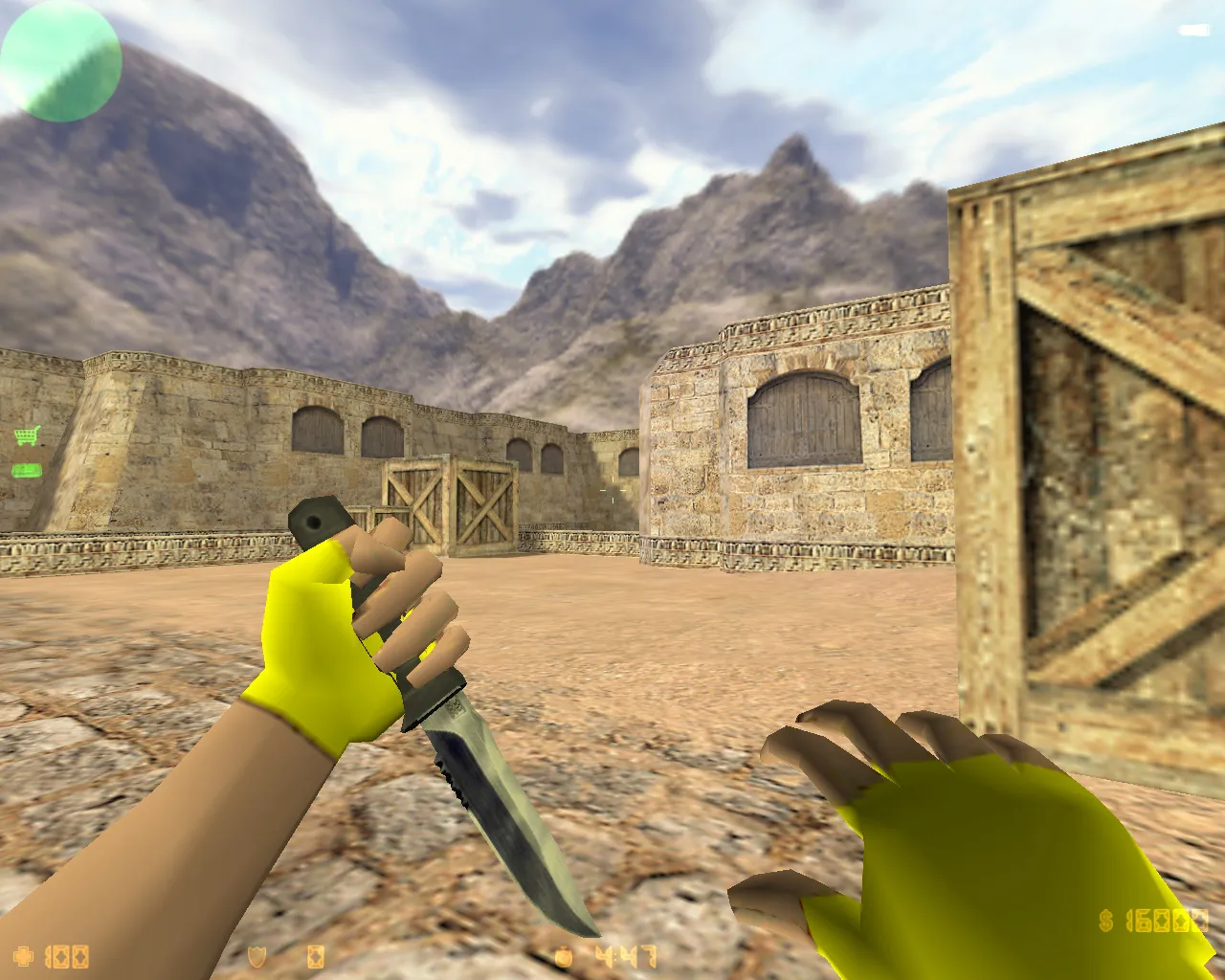
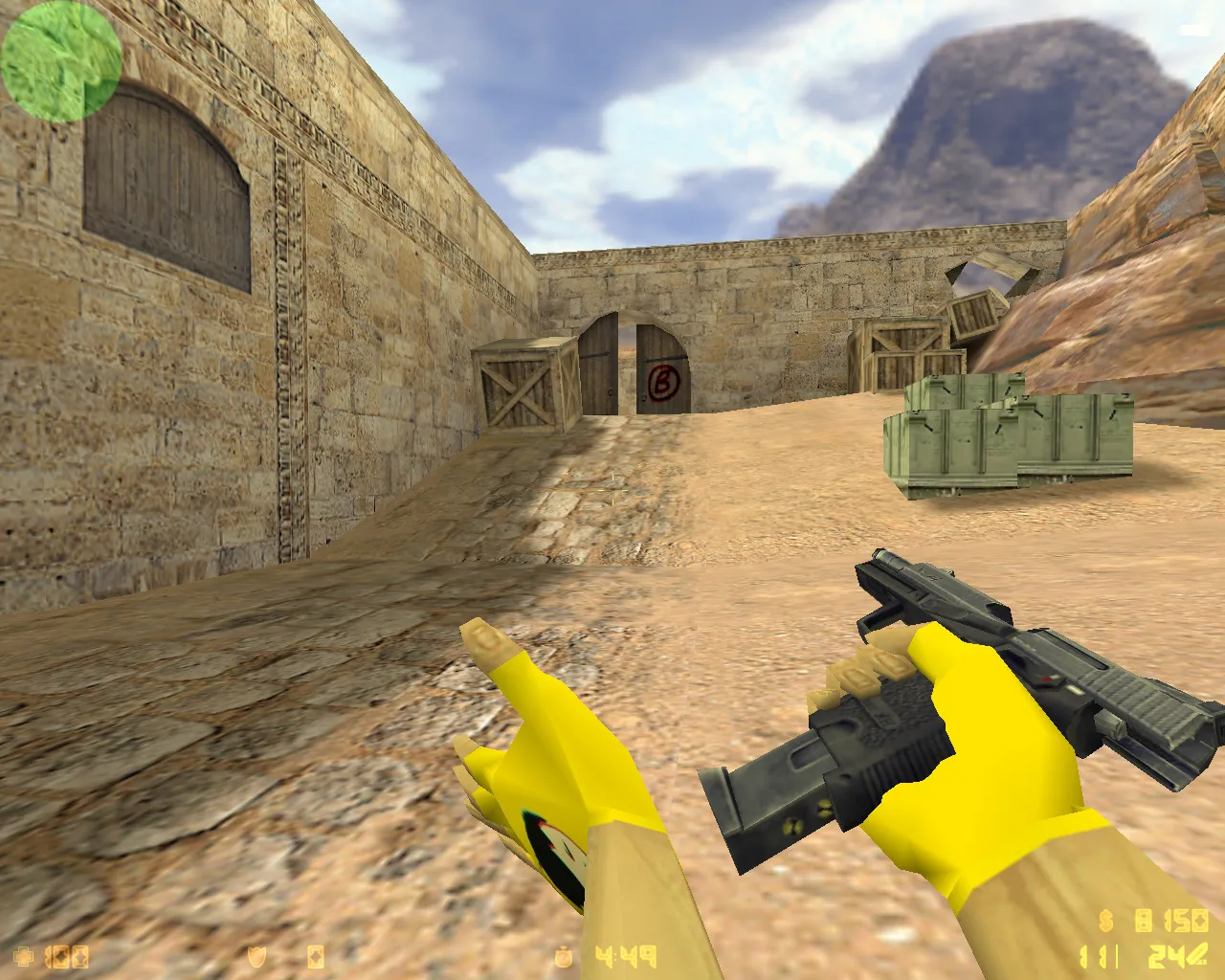
Check out CS 1.6 builds from well-known YouTubers. Grab ready-made configs, skins, and custom assemblies to enhance your gameplay.
FAQ
How do I install a CS 1.6 build from a YouTuber?
Most builds come as an archive containing either a full game folder or a cstrike folder. Extract the archive and move its contents into your CS 1.6 directory, allowing overwrites. Before you do that, back up your own cstrike folder so you can revert if needed. If you run a localized version, check if the archive includes cstrike_russian and copy that folder as well - its files take precedence.
Where should I place the files from a CS 1.6 blogger build?
All files go into the mod folder, typically cstrike: weapon and player models in cstrike/models (player models in cstrike/models/player/NAME/NAME.mdl), sounds in cstrike/sound, sprites and HUD elements in cstrike/sprites, skies in cstrike/gfx/env, and maps in cstrike/maps. Map companion files *.wad go directly in cstrike. Don't rename folders inside the archive - keeping the original structure is what makes the build work.
How do I launch a CS 1.6 YouTuber build after installing it?
Start the game the same way as usual - through the hl.exe shortcut or the launcher that came with the build. Custom models, sounds, sprites, and the menu theme load automatically; there's no separate switch to enable them. If the build replaced cstrike/config.cfg, your key binds and video settings may change, so check them in the options menu. To jump straight into a map, open the console and type map mapname, for example the map included with the build.
CS 1.6 build crashes or won't start - what should I do?
A crash is usually caused by files in the wrong folder or an incomplete archive. Check that player model folder and file names match exactly: cstrike/models/player/NAME/NAME.mdl. Make sure nothing conflicting was copied into cstrike_russian that clashes with cstrike. If the game crashes when a specific map loads, the build is missing a *.wad file, which should be in cstrike. Deleting cstrike/config.cfg and letting the game create a fresh one also fixes many startup problems.
How do I restore standard CS 1.6 after installing a YouTuber build?
The easiest way is to replace the modified cstrike folder with the backup you made before installing the build. If you don't have a backup, reinstall CS 1.6 or copy the original files of the replaced models, sounds, and sprites back into cstrike. Delete cstrike/config.cfg so the game generates default settings on the next launch. Custom content kept only in cstrike_russian should be removed there as well, since that folder overrides cstrike.
Can I play online on servers with a CS 1.6 build from YouTubers?
Yes, the game connects to servers normally, but custom models, sounds, and sprites may be replaced by the server's own files or trigger a consistency check that kicks you. Maps from the build only work on servers that have the same map installed. If you plan to play on public servers, keep a clean copy of the game for online matches and use the build for local play. All changes stay client-side and do not affect the server.
How do I apply the optimized config from a CS 1.6 build?
Configs in these builds are usually the standard cstrike/config.cfg file. Copy it into cstrike and confirm the replacement, or open it in a text editor and transfer the commands you need. Your personal binds and settings are better kept in cstrike/userconfig.cfg or cstrike/autoexec.cfg, so a new build config does not overwrite them. After editing, save the file and restart the game.