Vovchik Kabanov's CS 1.6 Build: 12 Additions Featuring Weapon Skins, Custom Menu, Audio, and Tuned Config
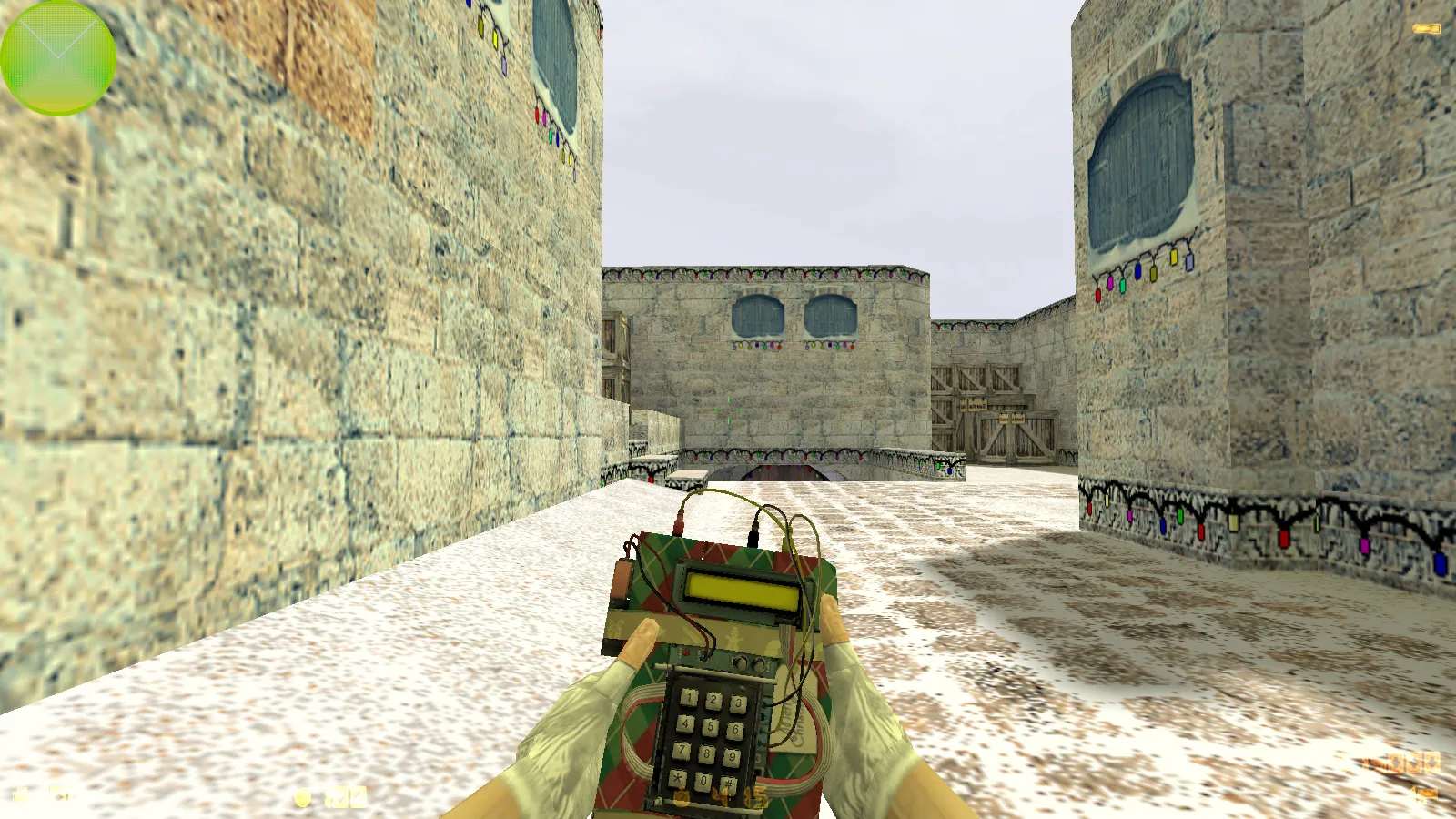
Description
Inside Vovchik Kabanov's CS 1.6 Blogger Edition
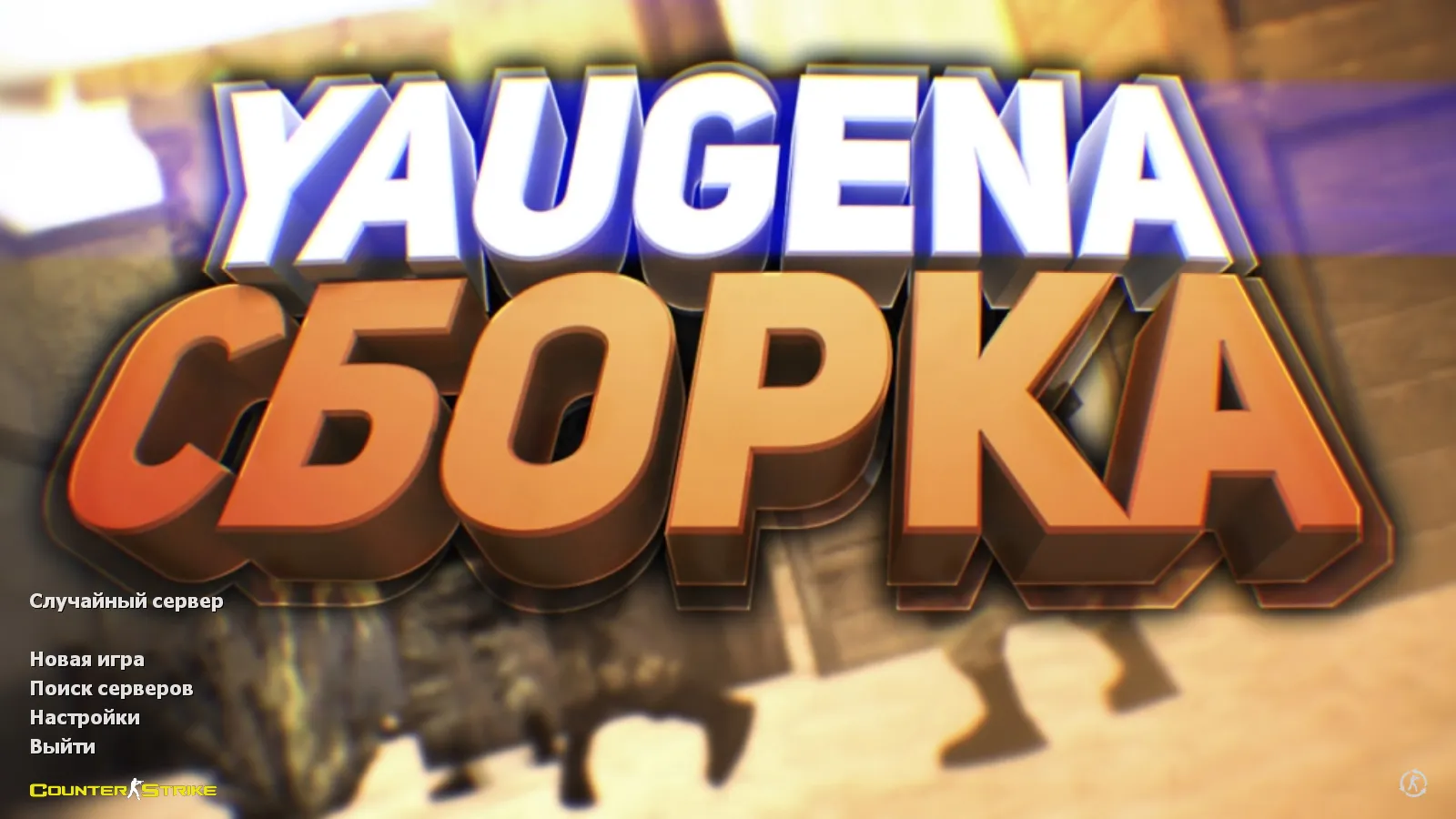
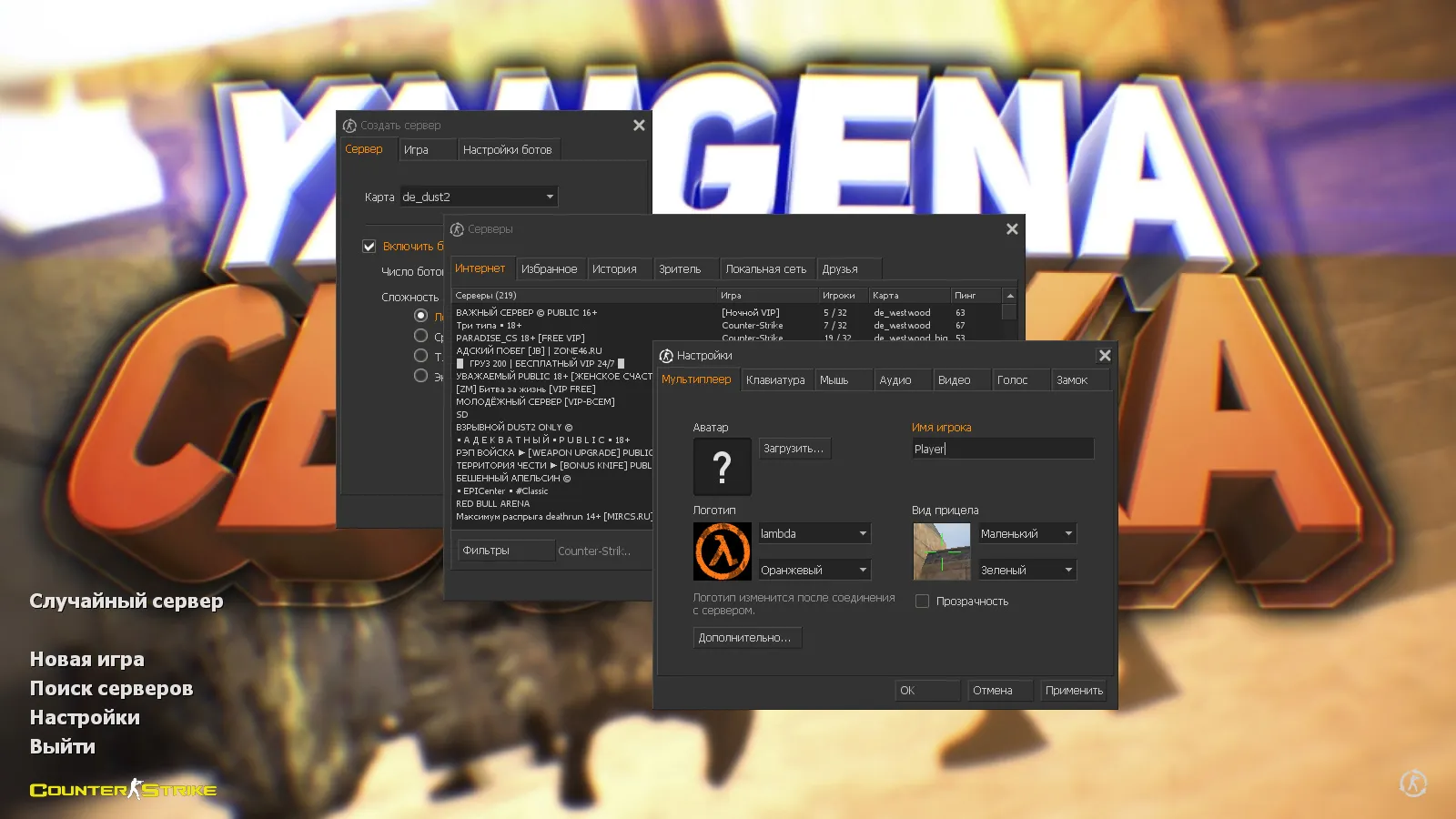
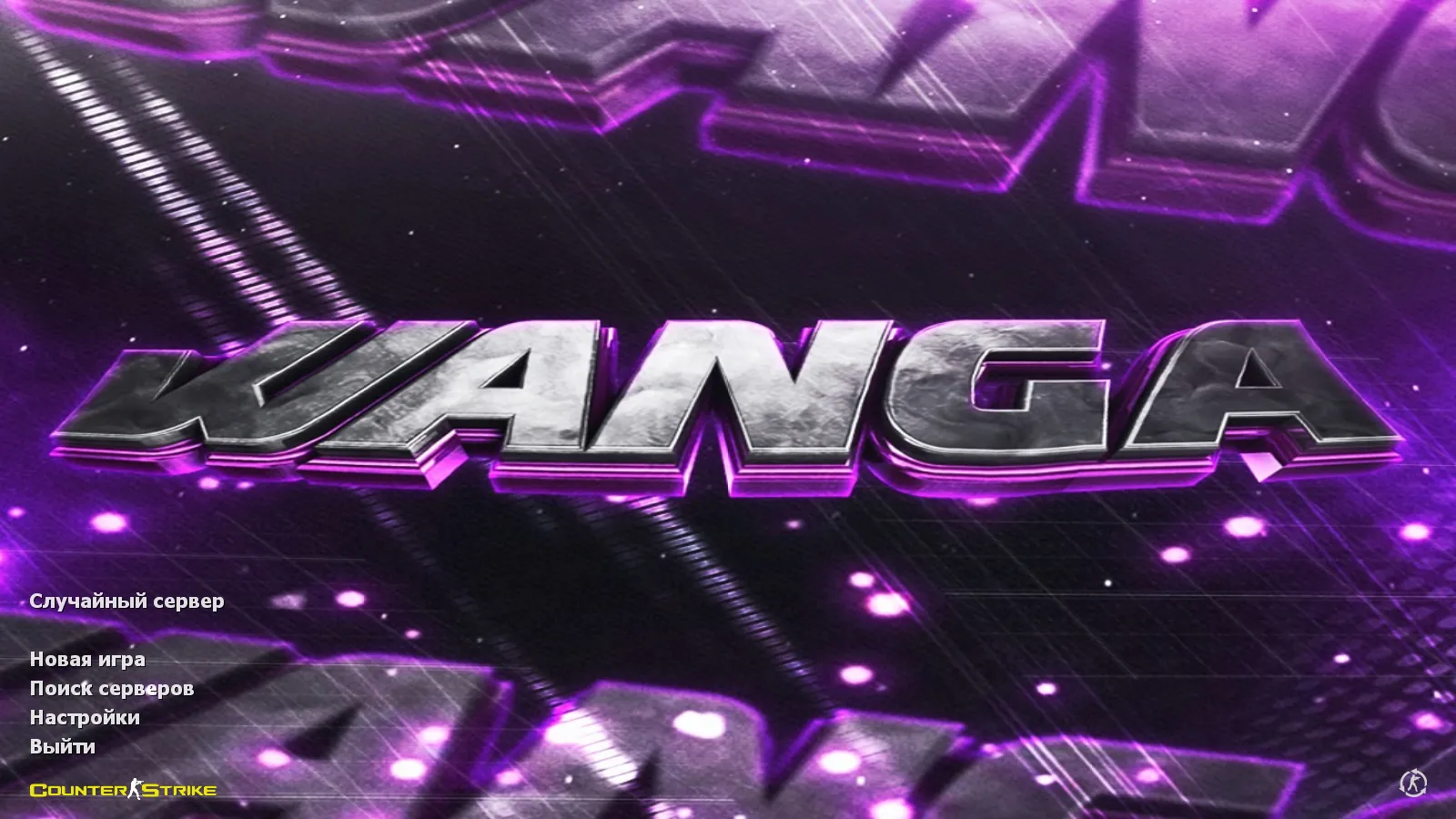
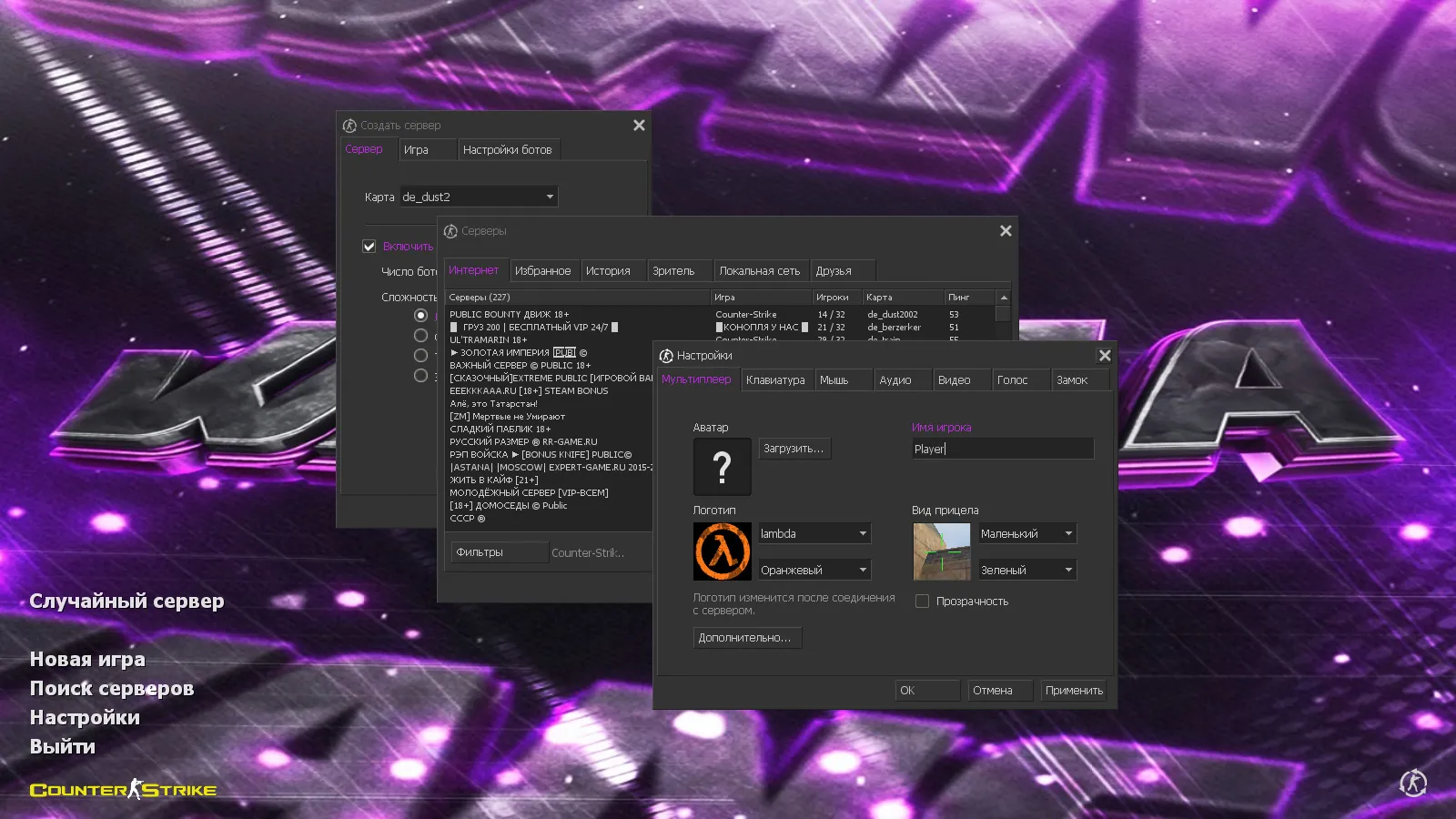
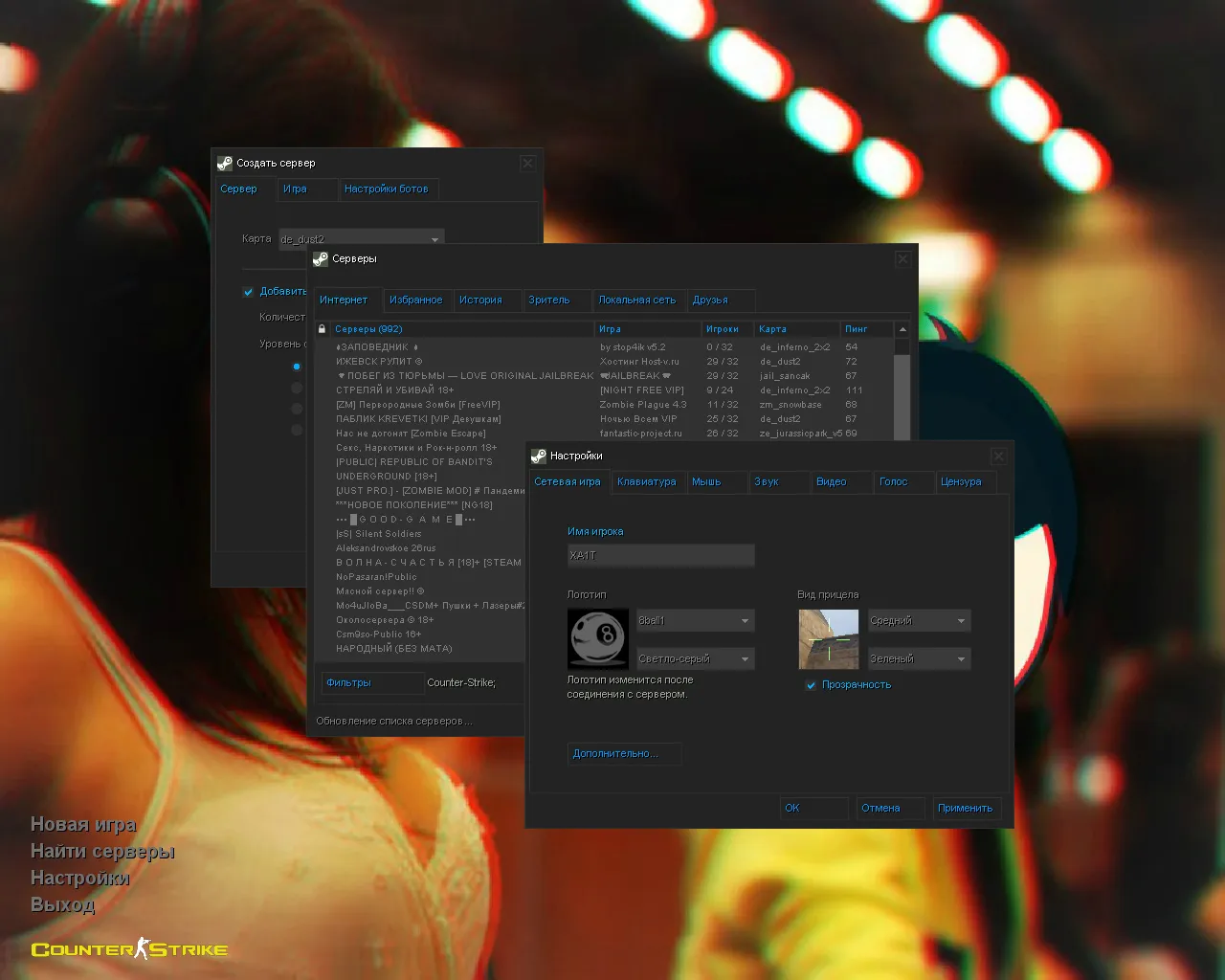
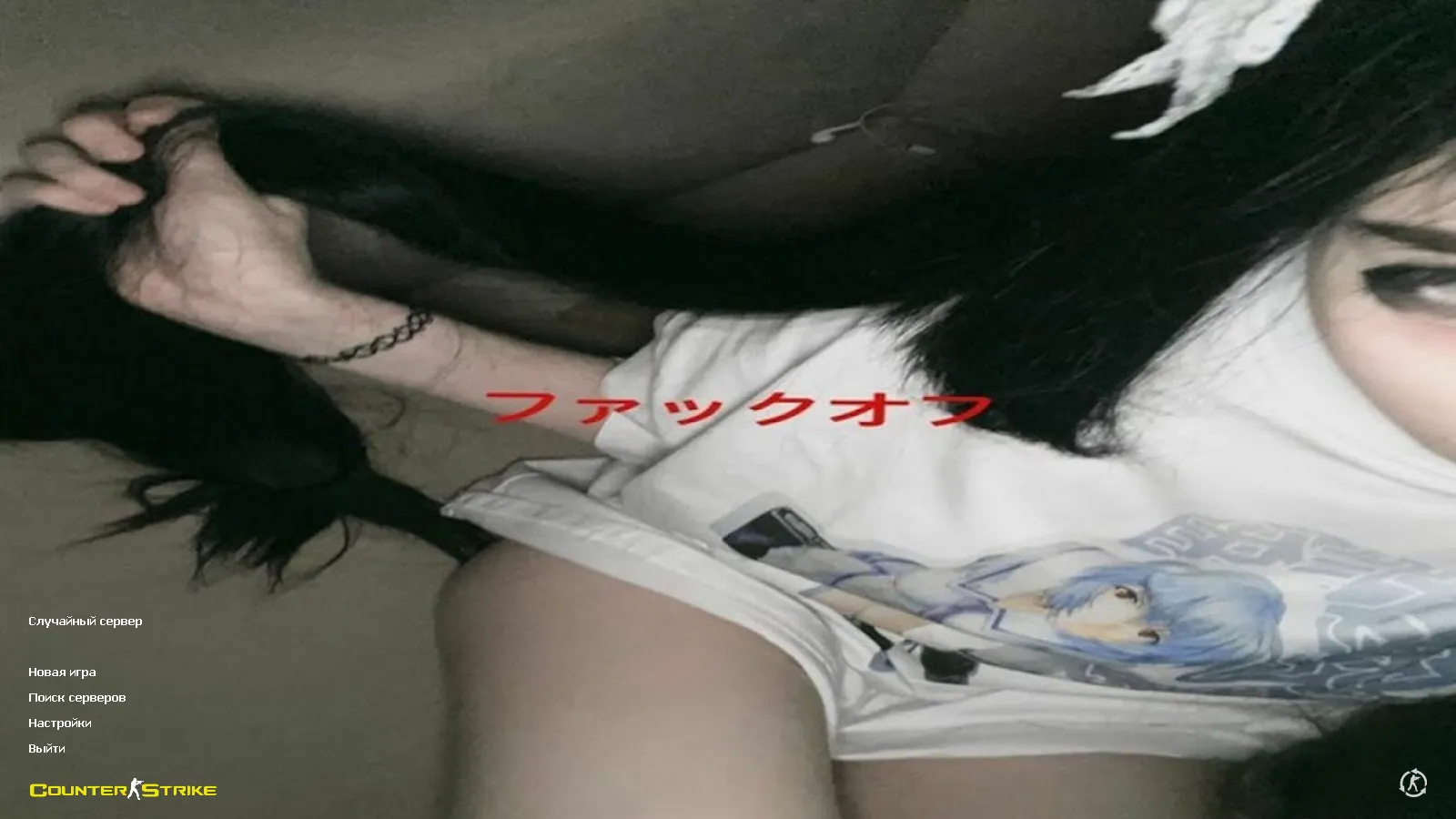
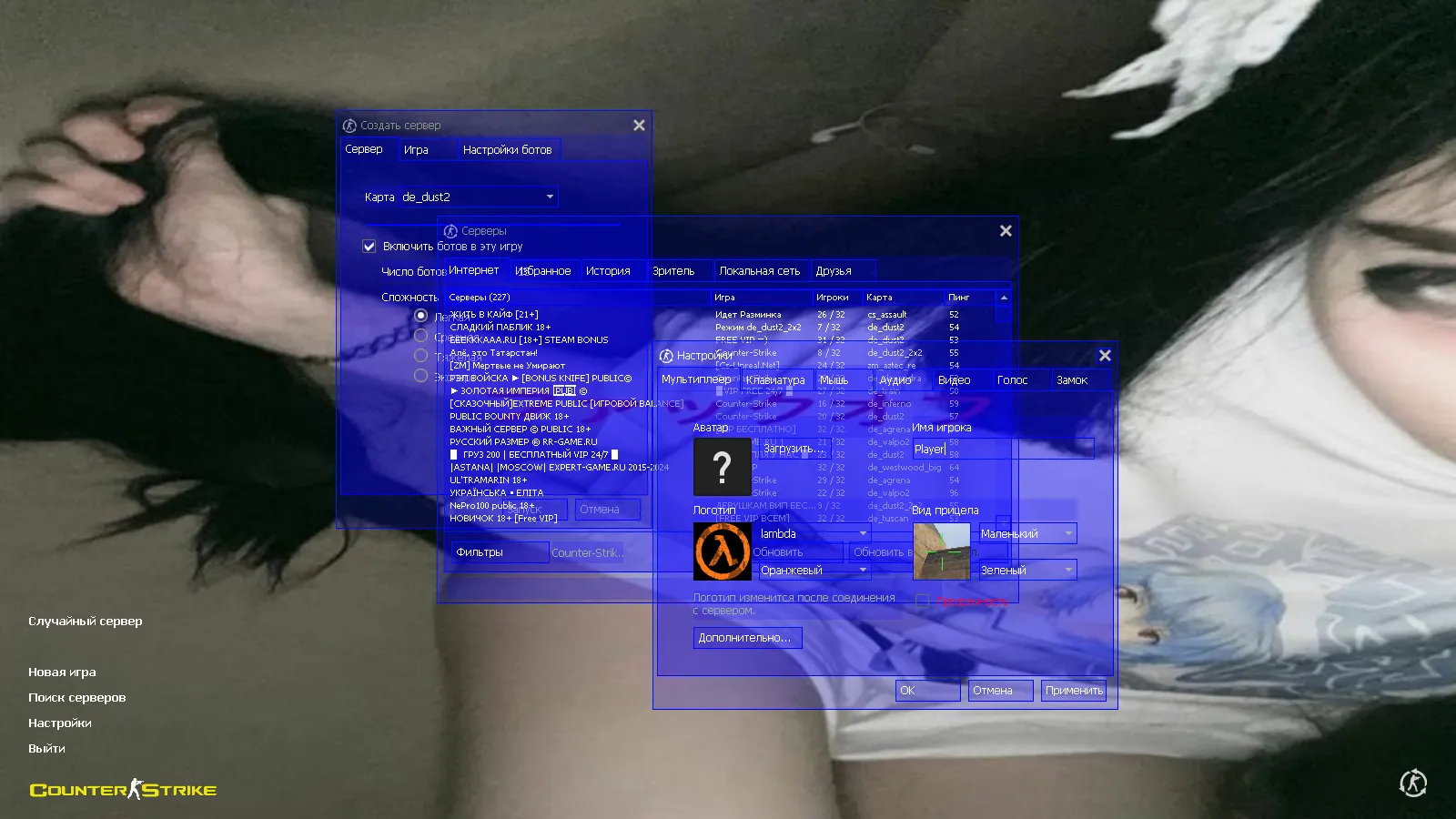
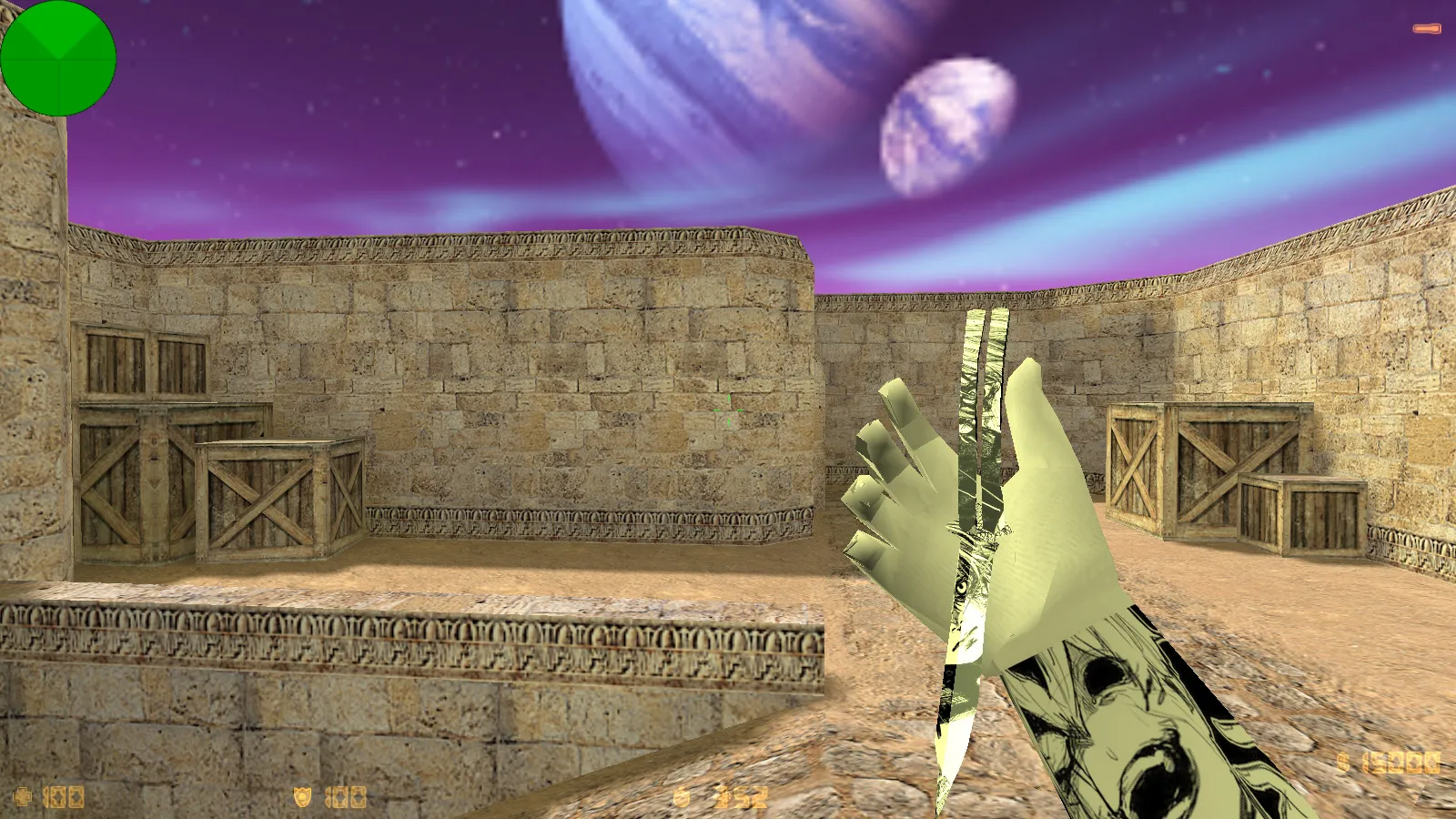
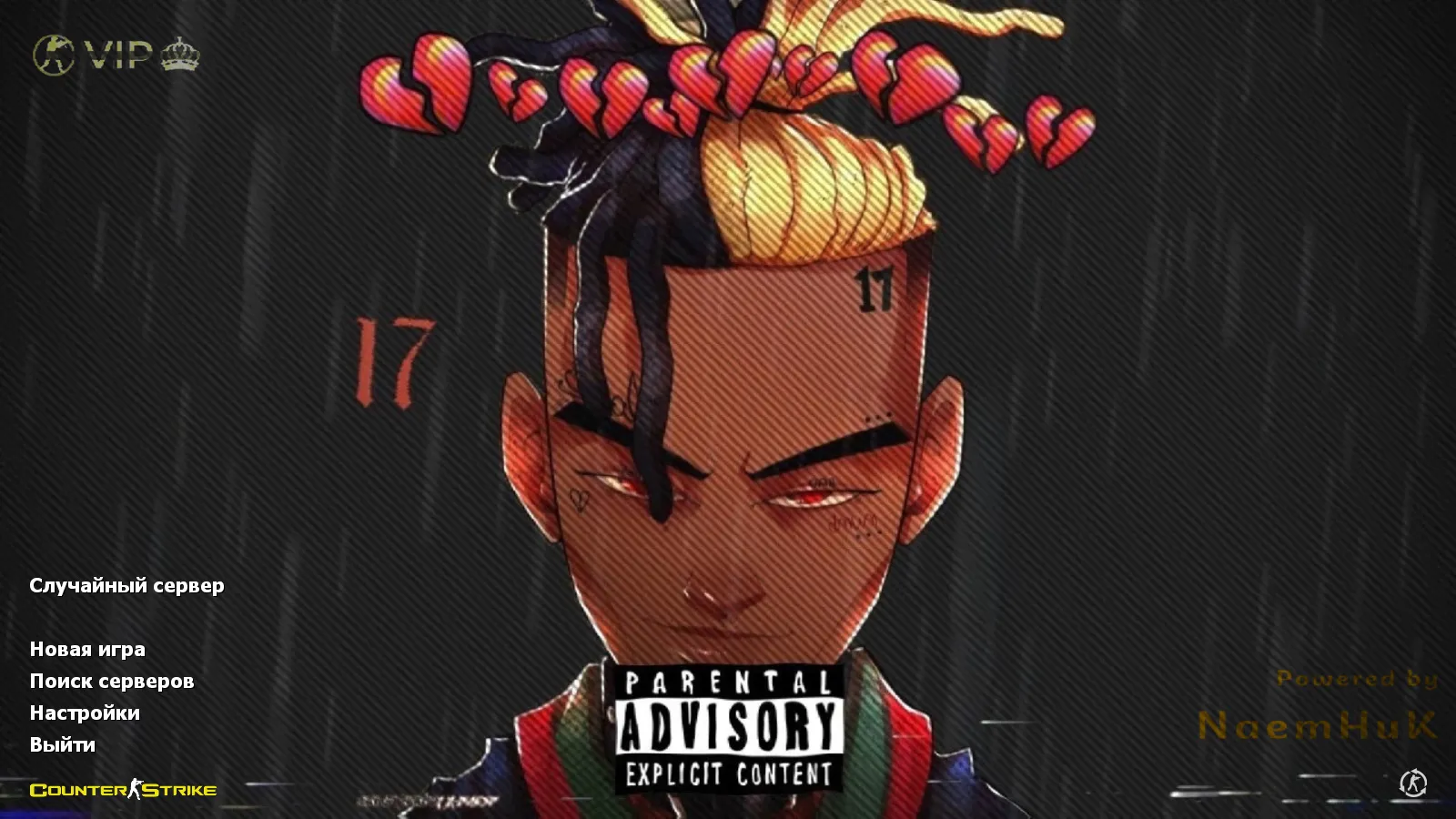
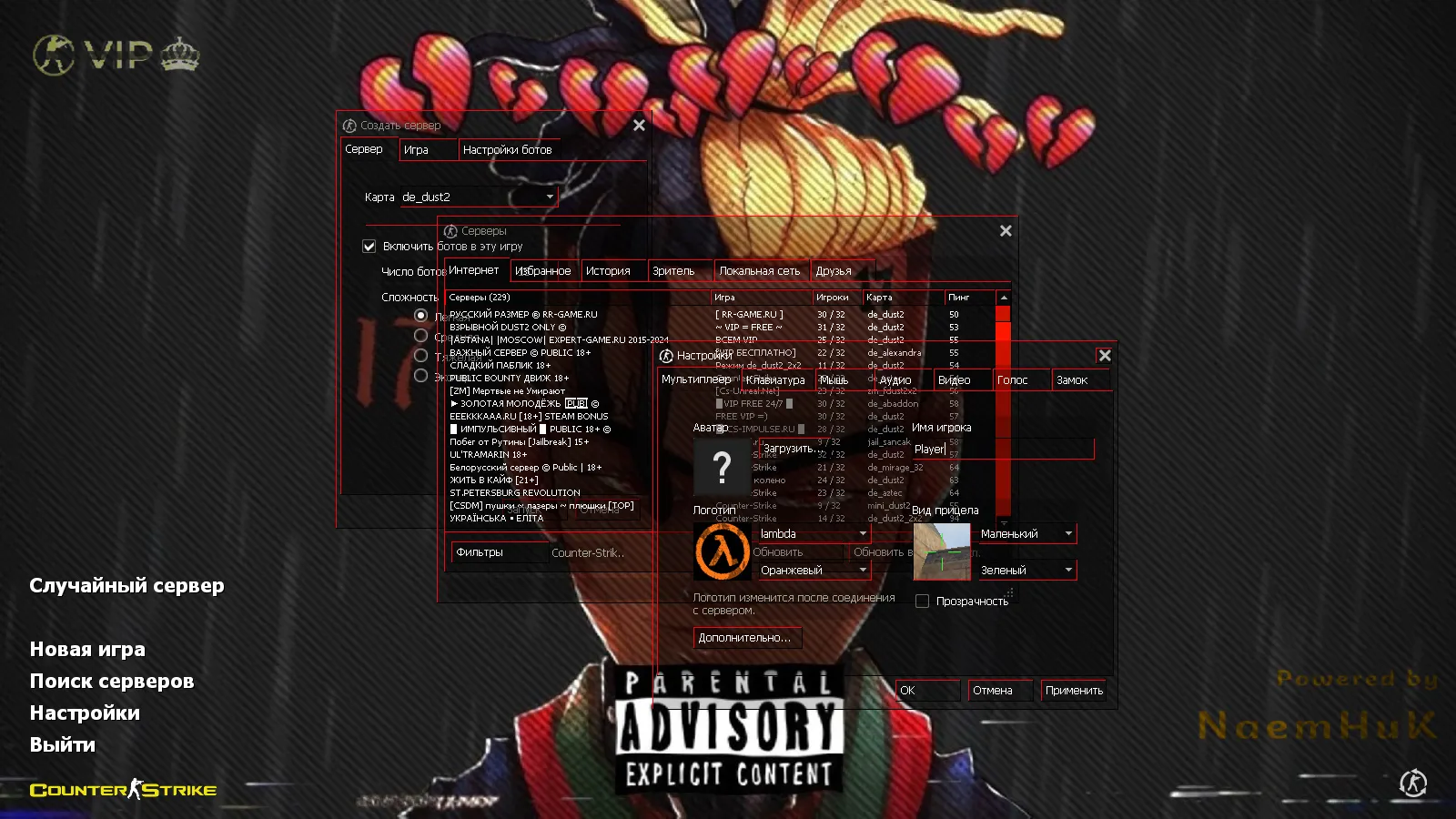
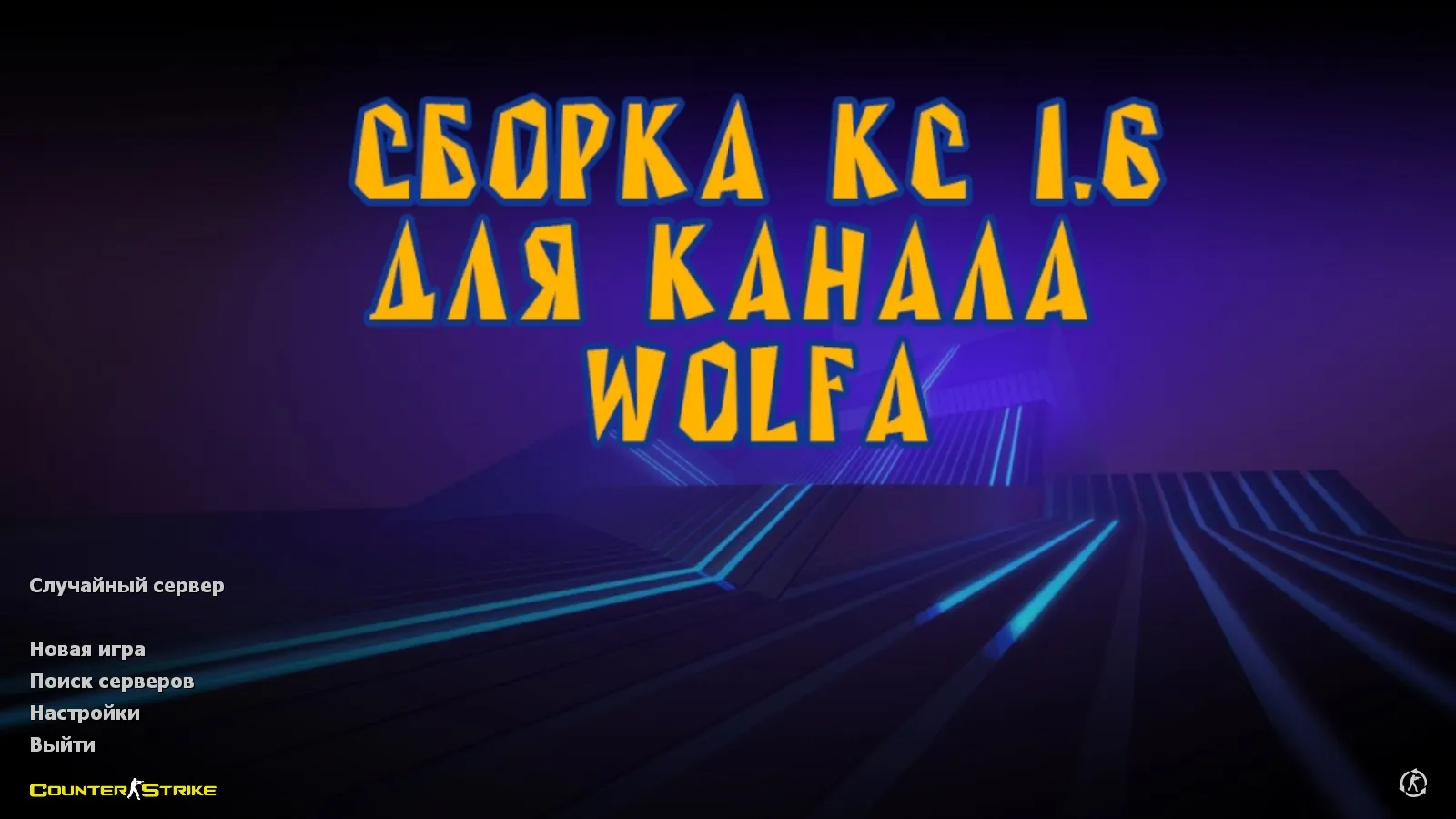
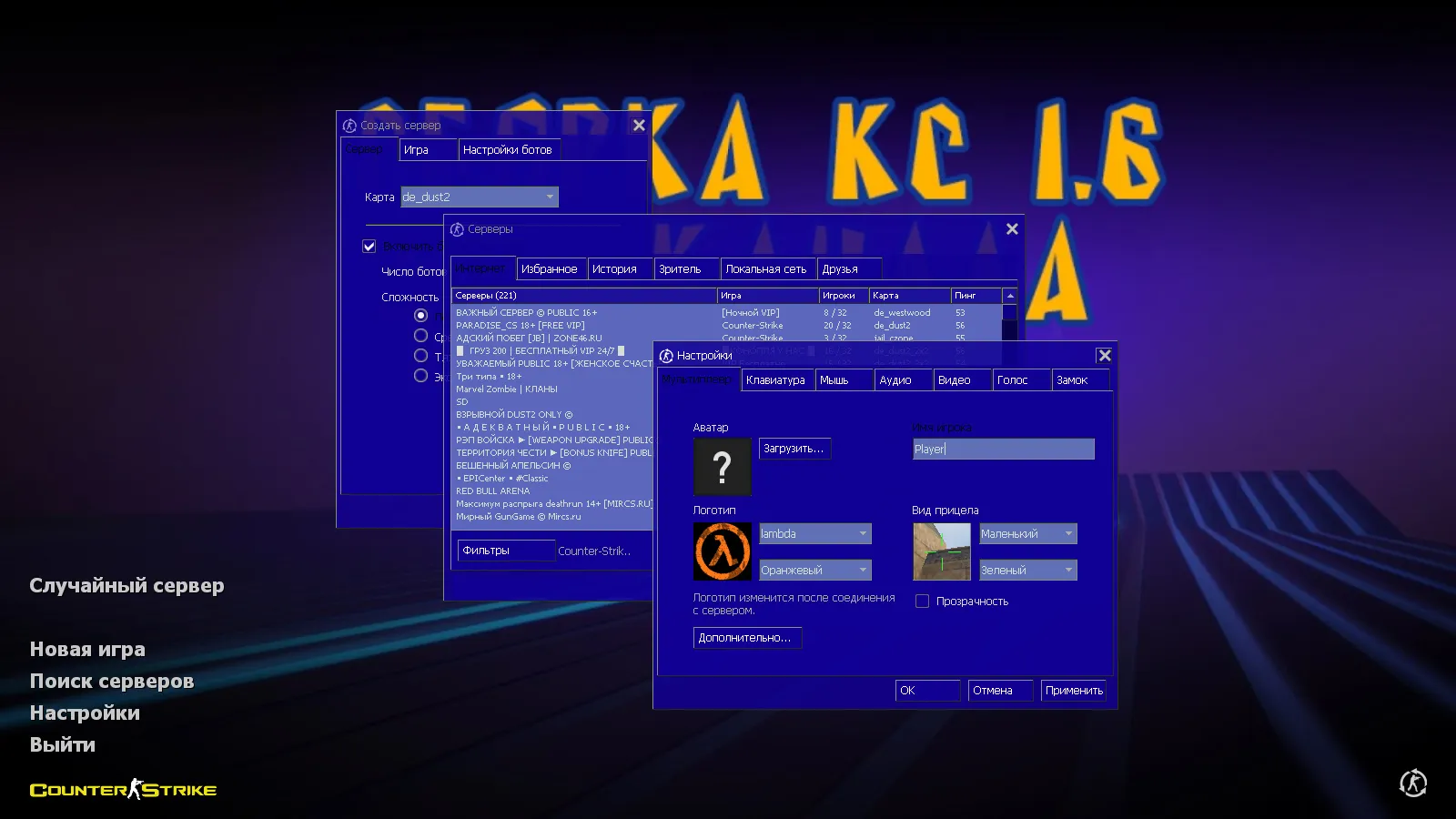
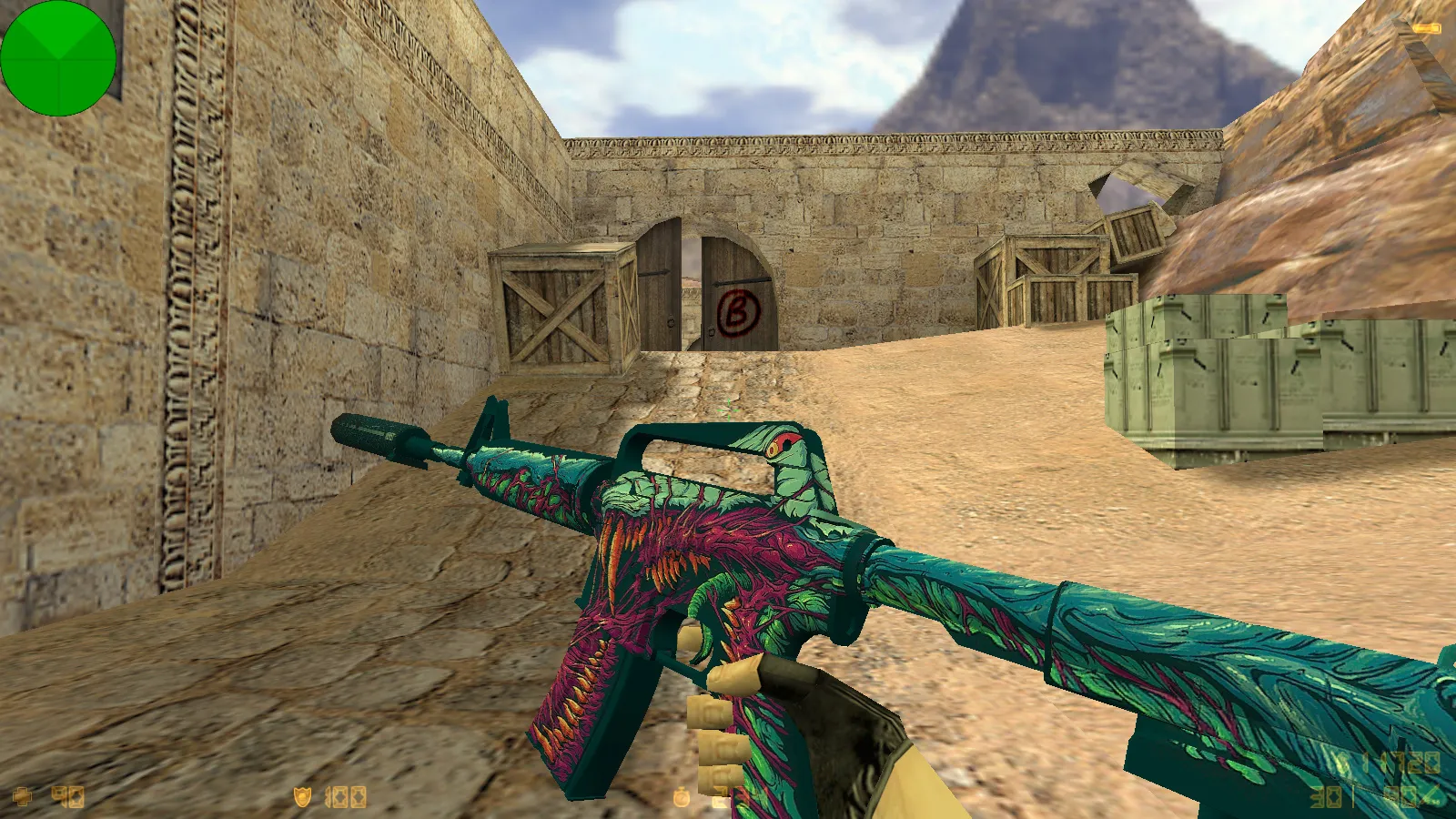
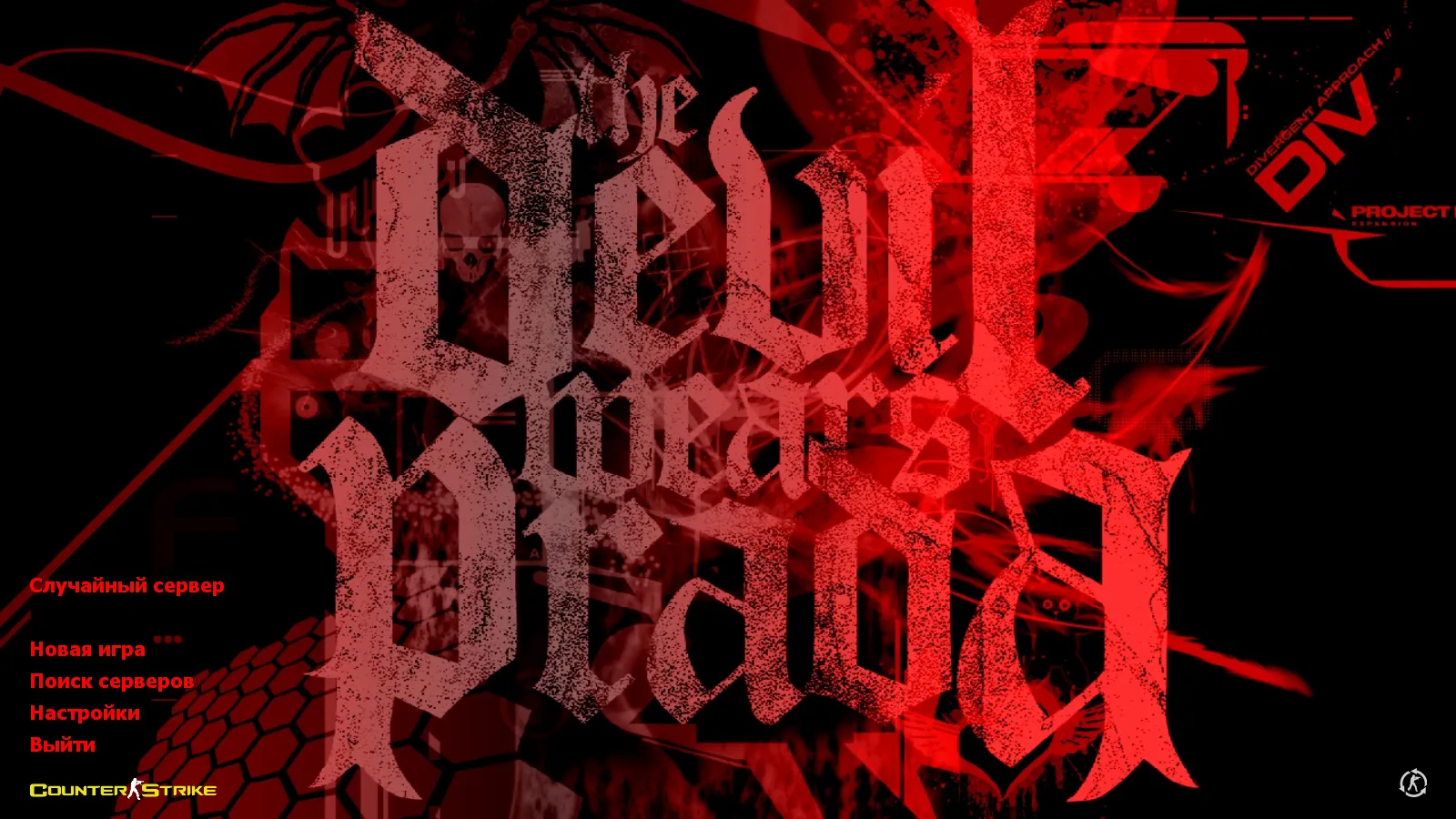
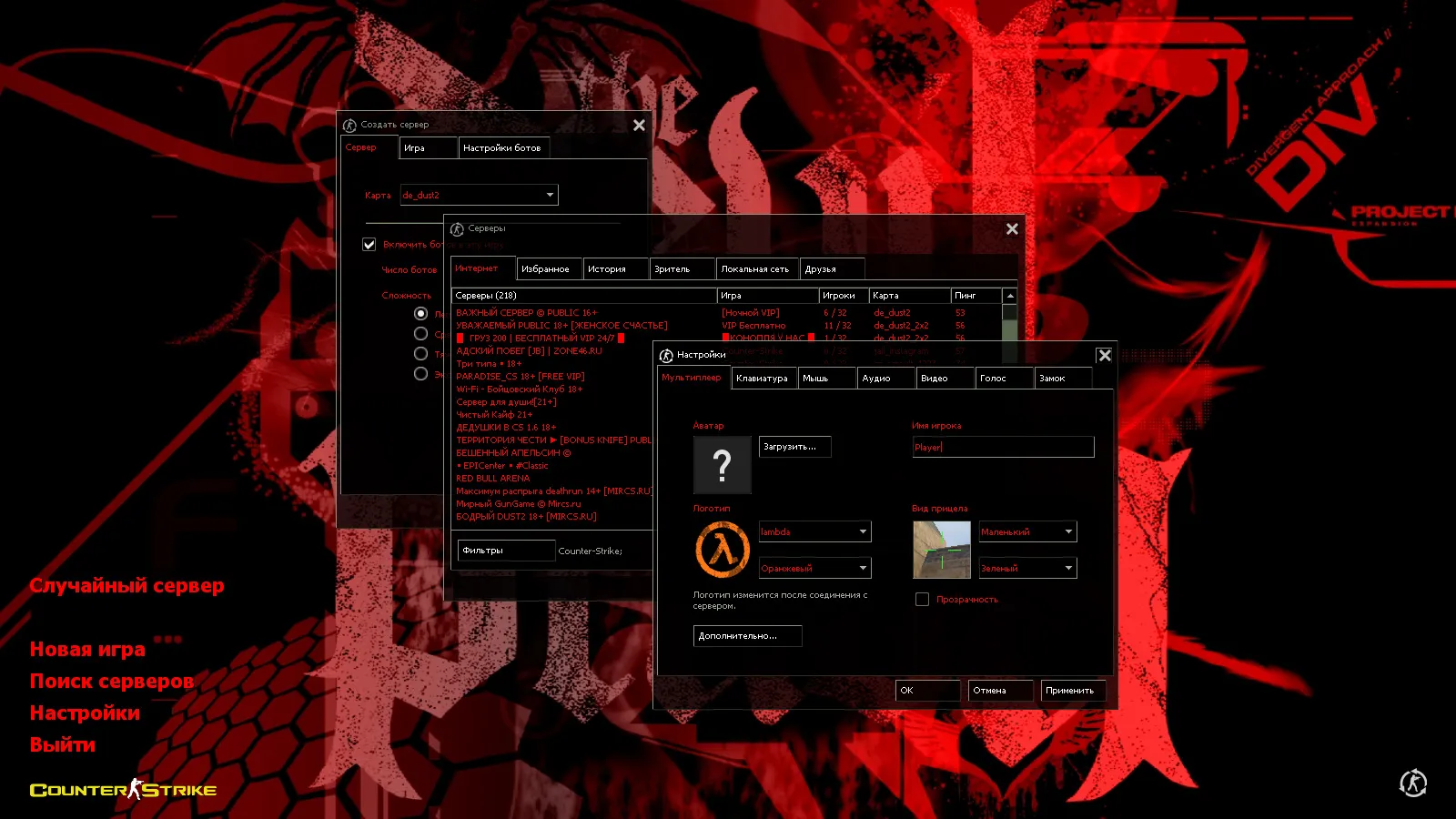
This Counter-Strike 1.6 package from Vovchik Kabanov aims at players wanting visual improvements while keeping the client stable. It bundles 12 notable updates spanning weapons, the interface, and general visuals. The main menu adopts a black theme with transparent parts and red highlights for strong contrast. The backdrop displays The Devil Wears Prada logo, delivering a recognizable, esports-style launch screen.
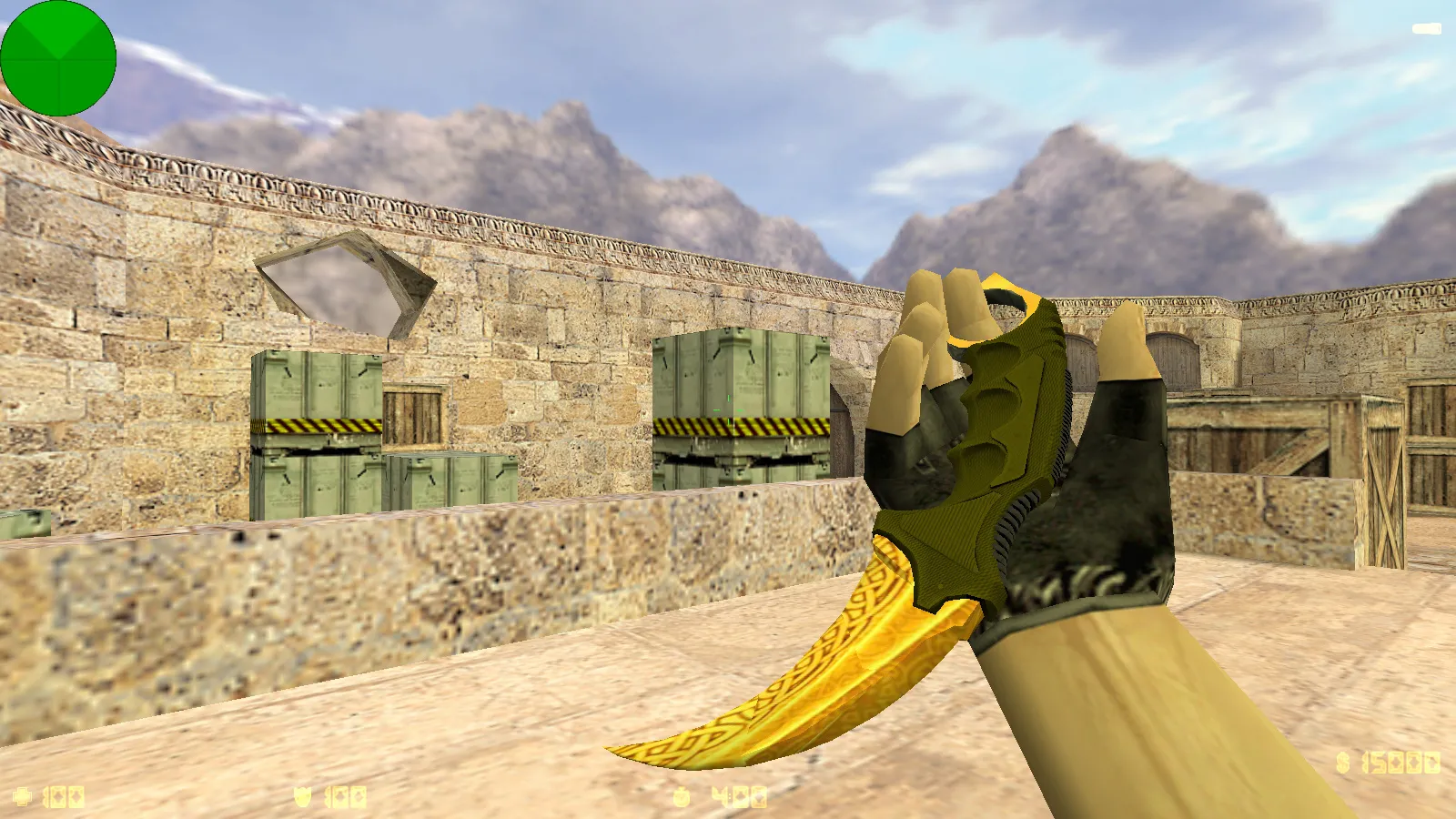
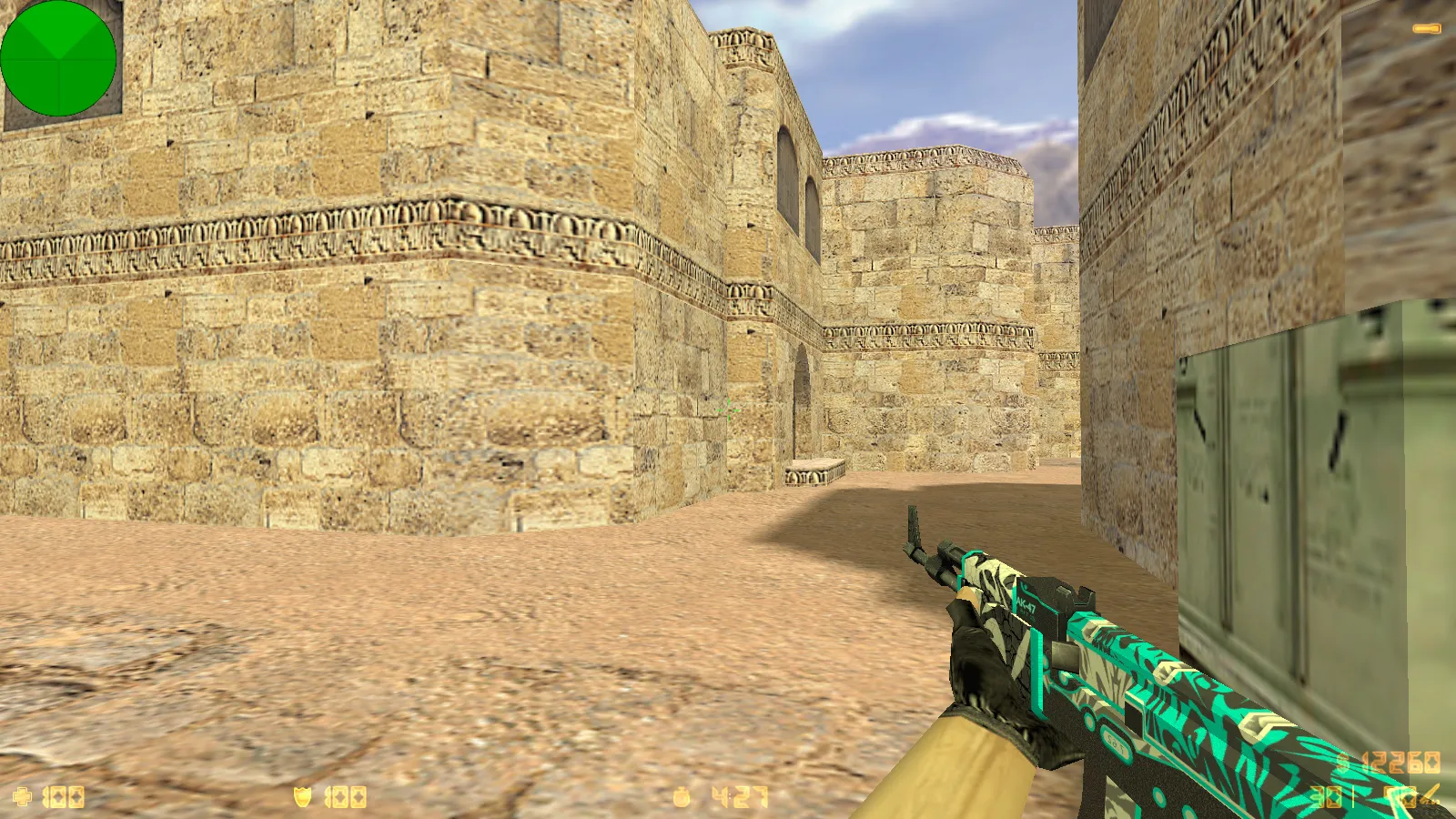
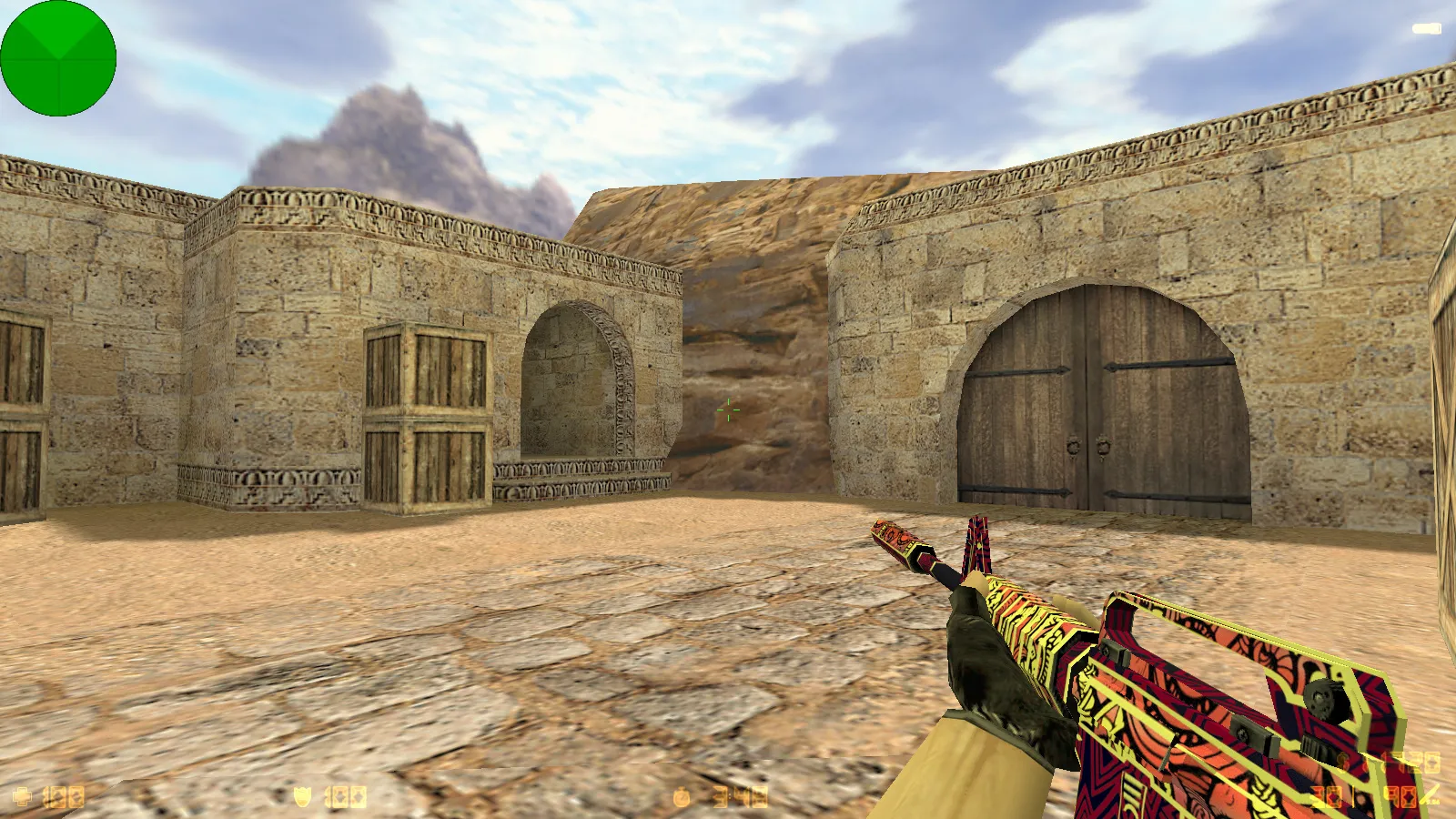
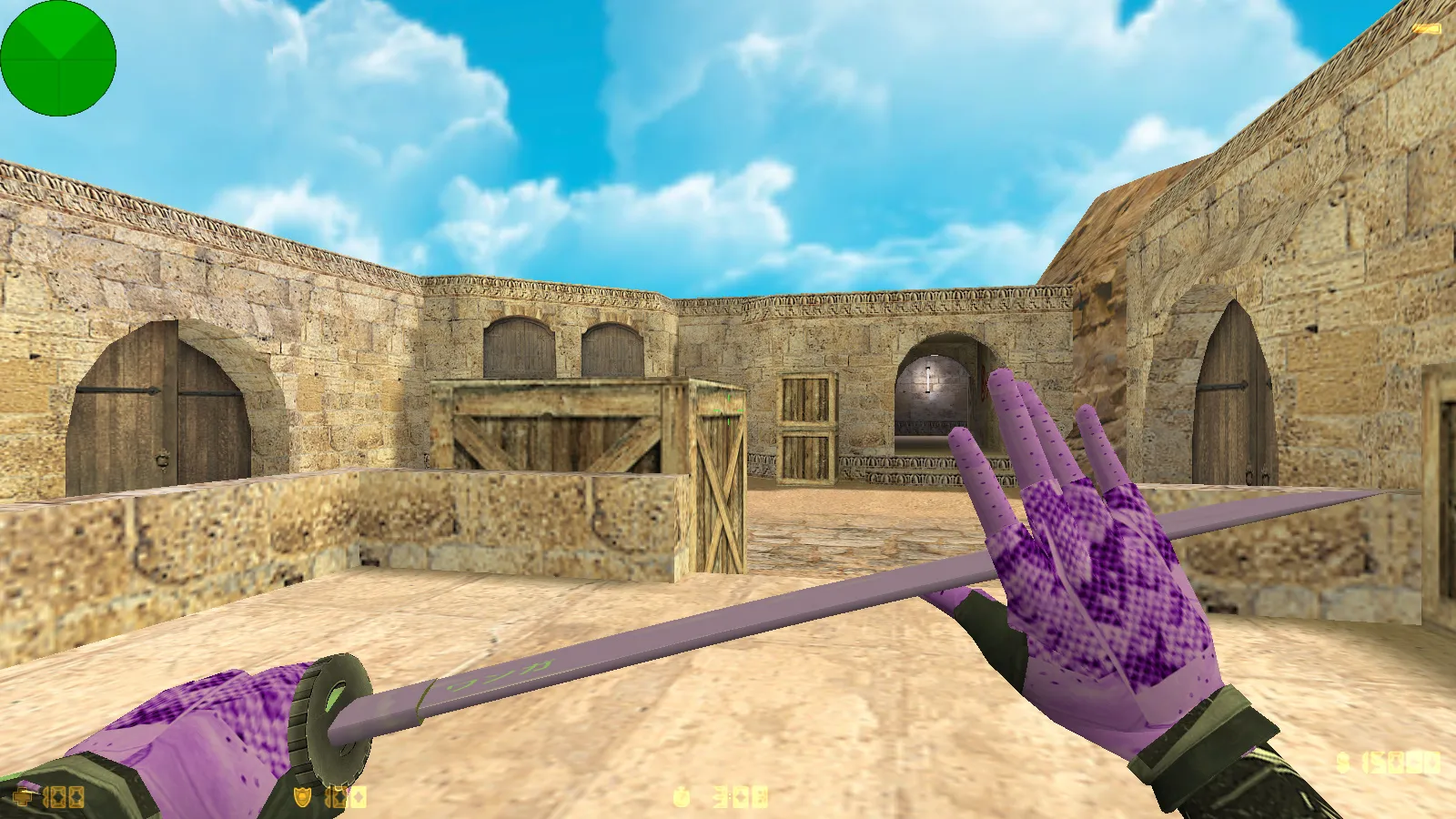
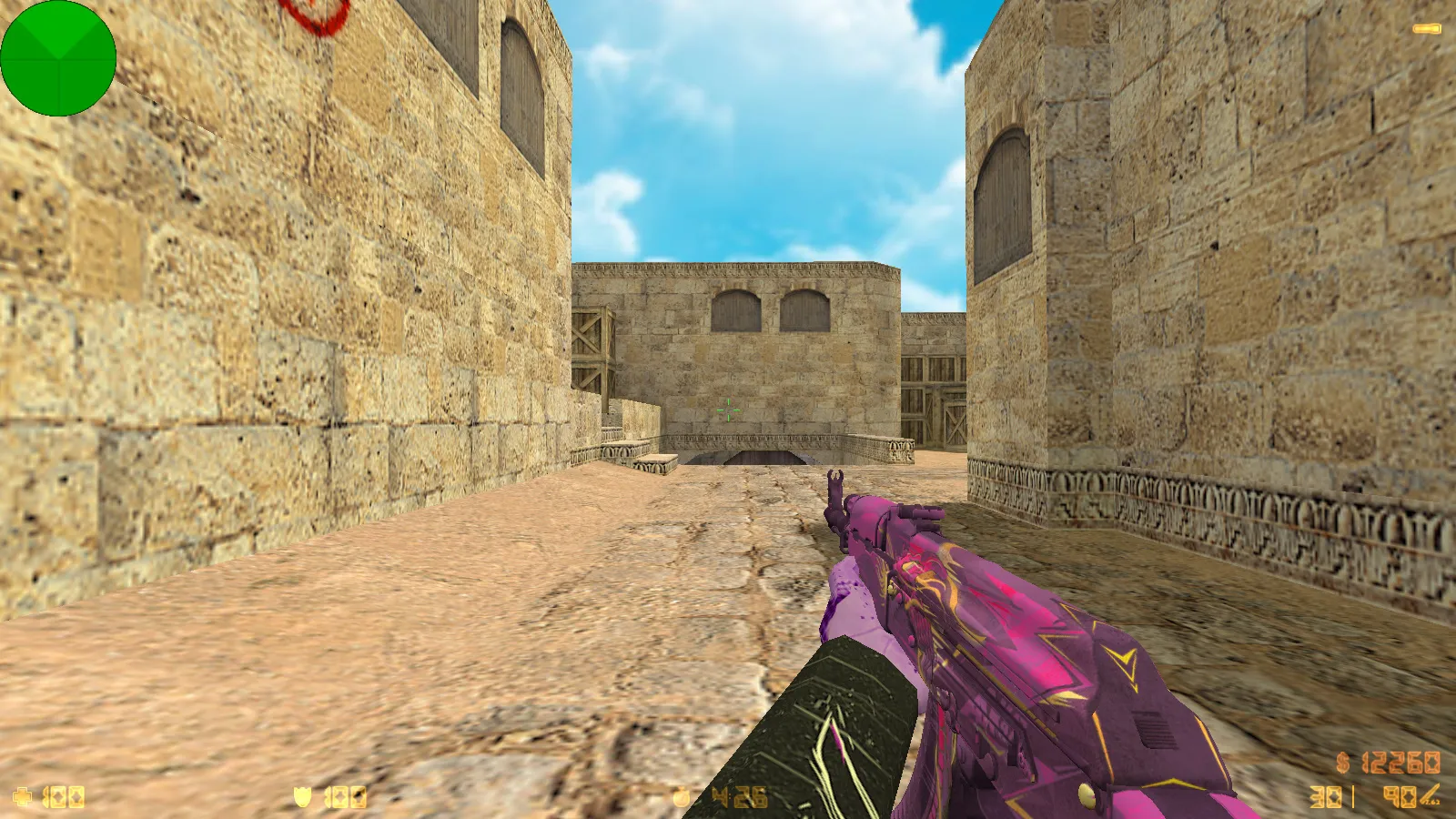
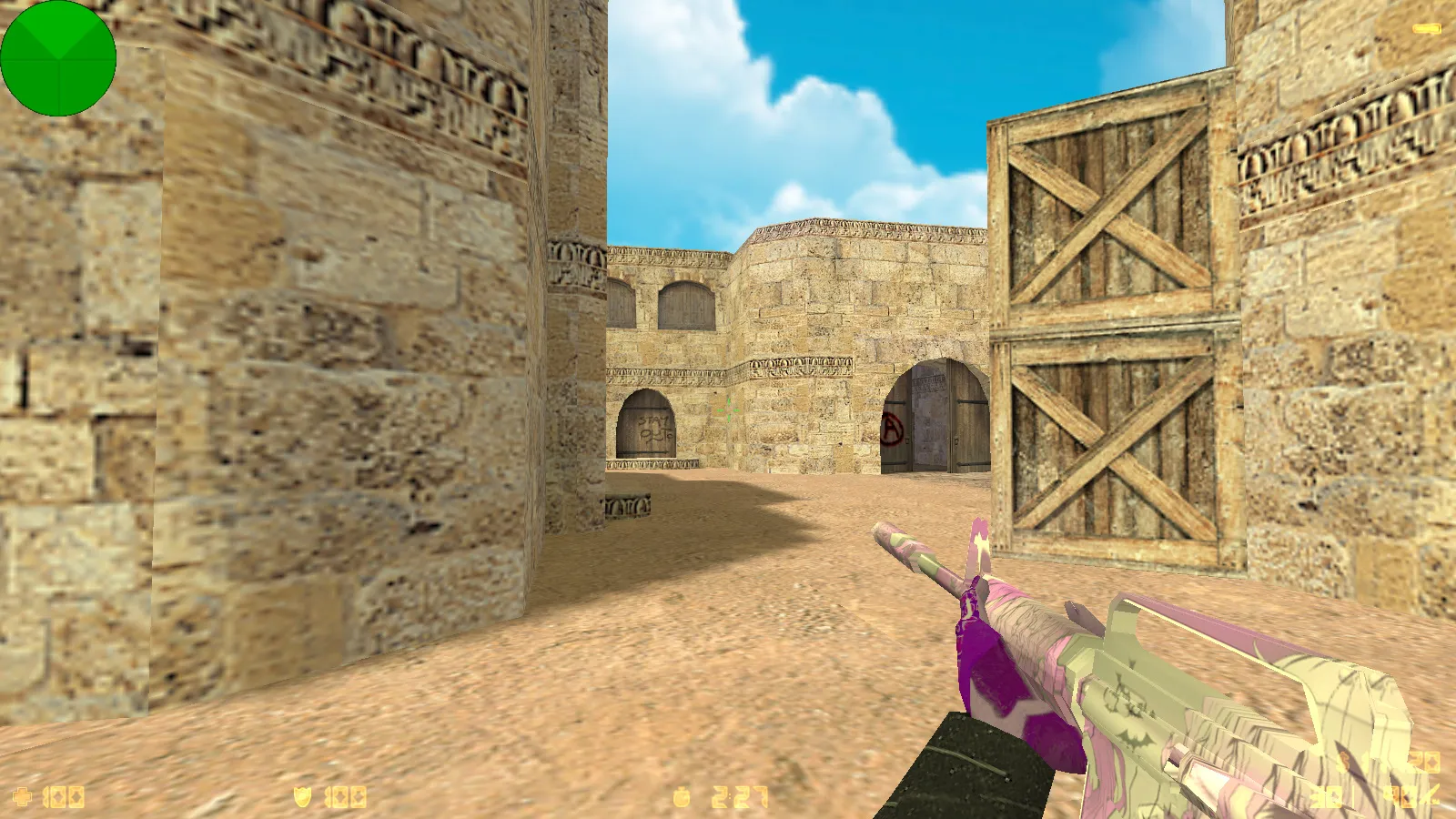
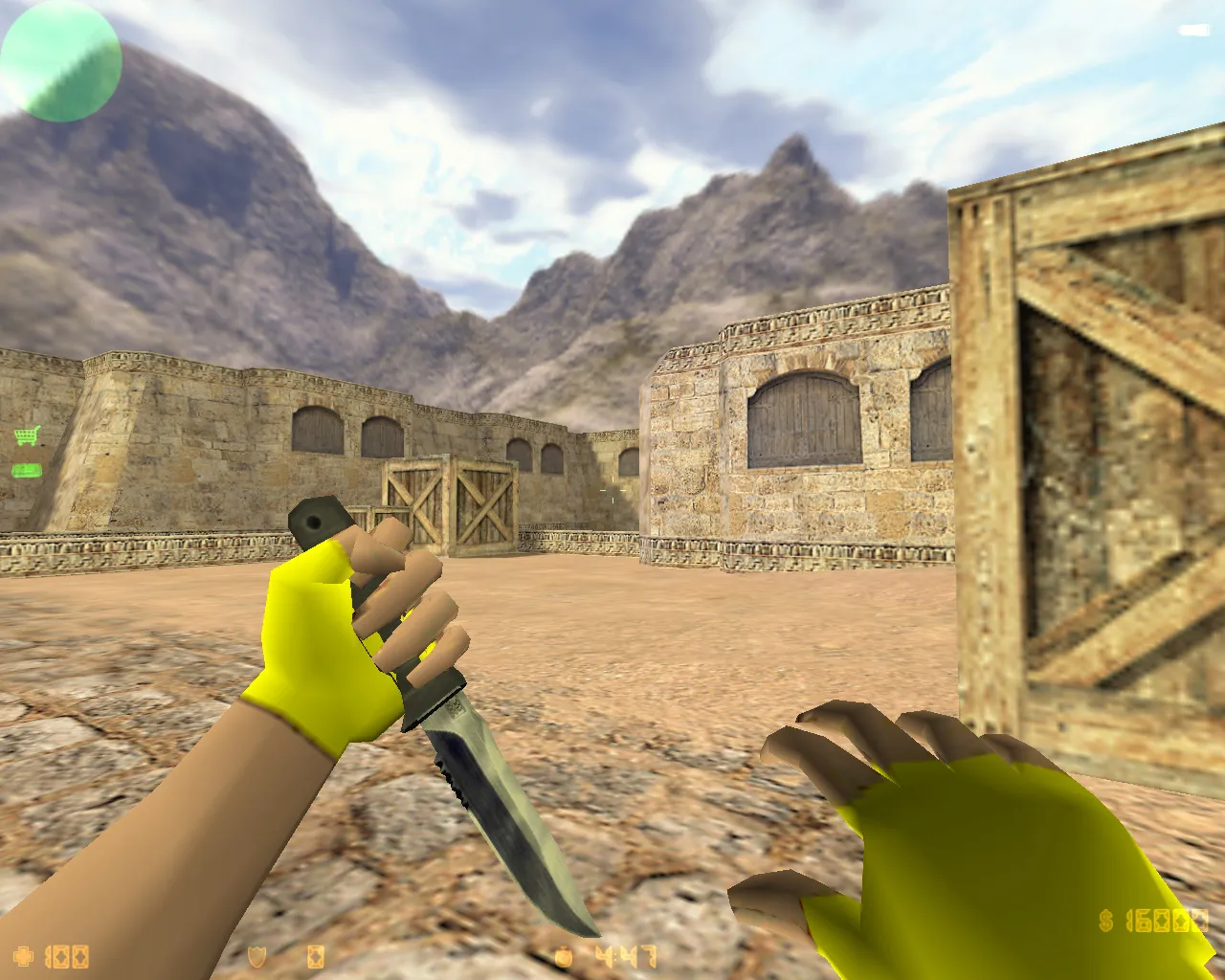
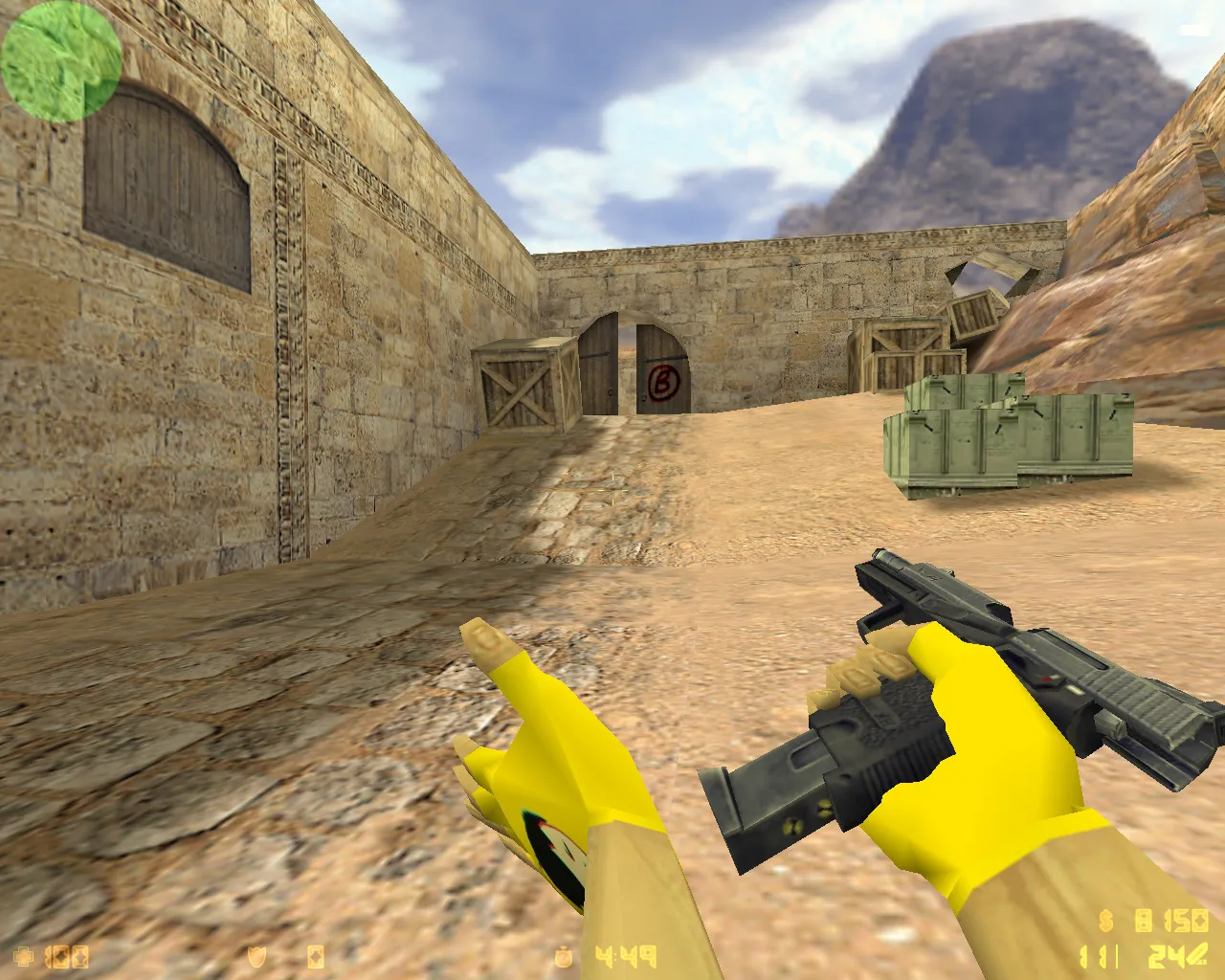
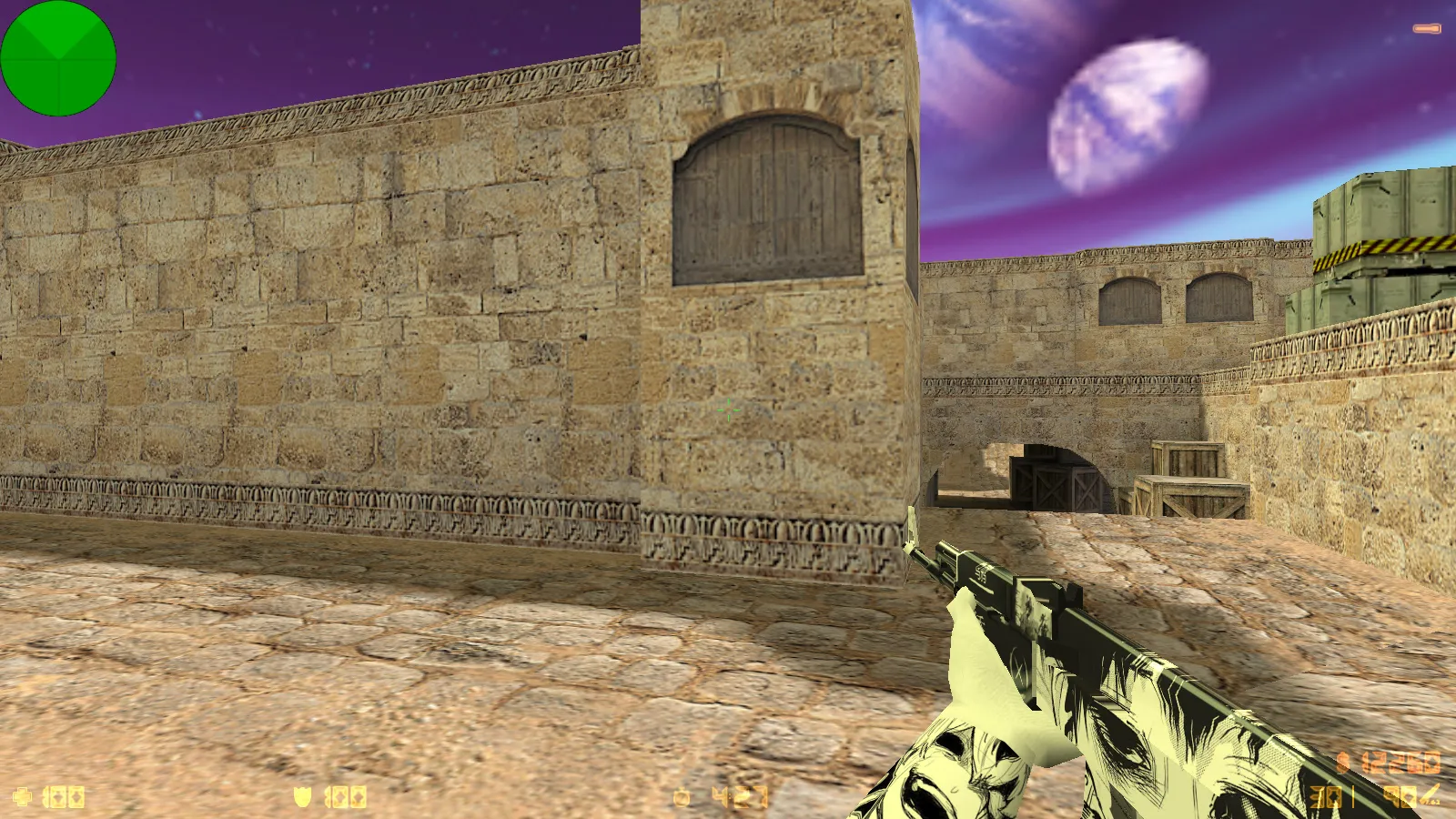
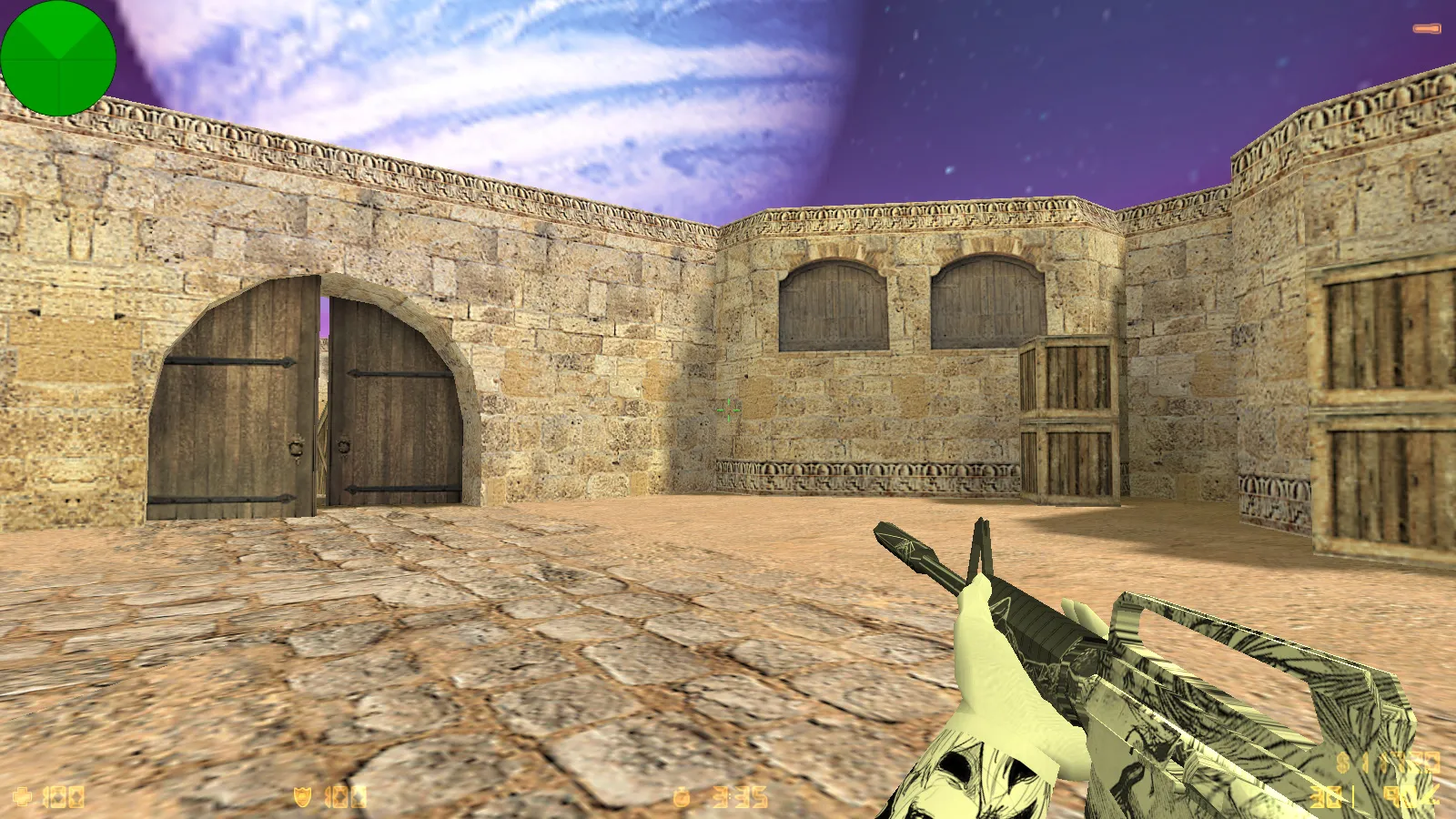
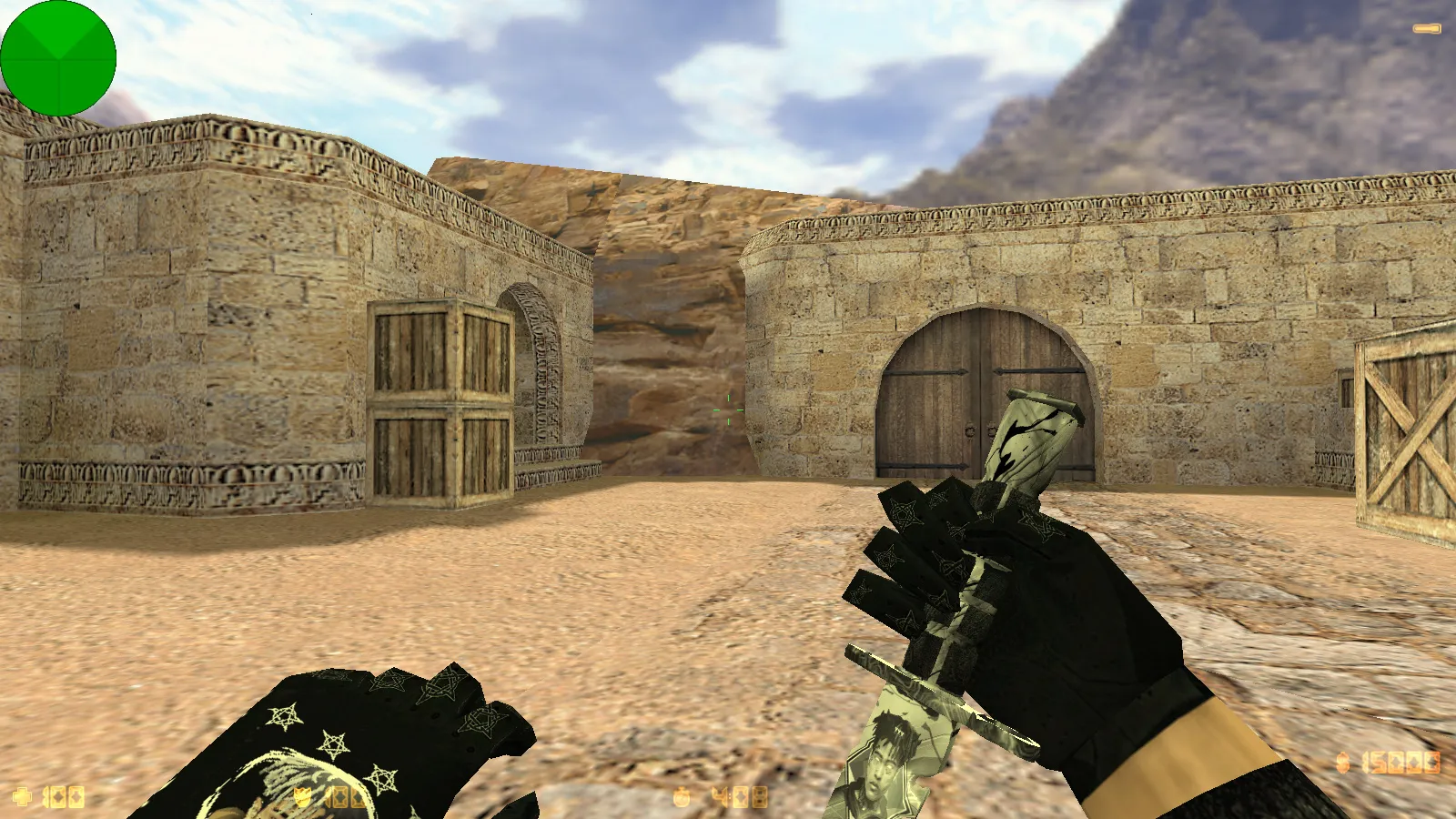
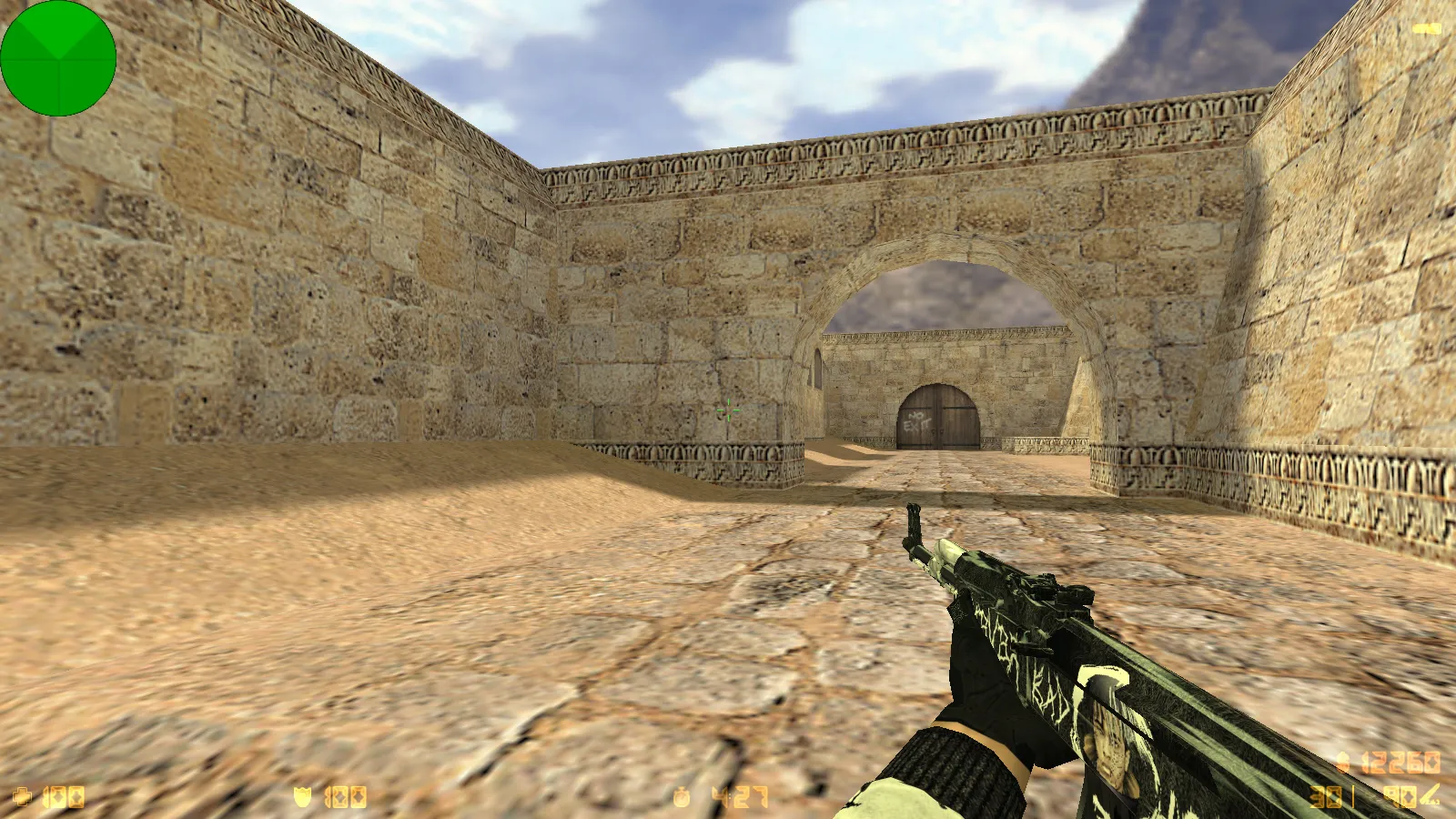
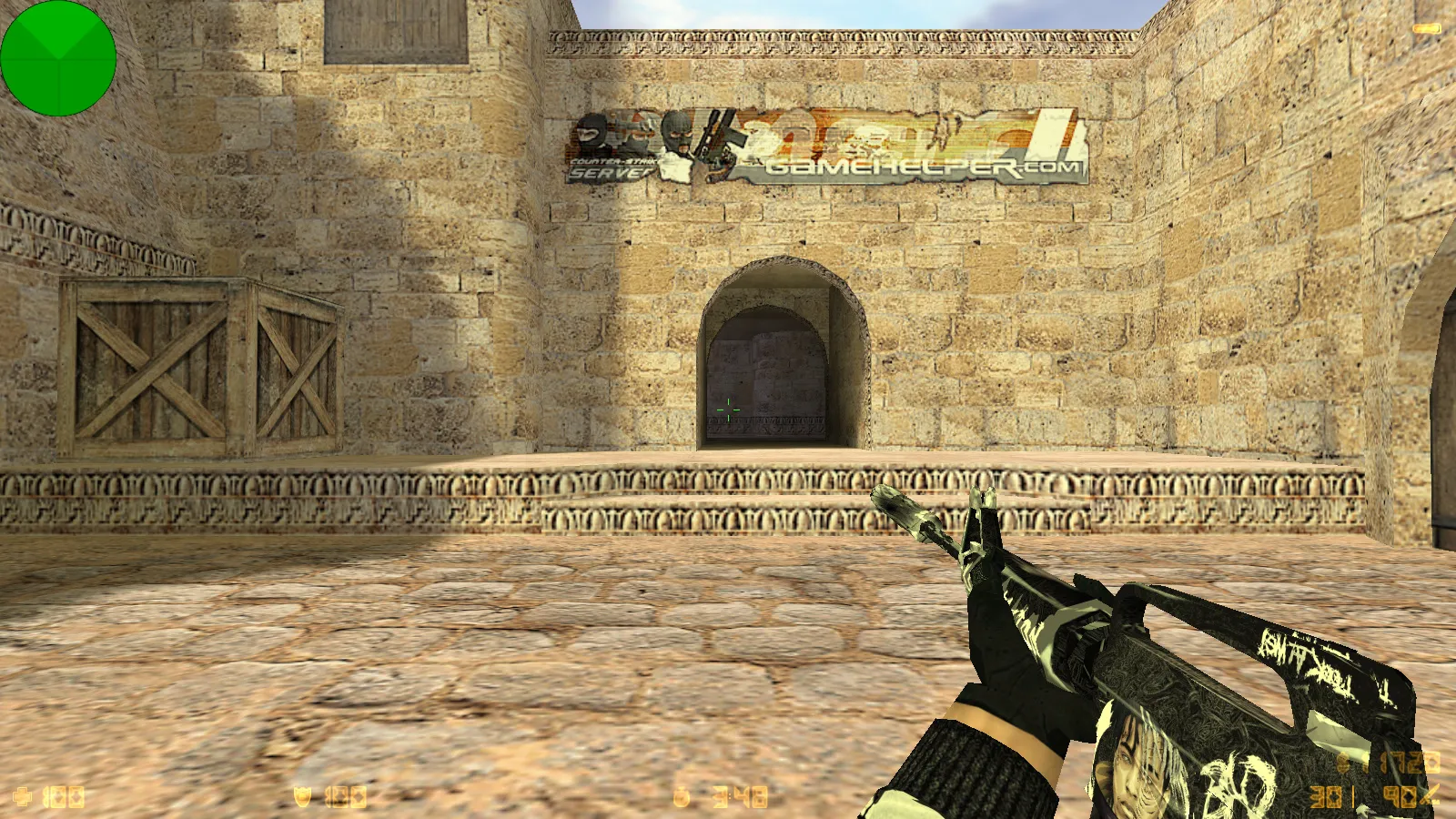
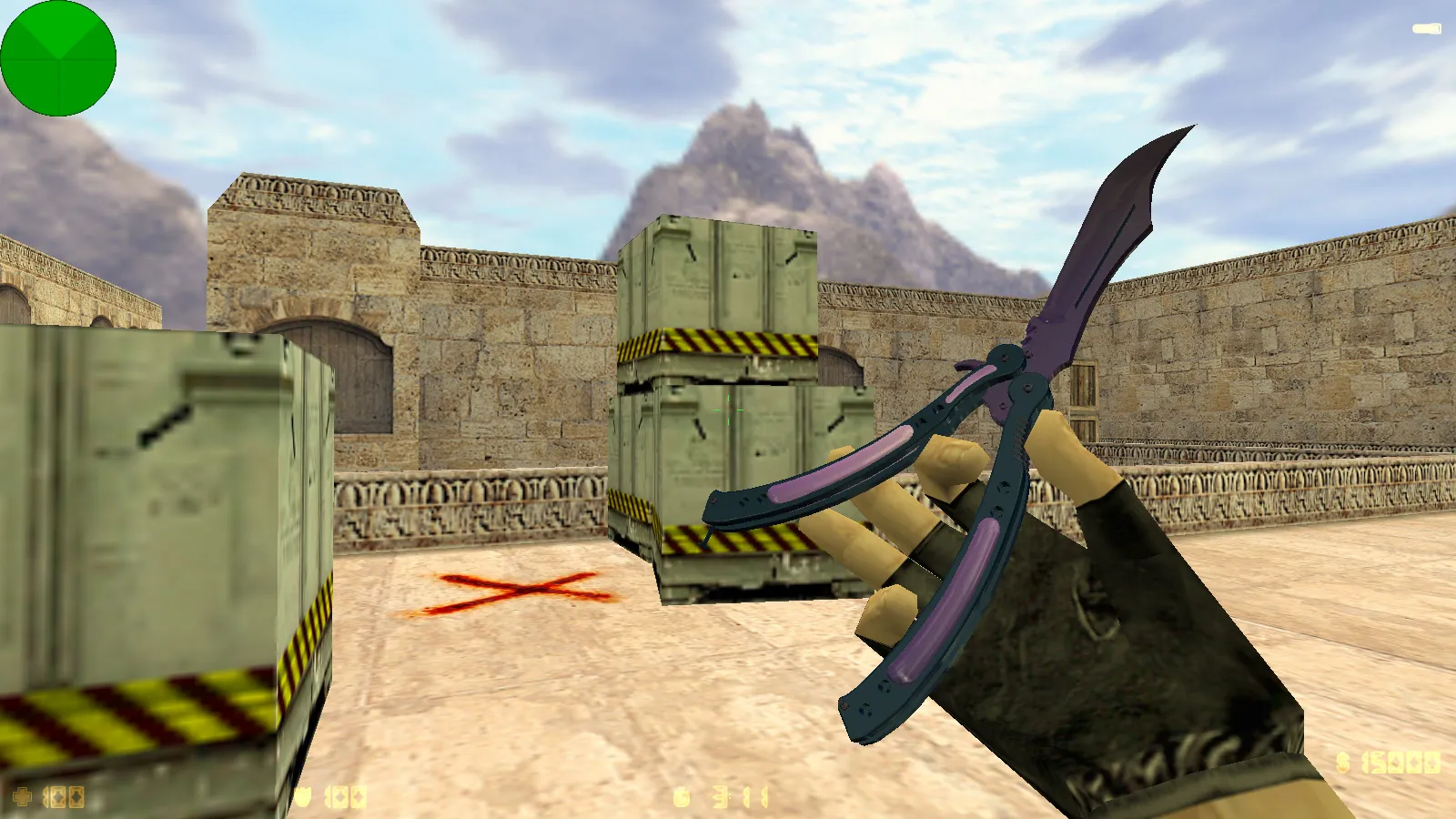
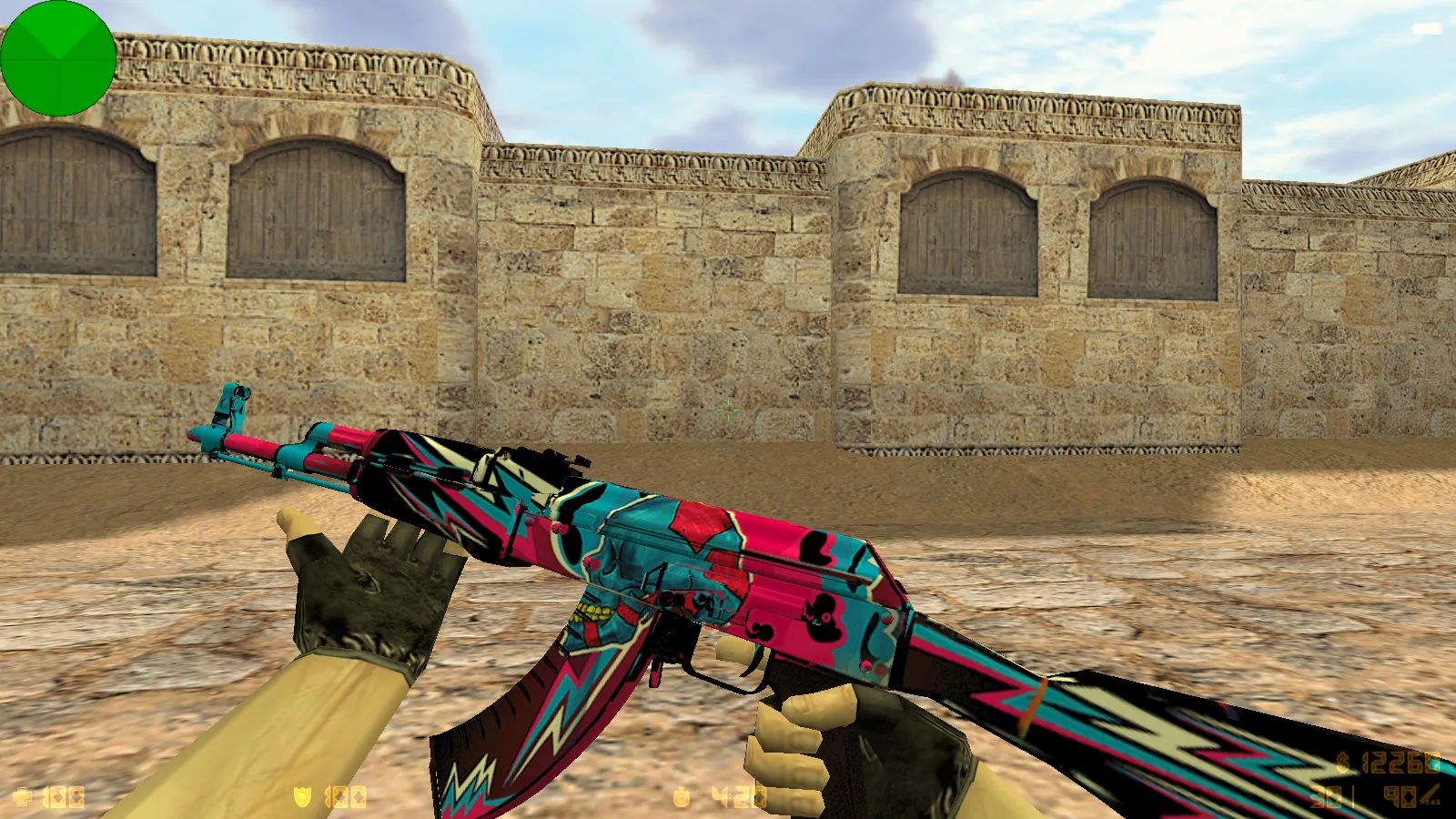
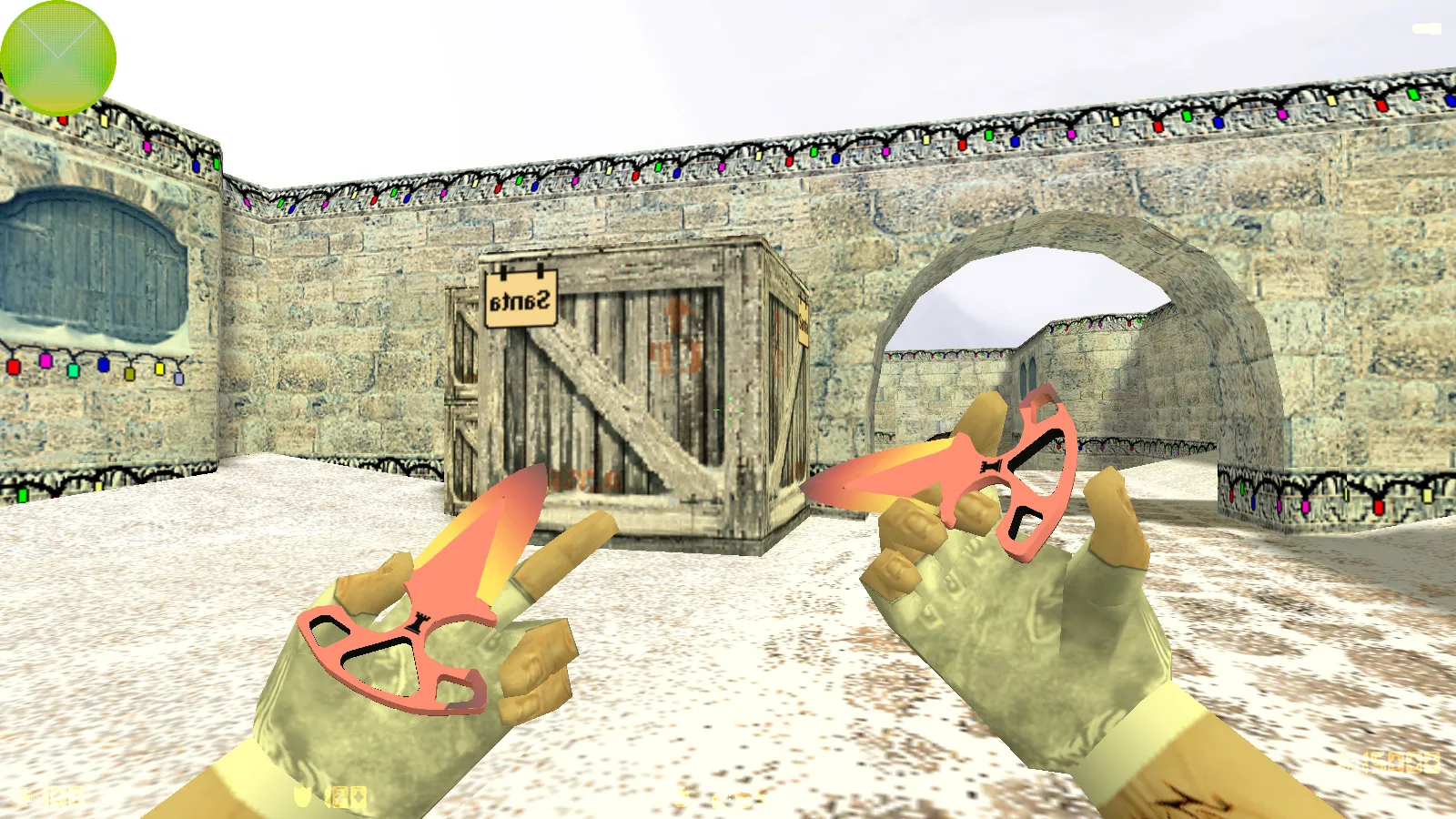
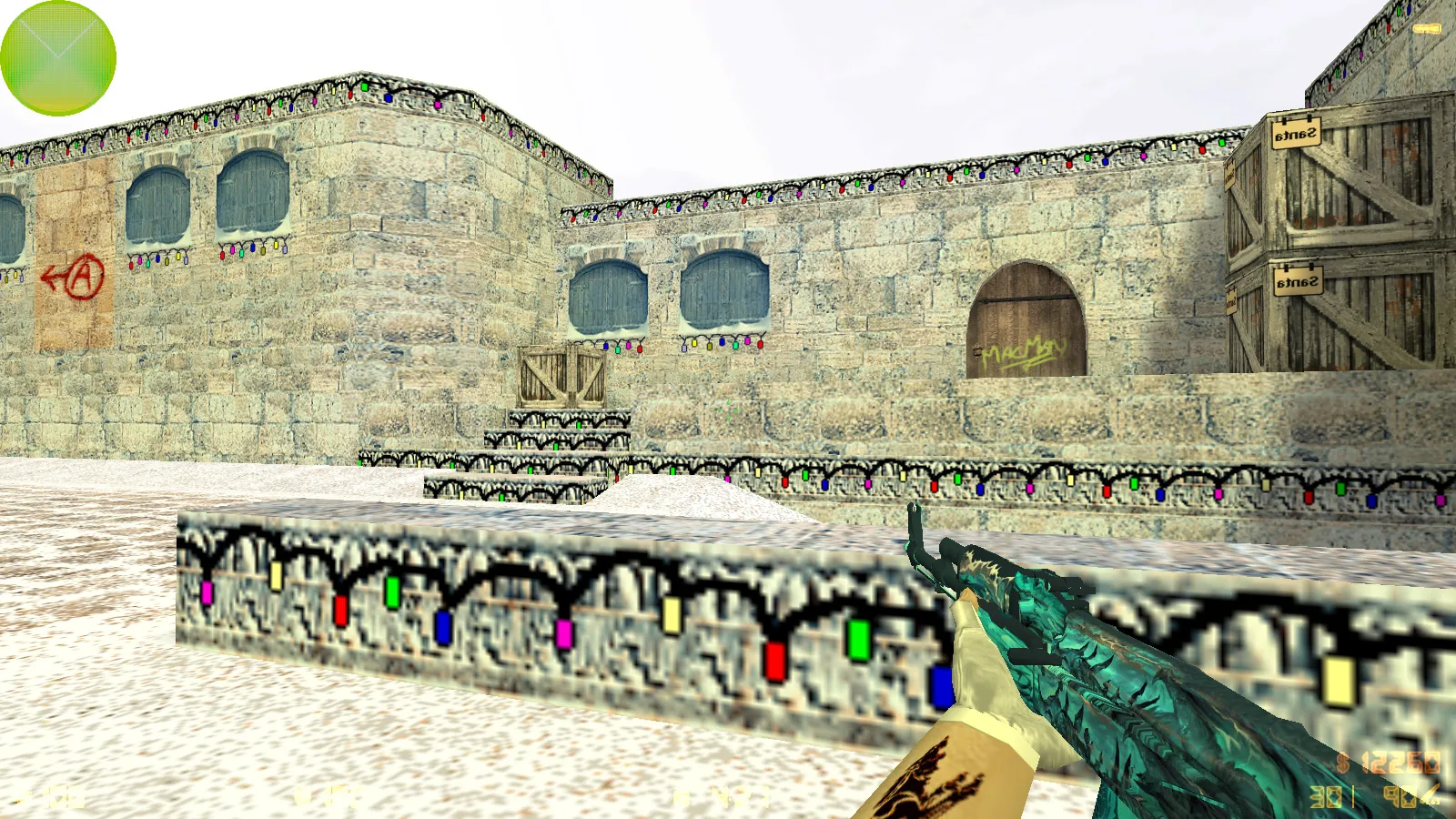
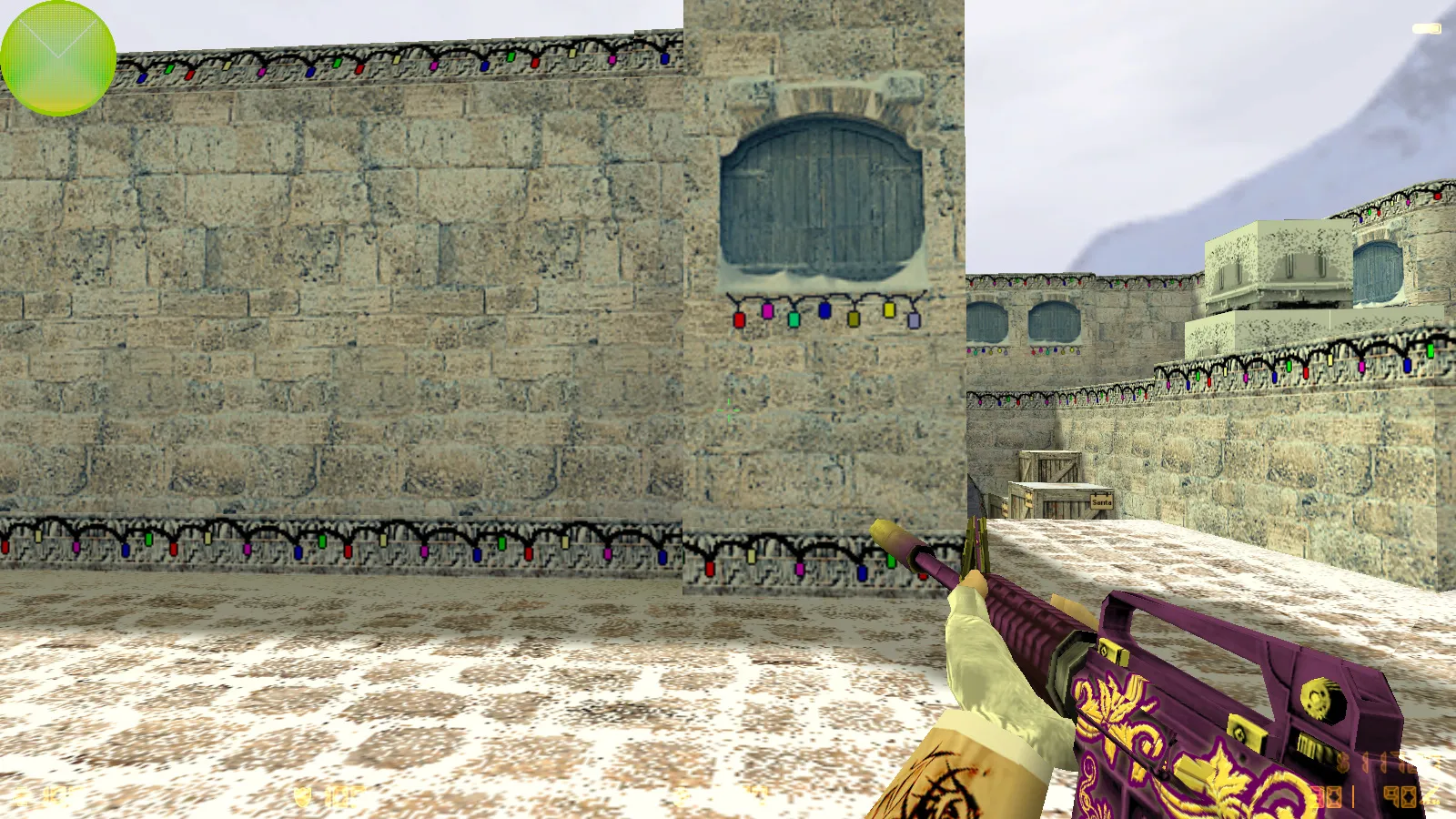
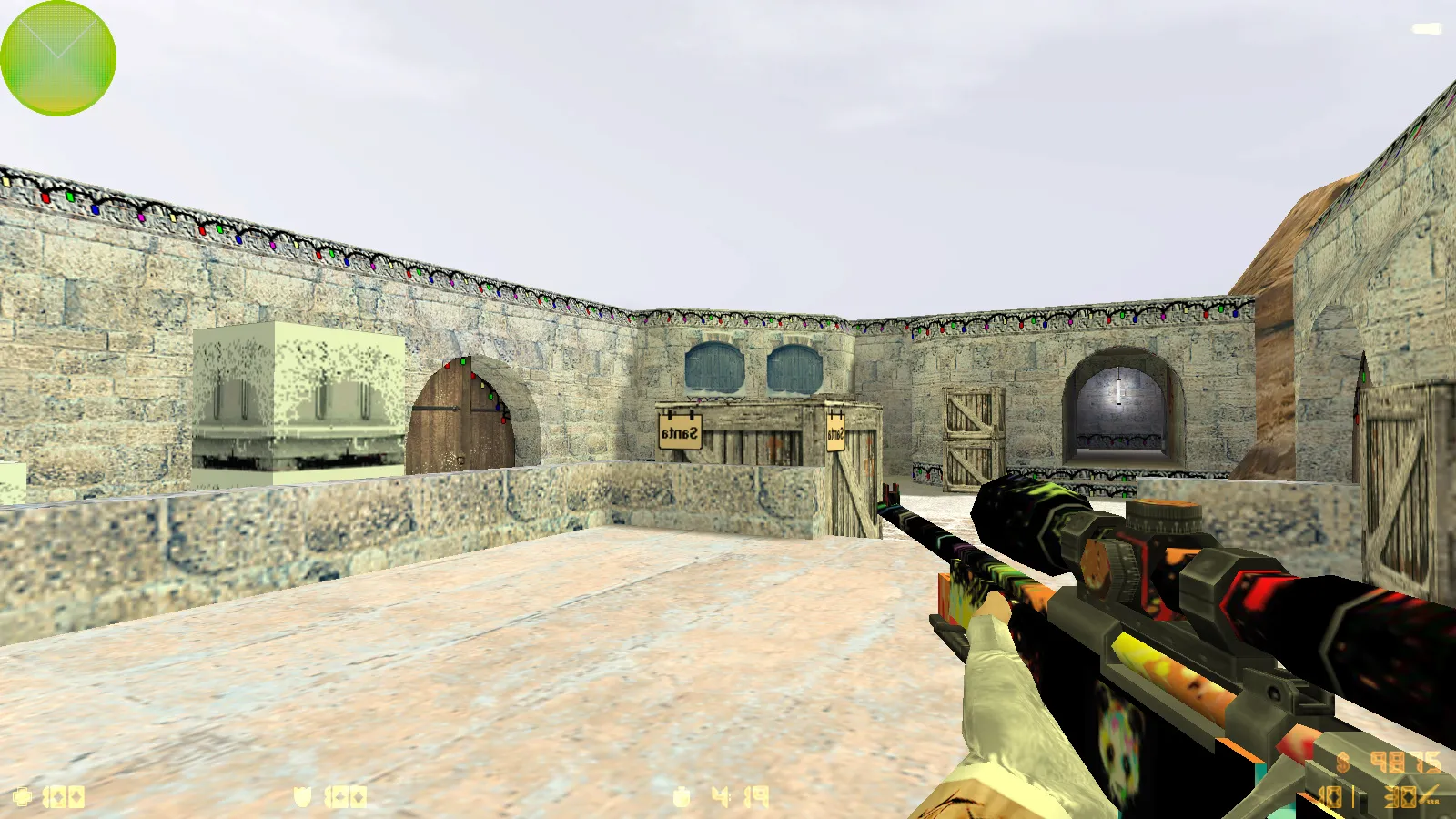
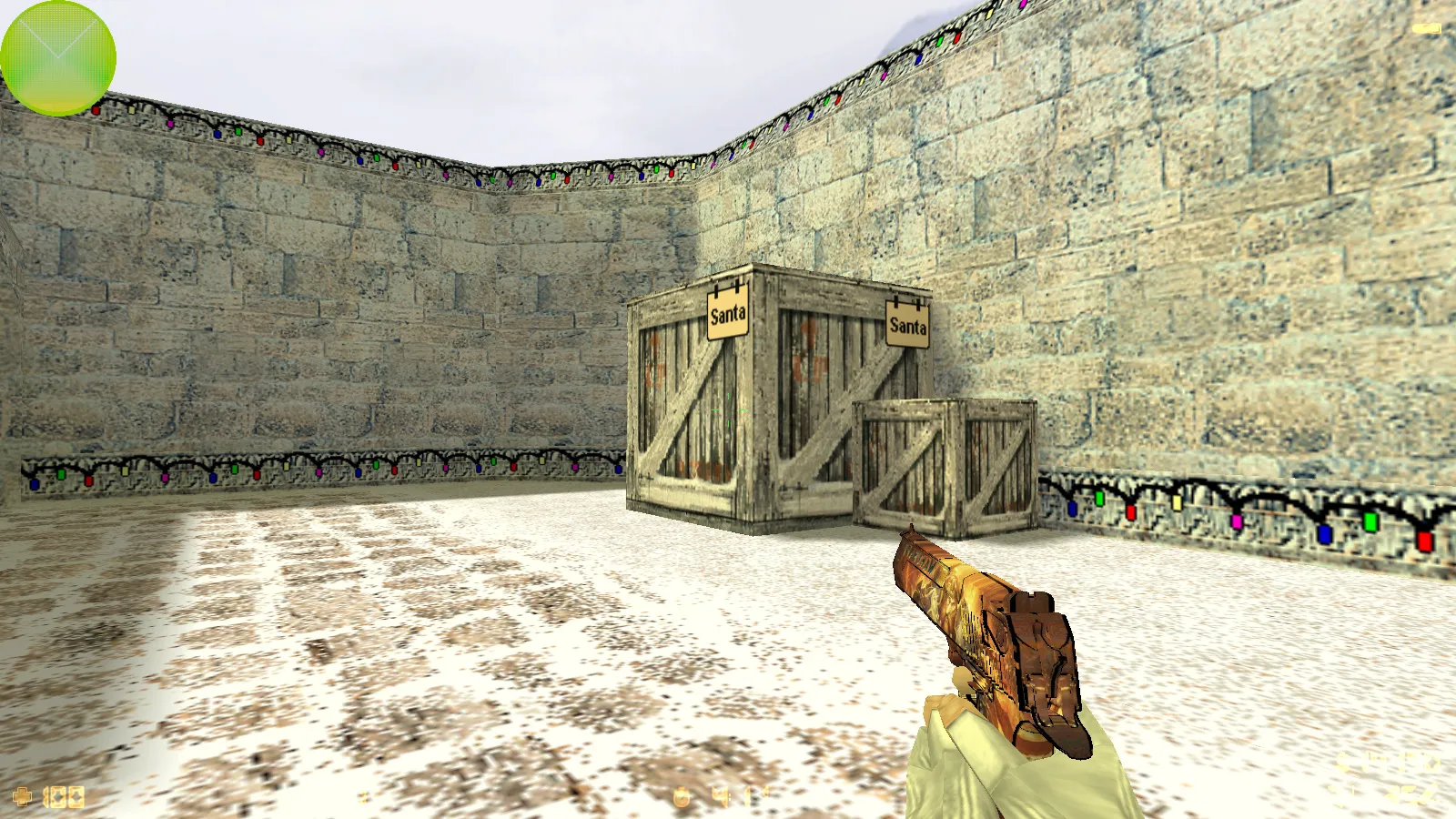
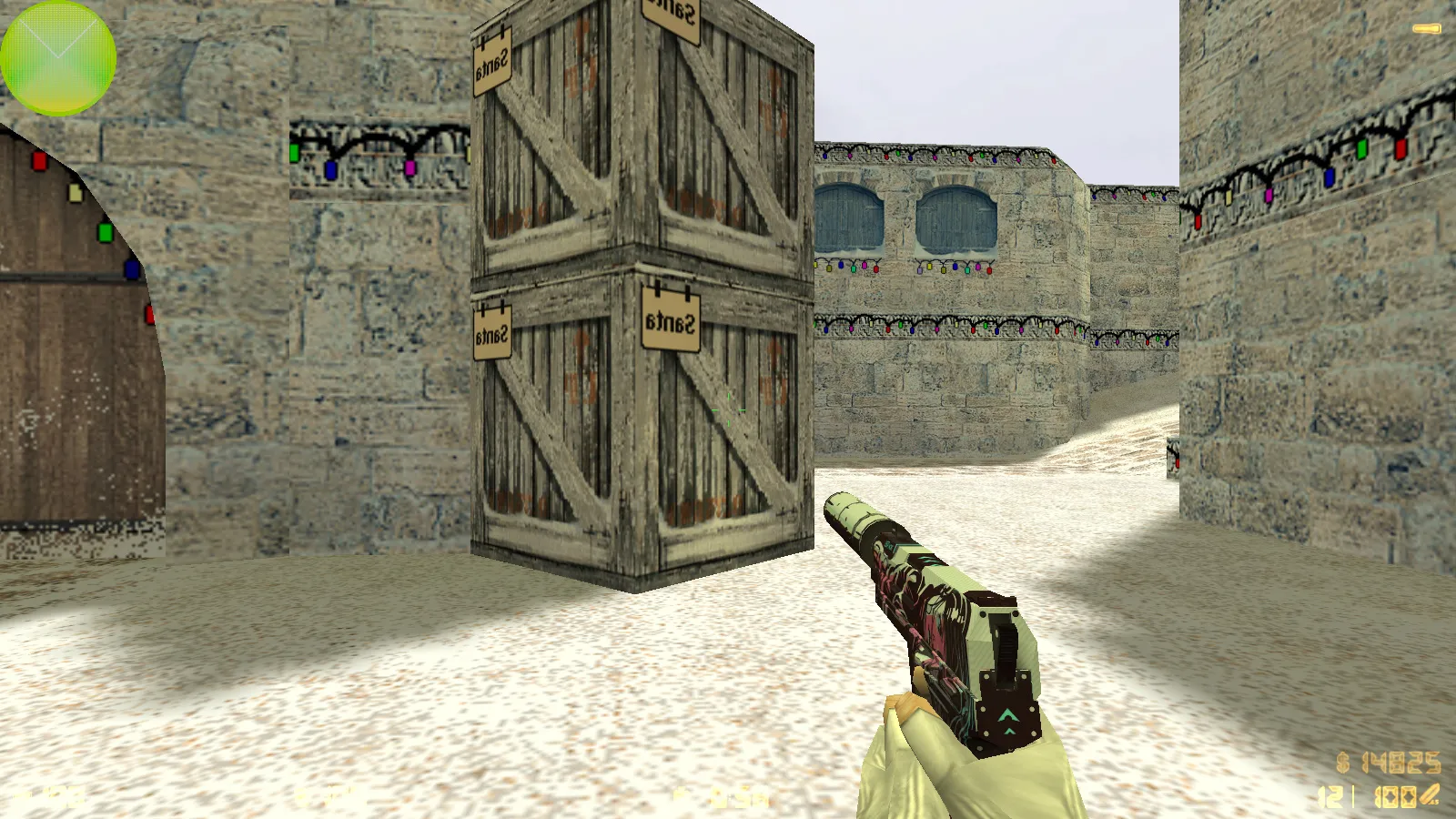
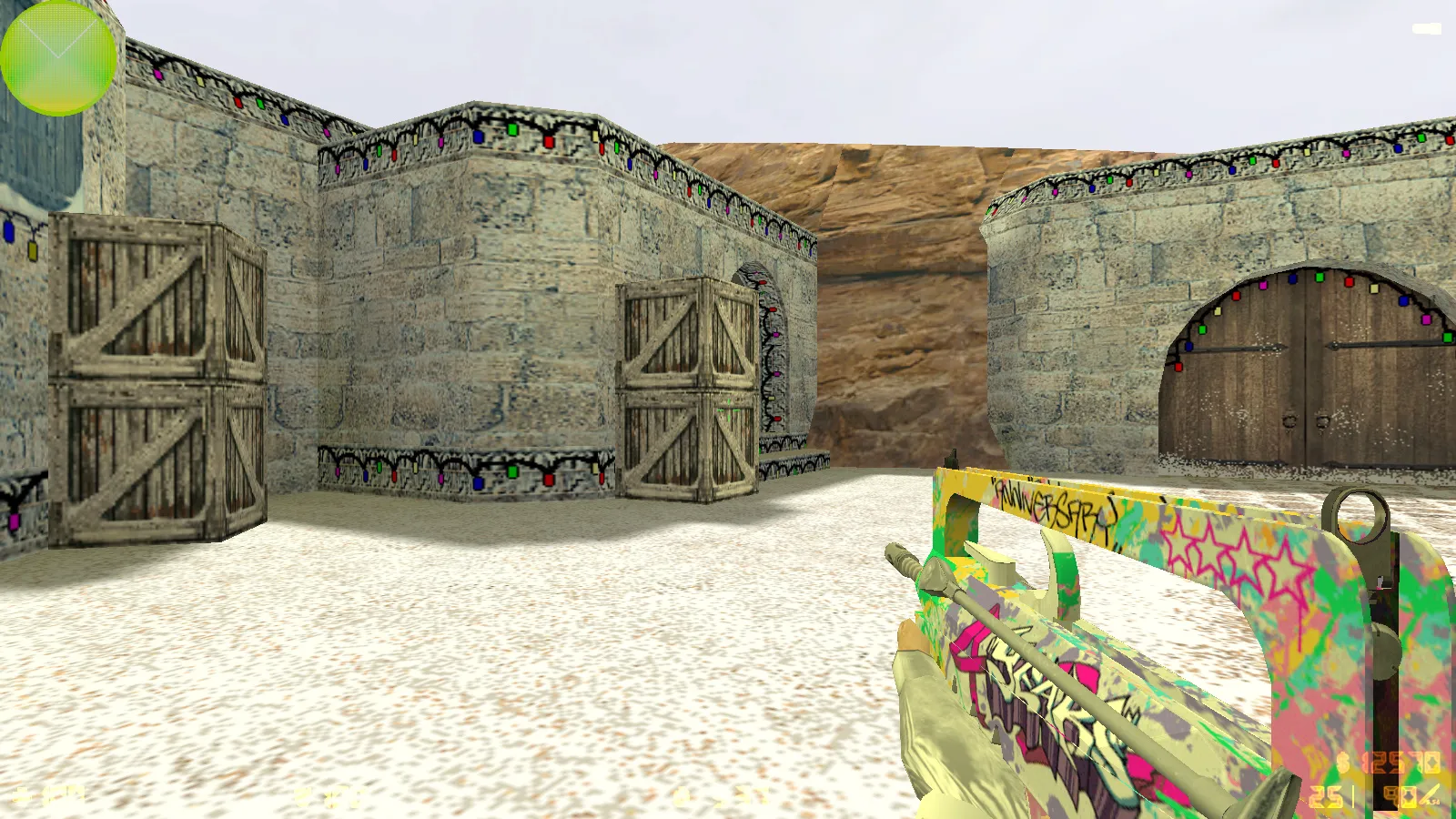
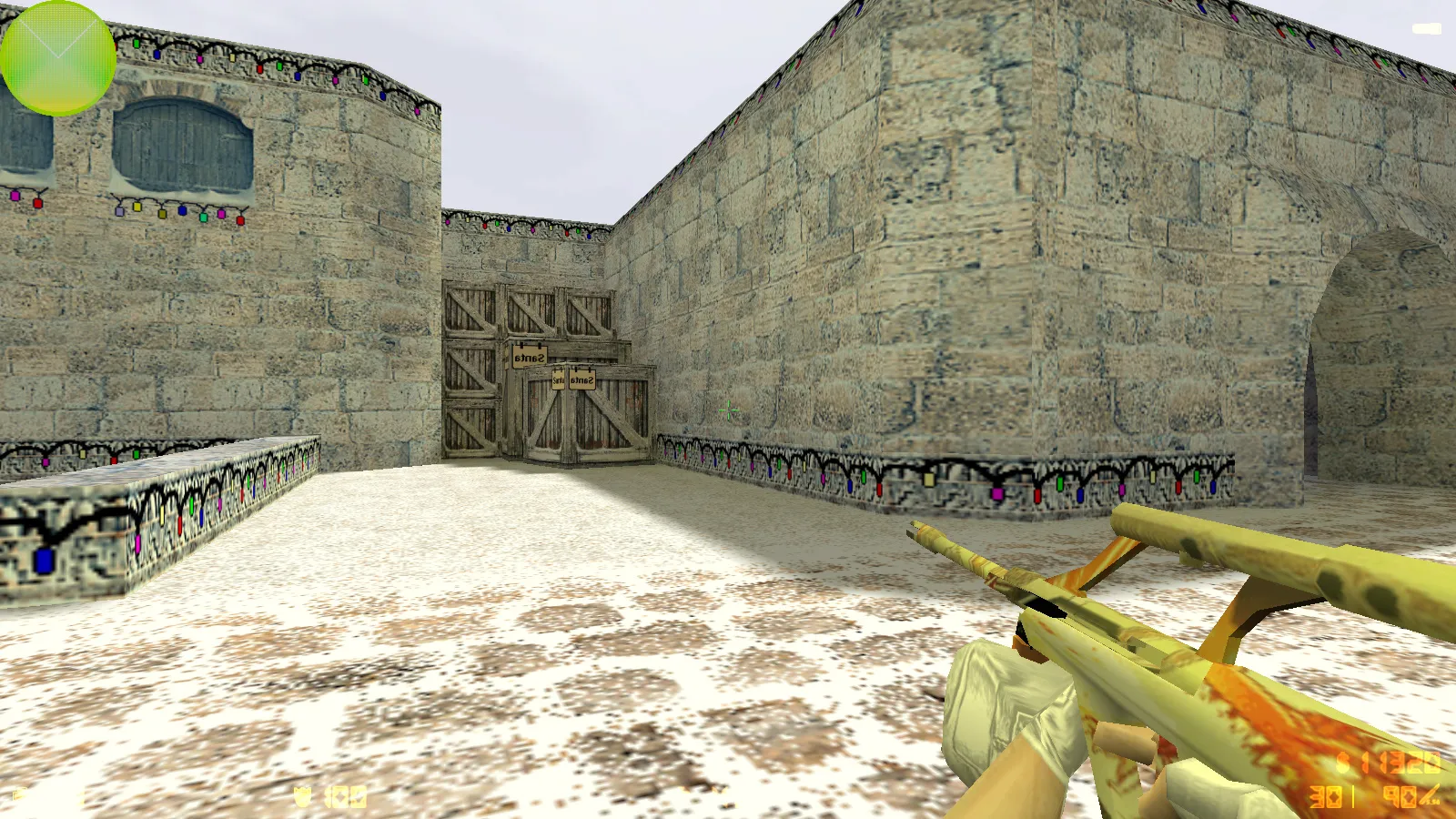
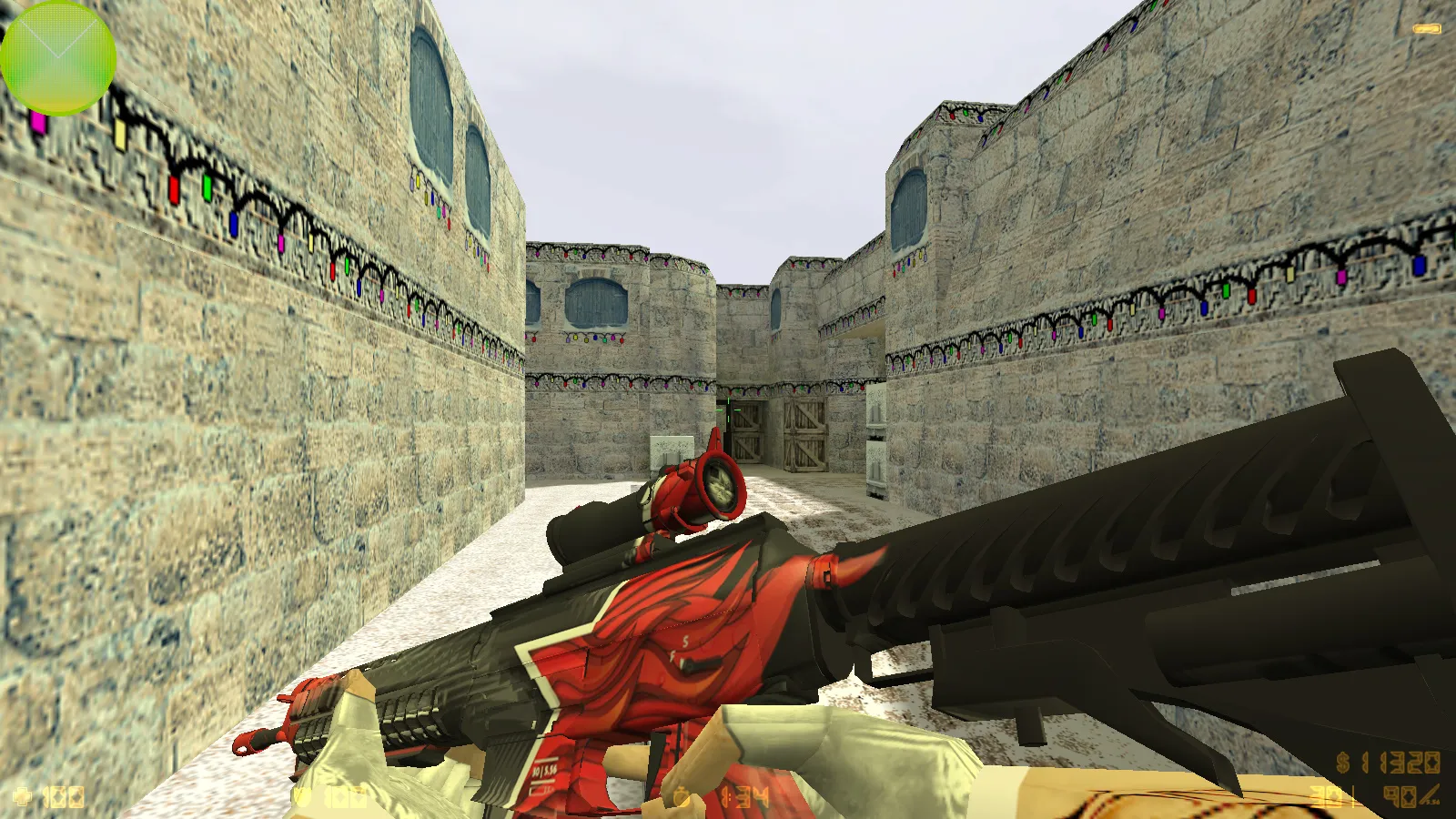
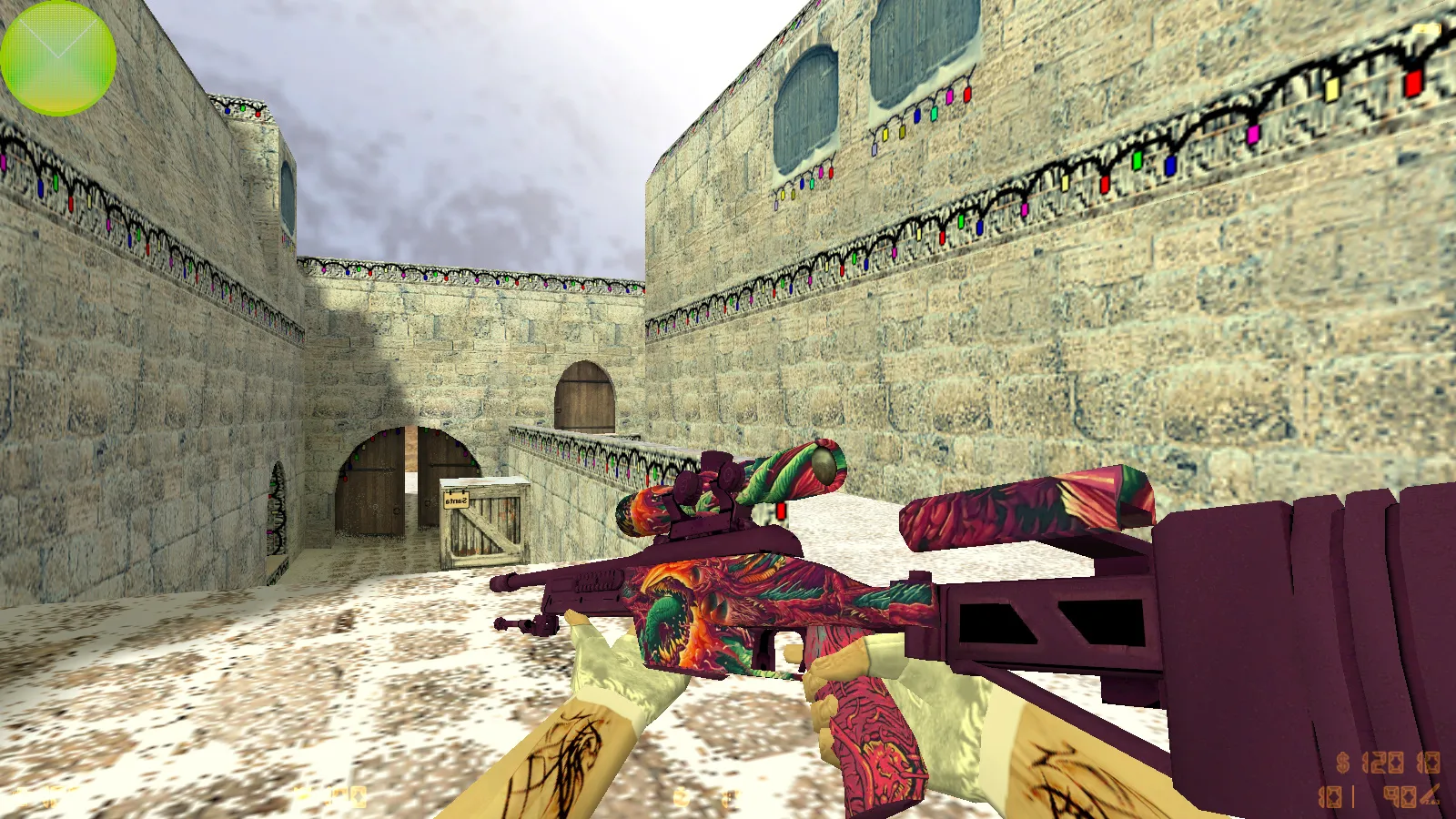
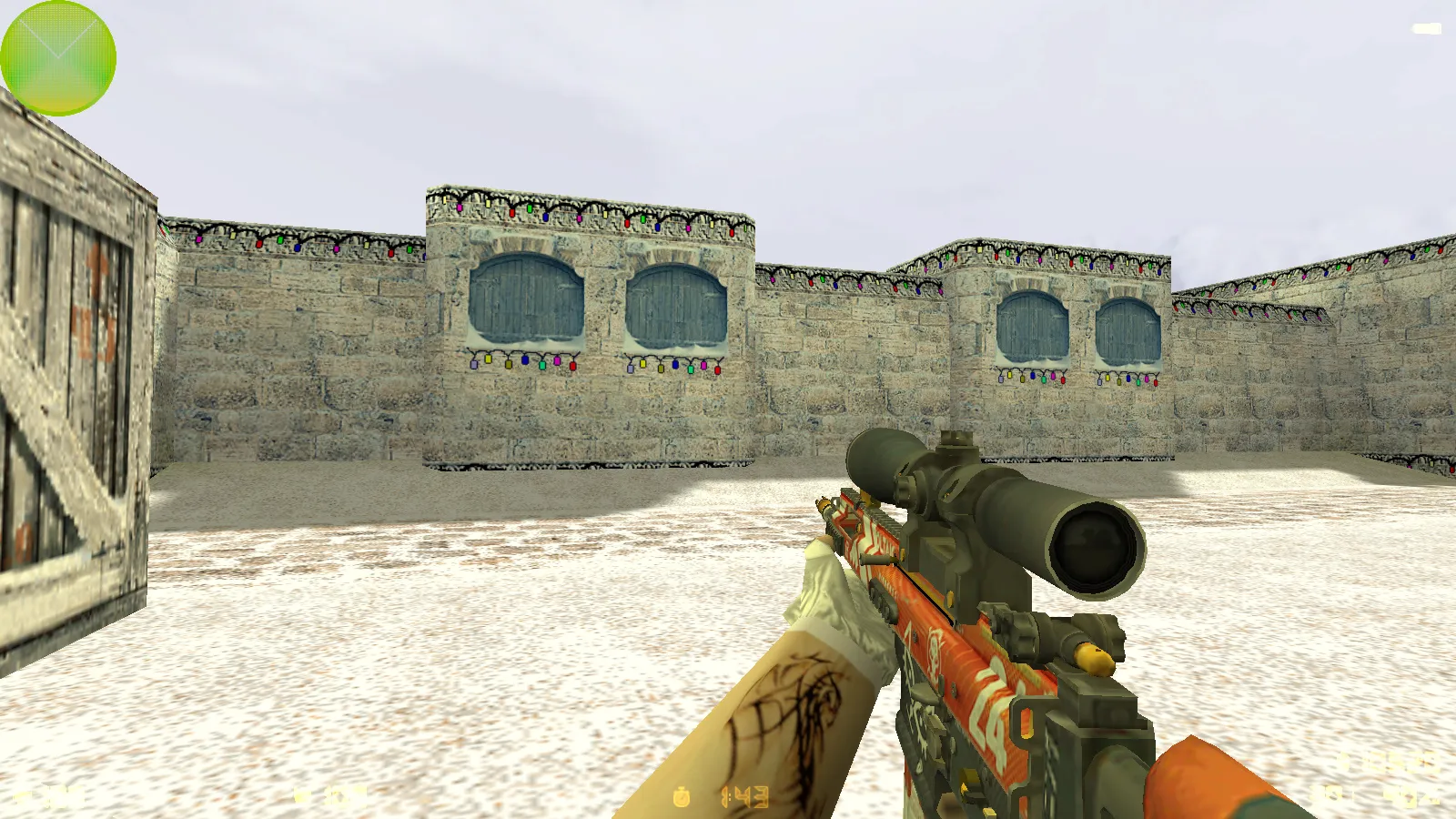
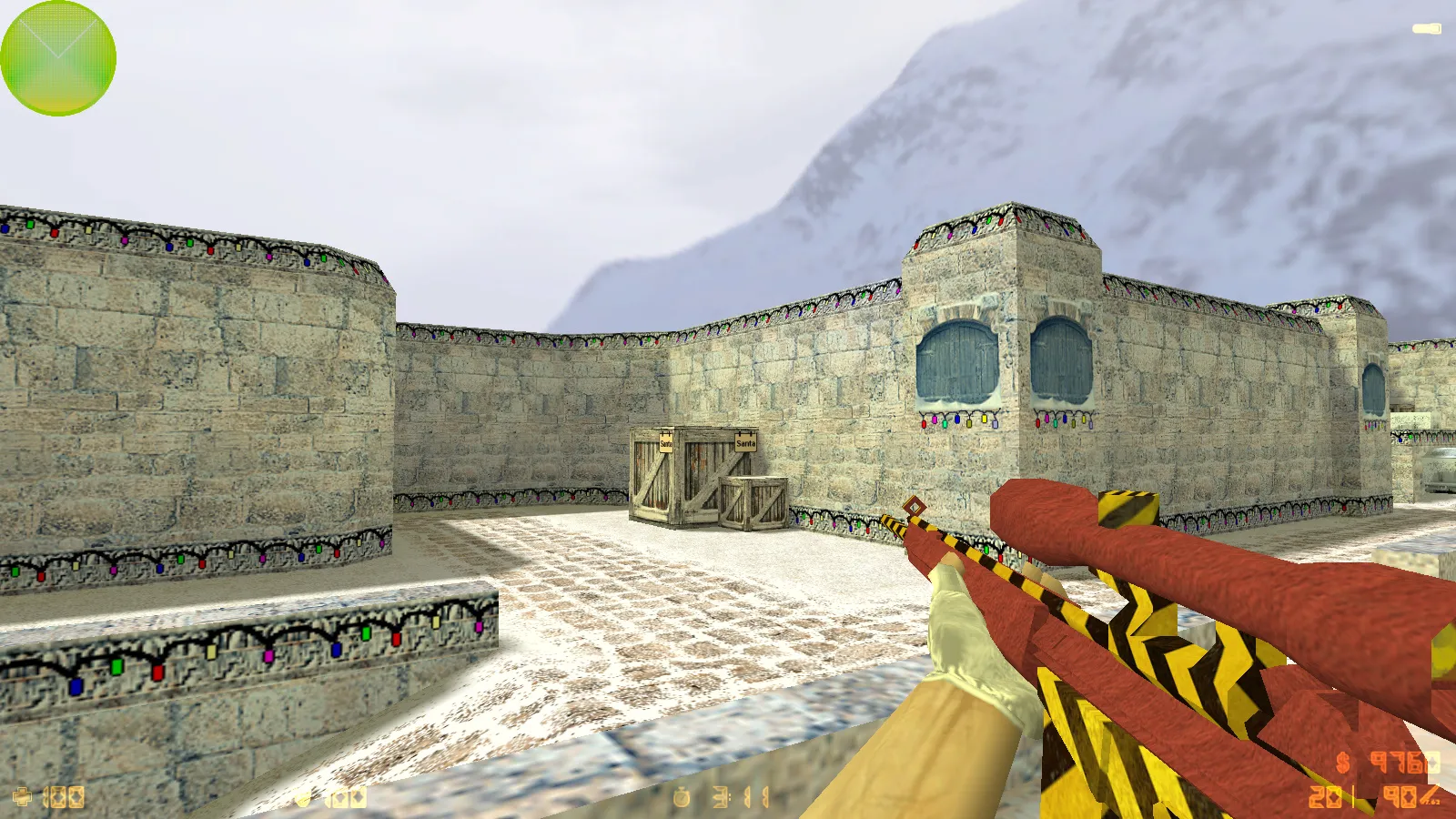
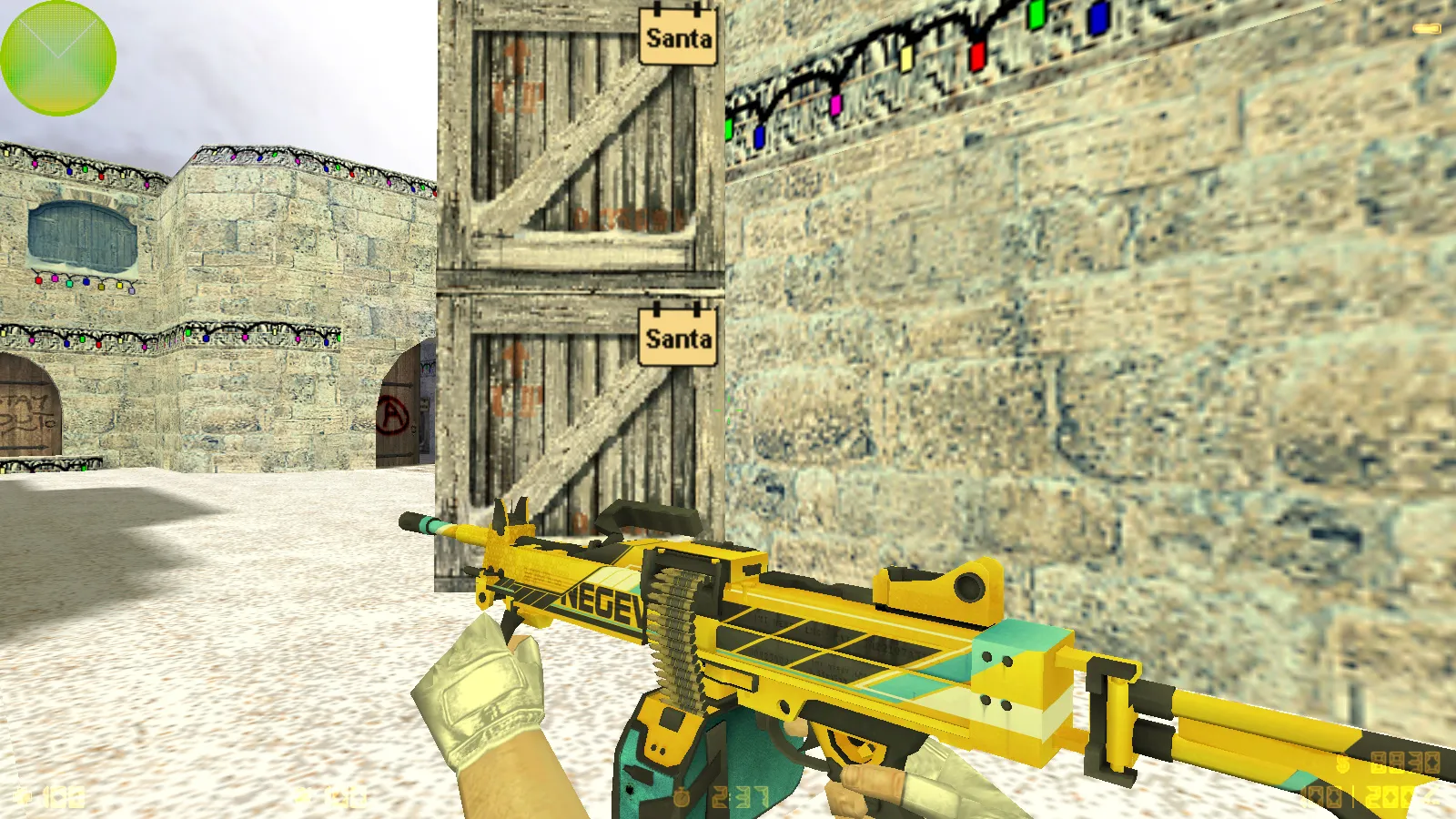
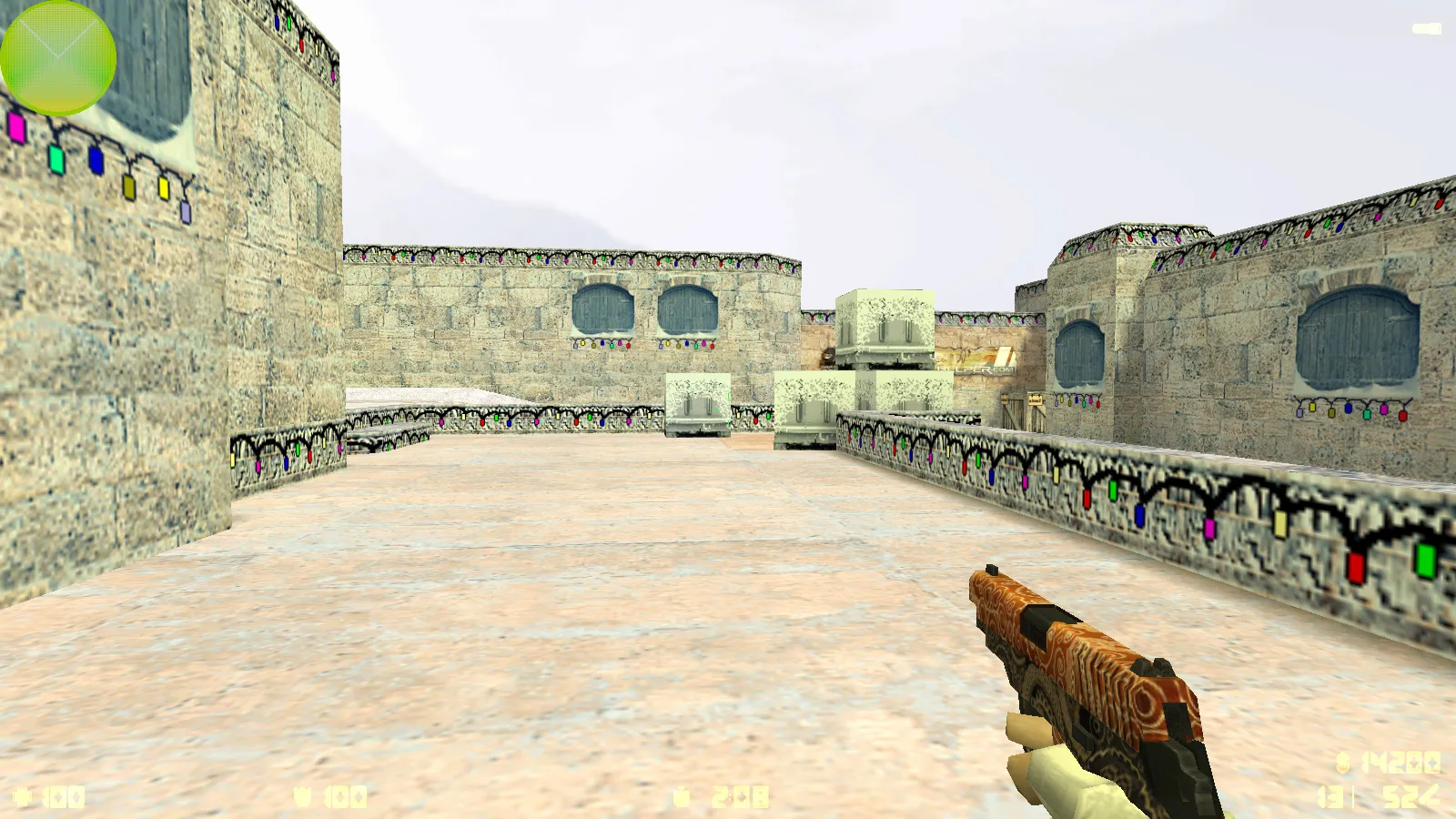
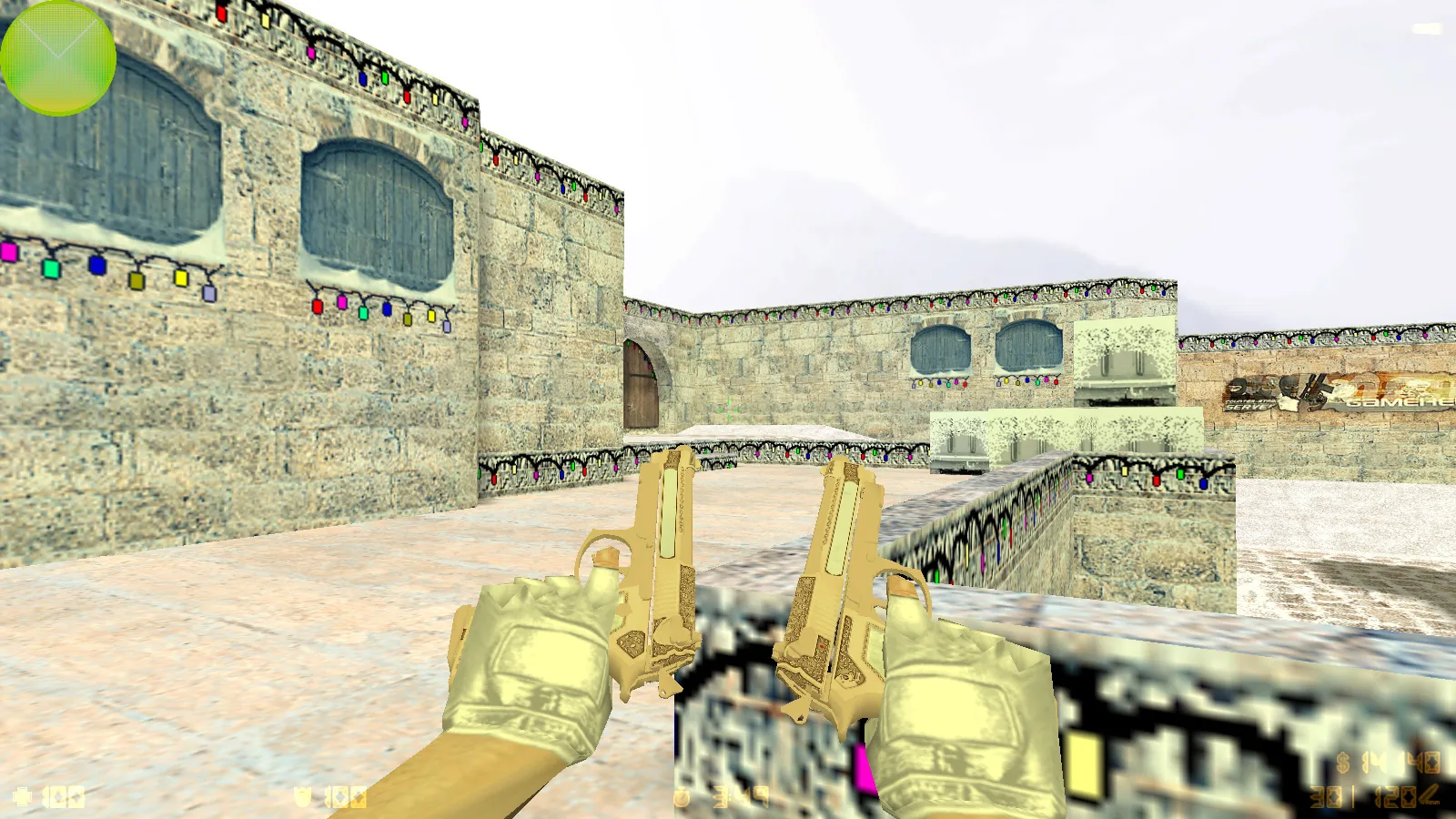
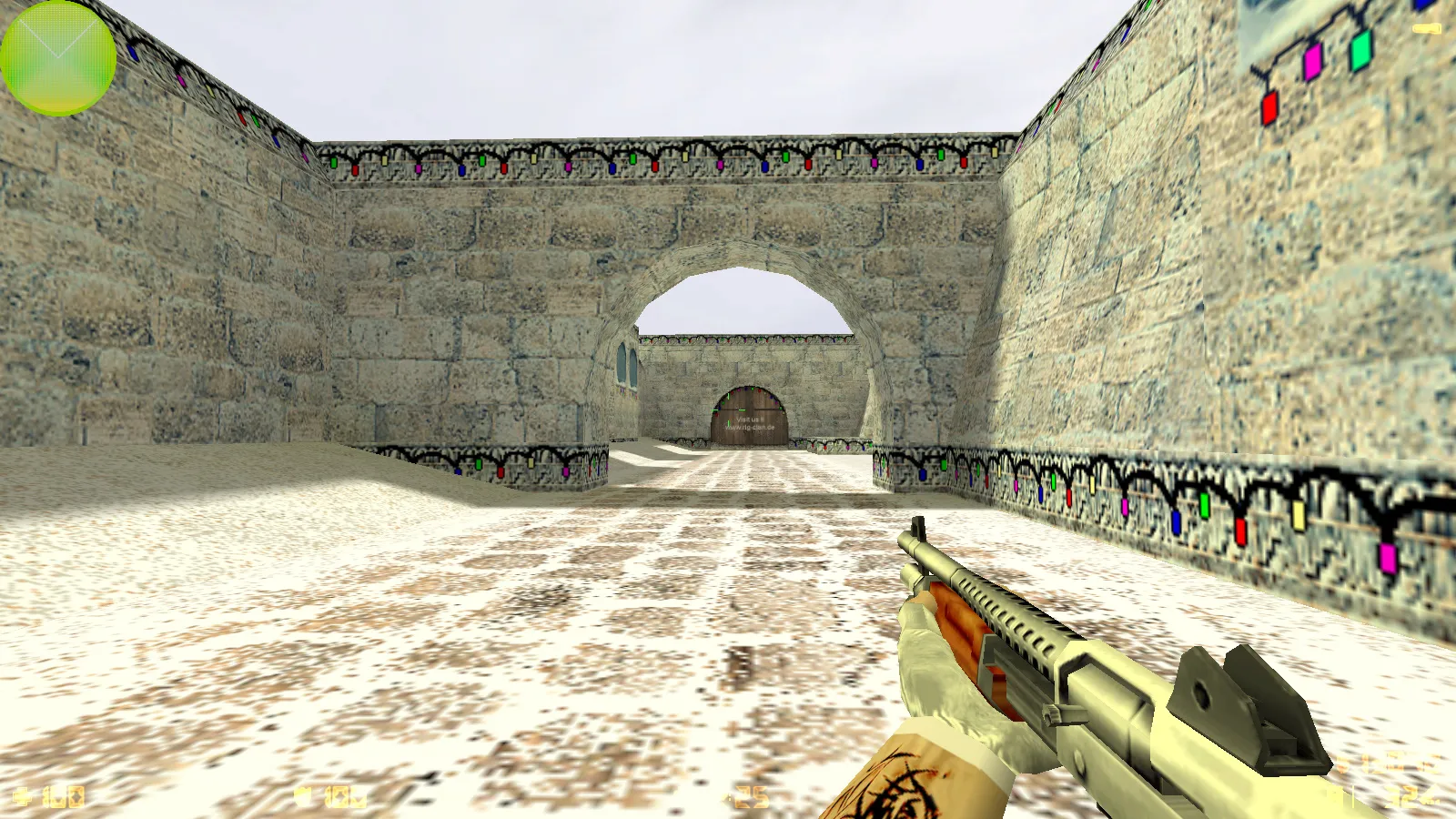
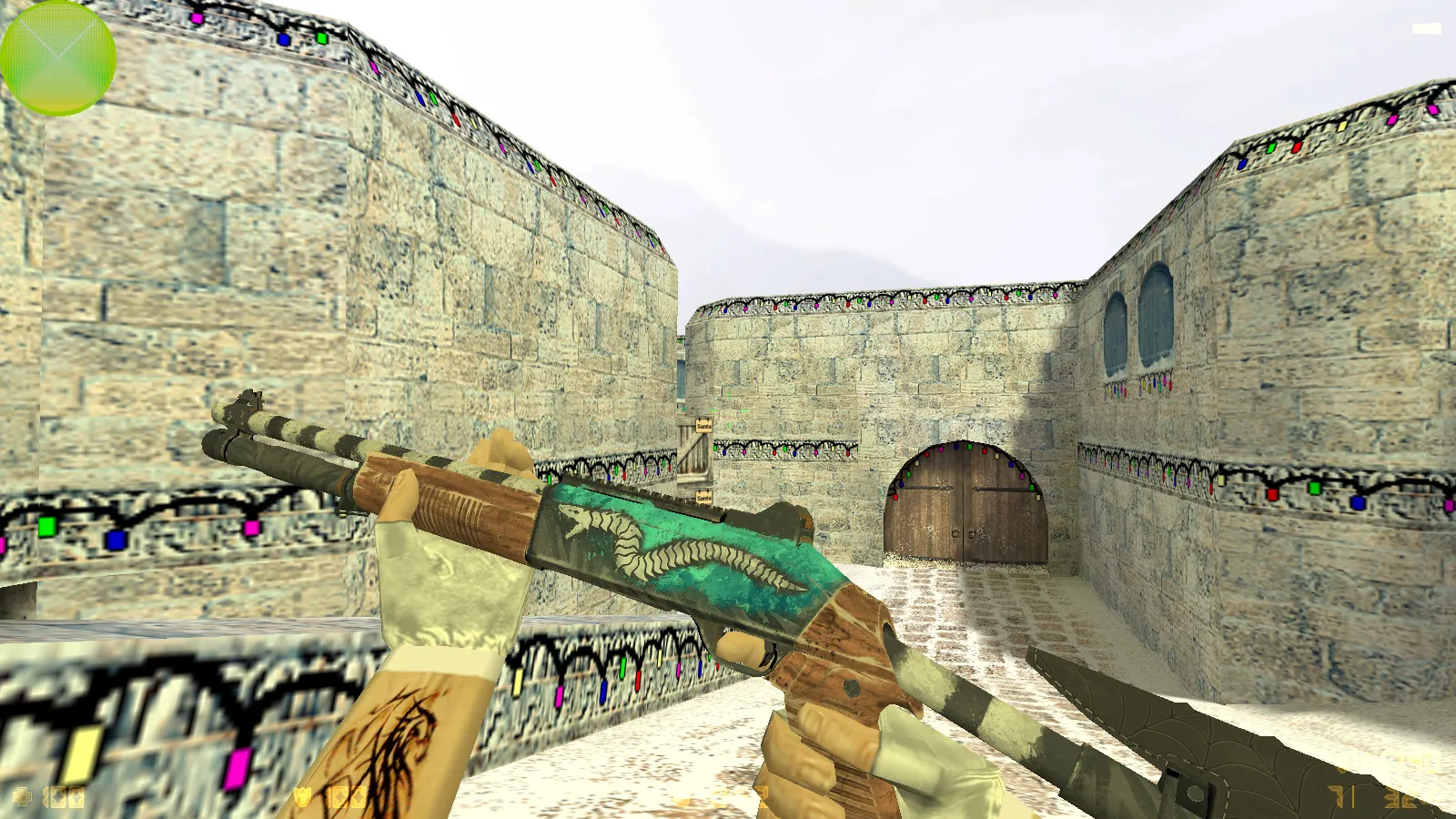
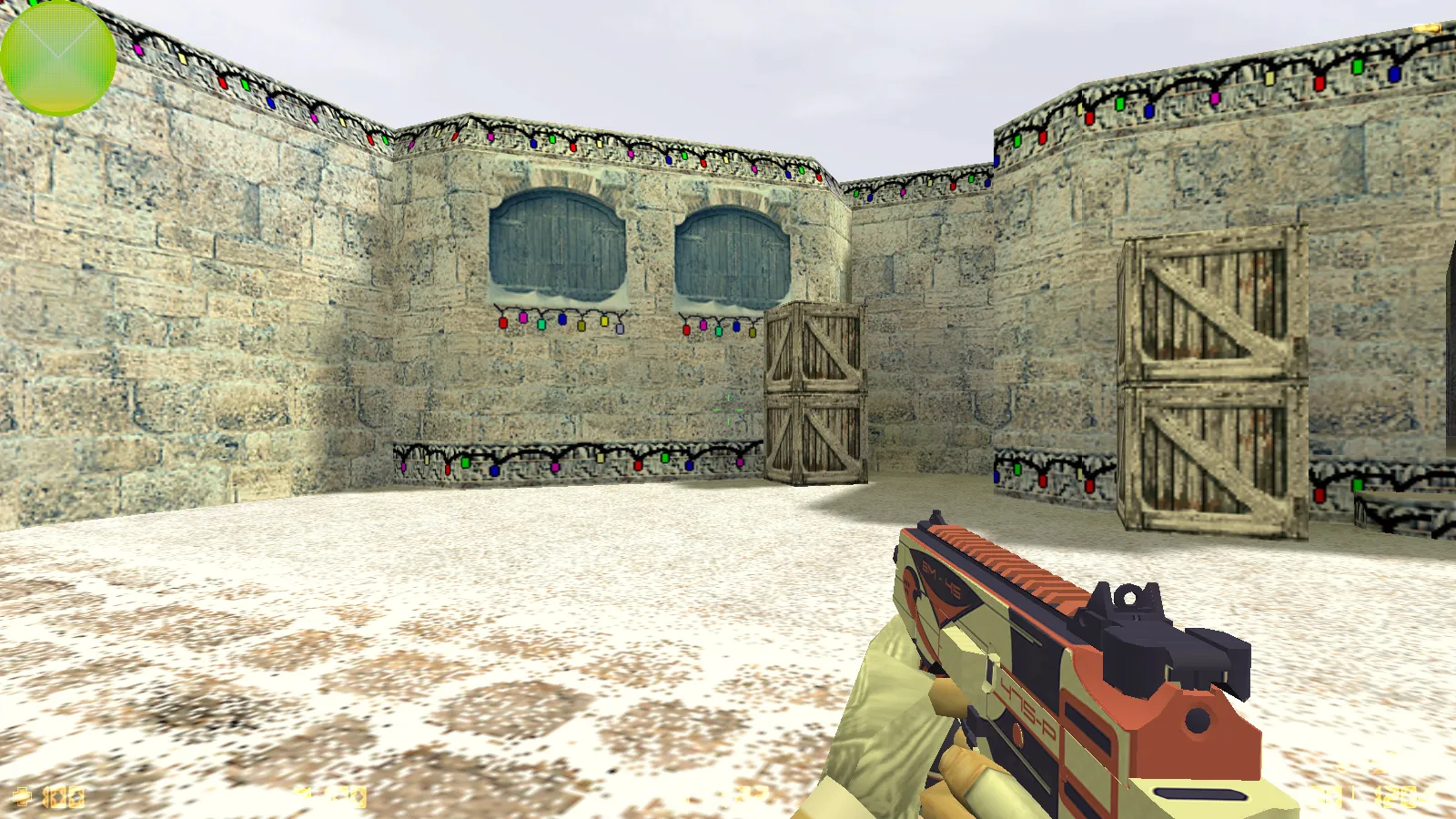
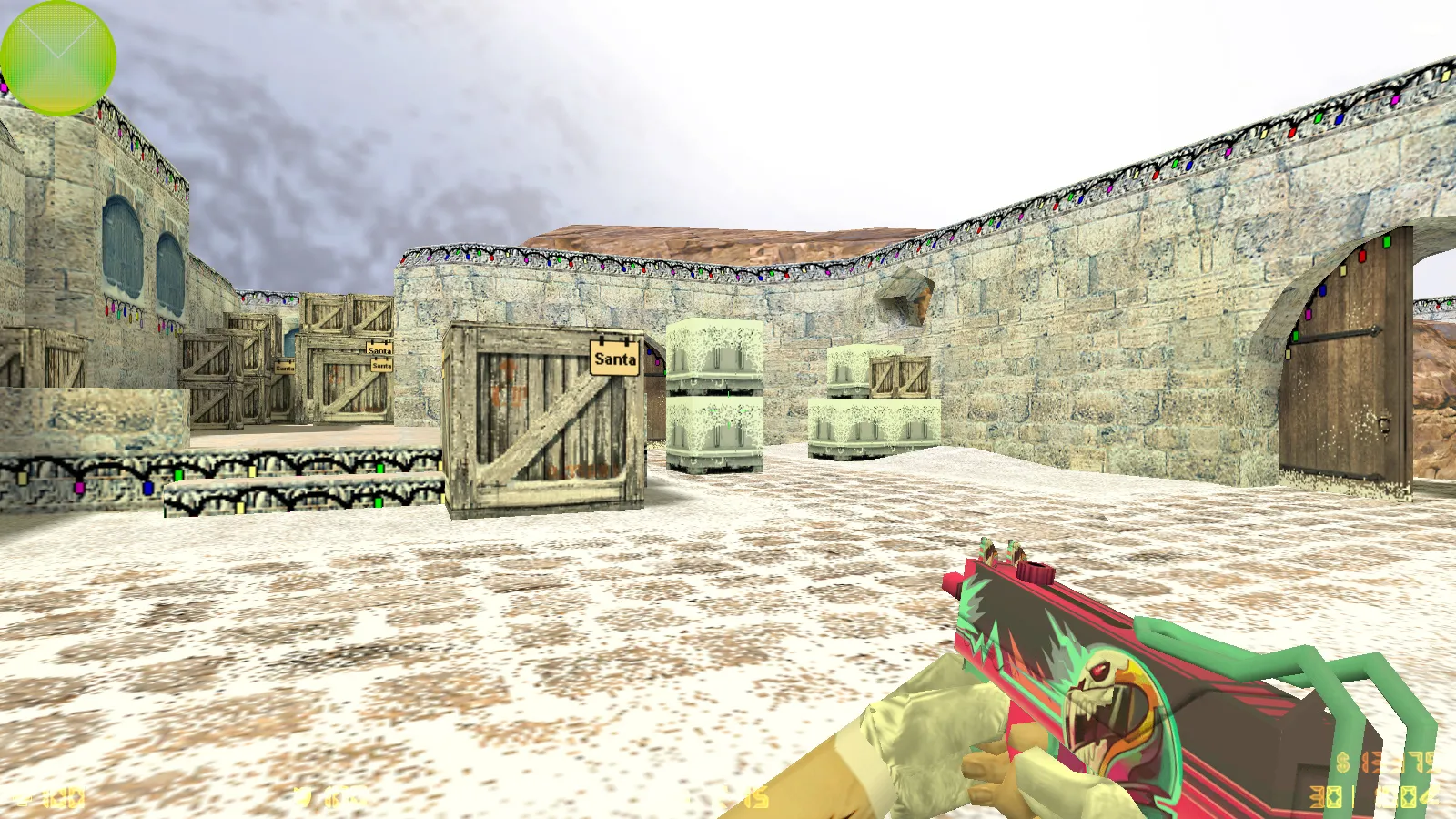
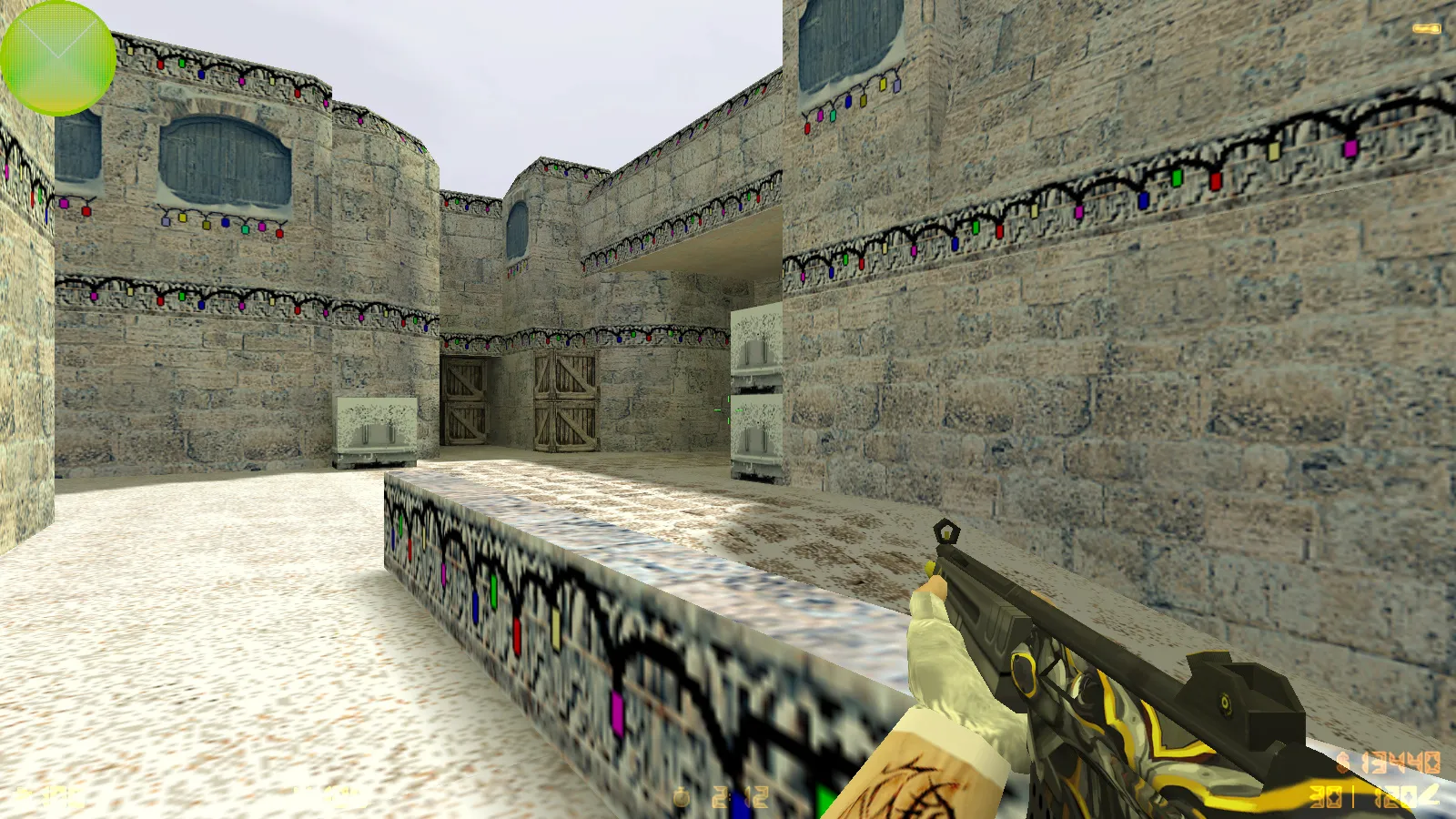
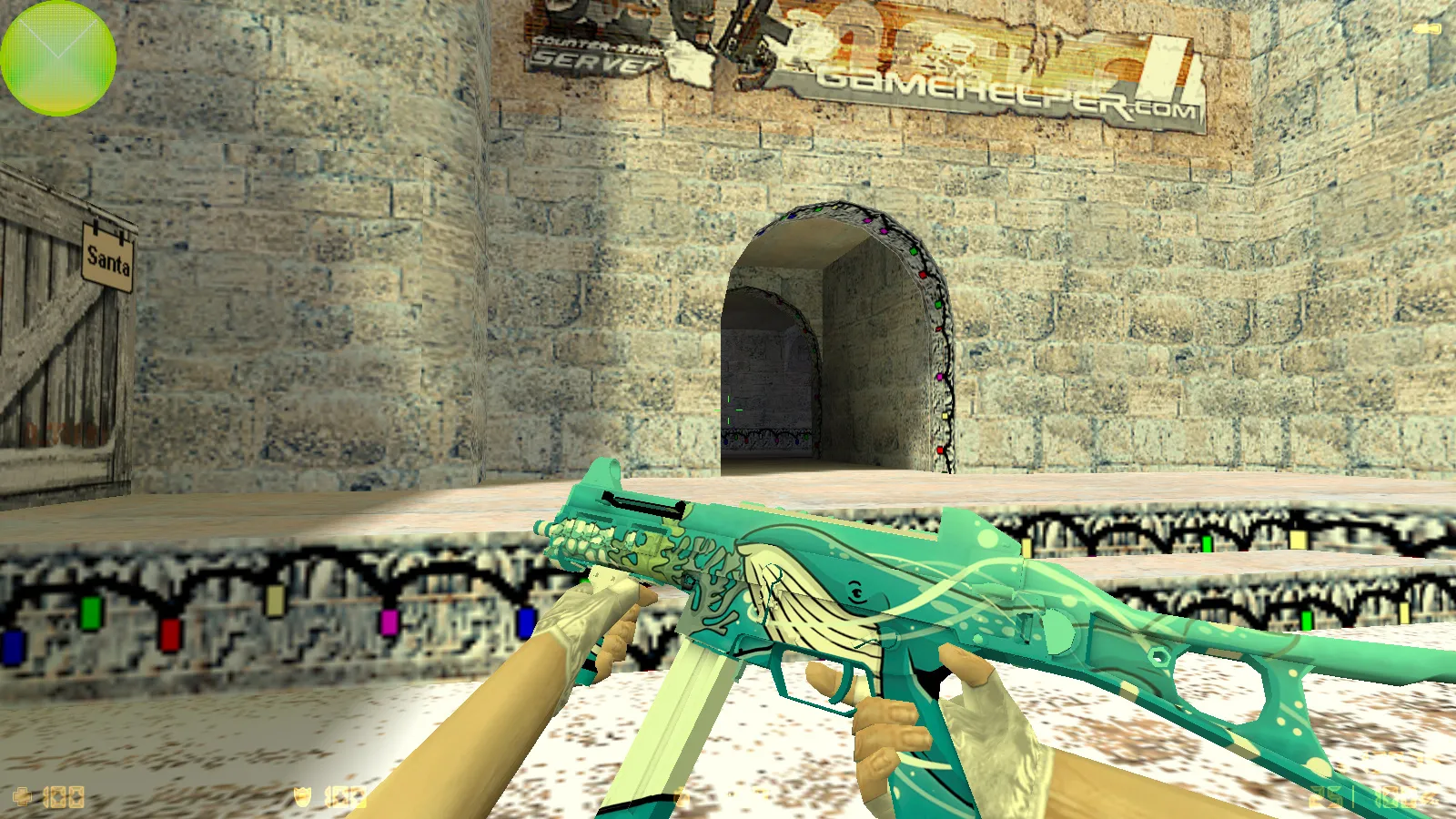
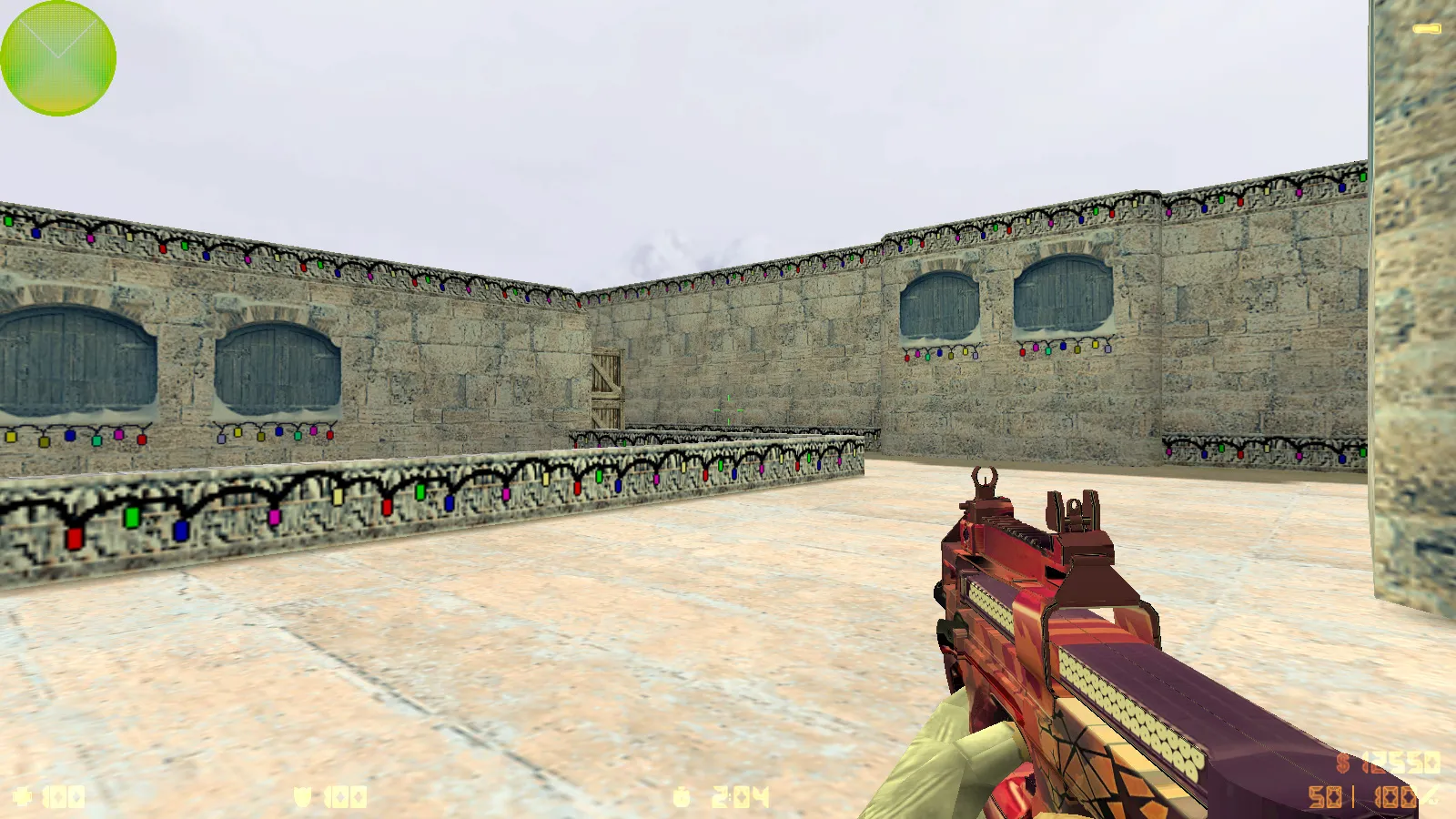
On the weapon side, 29 popular finishes are baked into the v_ and p_ models. These guarantee that inspect animations run smoothly during combat. Core CS 1.6 mechanics remain untouched-inspections, reloads, online matches, and bot games work exactly as standard. Custom audio includes menu music, so startup feels lively while matches avoid total silence.
Terrorist and Counter-Terrorist Models: Color Tweaks and Low-Light Visibility
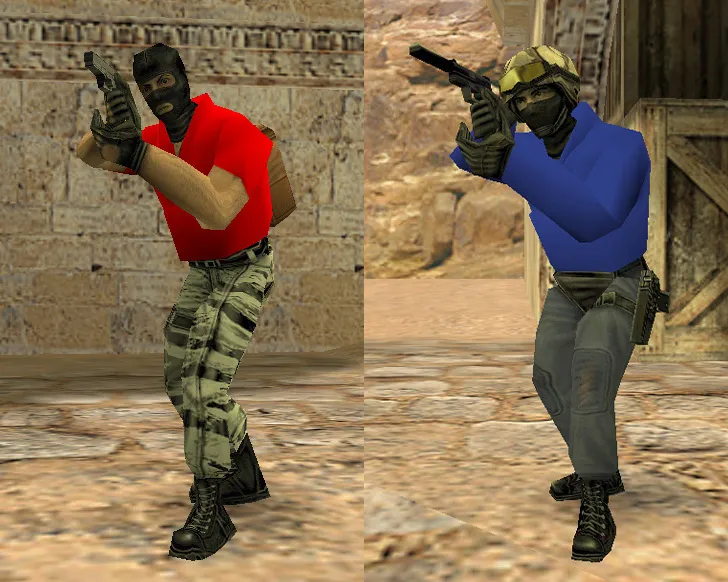
Faction models receive a rework here. Terrorists use red variants, Counter-Terrorists use blue. This color divide helps quick identification in hectic rounds. Silhouettes stay clear in dark areas, preserving outline definition. Hitbox alignment remains precise so shots register accurately without strange misses.
Visual consistency ties the package together. When guns and player models share a style, the overall aesthetic unifies. This pays off right at round start, sharpening first impressions of crosshair placement, movement feel, and shot response.
Environment Refresh: Textures, Skyboxes, Radar, and Crosshairs
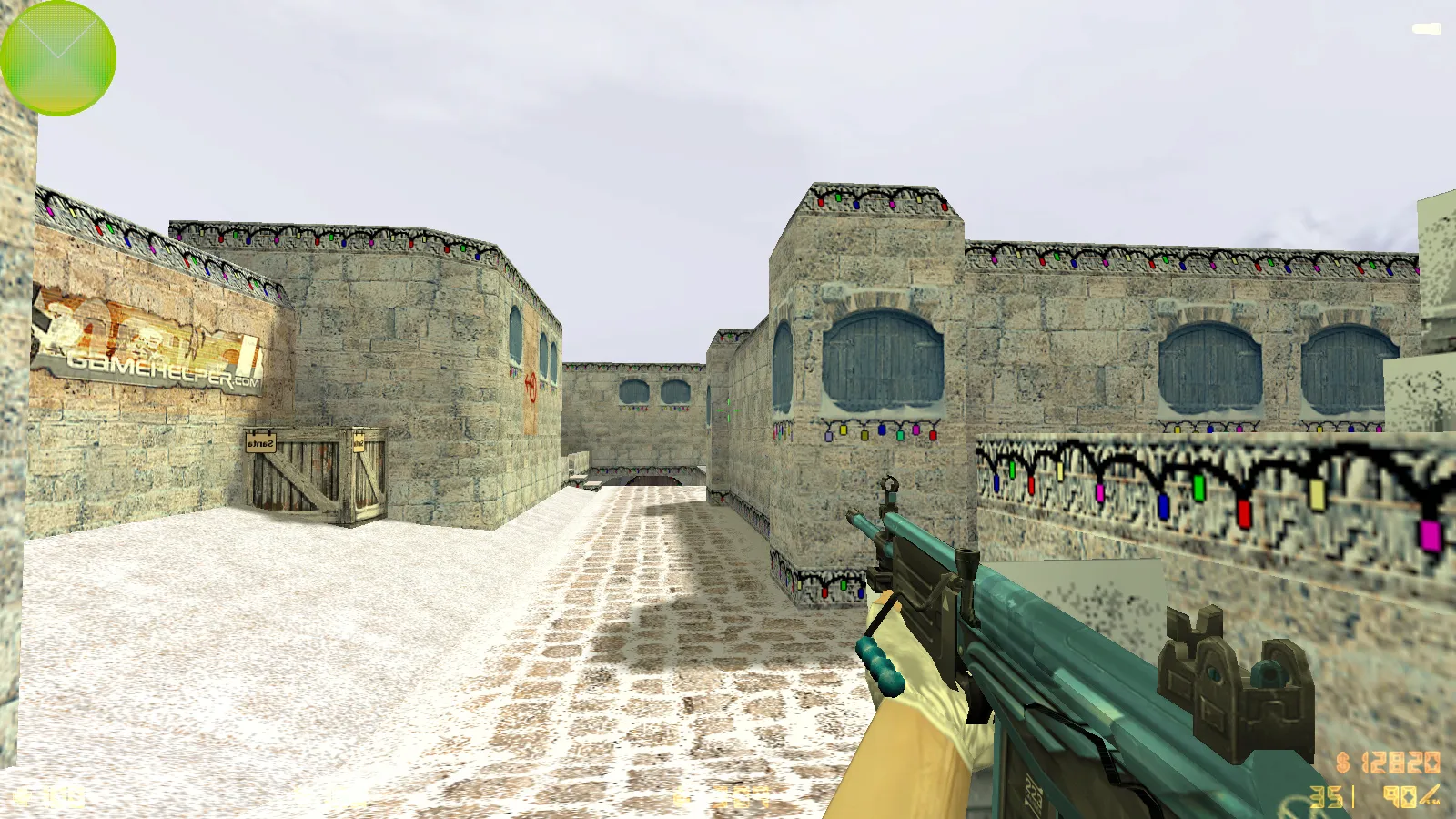
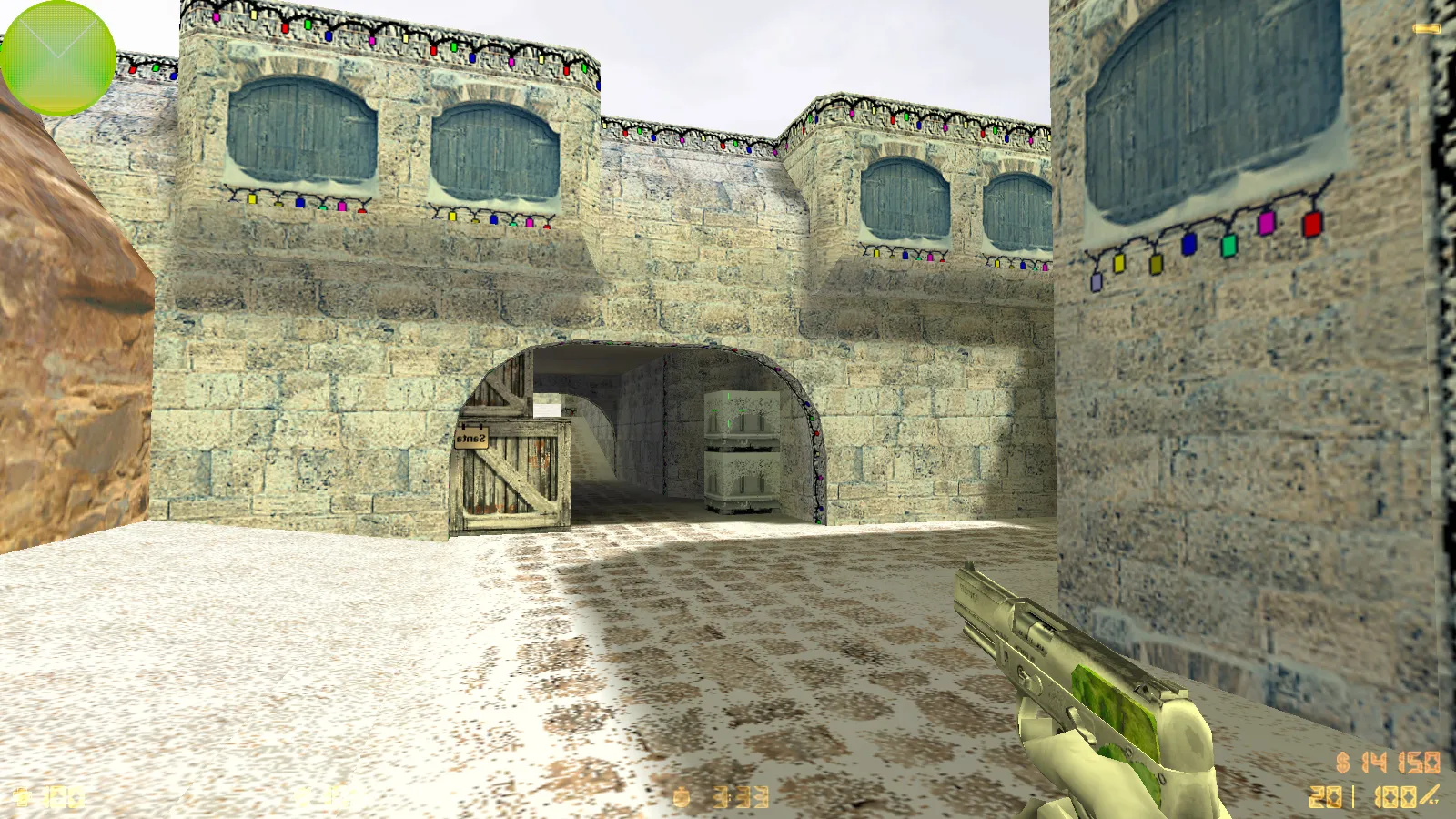
Maps get texture and skybox updates. These alter backgrounds and depth perception at range. The radar is revised for improved flank watching and entry verification. Sniper crosshairs are tuned for standard rifles such as the AWP, allowing fast, familiar aiming.
Display settings are optimized for steady frame rates on typical hardware. Tweaks prevent FPS dips during normal play. On weaker systems, the build leans on clean settings for reliable client behavior. Polygon counts stay low to avoid performance hits, with epoly optimization for smoother rendering in complex zones.
Config and Startup: Dependable Setup Without Hassles
The supplied config optimizes for match comfort and server responsiveness. Rates target a 100k profile for network stability. Ex_interp is set to 0.01 to smooth desyncs, helping nail timings during pushes or retreats.
A clean config.cfg avoids junk carried over from other packages. Aliases do not clash with base commands. FPS gains differ by hardware, but the method cuts bloat and keeps essentials. This ensures high-fps output on builds like 4554 or 8610, with no-recoil adjustments via standard cl_ commands.
Compatibility: Steam, Non-Steam, Online, and Bots
Full CS 1.6 functionality remains. It runs on Windows for both Steam and Non-Steam installations. Online play supports major servers; offline handles any map for tactic drills. Russian nicknames and chat function correctly. Compatible mods install without core file conflicts, provided they align with the client.
Launch safety includes MasterServer protection to block unauthorized redirects. No auto-connect scripts. Zero viruses, ads, or hidden processes. Installation stays straightforward, preserving a clean sprite and wad file structure.
Practical Usage Tips for the Package
- Confirm launch in default mode-no extra prompts or errors.
- For online, keep stock network parameters; avoid tweaks unless testing.
- Offline, choose maps with clear tactical spots like de_dust2's long A or B-site for aim practice.
- Add mods one at a time to isolate any .nav file or bot path issues.
This package delivers a blogger-style CS 1.6 with weapon finishes, a refreshed menu, audio tweaks, and a tuned config. It preserves the game's foundation while adding visual and sound layers that appear right from boot. Ideal for players wanting ESL-style visibility in dark corners without stability trade-offs. Download and run on your setup for即时
Install in three steps
-
1
Download the archive. Use the button on the right, or the Yandex.Disk mirror if the main server is slow.
-
2
Extract it into the game folder. Use 7-Zip or WinRAR. A path without non-Latin characters works best.
-
3
Launch the game. If something doesn't work, mark it below - that is how we know the file needs an update.
Did it work for you?
No sign-up needed. You can pick more than one.