CS 1.6 Wangazoredd Build: 27 Custom Weapon Models, Unique Gloves, Dark Menu Theme
Description
CS 1.6 Wangazoredd Build: Blogger Edition with Style and Stability
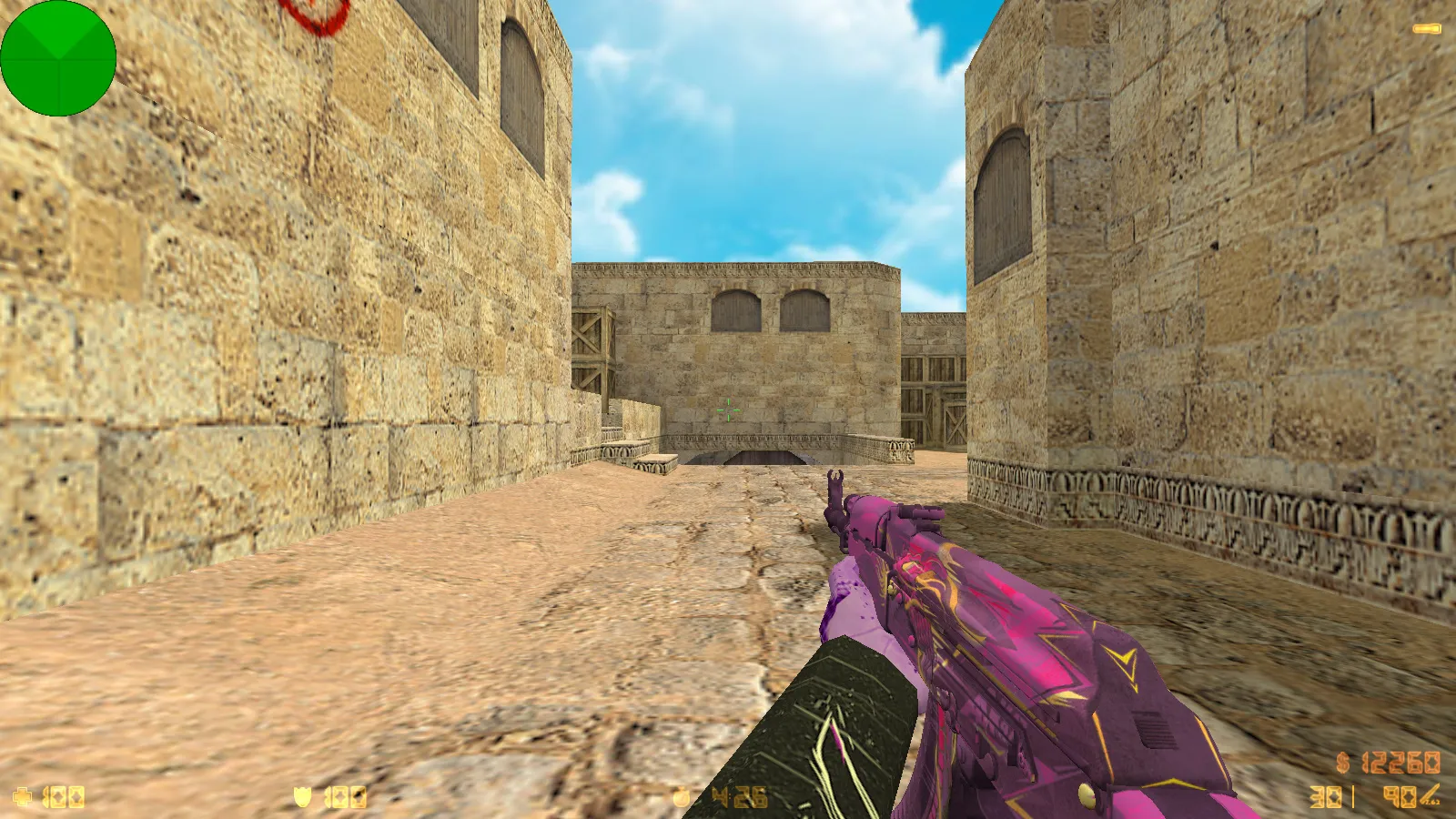
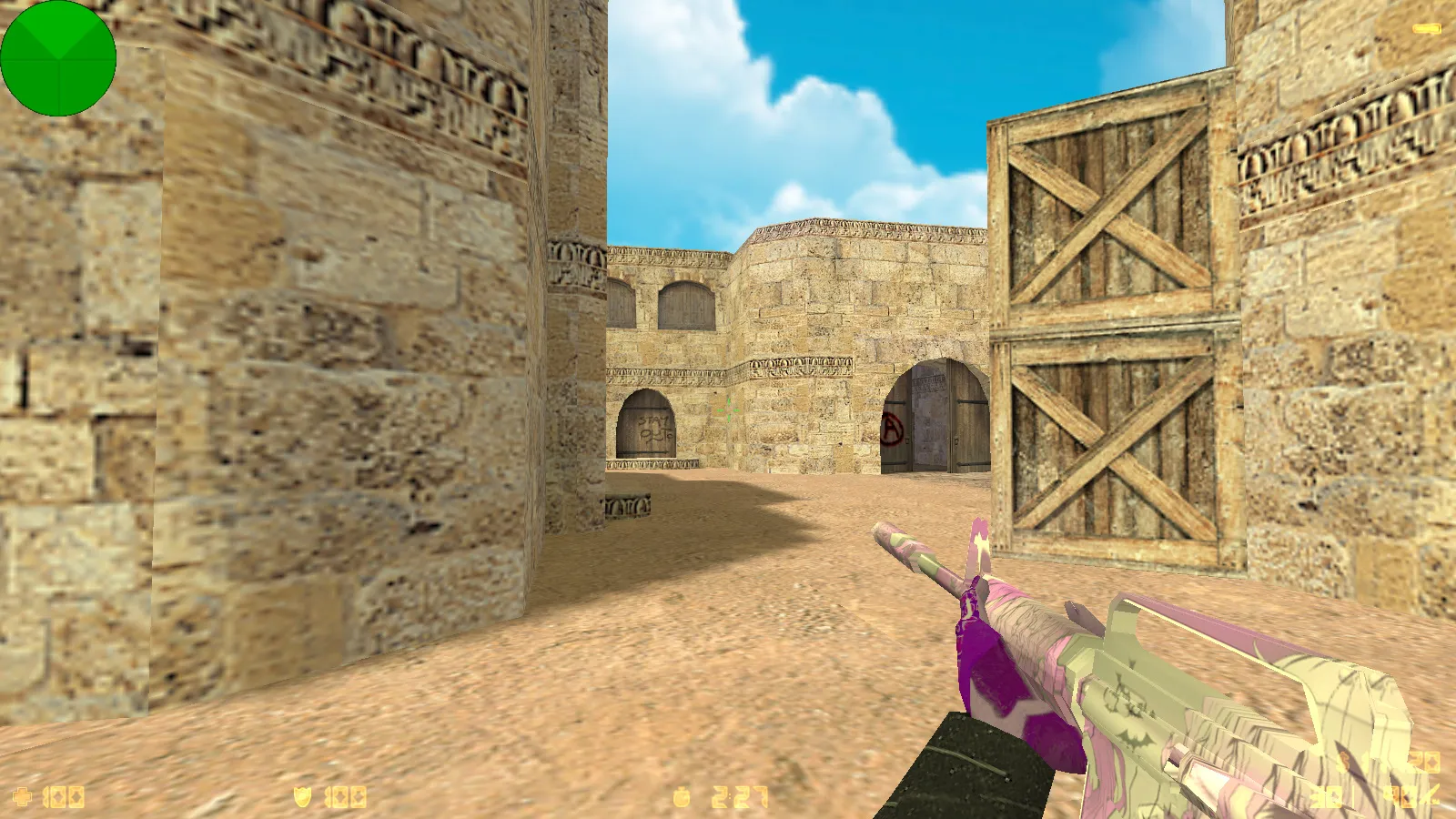
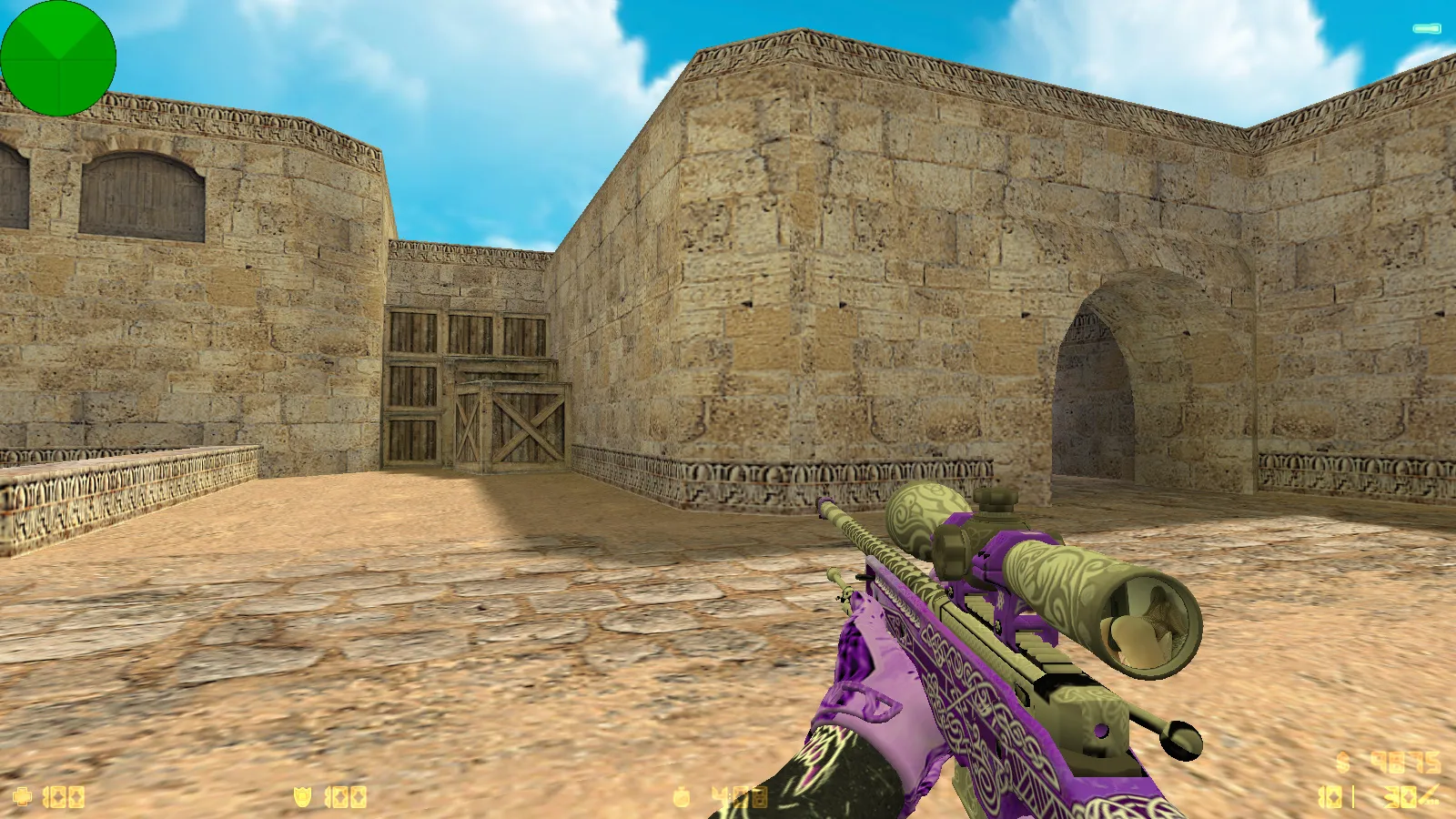
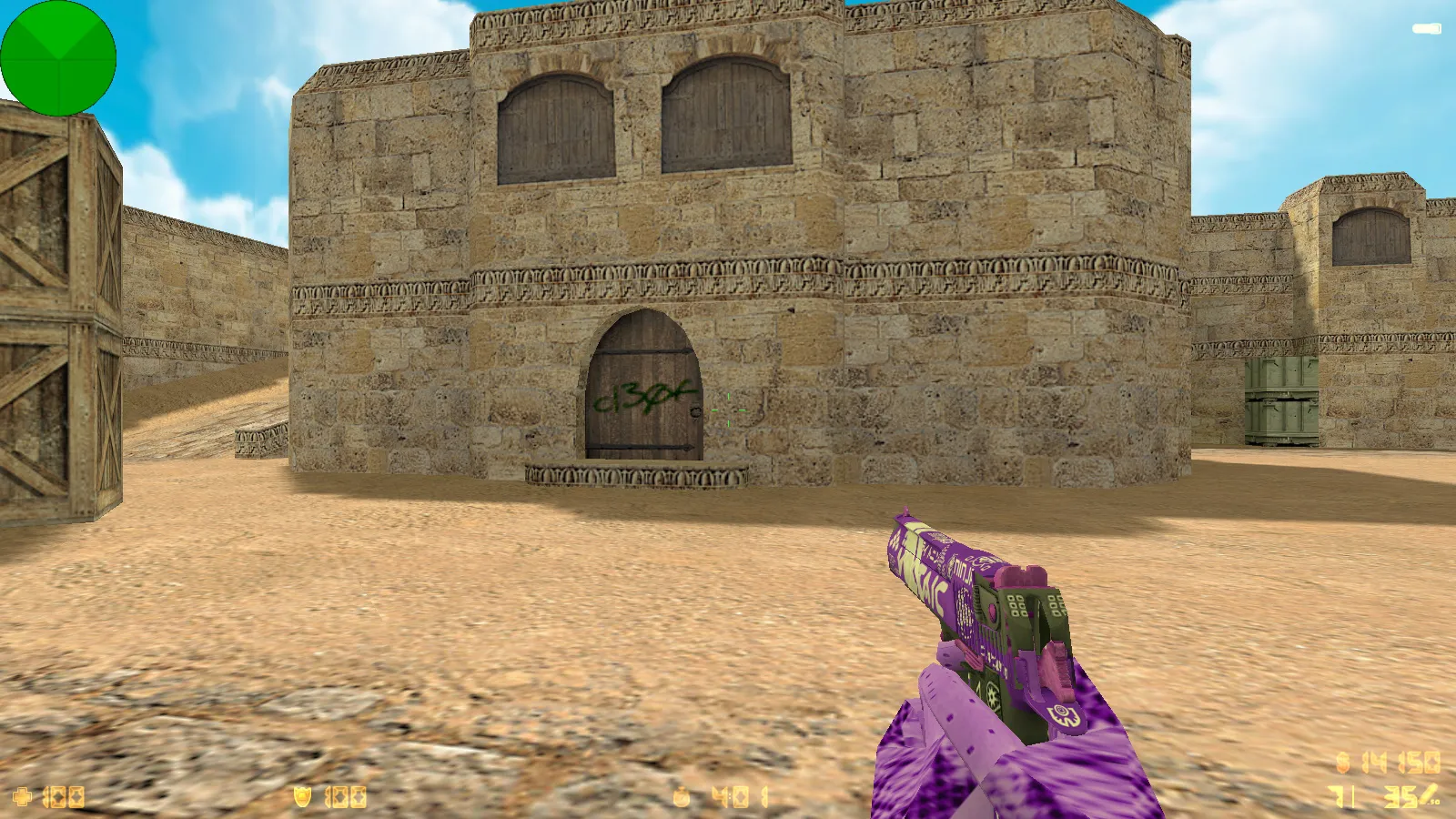
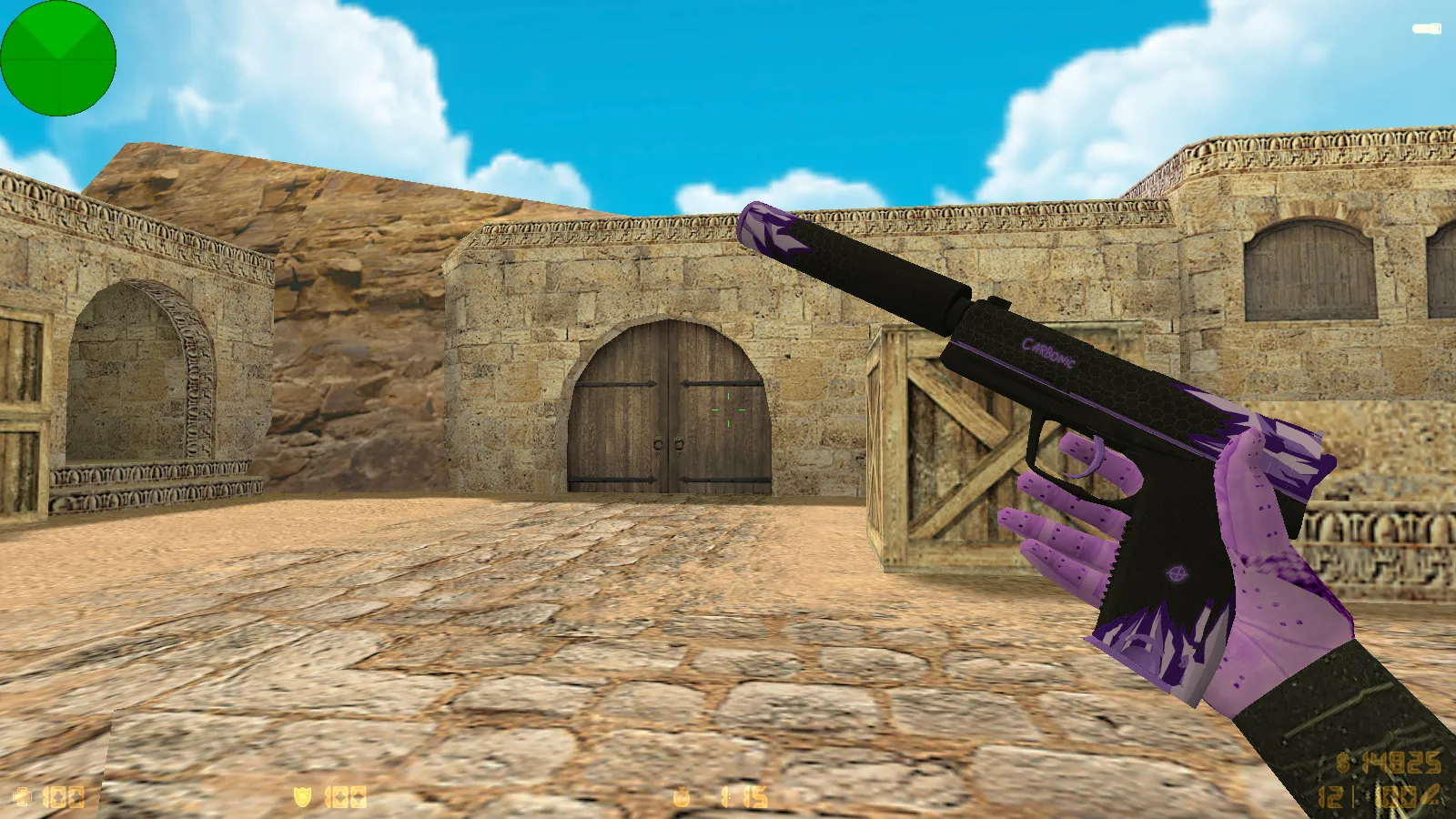
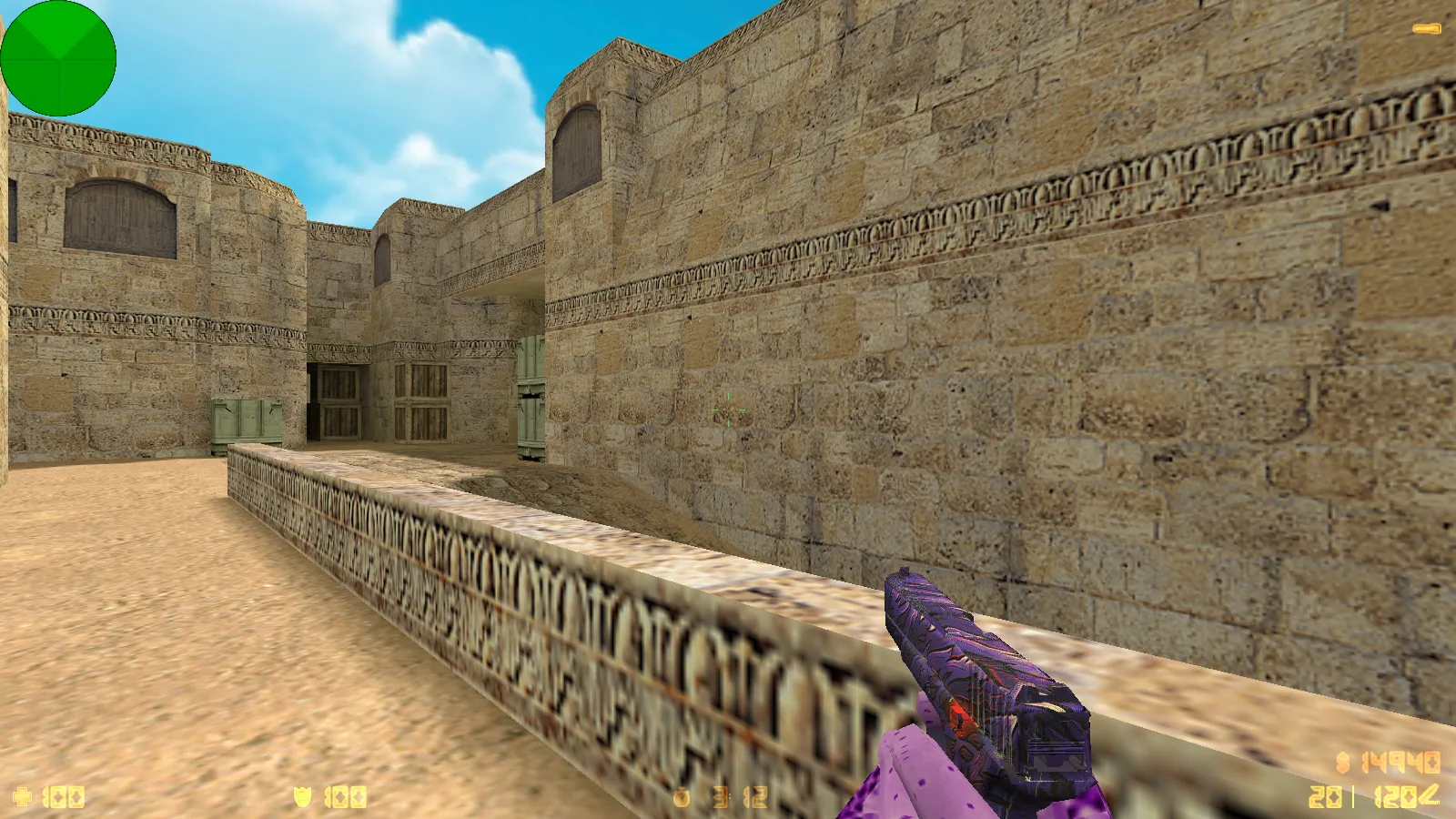
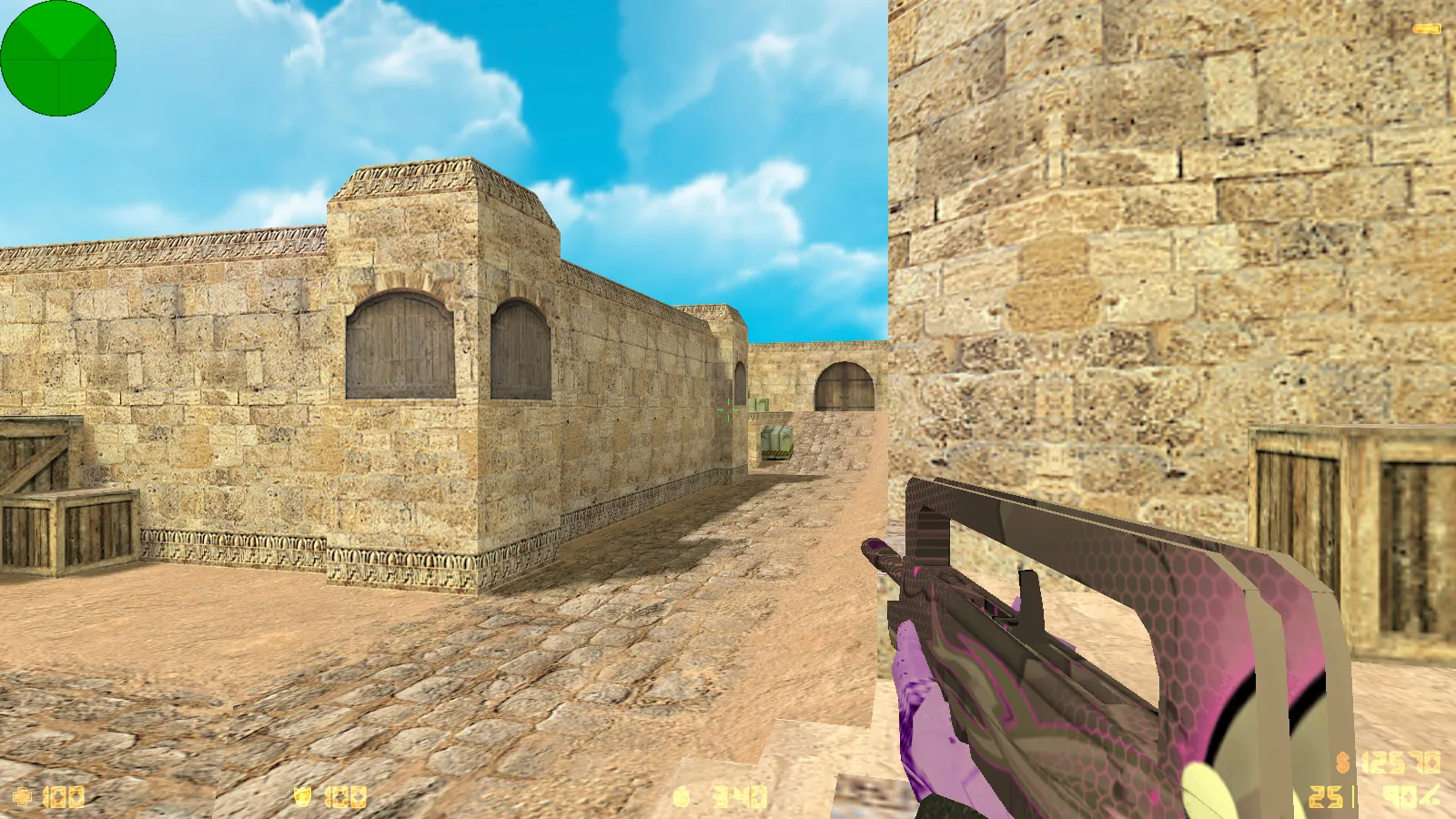
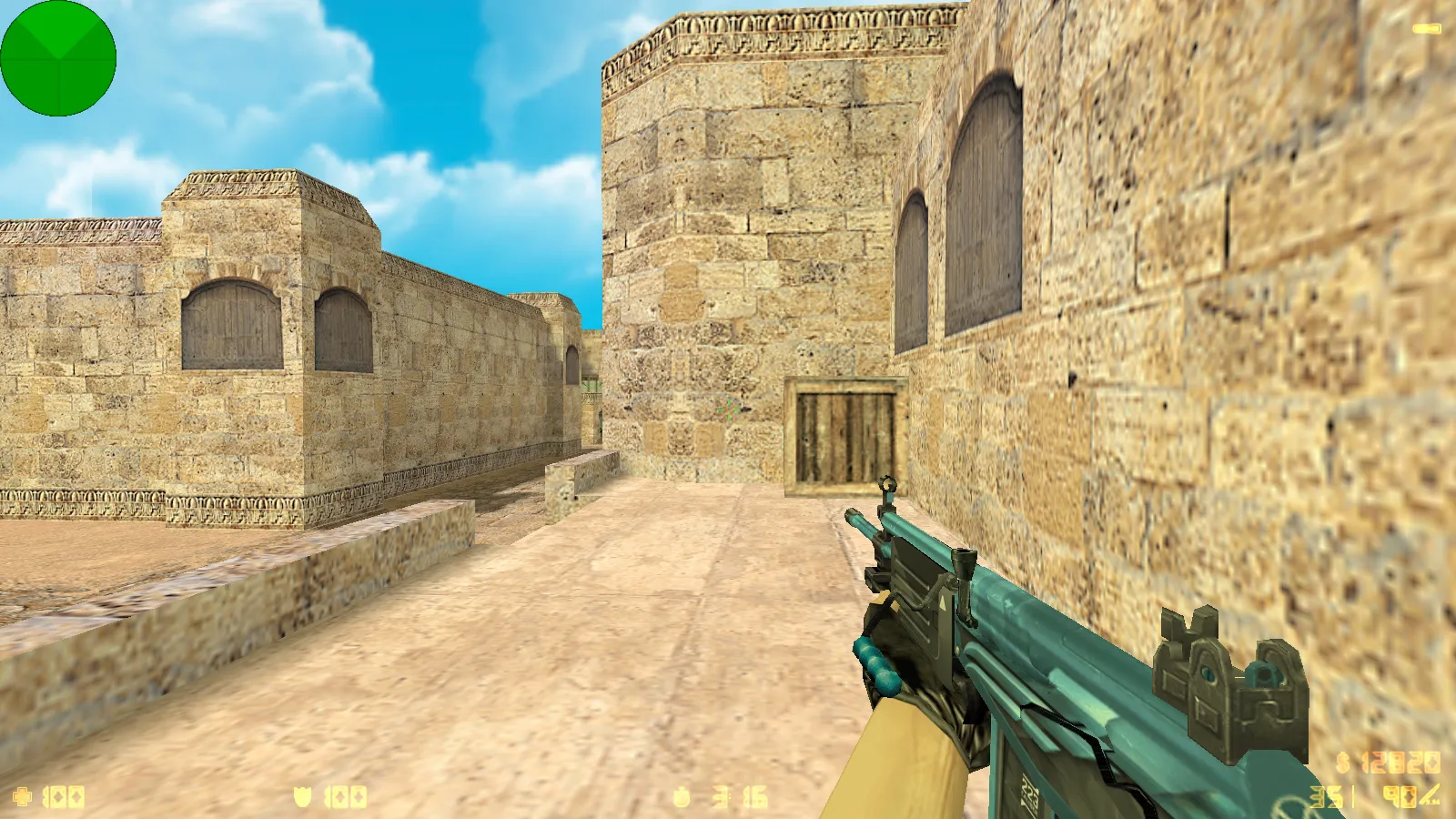
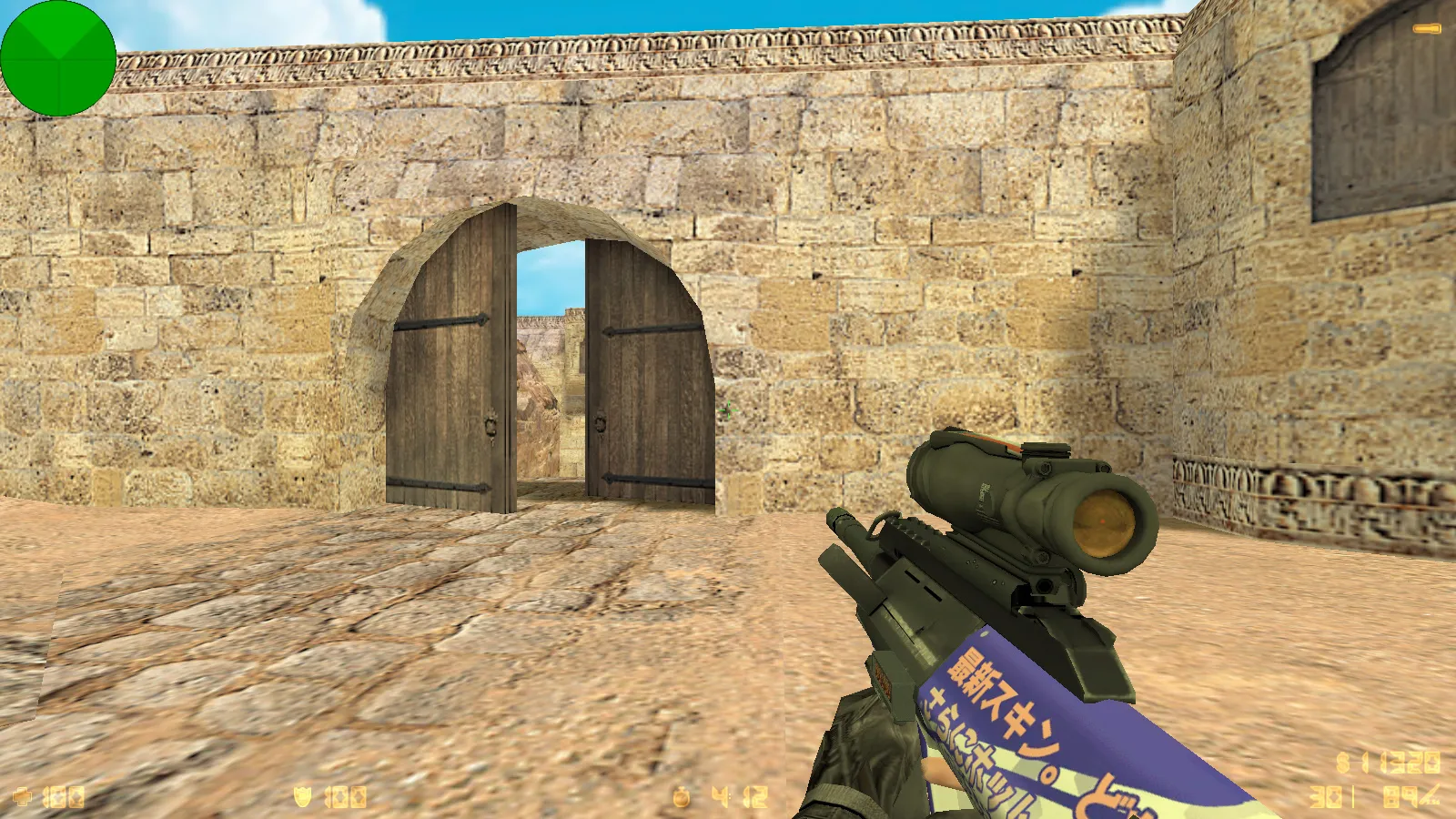
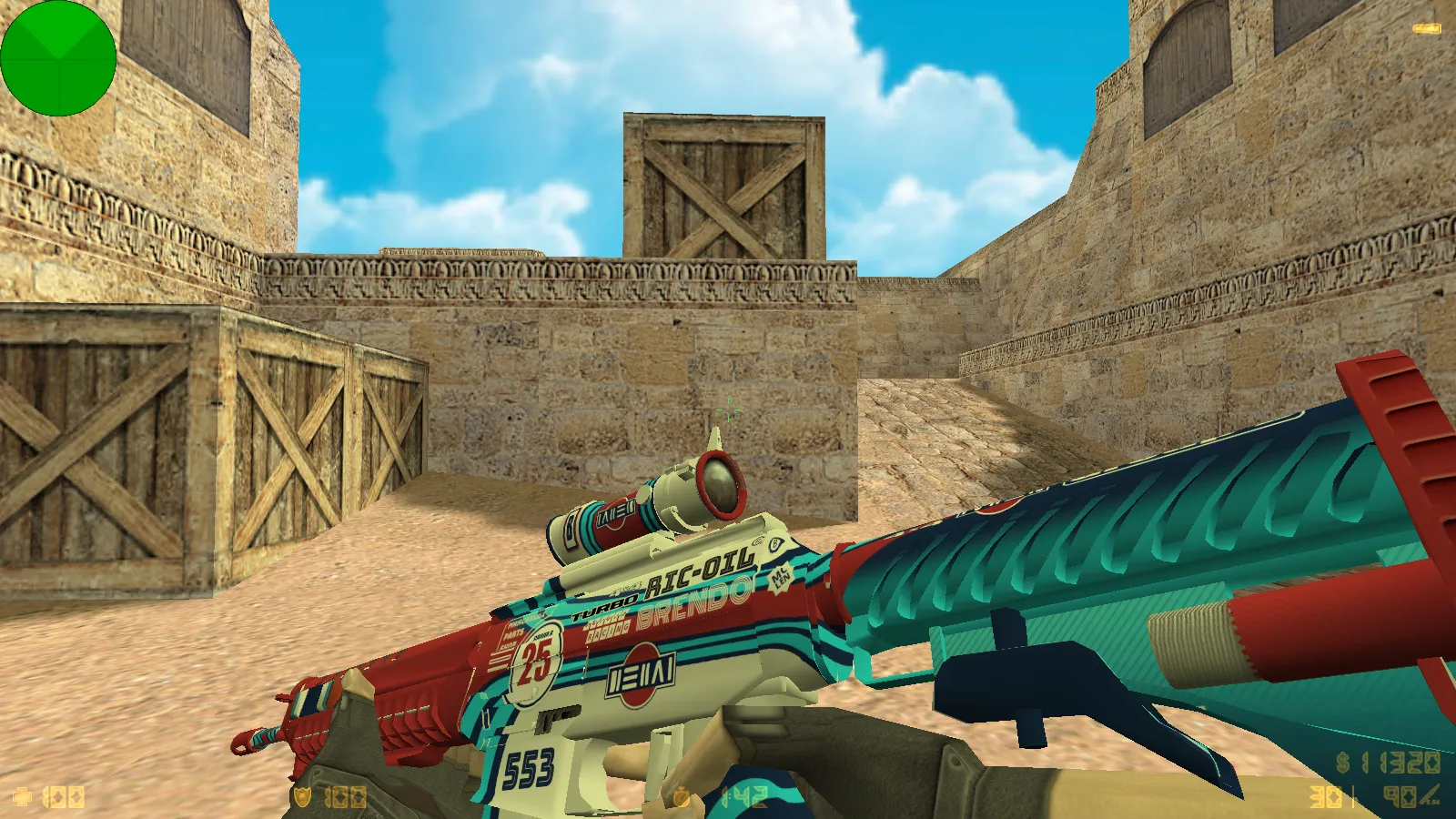
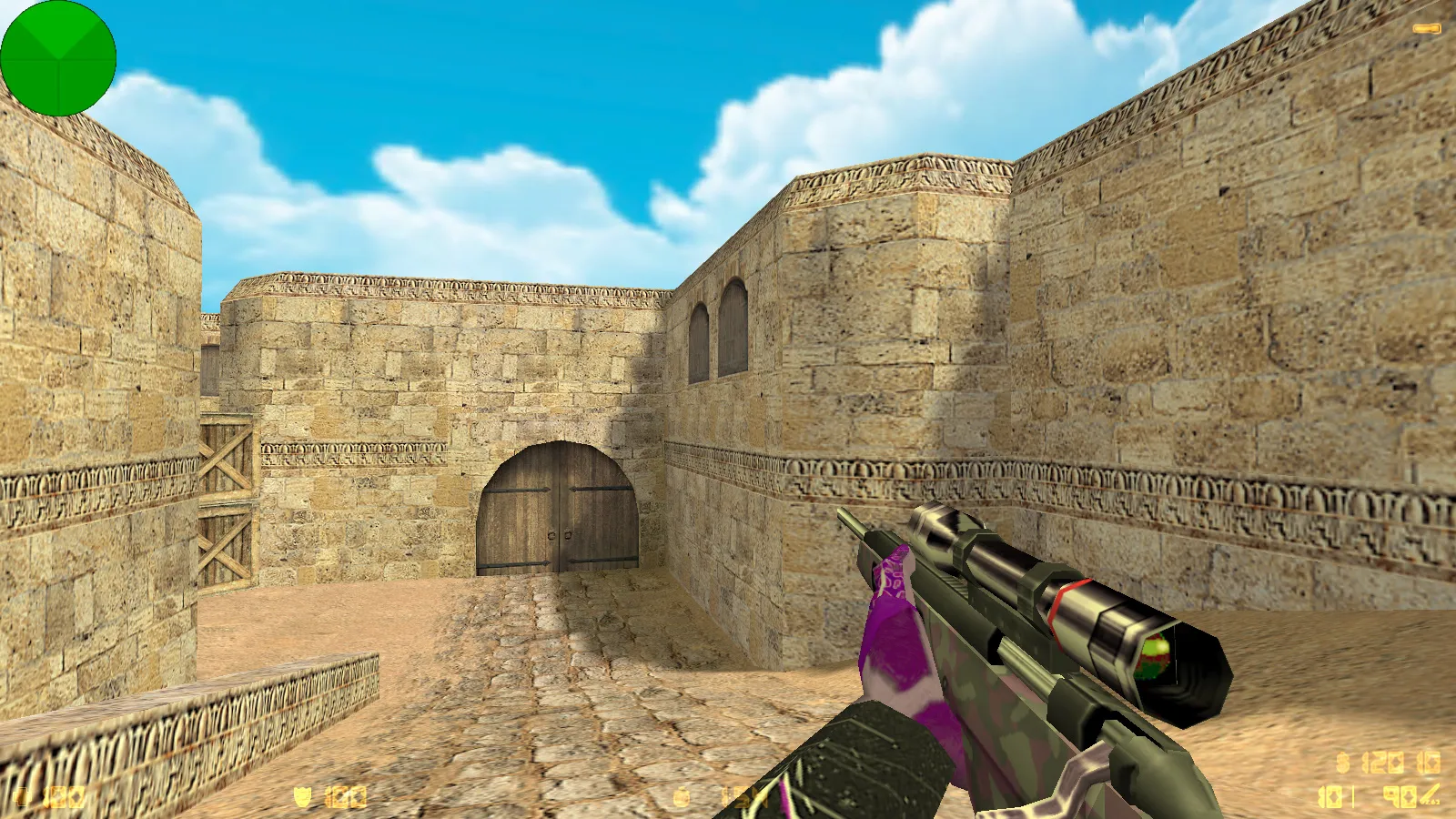
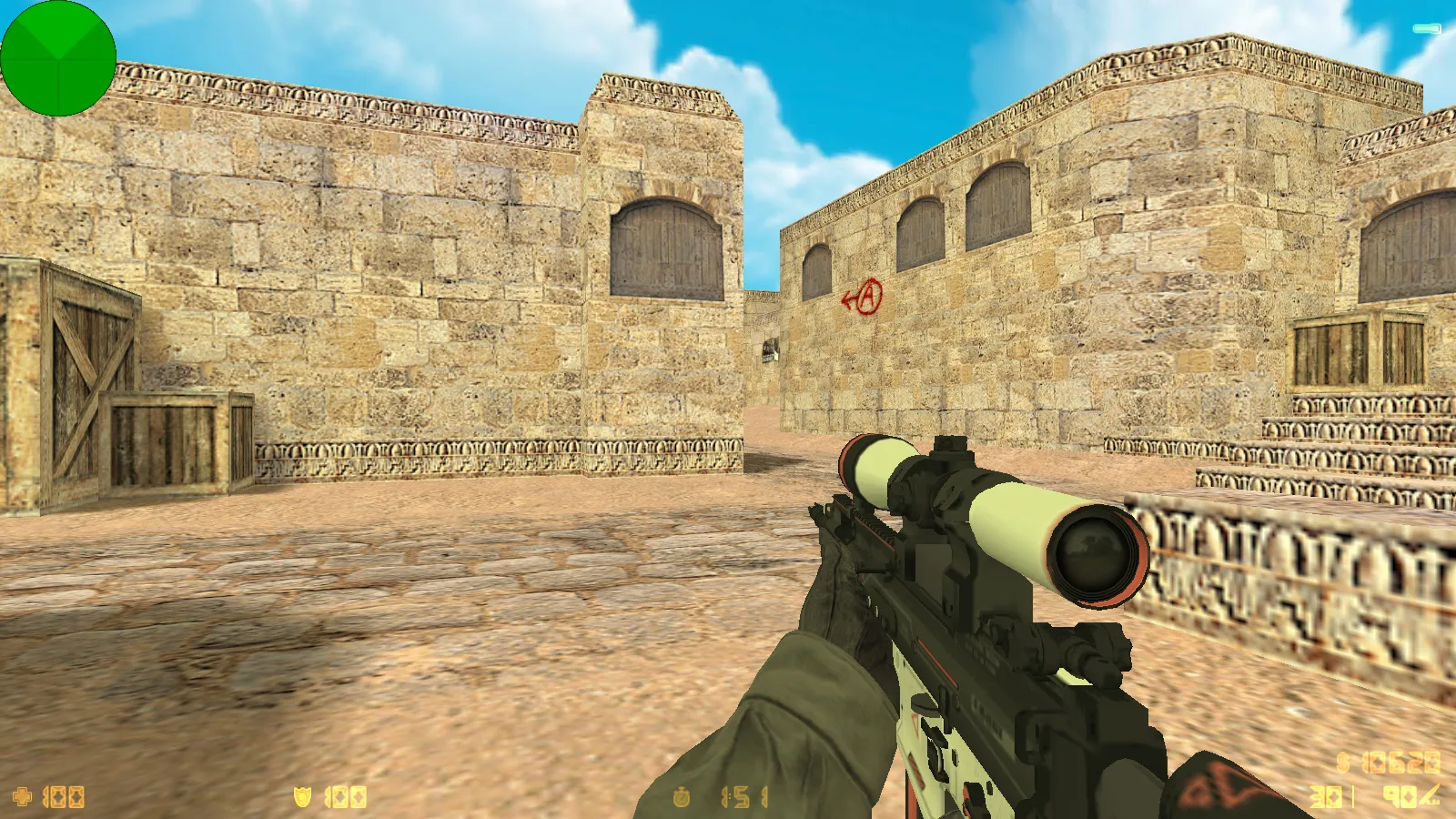
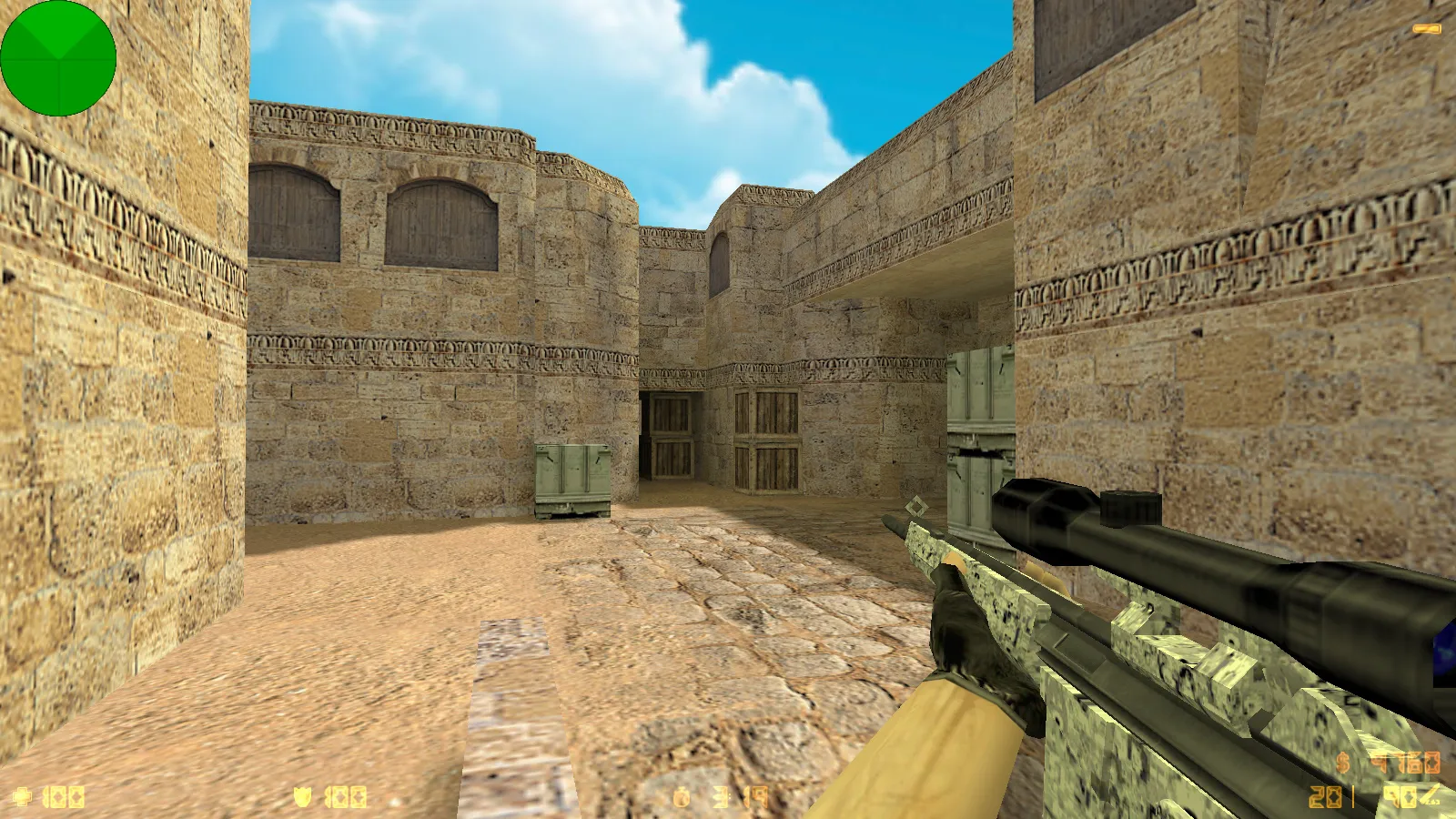
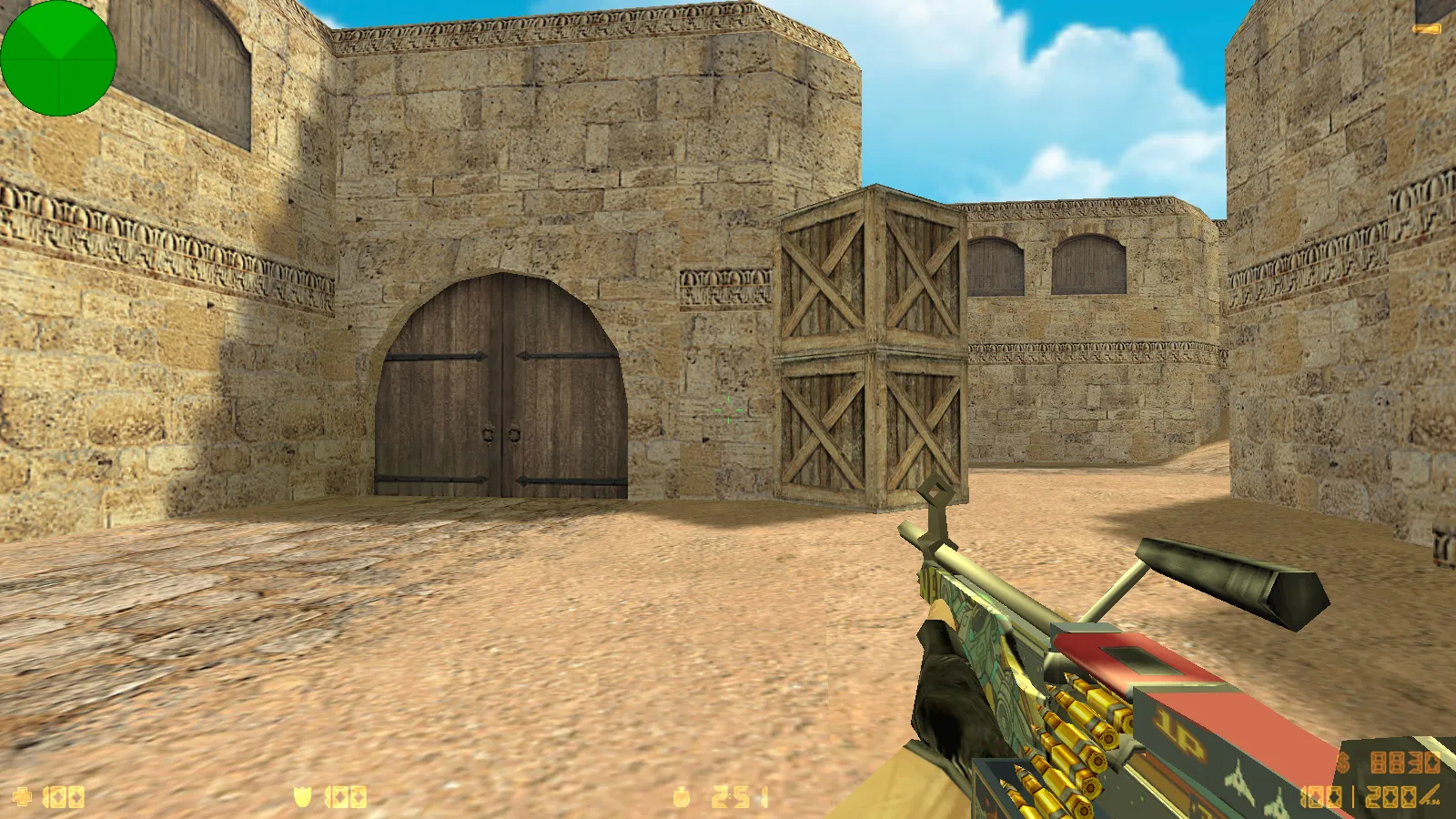
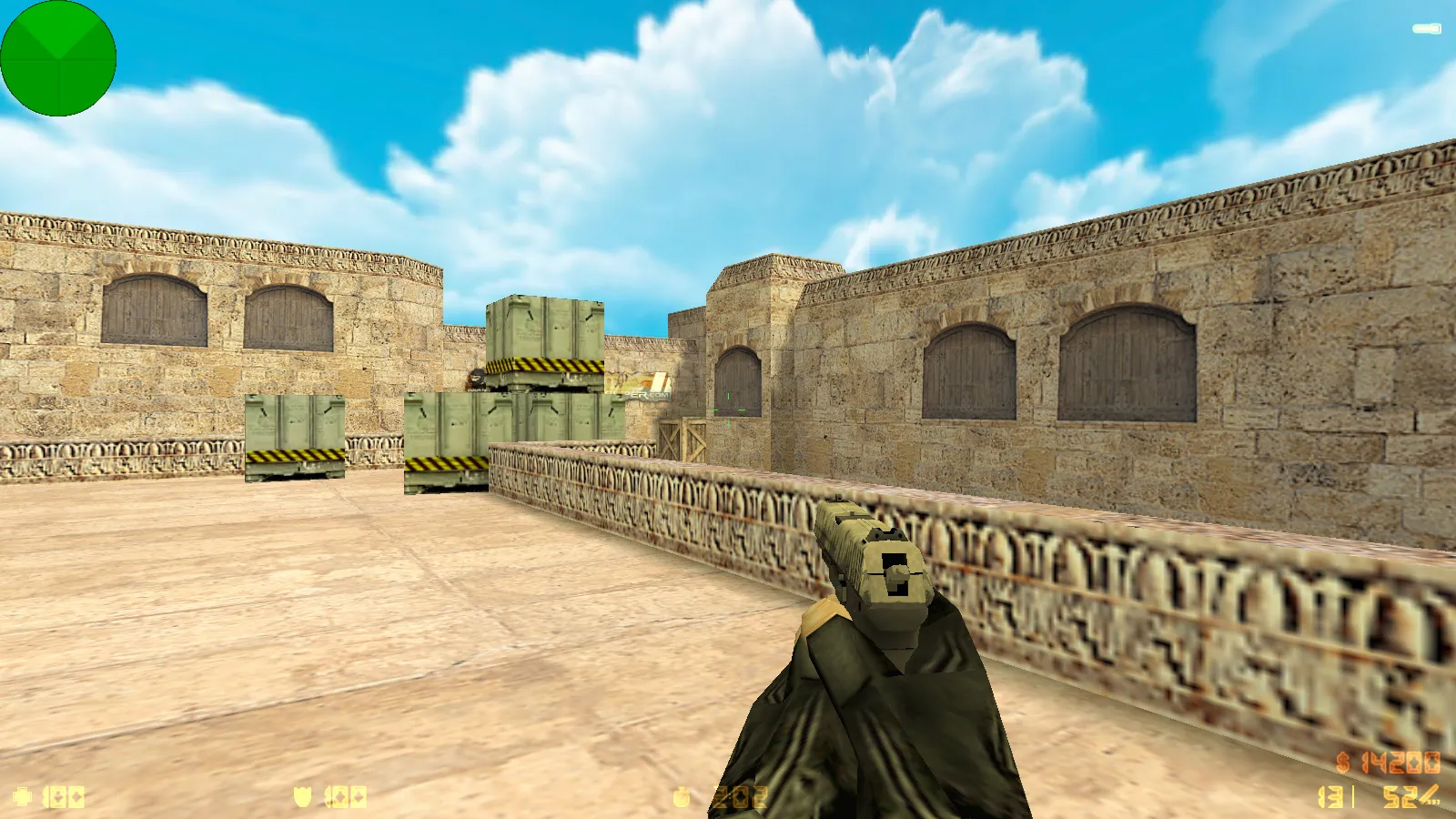
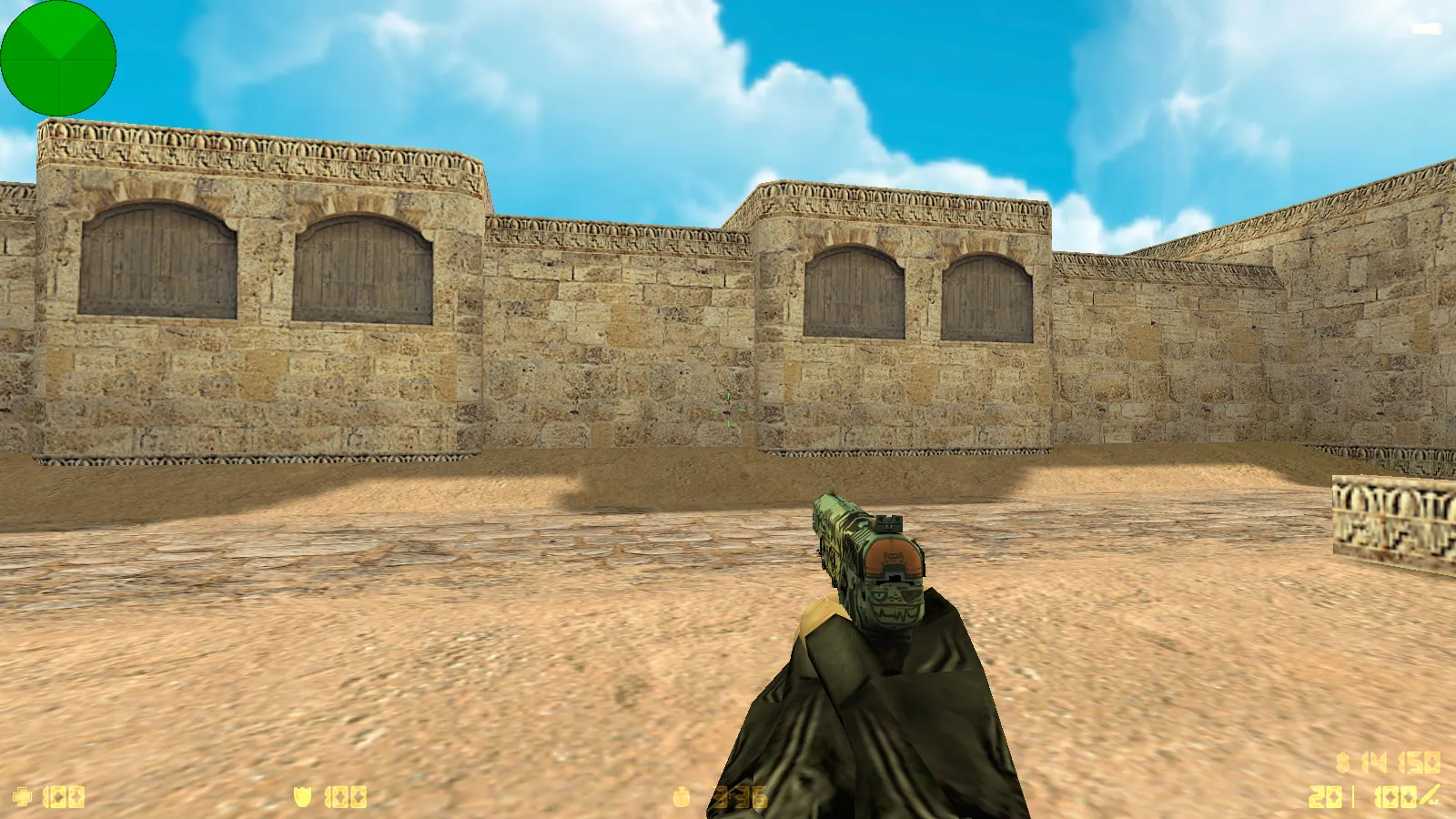
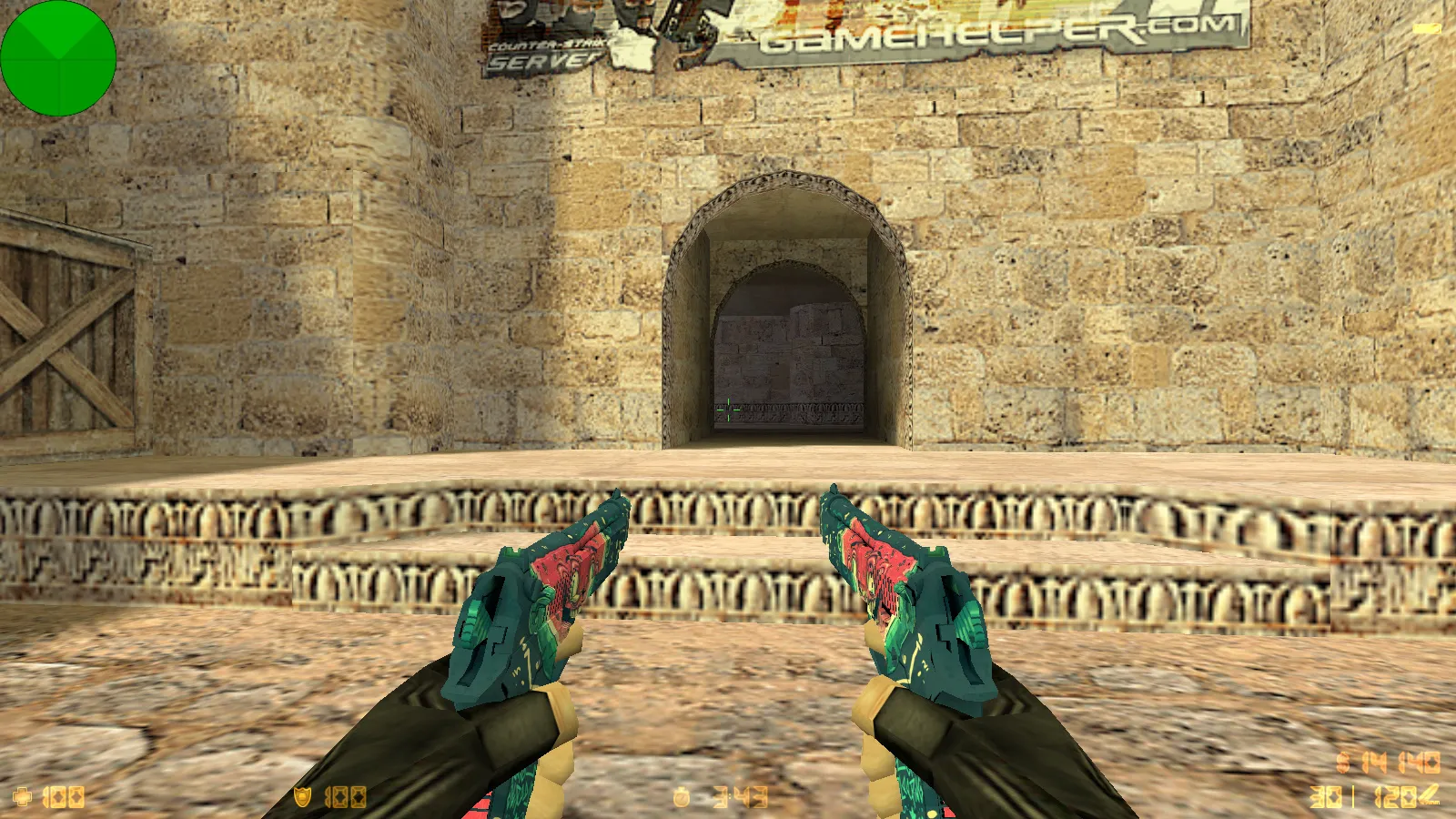
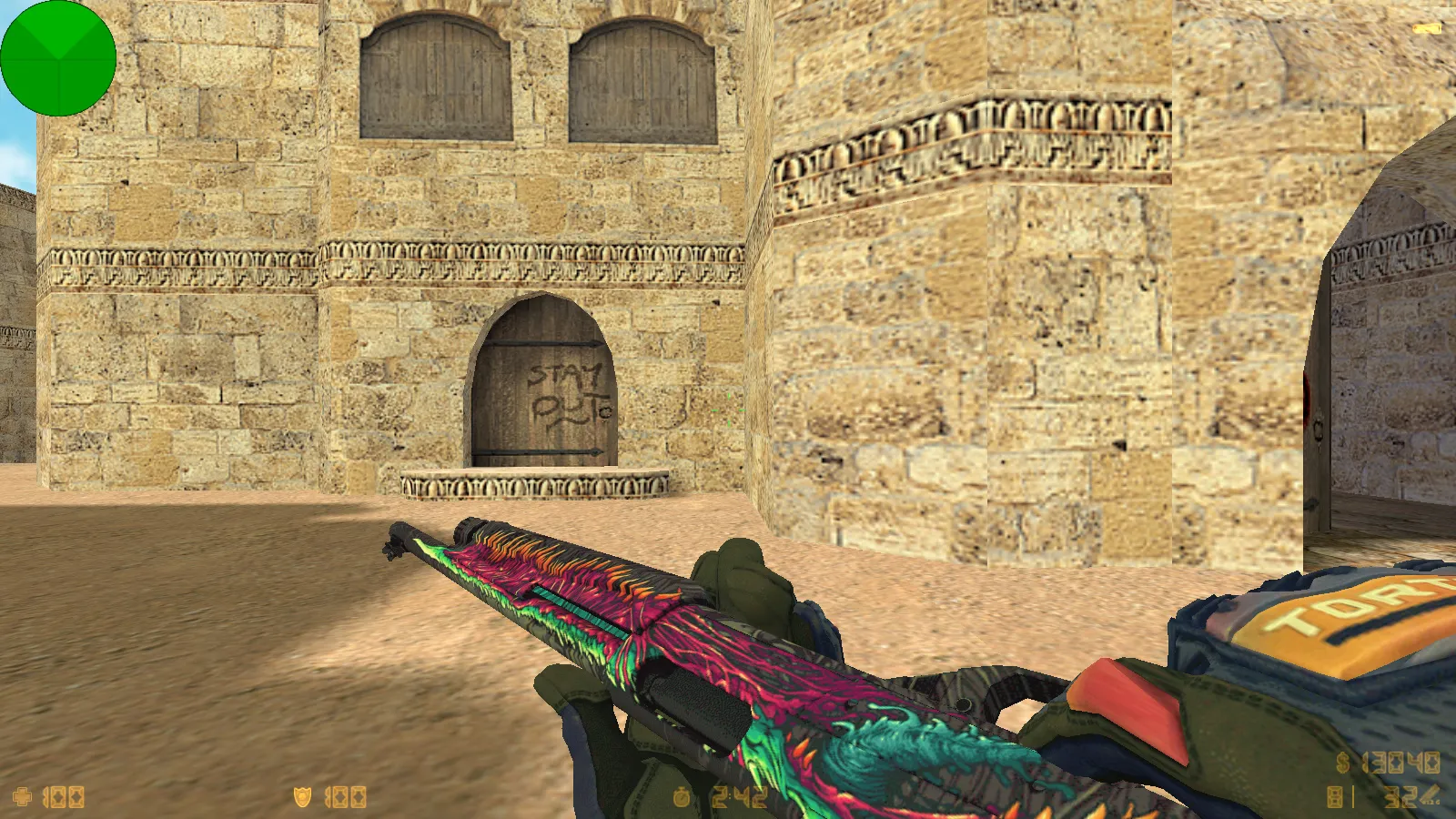
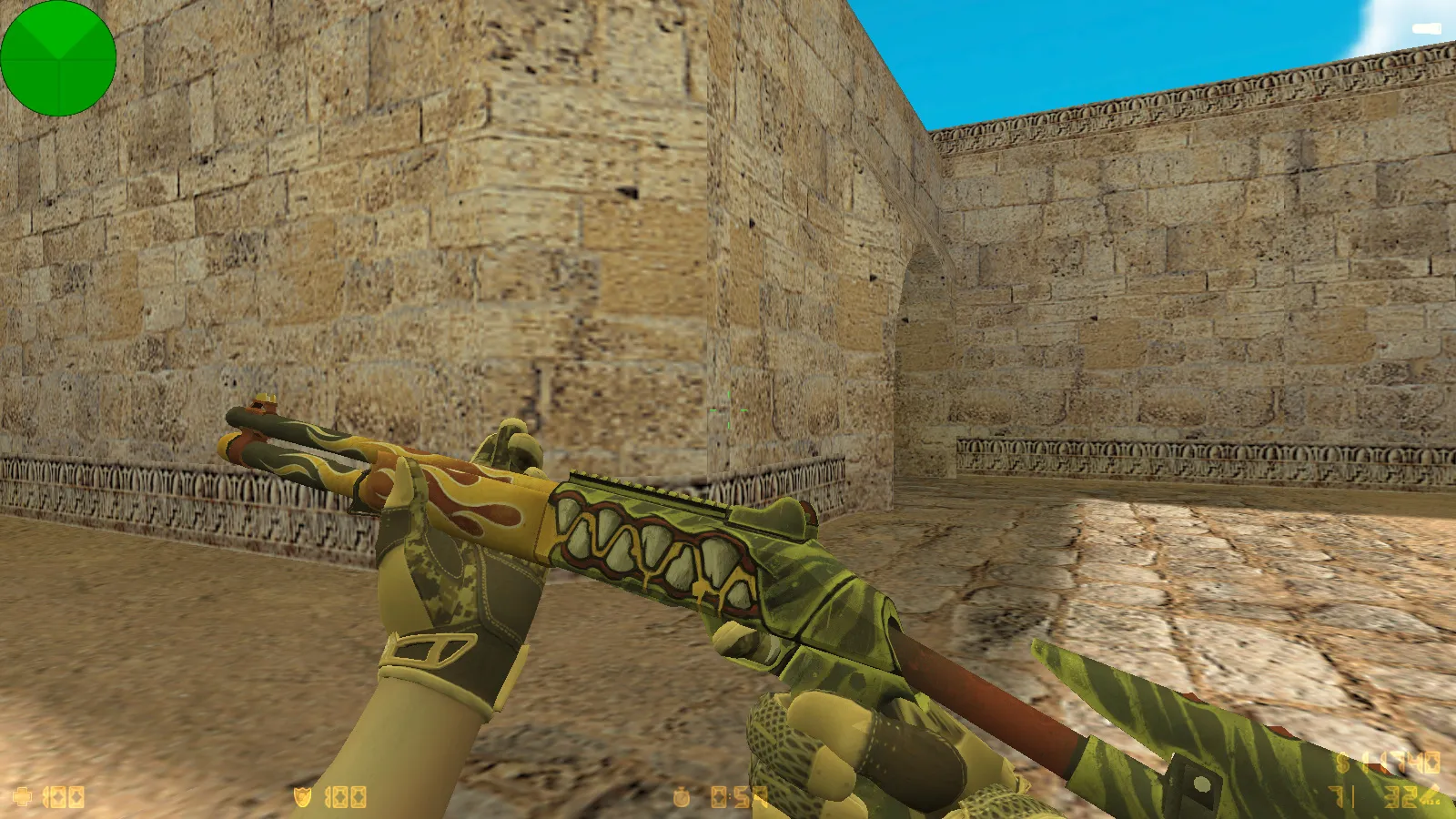
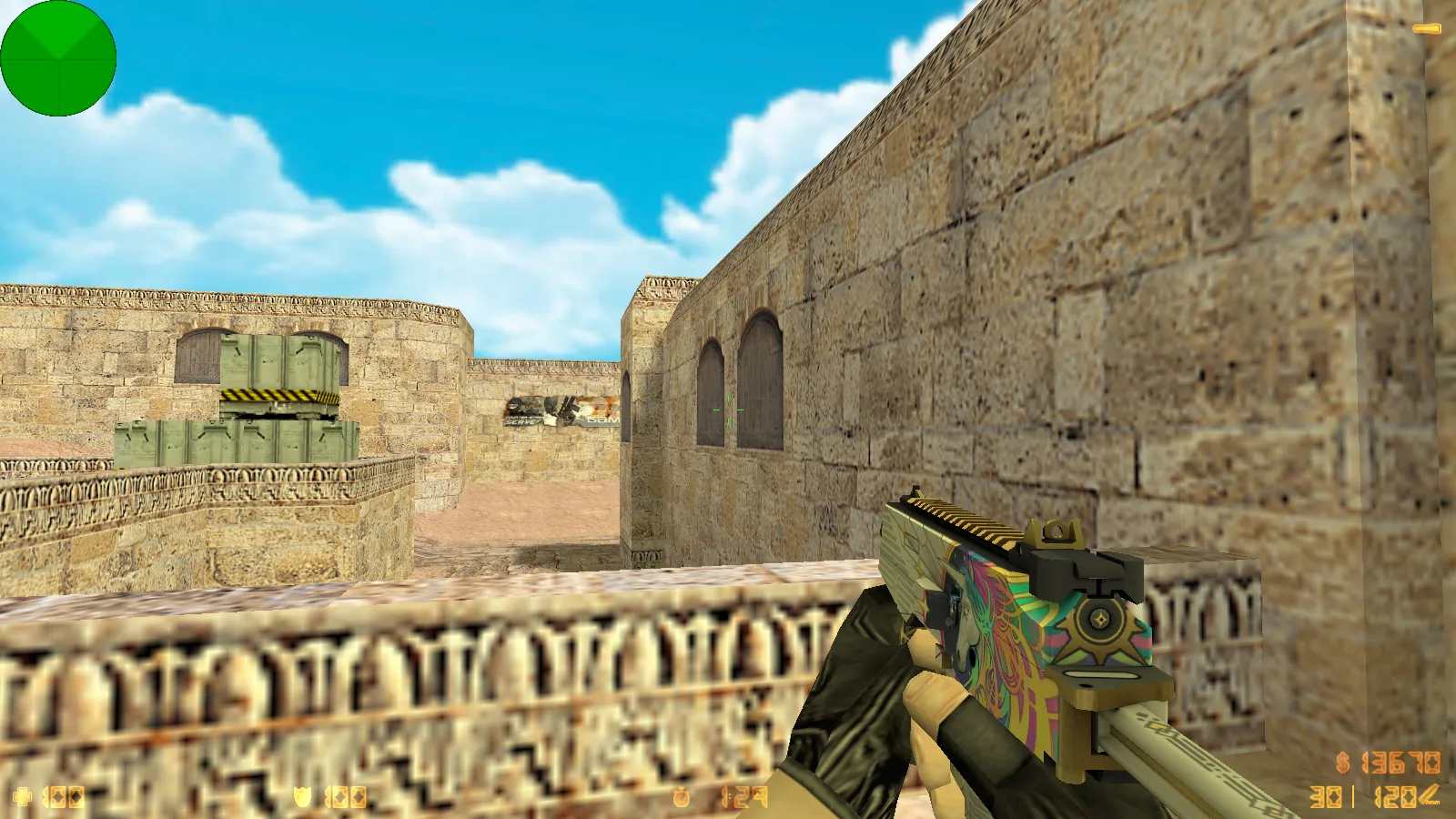
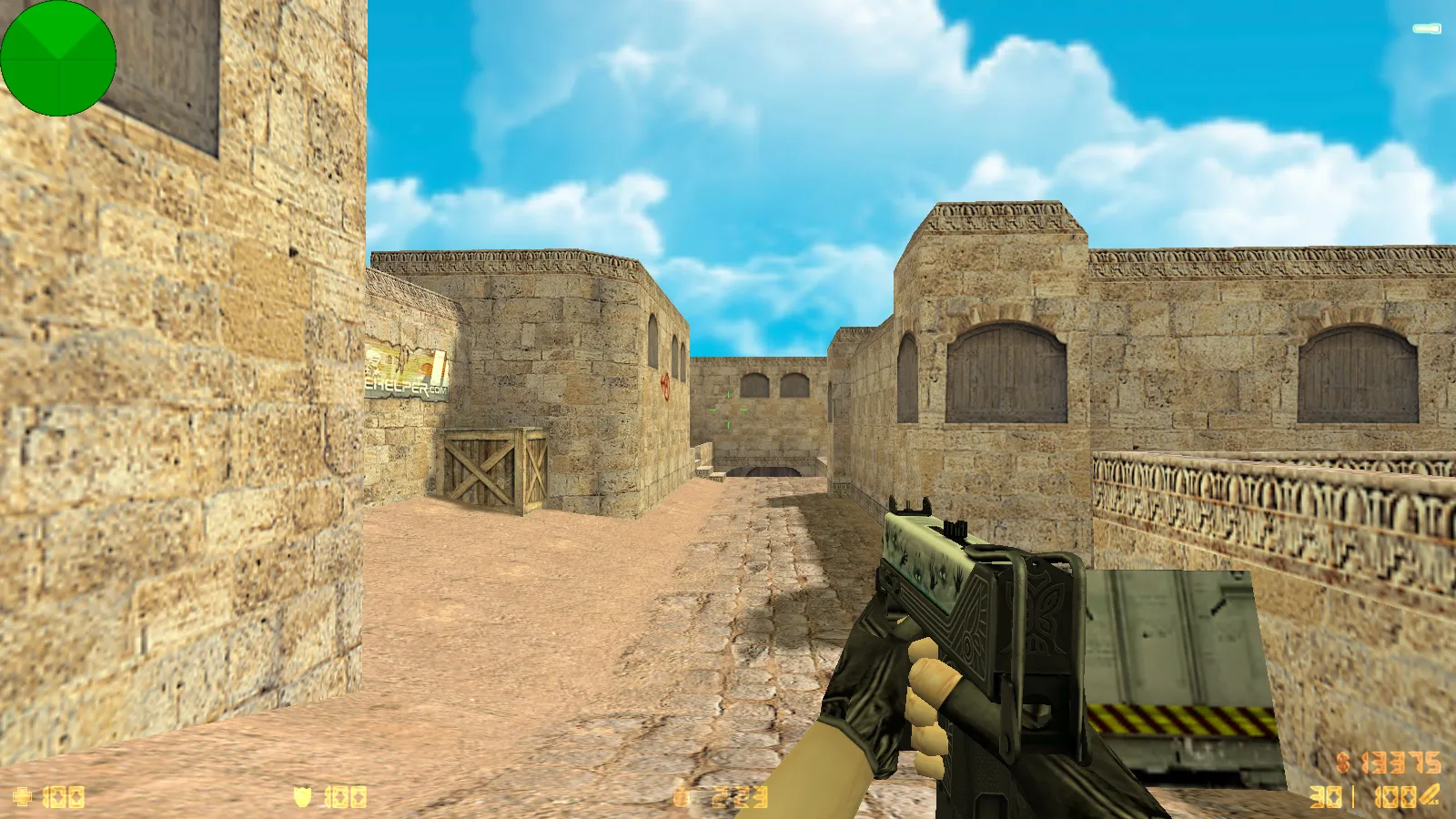
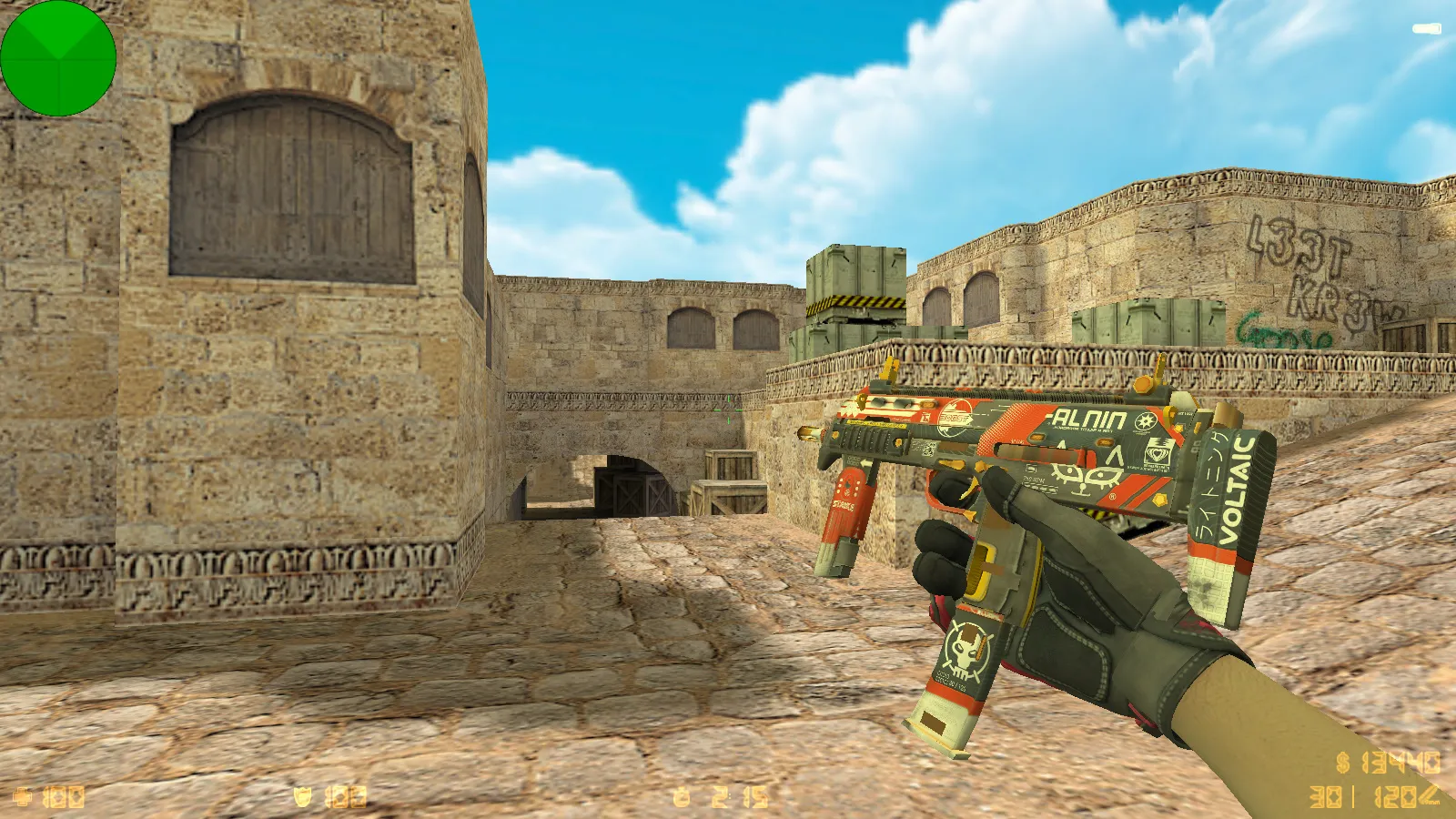
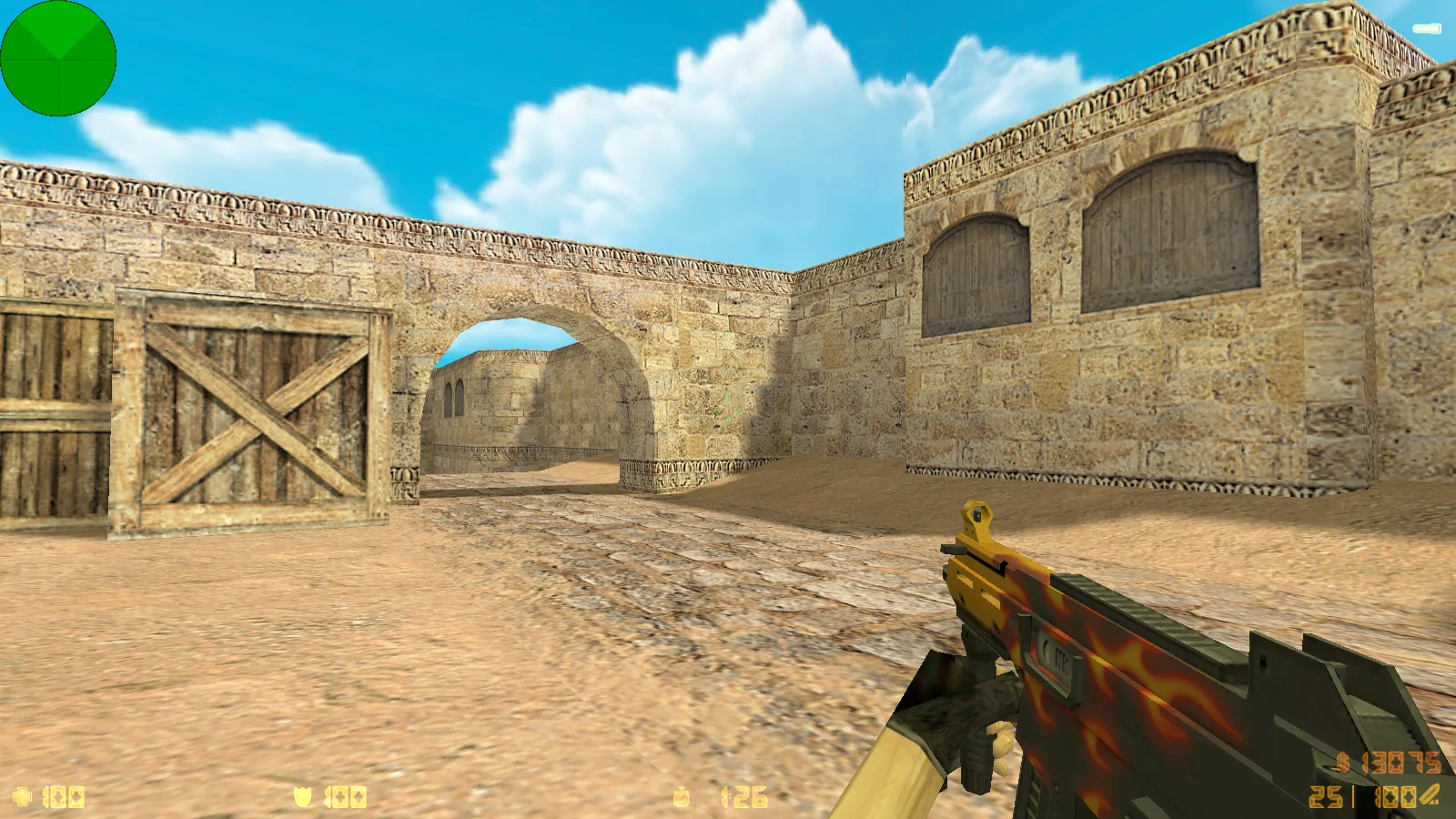
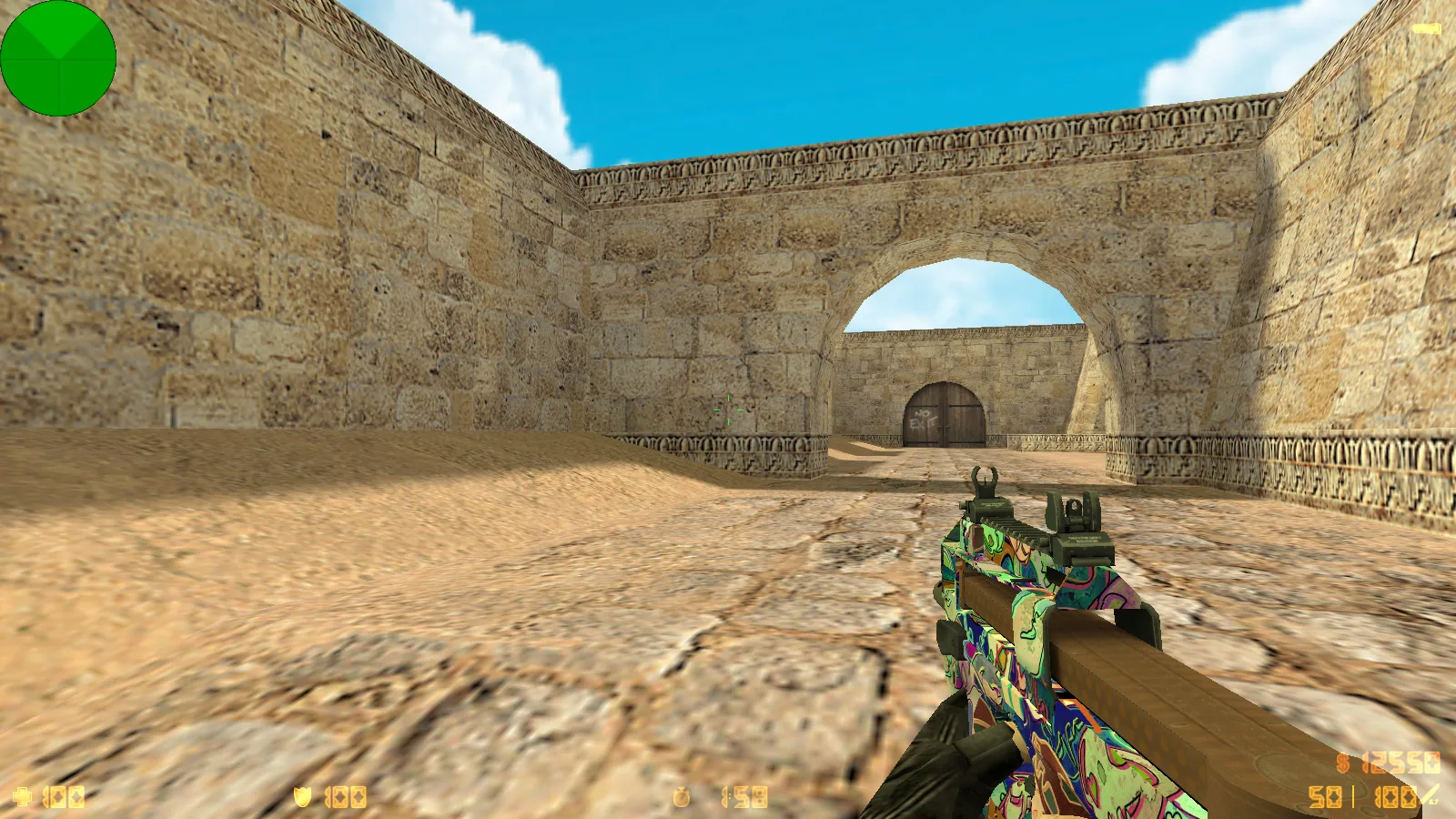
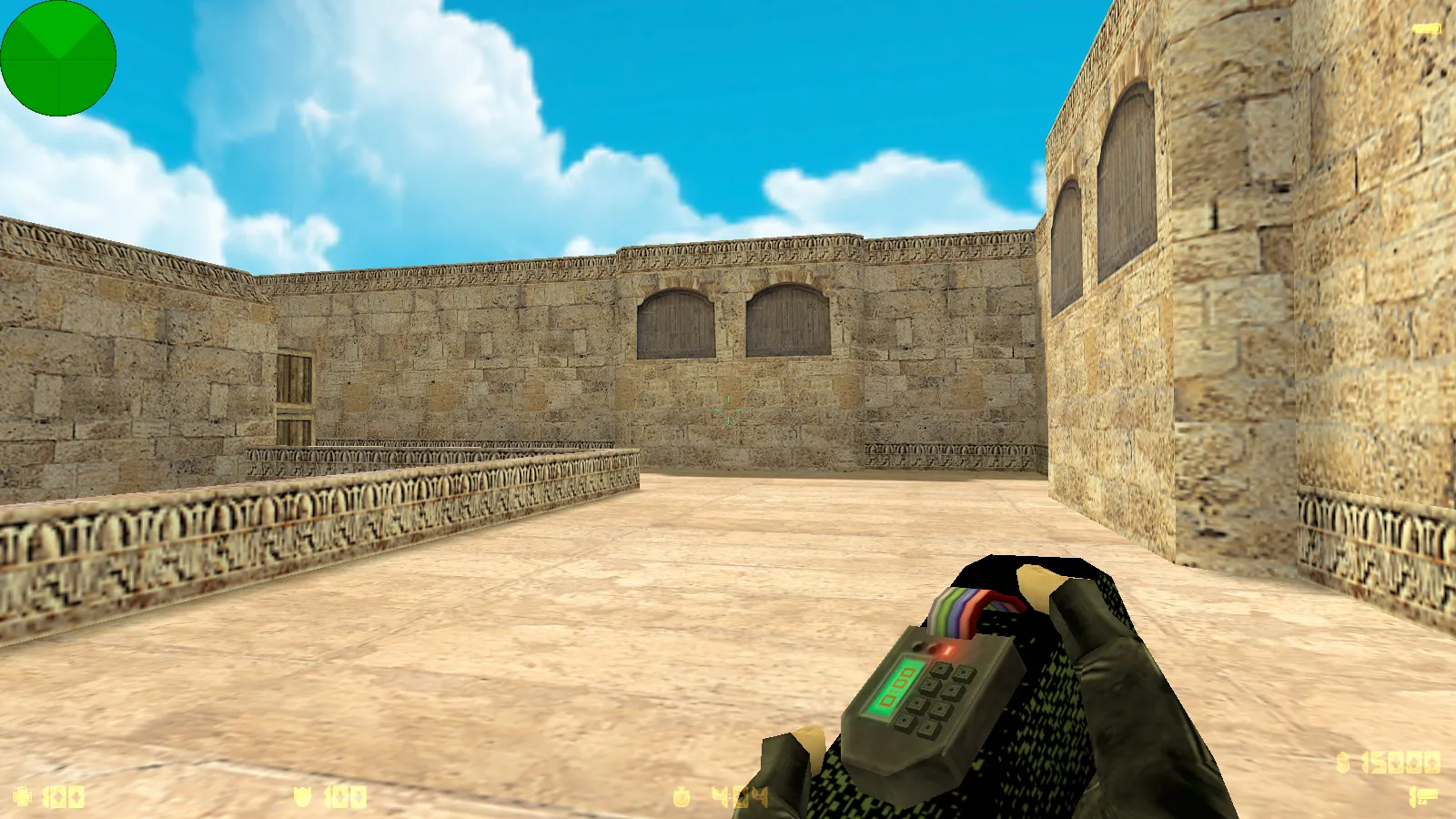
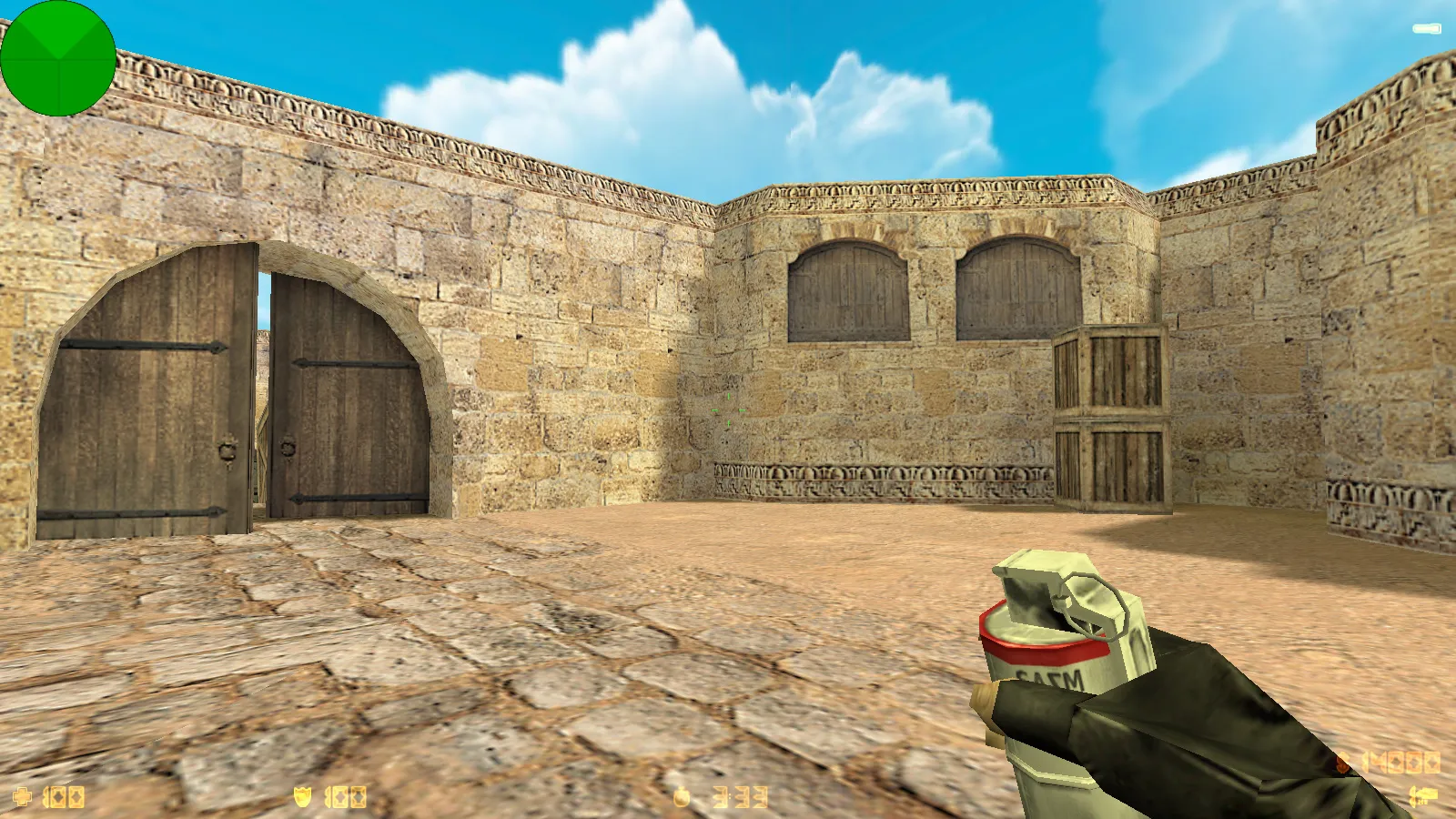
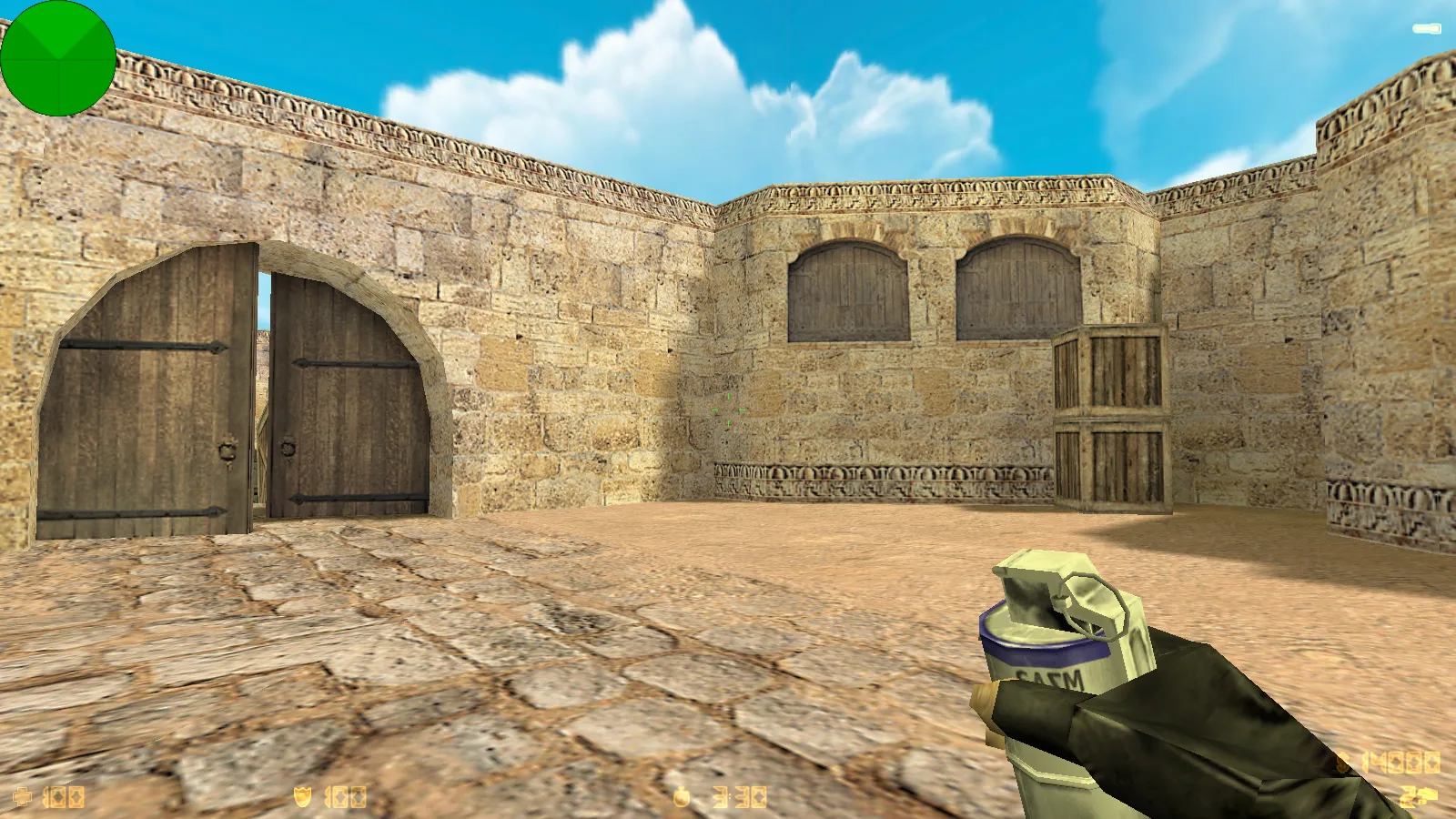
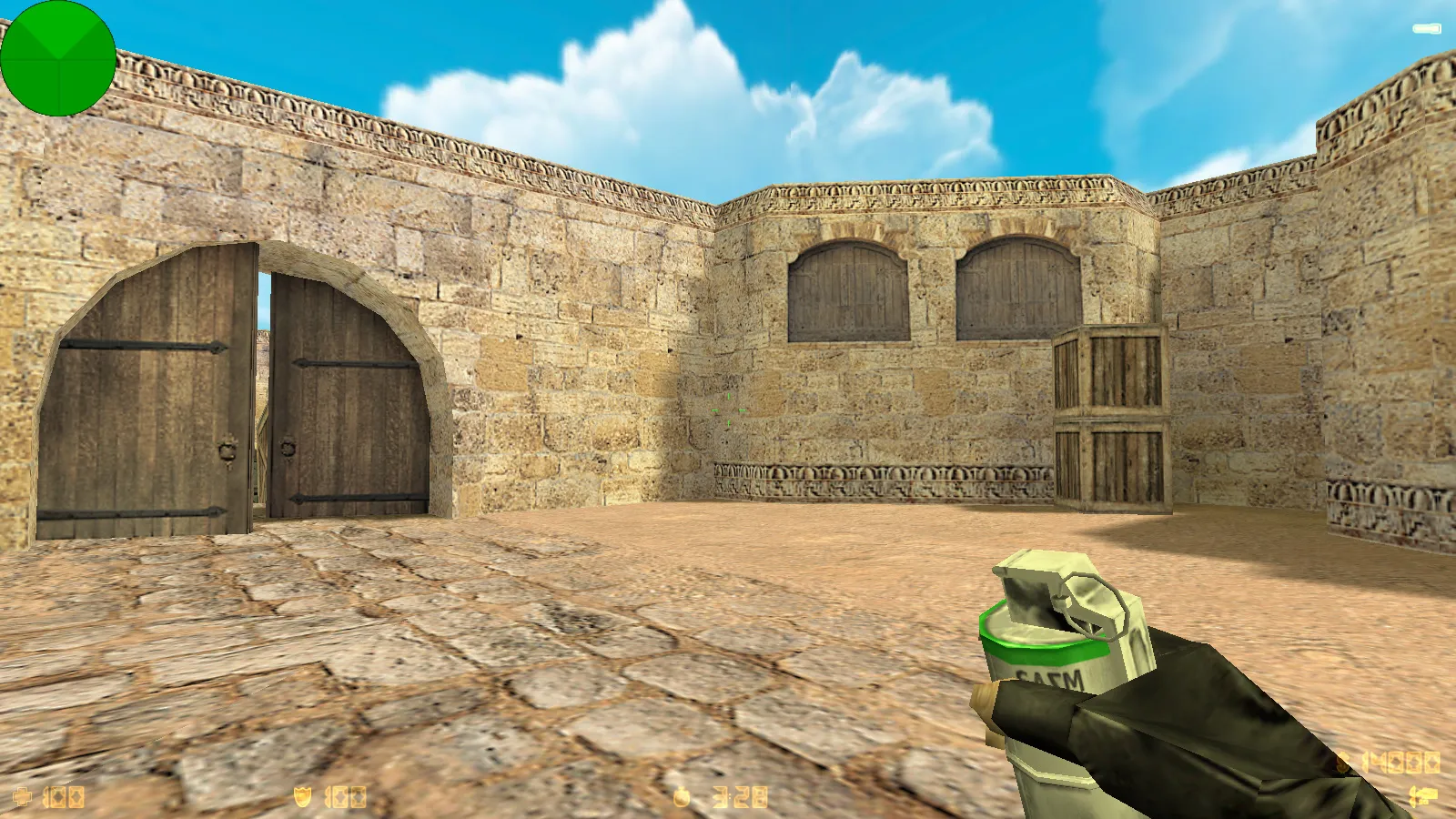
This Wangazoredd assembly for CS 1.6 offers a balanced blend of visual improvements and reliable gameplay performance. The blogger-style package introduces eight major enhancements that refresh the appearance without altering core mechanics. Weapon models, gloves, and the main menu receive a makeover for a new feel while preserving the classic CS 1.6 experience.
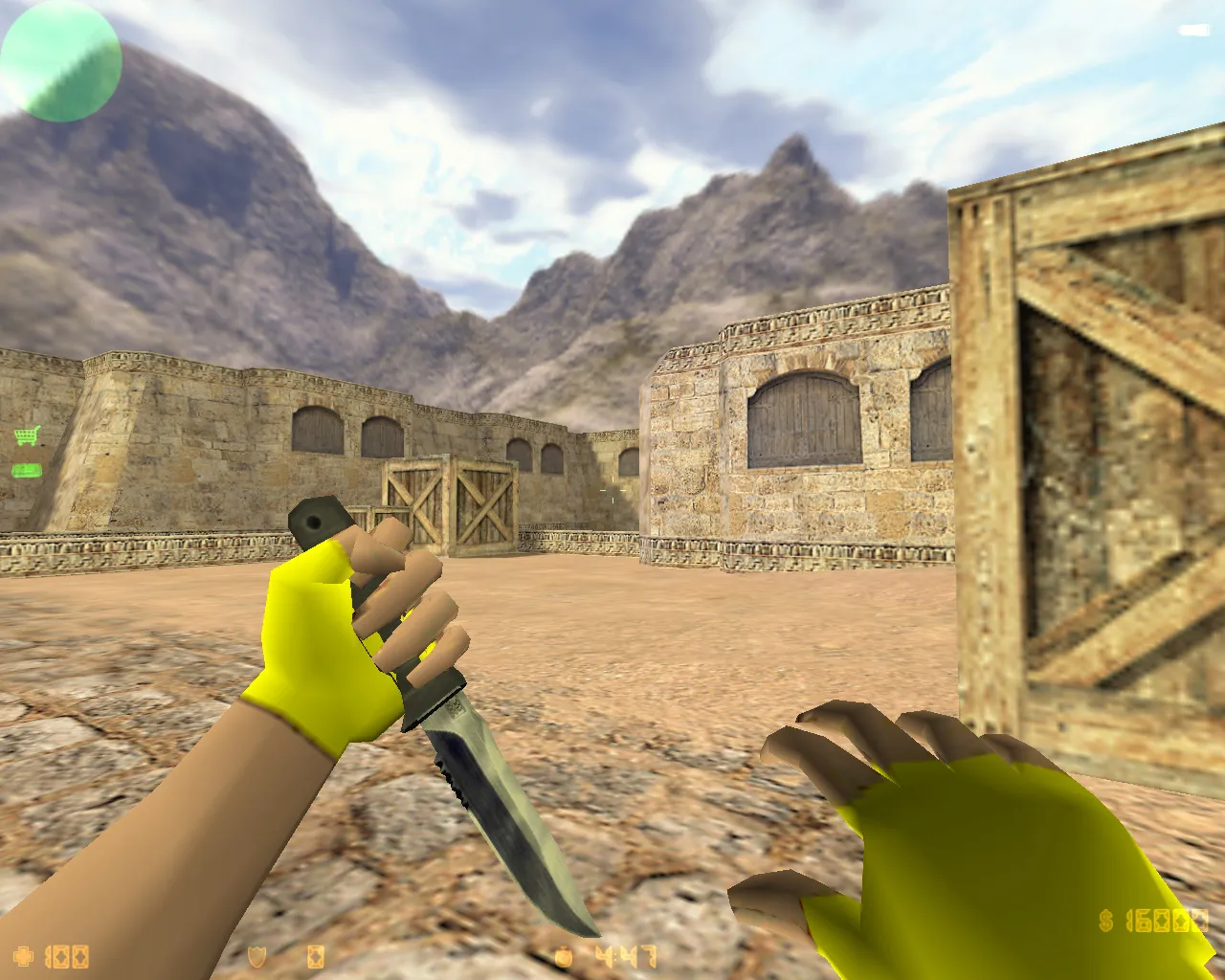
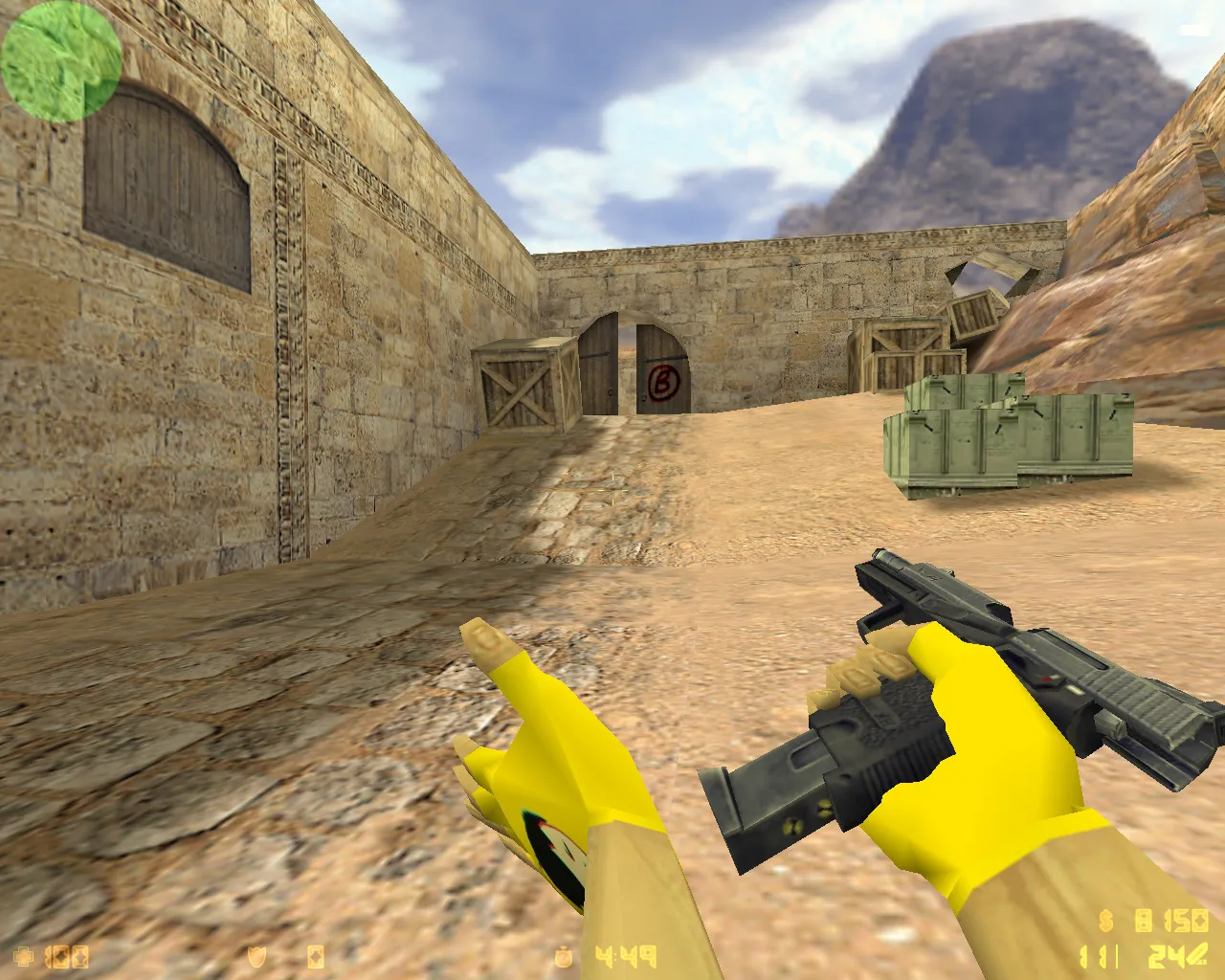
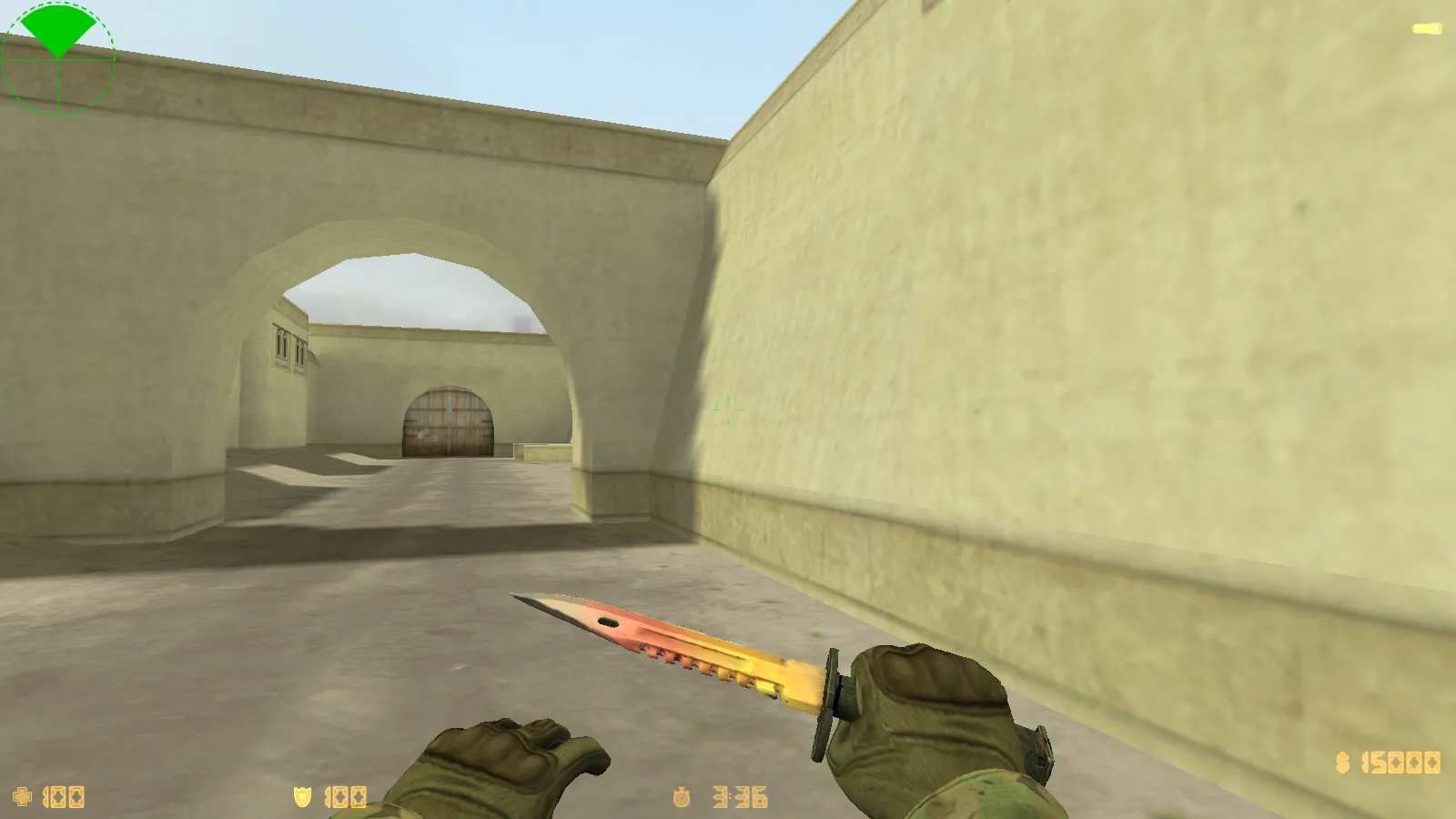
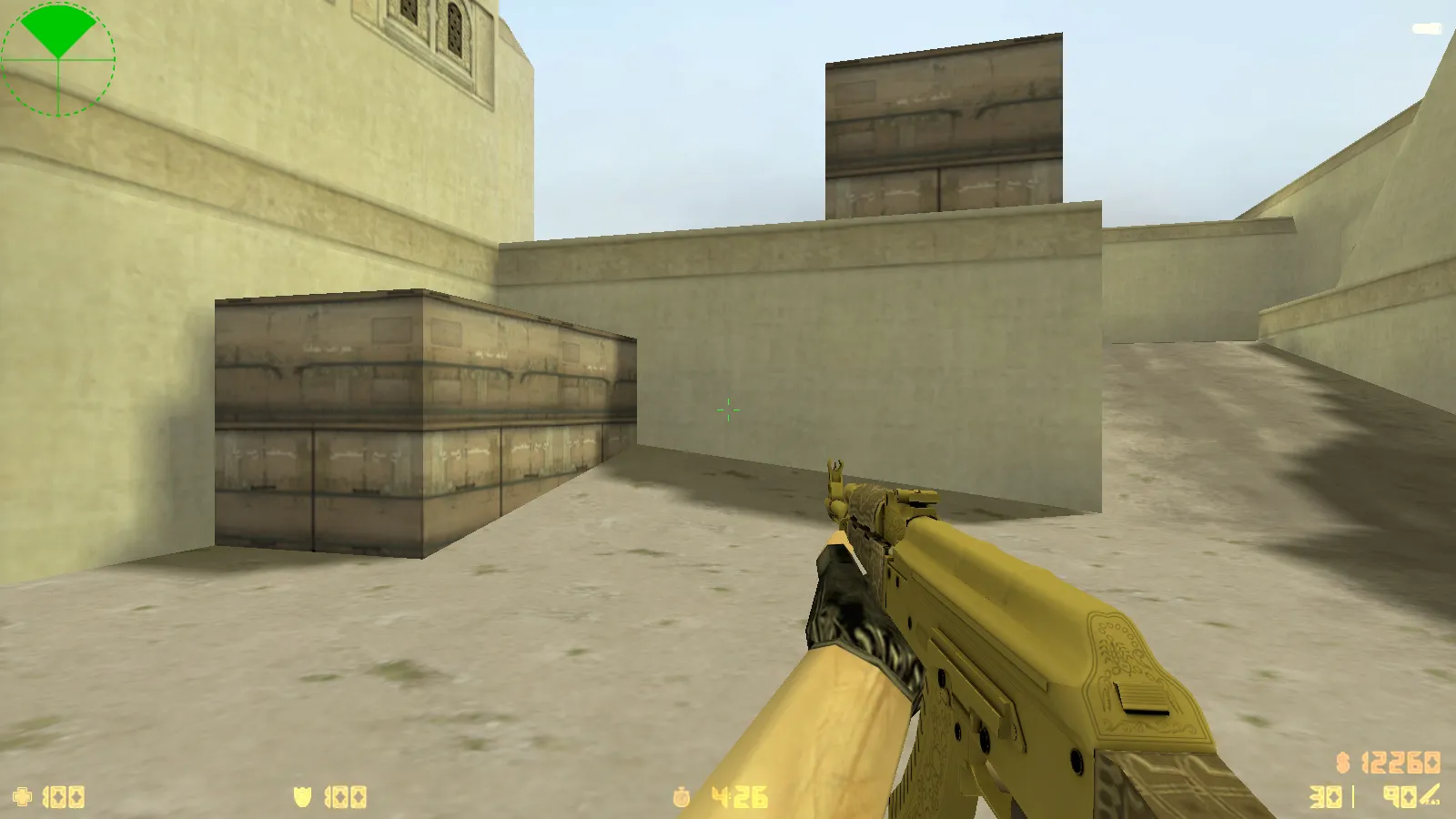
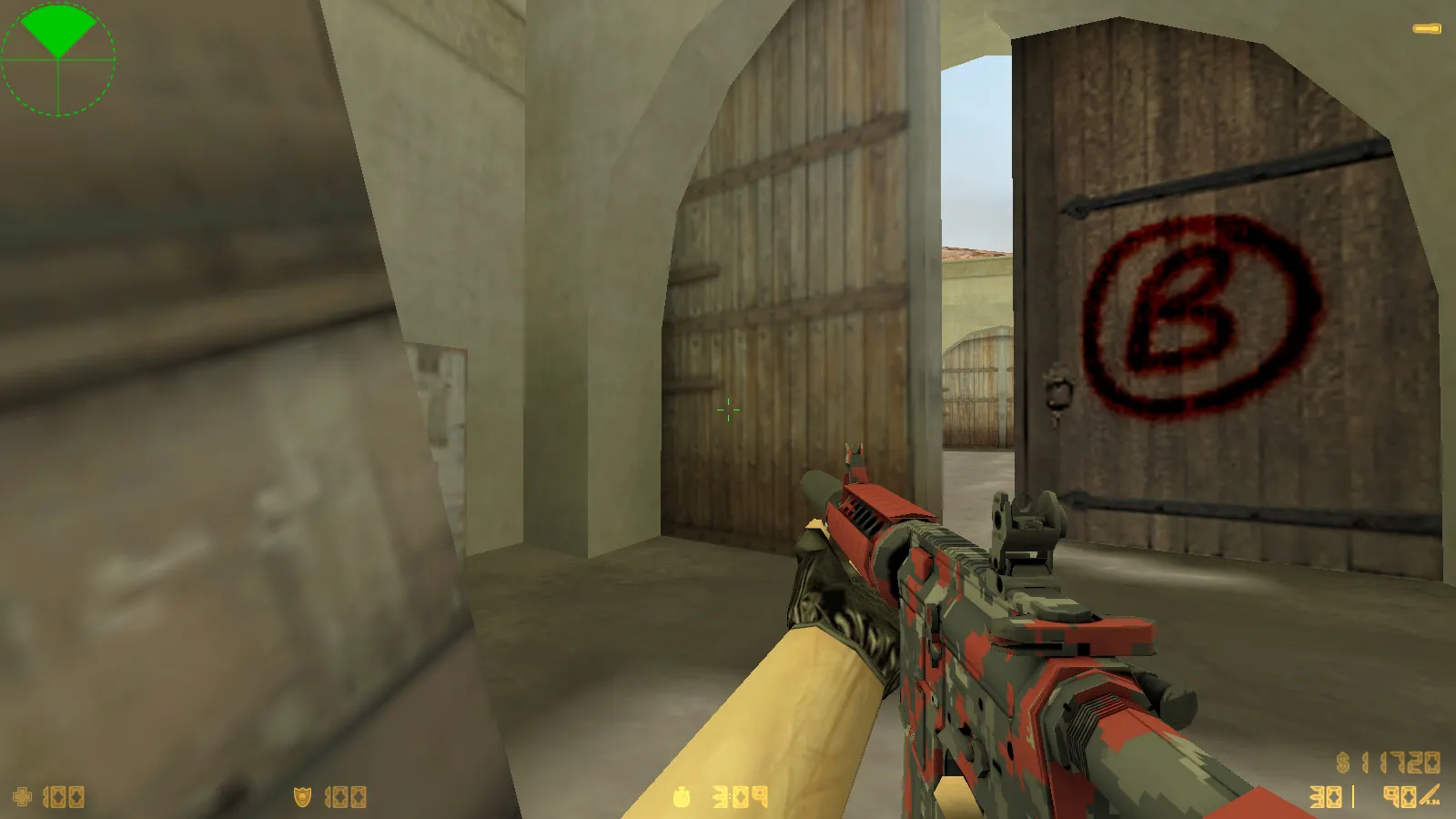
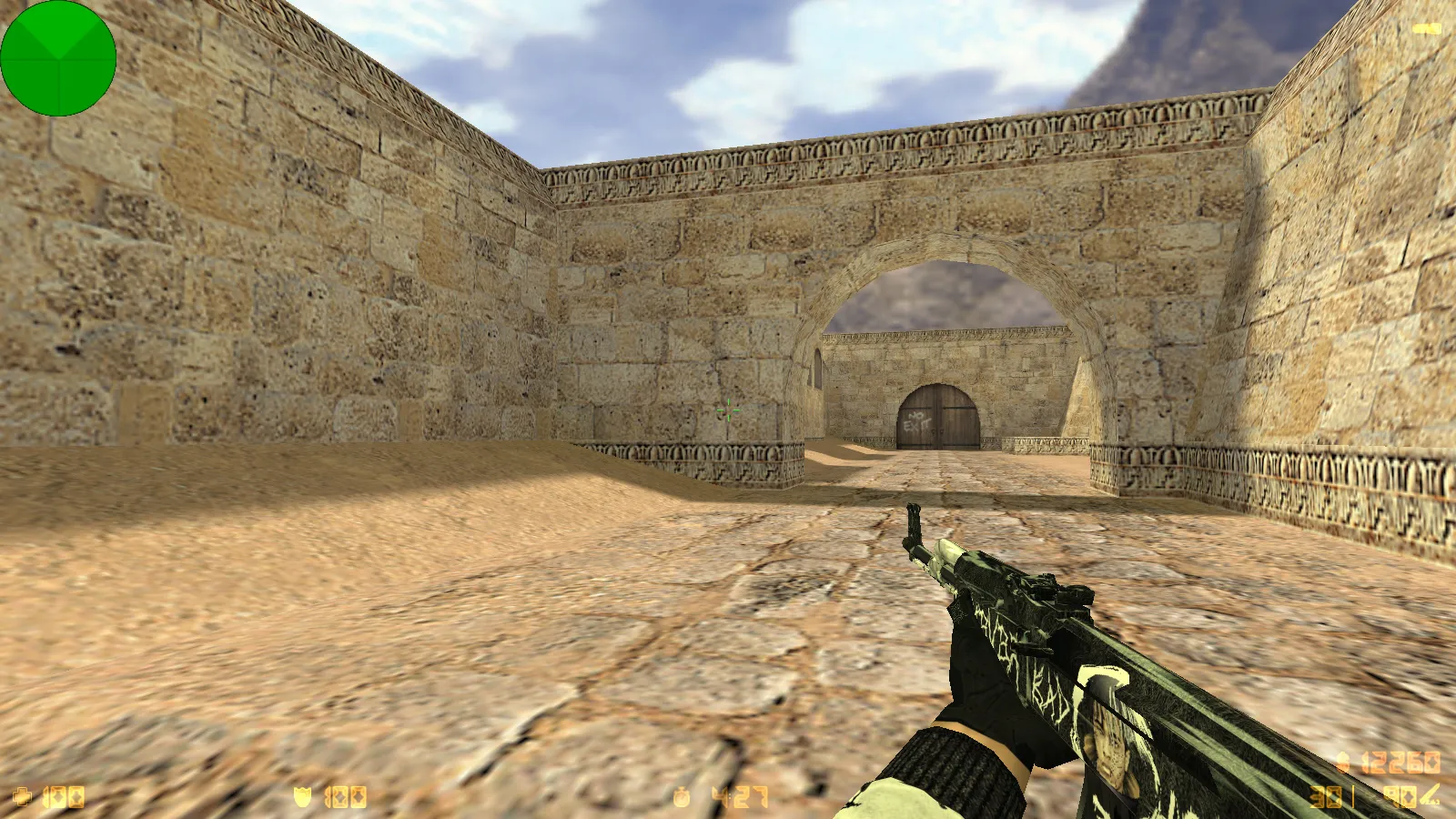
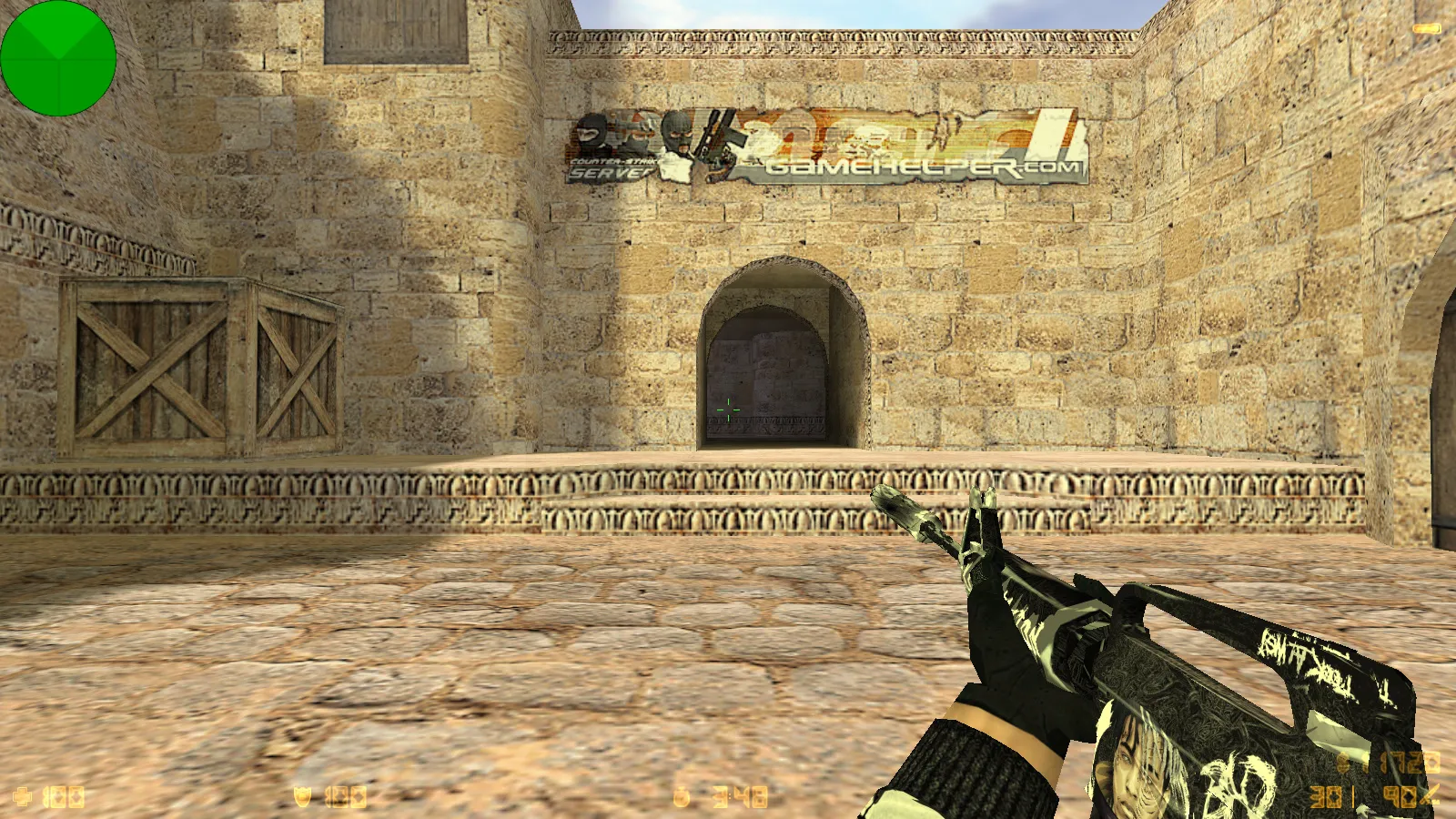
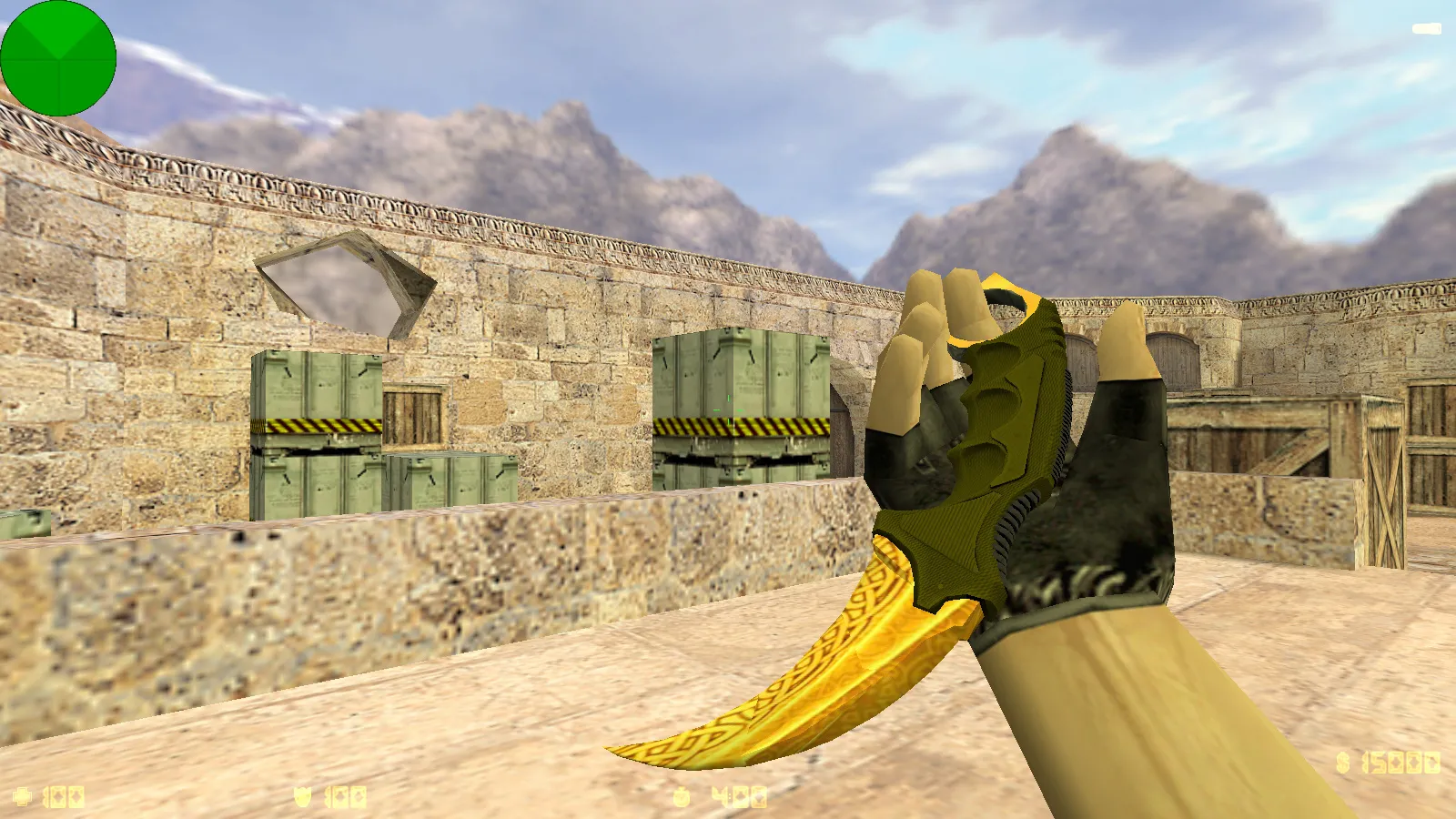
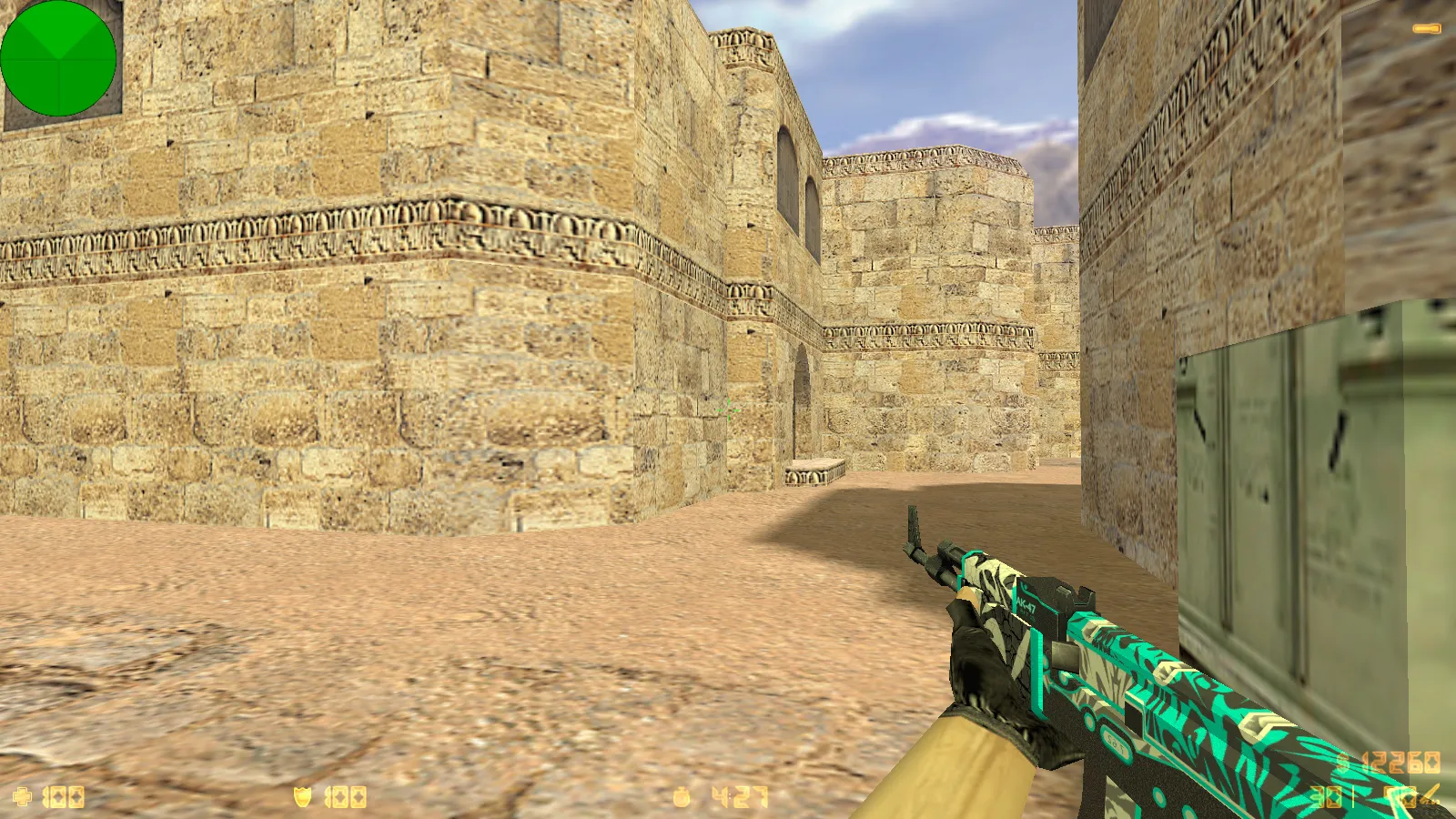
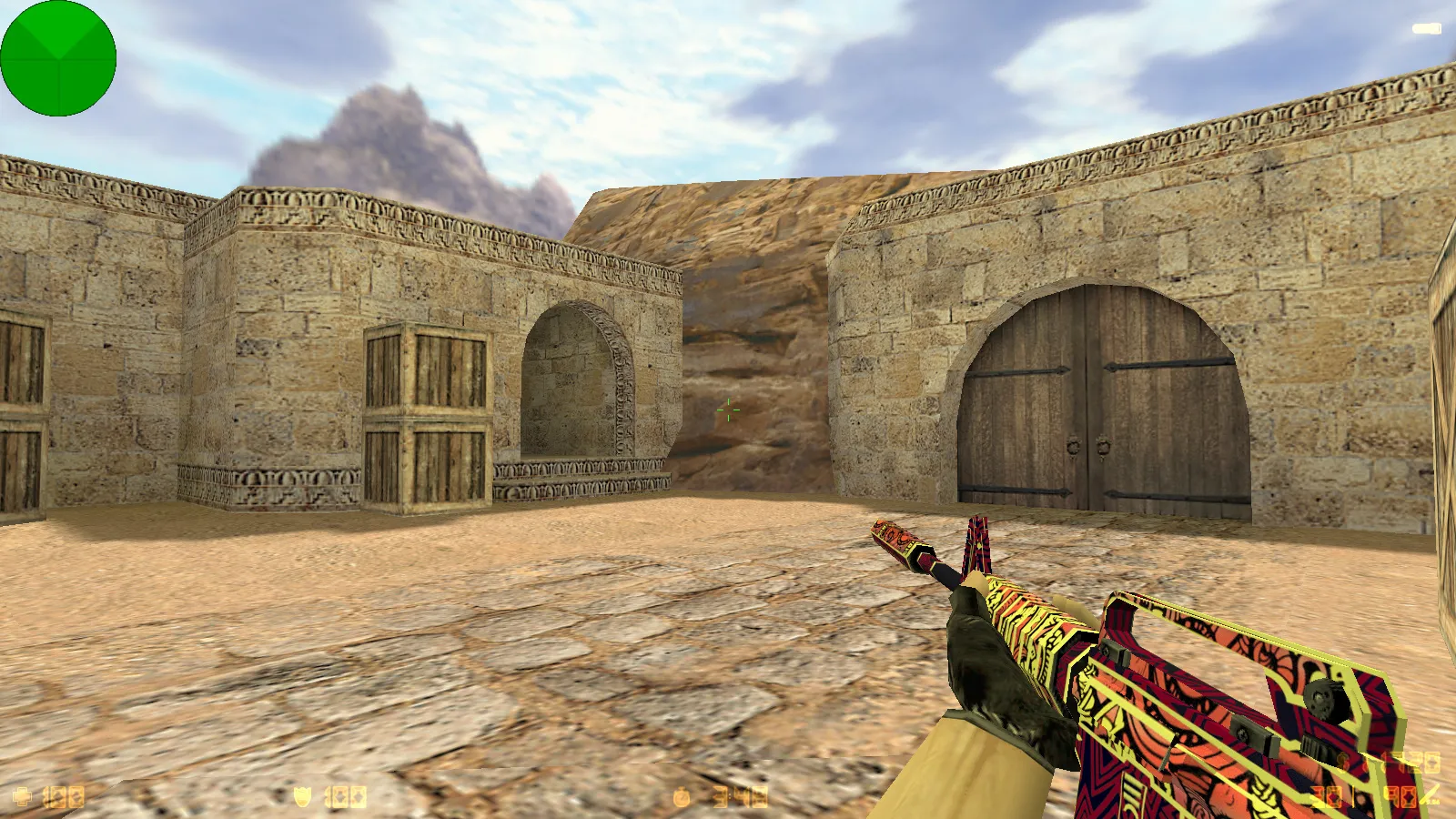
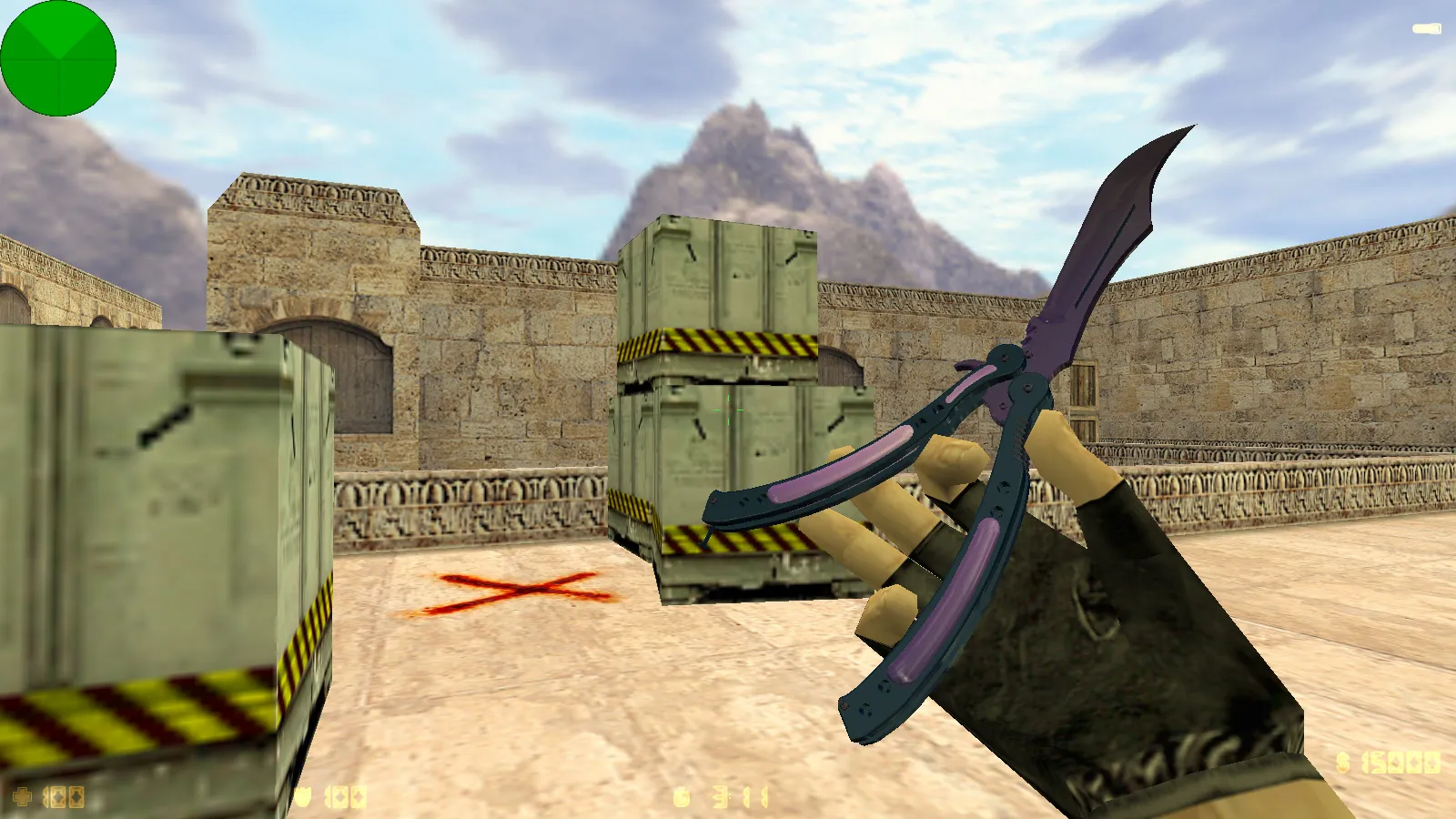
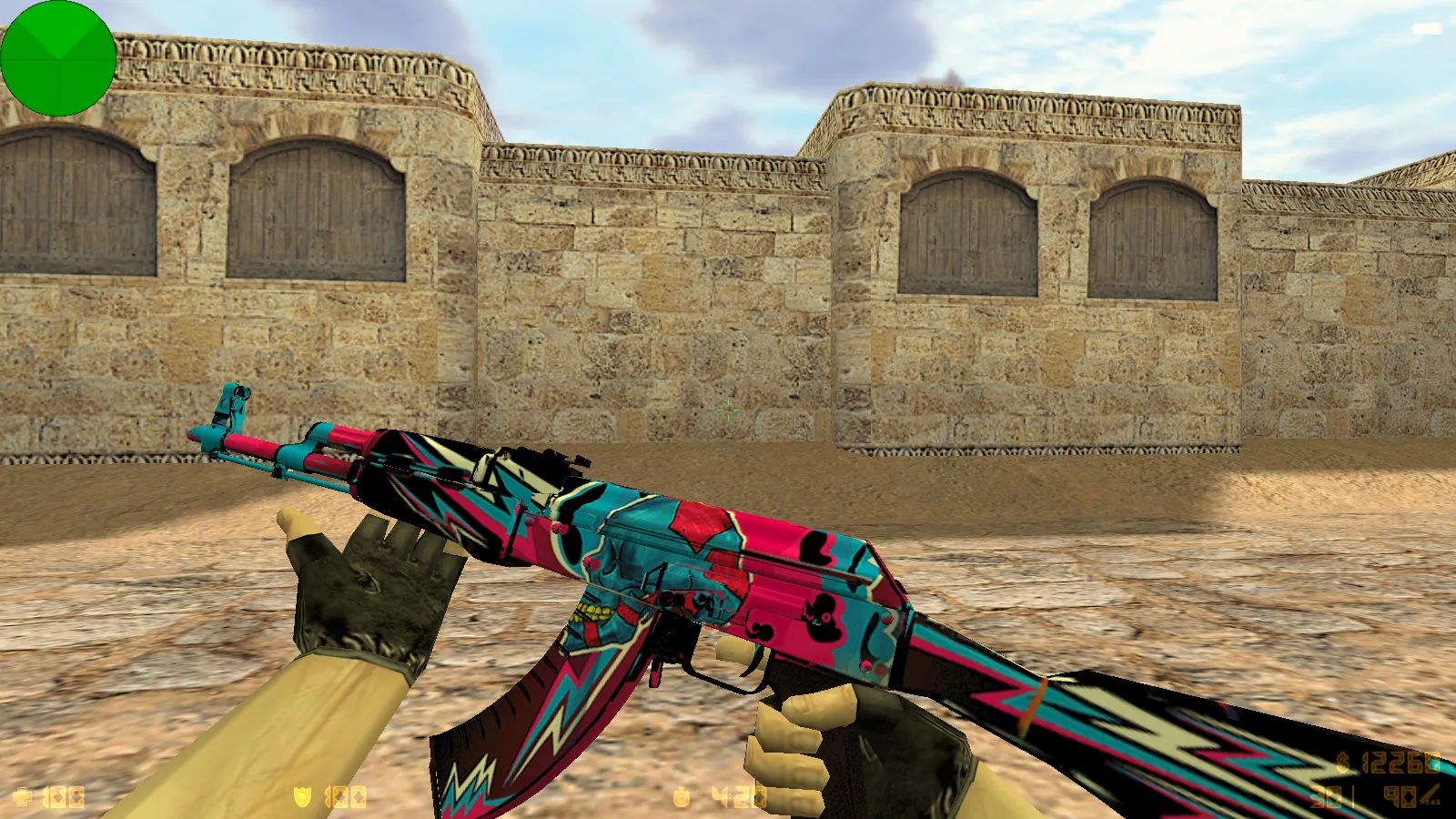
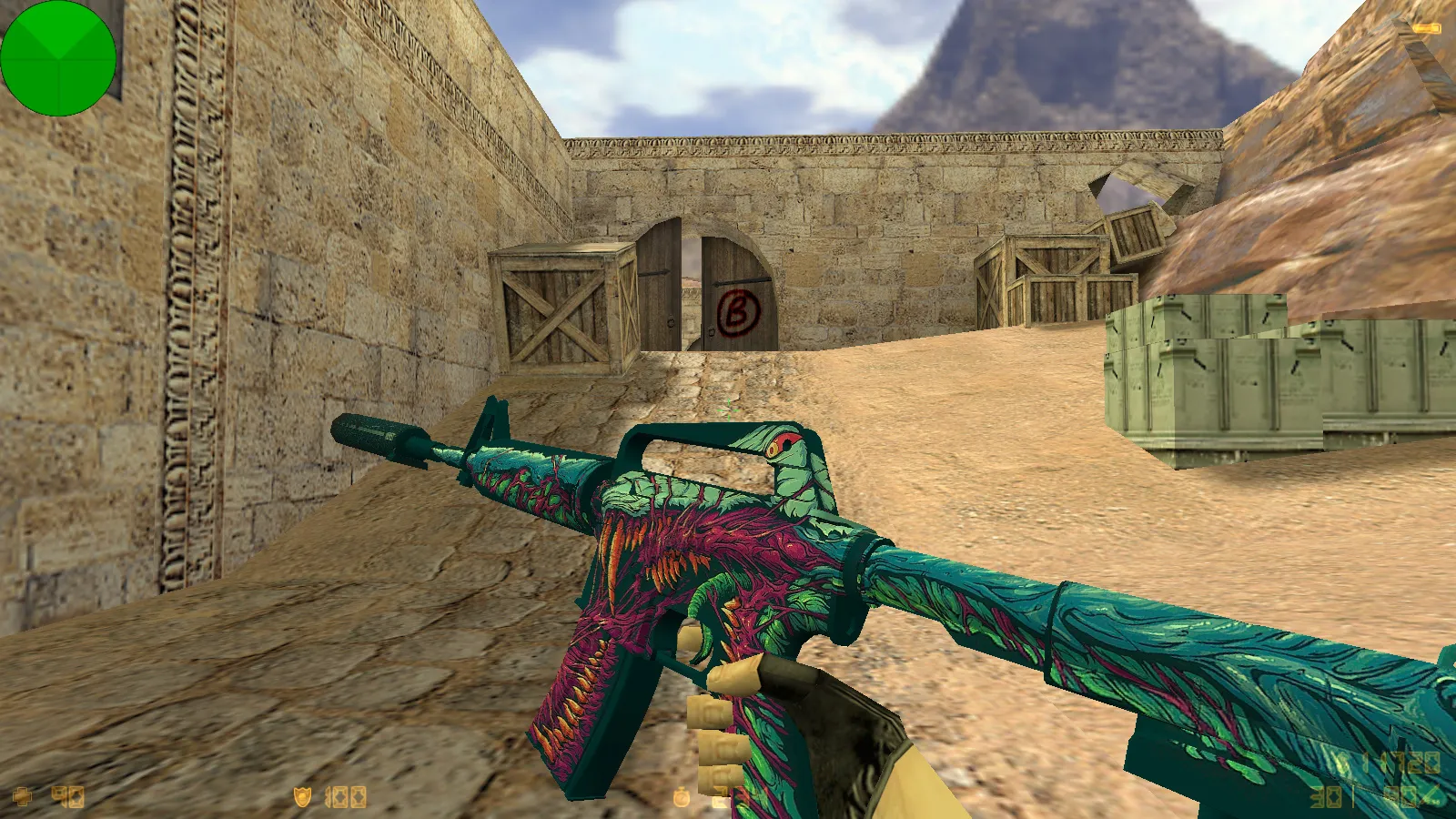
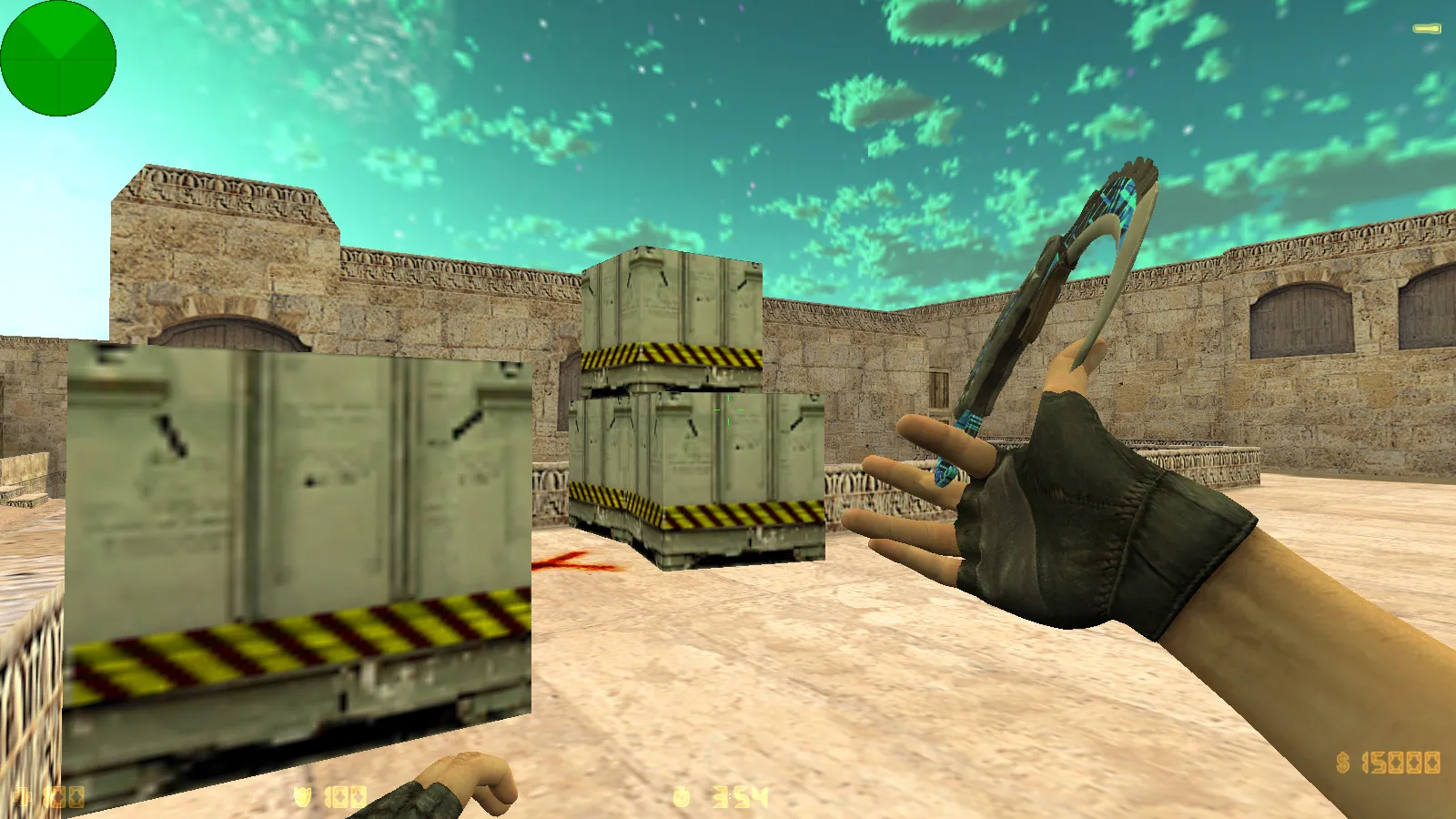
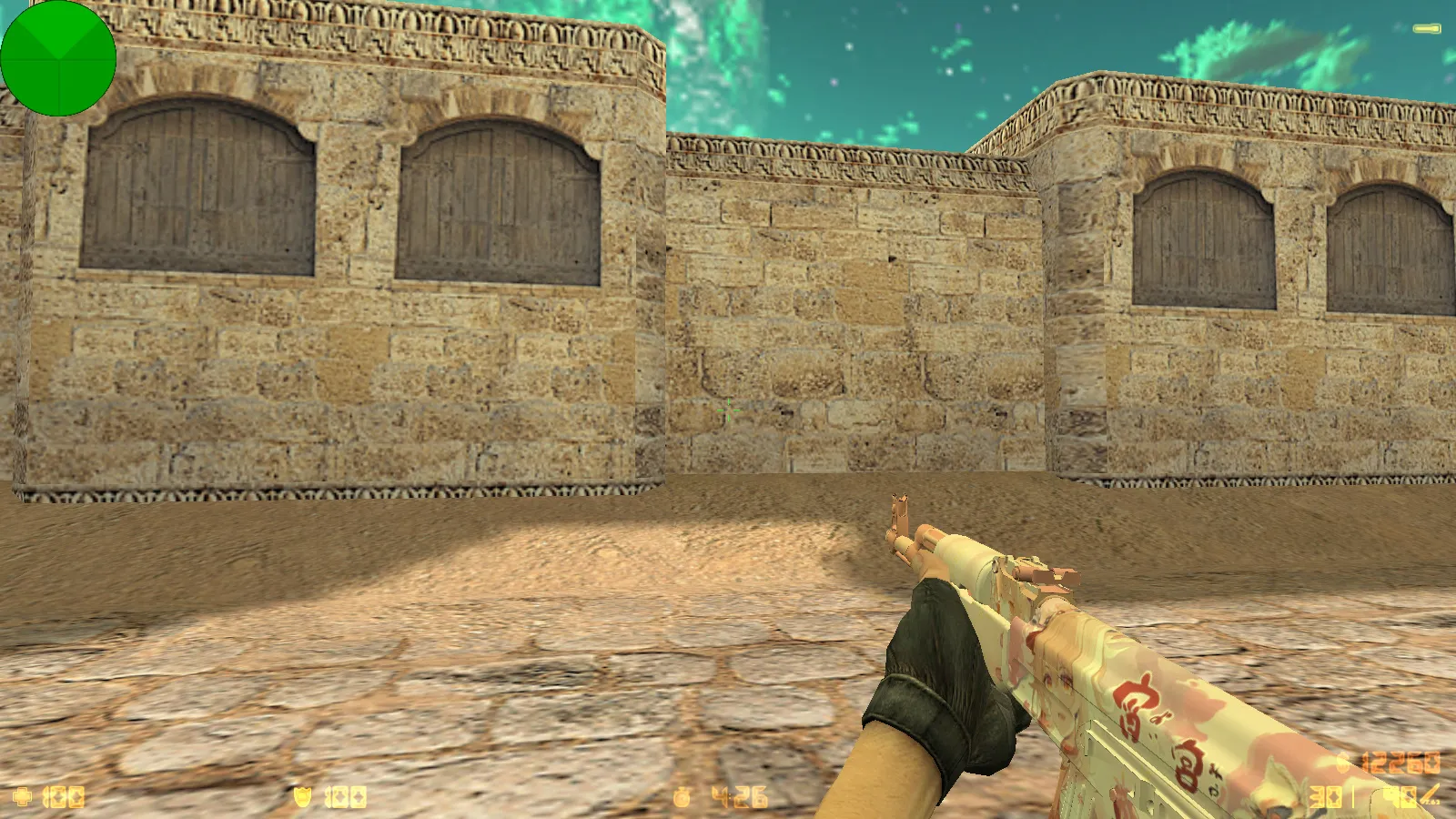
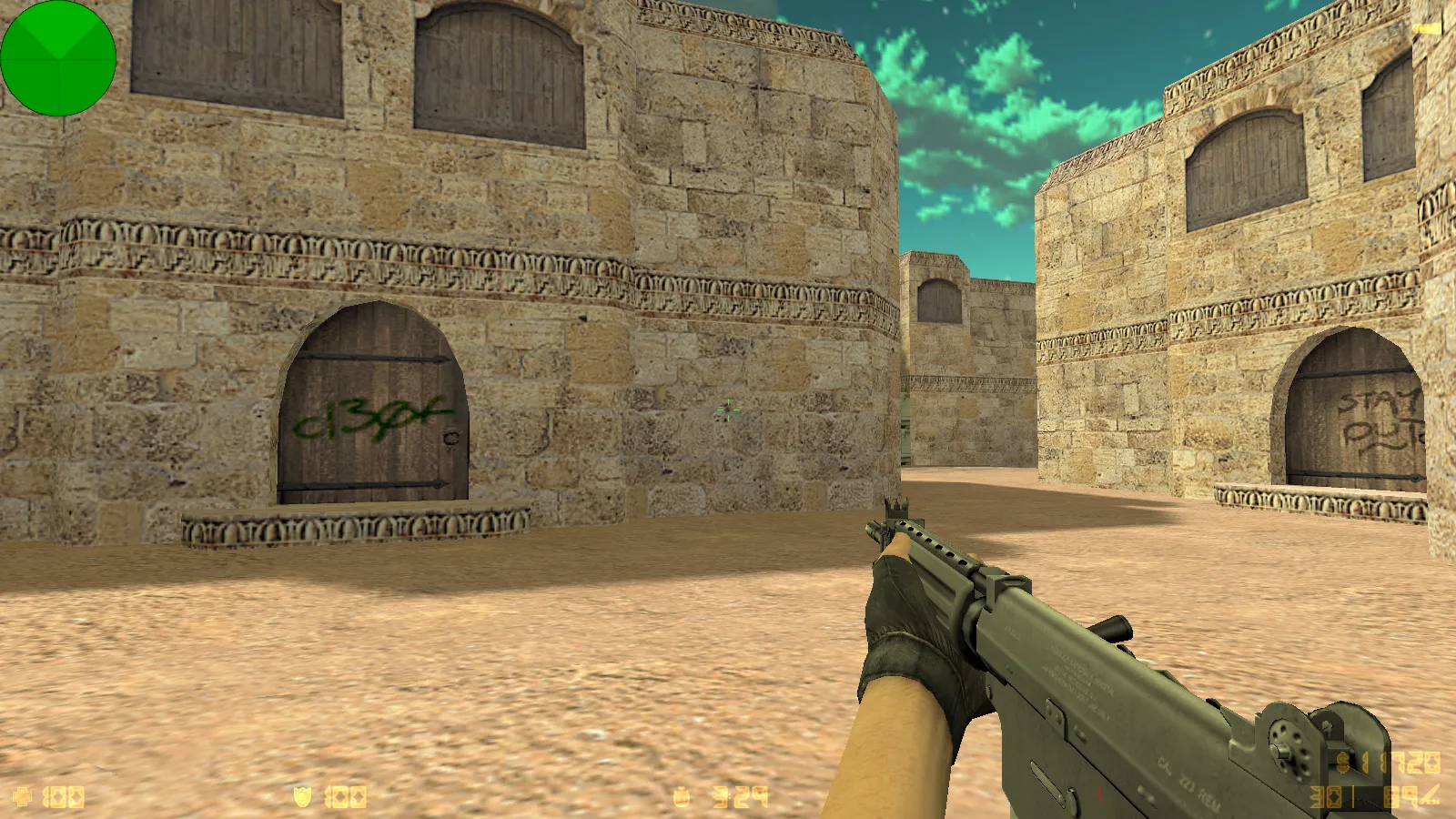
Central to this release are 27 custom weapon models created by Wangazoredd. Every weapon receives dedicated replacements: v_ models for the first-person perspective, p_ models for scoped views, and w_ models for world visibility in hands and animations. Inspect animations and original sounds remain faithful to the source, with textures and movements suited for standard scenarios. Players encounter no awkward delays when switching weapons, keeping match pace smooth.
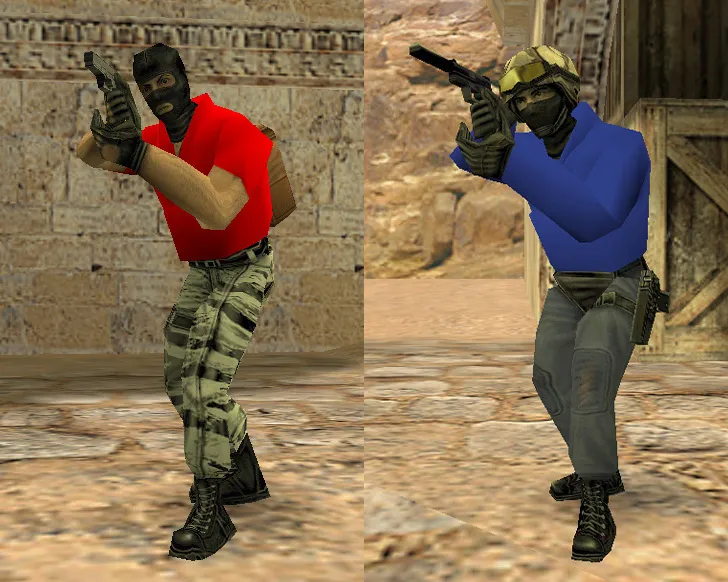
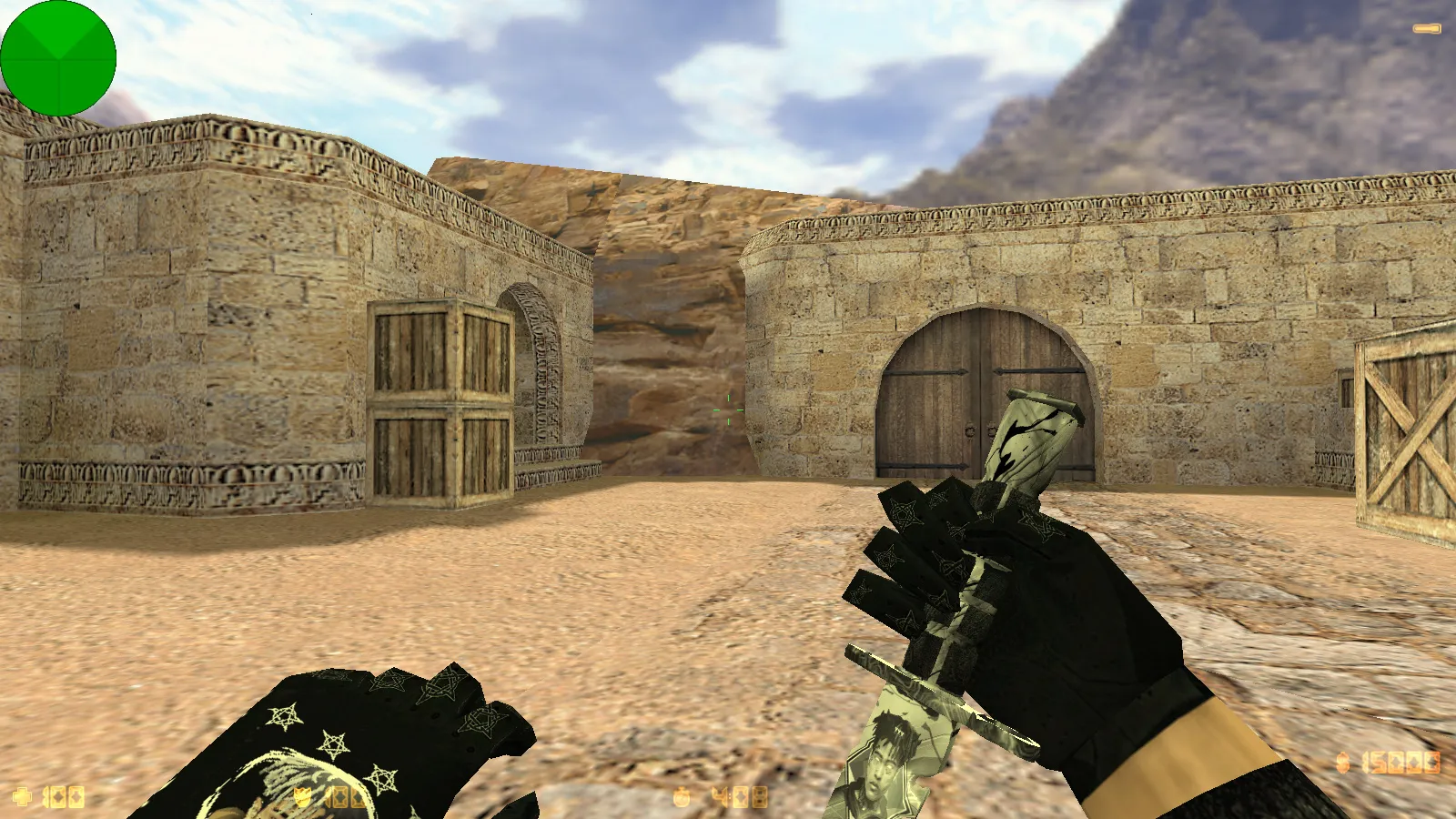
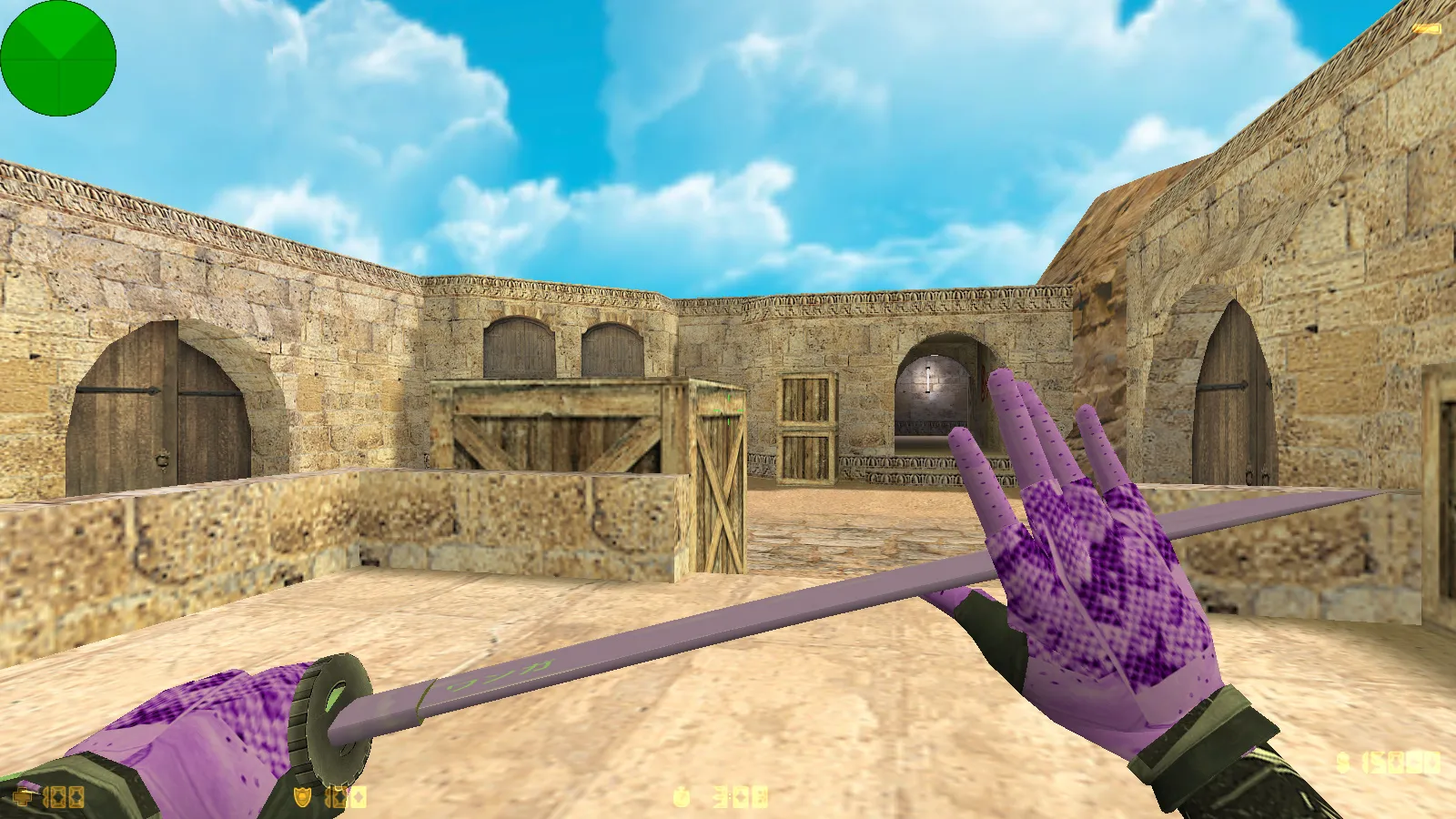
Matching gloves are included alongside the weapon models, creating a unified visual package. Player models also see updates: terrorists wear blue outfits and counter-terrorists wear red, with head colors adjusted for clearer team identification. This arrangement boosts readability on maps, making it easier to spot teammates mid-round during hectic action. The distinct skin pack avoids the look of a generic reskin, helping it stand out in the modding community.
Dark Menu Theme and Interface Tweaks
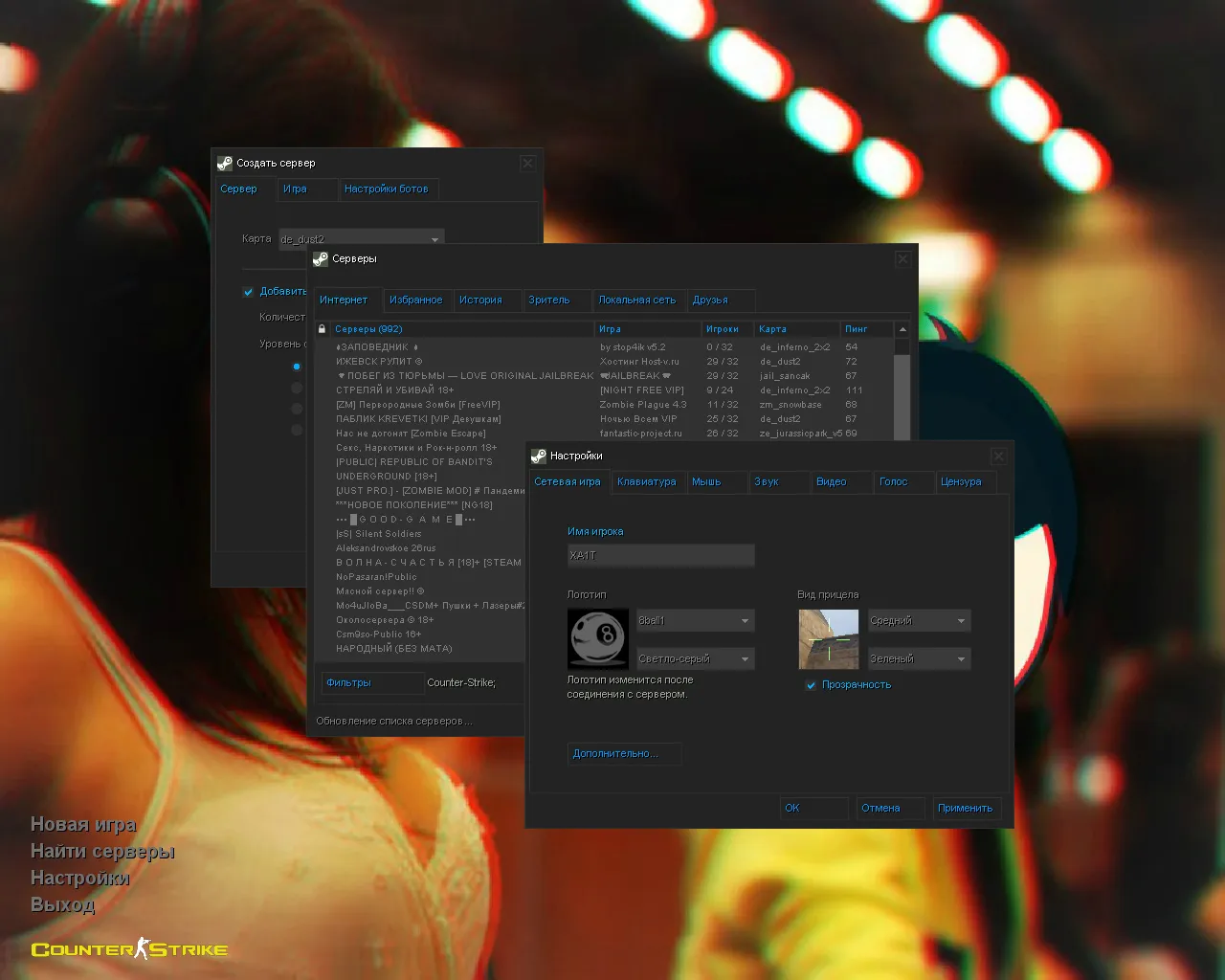
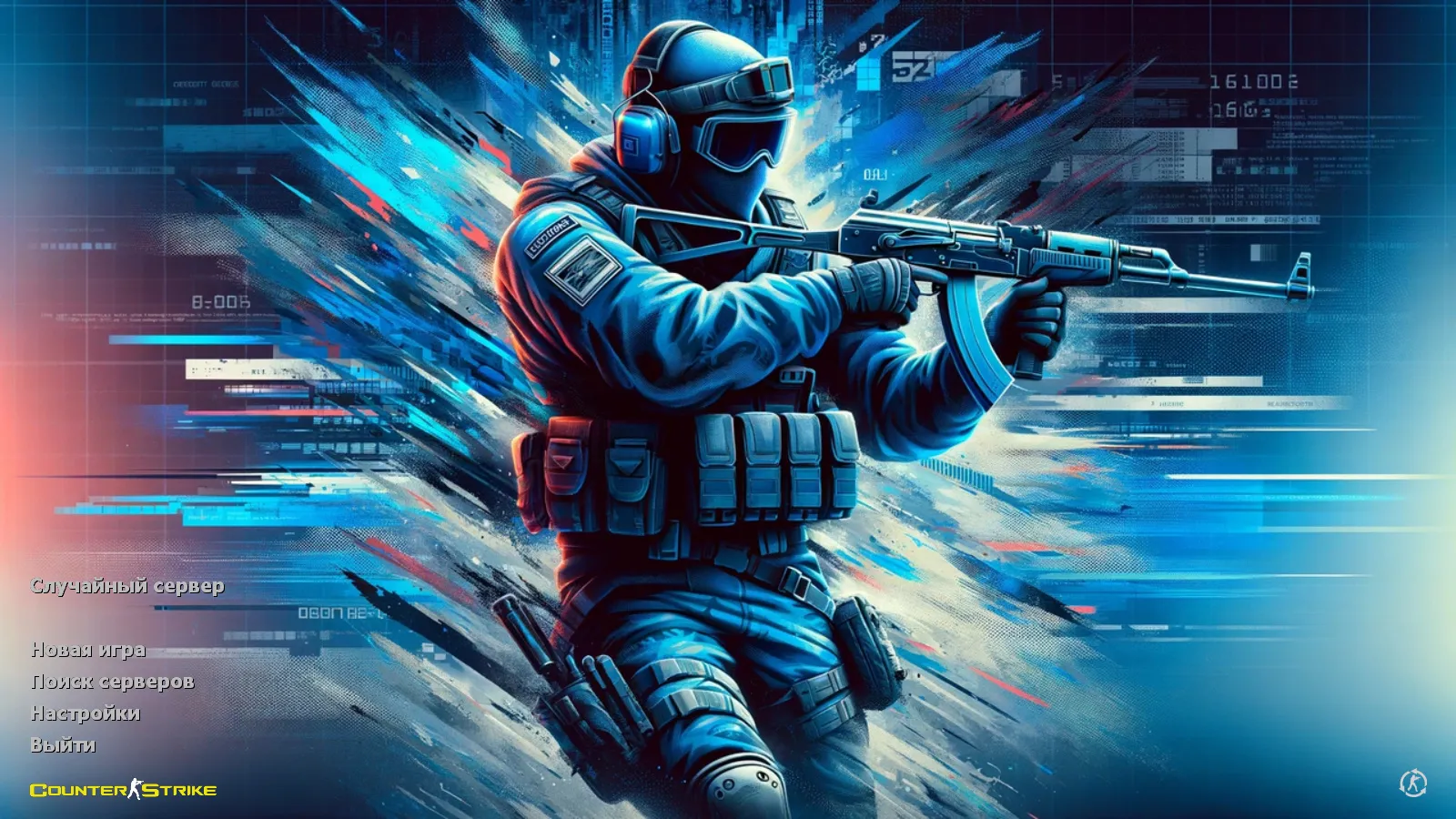
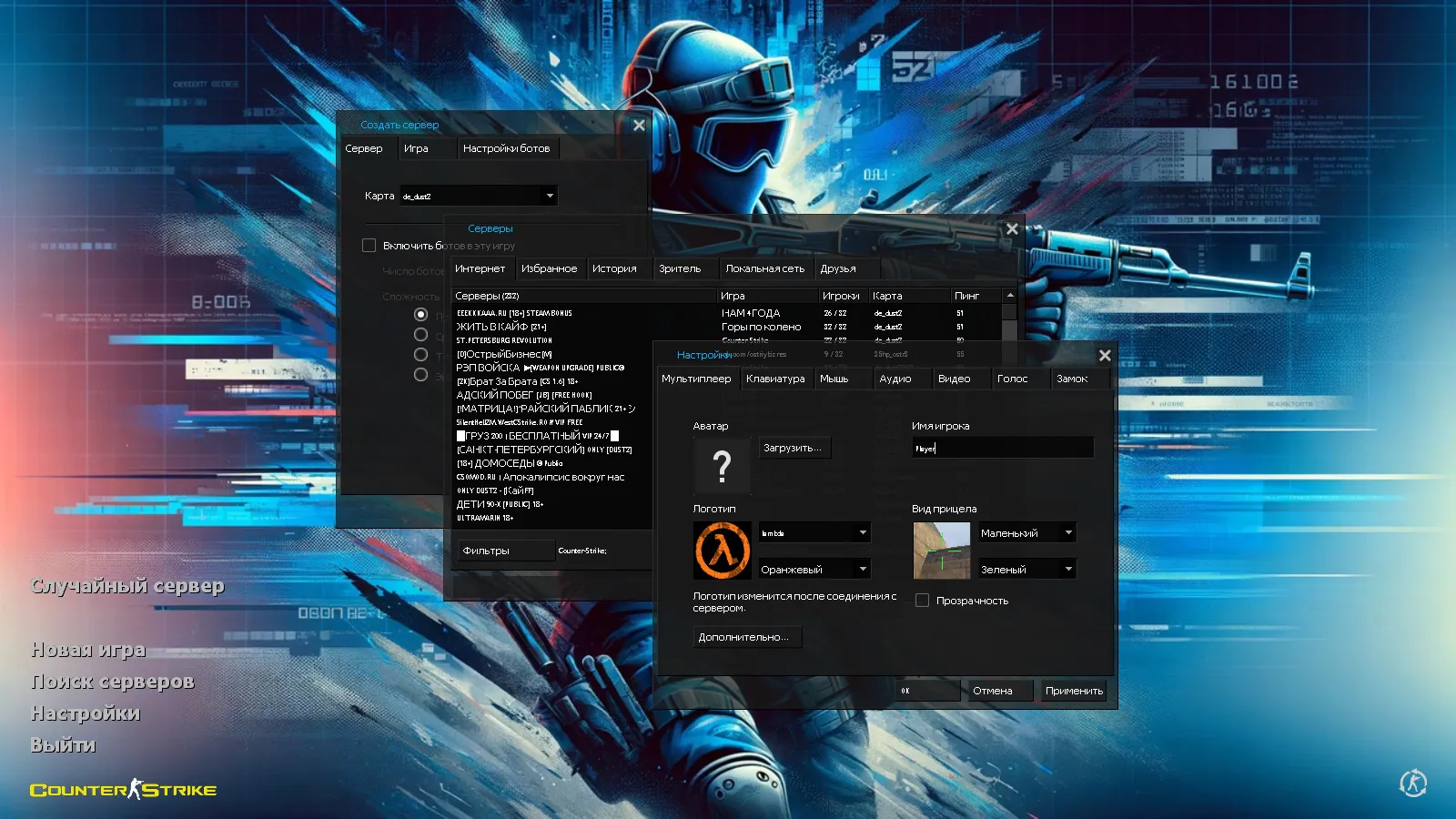
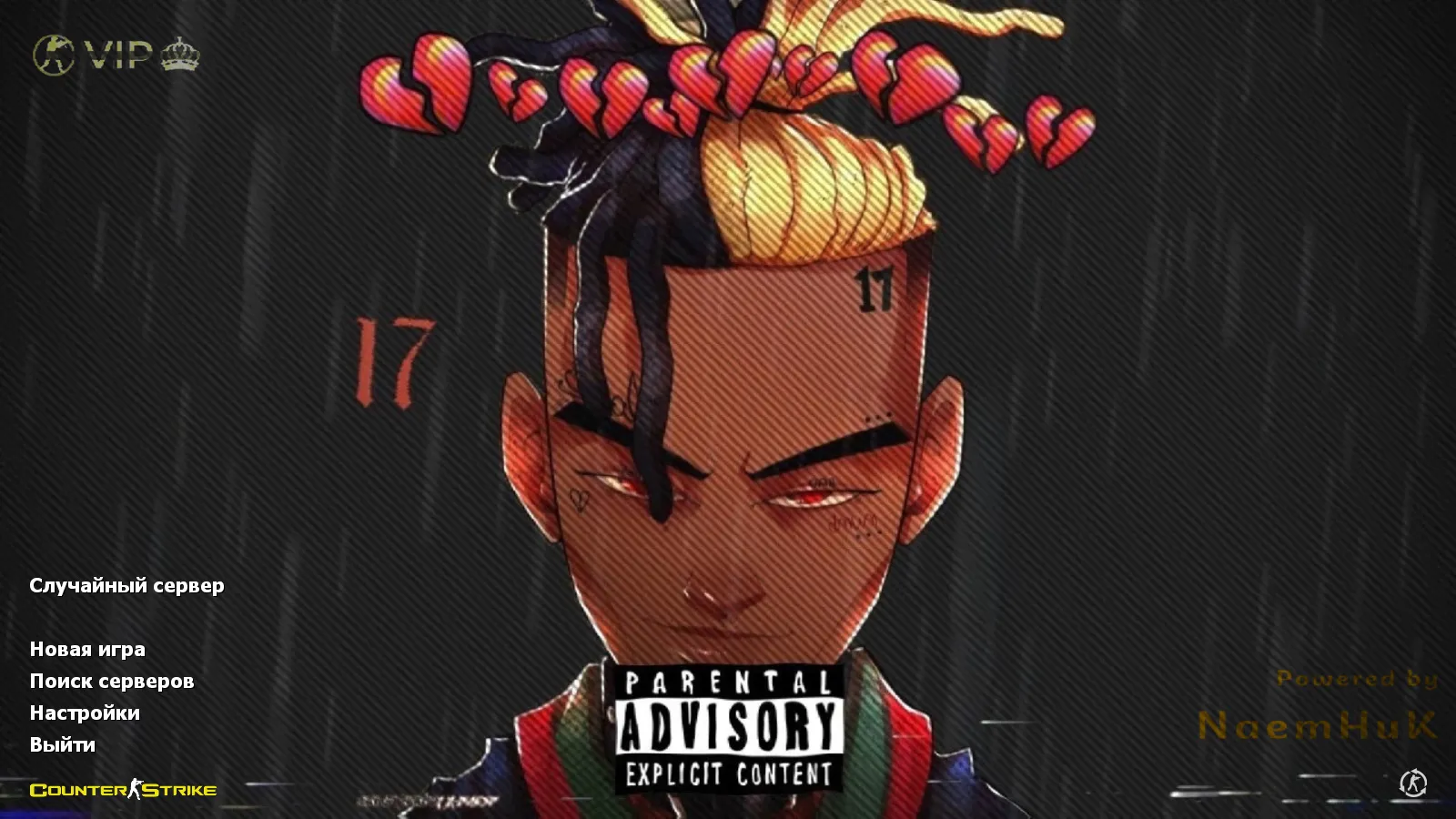
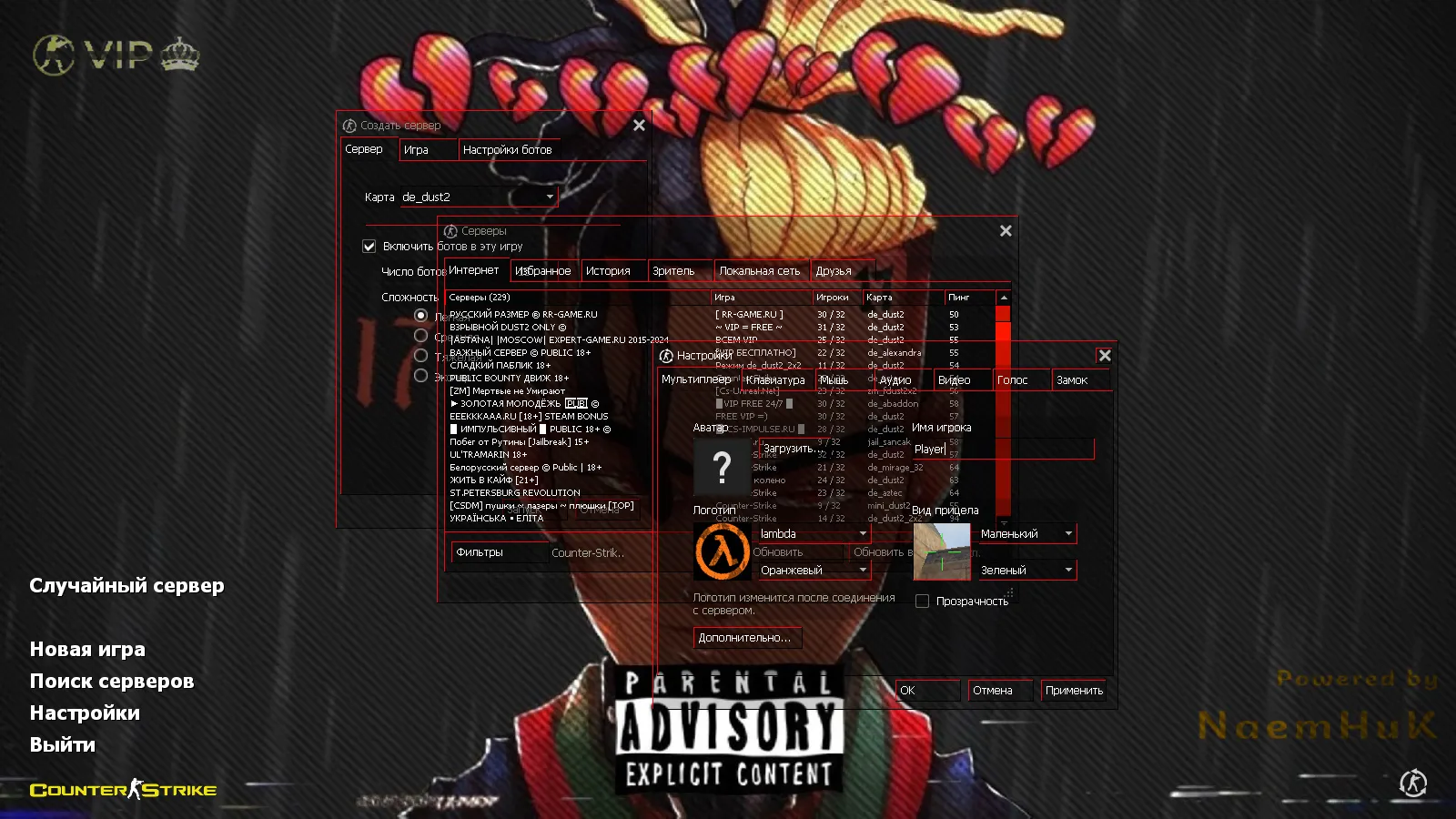
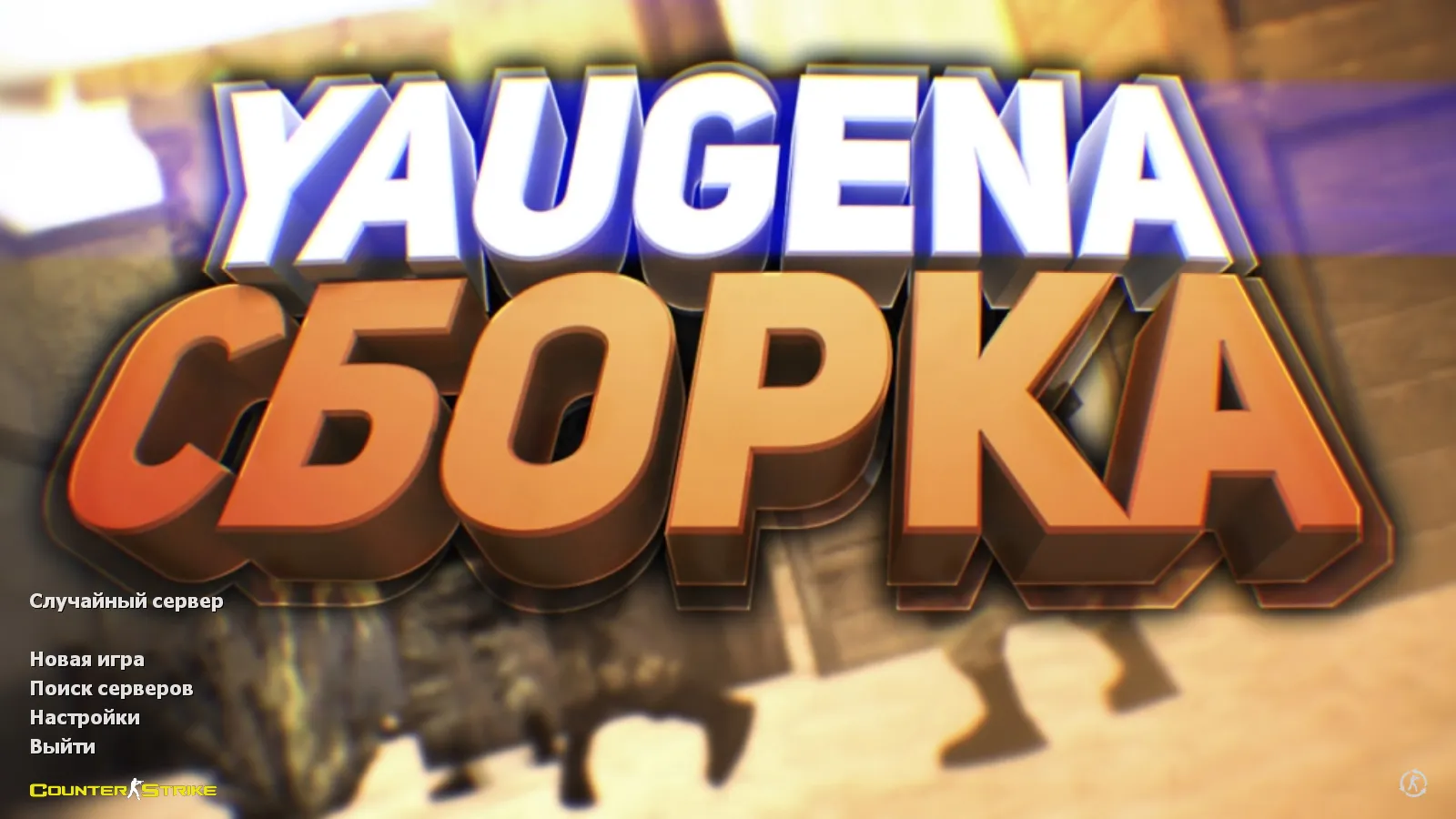
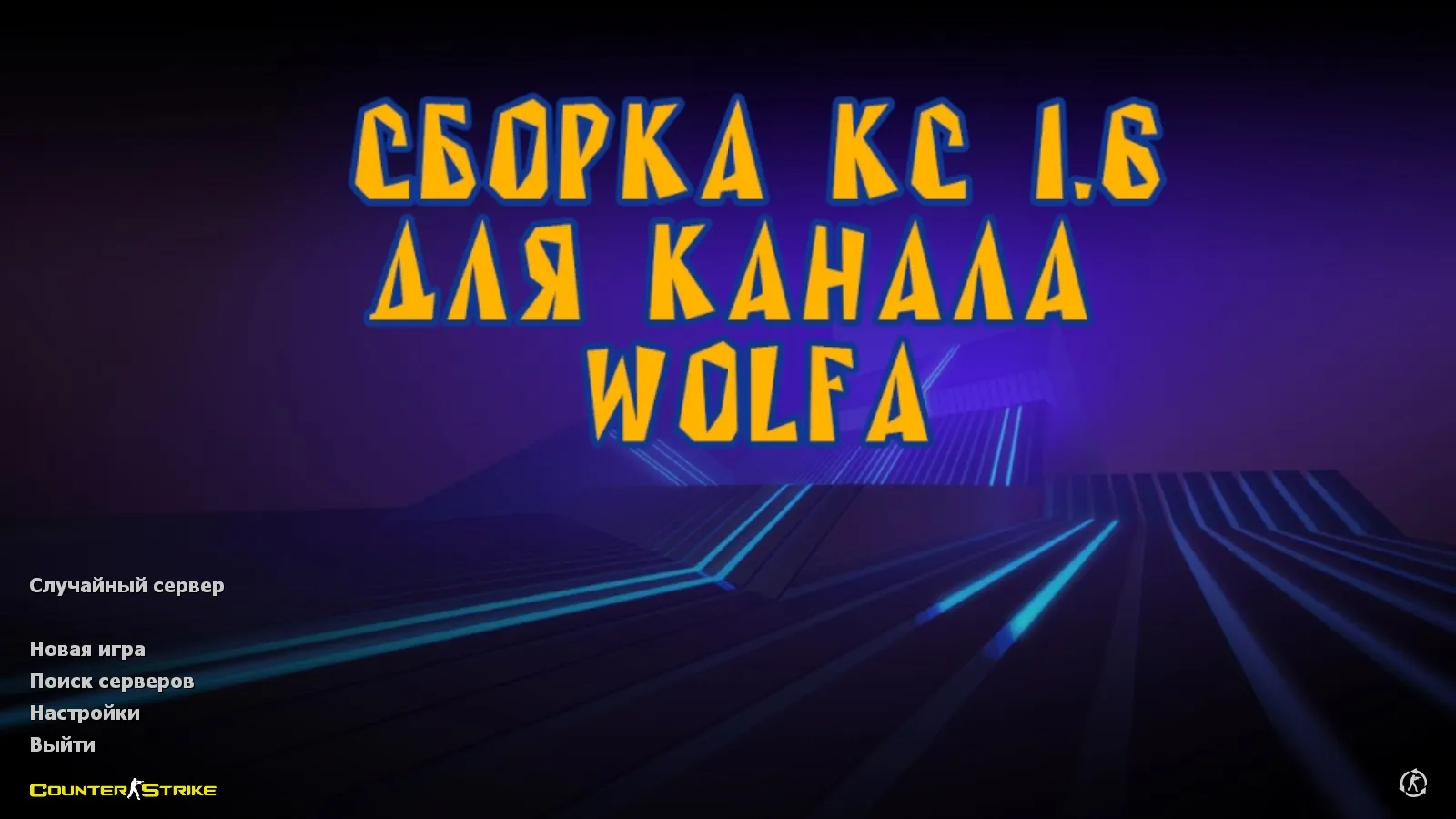
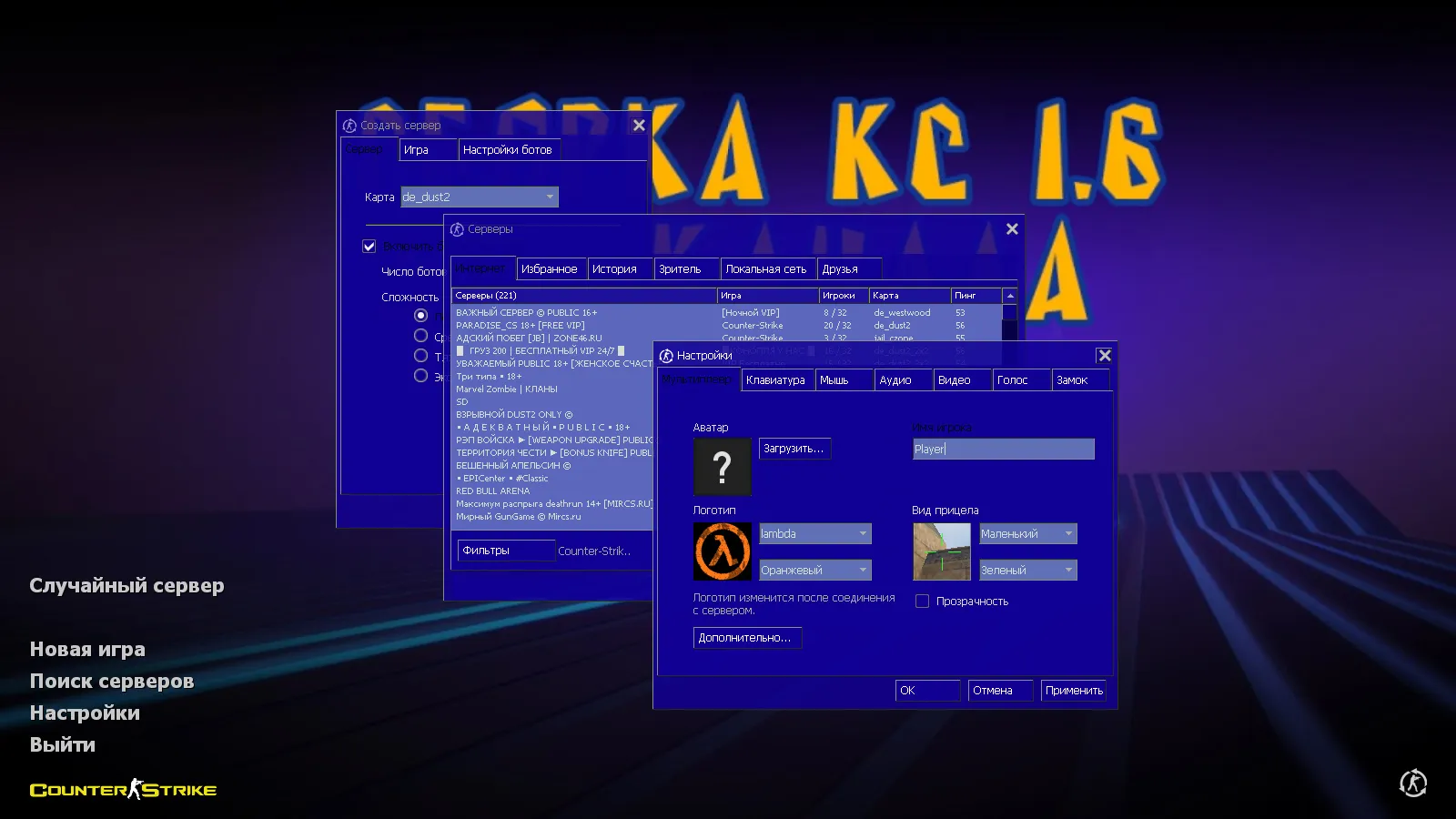
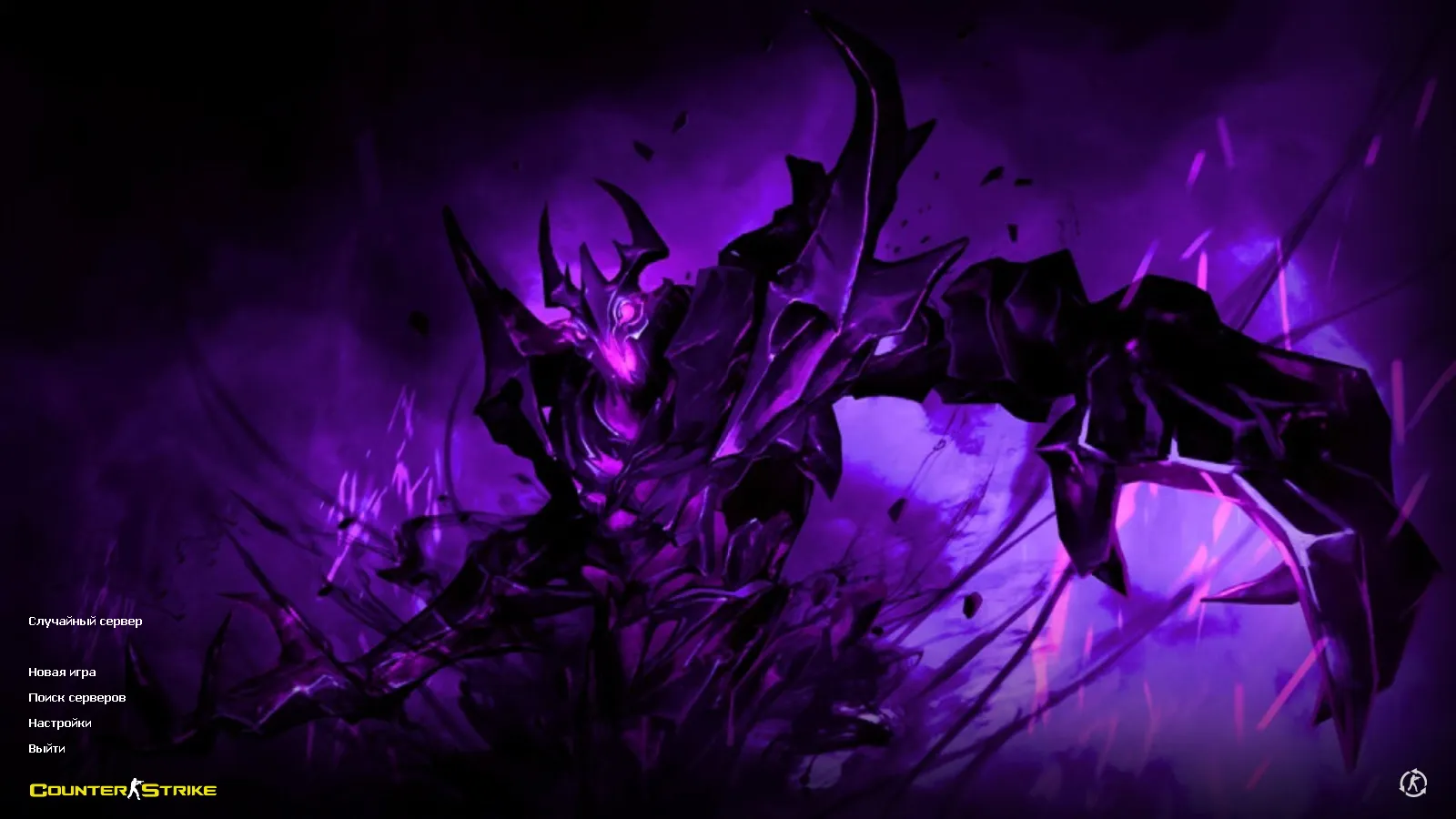
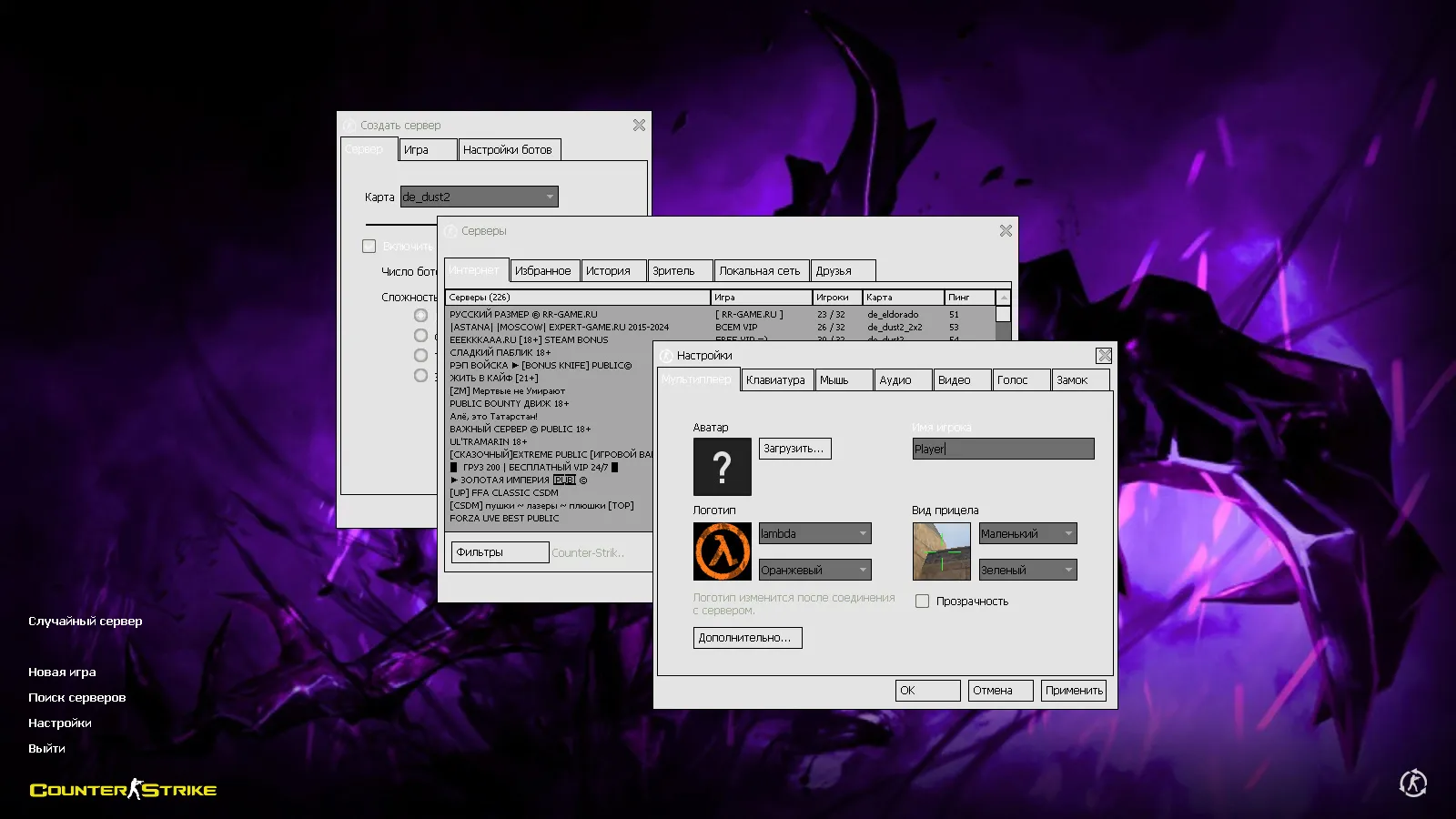
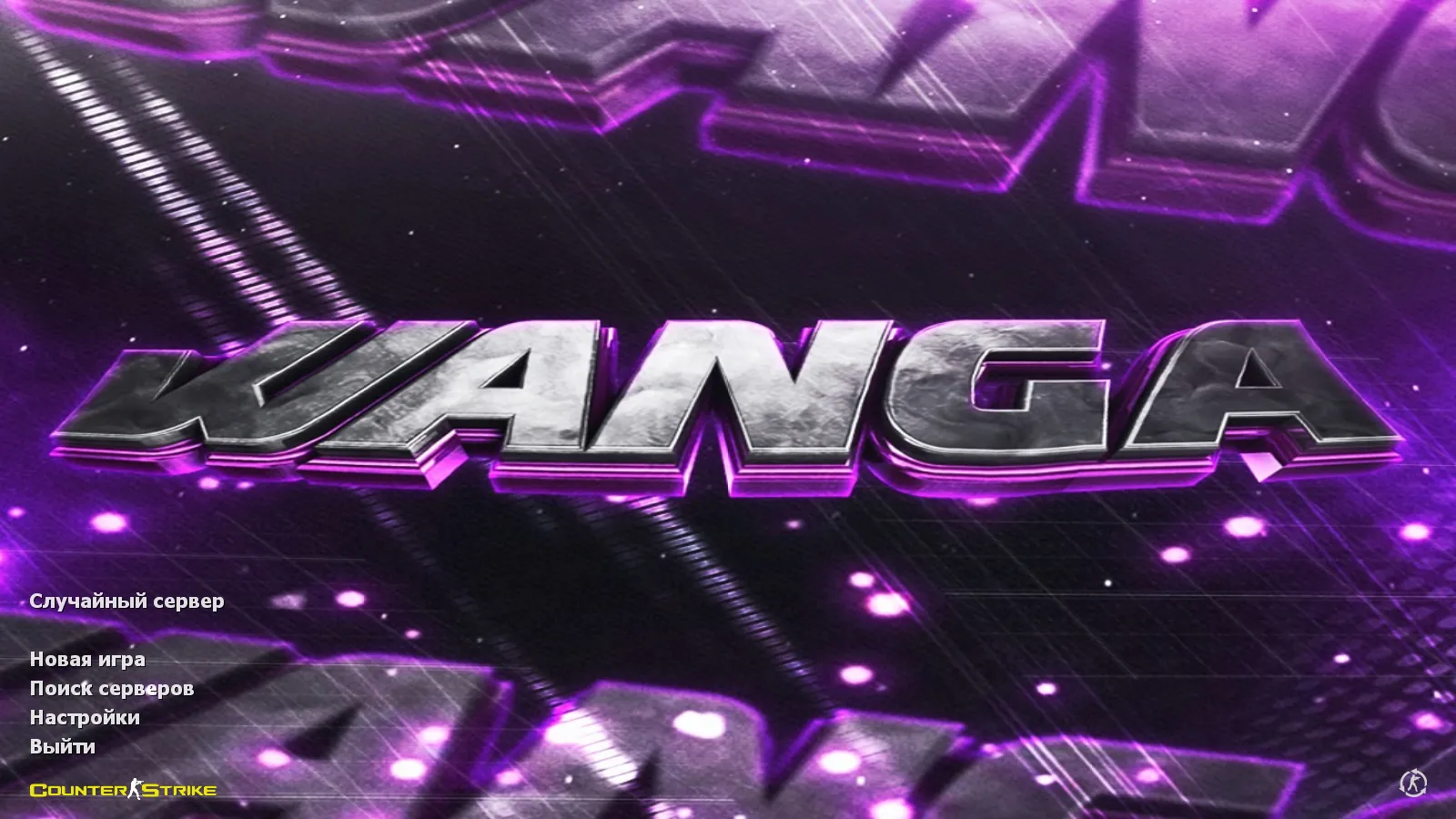
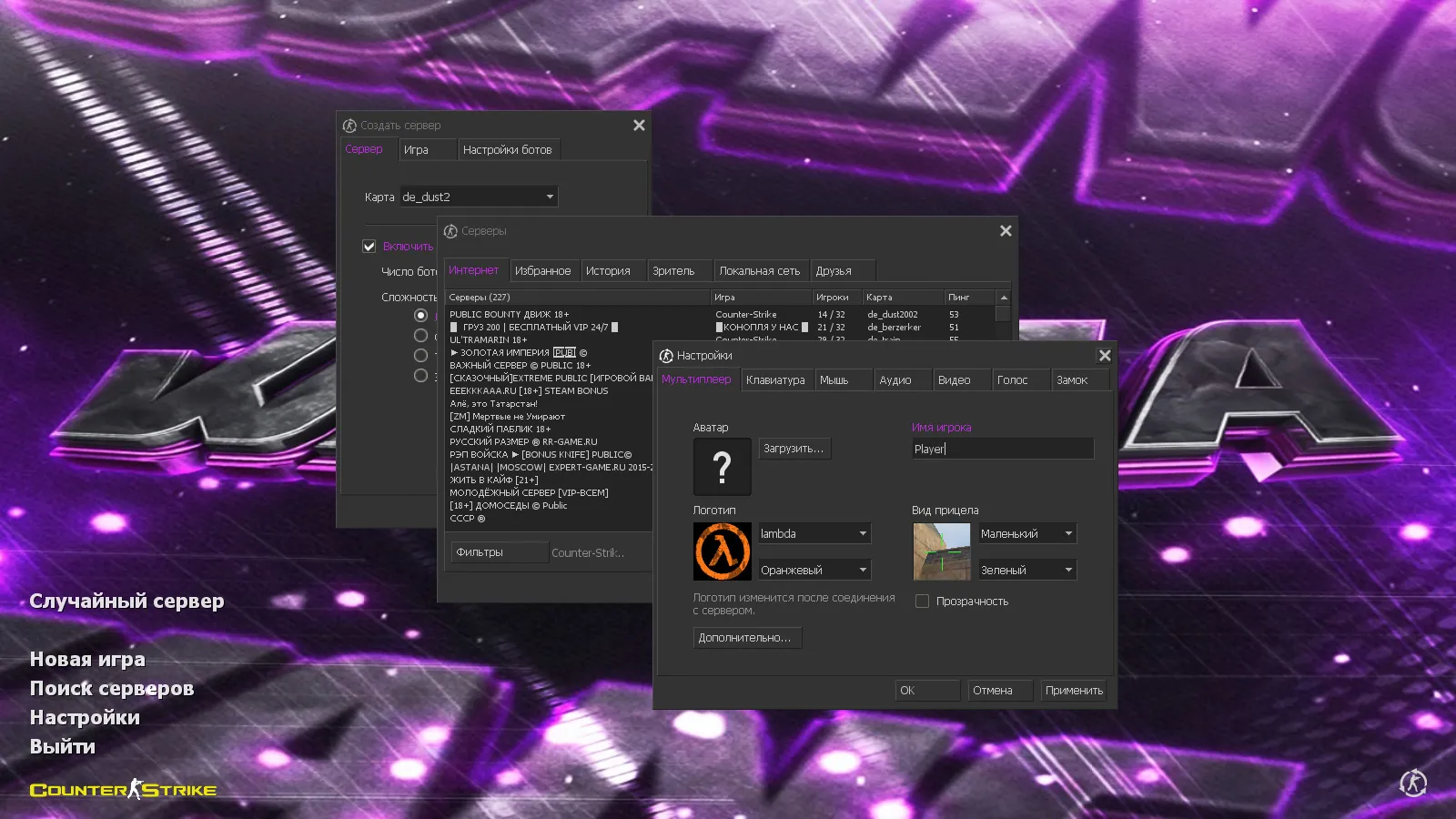
The menu adopts a dark theme highlighted by purple accents, changing the look of the lobby and pre-round screens. WangaZoredd's nickname appears prominently as a background on the main menu. Subtle adjustments enhance the atmosphere: menu music, skyboxes, and the launch icon are refreshed. All modifications keep the interface intuitive, preserving standard sections without causing confusion.
Optimized Config for Performance
This package includes an optimized config.cfg tuned for consistent FPS on typical hardware. Settings adjust rates and network values for stable synchronization-think 100k rates and ex_interp set to 0.01 for fluid movement and shooting. The config remains clean, free of bloat to minimize conflicts with other mods or custom setups. It supports high-FPS play without recoil tweaks or hitbox alterations, focusing purely on stability.
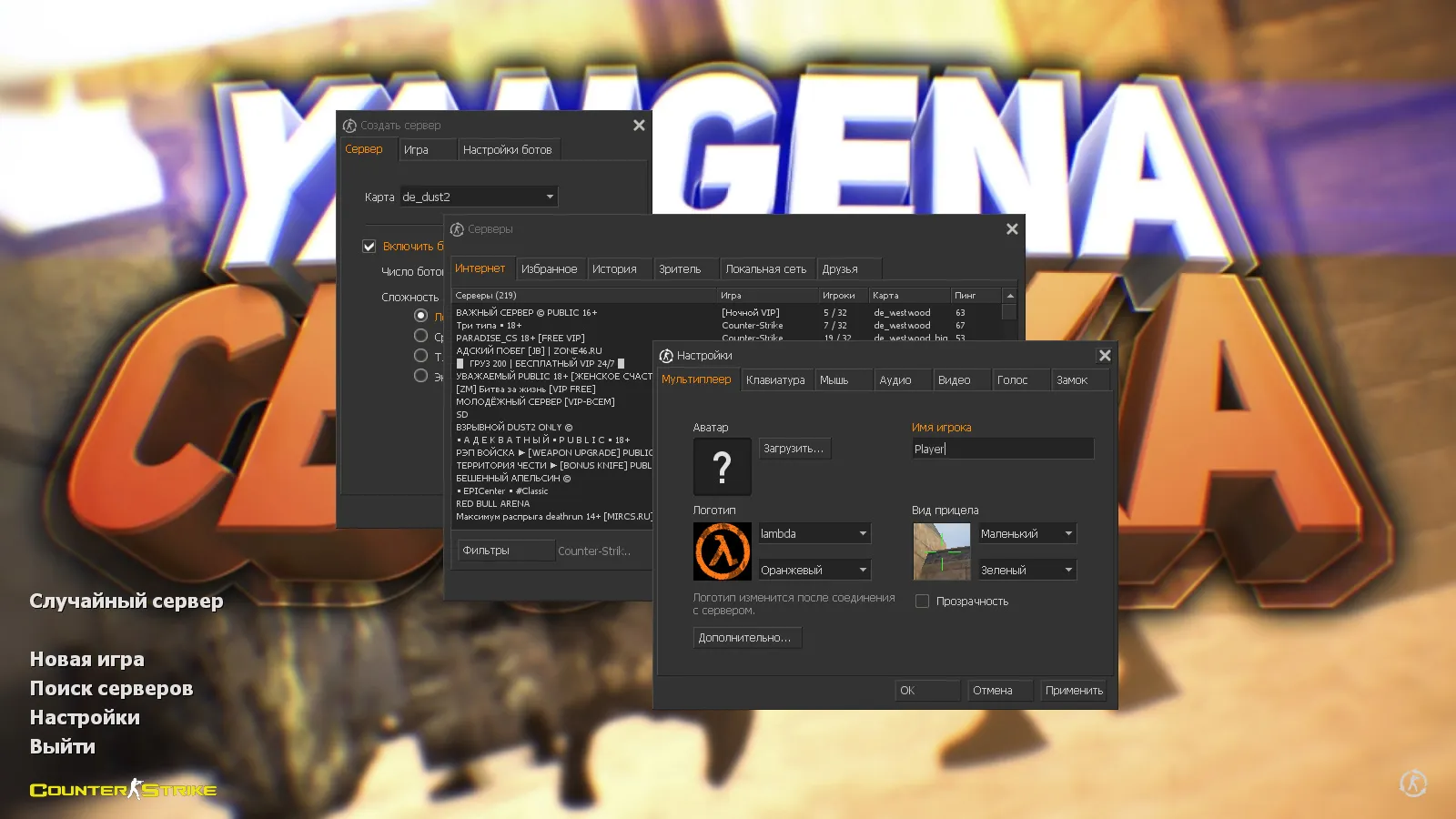
Launching and connecting to servers works reliably. The build handles online sessions and bot matches on any map. Online access covers over 250 servers, while offline mode lets you load maps for practicing round strategies or aim drills. Built on standard CS 1.6 foundations like Build 4554 compatibility, it works with both Steam and non-Steam installations, including MasterServer protection.
Compatibility and Safety Features
The Wangazoredd build retains full original CS 1.6 functionality. It runs on all Windows versions, supporting online play, bots, Russian nicknames, and chat in any language. You can add compatible mods without issues, provided they do not overwrite resources. No viruses, no slow-hacks, no ads, and no auto-connect scripts-just pure, safe modding.
For safety, scan files before installation and avoid untrusted plugins. Keep config.cfg intact to prevent overwrites from random settings. This ensures smooth integration with your existing setup, whether you are running a clean config or layering in more mods like custom sprites or wad files.
What's Included in the Build
- 27 Weapon Models: Complete v_, p_, and w_ coverage with inspect animations and stock sounds for seamless play.
- Unique Gloves: Match the weapon style for a unified hand view in first-person.
- Team Skins: Blue terrorists and red counter-terrorists with distinct head colors for map visibility.
- Dark Menu Theme: Purple accents, custom music, updated sky, and launch icon.
- Optimized Config: Stable FPS, clean rates, and network tweaks for lag-free sessions.
- Online/Offline Support: 250+ servers on
Install in three steps
-
1
Download the archive. Use the button on the right, or the Yandex.Disk mirror if the main server is slow.
-
2
Extract it into the game folder. Use 7-Zip or WinRAR. A path without non-Latin characters works best.
-
3
Launch the game. If something doesn't work, mark it below - that is how we know the file needs an update.
Did it work for you?
No sign-up needed. You can pick more than one.