CS 1.6 XXXTentacion Build: Blogger Release Featuring 7 Updates, Weapon Skins, Menu Theme, and Tuned Config
Description
CS 1.6 XXXTentacion Build - Blogger Release Centered on Style and Reliability
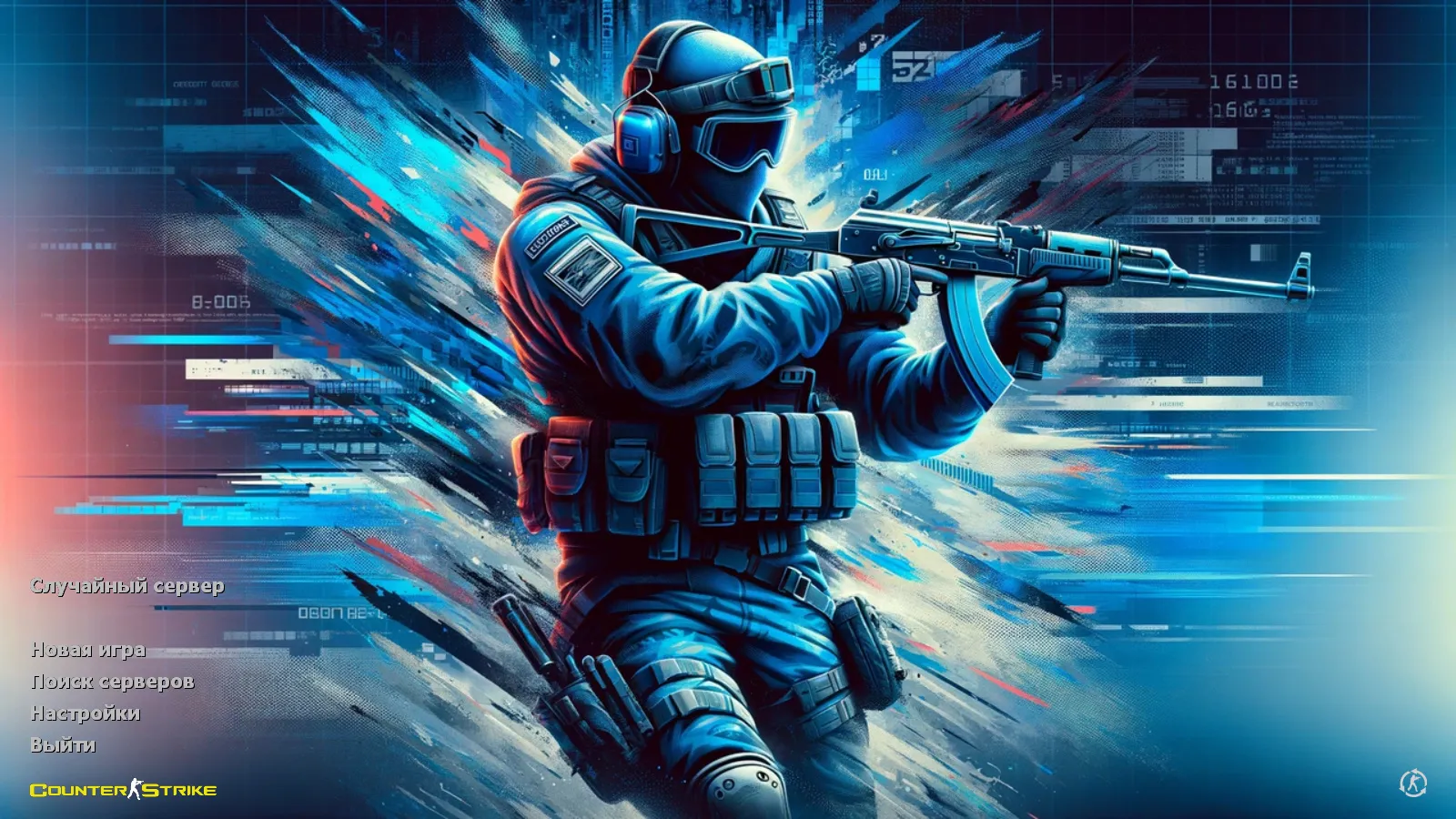
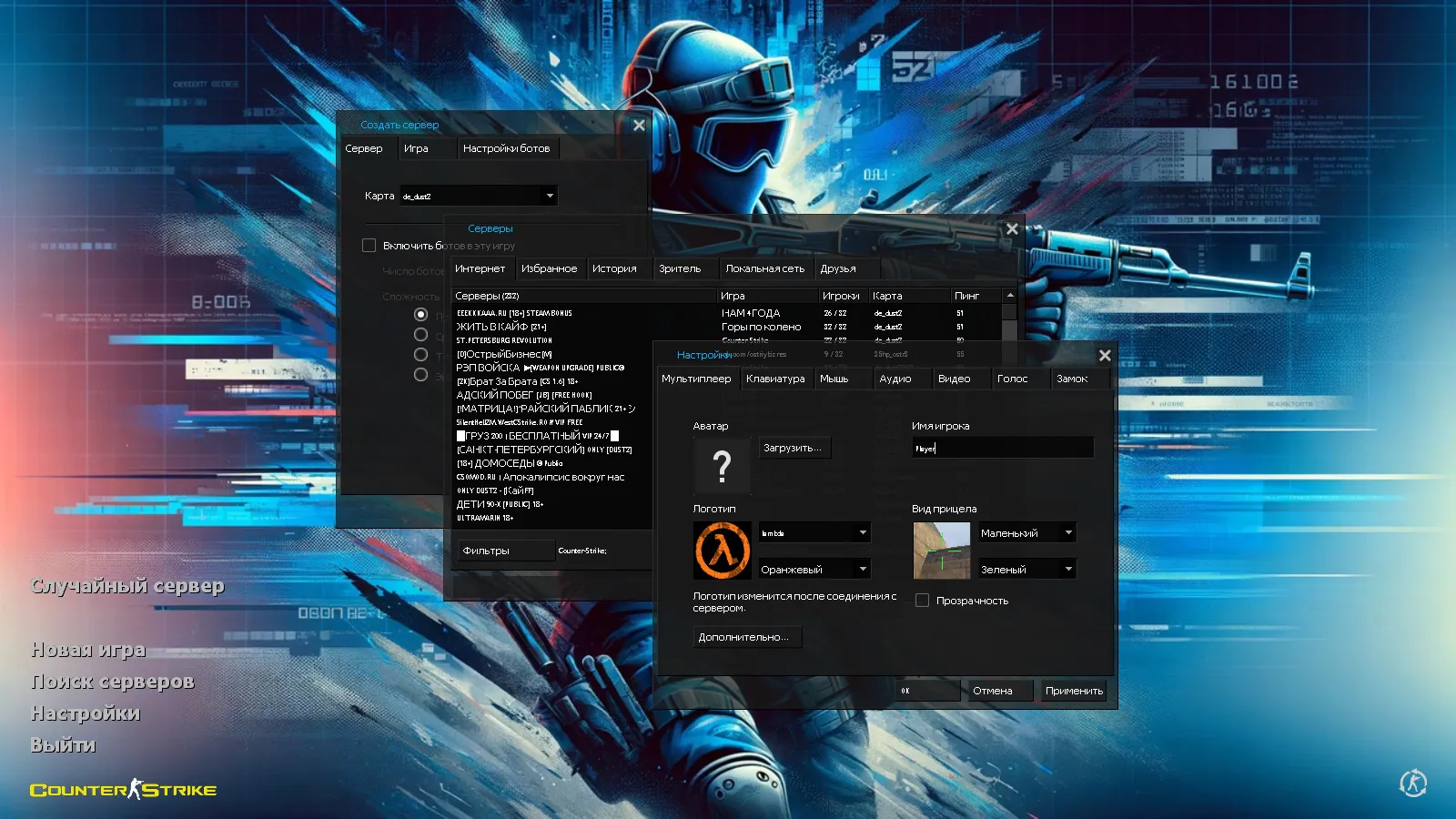
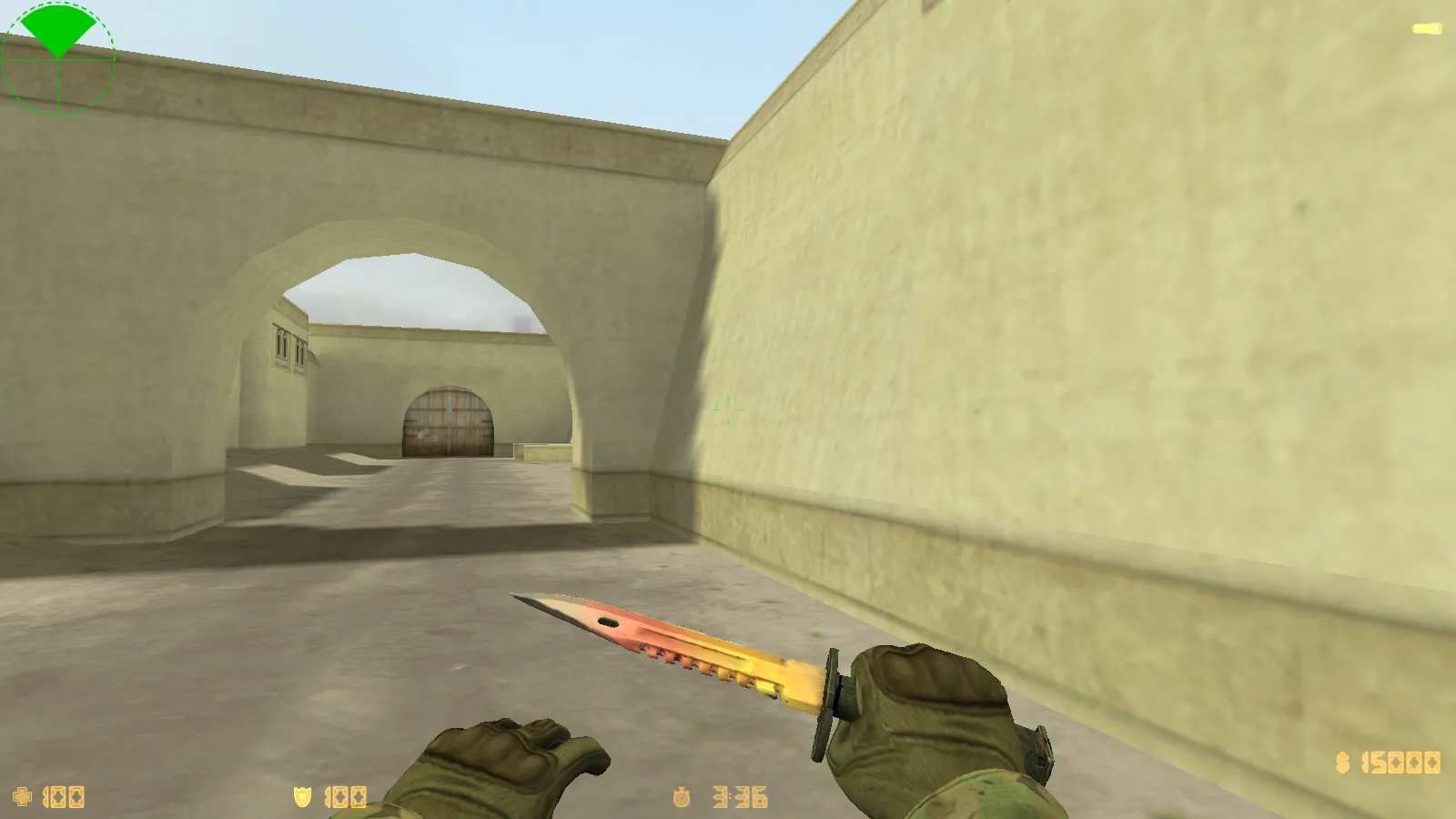
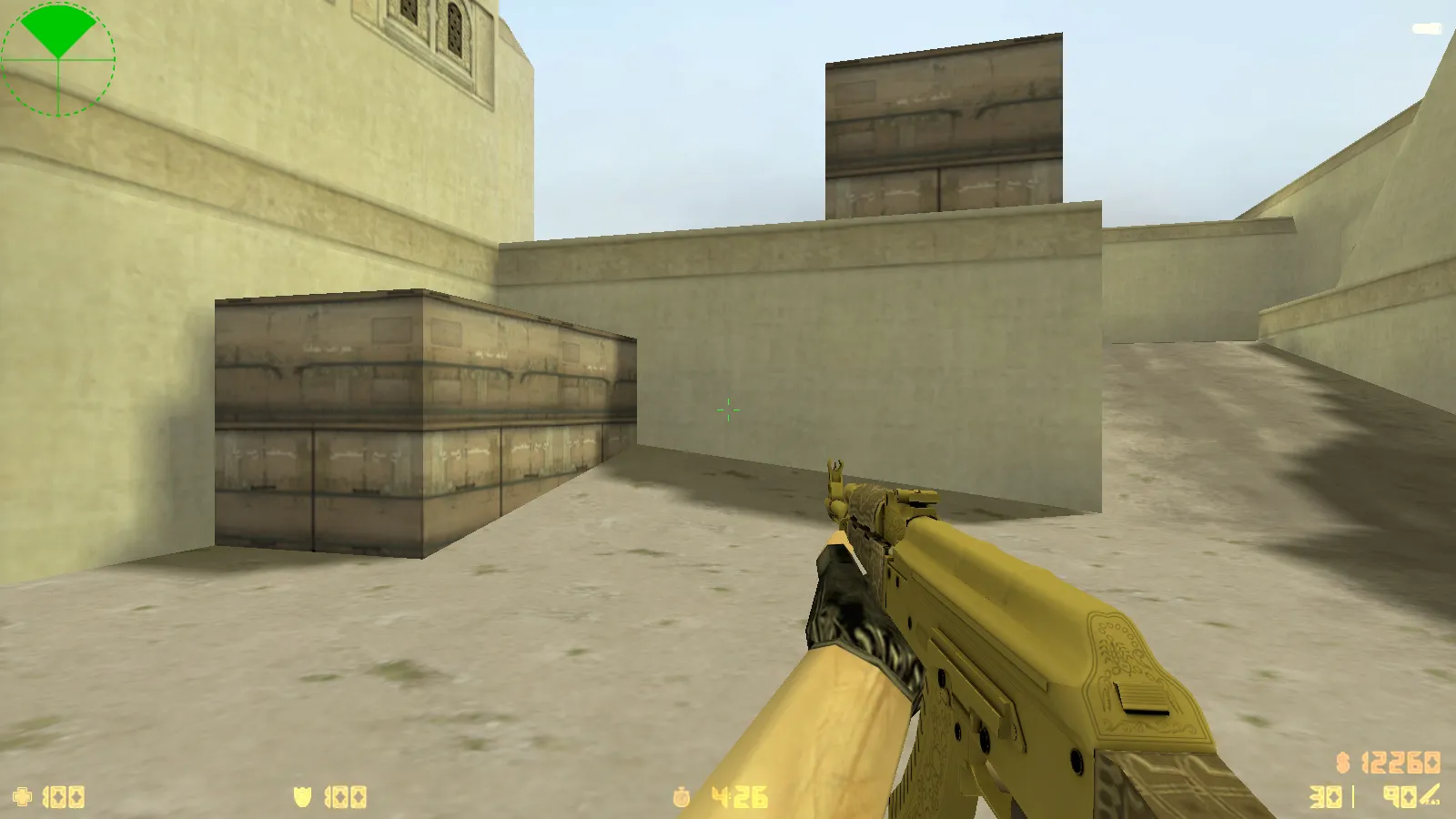
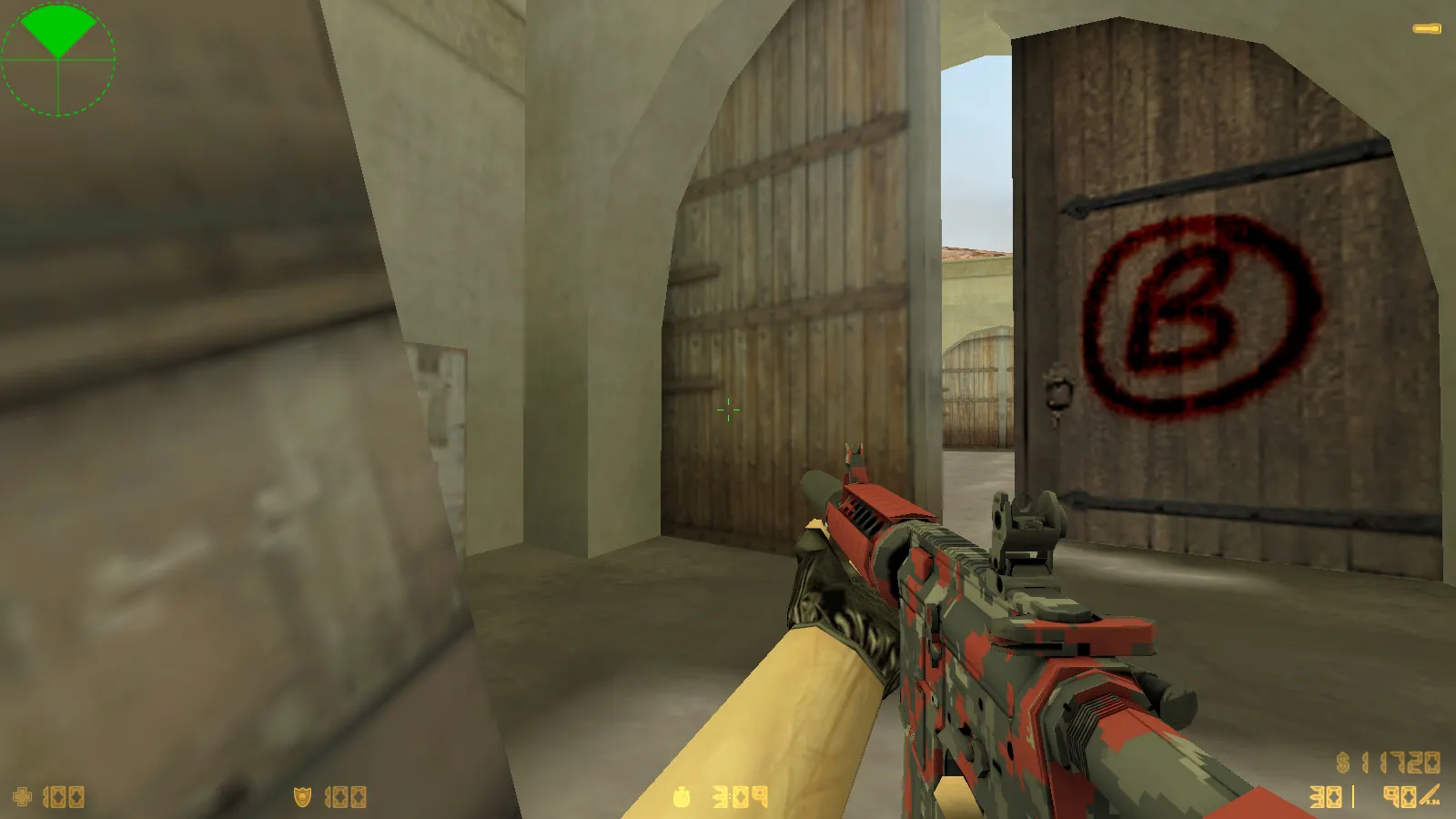
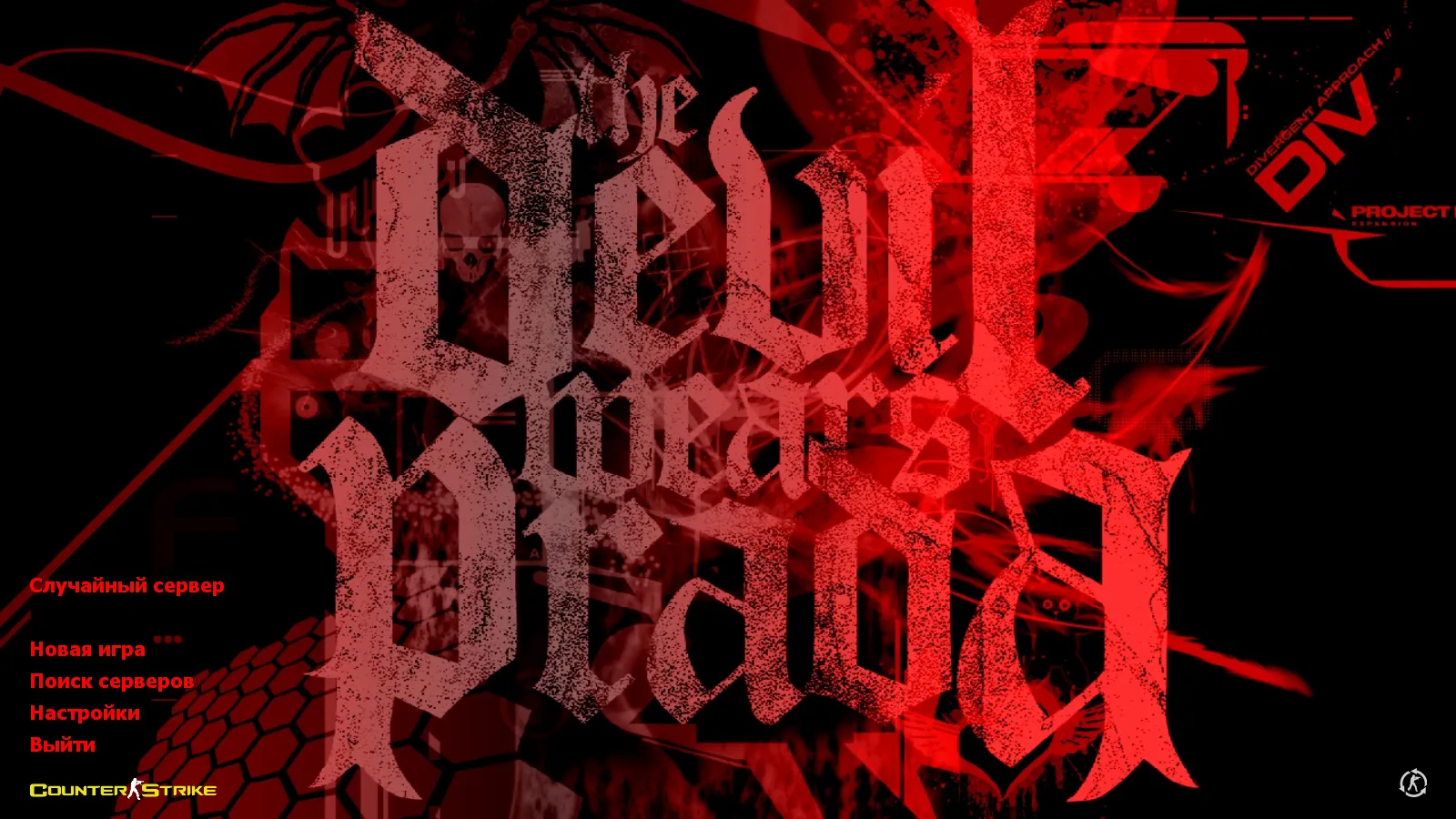
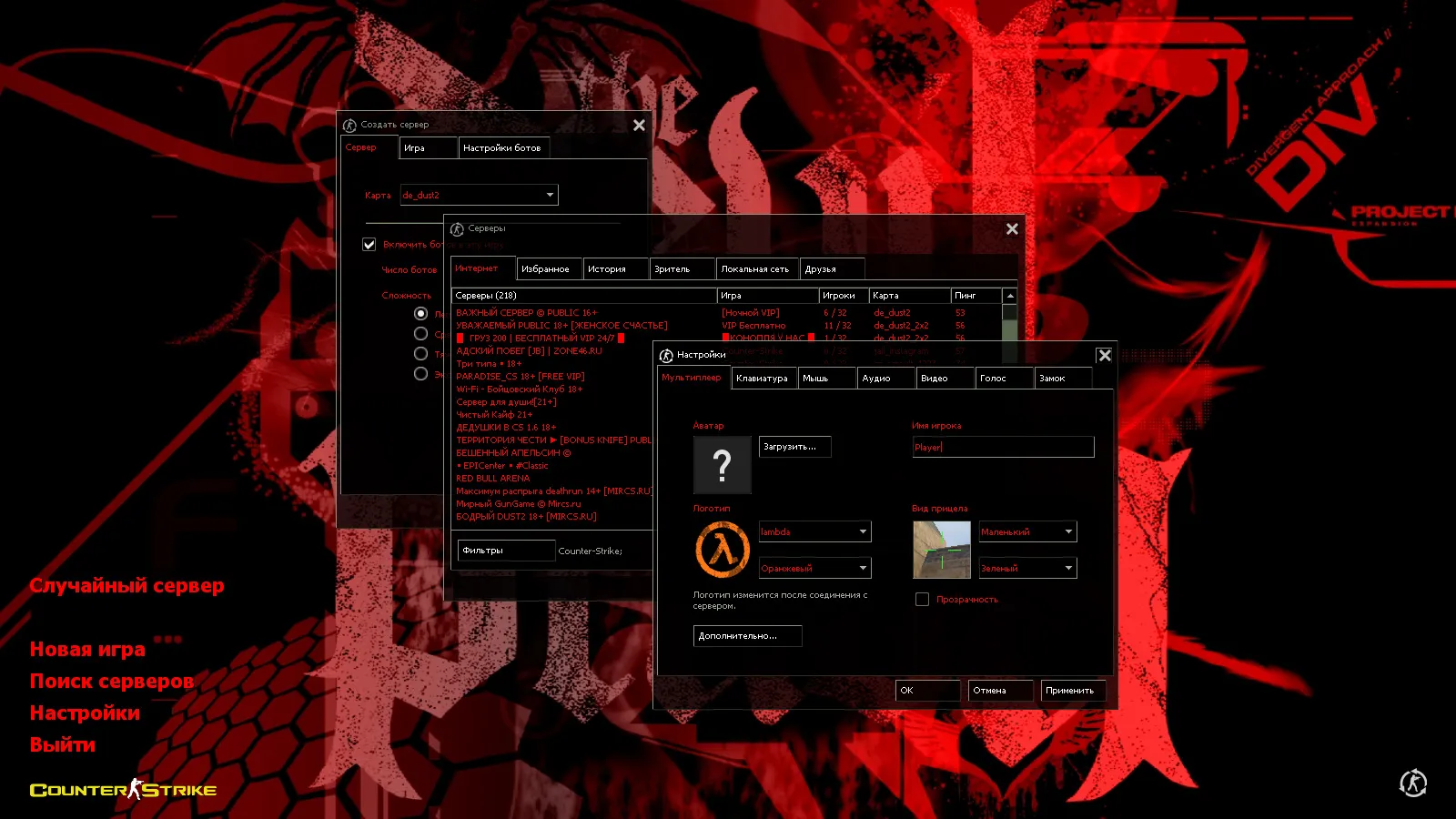
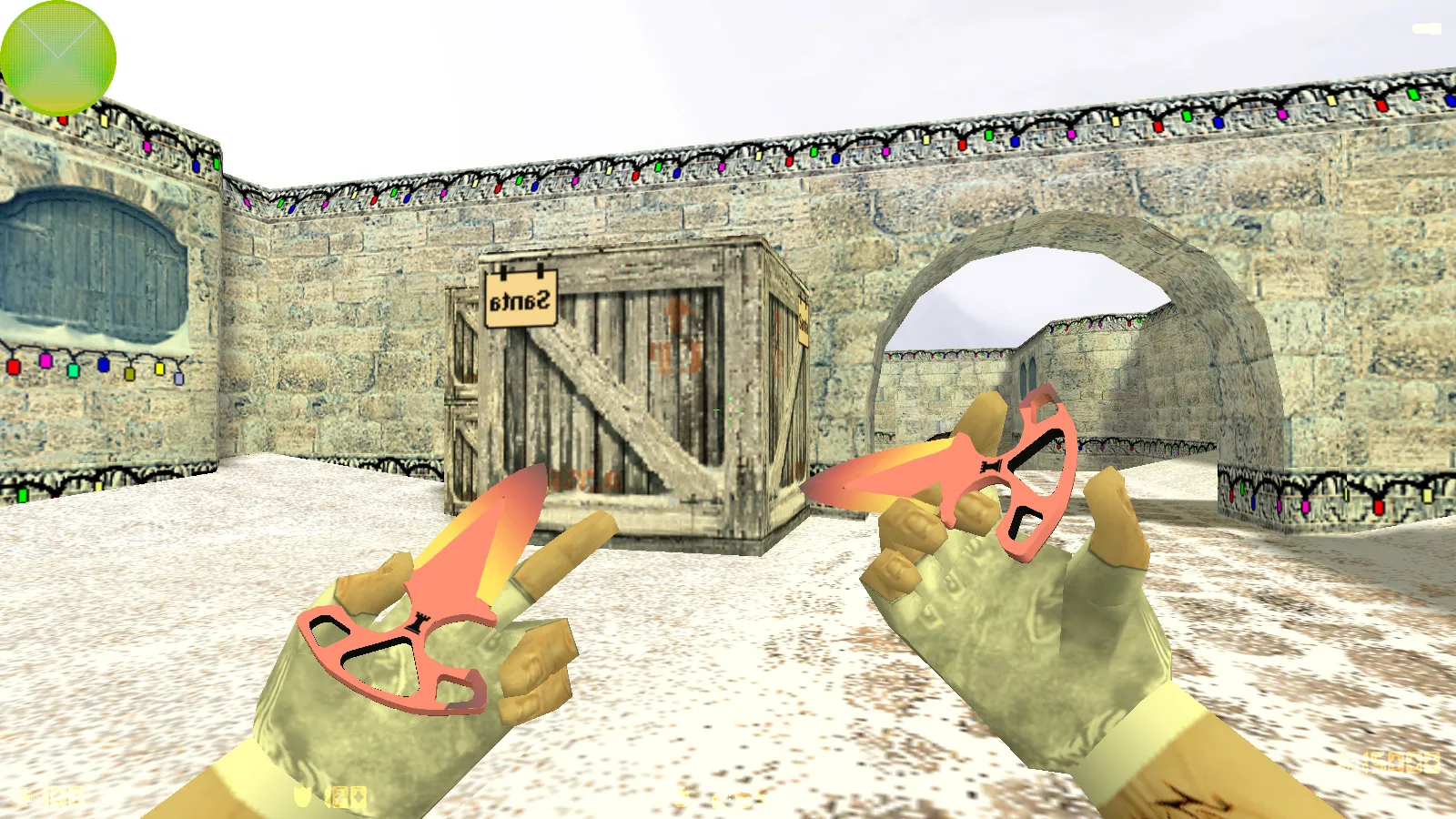
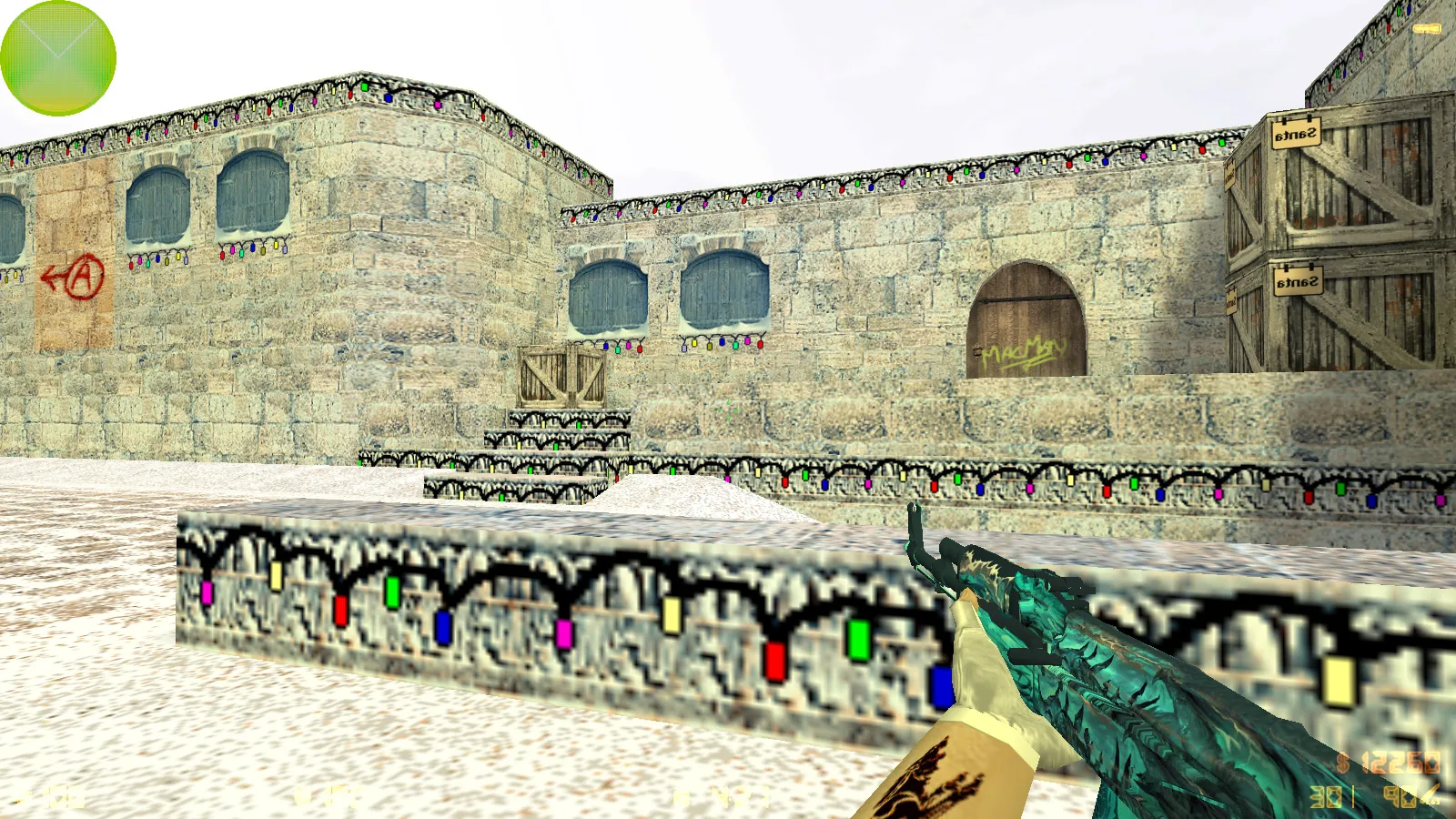
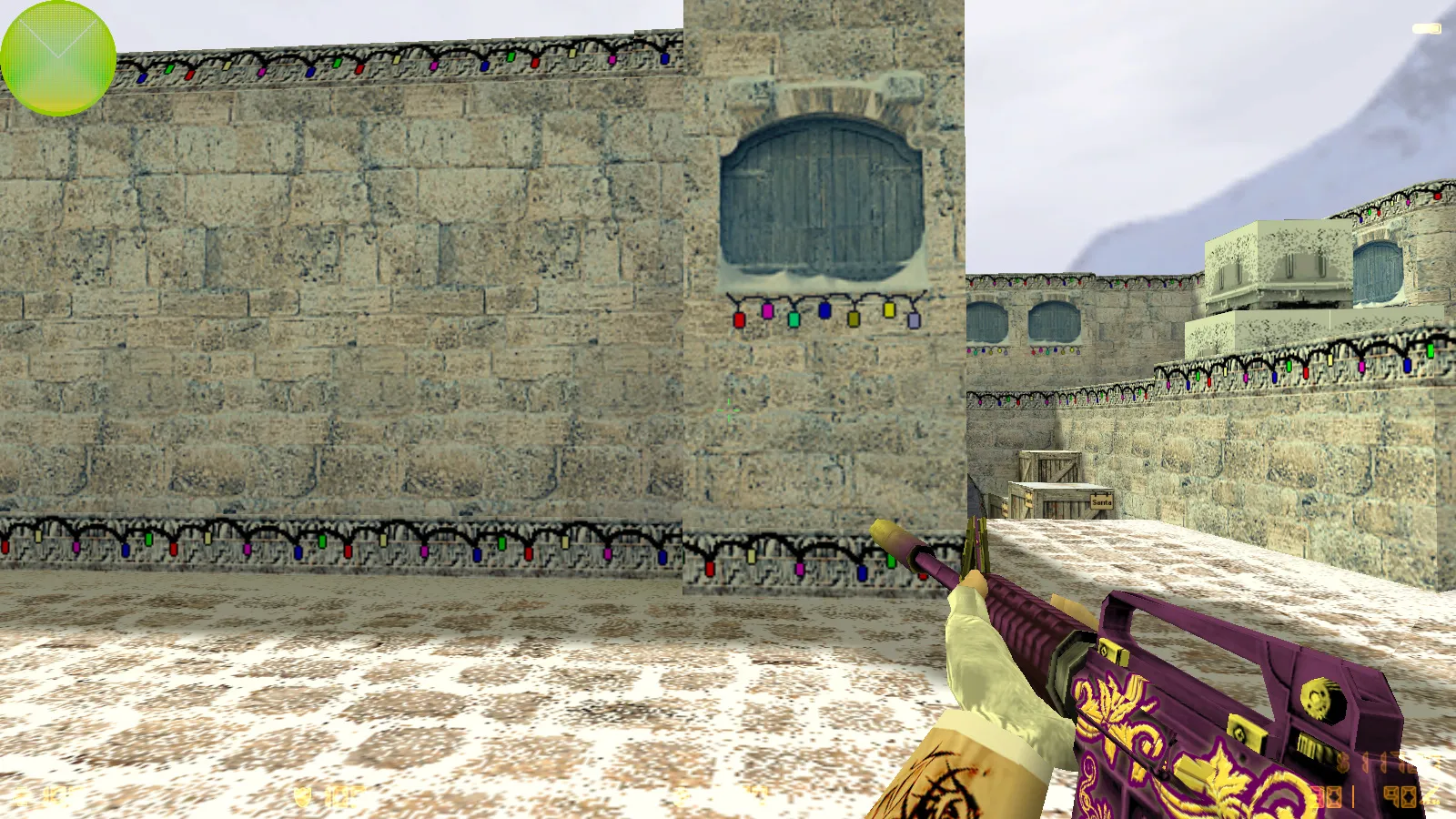
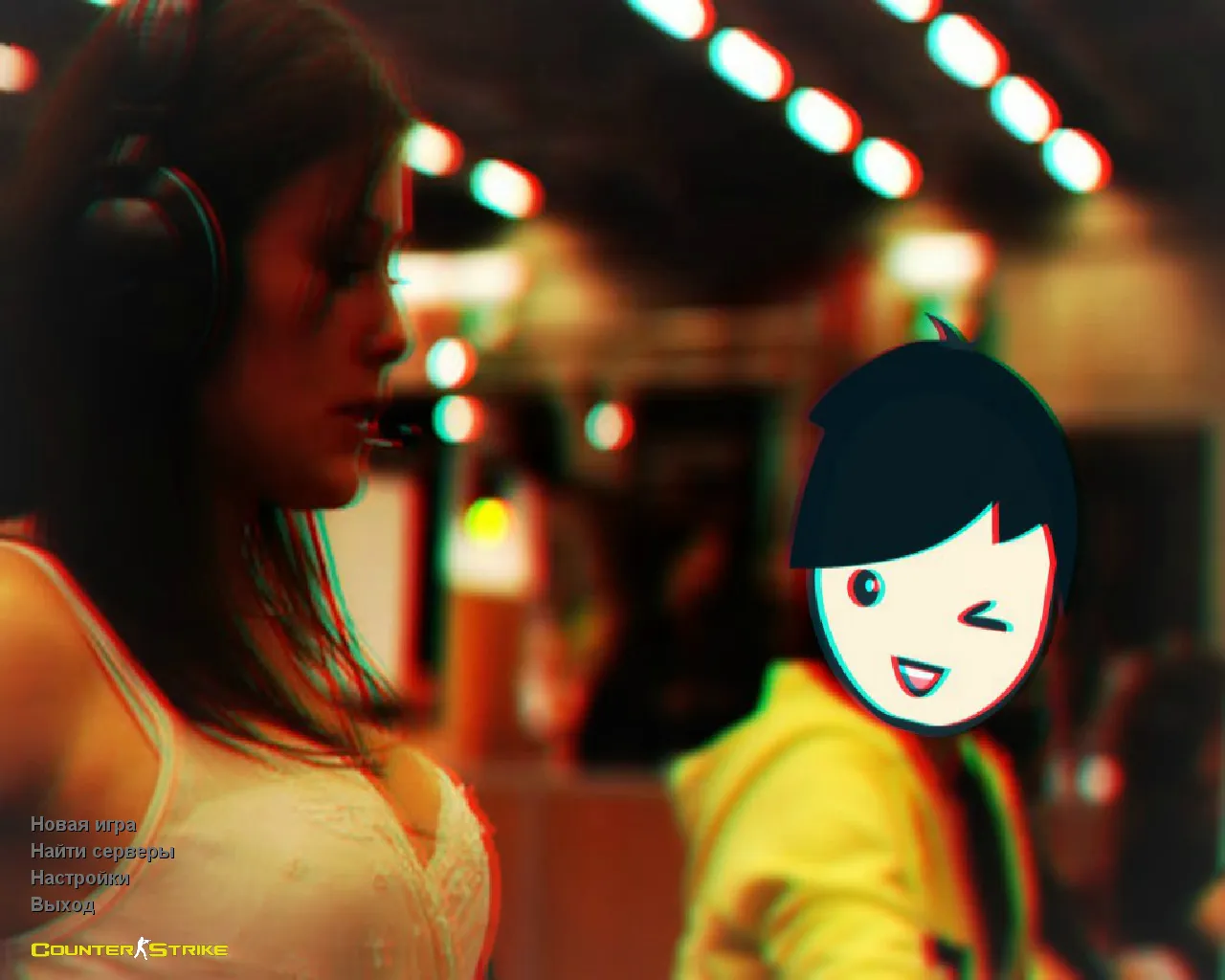
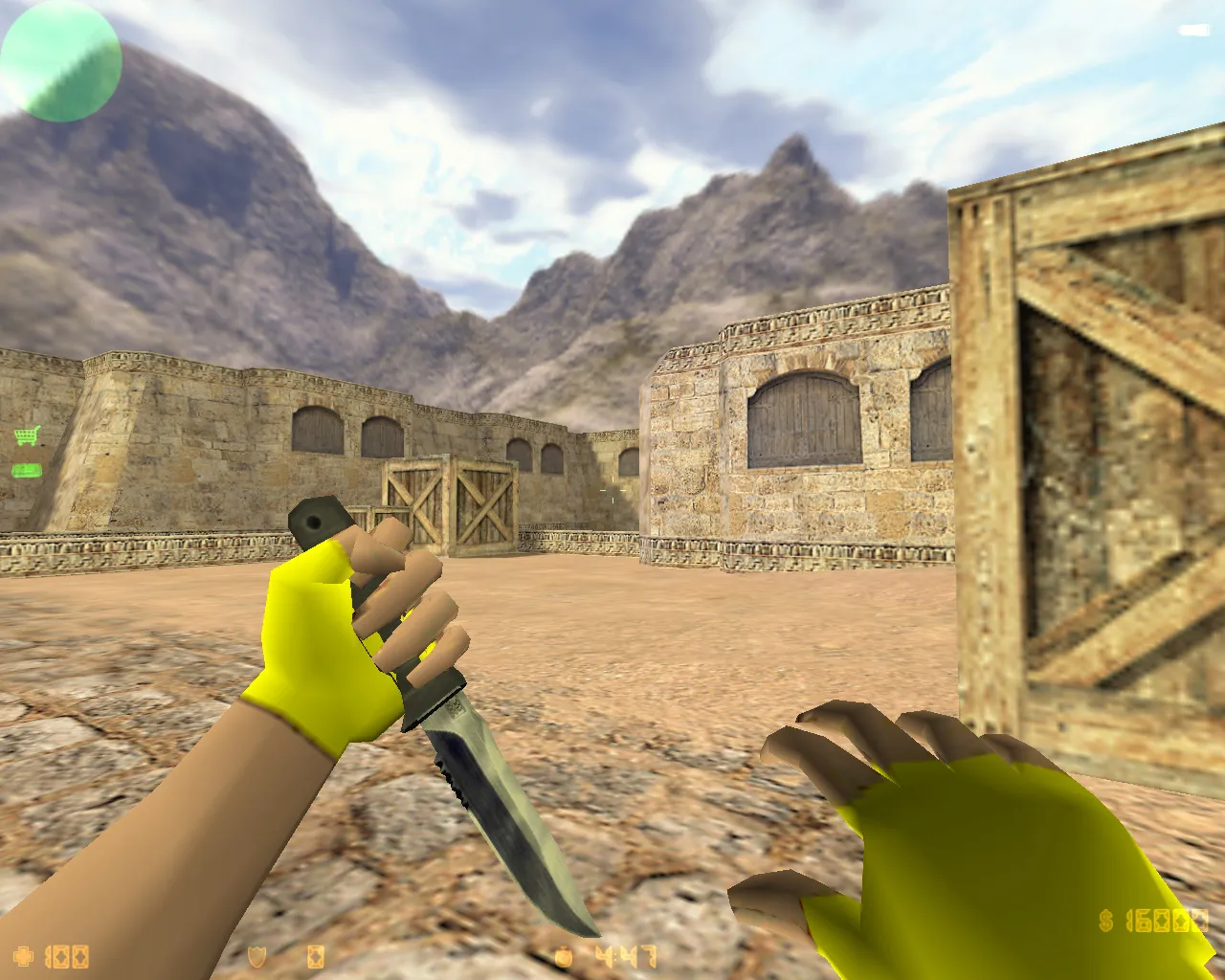
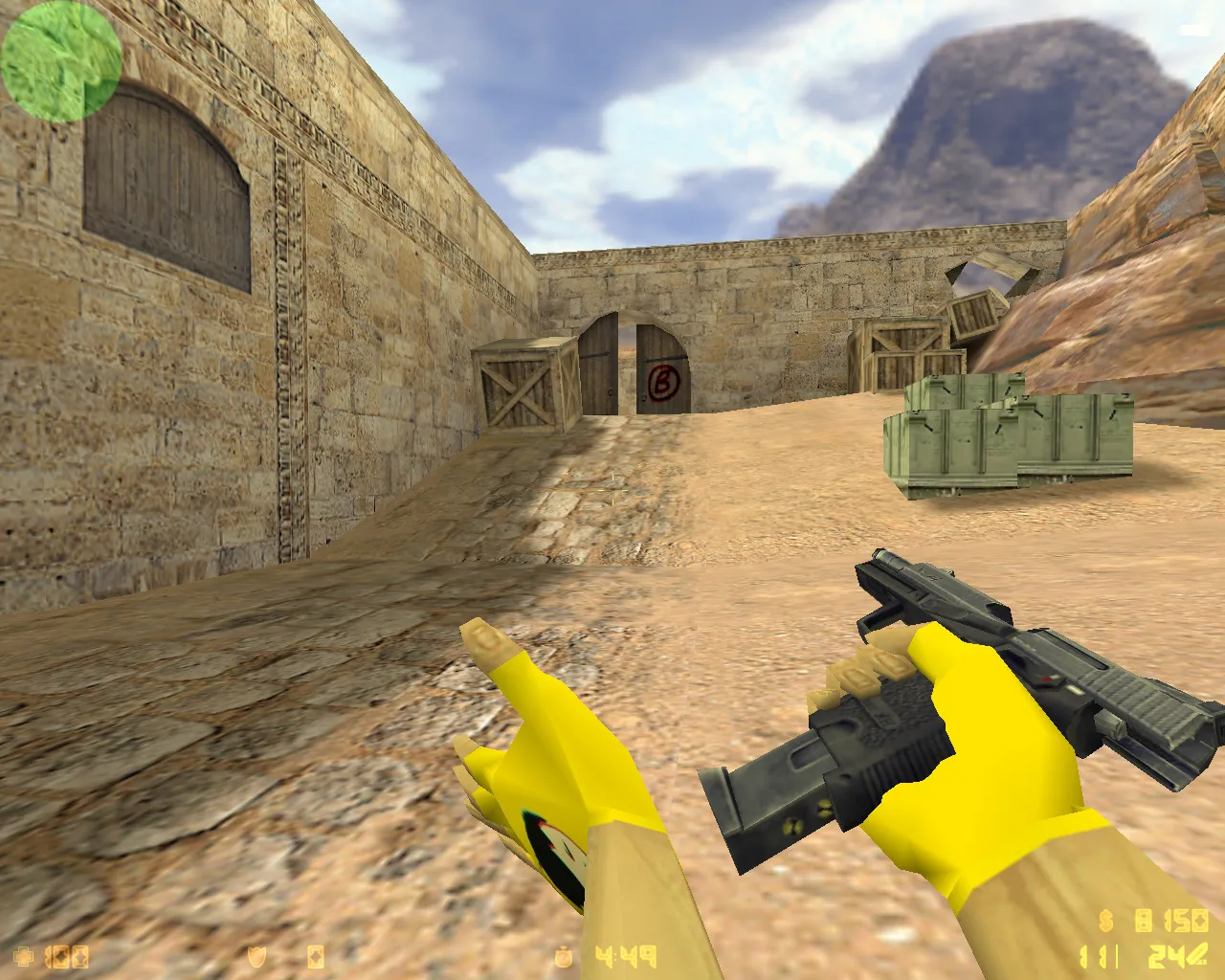
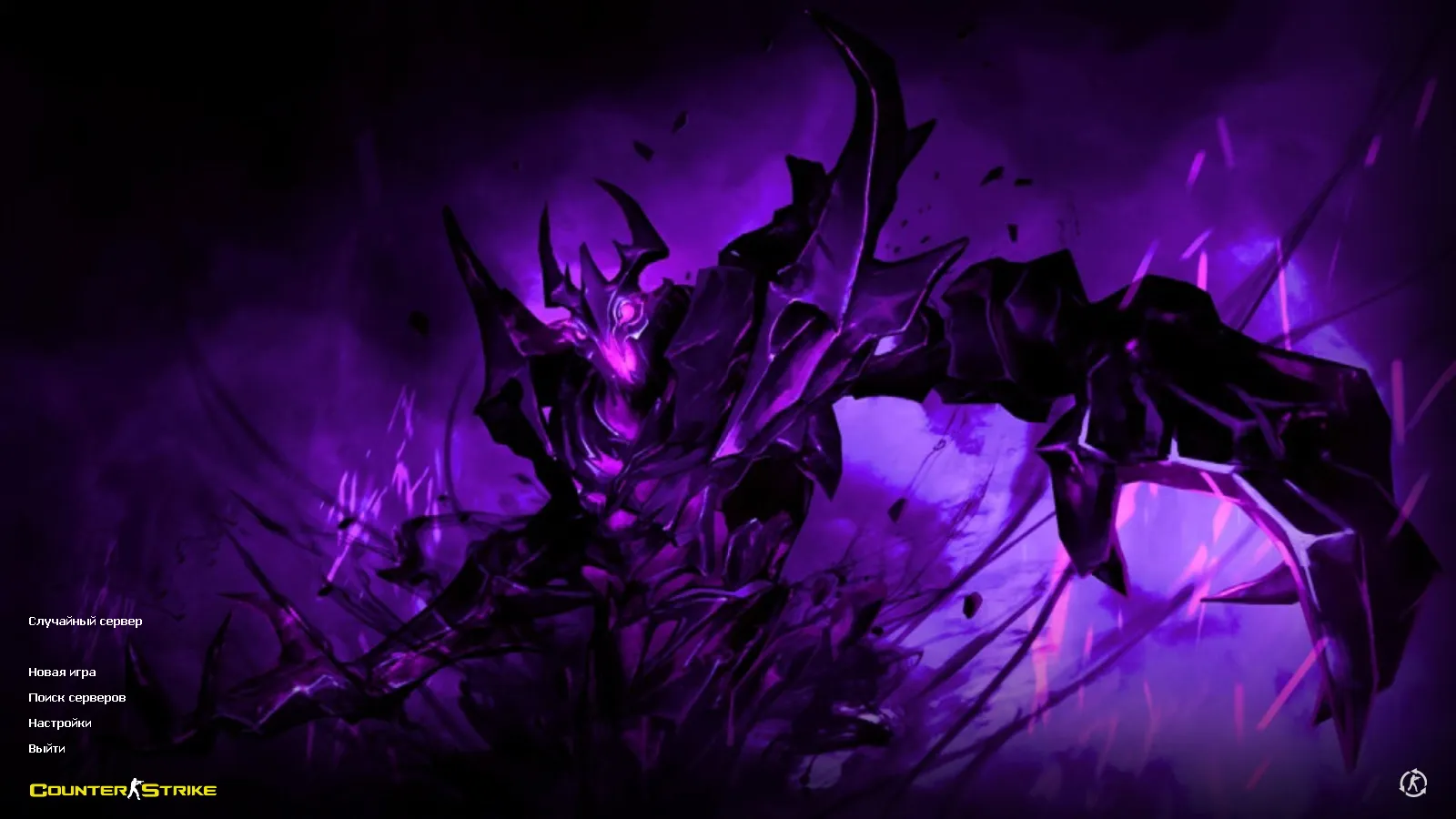
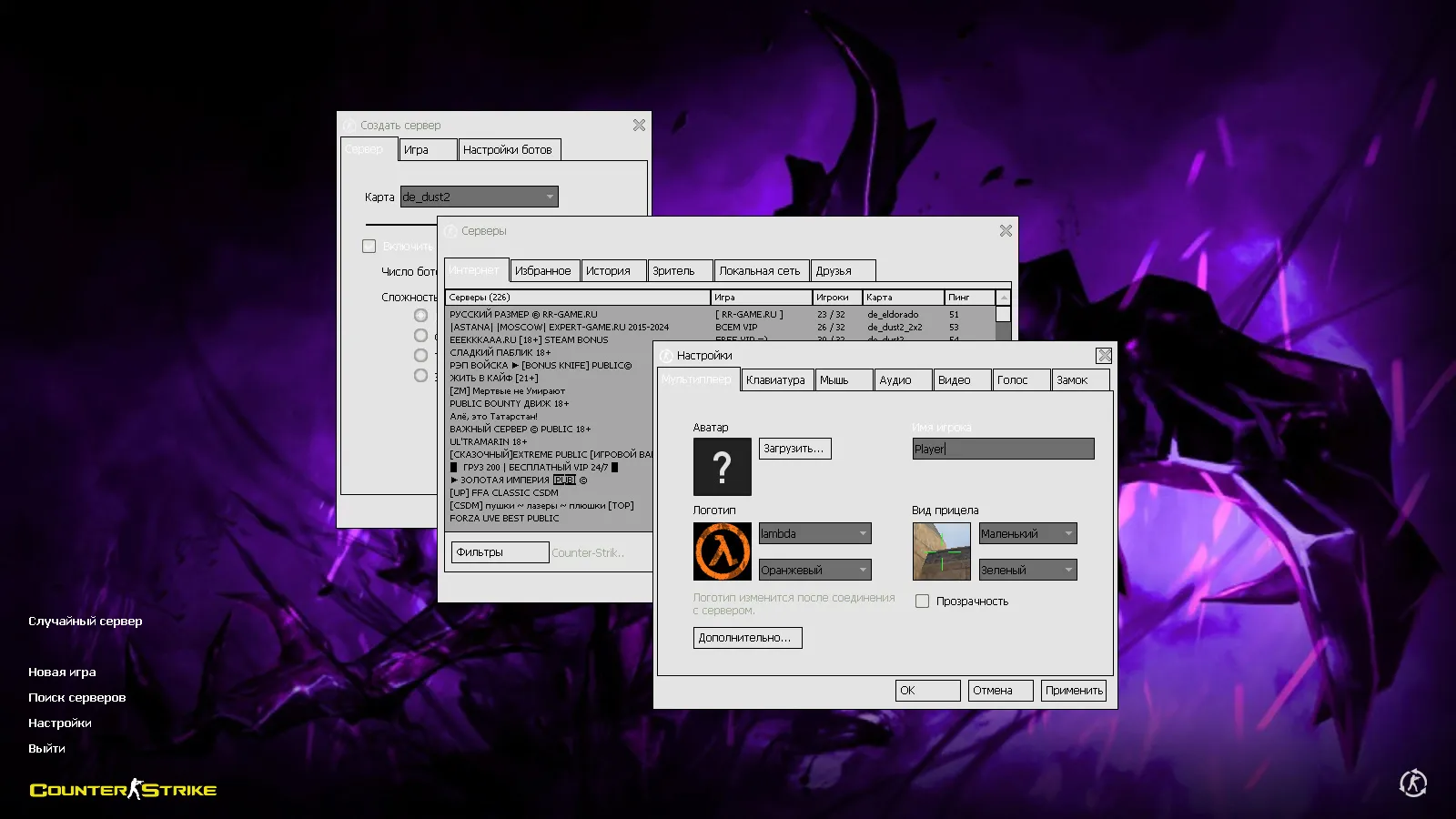
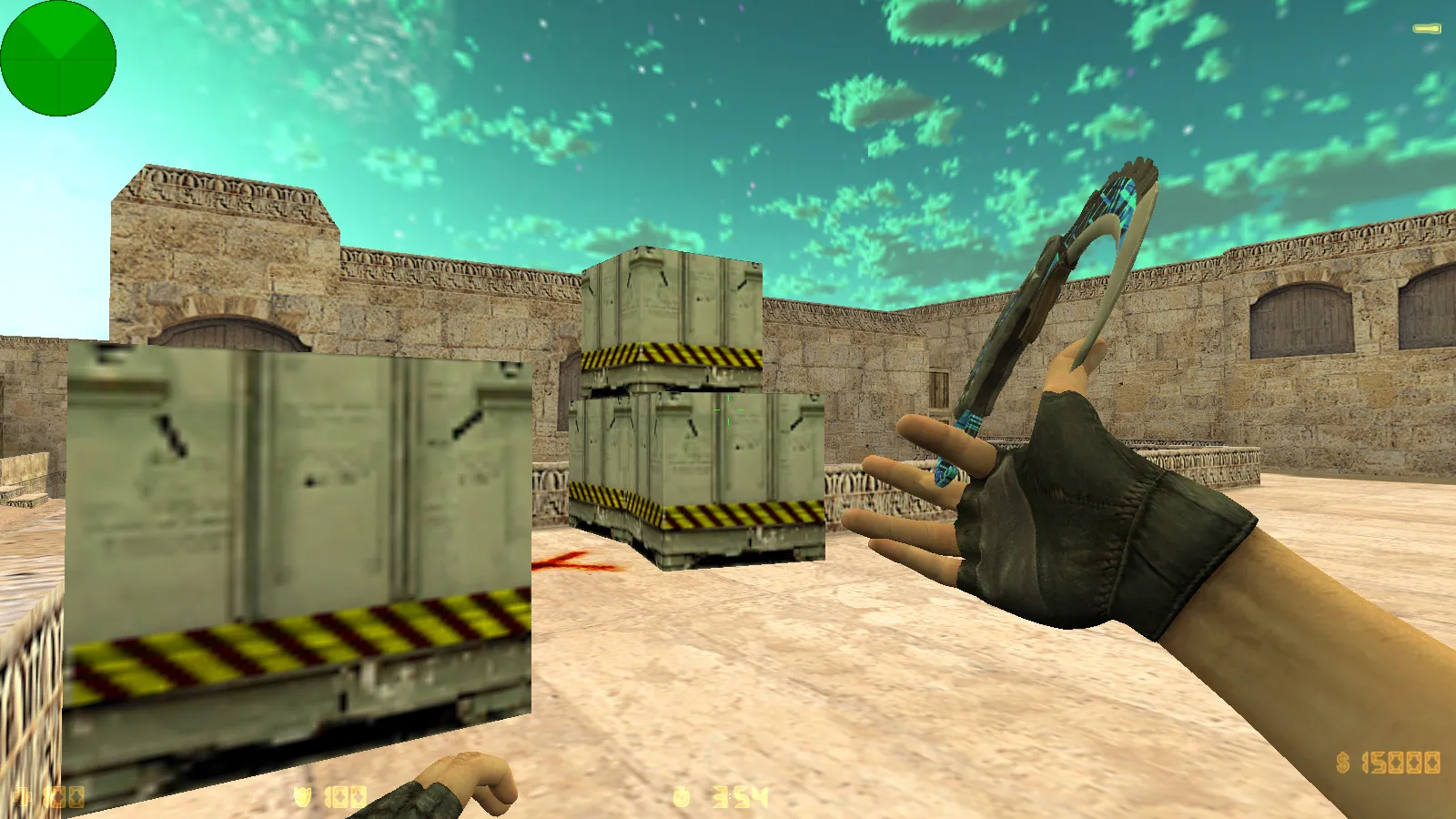
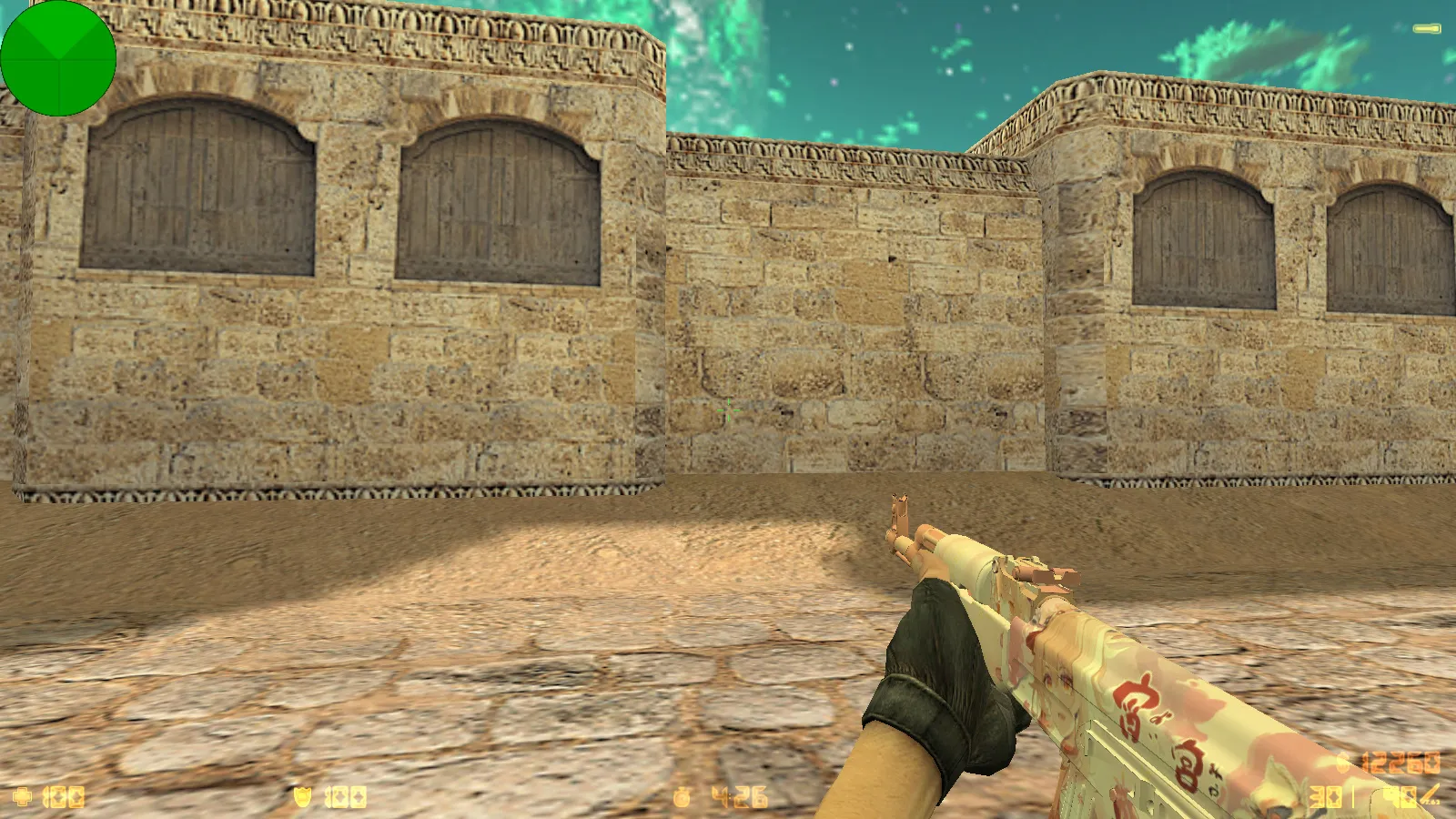
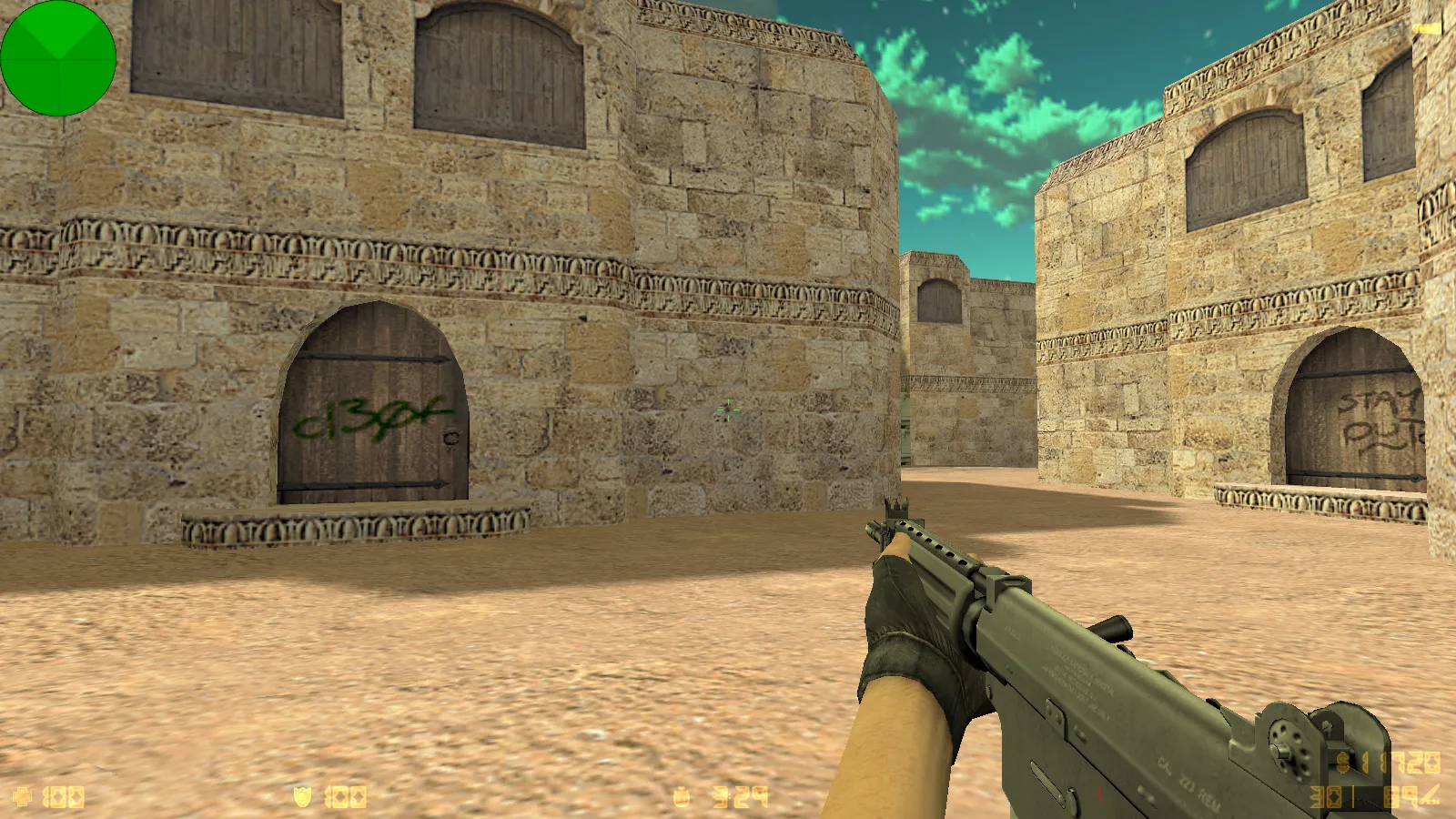
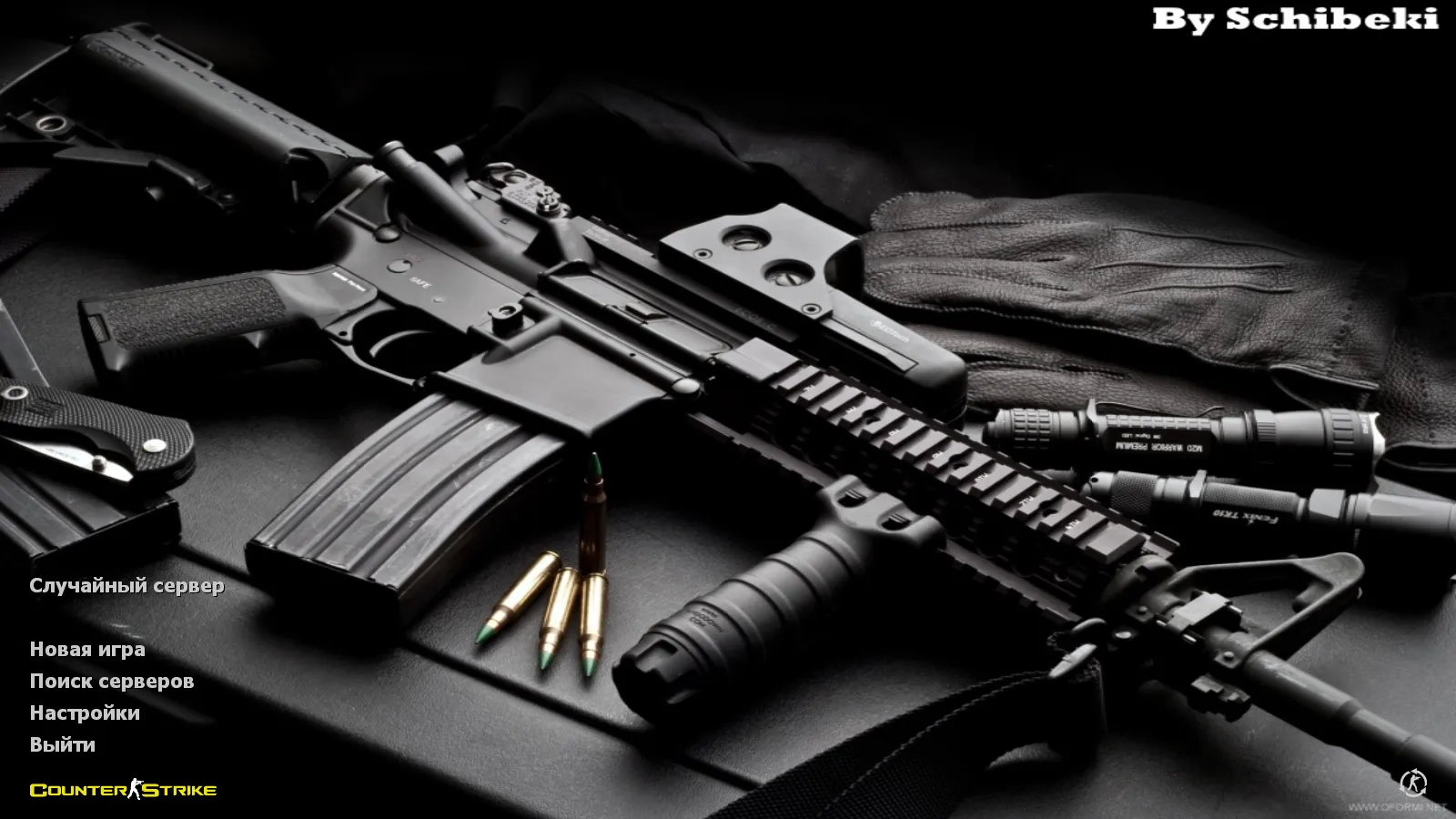
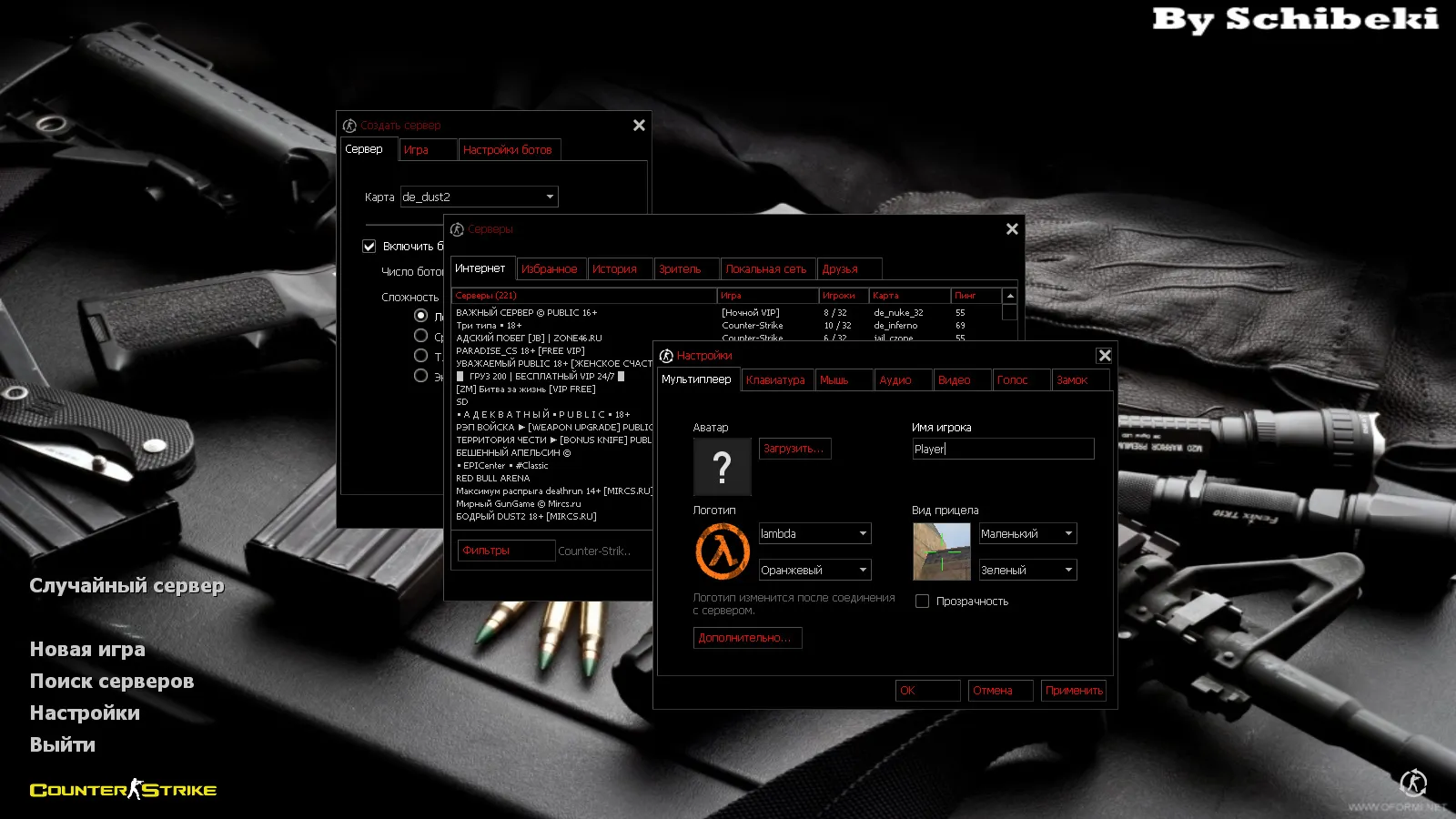
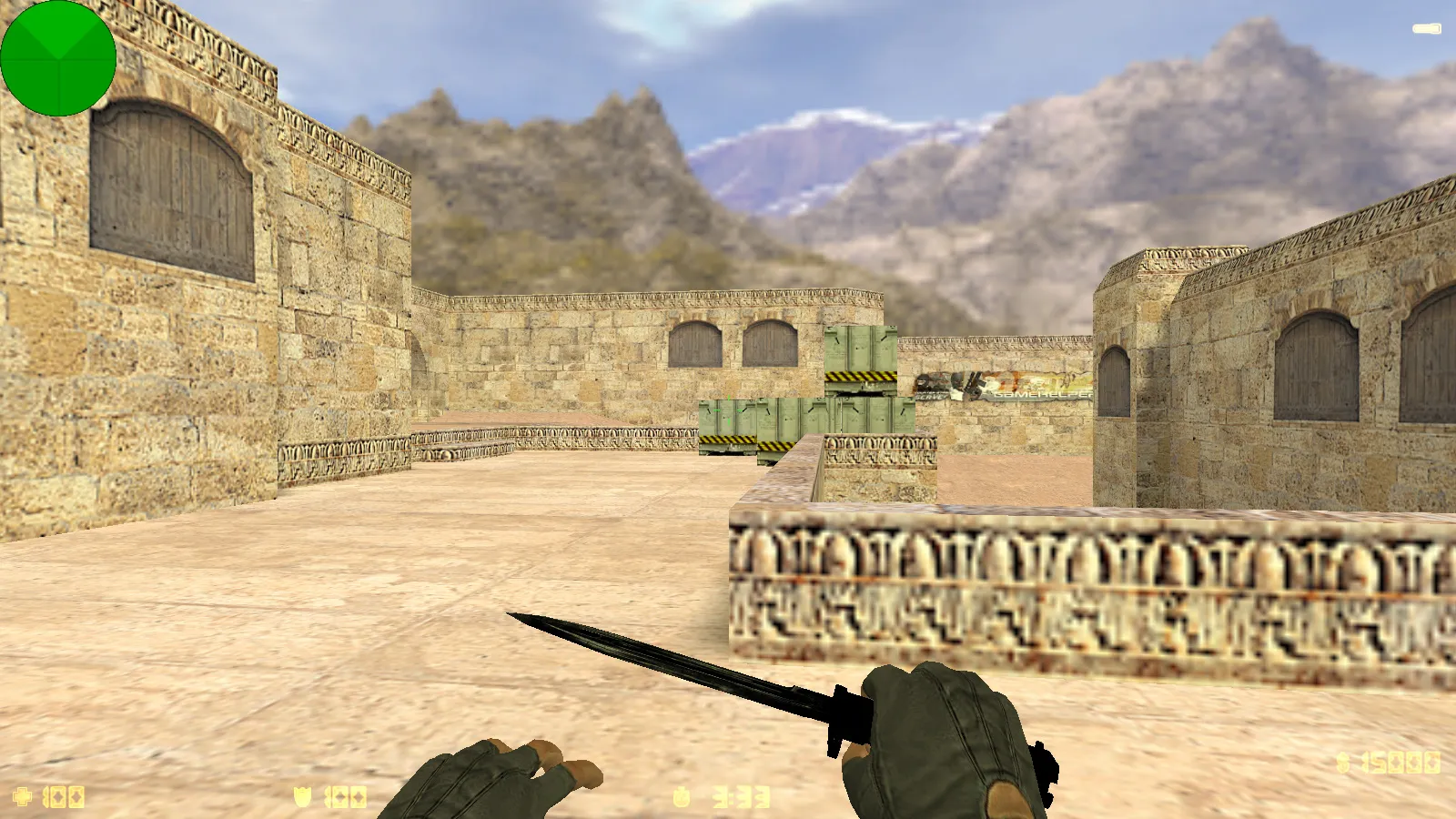
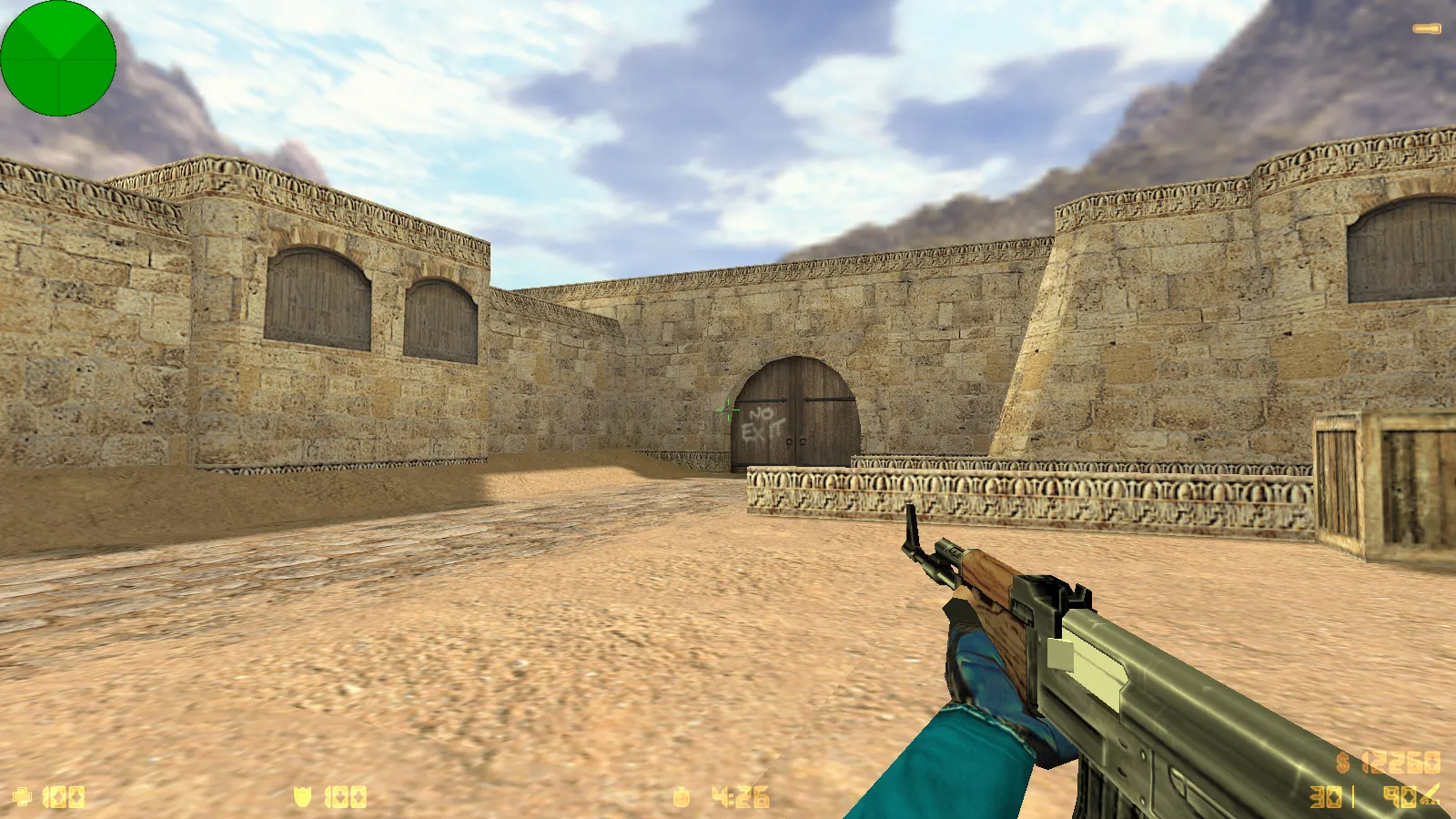
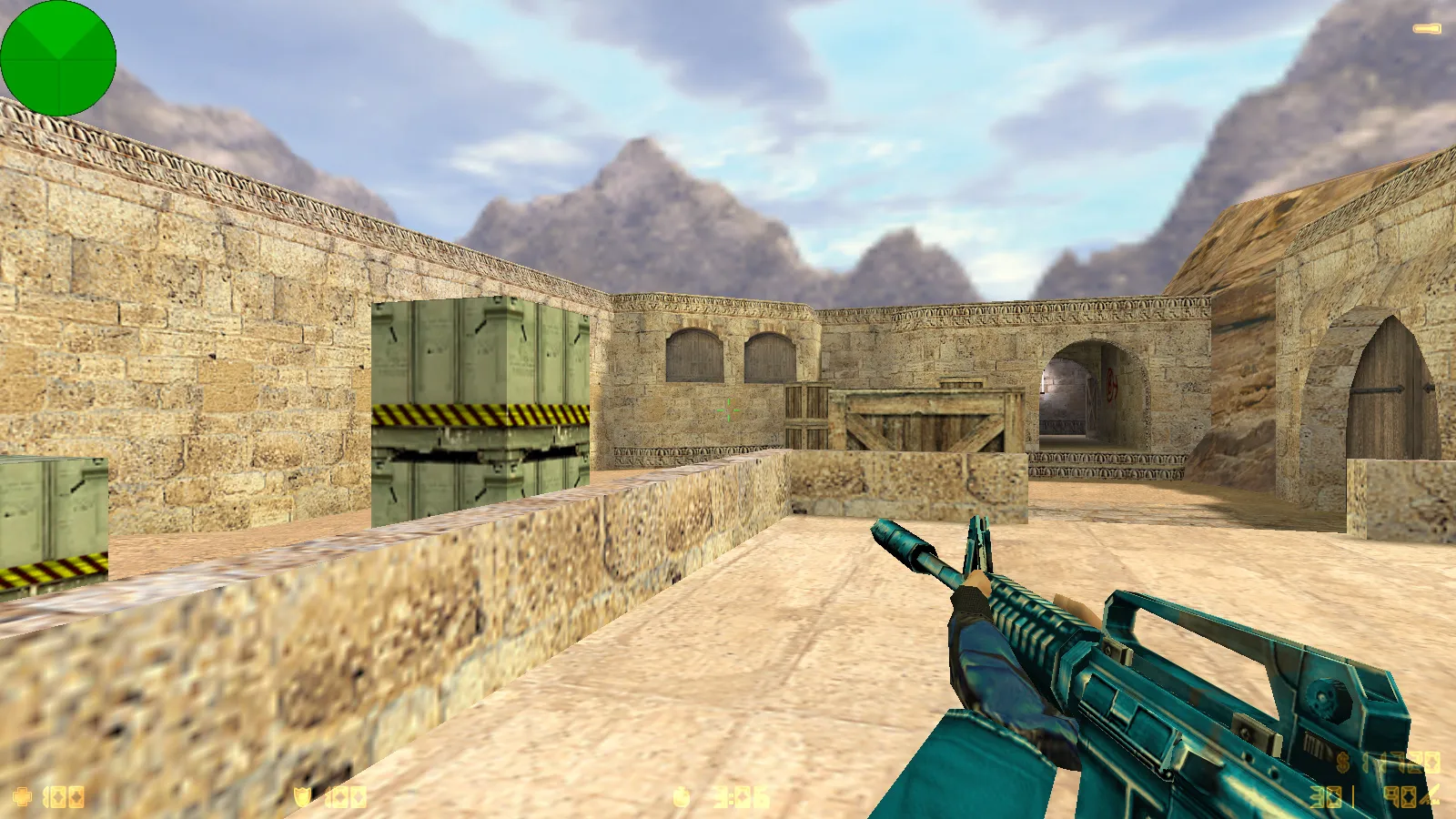
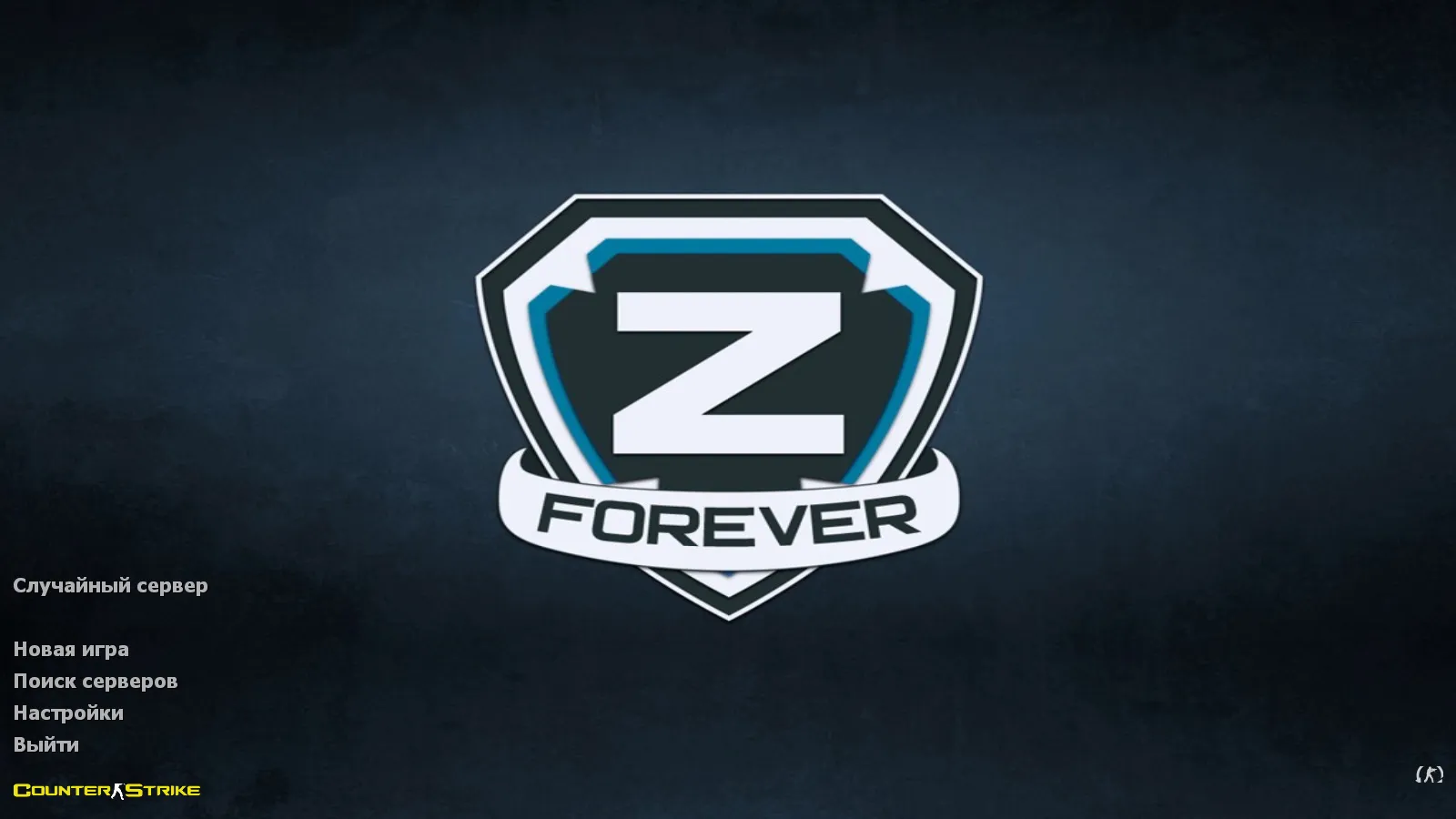
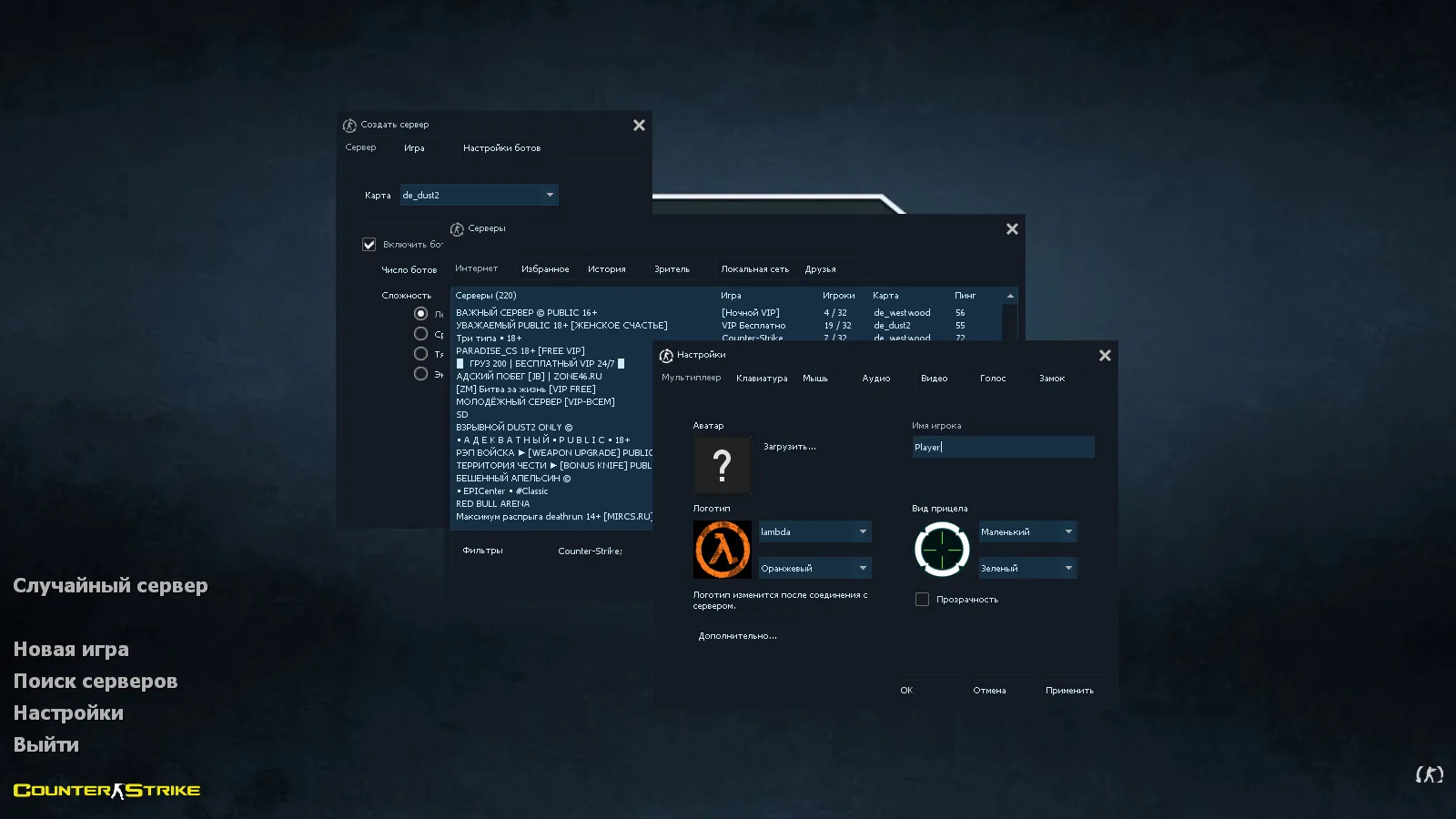
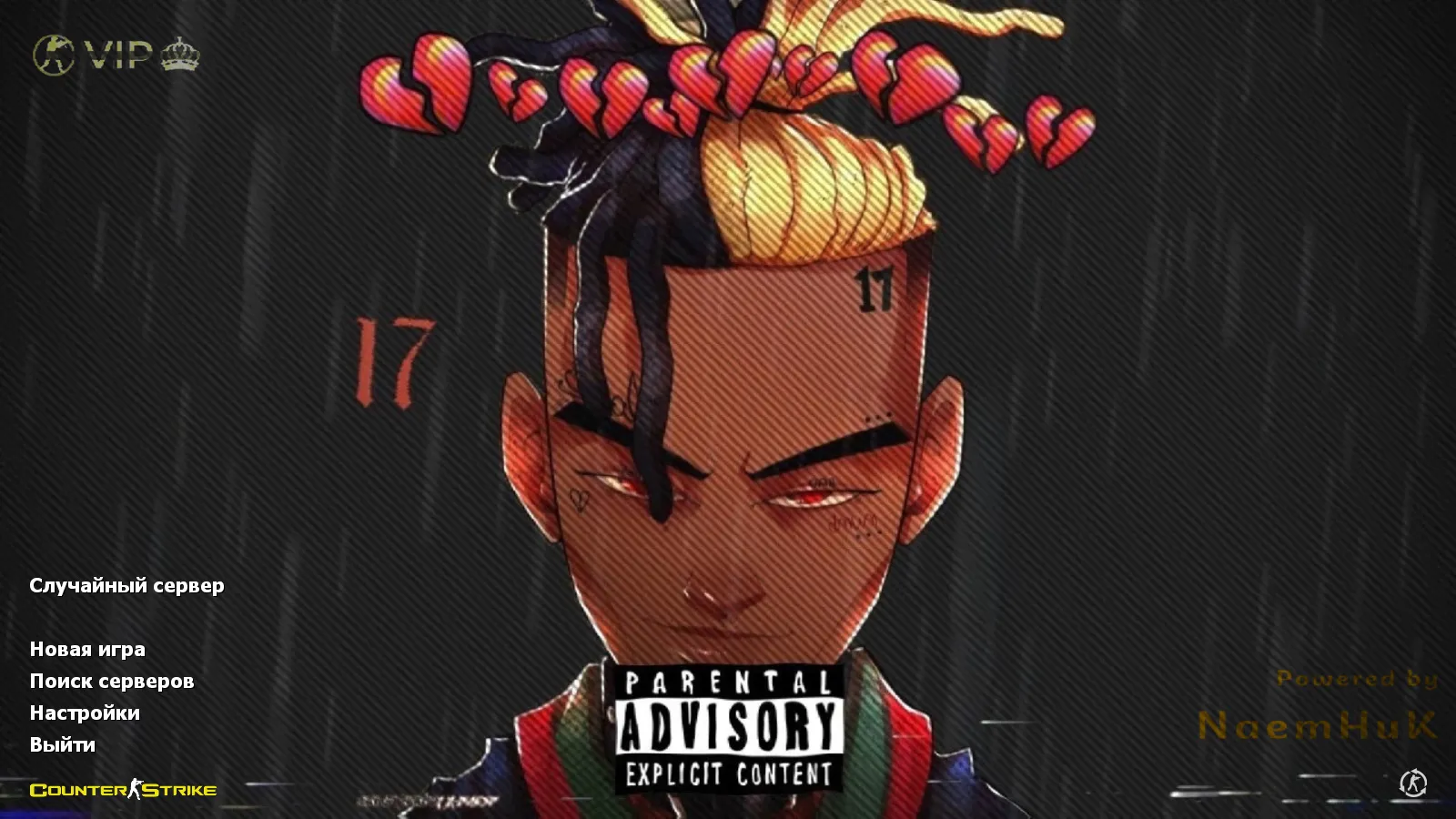
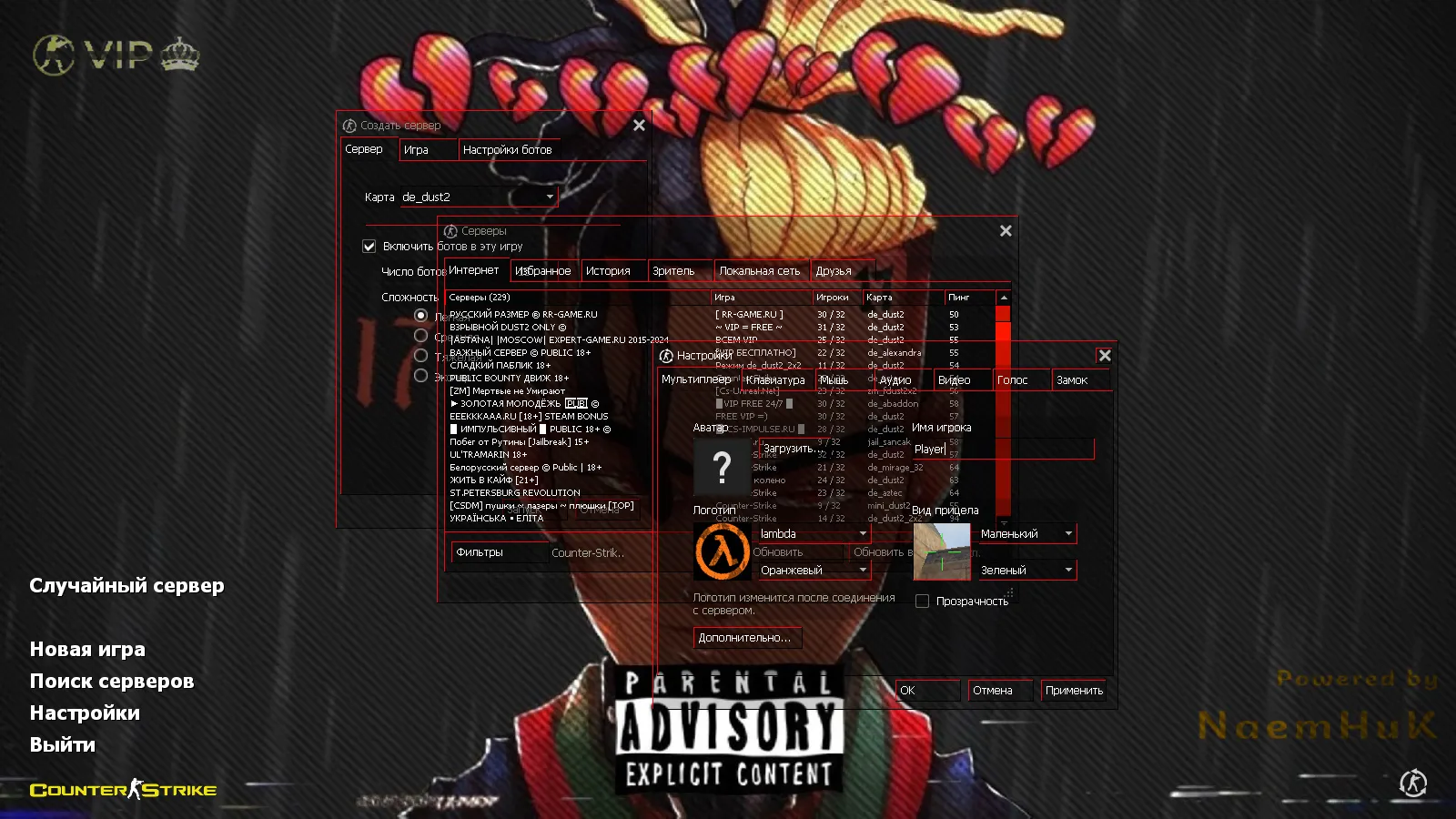
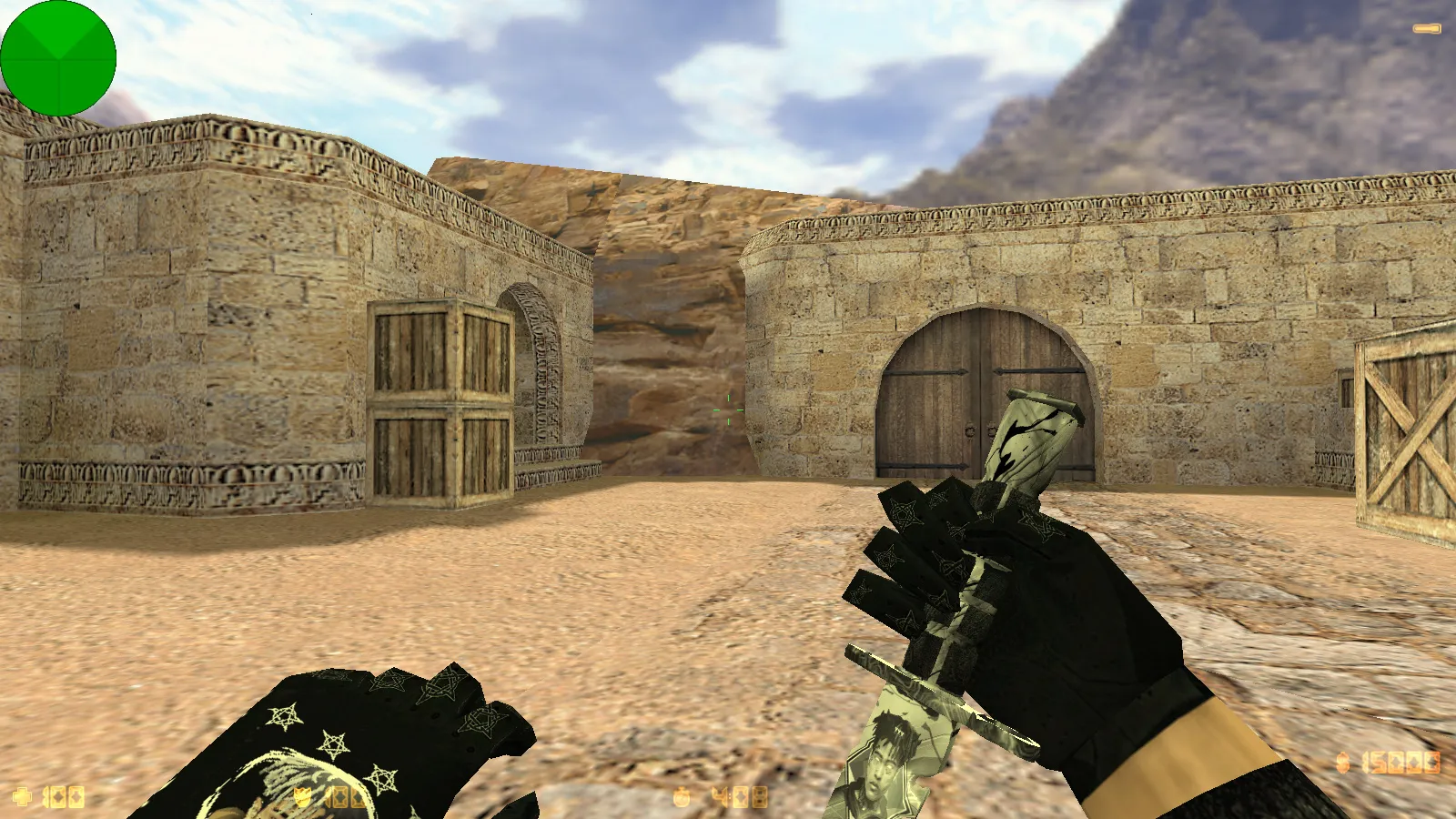
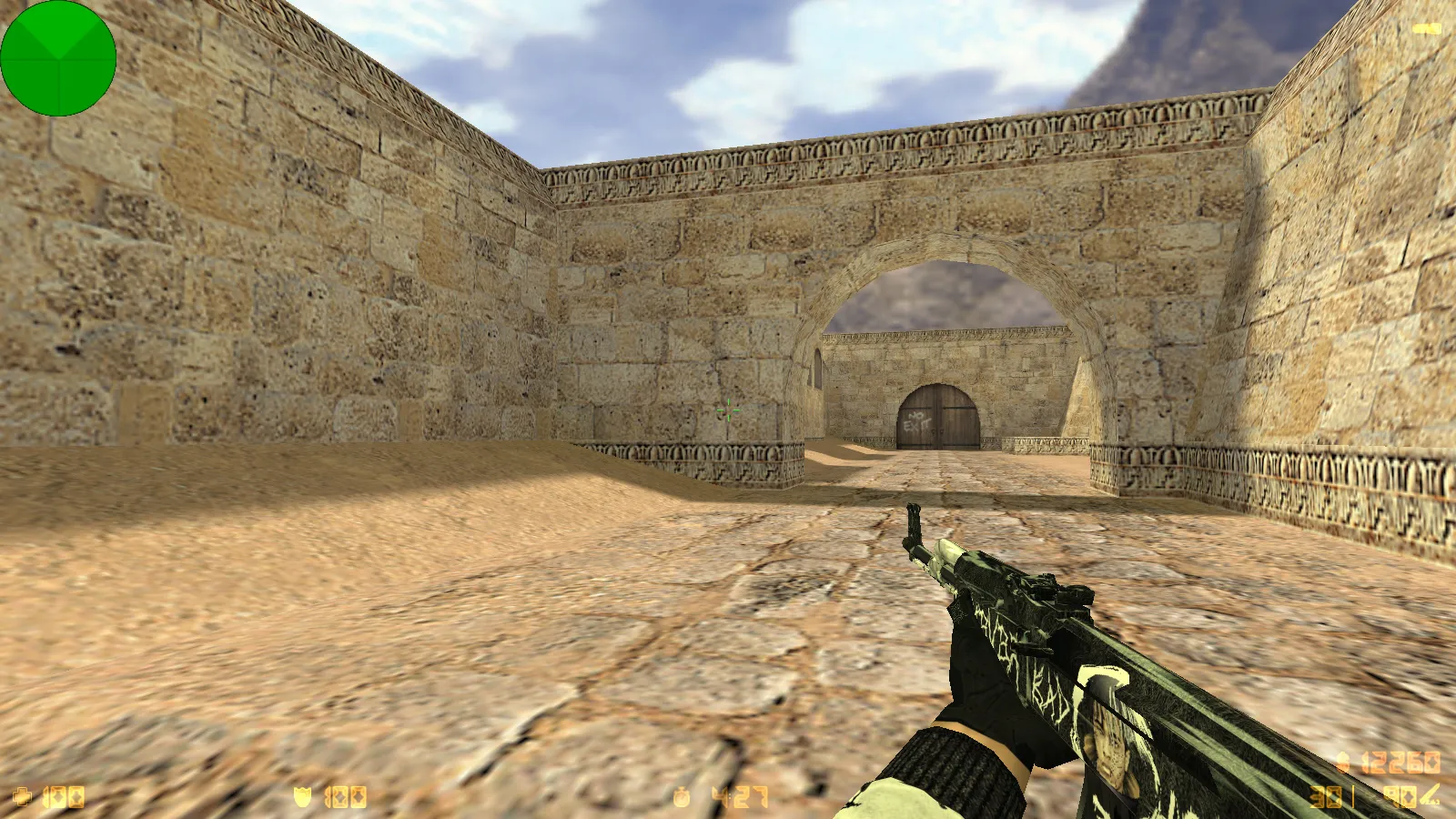
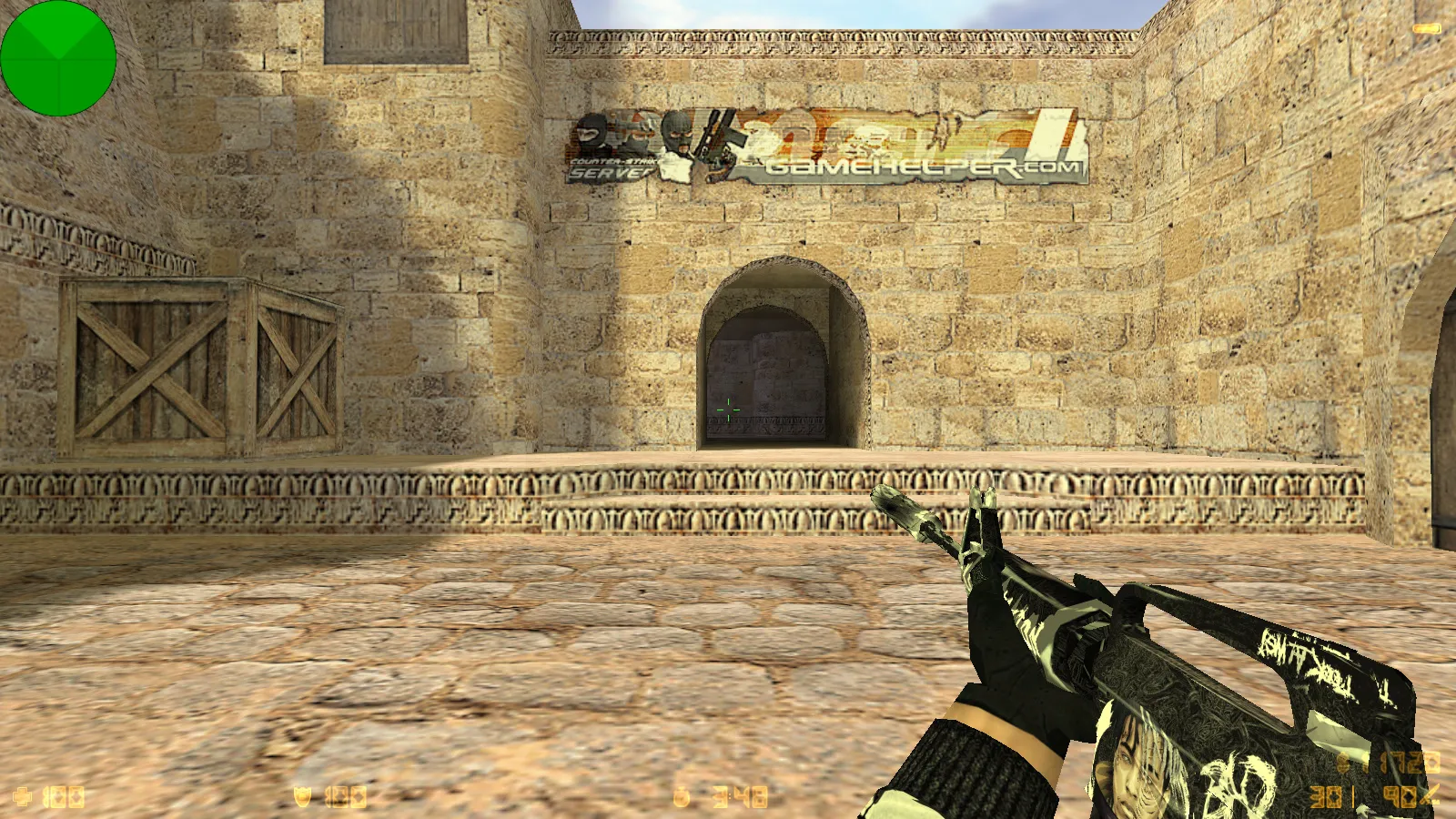
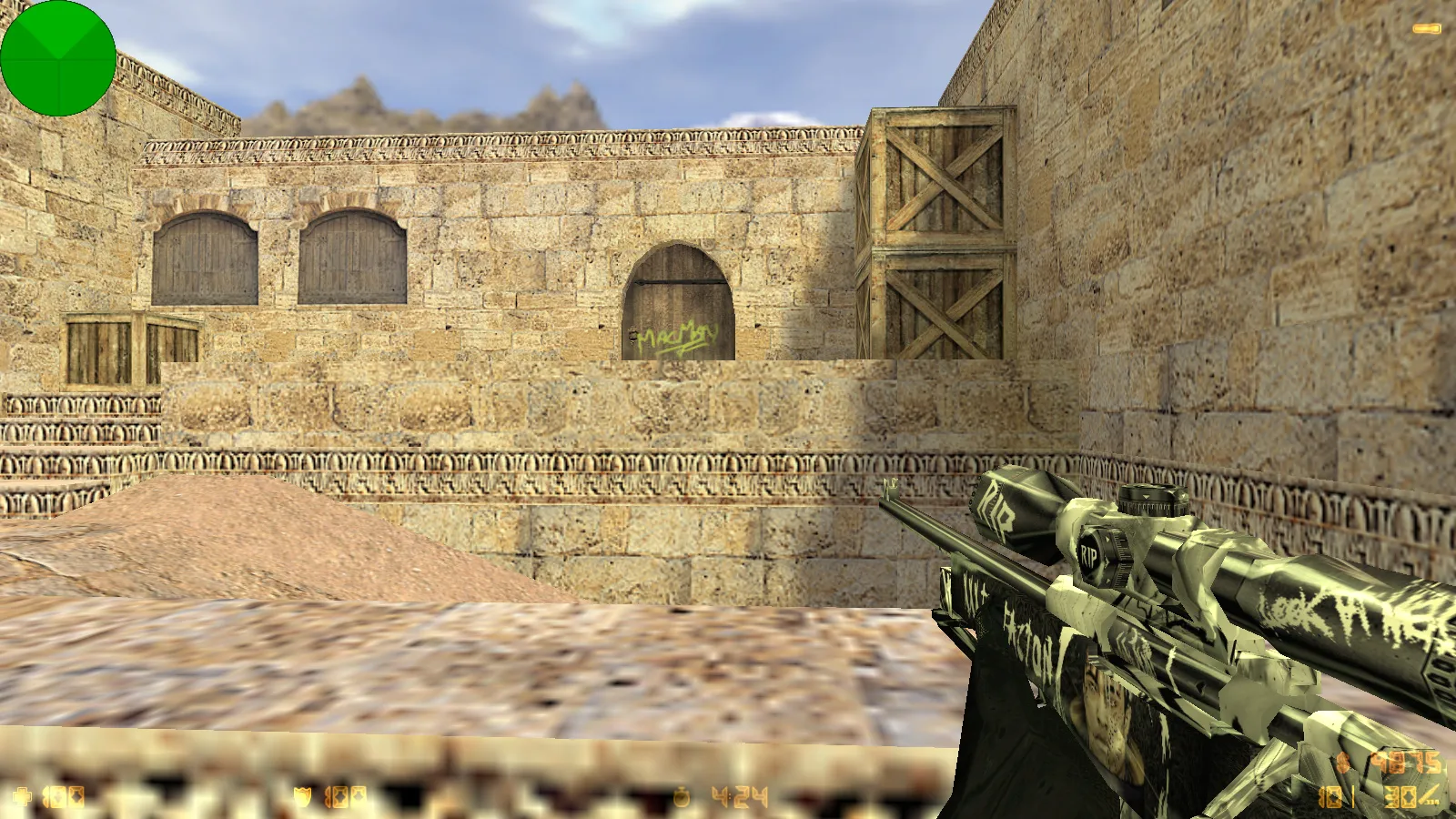
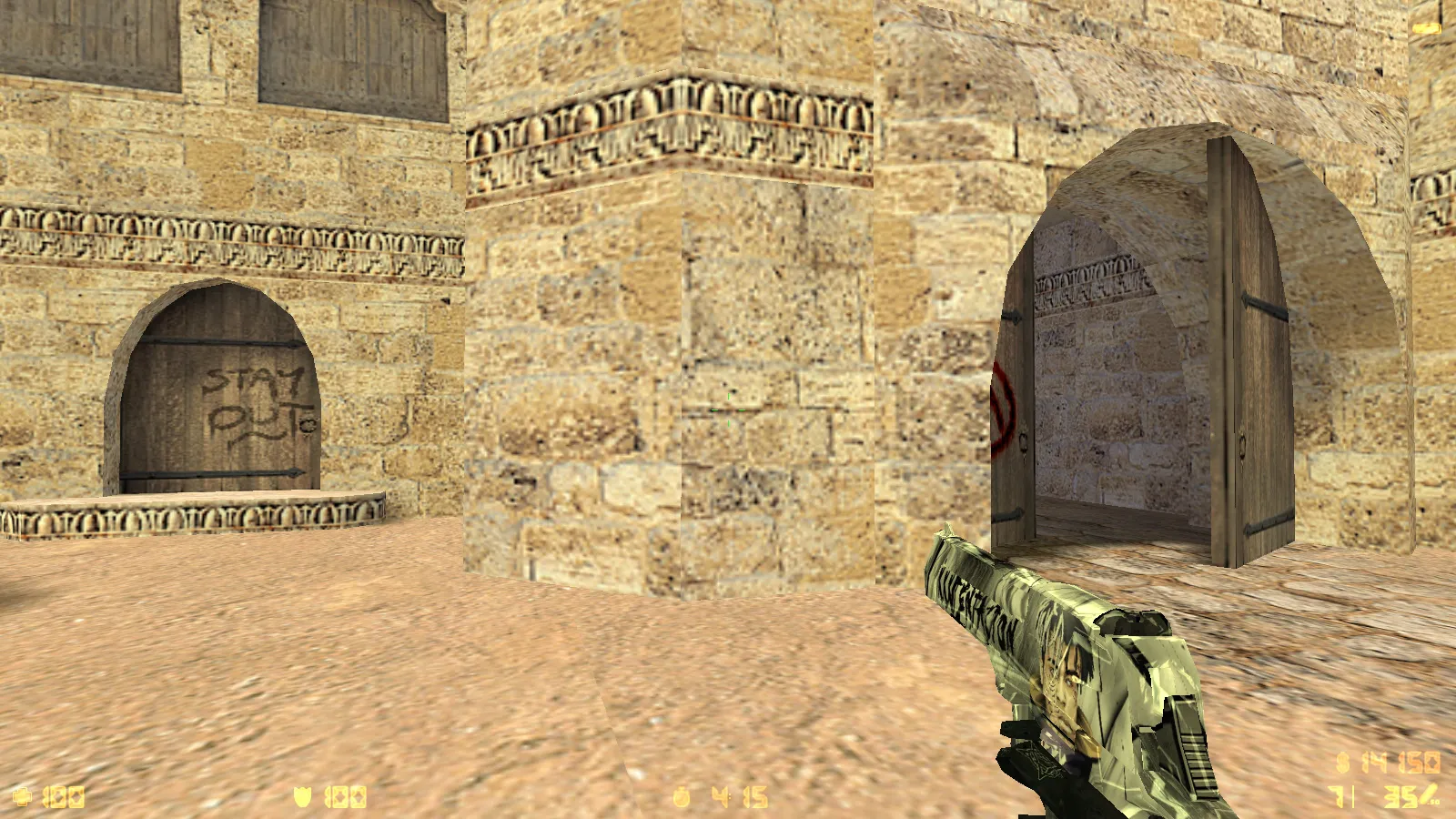
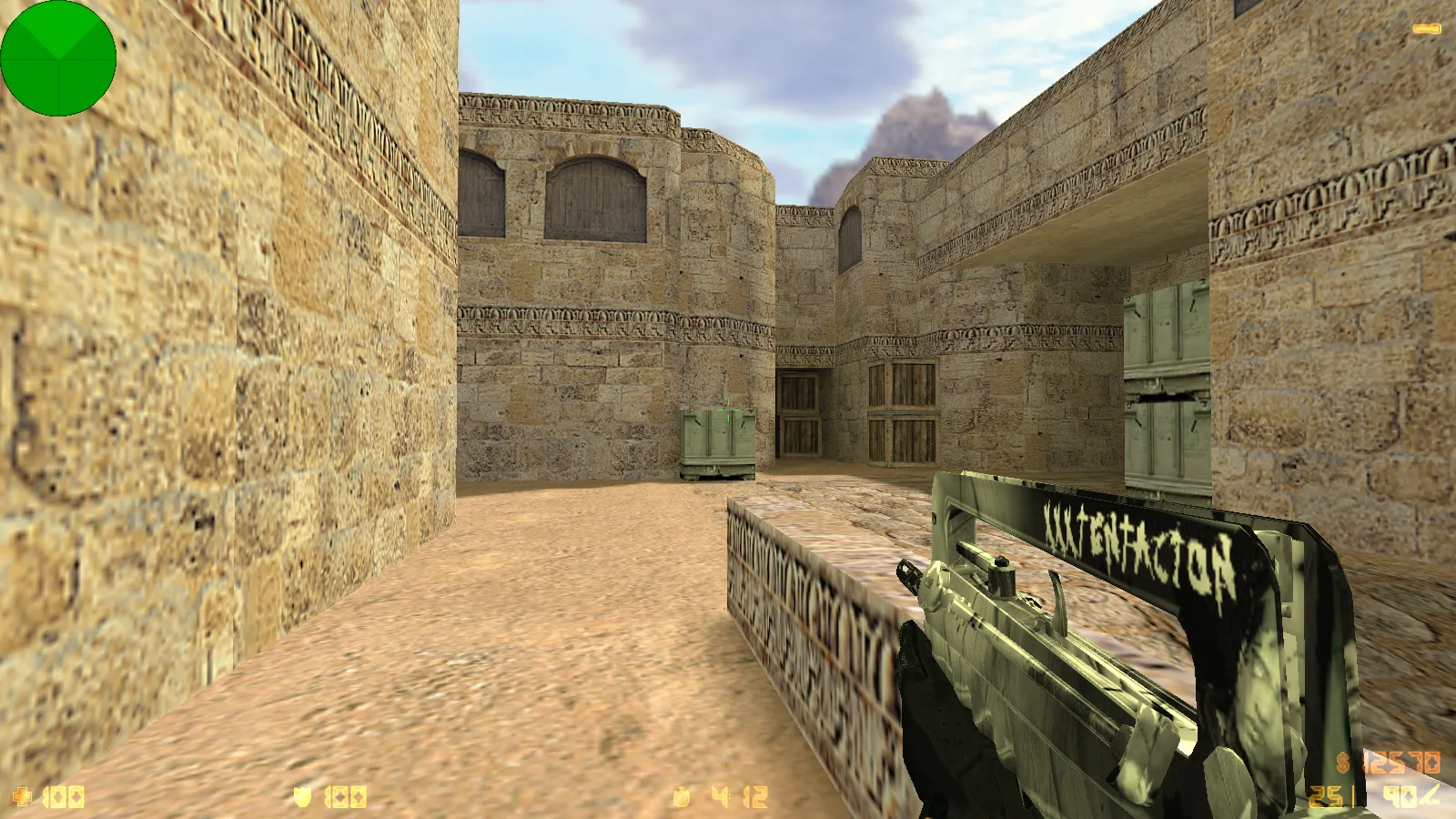
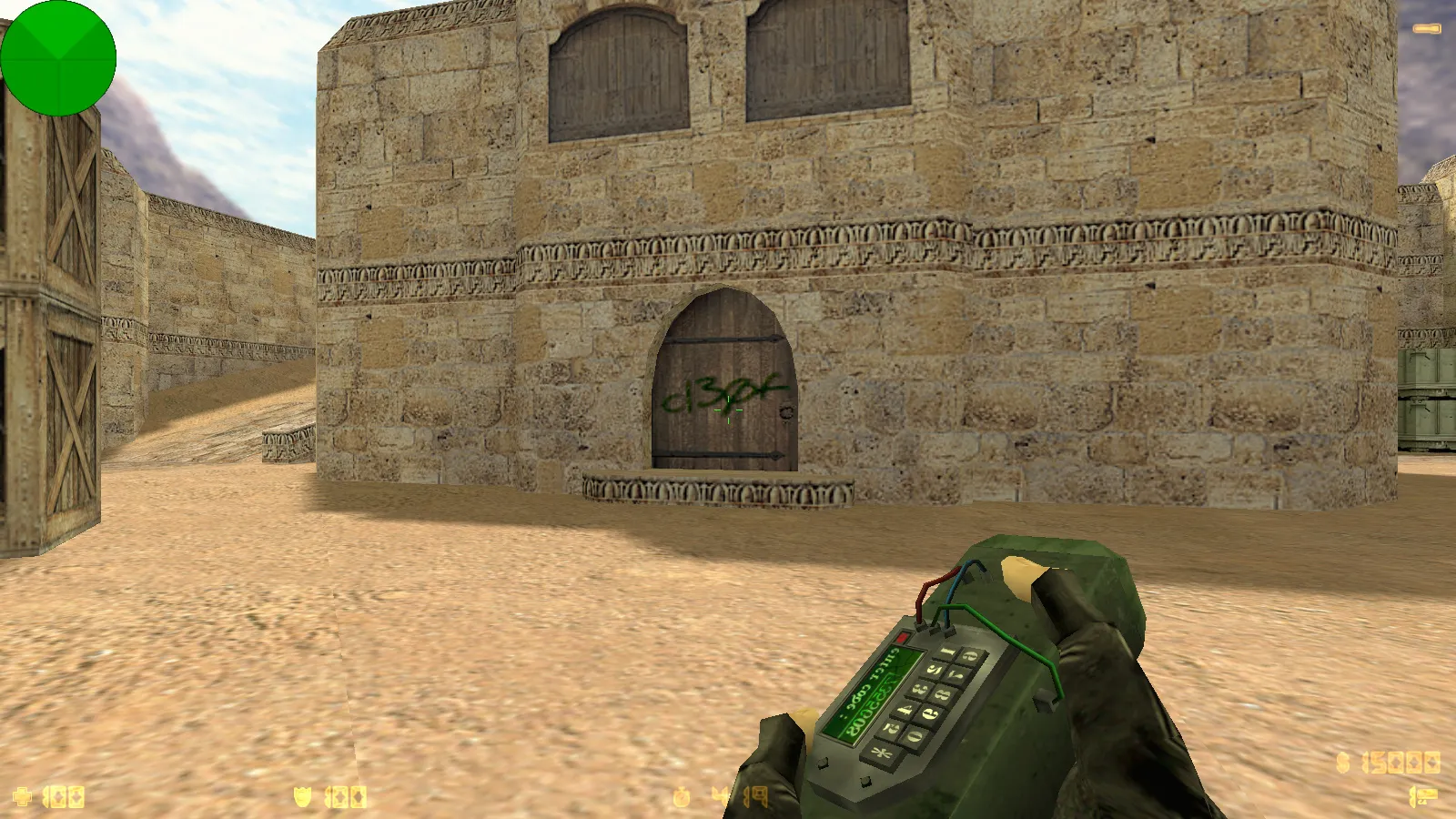
This Counter-Strike 1.6 package from XXXTentacion builds on the vanilla client. It bundles seven updates designed to sharpen visual flair and usability: seven weapon skins sharing a unified theme, custom XXXTentacion player models for each faction, a see-through menu theme accented with red, a main menu backdrop showing artwork, and adjustments to the in-game HUD. Custom menu music and a unique launch icon complete the package. The configuration remains practical, steering clear of arbitrary tweaks that could disrupt gameplay.
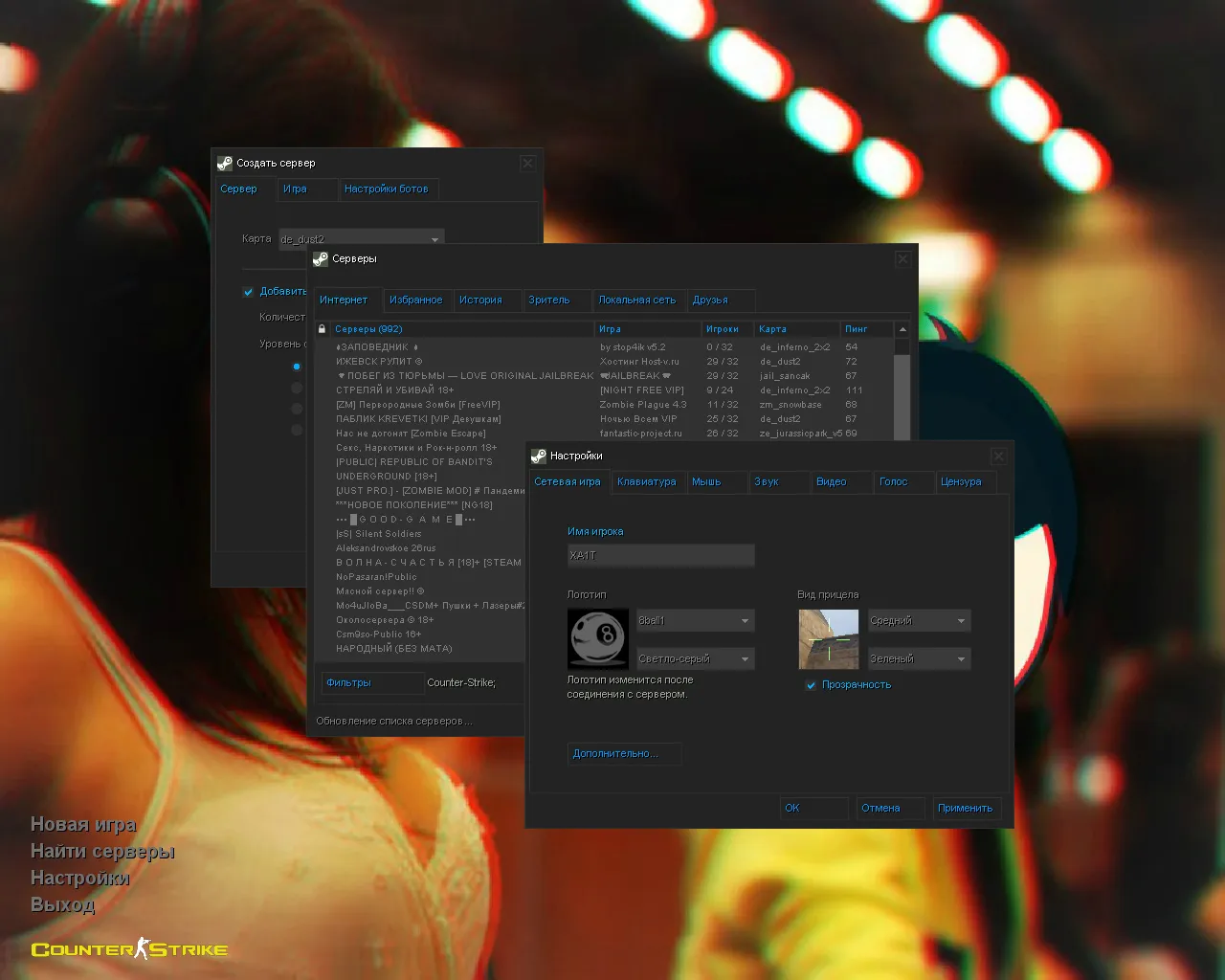
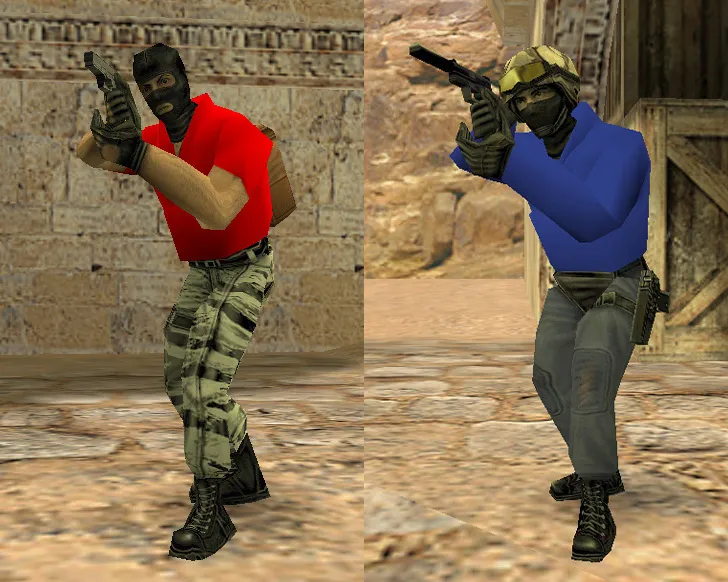
Factions are visually distinct. Terrorists appear as XXXTentacion wearing red joggers, while Counter-Terrorists wear blue joggers. This color coding assists with tracking positions and identifying sides mid-match. The menu adopts a transparent overlay with red highlights, refreshing the launch experience without breaking core interface behavior.
Package Contents
- Seven weapon skins in a cohesive style, ensuring viewmodels and world models align cleanly
- Player models for T and CT: red joggers and blue joggers
- Transparent menu theme with red accents on the primary screen
- Main menu background displaying XXXTentacion artwork
- Menu music and launch icon for instant build identification
- Tuned config for smooth client operation
Compatibility and Game Modes
The release preserves every original CS 1.6 feature. It runs on any Windows edition without special launch tricks. Join online across 250+ servers. Host bot matches on any map. Russian nicknames and chat input are supported. Install mods provided they do not clash with build assets.
Safety and Pre-Launch Setup
Download and install free of viruses or auto-connect routines. After extraction, inspect the configs folder and start via the standard executable. Back up your existing config.cfg if you have one. Configure basic parameters for your hardware: monitor FPS stability and network performance. For online play, test ex_interp 0.01 and rates near 100k if your connection allows.
If you maintain multiple configs for different setups, create launch aliases and avoid blending settings. This simplifies rollback. For FPS gains, limit extra modifications and tune graphics independently from network values. One tip: when installing over an older build, do not manually overwrite files unless you know exactly what is being replaced.
Stability and Gameplay Quality
Beyond aesthetics, weapon models include v_, p_, and w_ variants to preserve original animations and inspection sequences. Sounds and inspect animations remain untouched, with textures tailored to the theme. Weapons do not jitter during movement or introduce visual artifacts in combat. Player models stay visible in low-light areas, keeping silhouettes readable during round flow.
Map and bot logic are unchanged. Side balance remains stock, tactical positions function as normal. In single-player, bots navigate maps correctly using .nav files. Map optimization follows wpoly/epoly standards to prevent FPS dips in complex scenes.
Build Details and Technical Specifications
This blogger release targets Build 4554 compatibility, with MasterServer protection intact. It functions on both Steam and Non-Steam clients. The optimized config.cfg ships with clean settings for high-FPS performance, optional no-recoil adjustments, and hitbox alignment for precise shots. Weapon skins prioritize v_ models for visibility, using HD textures at 512x512 resolution to match ESL-style contrast in dark areas. No slow-hack components or embedded ads.
Player models employ low polygon counts for fluid rendering, ensuring no lag in multiplayer. The menu theme applies sprite-based transparency without modifying wad files. Background artwork loads as a custom sprite, keeping load times short.
Install in three steps
-
1
Download the archive. Use the button on the right, or the Yandex.Disk mirror if the main server is slow.
-
2
Extract it into the game folder. Use 7-Zip or WinRAR. A path without non-Latin characters works best.
-
3
Launch the game. If something doesn't work, mark it below - that is how we know the file needs an update.
Did it work for you?
No sign-up needed. You can pick more than one.