CS 1.6 Veselogo Romki Blogger Build: Jew Show Assembly with 4 Addons, Blue Gloves, Black Menu, Optimized Config.cfg
Description
CS 1.6 Veselogo Romki Build Overview
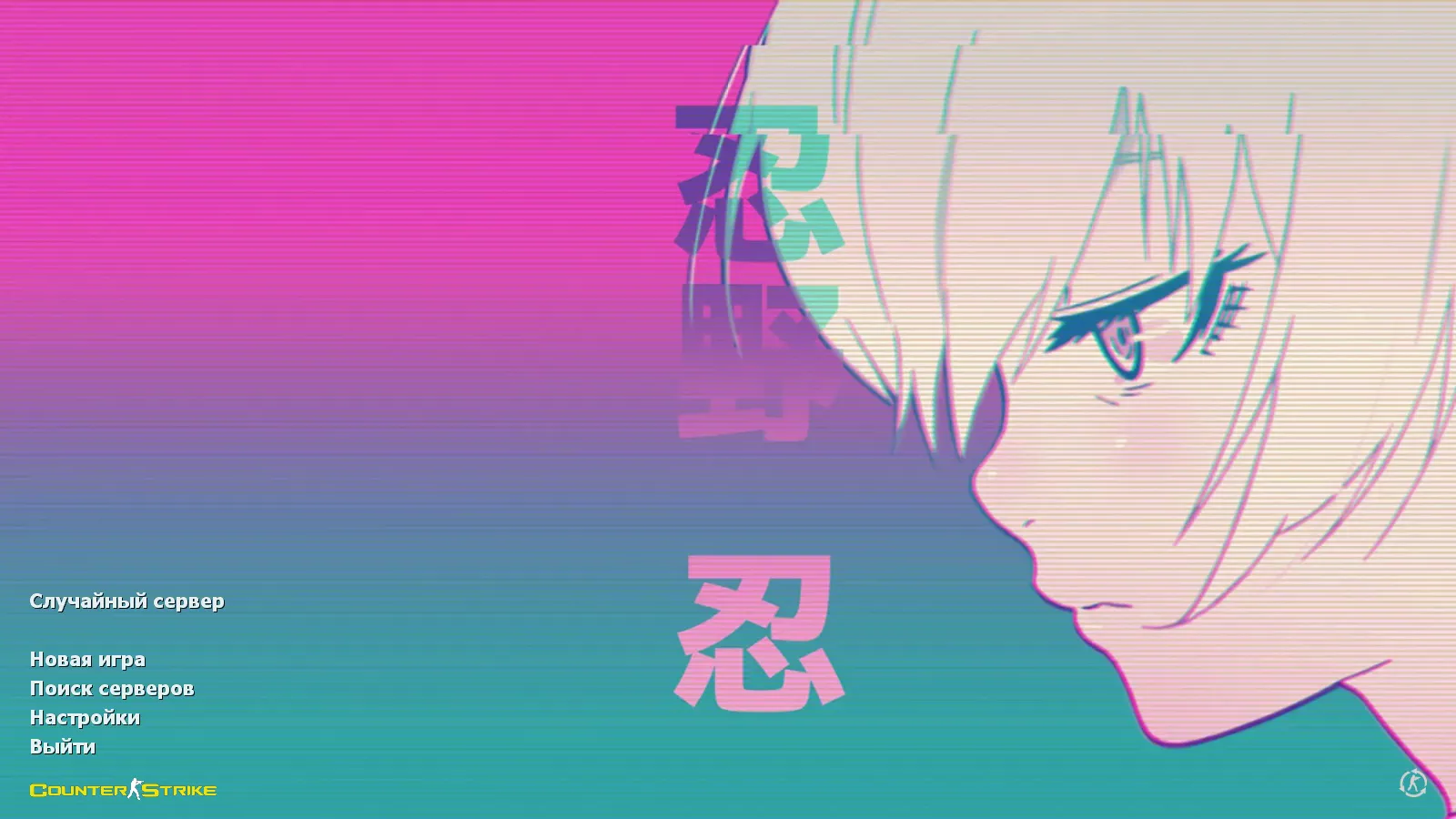
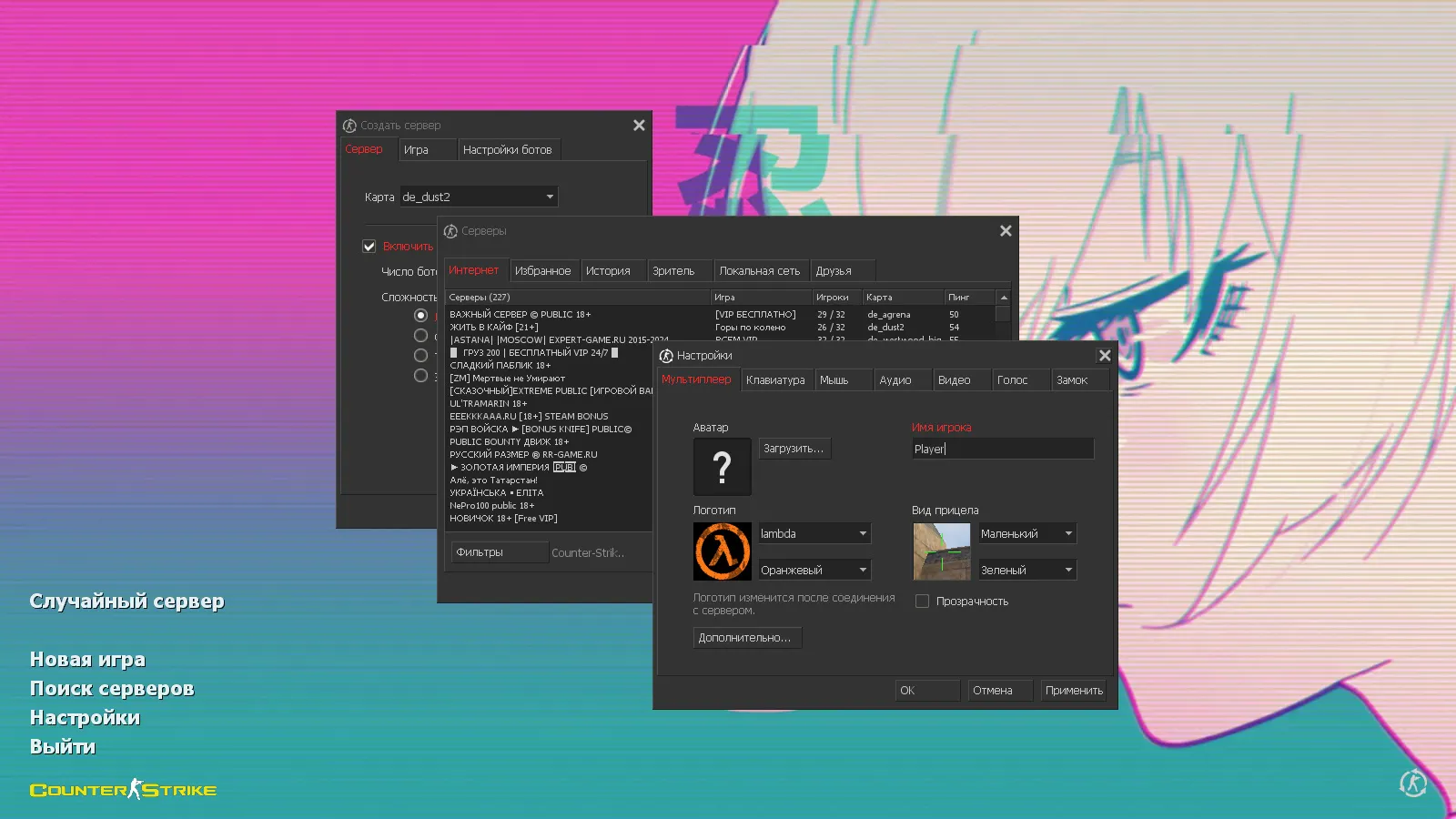
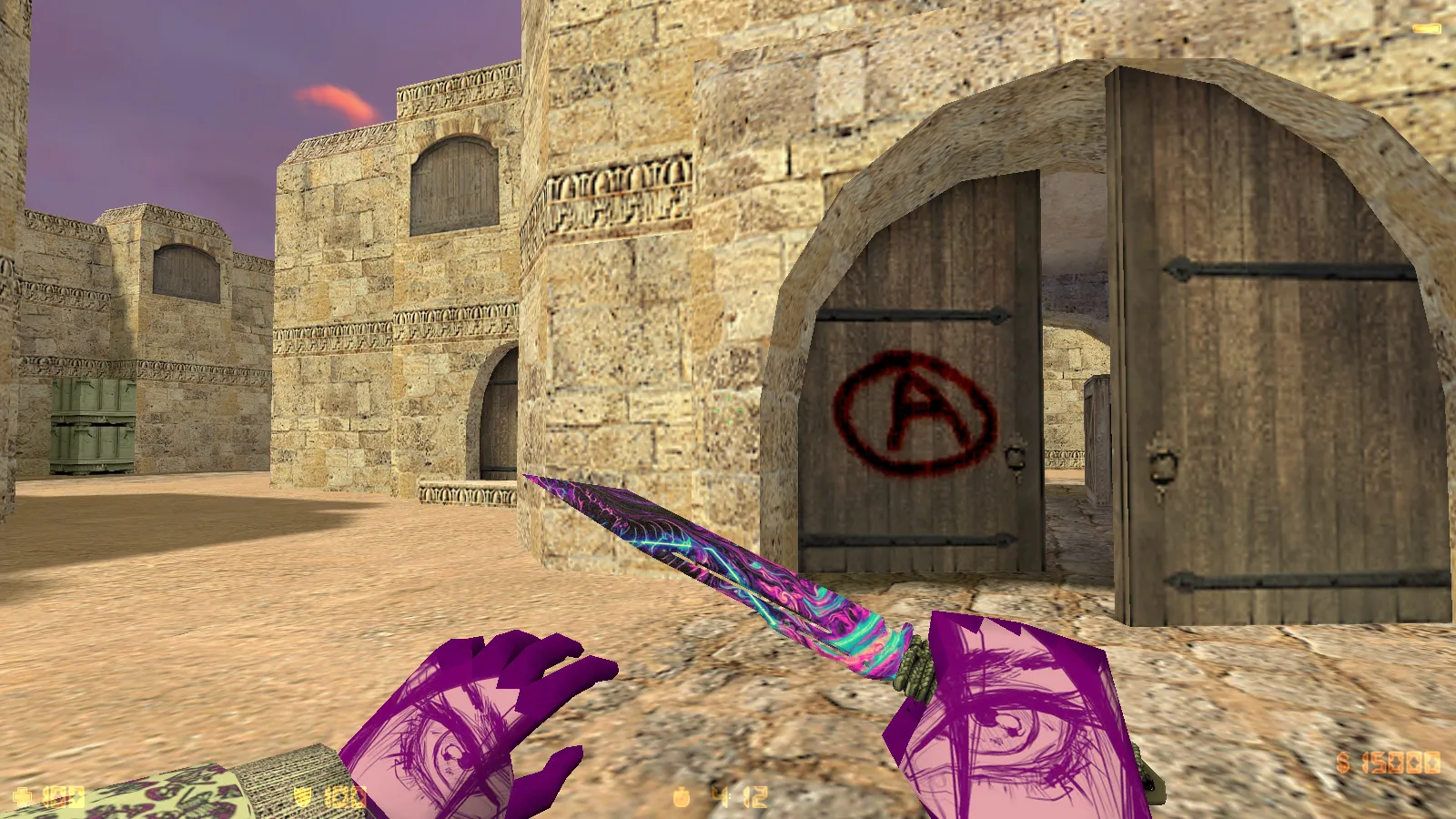
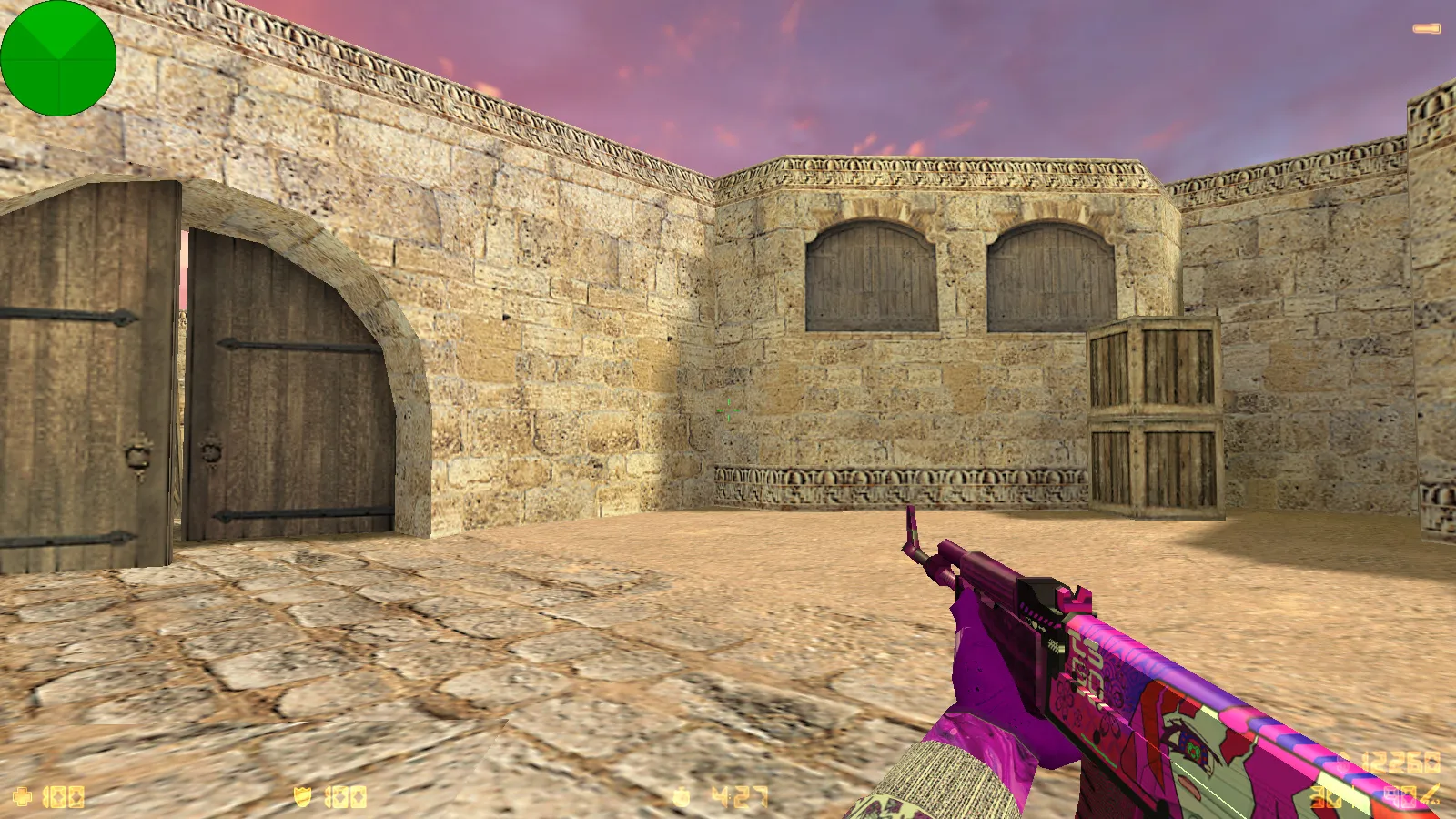
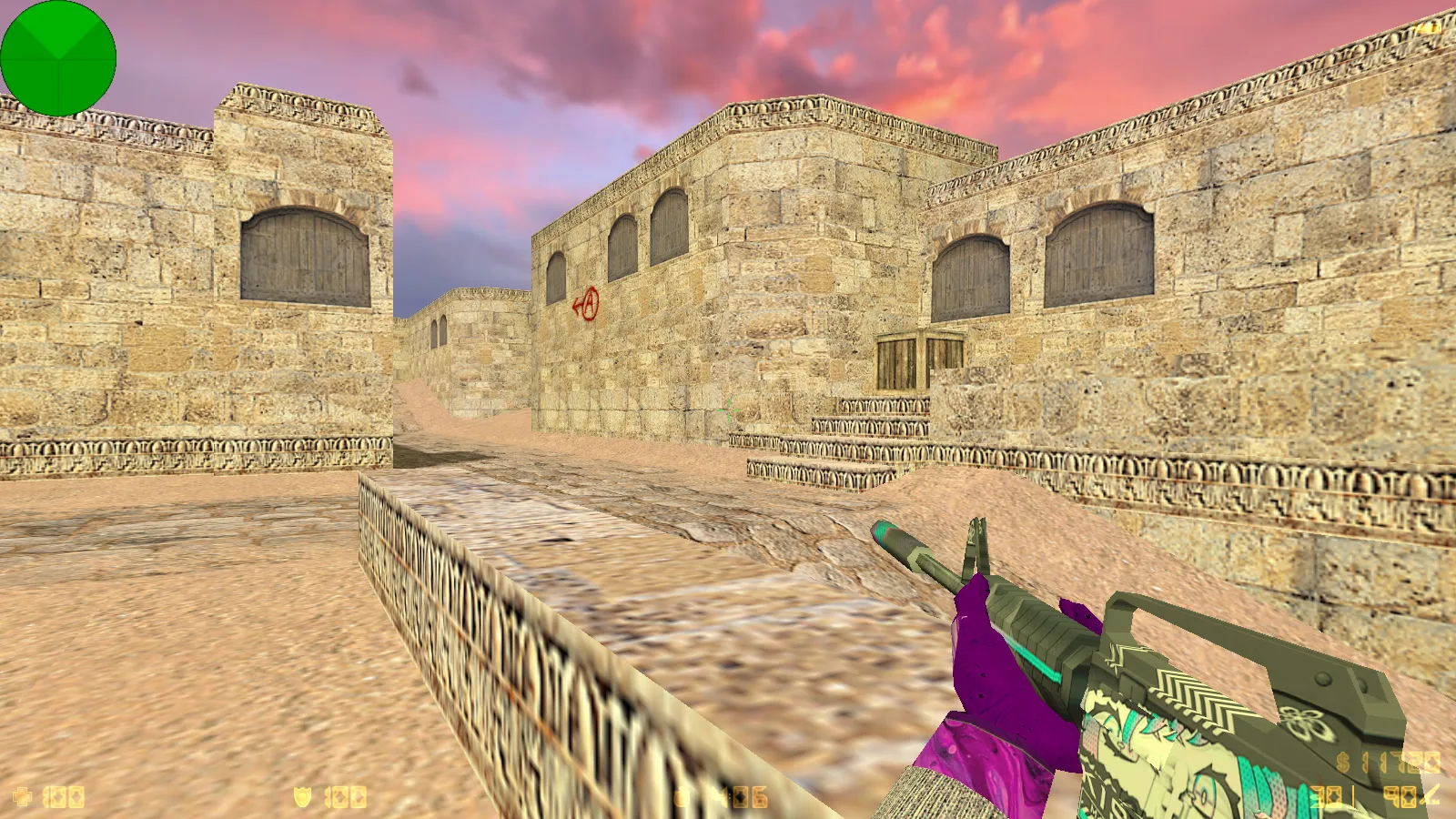
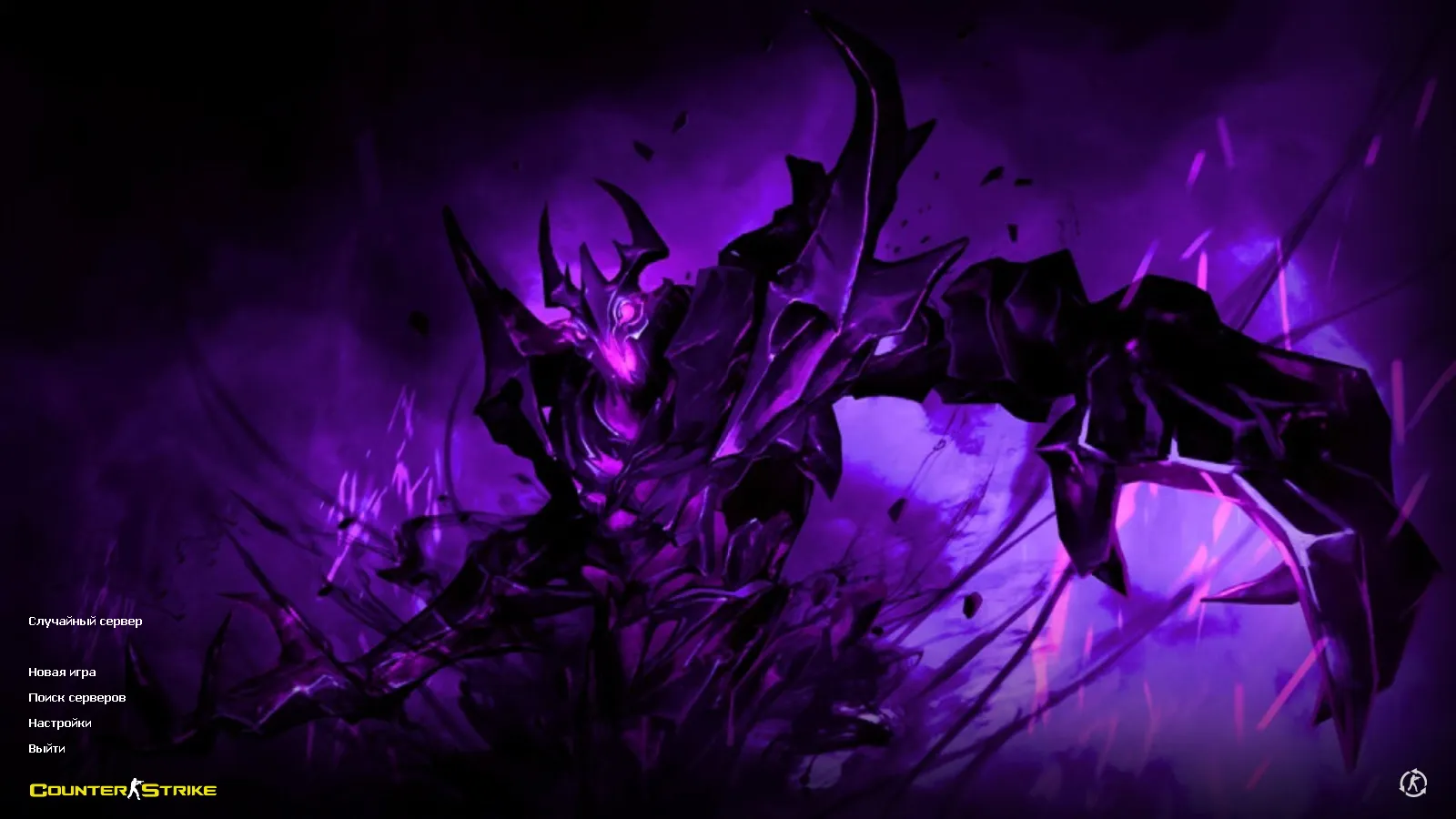
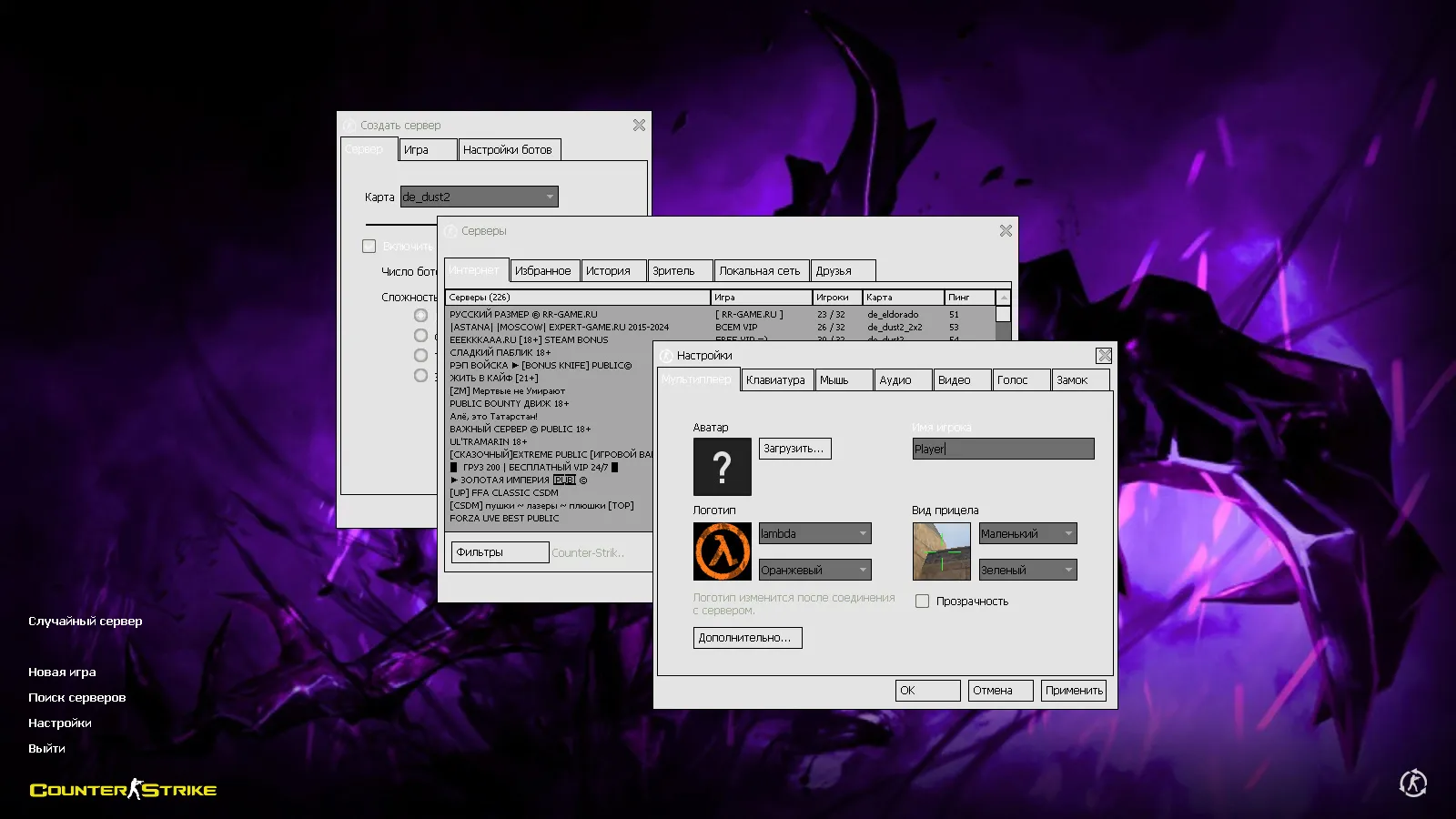
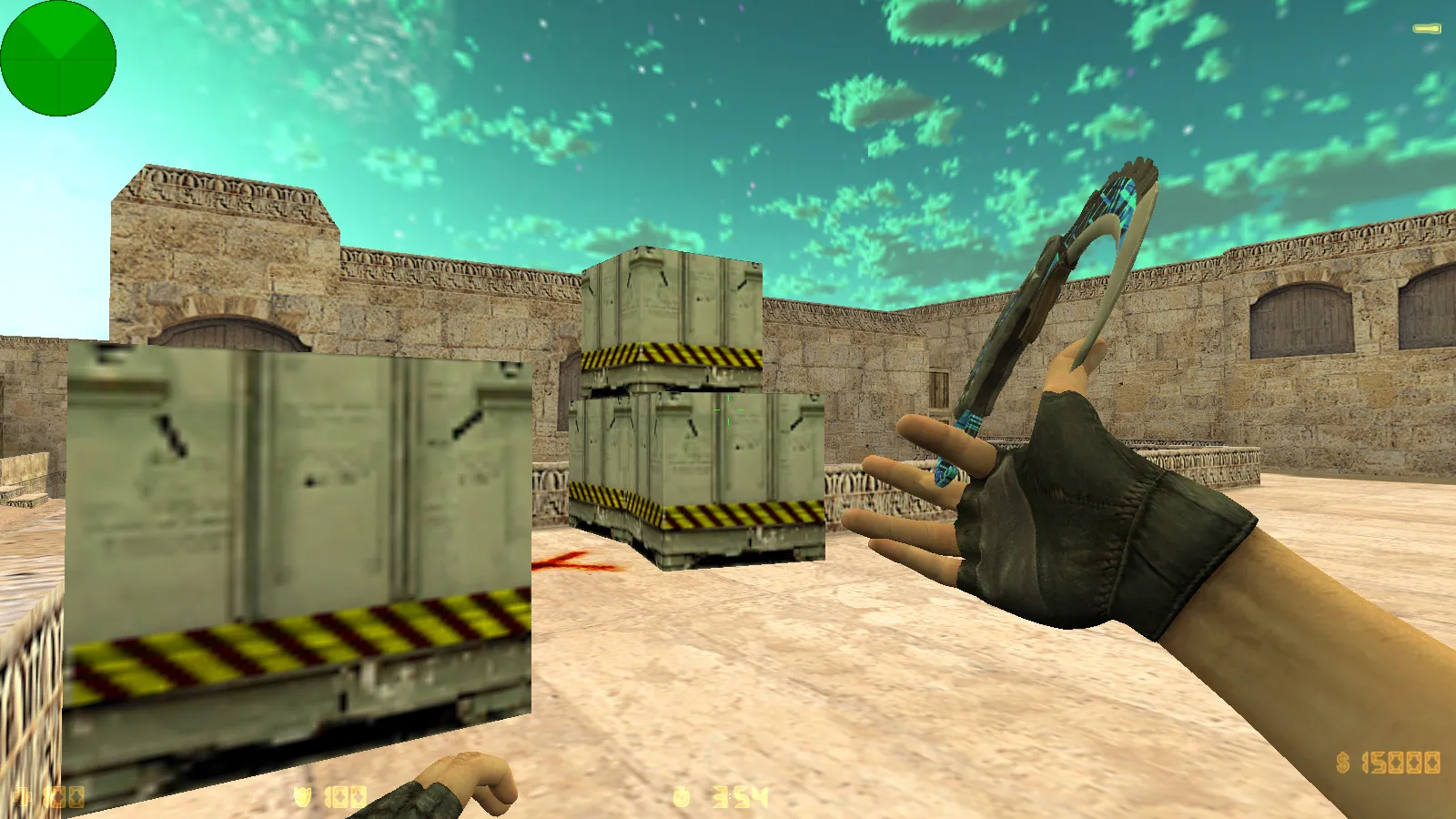
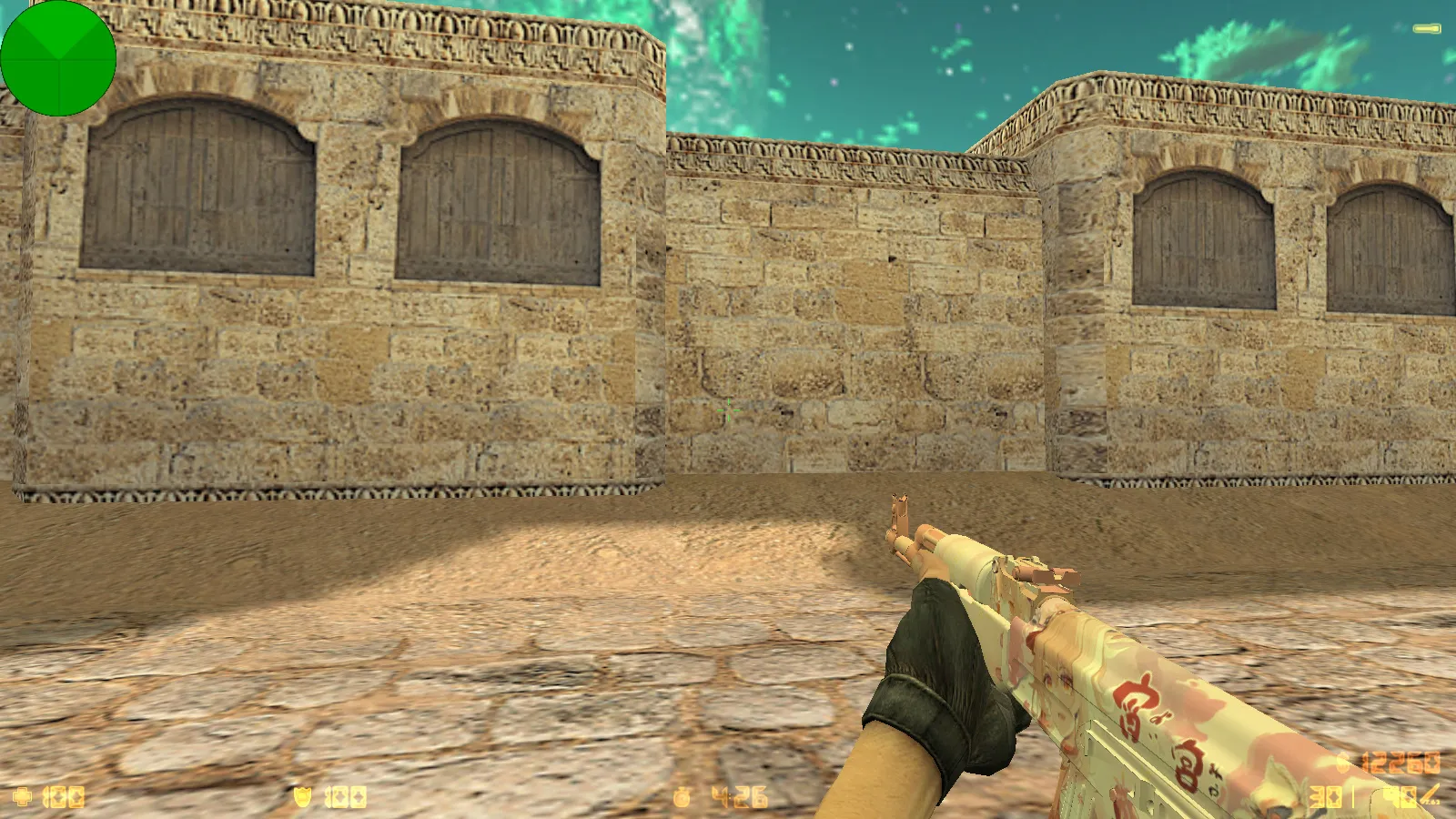
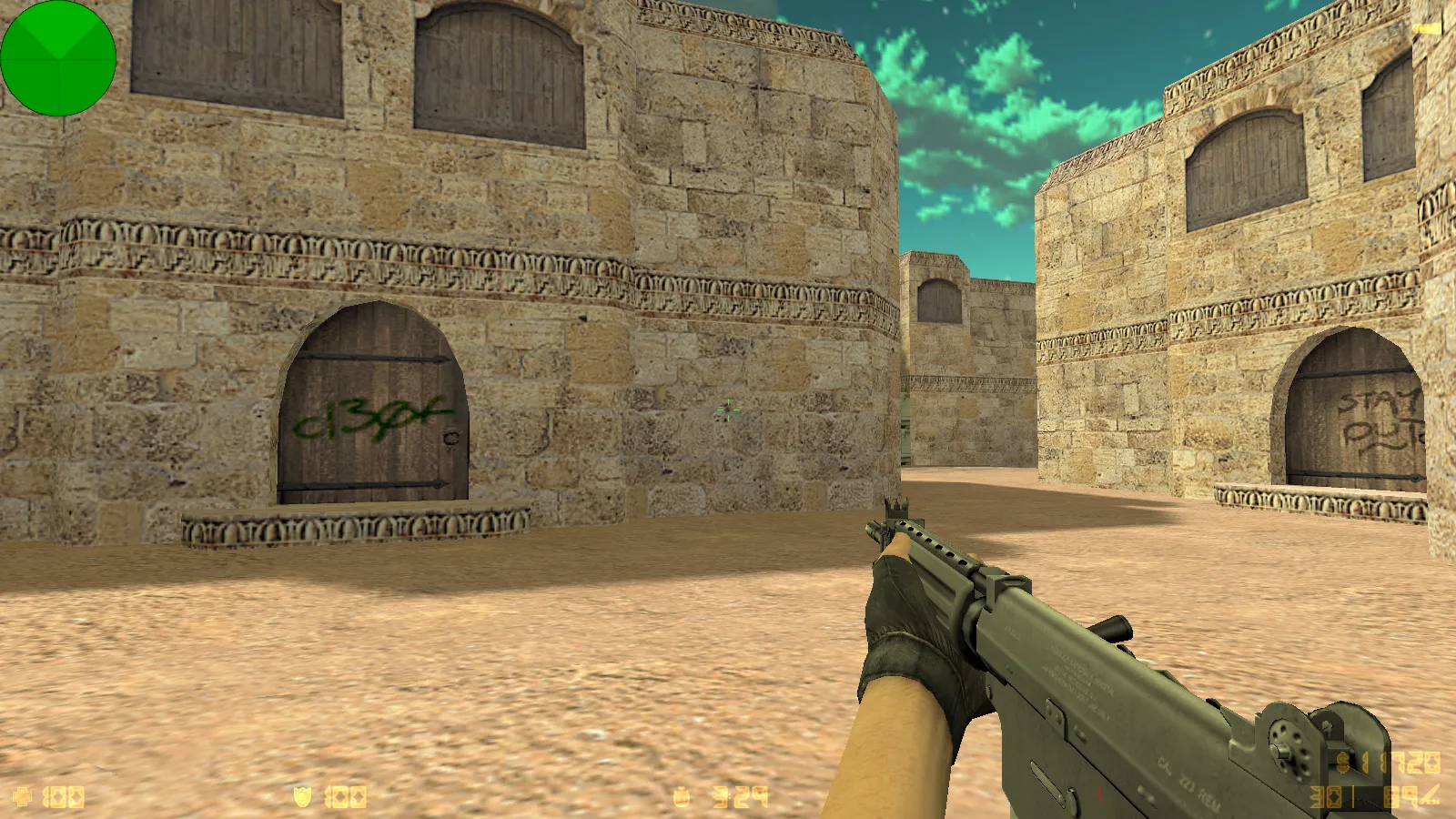
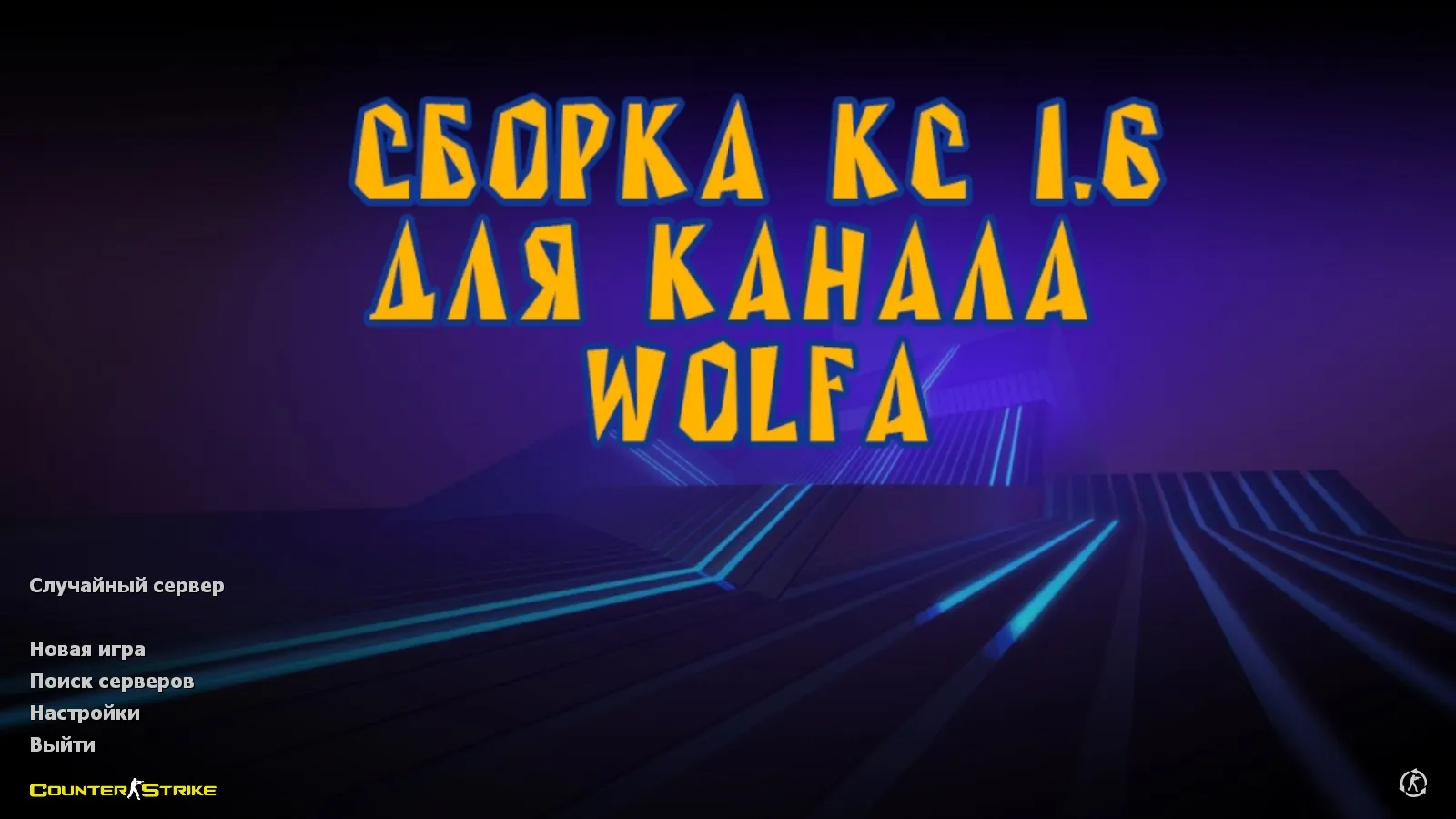
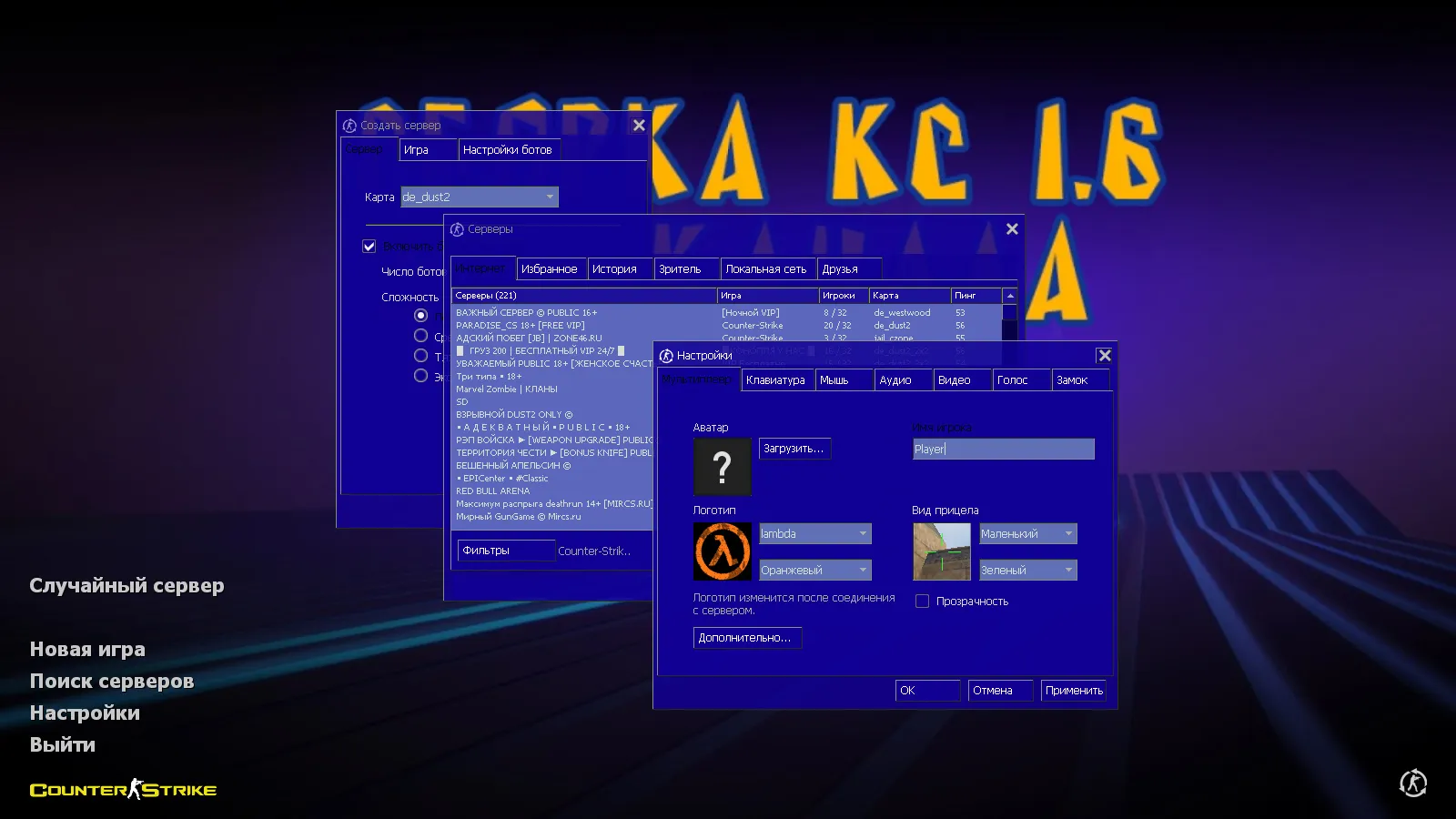
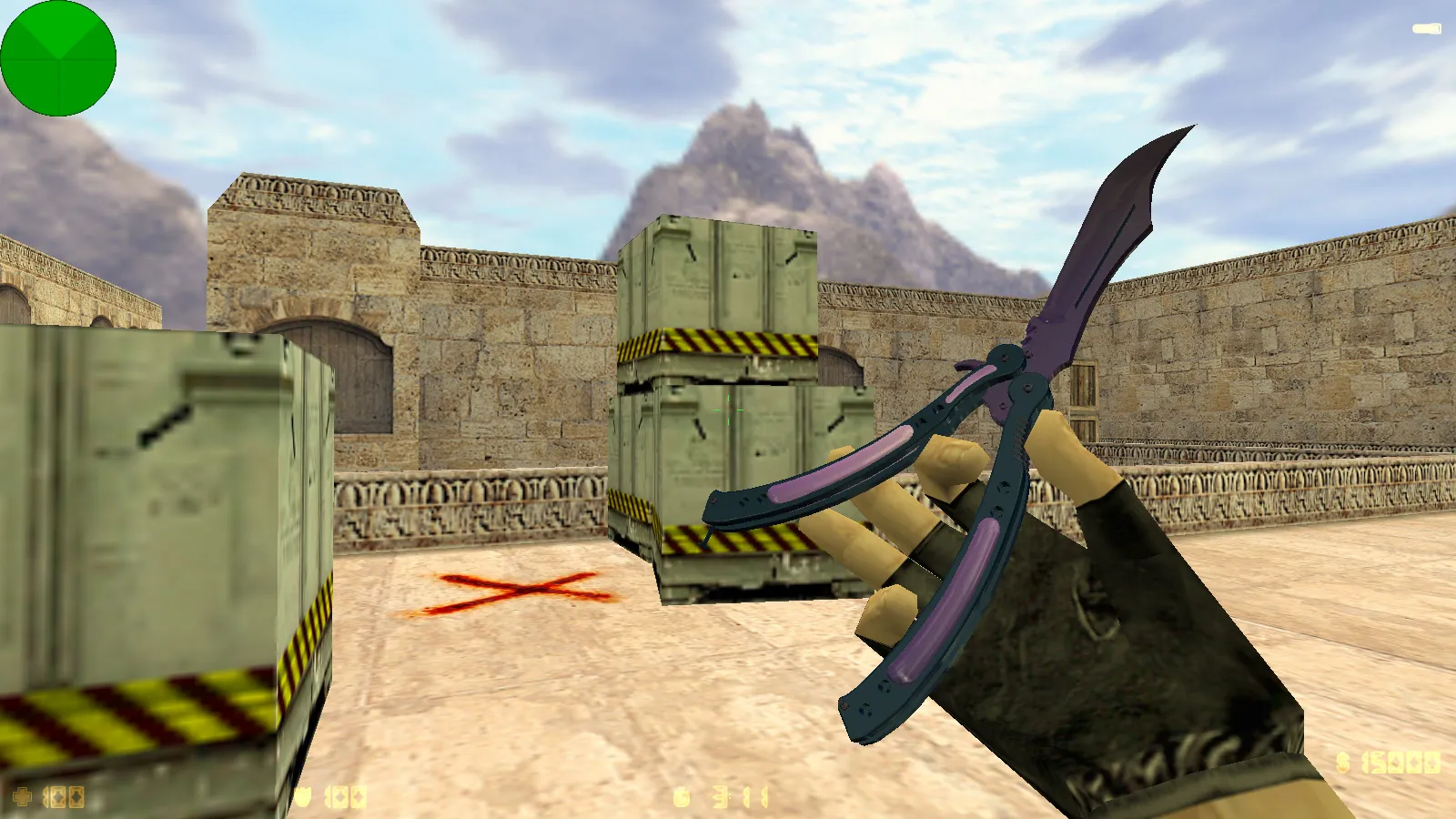
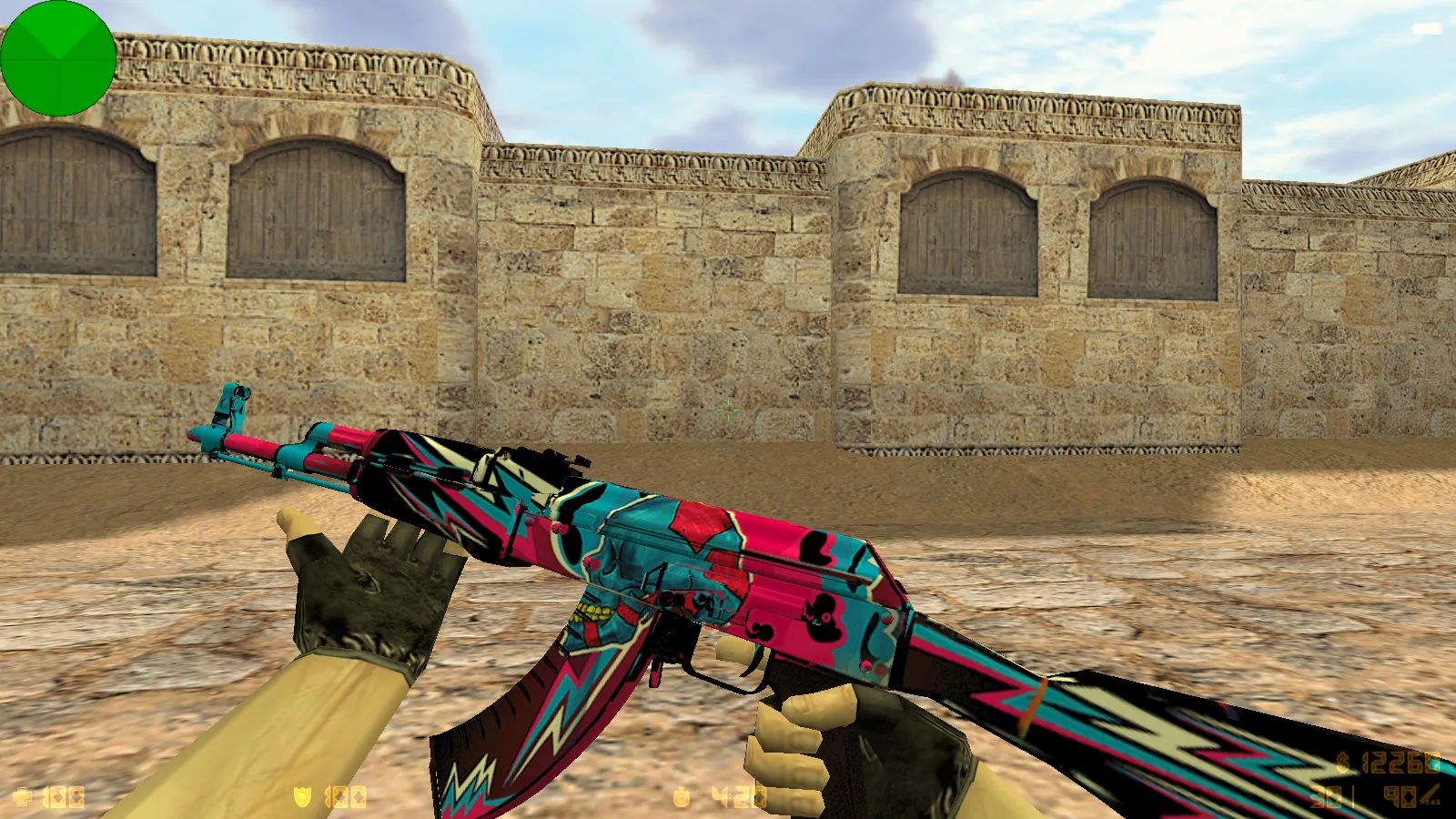
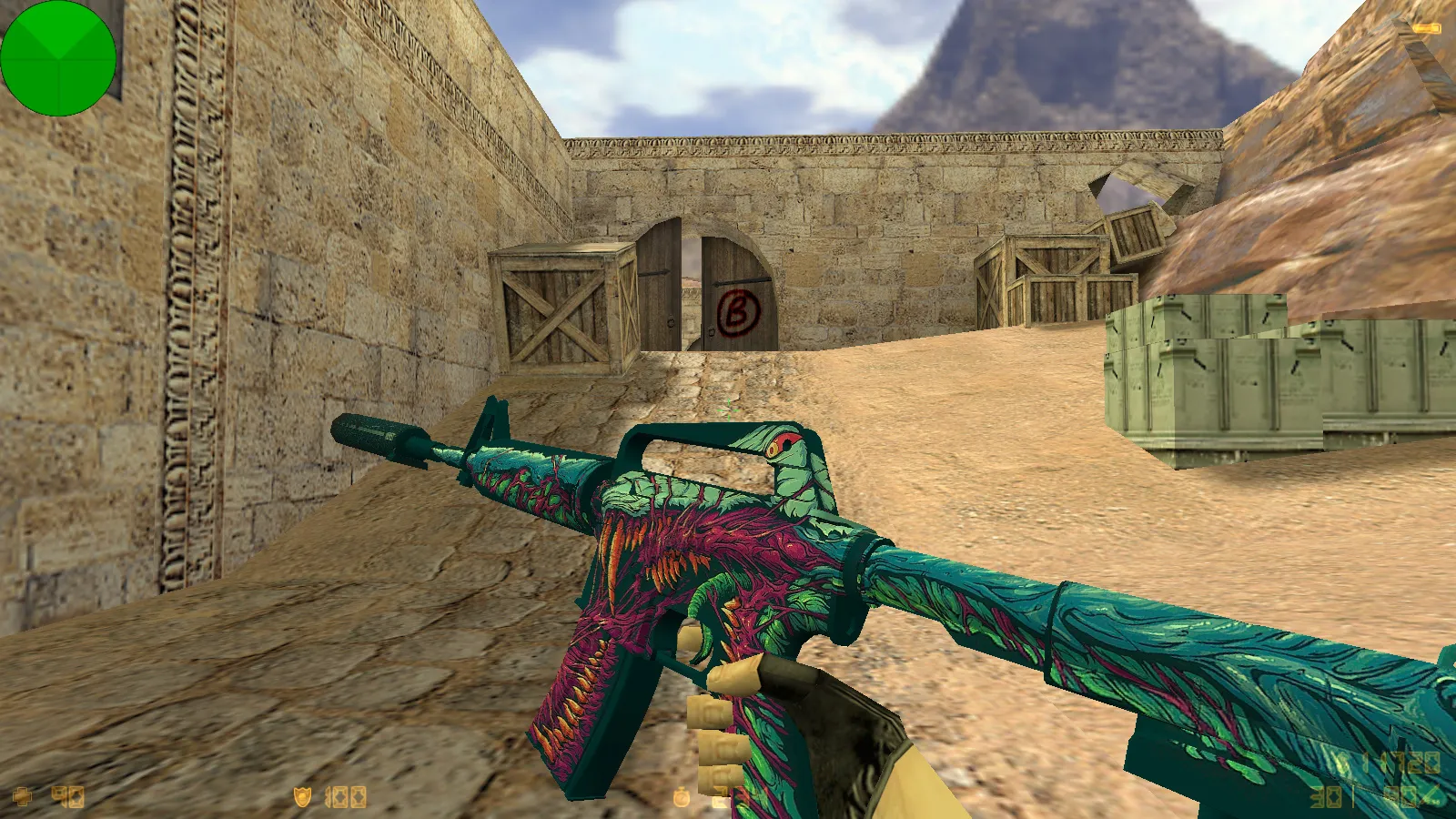
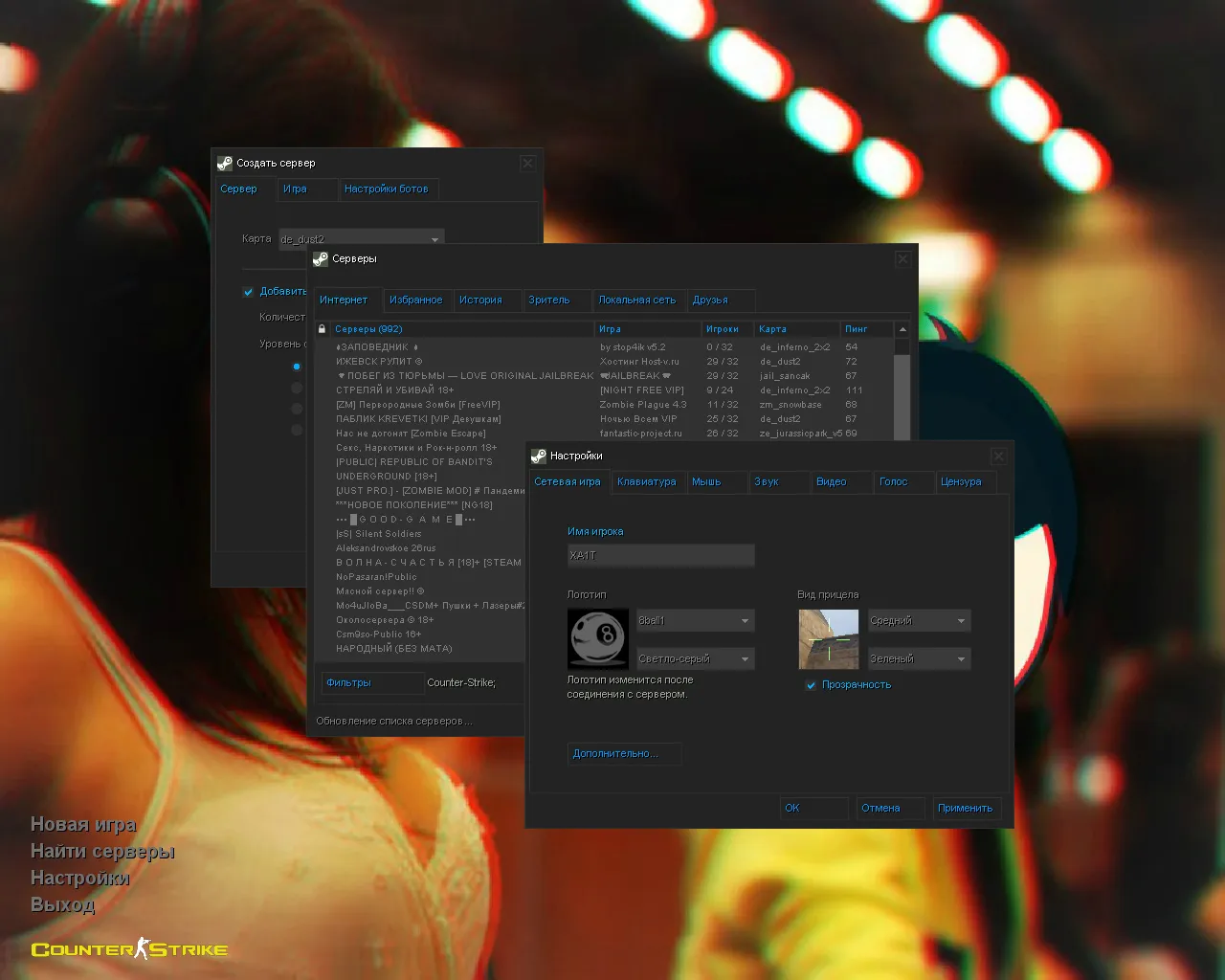
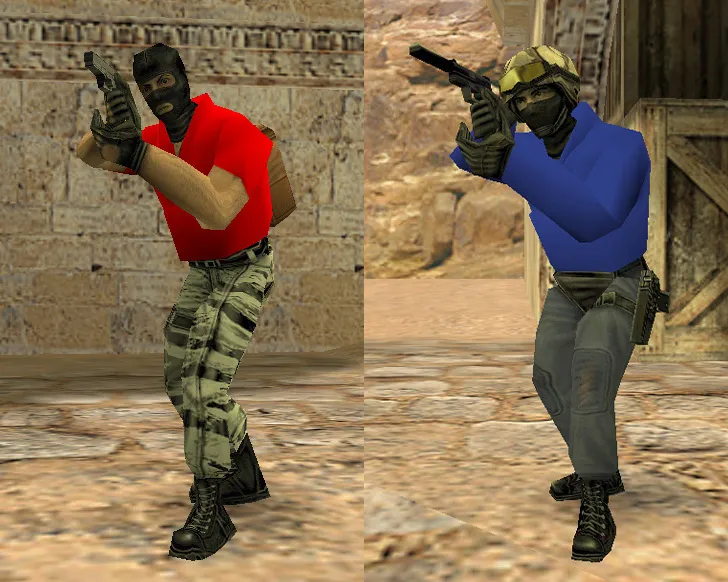
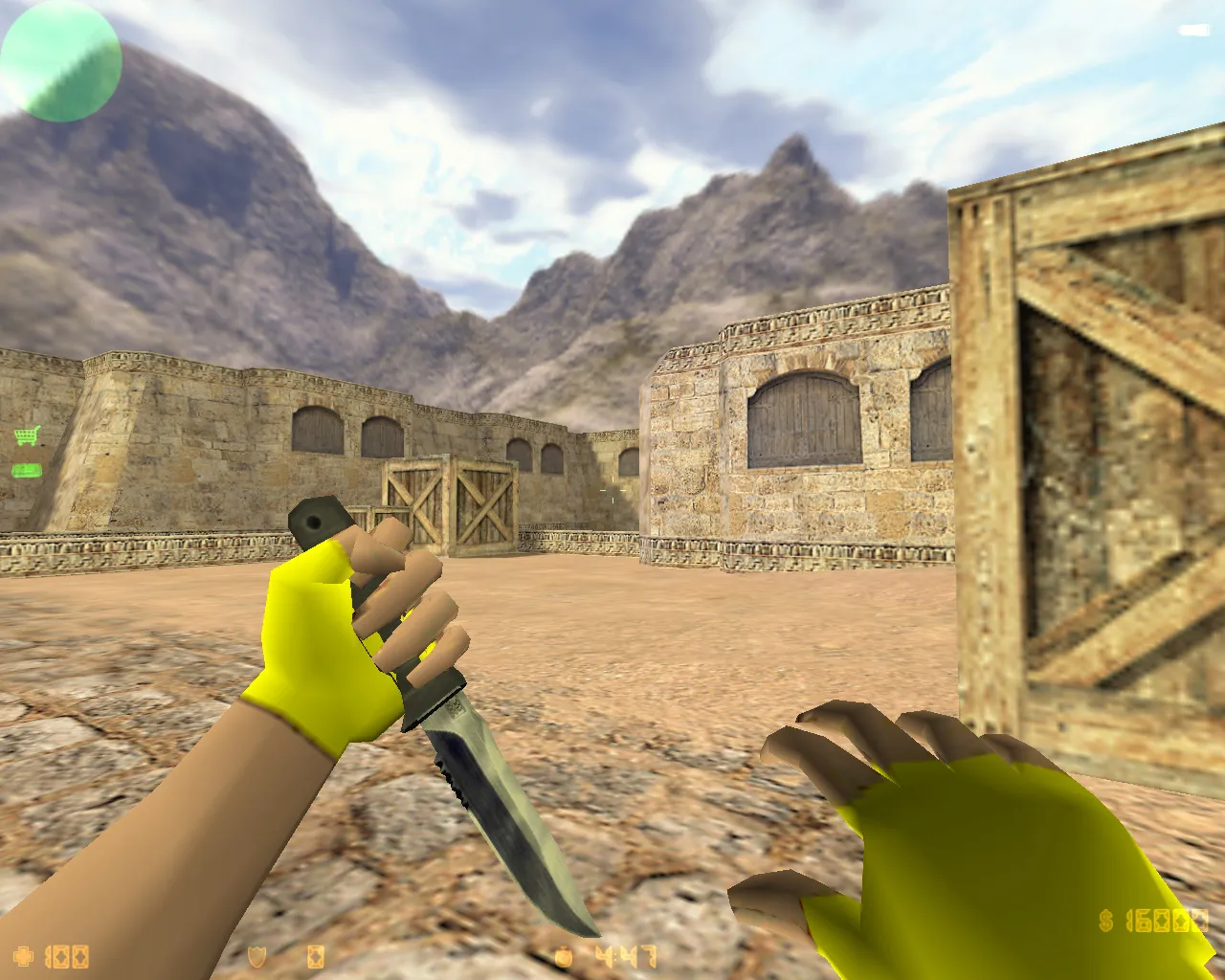
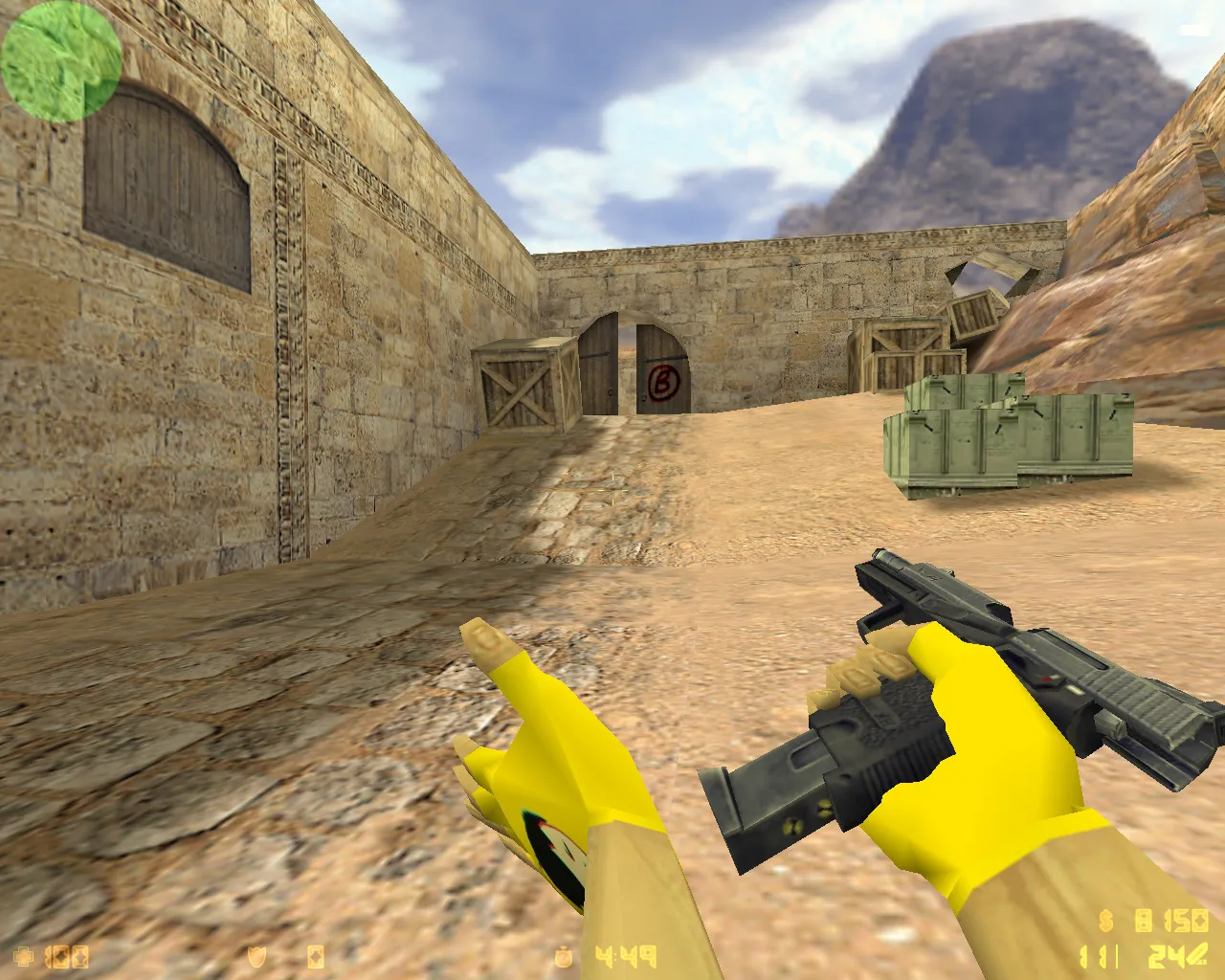
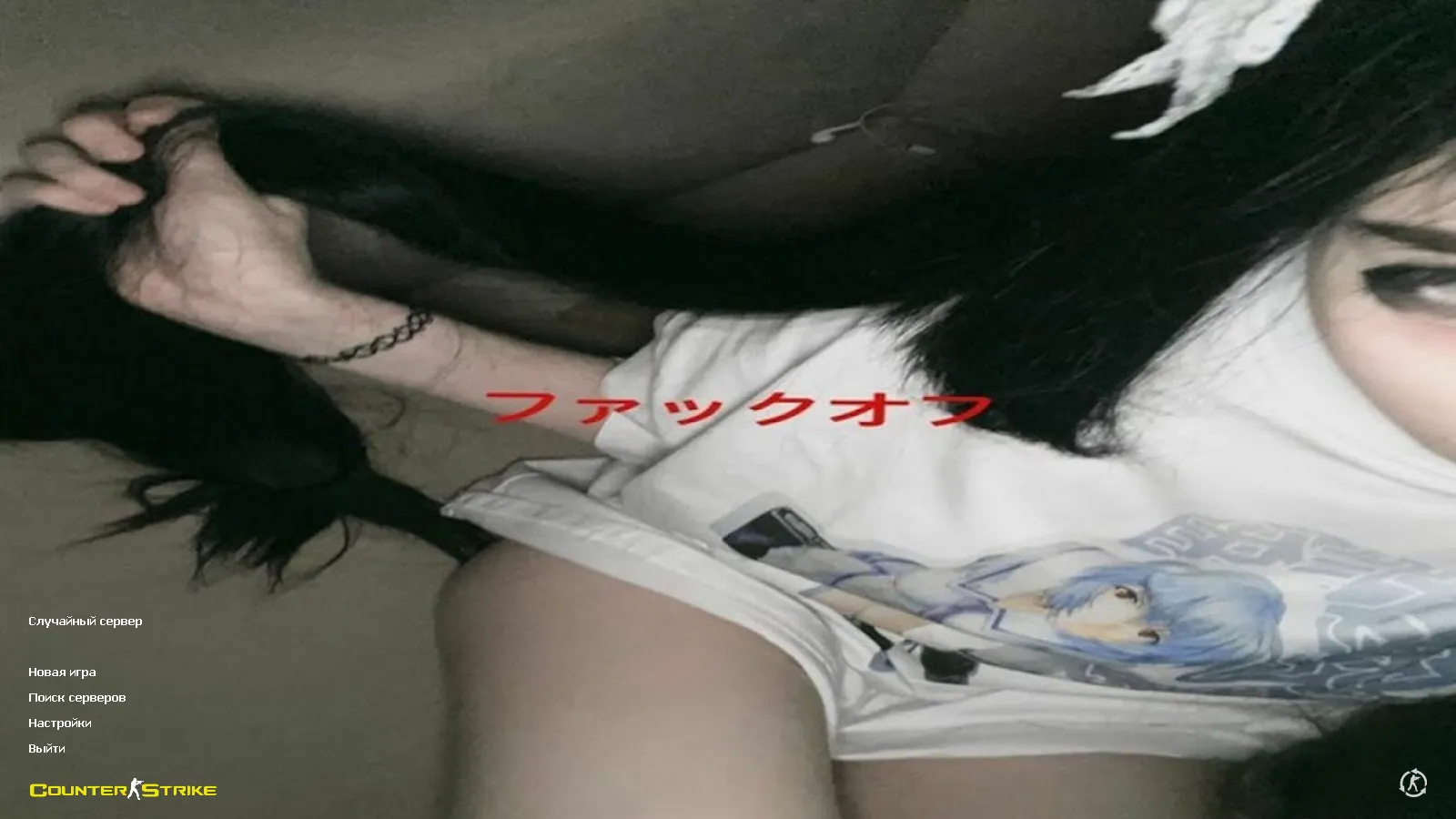
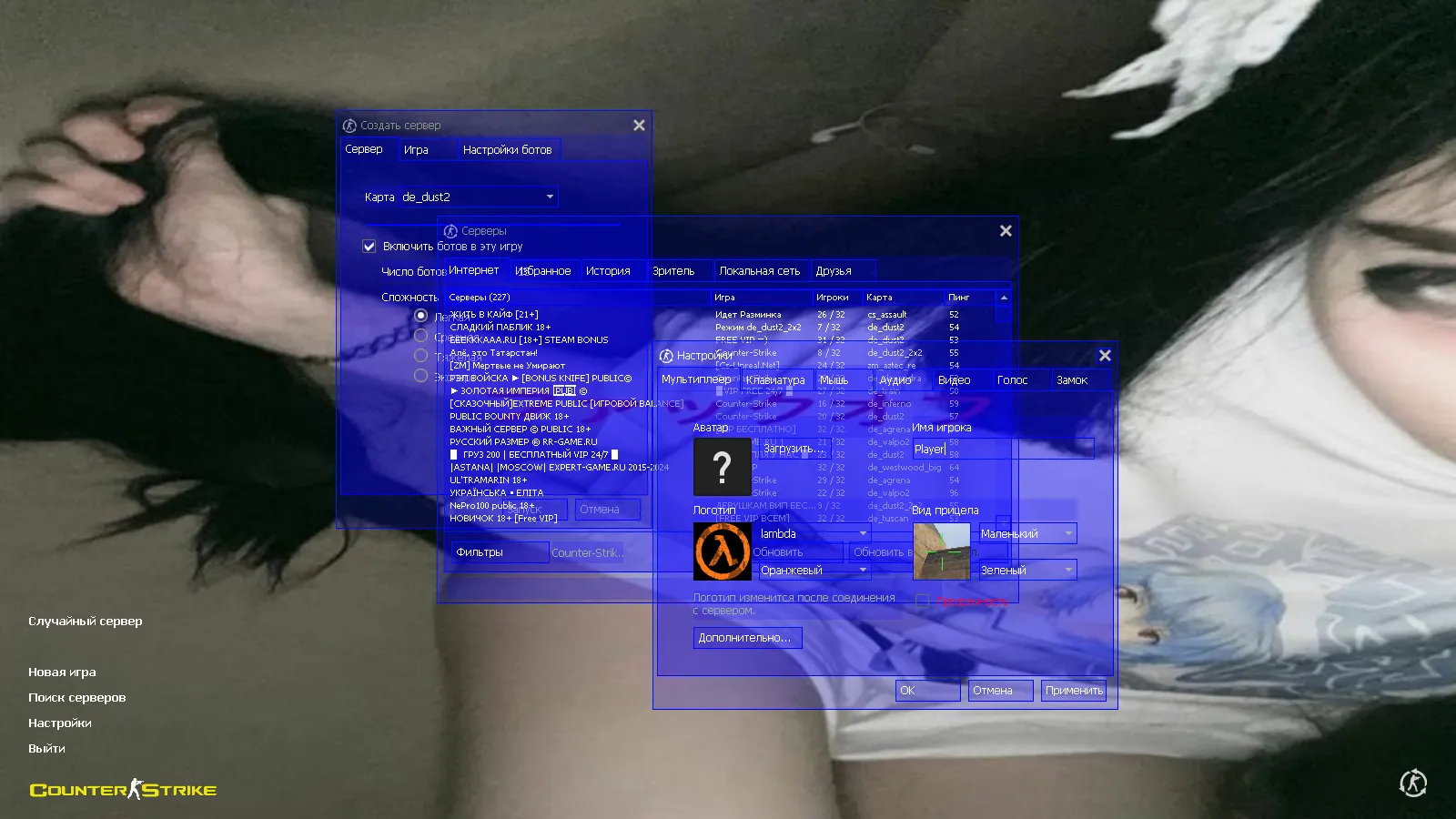
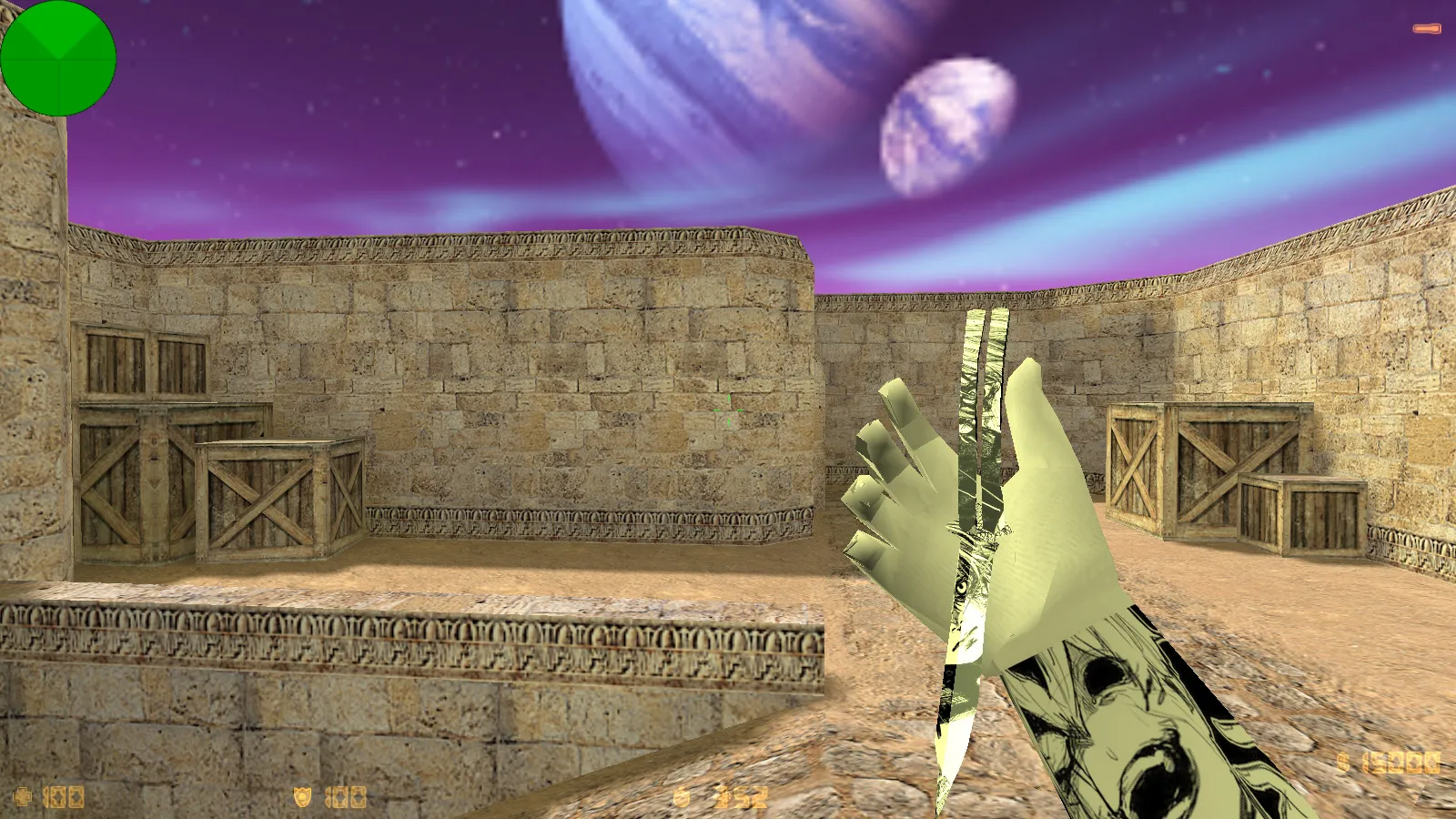
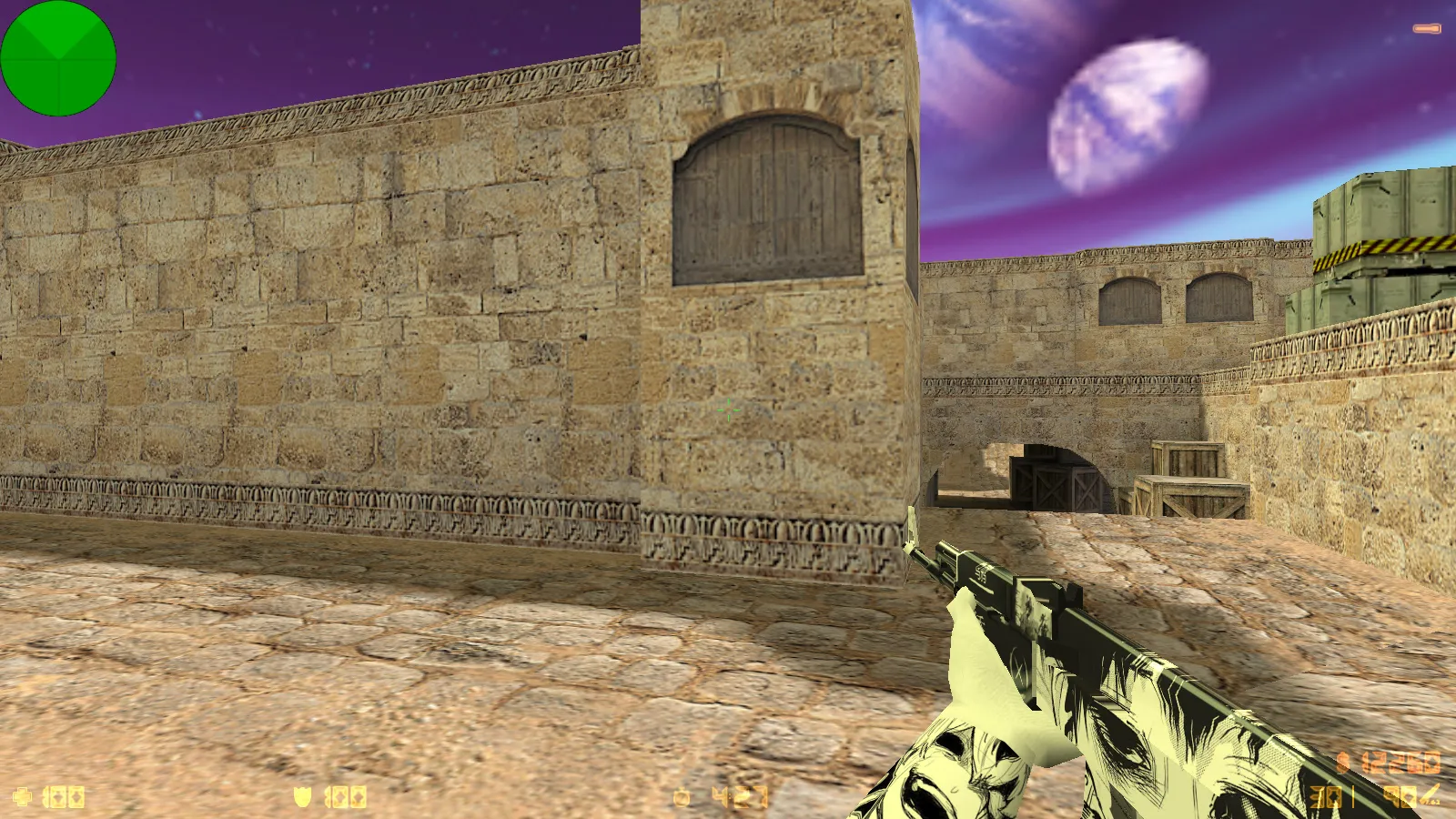
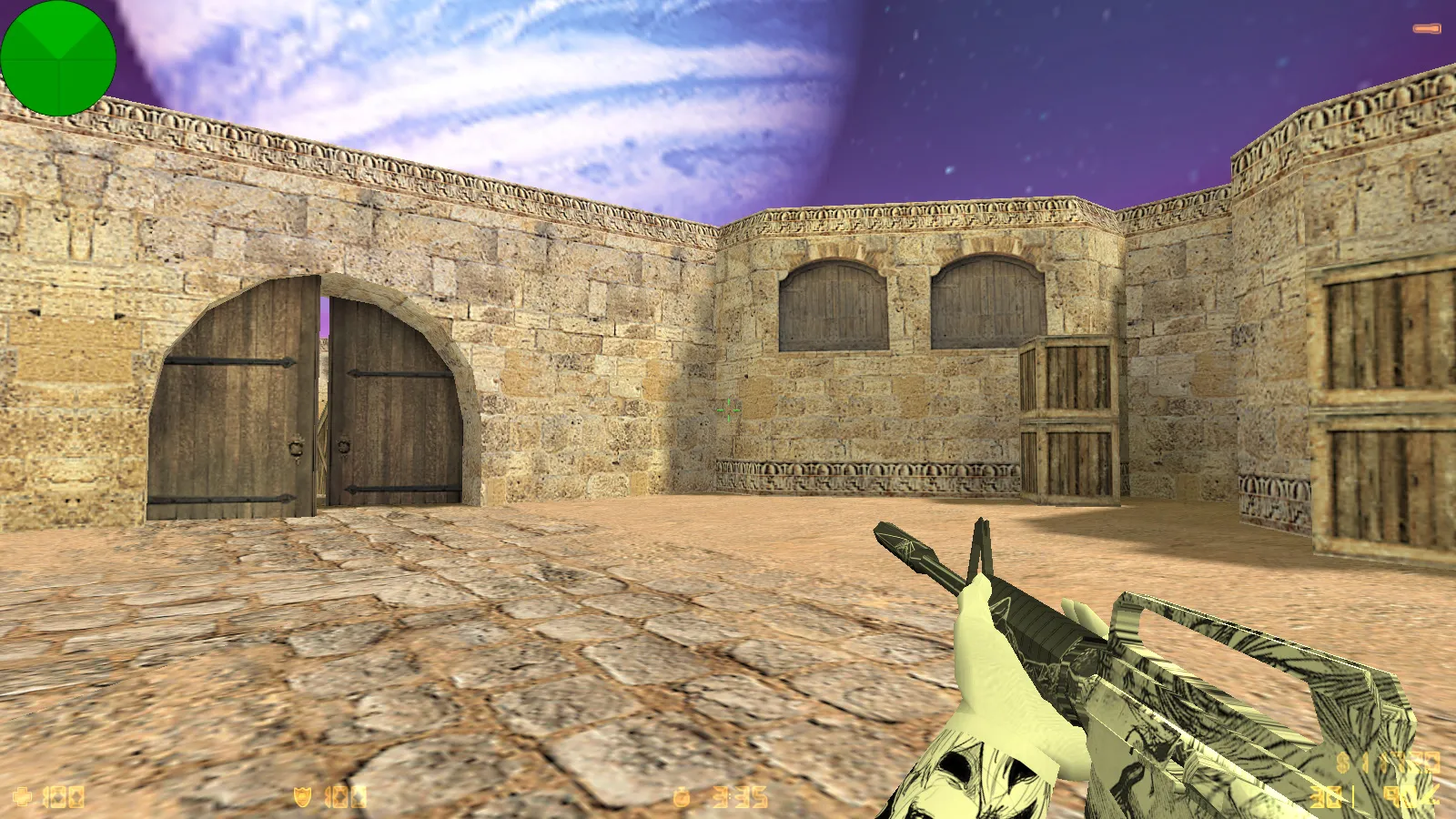
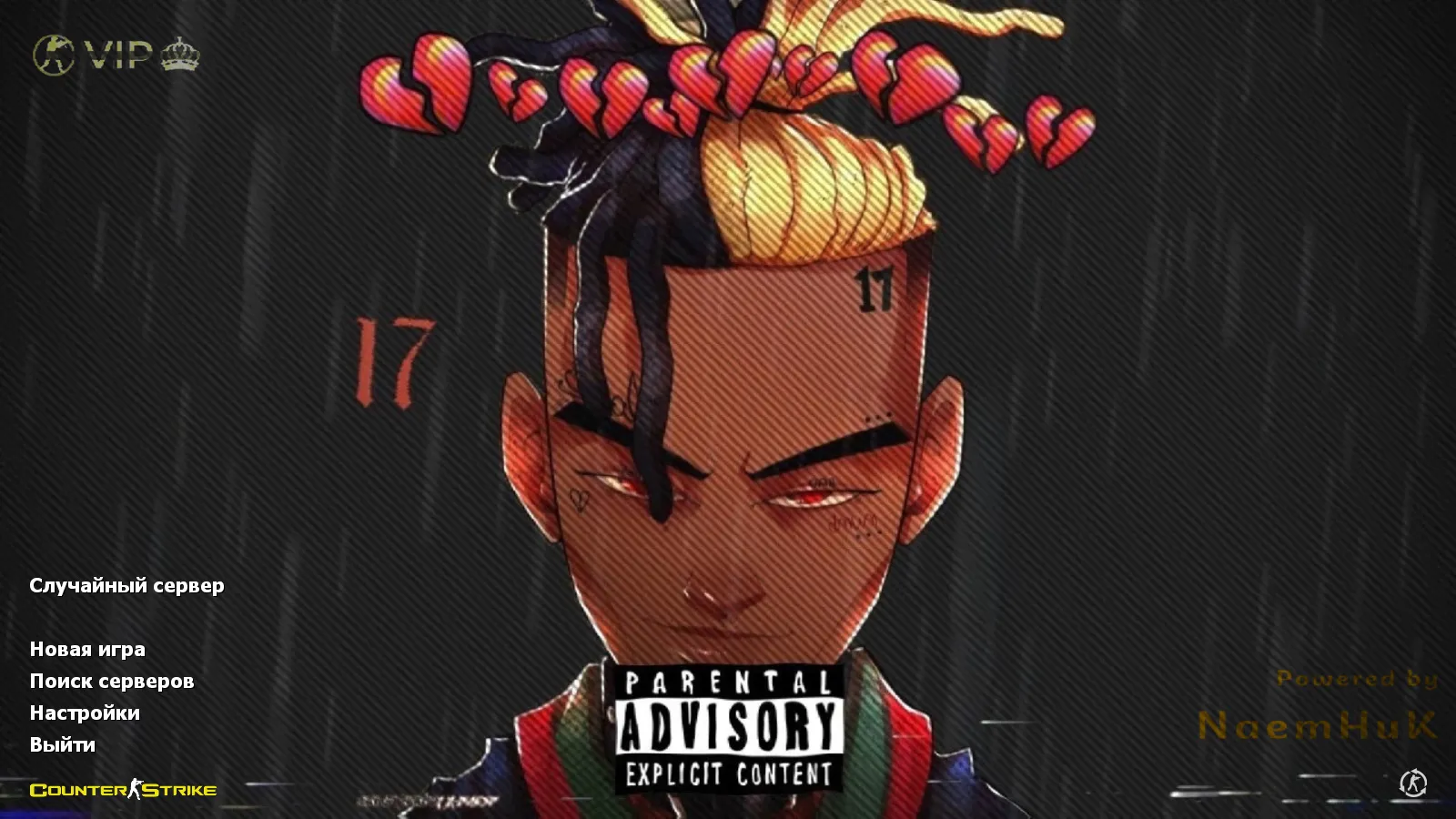
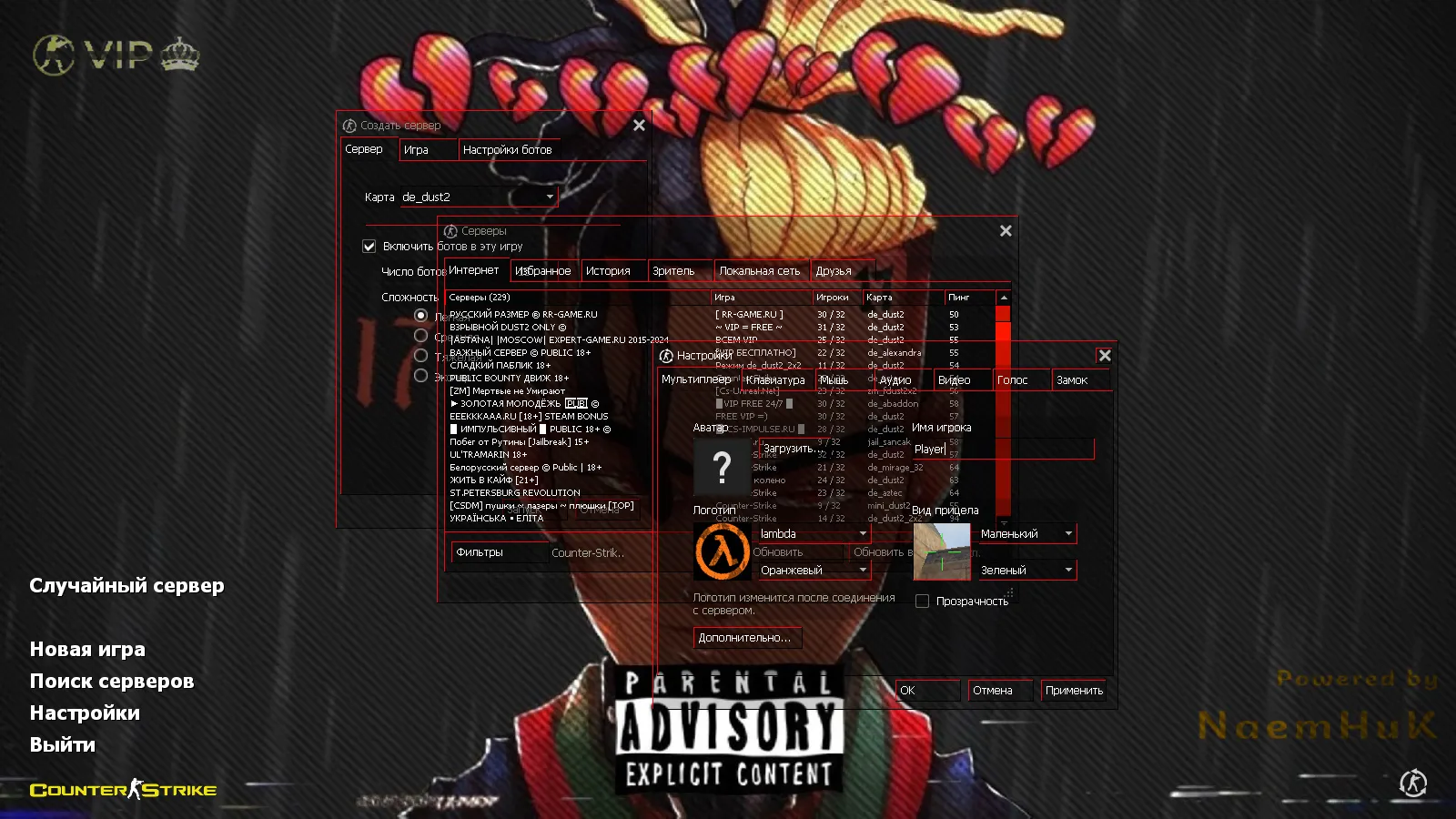
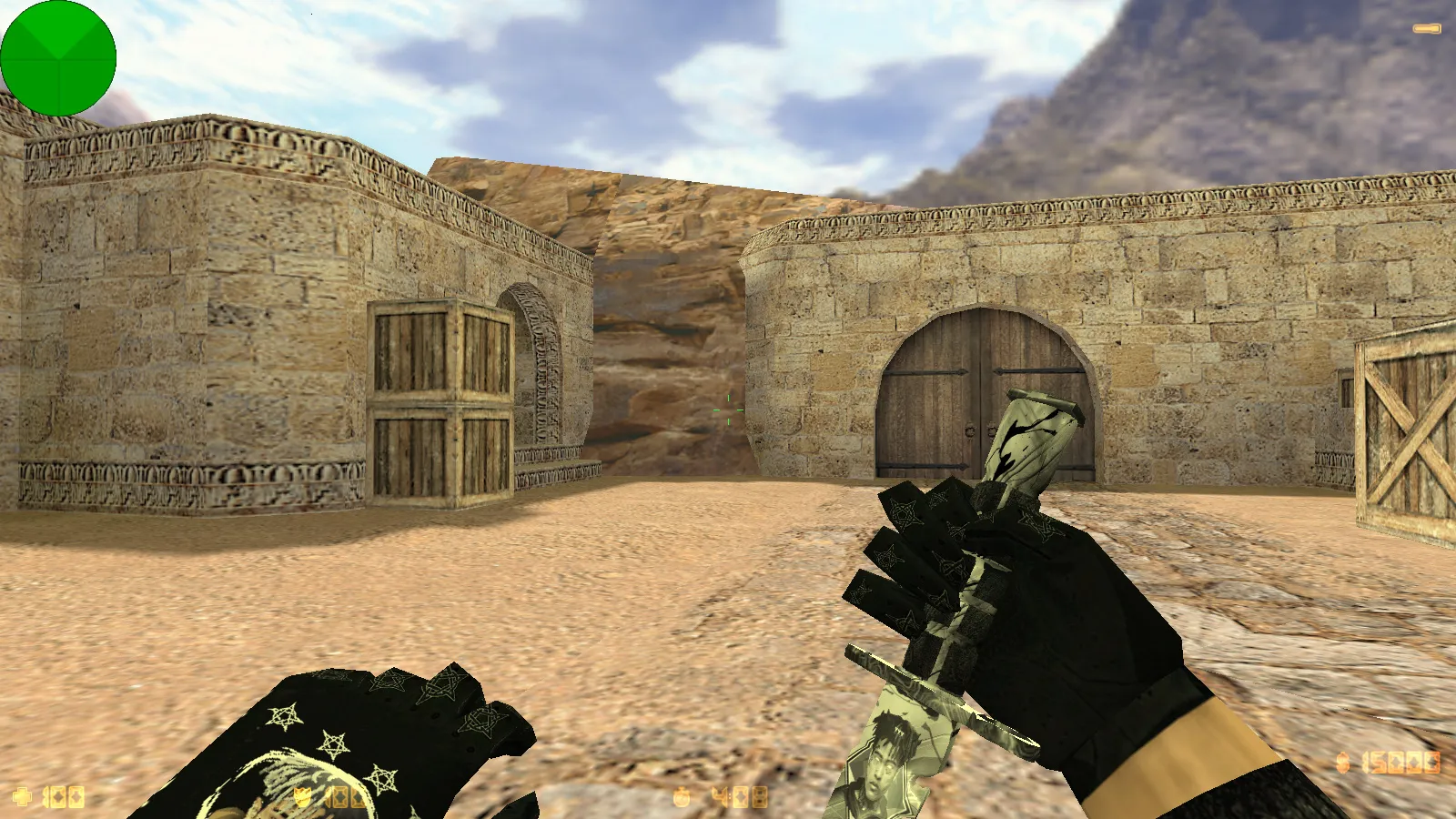
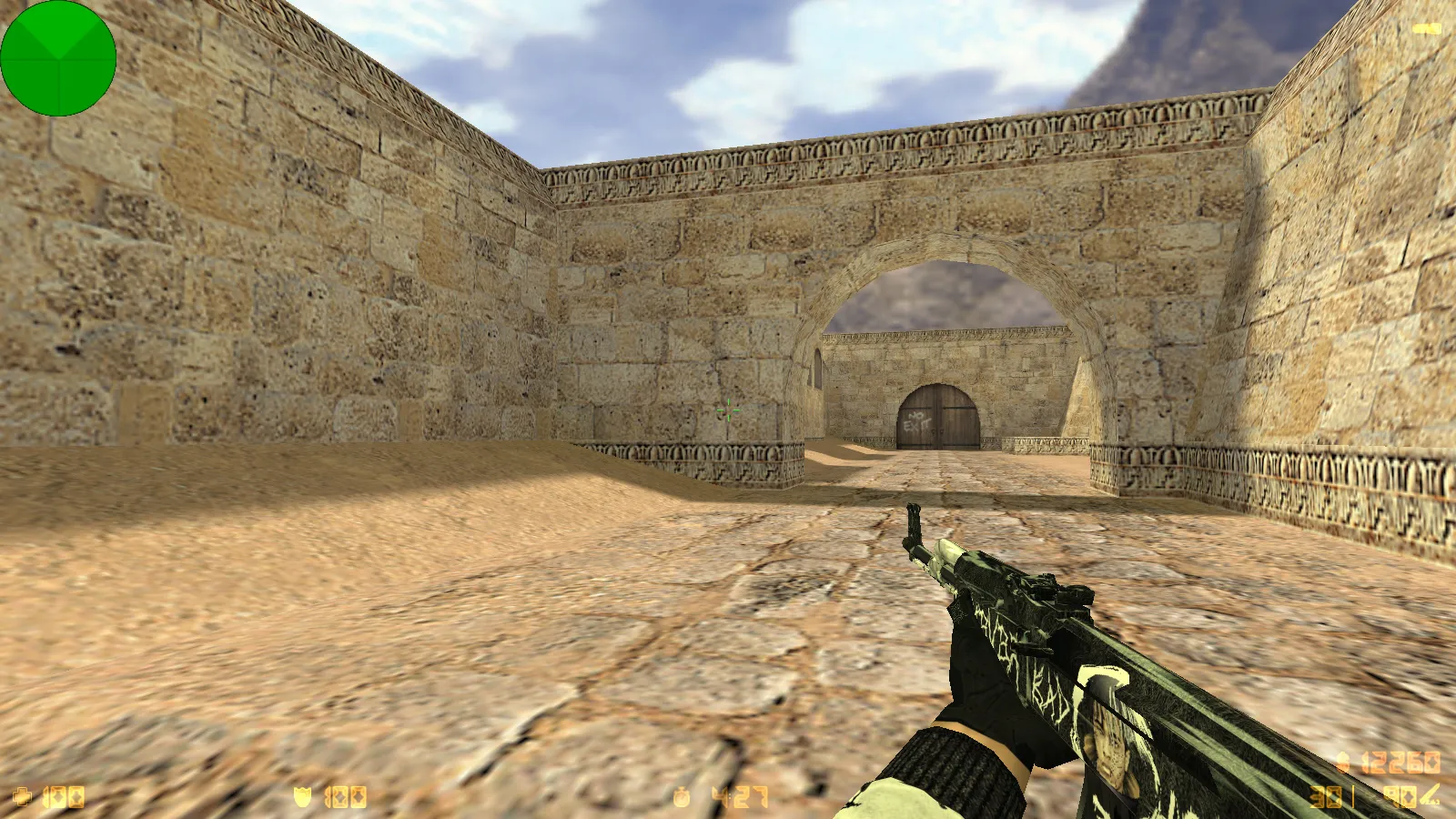
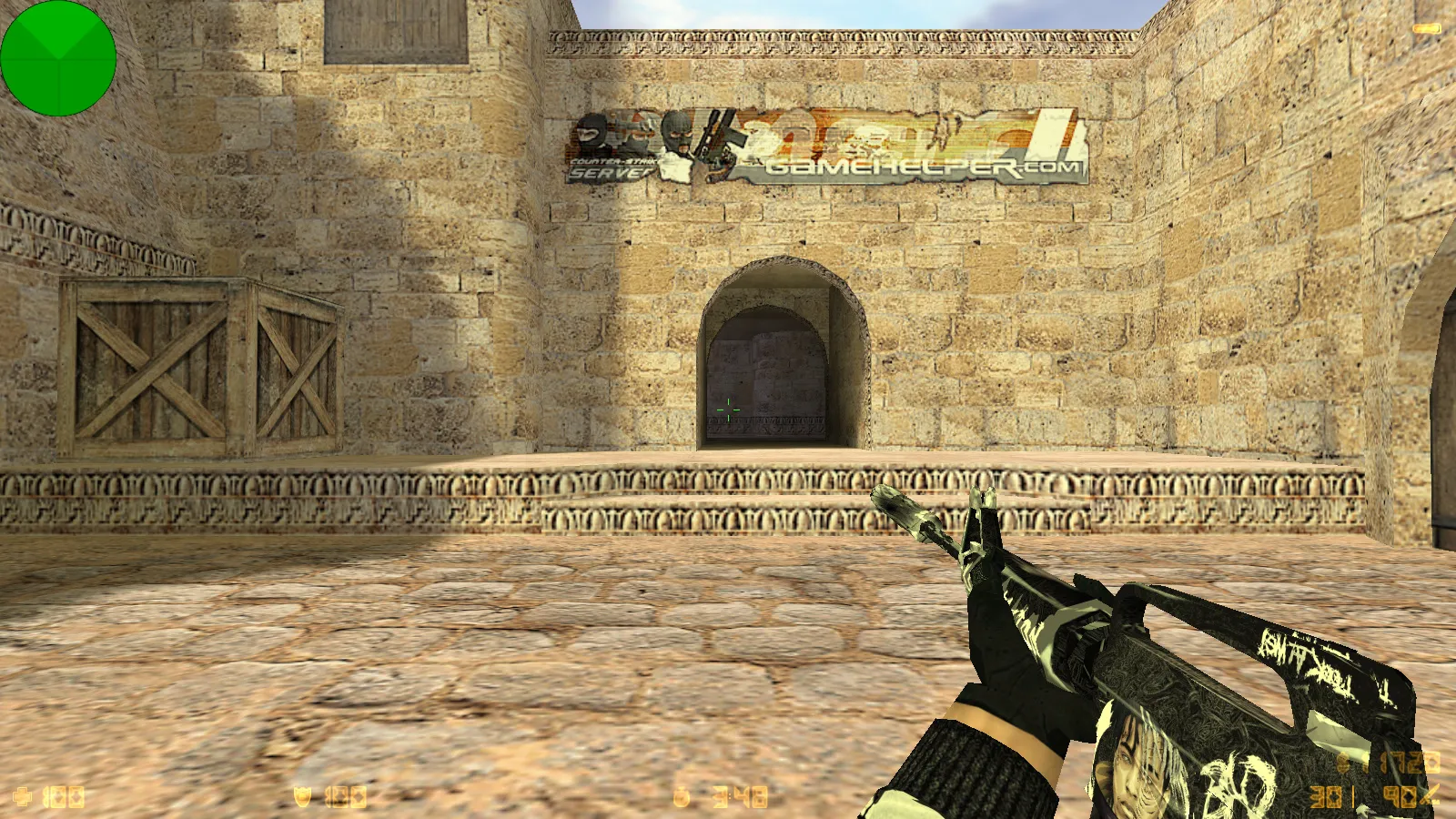
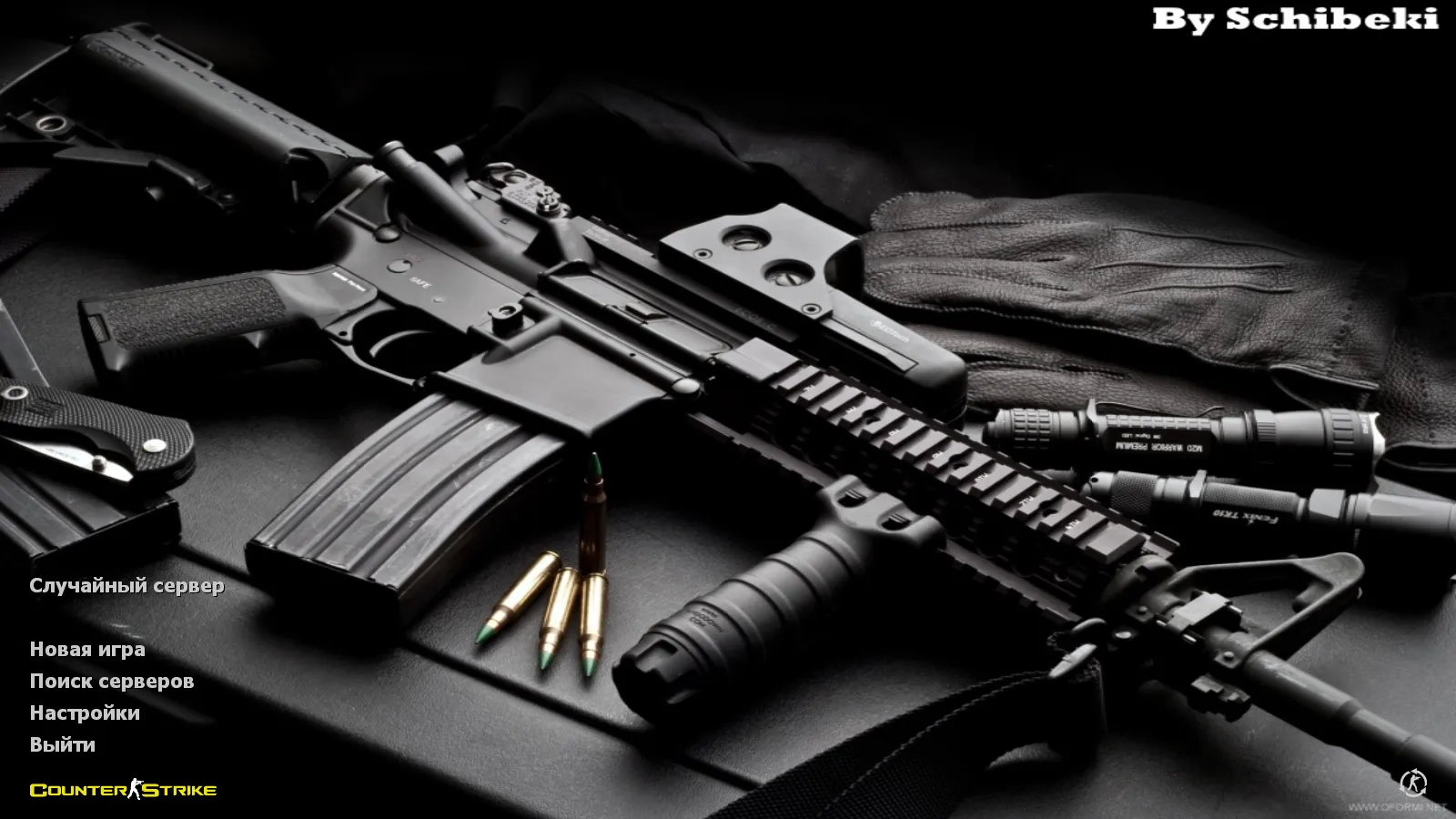
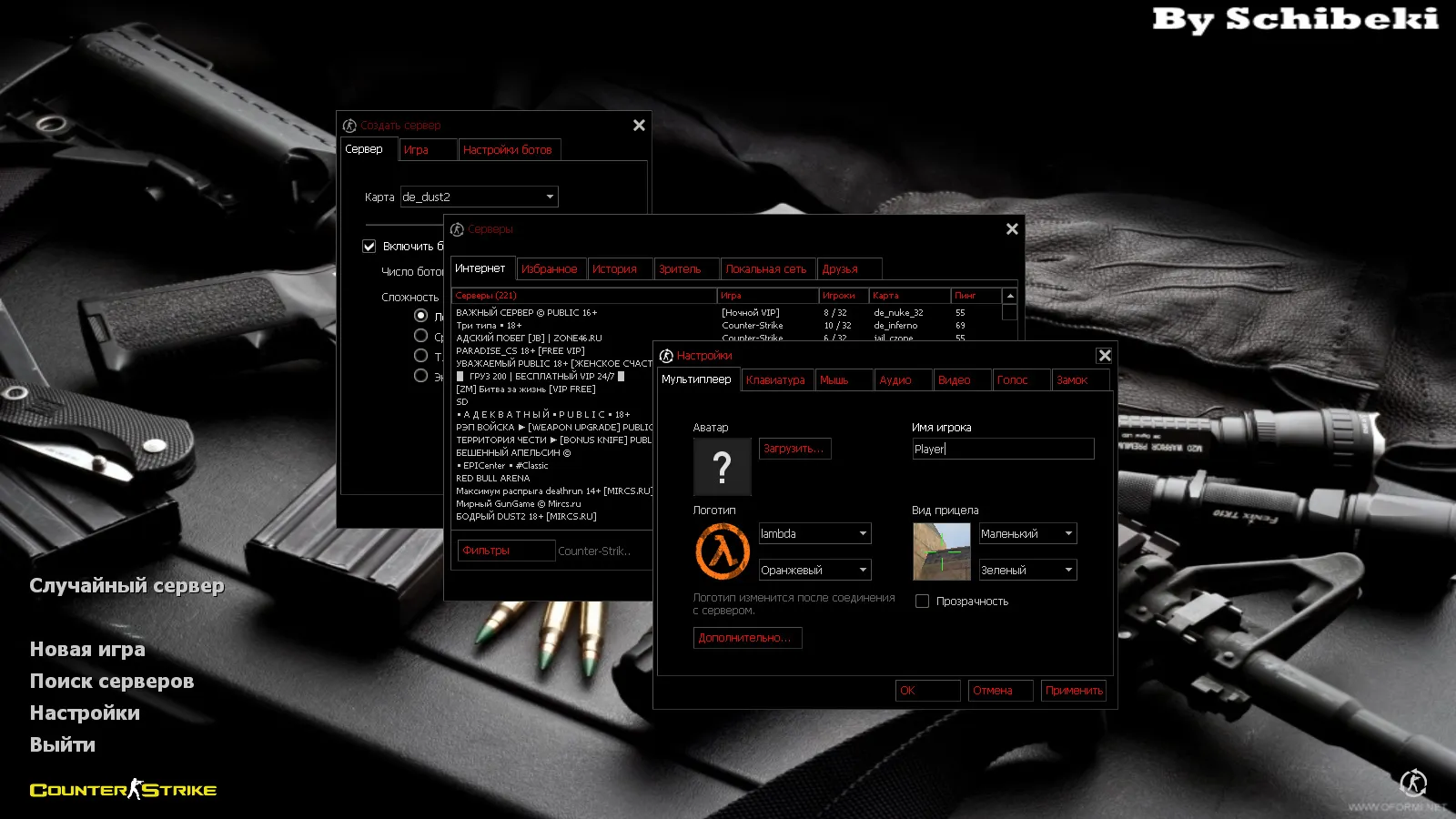
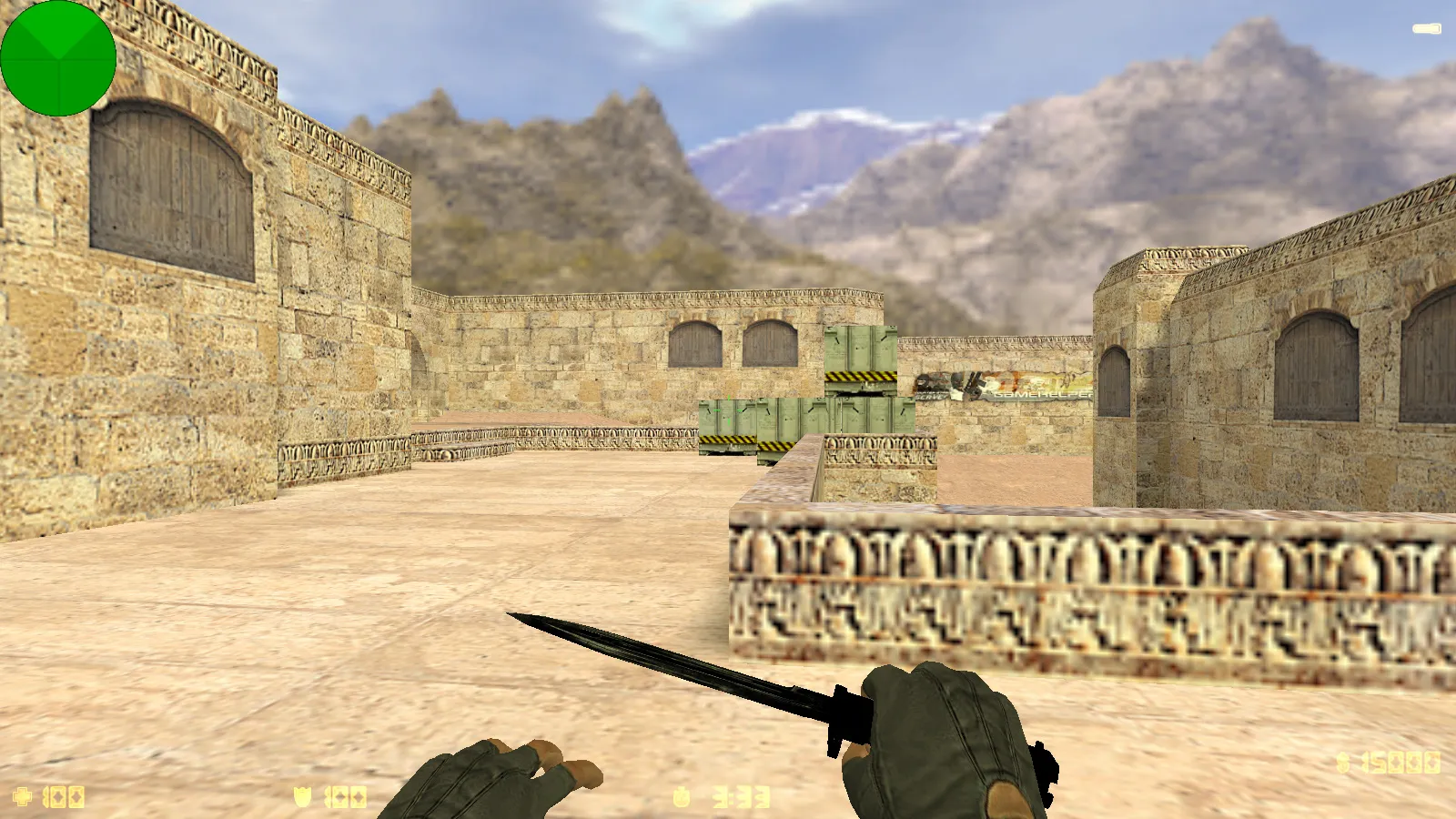
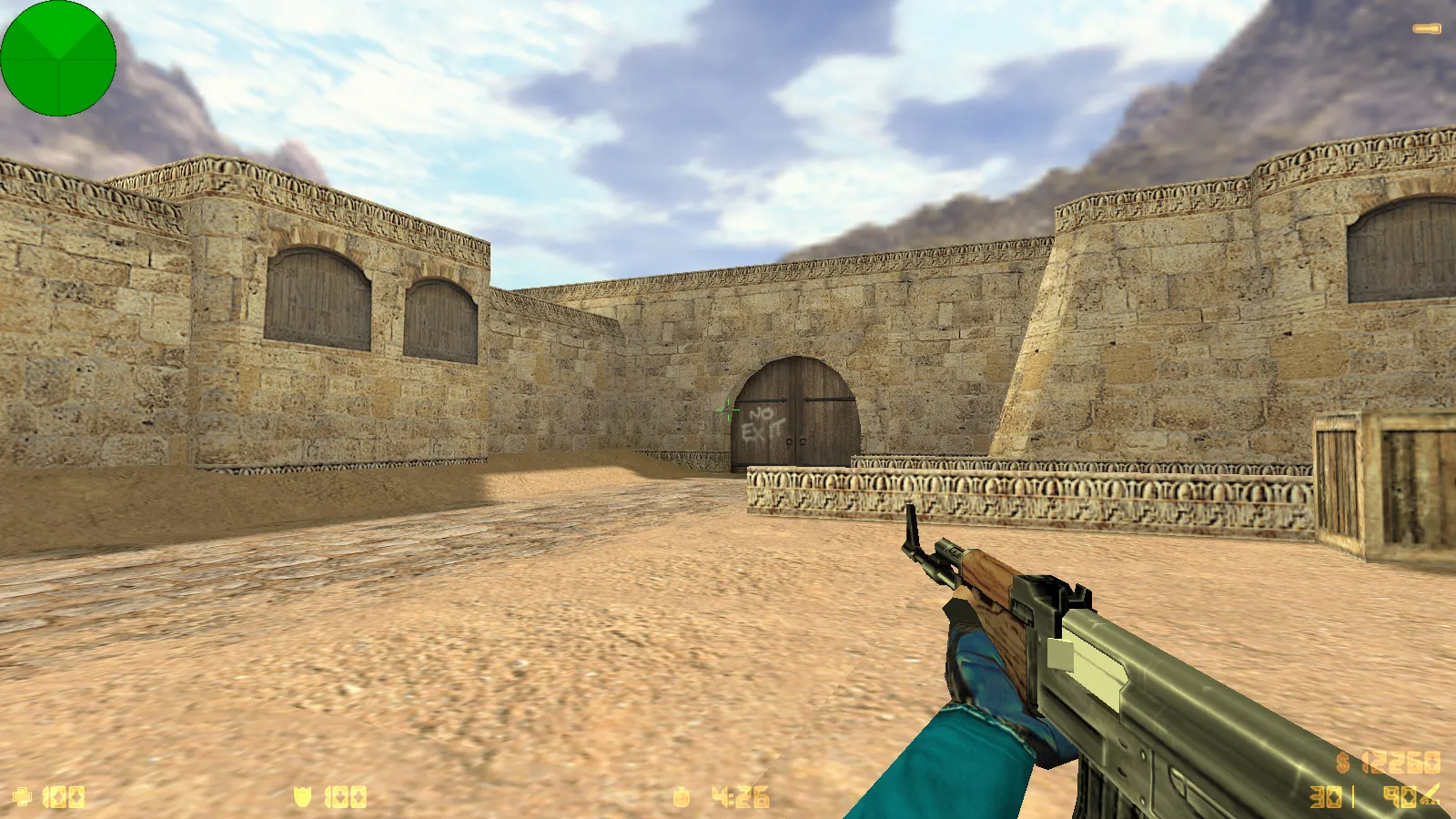
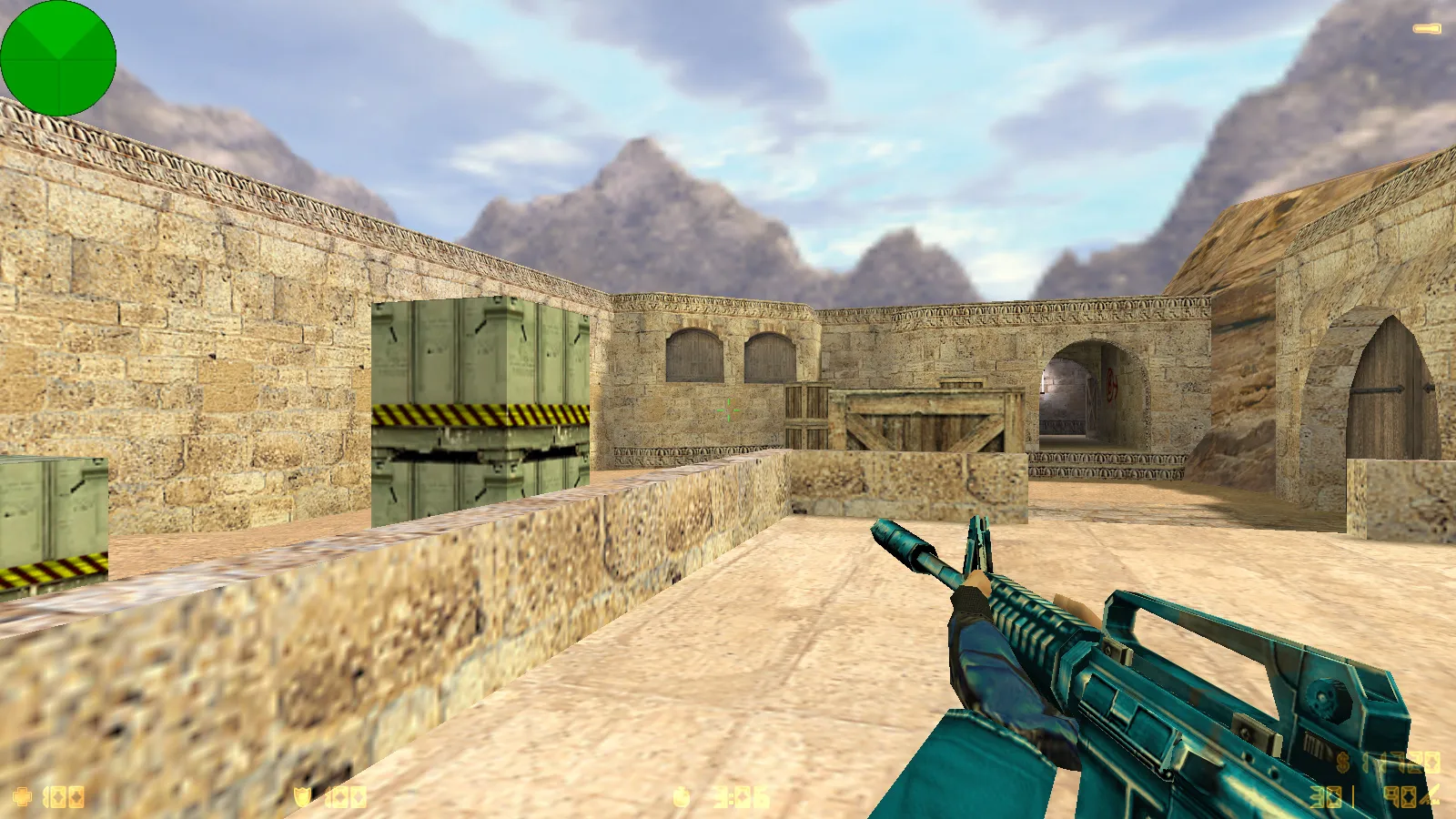
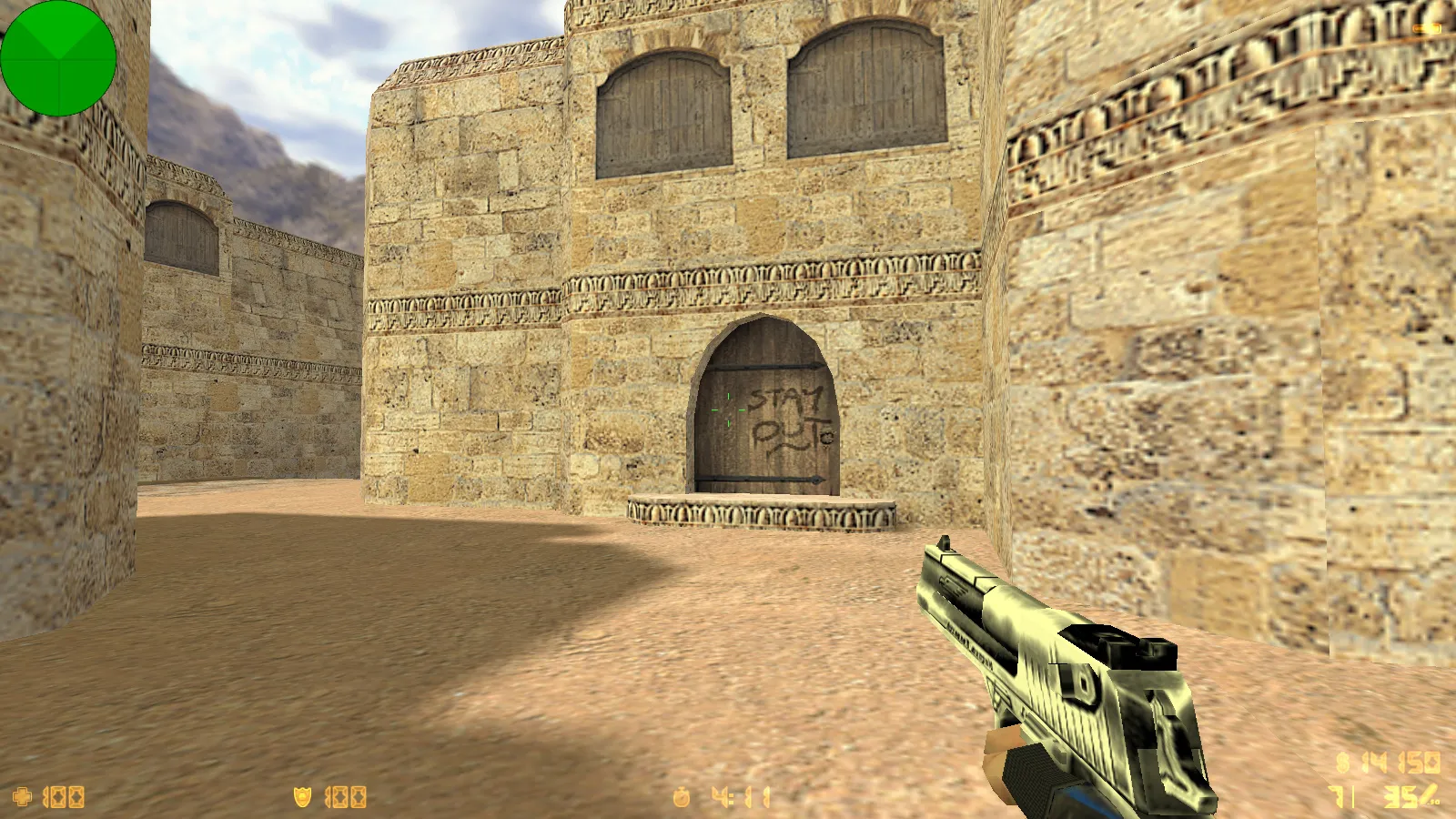
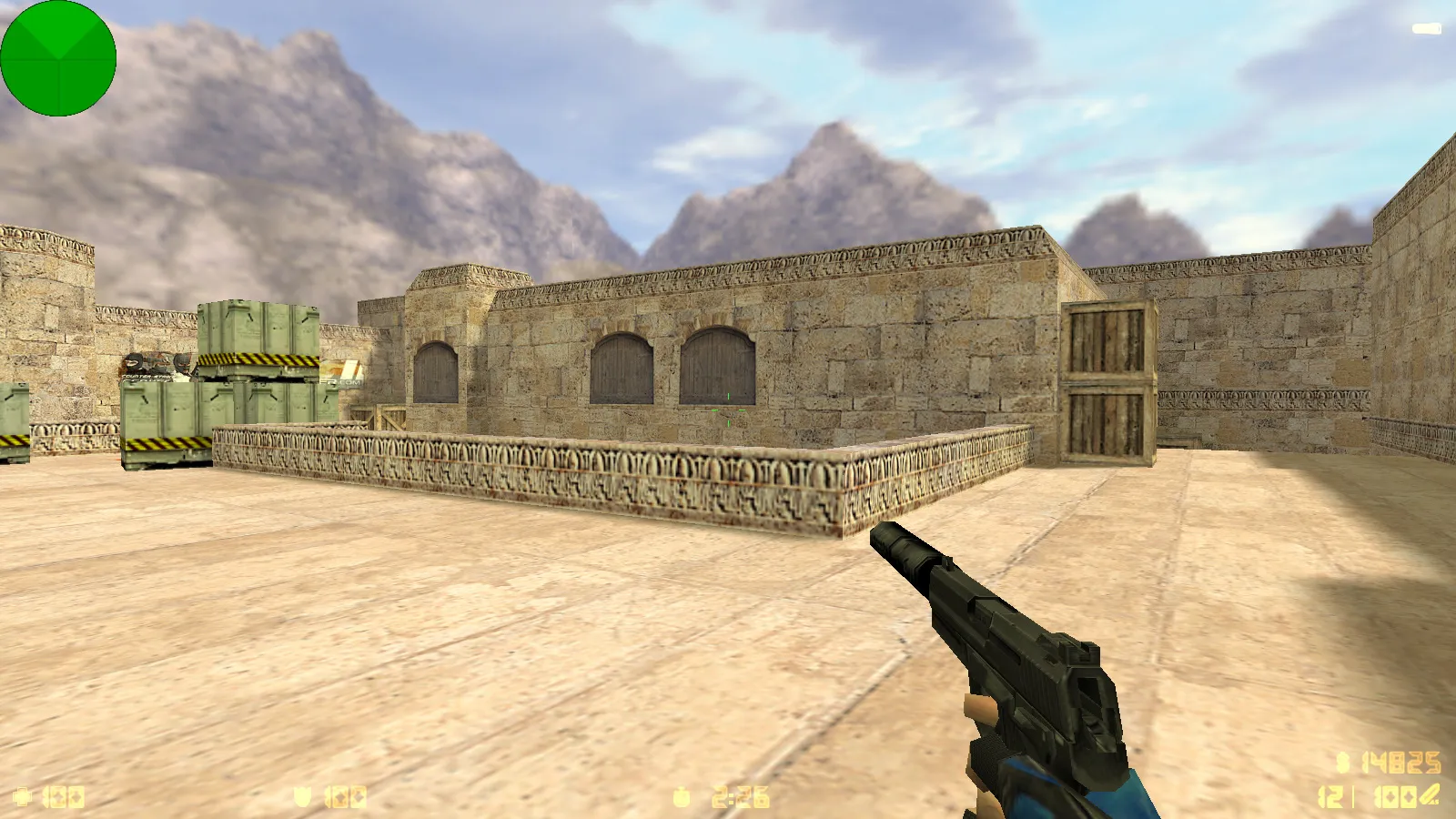
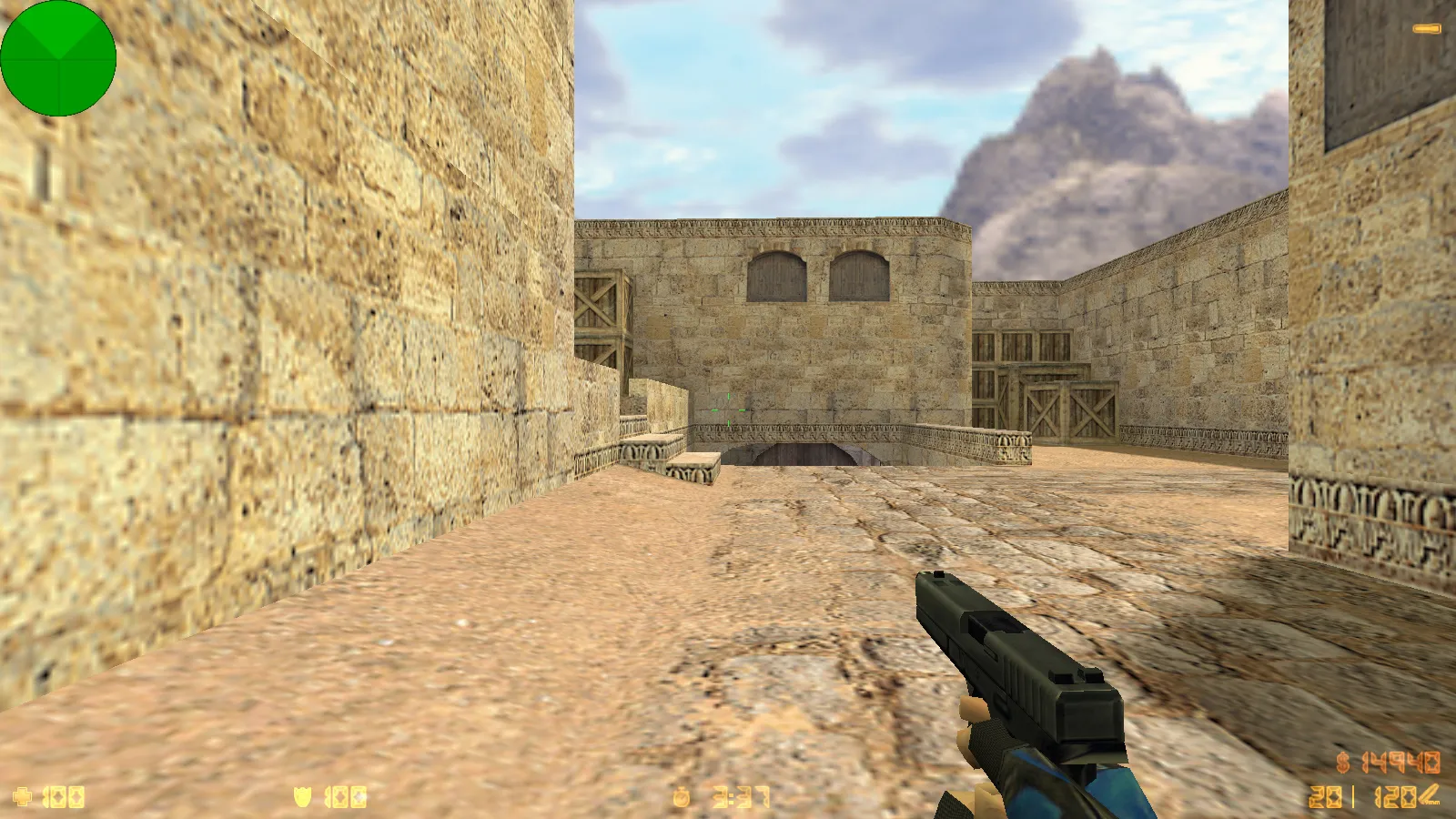
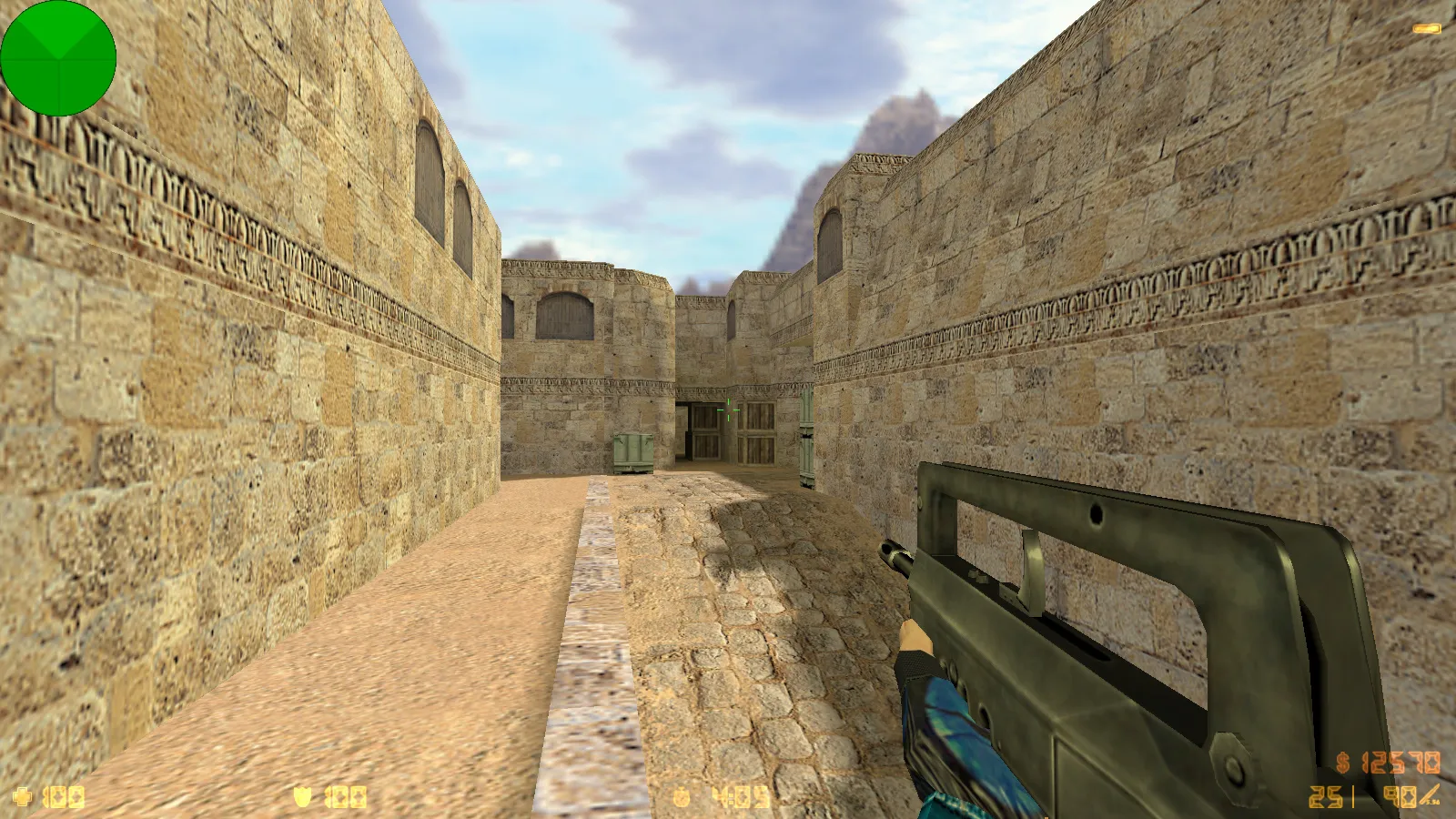
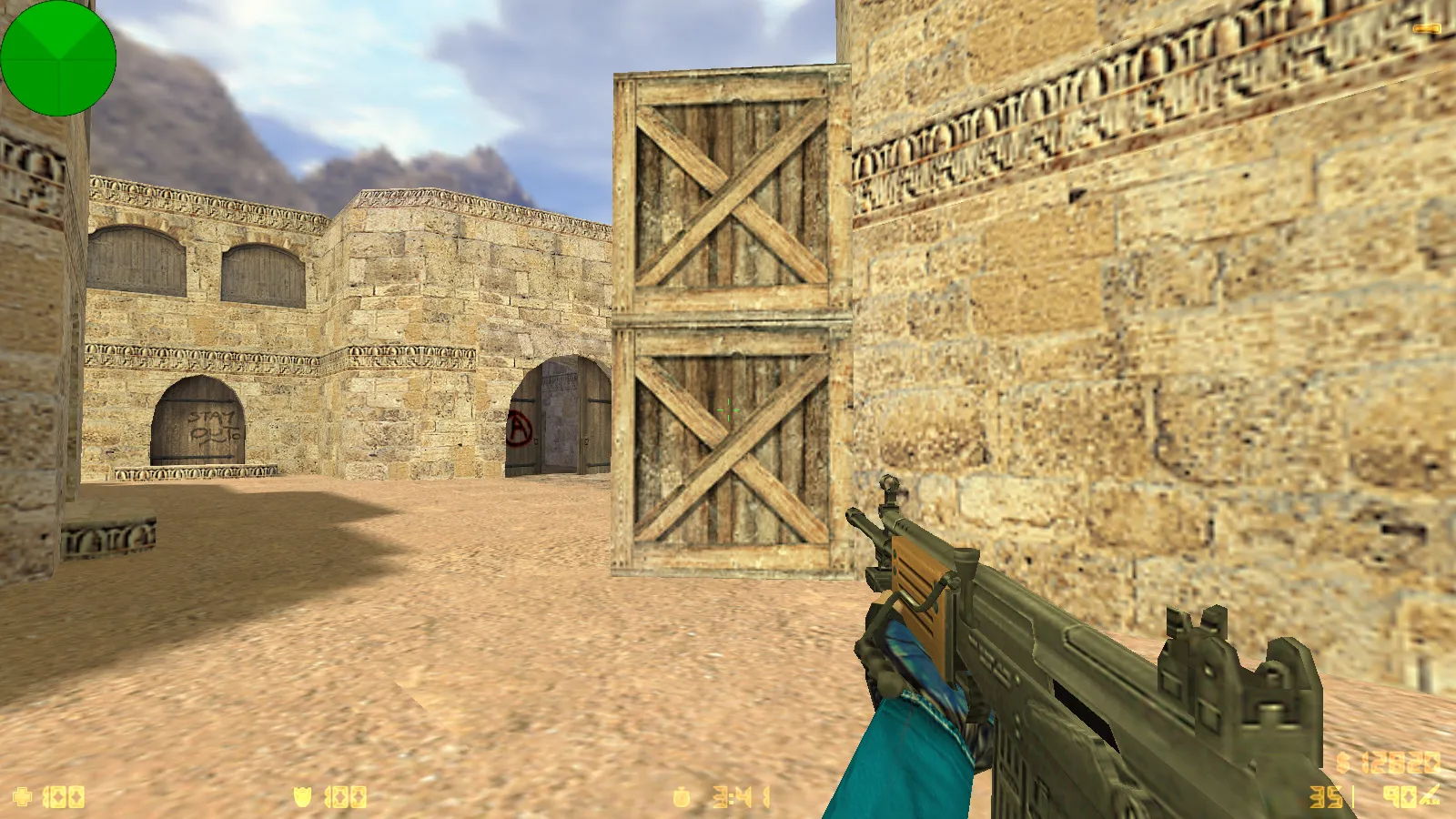
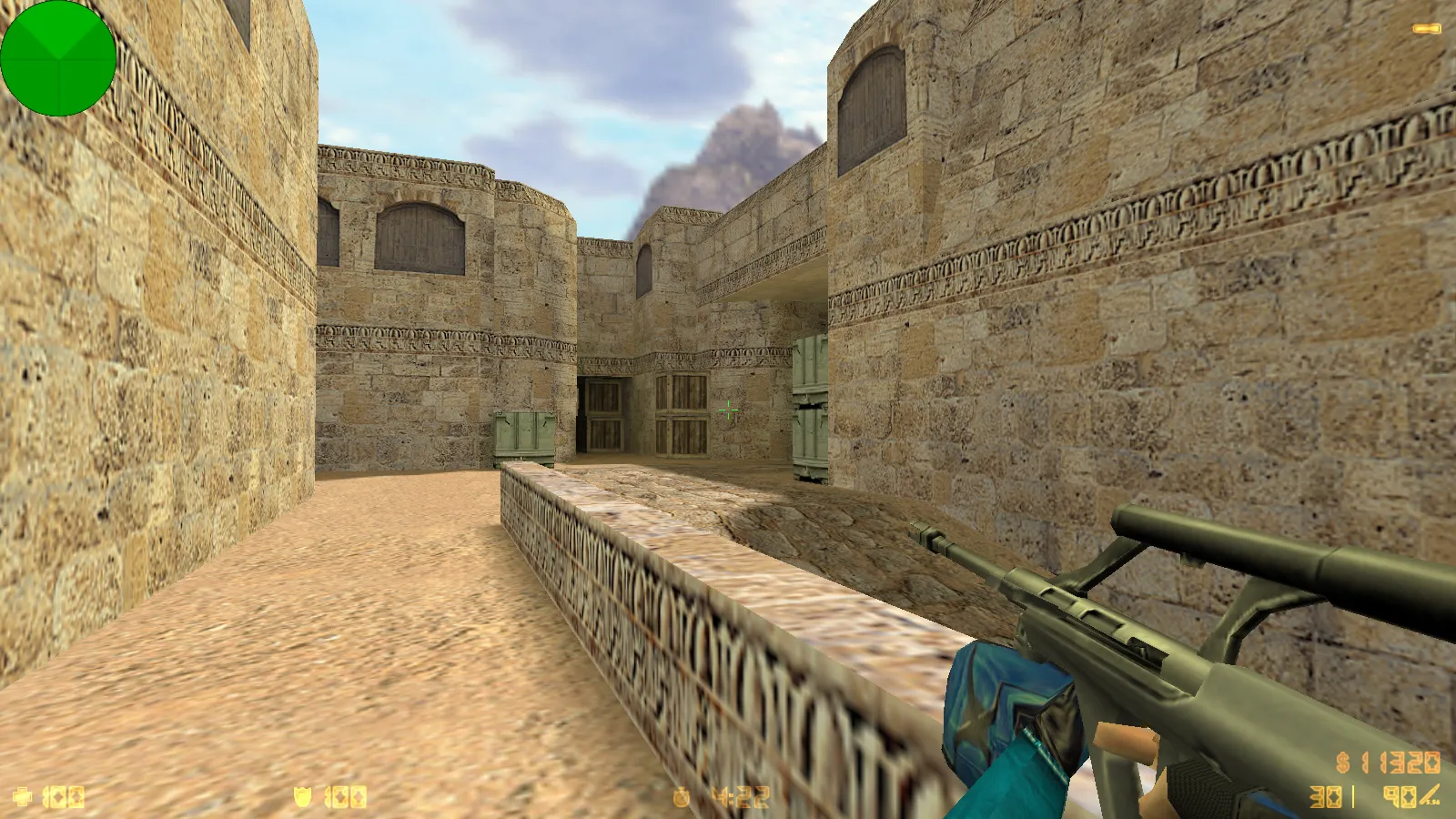
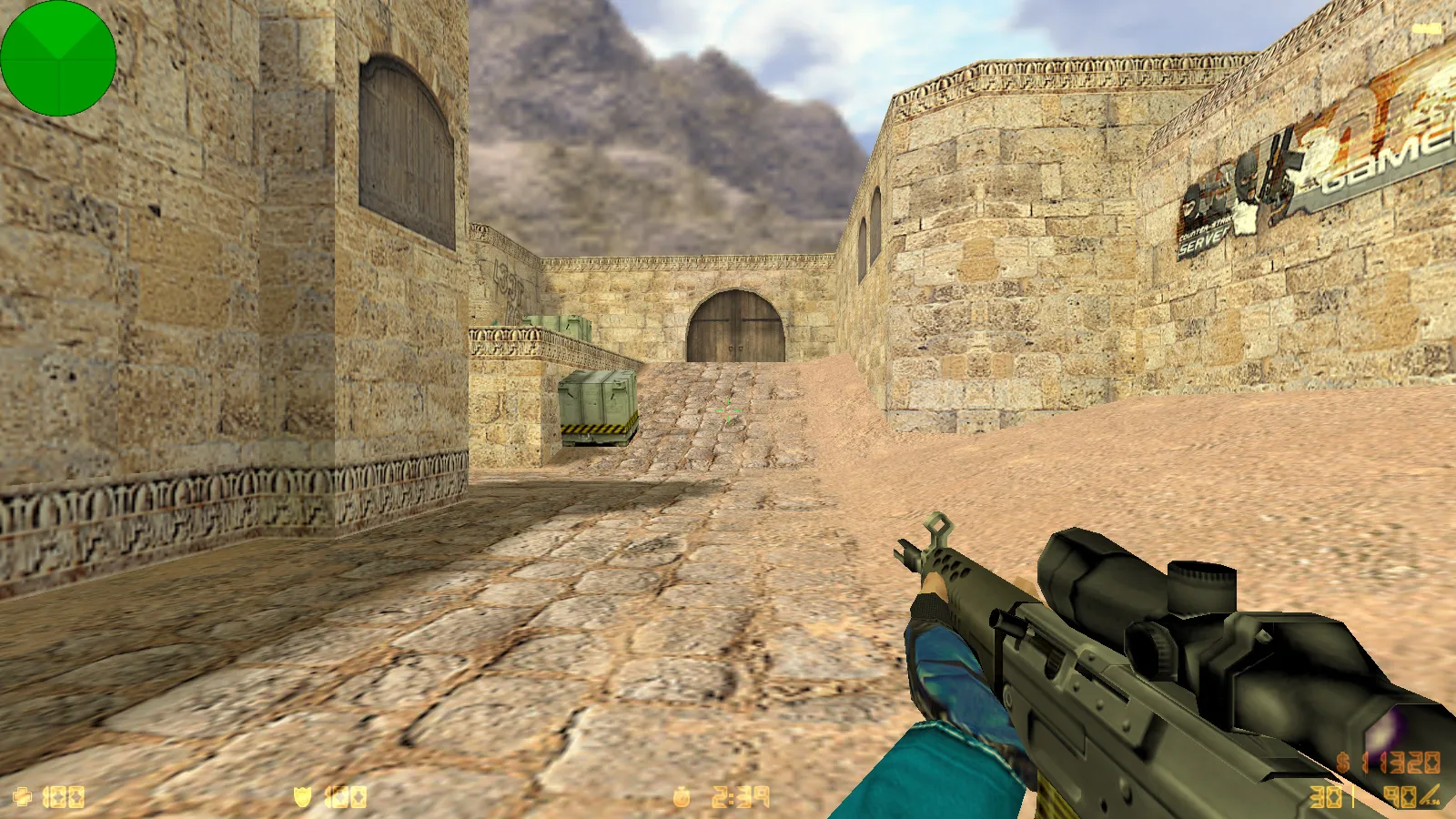
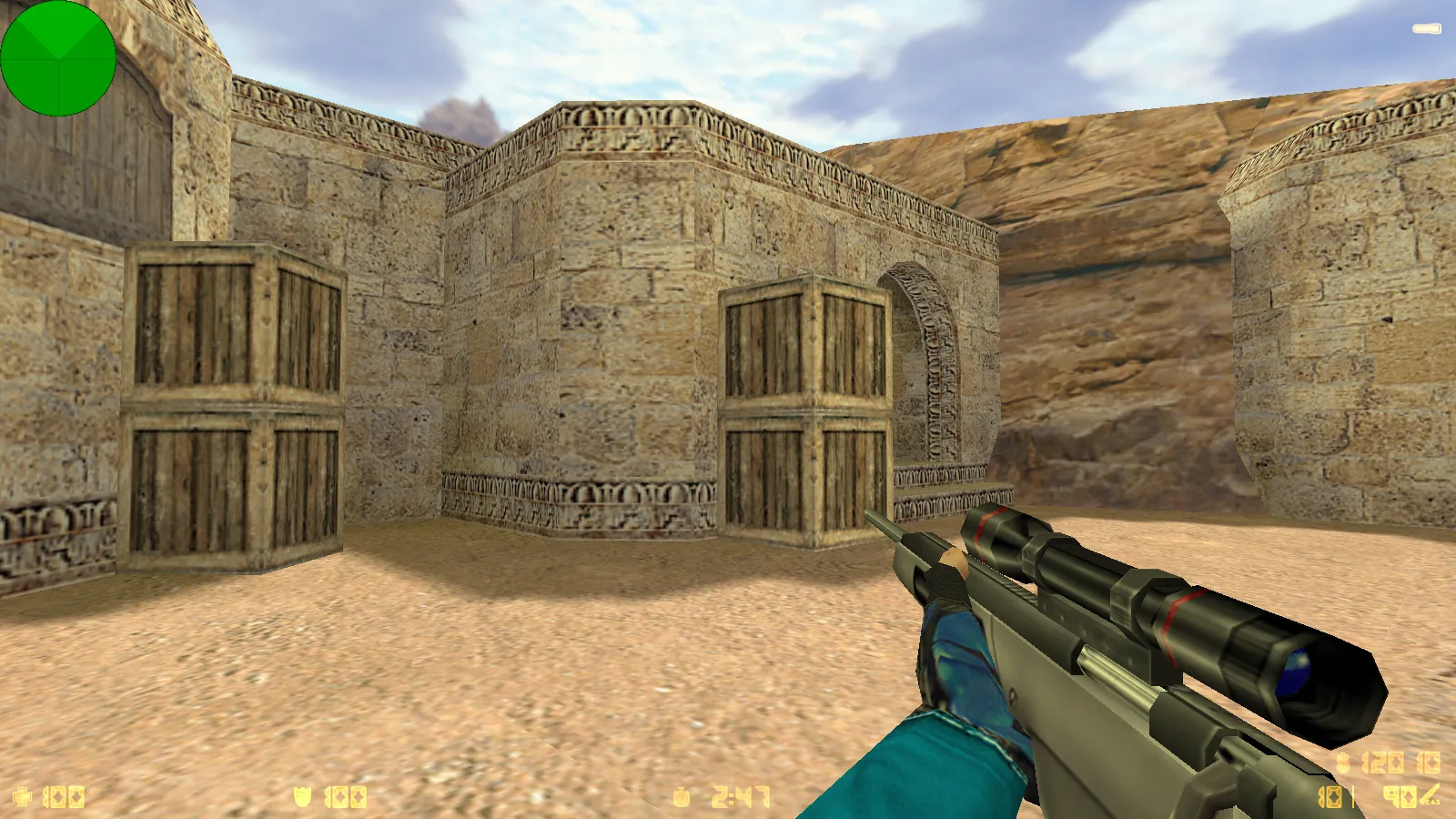
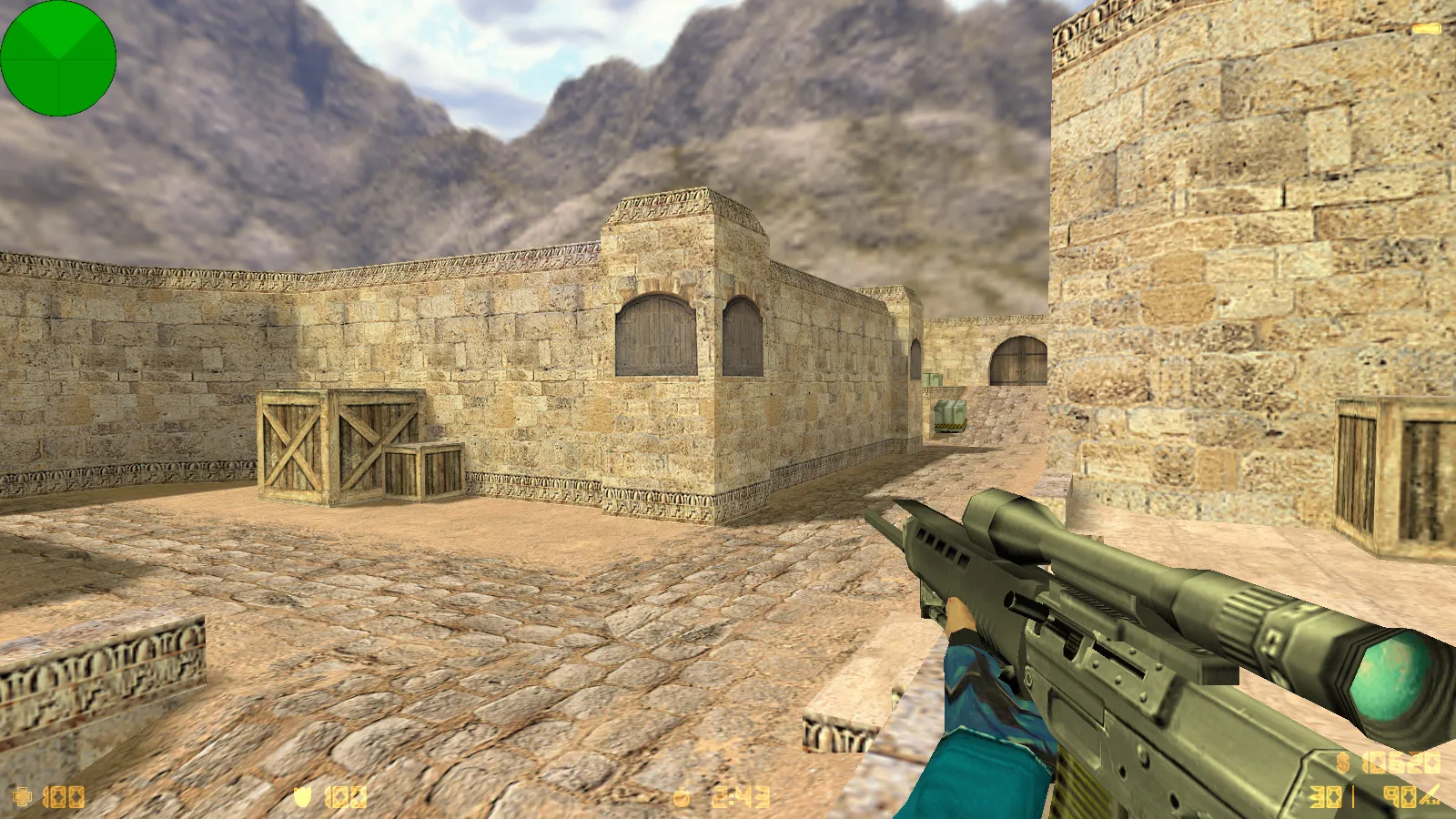
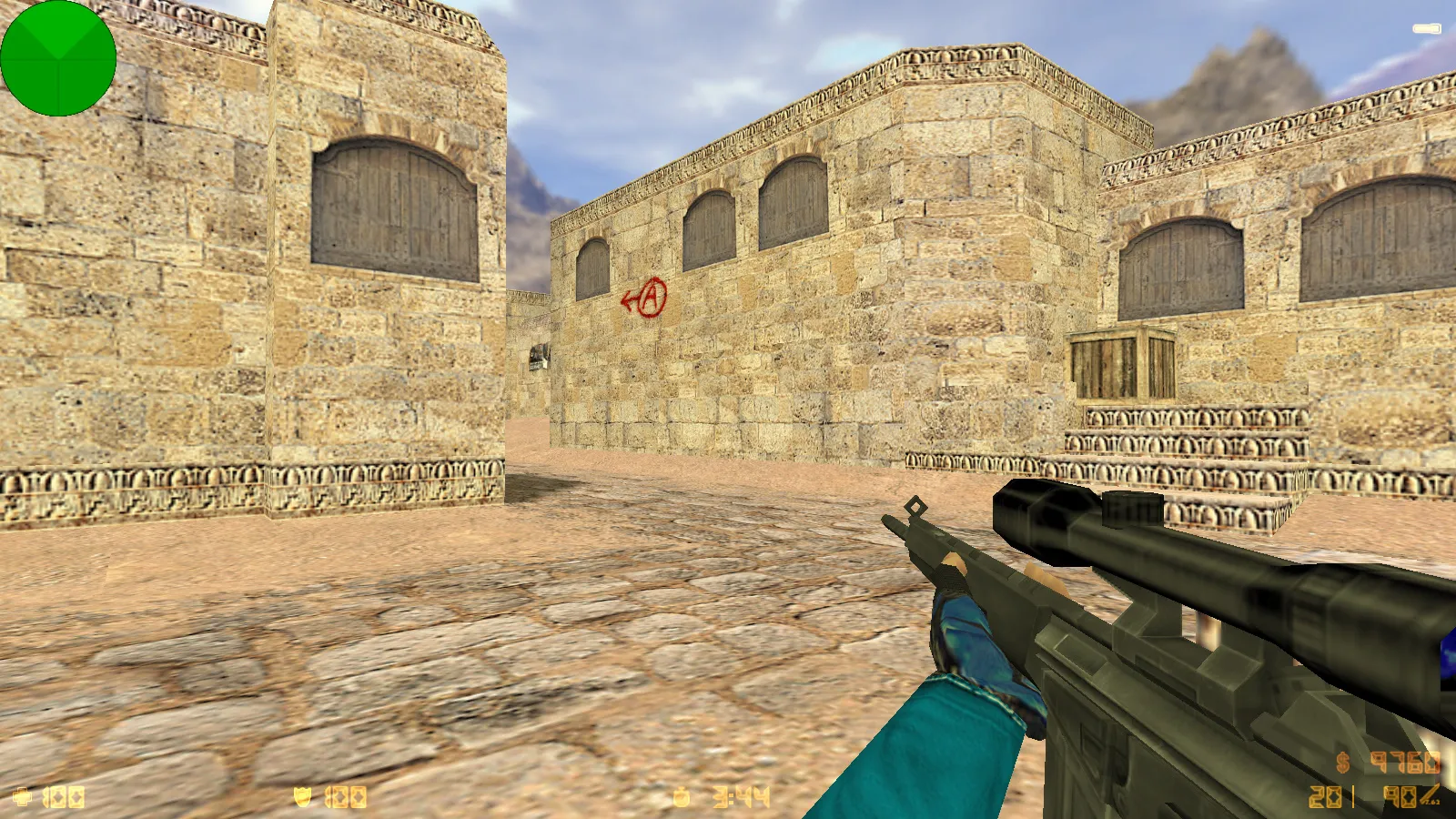
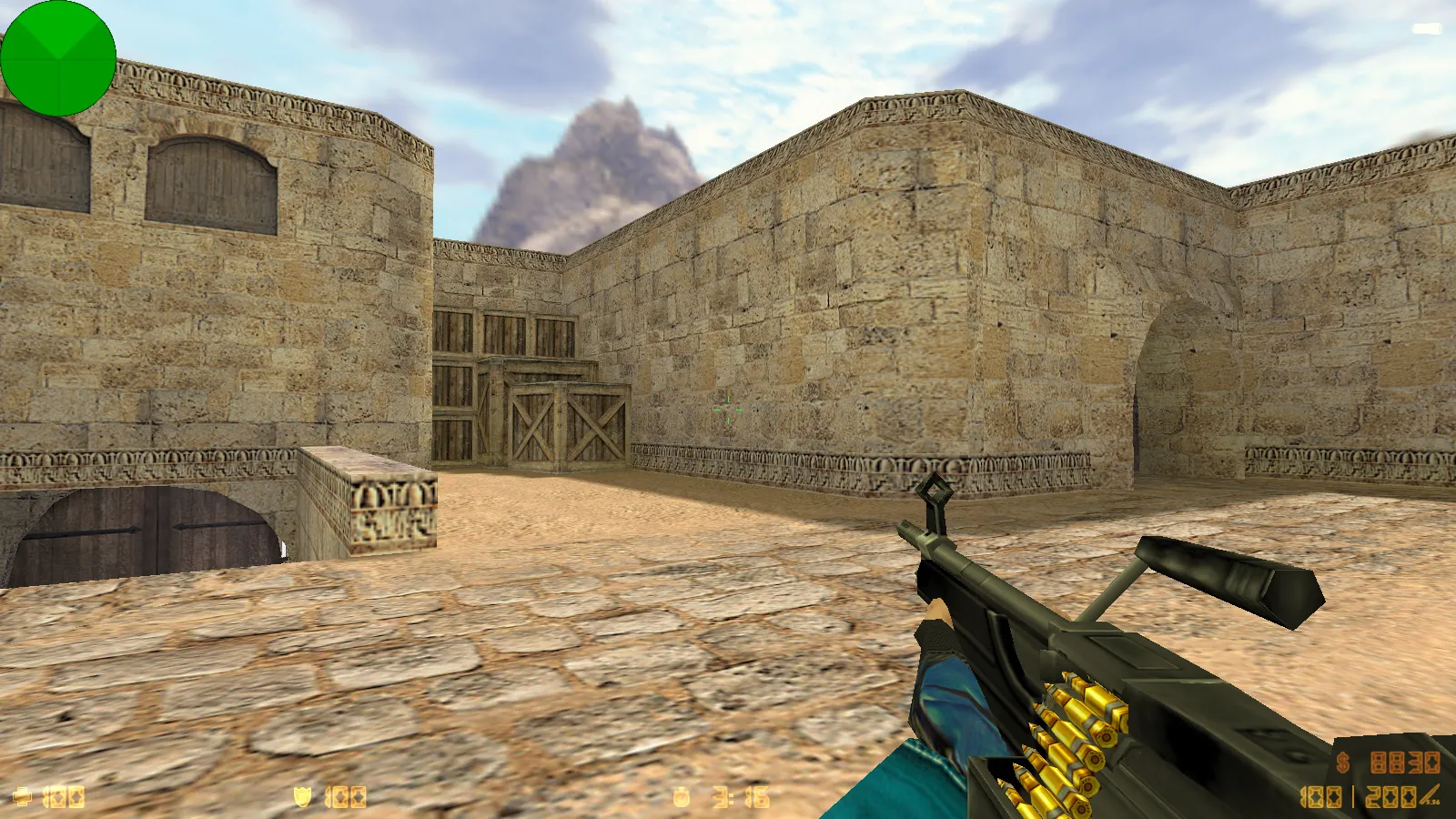
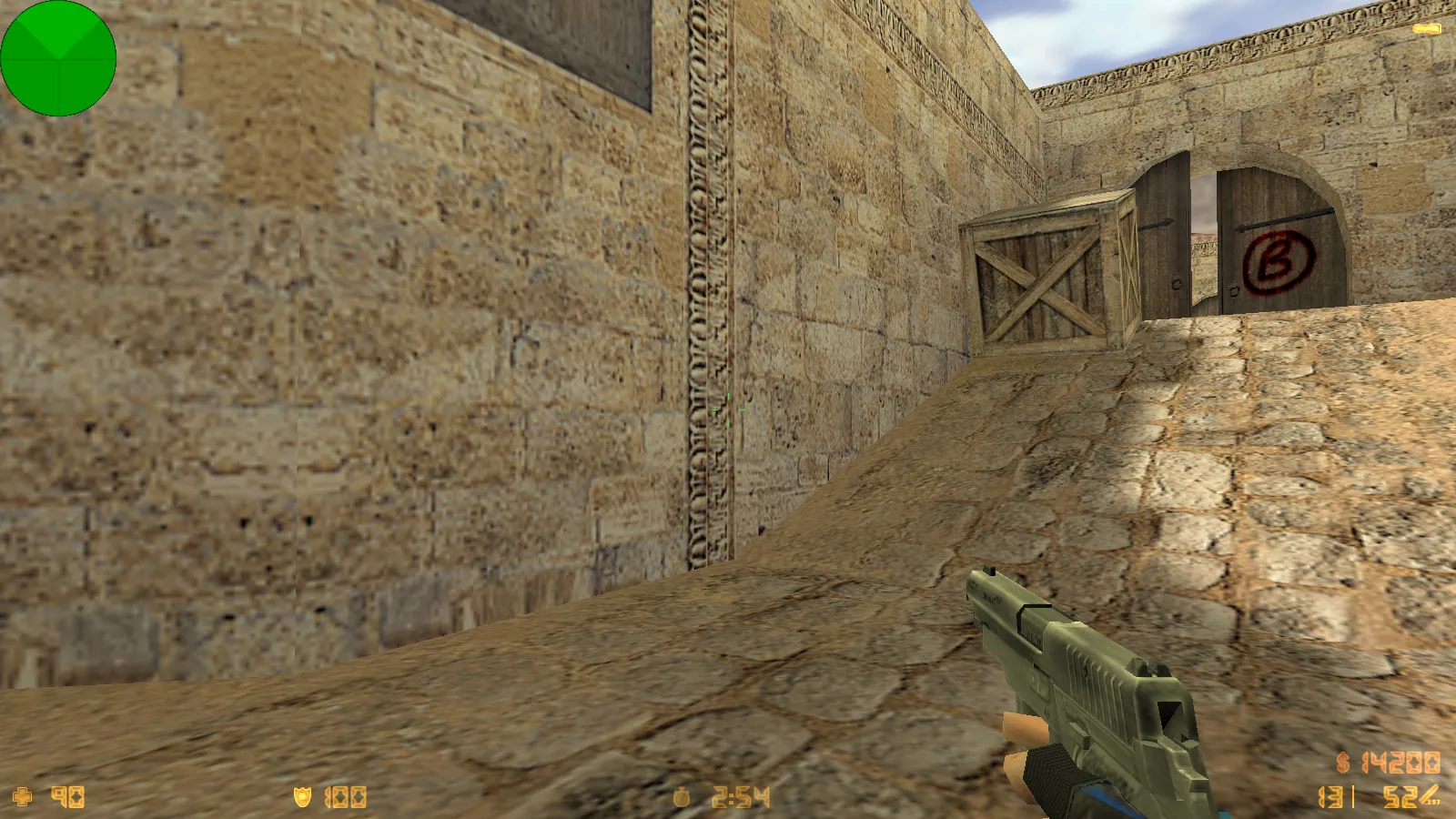
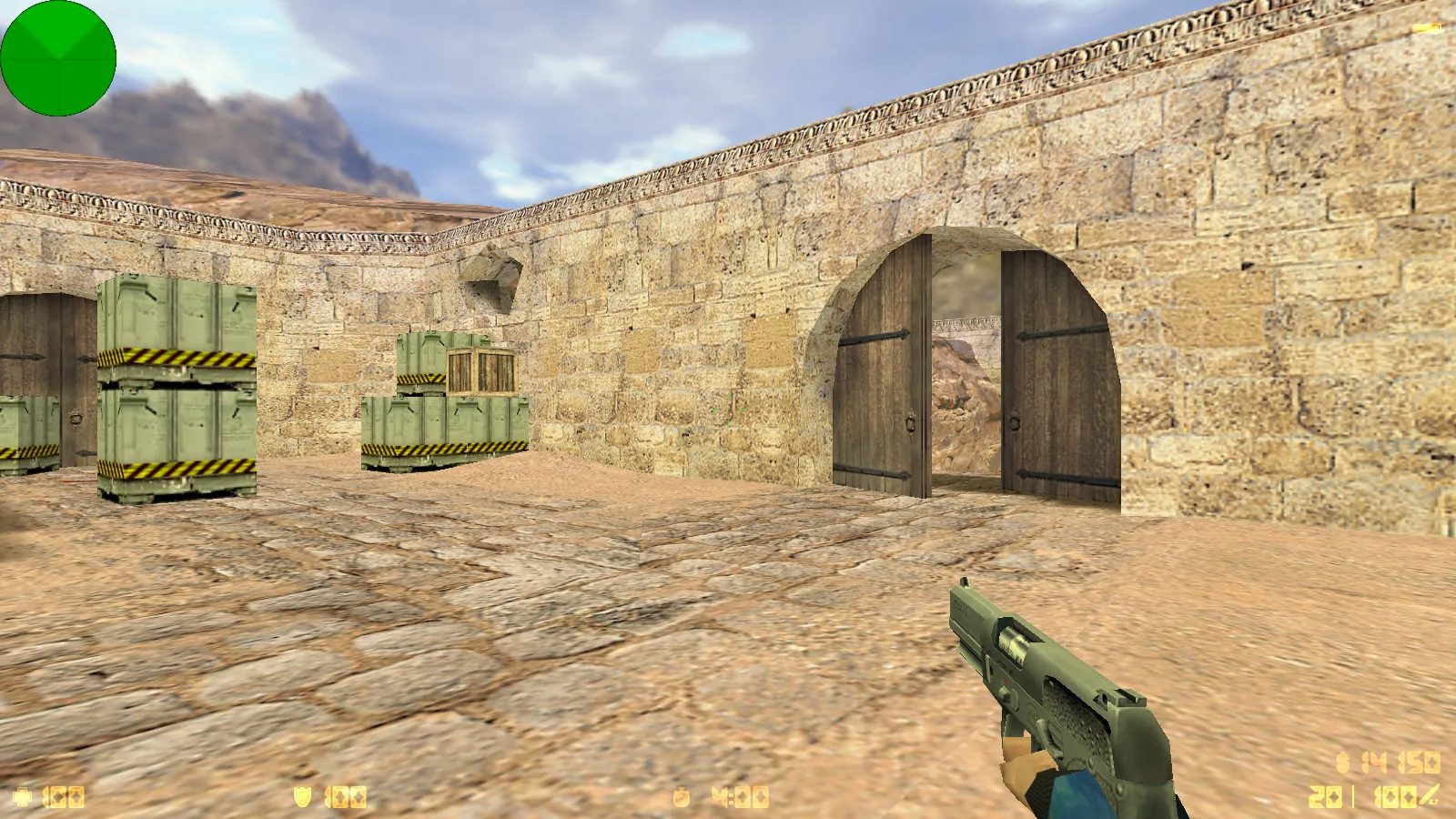
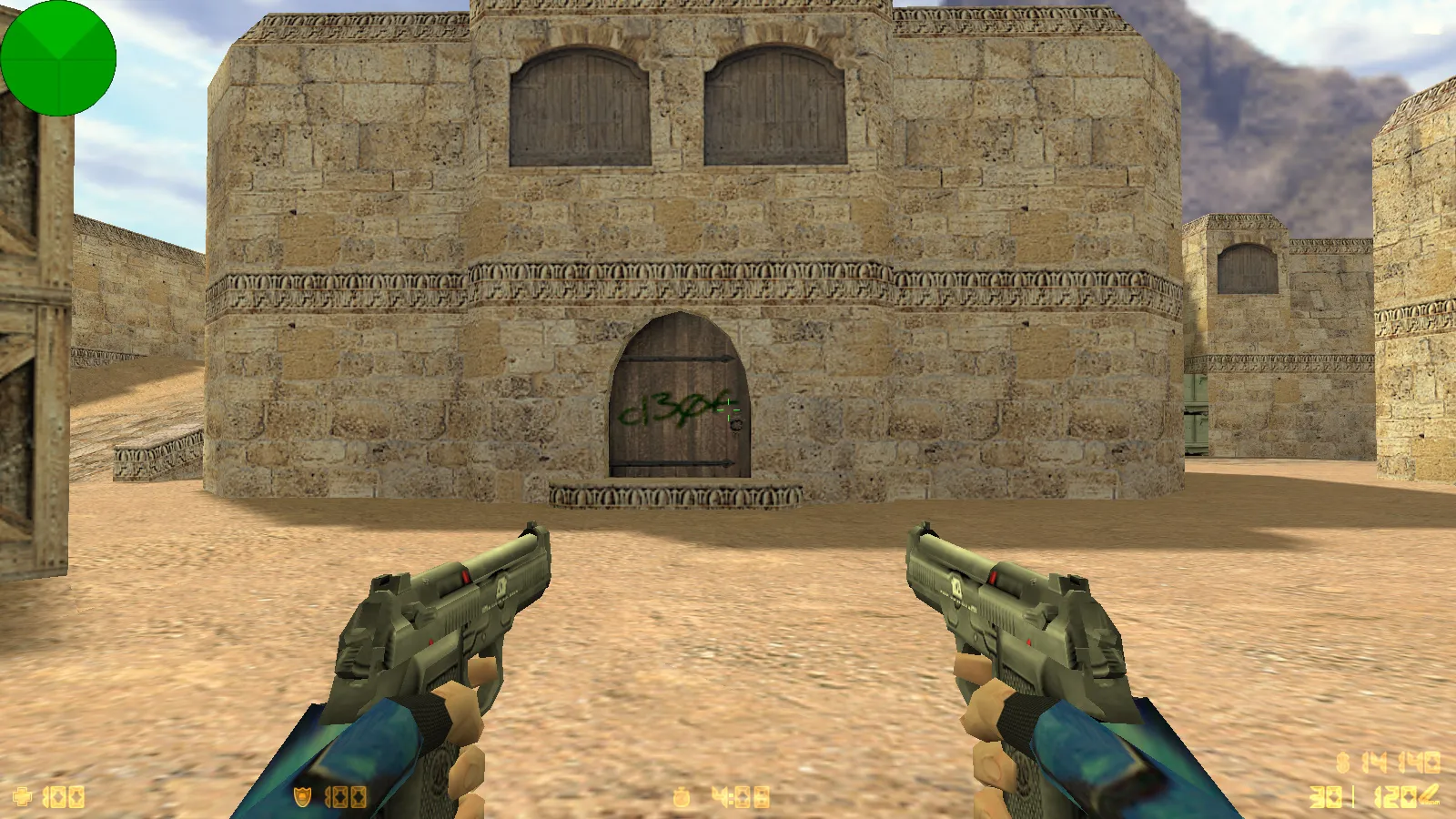
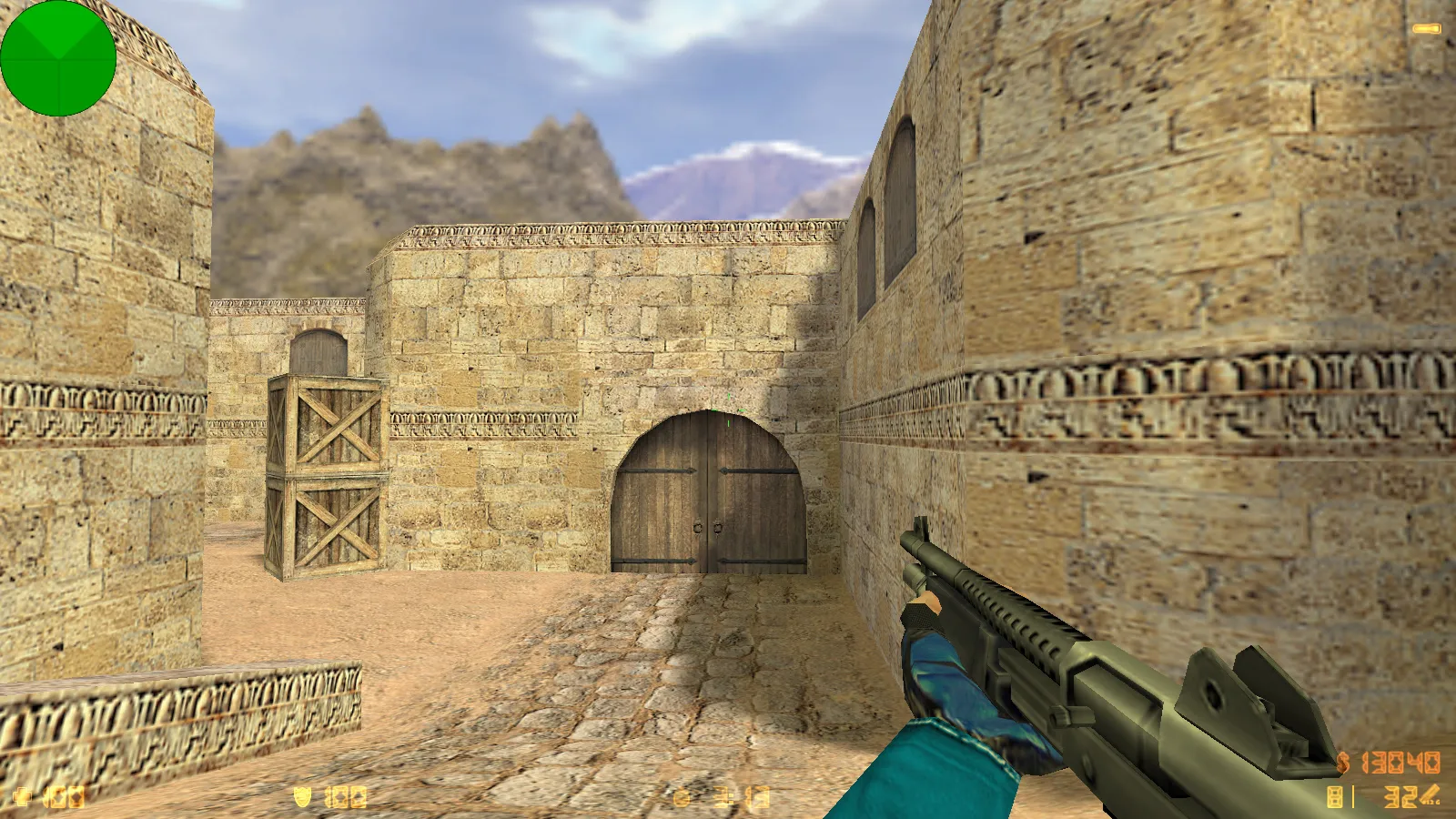
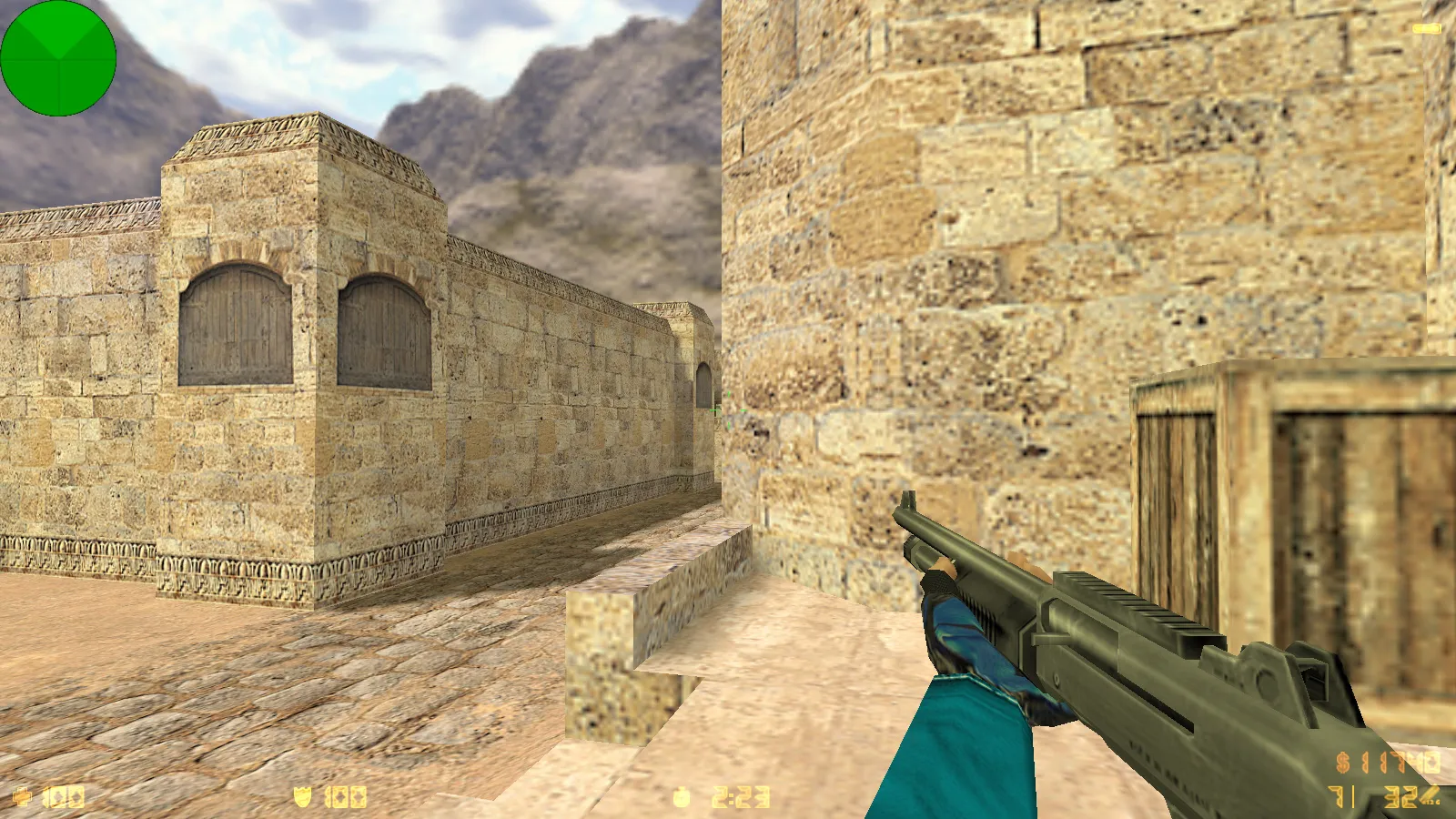
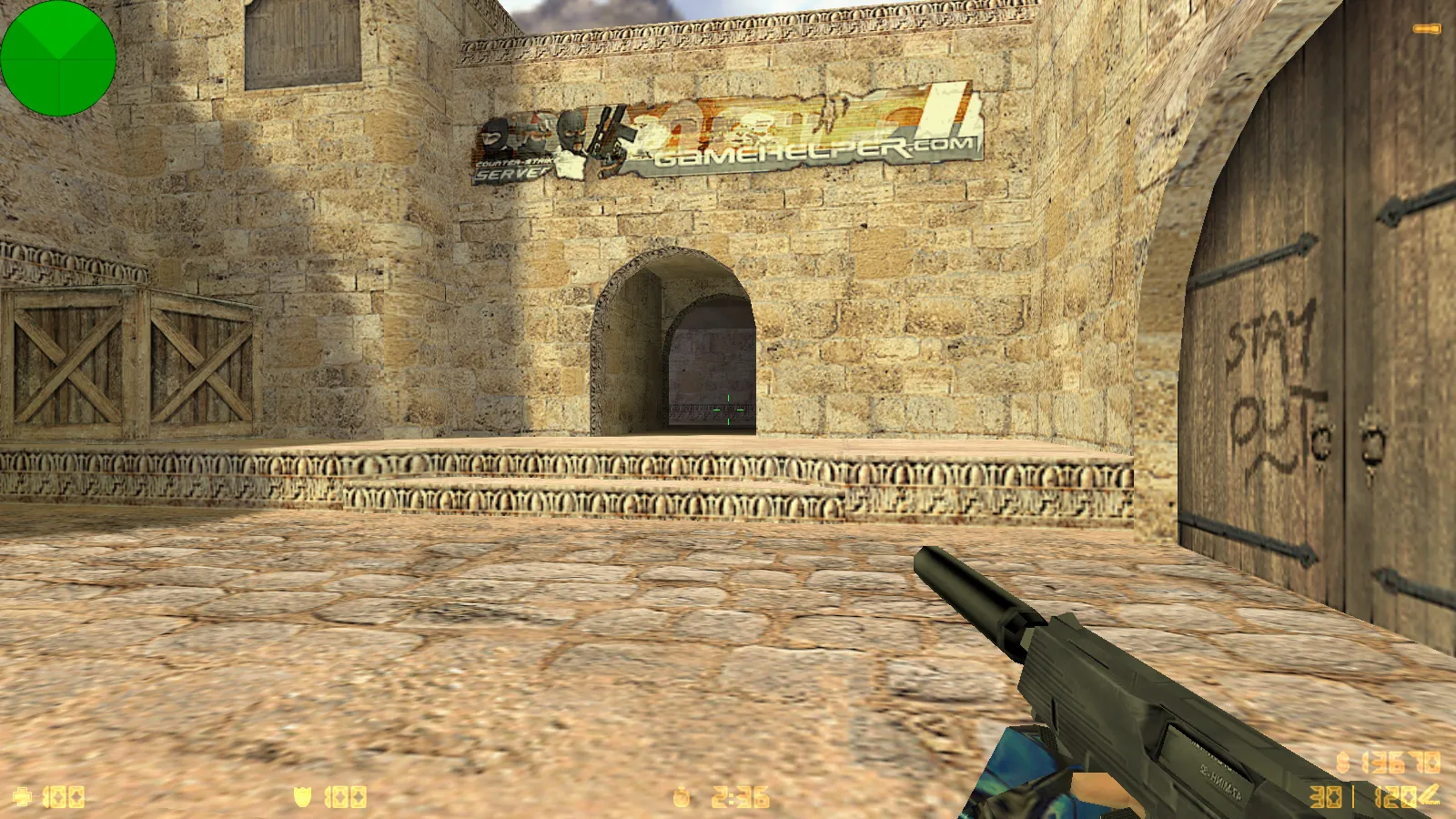
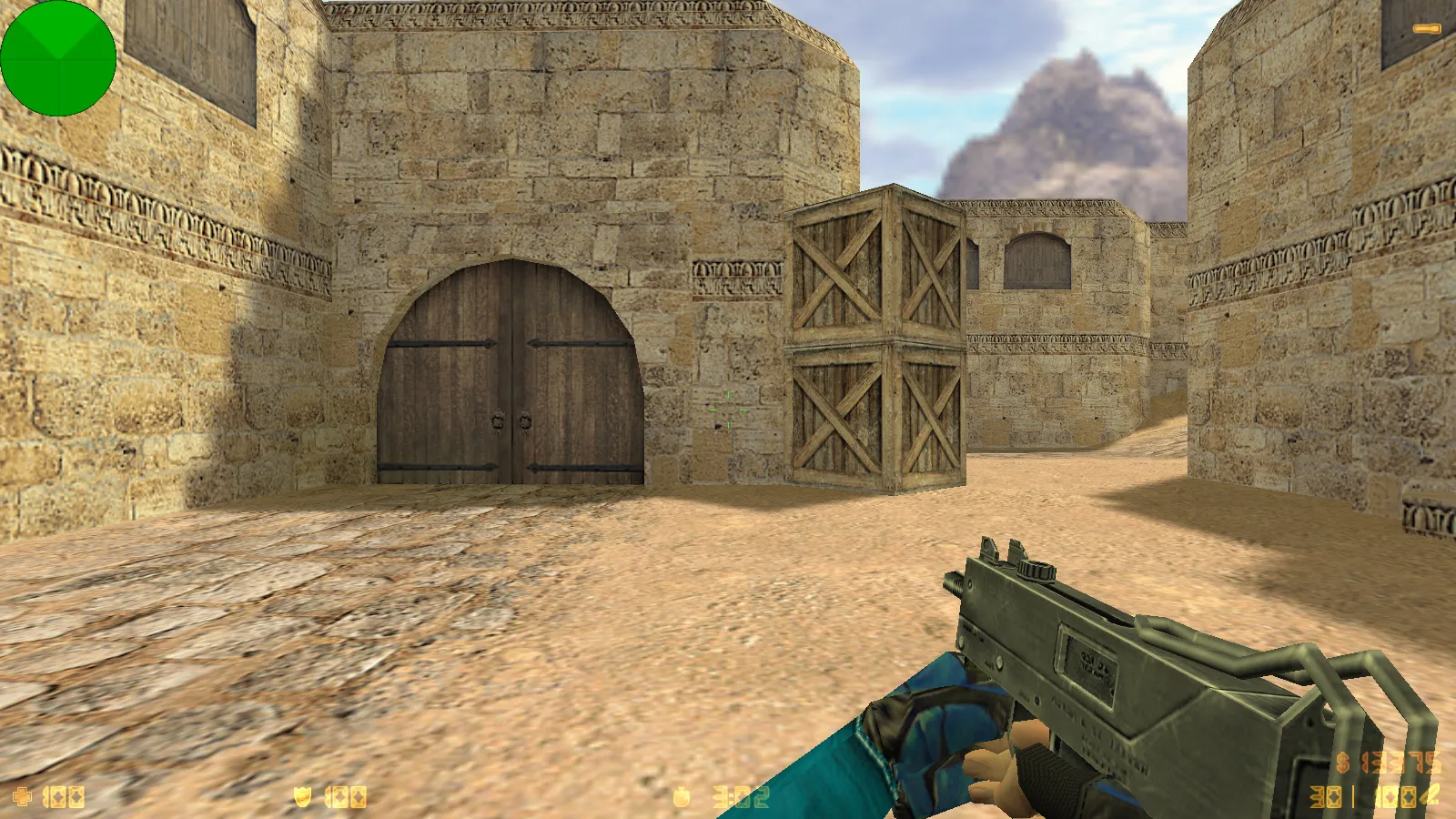
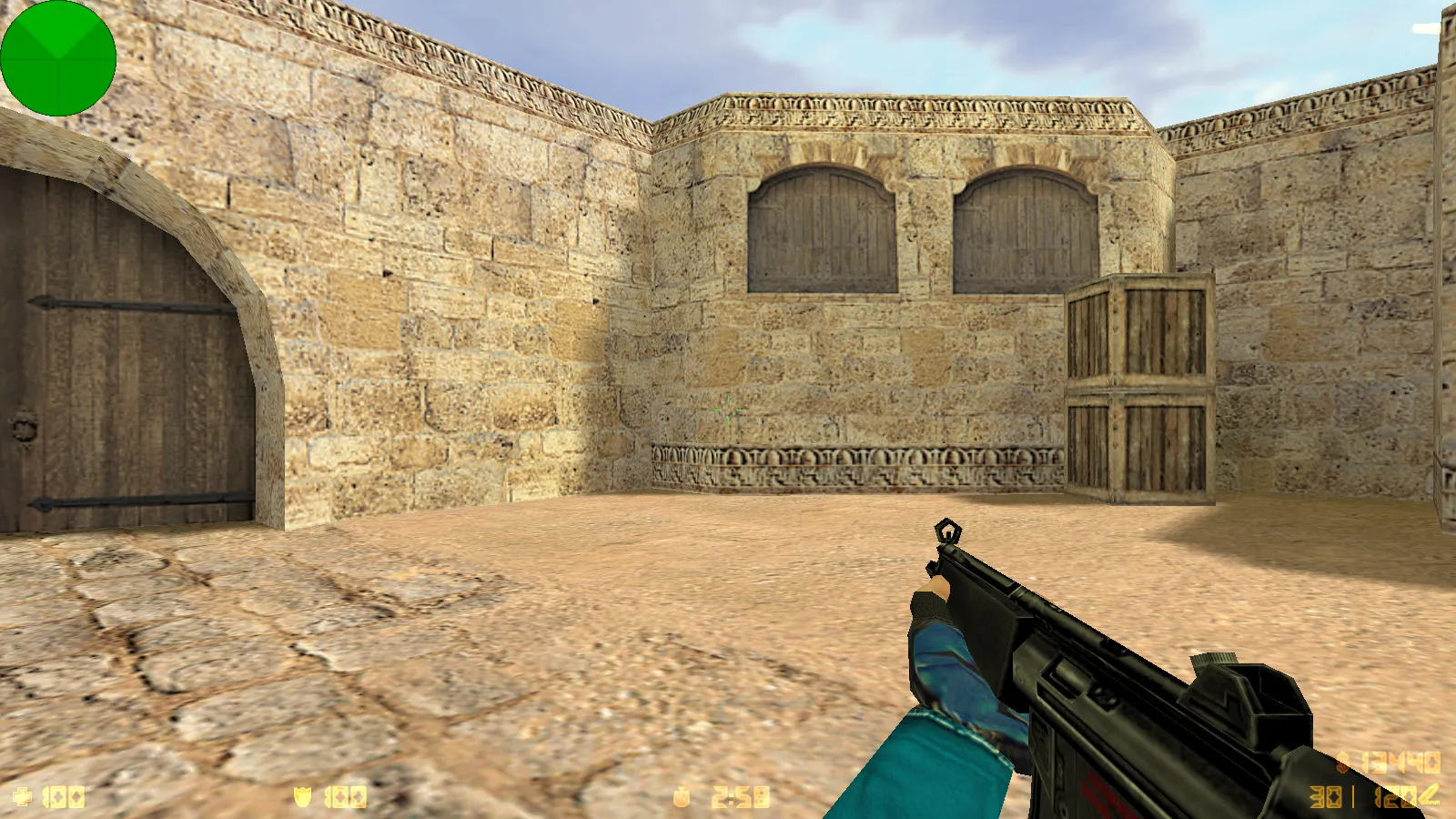
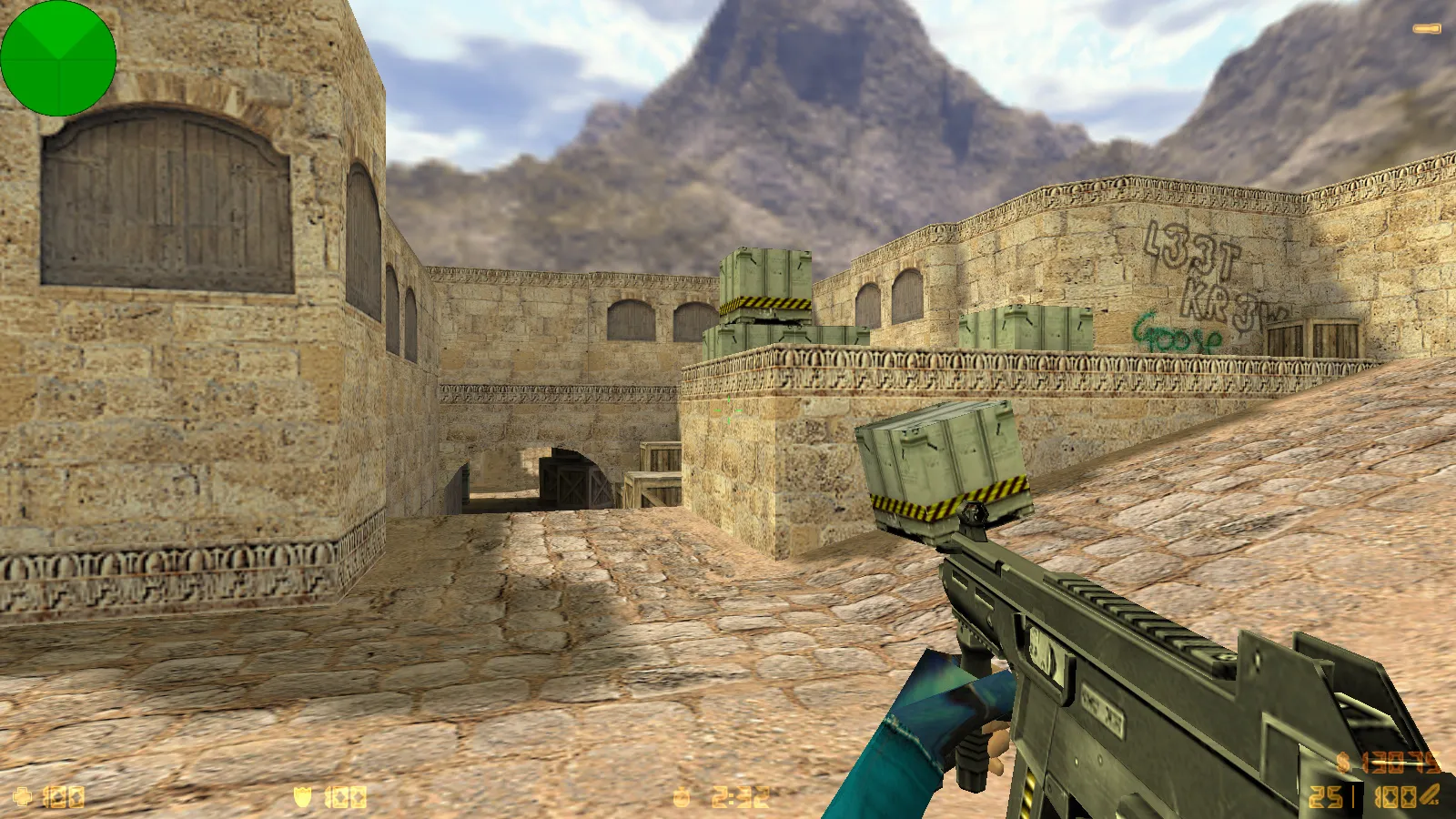
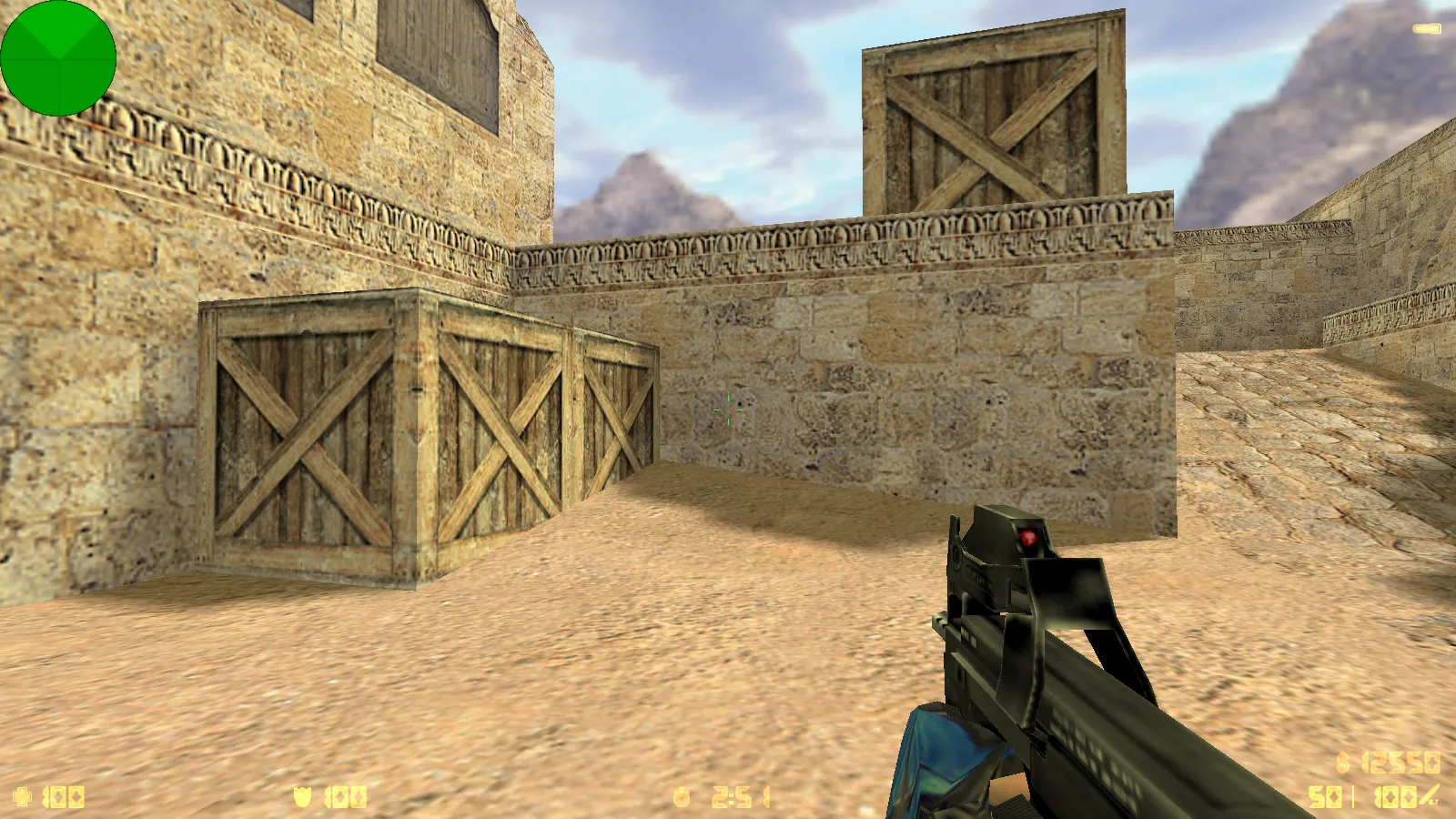
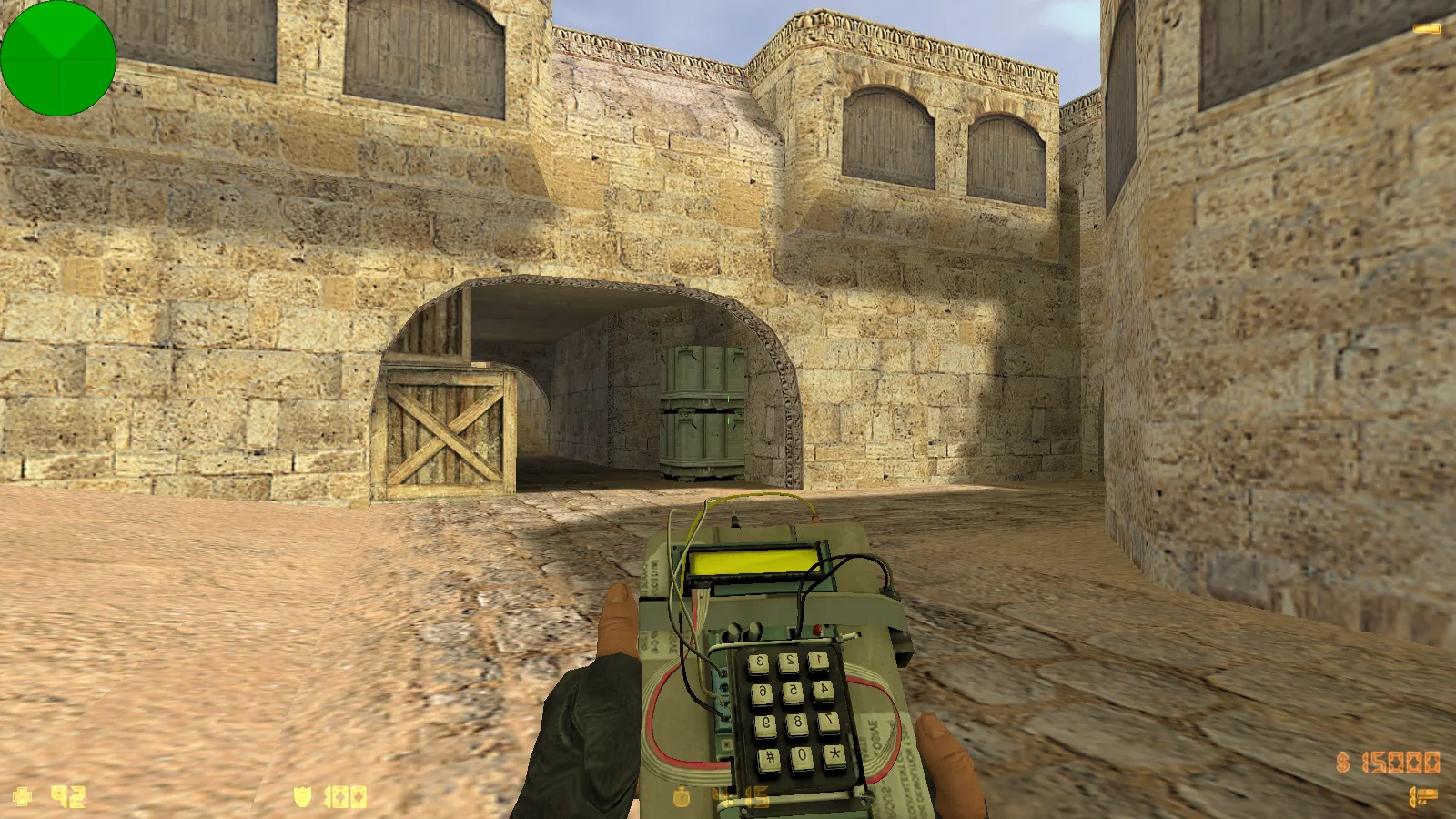
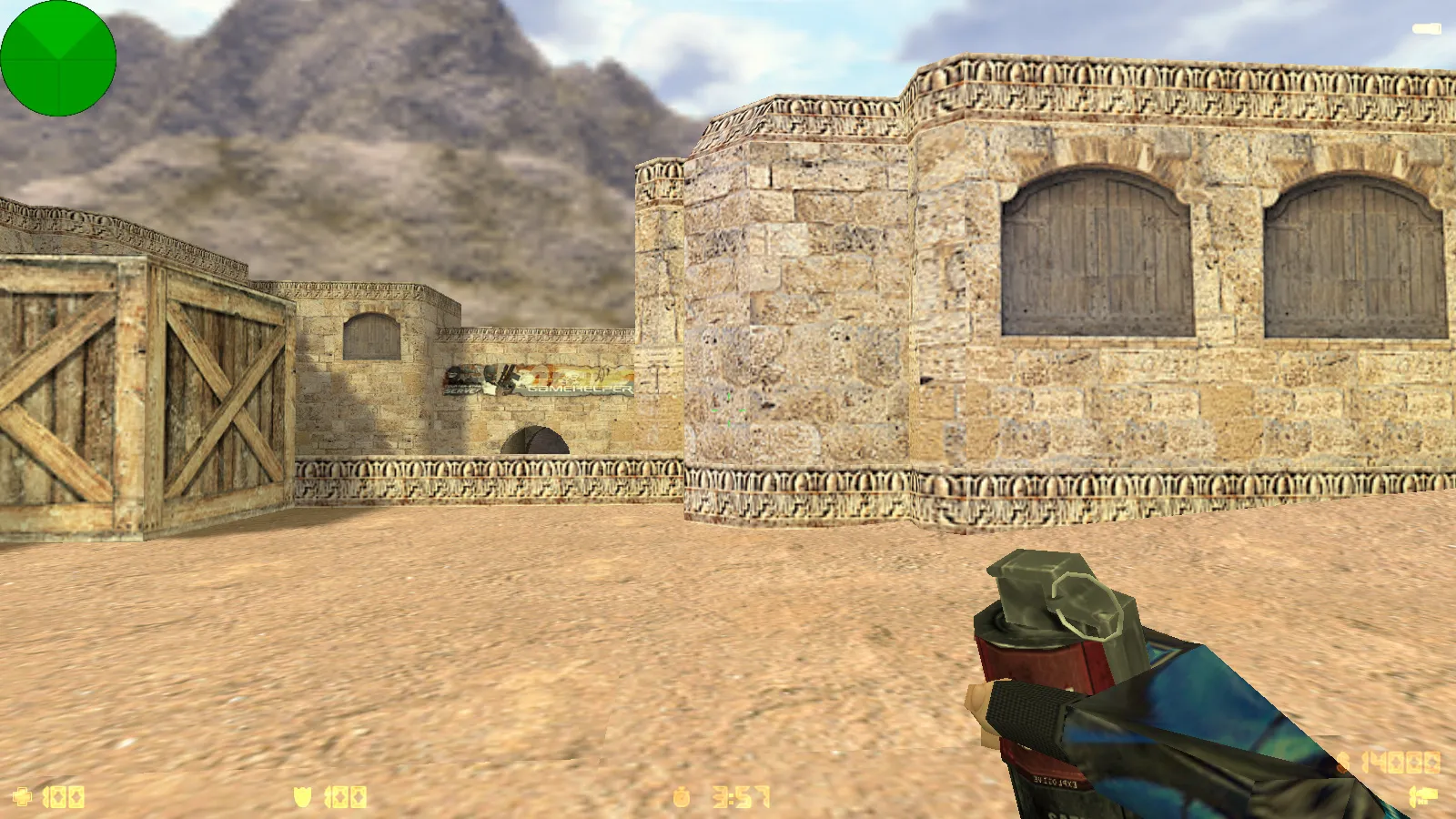
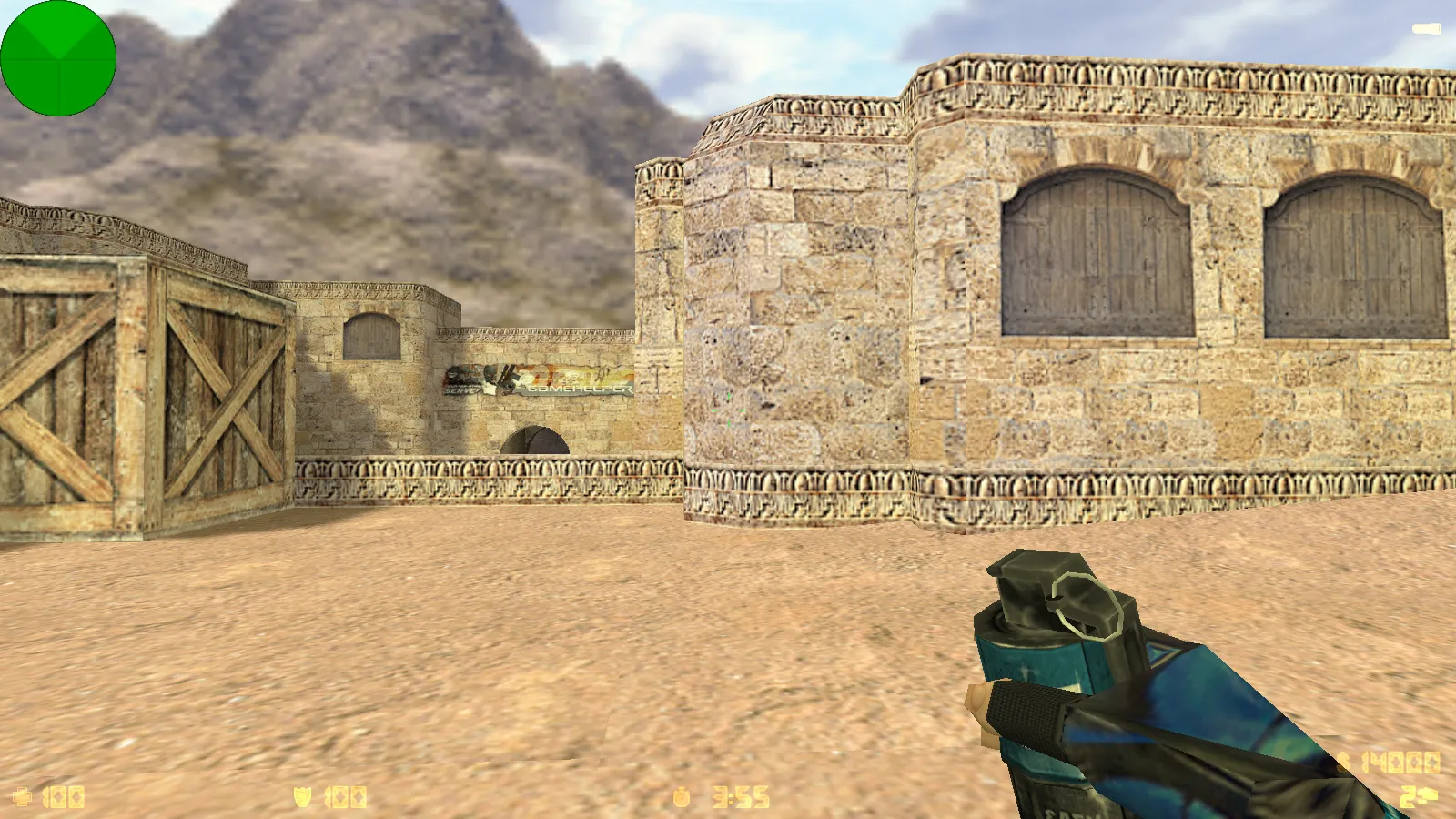
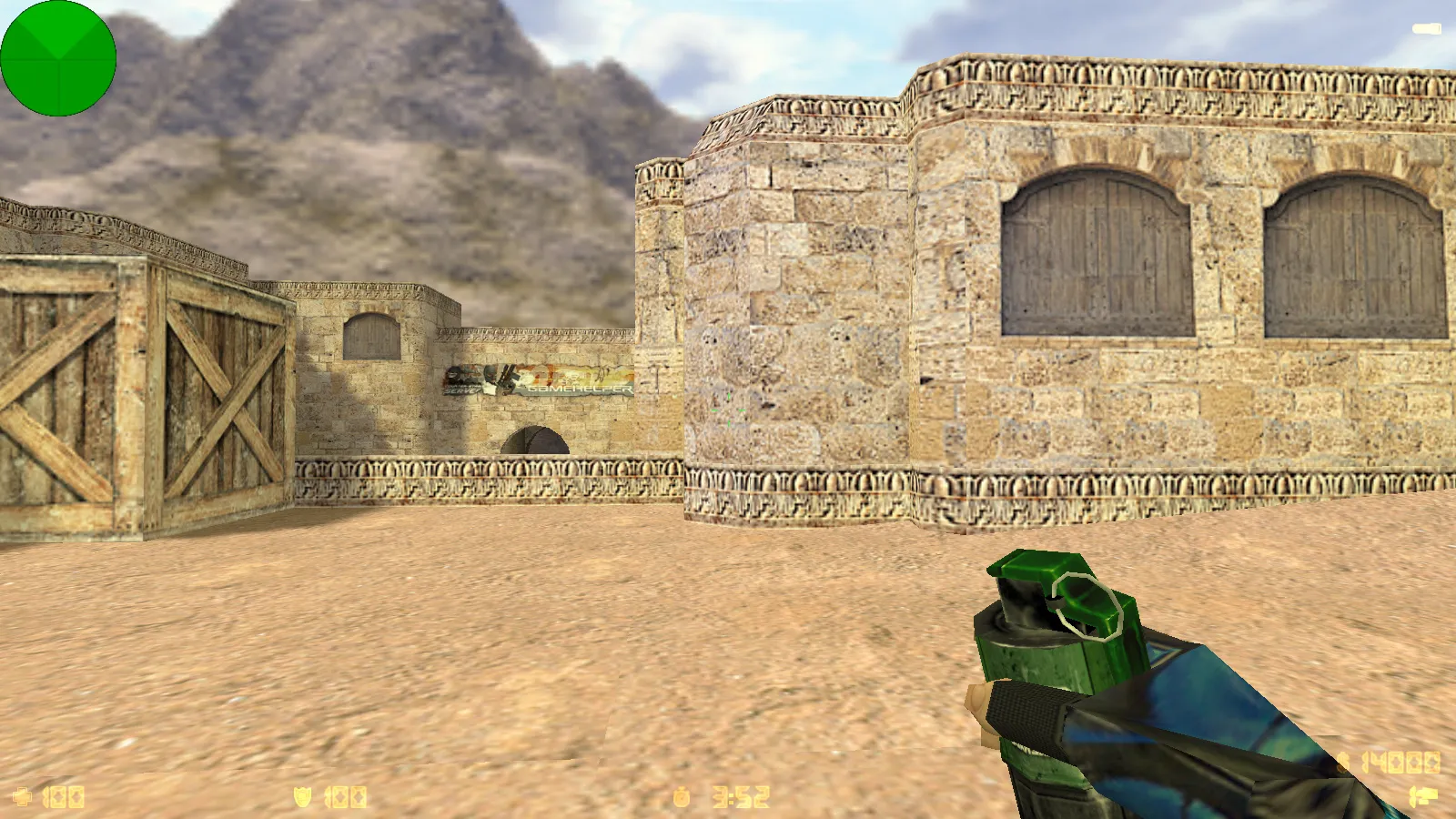
This CS 1.6 package from Veselogo Romki provides a blogger-style configuration built on the Jew Show foundation. It bundles four addons that improve visuals and usability immediately. Weapon textures receive updates featuring blue hands and gloves for faster model identification in combat. The menu adopts a black theme while retaining red highlights for important items. The main menu backdrop displays a gray M4A4, preserving the classic CS 1.6 atmosphere without adding interface clutter. An optimized config.cfg is included to guarantee stable launches and consistent response times.
The build maintains all core game functionality. Every original feature stays intact for online server play or bot matches on any map. Russian nicknames function flawlessly, and chat supports Cyrillic input natively. Compatible modifications integrate provided they suit your setup. Designed for Windows, it excludes auto-connect scripts and background processes that might cause interference.
Visuals and Interface Details
Core addons focus on weapons and menu components. Updated weapon textures incorporate blue hands and gloves, boosting visibility during high-speed action. The darker menu employs a black background with red accents to draw attention to essential options. A gray M4A4 on the main menu background adds a familiar touch without overwhelming the HUD.
Gameplay mechanics remain unaltered. Weapon inspect animations play as standard, view models load correctly, and player models align properly. Sounds for gunfire and footsteps stay stock, preventing any 'different game' sensation. Crosshair and screen elements behave predictably, supporting high-FPS sessions on Build 4554 or comparable protocols.
Config Optimization and Stability
Optimization revolves around a clean config.cfg file. Settings are arranged to avoid conflicts in game parameters. Rate values aim for 100k to ensure smooth network events. Ex_interp is set to 0.01 to promote fluid interpolation. Any aliases present do not disrupt console commands or established habits. The focus rests on FPS gains and reliability on standard hardware, skipping unreliable tweaks.
Bot play performs well, connecting to maps and executing positions accurately. Online mode supports broad server access for practice and matches, with stable resource loading. MasterServer protection keeps connections secure, compatible with both Steam and Non-Steam installations.
Online and Offline Compatibility
Built for both online and offline use. Online play reaches major servers, preserving practice rhythms and match flows. Offline mode loads any map without extras, supporting Russian nicknames and chat natively-no manual language switches required.
For installation, begin with a clean setup. Avoid questionable patches to prevent config.cfg clutter or file swaps. This minimizes MasterServer issues and connection errors. Aligns with standard Steam/Non-Steam frameworks for reliable performance.
Map and Bot Support
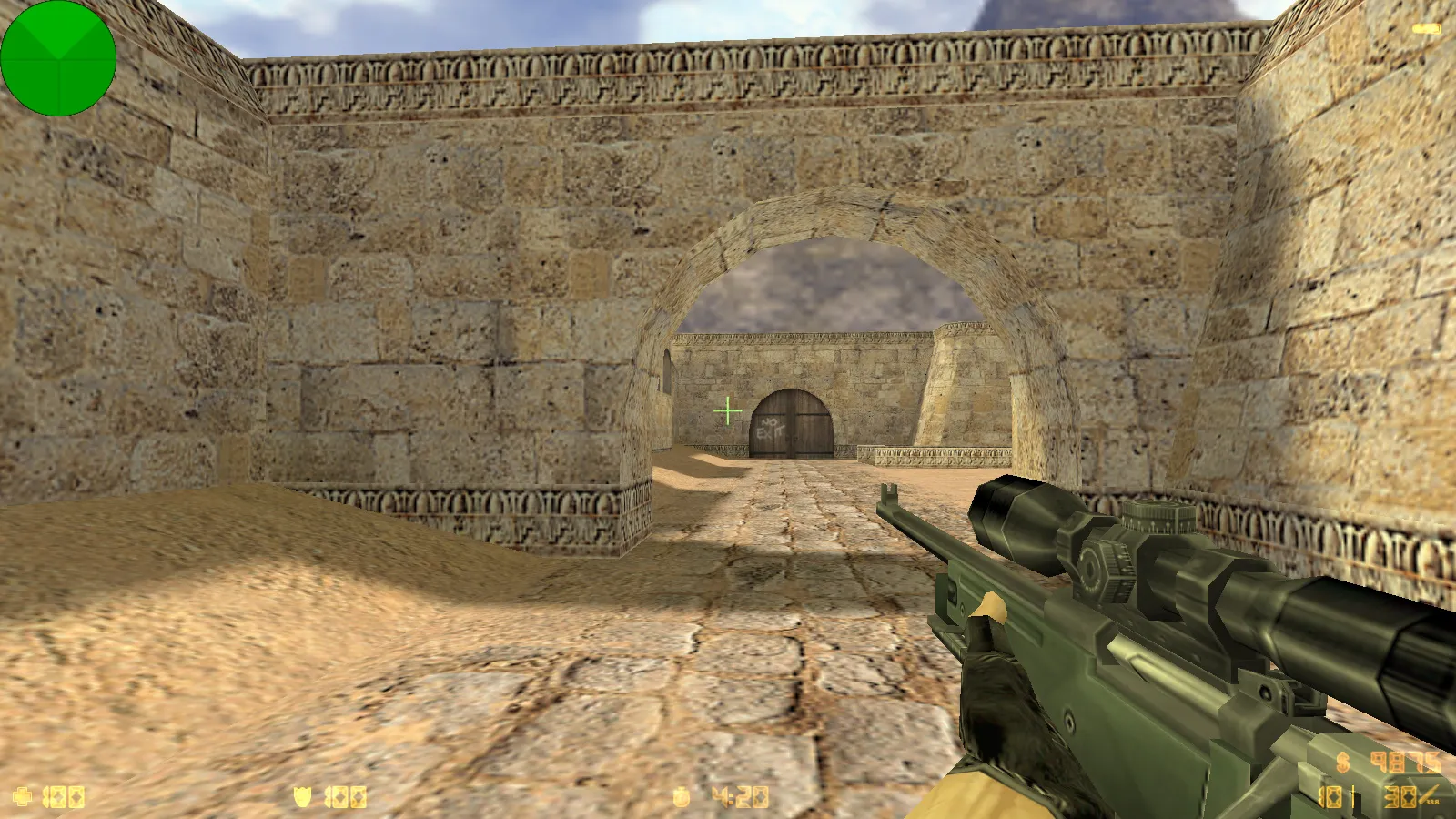
Maps follow canonical layouts. Bot navigation relies on .nav files on classics like de_dust2, aiding route finding. Visual resources do not clash with build assets. Polygon optimization via wpoly/epoly reduces frame drops on key sites like long A or B tunnels. Team balance holds, with tactical spots intact for CS 1.6 strategies. Hitbox alignment stays precise across environments.
Installation Safety
This assembly prioritizes clean installs-no viruses, no ads, no slow-hacks. Verify file integrity before launch. Skip auto-connect features and restrict access to unrelated apps. For mods, choose verified, compatible ones only. This maintains stability and predictable behavior.
Ready for Action: Fire up a server, pick a map, set your Russian nick, and dive in. Blue gloves, black menu, and tuned config.cfg provide comfort for CS 1.6 practice and competitive play.
Install in three steps
-
1
Download the archive. Use the button on the right, or the Yandex.Disk mirror if the main server is slow.
-
2
Extract it into the game folder. Use 7-Zip or WinRAR. A path without non-Latin characters works best.
-
3
Launch the game. If something doesn't work, mark it below - that is how we know the file needs an update.
Did it work for you?
No sign-up needed. You can pick more than one.