
Blogger Builds
12 files
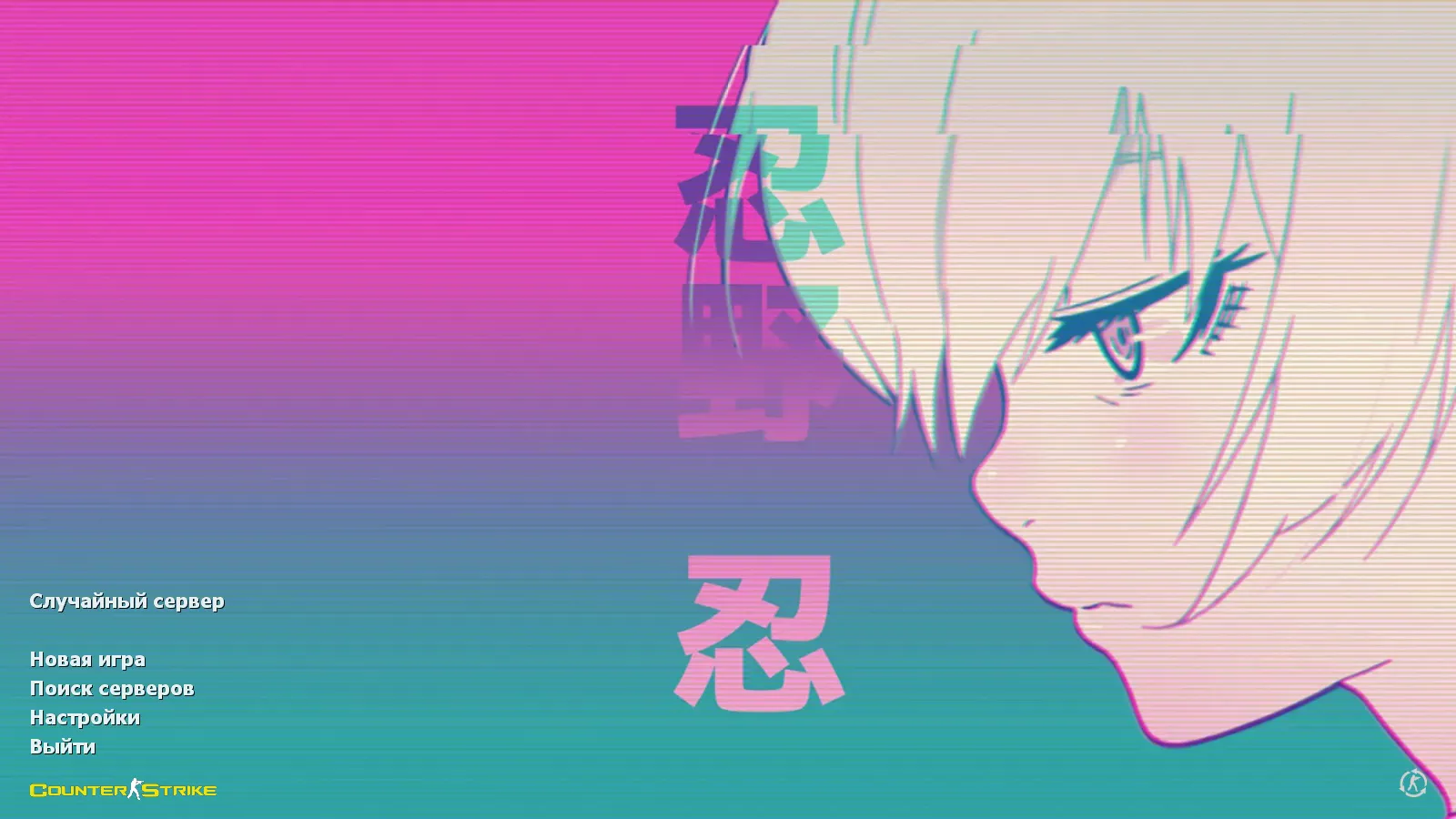
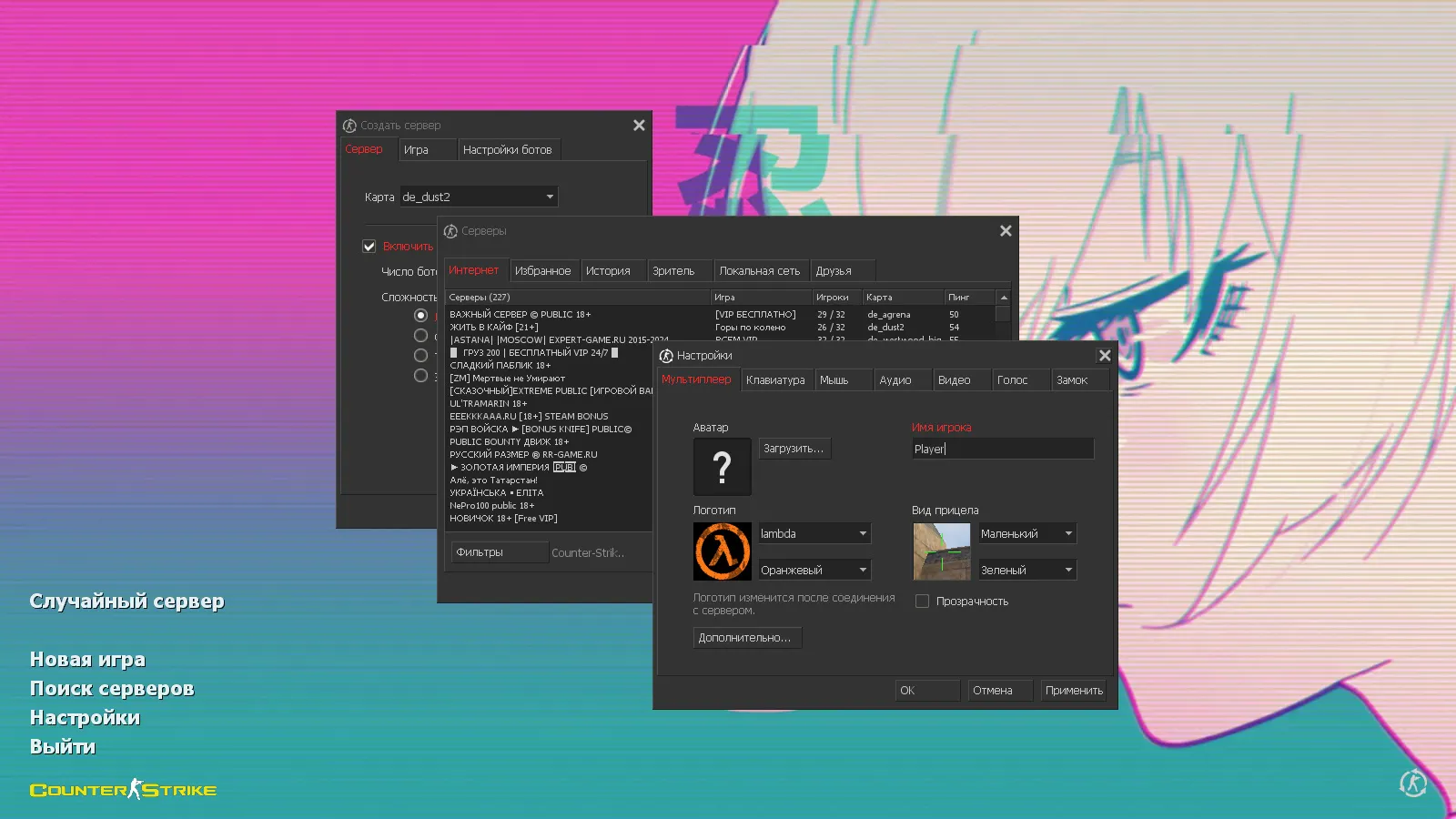
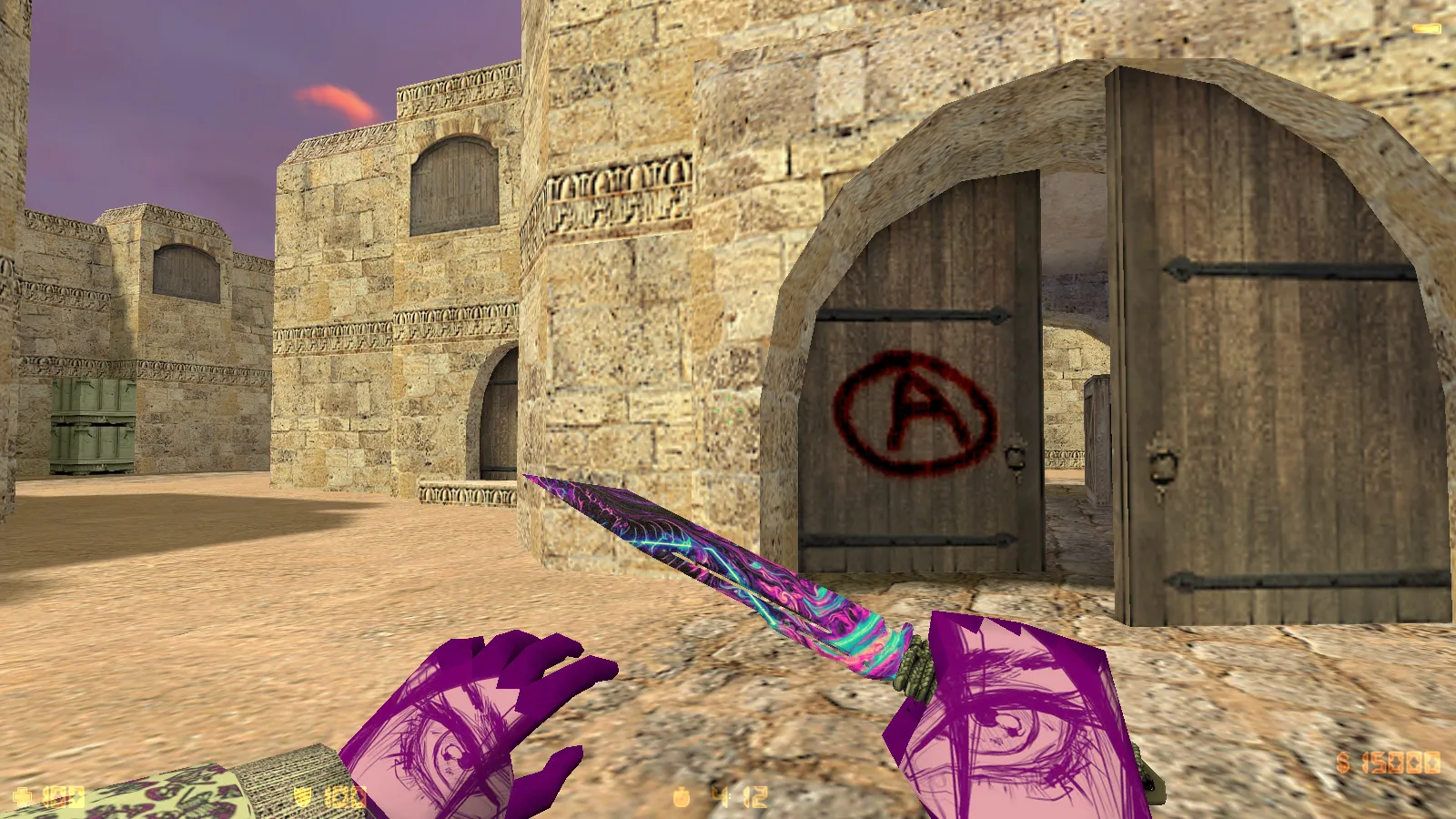
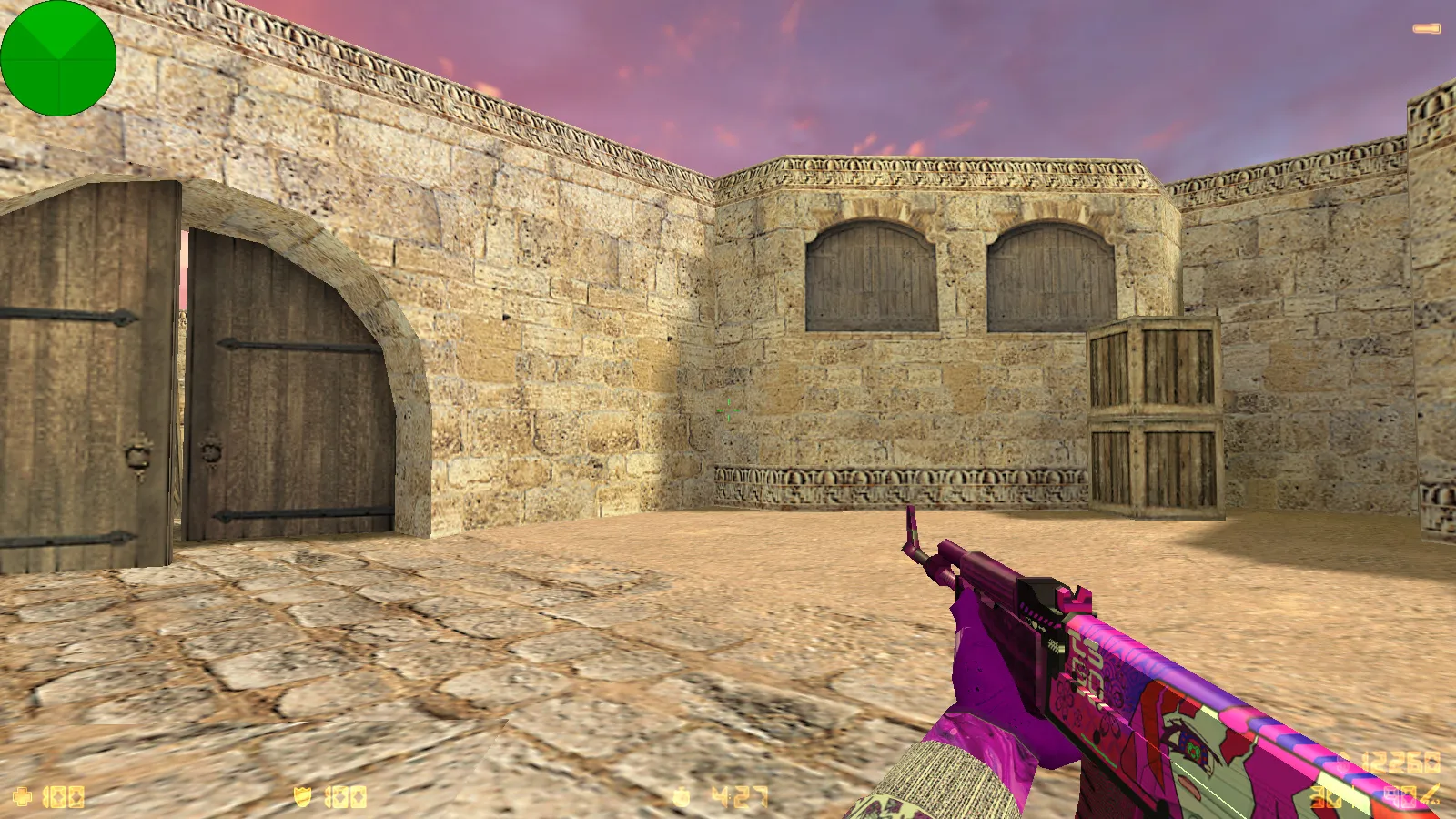
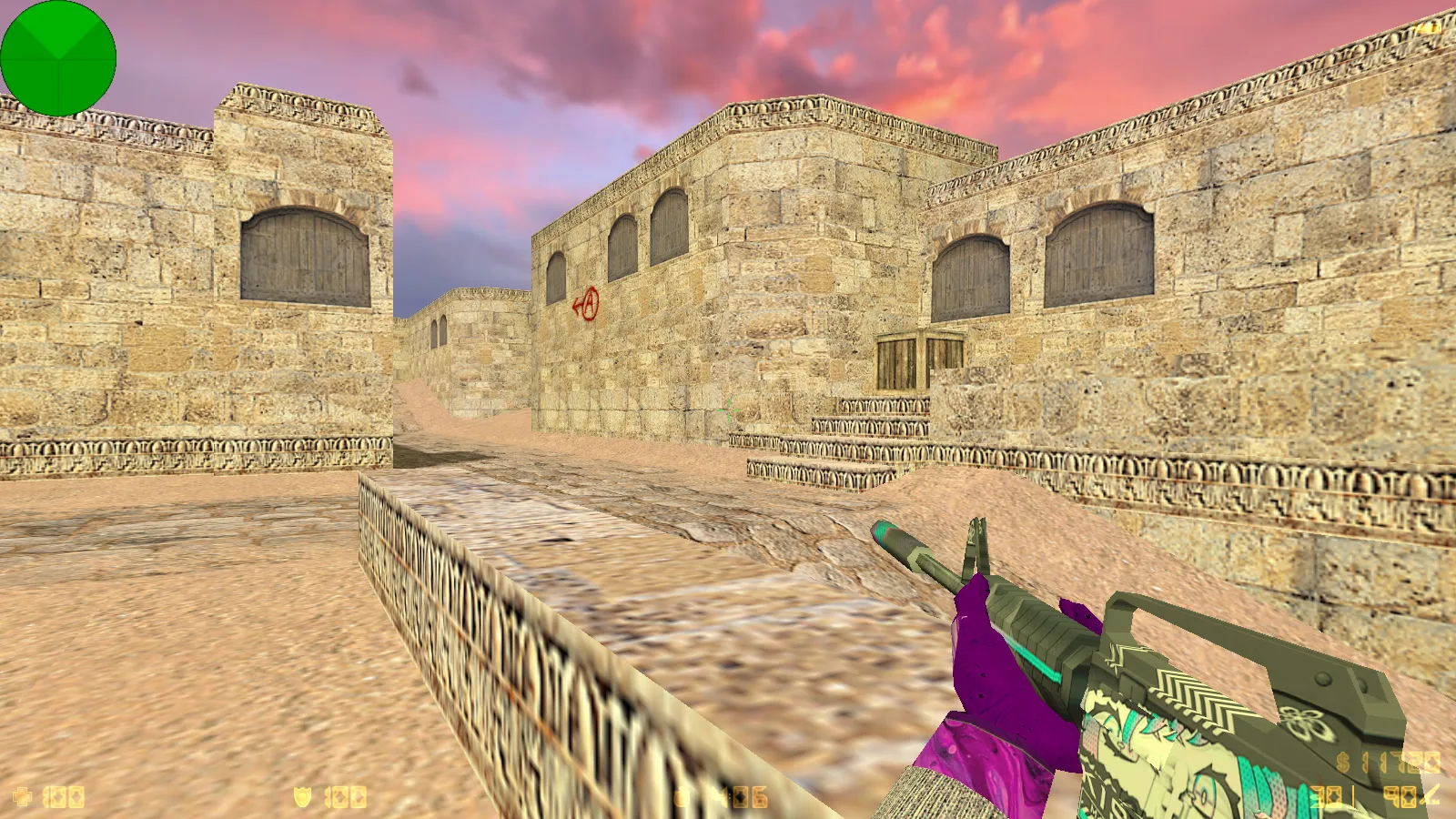
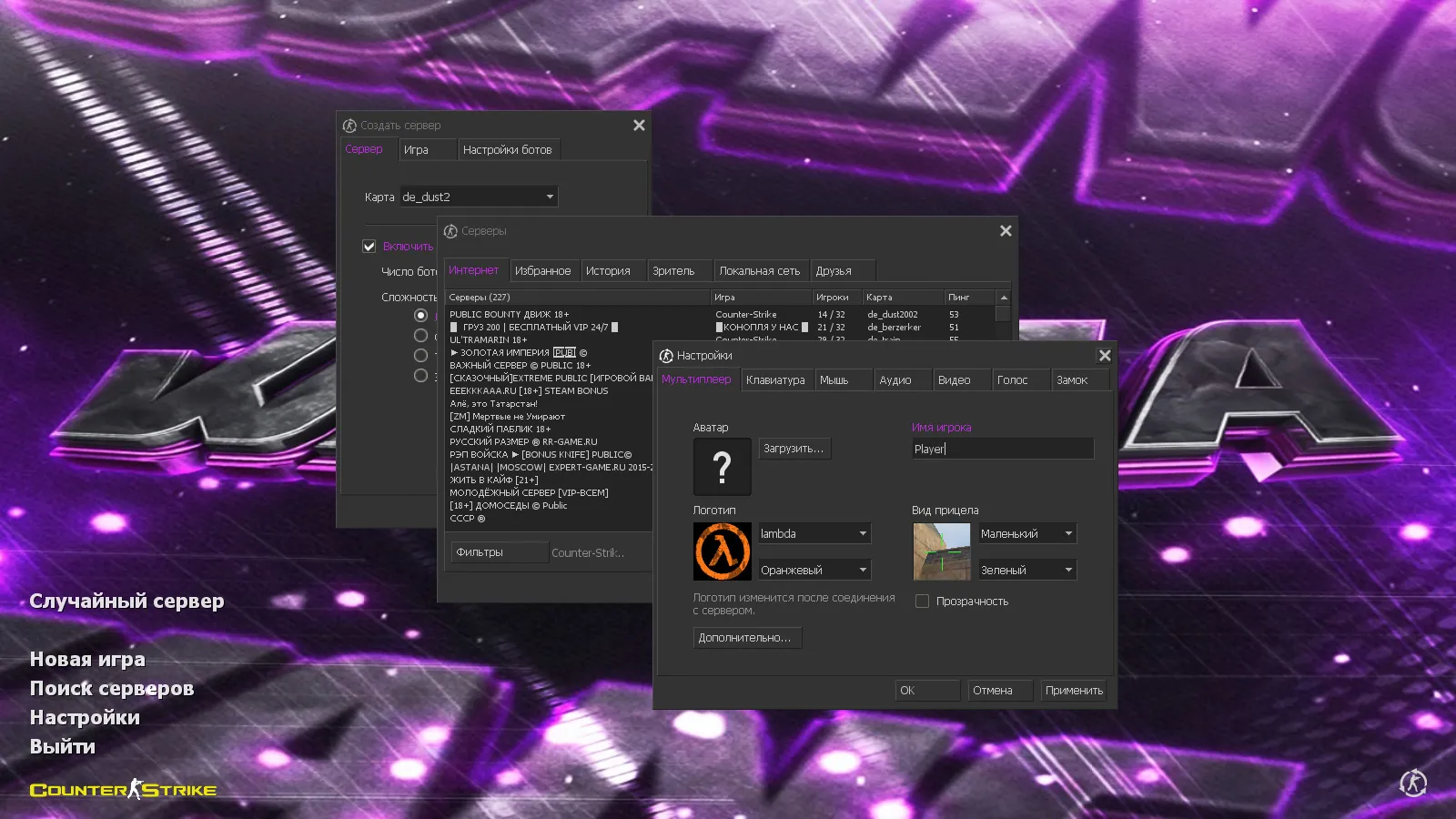
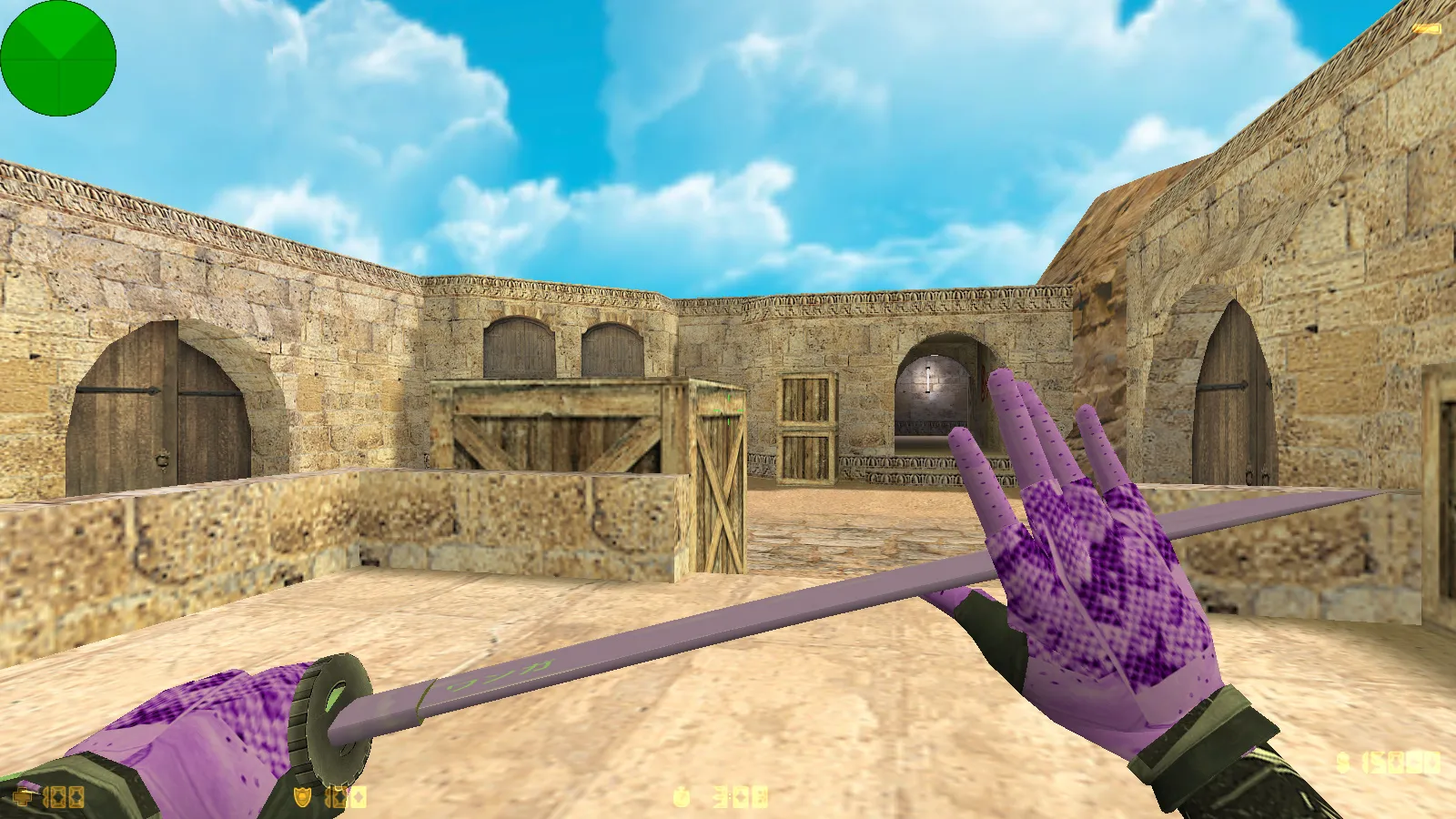
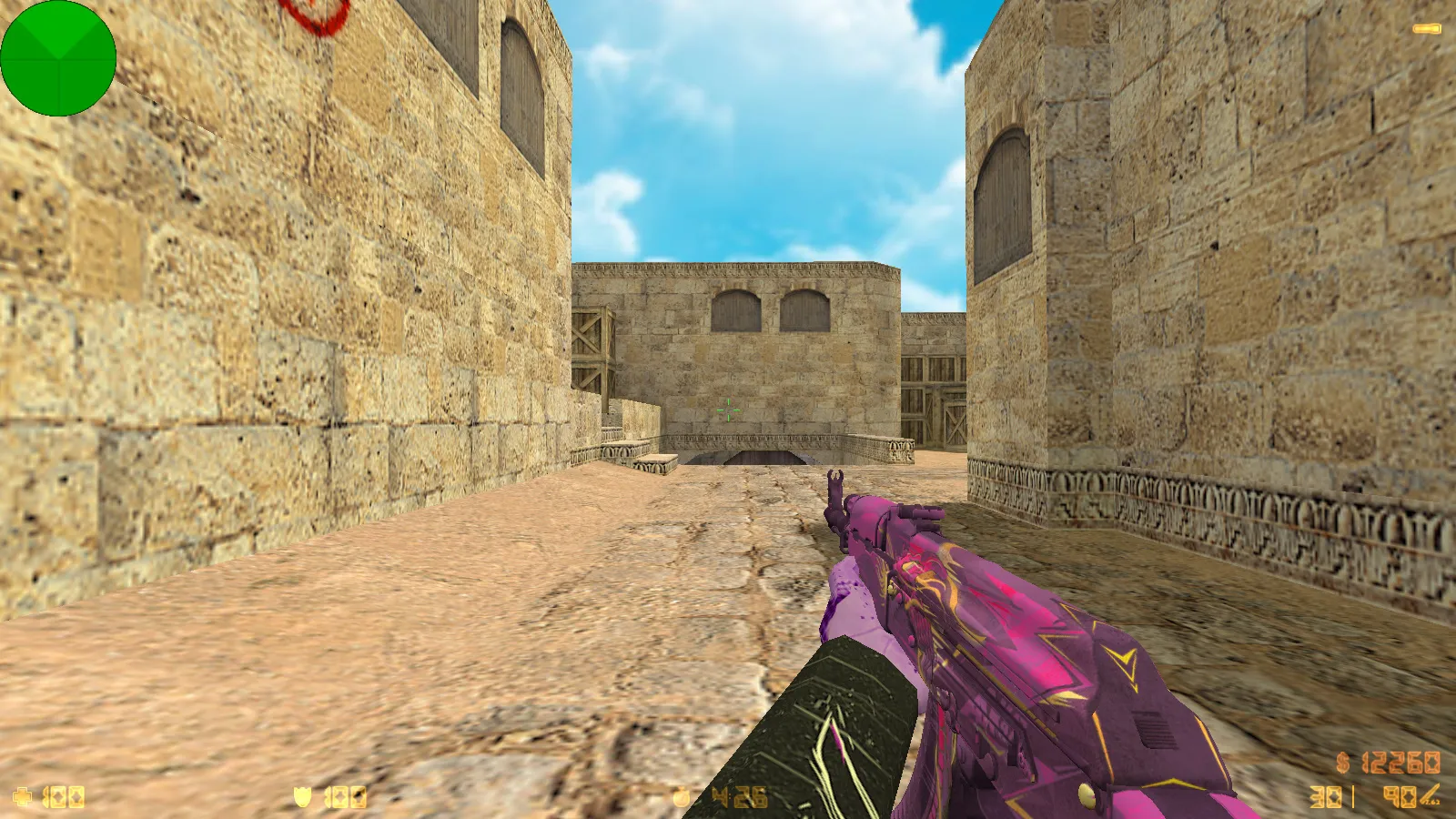
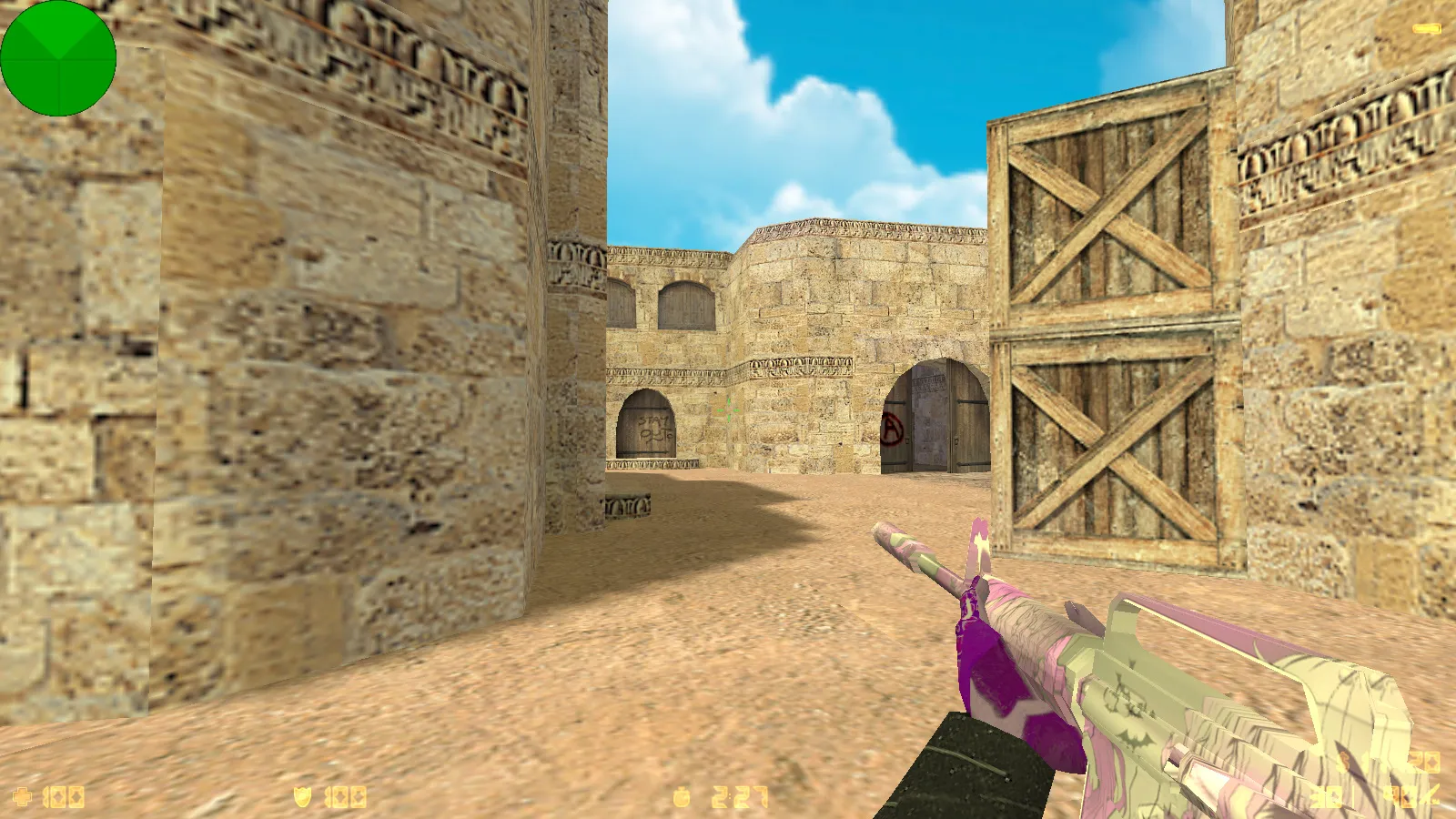
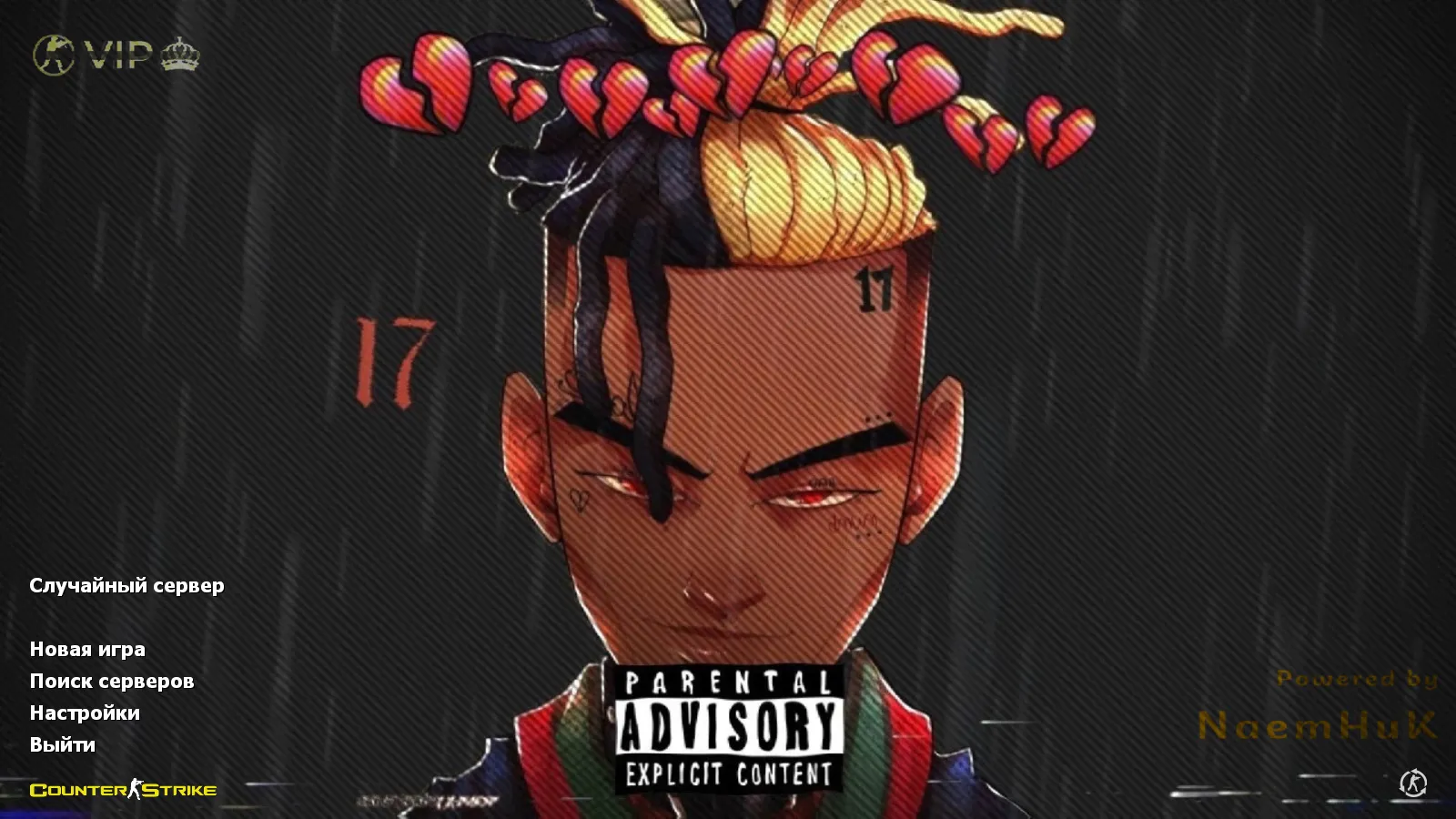
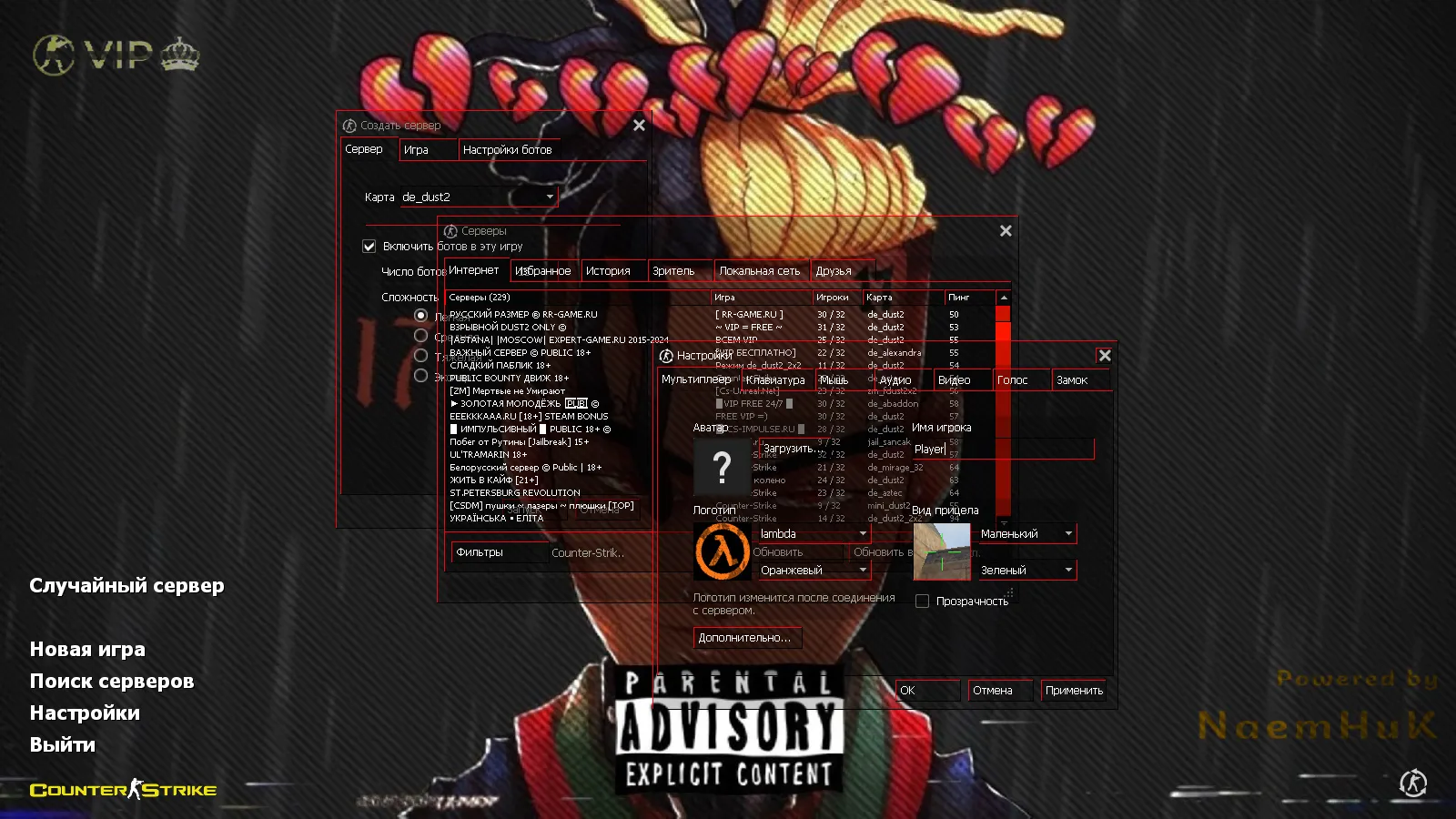
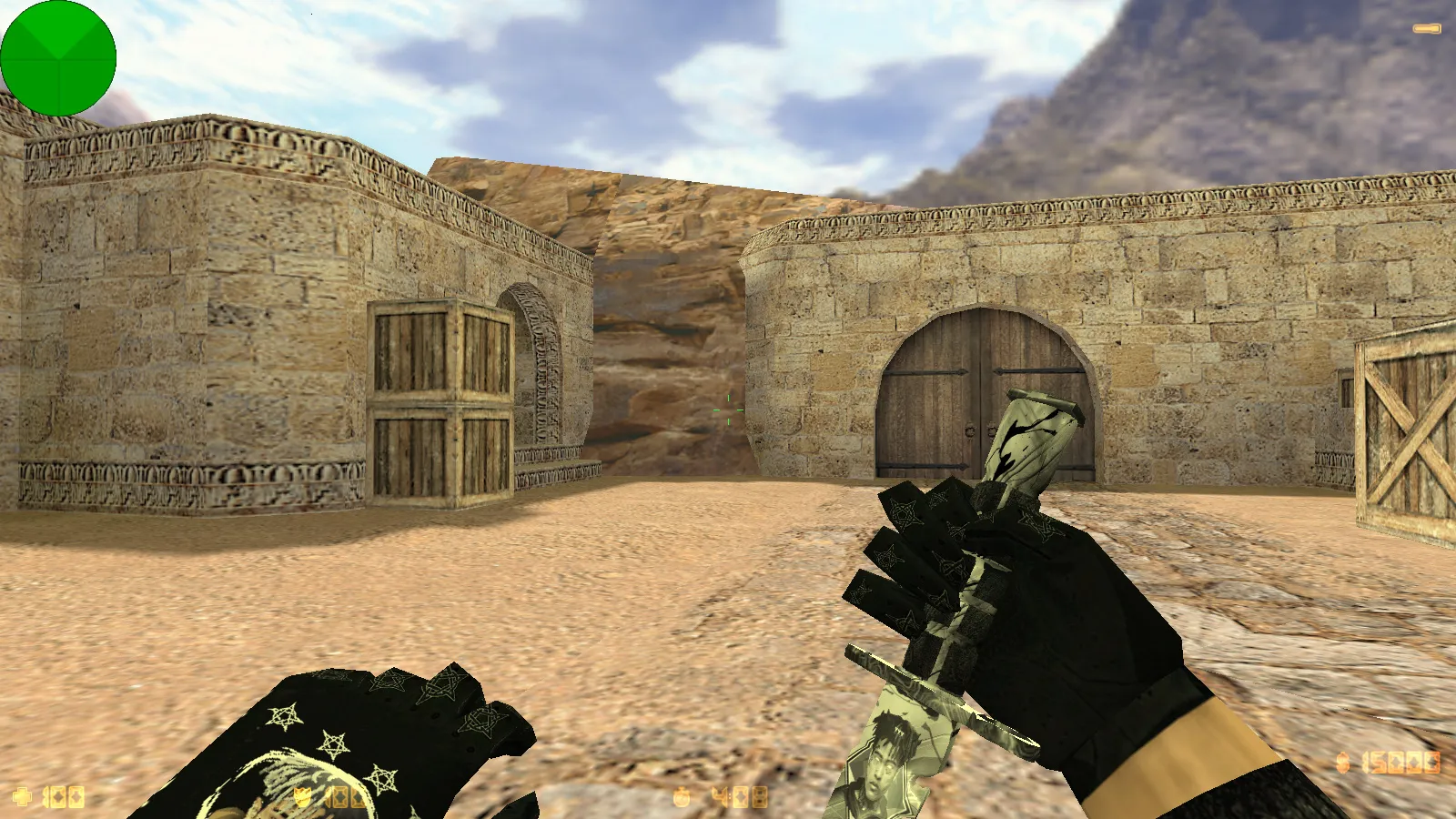
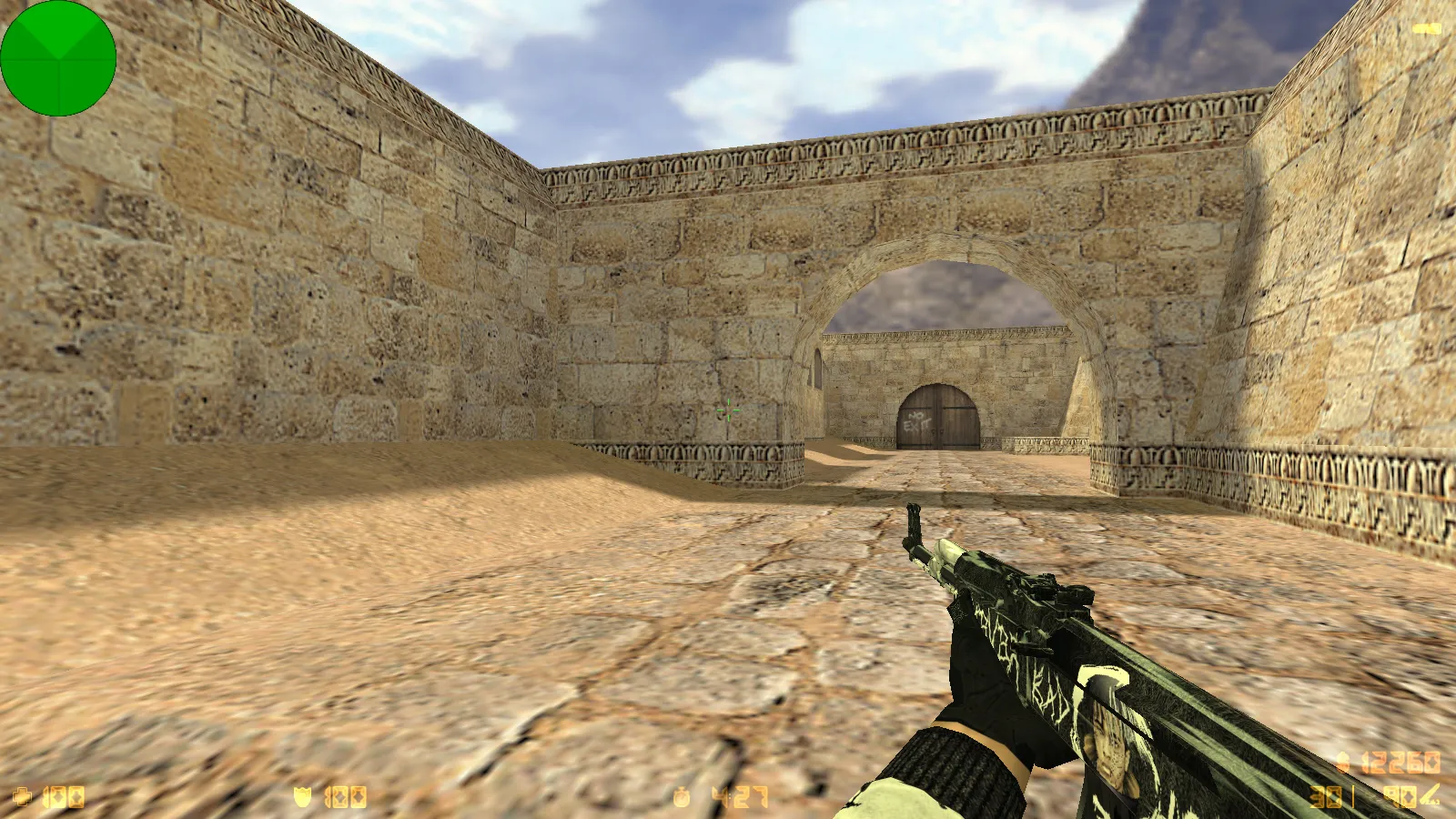
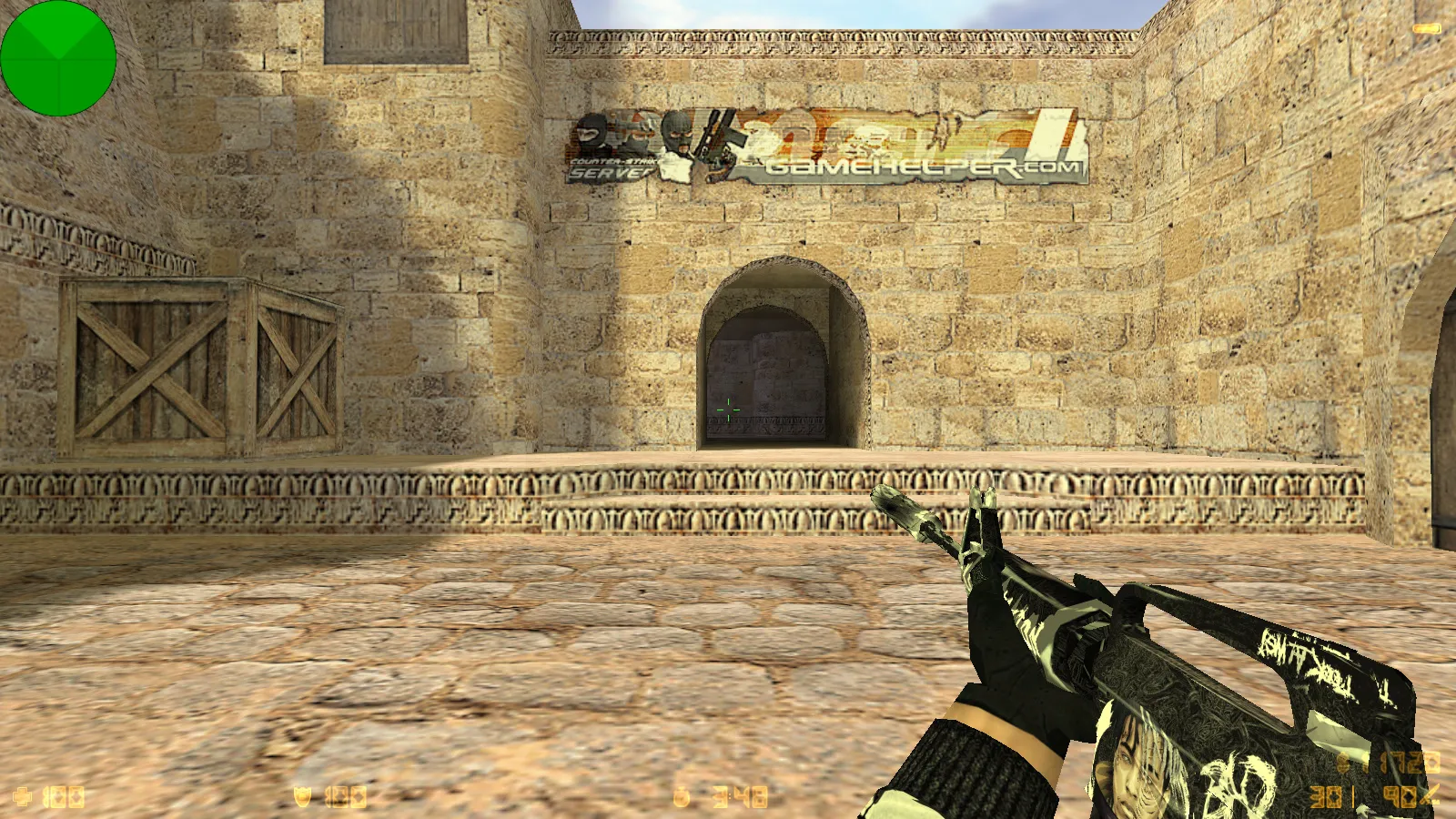
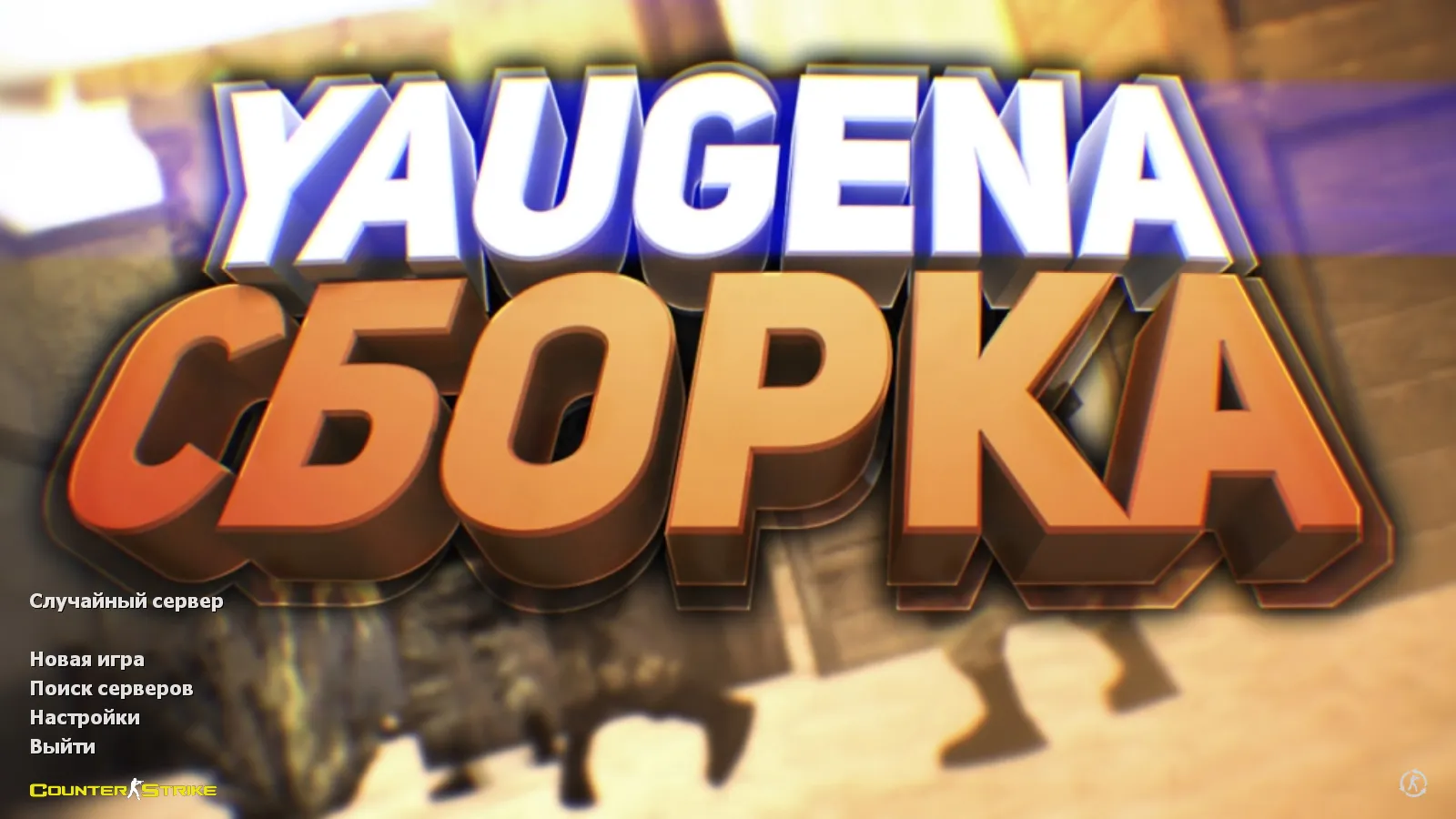
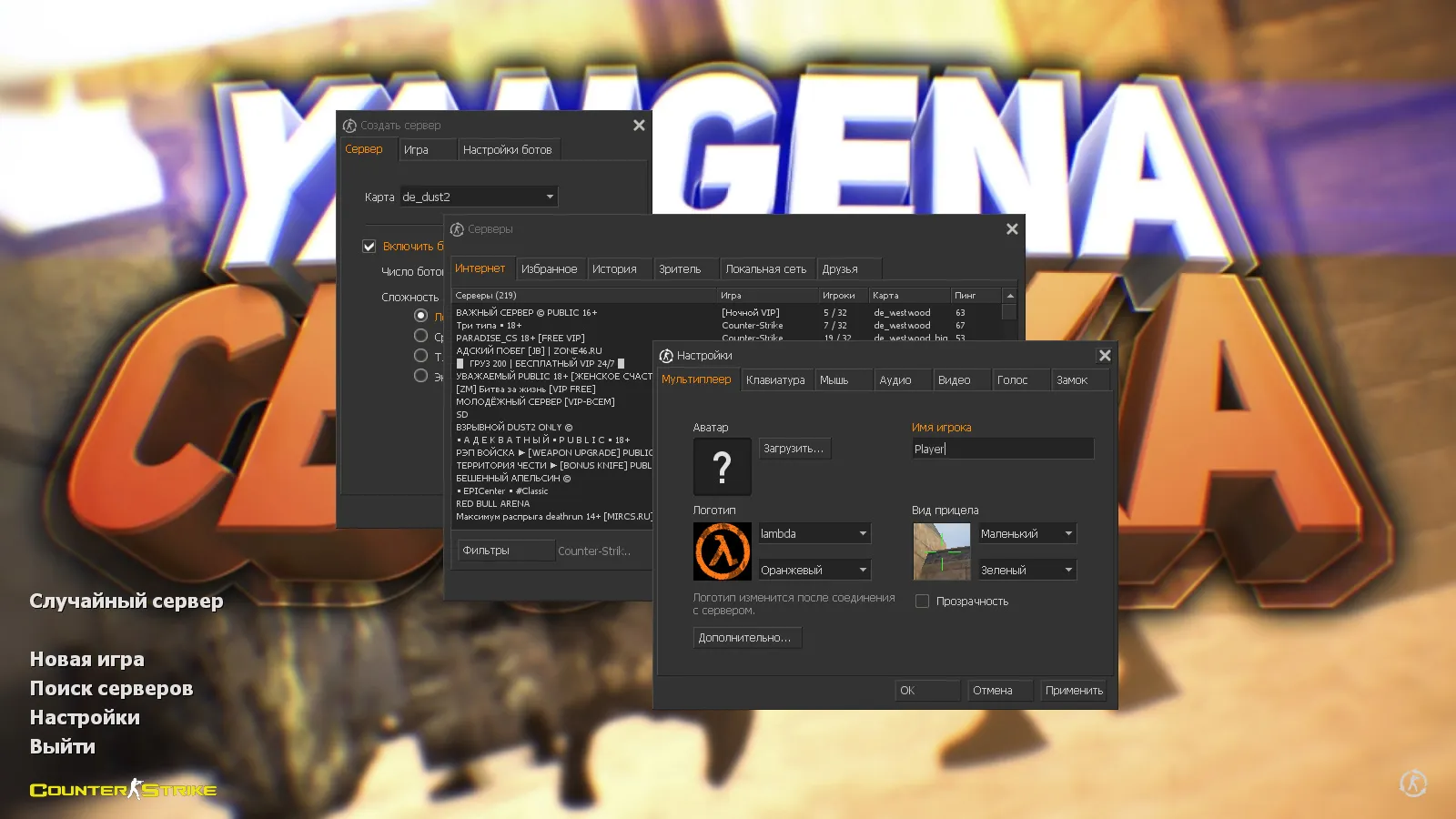
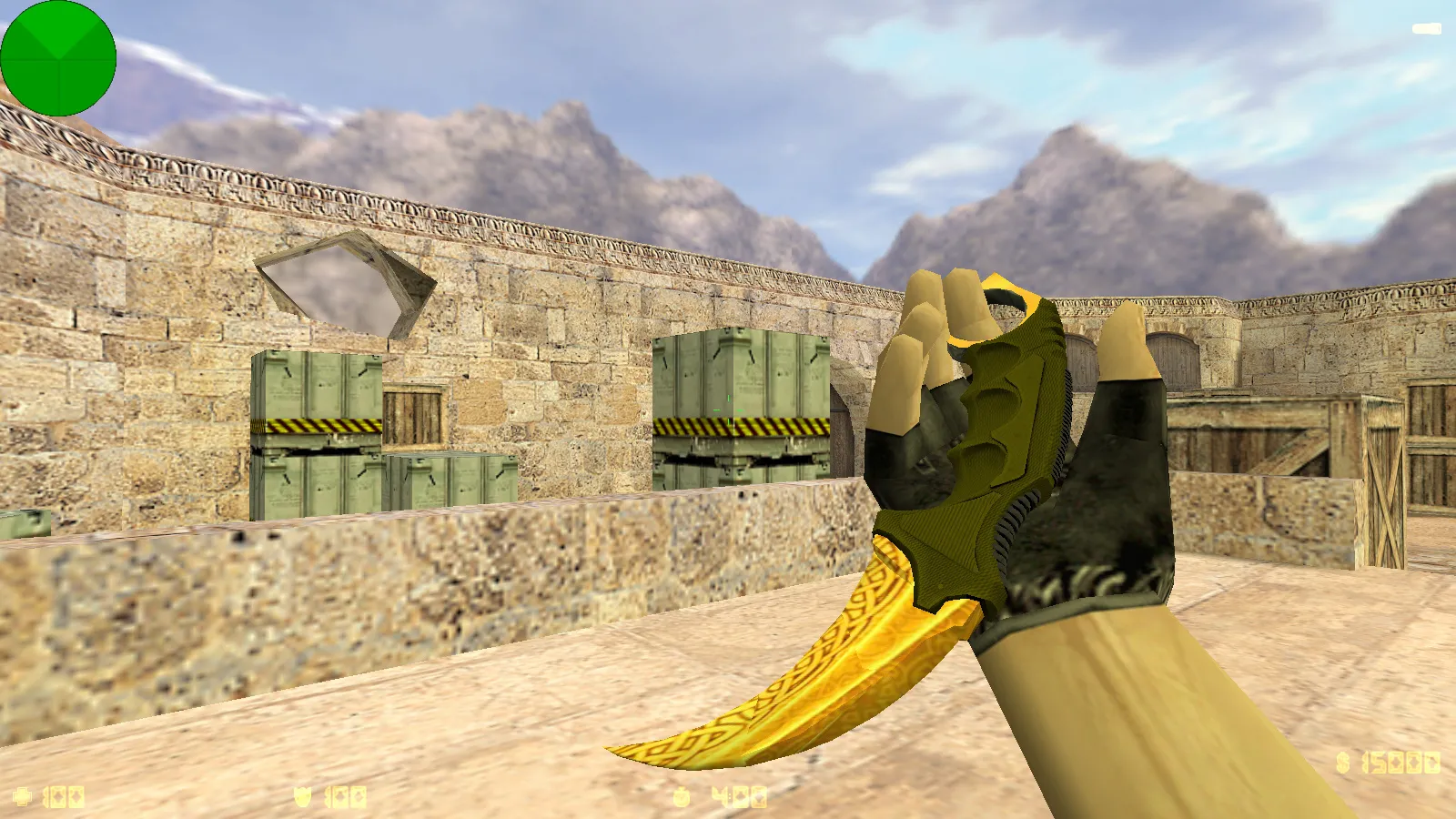
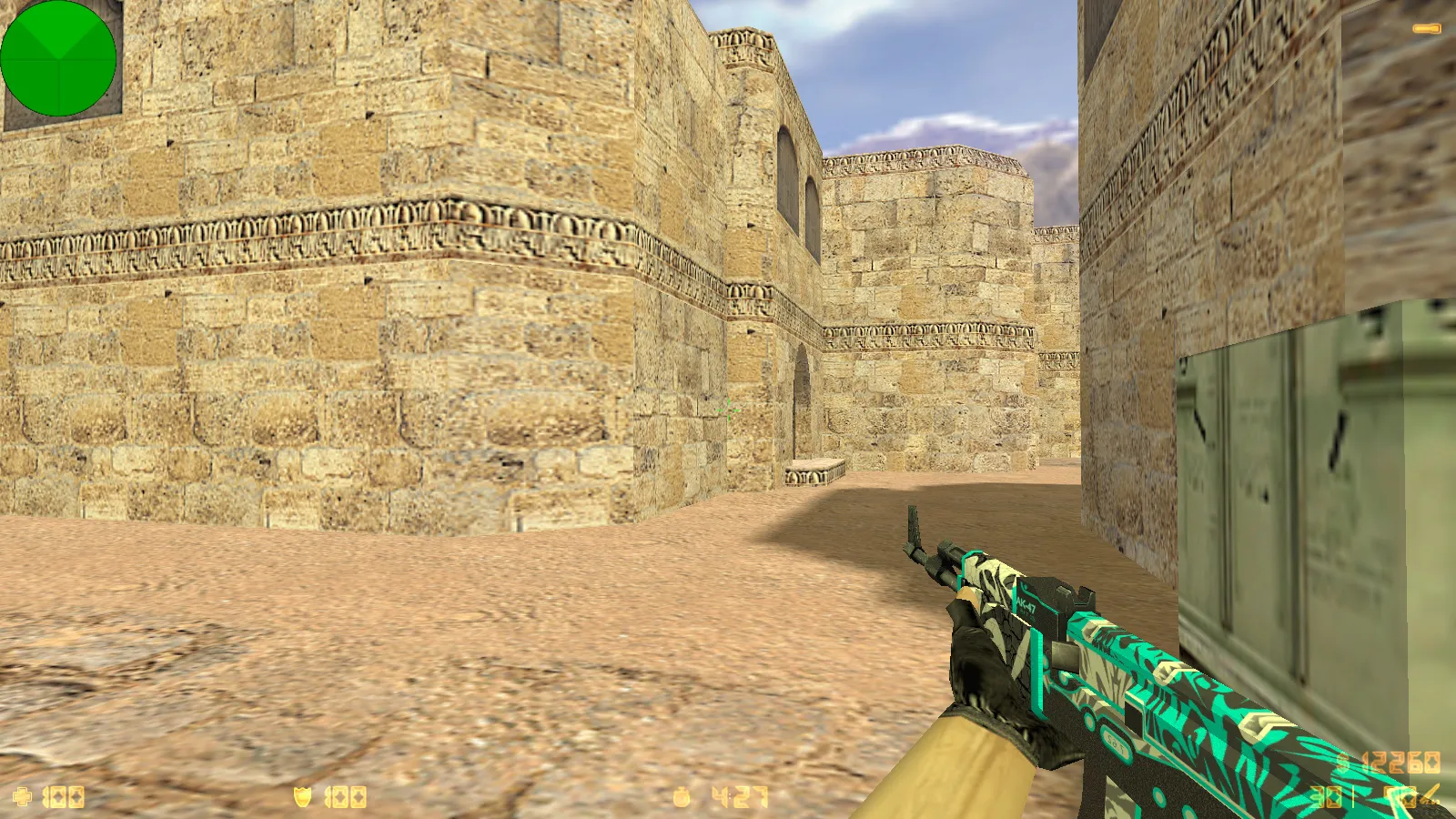
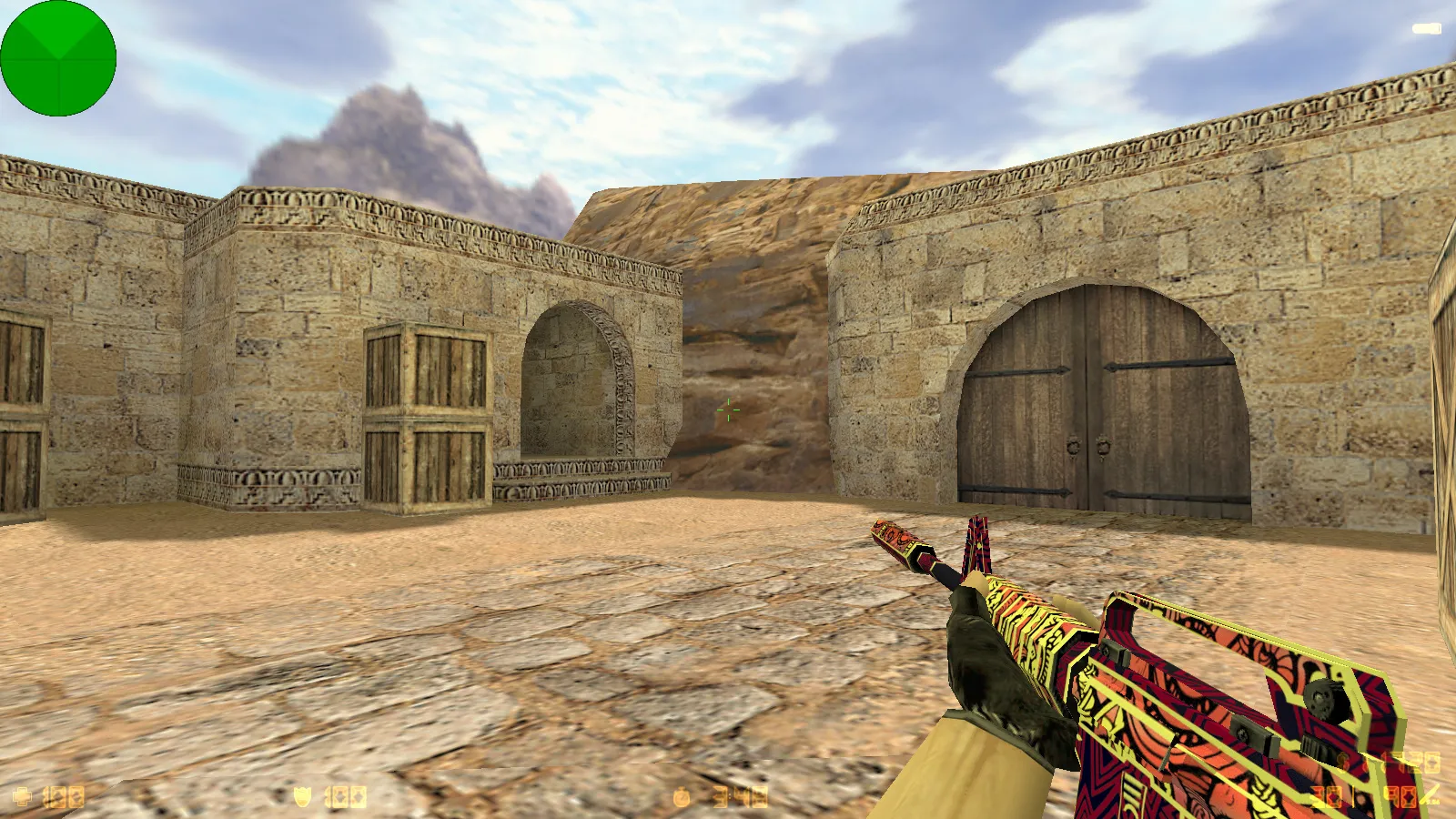
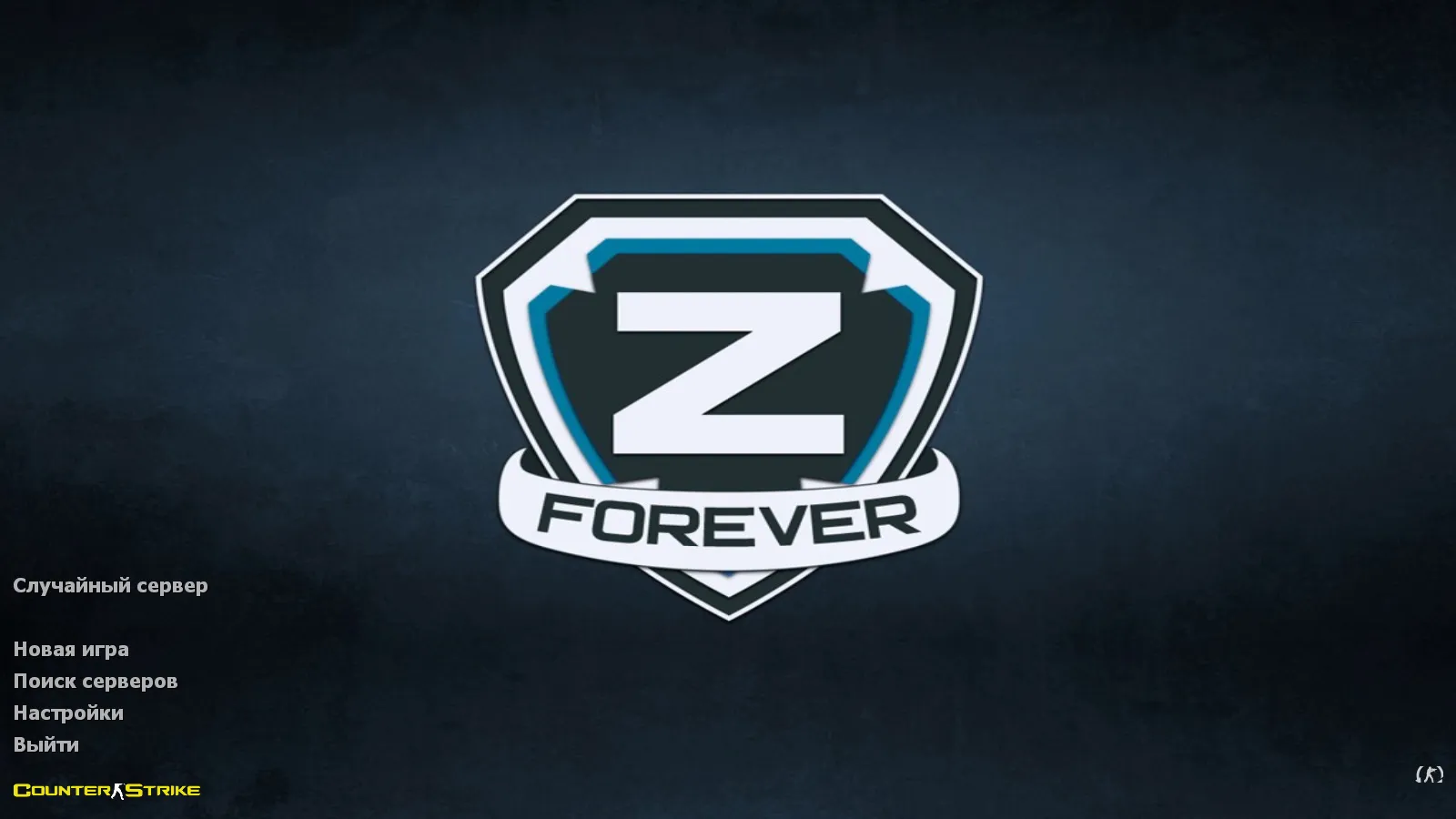
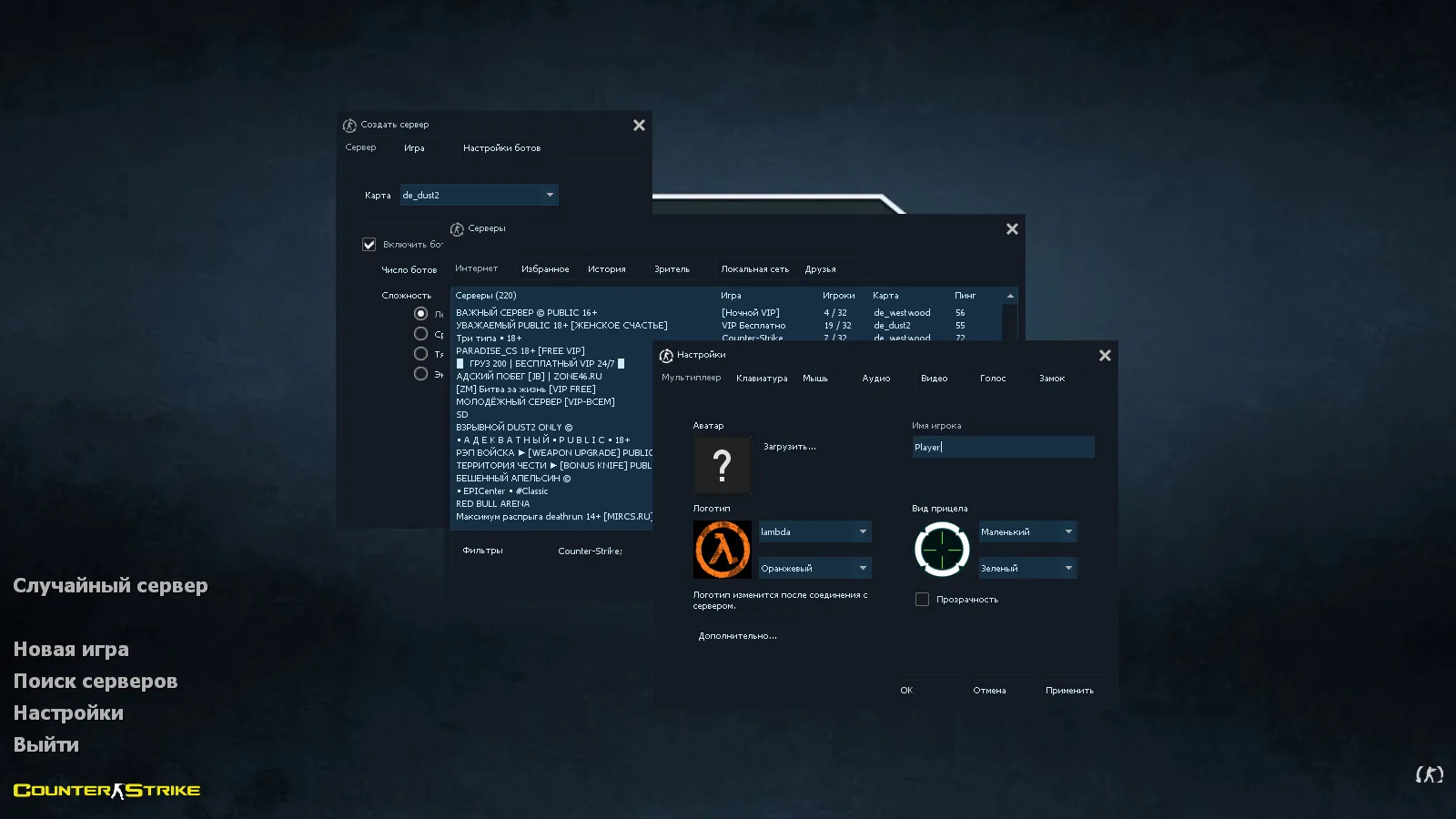
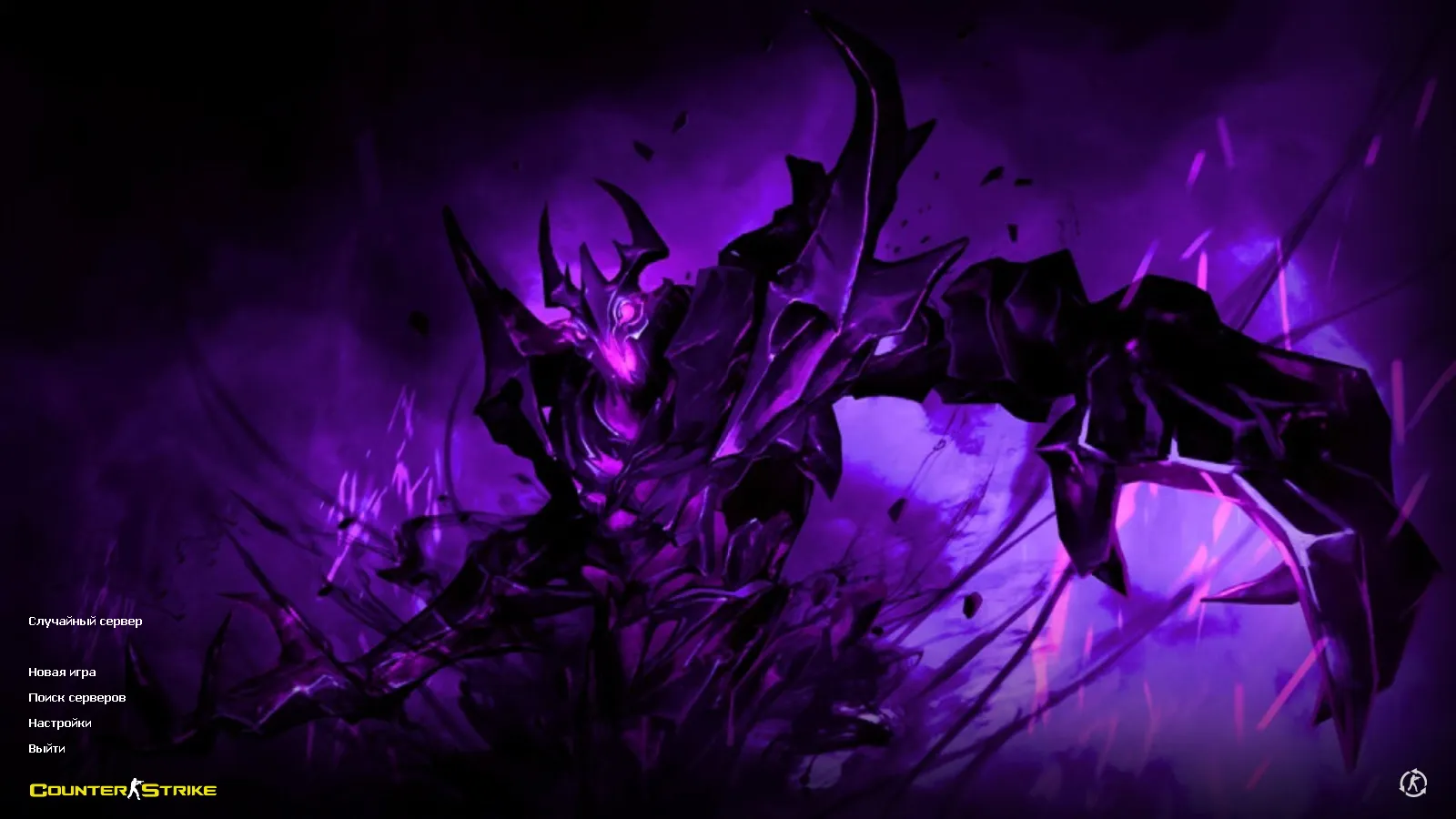
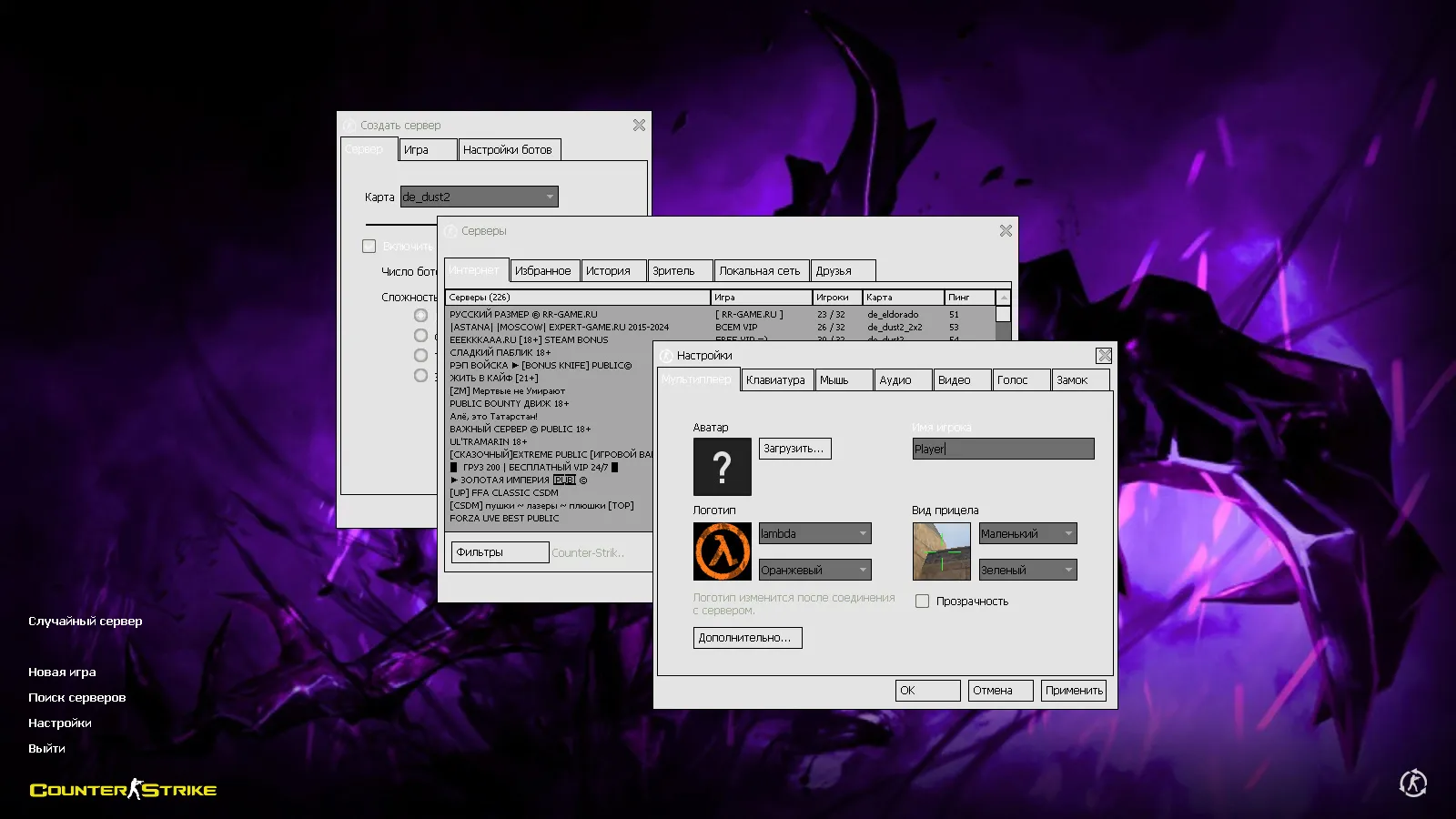
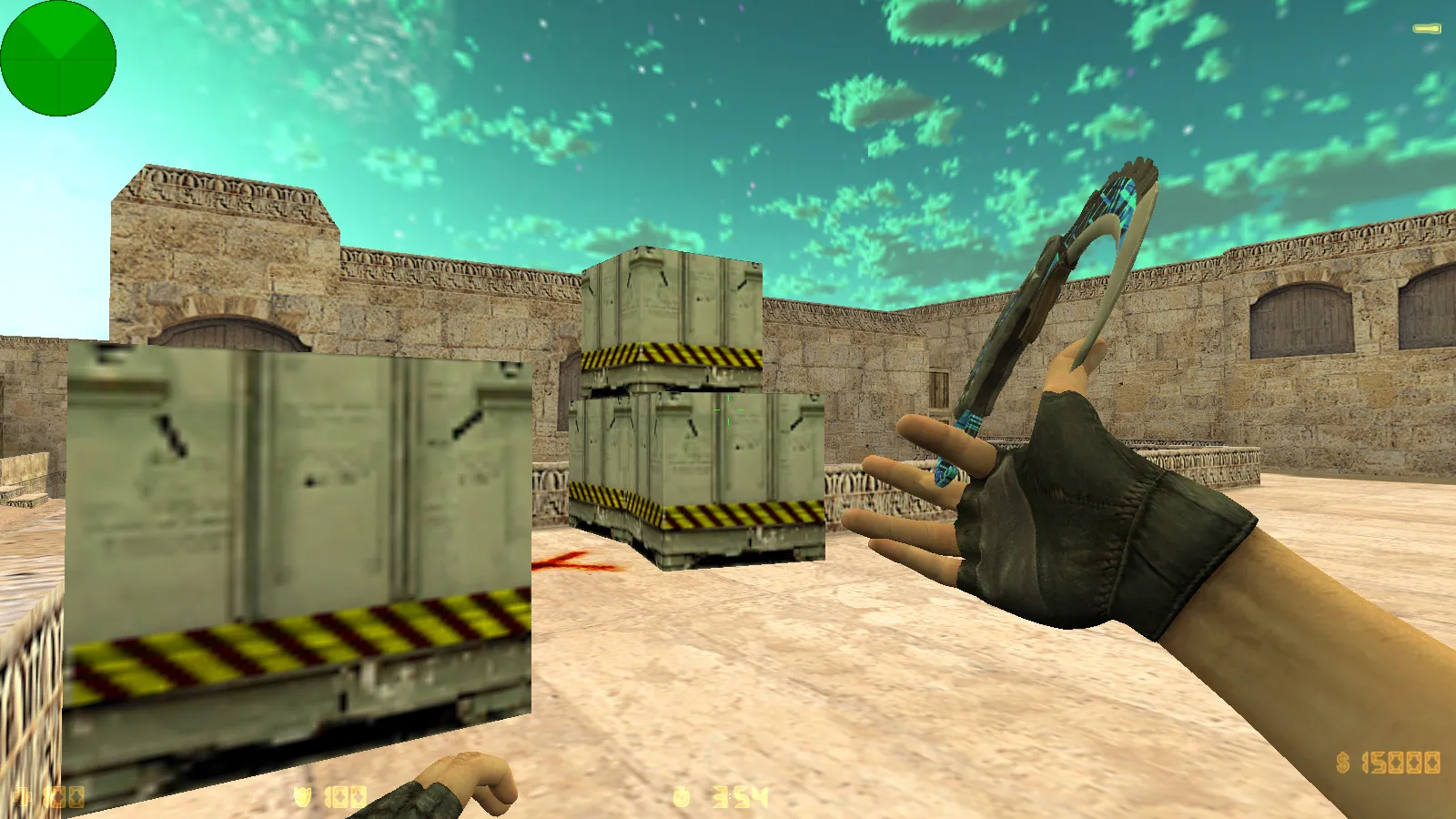
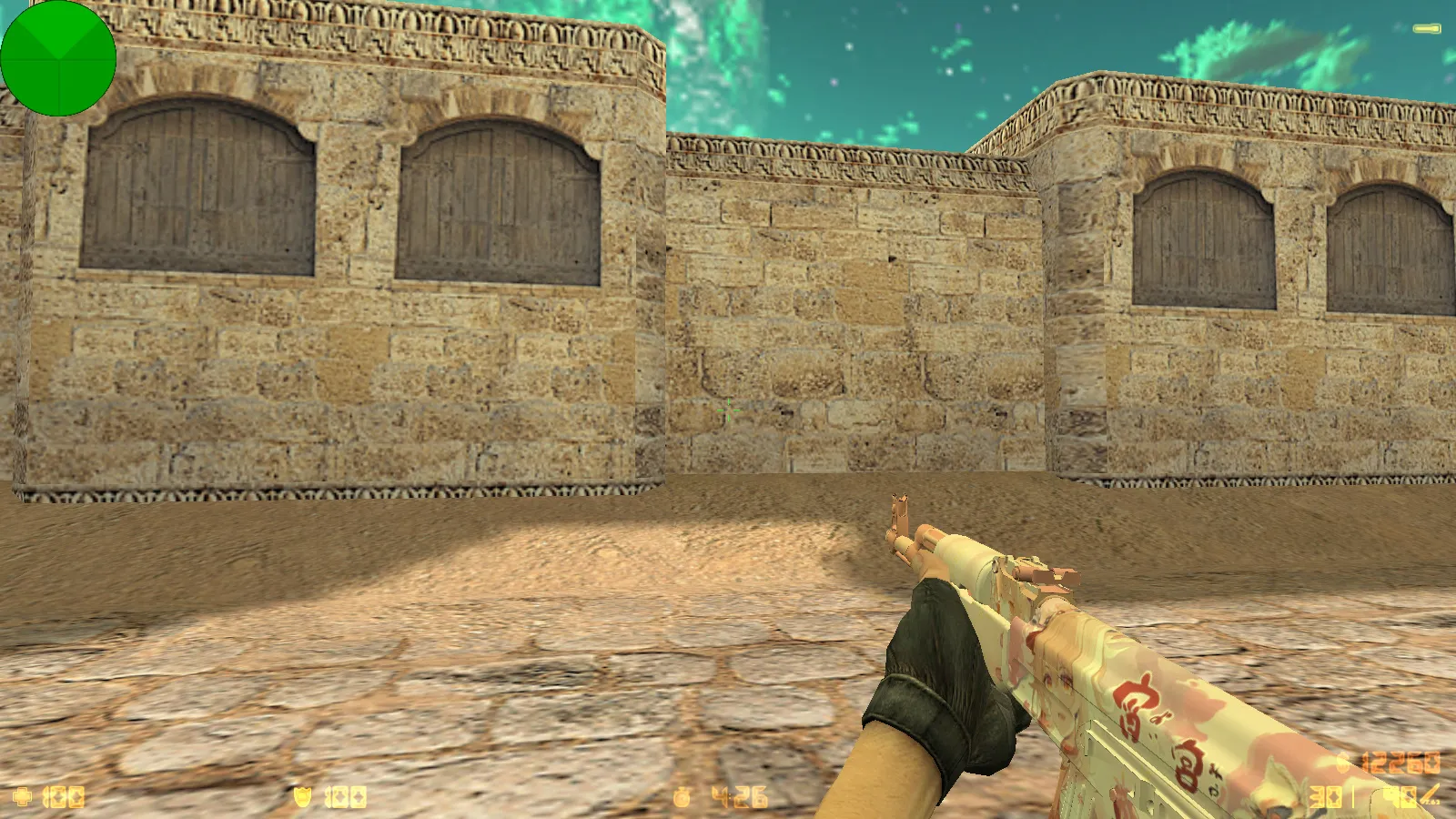
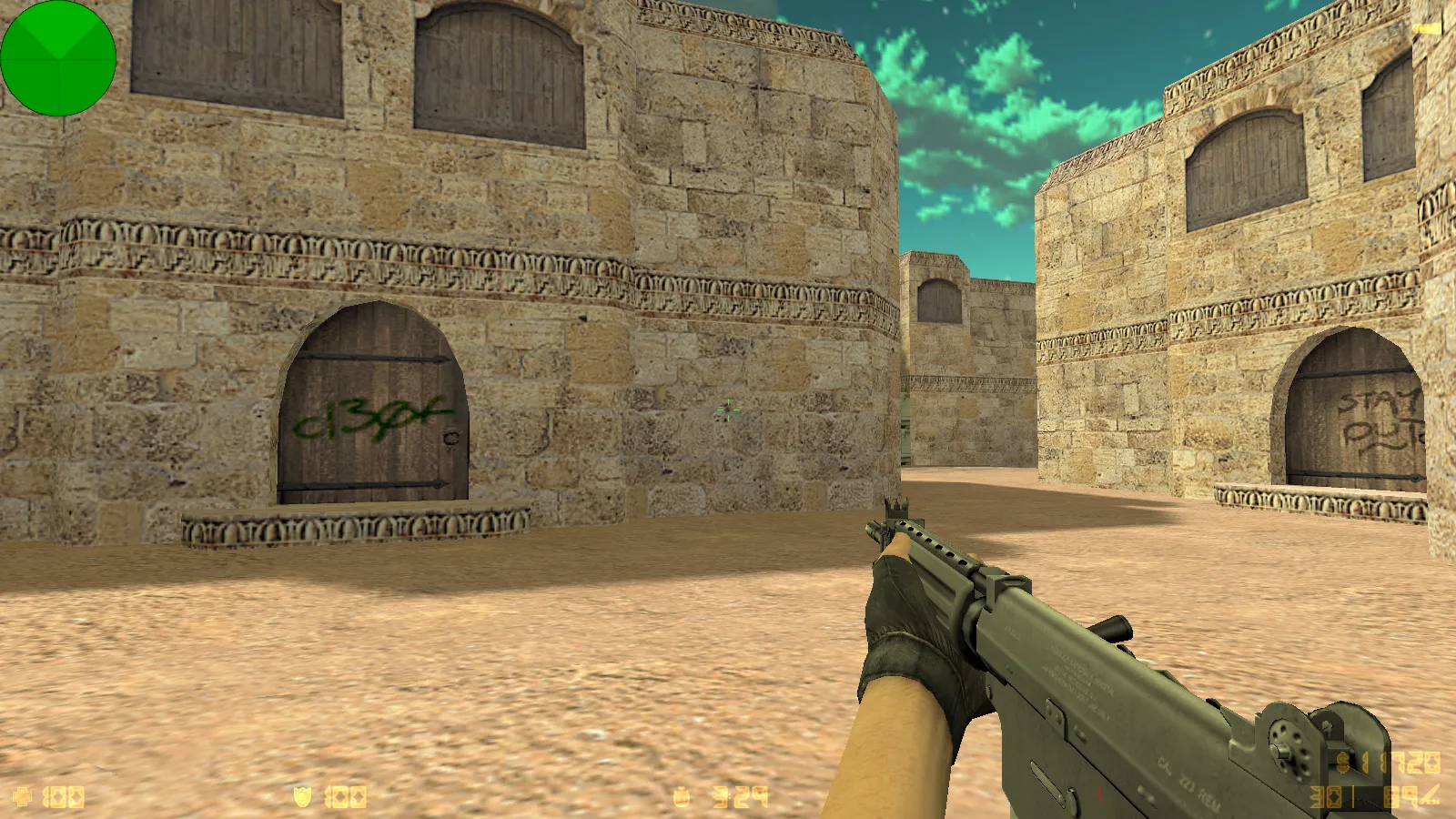
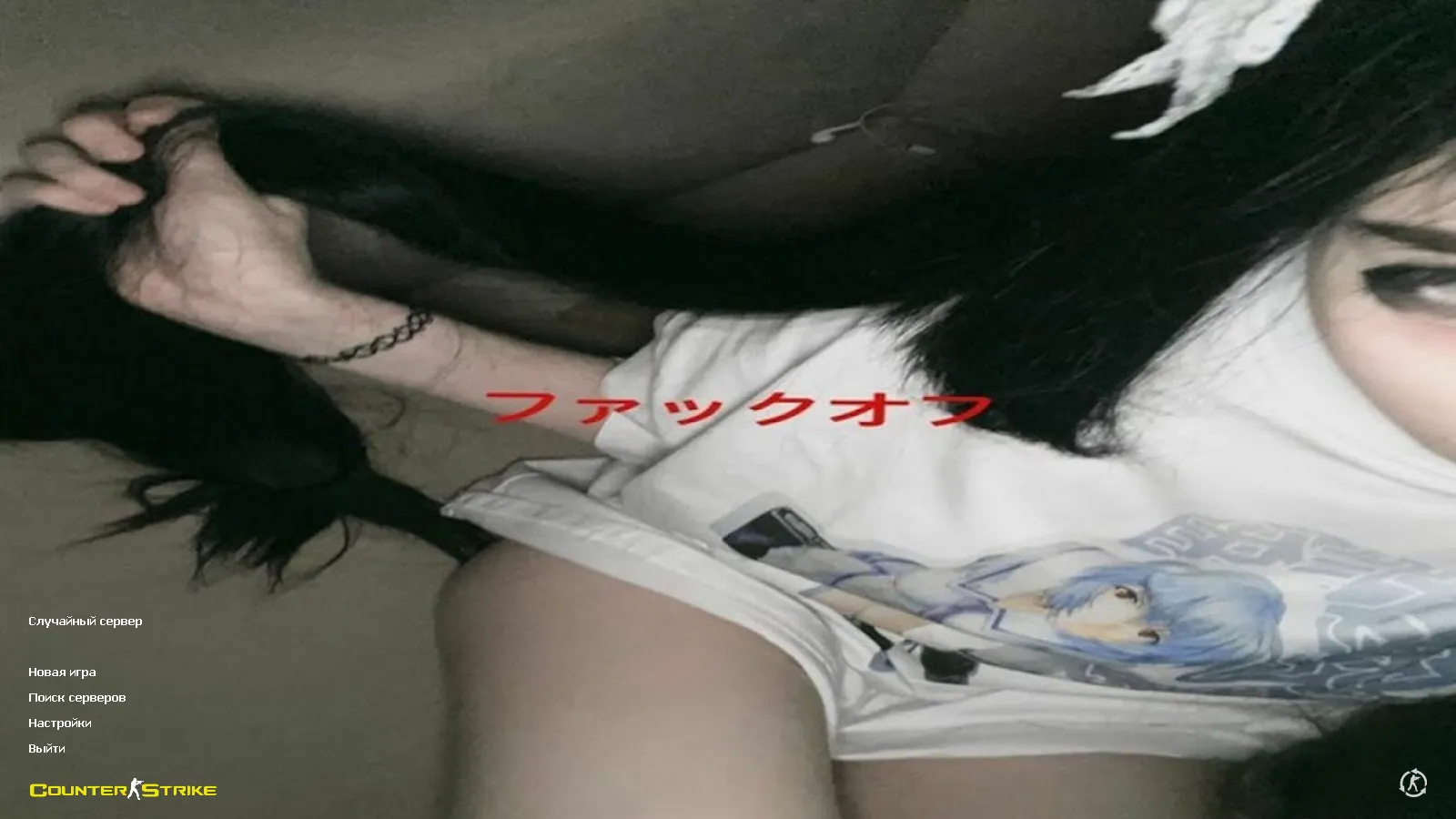
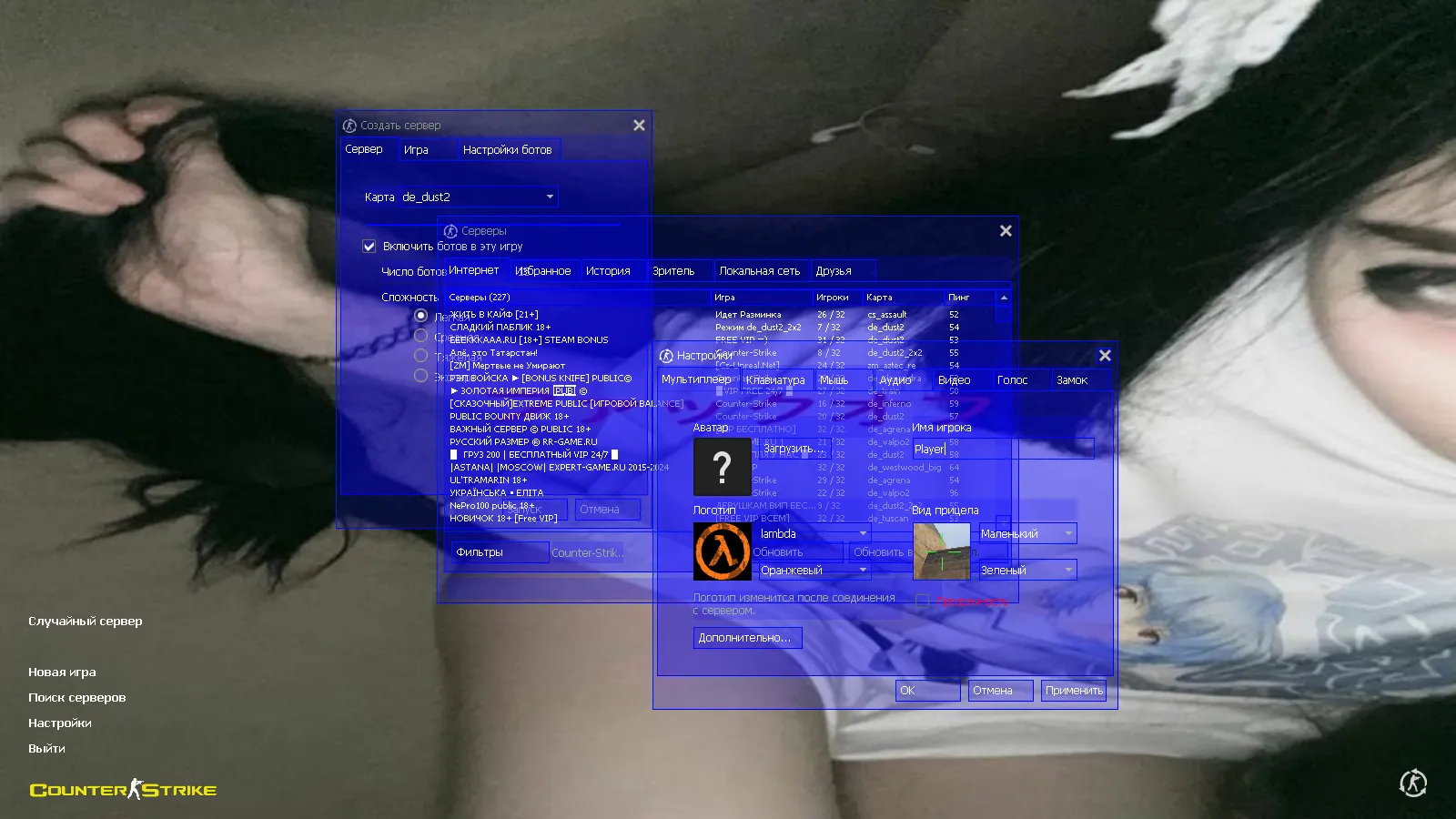
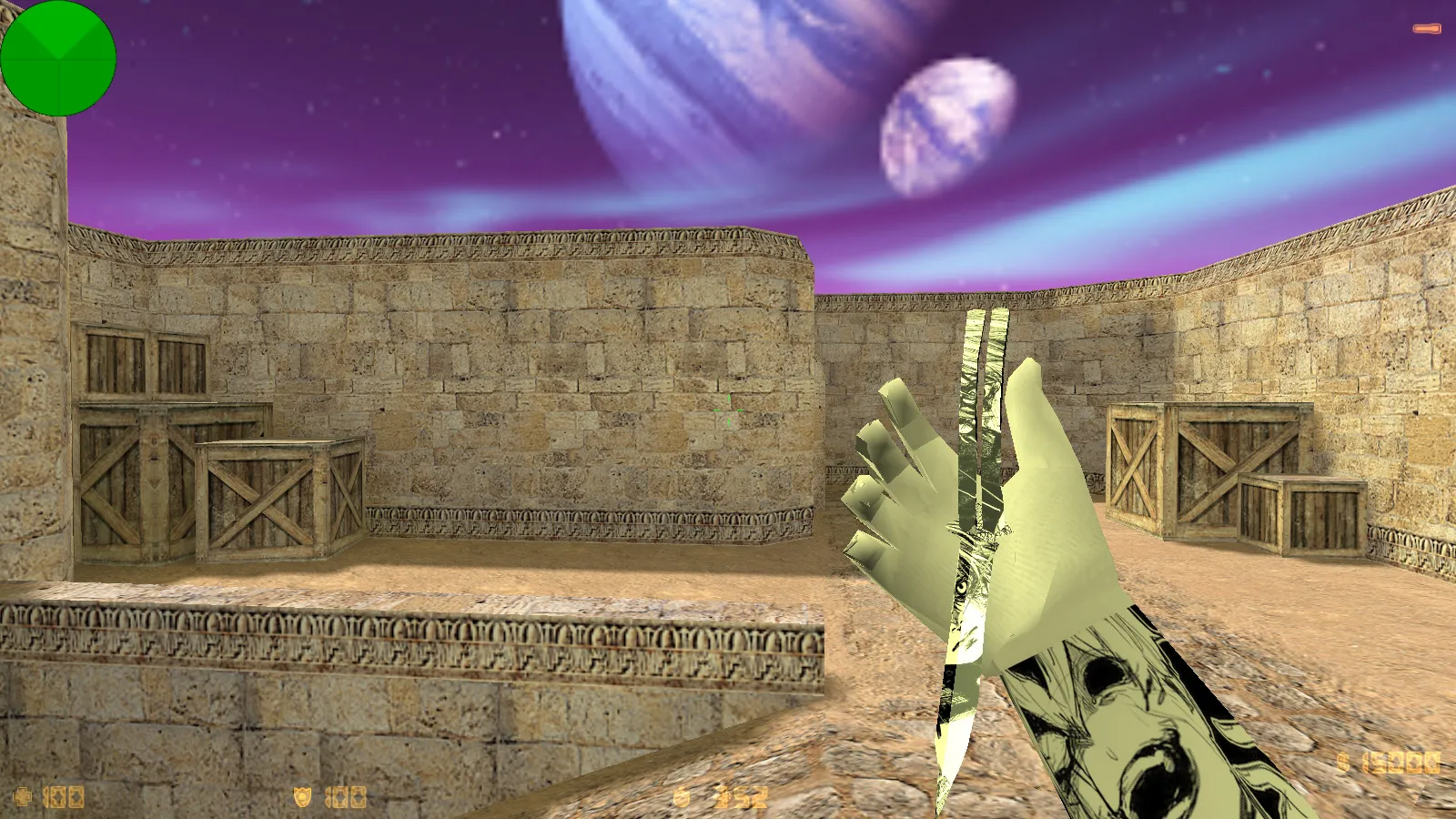
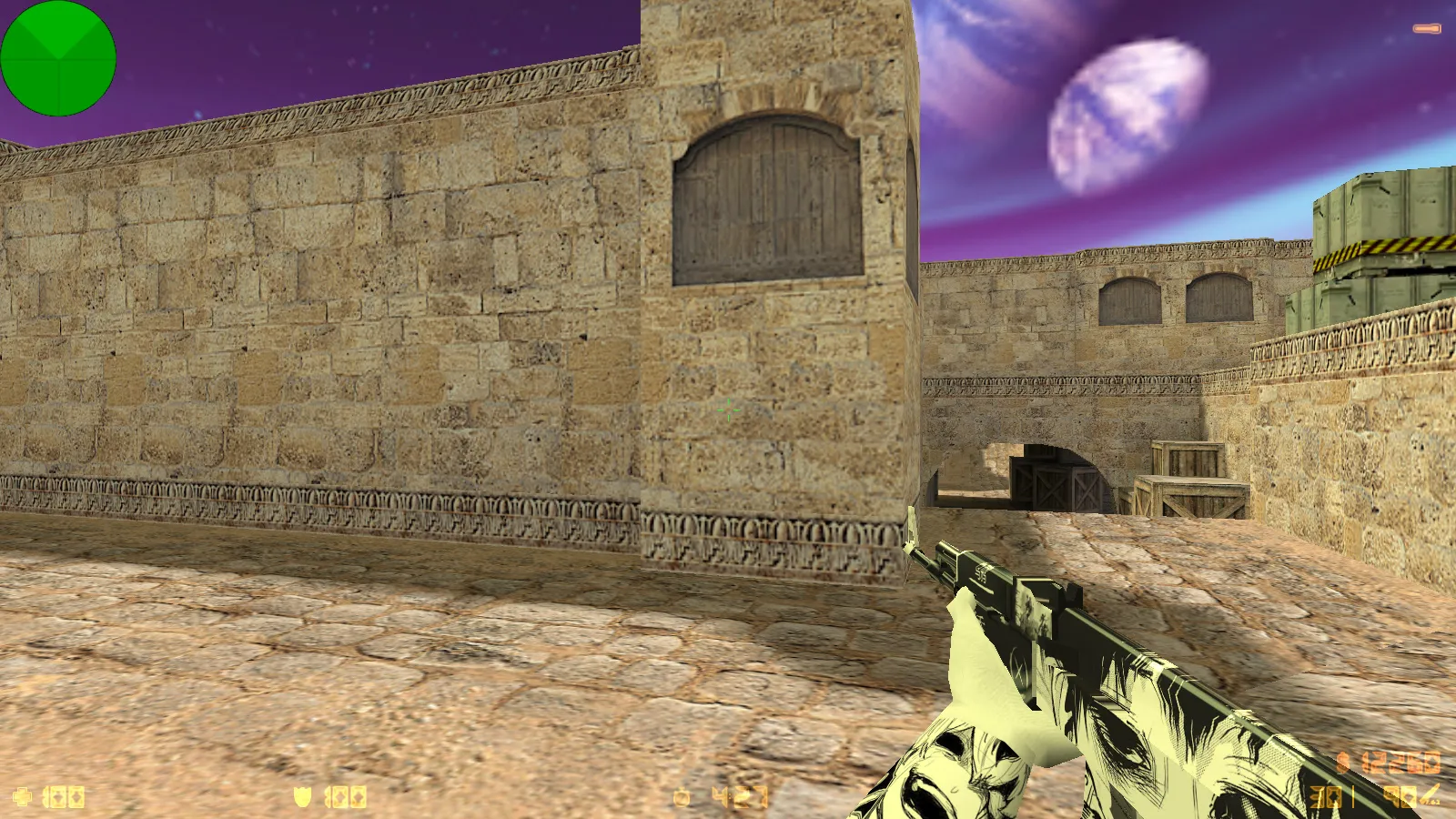
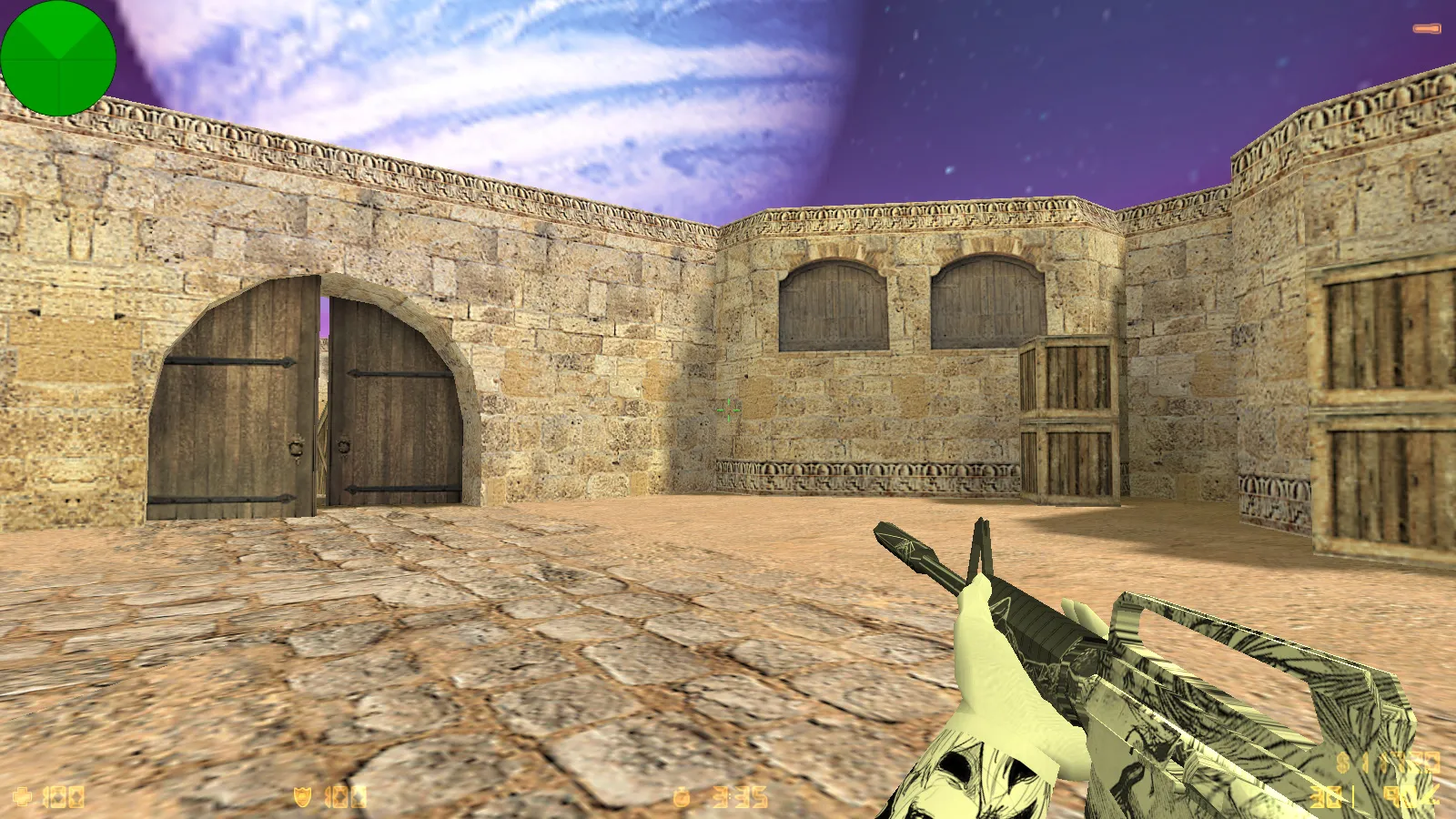
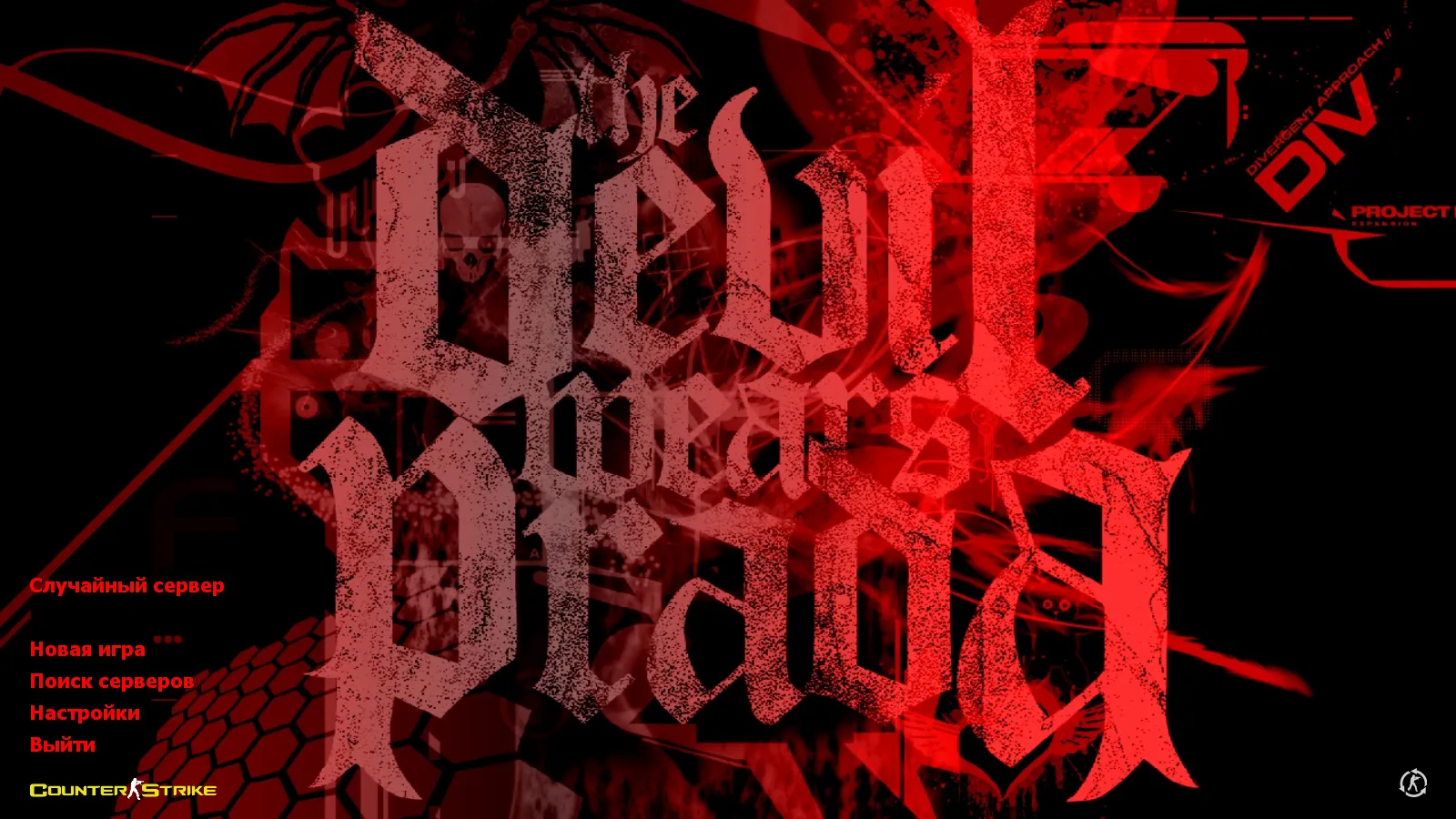
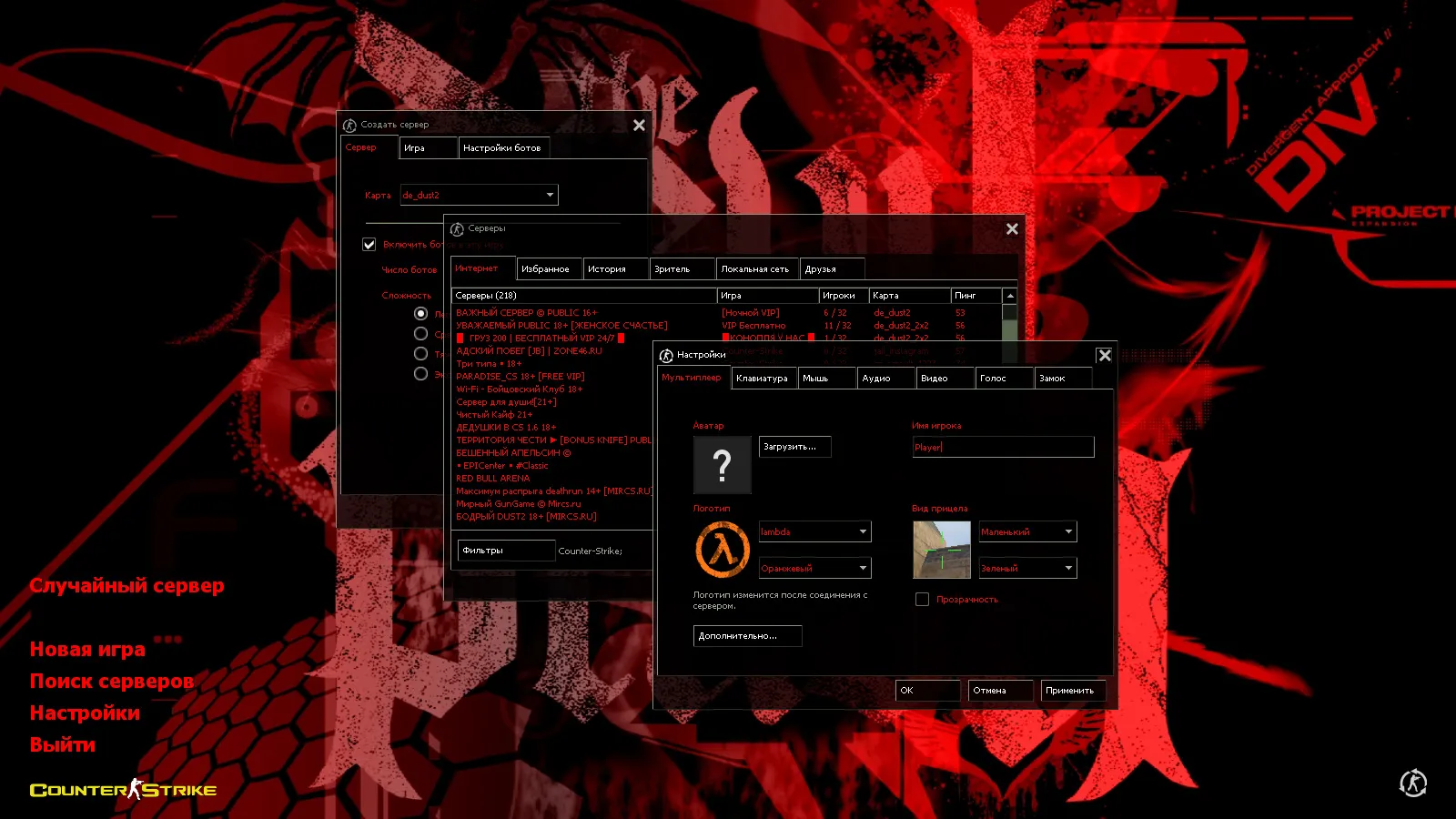
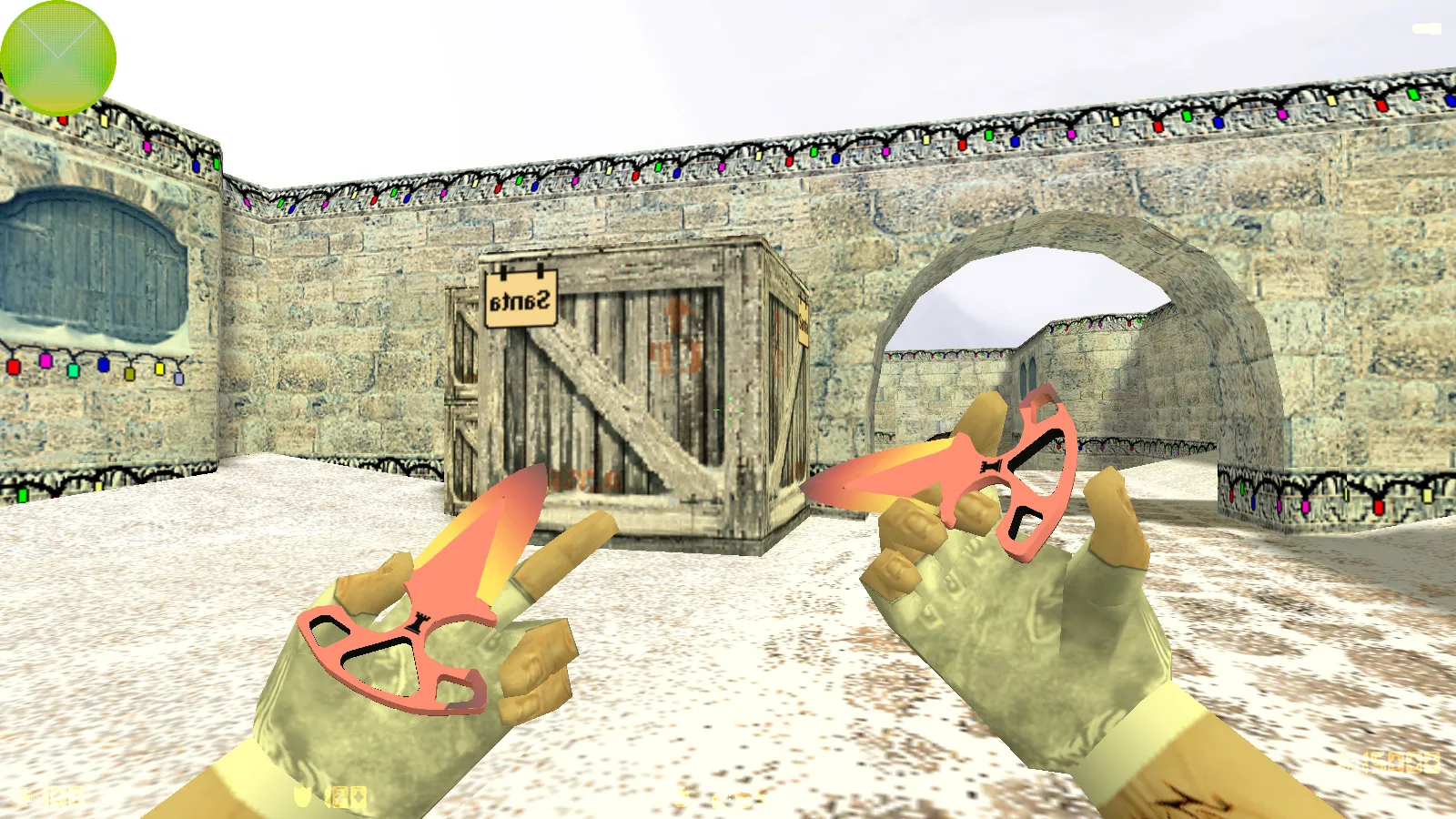
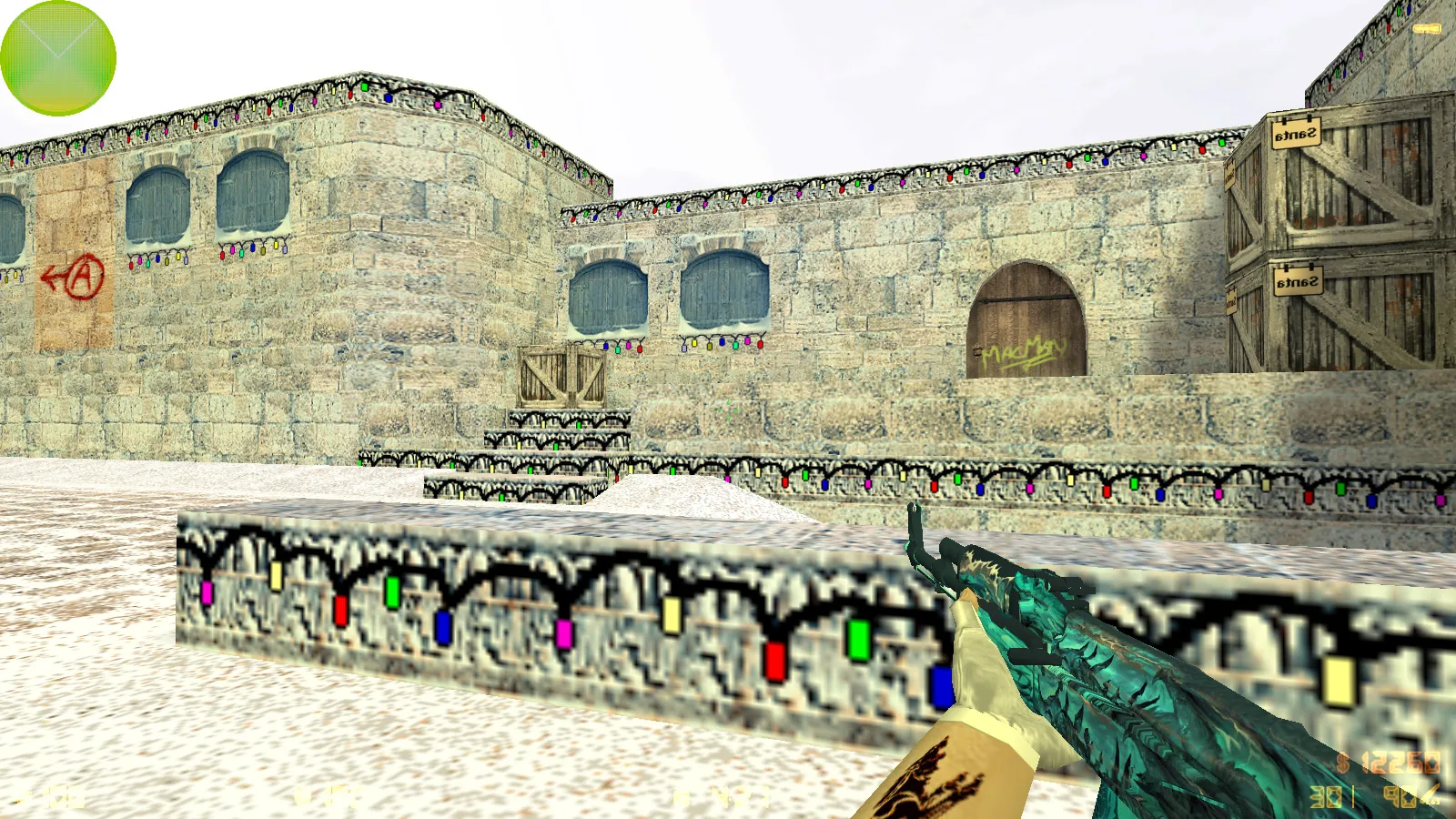
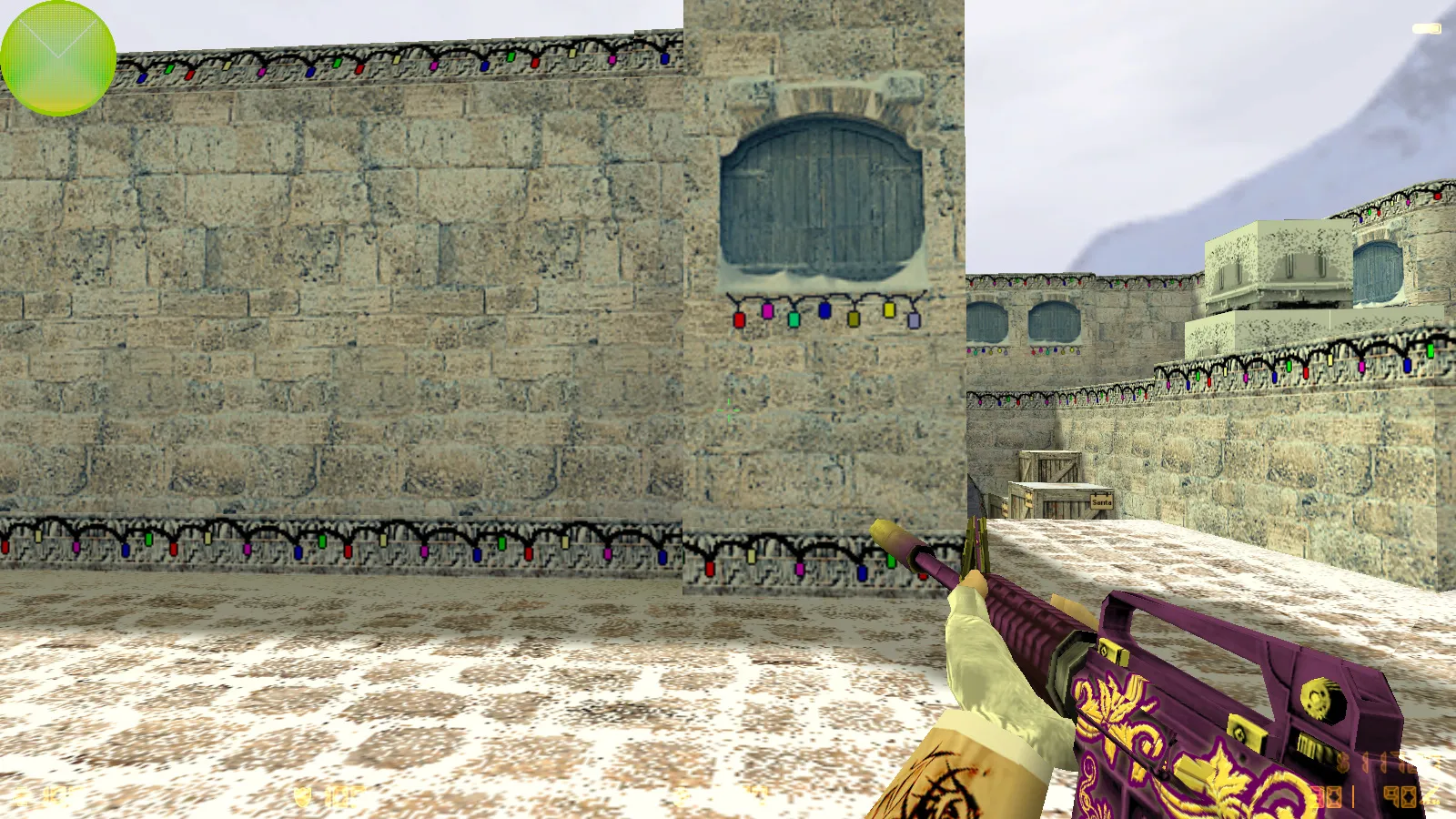
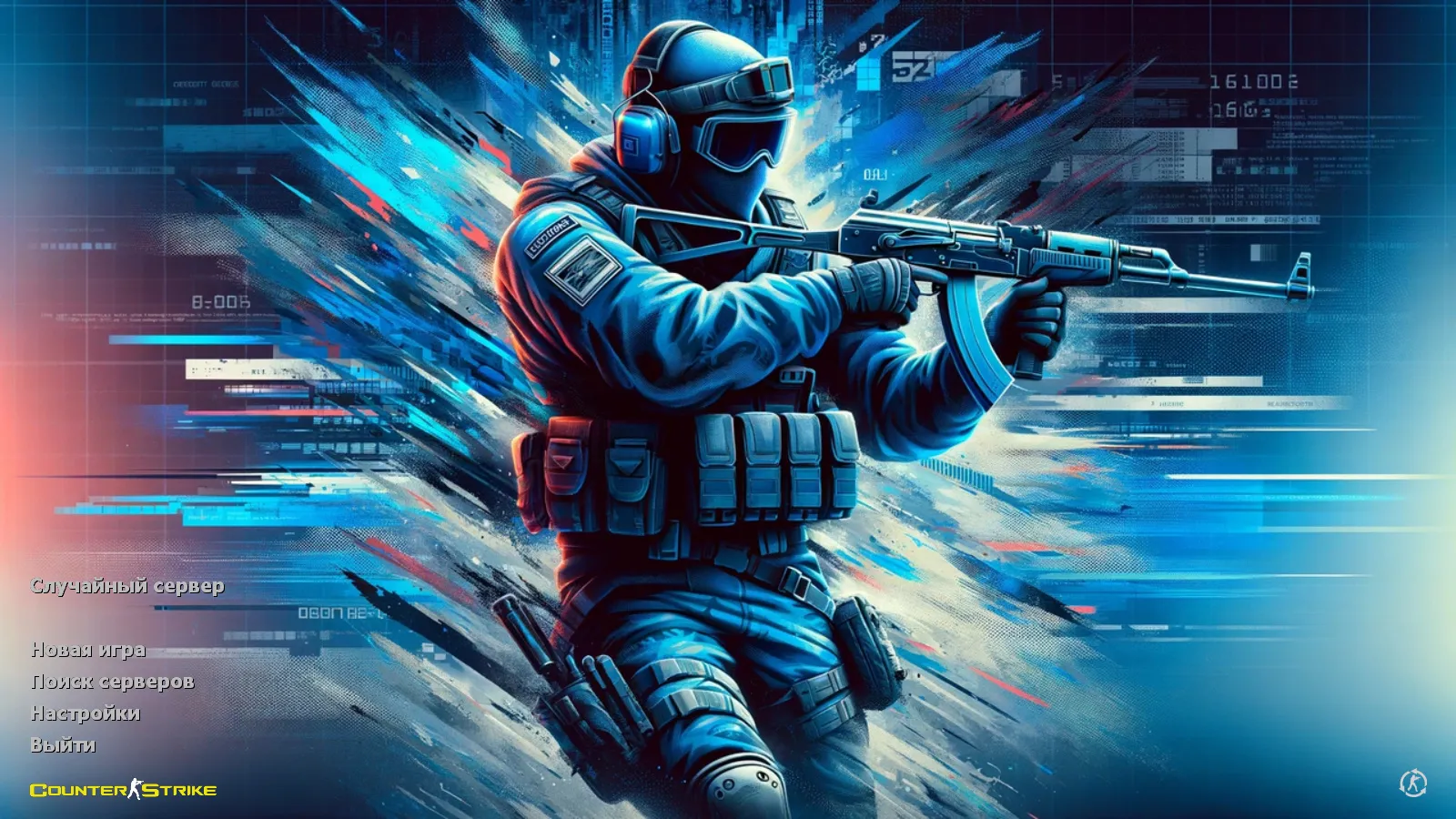
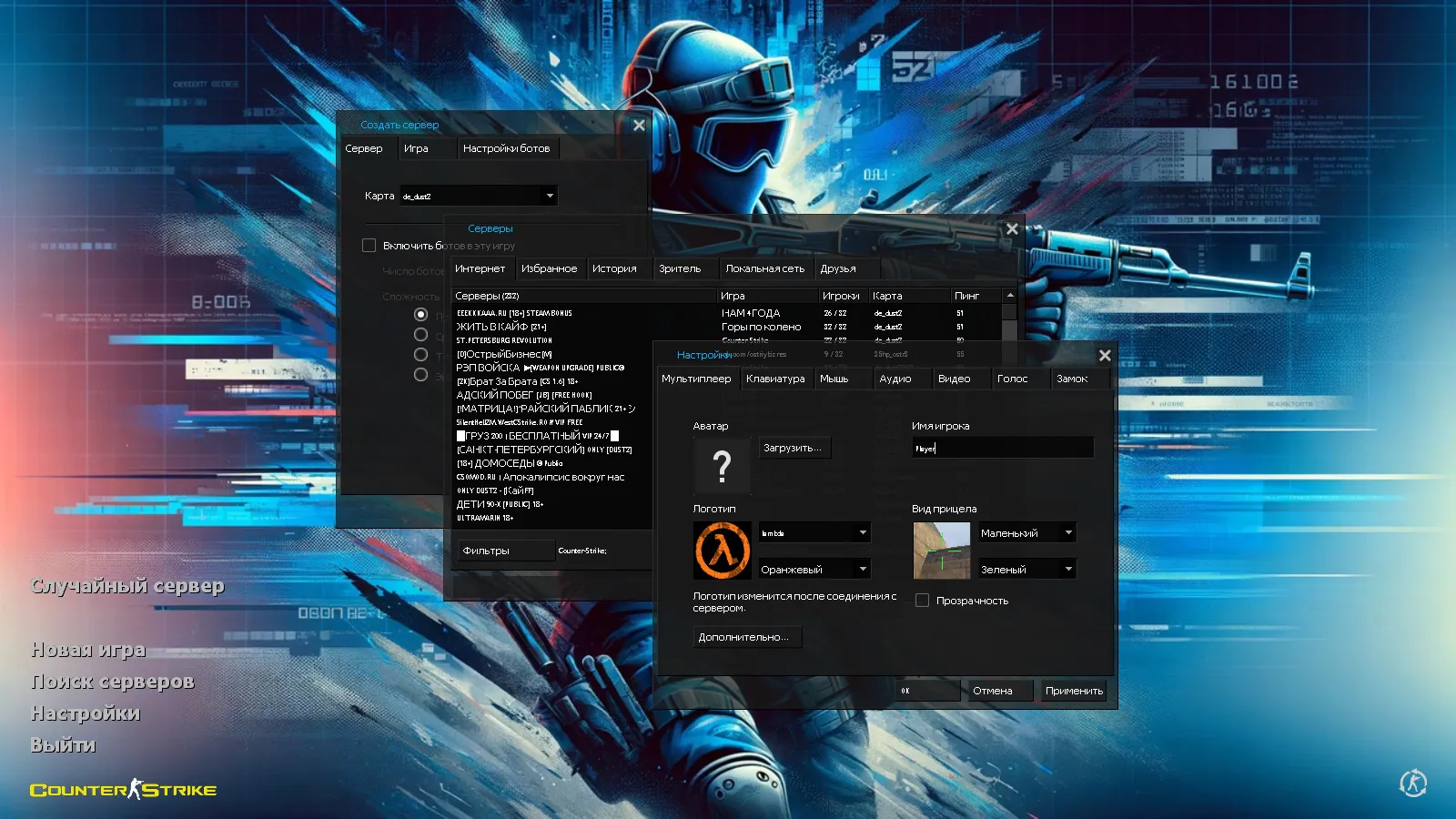
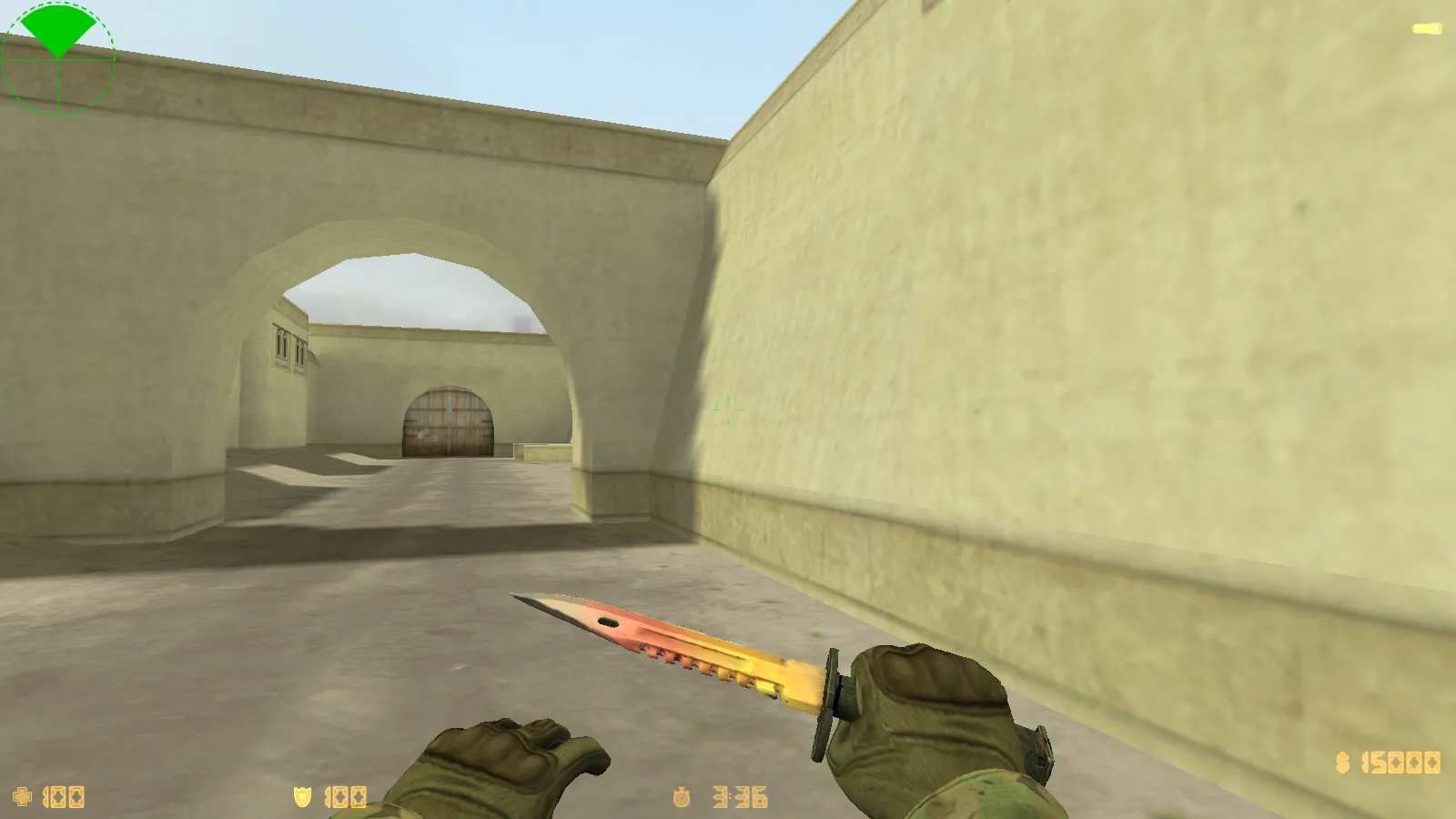
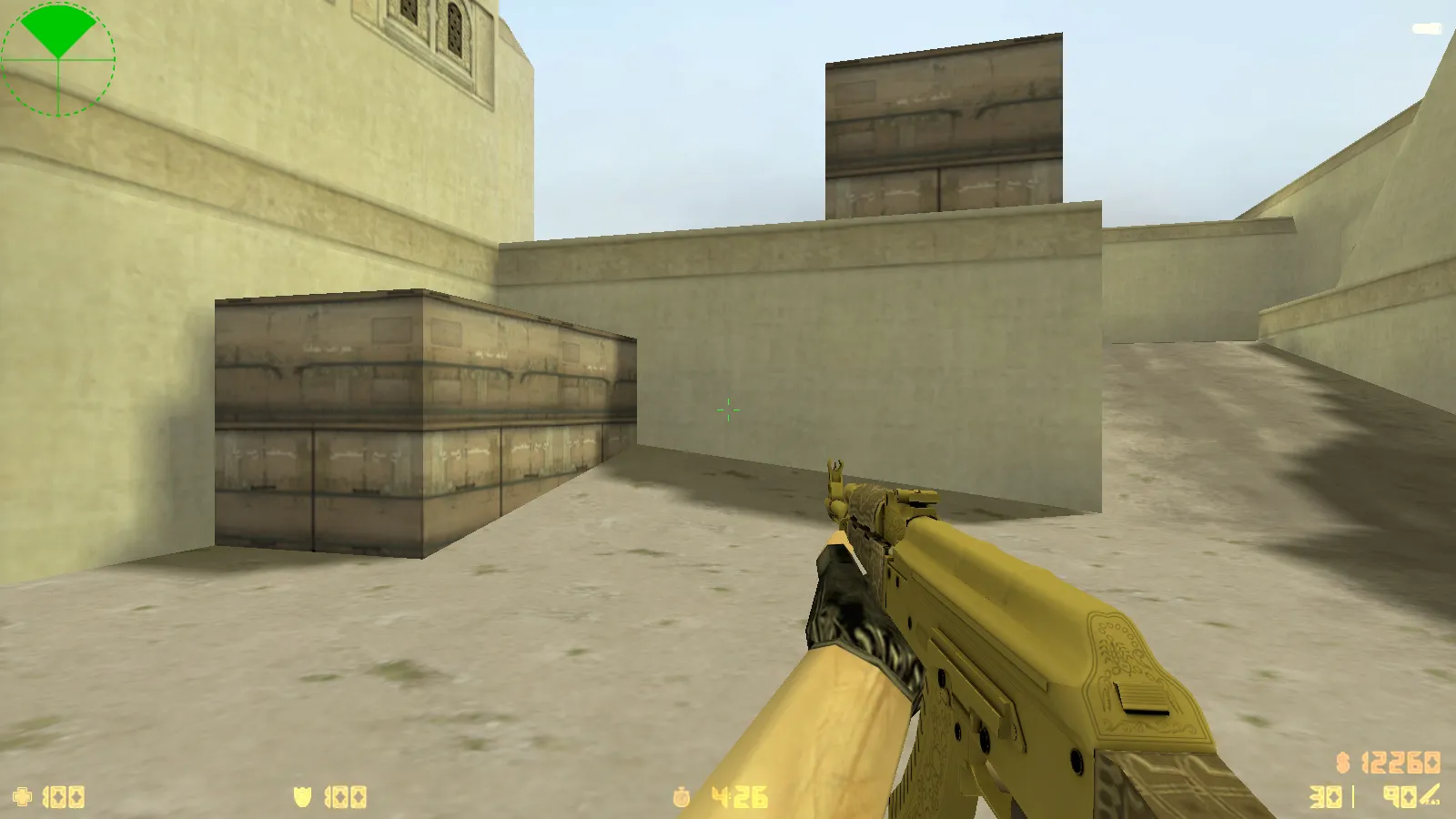
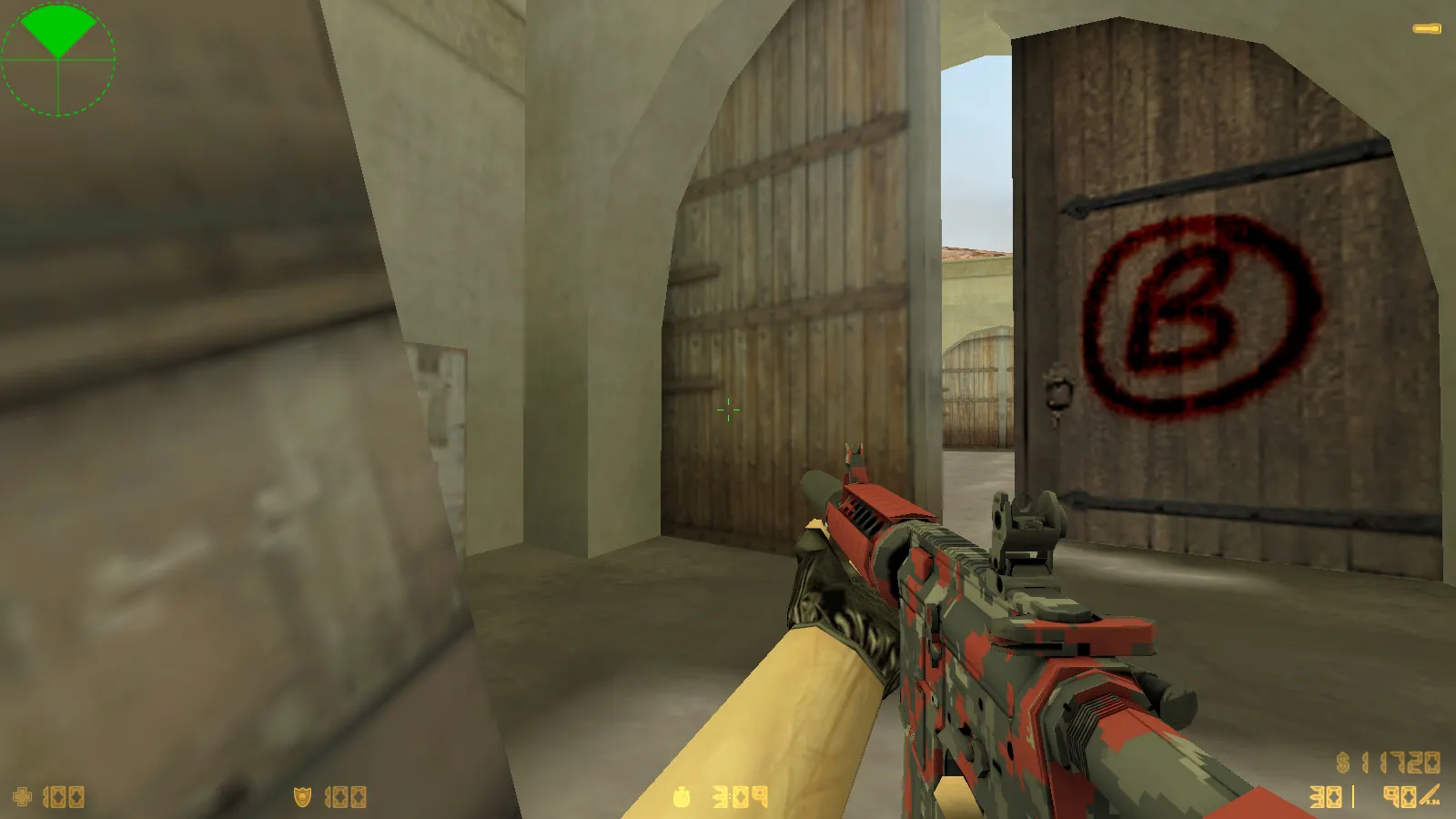
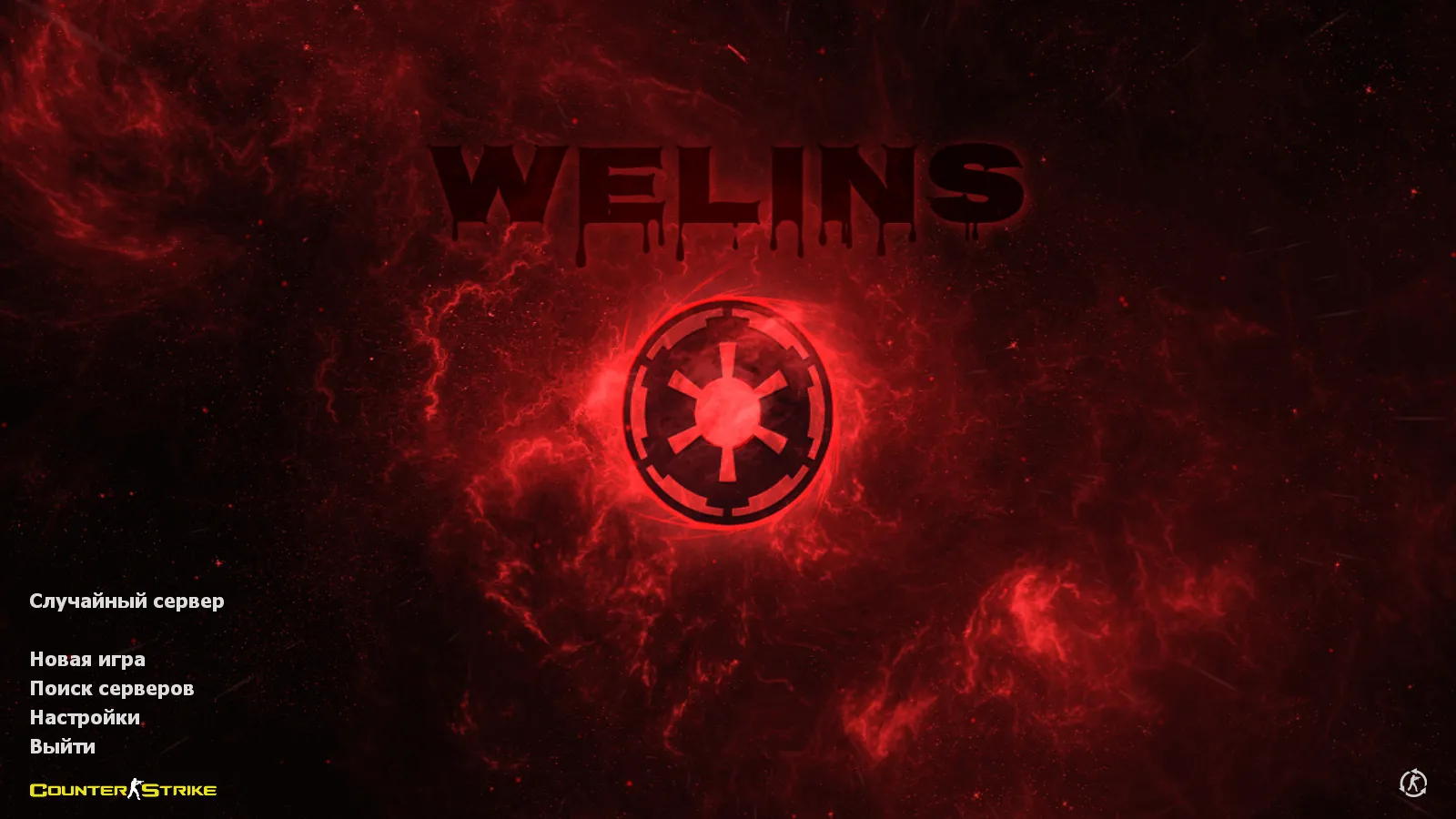
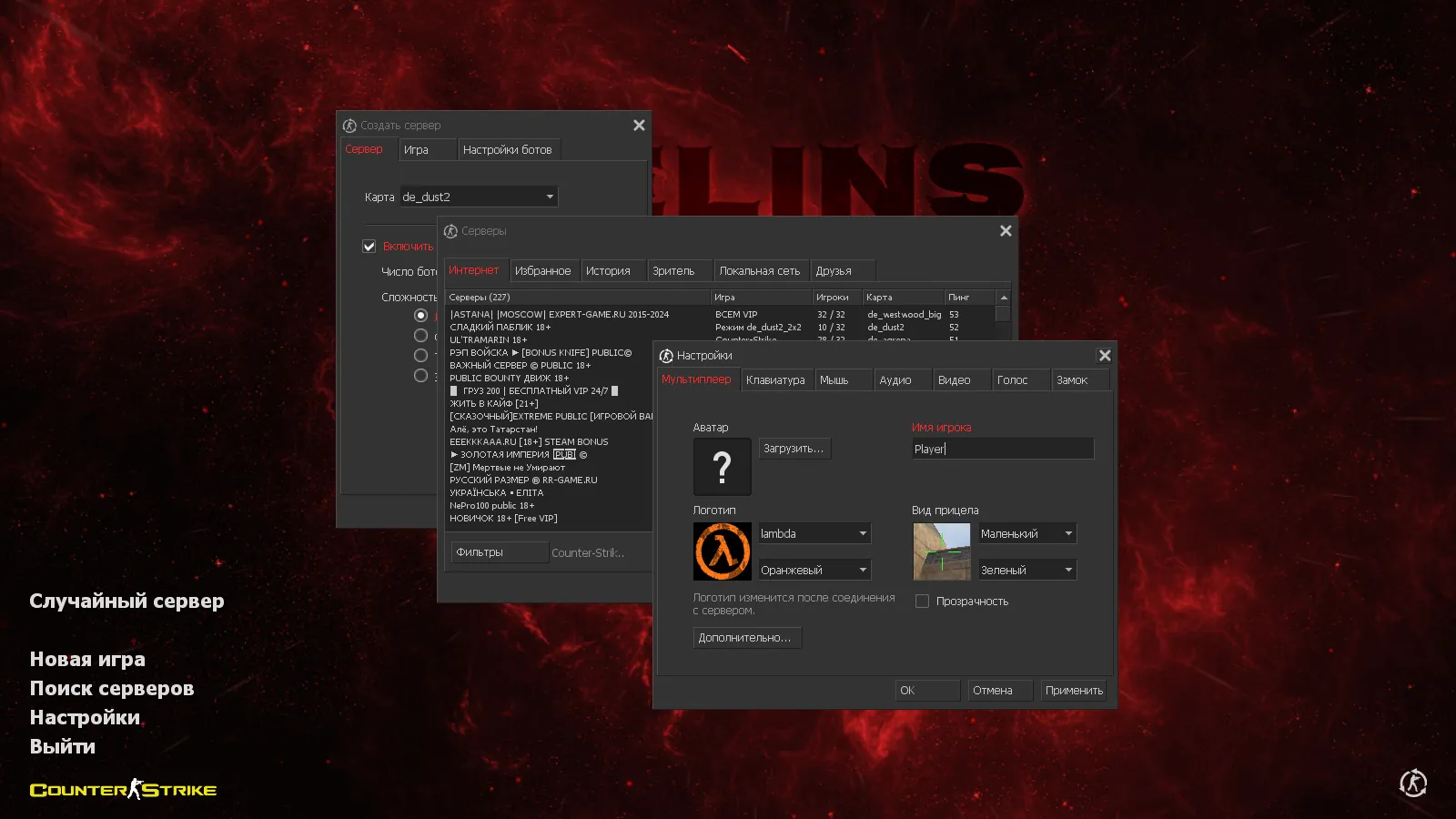
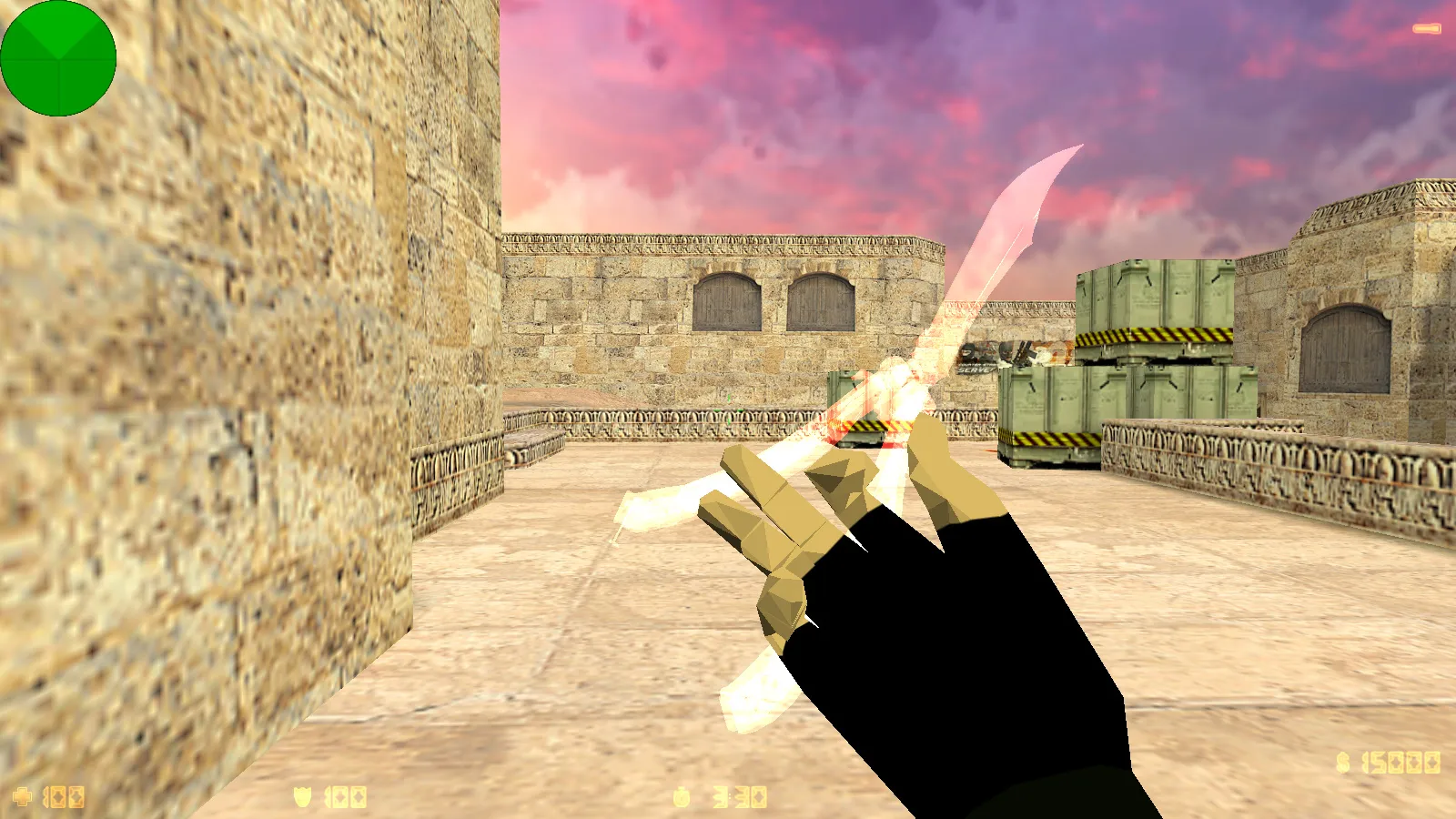
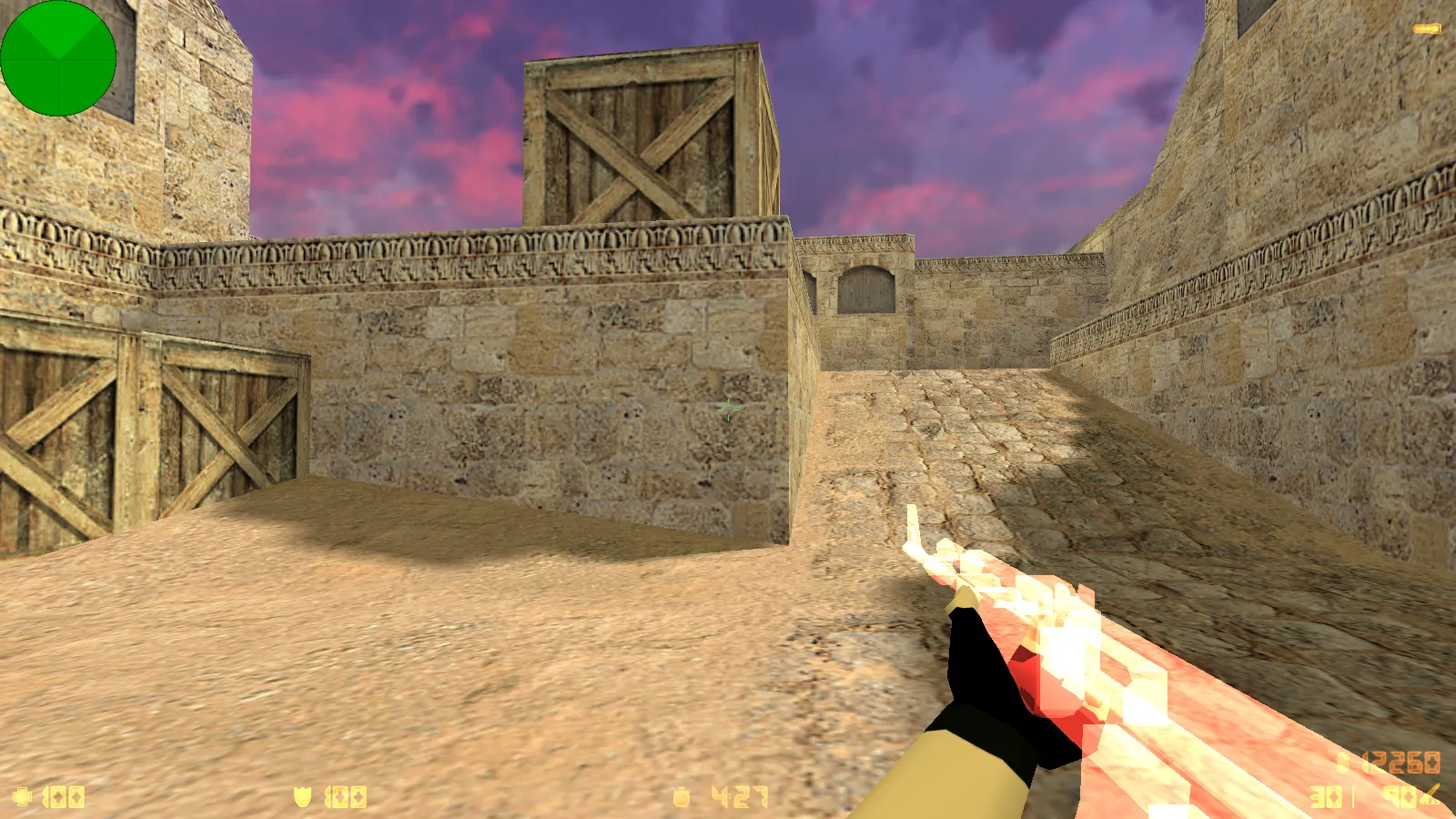
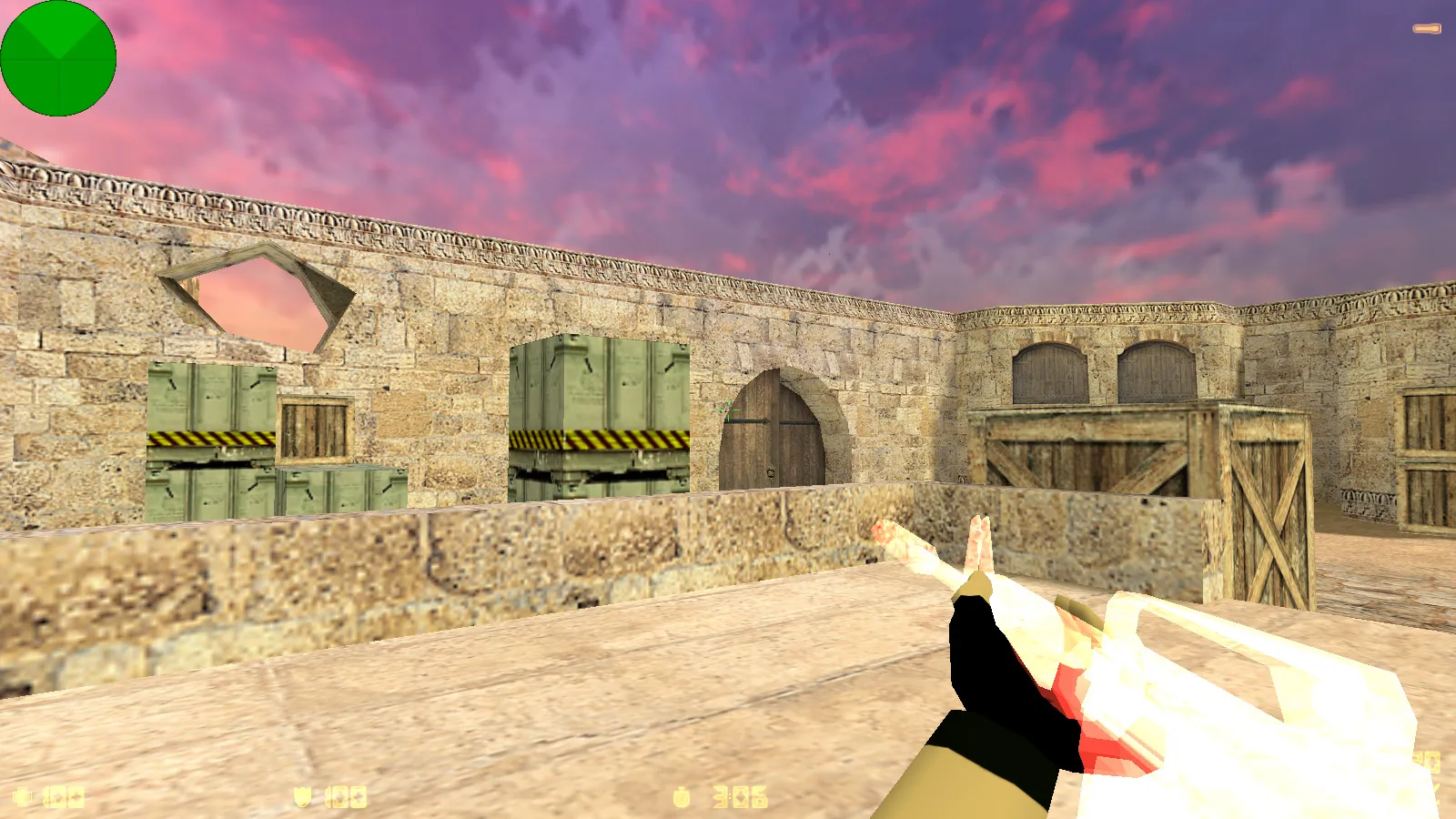
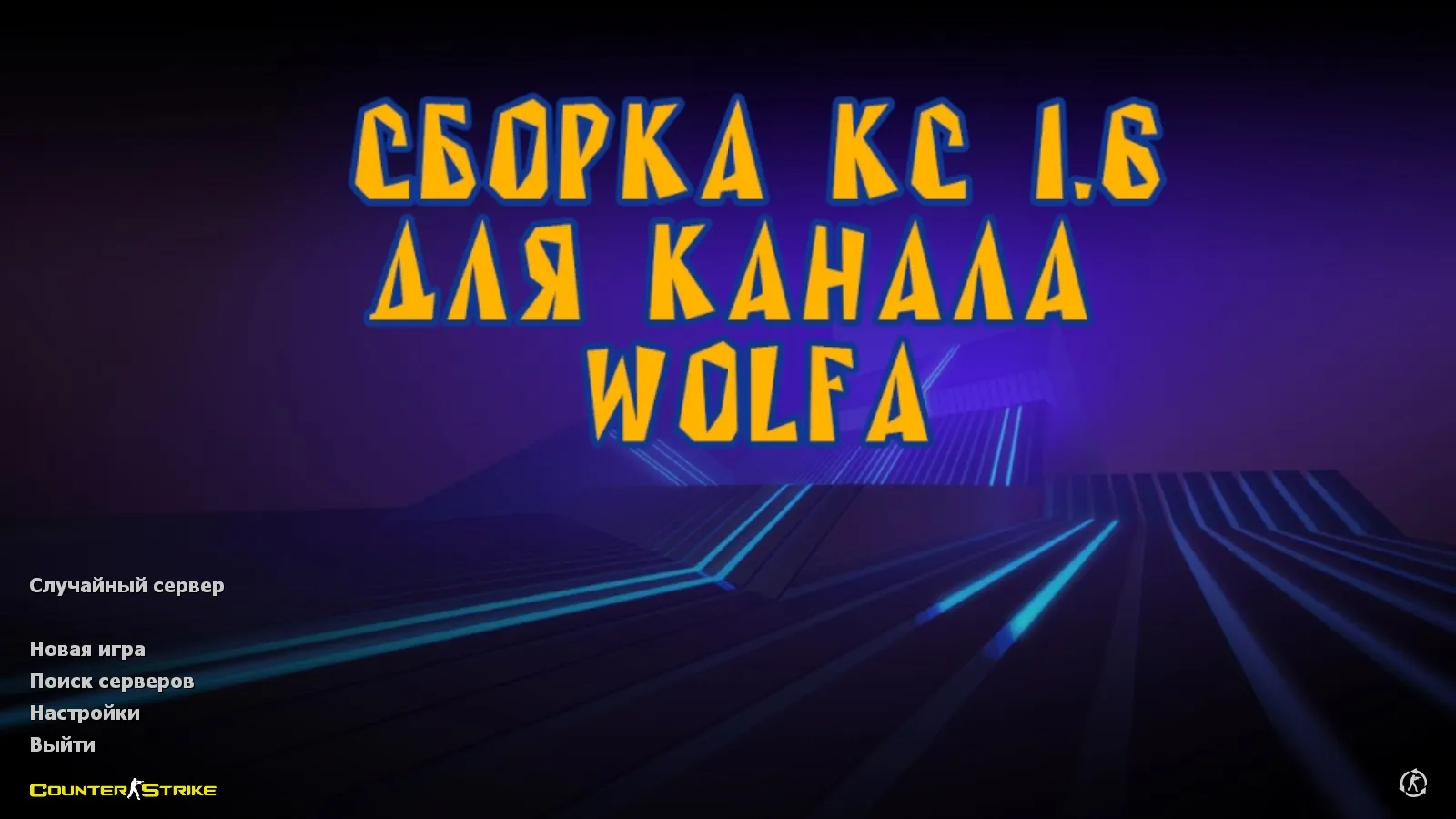
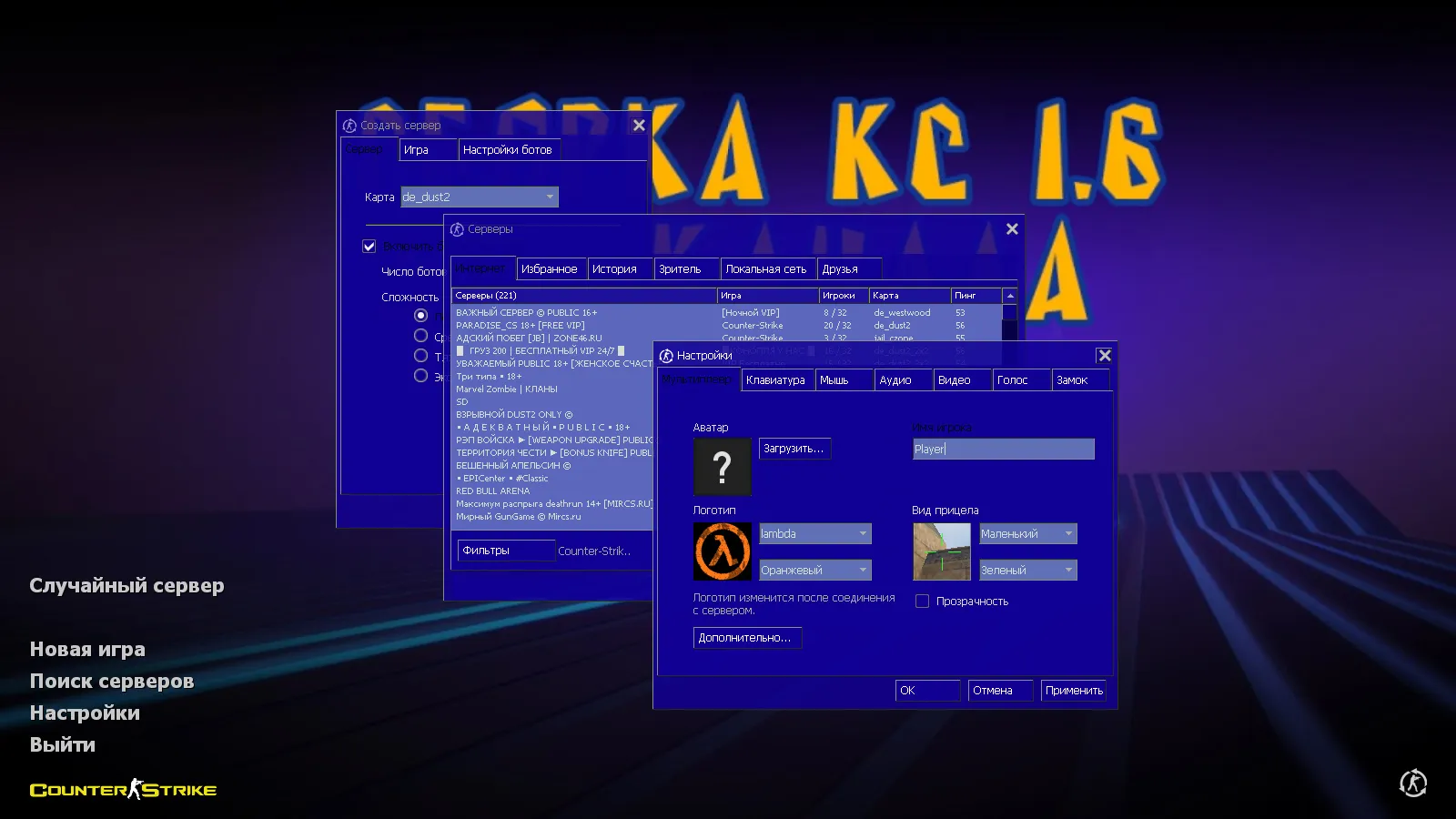
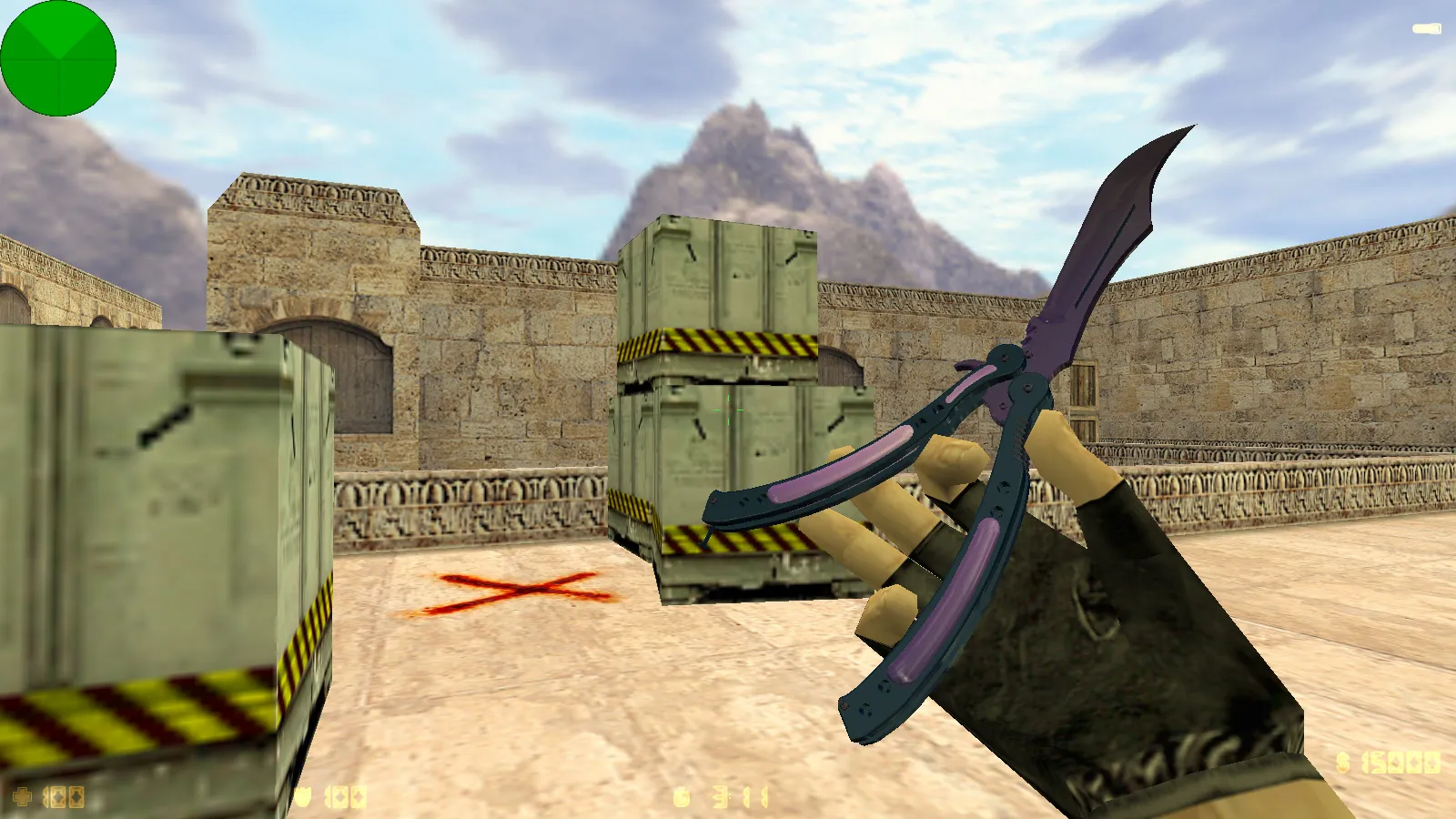
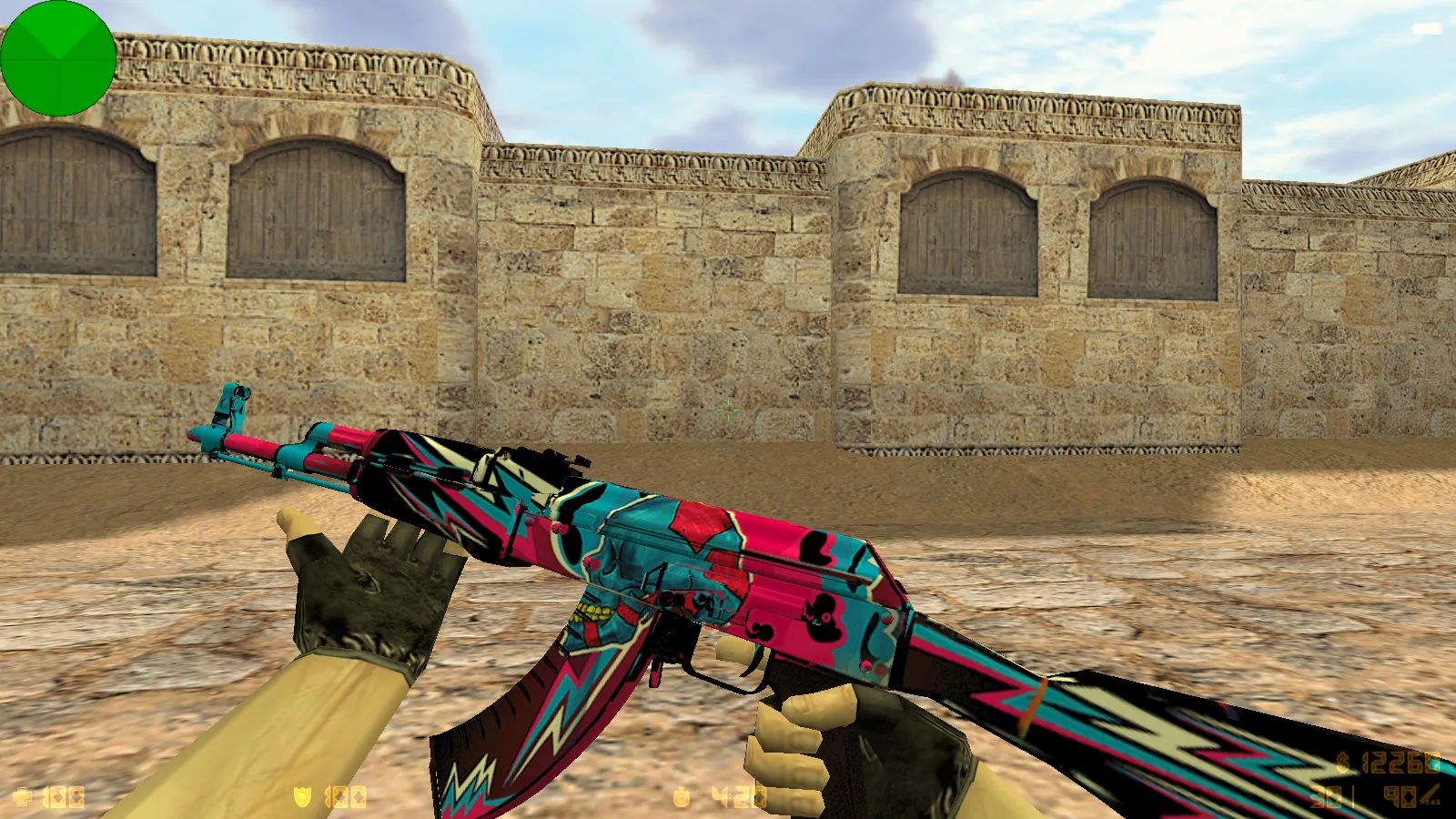
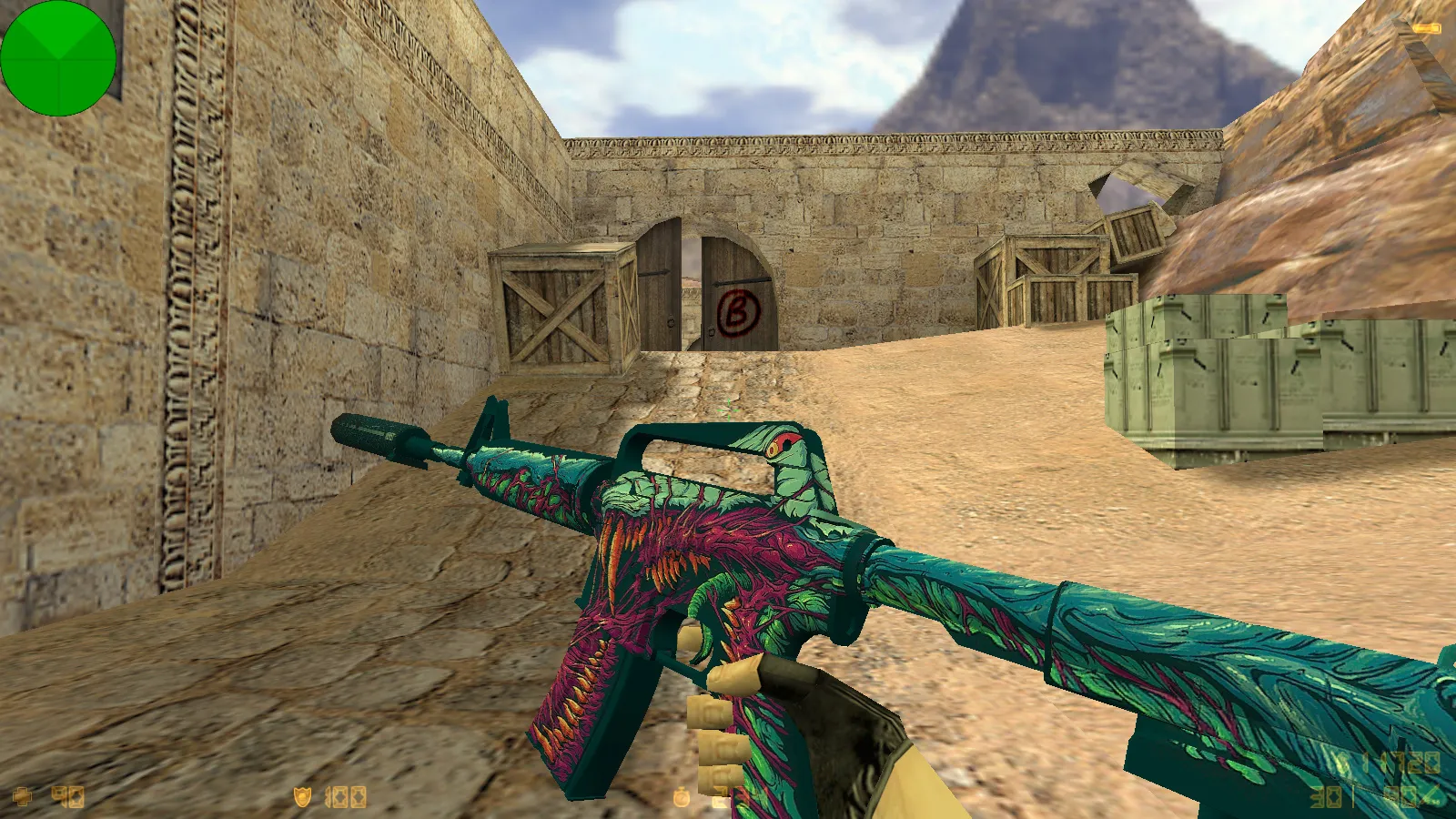
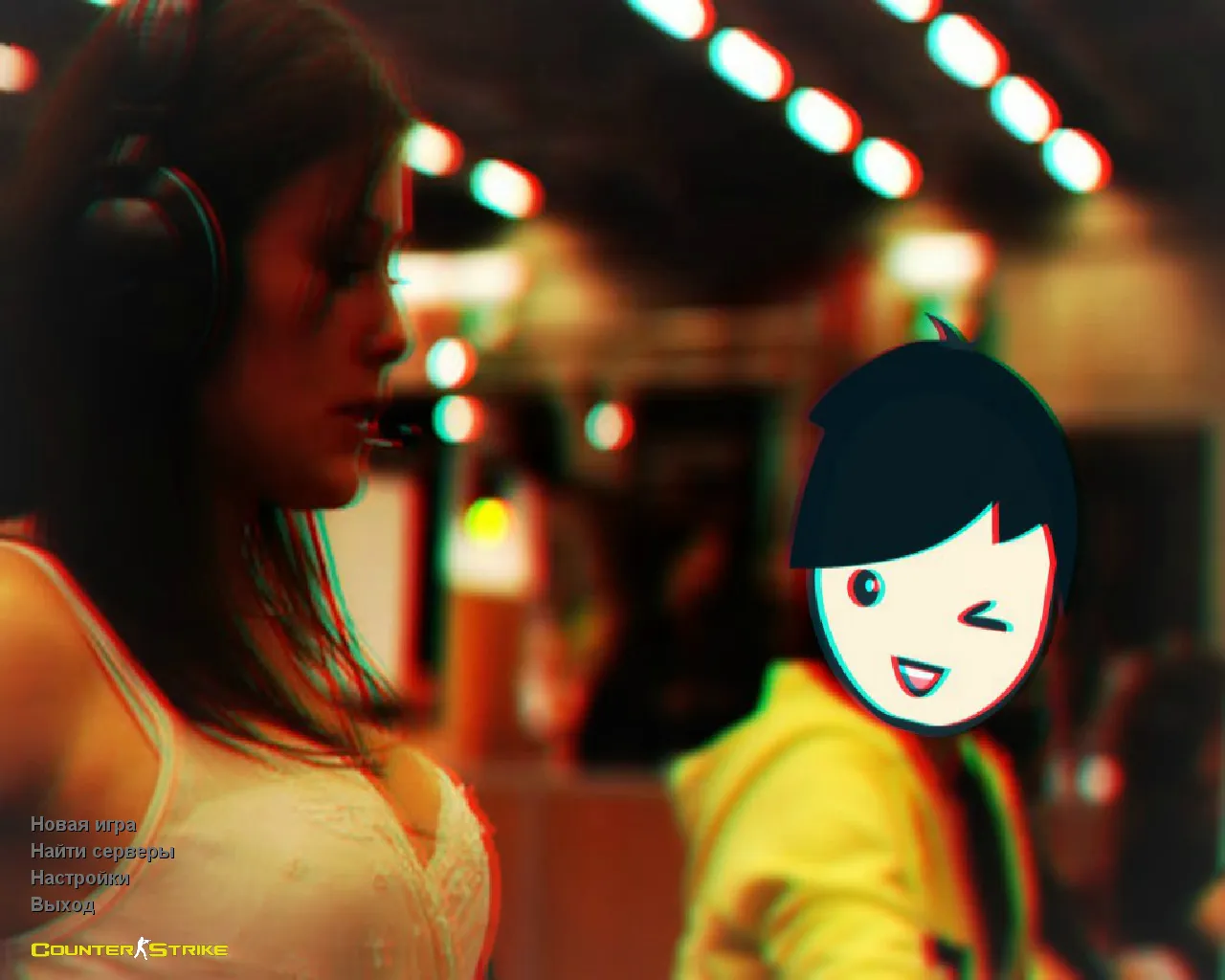
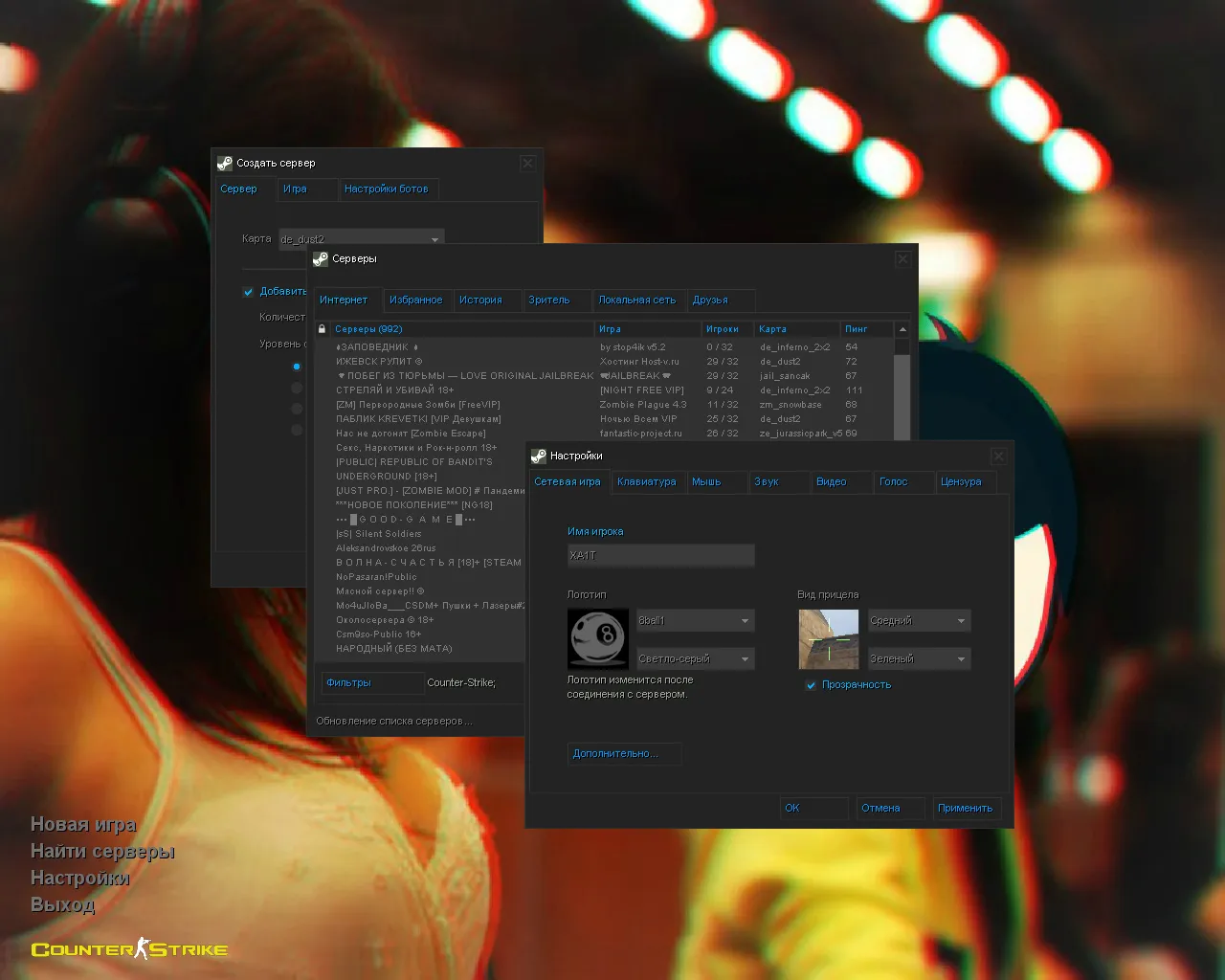
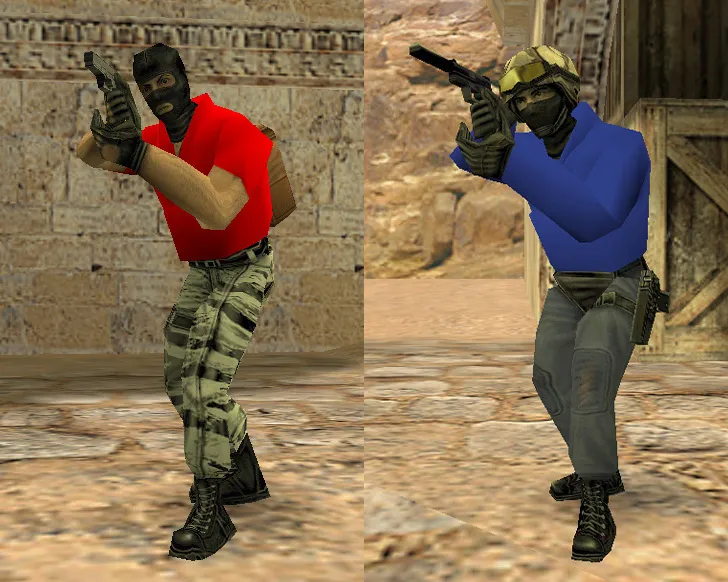
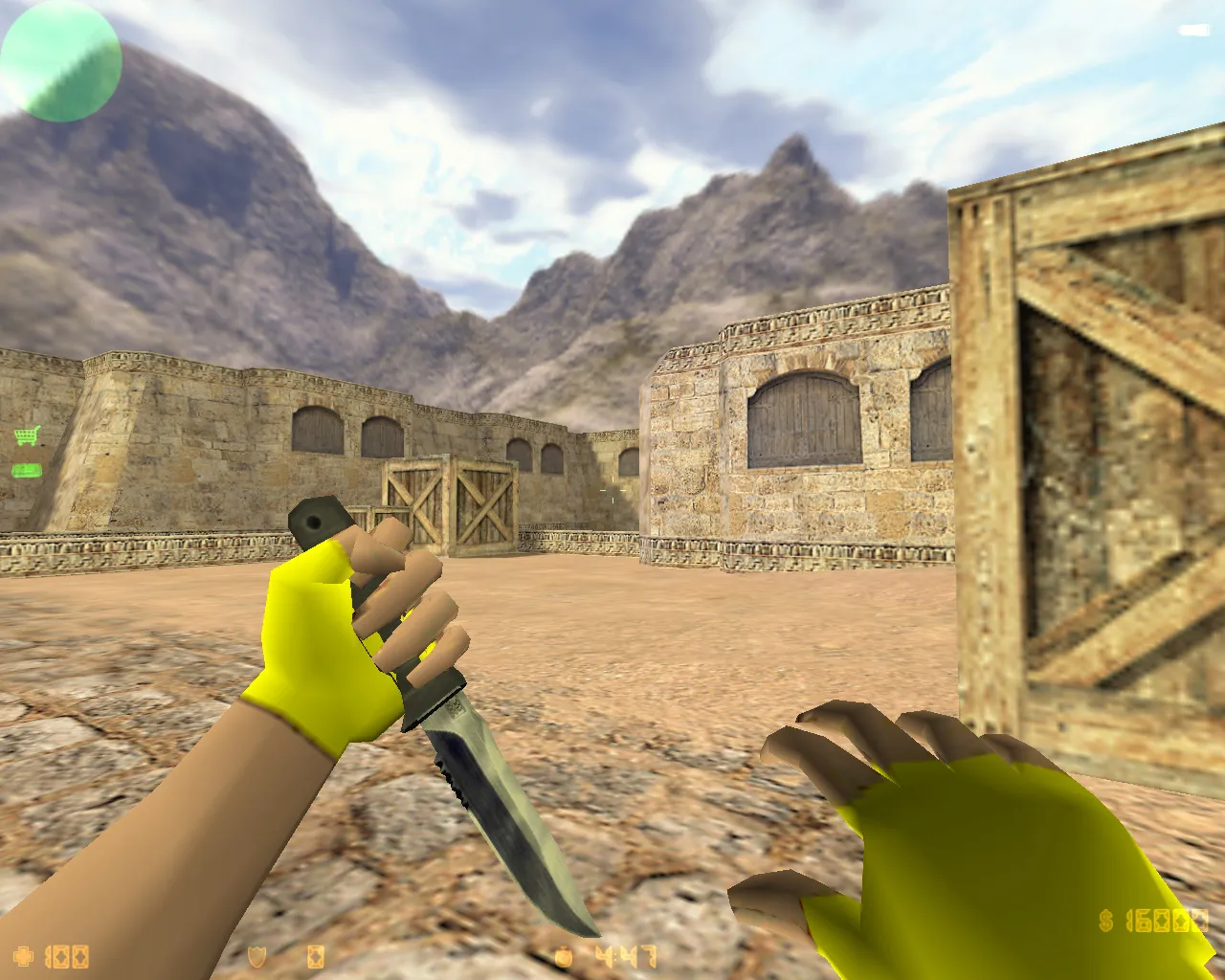
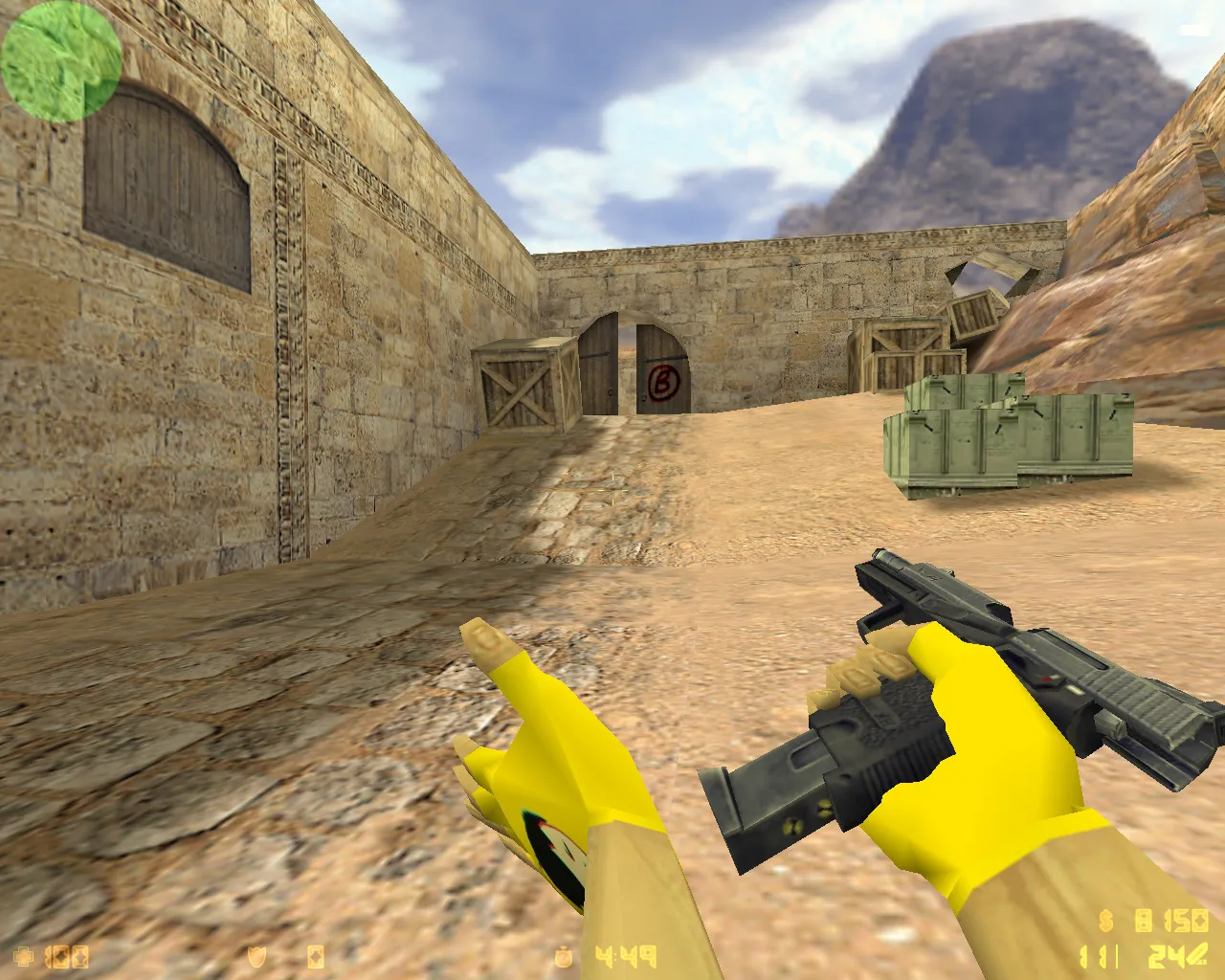
Get CS 1.6 builds highlighted by well-known bloggers. Comes with custom skins, configs and mods. Simply unpack and start playing. No cost.
FAQ
How do I set up a CS 1.6 blogger build?
- Download and unpack the build archive.
- Make a backup copy of your
cstrikefolder. - Copy the folders and files from the archive into
cstrike, confirming replacement of existing files. - Launch the game.
If your game uses the localized folder cstrike_russian, copy the files there instead - files in it have priority over cstrike.
Where should I place the files from a CS 1.6 build (models, sprites, sounds, config)?
Keep the folder structure from the archive. Player models go to cstrike/models/player/NAME/NAME.mdl, where the folder and file names must match. Weapon models go to cstrike/models, sprites and HUD to cstrike/sprites, sounds to cstrike/sound, and the settings file to cstrike/config.cfg.
How do I activate custom weapon skins and player models in a CS 1.6 build?
There is nothing to enable in the menu: custom models and skins replace the standard files, so they appear automatically after you copy them and restart the game. If a model does not show up, check that the files are in the correct folder and that the folder and file names of player models match.
CS 1.6 build not working or the game crashes - what should I do?
- Check that all files were copied into the correct folders inside
cstrike. - Restore your backup of
cstrikeand install the build again, copying files one part at a time. - Delete
config.cfgso the game creates a fresh one if the settings cause problems. - Make sure the build matches your game version.
How to return the standard CS 1.6 files after installing a build?
Restore the backup of the cstrike folder that you made before installing the build. If you have no backup, delete the replaced files and restore the original ones, or reinstall the game. Deleting config.cfg also resets your settings to default.
Does a CS 1.6 blogger build work online on servers?
Client-side visuals such as skins, sprites, HUD and menu work locally and are seen only by you. On other servers, custom models and sounds may be replaced by the server's own files or cause a consistency kick. Server settings can also override the values from the build's config.cfg.
How to switch between several CS 1.6 builds?
Keep a separate copy of the cstrike folder for each build and swap them when needed, or install each build into its own copy of the game. Always back up the current cstrike folder before replacing files with a new build.