
Skins & Graphics
1 file
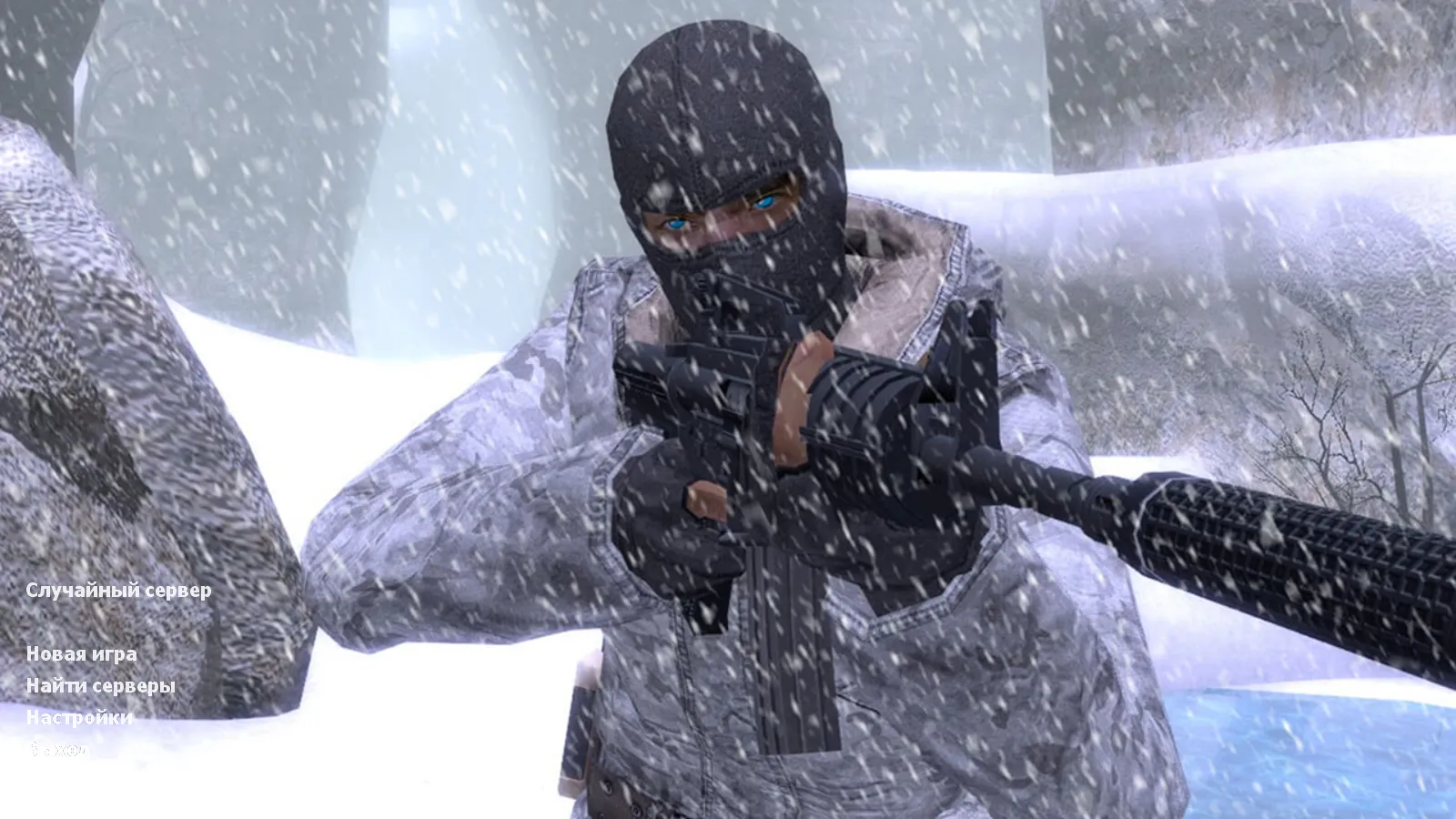
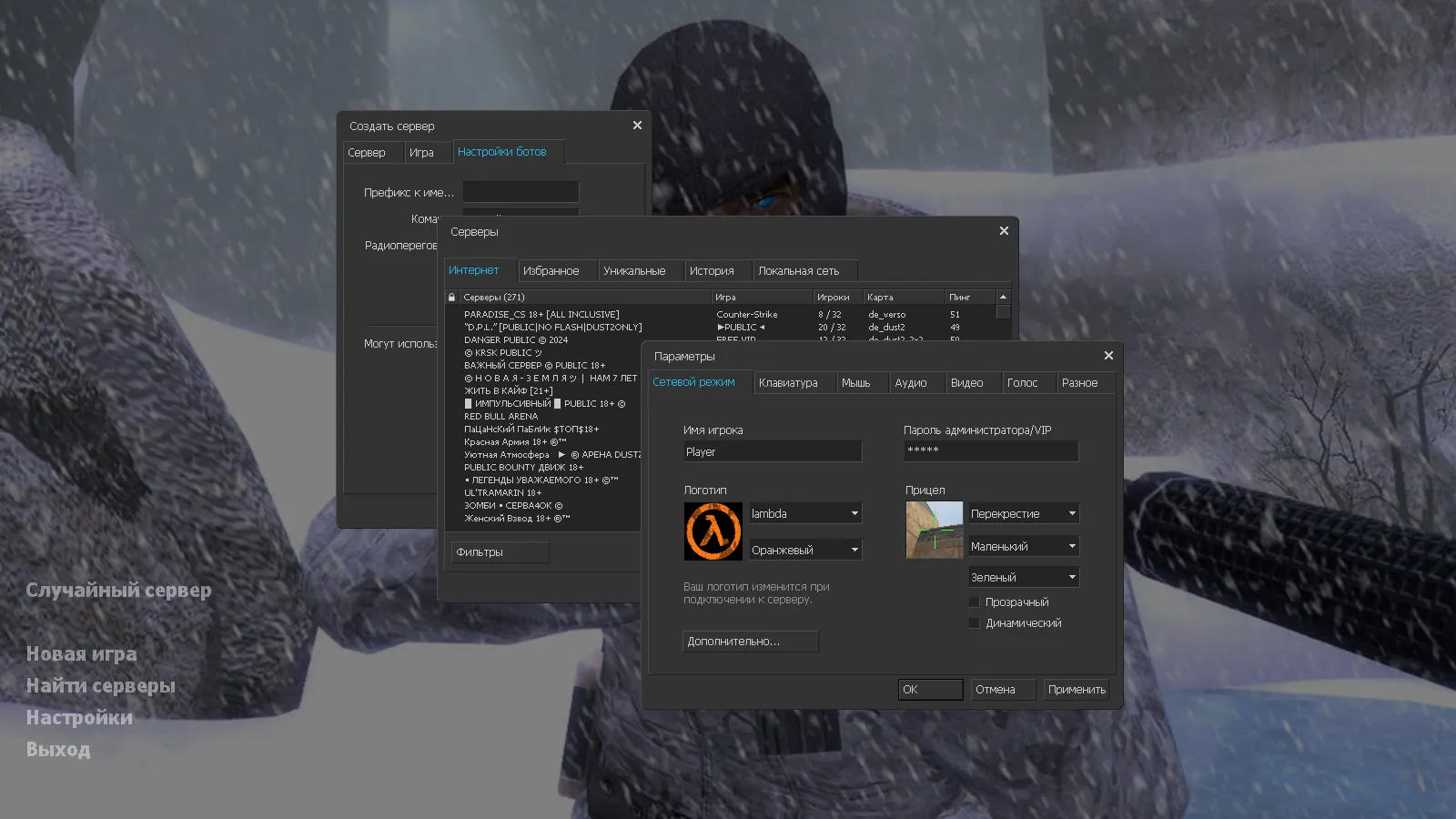
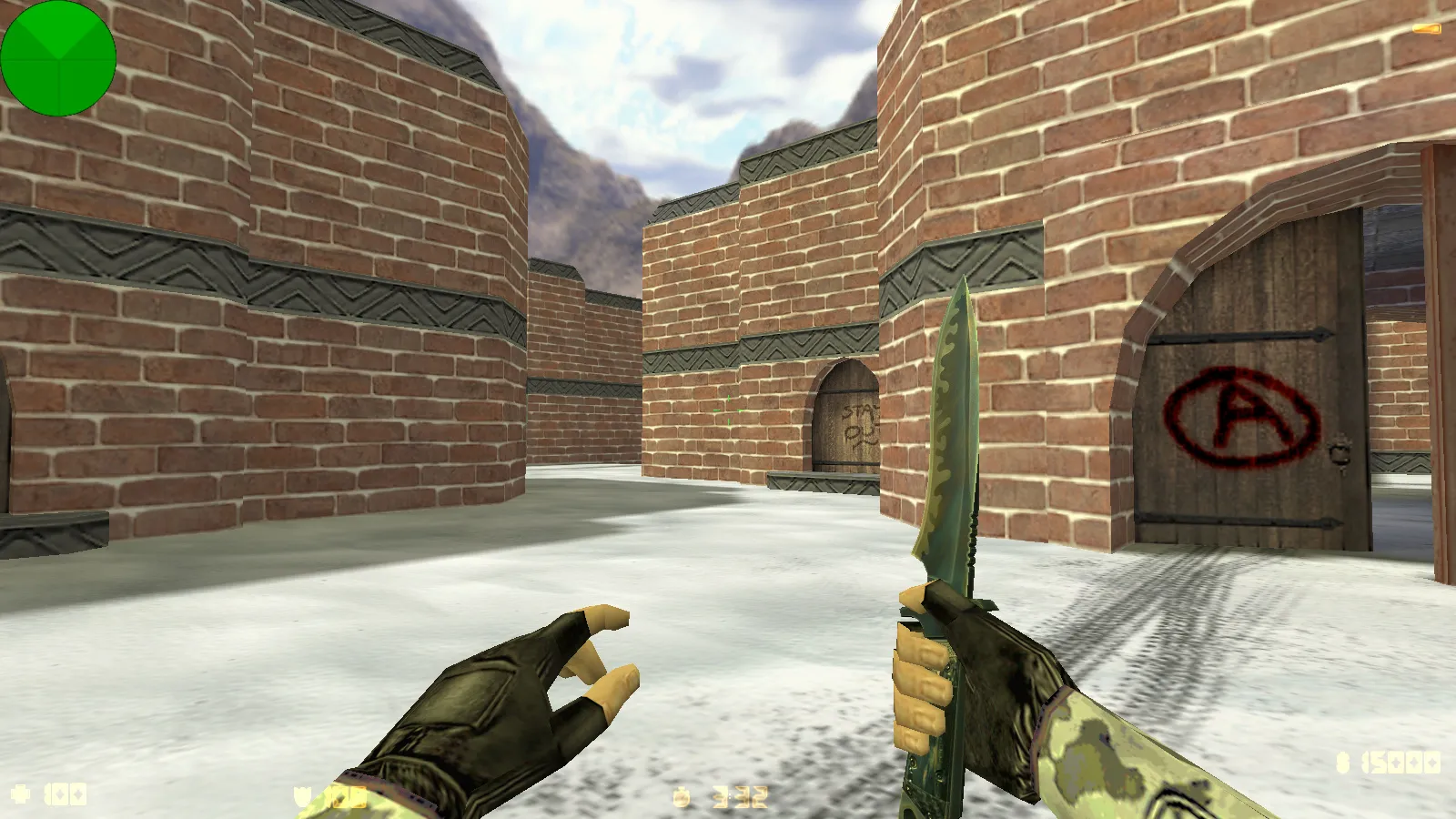
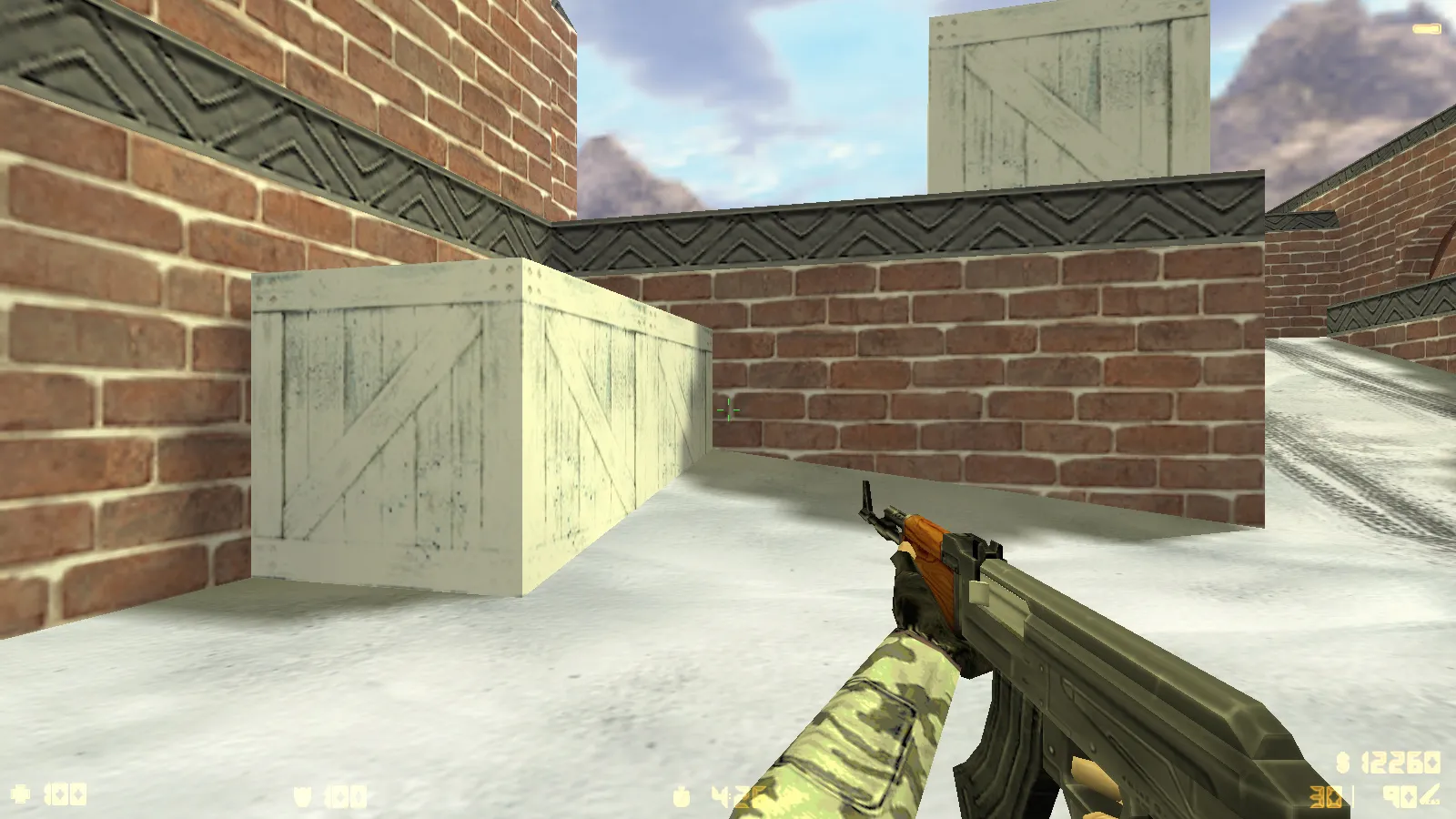
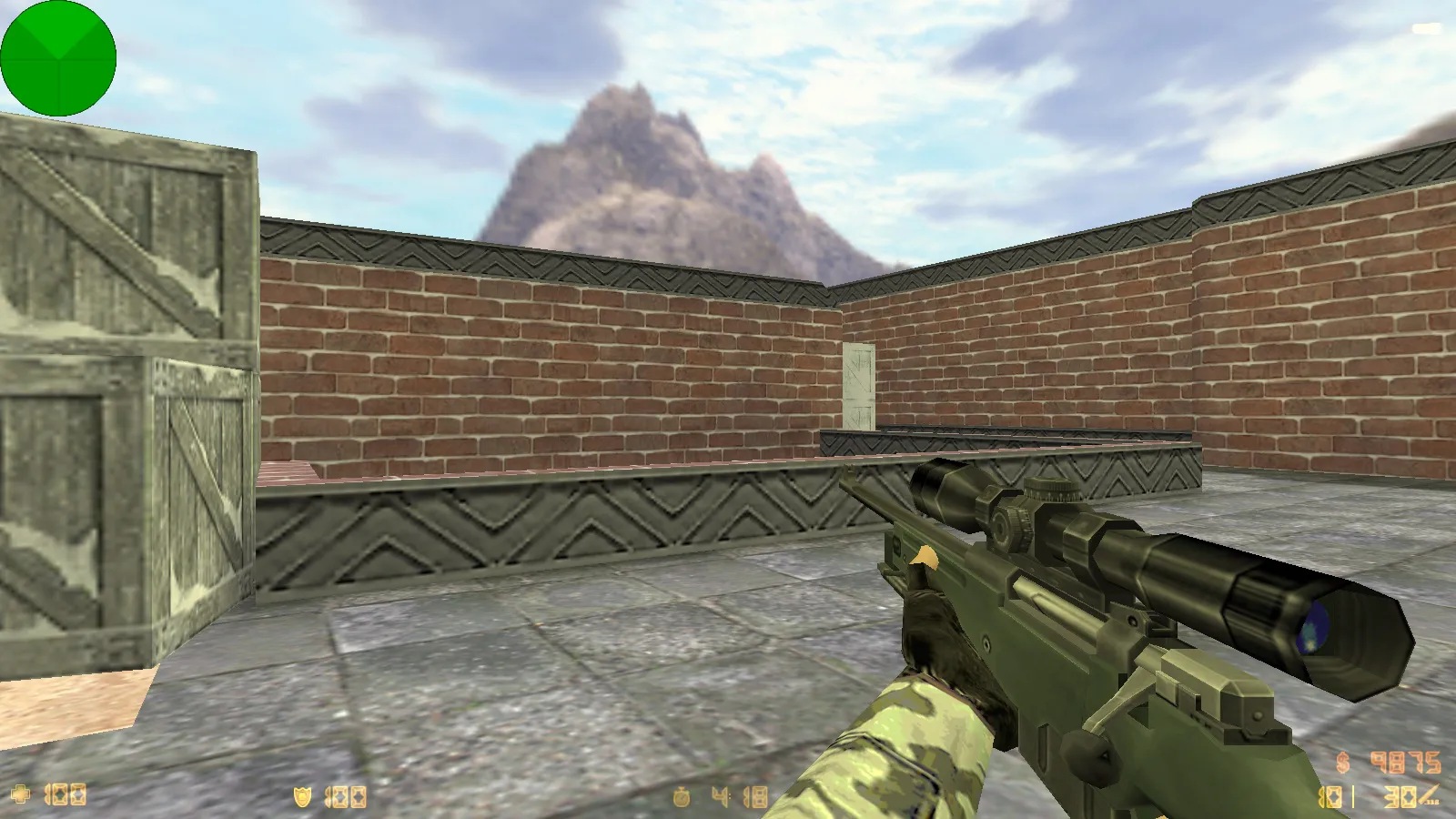
Get HD skins and graphics packs for CS 1.6. Swap out player models, weapon skins, and textures with a single install. No cost.
FAQ
Where do the model files go when installing CS 1.6 weapon skins?
CS 1.6 weapon skins are .mdl files that take the place of the default models in cstrike/models. Based on the file, v_*.mdl shows in first-person view, p_*.mdl is the model seen in the player's hands, and w_*.mdl is the weapon on the ground. Put the new files into cstrike/models and agree to overwrite.
- Back up the original files before you start.
- Use the exact same file names as the originals.
- For a localized version, look in
cstrike_russian- files there take precedence.
Where should the model folder go when installing player skins in CS 1.6?
Player skins belong in cstrike/models/player/NAME/NAME.mdl. The folder name and the .mdl file name need to match exactly, or the model won't load. Either replace the existing model files in that folder or create a new folder and pick it in the game or server settings.
What to do when CS 1.6 skins don't work or the game crashes after installing models?
- Verify that the file names and folder structure match the originals.
- Ensure the
.mdlfiles aren't damaged or built for another game version. - Take out the newly added files and put back your backup to see if the crash goes away.
- Check
cstrike_russian- a conflicting file there might override your changes.
If the game launches but the skin is absent, the model name or path is typically incorrect.
How can I change the sky, HUD, or sprites in CS 1.6?
Sprites, crosshairs, and HUD elements live in cstrike/sprites. The sky is made of six *.tga files put in cstrike/gfx/env. On a server, the sky is set using the sv_skyname console variable. Swap the files with the same names and keep a backup of the originals.
Are custom CS 1.6 skins usable online on servers?
Most weapon and player skins are client-side, so only you can see them. A server might replace your custom models with its own or kick you for file mismatch (consistency). On public servers, it's safer to use skins that don't alter gameplay files the server checks.
How do I get back the default CS 1.6 models and skins after installing custom ones?
Restore the original files from the backup you made before replacing them. If you're on Steam, verify the game files integrity to download the default models again. You can also remove the custom .mdl files from cstrike/models and cstrike/models/player, and the game will revert to the standard ones.
How do I enable or select custom skins in a CS 1.6 build?
In ready-made builds, the skins are already in cstrike/models and cstrike/models/player, so they load automatically when you start the game or a map. To change a player model, use the game menu or the server settings if it permits model selection. For your own setup, place the files in the correct folders and ensure the names match the originals.