
Optimization & OS
1 file

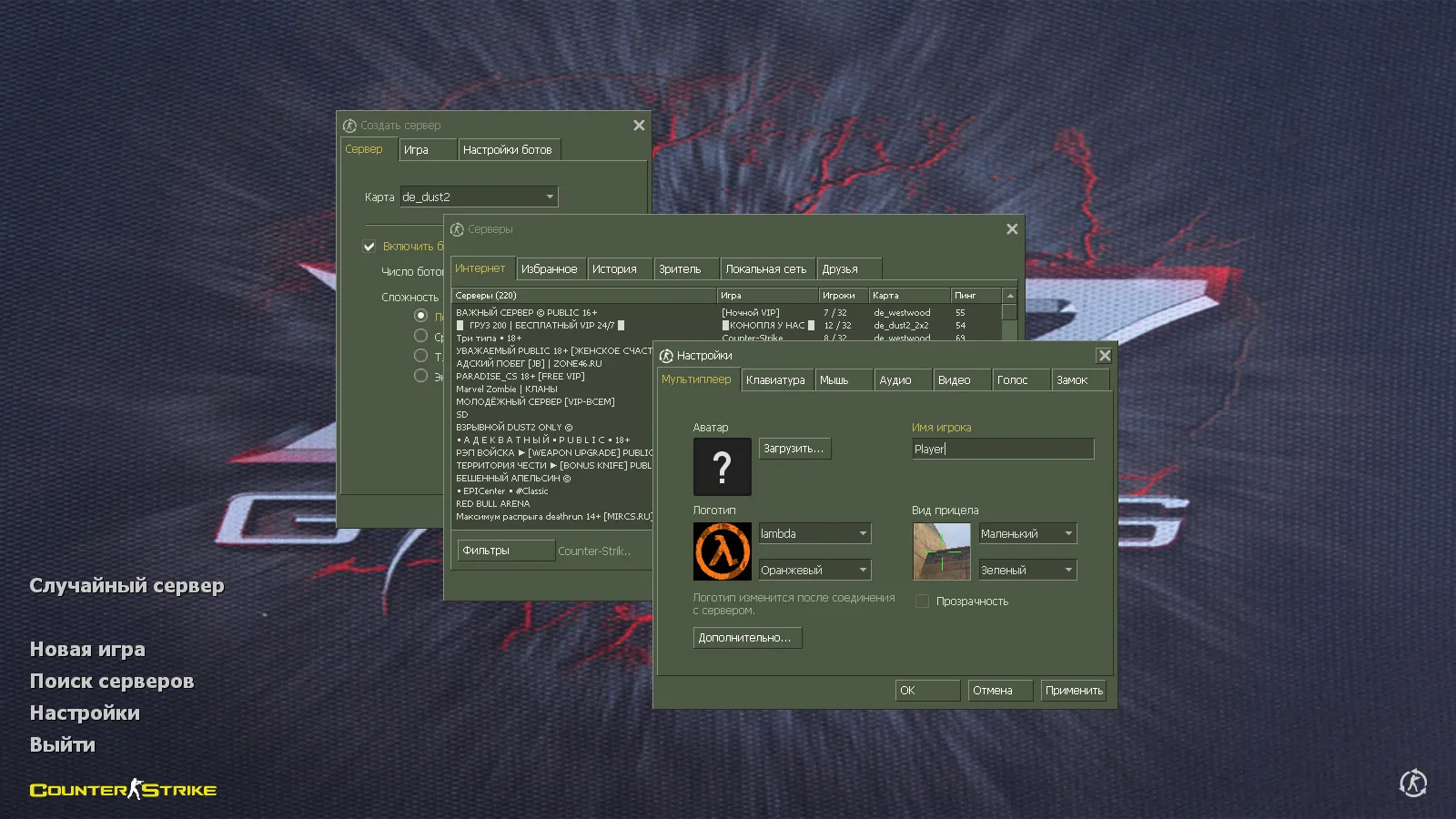
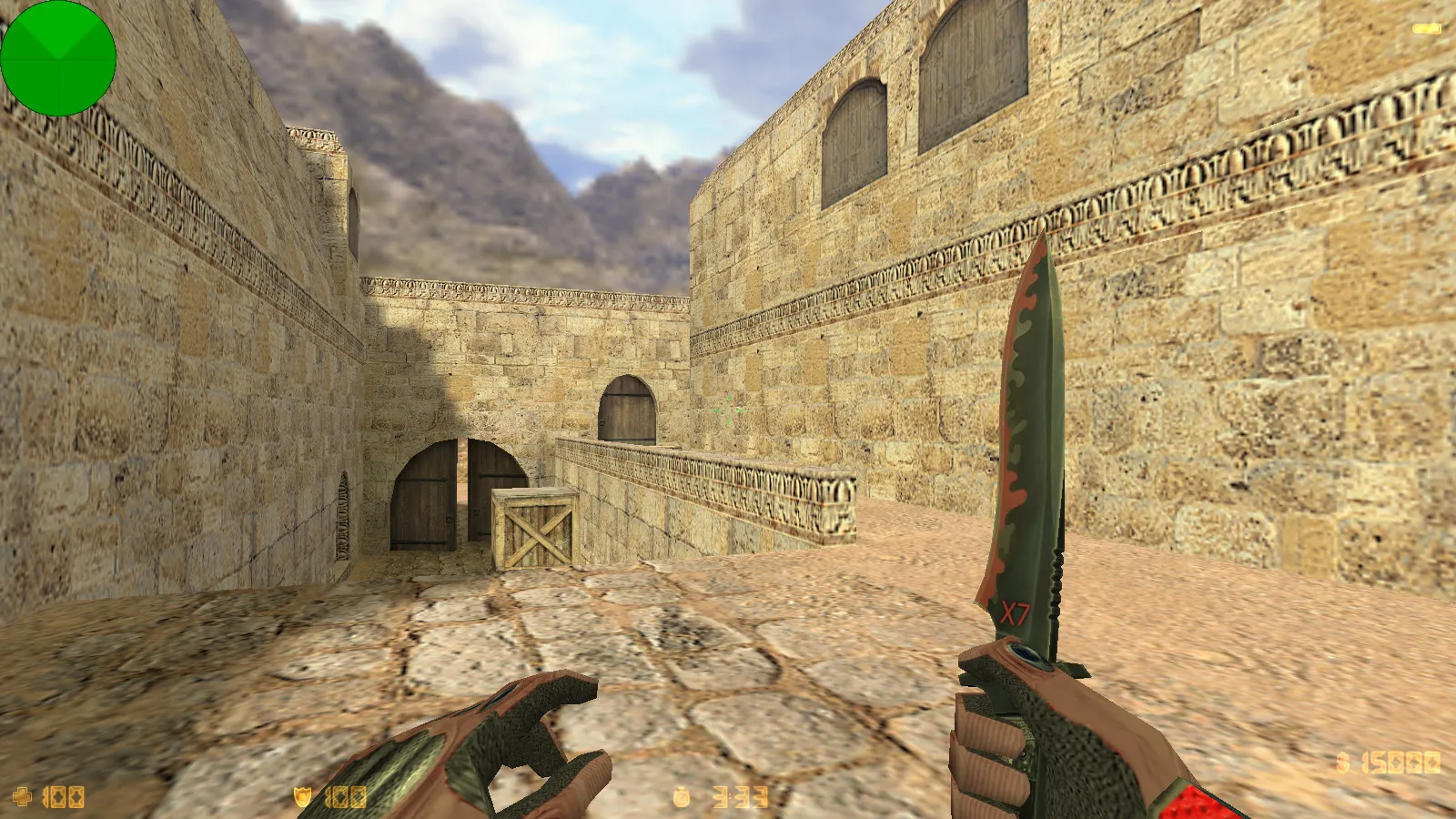
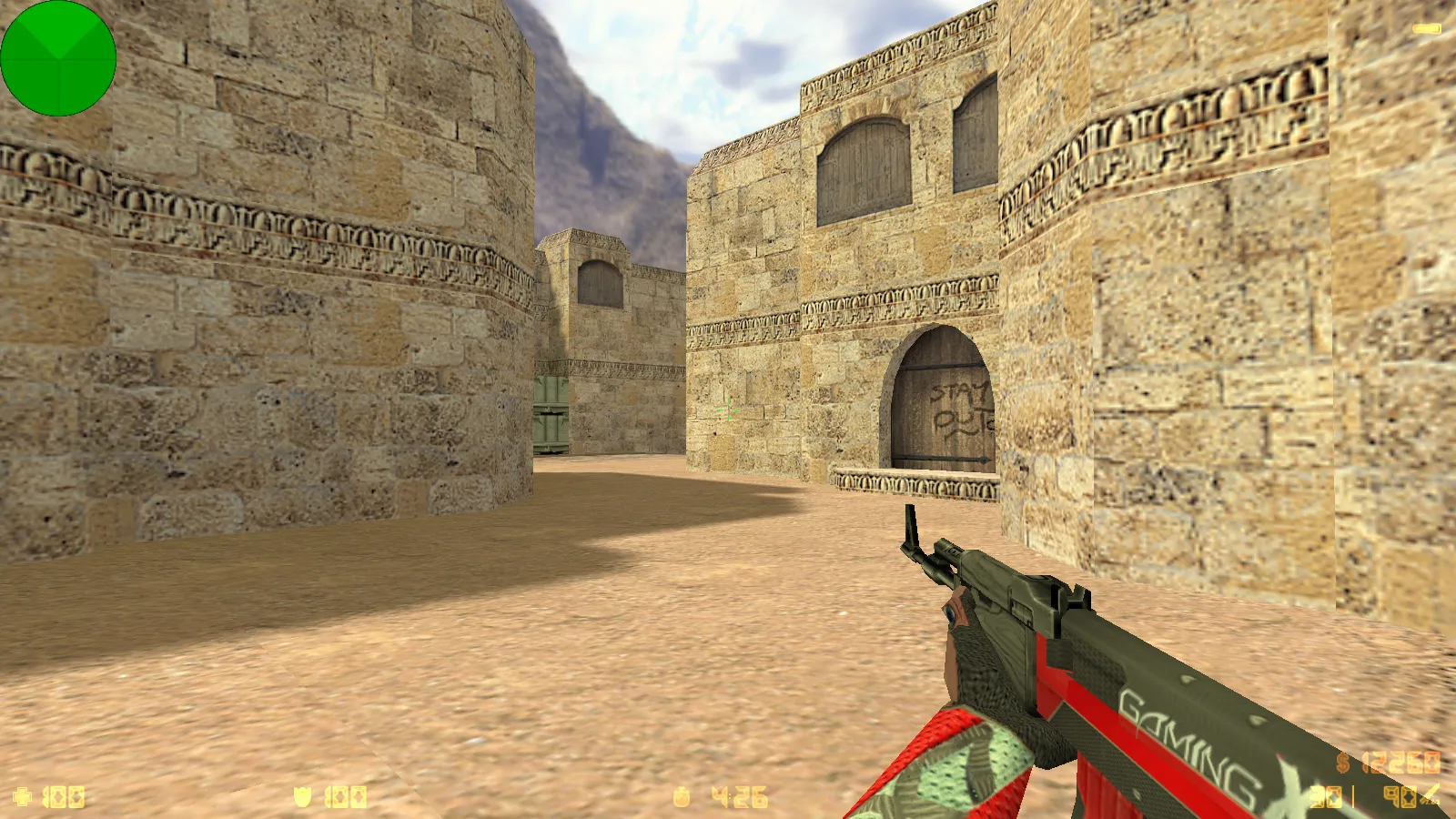
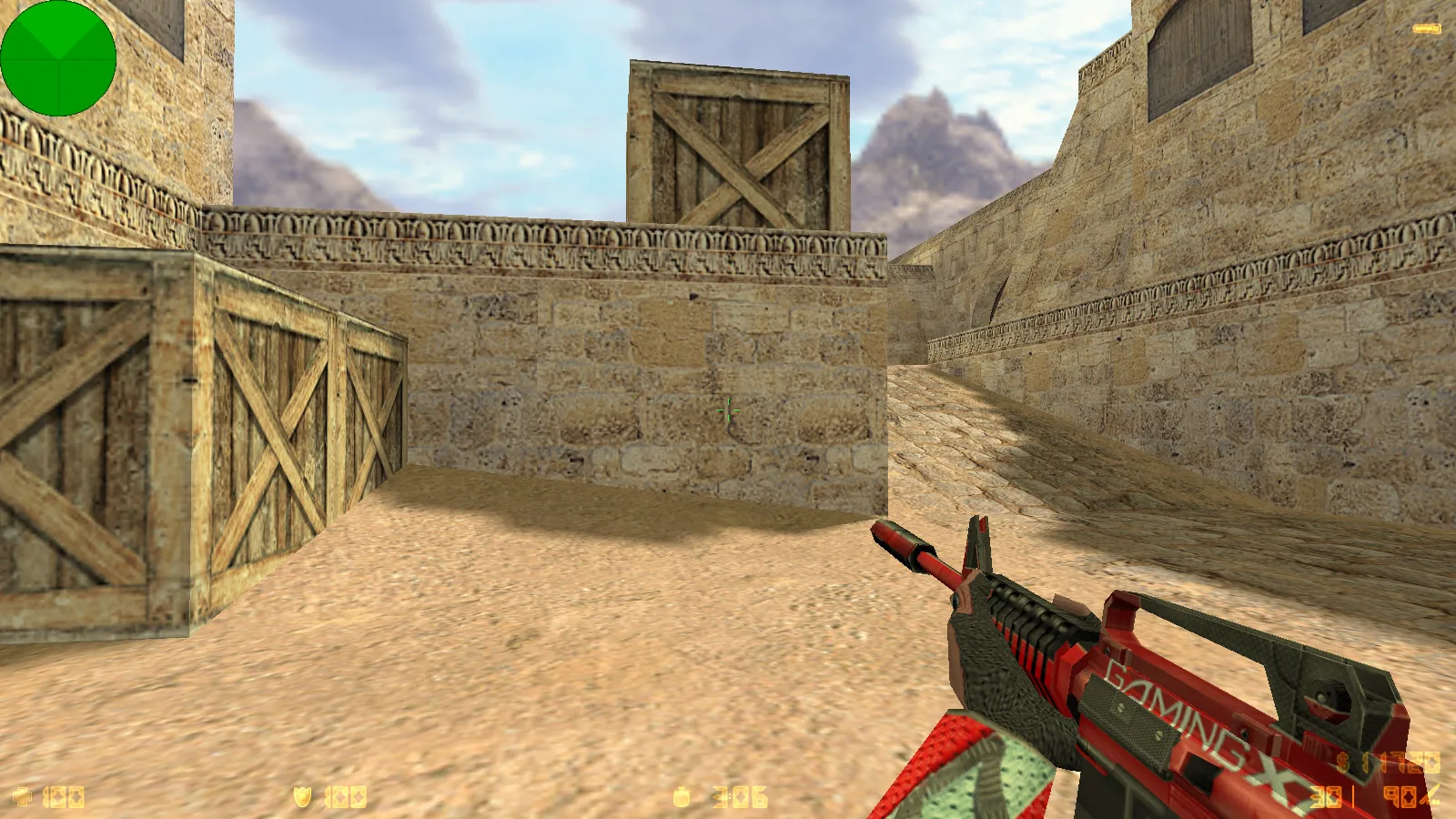
Grab tuned CS 1.6 builds for weak computers. High FPS, low lag, no extra files. Works on old hardware. Free download.
FAQ
In a tuned CS 1.6 build, where should config.cfg go?
Game config files go inside the mod folder: cstrike/config.cfg. For localized versions, the game might use cstrike_russian/config.cfg instead, and files in that location take precedence. Make a backup of the current file before you swap it, so you can bring back your old settings later.
How do I set up a tuned CS 1.6 build on Windows?
Extract the build to any folder you like and launch the game's exe from there - there's no installer. Keep it in its own folder, apart from your Steam or other CS 1.6 copy, so the files don't get mixed up. All settings and configs live in the game's cstrike folder.
What can I do about low FPS and jumpy performance in CS 1.6?
Begin with the in-game video options: drop the screen resolution and make sure the video mode is OpenGL or Direct3D, not software. Turn off vertical sync in your video driver and shut down background apps that eat CPU and disk. Pick a fitting fps_max in the console or config, and lower model and texture detail in the Video options - that helps the most on weak PCs and laptops.
How can I reset CS 1.6 back to default settings (reset config)?
Shut the game down first. Then delete or rename cstrike/config.cfg, and cstrike_russian/config.cfg if that folder is there. Also look at userconfig.cfg and autoexec.cfg in the same folder, since they can override values each time you start. When you launch the game again, a fresh config with default settings gets created.
Can a tuned CS 1.6 config be used on online servers?
Yes, client-side settings like update rates and rate commands work on servers that permit them. Plenty of servers and leagues enforce their own values or block certain commands, so some of your settings might be ignored or overwritten. A config-based optimization build doesn't swap models, sprites or sounds, so it won't cause consistency kicks.
What are userconfig.cfg and autoexec.cfg in CS 1.6?
They are optional text files stored in cstrike alongside config.cfg. Commands and binds you put in them get applied at launch and won't disappear when you replace config.cfg with one from a build. Use autoexec.cfg for settings you always want, while config.cfg gets rewritten by the game whenever you change options in the menu.
CS 1.6 won't start or crashes after I swapped the config - what now?
Delete or rename the file you changed: cstrike/config.cfg, and cstrike_russian/config.cfg if it's there, then start the game again so it makes a clean one. Make sure the config wasn't copied into the wrong folder. Temporarily move userconfig.cfg and autoexec.cfg out of the way to check if one of them holds a bad command, and confirm the video mode in the game's launcher or options.