
CS 1.6 x7 Build: Optimization, Clean Config.cfg, Upgraded Models, Sounds, and Menu
Description
CS 1.6 x7 Build: Key Upgrades Overview
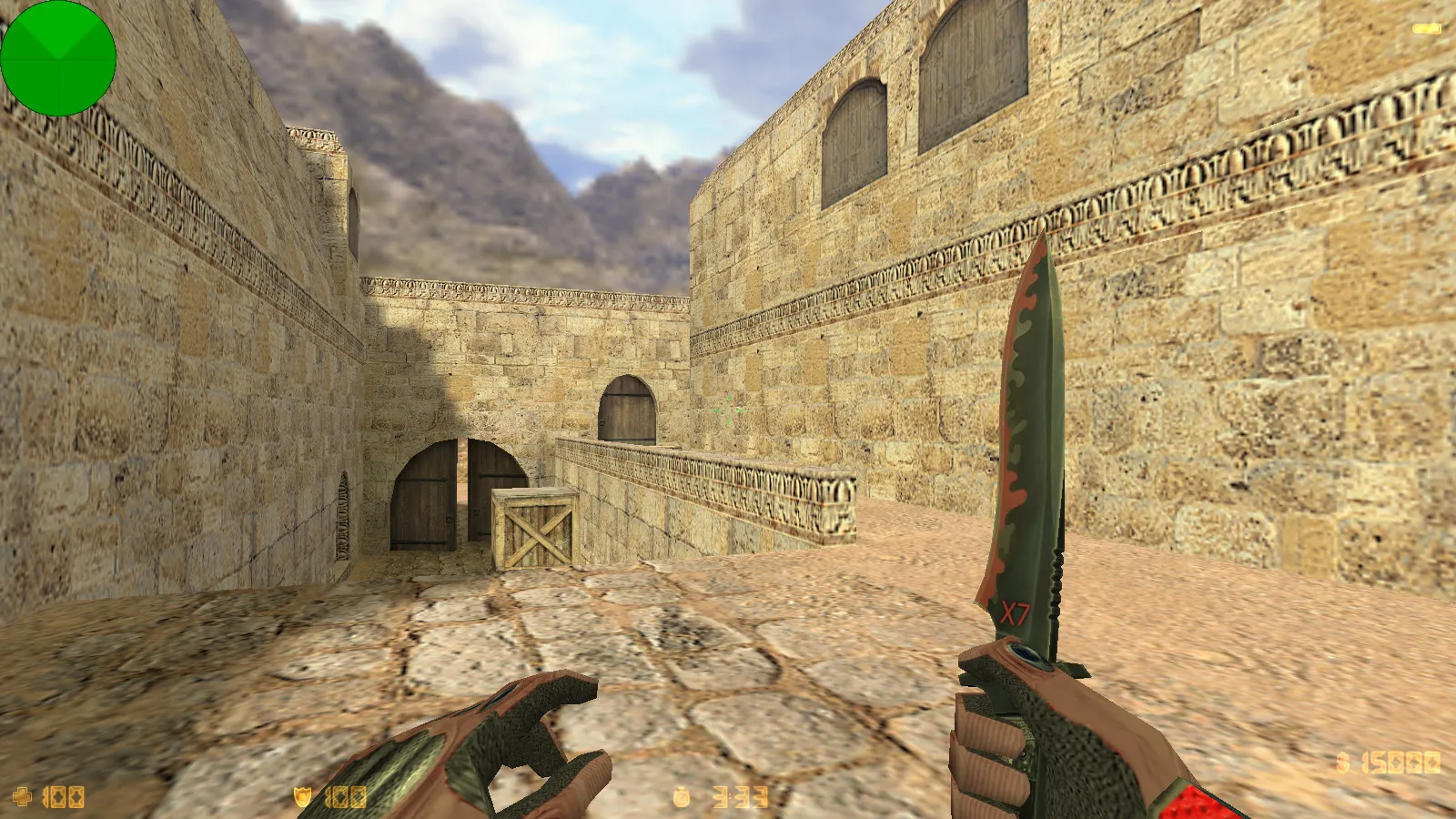
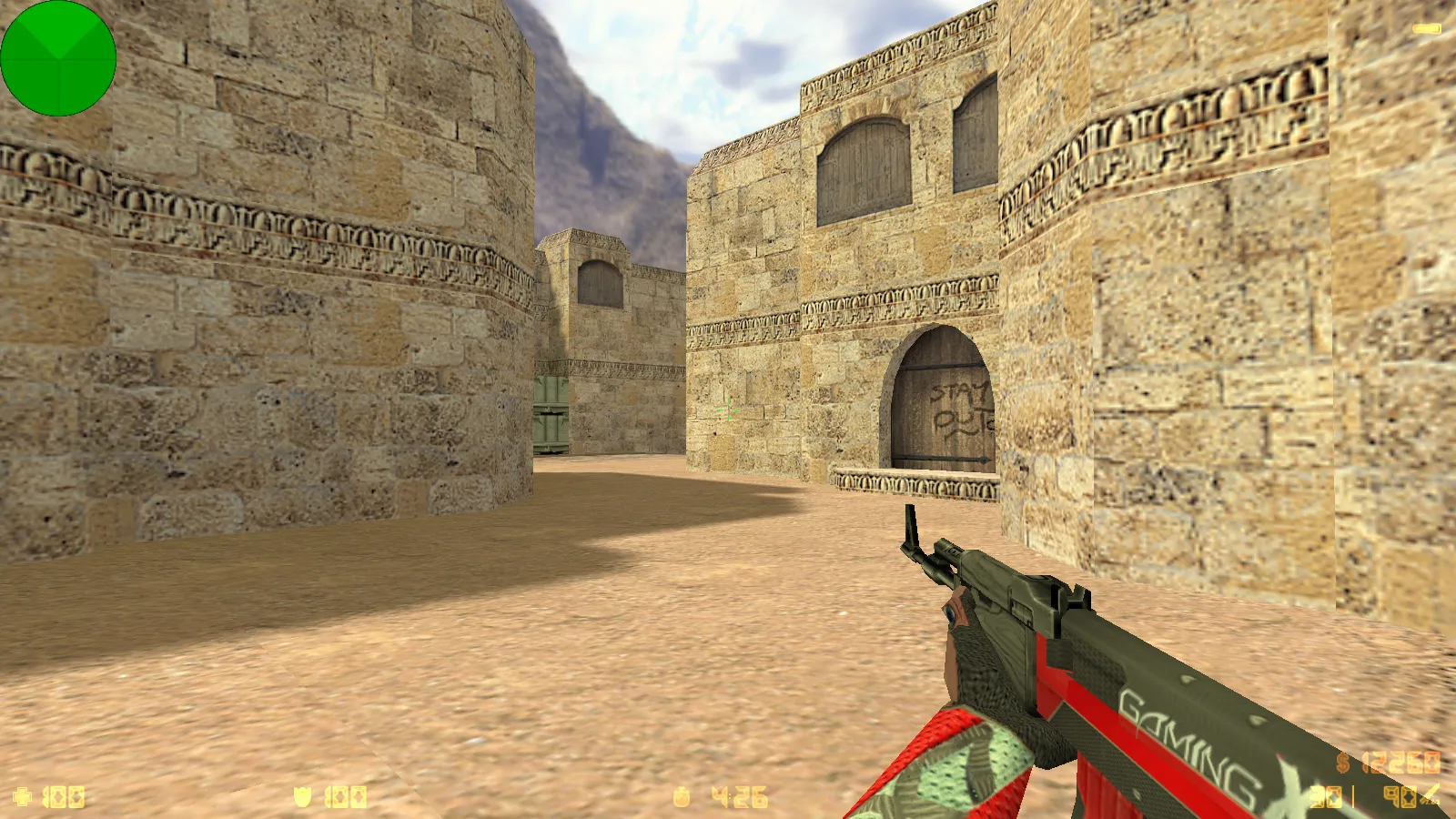
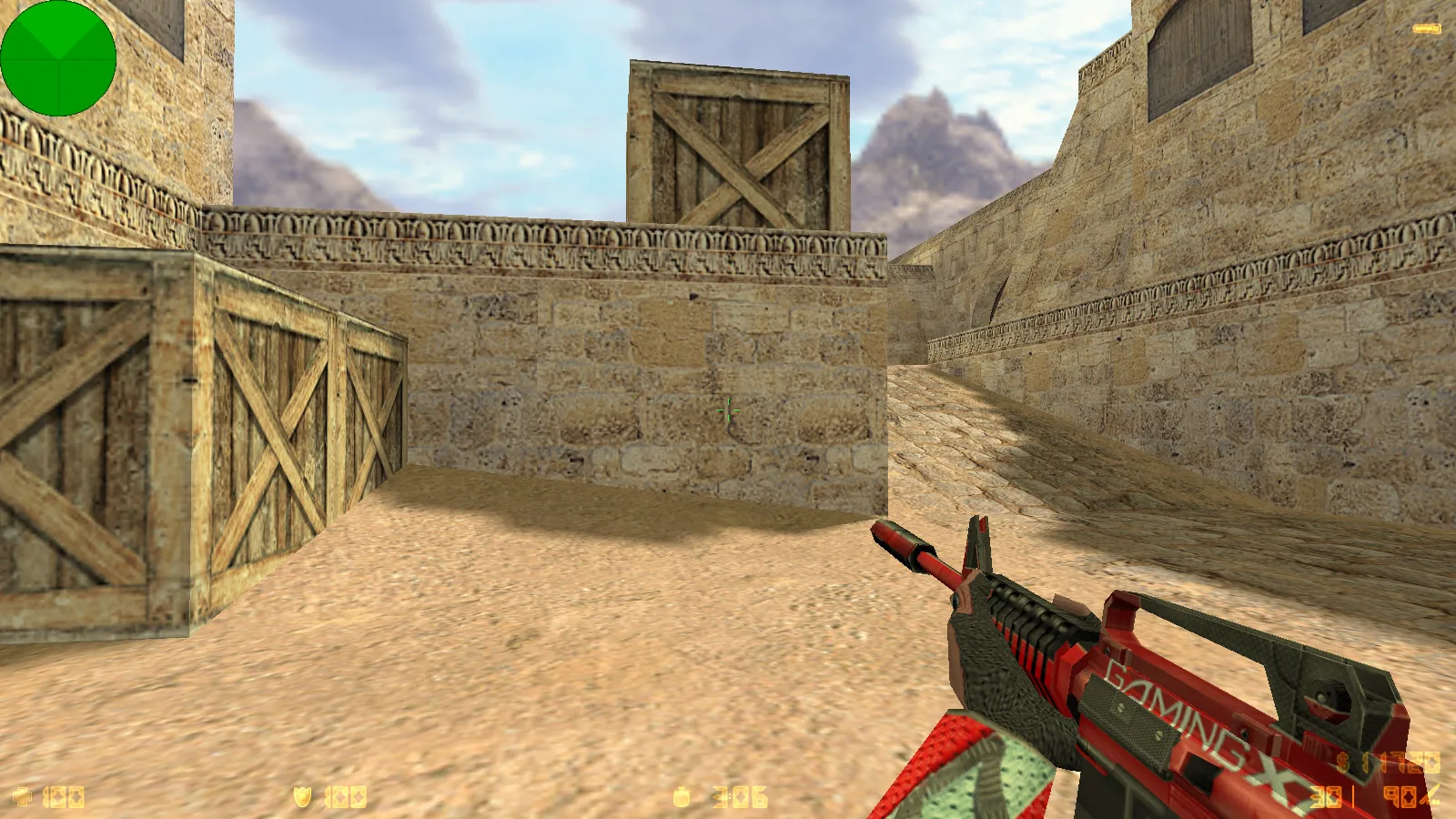
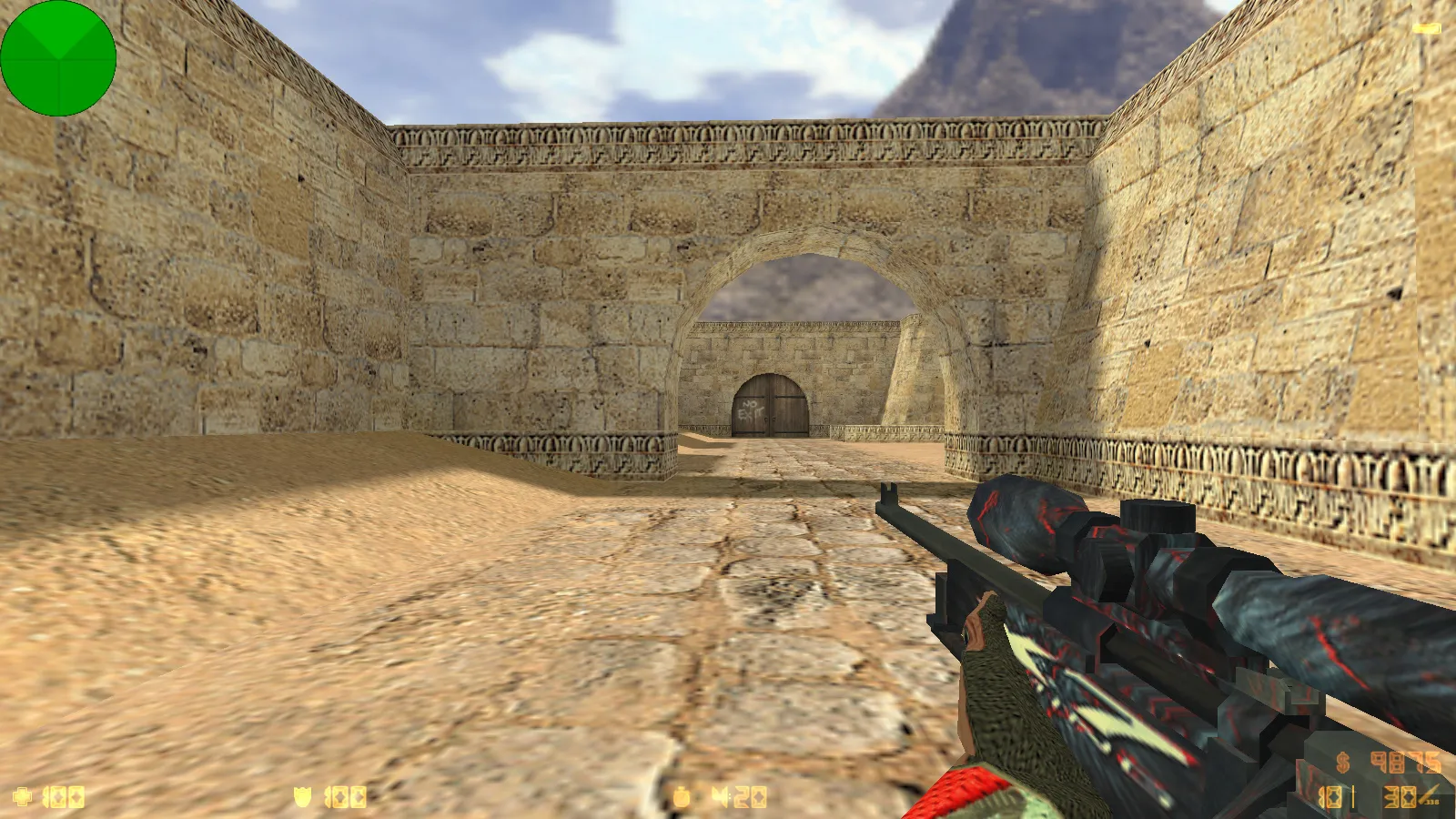
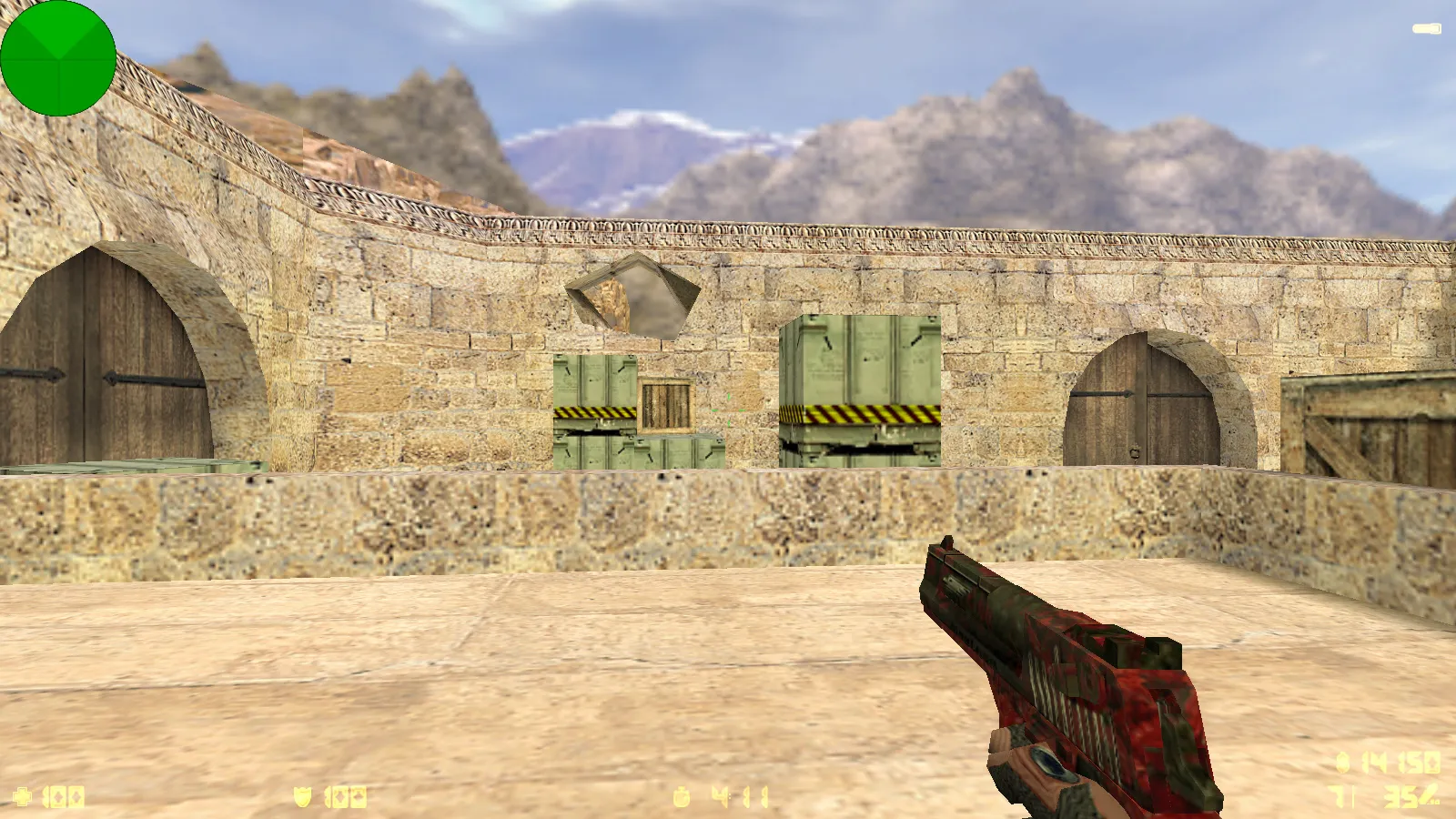
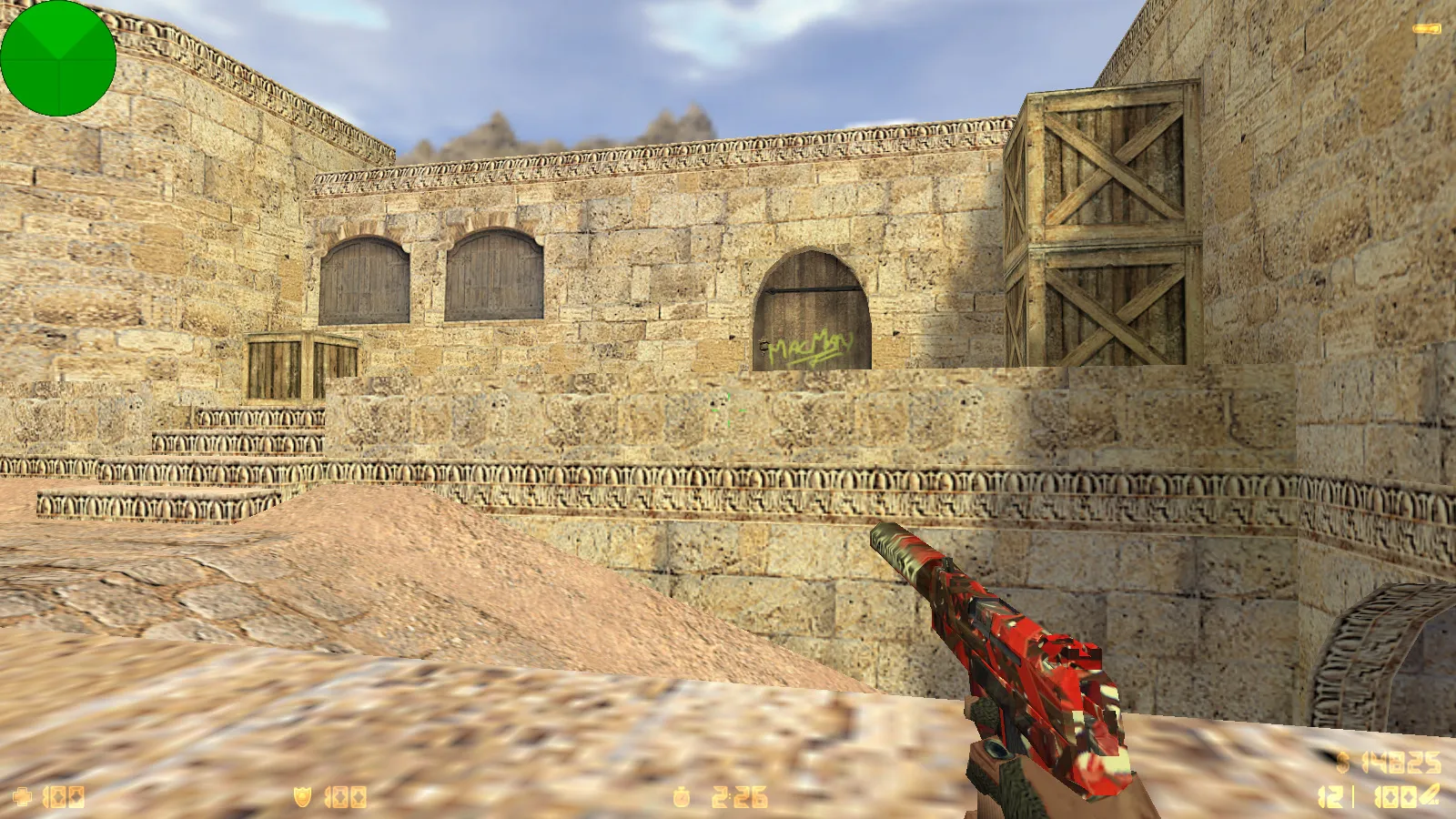
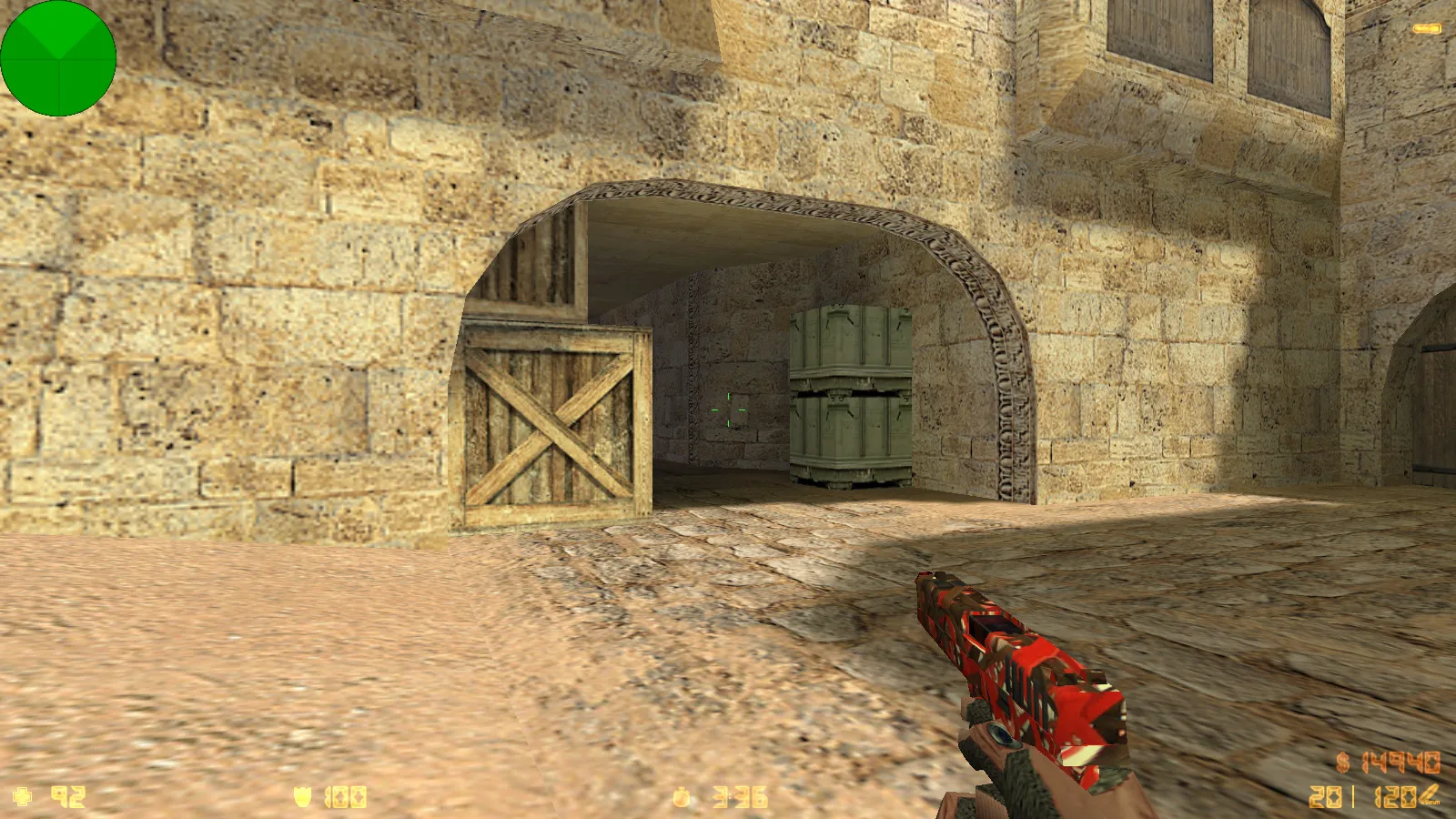
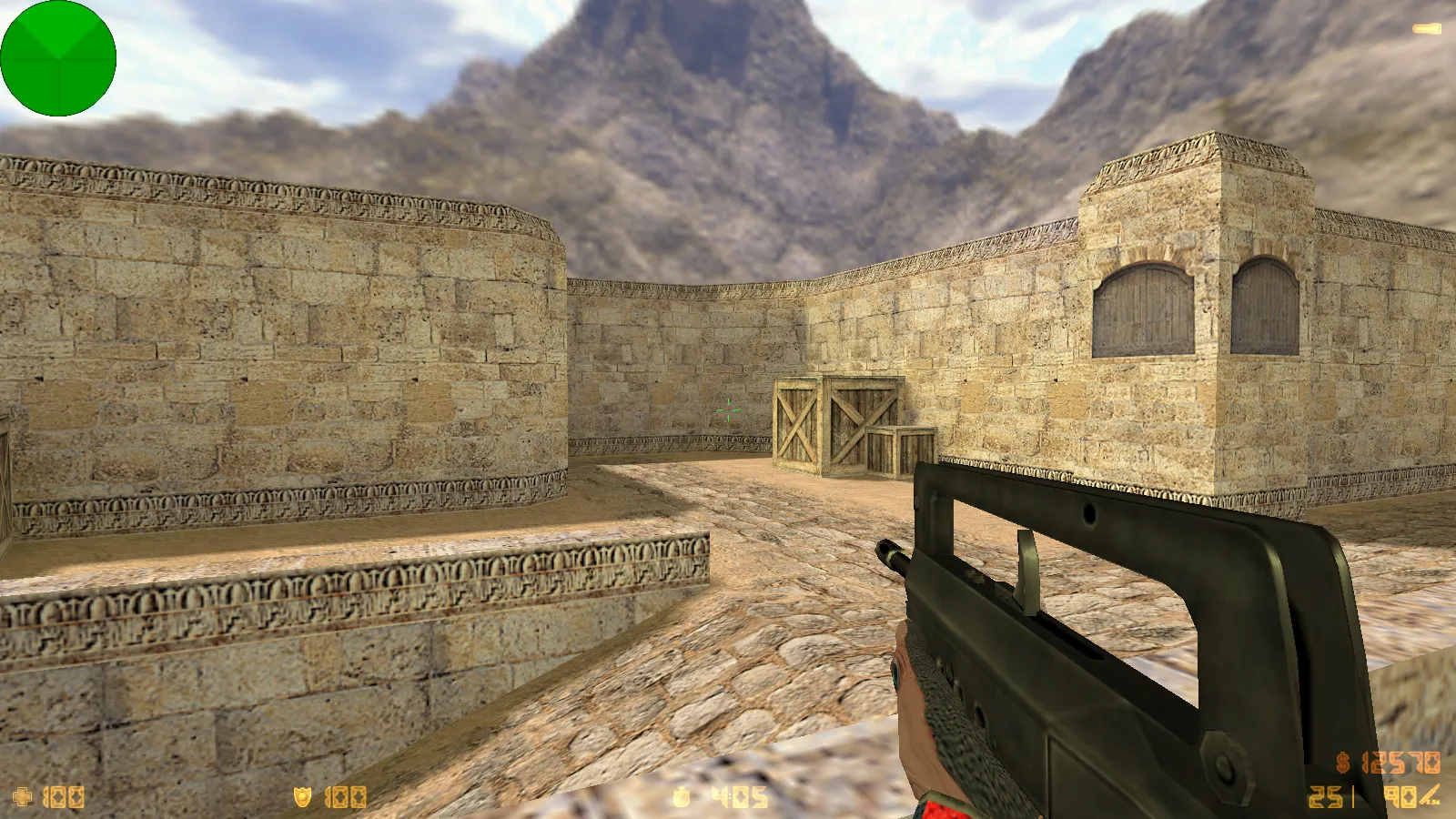
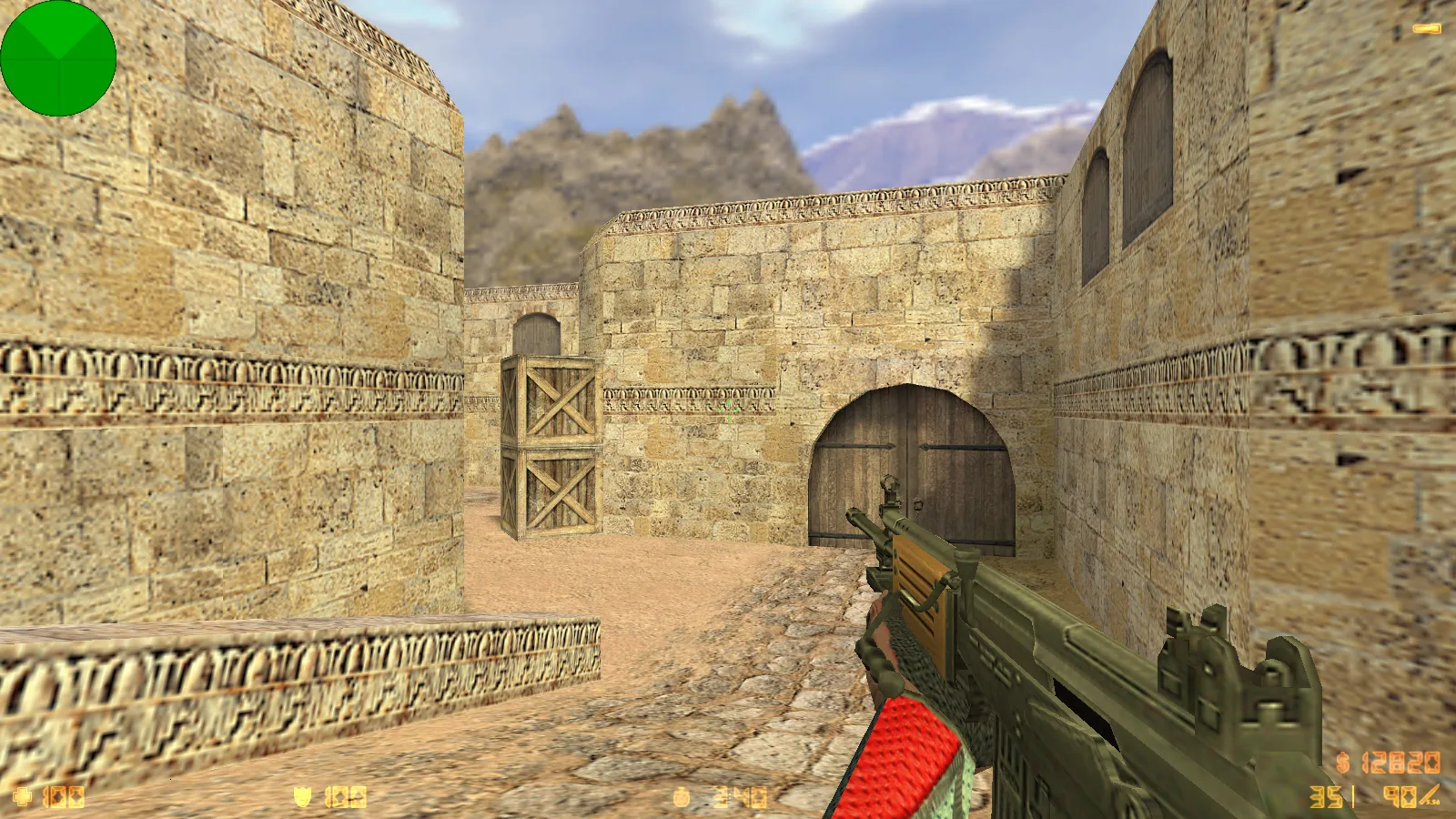
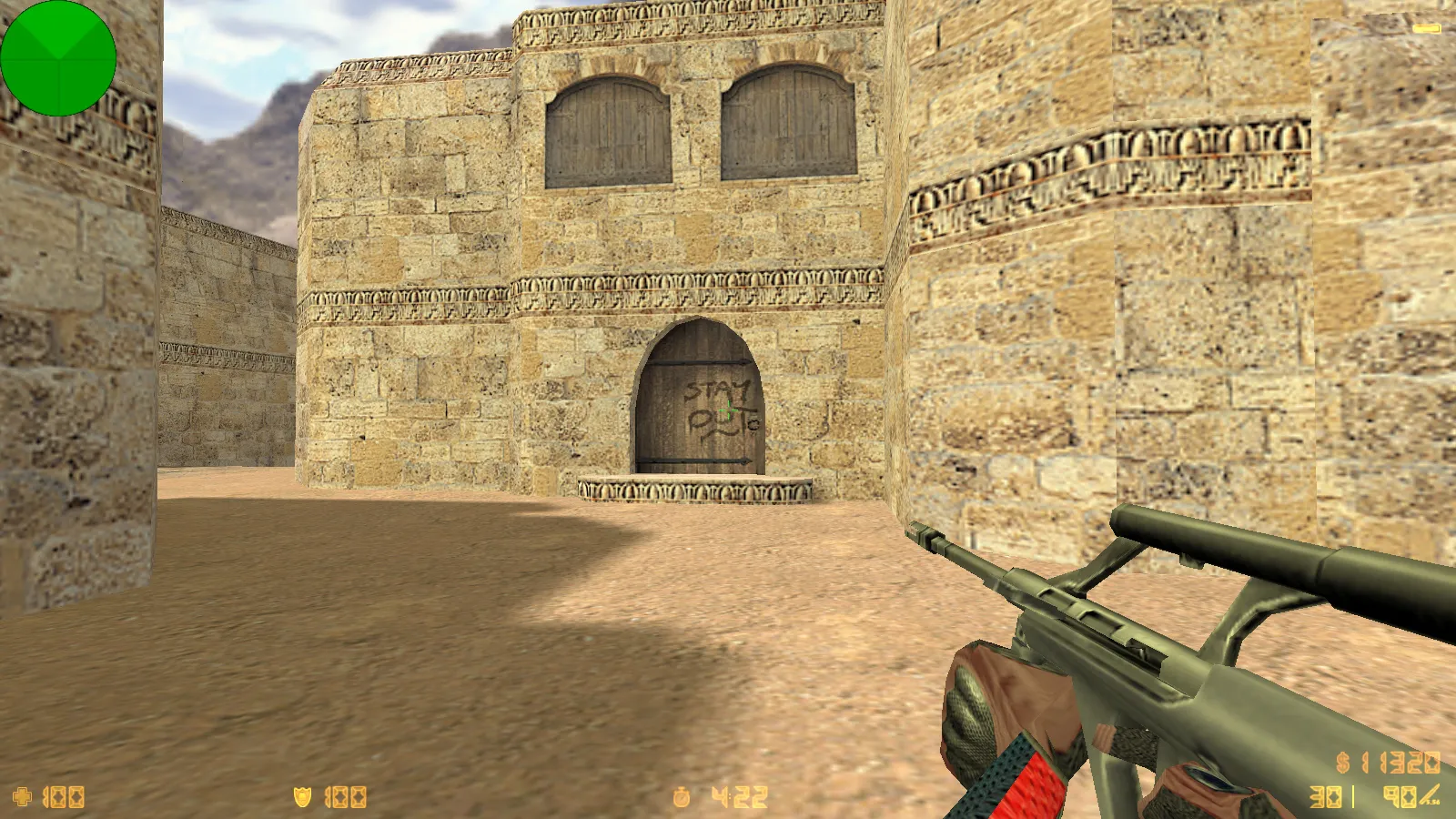
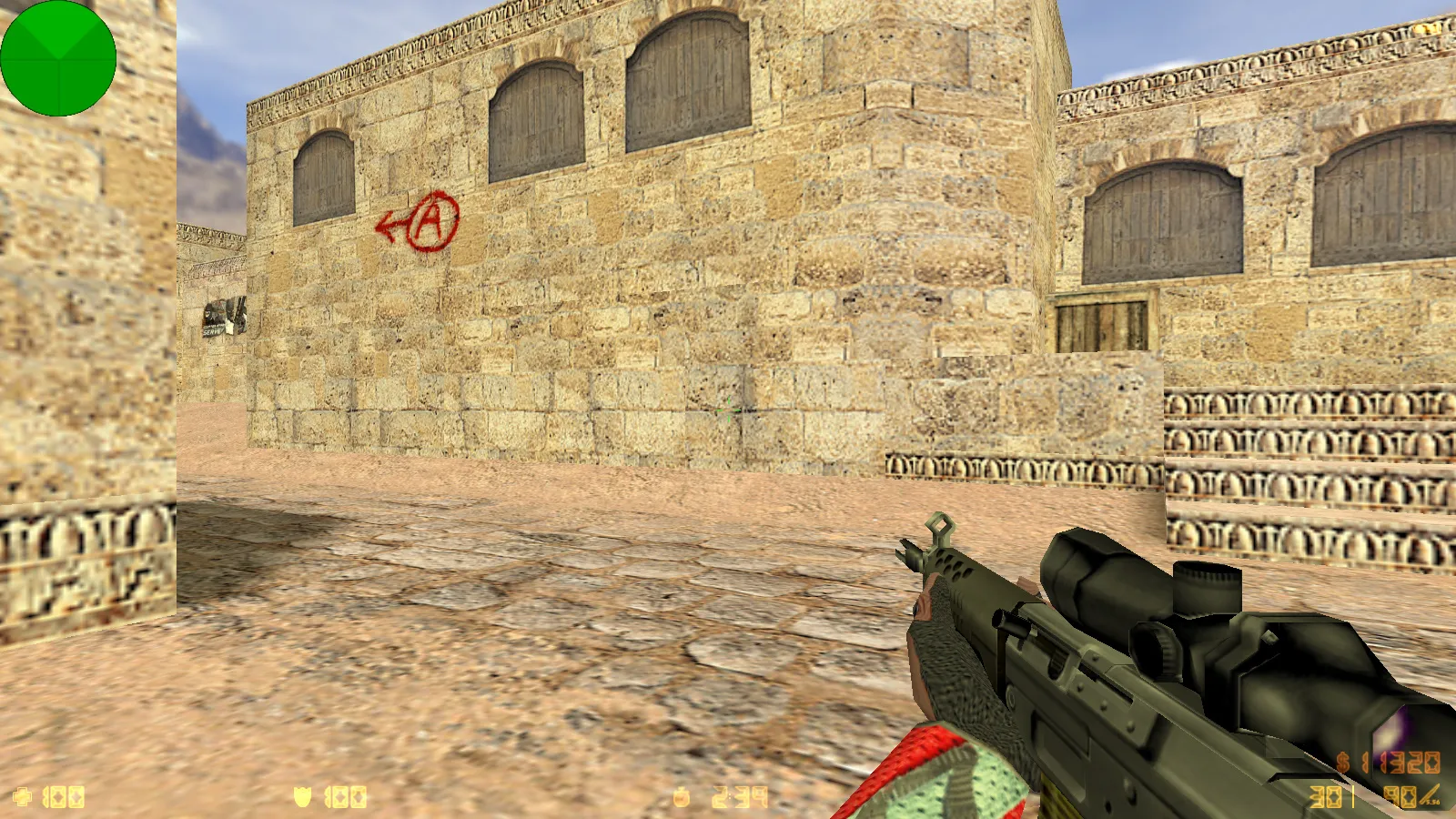
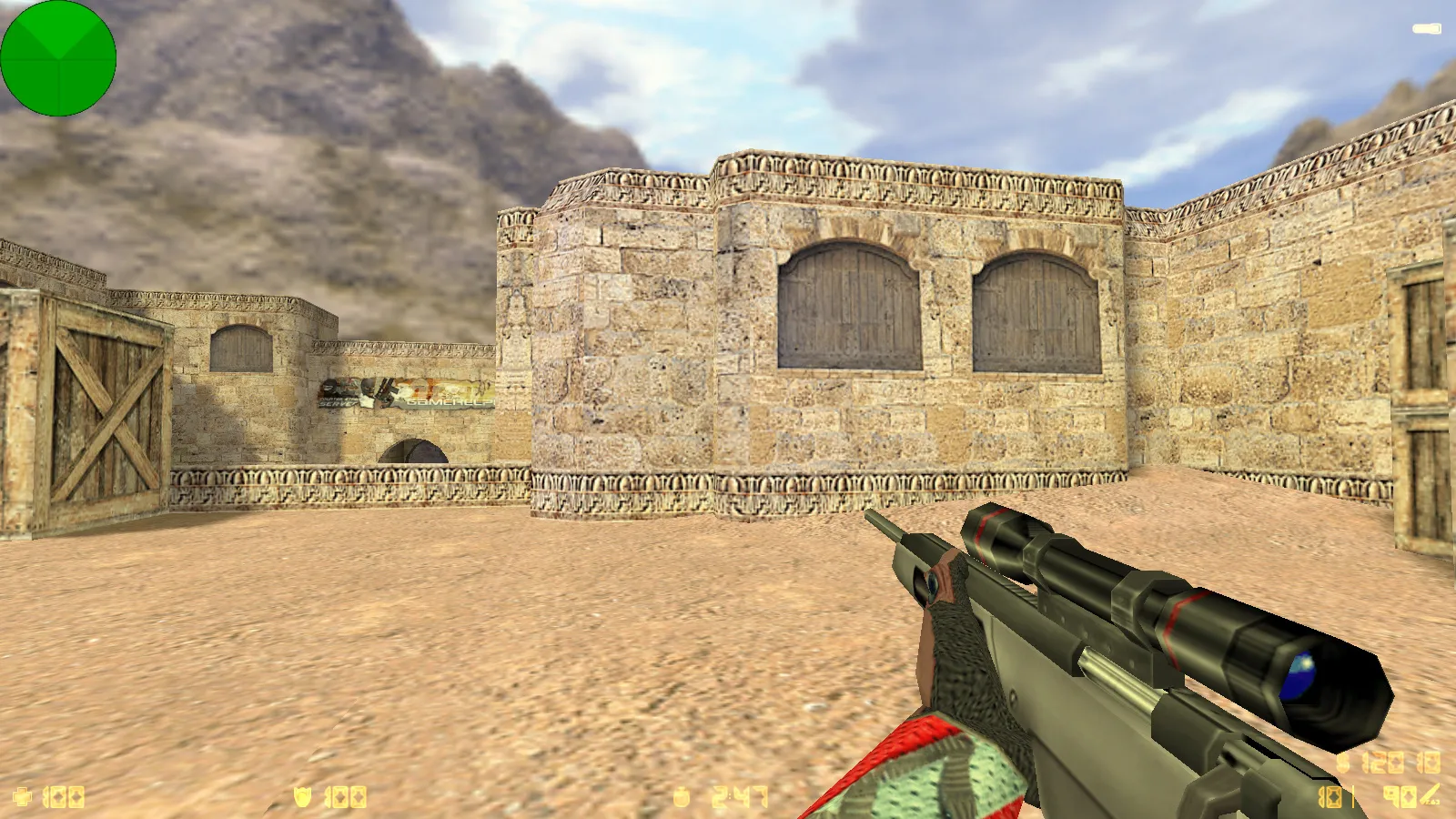
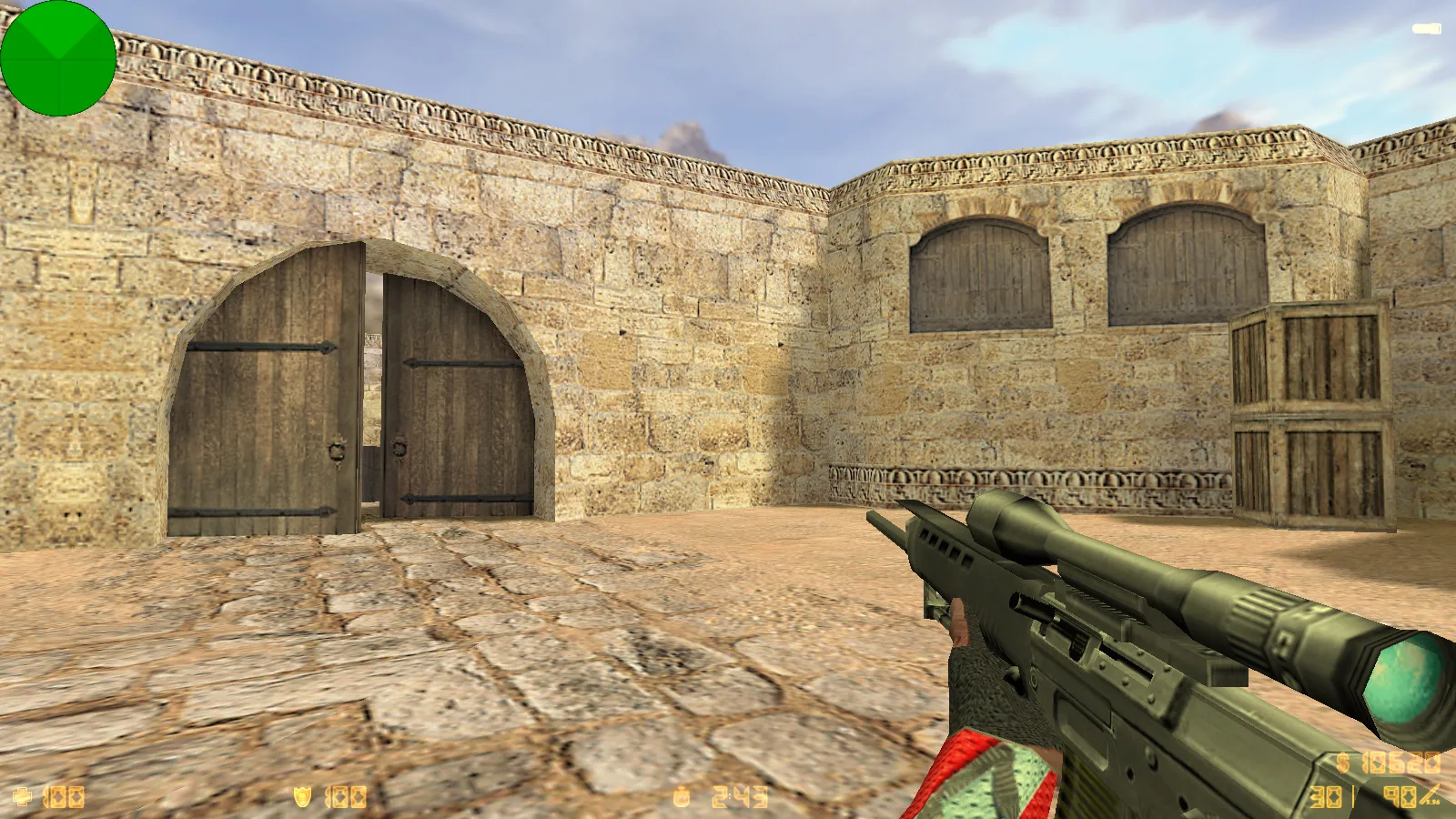
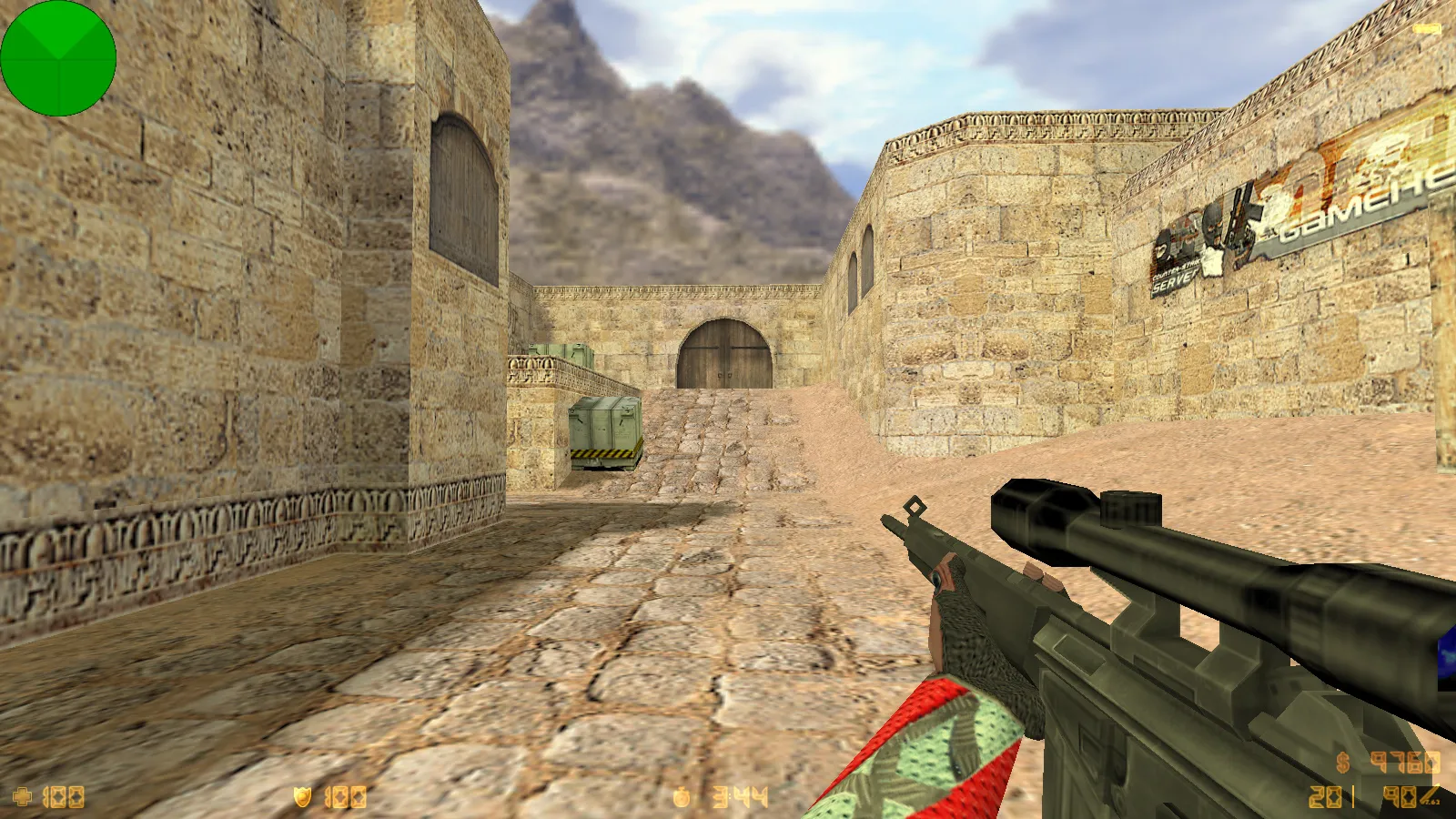
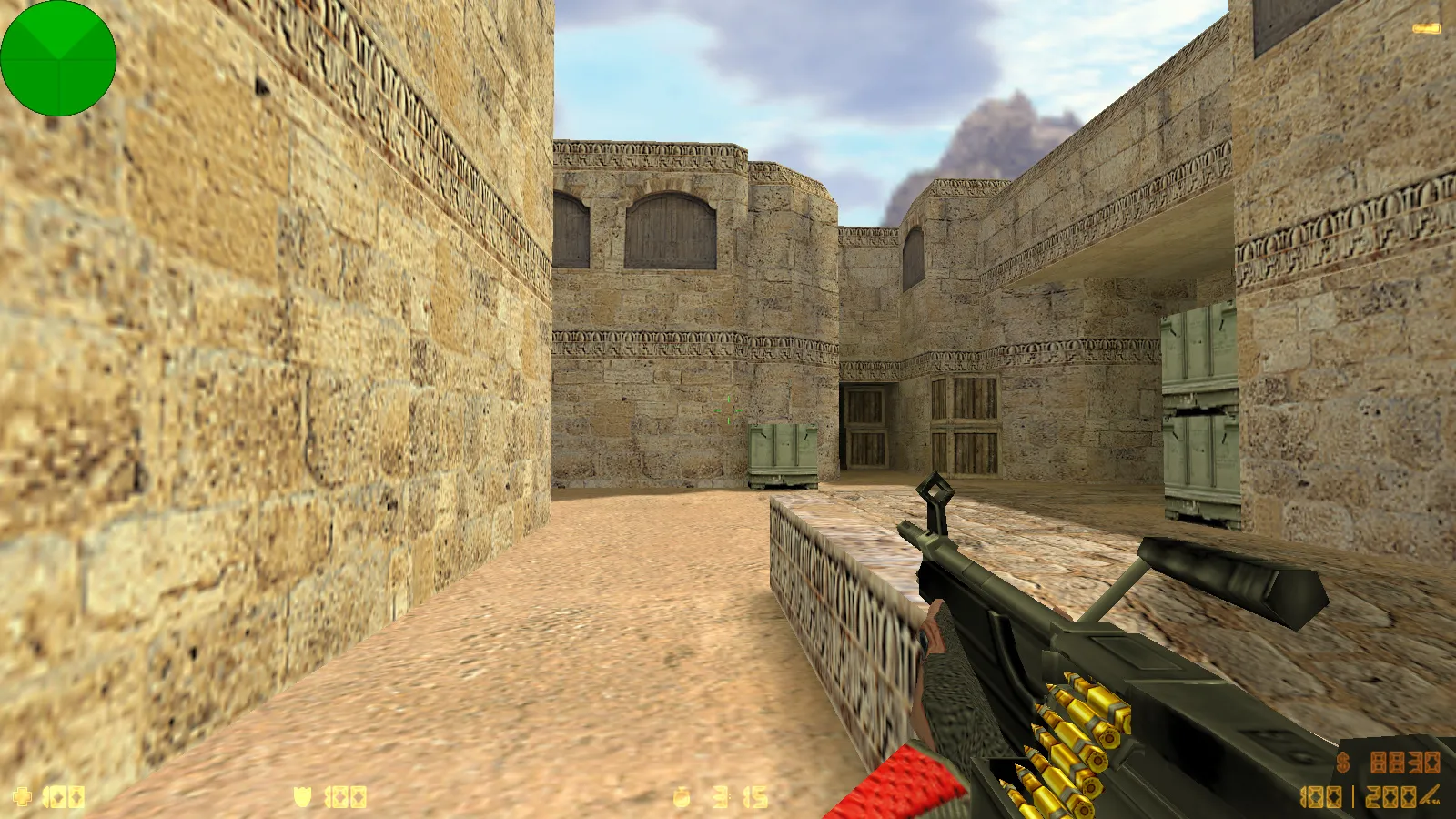
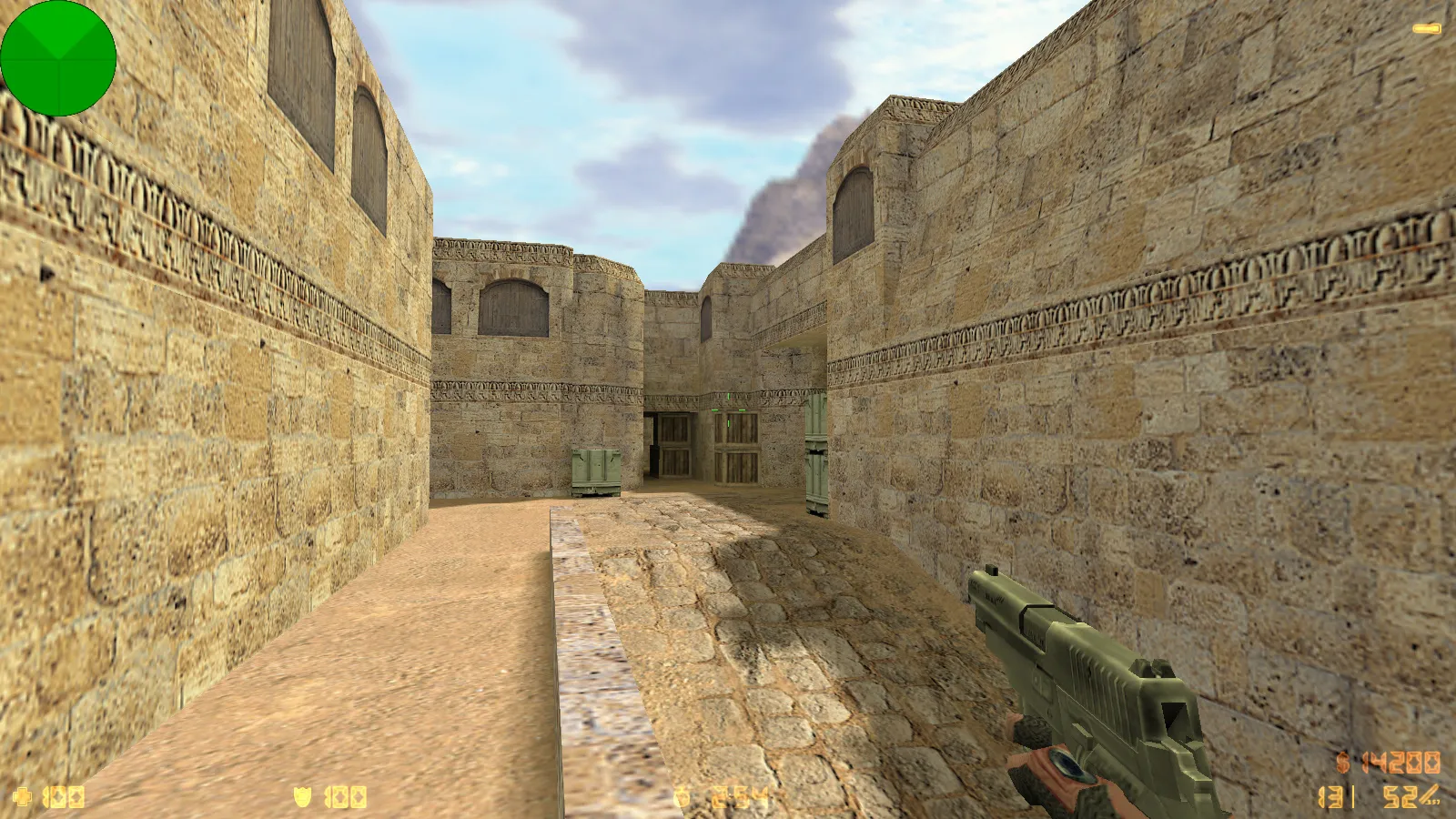
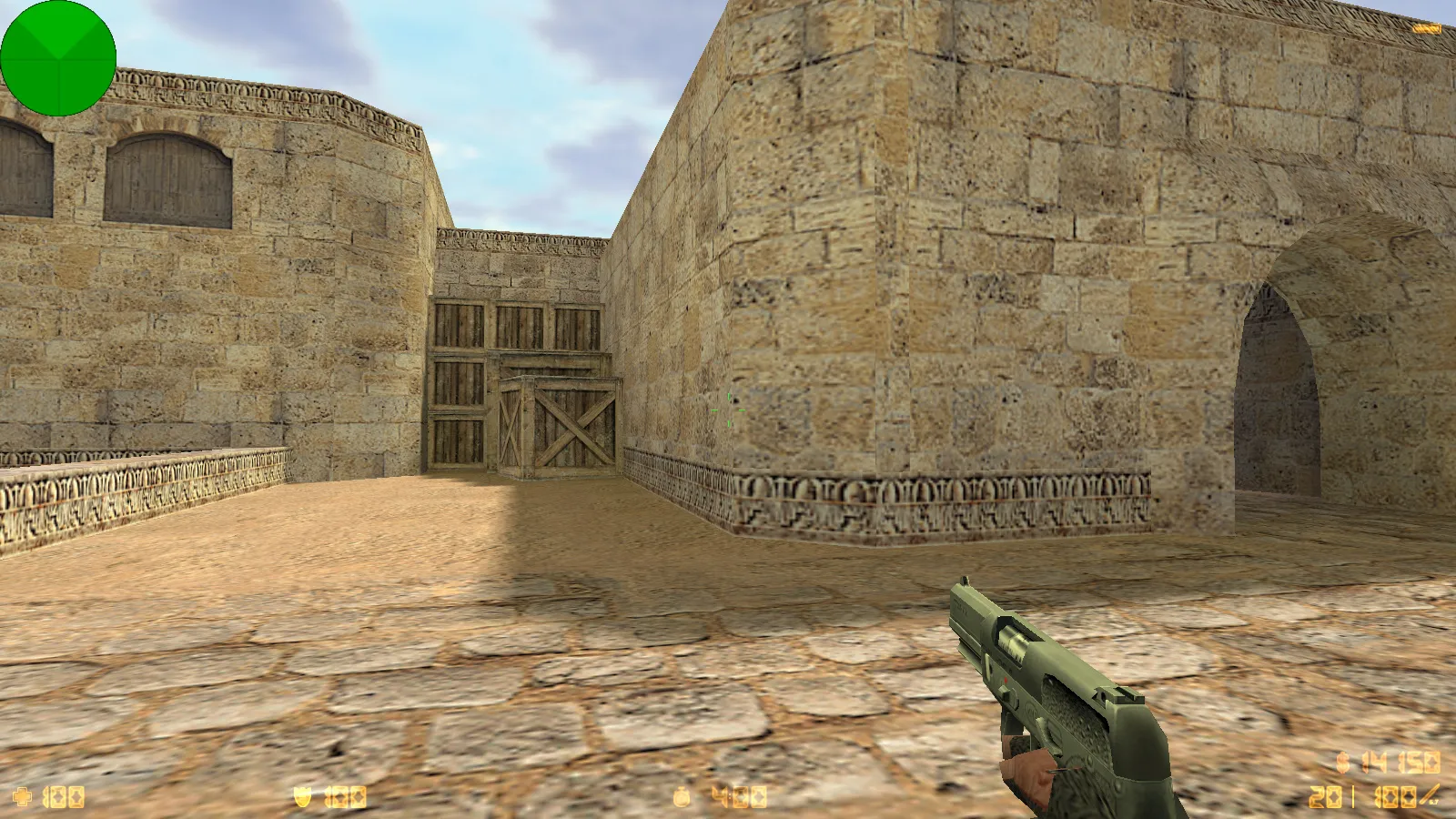
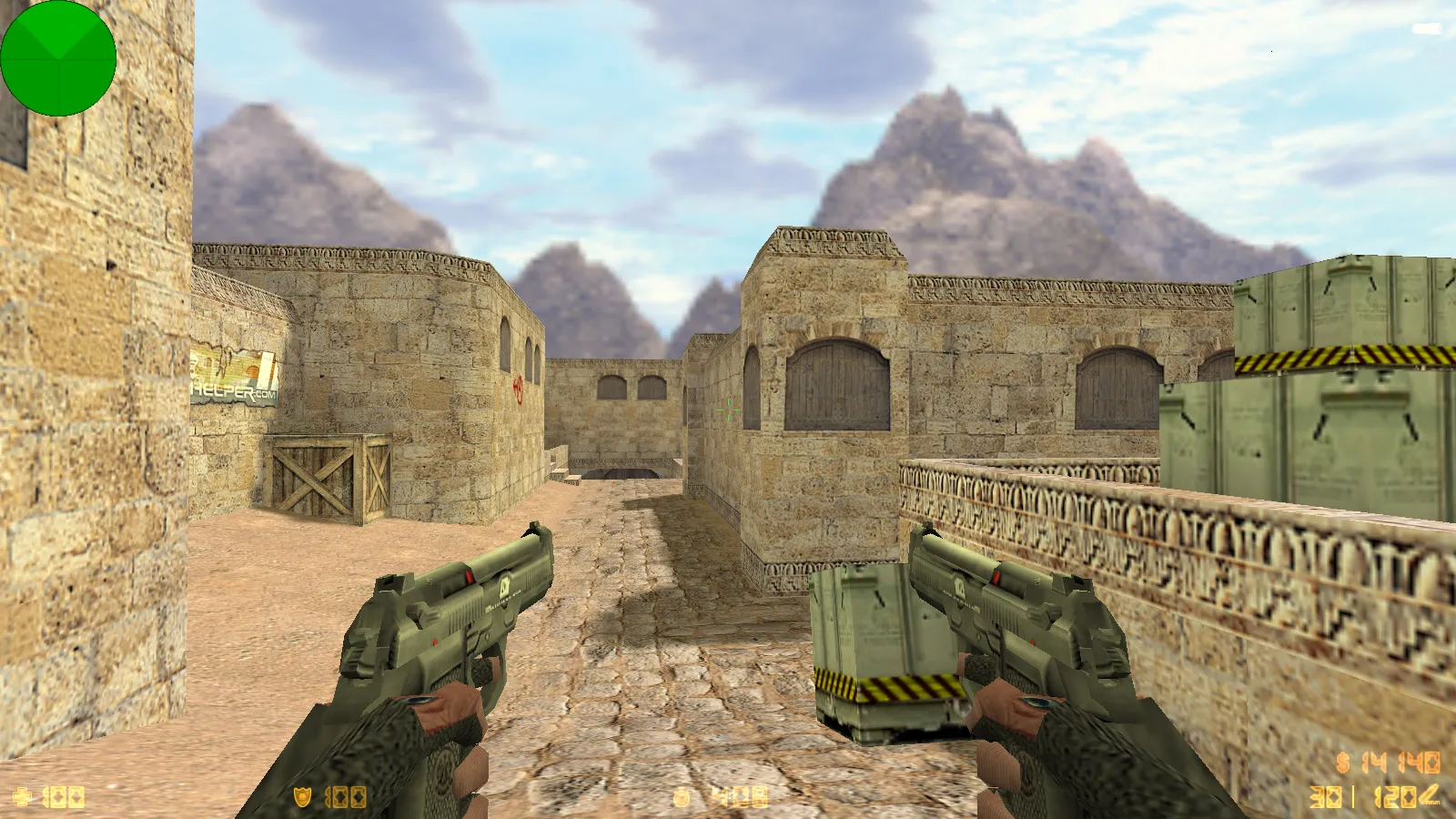
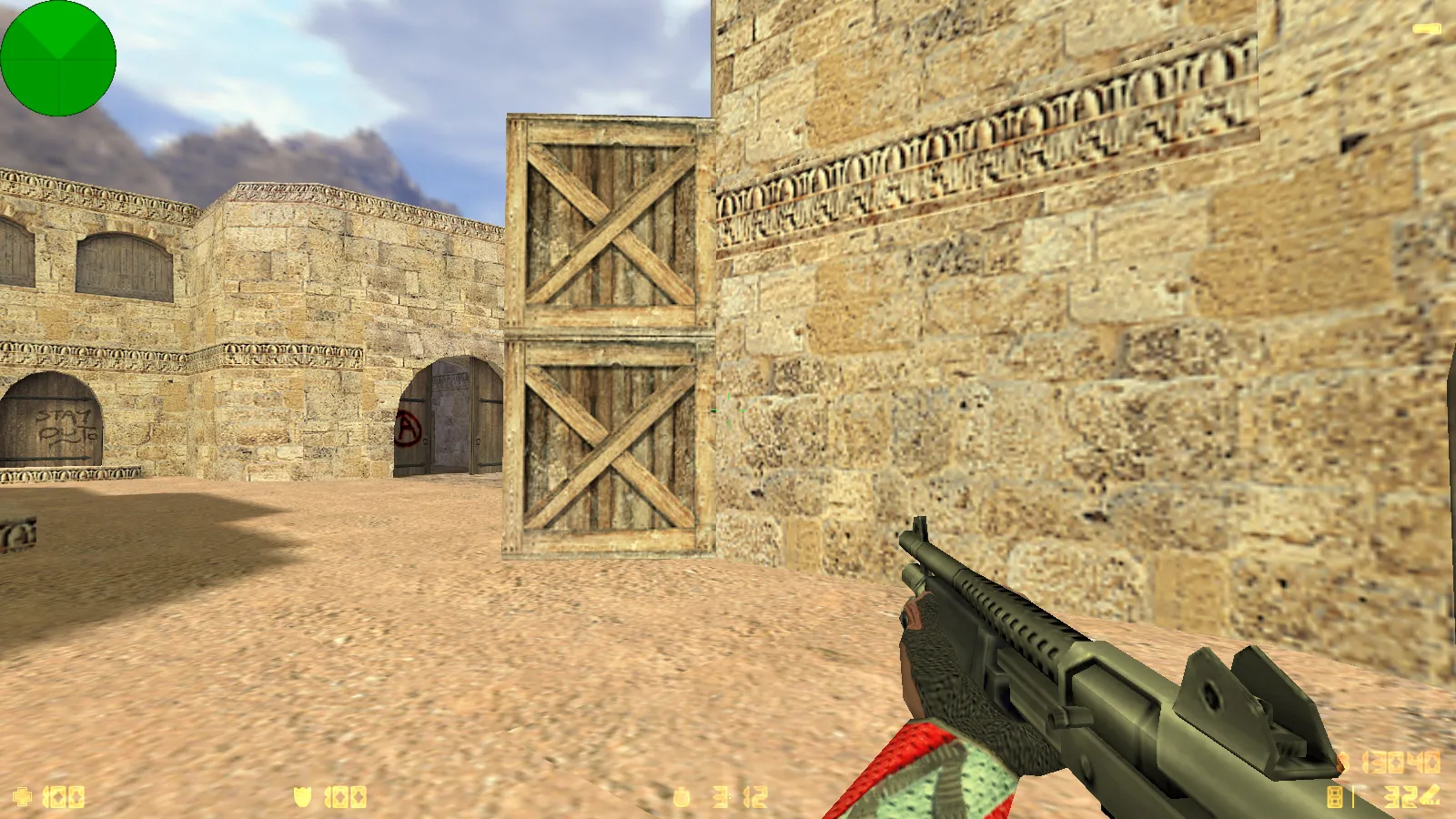
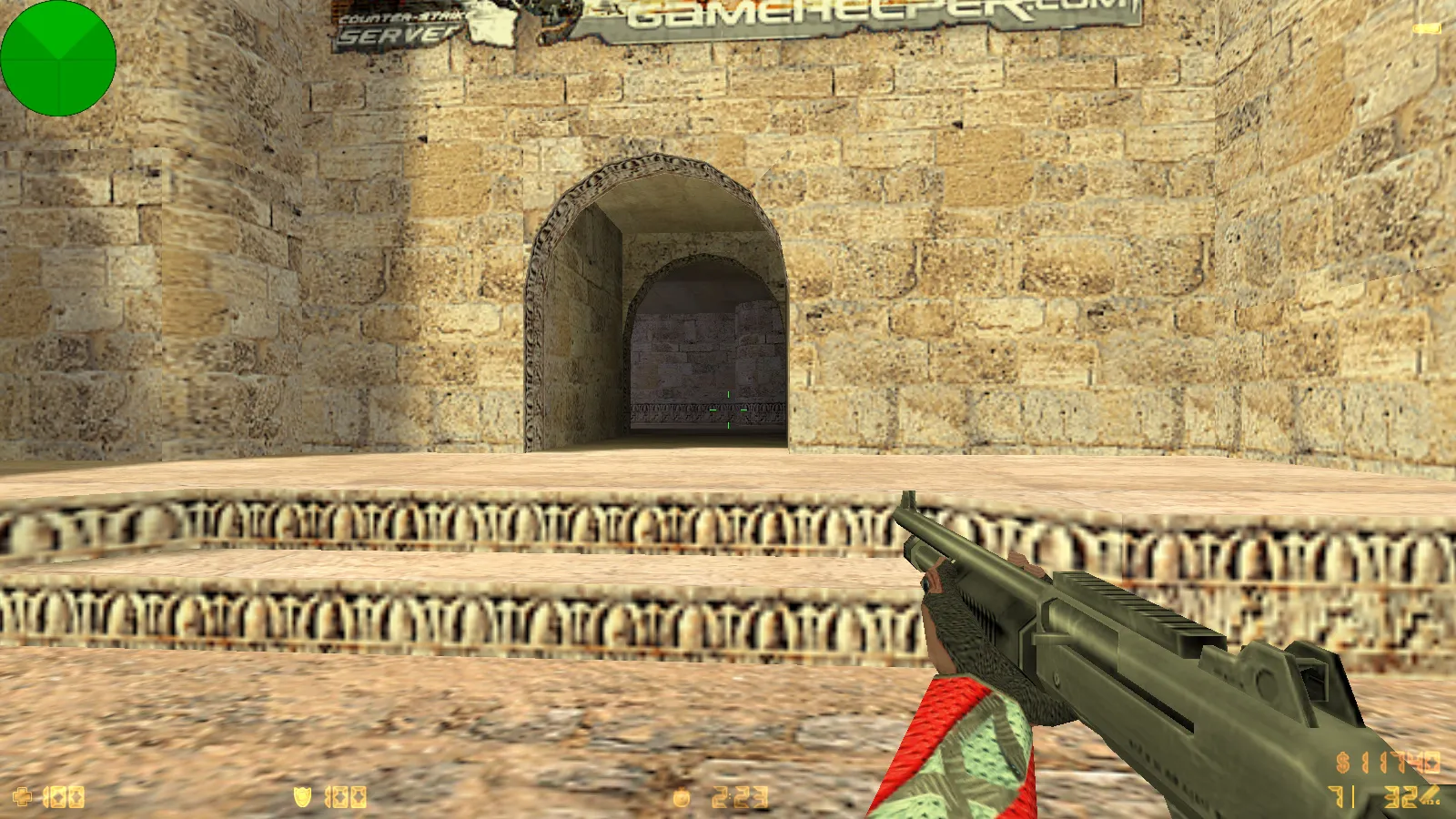
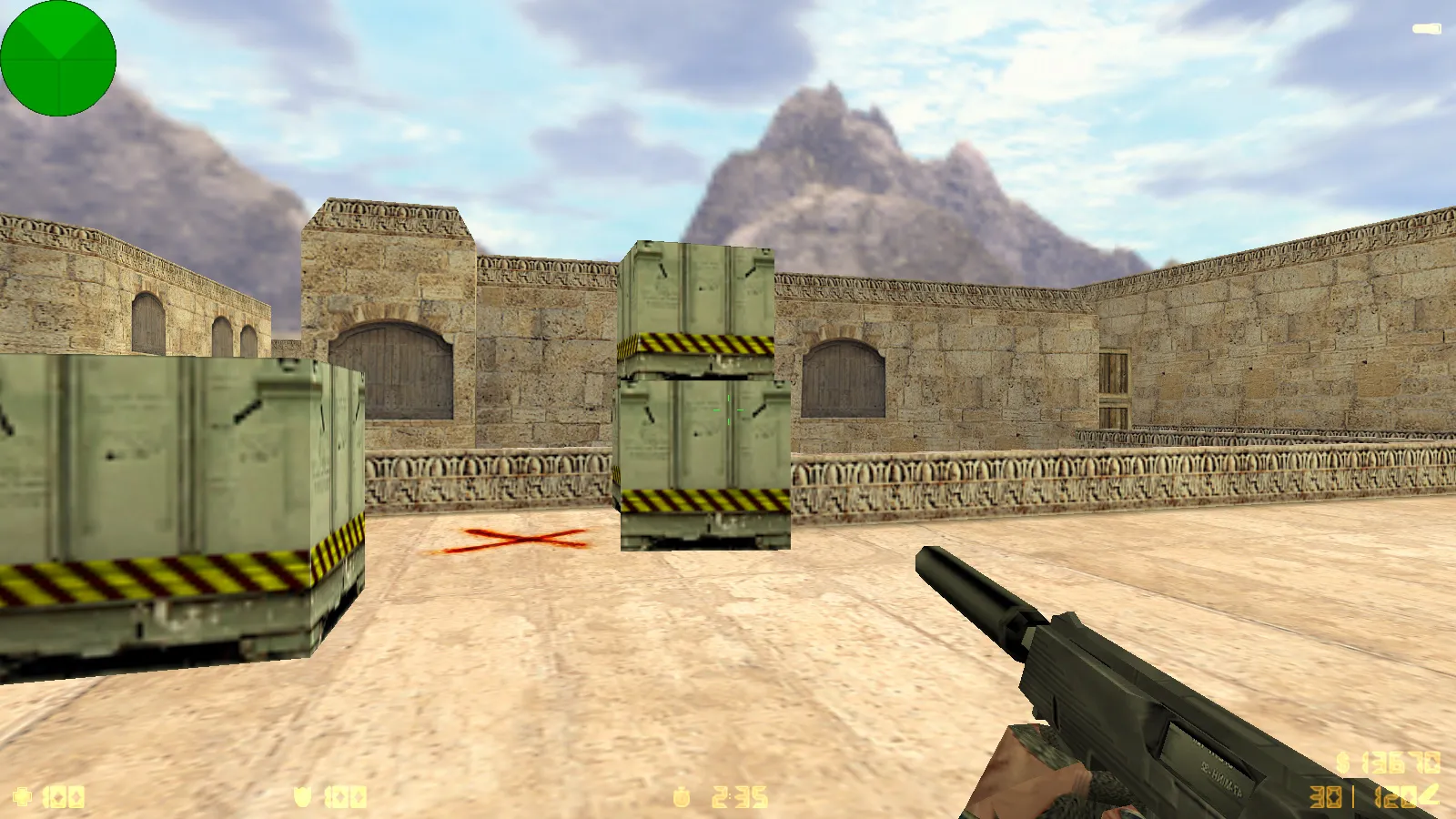
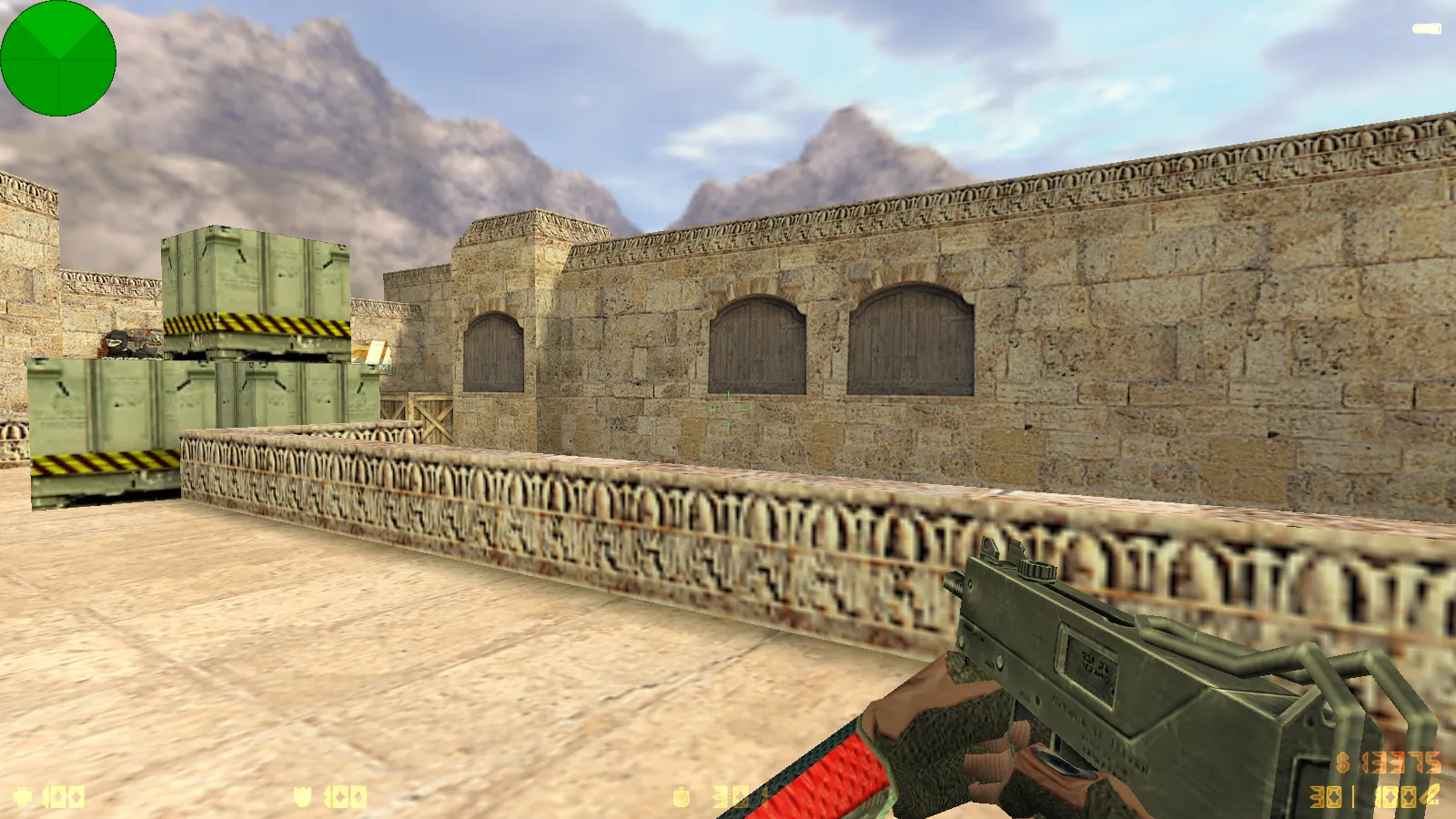
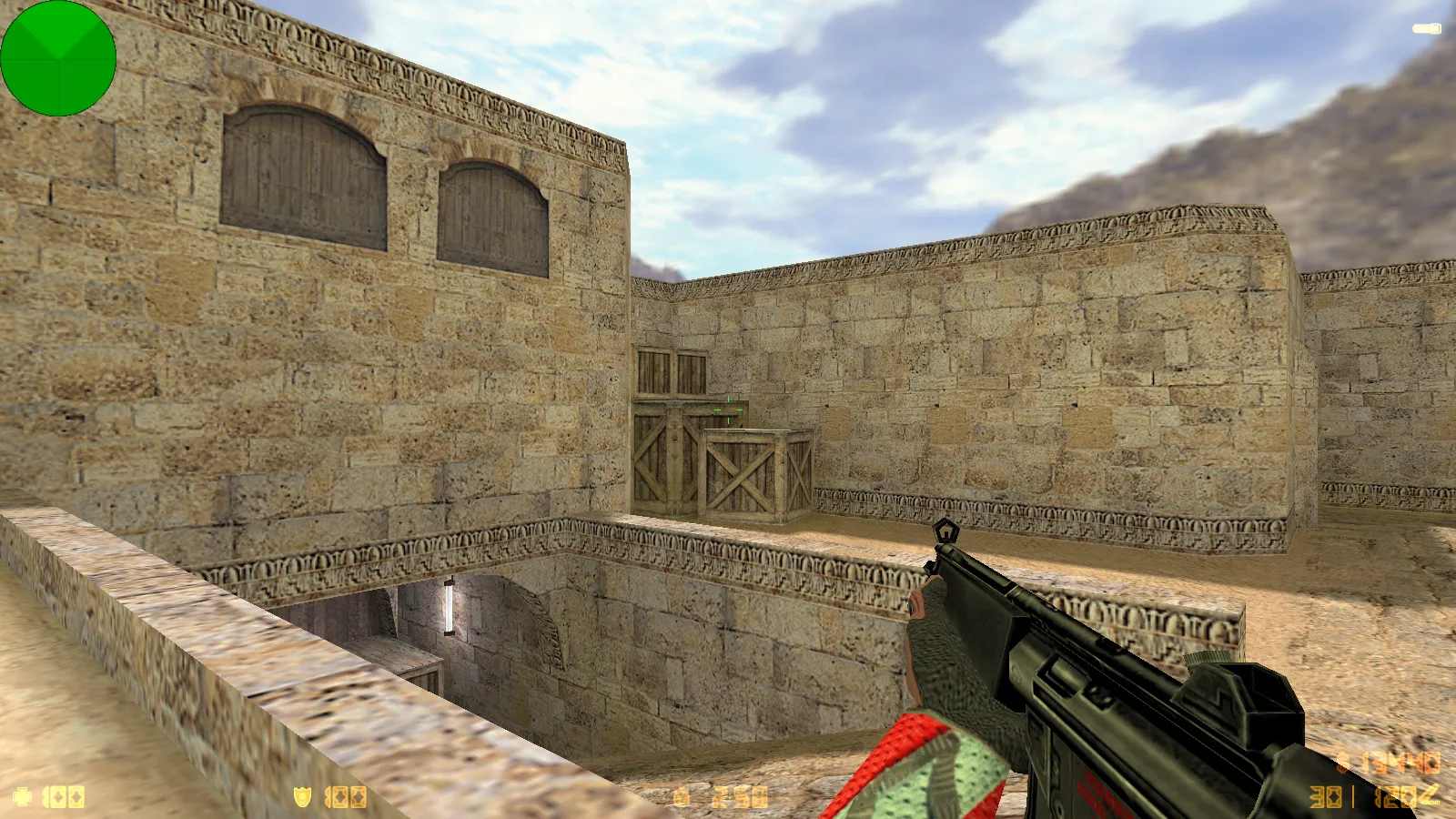
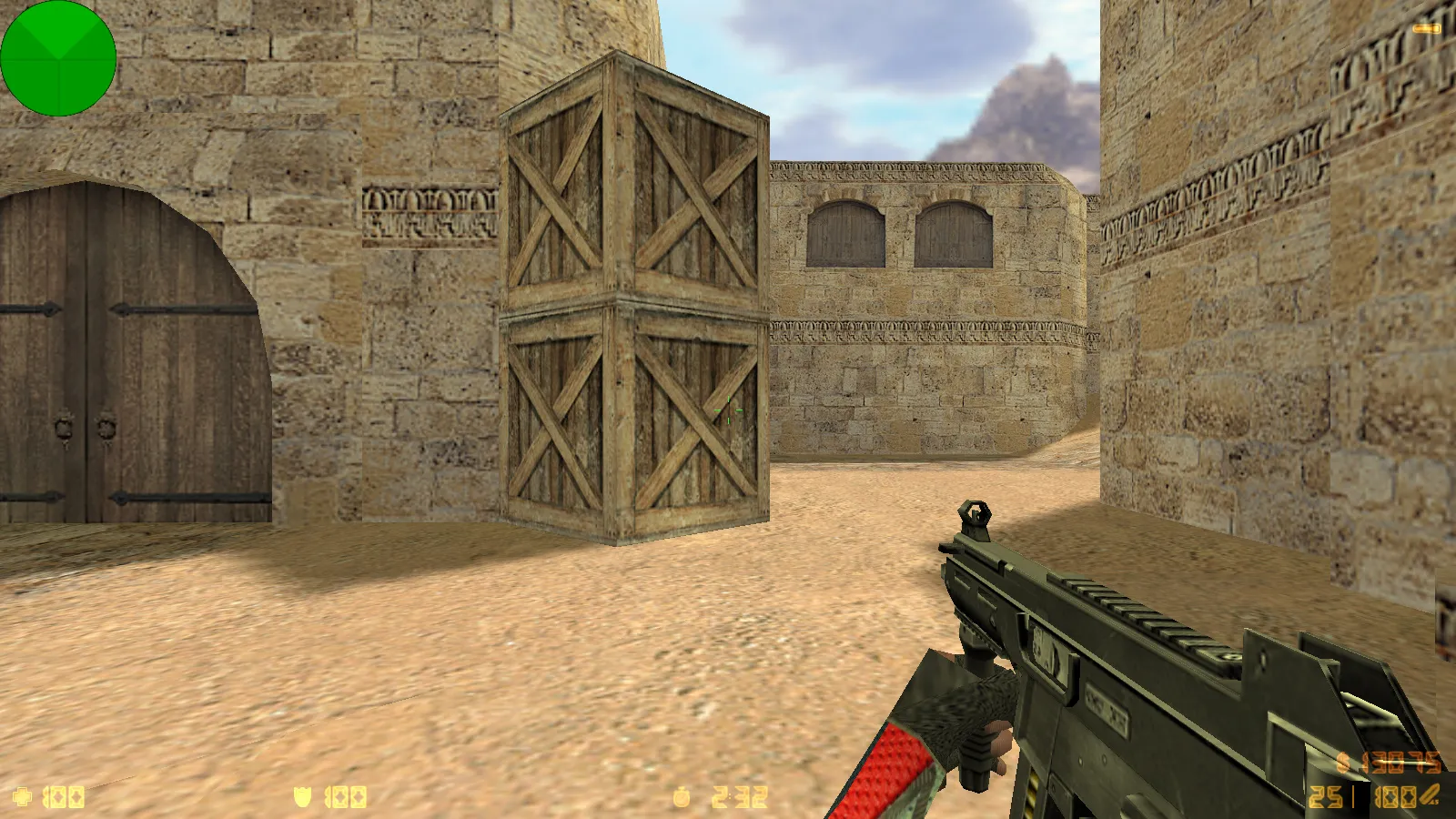
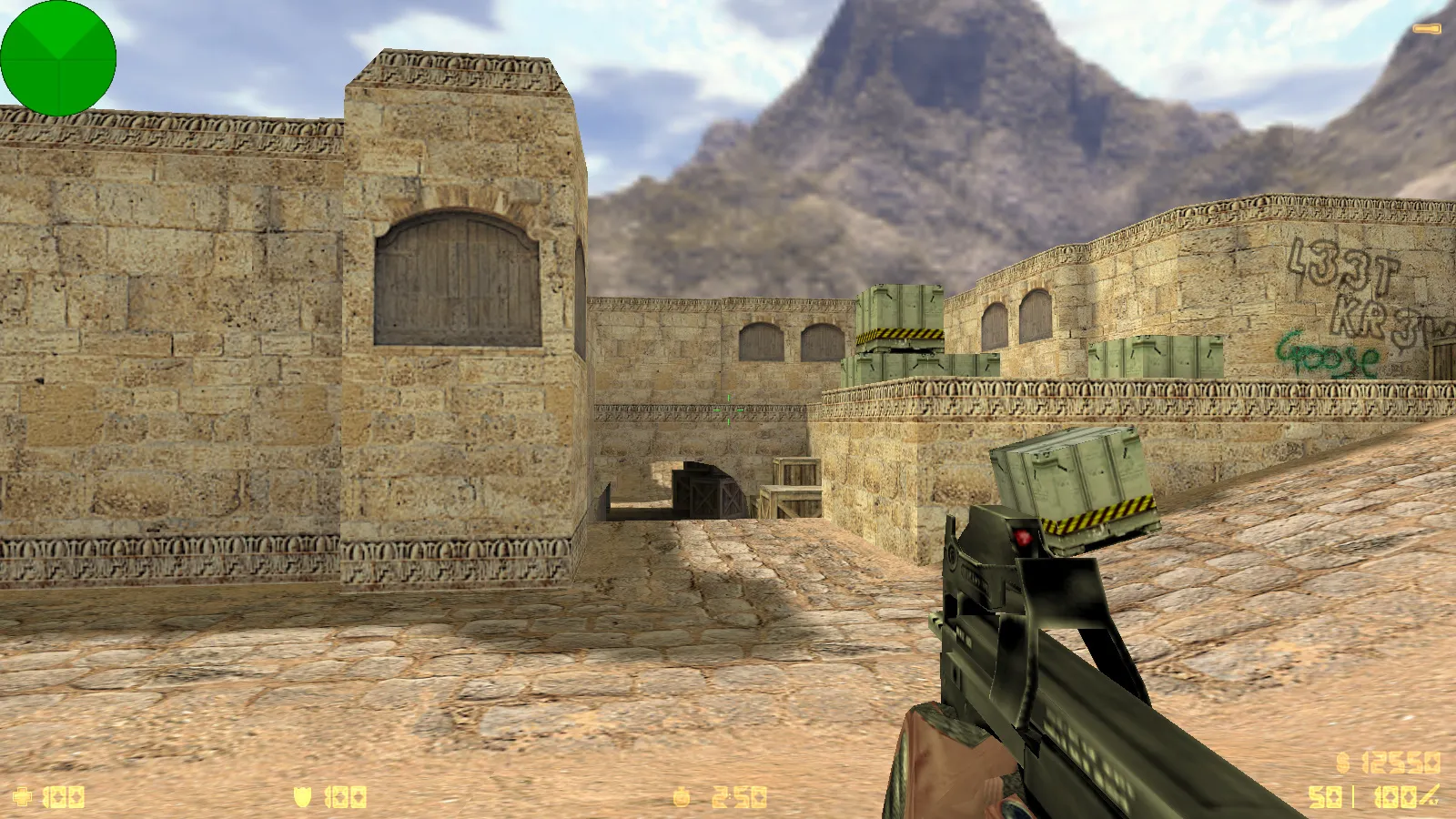
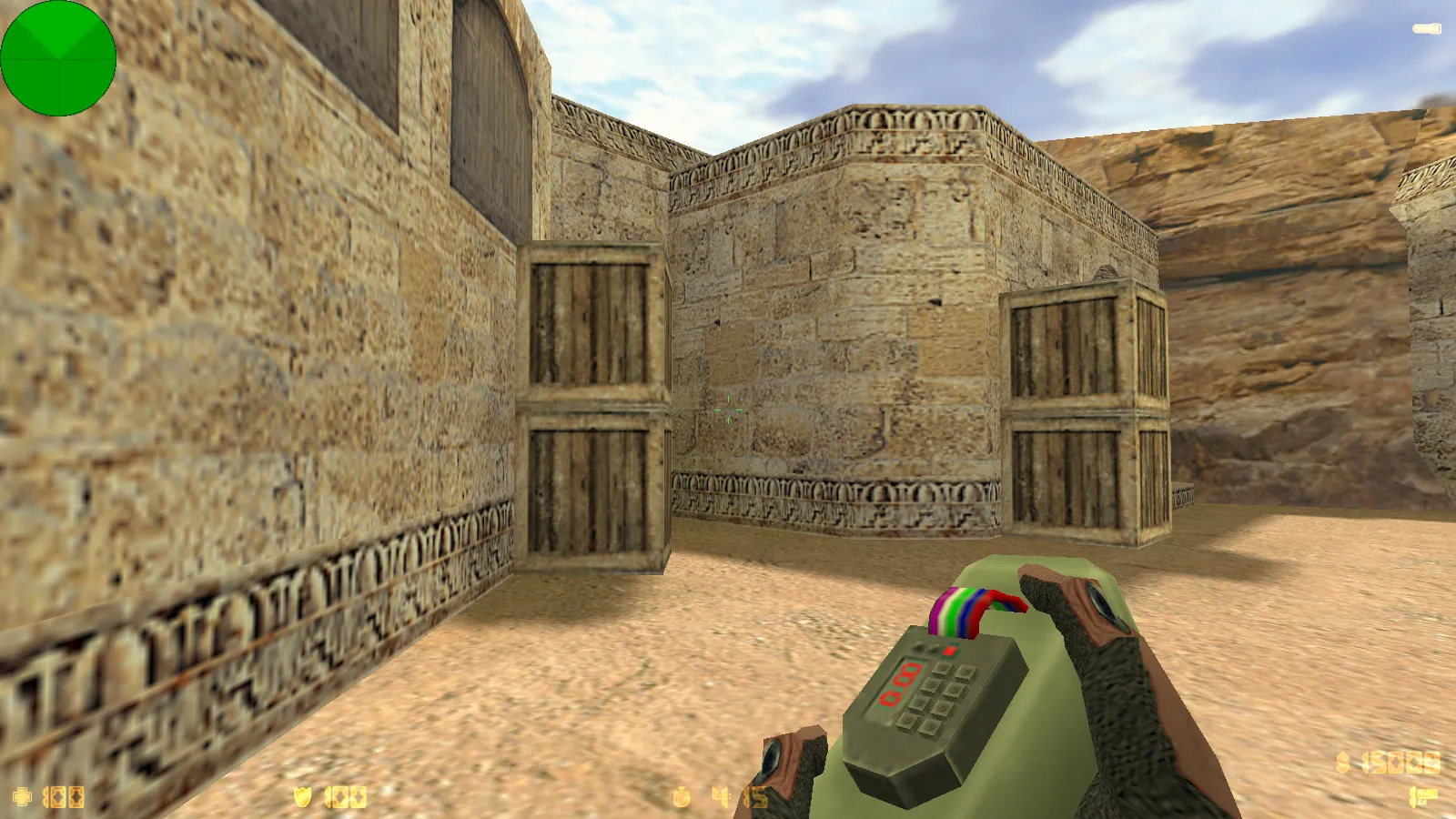
The CS 1.6 x7 release provides a stable client package for gamers who want smooth performance free of glitches. This package focuses on core improvements to visuals, audio, and the interface while maintaining a clean, optimized config.cfg. It delivers consistent gameplay on standard hardware, emphasizing first-person view accuracy and world model integration.
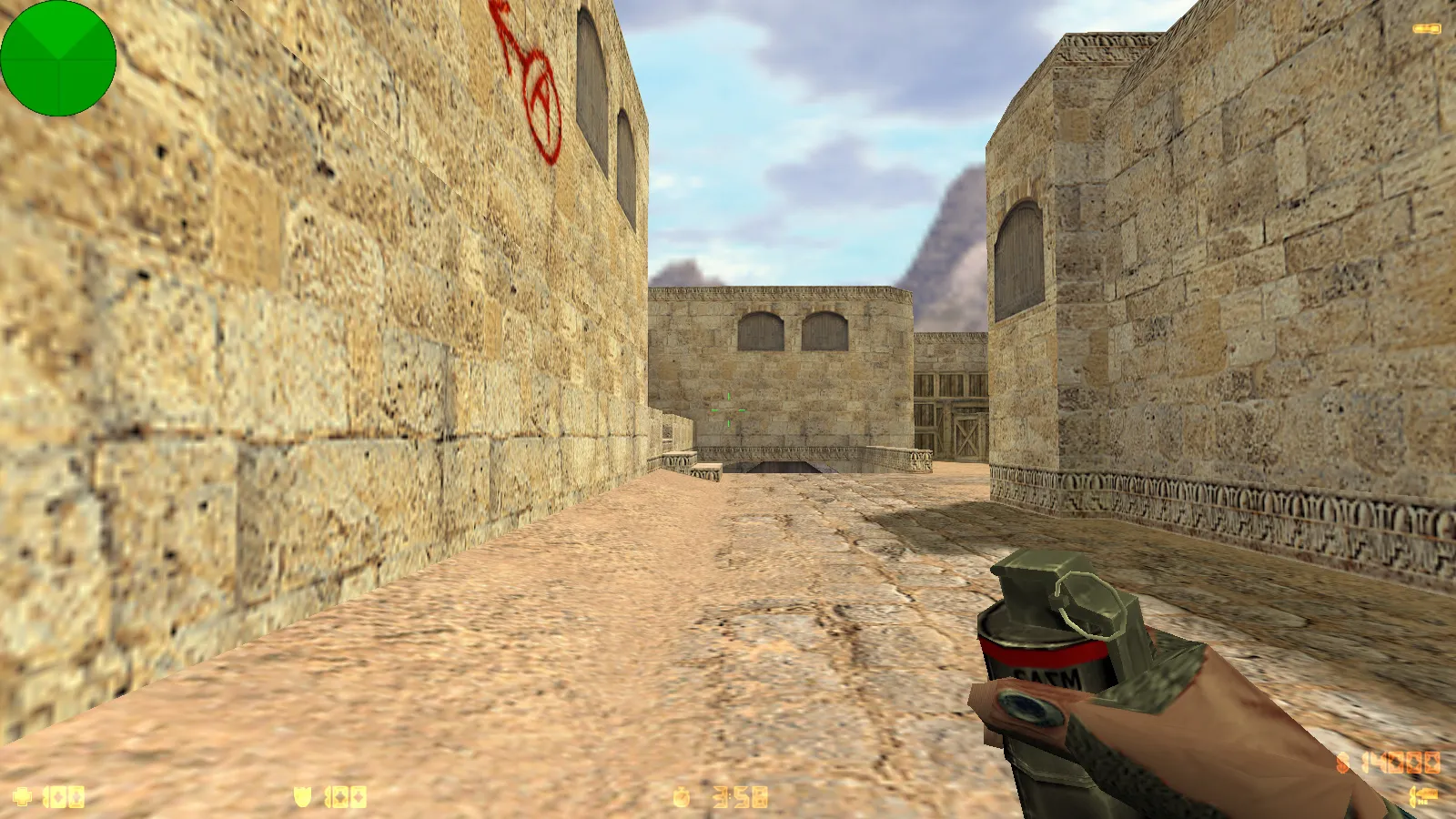
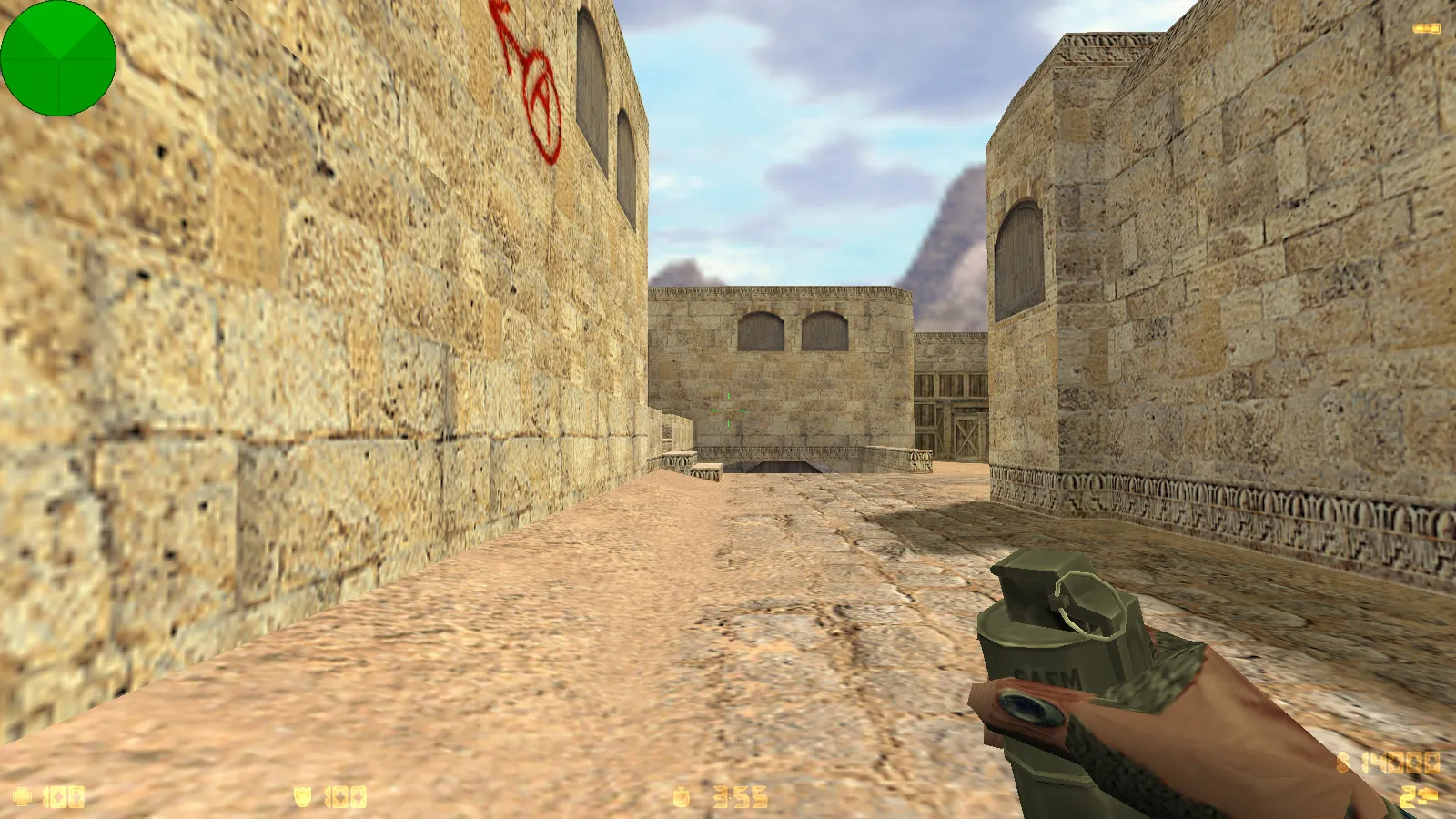
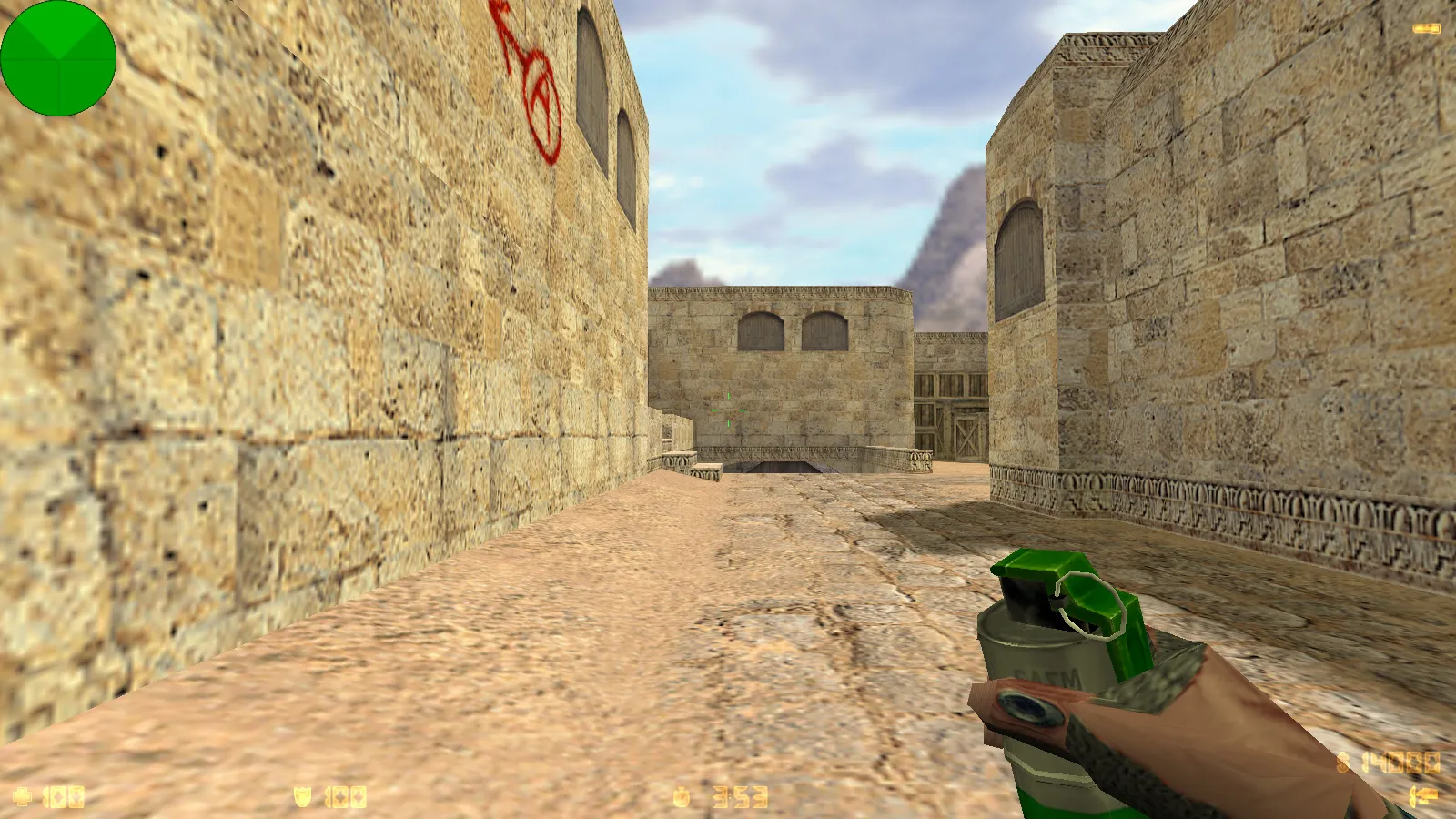
Weapon models adhere to standard naming conventions: v_ for the viewmodel, p_ for the player-held version, and w_ for world drops. These align hitbox positions across different perspectives, preventing desync issues during matches. Custom audio replaces the default firing and reloading sounds, paired with smooth inspect animations that eliminate frame jumps. Textures operate at a 512x512 resolution for clarity without burdening low-end systems. The hand and barrel render as a single unit during inspections, keeping the polygon count under 500 per model to support high-FPS sessions.
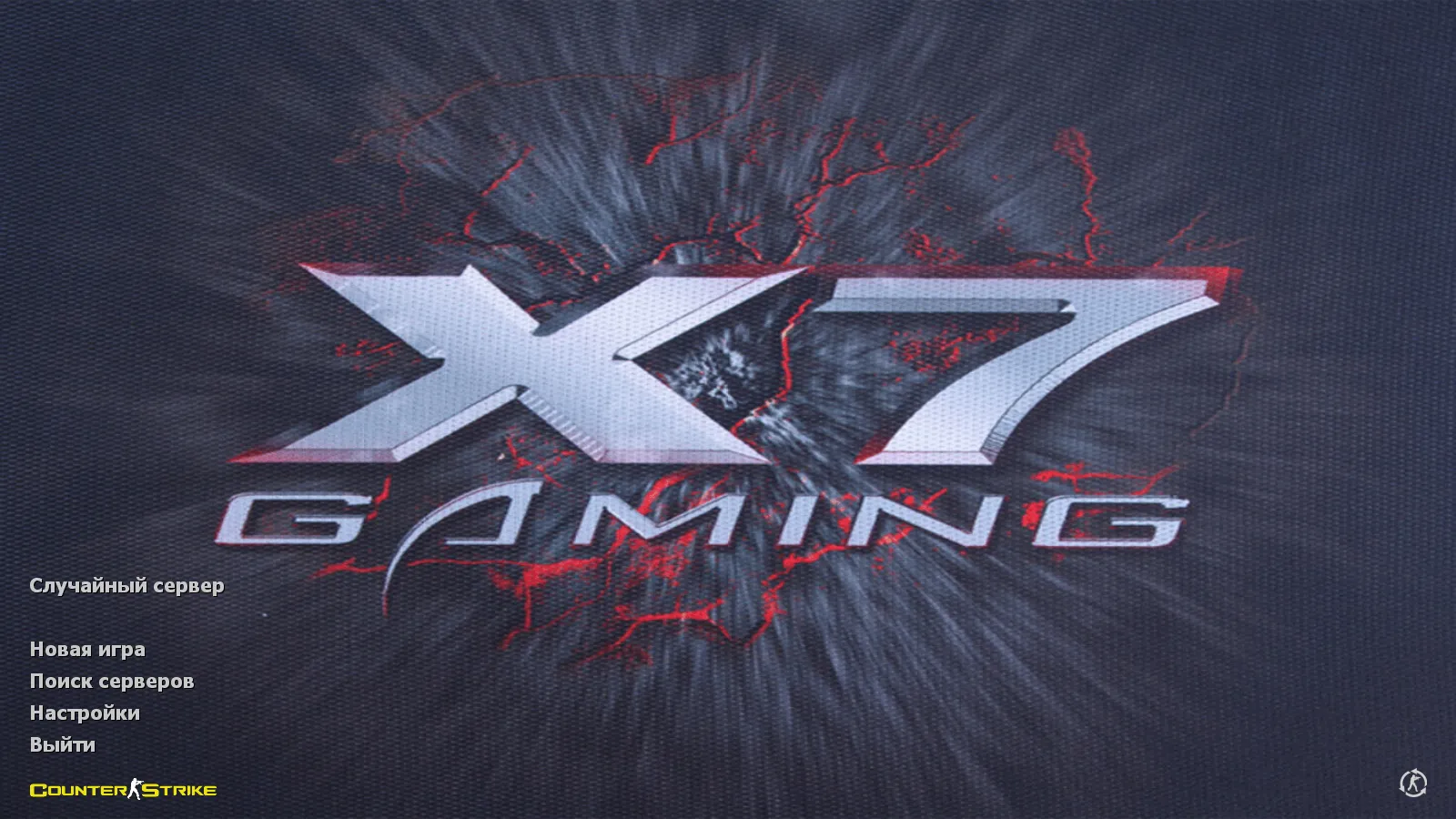
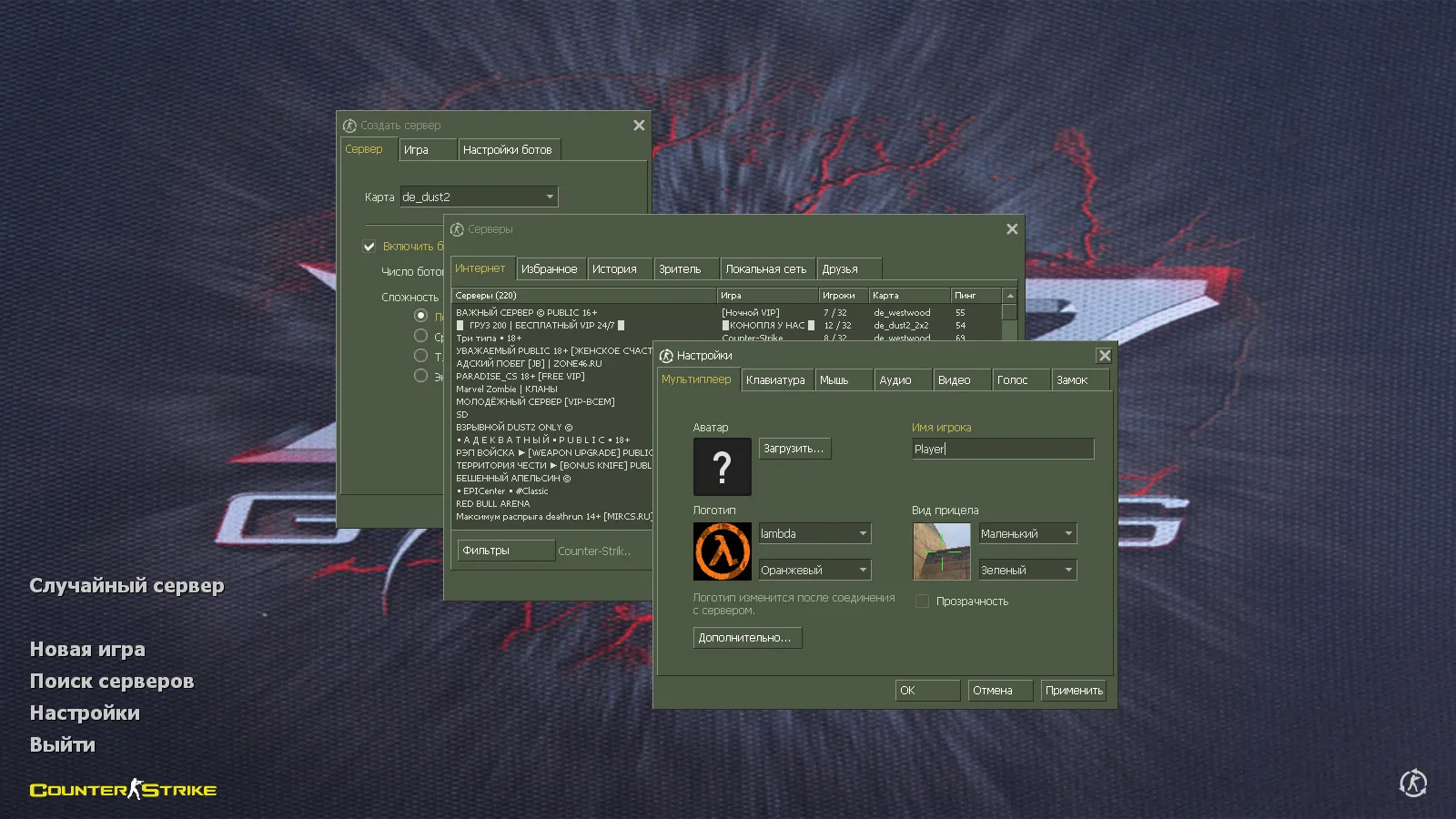
The main menu receives specific updates: an X7 Gaming logo background, integrated menu sounds, and ambient music tracks. A custom launch icon rounds out the package, mimicking the original client feel. There are no mismatched files here-everything comes from verified sources for seamless integration.
Optimization and OS Compatibility: Core Benefits
Built for Windows XP through 10, this assembly prioritizes fluid operation on typical rigs with 2GB of RAM or more. It handles network demands without lag spikes, ideal for micro-movements and quick peeks on de_dust2 long angles or mirage mid pushes. Configuration tweaks focus on rate and interpolation settings to eliminate input delays.
- 100k Rates: Balances packet flow for even server communication, reducing choke on busy servers.
- ex_interp 0.01: Minimizes movement lag, ensuring precise aiming on targets like CT spawn in inferno banana.
- Clean config.cfg: Strips out bloat, avoiding conflicts with custom binds or HUD elements.
- FPS Boost: Client-side optimizations lift frame rates by 20-30% in smoke-filled areas or bomb sites.
Expect steady 60+ FPS in standard deathmatches or bot training on maps like de_train, where polygon counts stay low. The build maintains compatibility across OS versions, supporting both LAN parties and online queues without forcing restarts.
Online Play and Bot Training: Full Mode Support
CS 1.6 x7 handles multiplayer seamlessly, connecting to over 250 active servers via the MasterServer. Filter by ping under 50ms for low-latency games in 5v5 formats or casual pubs. No restrictions exist on server types-public, community, or ESL-style competitive.
For offline practice, bot navigation works via included .nav files on popular maps. Bots pathfind effectively around tactical spots like A-site apartments on nuke or B tunnels on overpass, without freezing at spawns. Training sessions run glitch-free, letting you drill no-recoil sprays or flash timings. Russian nicknames and chat input function natively, aiding team comms in mixed-language lobbies or post-round debriefs.
The build supports bot mods like PODBot or YaPB, ensuring predictable AI behavior for aim practice on hitbox-aligned targets. Maps load quickly, with epoly optimization keeping draw calls under 10k for sustained performance.
Mod Integration and Installation Safety
Add mods without hassle, but stick to trusted sources-avoid unknown .dlls or auto-exec scripts that could introduce backdoors. Follow the install guide: drop files into the cstrike folder, verify md5 checksums, and test in a local server first. This build includes MasterServer protection to block spoofing attempts, stabilizing connections during peak hours.
No viruses, adware, or slow-hacks are baked in. The clean setup skips auto-connect features that risk exposing your IP. For security, run as a non-admin user and use firewall rules on hl.exe. If tweaking, backup the原始
Install in three steps
-
1
Download the archive. Use the button on the right, or the Yandex.Disk mirror if the main server is slow.
-
2
Extract it into the game folder. Use 7-Zip or WinRAR. A path without non-Latin characters works best.
-
3
Launch the game. If something doesn't work, mark it below - that is how we know the file needs an update.
Did it work for you?
No sign-up needed. You can pick more than one.