
Thematic & Mods
4 files
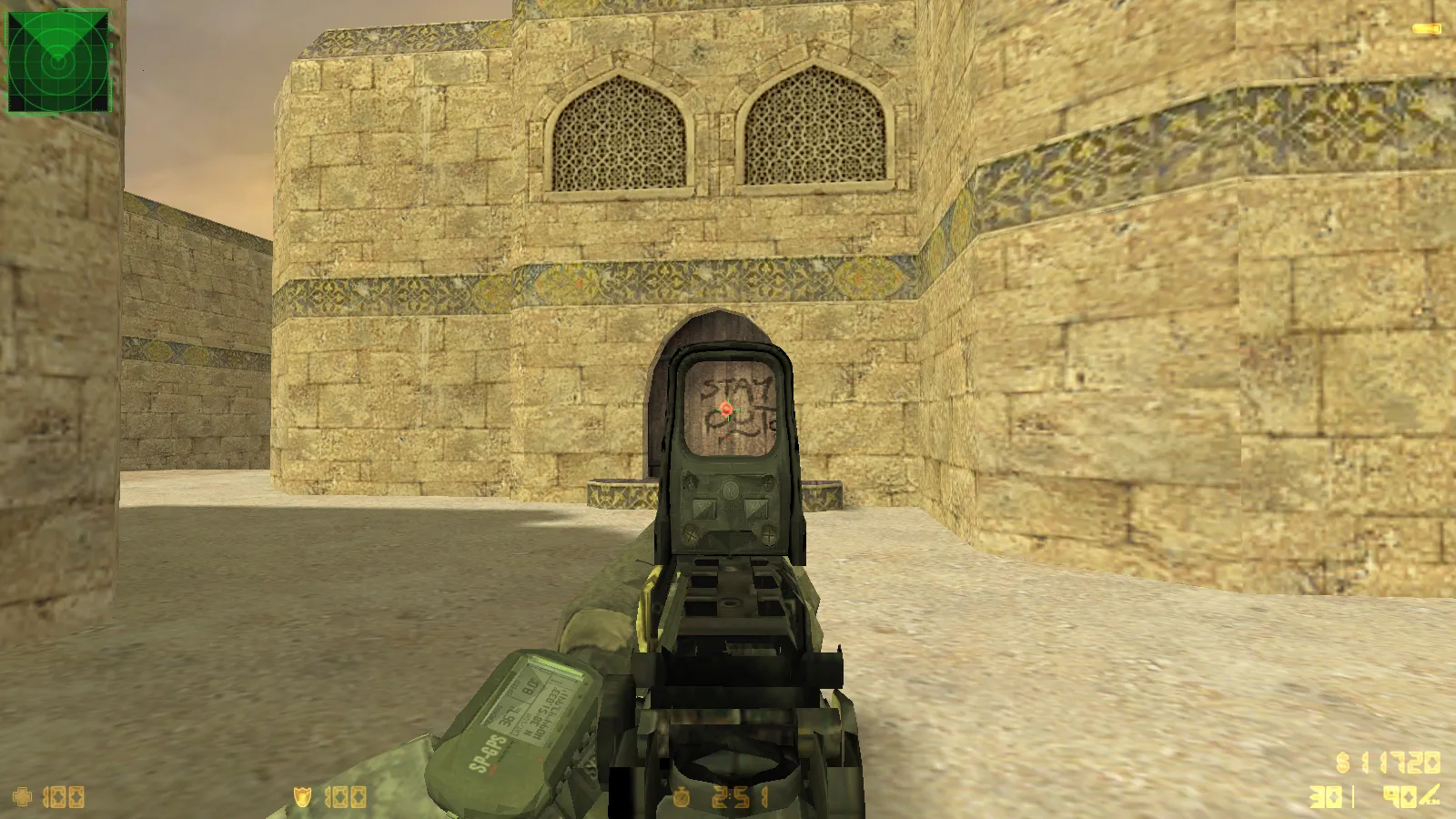
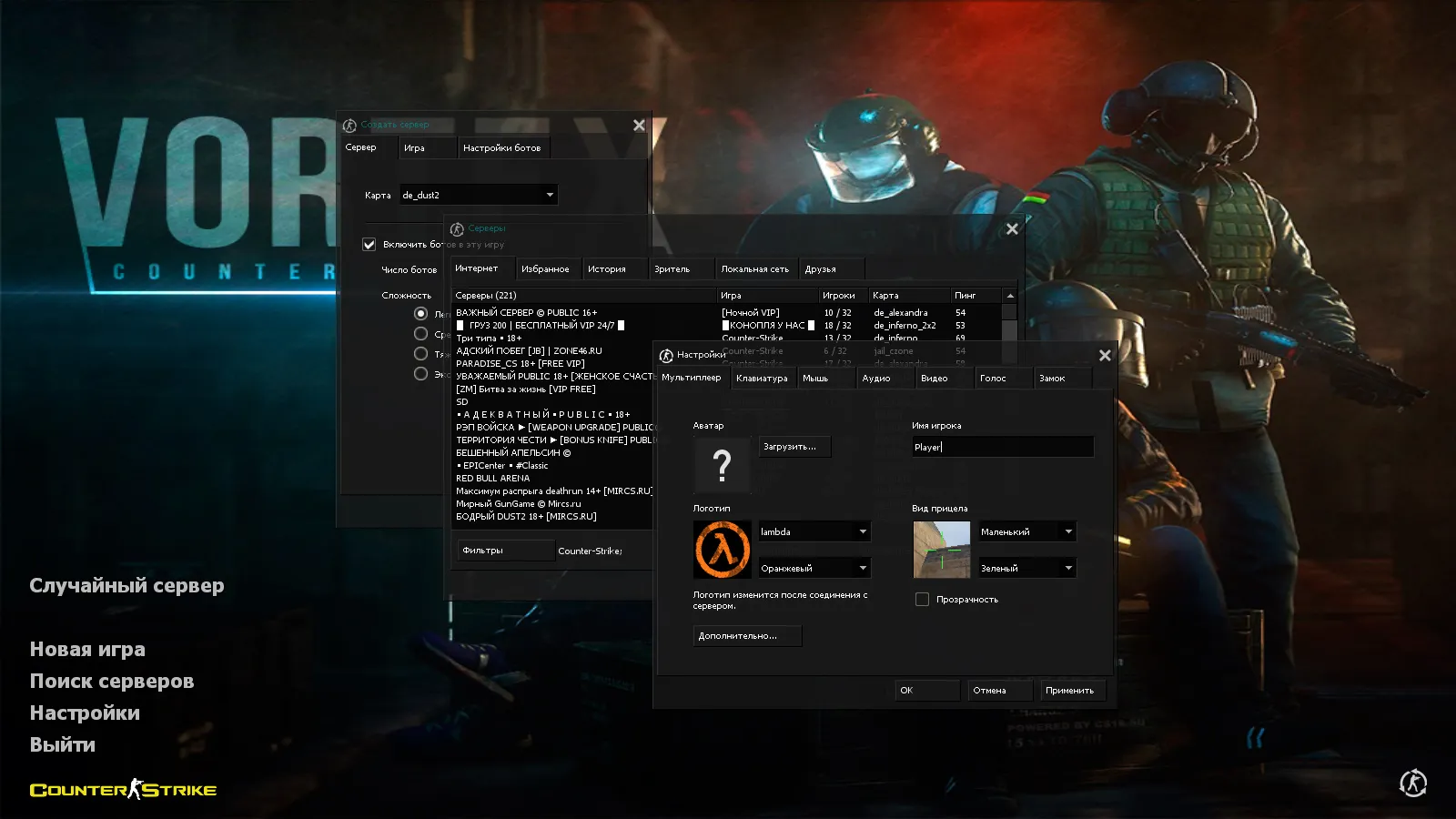
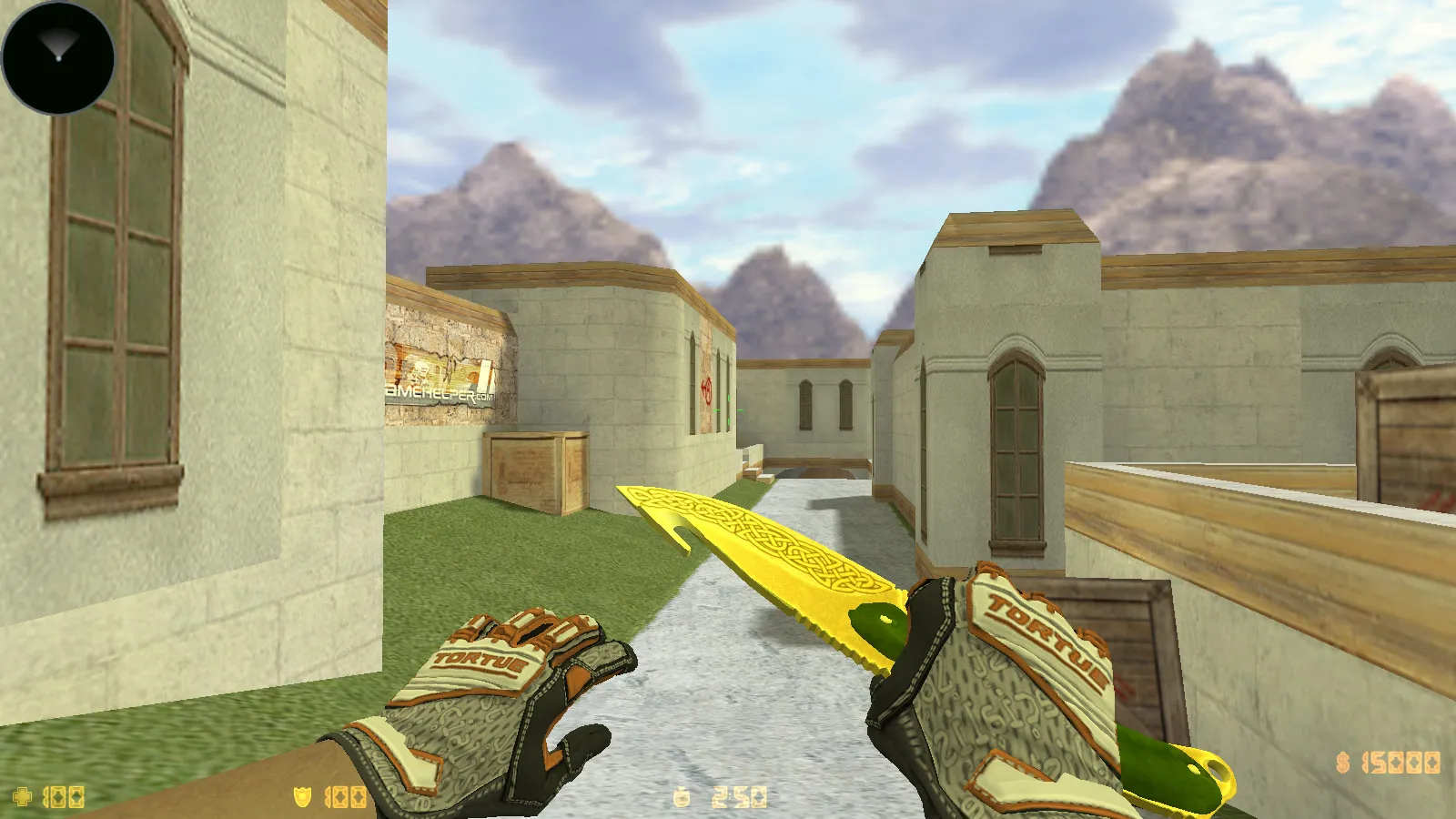
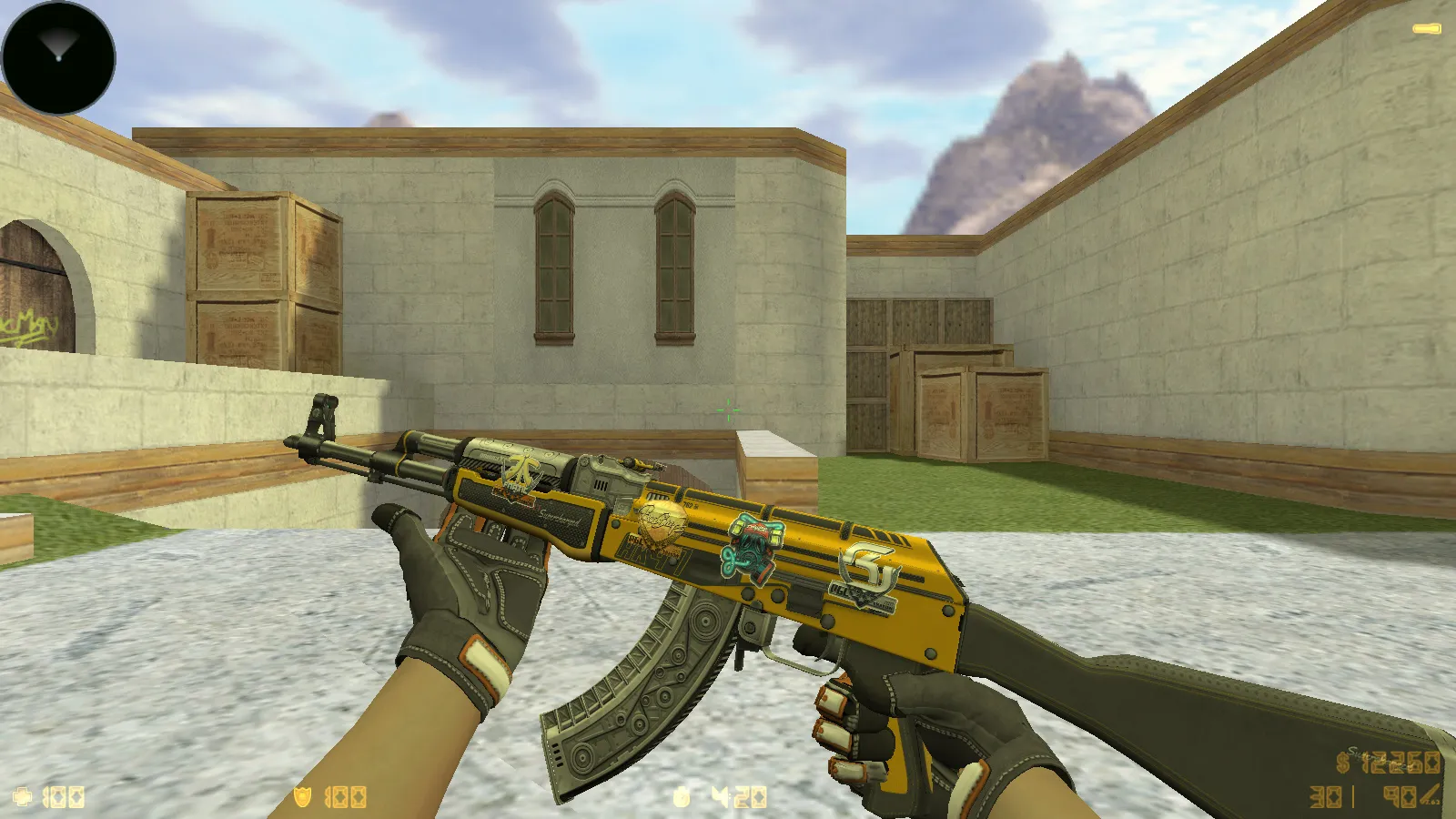
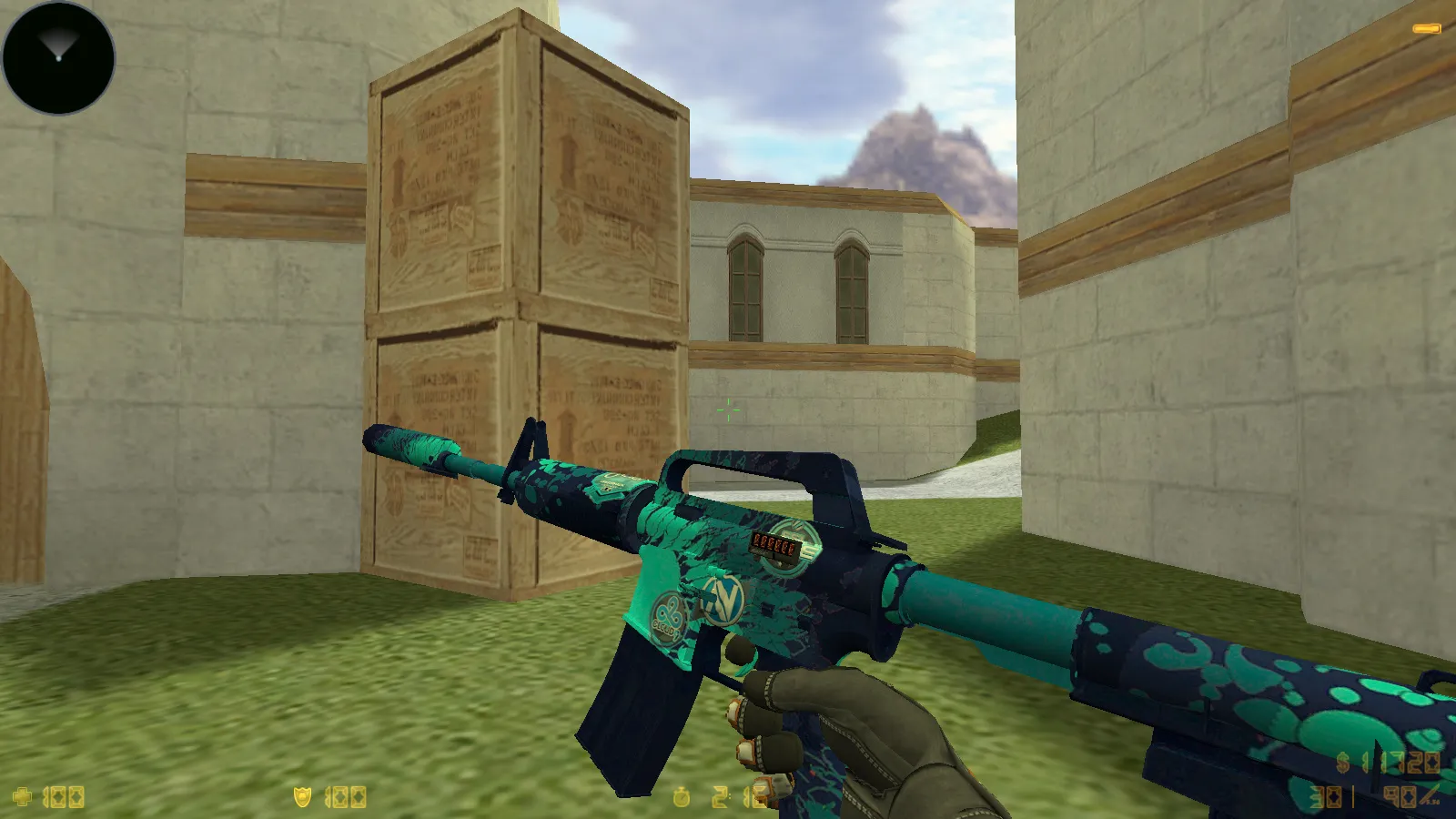
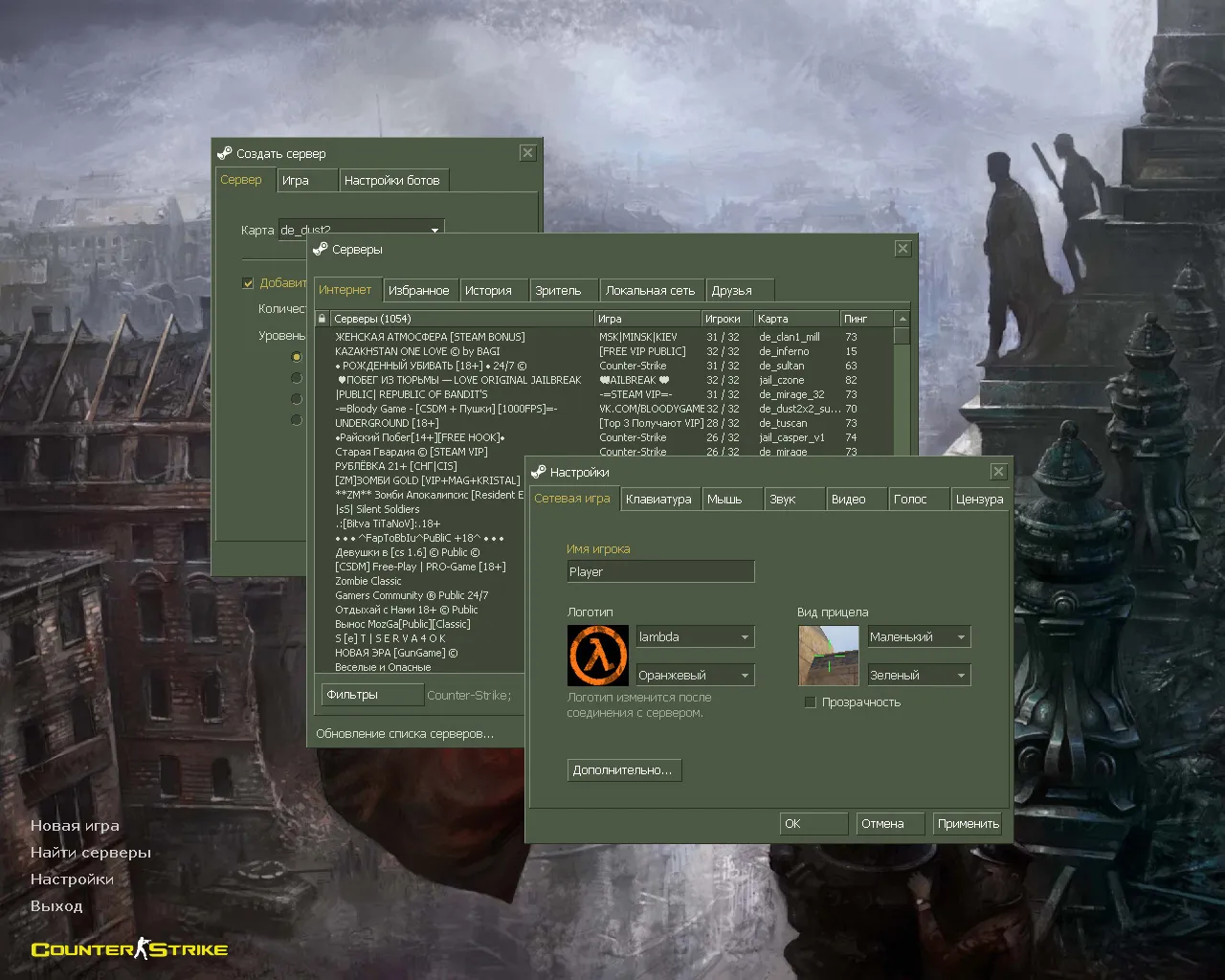
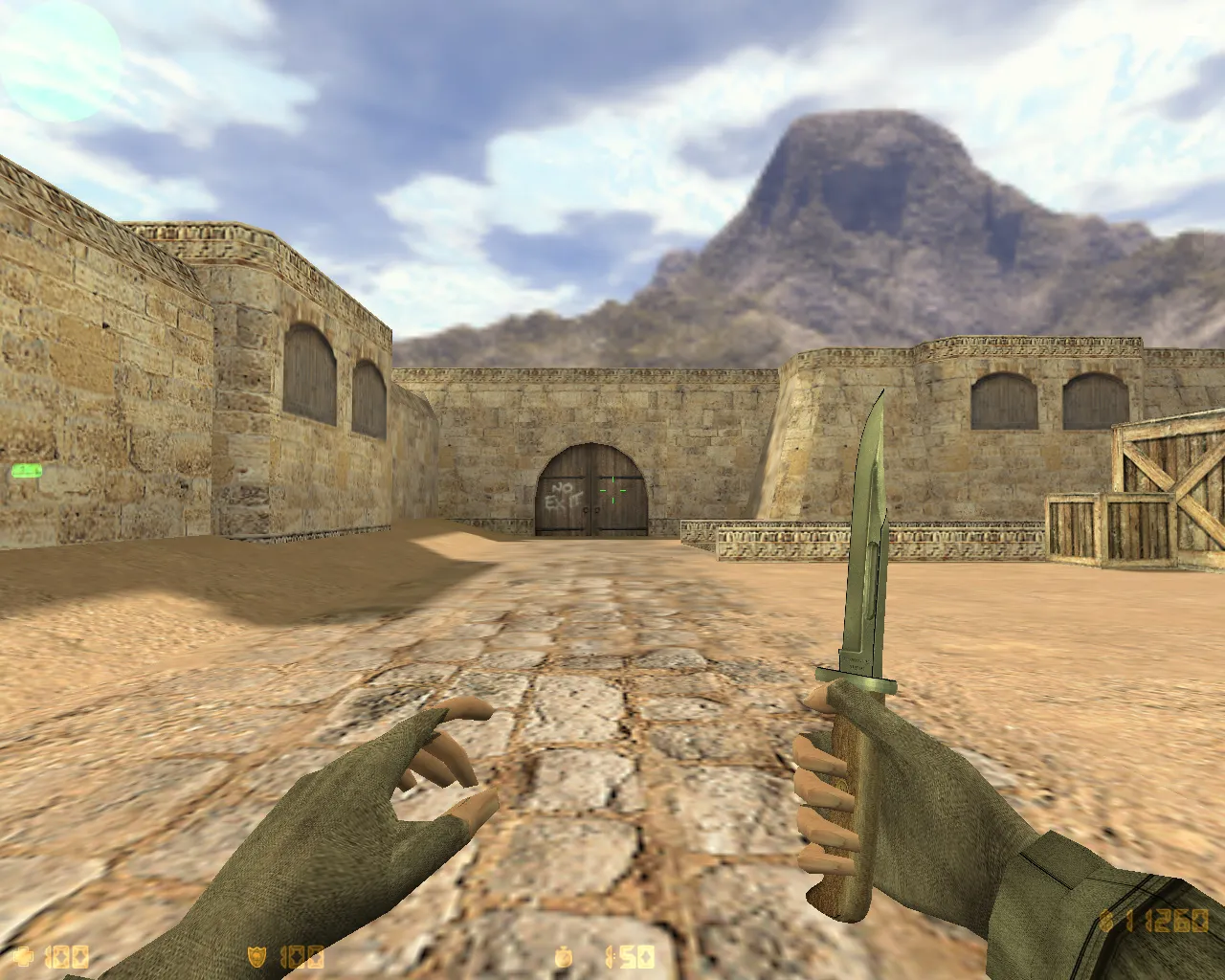
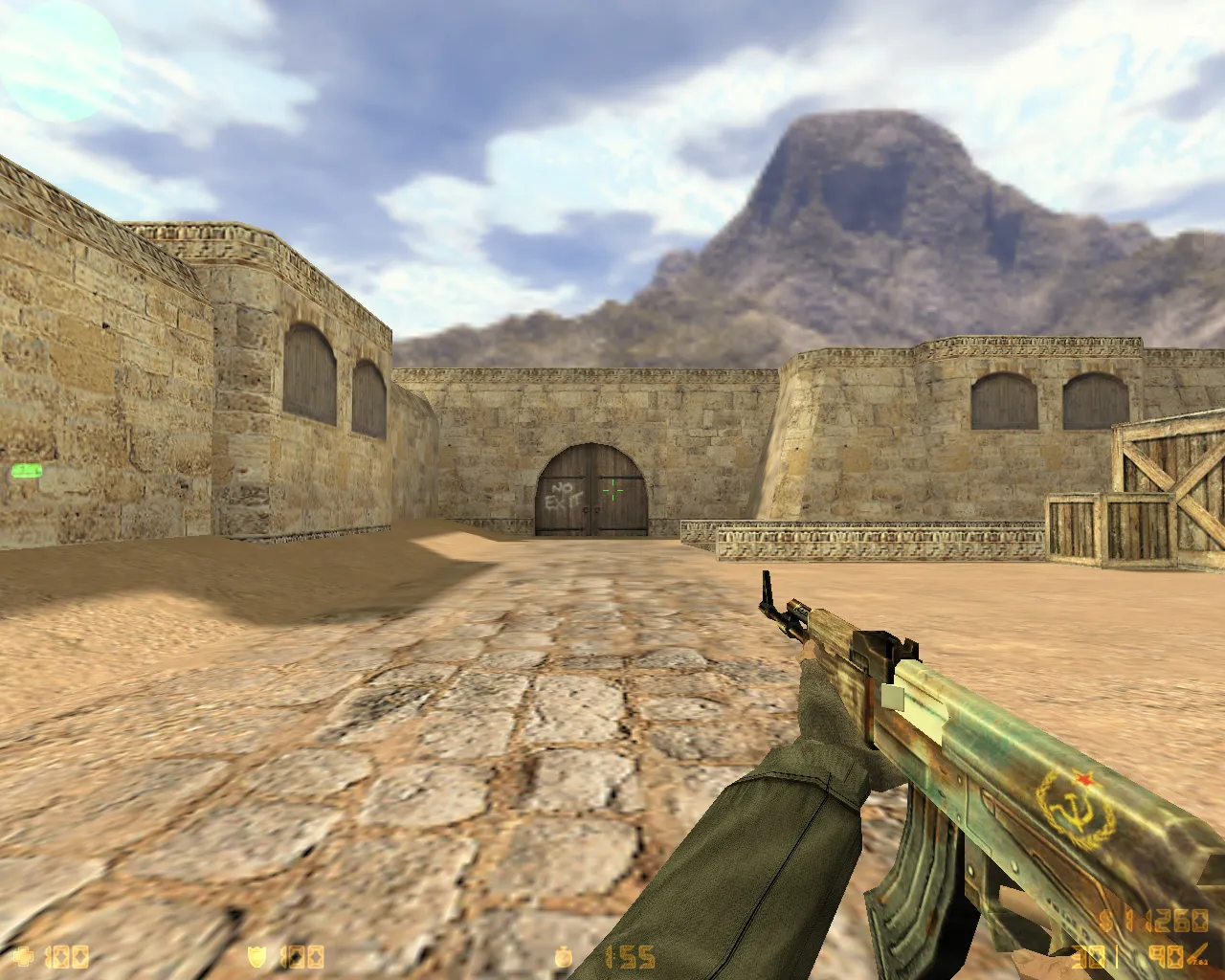
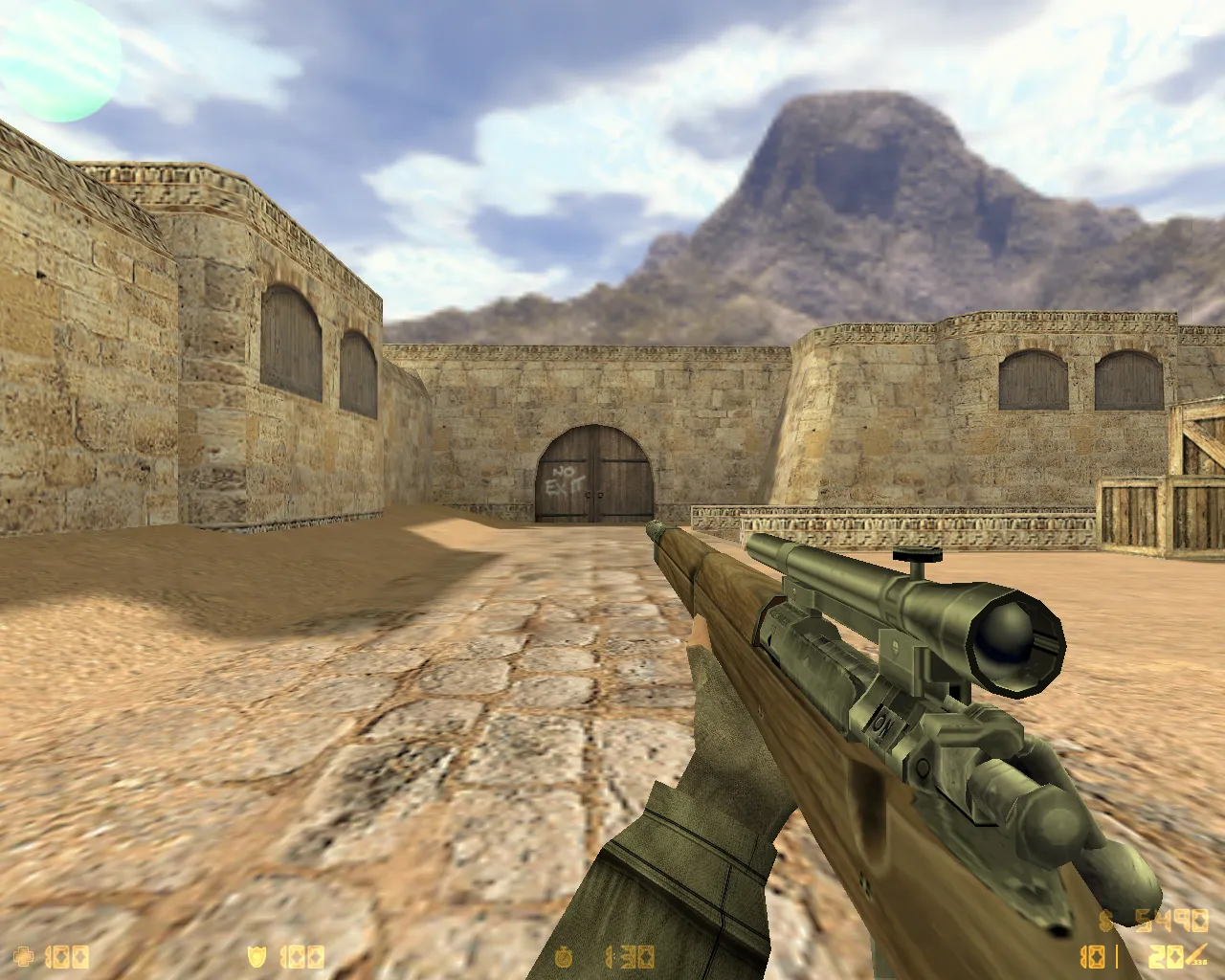

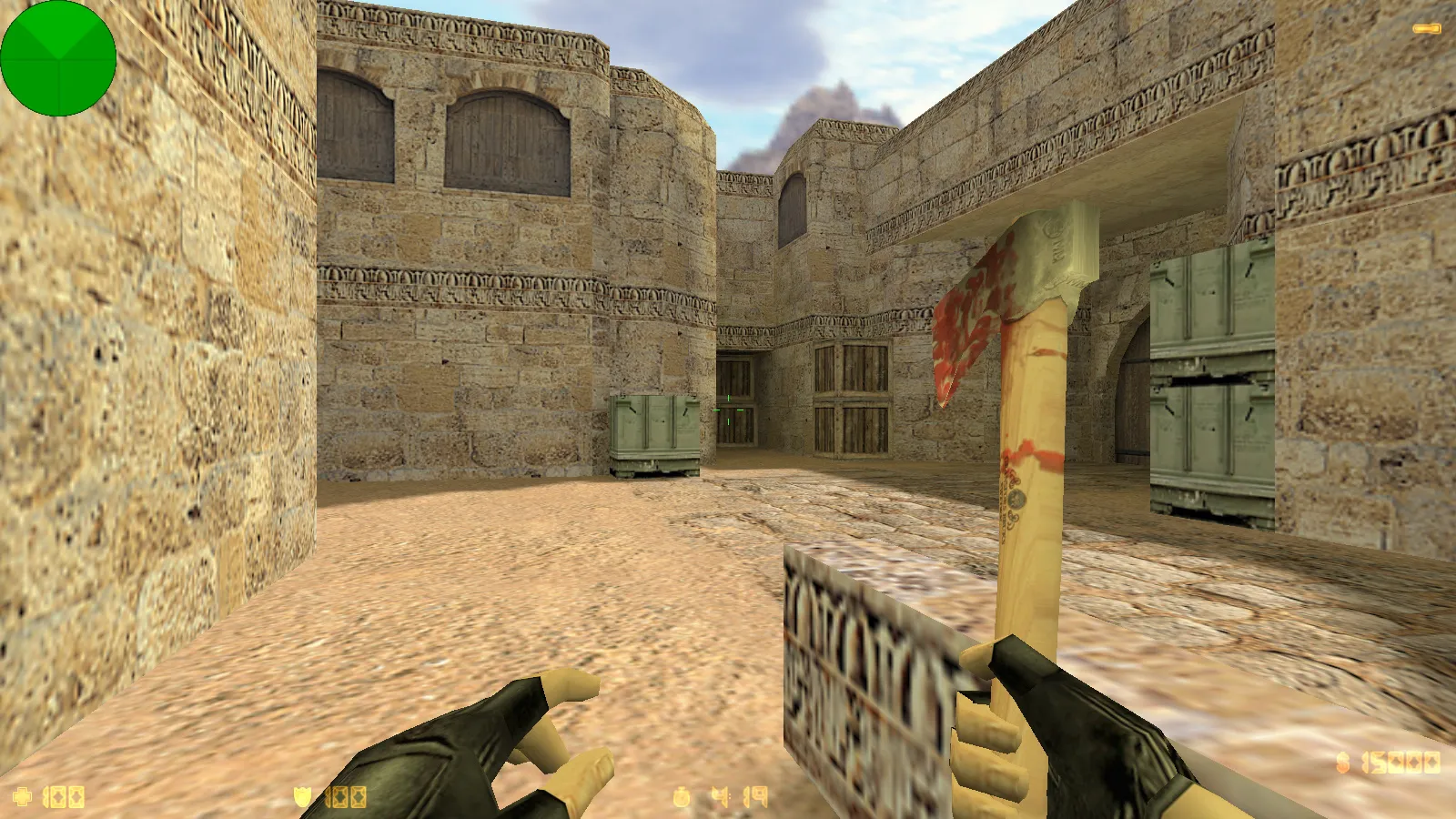
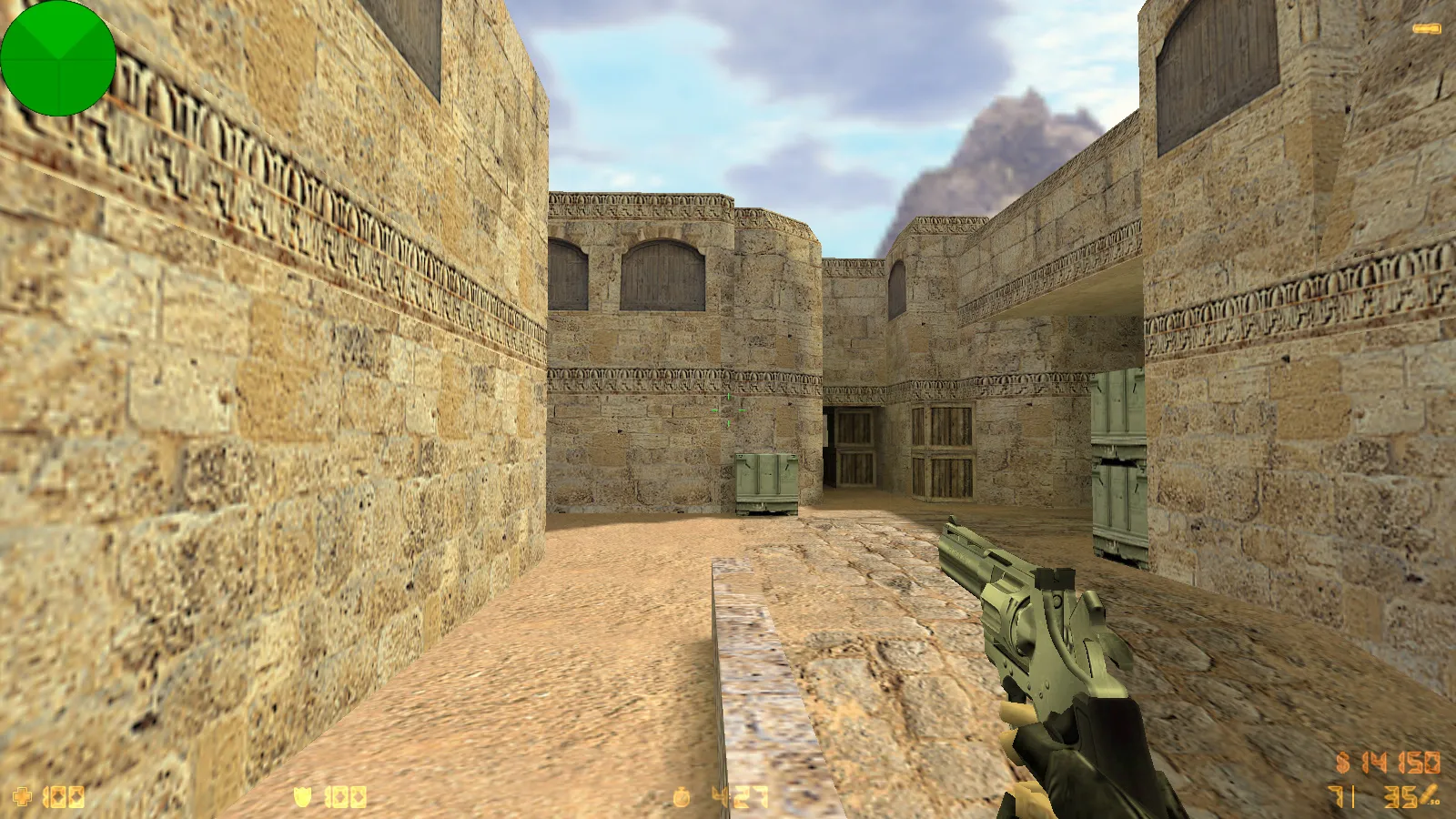
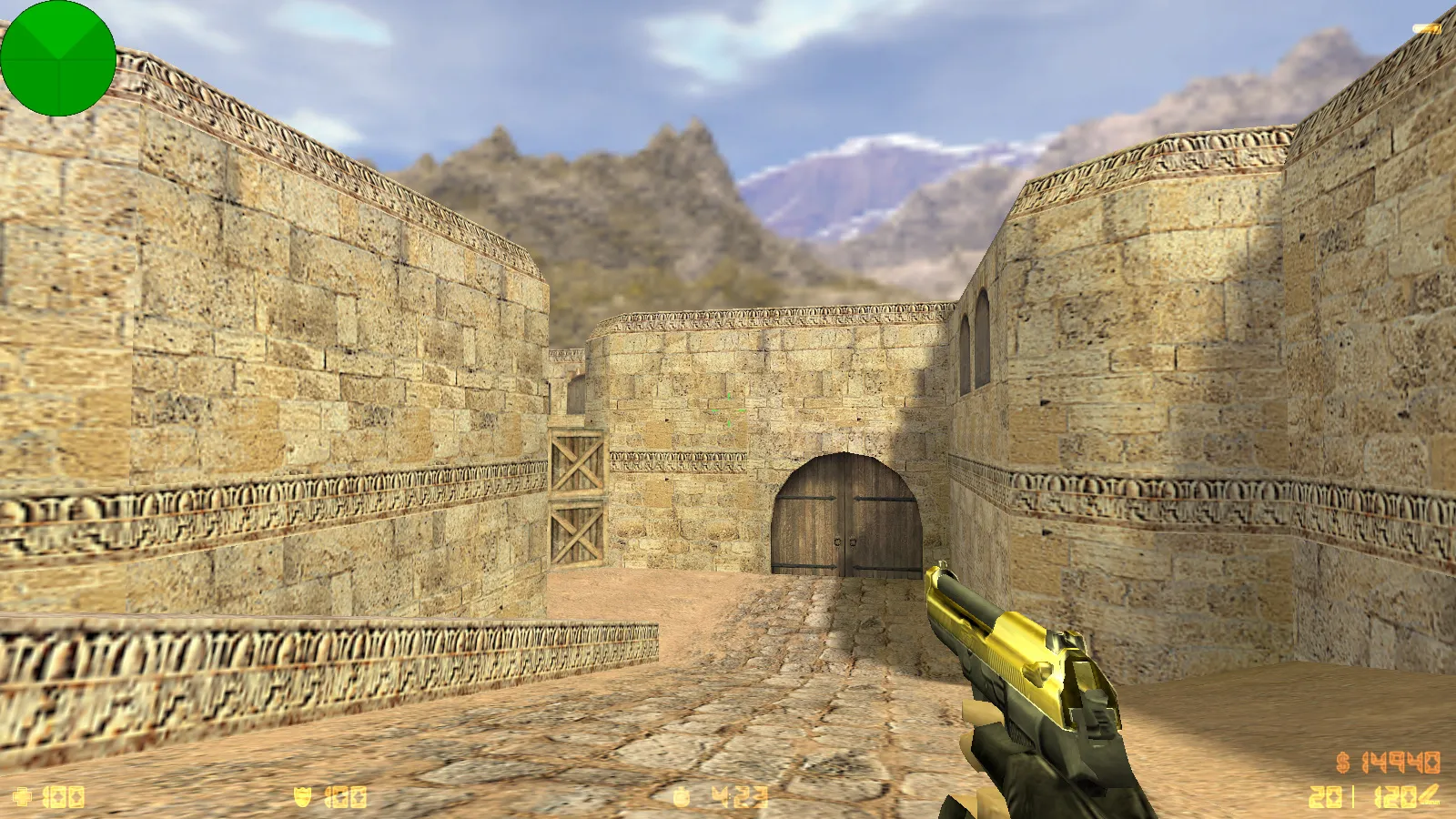
Get themed CS 1.6 mod packs - zombie, Warcraft, anime and others. Complete mod setup ready to use. Free download.
FAQ
What is the process for installing a CS 1.6 themed mod pack?
Unpack the archive and move its files into your game directory, typically cstrike. If your version uses cstrike_russian, files placed there take priority, so put the mod files in that folder. Confirm overwriting when asked, but make a backup of the original files beforehand. After that, start the game and select the mod's map or menu.
Where should CS 1.6 mod files such as models, sounds and sprites be placed?
Models belong in cstrike/models, sounds in cstrike/sound, and sprites or HUD files in cstrike/sprites. Player models go into cstrike/models/player/NAME/NAME.mdl, where the folder name and file name have to be identical. Weapon models take the place of the standard v_*.mdl, p_*.mdl and w_*.mdl files inside cstrike/models.
How can I turn on F-key weapon inspect in a CS 1.6 mod?
Inspect animations are typically activated by a key bind defined in the mod's config. Look in cstrike/config.cfg, userconfig.cfg or autoexec.cfg for a bind line and verify that it gets executed. The mod also requires the proper v_ weapon model that includes the inspect sequences.
My CS 1.6 mod crashes or won't launch - what should I do?
Check that every file sits in the right folder (cstrike or cstrike_russian) and that model, sound and map names match the originals. A missing or mismatched .mdl or .wad file frequently triggers a crash. Restore your backup of the original files and install the mod again step by step.
How do I revert CS 1.6 to default after a themed mod is installed?
Put back the original files you saved before installing the mod, or reinstall the game. Remove custom files from cstrike/models, cstrike/sound and cstrike/sprites. If you modified config.cfg, swap it for a clean copy.
Are CS 1.6 themed mods usable on online servers?
Client-side mods like models, sounds and sprites only work when the server permits them. Many servers overwrite custom files with their own or kick players for file mismatch (consistency). Server-side mods rely on AMX Mod X plugins stored in cstrike/addons/amxmodx/plugins and listed in cstrike/addons/amxmodx/configs/plugins.ini.
How do I swap player models in a CS 1.6 mod?
Place the model in cstrike/models/player/NAME/NAME.mdl - the folder name and file name must be the same. The model name has to be the one the mod or server expects. Save a backup of the original model before you replace it.