CS 1.6 Vortex: Themed Build Featuring Modern Skins, Dark Menu, and Optimized Config
Description
CS 1.6 Vortex: Themed Build for Enjoyable and Stable Gameplay
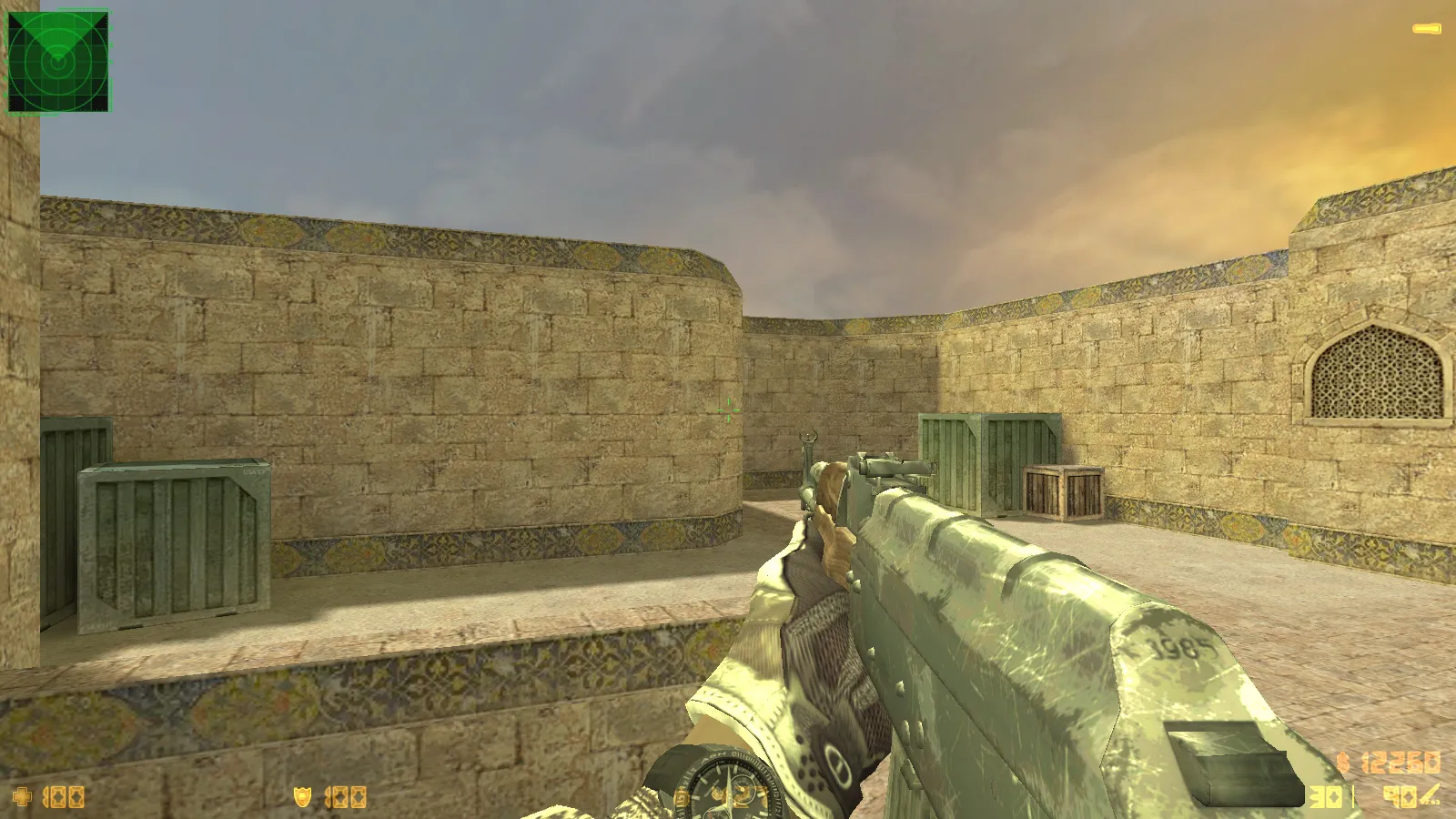
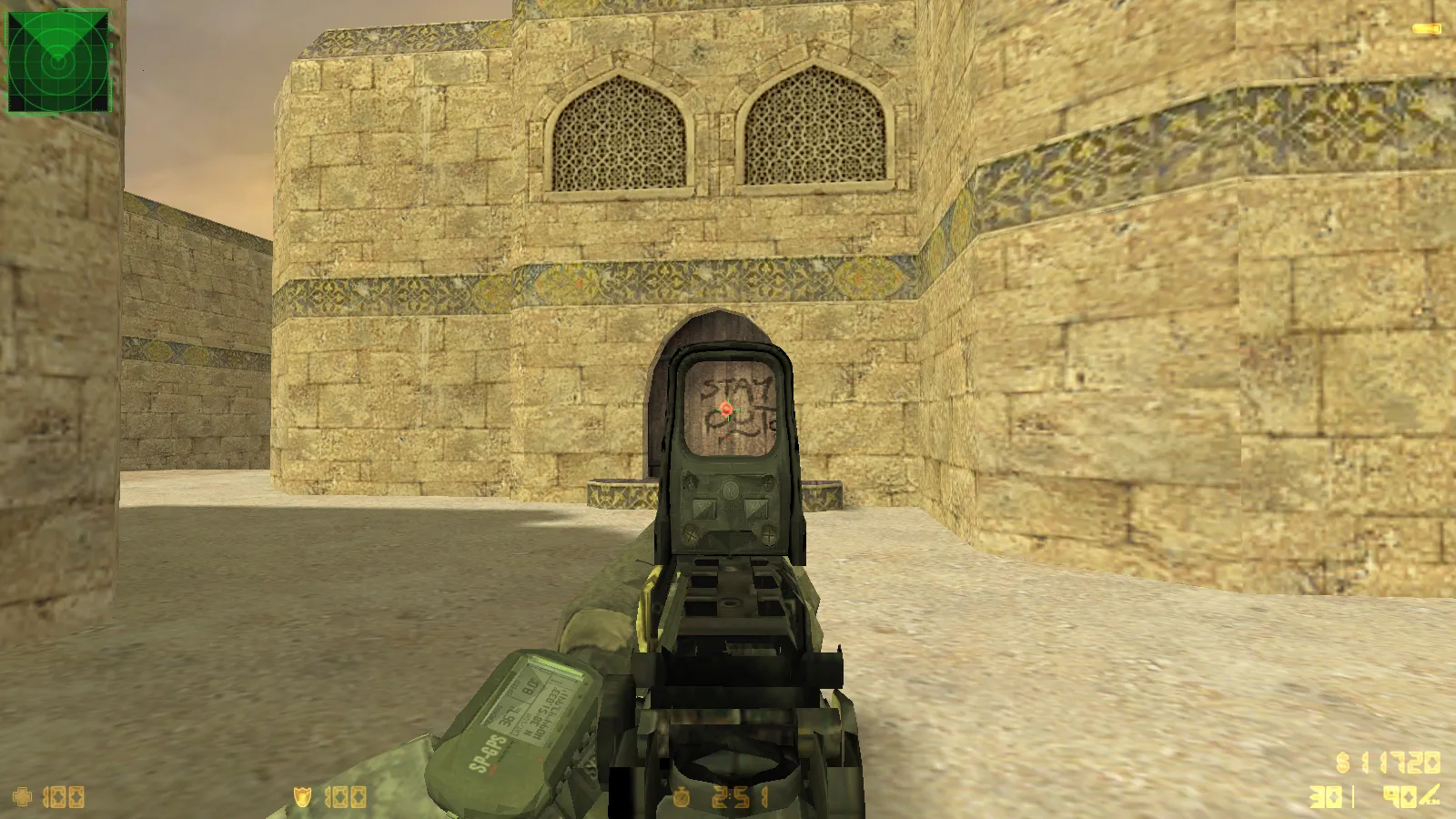
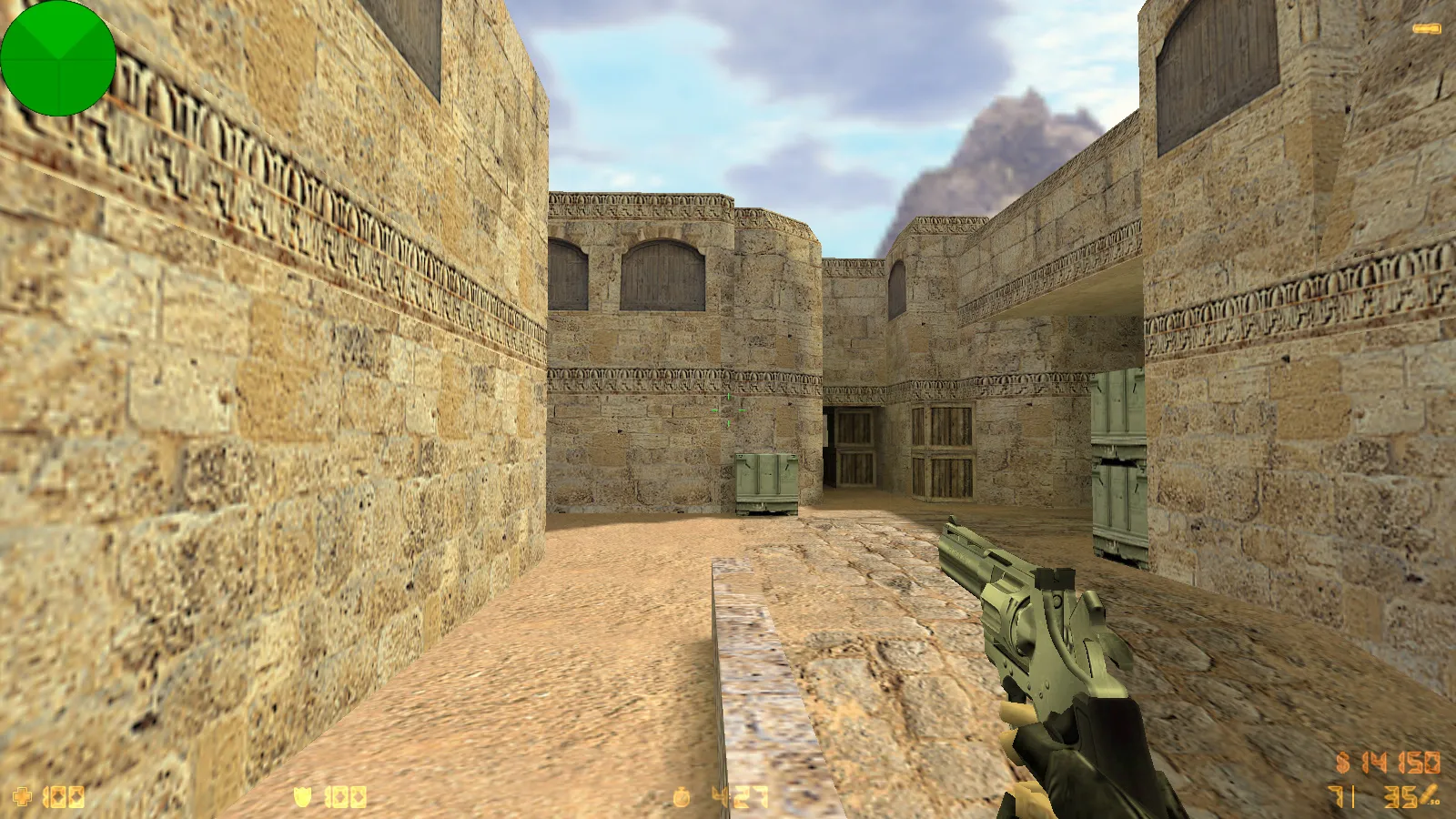
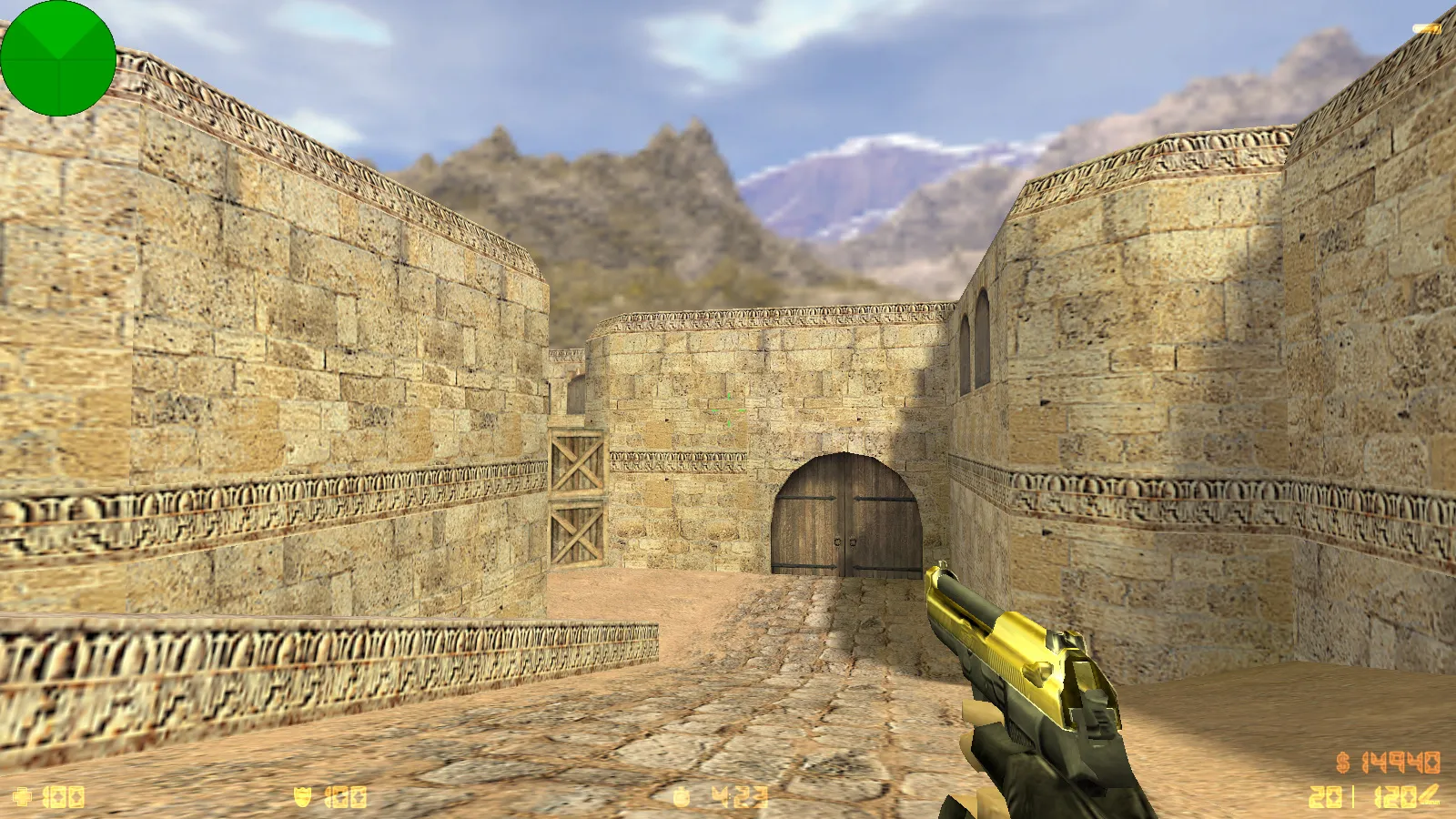
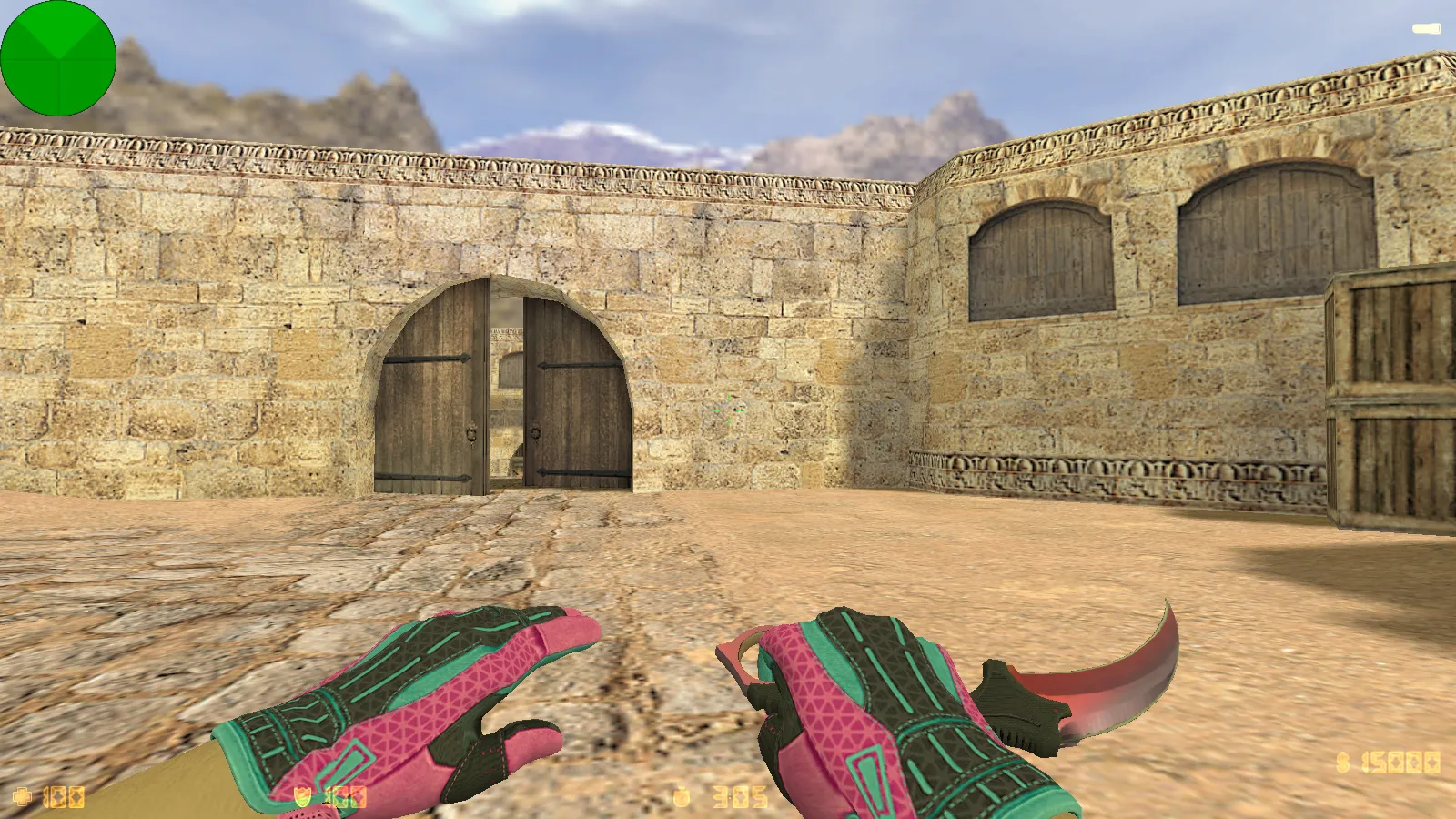
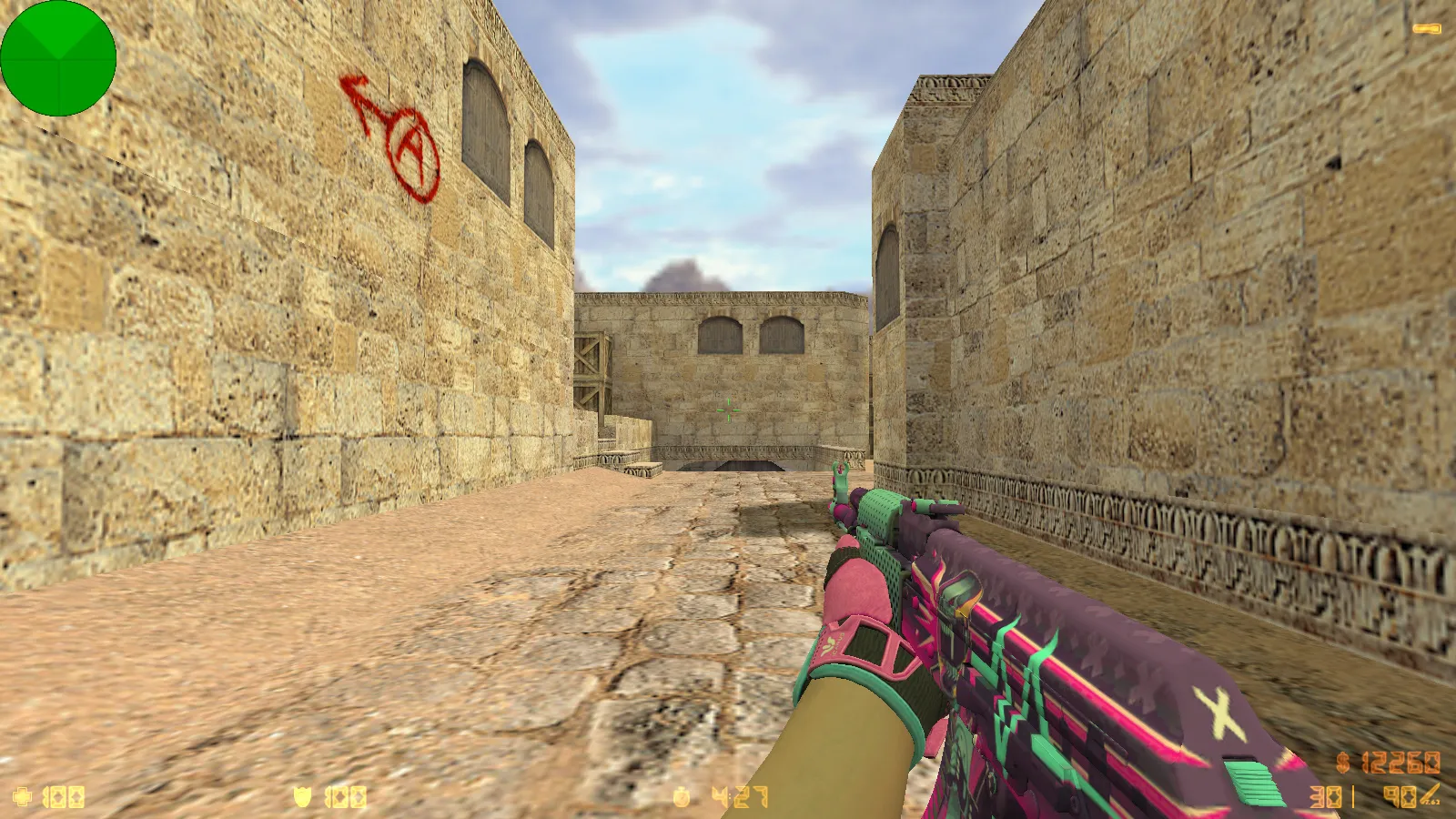
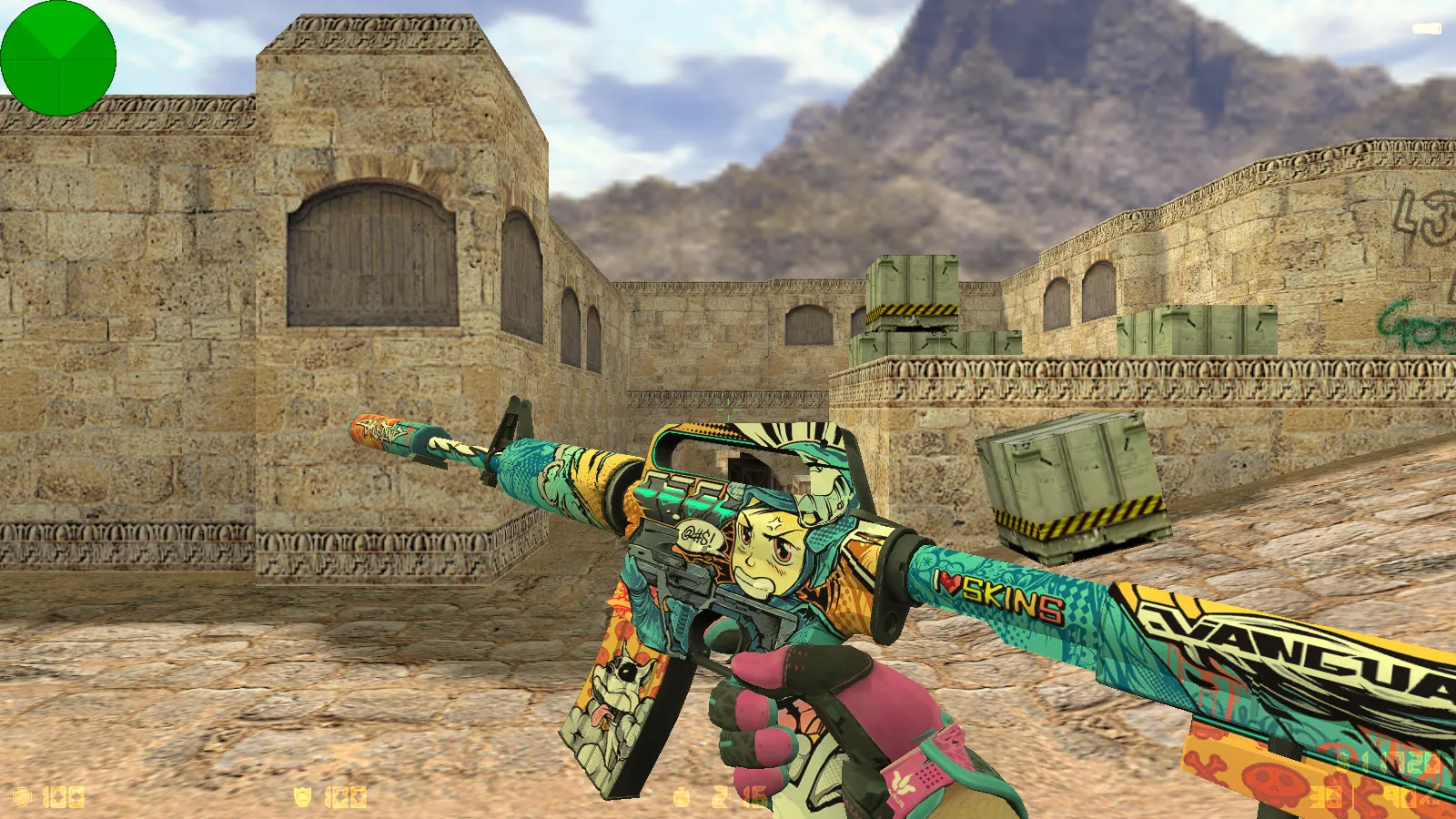
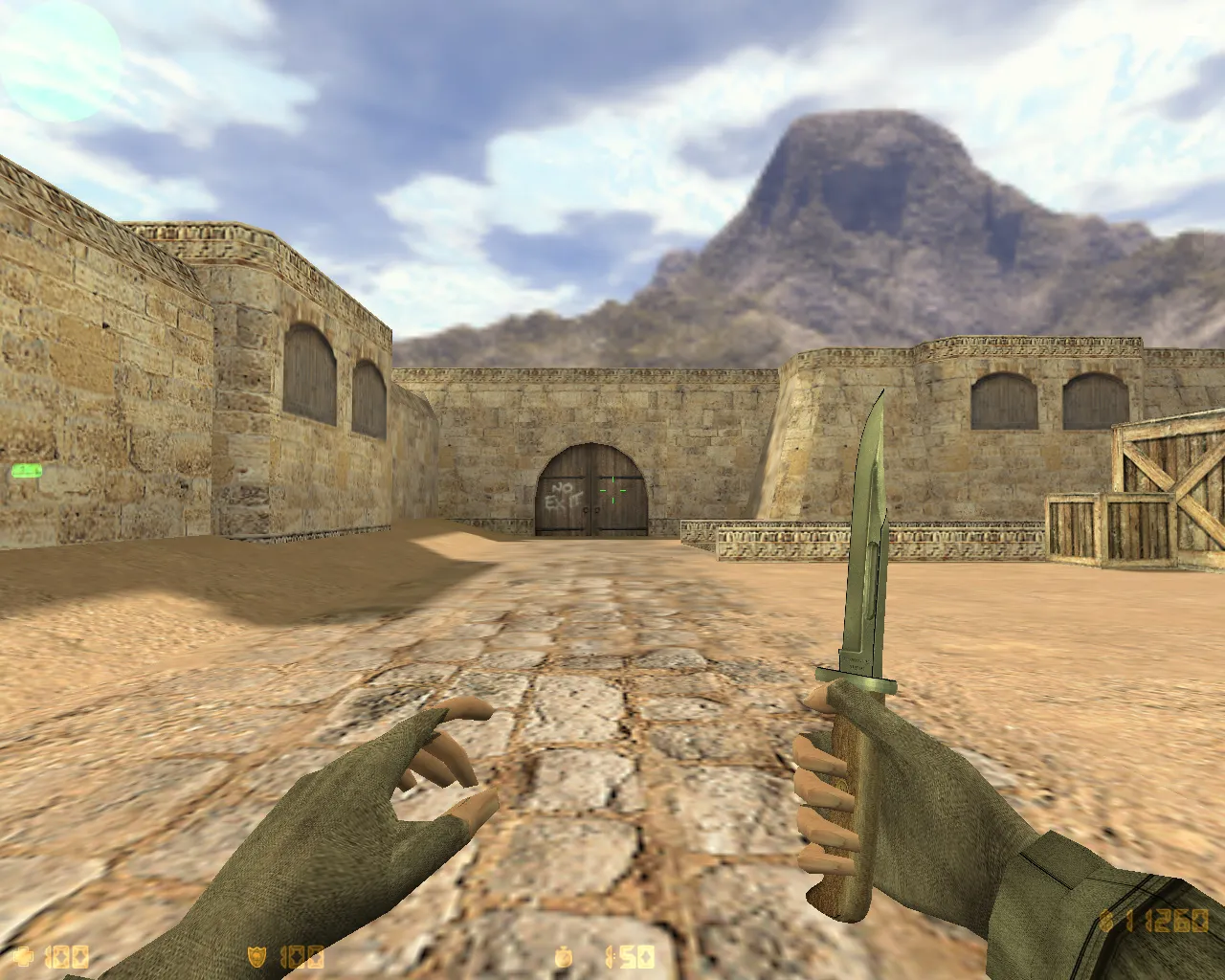
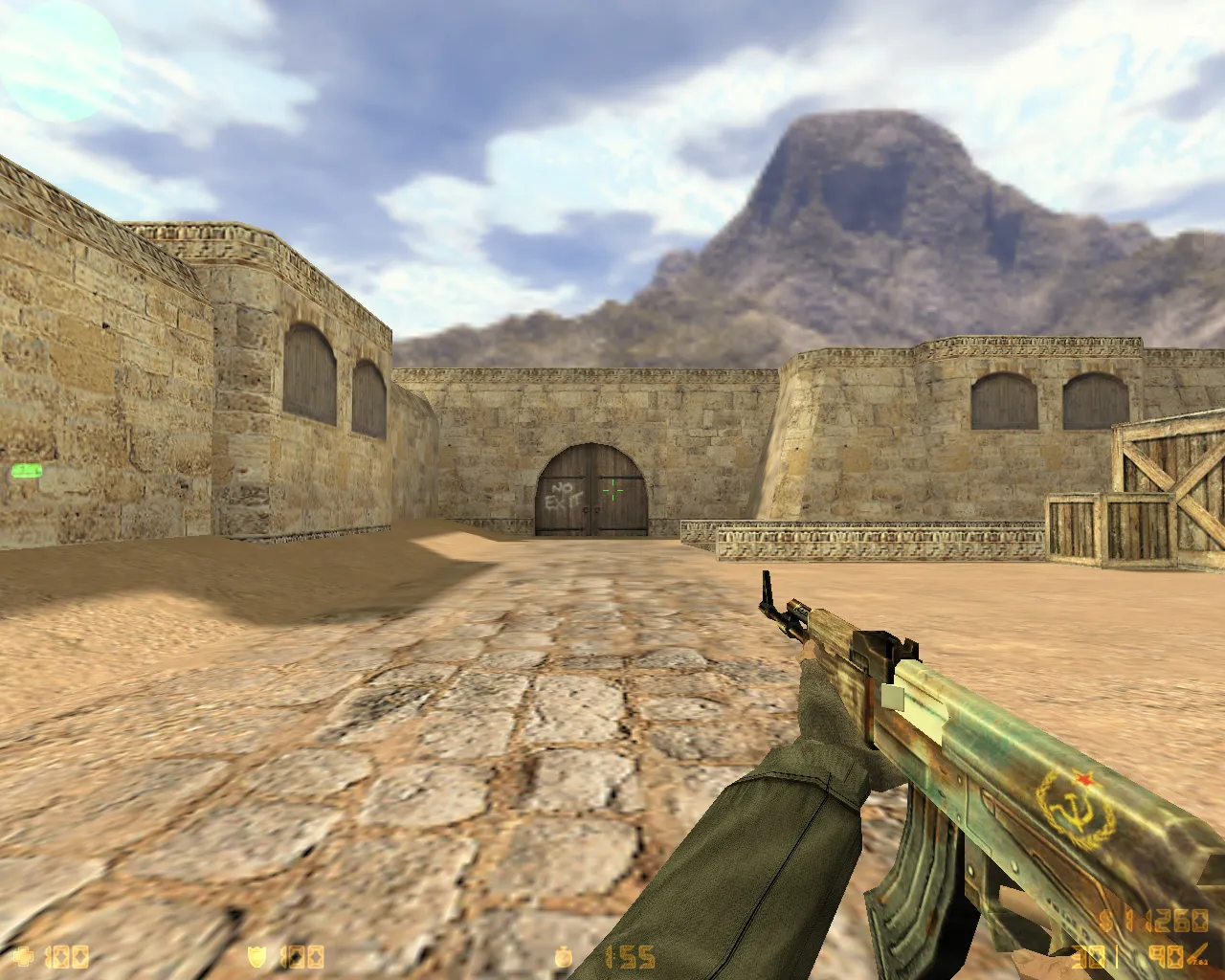
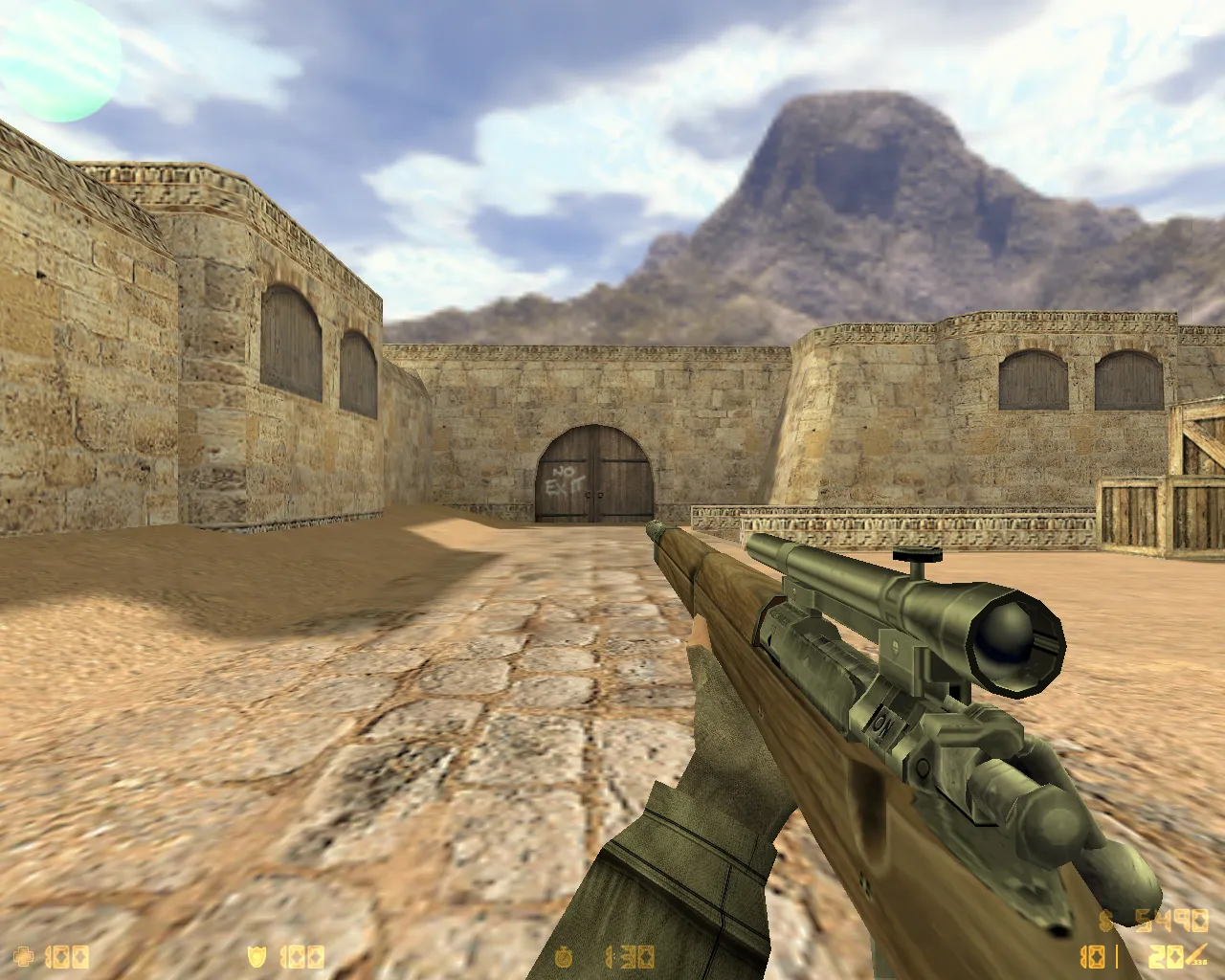
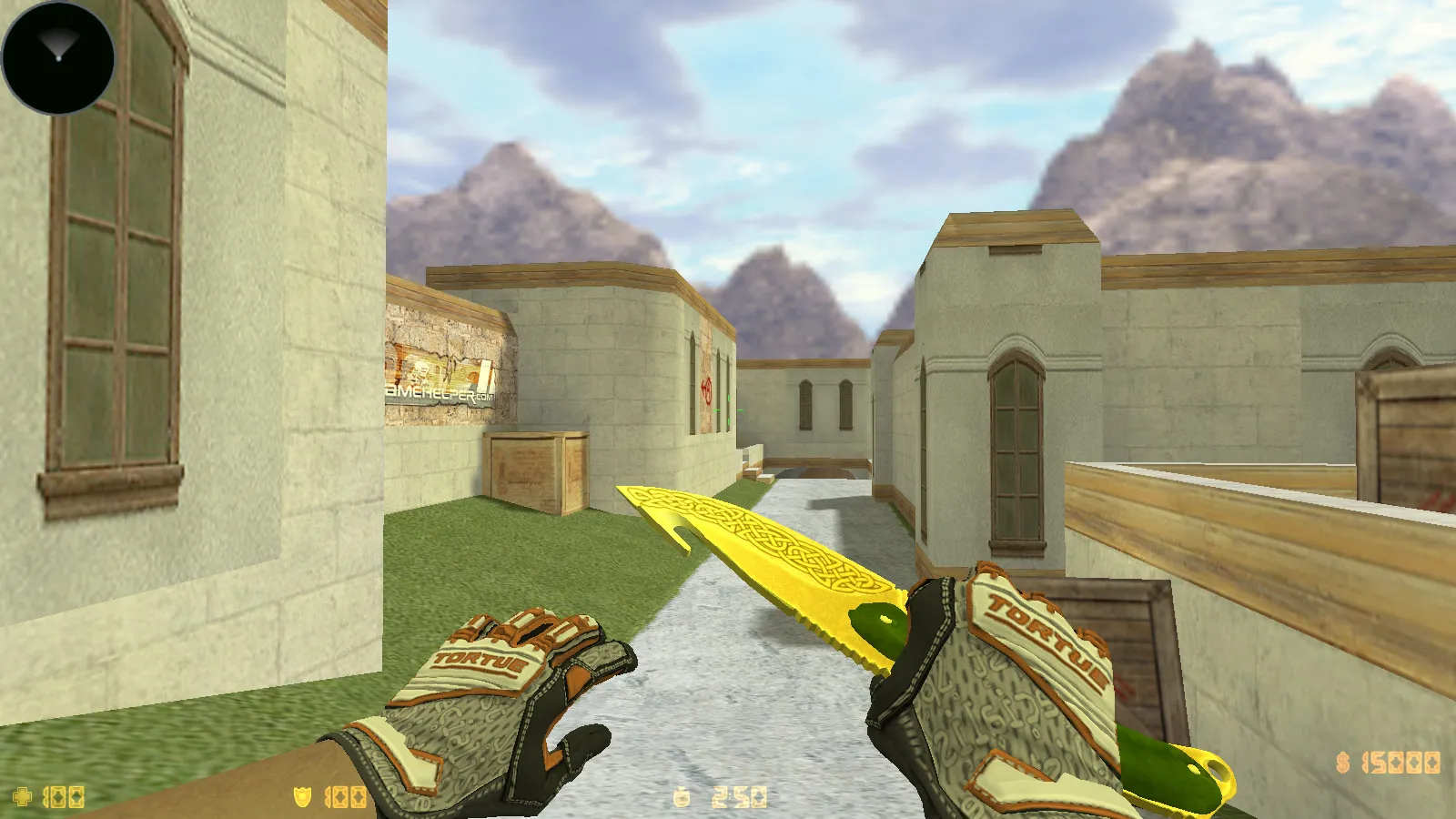
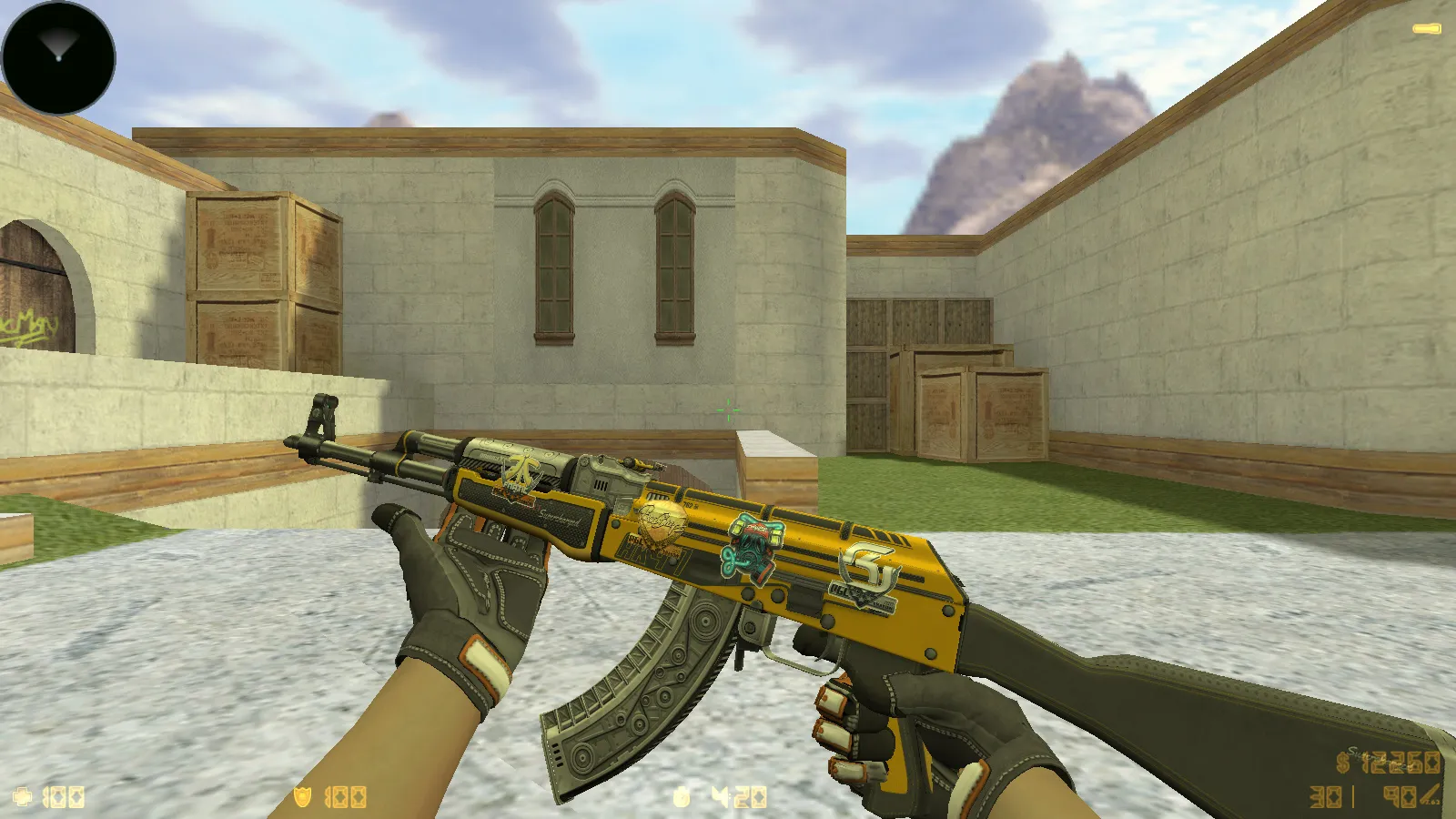
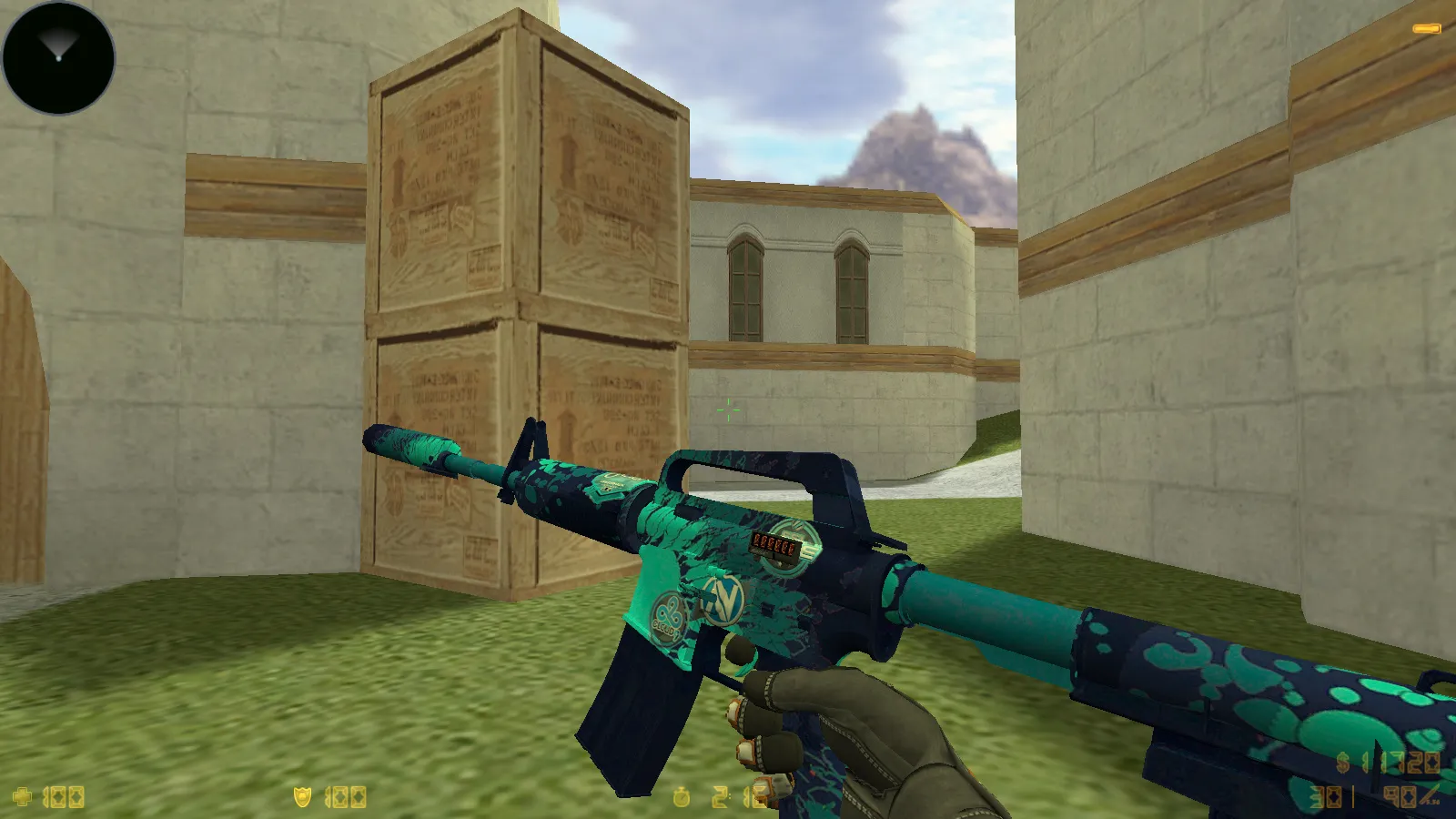
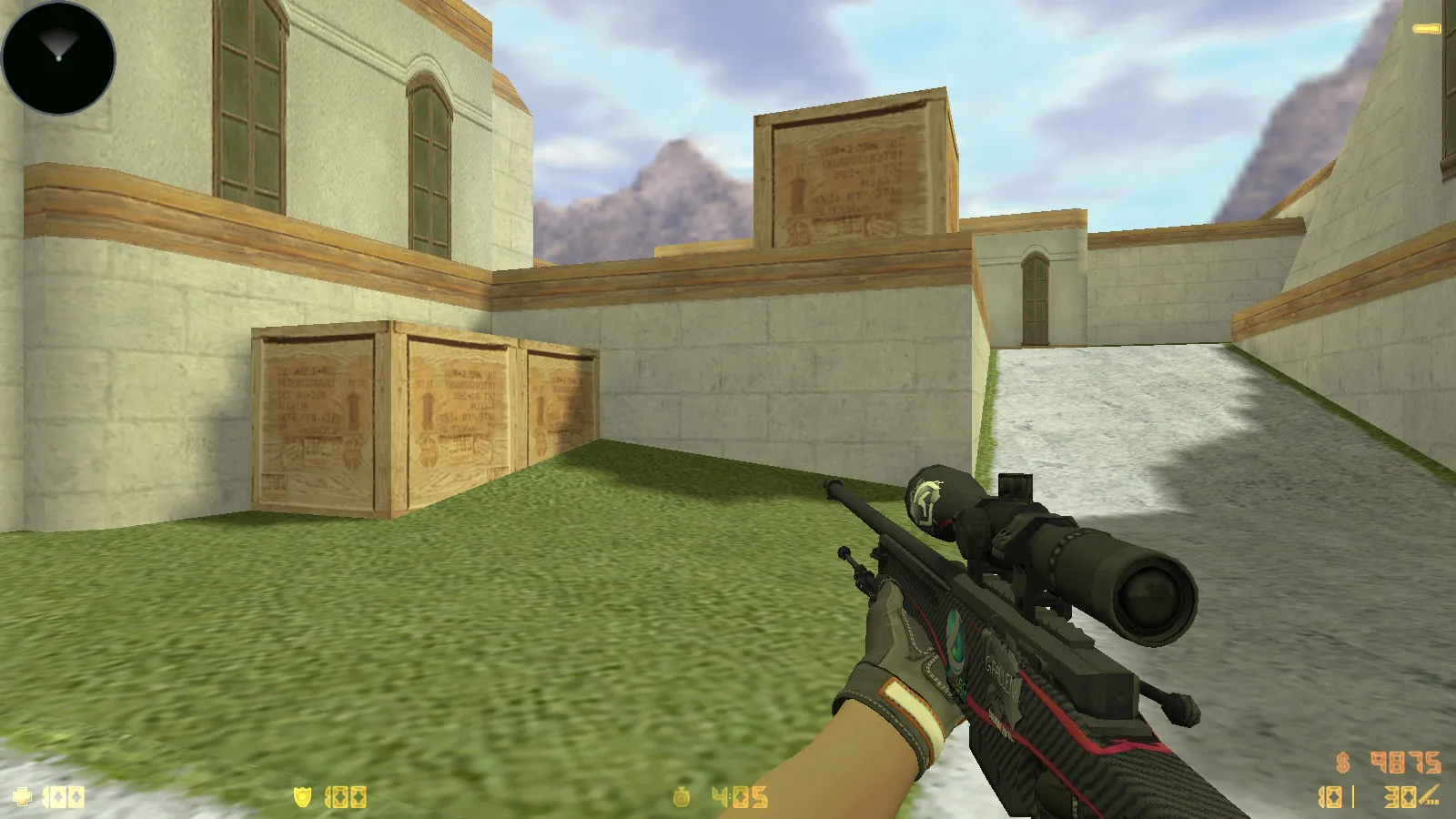
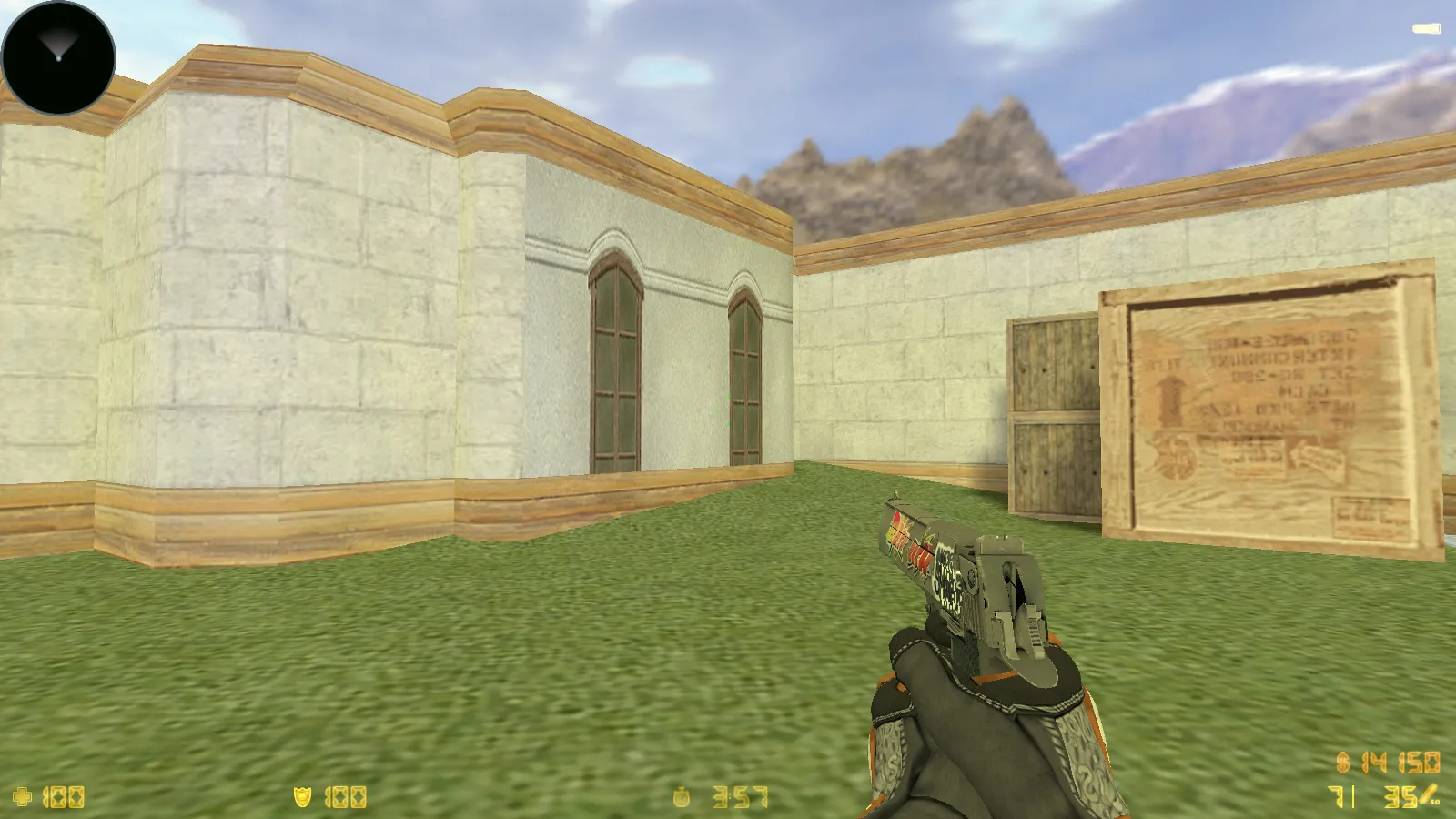
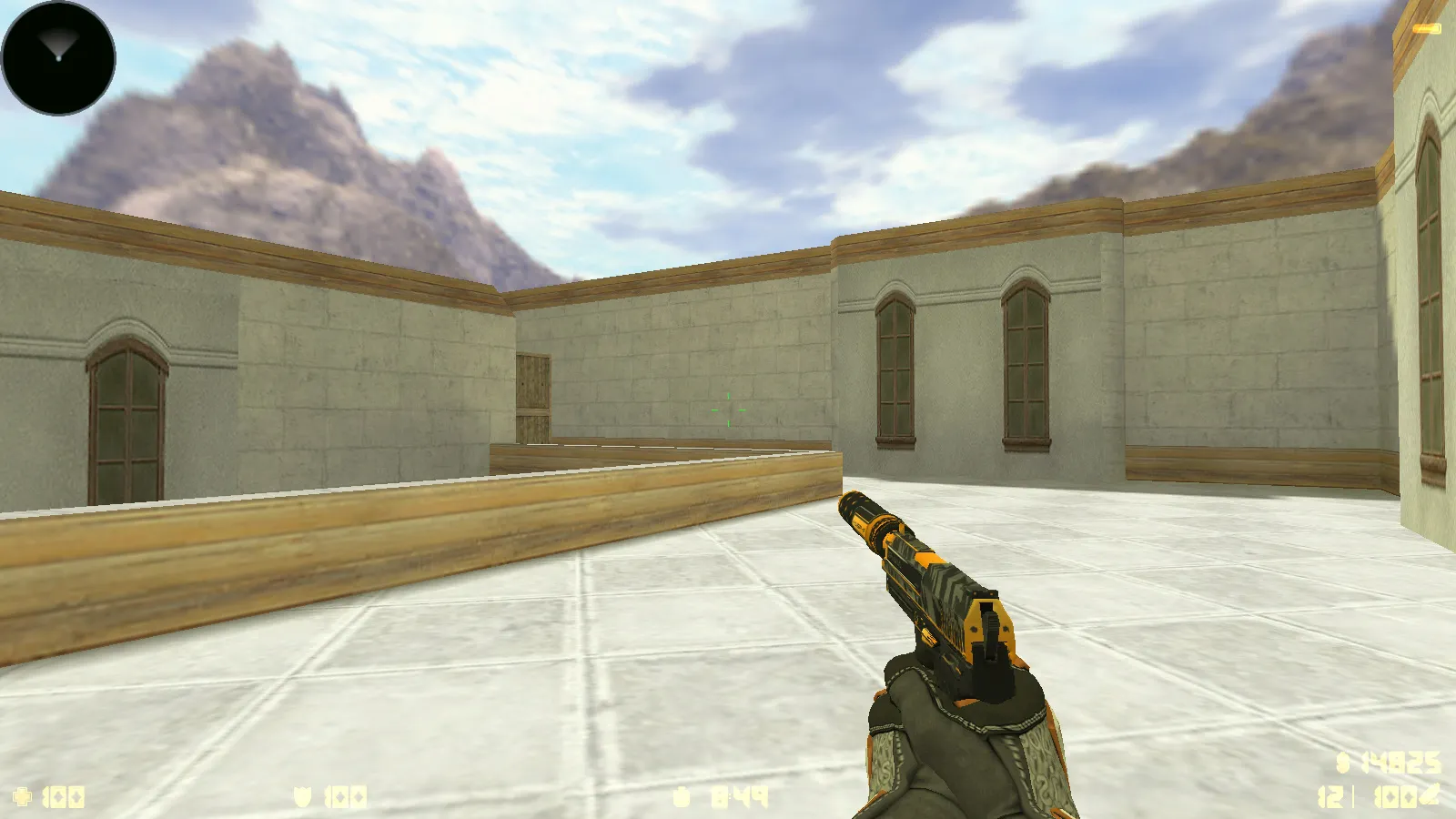
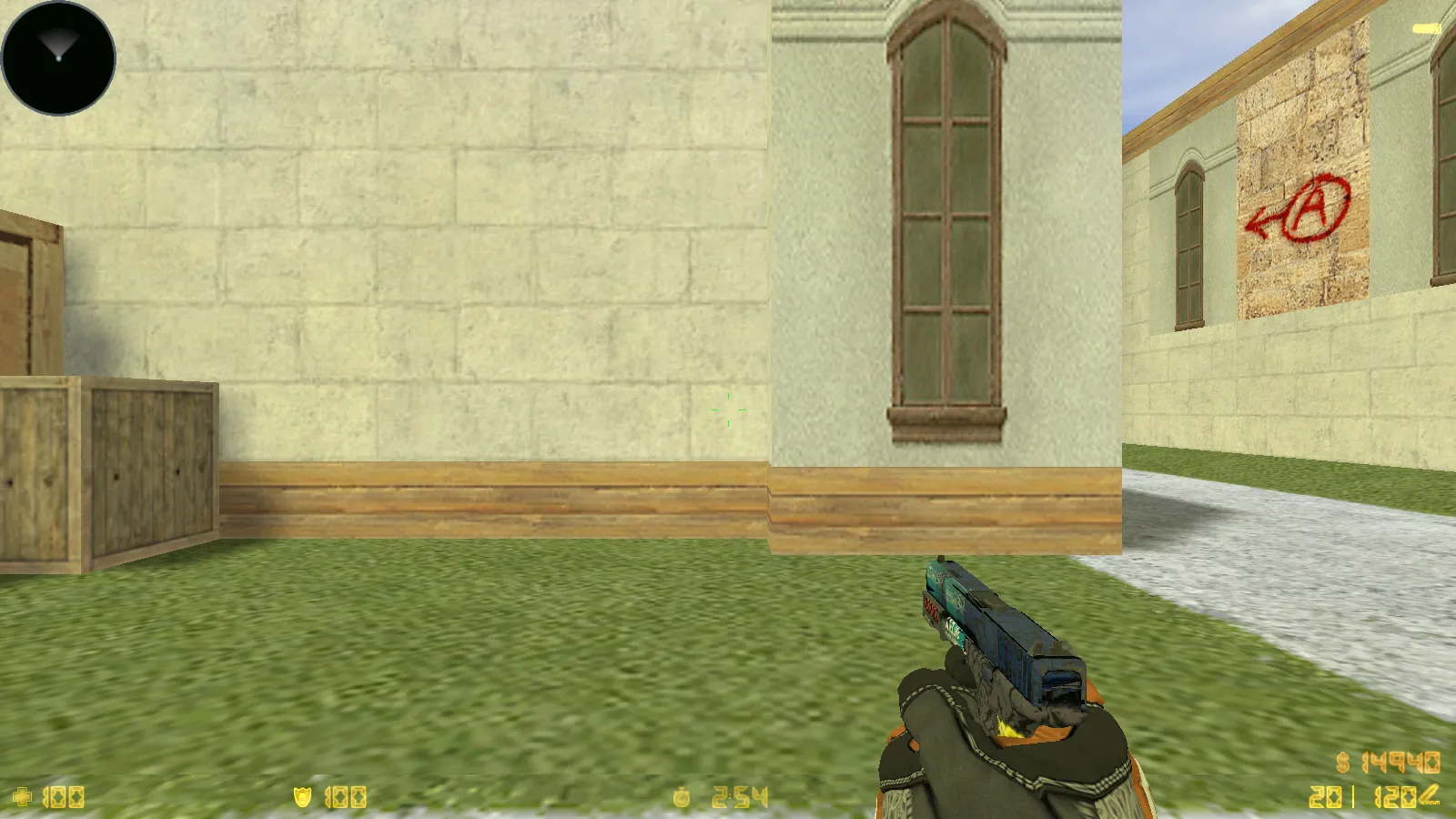
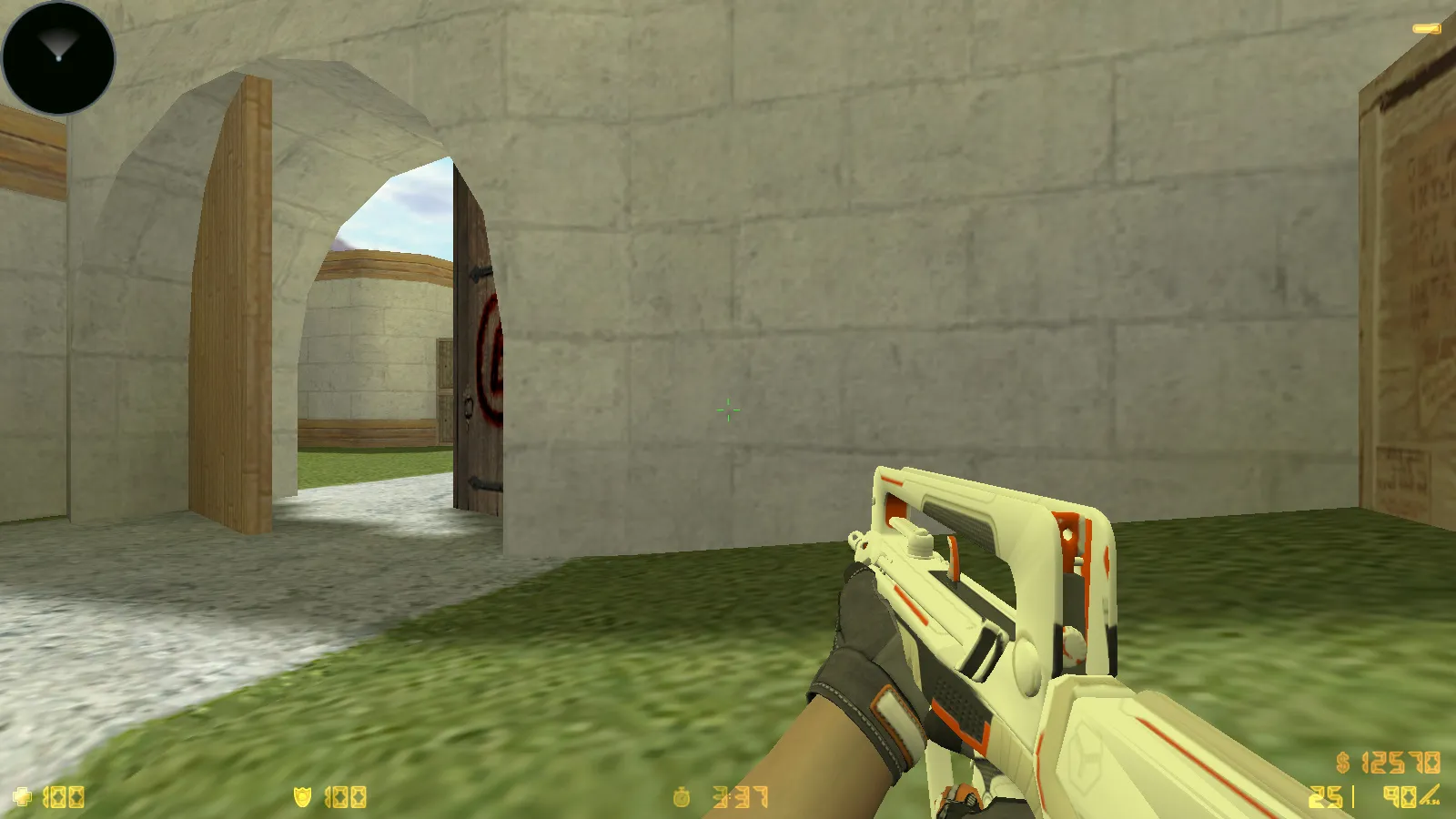
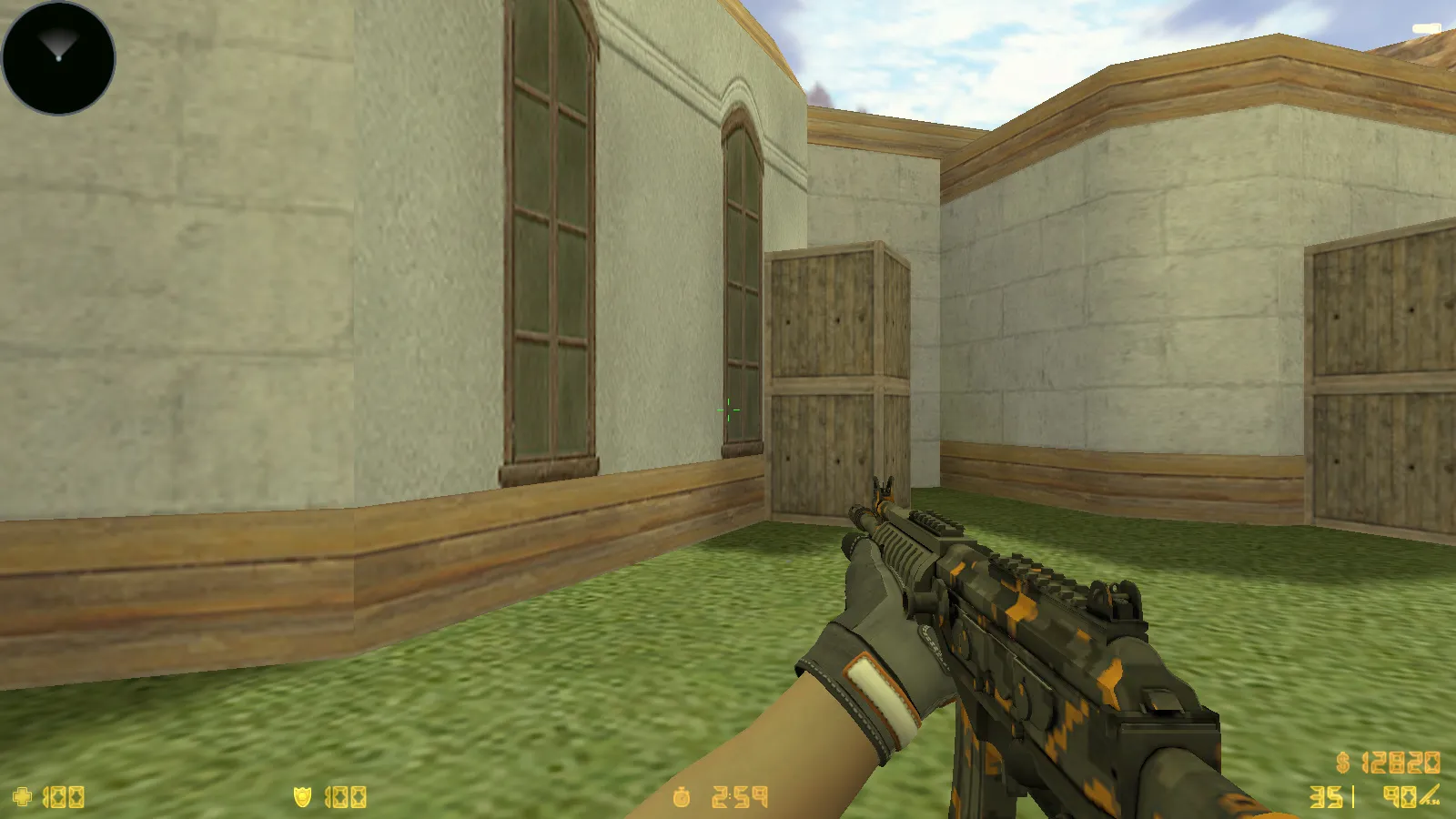
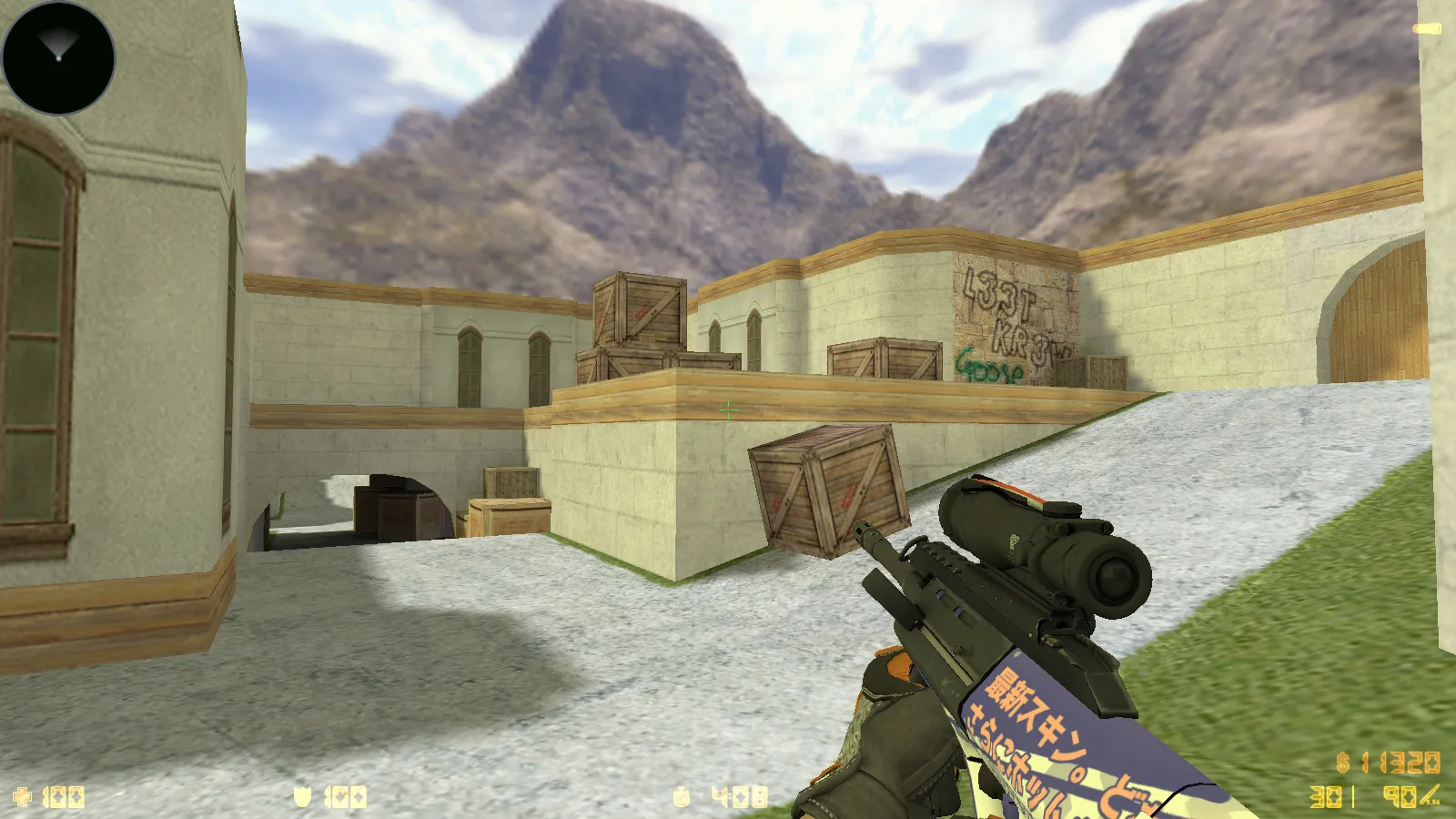
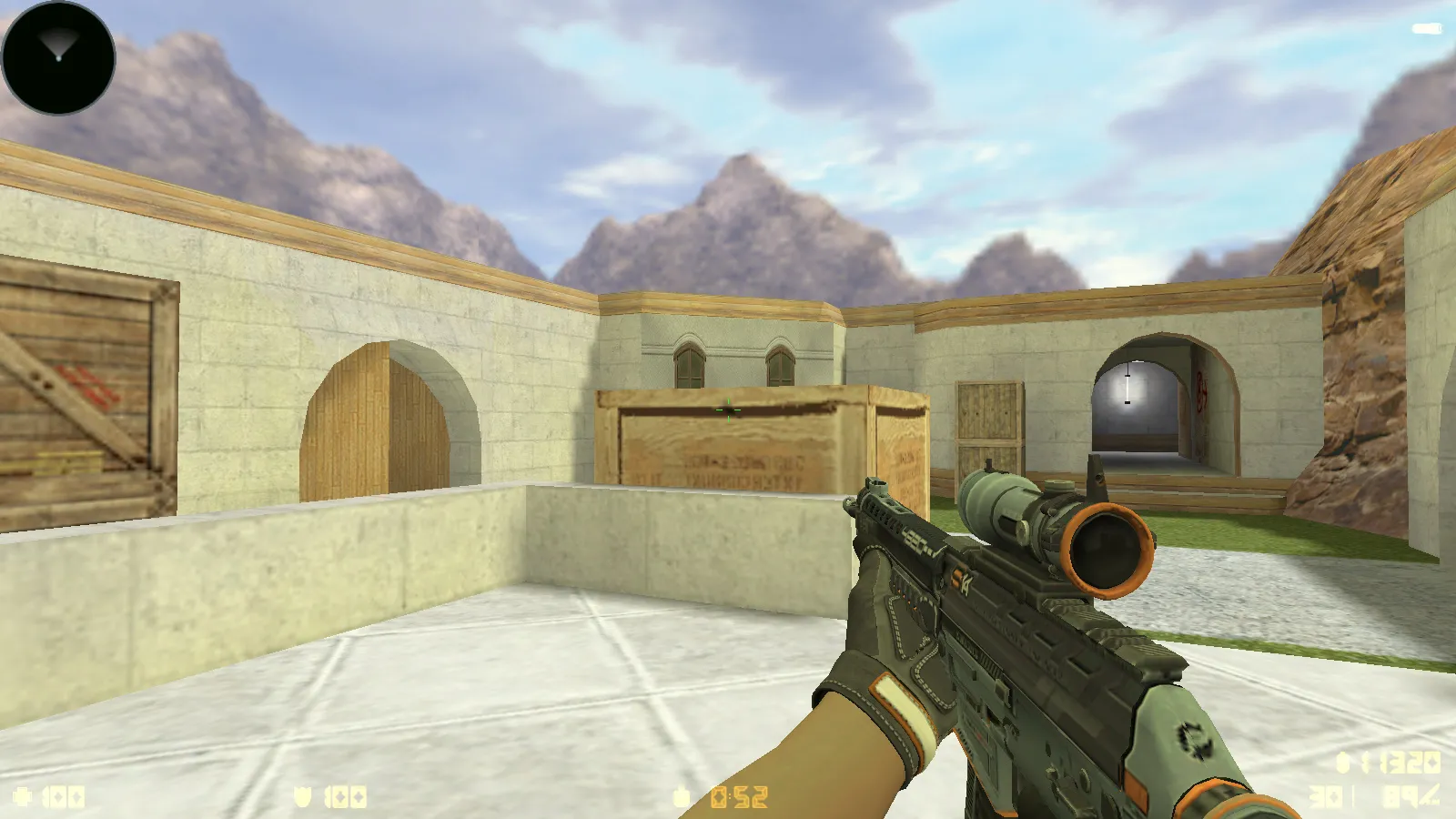
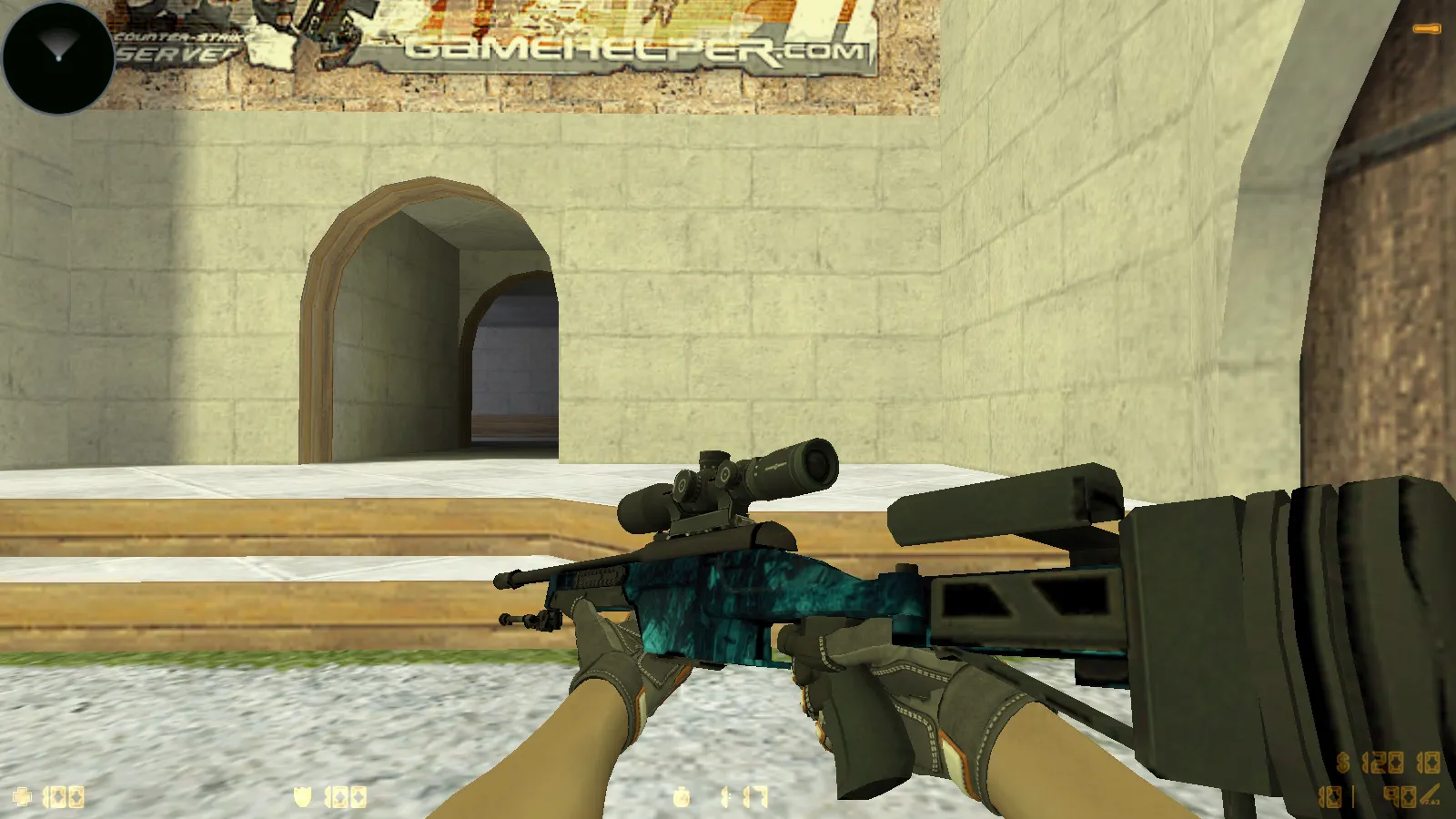
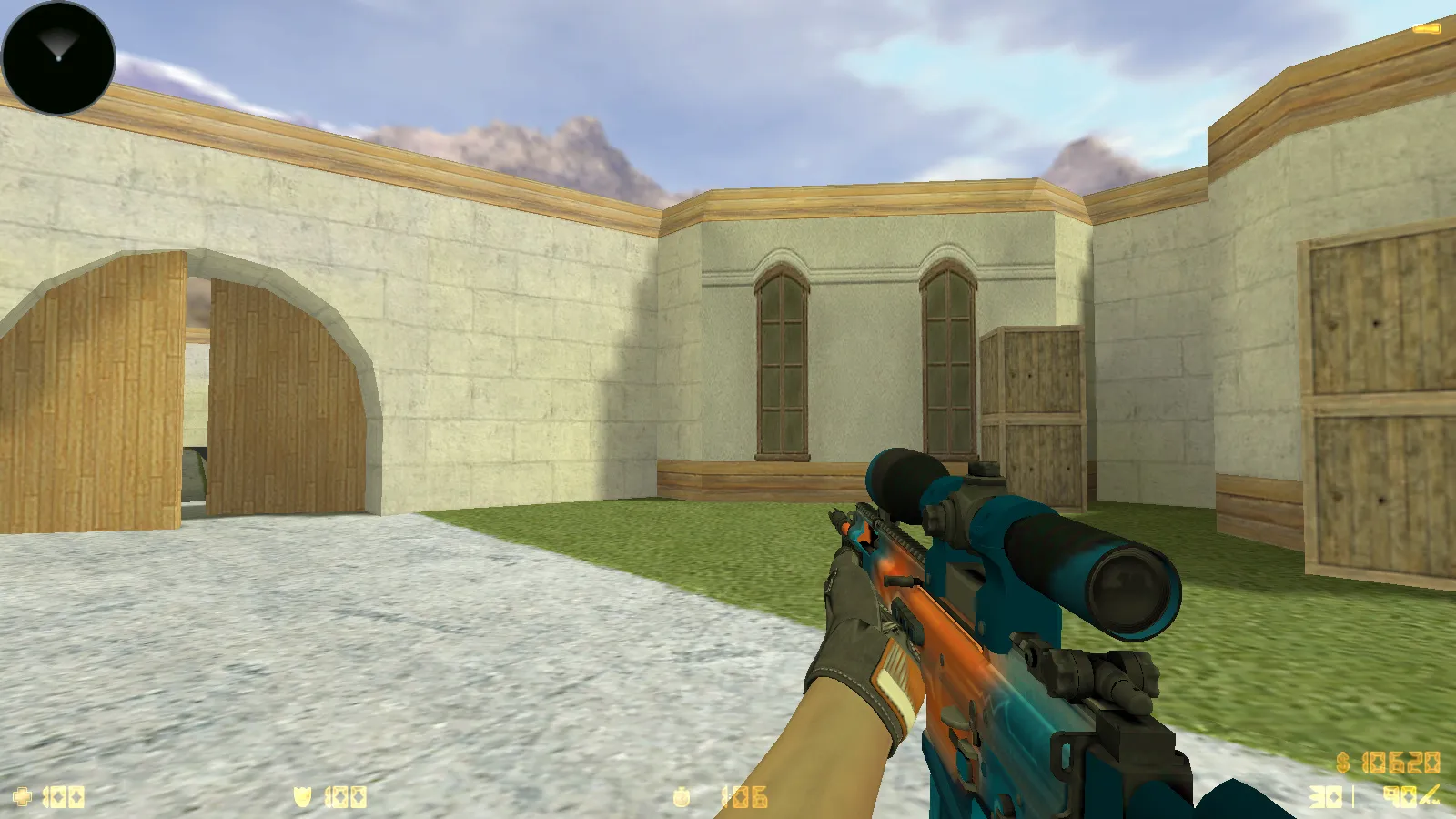
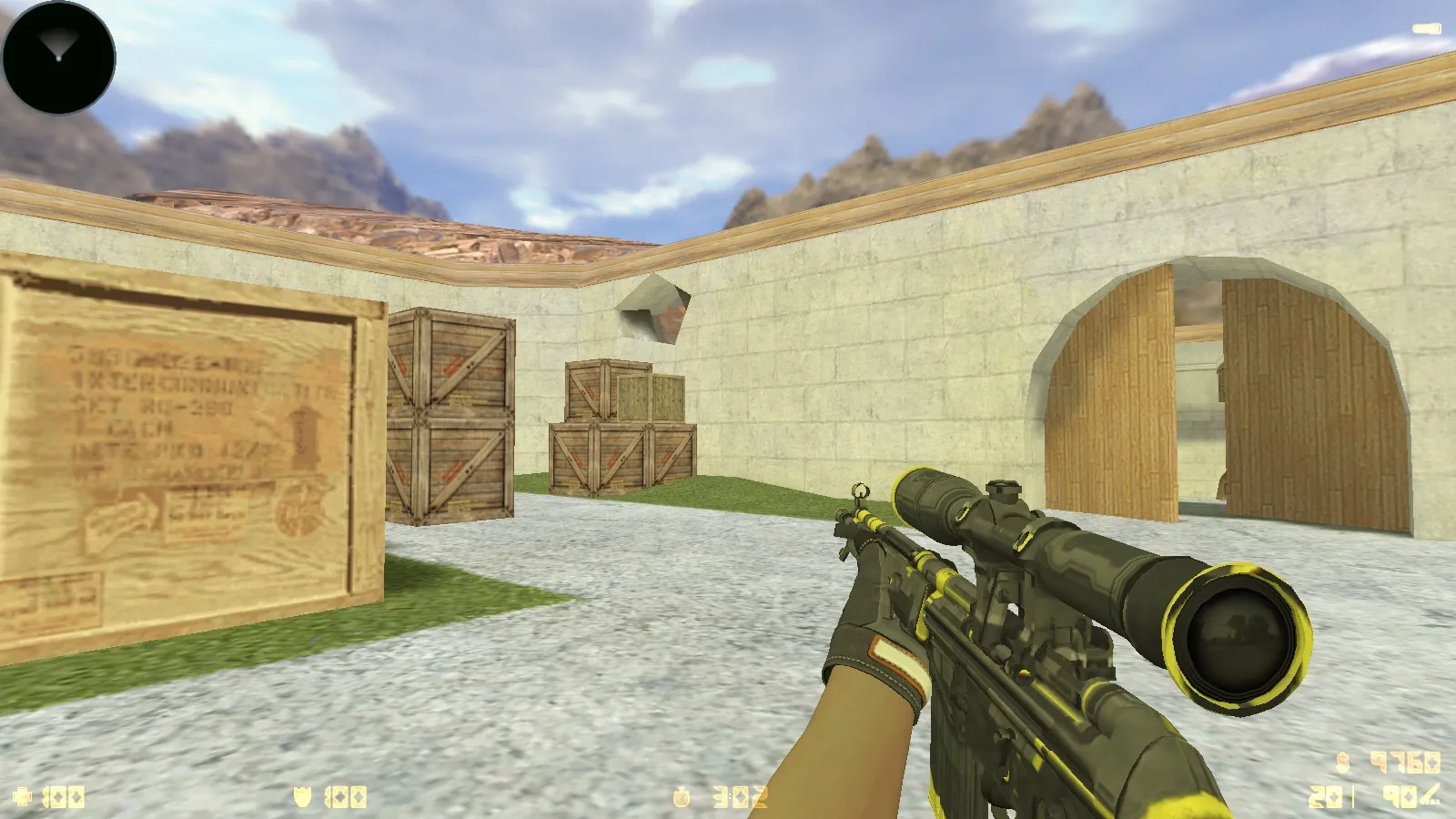
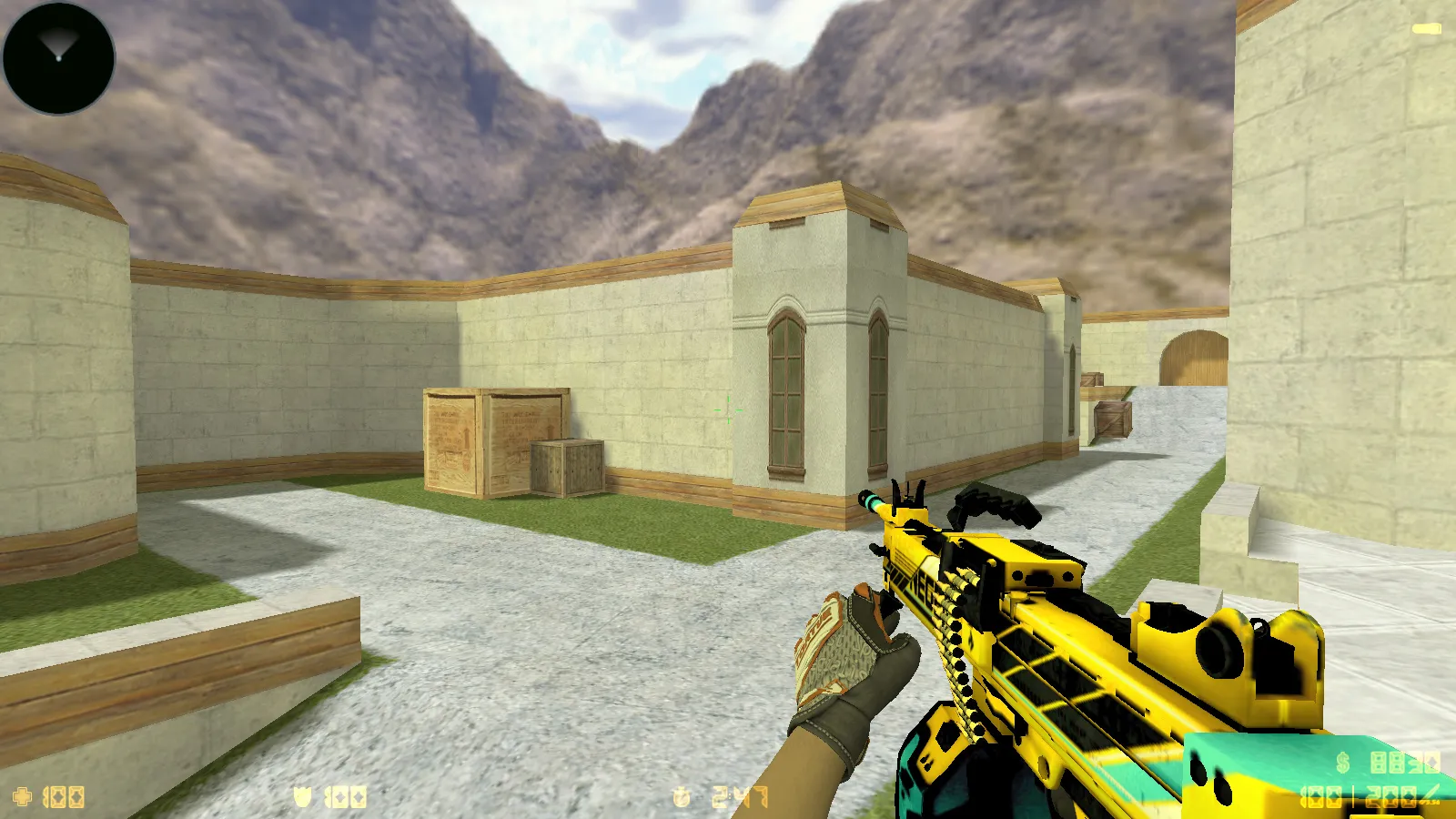
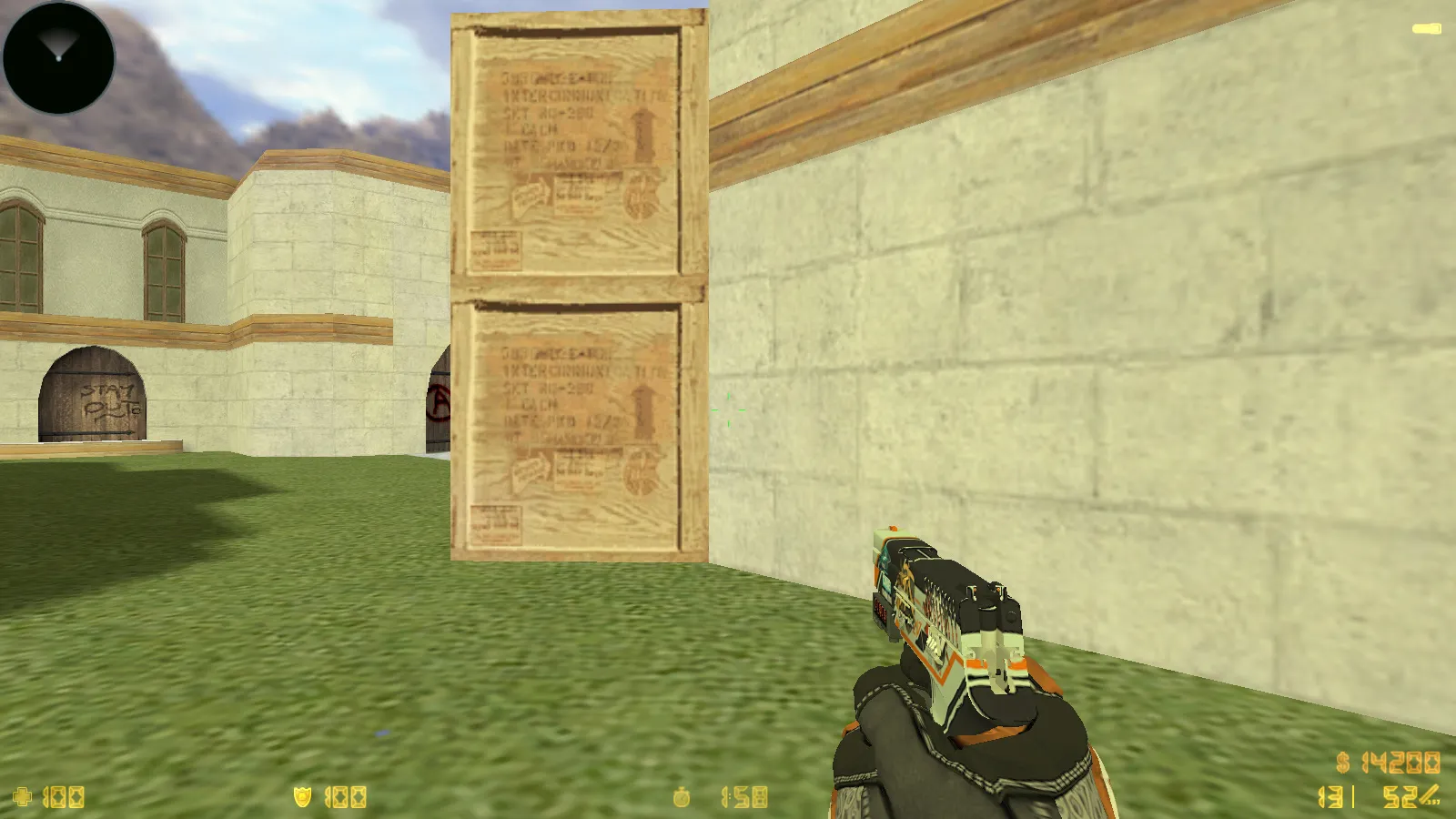
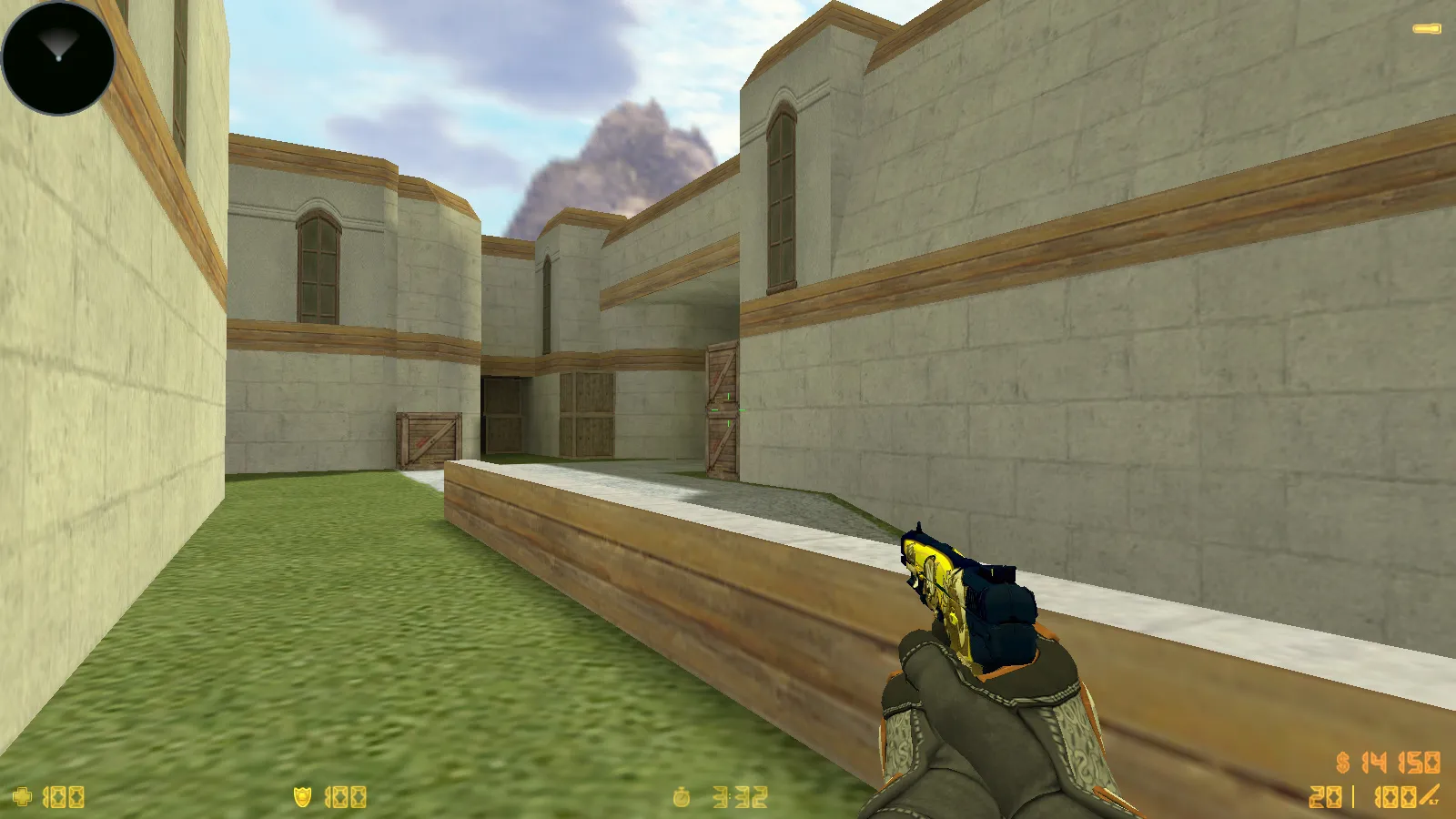
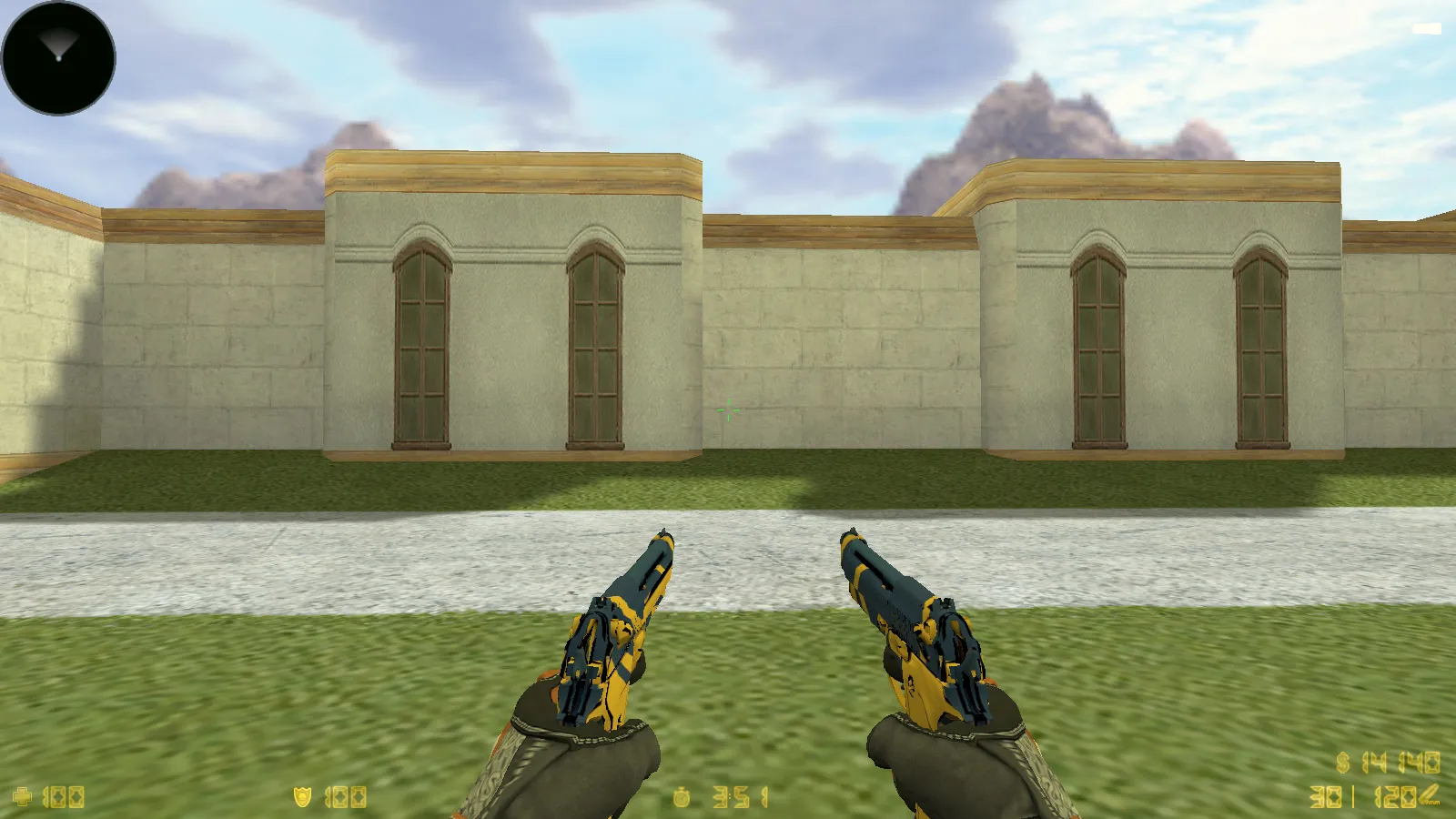
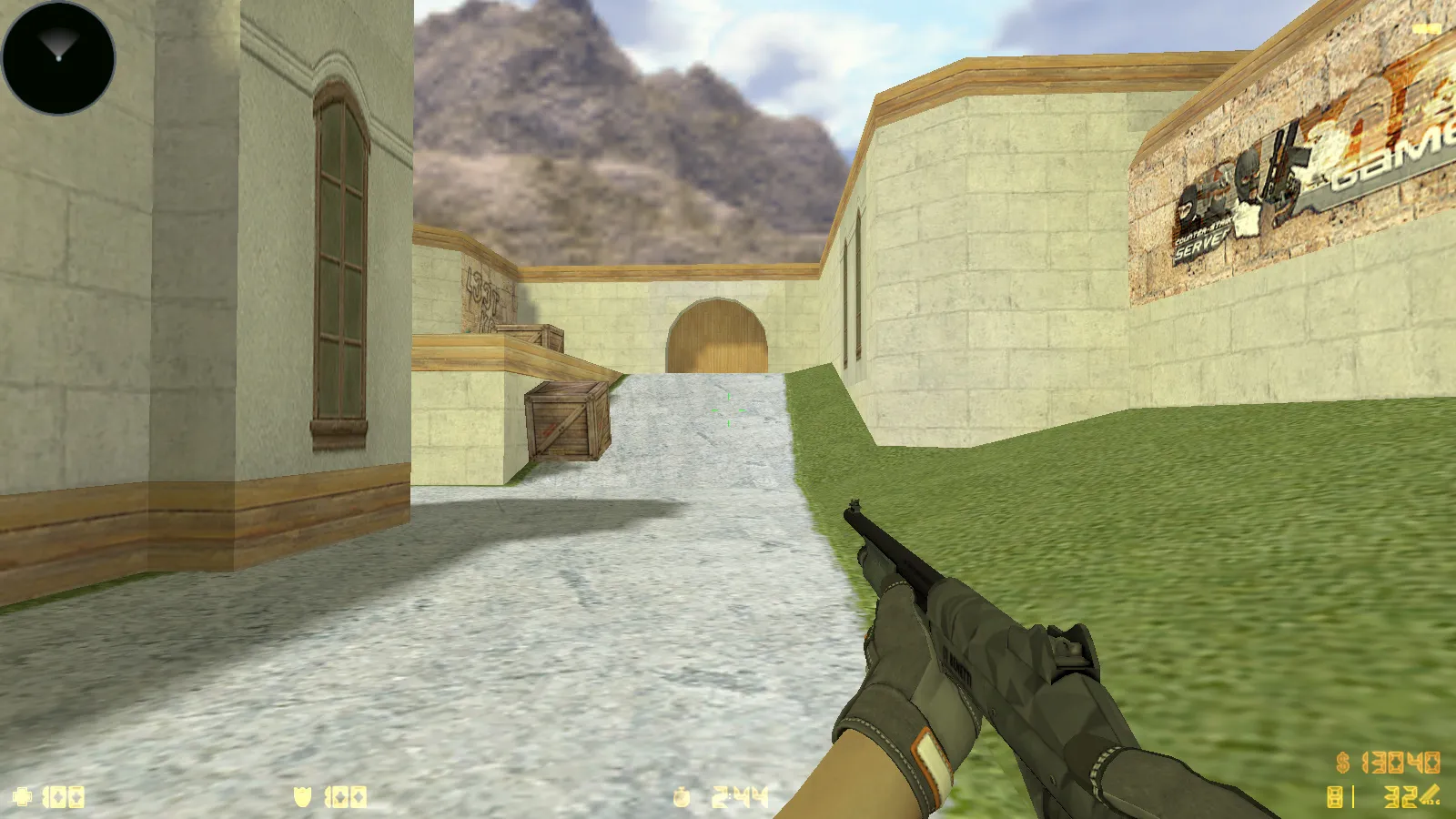
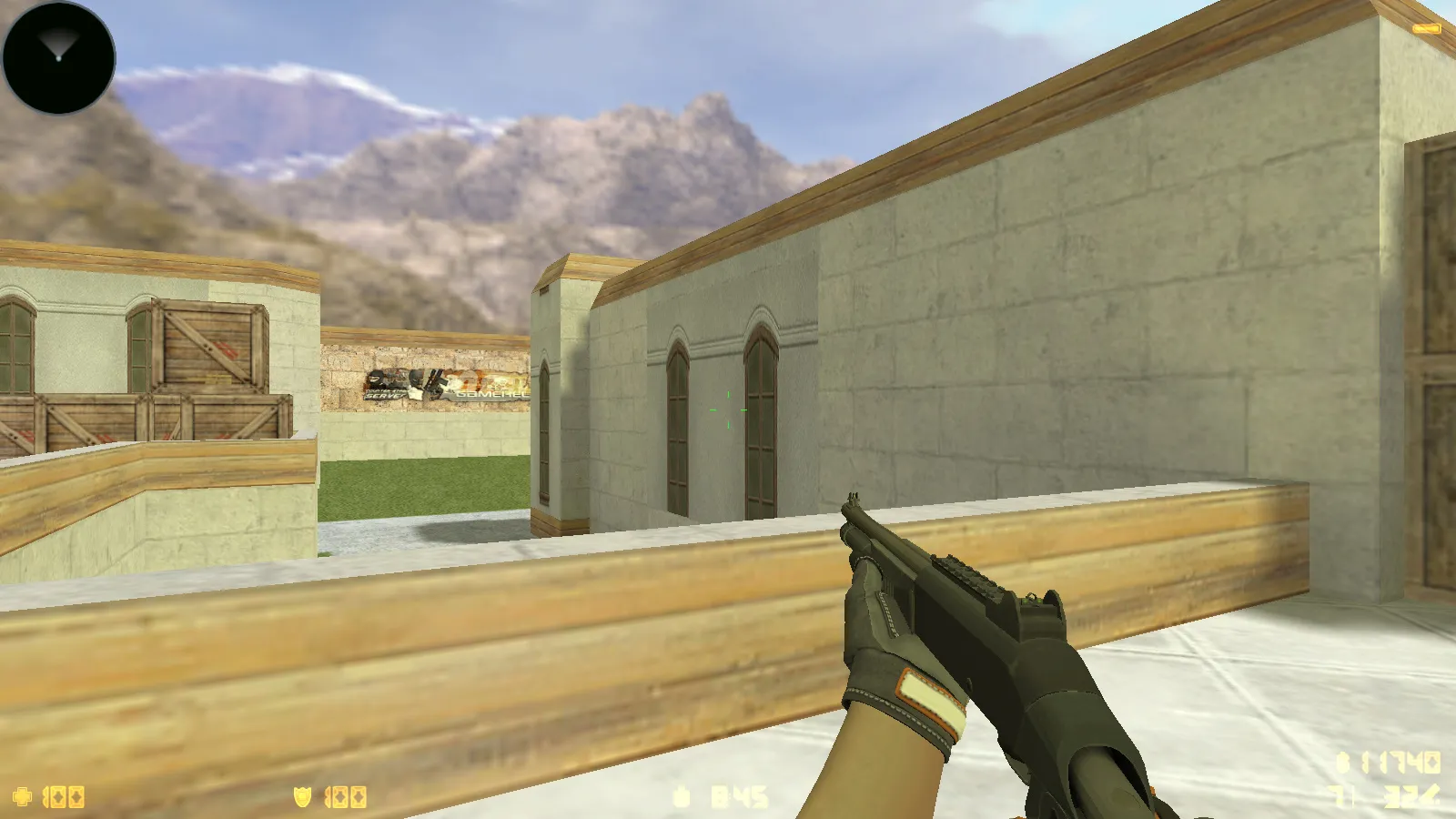
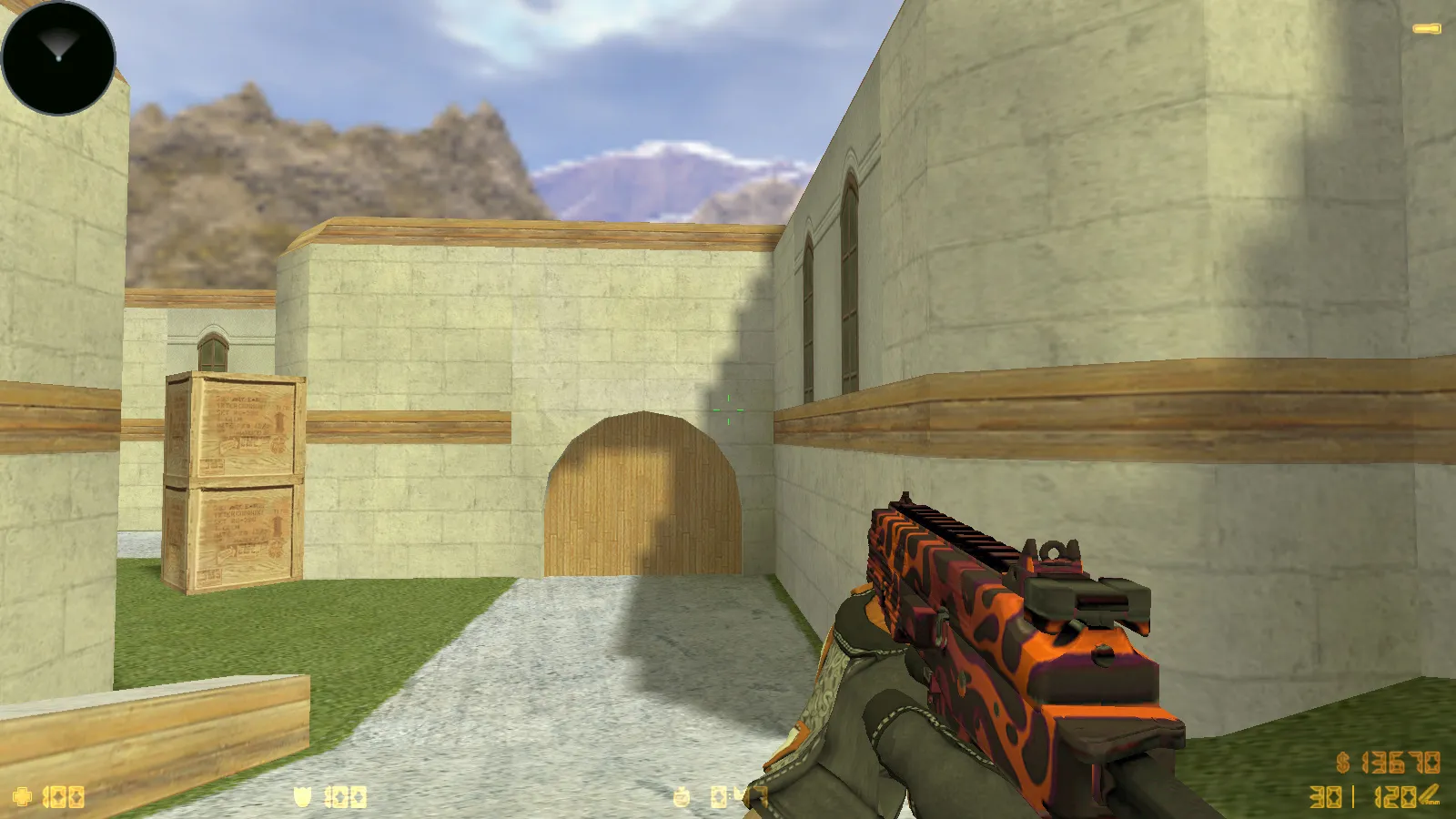
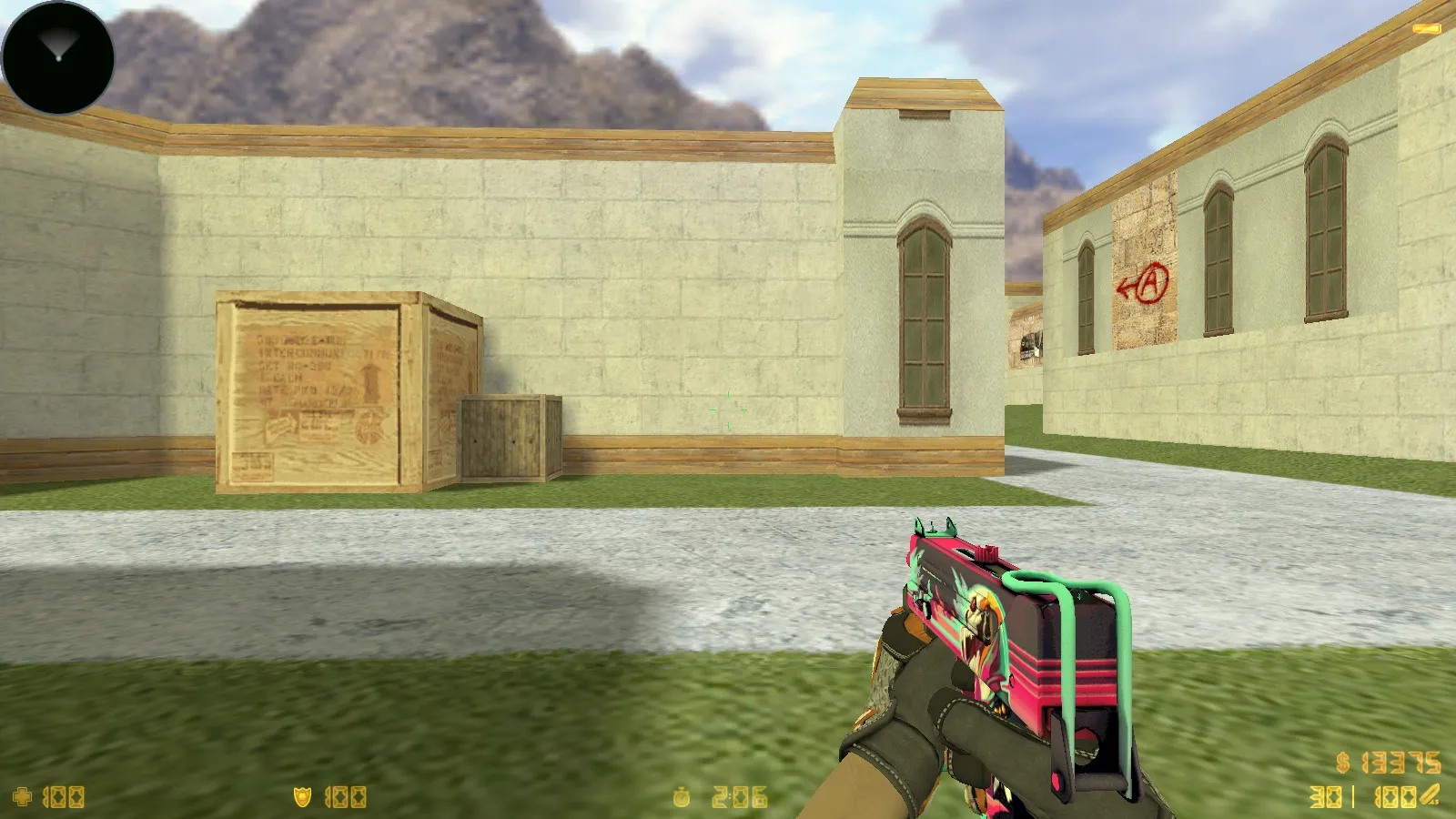
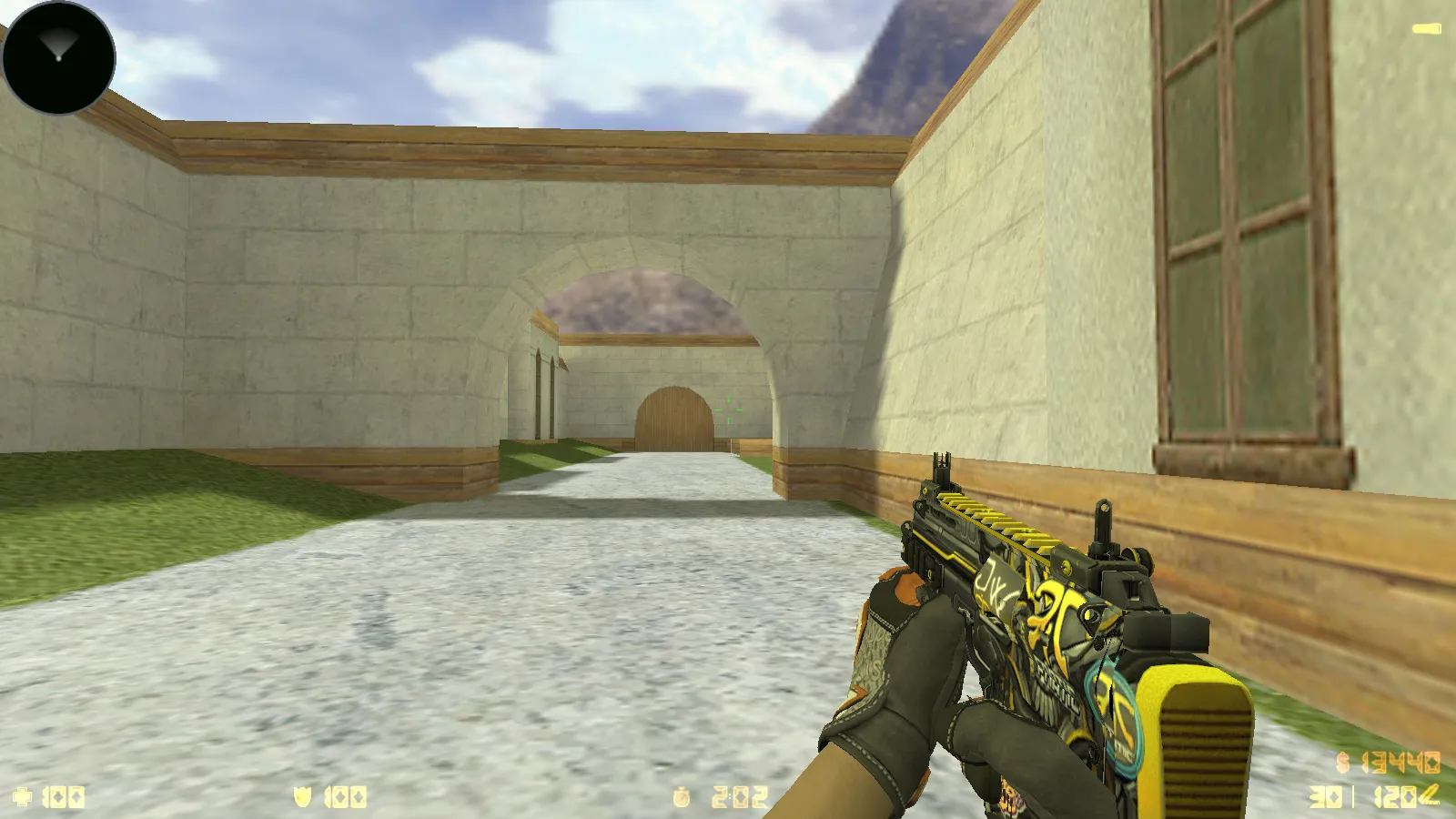
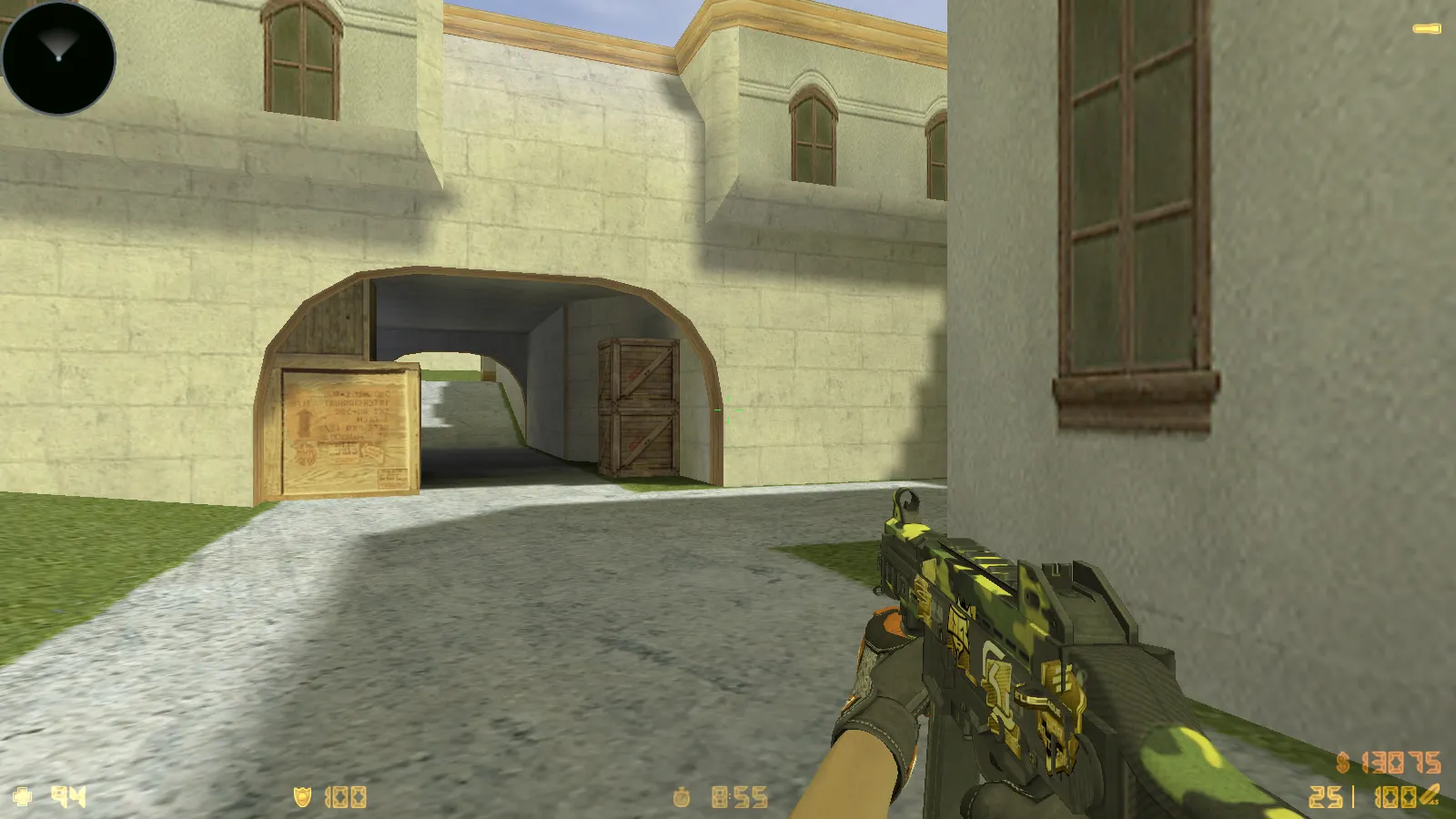
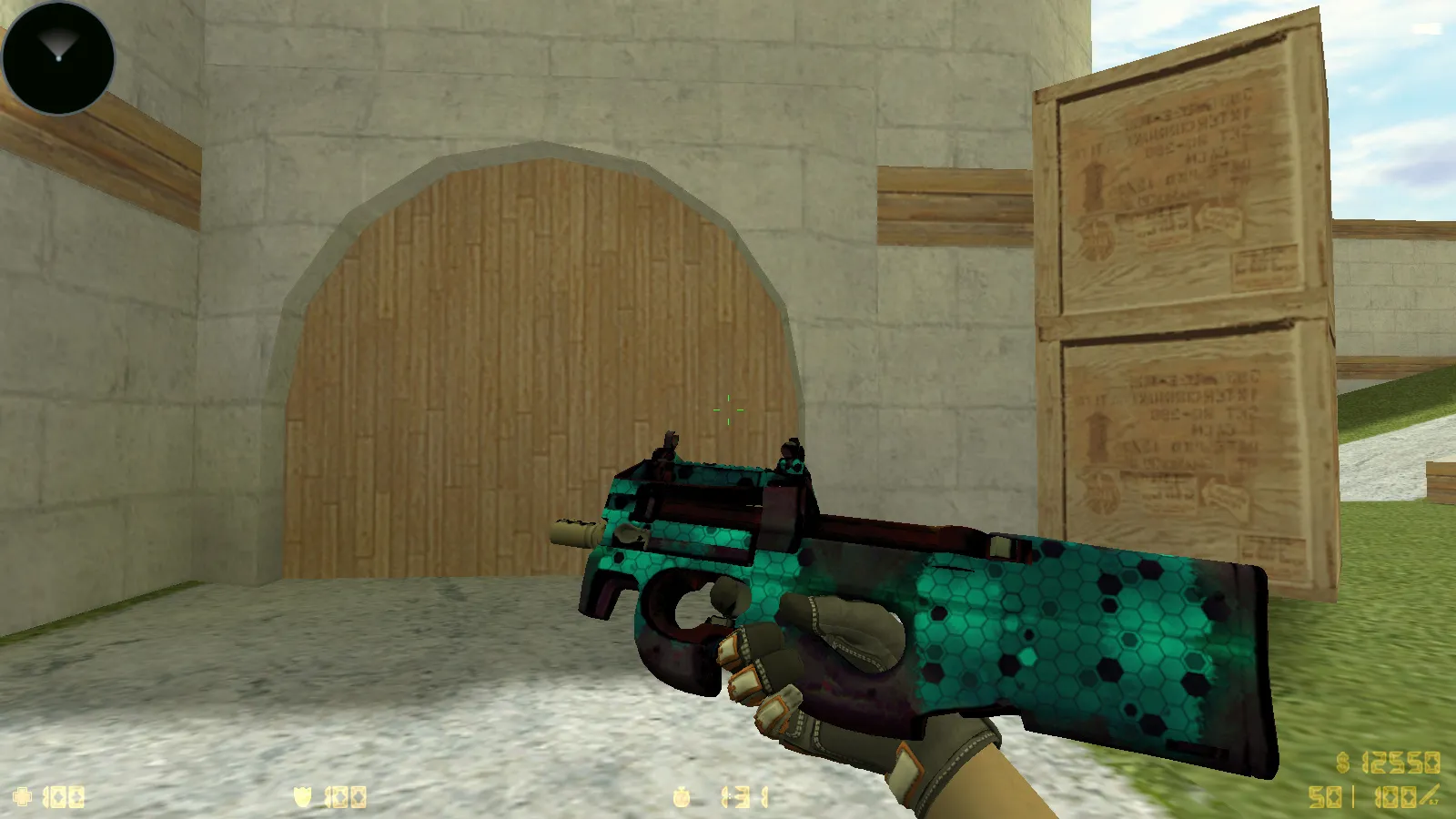
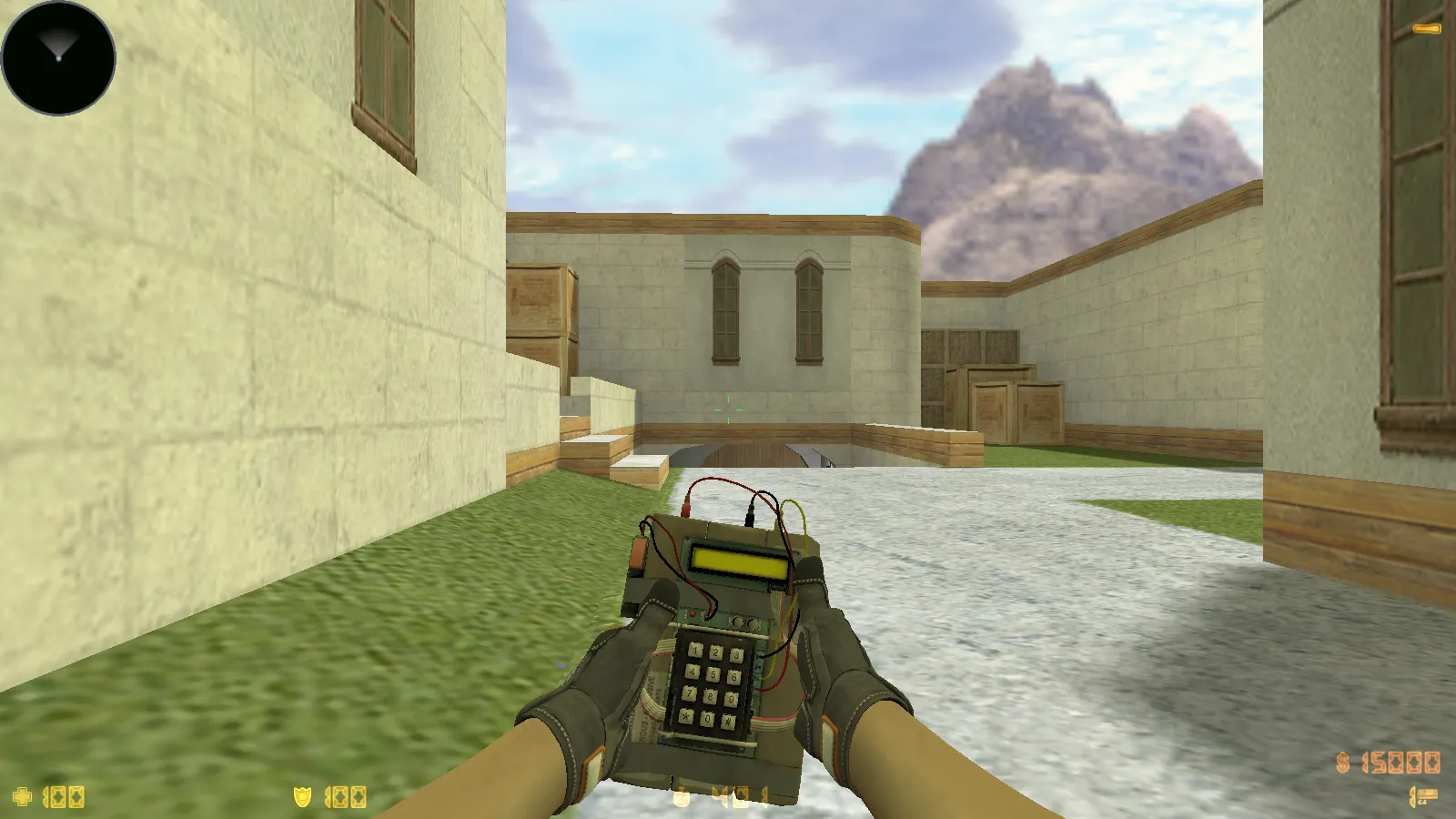
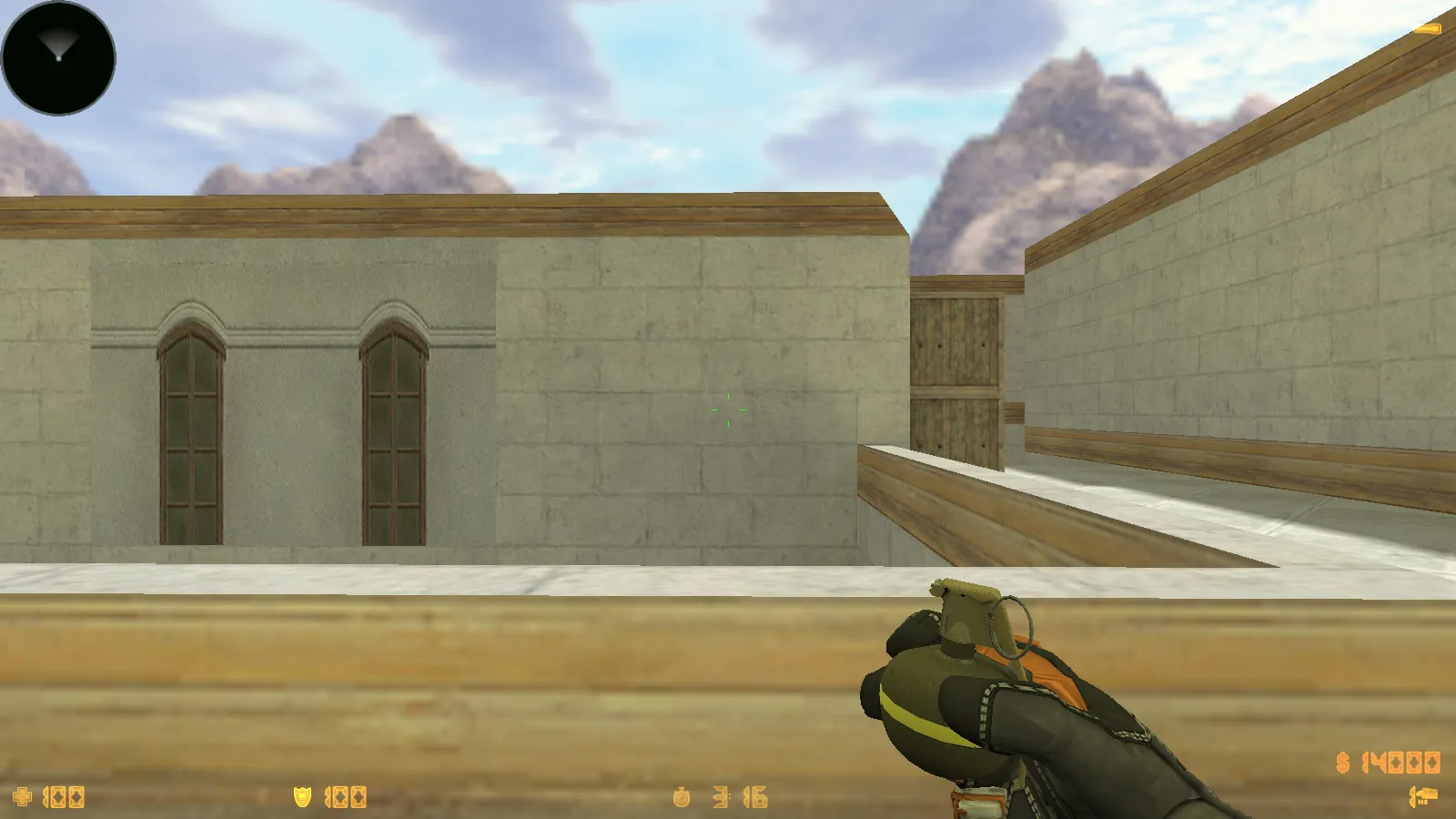
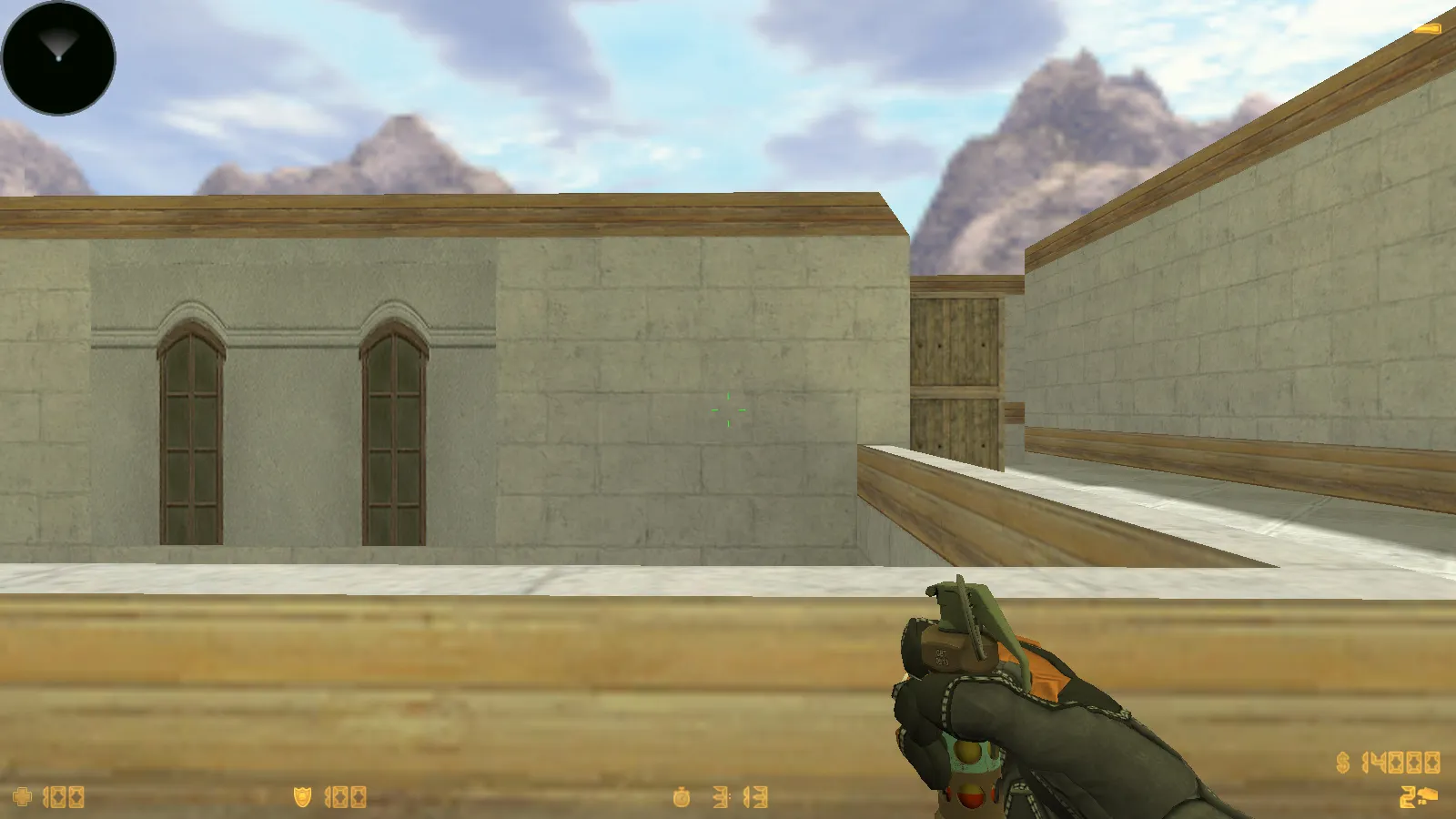
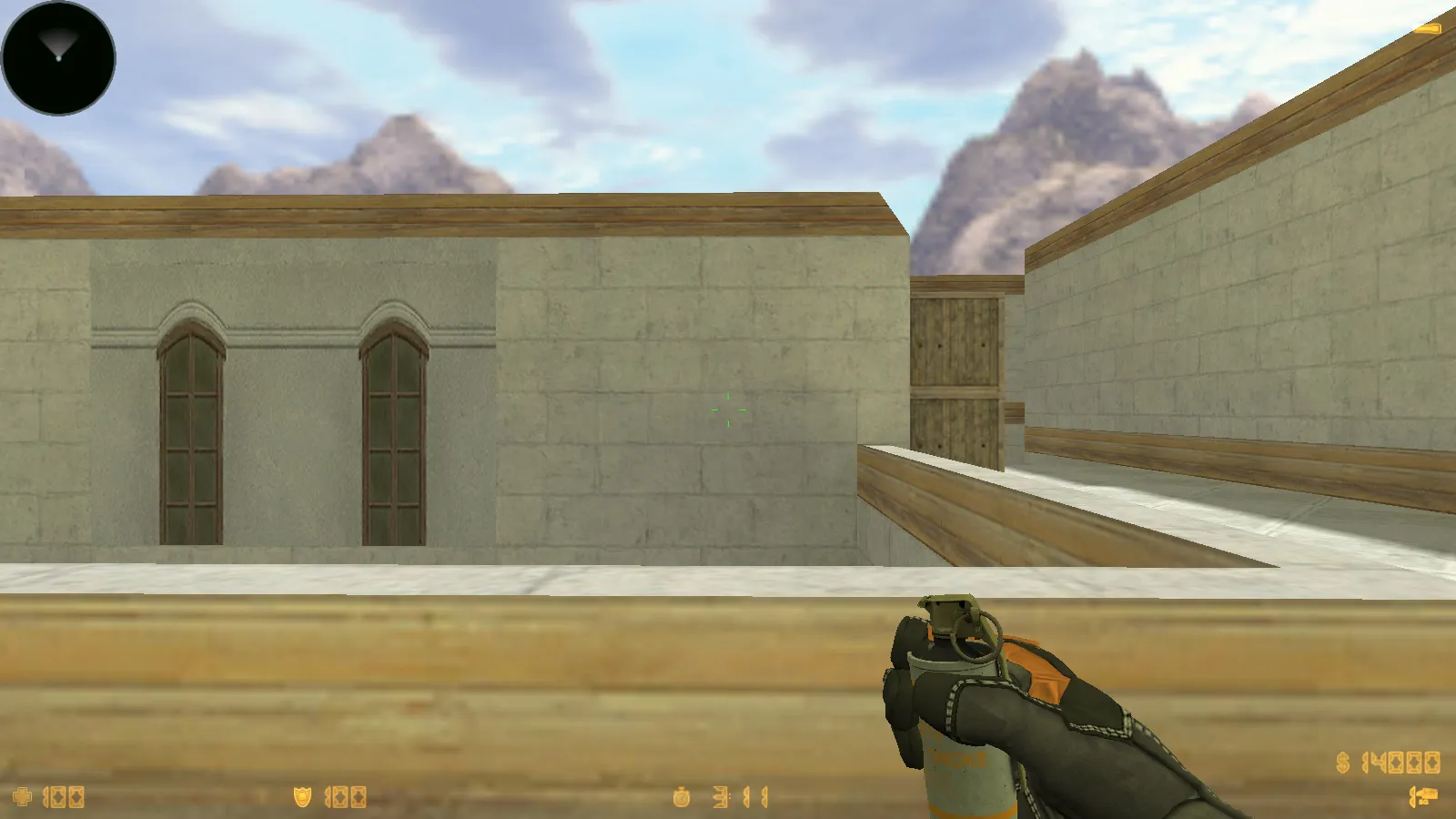
CS 1.6 Vortex provides a tailored Counter-Strike 1.6 experience centered on visual upgrades and smooth performance. It features thematic adjustments for a fresh appearance, including 10 add-ons containing 29 modern-style weapon skins and SWAT gloves designed as Tiger Strike. The package ensures weapons look sharp and models operate stably on servers or during local play without errors.
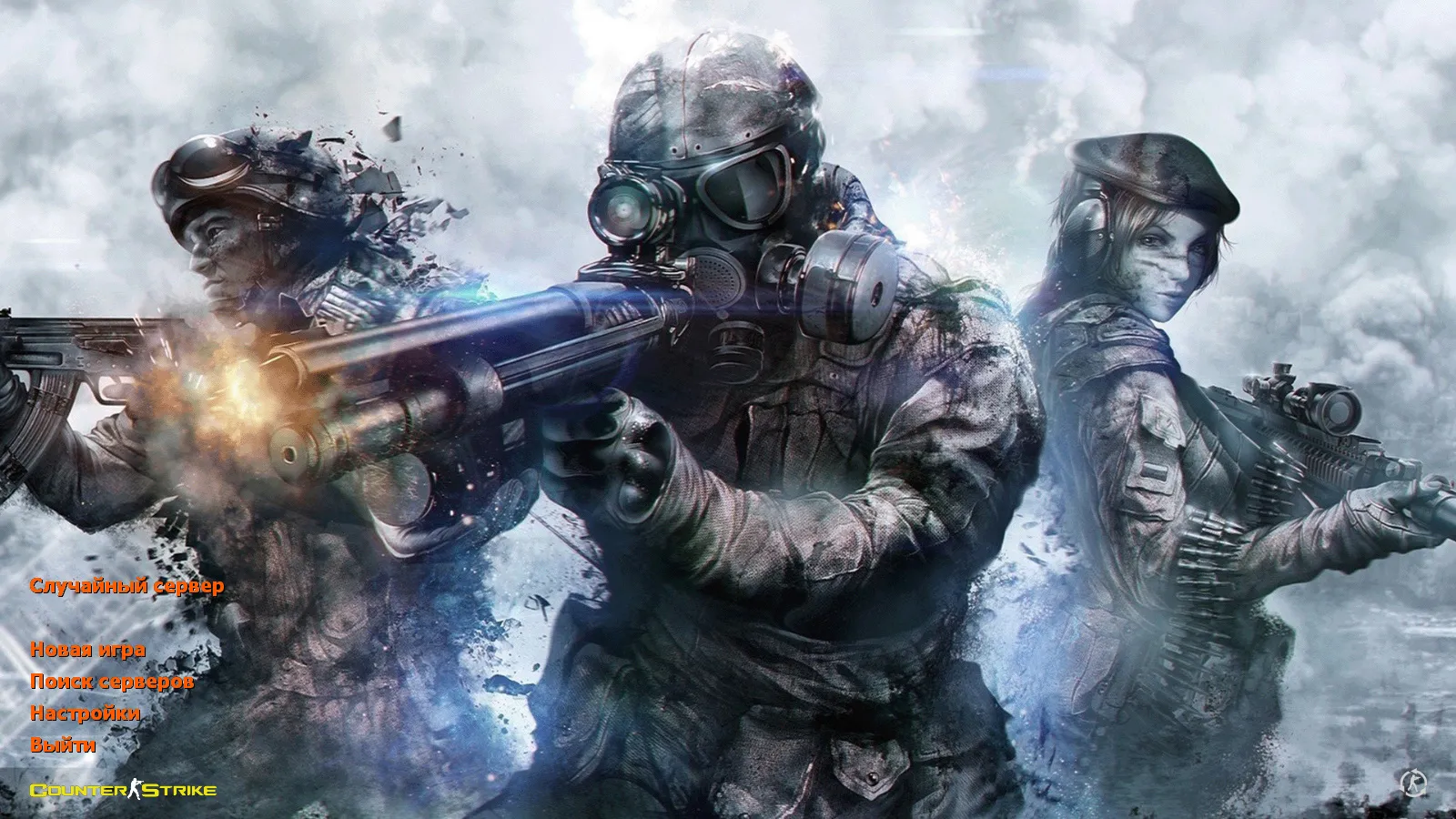
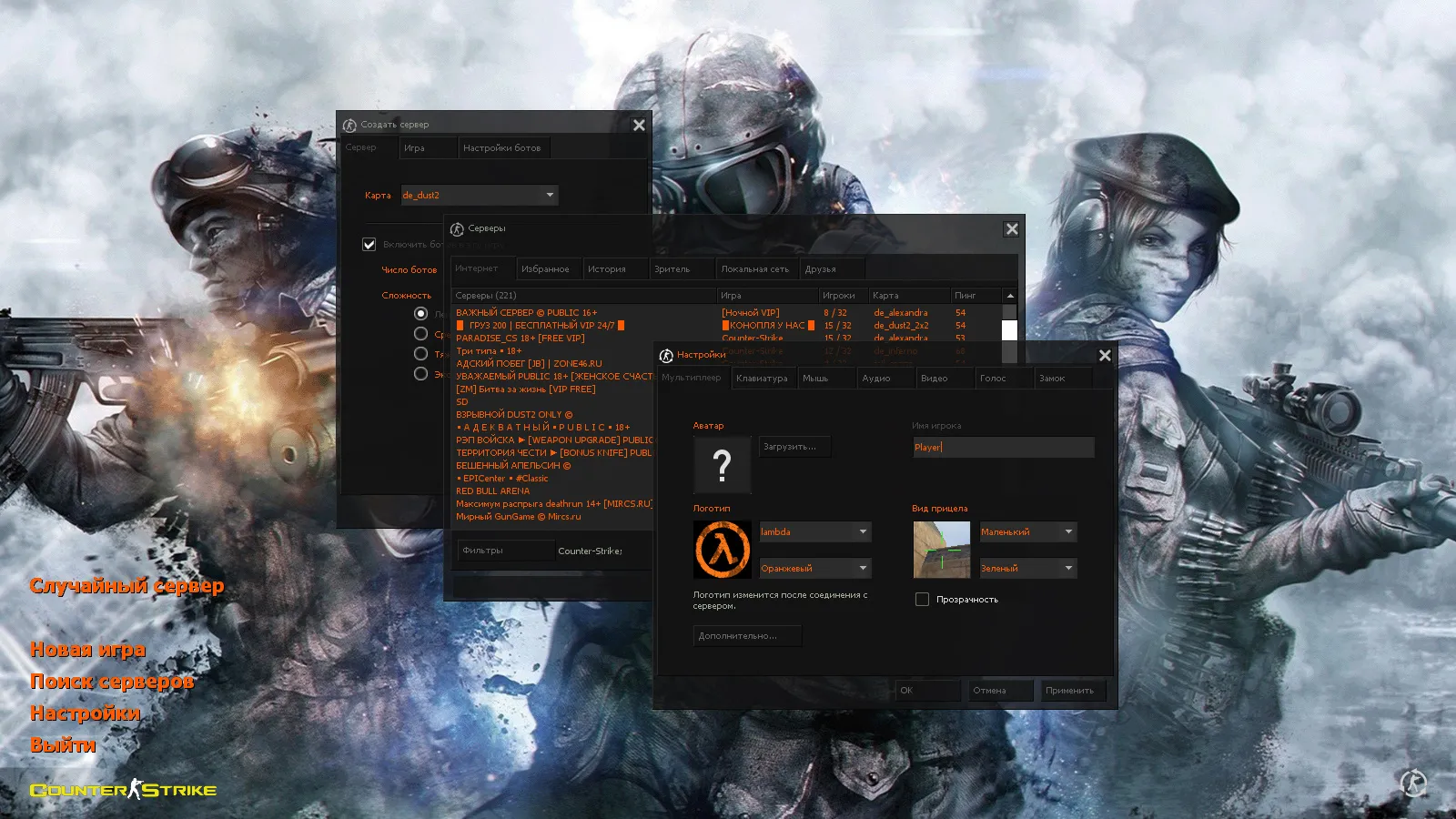
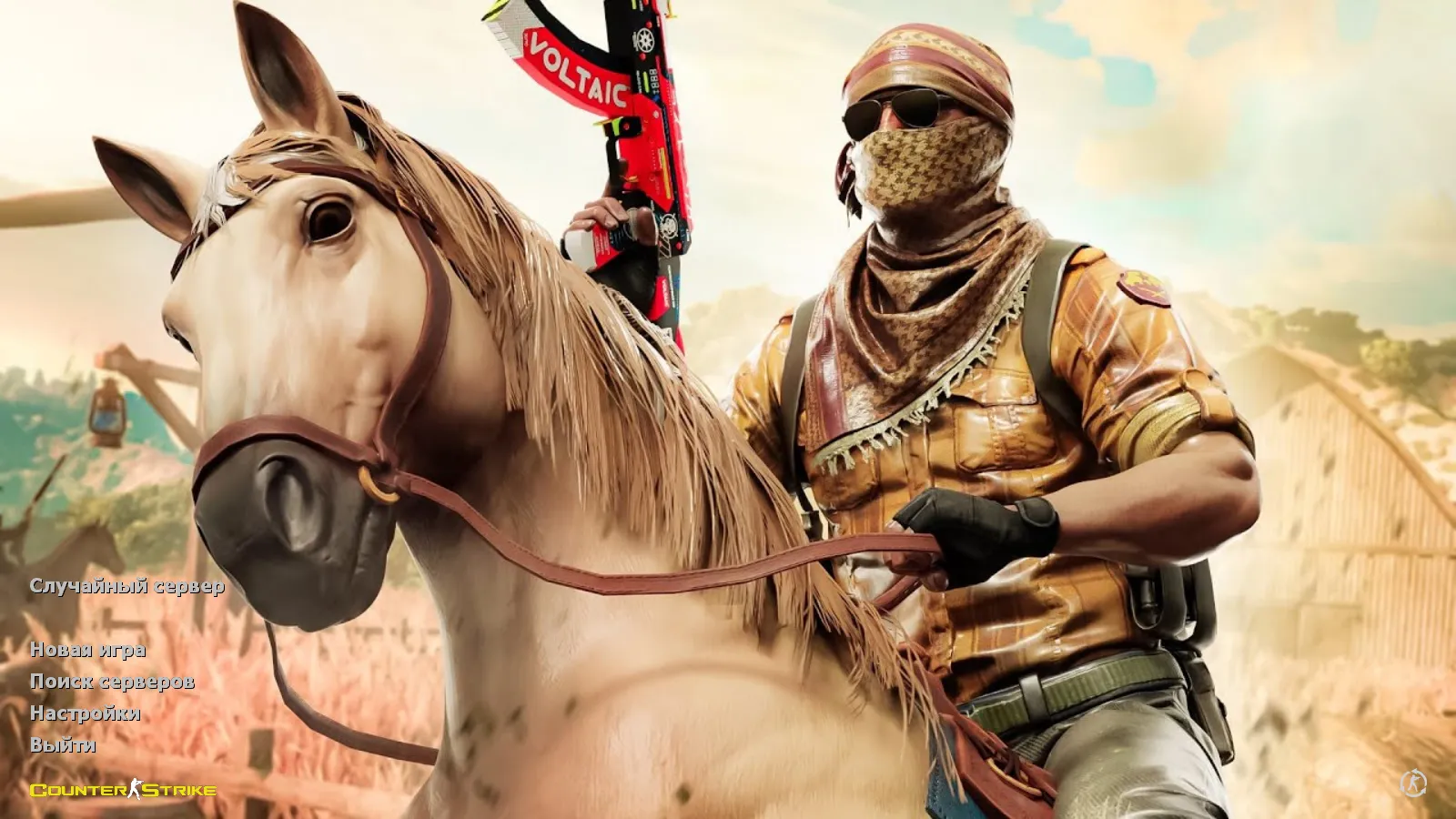
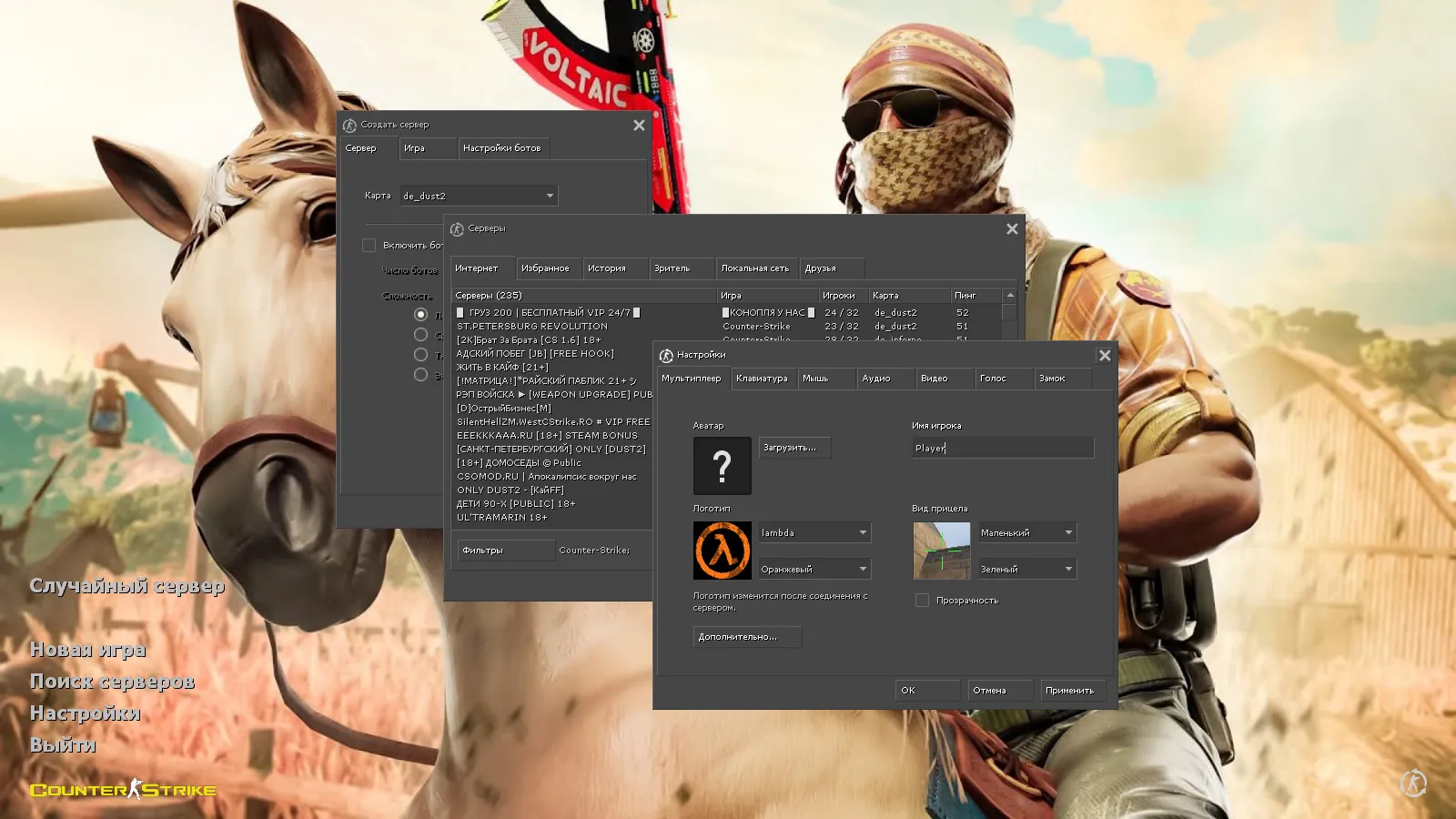
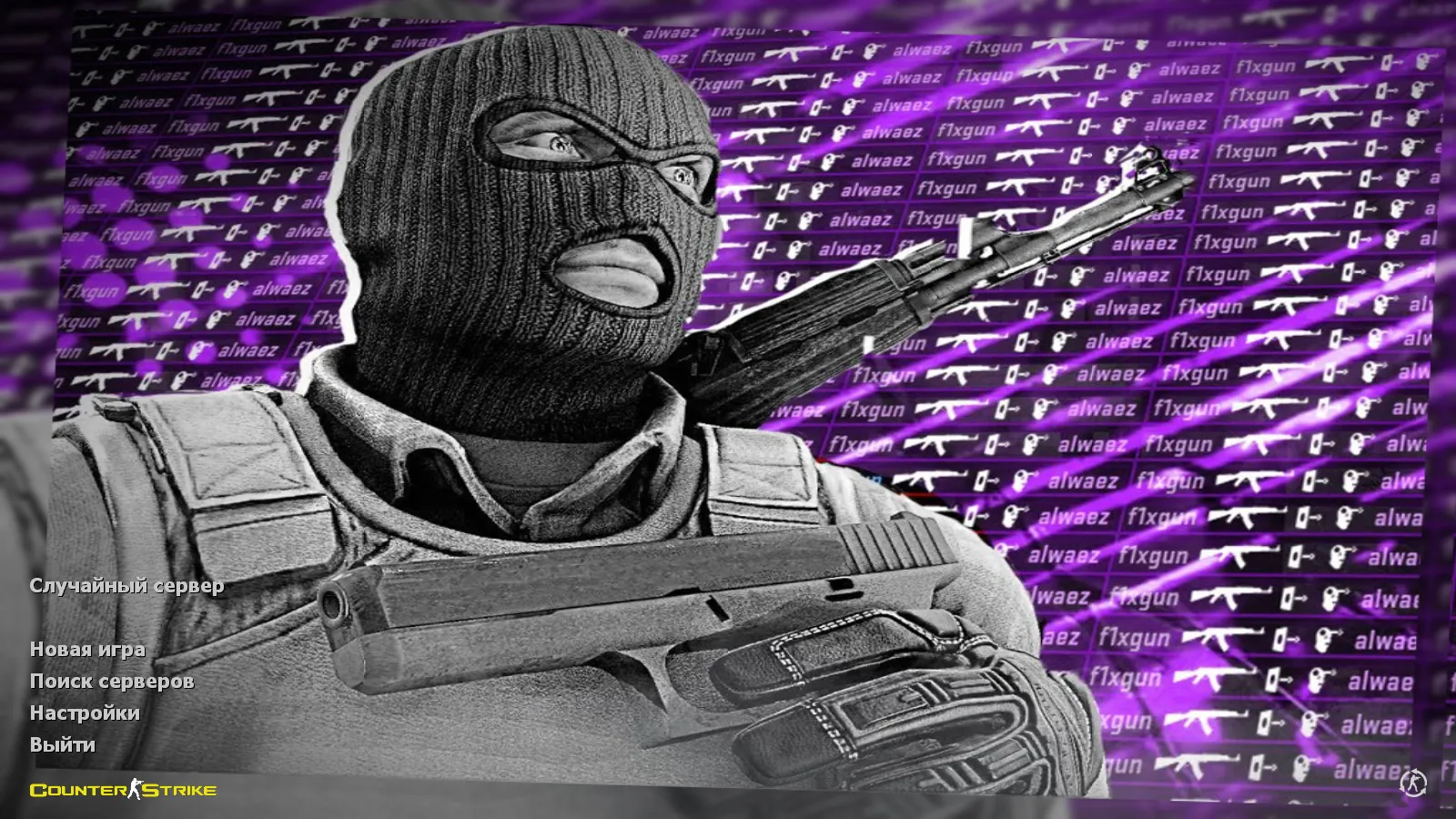
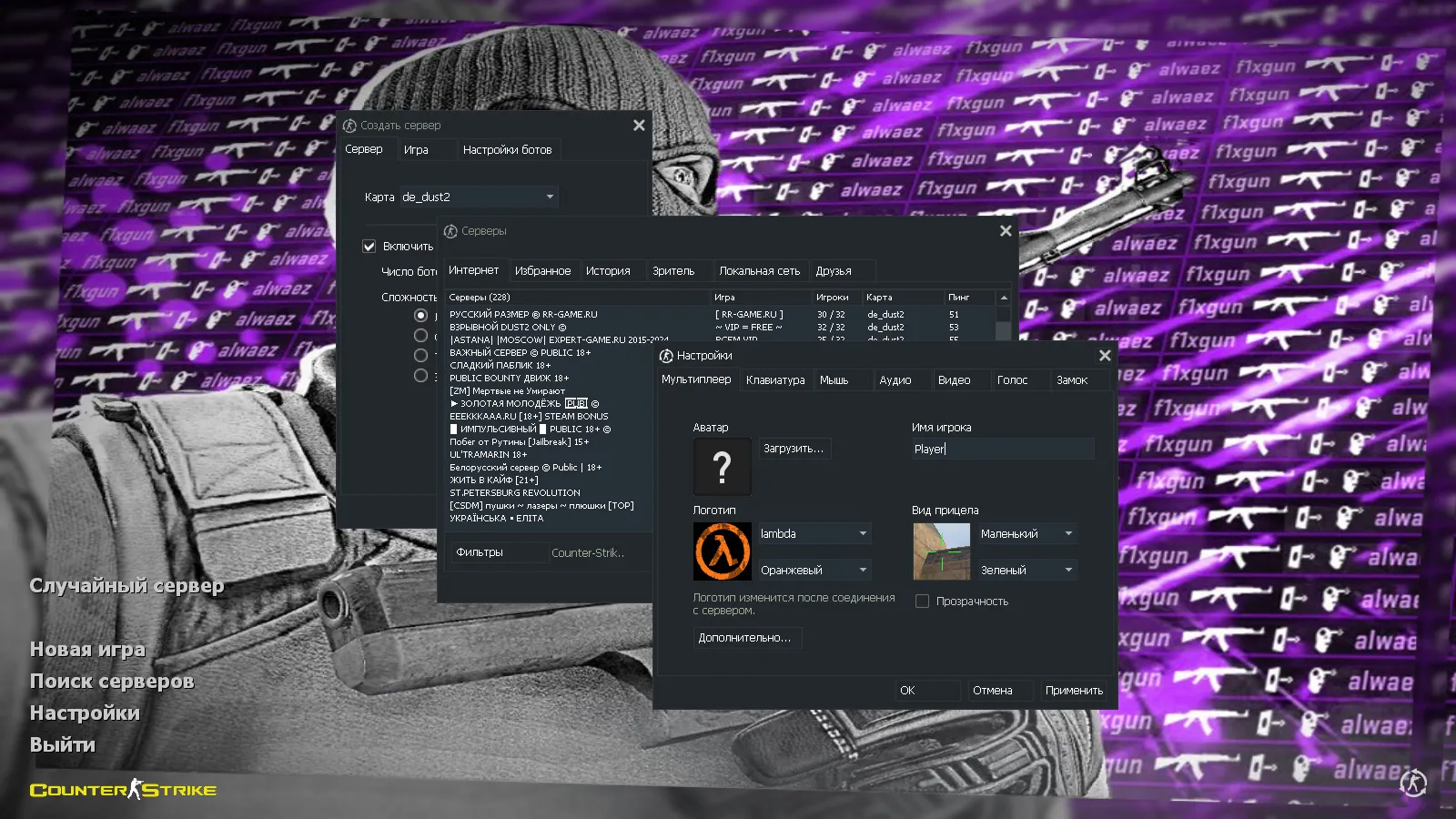
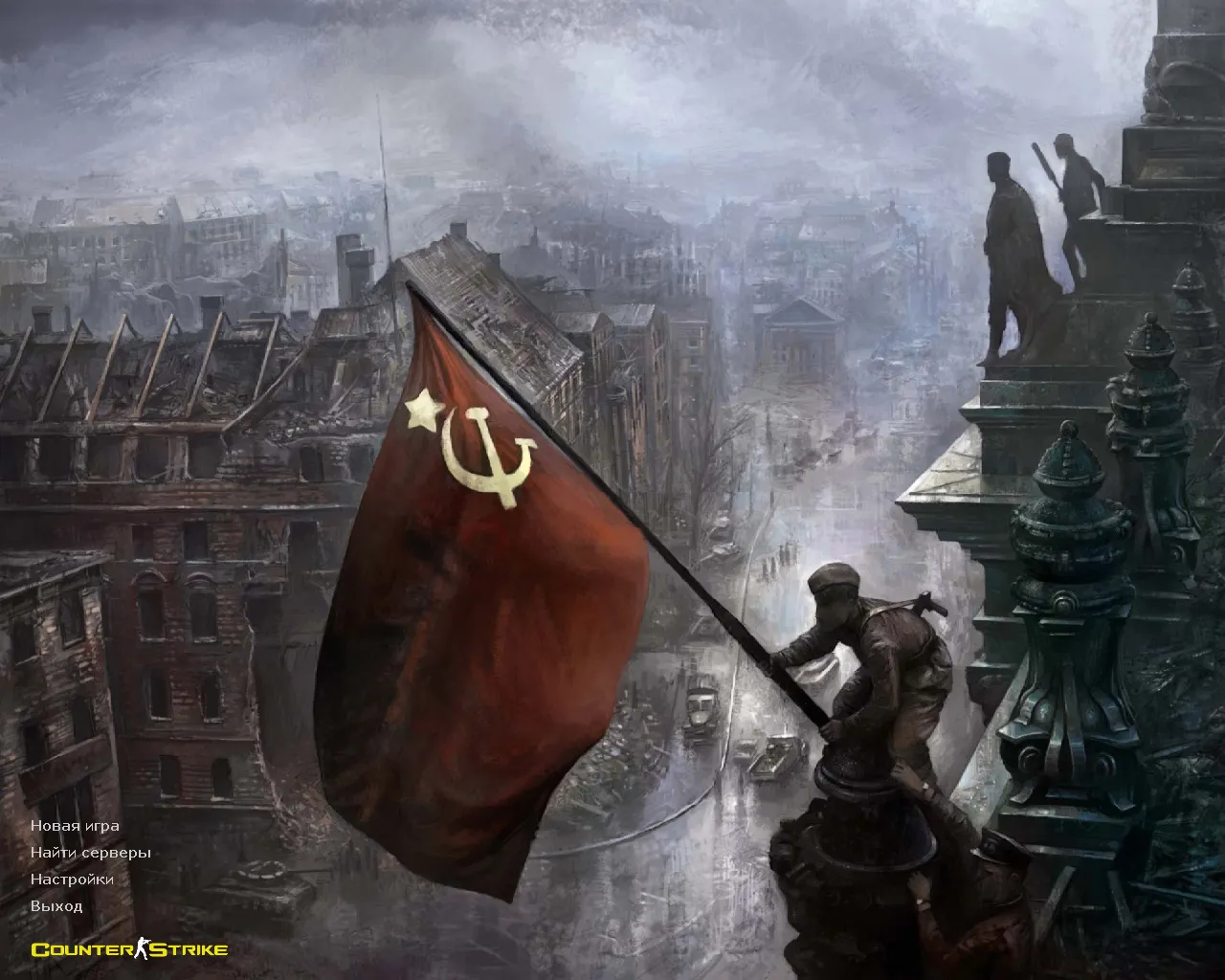
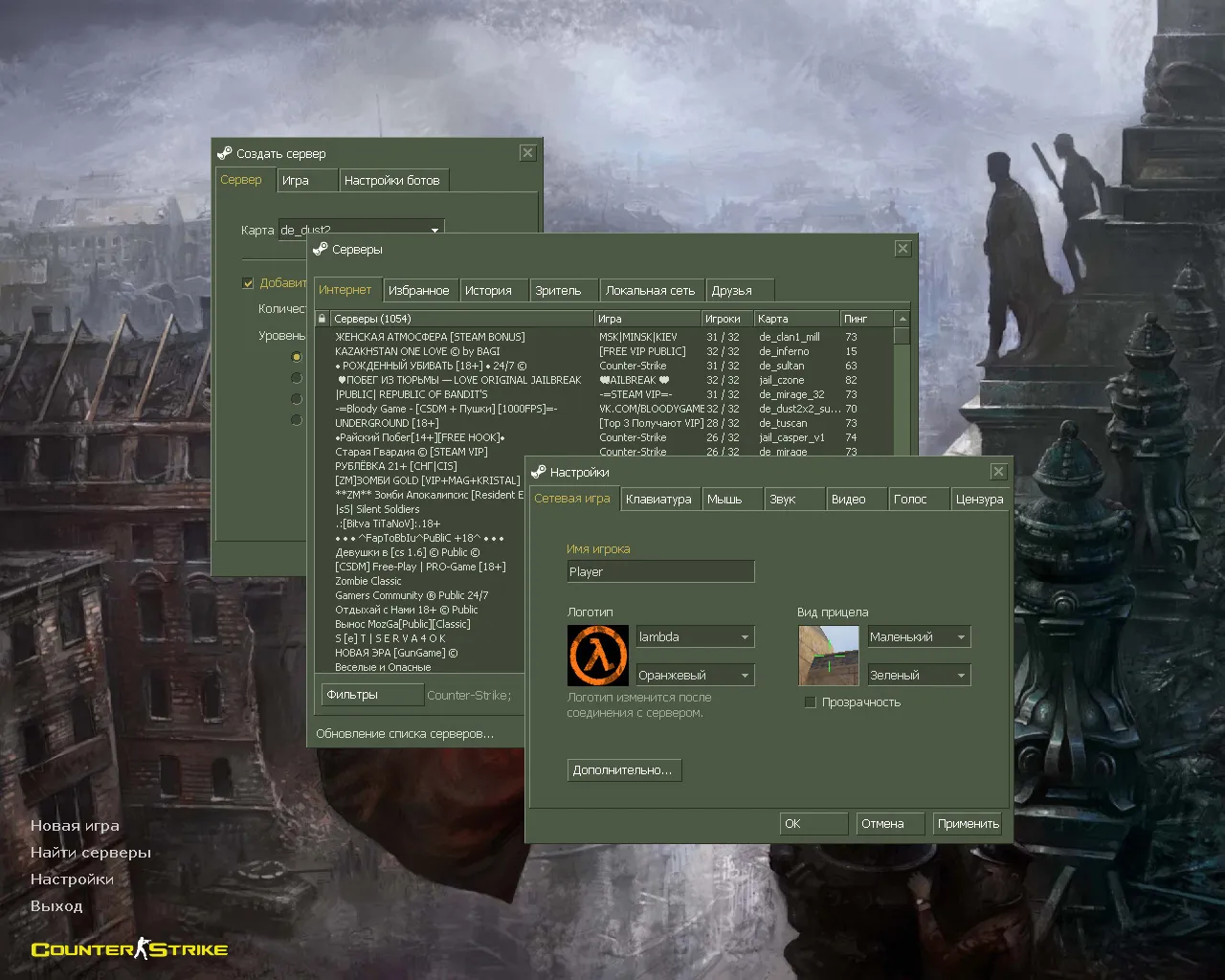
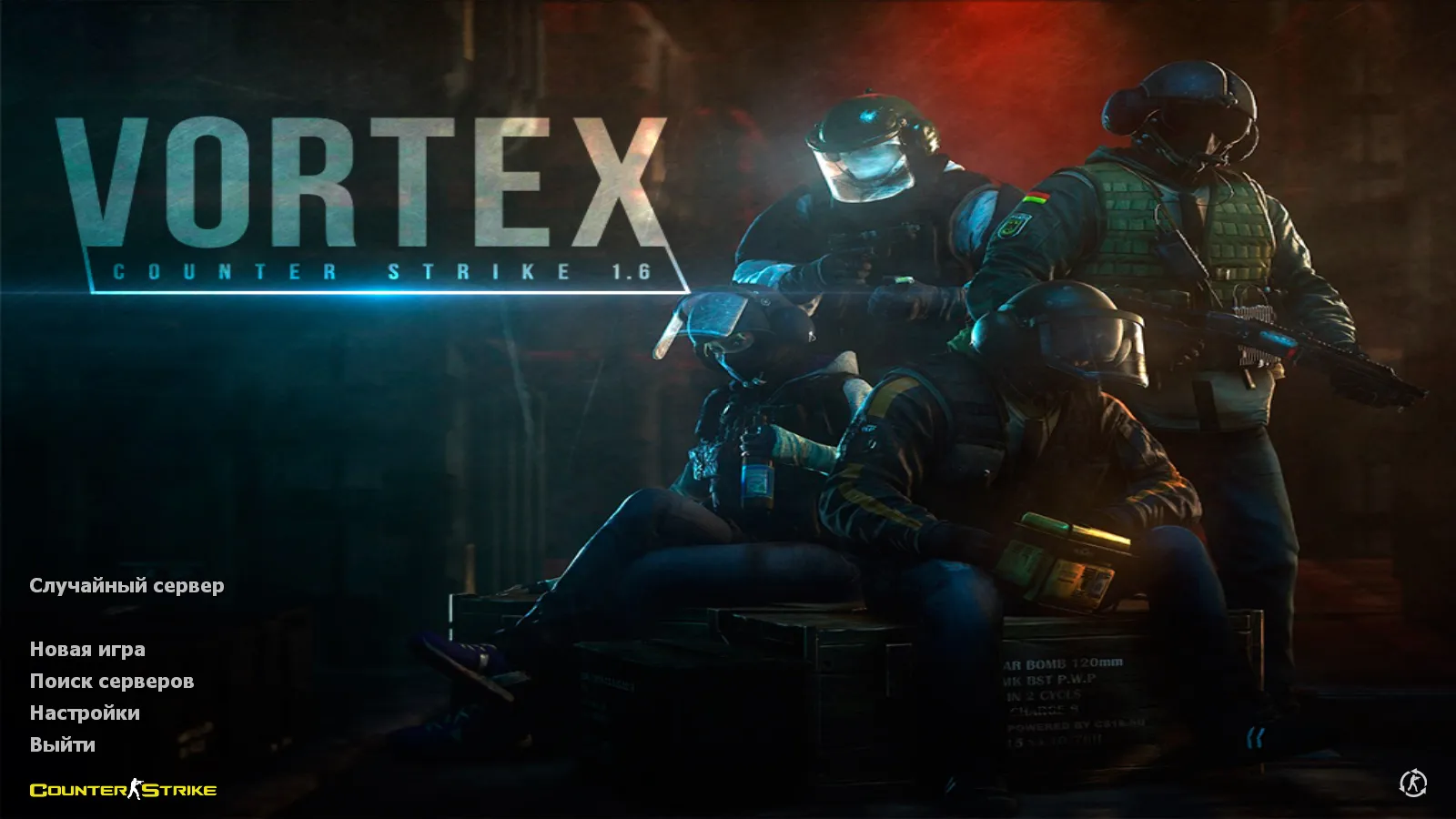
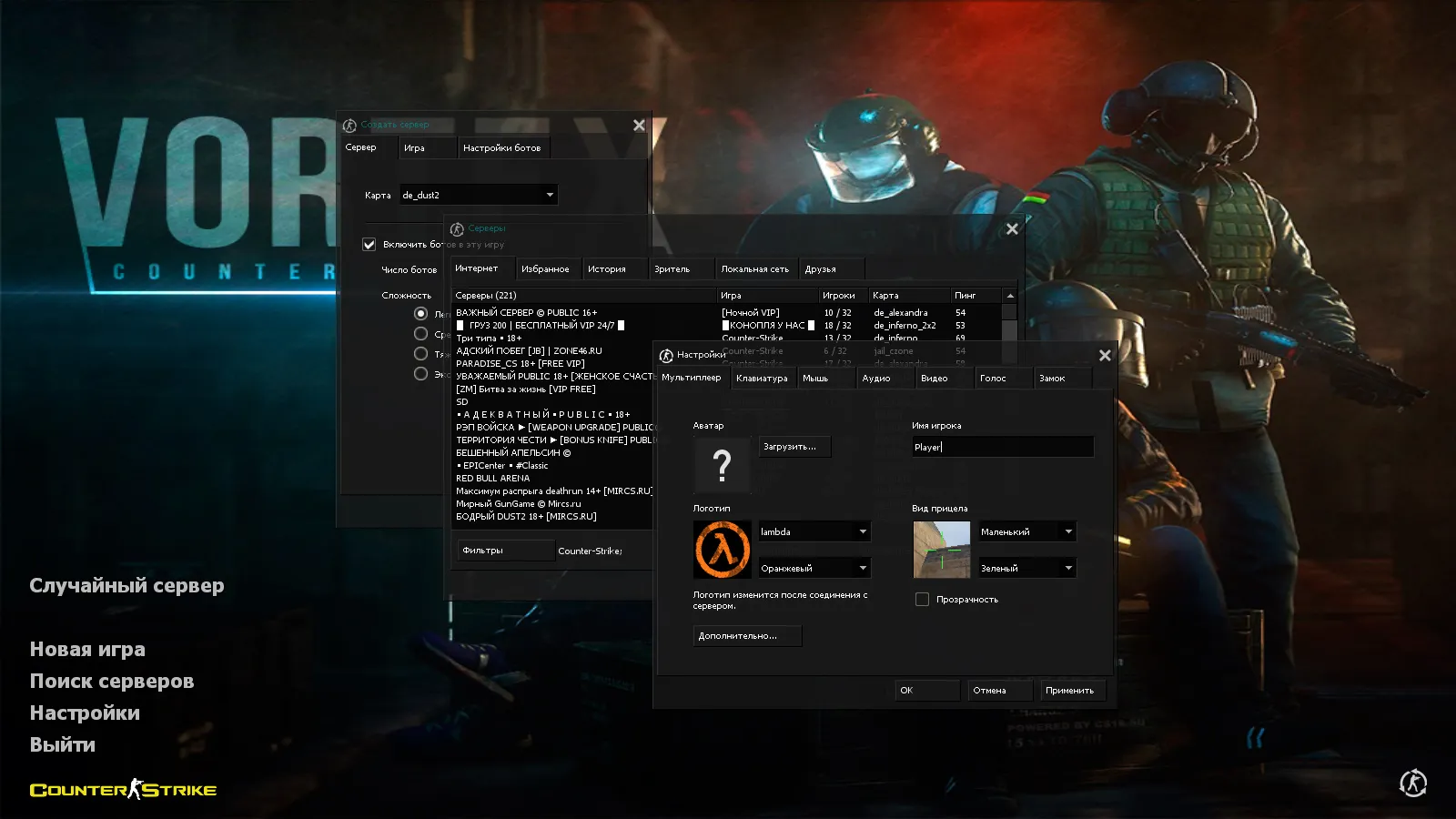
Player models receive color-coded designs: red for terrorists and blue for counter-terrorists. This assists with rapid identification during rounds, particularly in long-distance engagements or close-quarters combat. The menu adopts a dark theme, with the primary background displaying four counter-terrorists to enhance the loading screen and prevent a plain look.
Build Contents: Textures, Music, Radar, and Launch Icon
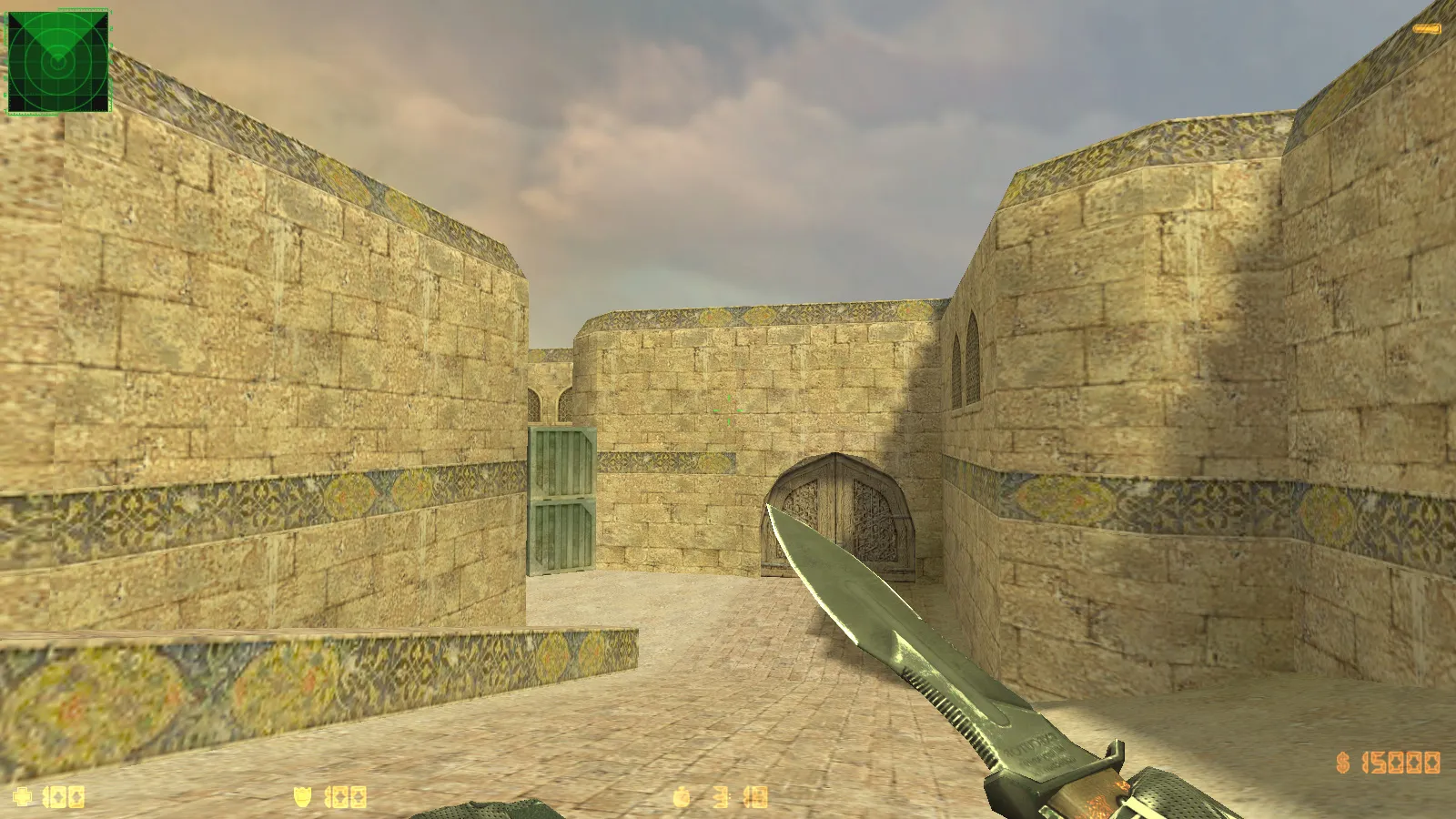
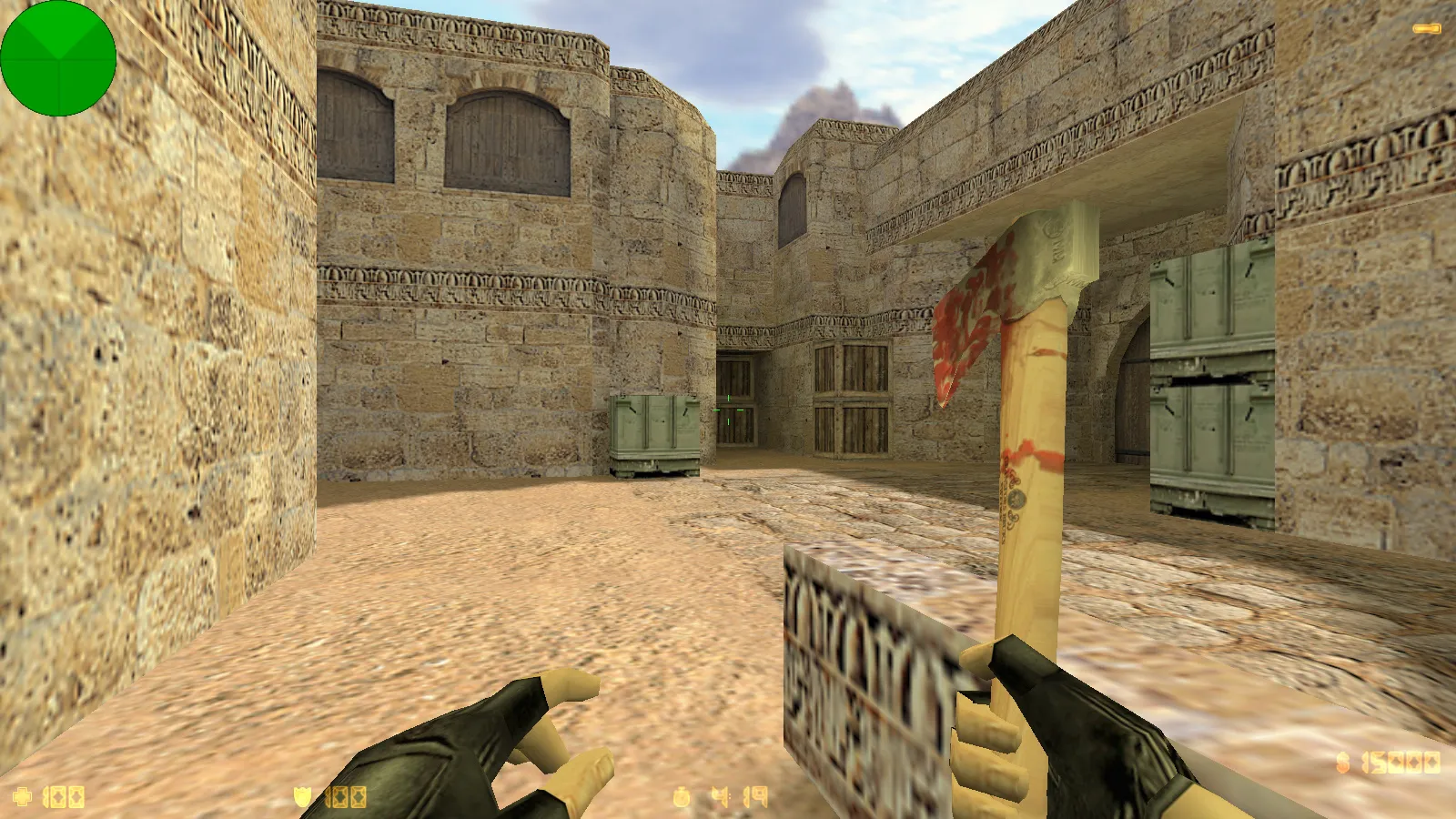
Aside from skins, Vortex refreshes audio and menu music for a more lively client atmosphere, removing the dated interface feel. Map textures are adjusted, making well-known scenes on maps such as de_dust2 crisper without adding distracting details during firefights.
Interface improvements cover the radar and launch icon. A clearer radar assists in tracking flanks and teammate movement quickly, keeping you informed. The custom launch icon sets this build apart if you have multiple CS 1.6 versions installed on your computer.
Weapons and Animations: Designed for CS 1.6
Weapon assets utilize standard v_ viewmodels, p_ player models, and w_ world models for first-person perspectives, hand holds, and environmental drops. Custom weapon sounds blend in seamlessly, while inspect animations adhere to original logic. Textures reach high-definition 1024x1024 resolution, remaining readable in fast-paced action without conflicting with the client's base style.
Customization emphasizes stability: models do not jitter during movement, and elements remain consistent across viewing angles. Vortex maintains skins as a unified package, not merely flat textures lacking depth.
Player Skins and Style: Visibility and Readability
The build guarantees player models stay visible in dark areas or difficult lighting, ESL-style. Hitbox alignment remains precise for fair gameplay mechanics, allowing reliable shot prediction. Distinct skin visuals add flair without disrupting physics or collision logic.
Russian nicknames and chat input function as standard, ideal for coordinating tactics in Russian-speaking teams quickly.
Build as Client: Version, Security, and Clean Config
CS 1.6 Vortex aims for reliable launches and predictable client behavior on build 4554 or 8610. MasterServer protection defends against swap attempts, eliminating network surprises at startup.
The configuration runs clean with a fresh config.cfg, avoiding clutter from old setups. Rate settings reach 100k for smoothness, paired with ex_interp 0.01 for low latency. Aliases appear if included, emphasizing FPS boosts via high-fps tweaks without breaking rules.
Compatibility covers both Steam and Non-Steam launches, fitting various installations without file hassles.
Online and Bots: Play on Any Map
Vortex connects to 250+ online servers for public matches or style-based teams. For practice, bot mode operates on any map to refine aim, positioning, and peeks-think analyzing B-site holds on de_inferno.
Bots utilize .nav files where available for smarter pathing, mimicking real matches. Optimization employs wpoly and epoly limits to maintain frame rates on varied hardware.
Mods and Compatibility
The build preserves original CS 1.6 features, allowing any mod installations. Core mechanics and client side remain intact to avoid network issues or join conflicts.
Safety Notes: Download from trusted sources only-no viruses, no slow-hacks, no ads, no auto-connect. Keep antivirus running and avoid adding unknown files to the game folder. This ensures a clean, secure setup for uninterru
Install in three steps
-
1
Download the archive. Use the button on the right, or the Yandex.Disk mirror if the main server is slow.
-
2
Extract it into the game folder. Use 7-Zip or WinRAR. A path without non-Latin characters works best.
-
3
Launch the game. If something doesn't work, mark it below - that is how we know the file needs an update.
Did it work for you?
No sign-up needed. You can pick more than one.