
Thematic
5 files
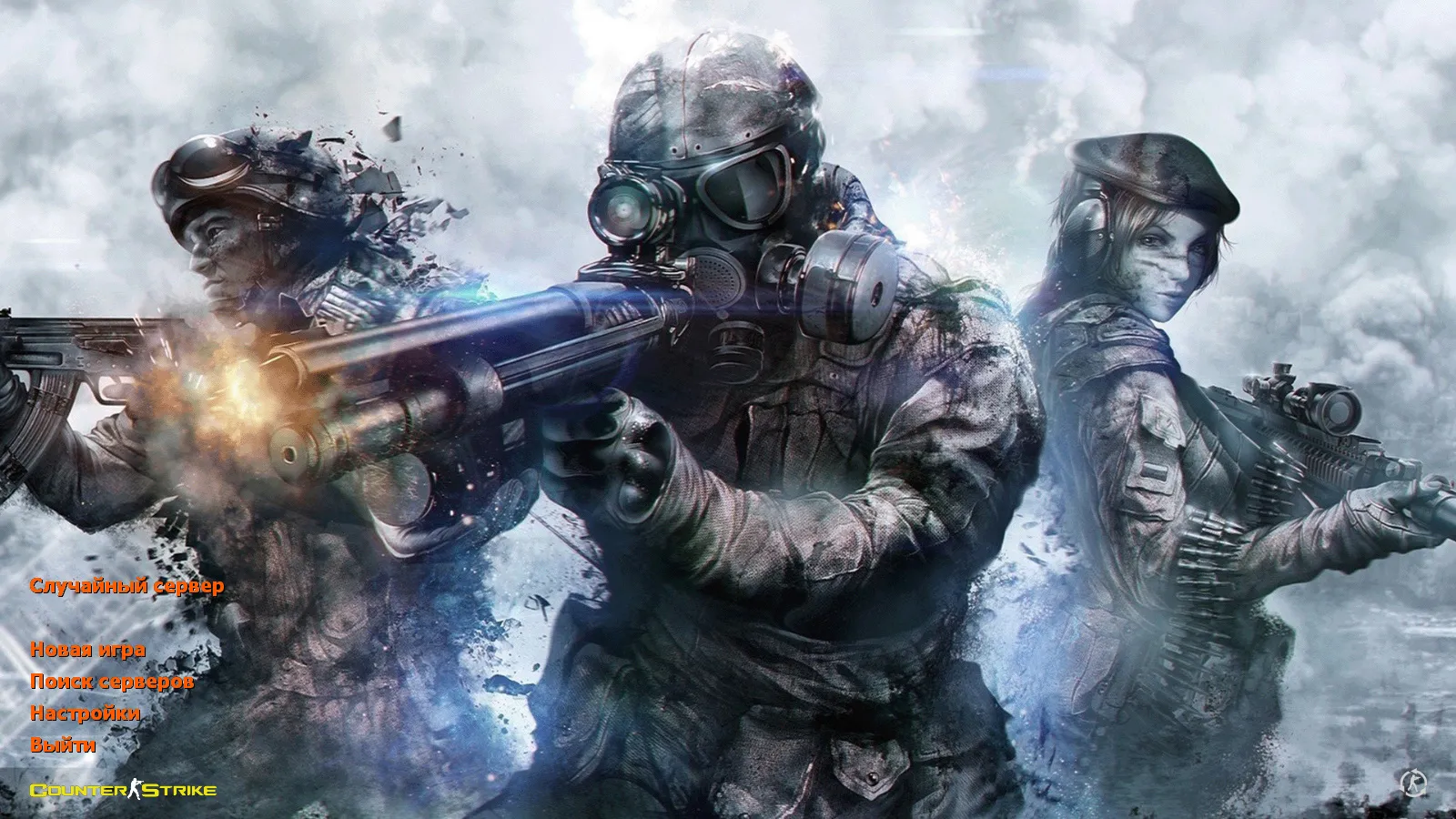
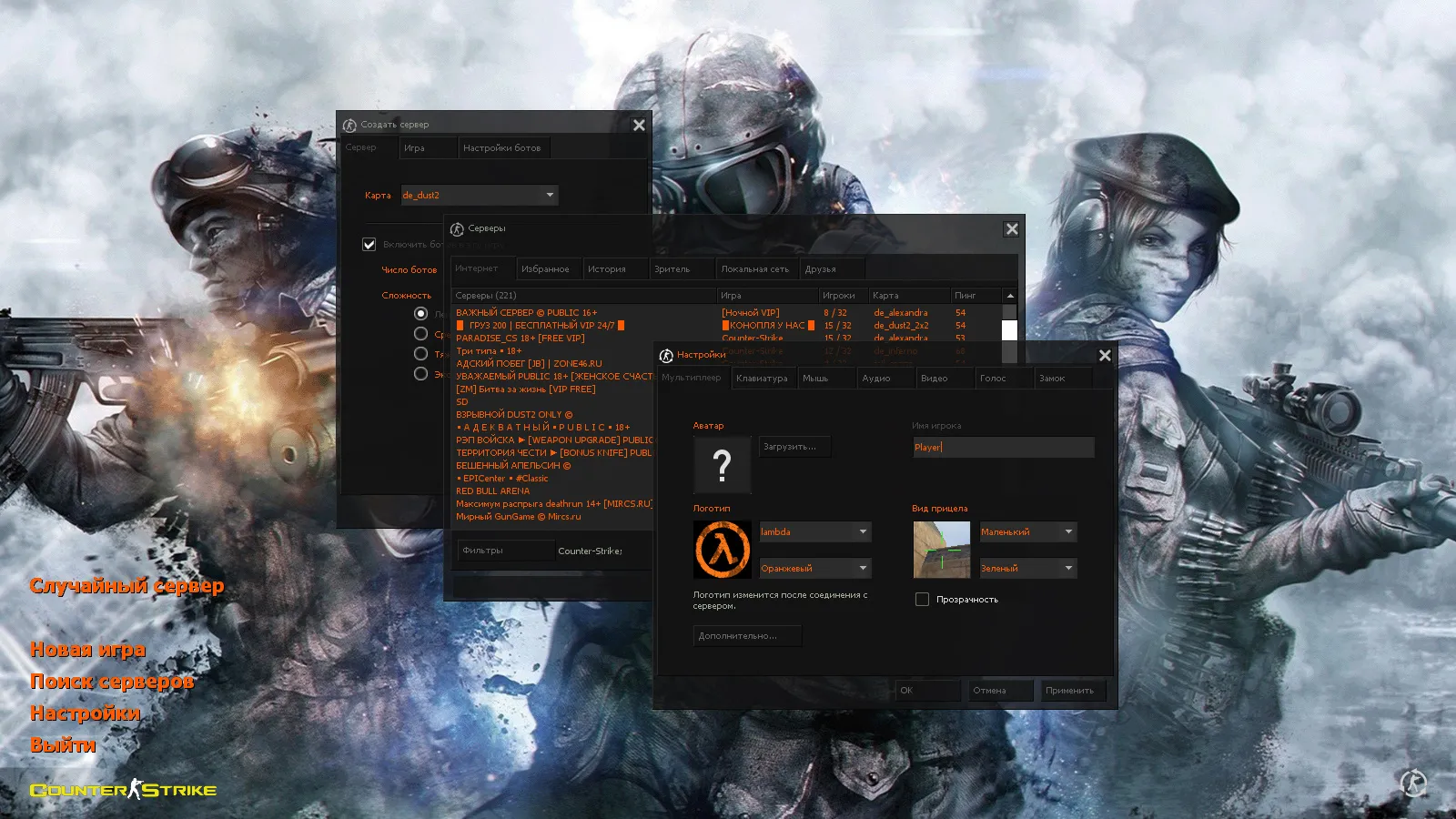
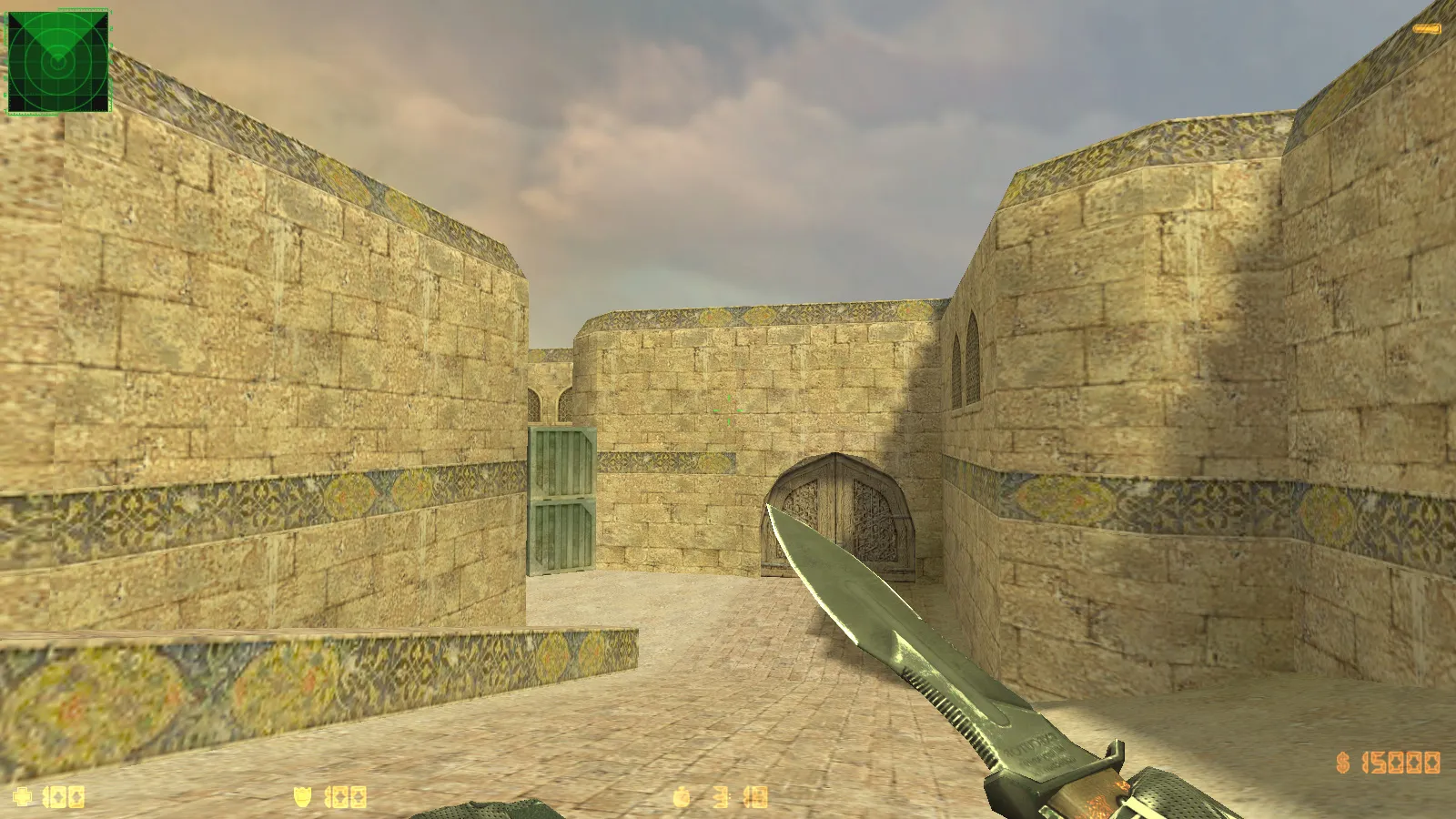
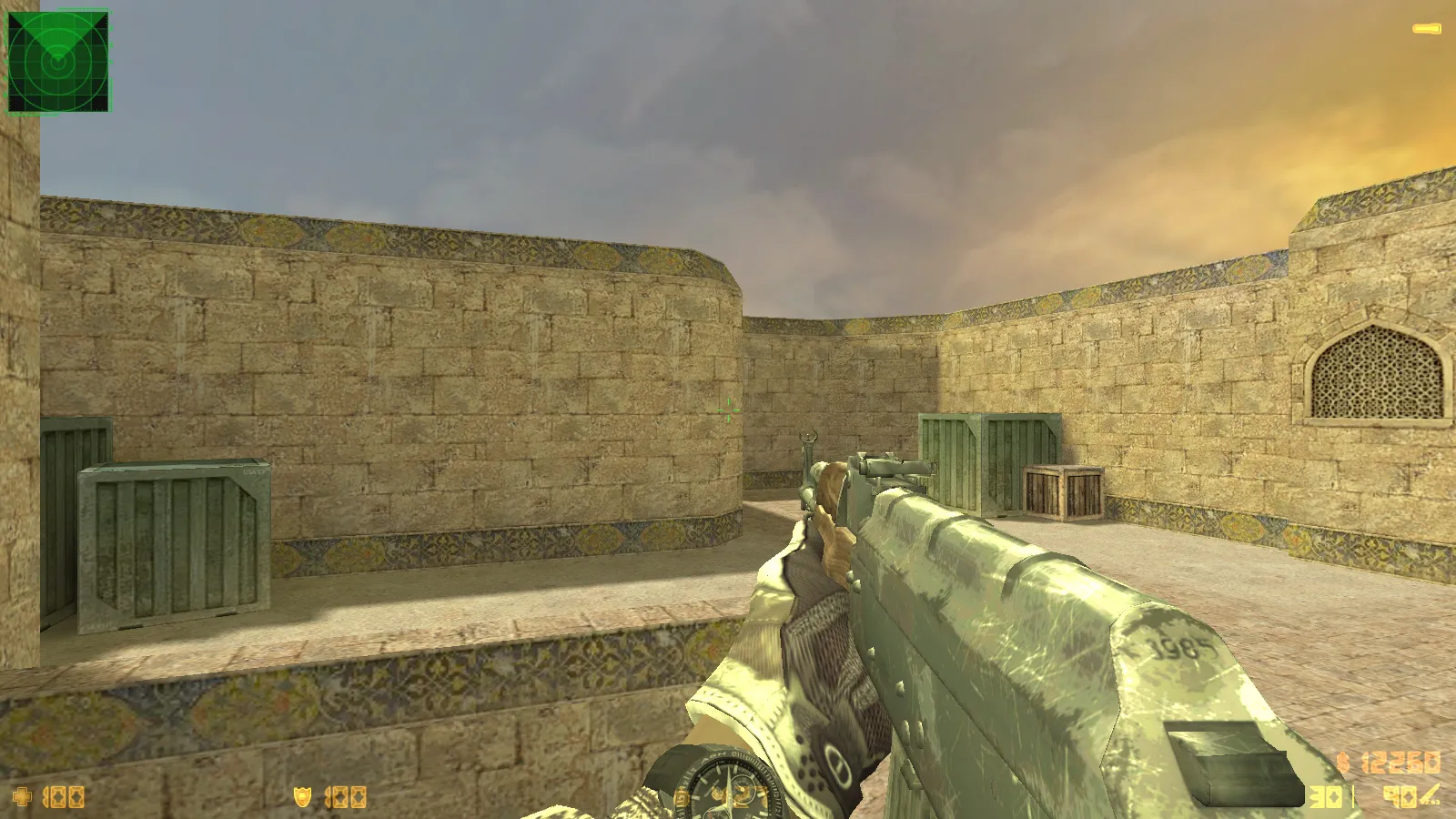
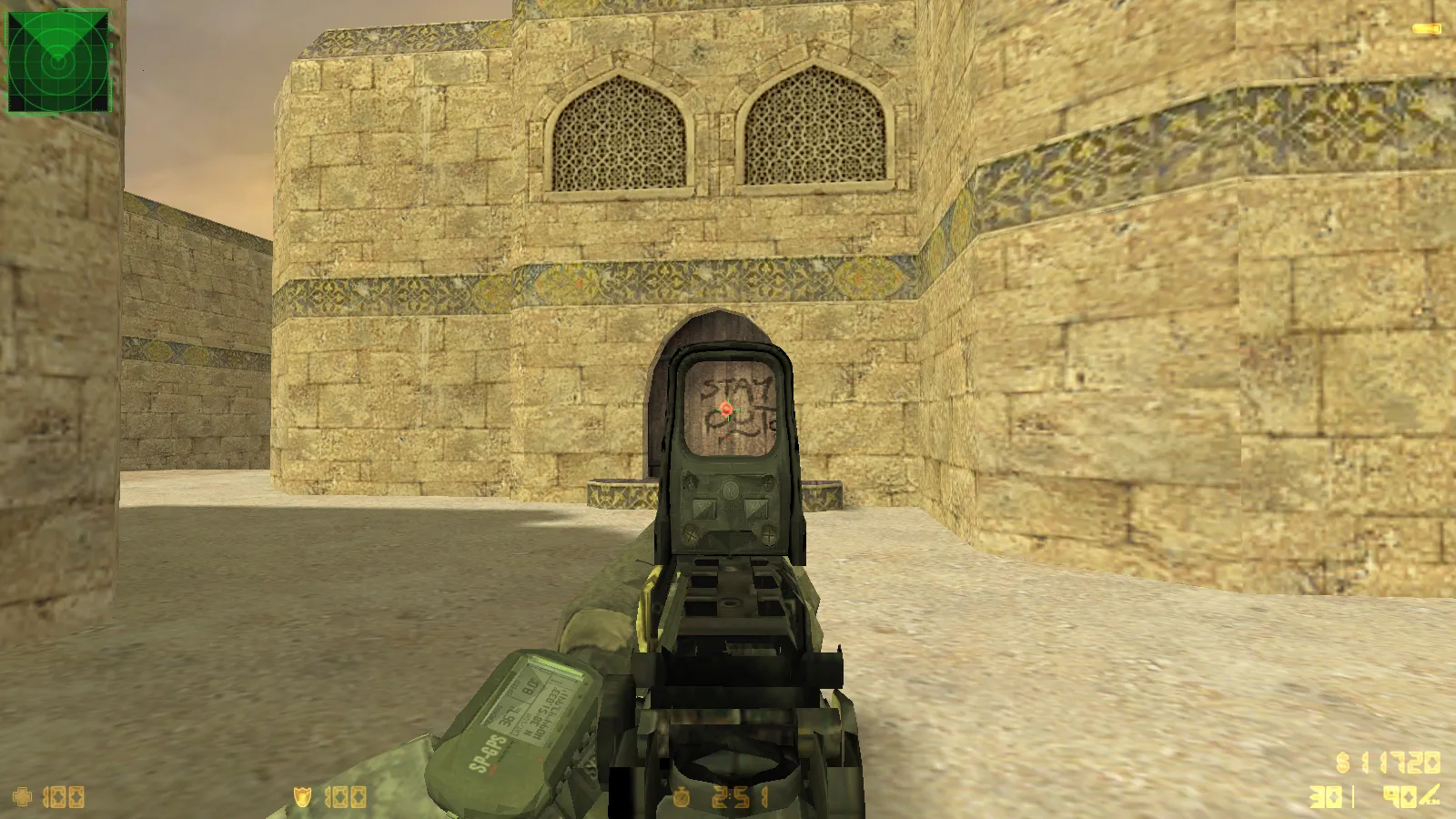
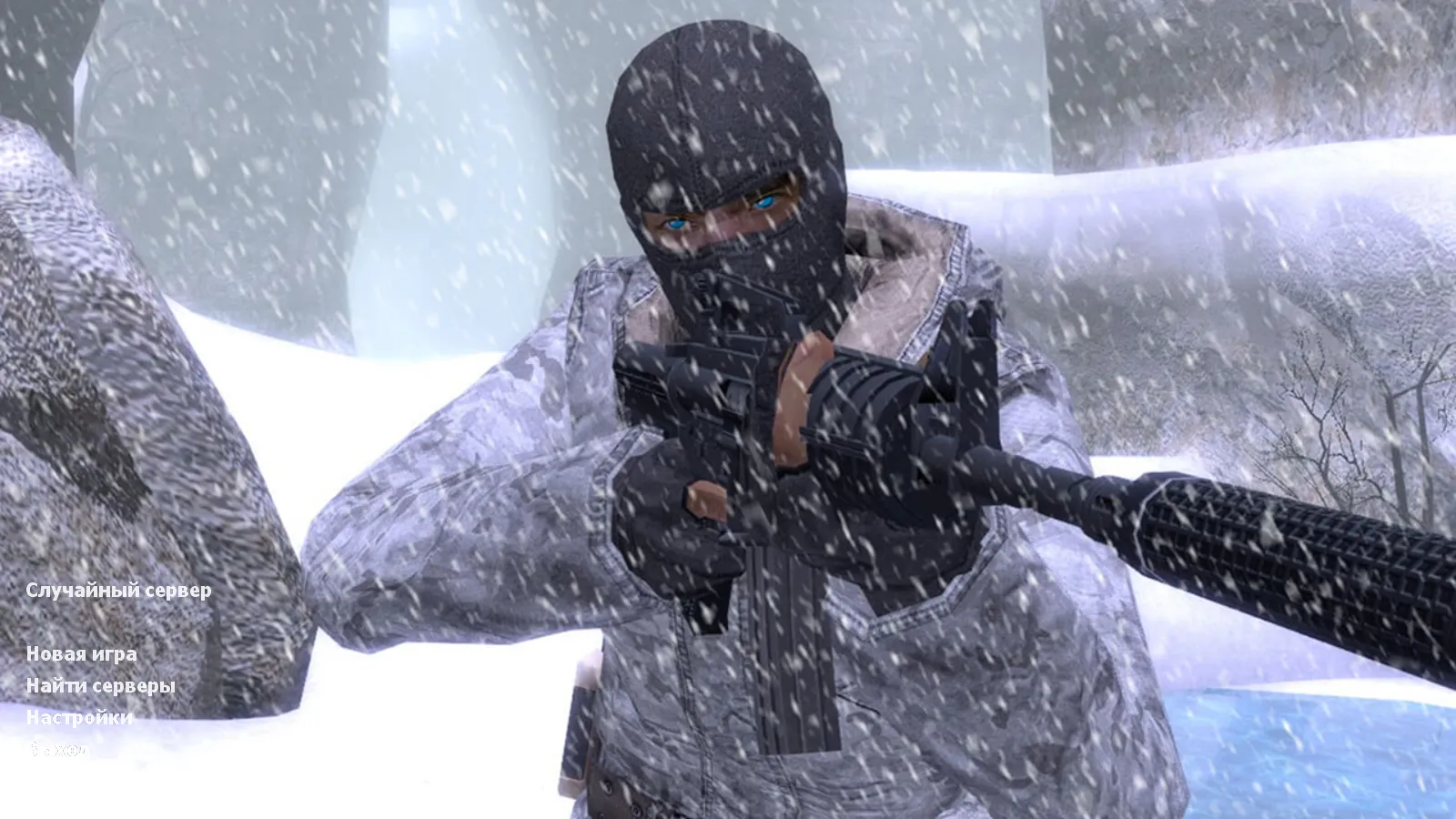
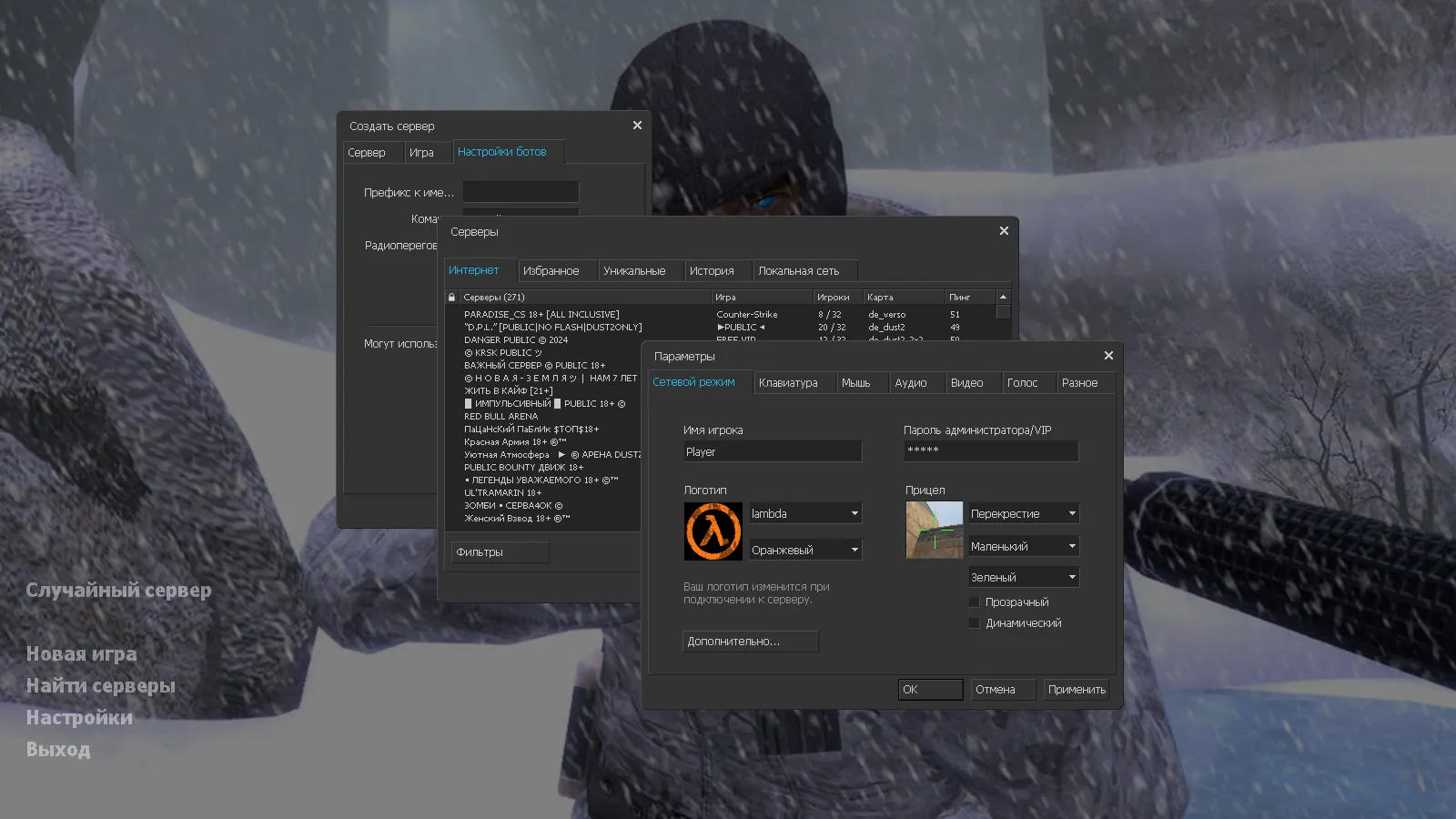
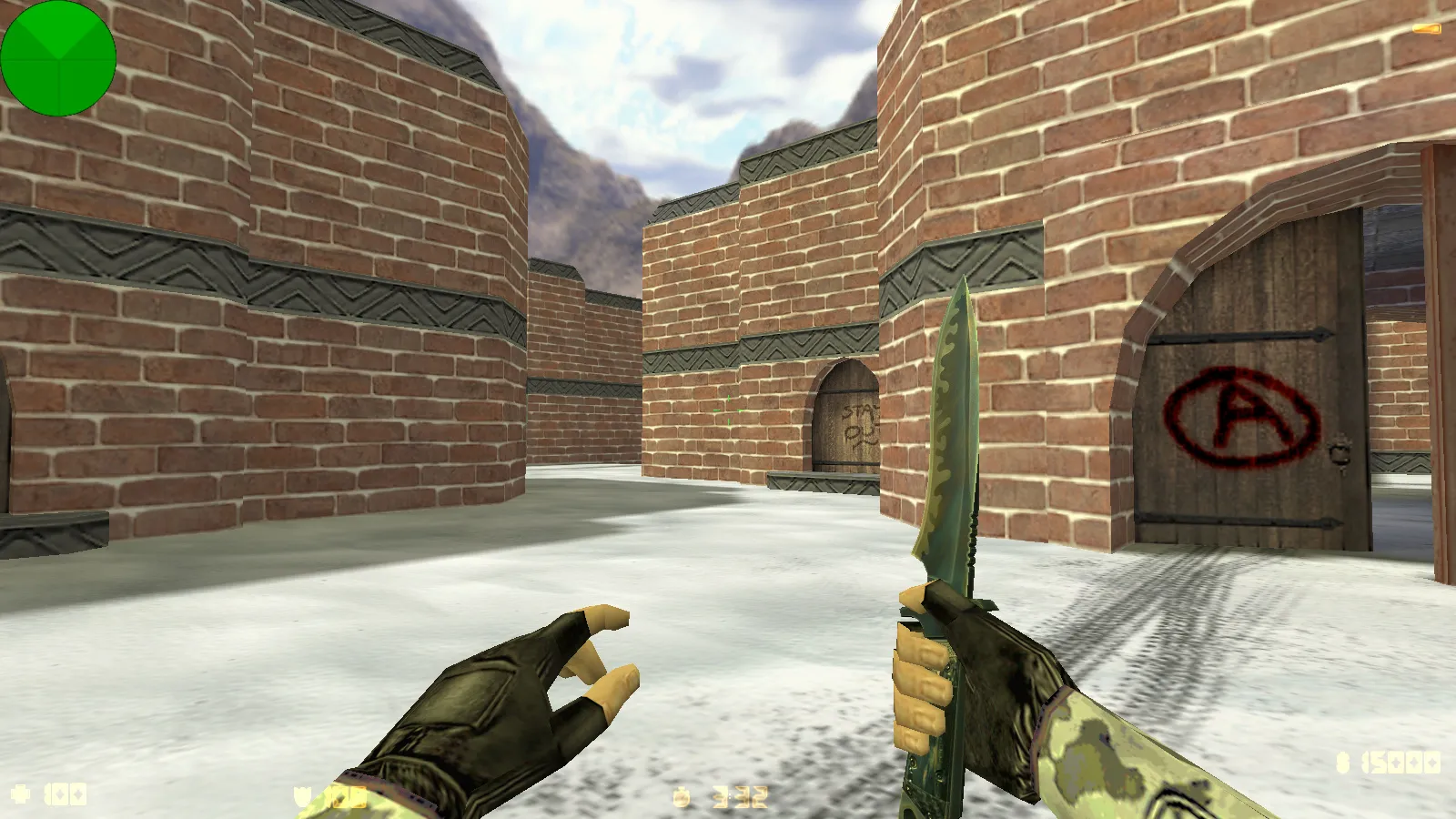
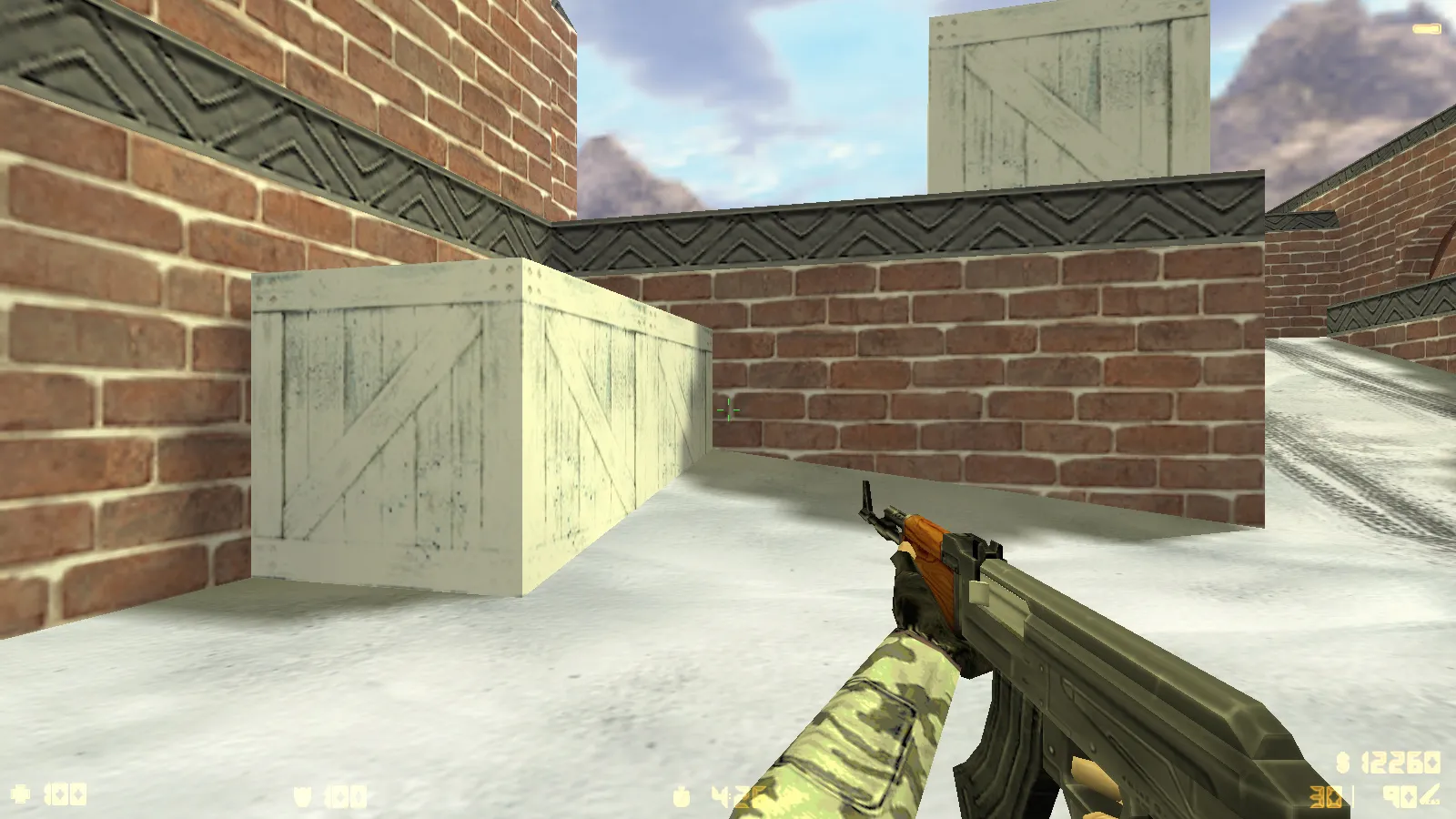
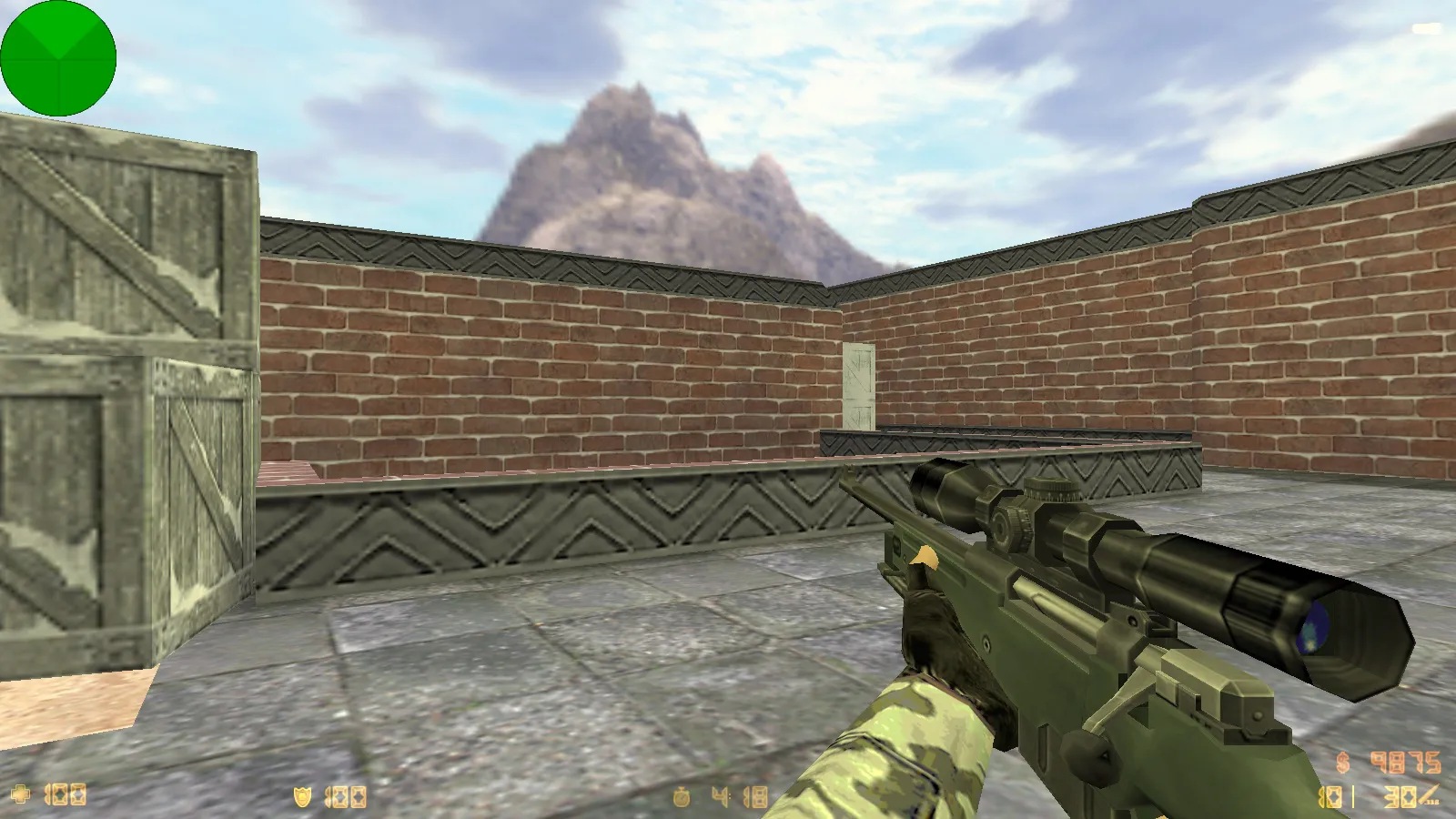
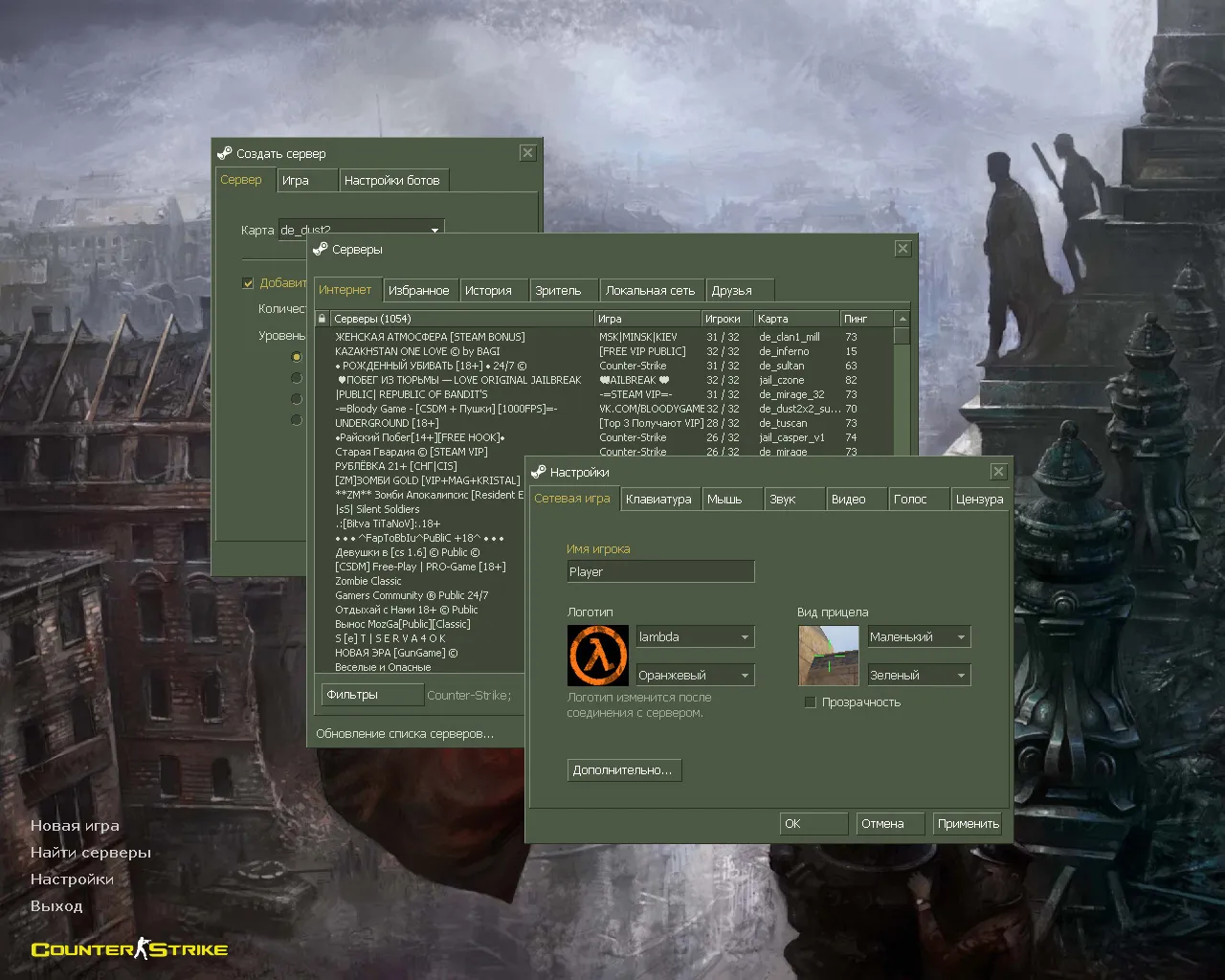
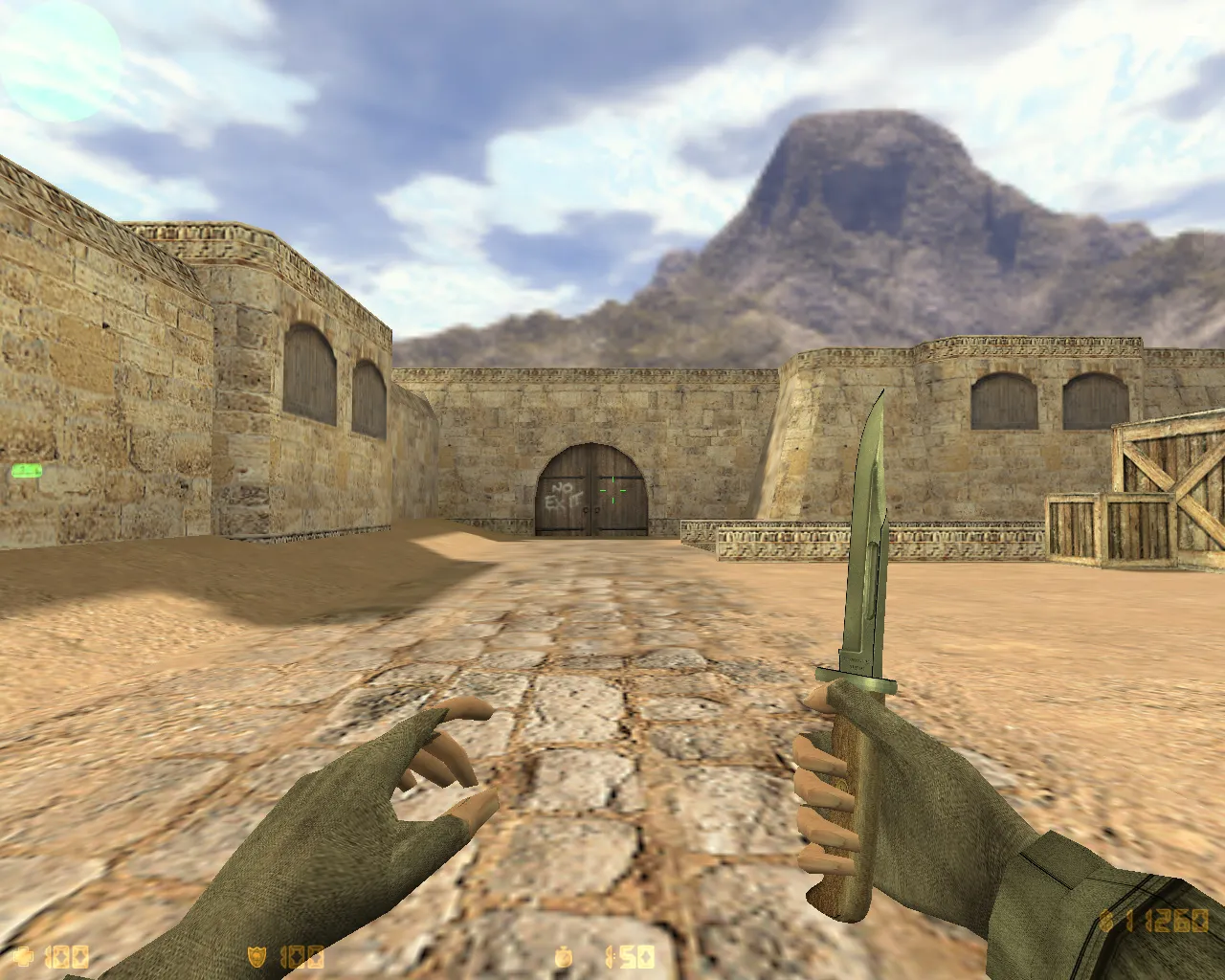
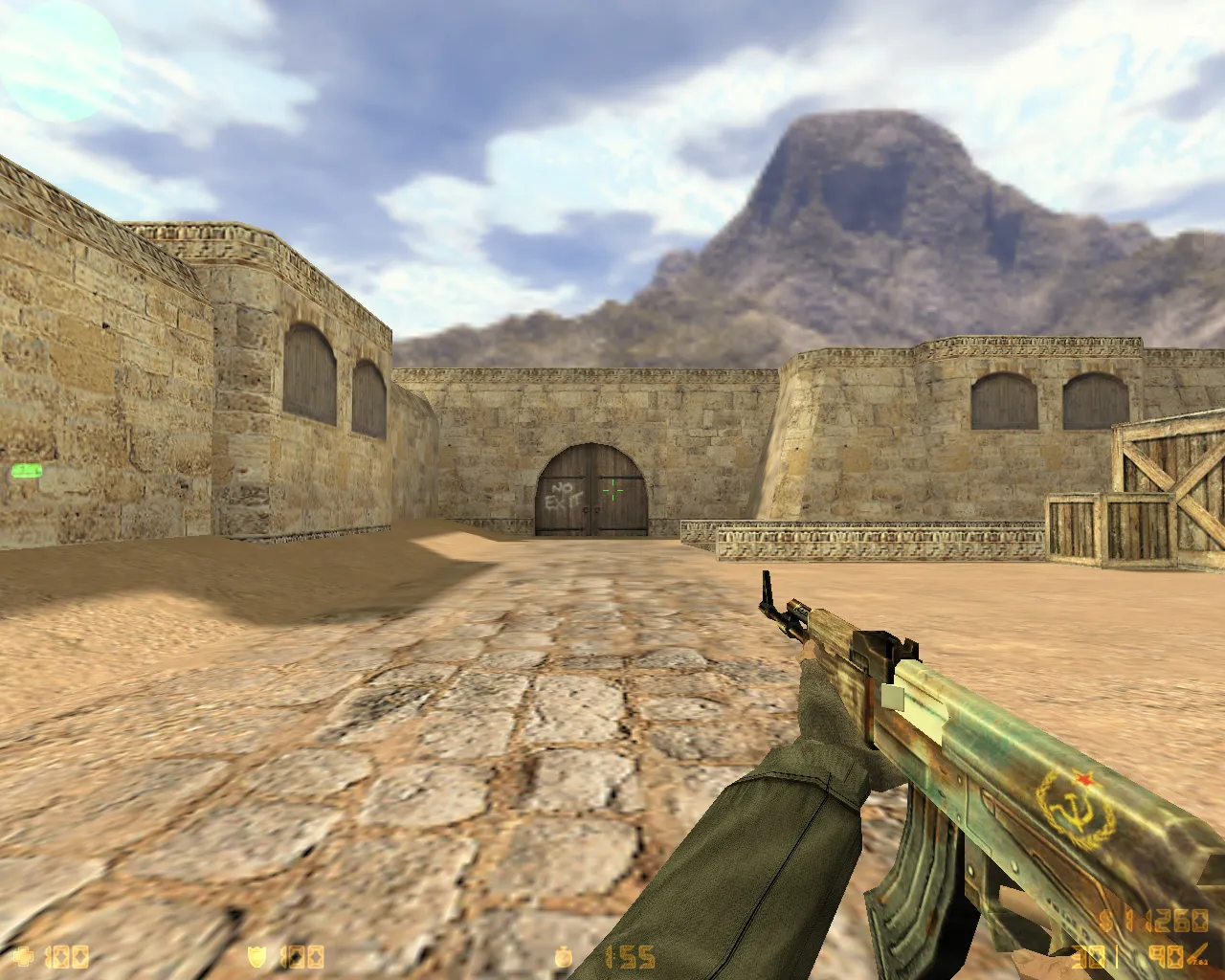
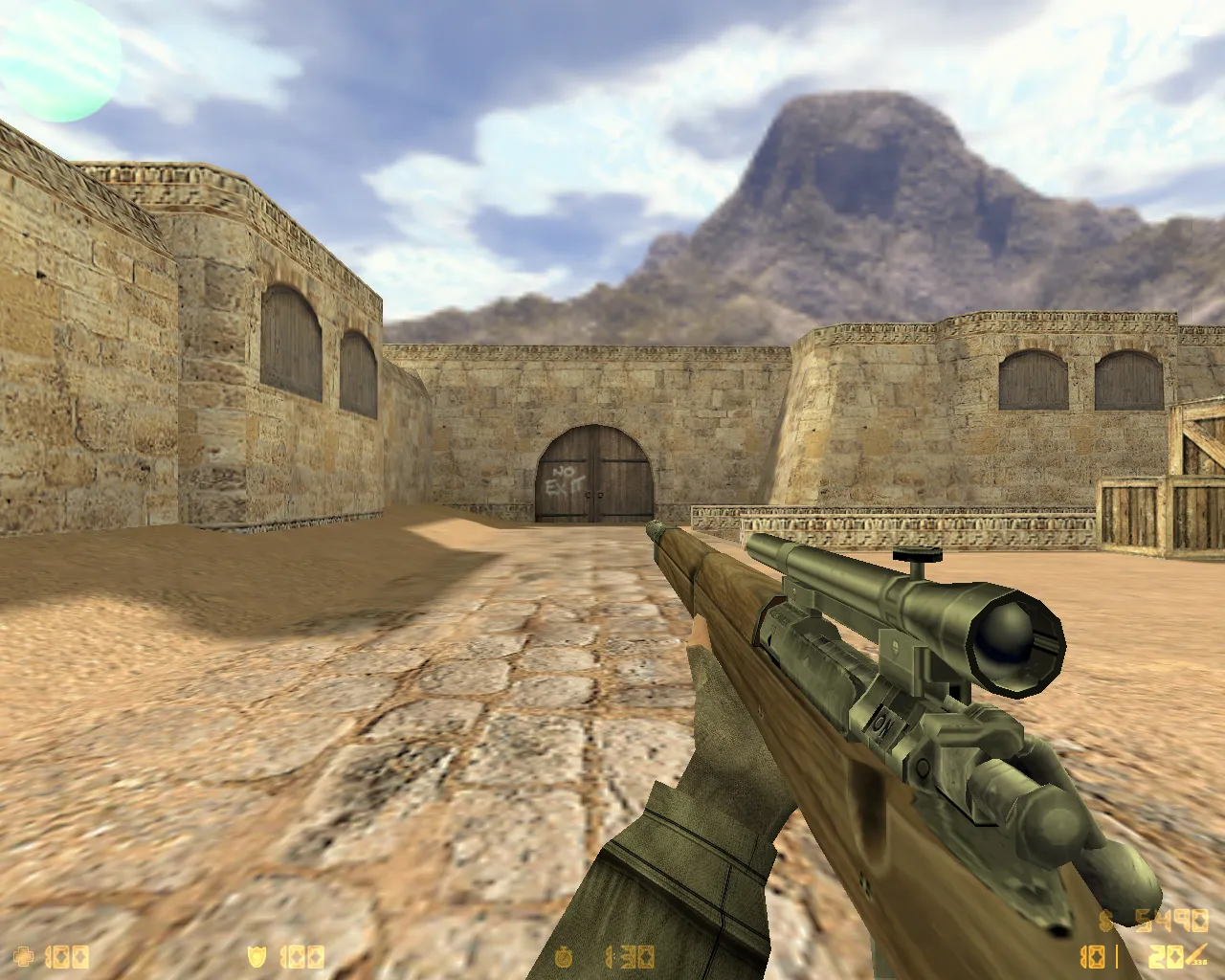

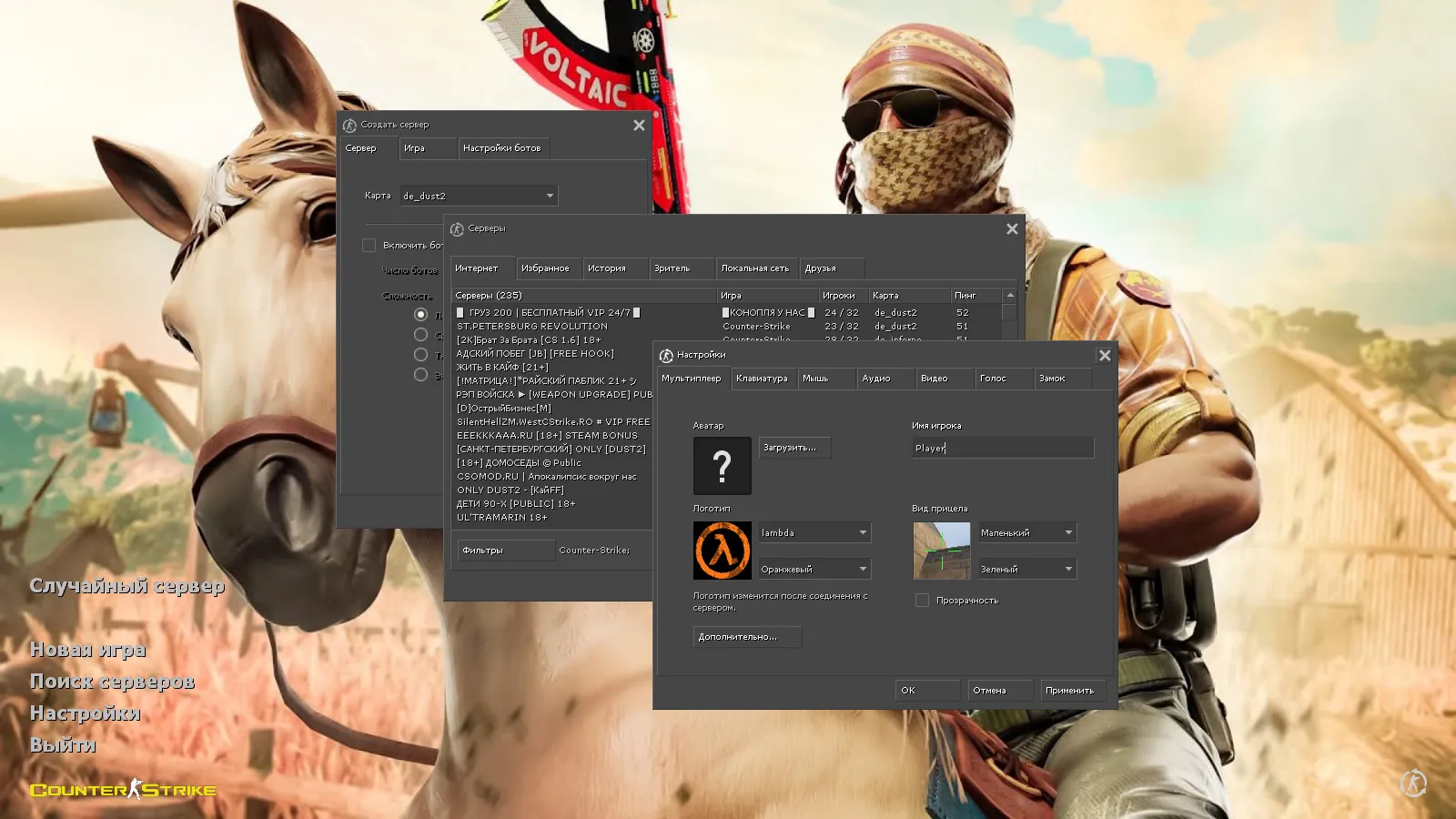
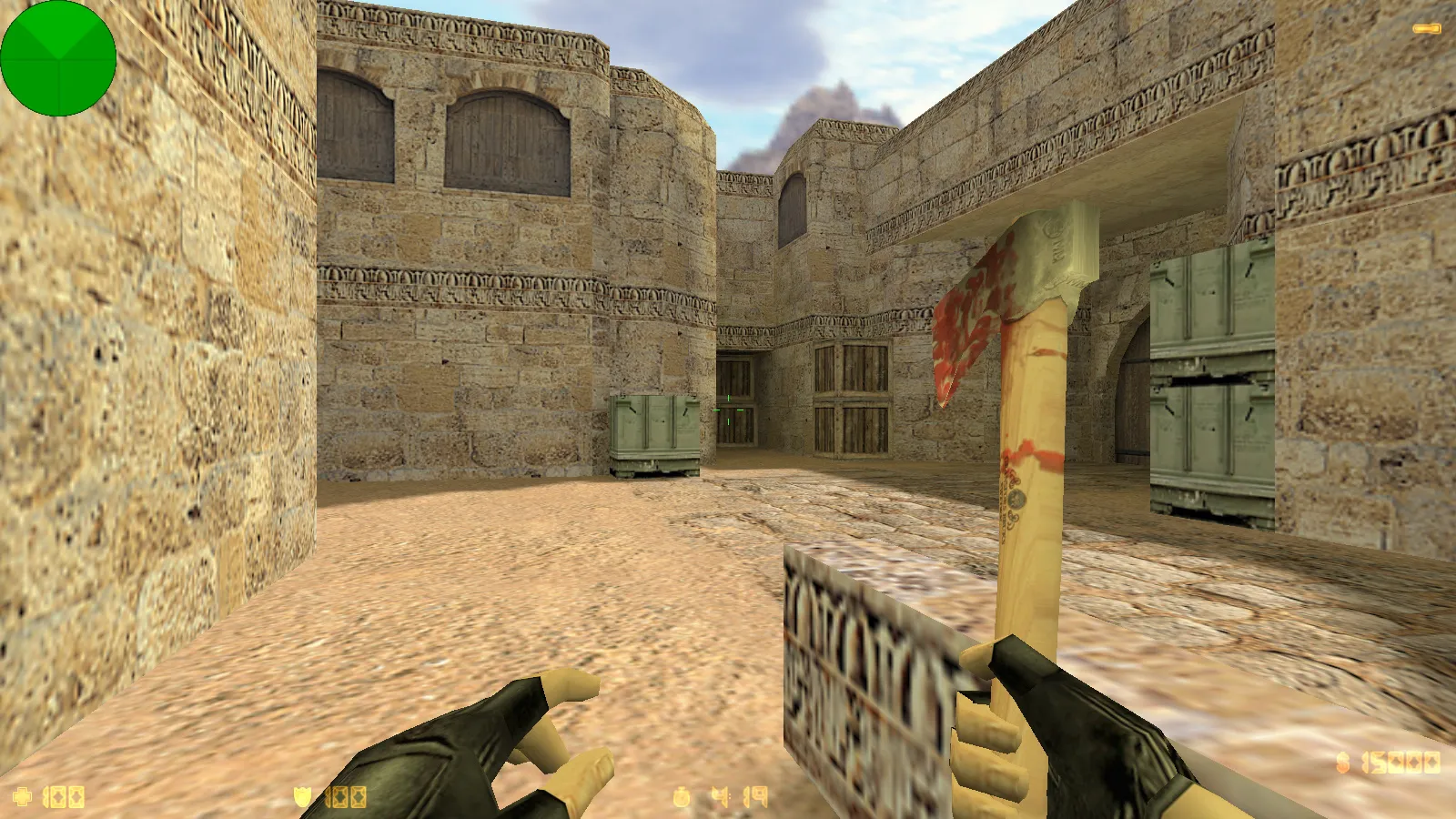
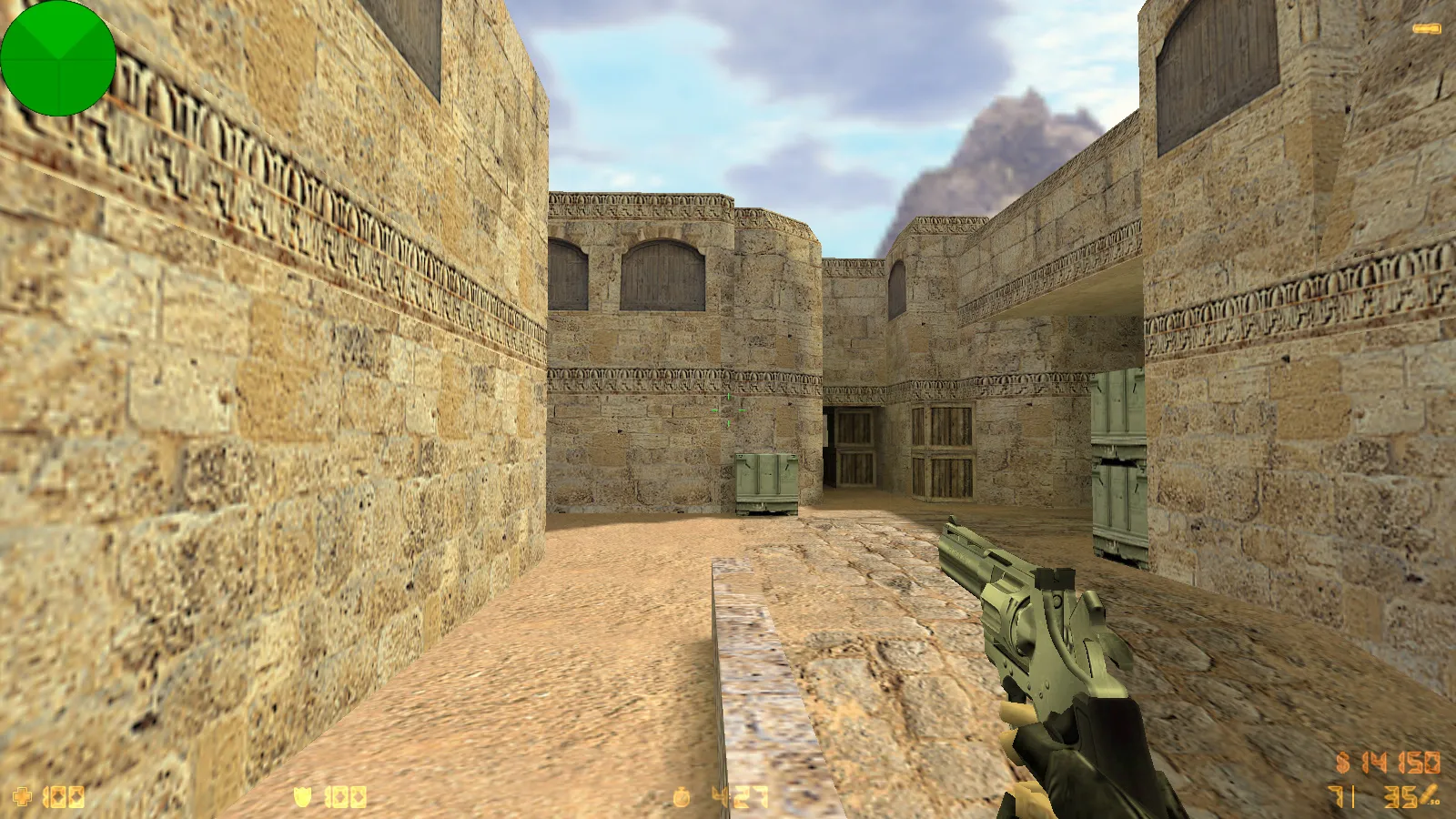
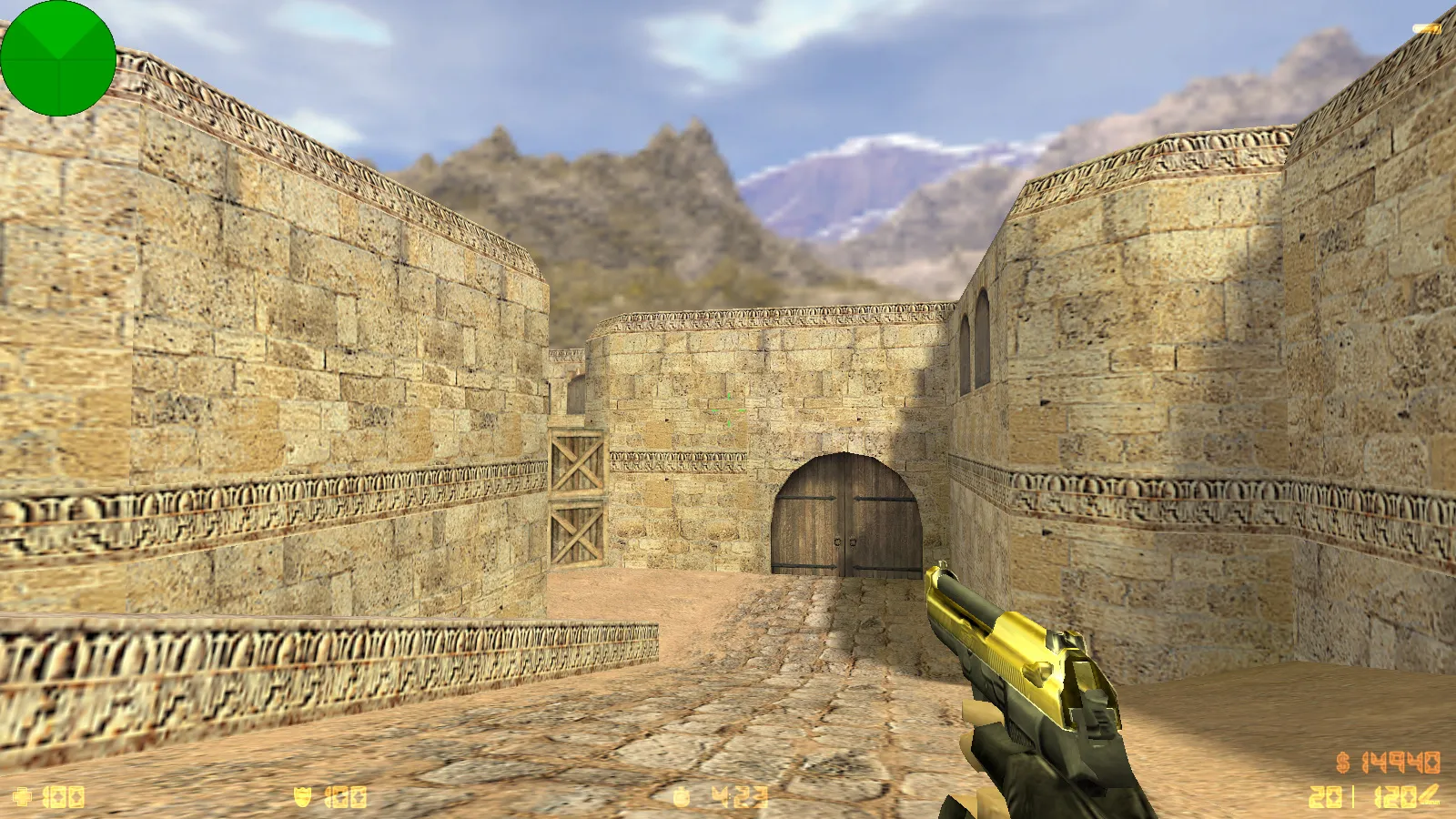
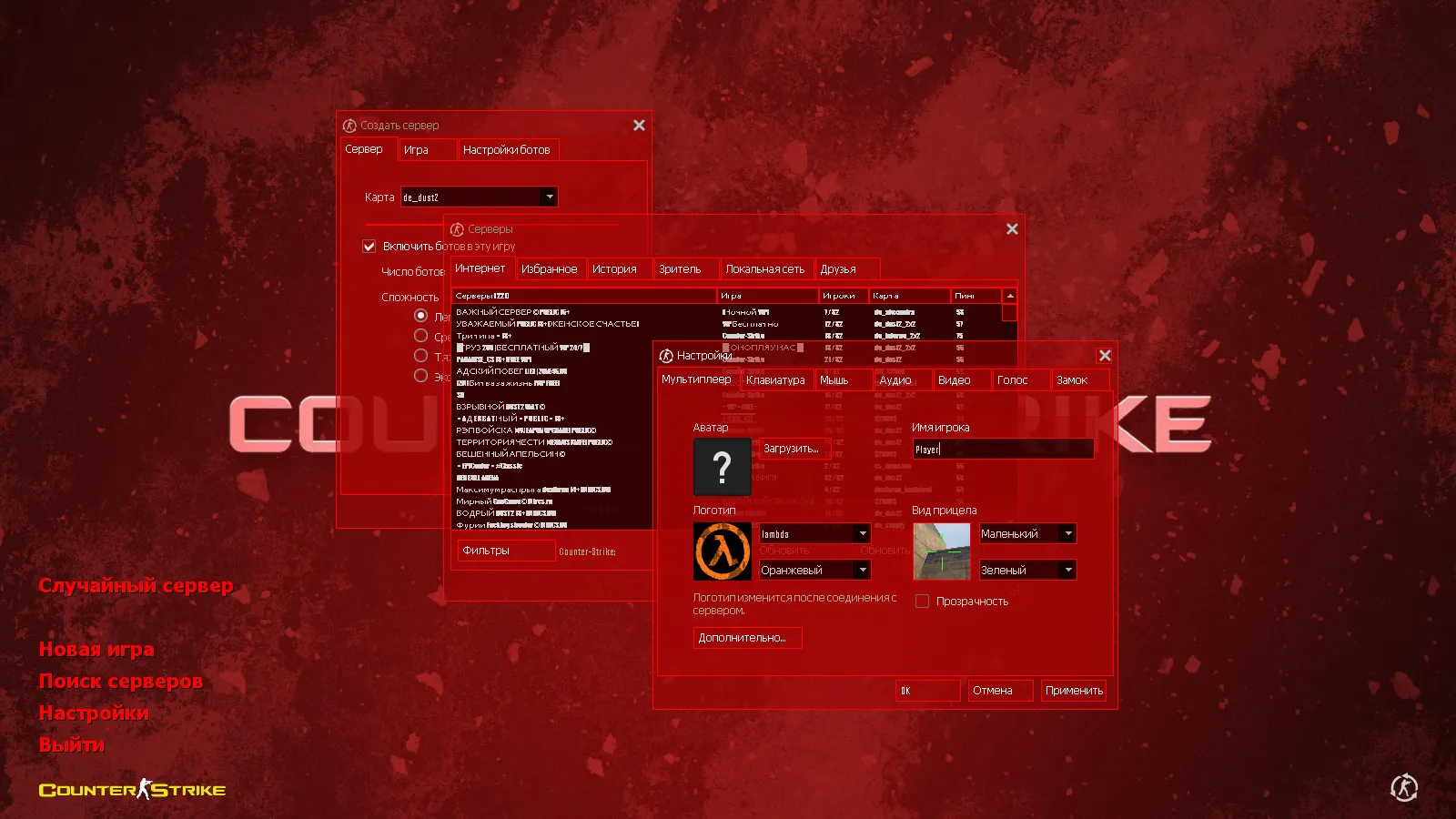
Browse themed CS 1.6 builds with zombie mods, Warcraft, anime, and more. Get free modpacks featuring new maps, skins, and modifications for Counter-Strike 1.6.
FAQ
What is the process for installing a CS 1.6 thematic build?
Extract the build into your game directory and agree to overwrite the existing files. First, create a backup of the cstrike folder so you can revert whenever needed.
If your game uses a localized folder, the same files might need to go into cstrike_russian - files there take precedence over cstrike.
Where should I place the files from a CS 1.6 thematic build?
- Weapon and player models -
cstrike/modelsandcstrike/models/player - Sounds -
cstrike/sound, preserving the original subfolders likeweapons - Sprites, crosshairs, HUD -
cstrike/sprites - Sky textures - 6
*.tgafiles incstrike/gfx/env - Configs -
cstrike/config.cfg, or your own settings inuserconfig.cfgorautoexec.cfg
How can I activate the new weapon and player models in a CS 1.6 thematic build?
Typically the build replaces the default files, so no extra steps are required - just start the game. Weapon models retain their prefixes: v_*.mdl is for first-person view, p_*.mdl is the model in the player's hands, w_*.mdl is the model on the ground.
Player models go into cstrike/models/player/NAME/NAME.mdl, where the folder name and file name must match exactly.
CS 1.6 crashes or fails to start after installing a thematic build - what should I do?
Usually the issue is a replaced or renamed file that no longer matches the expected name. Verify that model file names in cstrike/models are identical to the originals, including the v_, p_ and w_ prefixes.
- Restore the files you replaced from your backup of
cstrike - Return the original
cstrike/config.cfgif the build overwrote it - Reinstall the build, copying files folder by folder to find the broken one
How do I revert to the default CS 1.6 files after a thematic build?
Delete or overwrite the custom files with the originals from the backup you made before installing. The standard models, sounds and sprites are replaced by the build, so simply removing the new files is not enough - the game needs the original ones back.
If there is no backup, restore the game files through your game client or reinstall the game, then move your own settings into userconfig.cfg or autoexec.cfg.
Do thematic CS 1.6 builds work on online servers?
Models, sounds and sprites are client-side, so they are visible only to you. A server can replace custom files with its own or disconnect you for a consistency mismatch, so a build is not guaranteed to look the same online.
Files that keep the standard names and paths are far more likely to work. Things controlled by the server, such as the sky set with sv_skyname, will not change from your side.
How do I run a map from a CS 1.6 thematic build?
Put *.bsp map files into cstrike/maps, accompanying *.wad files into cstrike, and map sounds into cstrike/sound.
Then open the console and type map map_name without the file extension, or pick the map through New Game.