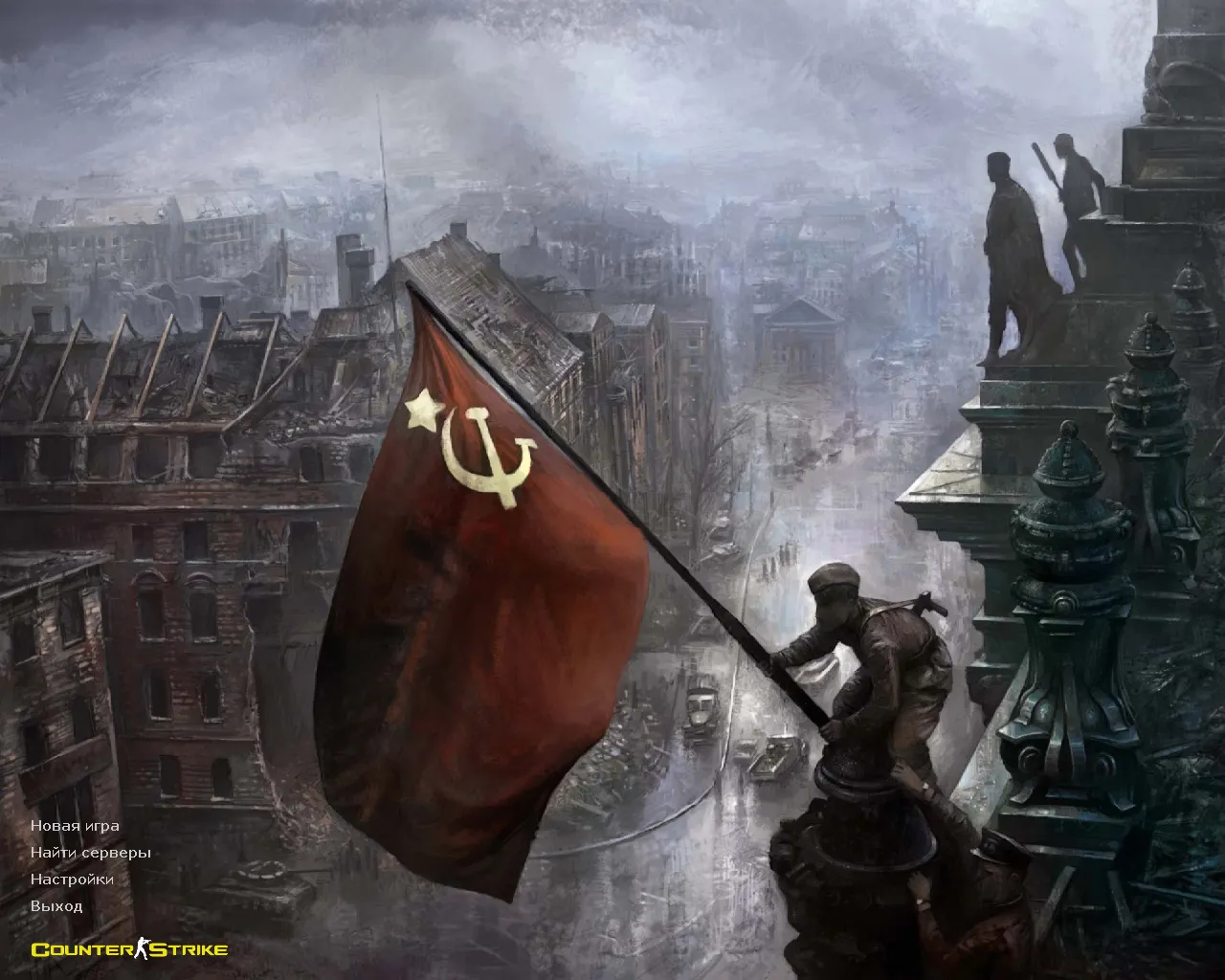
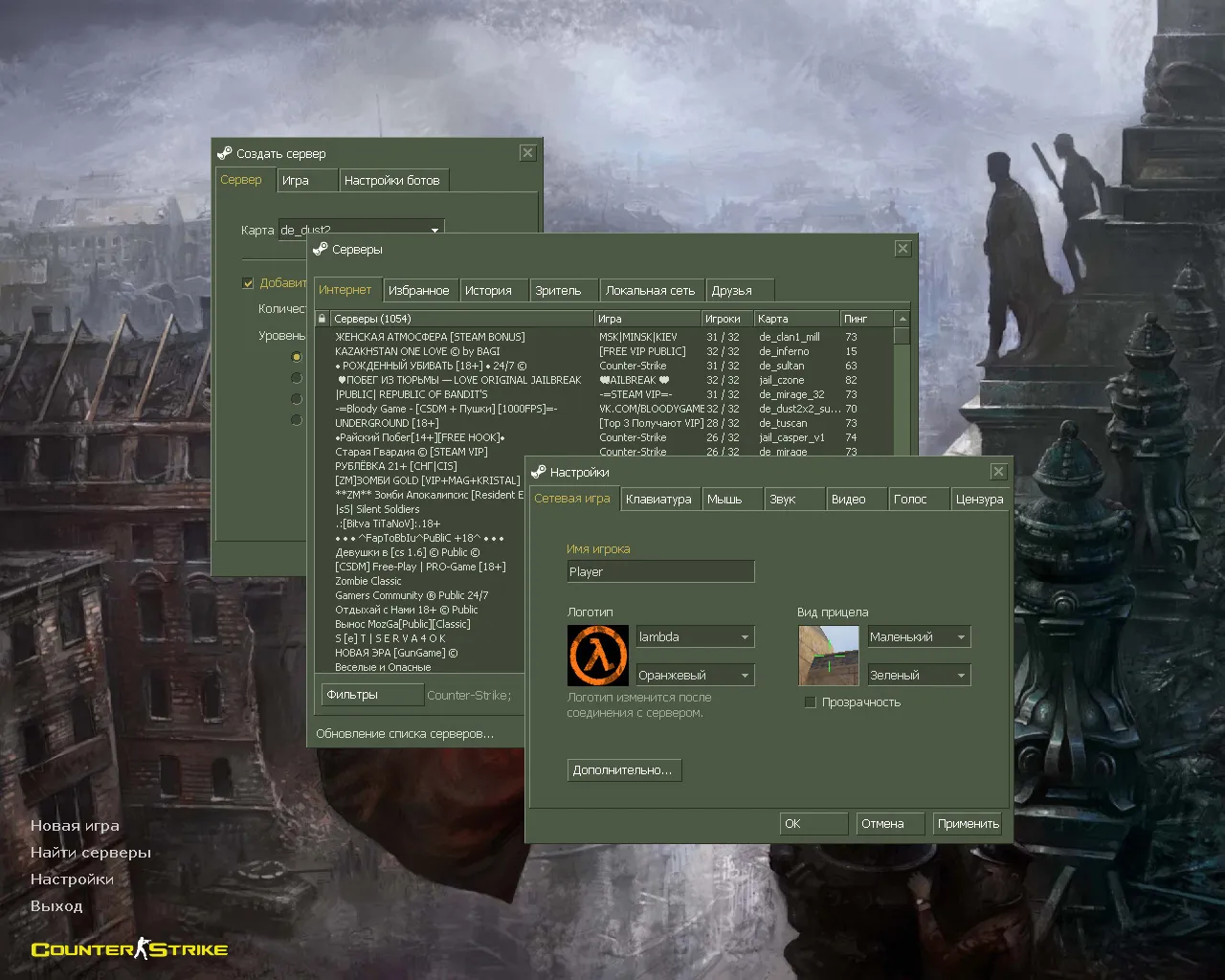
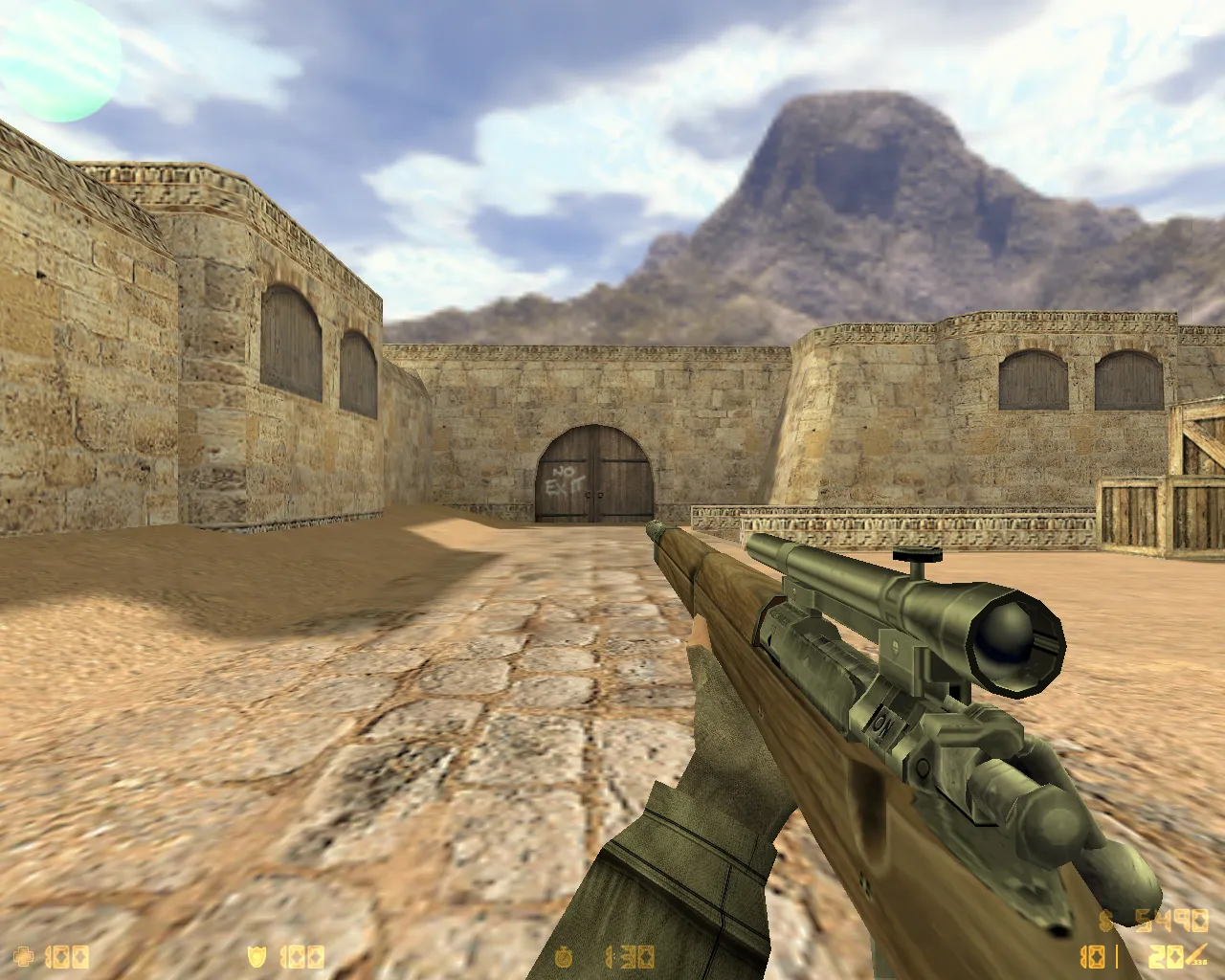
CS 1.6 Winter Edition Build: 6 Skins, Cold-Weather CT/T Models, Dark Menu, Arctic Avenger Background
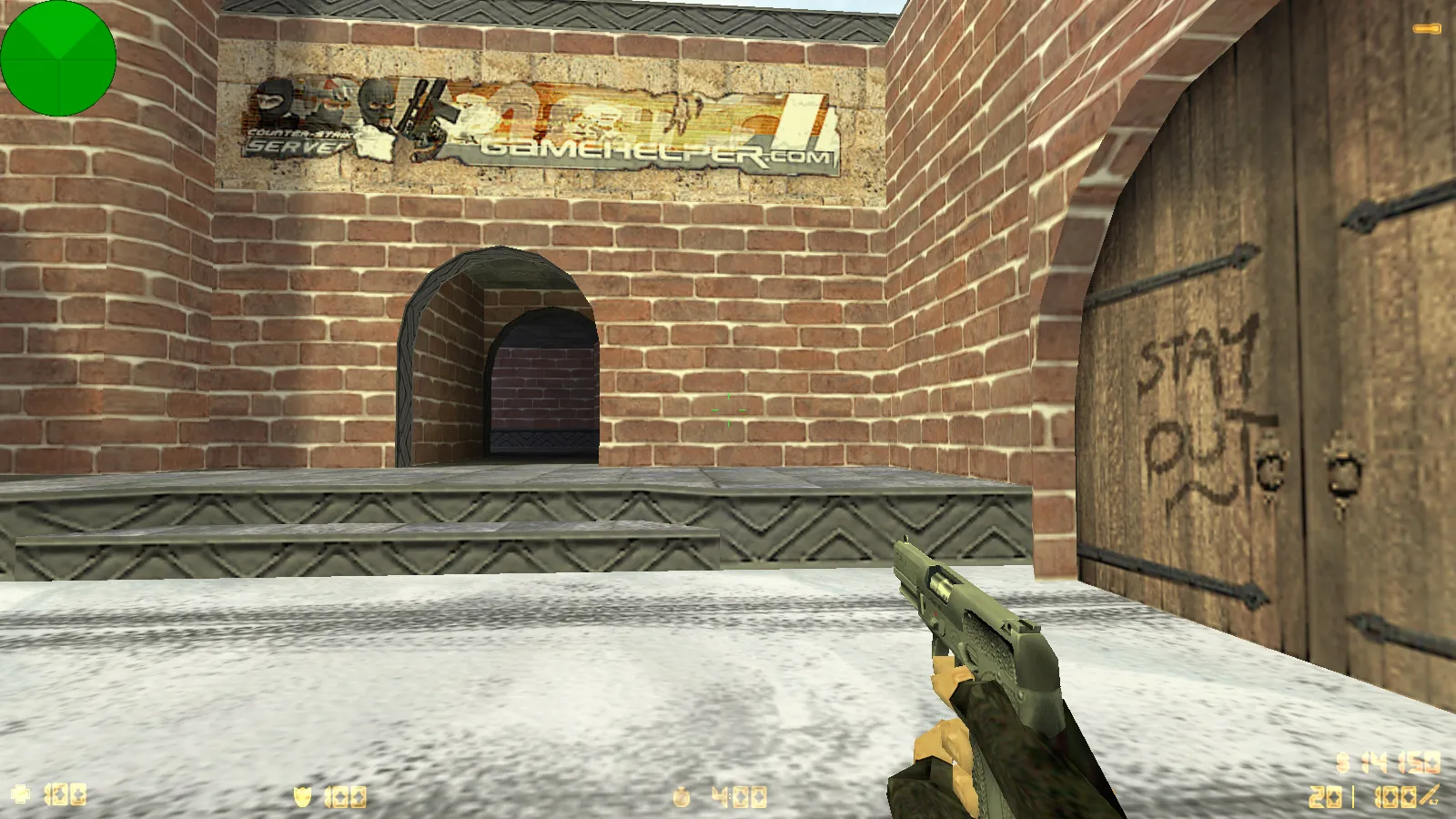
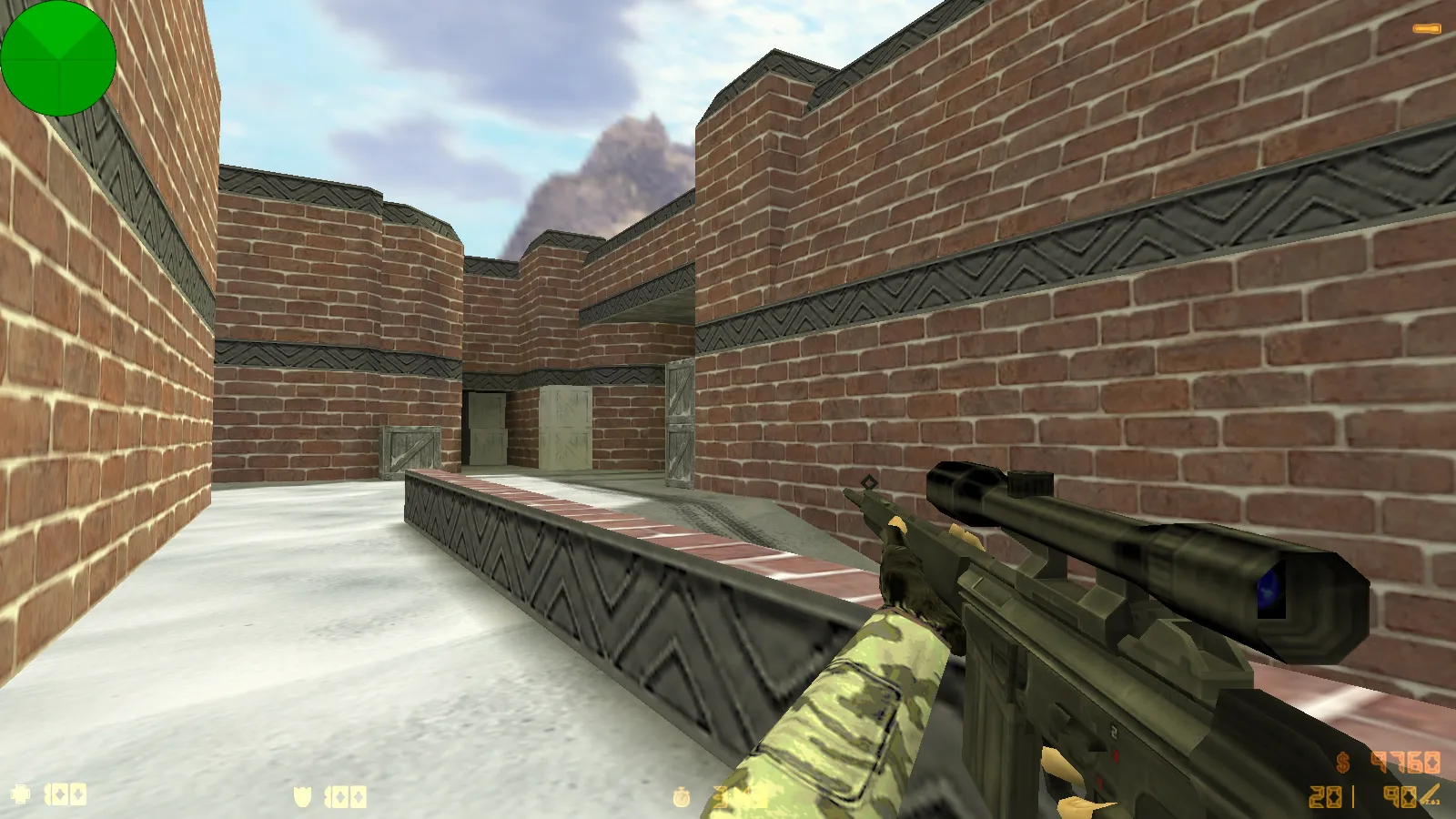
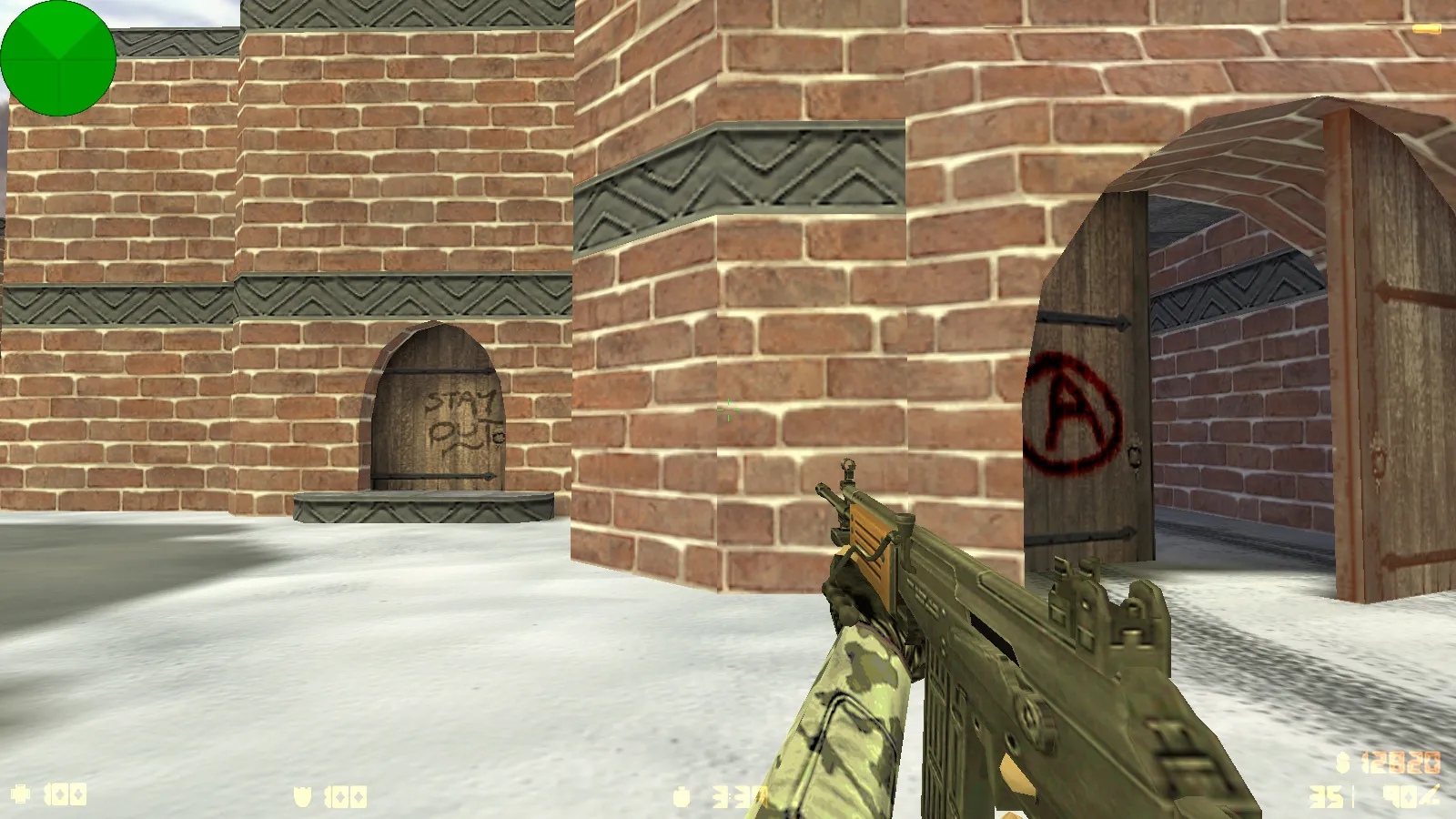
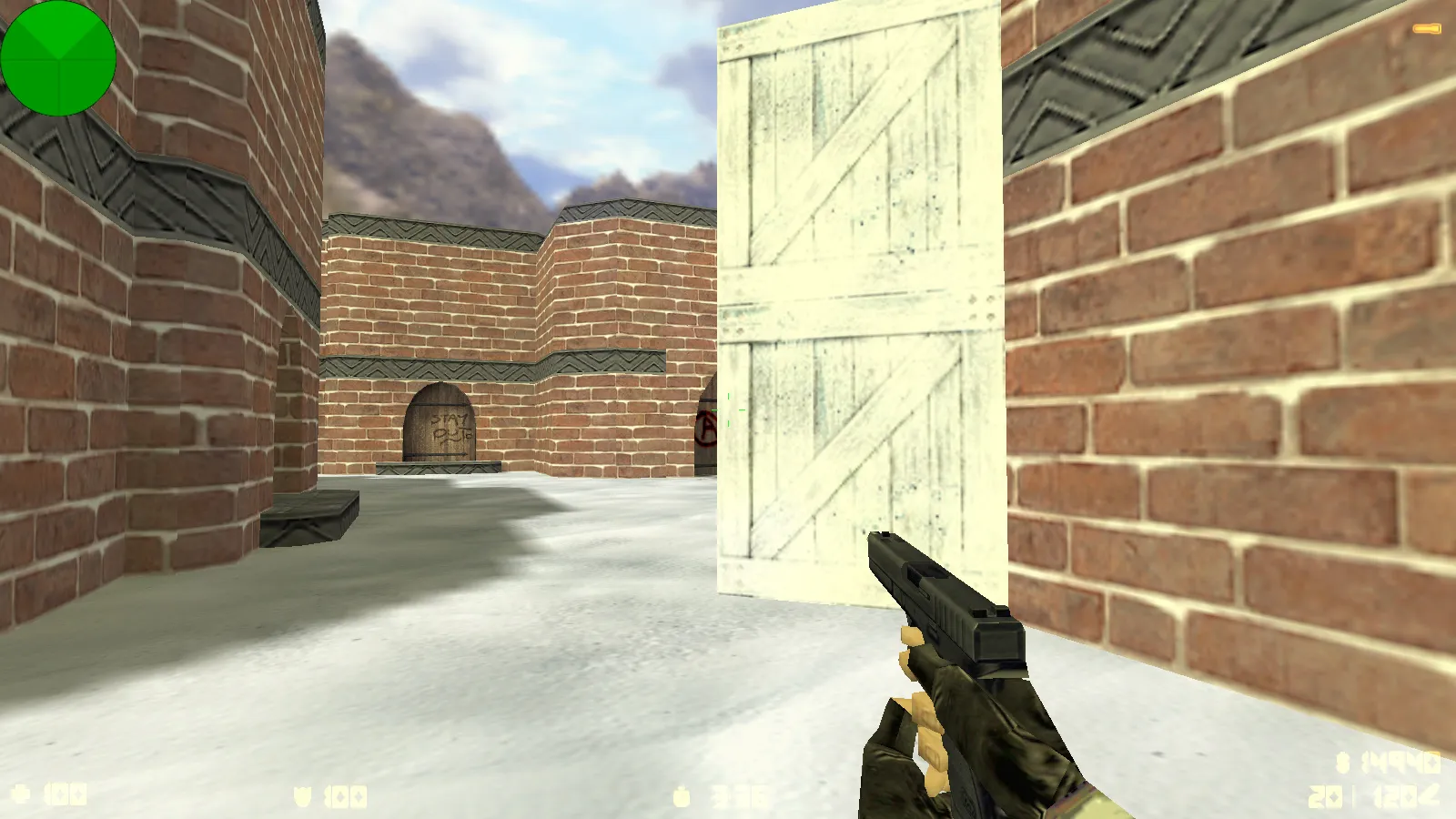
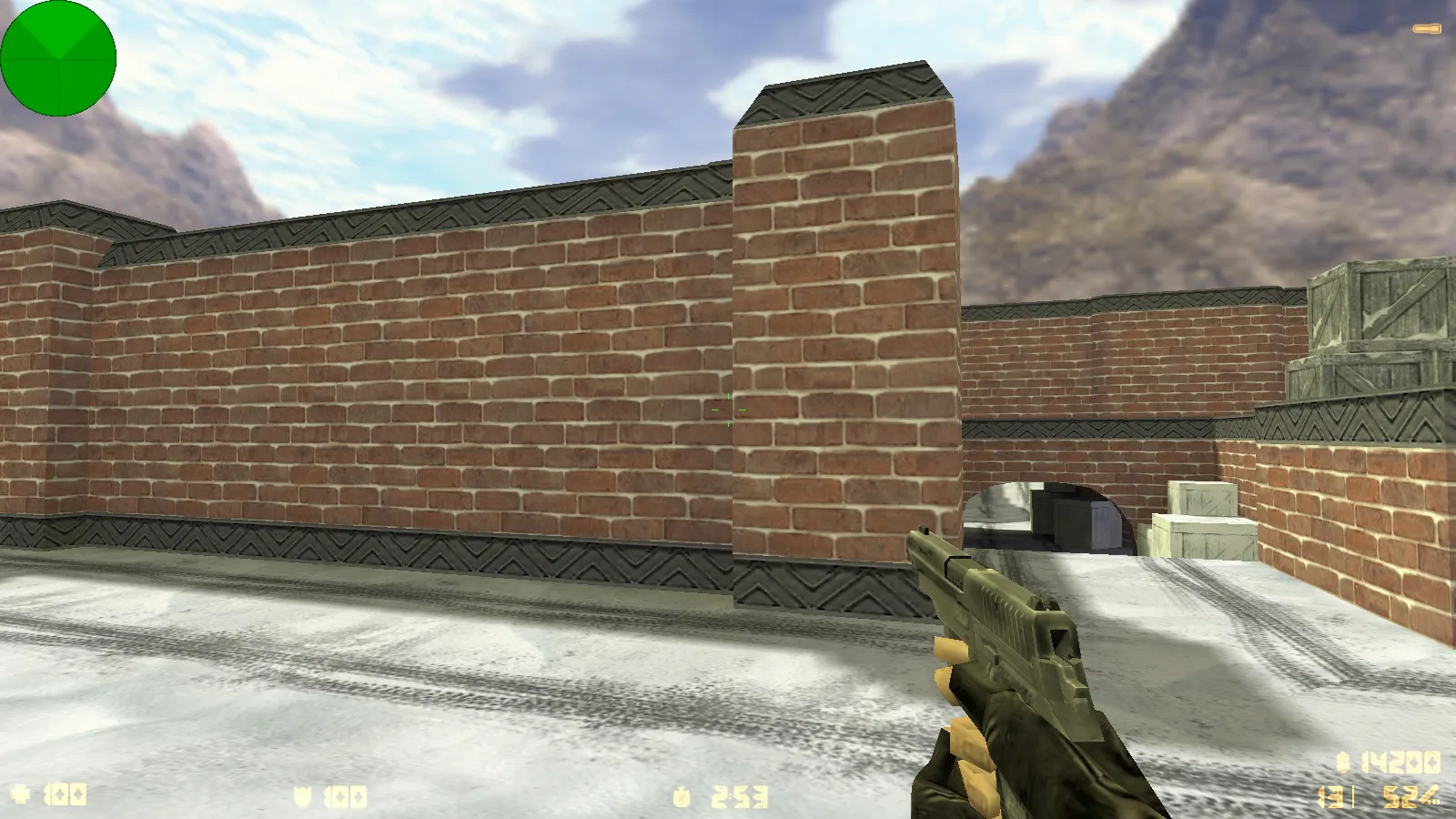
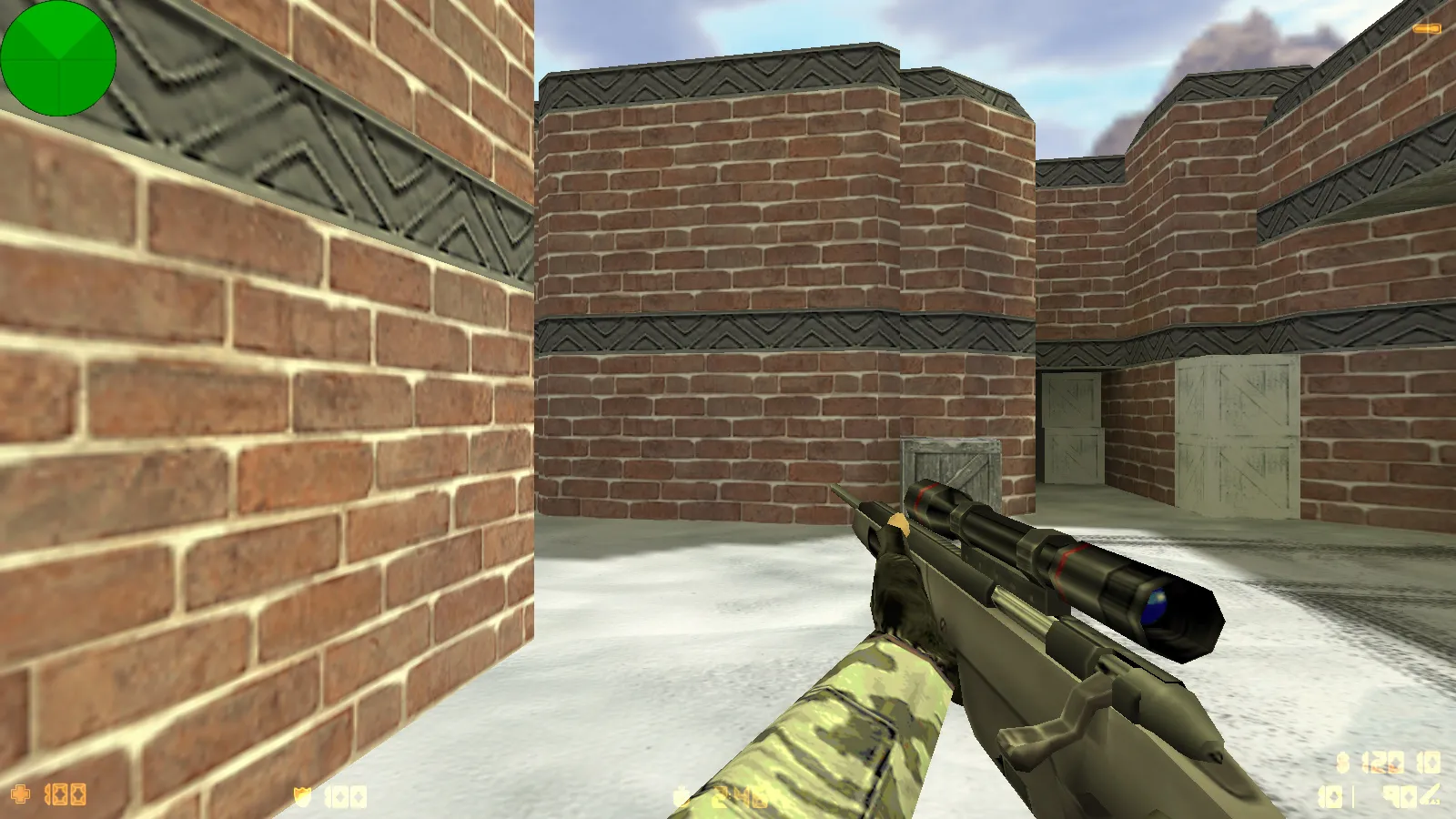
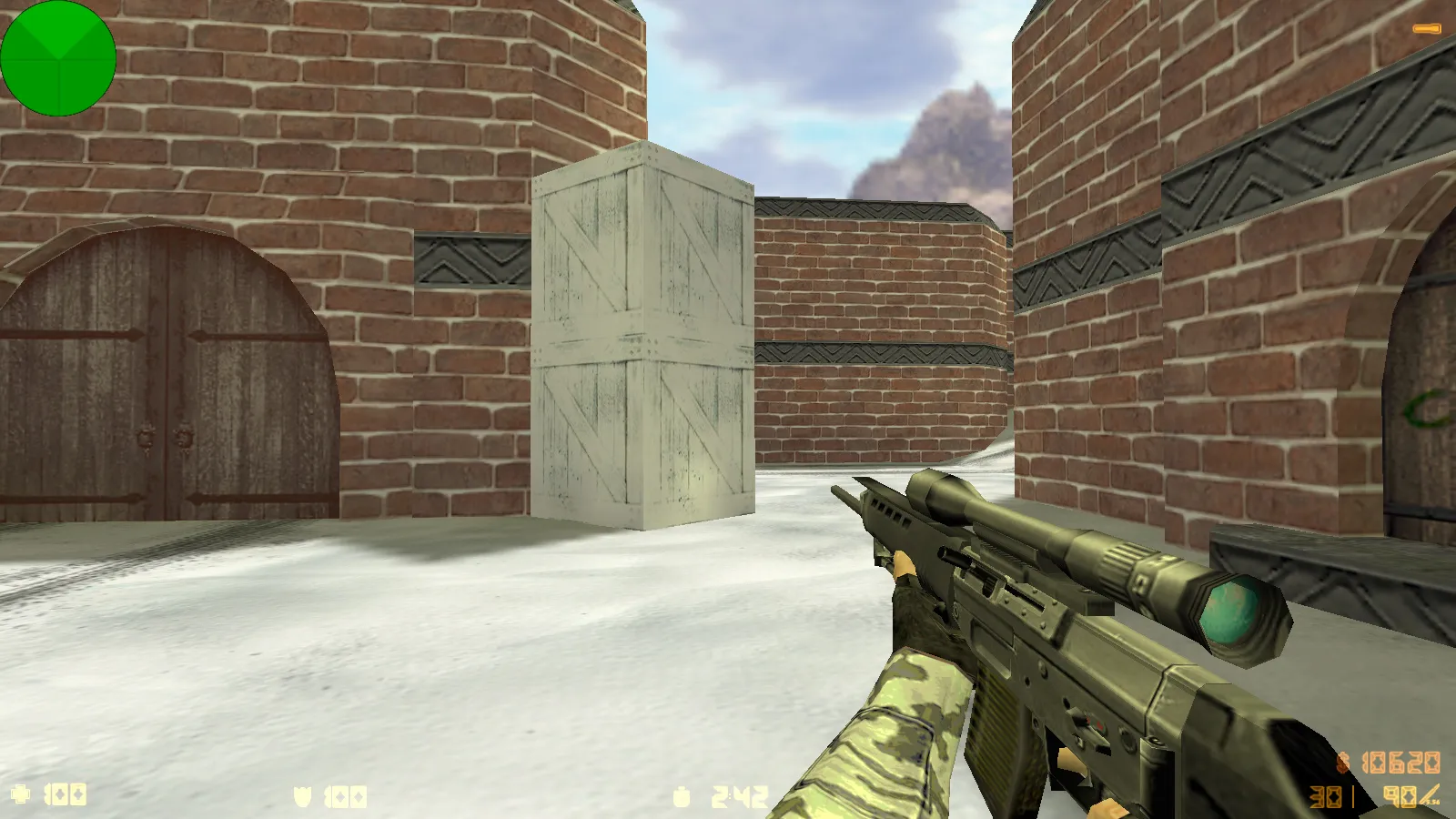
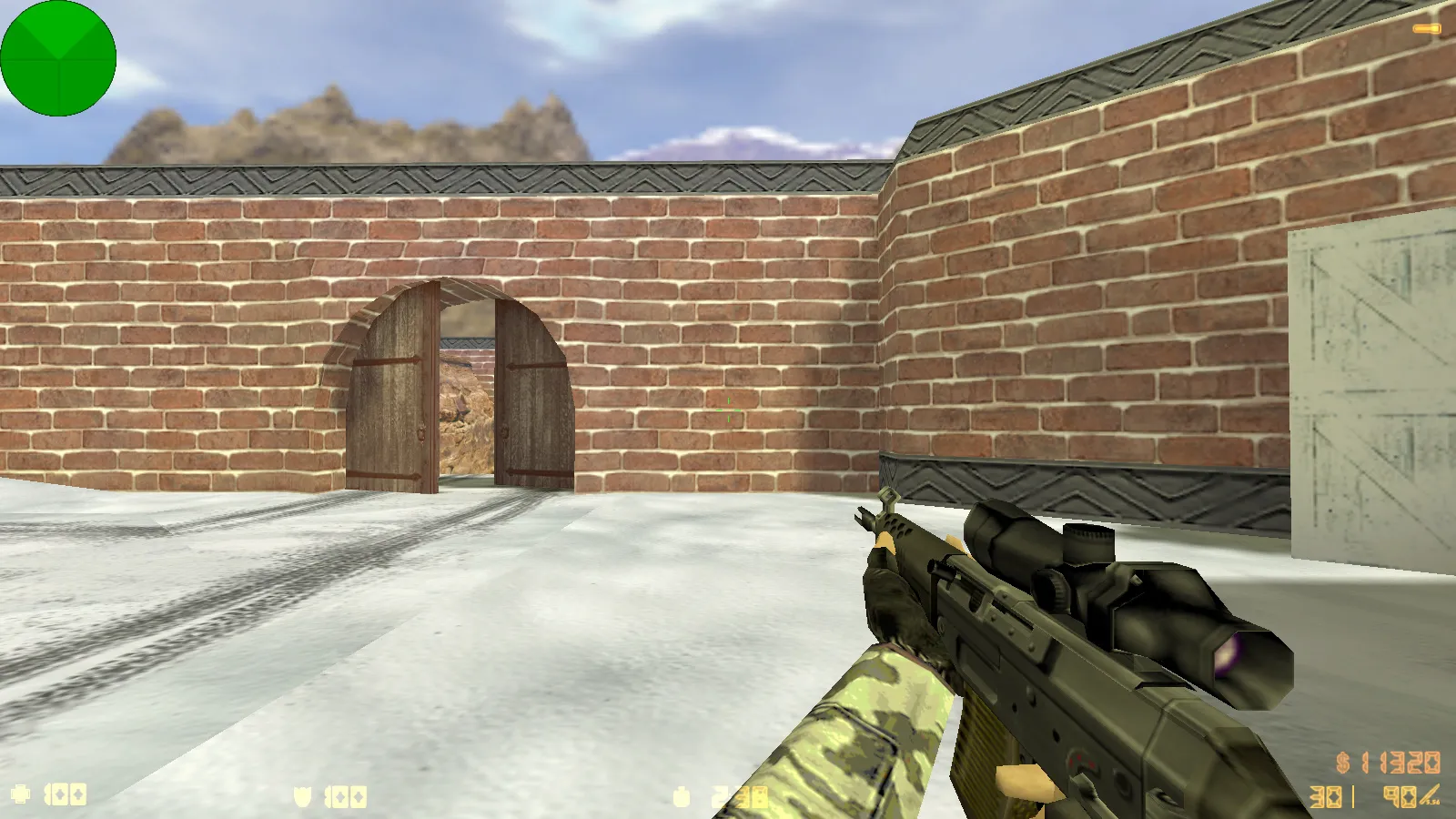
Description
What the CS 1.6 Winter Edition Build Provides
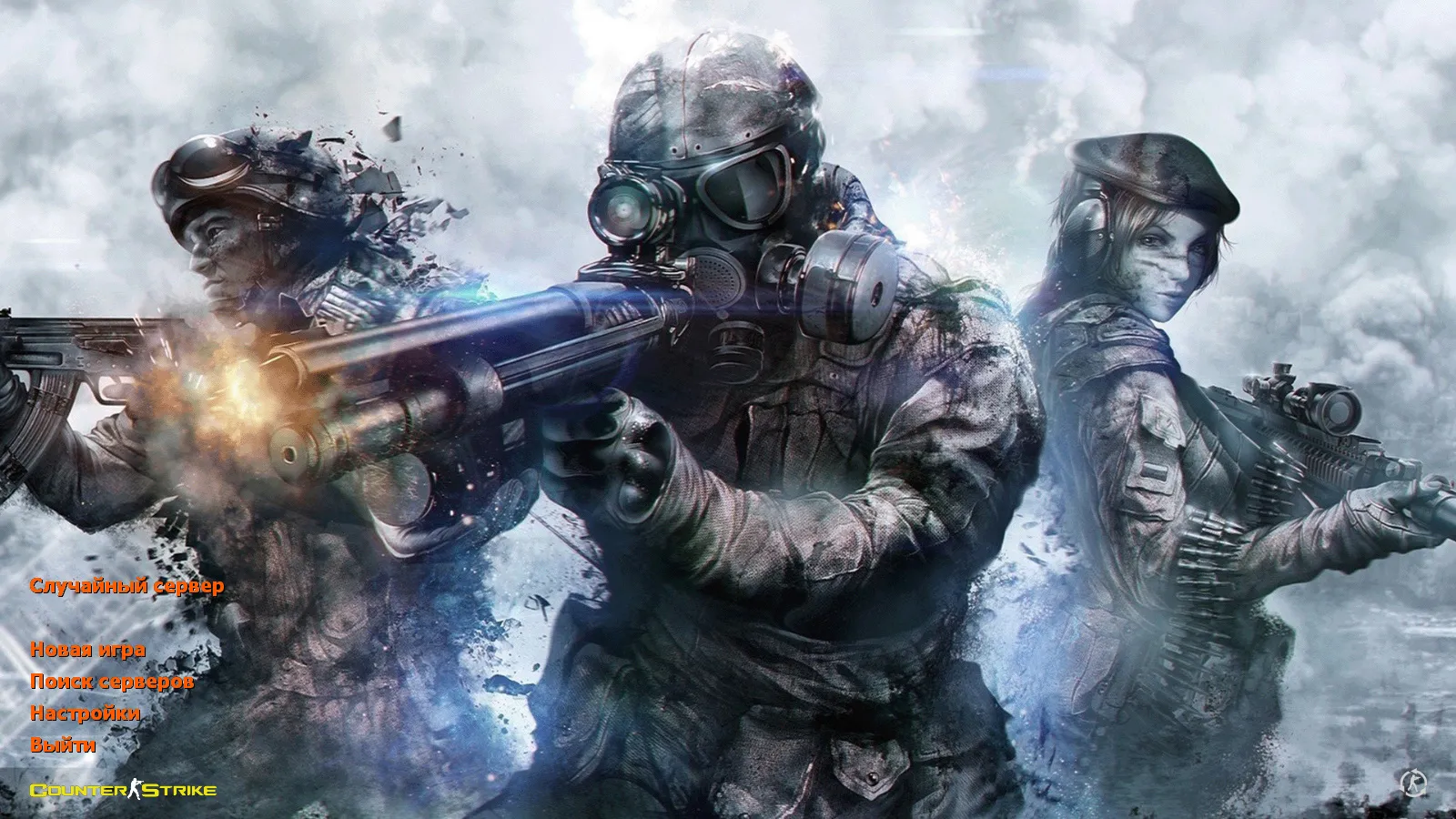
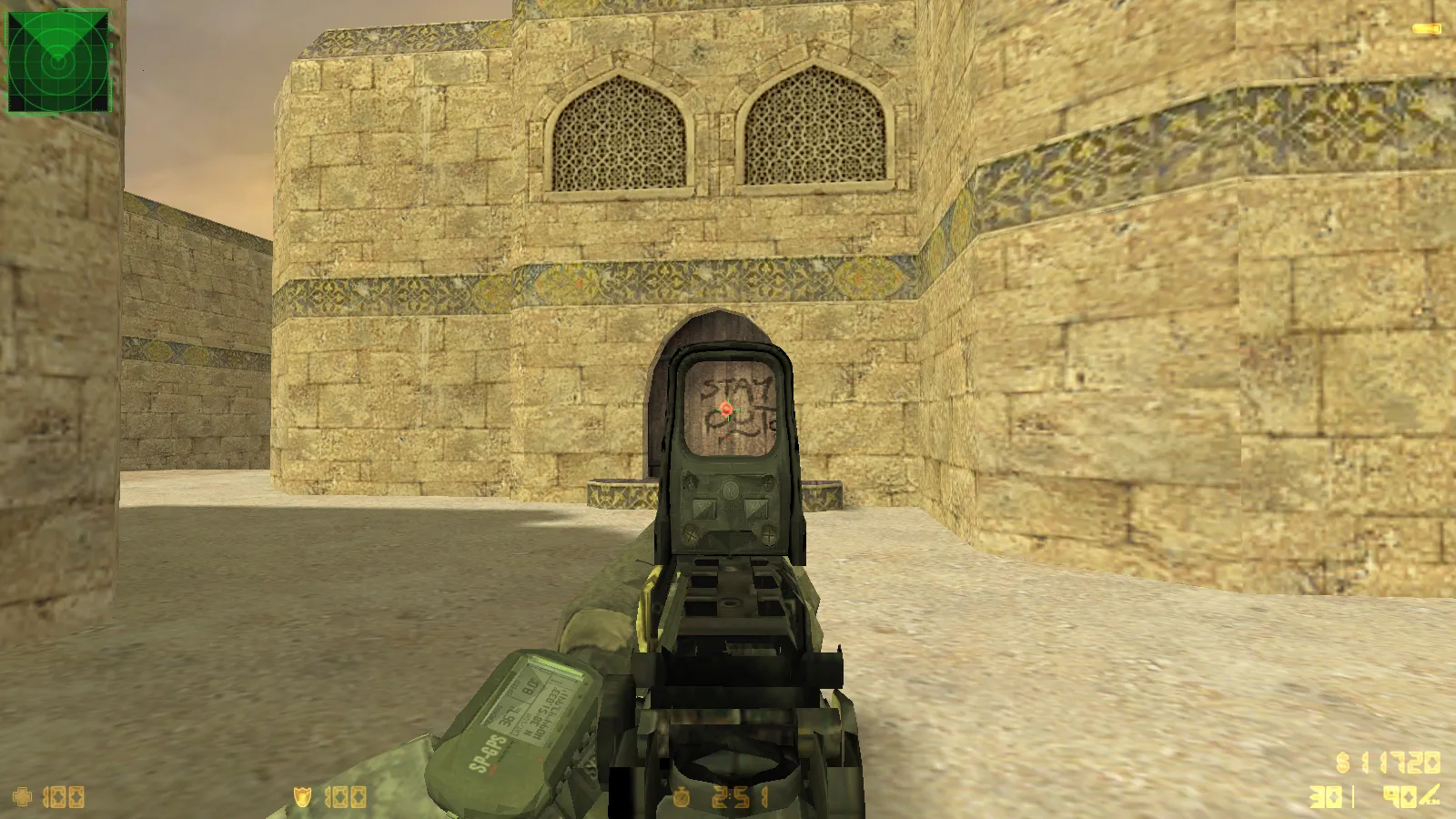
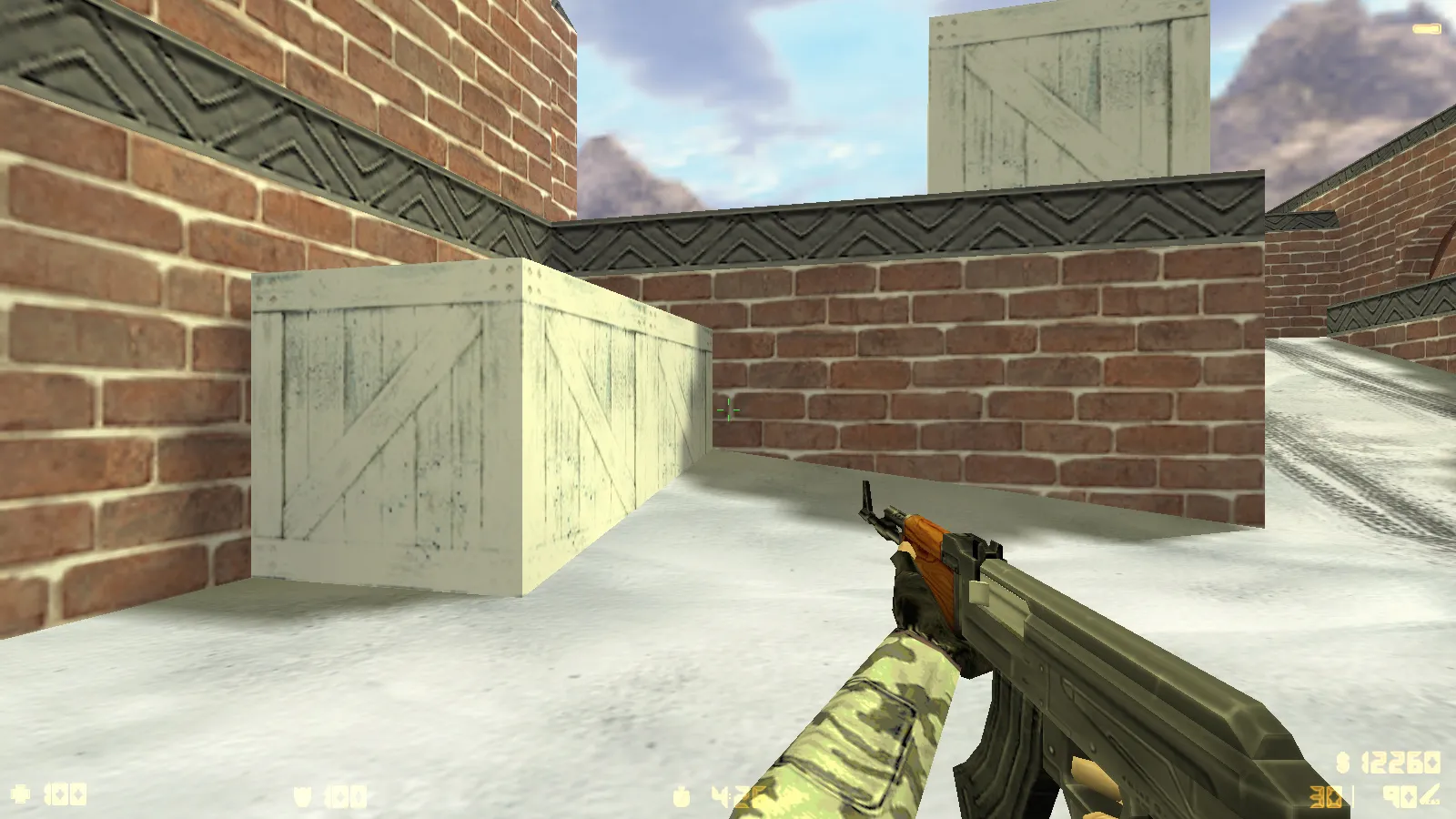
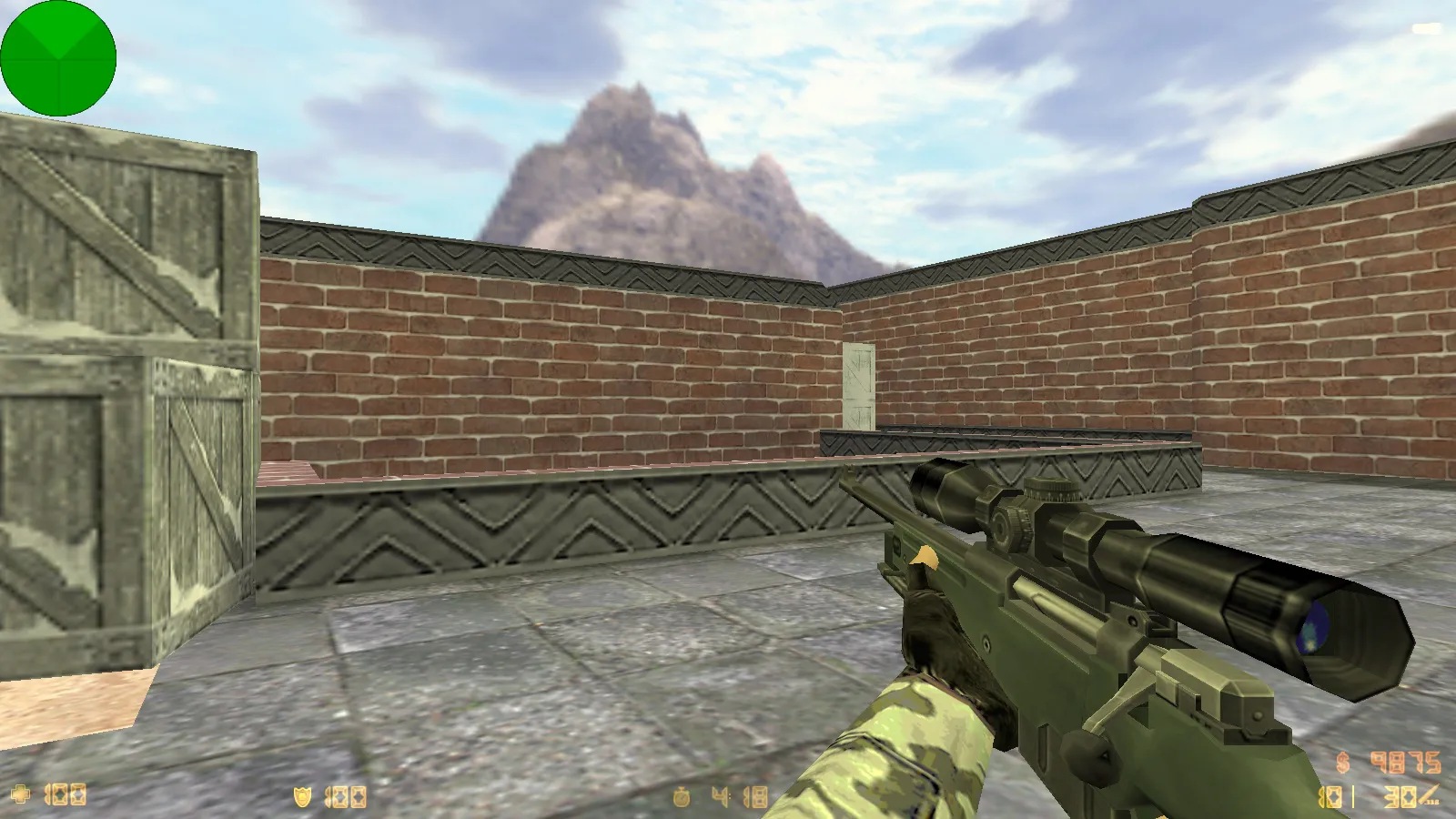
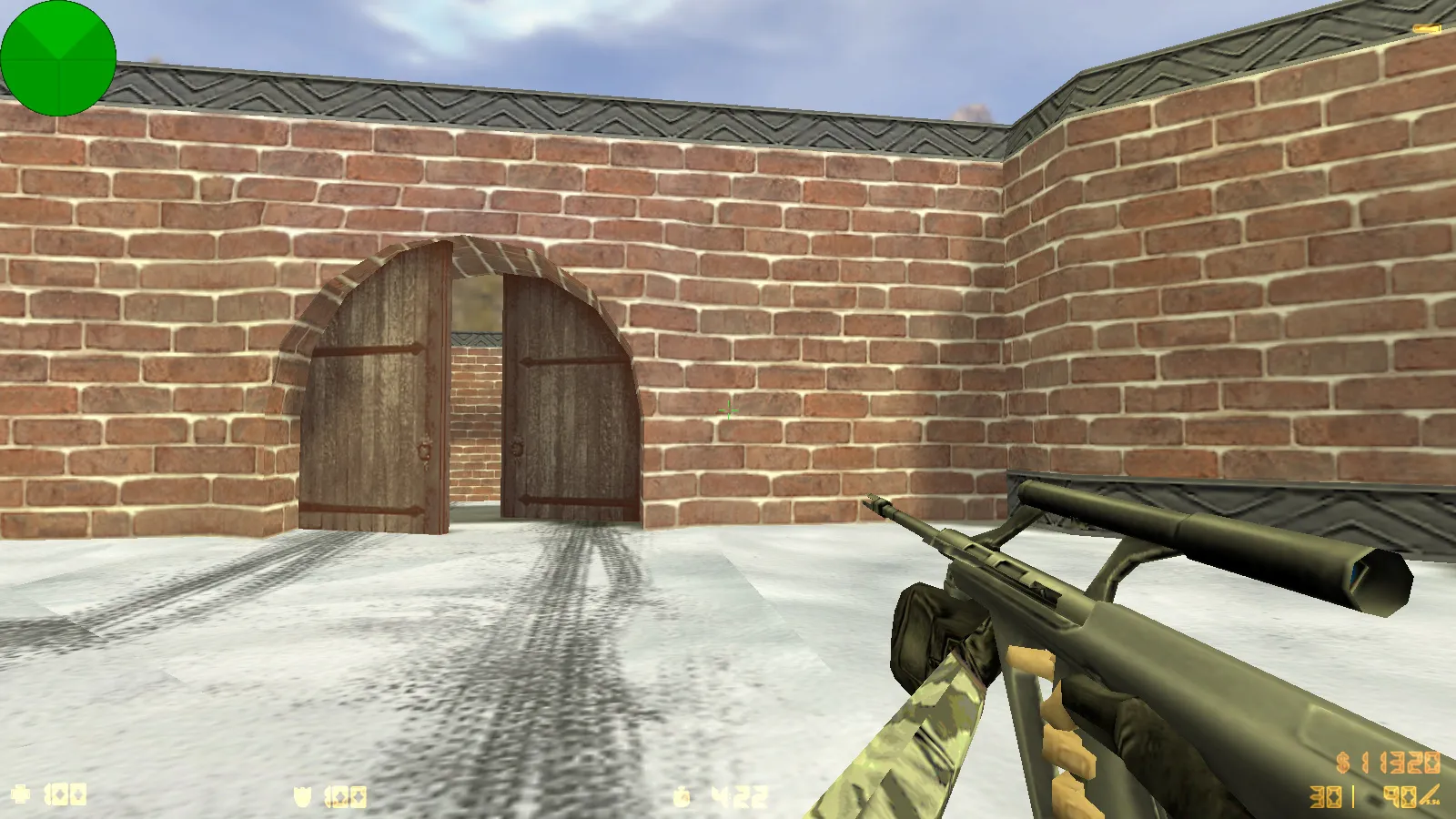
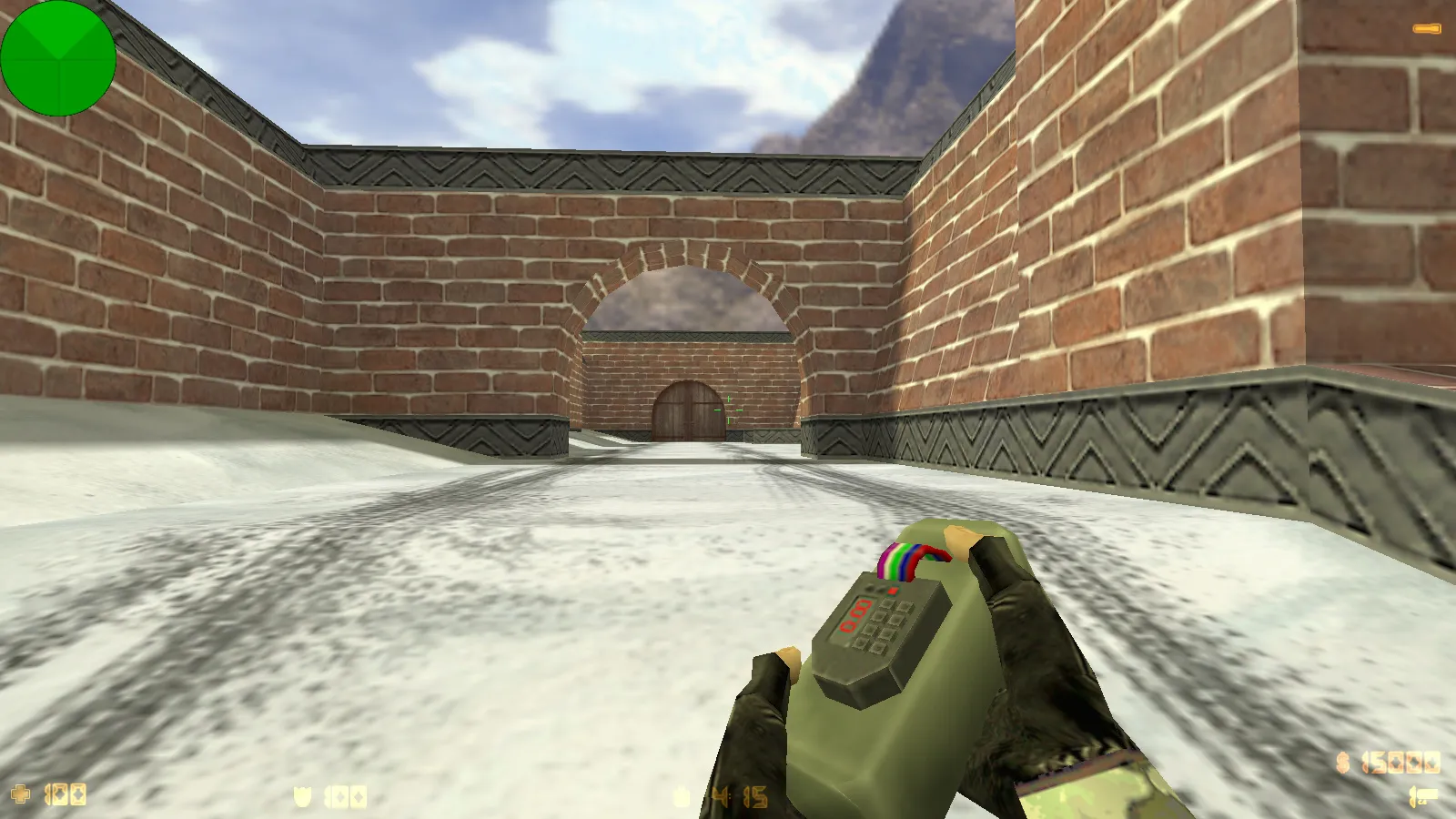
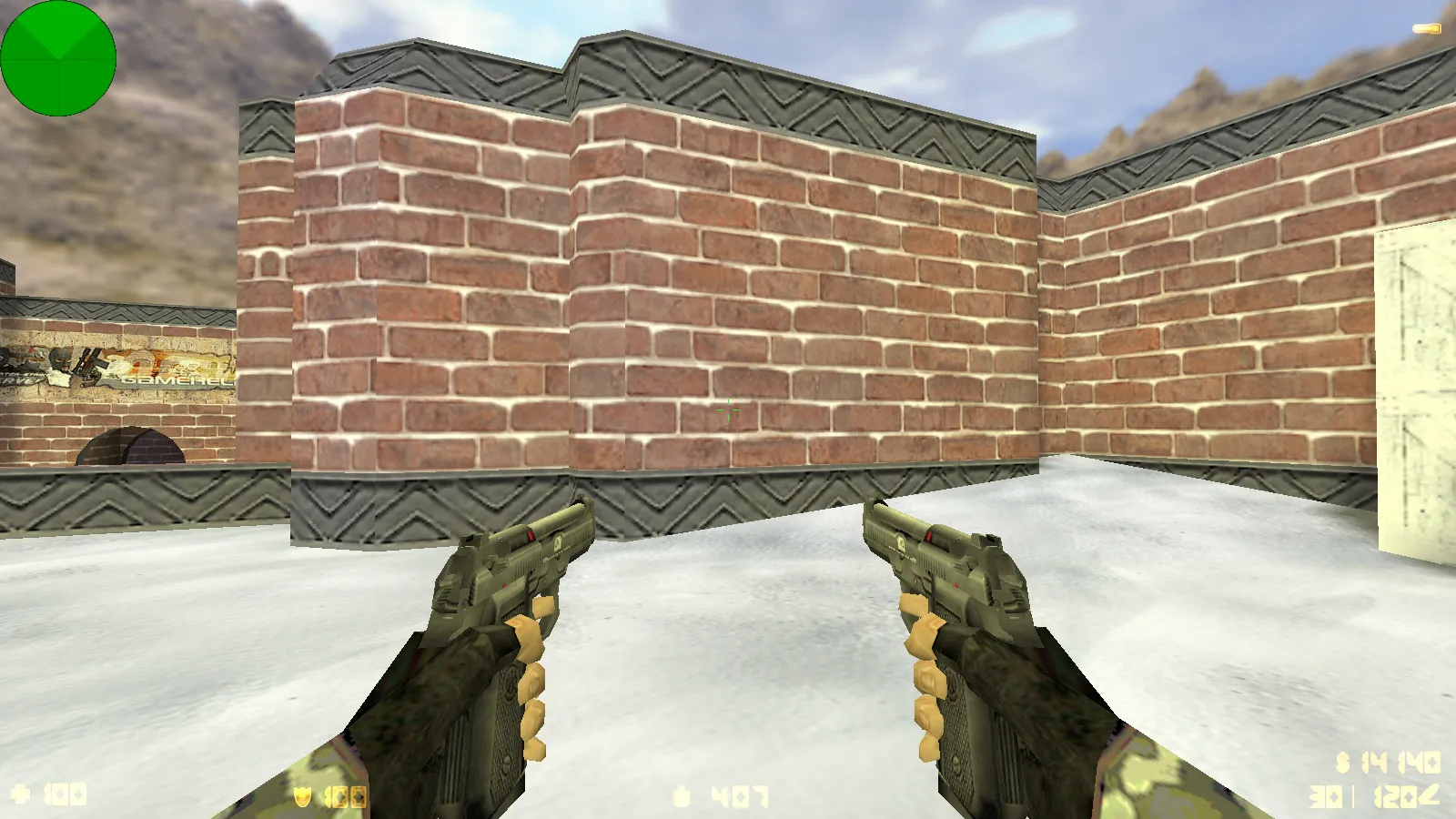
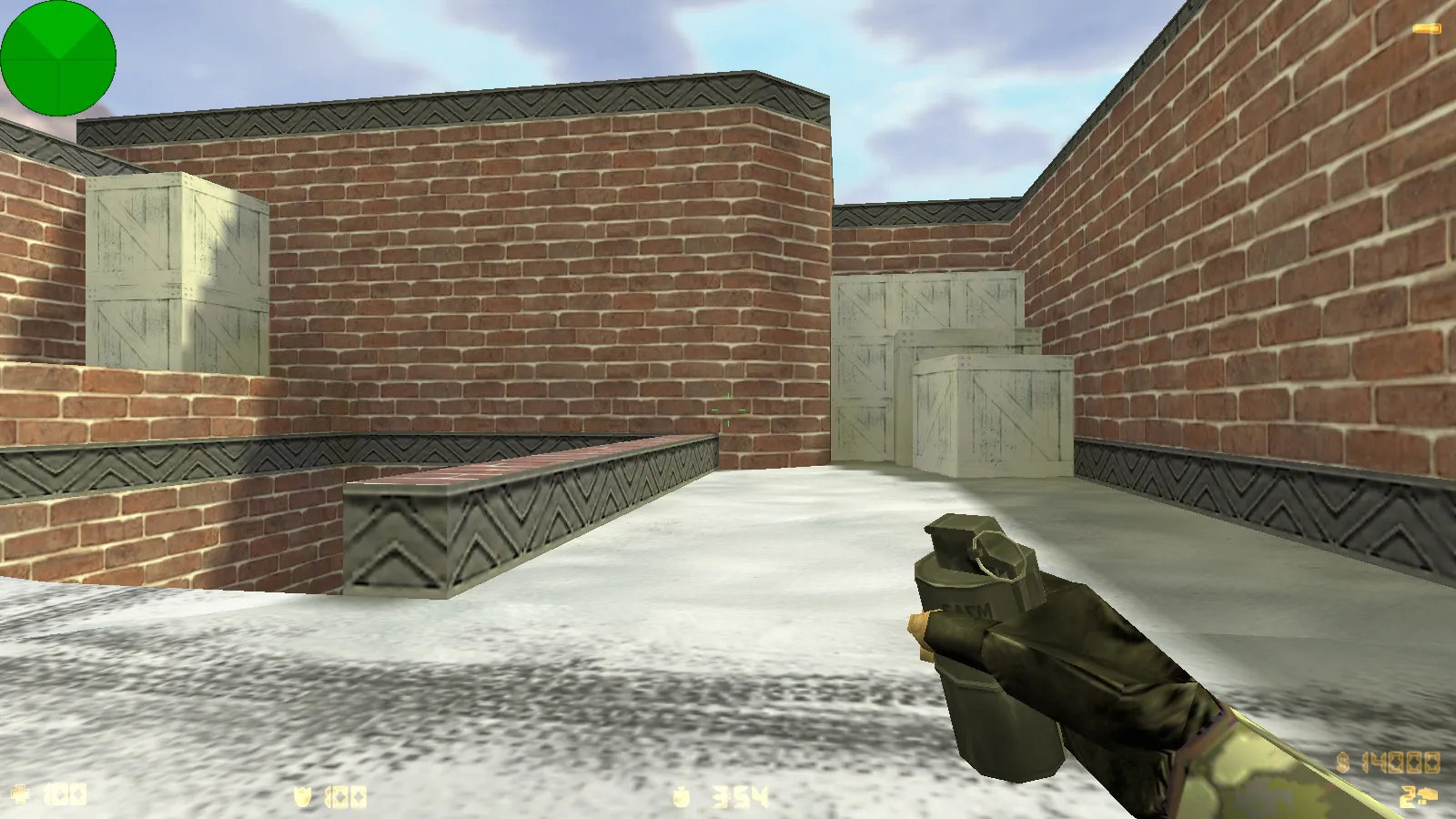
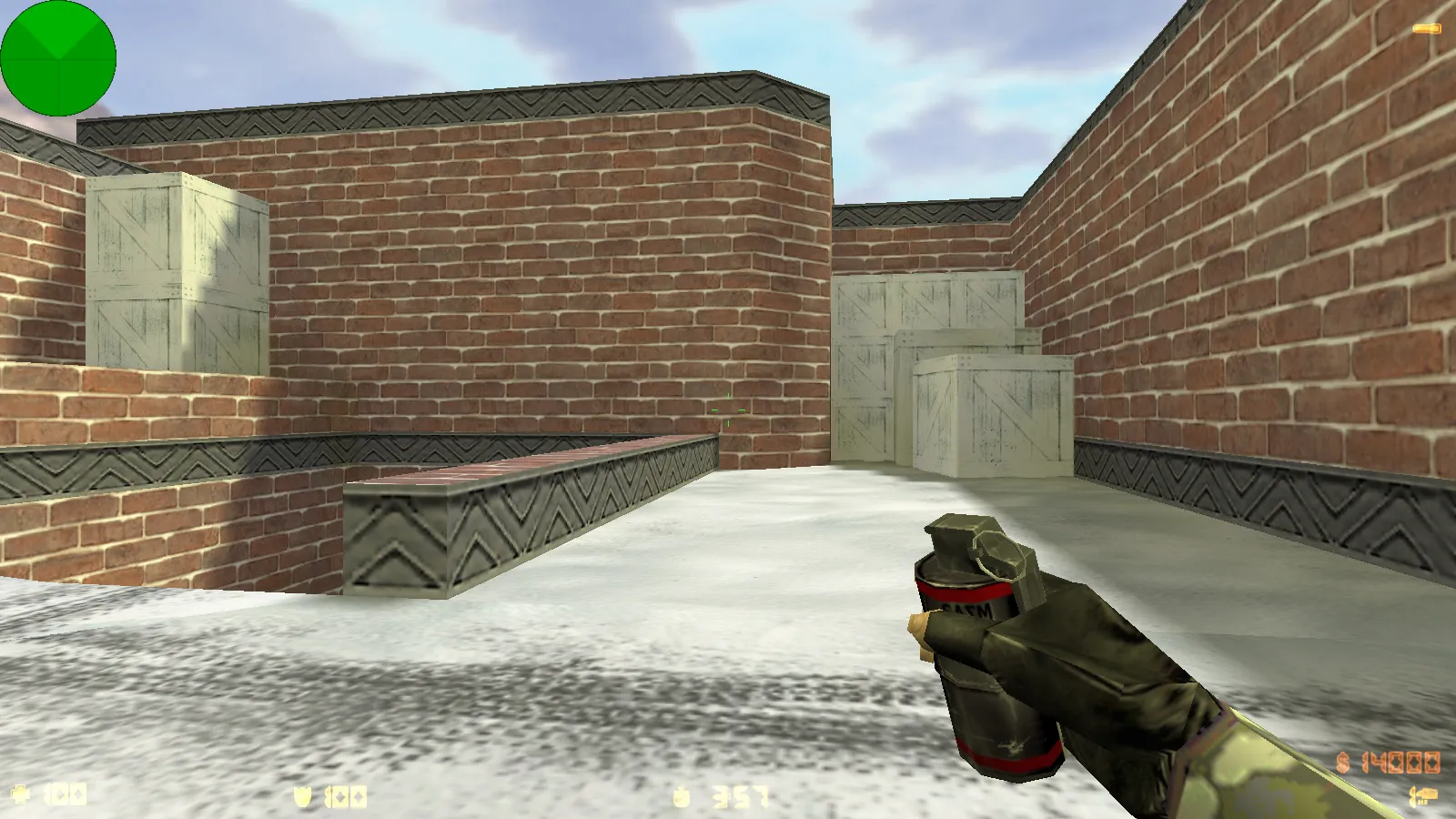
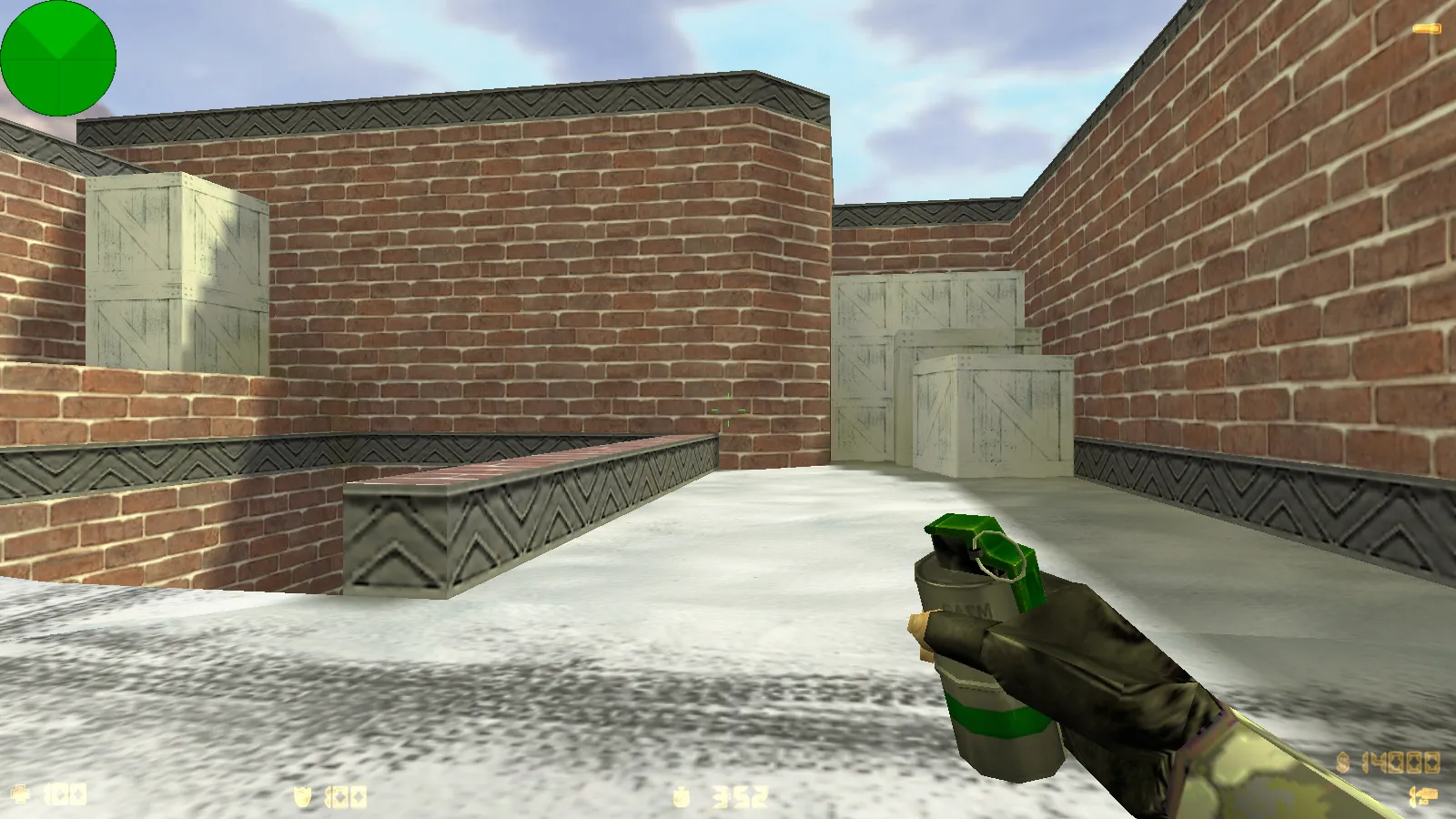
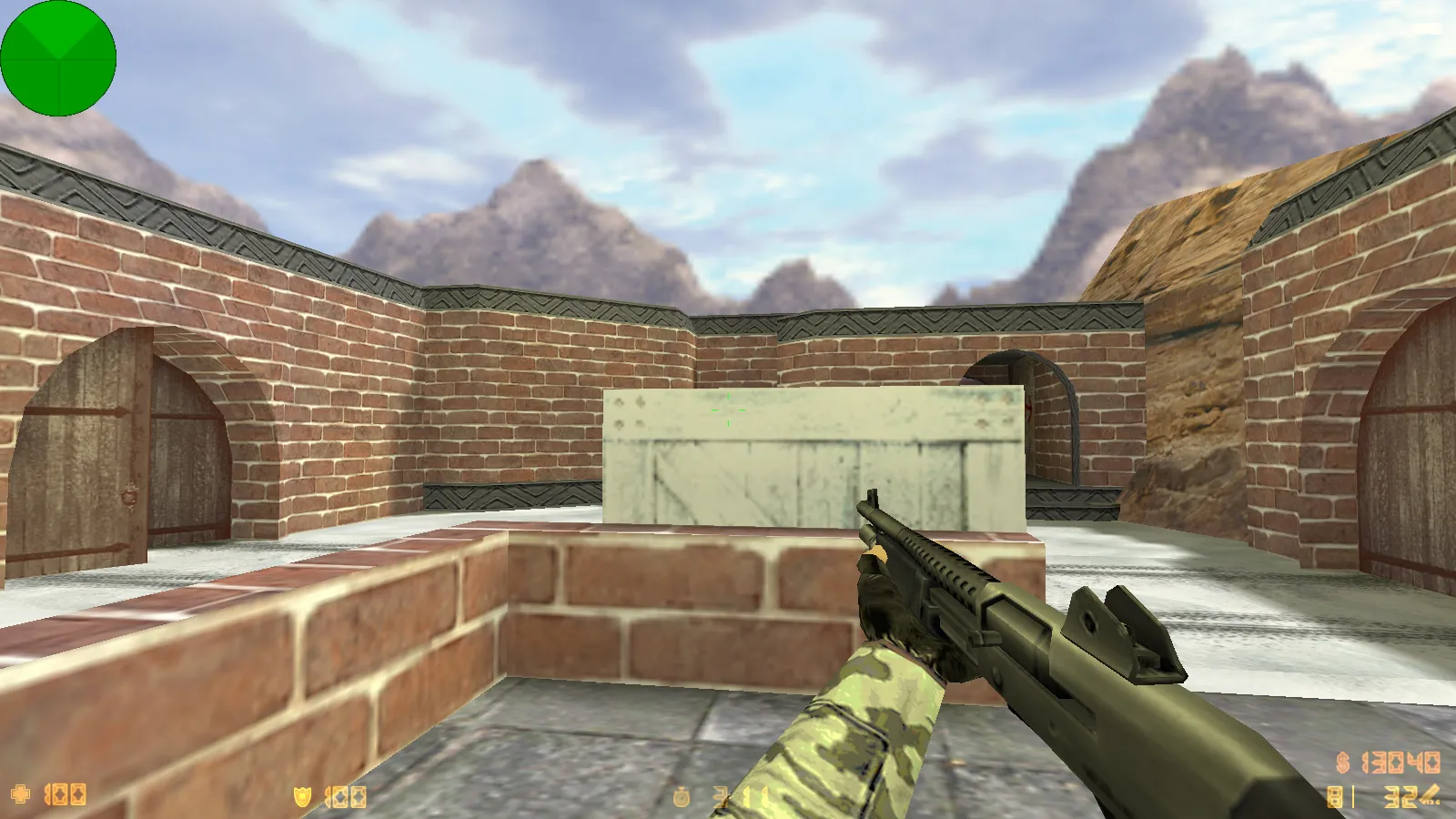
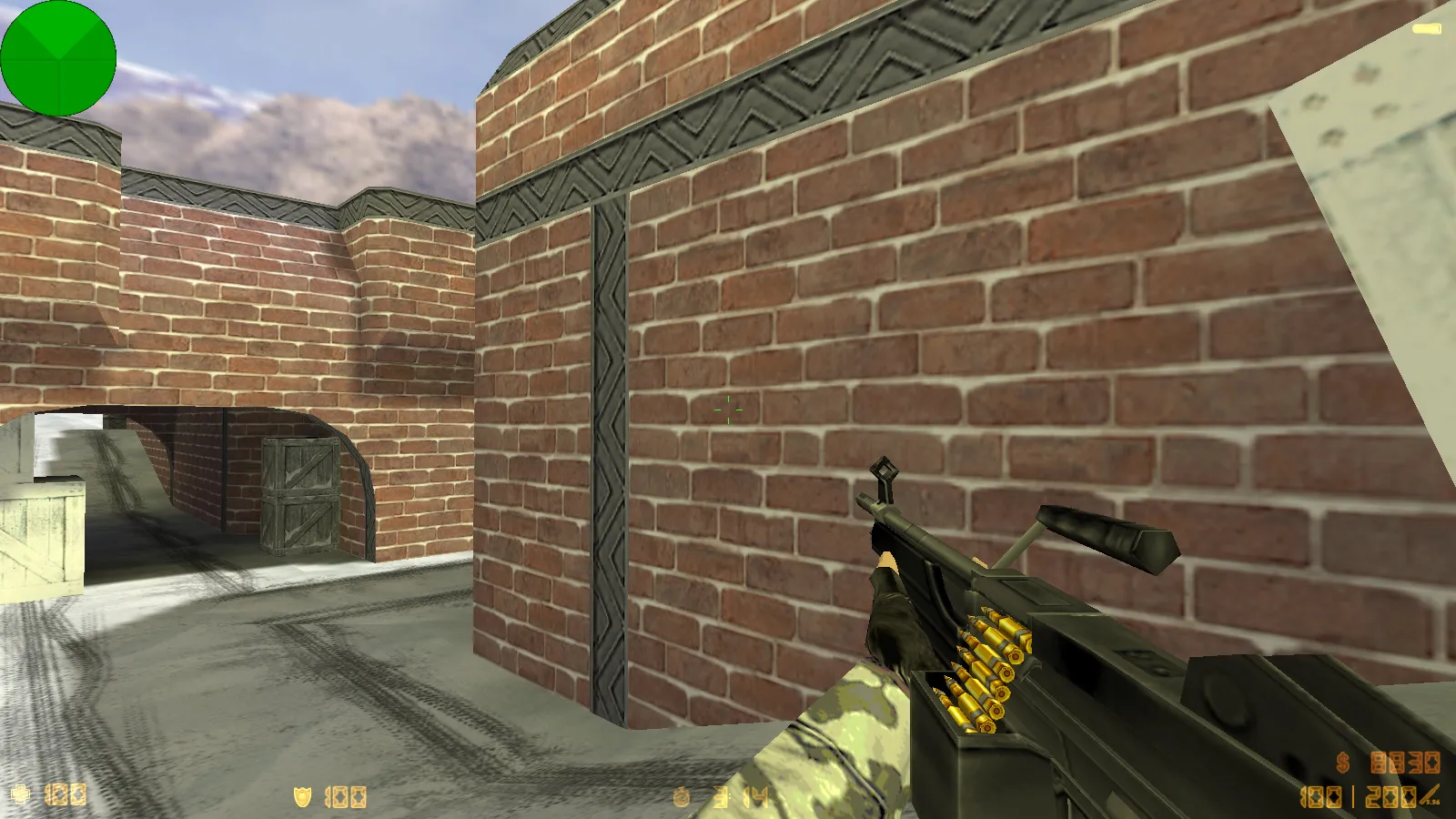
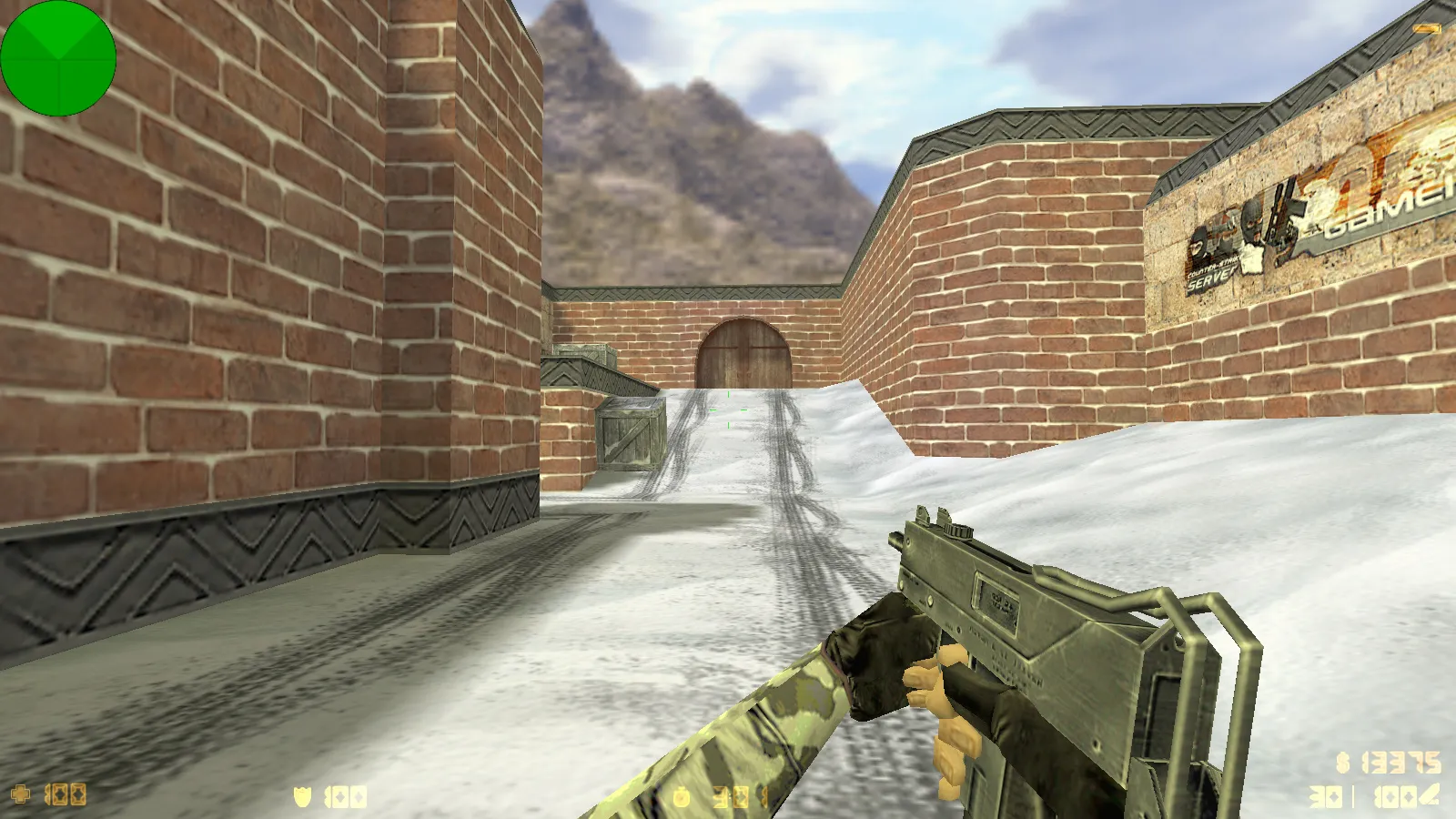
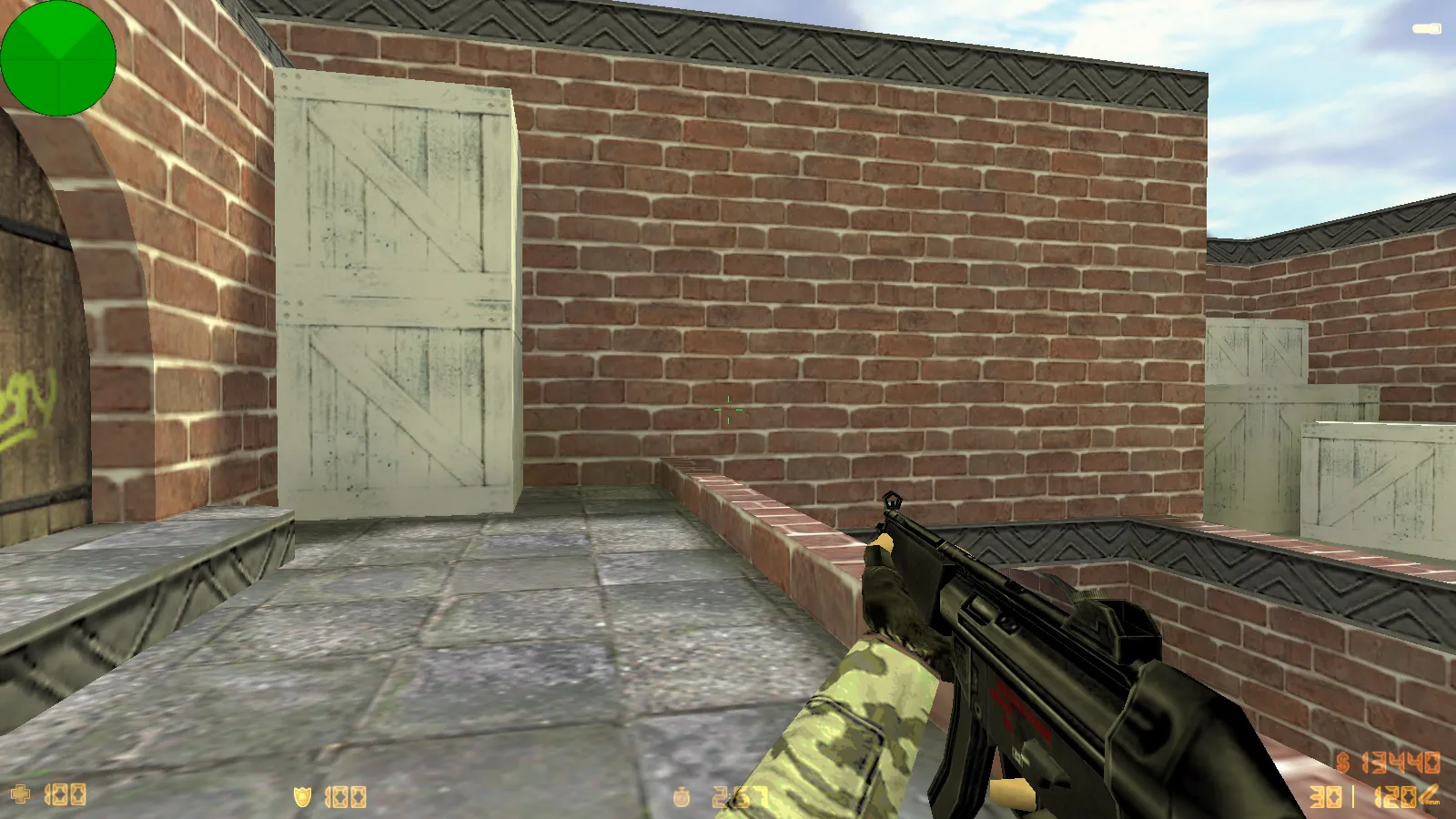
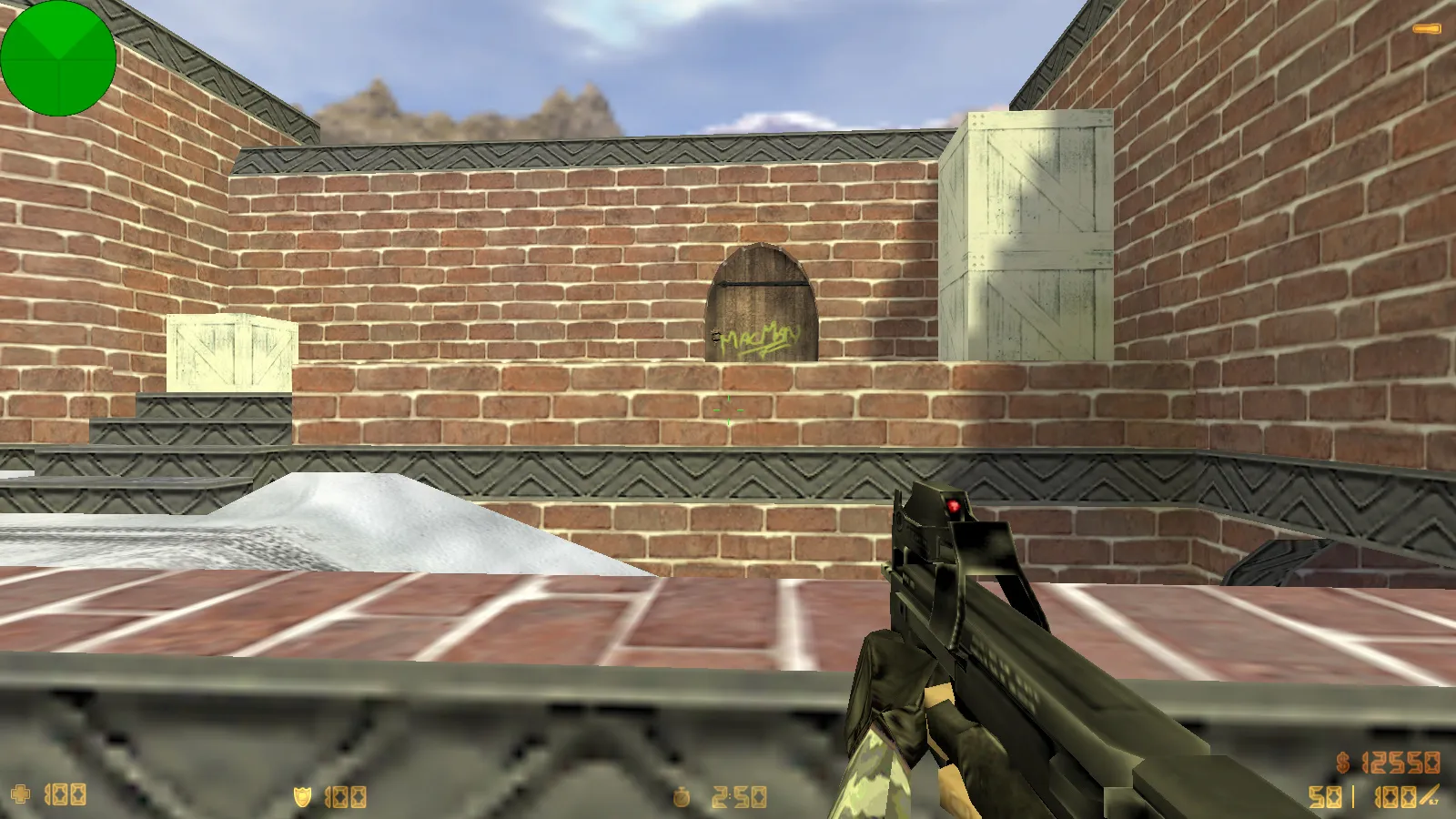
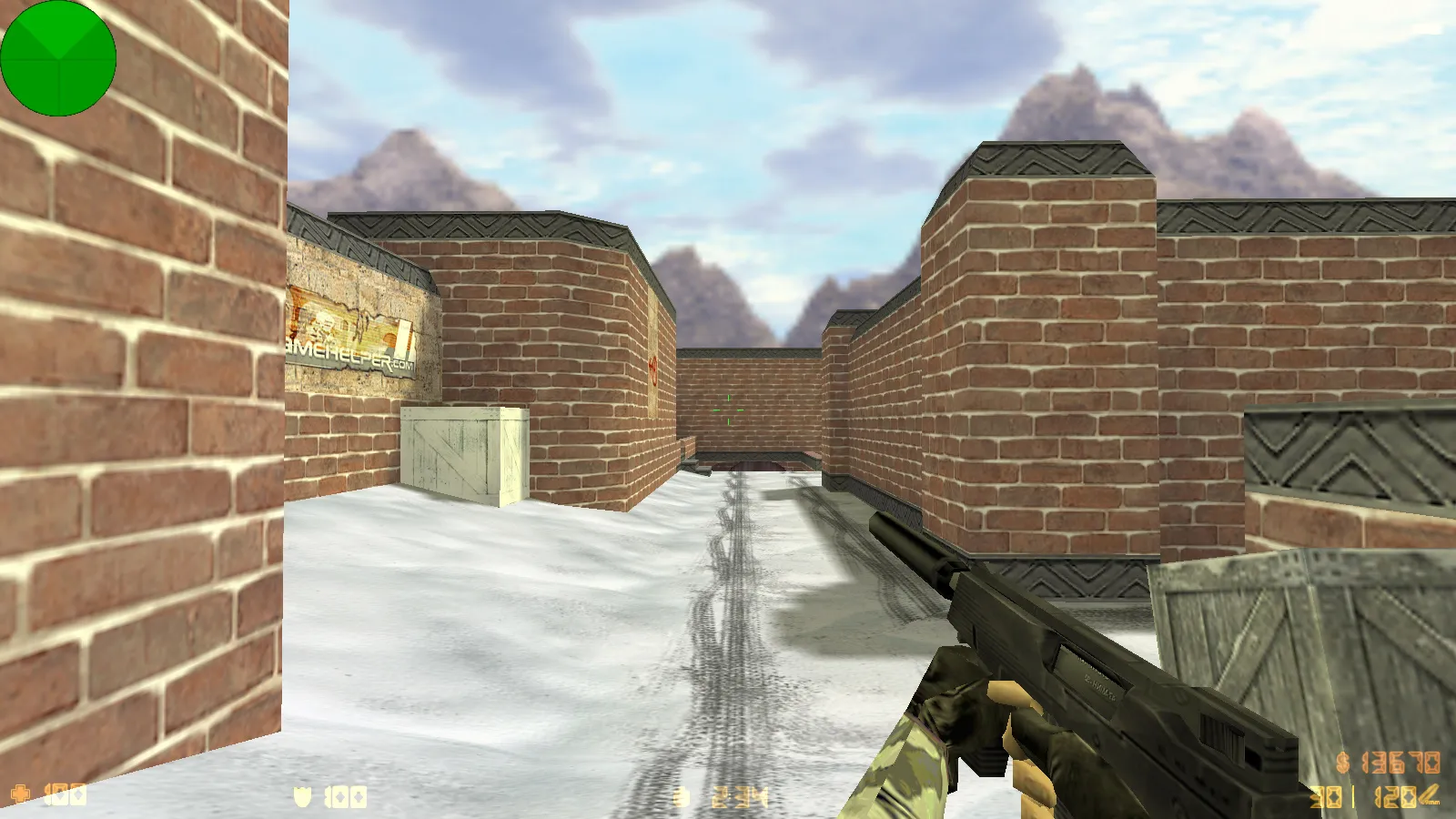
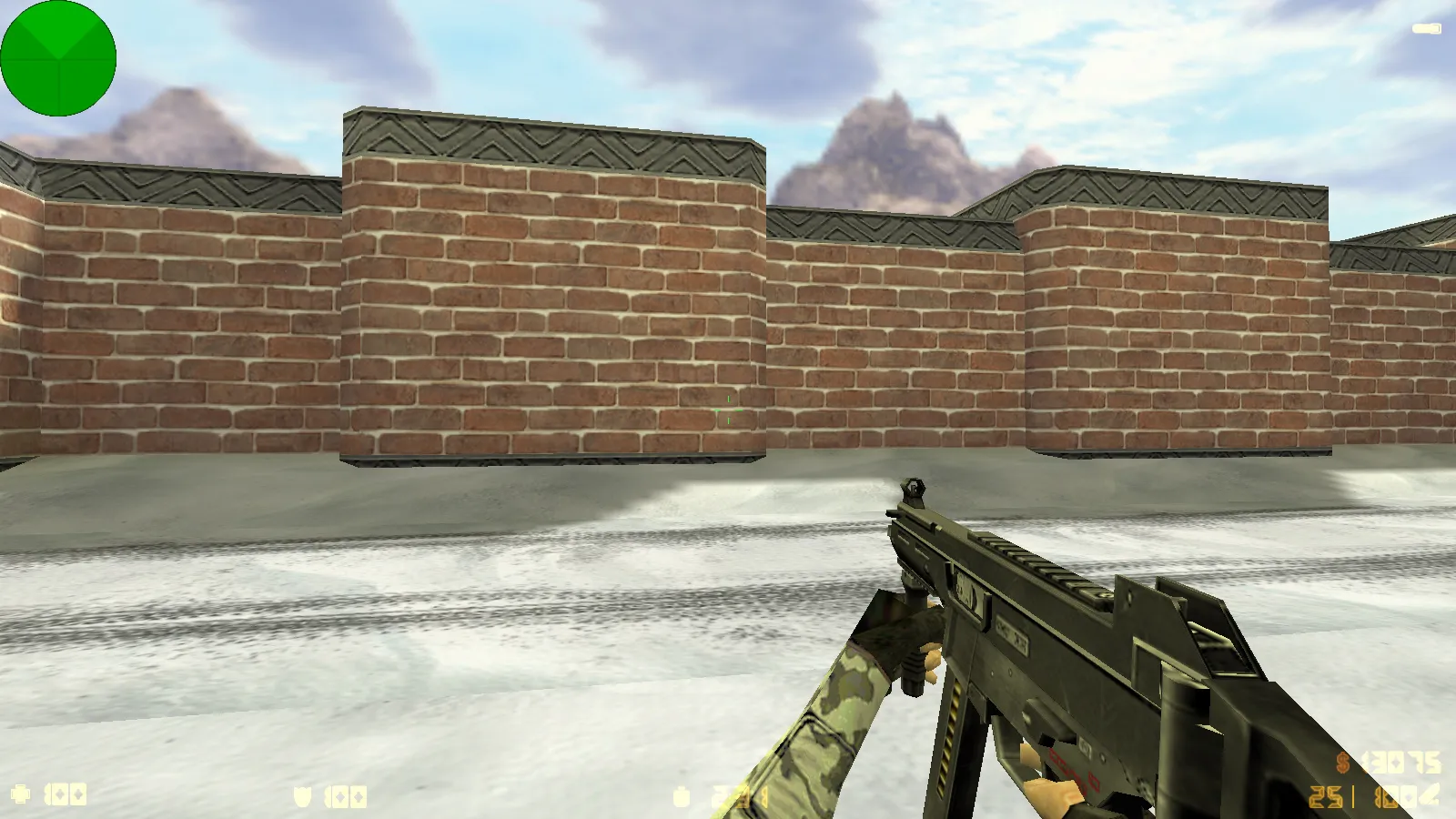
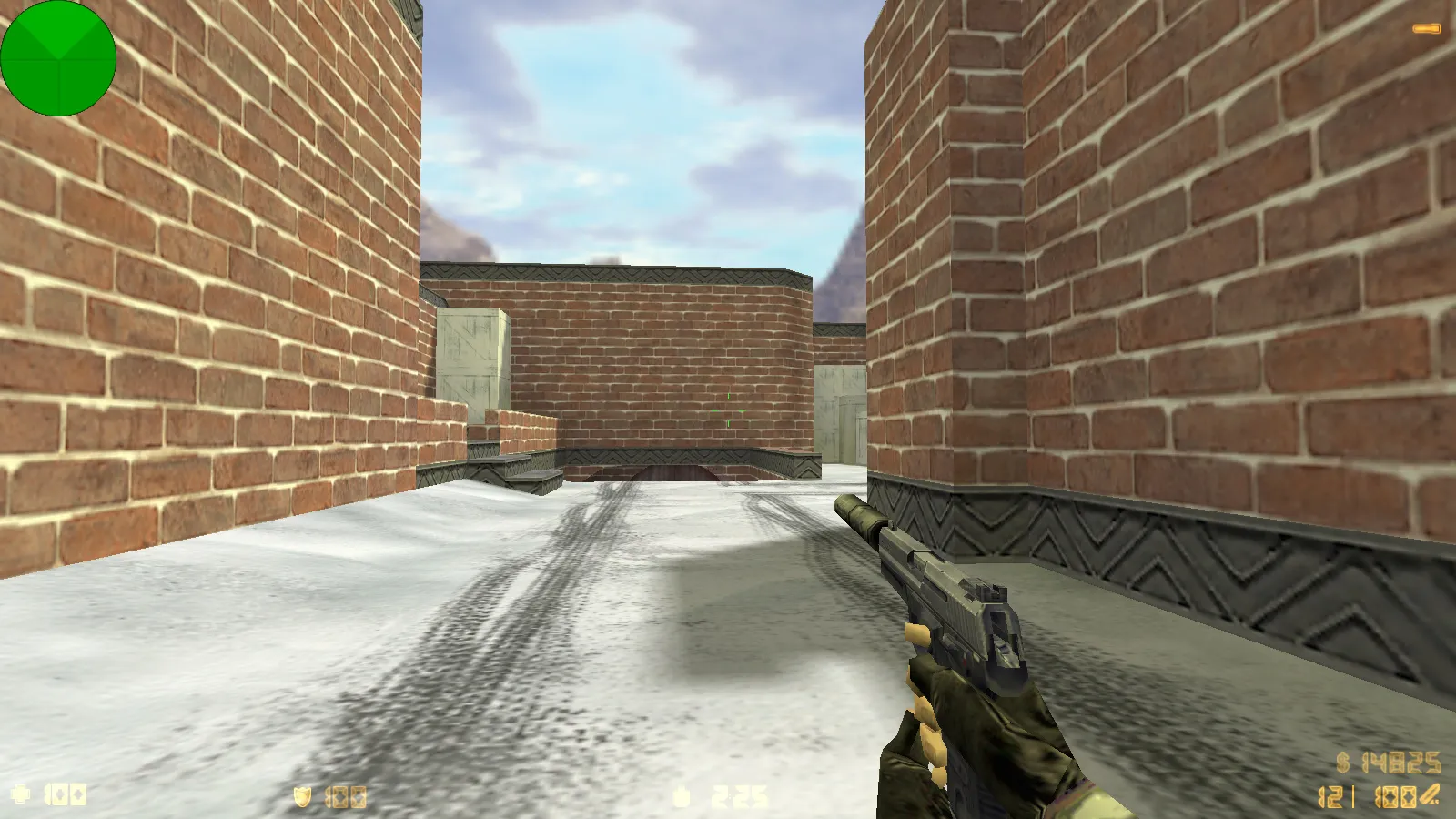
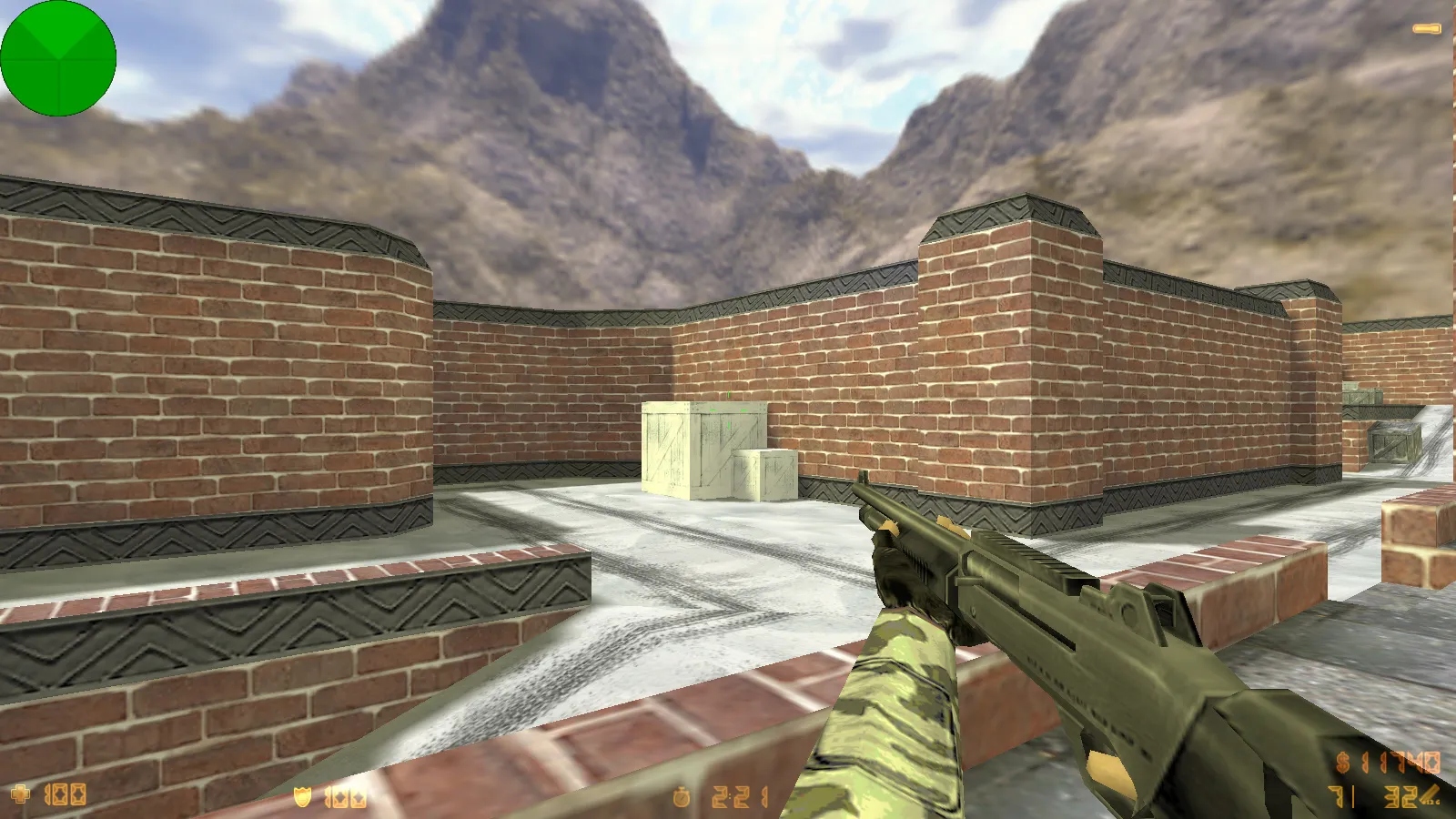
The CS 1.6 Winter Edition build overhauls the visual style with a cold-weather aesthetic while leaving the interface simple. It packs six fresh skins that change how players and menus look. The updates apply instantly: gloves and character models swap to winter versions, and menu graphics shift to a dark scheme for improved contrast.
Gameplay remains exactly like vanilla CS 1.6. This package keeps the core intact with no disruptions or complicated configuration. Install, start the game, and jump into quick launches, stable online matches, bot support on every map, and preserved configuration settings.
Cold-Weather Models for Counter-Terrorists and Terrorists
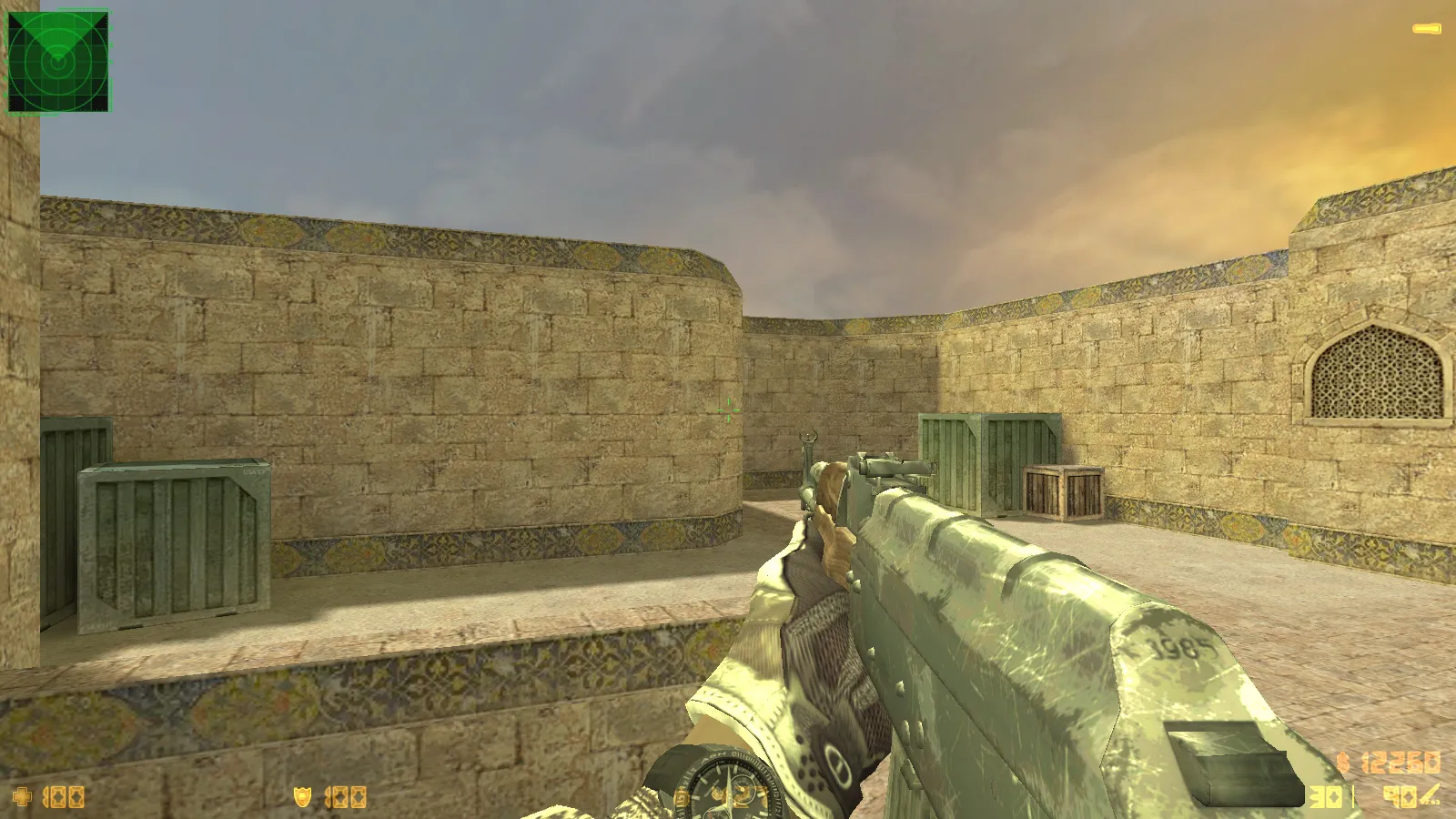
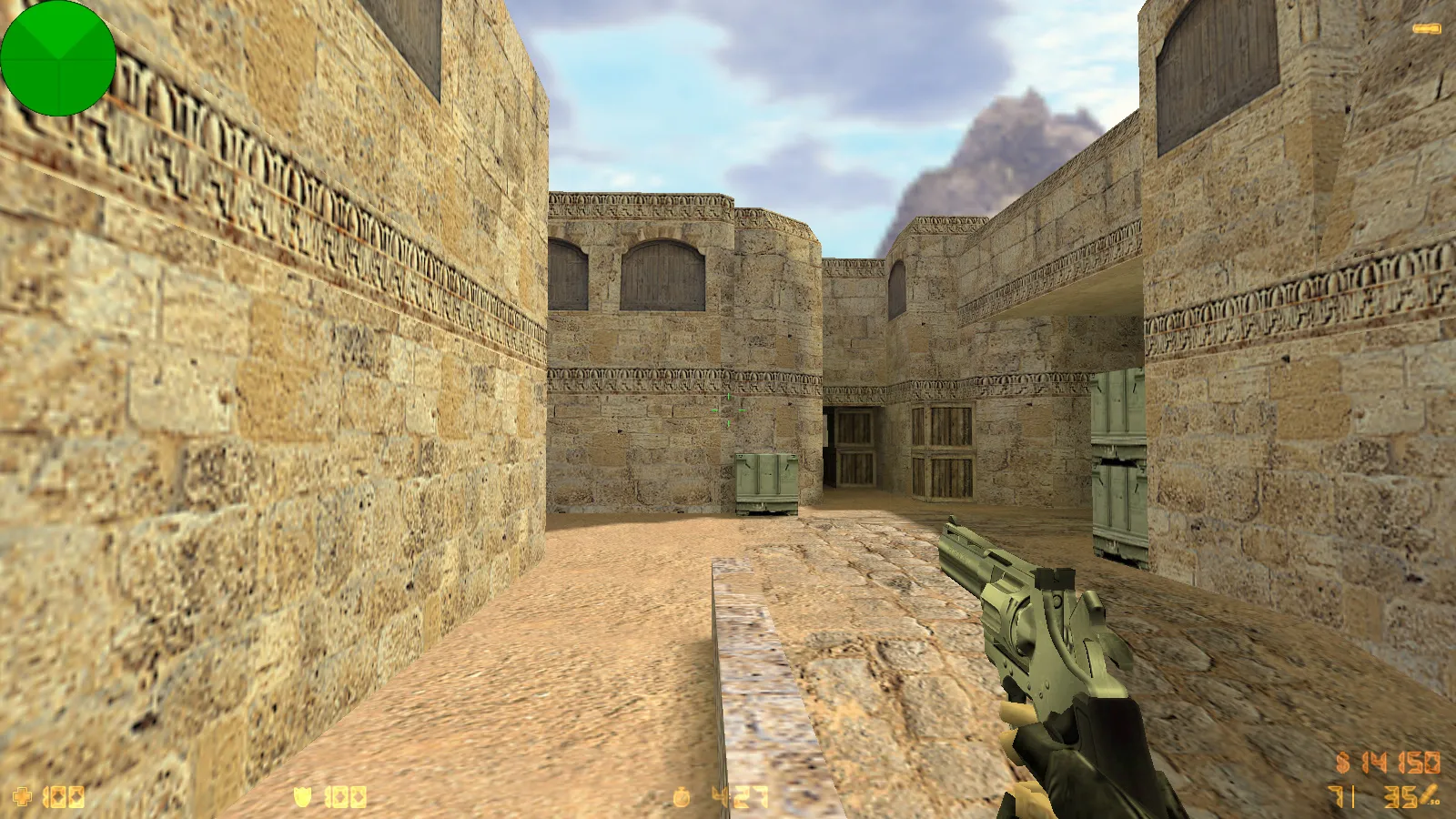
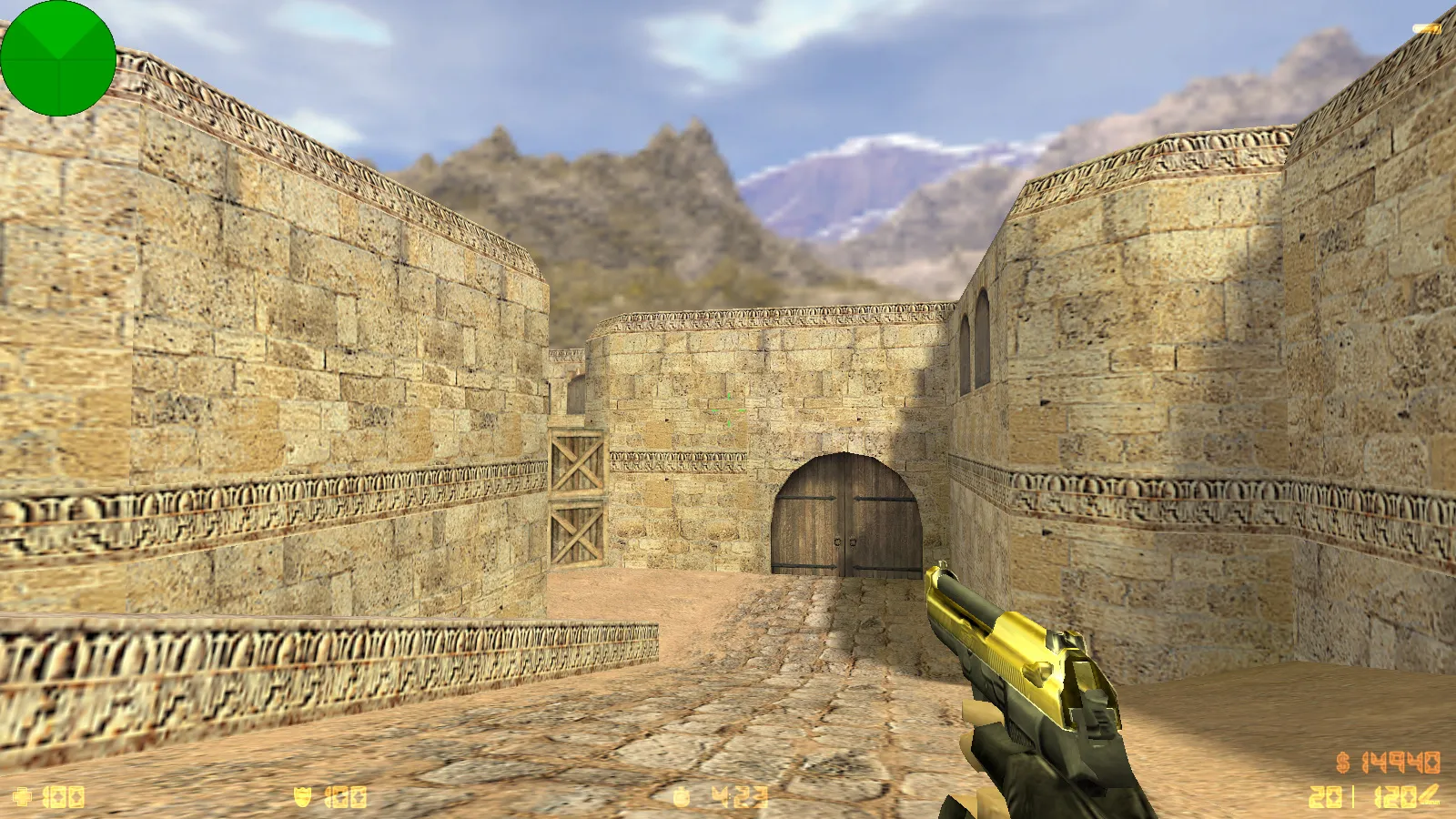
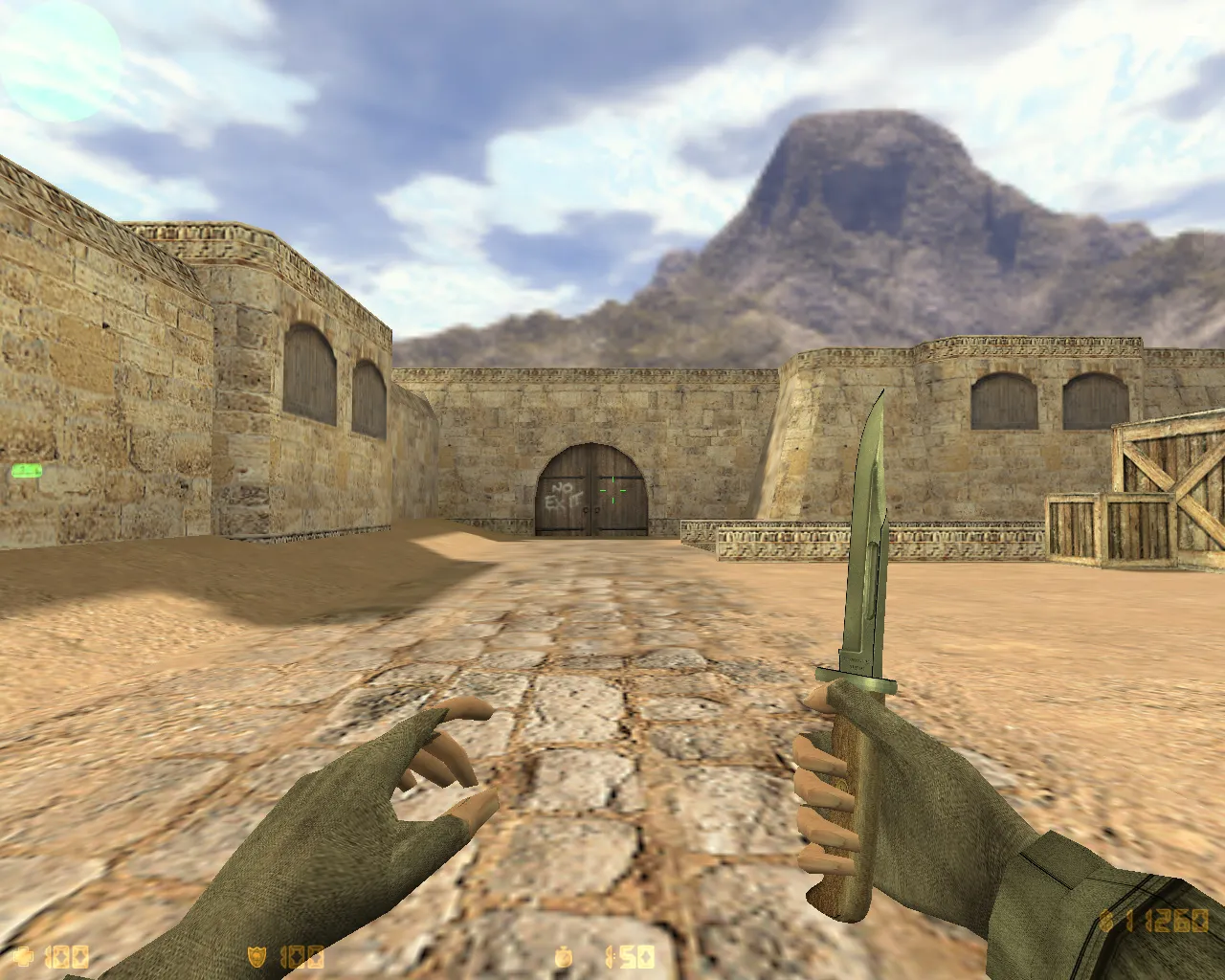
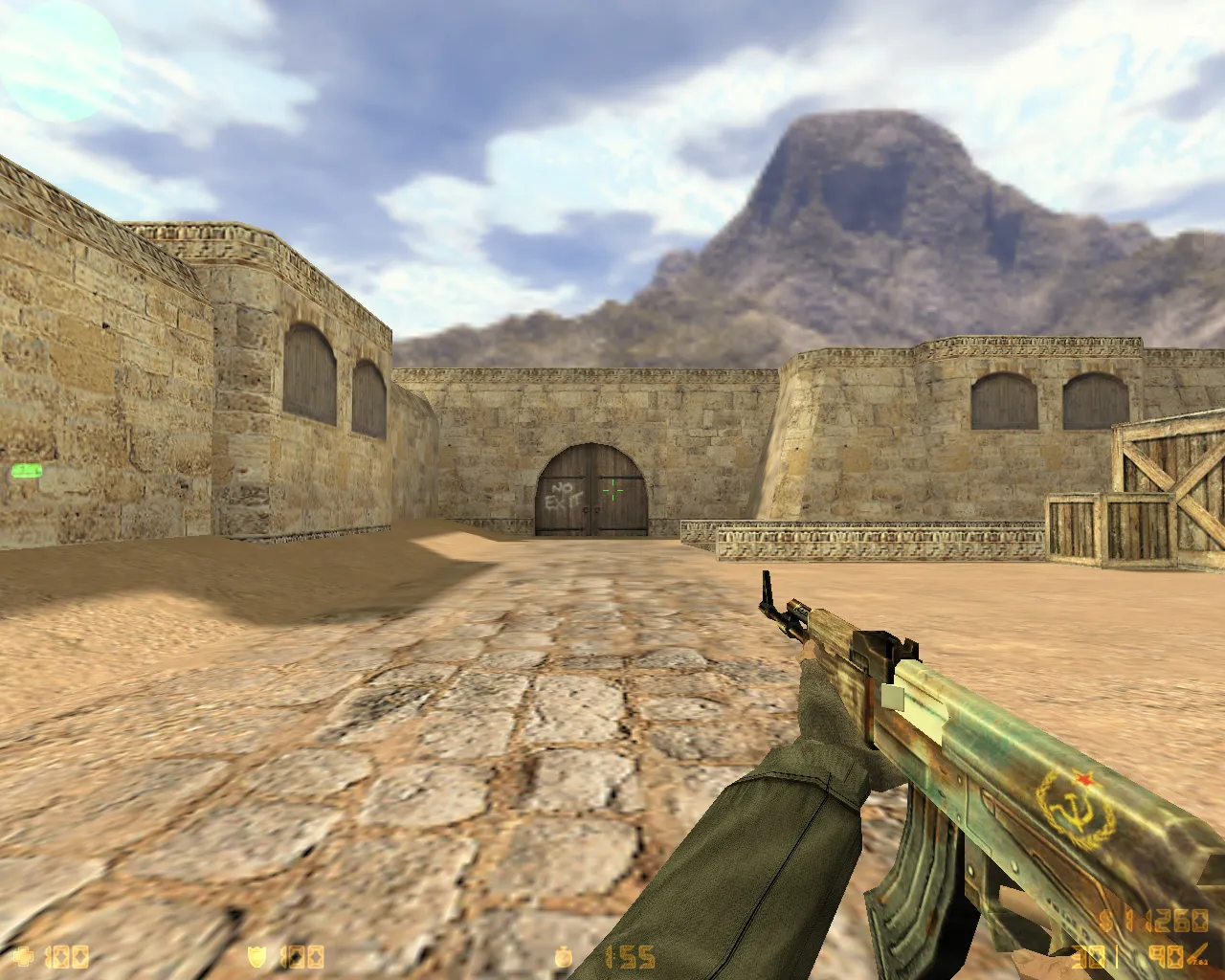
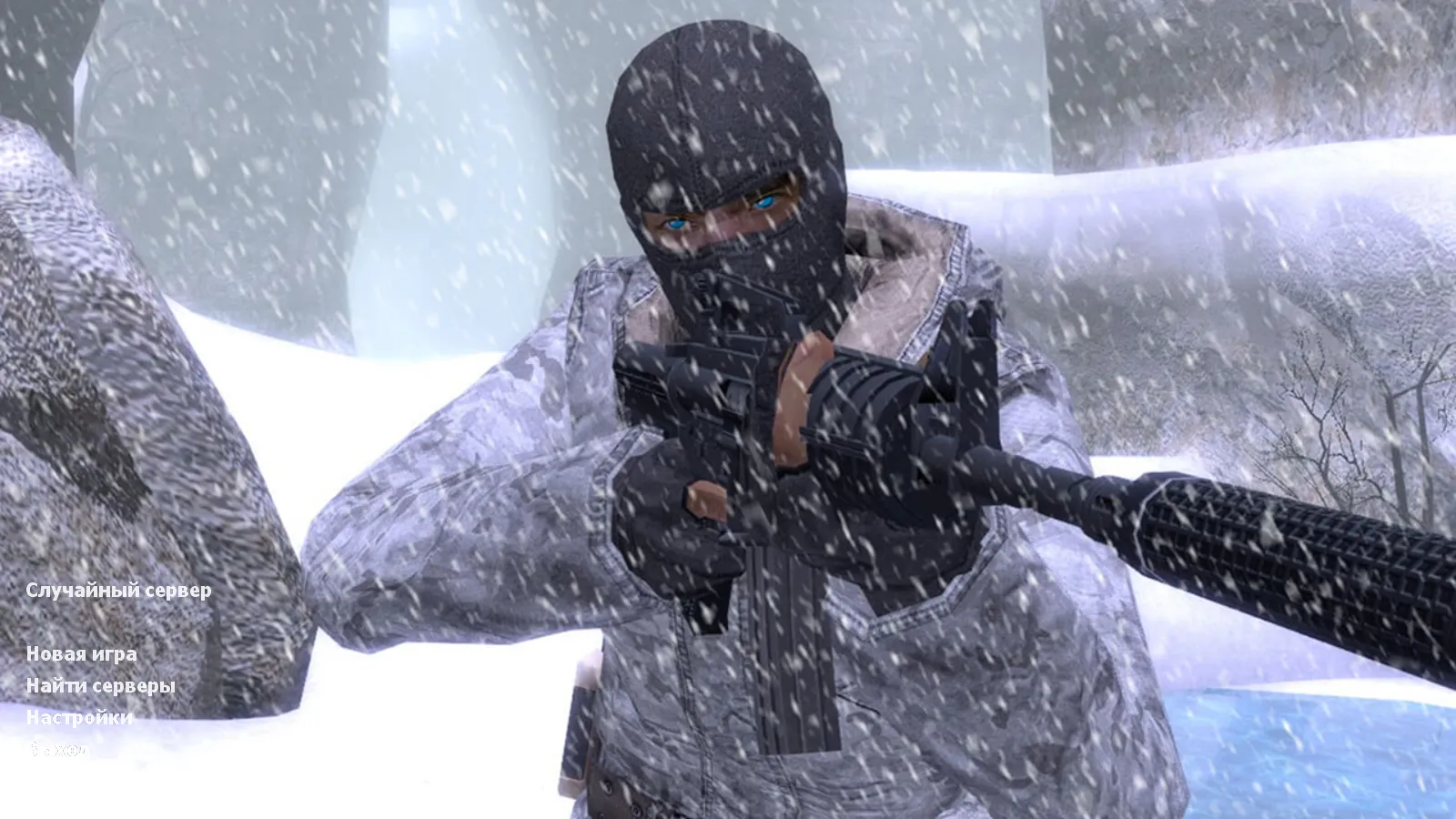
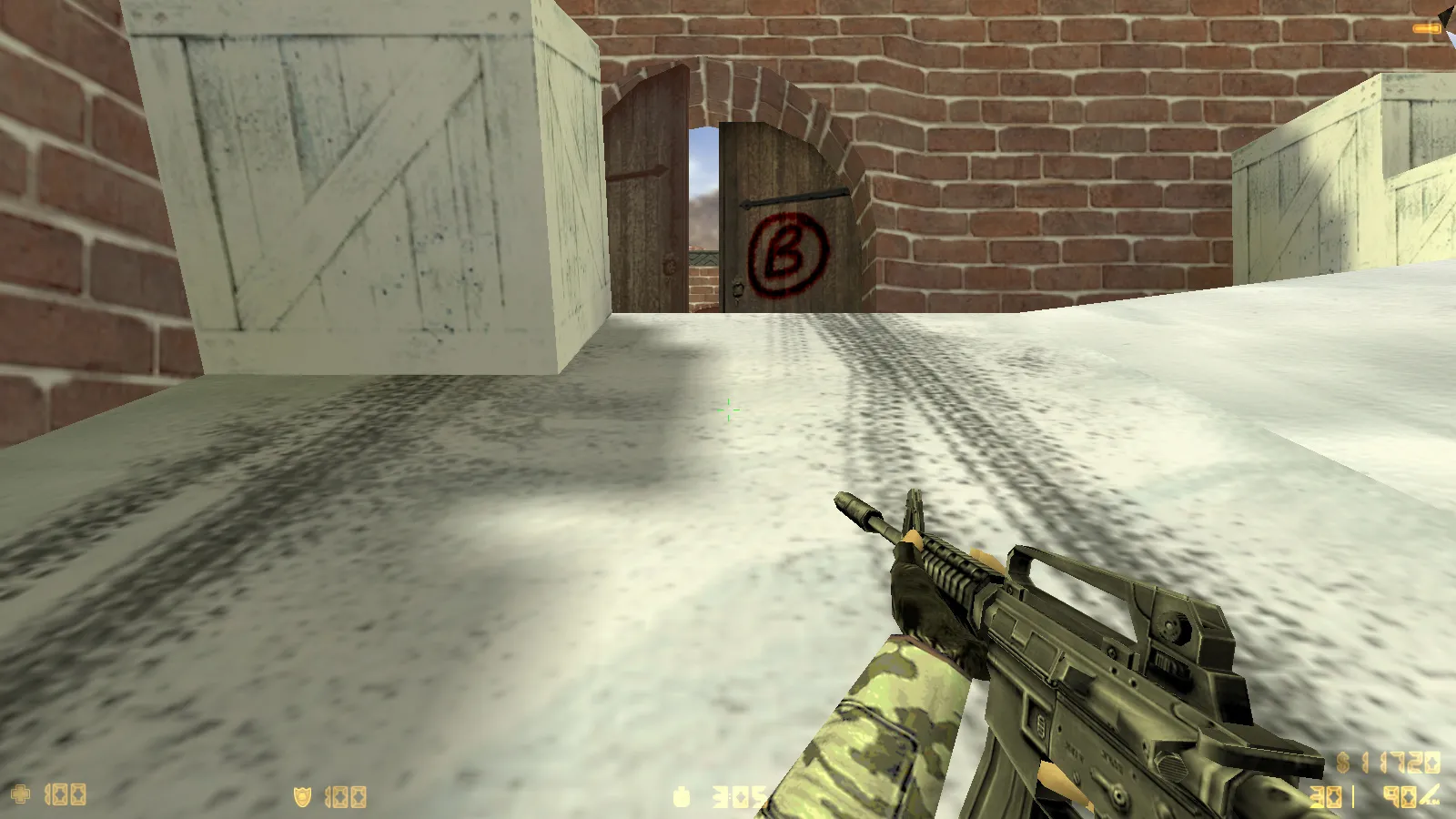
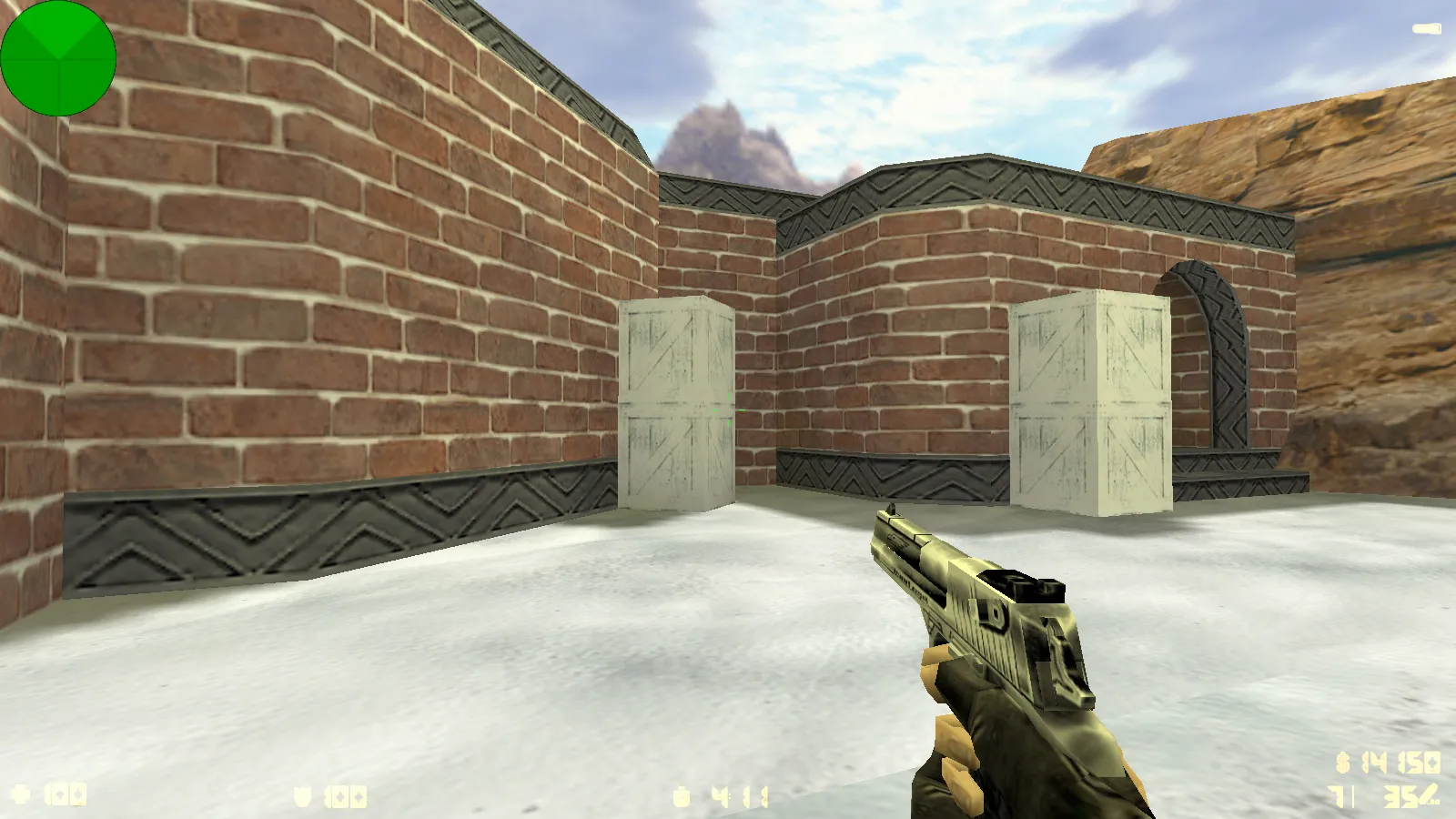
This release adds winter versions of the standard player models, complete with 'Snow Camouflage' sleeves. Both CT and T factions receive dedicated winter camo textures. These offer distinct silhouette contrast during rounds on frosty maps or when swapping atmospheres without switching clients.
Model fidelity holds up at any distance. Texture quality keeps details readable during frantic firefights, helping you identify enemies faster. Polygon counts stay optimized for high frame rates, preventing blur while retaining the classic CS 1.6 look. Winter CT models utilize p_ and w_ files with HD 512x512 textures for visibility in dim areas, similar to ESL pro configurations. Terrorist models match this approach, with hitbox alignment preserved for accurate shooting.
Main Menu and Background Art
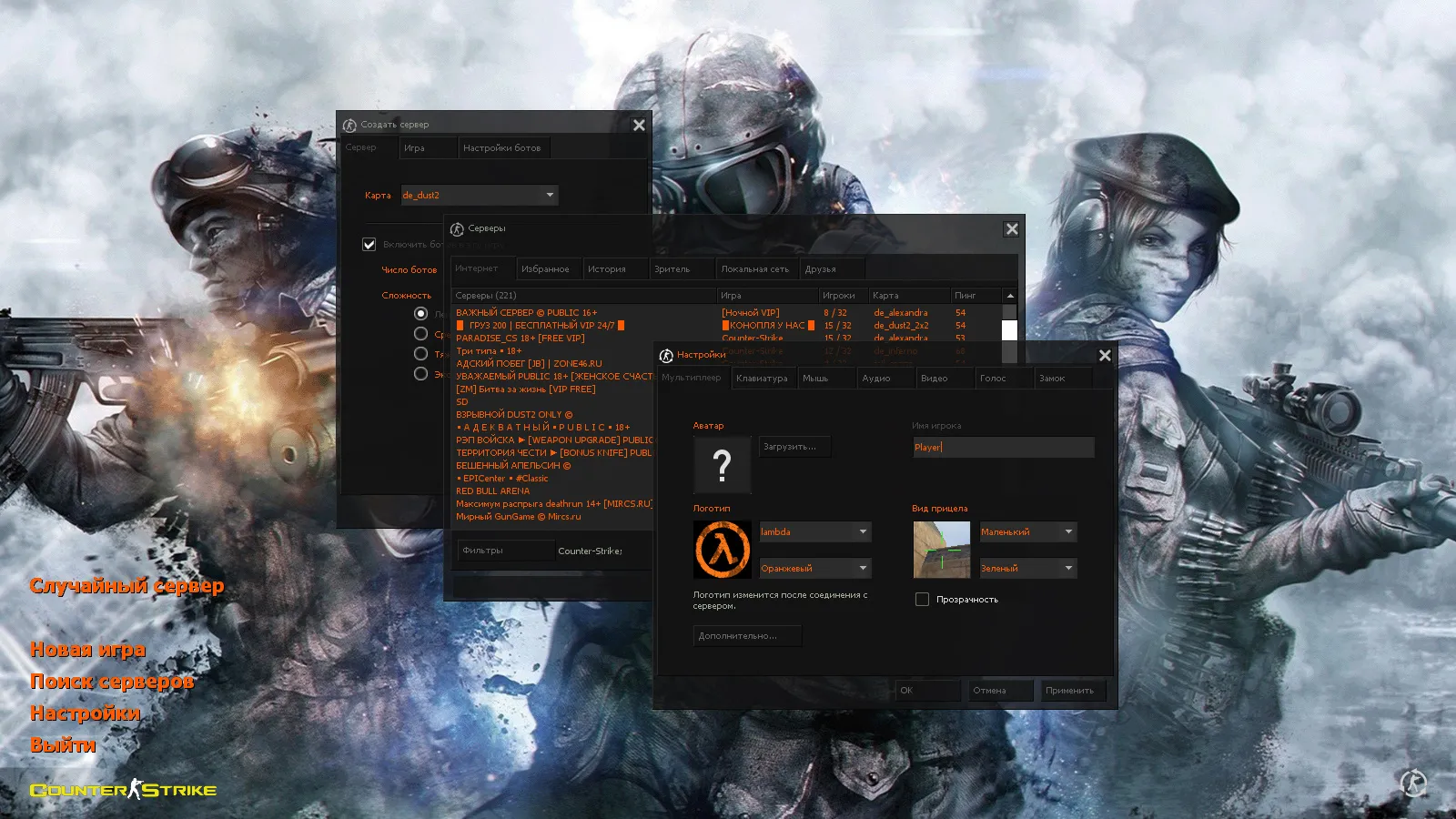
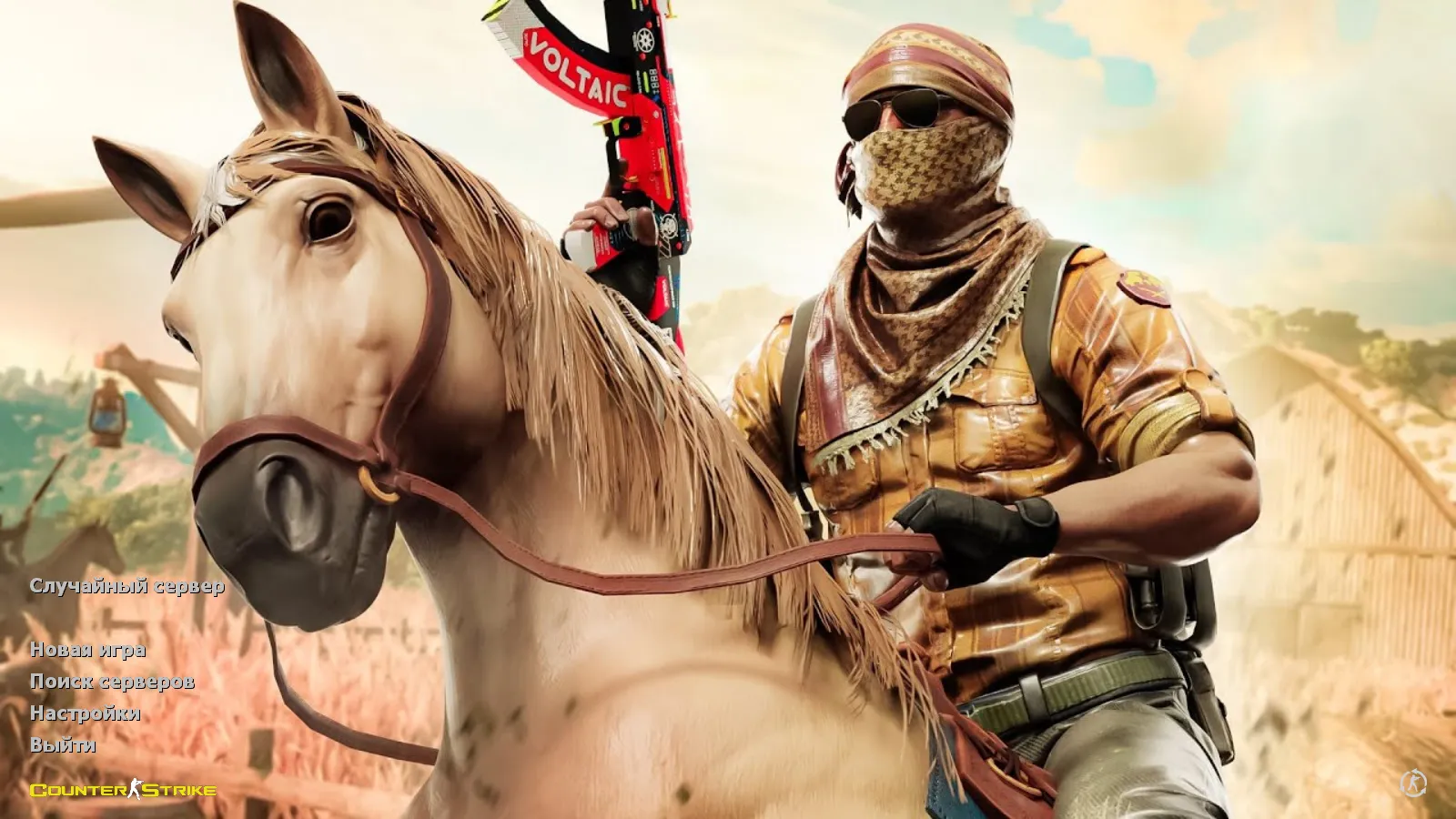
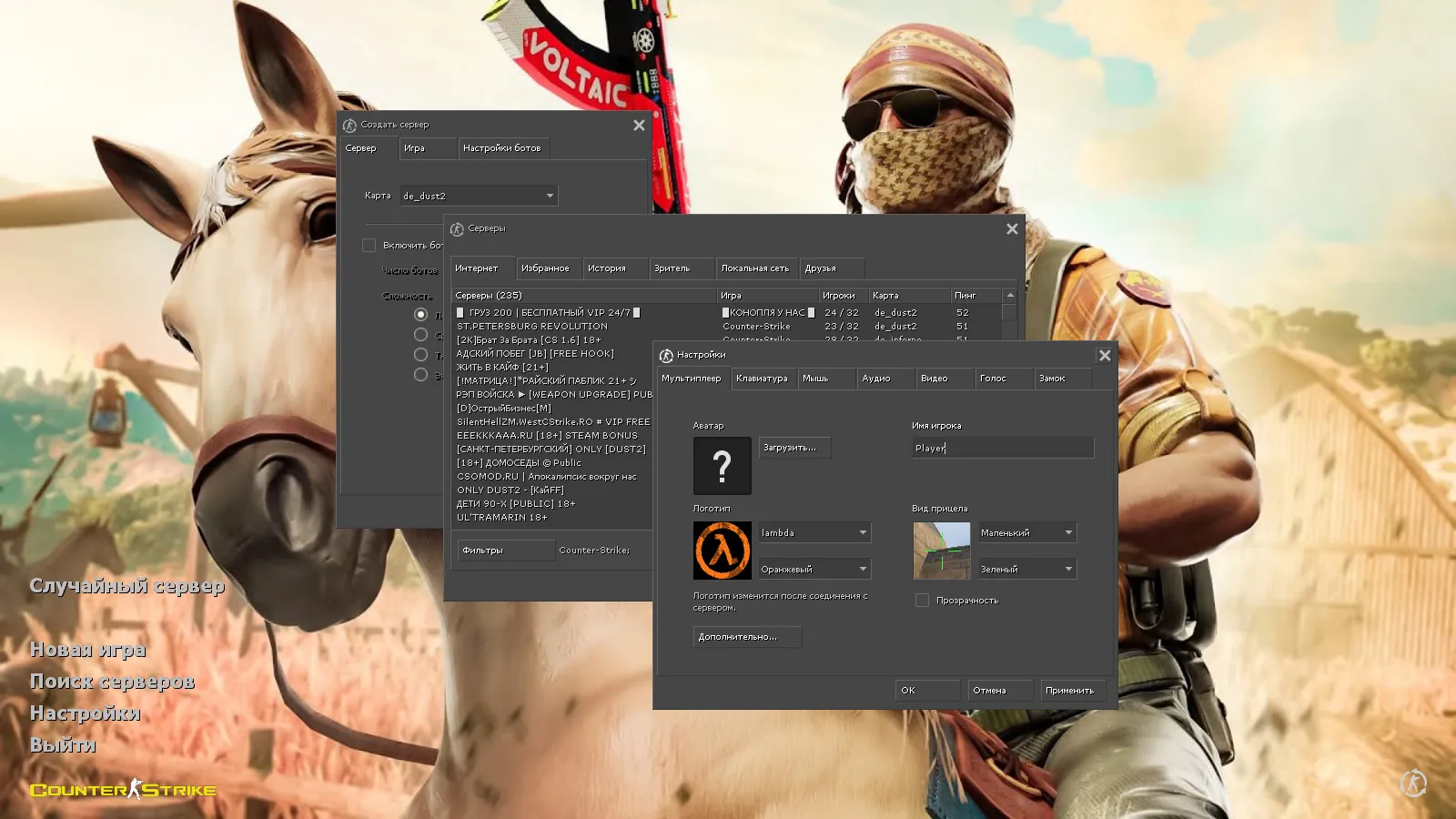
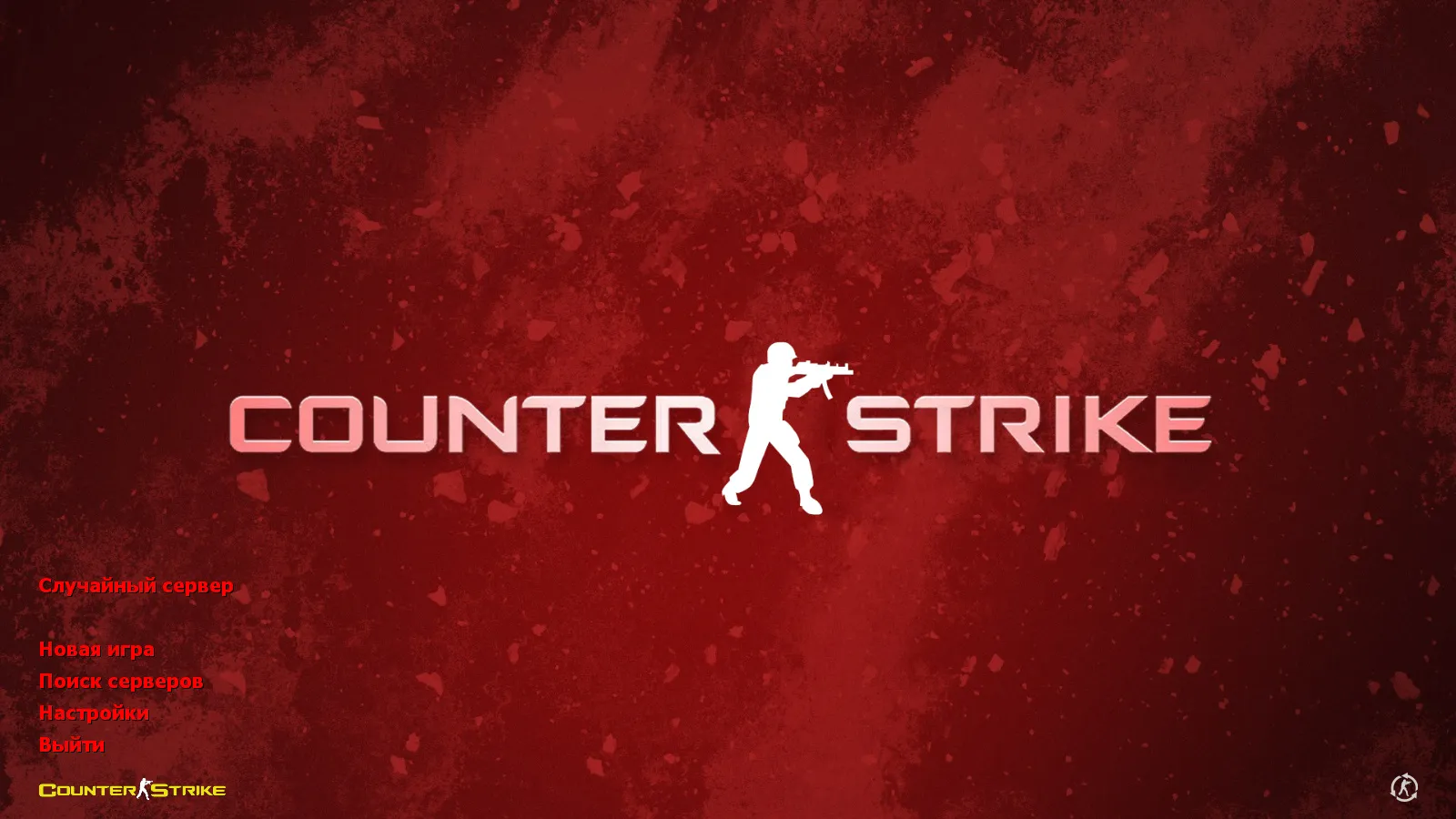
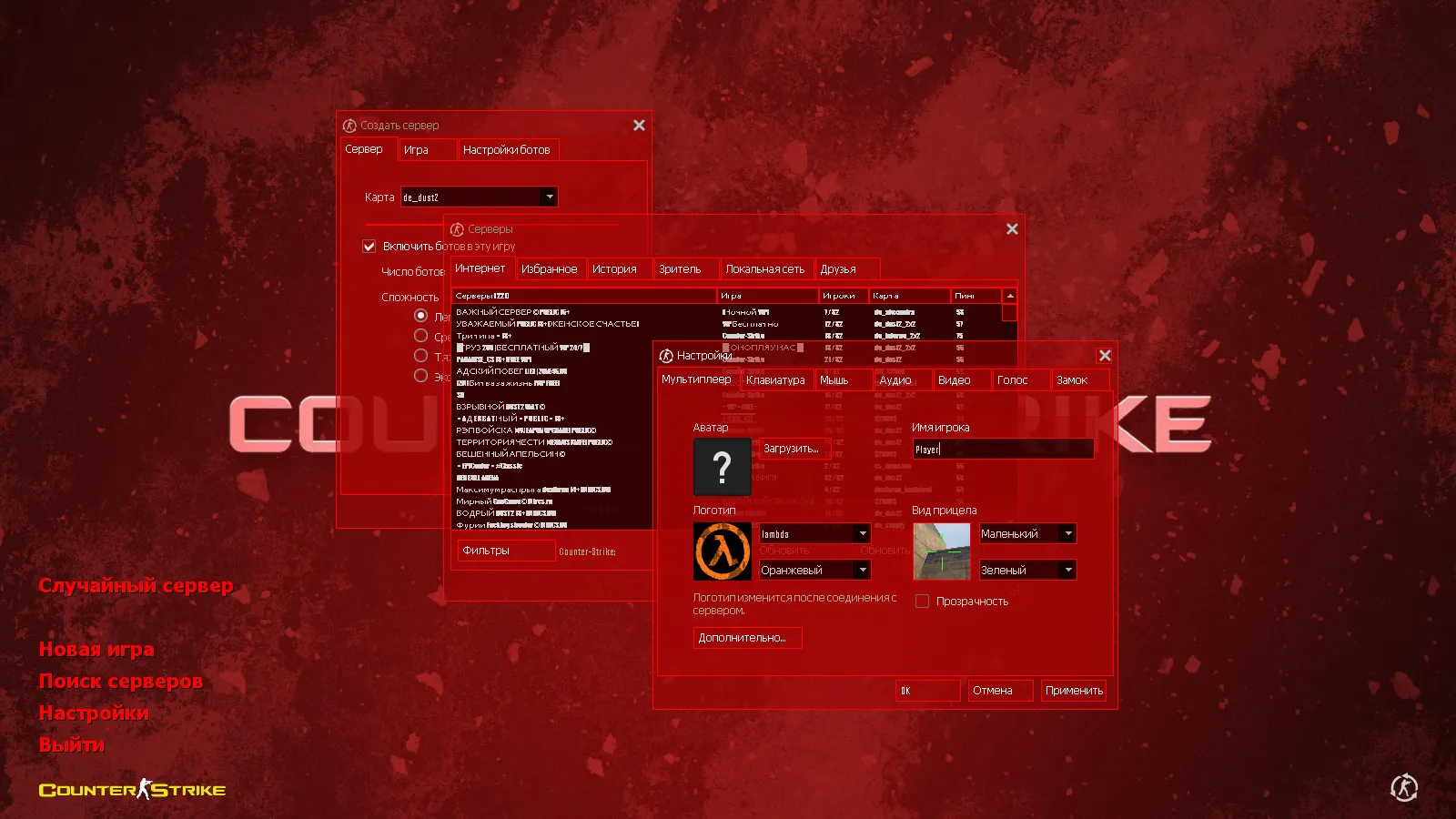
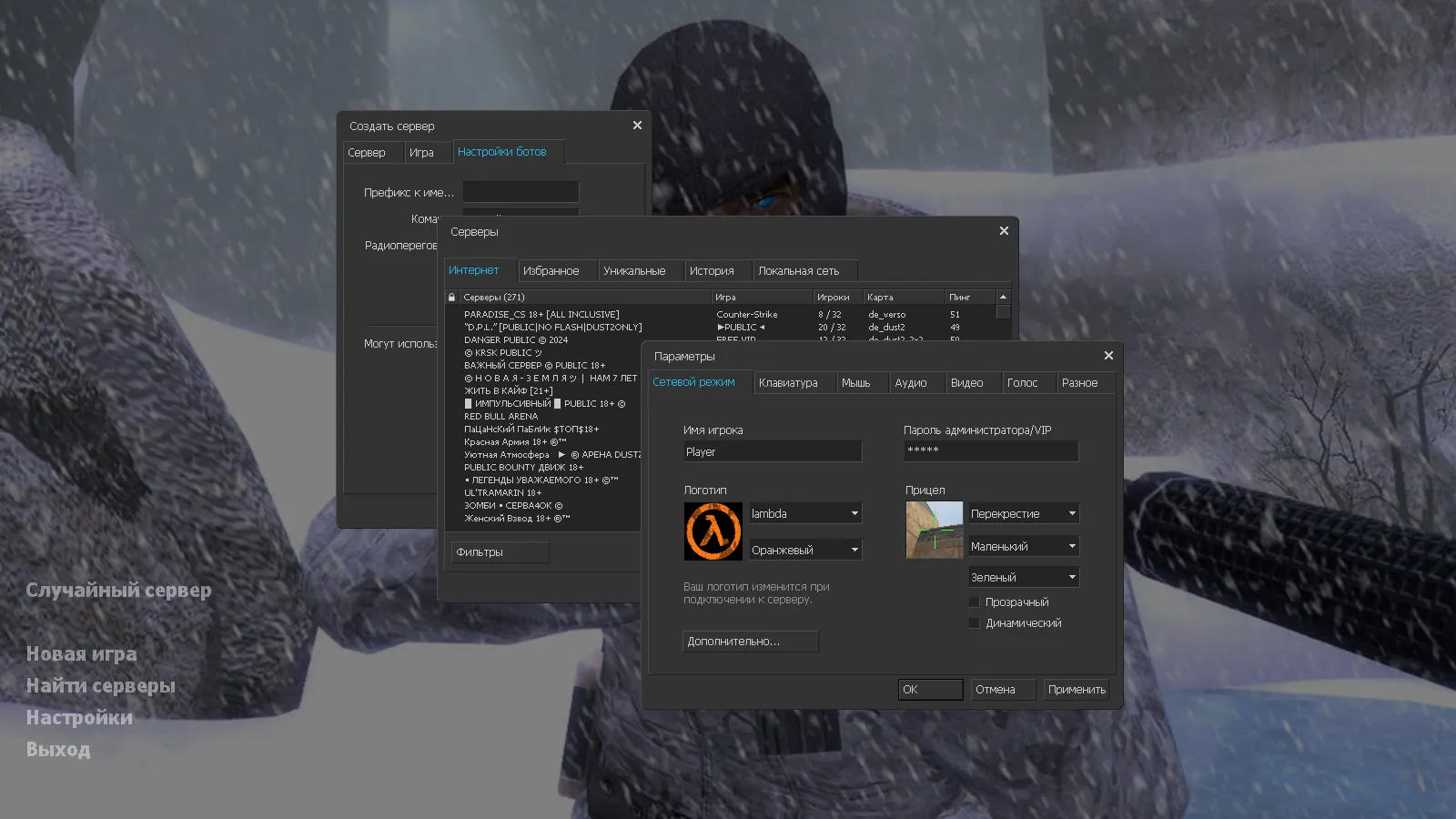
The dark menu theme improves button navigation through higher contrast. The main menu backdrop showcases Arctic Avenger in a wintry scene. This blends smoothly, carrying the build's mood from startup through server selection.
Custom sprites swap out default menu elements, guaranteeing smooth loading without FPS loss. The Arctic Avenger background uses a 1024x768 resolution for sharp display across different screen sizes.
Graphical Updates and Launch Icon
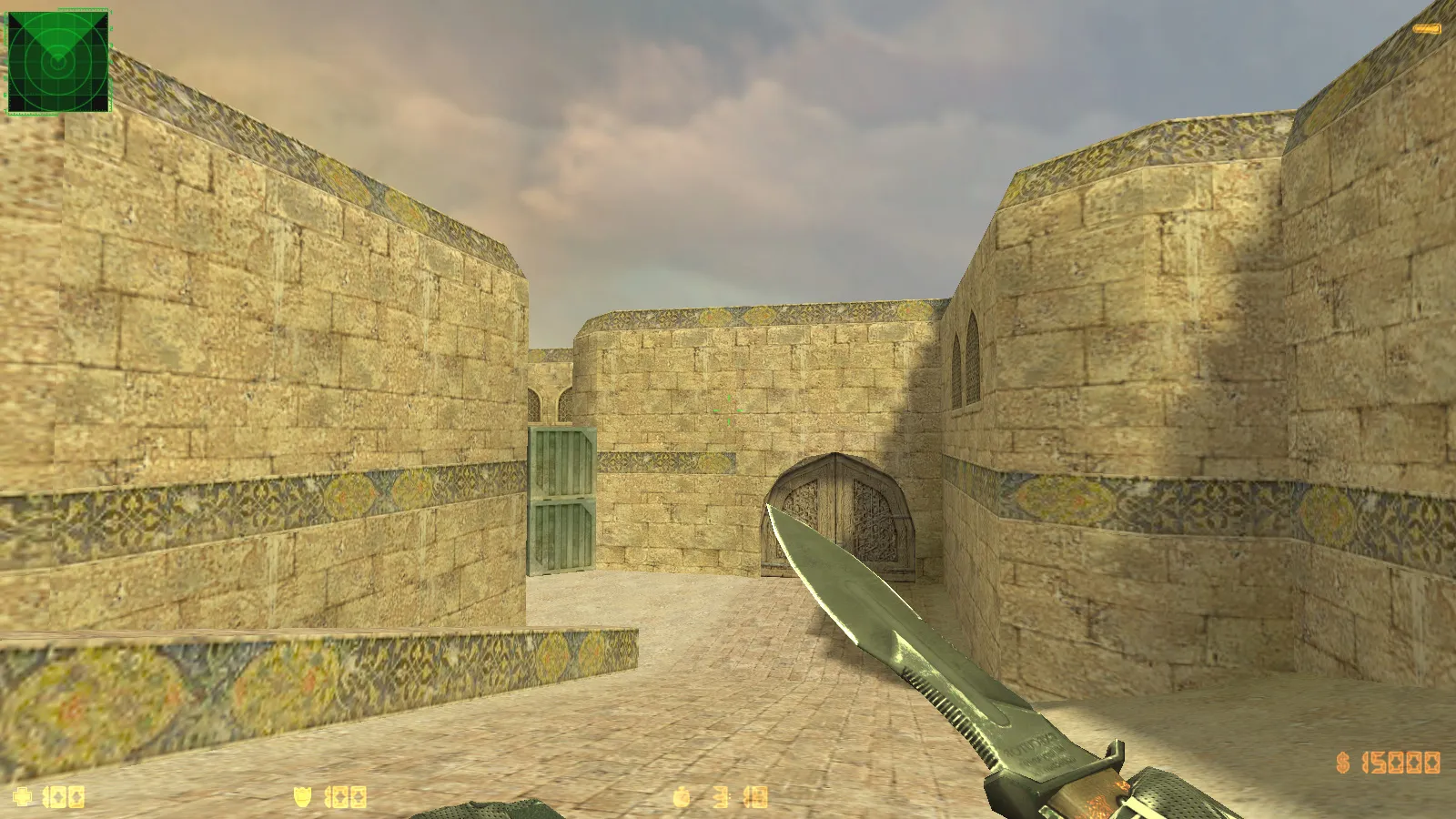
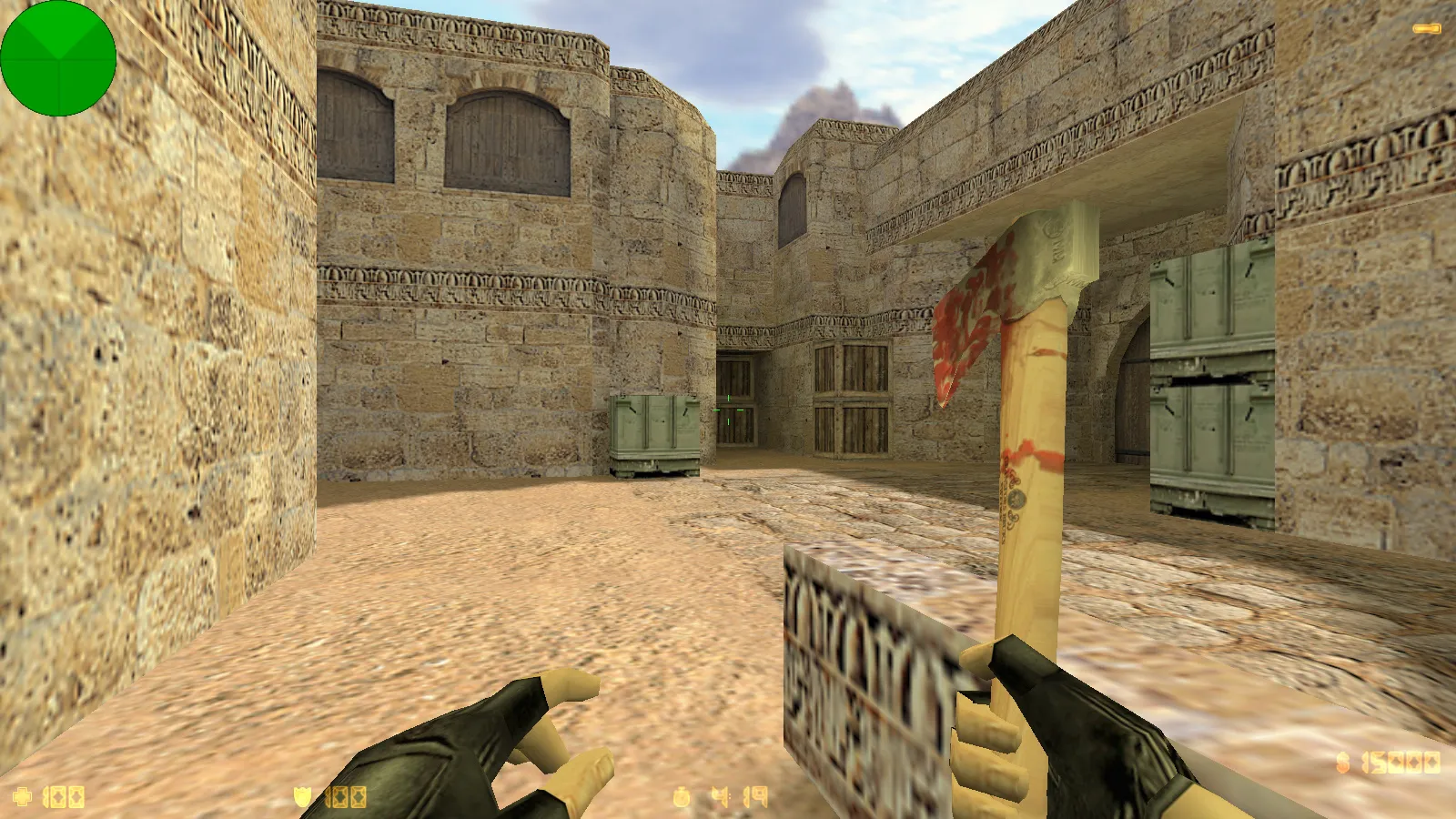
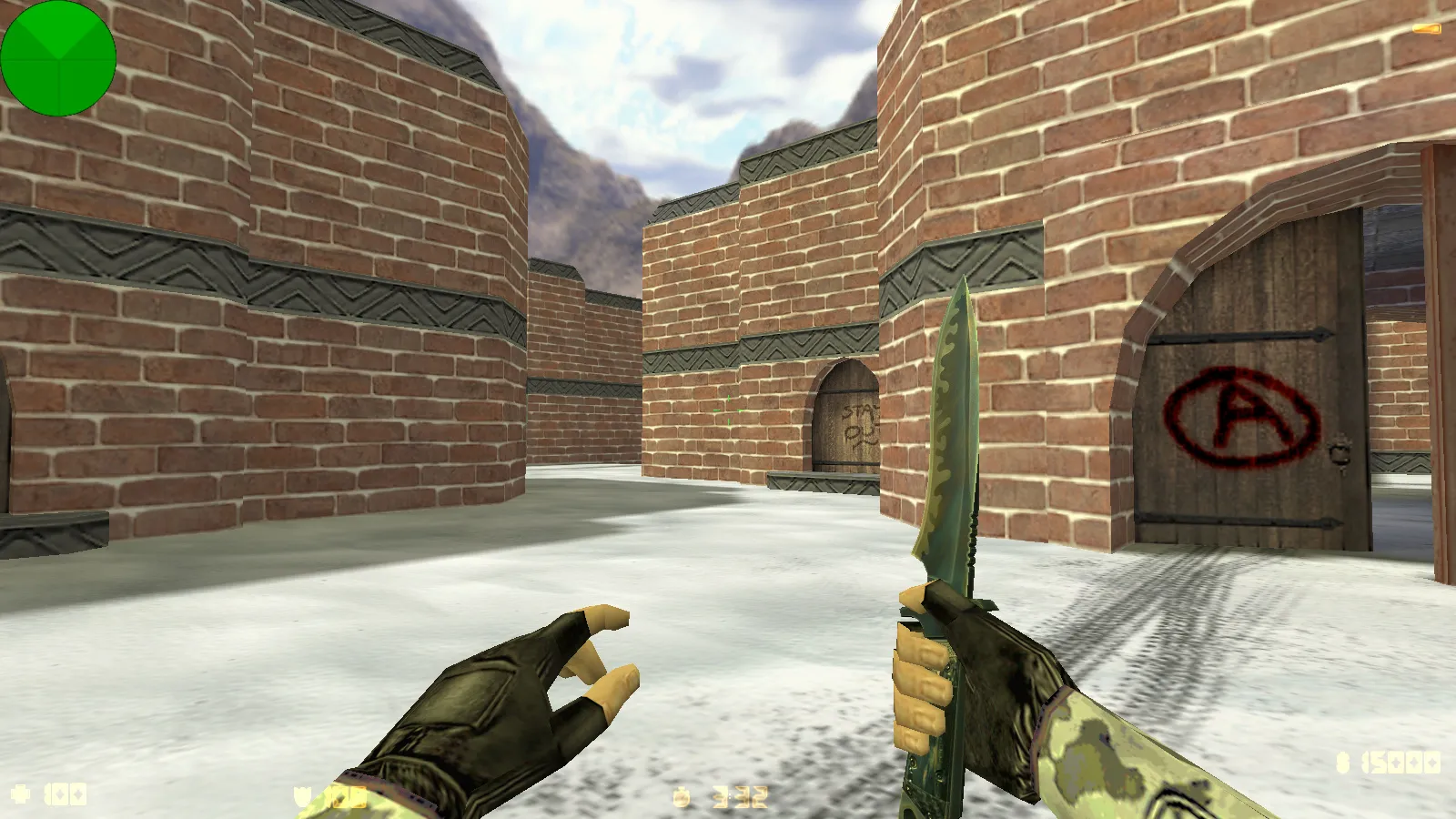
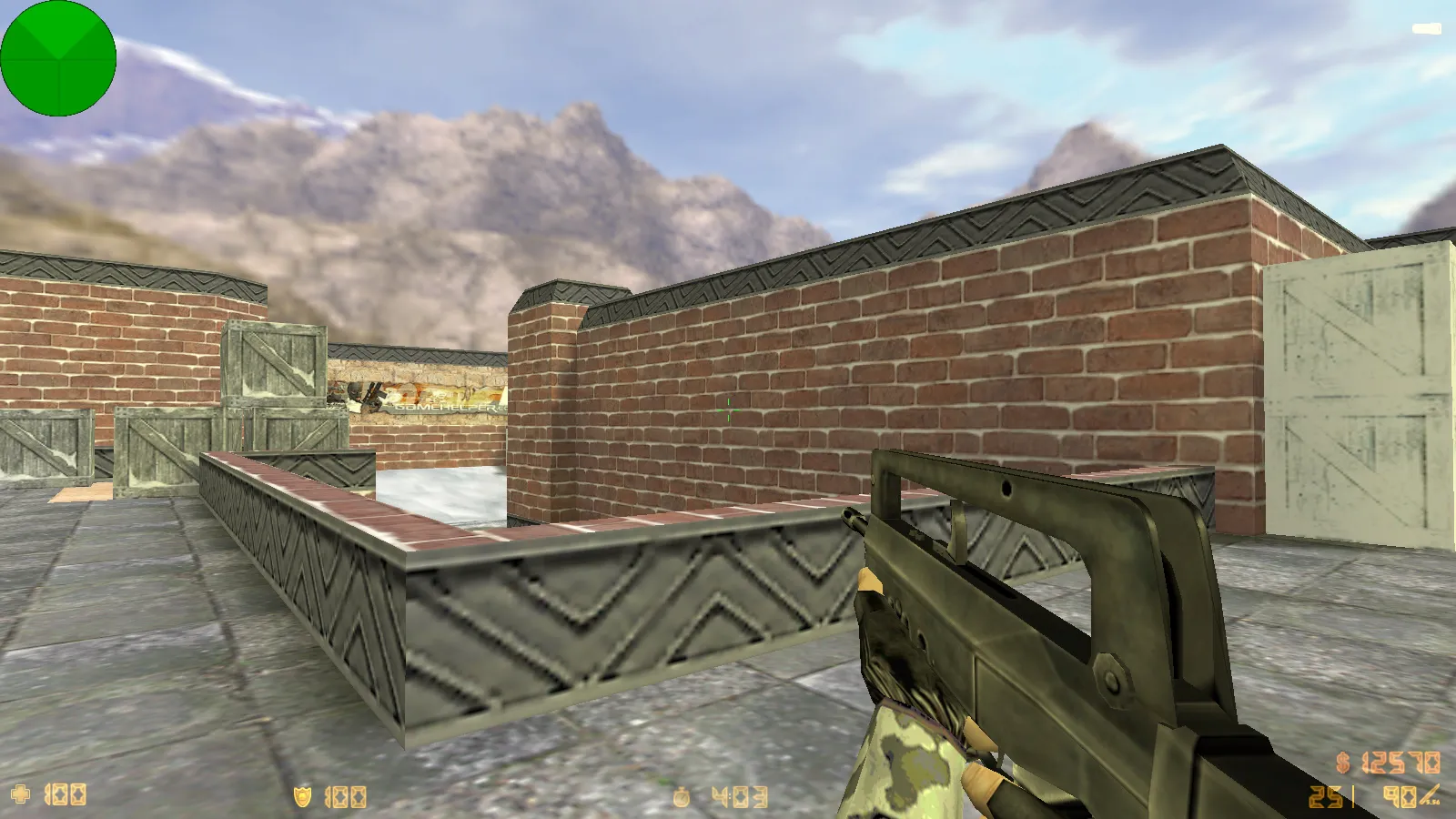
Map textures get refreshed for a newer look on surfaces and environments, matching the winter motif. Details integrate cleanly without visual clashes. The launch icon is updated or included, a minor touch for collectors and easier shortcut access.
These tweaks affect standard maps such as de_dust2, where snowy overlays on long sightlines and B-site boost tactical visibility without changing balance. No .nav files are touched, so bot navigation works normally.
Compatibility and Game Modes
Built for Windows, this build supports online play on more than 250 servers. Practice tactics, aim, or reaction time with bots on any map. Game modes stay unrestricted.
Russian nicknames and chat function fully for seamless team communication. Add mods freely; the build avoids conflicts with stable files. Works with both Steam and Non-Steam clients, including Build 4554 or 8610. MasterServer protection provides secure connections.
For clean configurations, the build resets config.cfg to defaults when necessary, preventing bloat. No-recoil scripts or slow-hacks are absent, keeping the experience pure.
Safe Installation and Setup
- Steer clear of downloads from unknown sources; ignore files with suspicious attachments.
- Verify mod compatibility by version; avoid mixing packs unnecessarily.
- Keep configurations stable; do not delete client system files.
- Play in standard mode: no auto-connects, advertisements, or extra scripts.
- Scan for viruses before installing; this build is clean, containing no malware.
In short, the CS 1.6 Winter Edition build delivers a visual overhaul: winter models for CT and T, a dark menu theme, Arctic Avenger background, plus updated map textures and launch icon. Install, launch, and play classic CS 1.6 with a fresh cold-weather vibe, altering the atmosphere without changing the foundation. Perfect for players wanting seasonal graphics that improve visibility and style in competitive matches.
More on winter elements:
Install in three steps
-
1
Download the archive. Use the button on the right, or the Yandex.Disk mirror if the main server is slow.
-
2
Extract it into the game folder. Use 7-Zip or WinRAR. A path without non-Latin characters works best.
-
3
Launch the game. If something doesn't work, mark it below - that is how we know the file needs an update.
Did it work for you?
No sign-up needed. You can pick more than one.