Zehhs CS 1.6 Blogger Build: 8 Upgrades, Custom Skins, White Gloves & Optimized Config
Description
Zehhs CS 1.6 Build - Daily Play Package
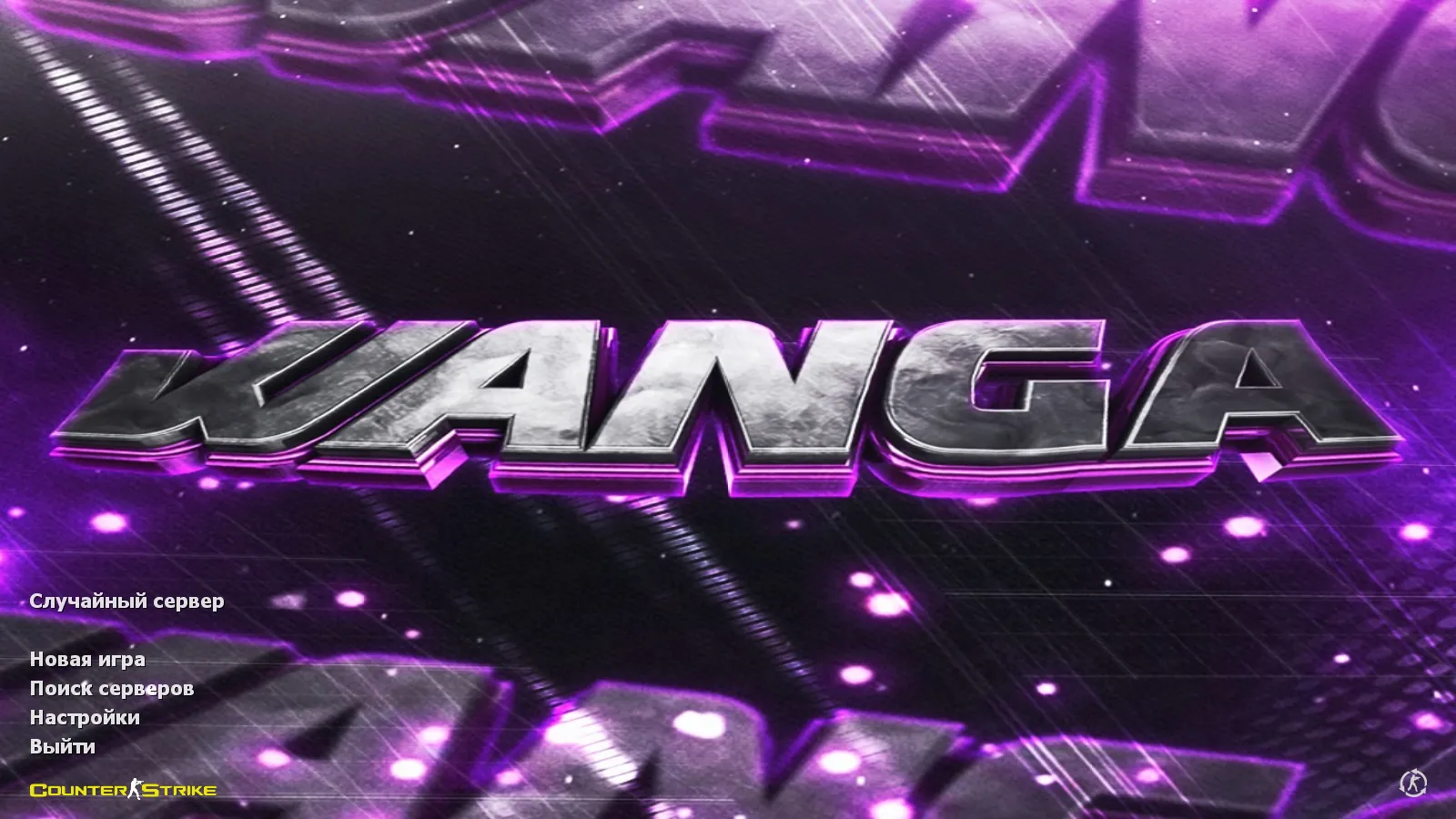
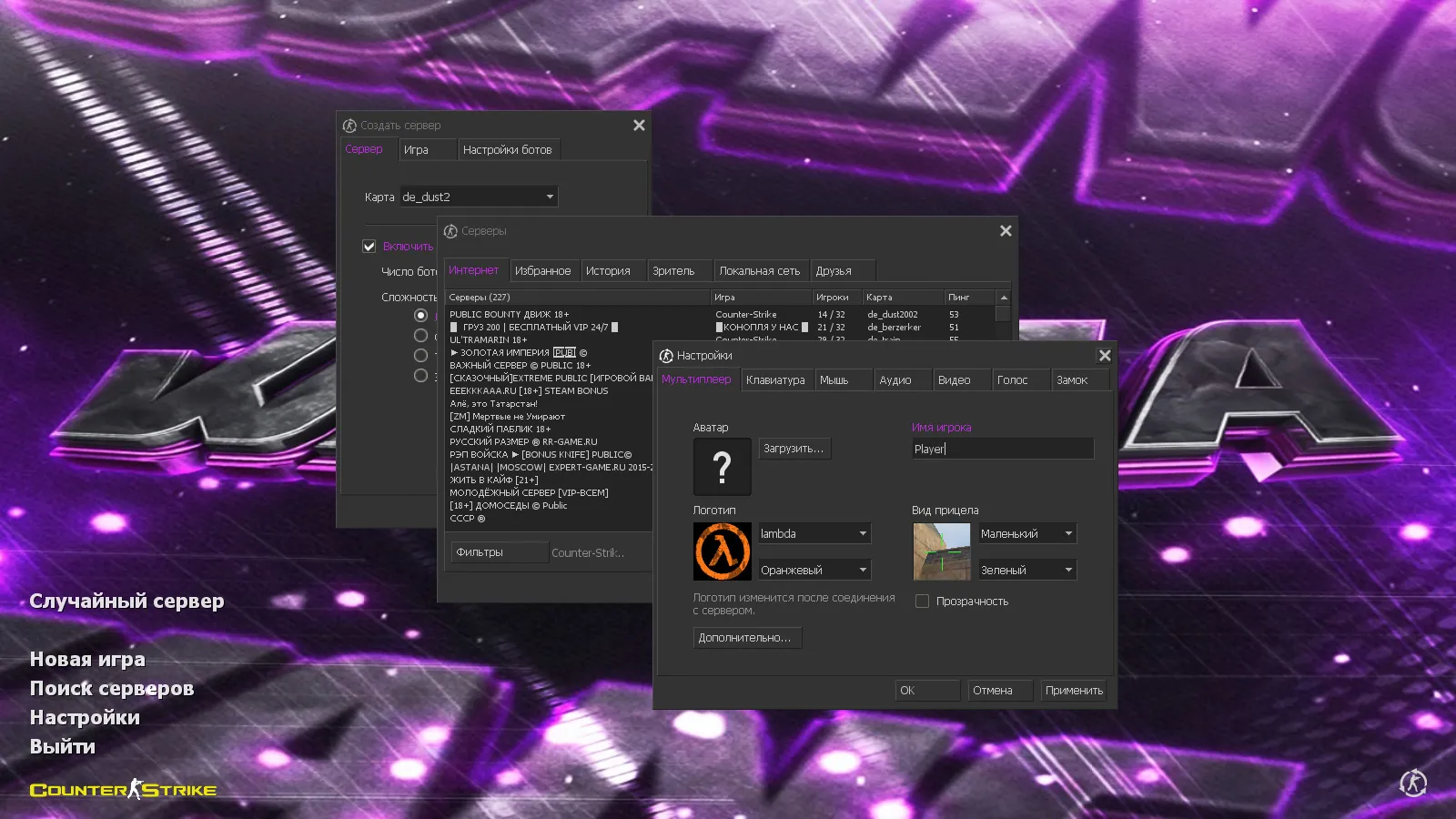
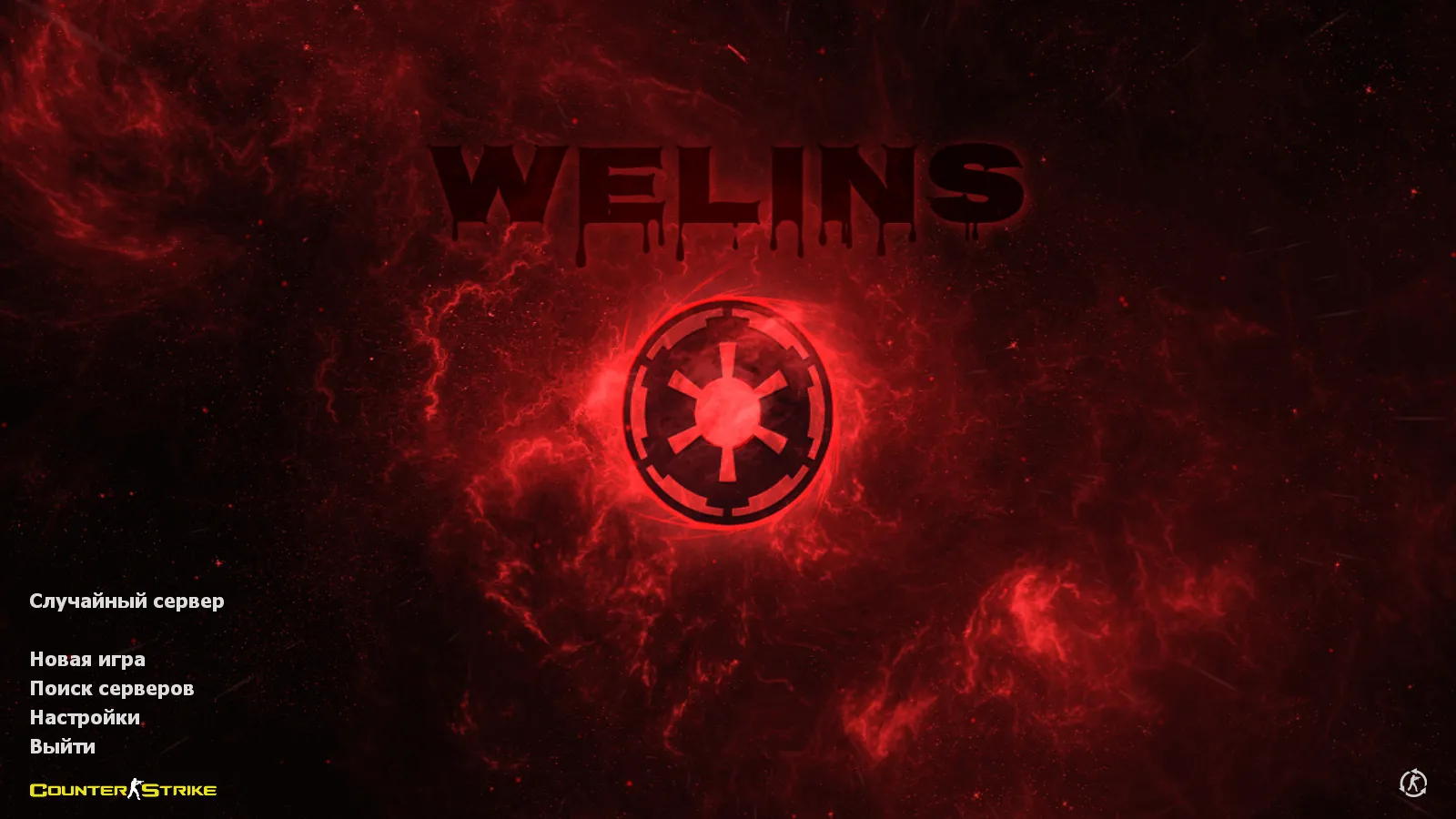
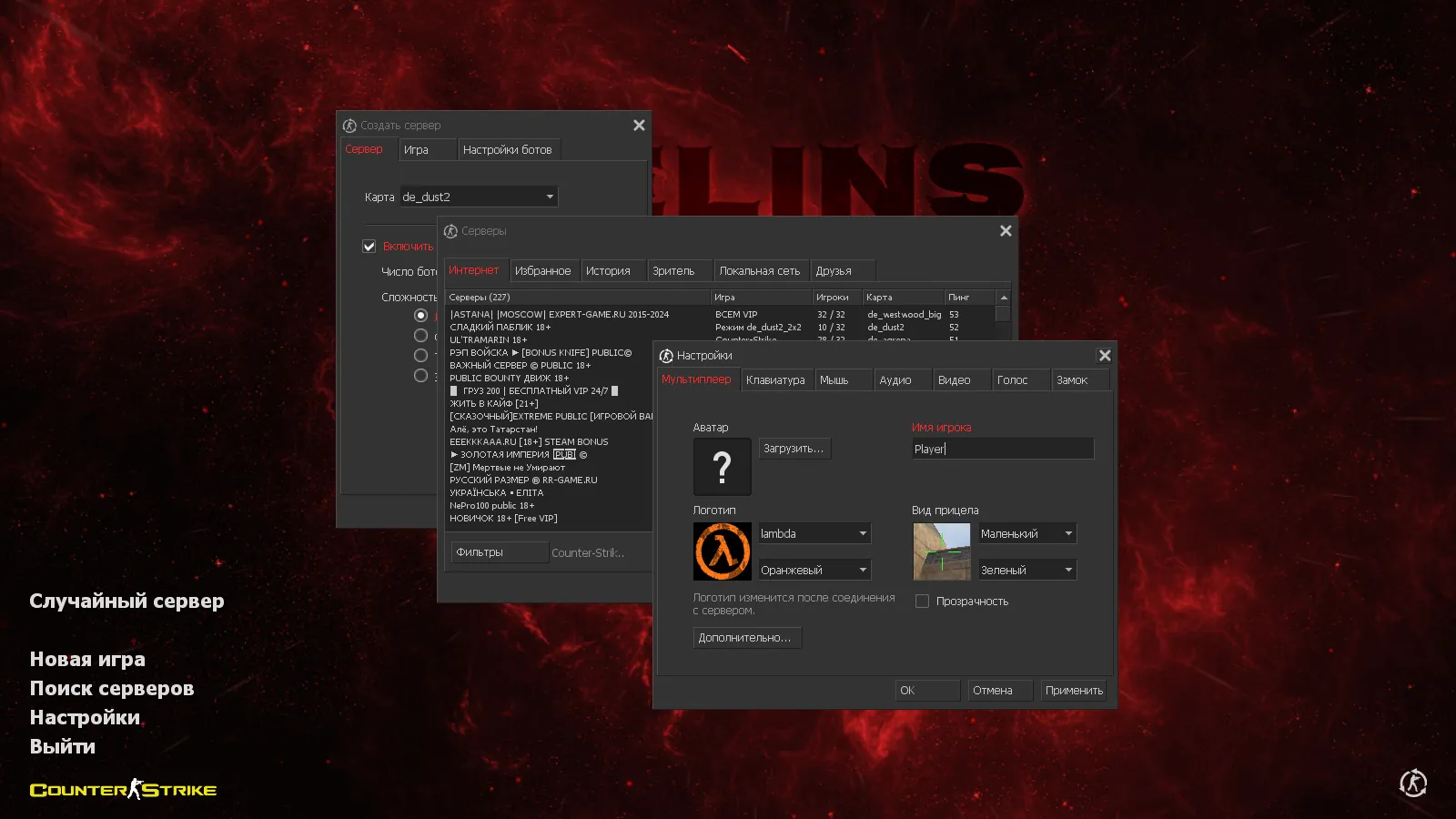
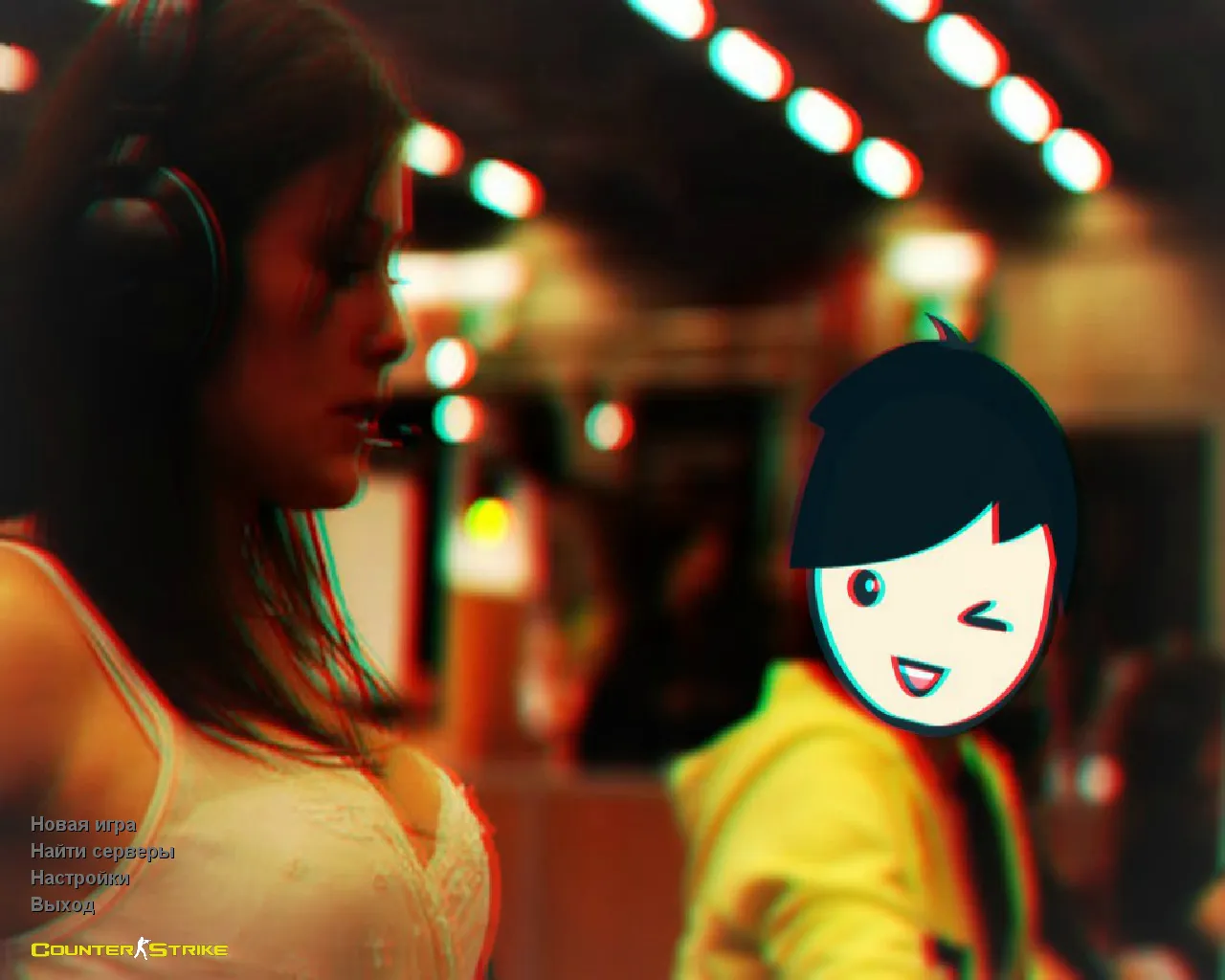
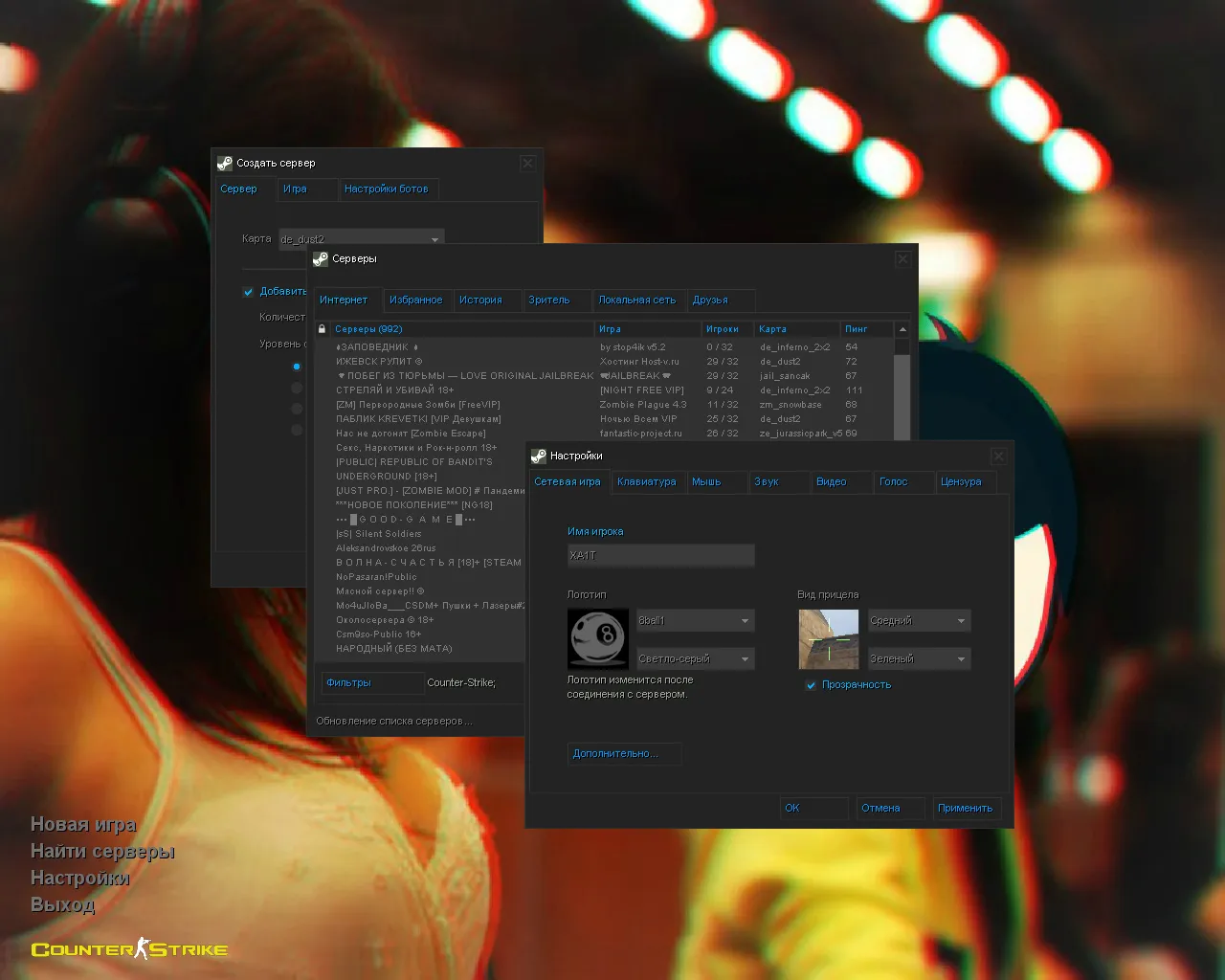
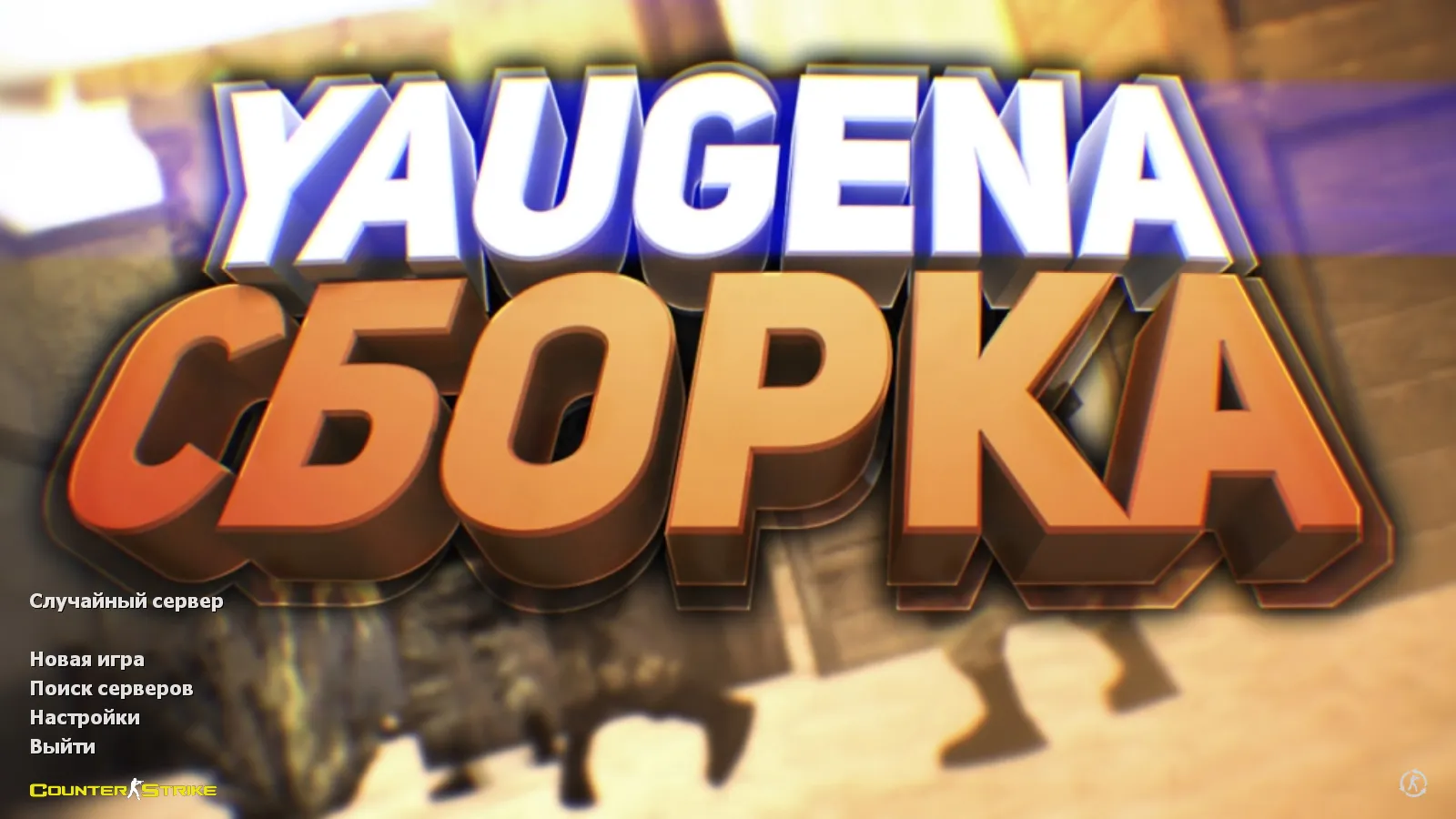
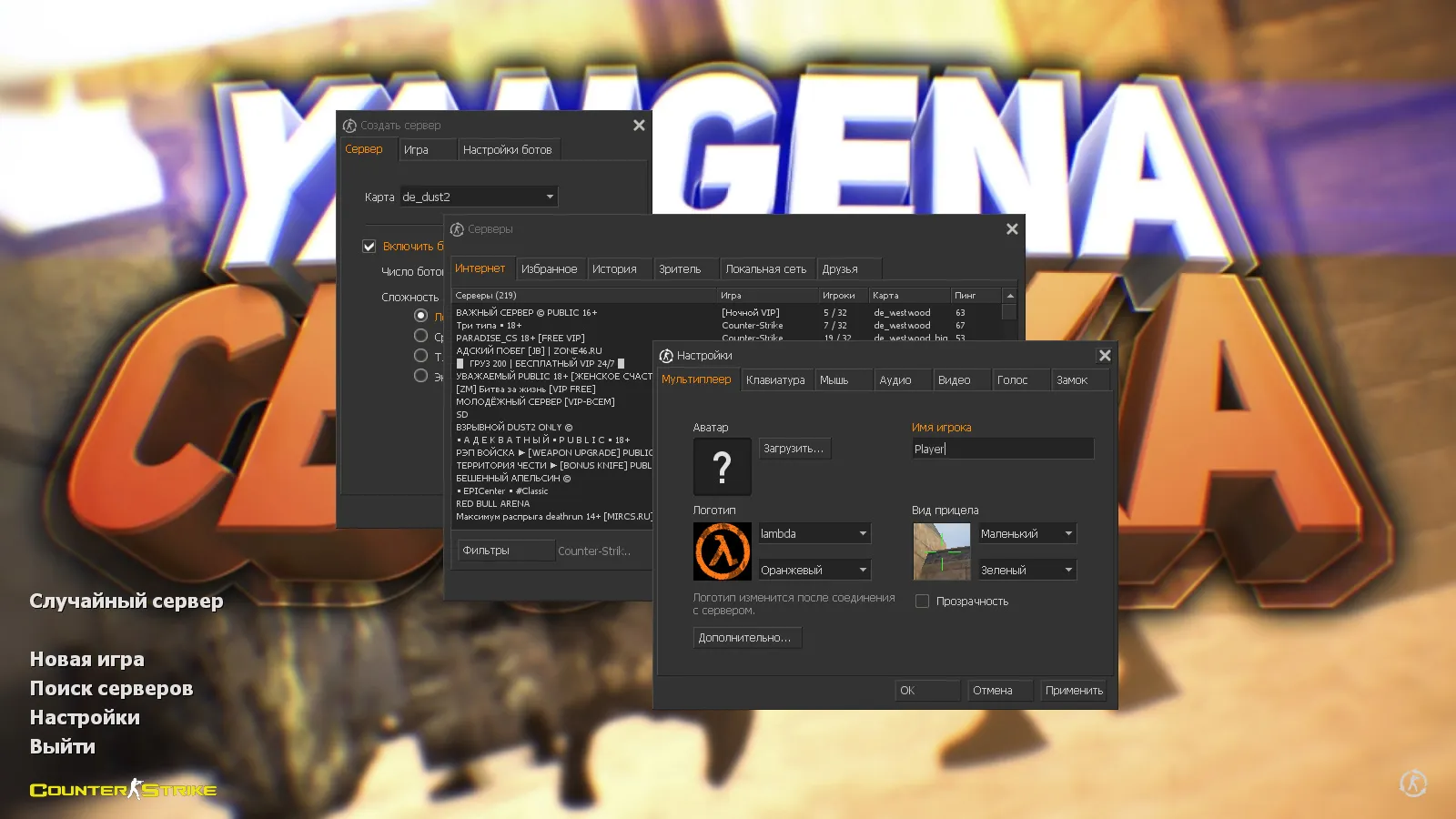
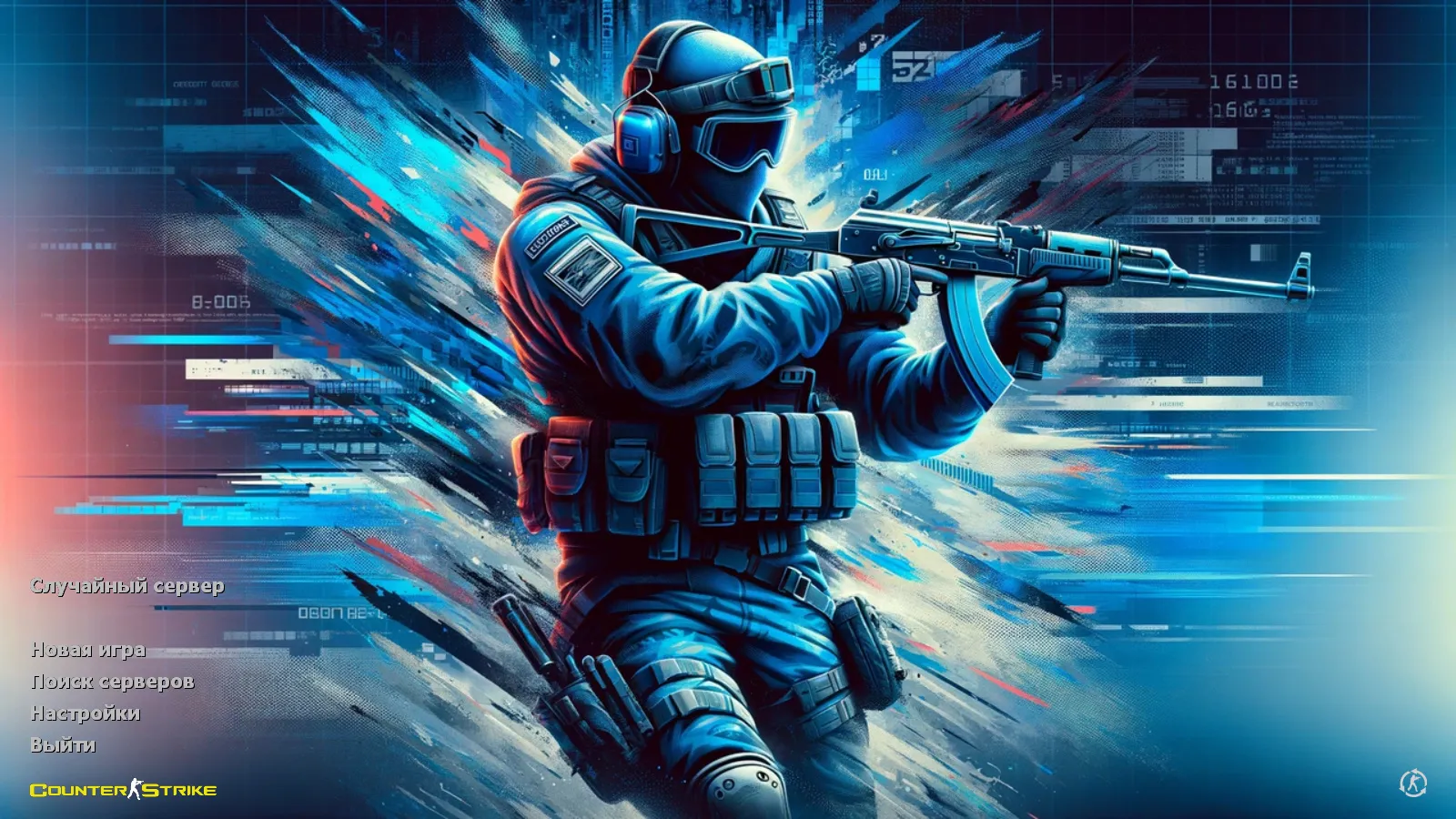
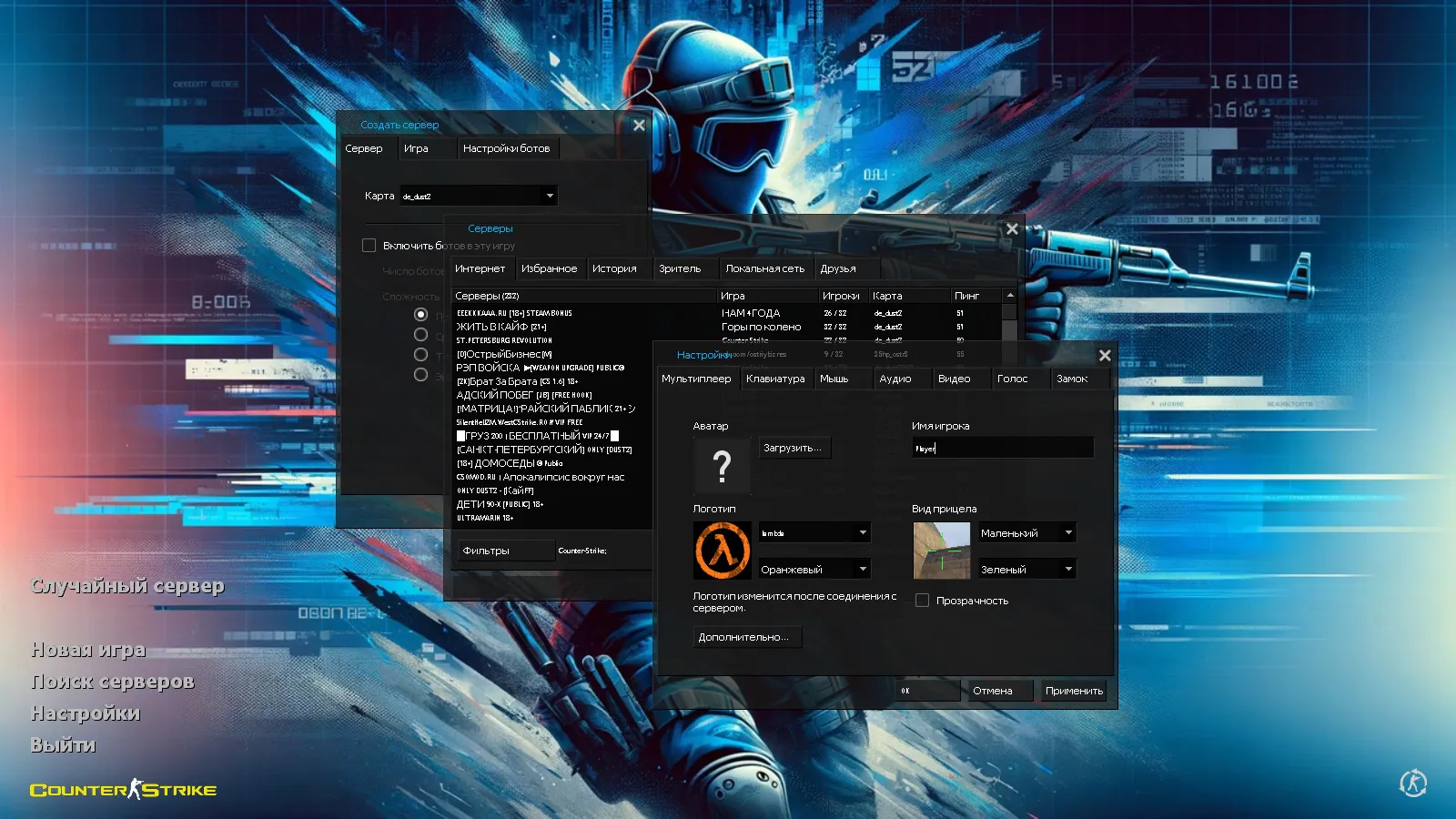
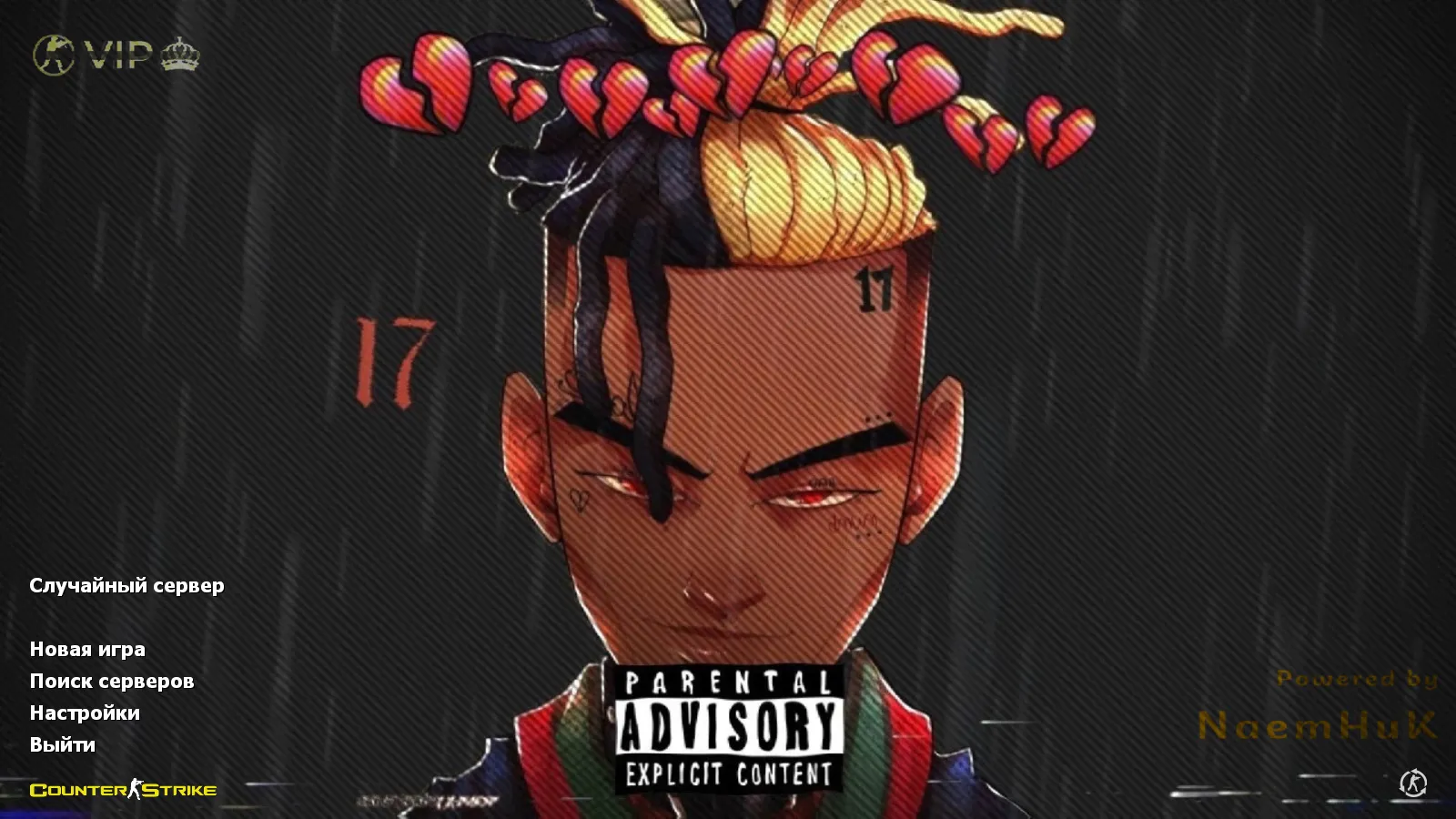
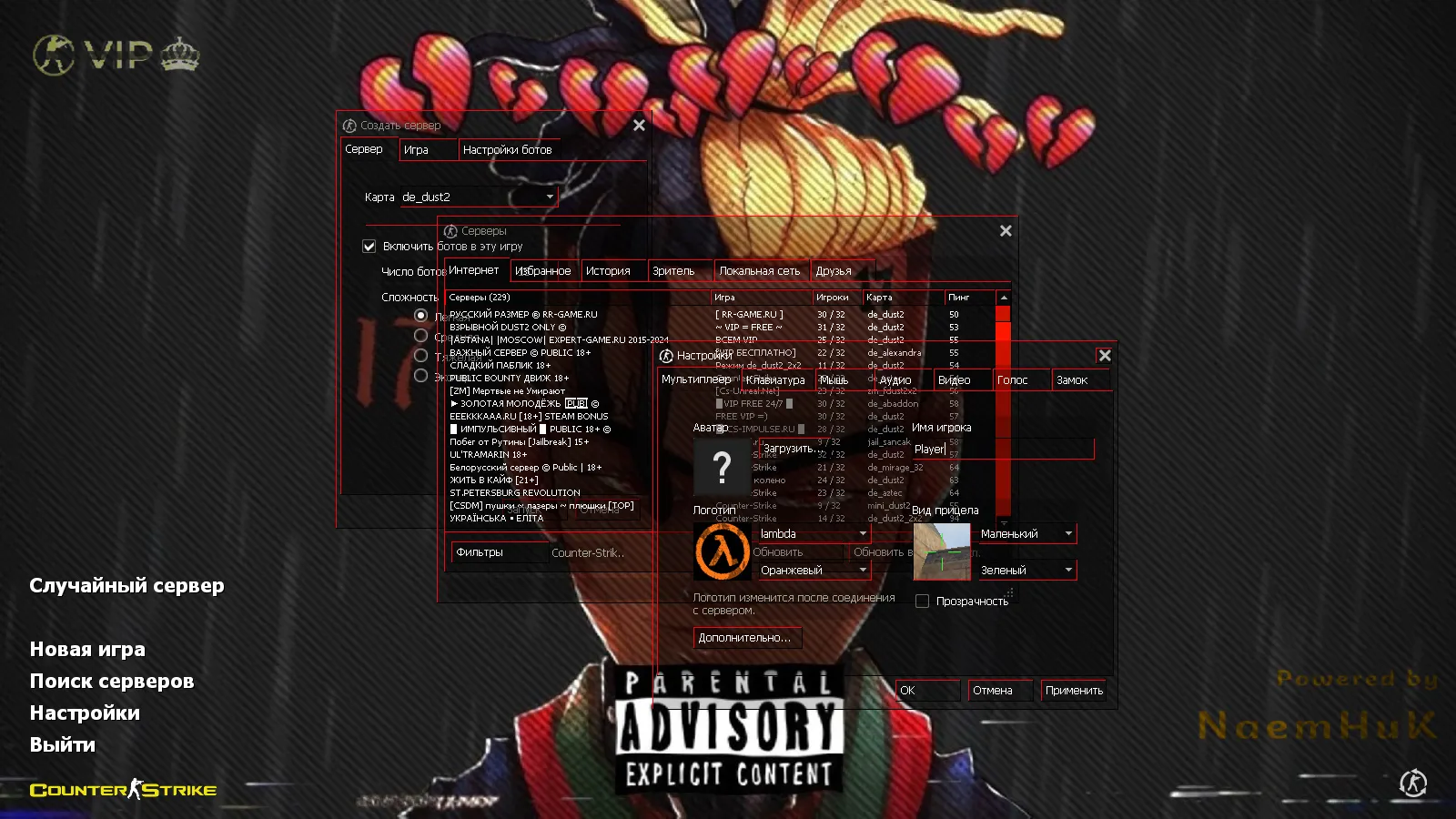
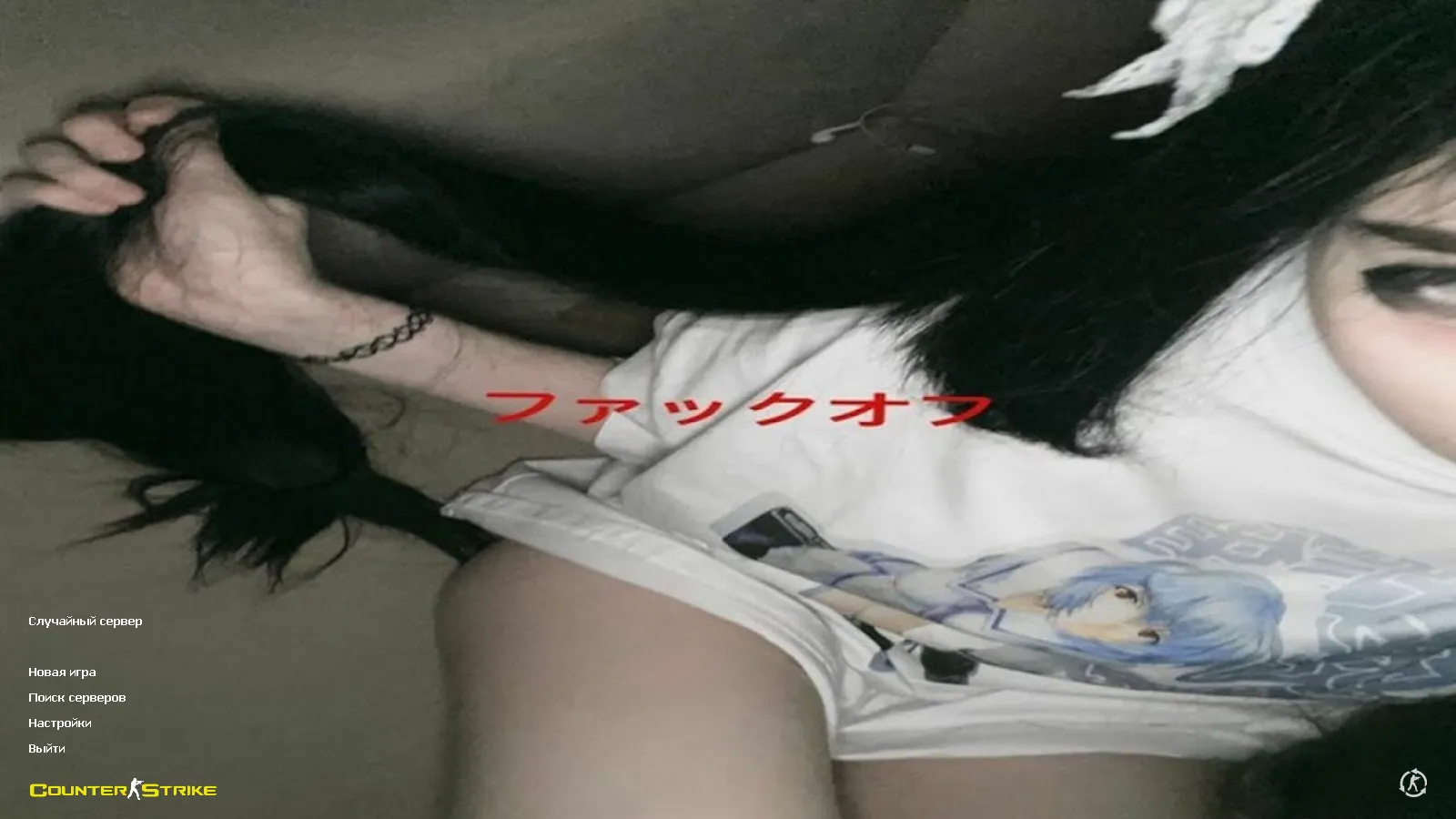
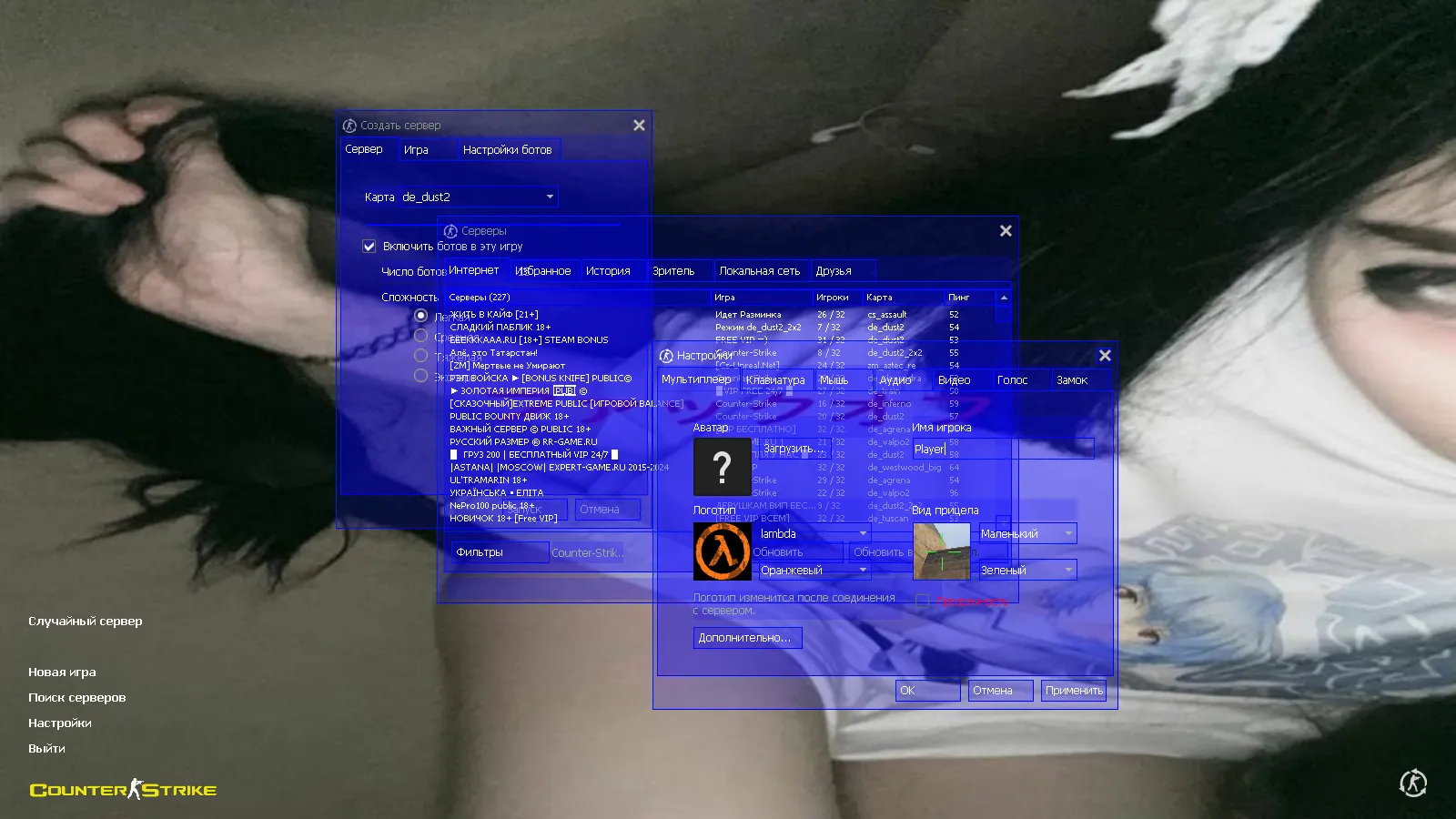
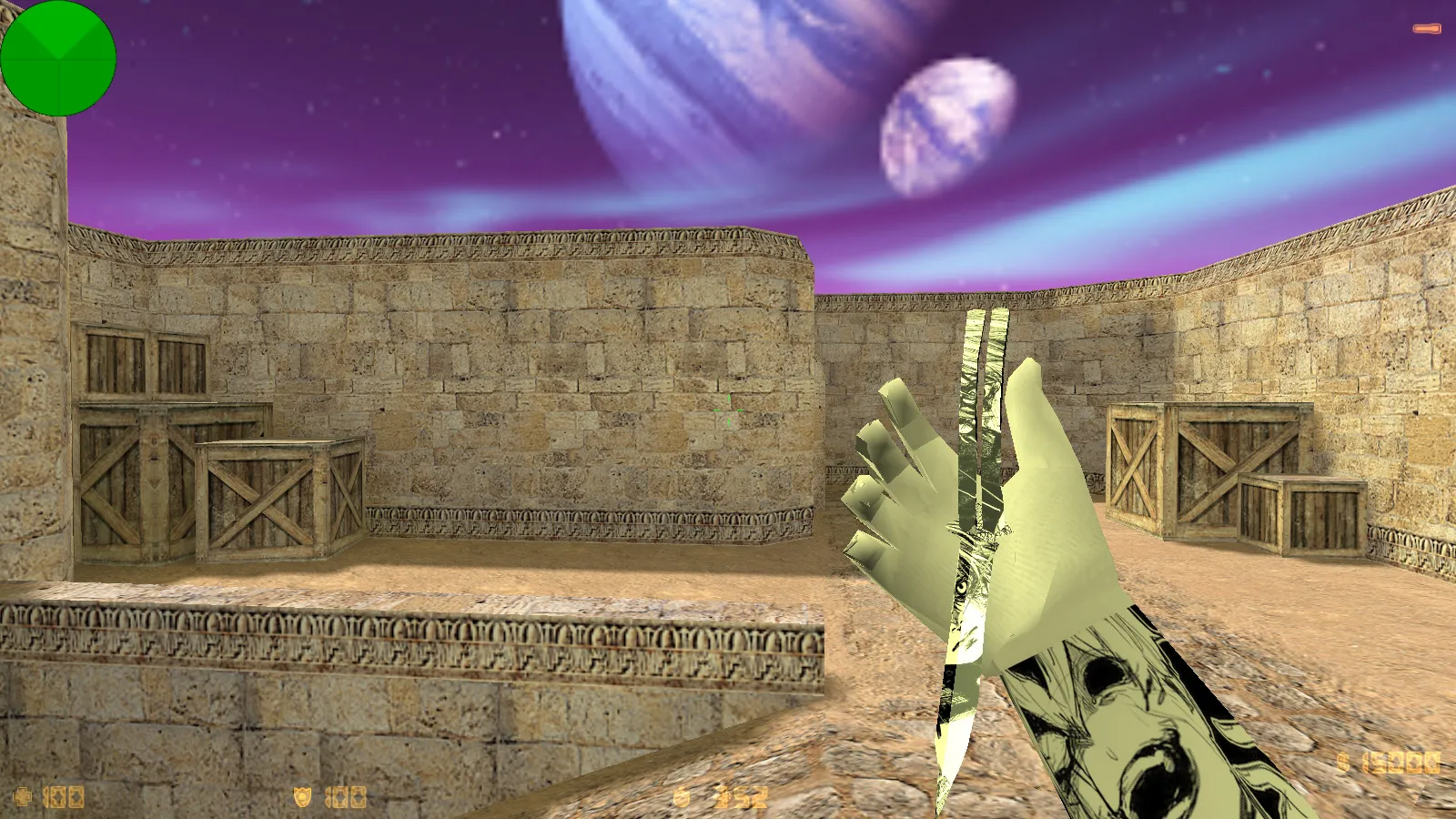
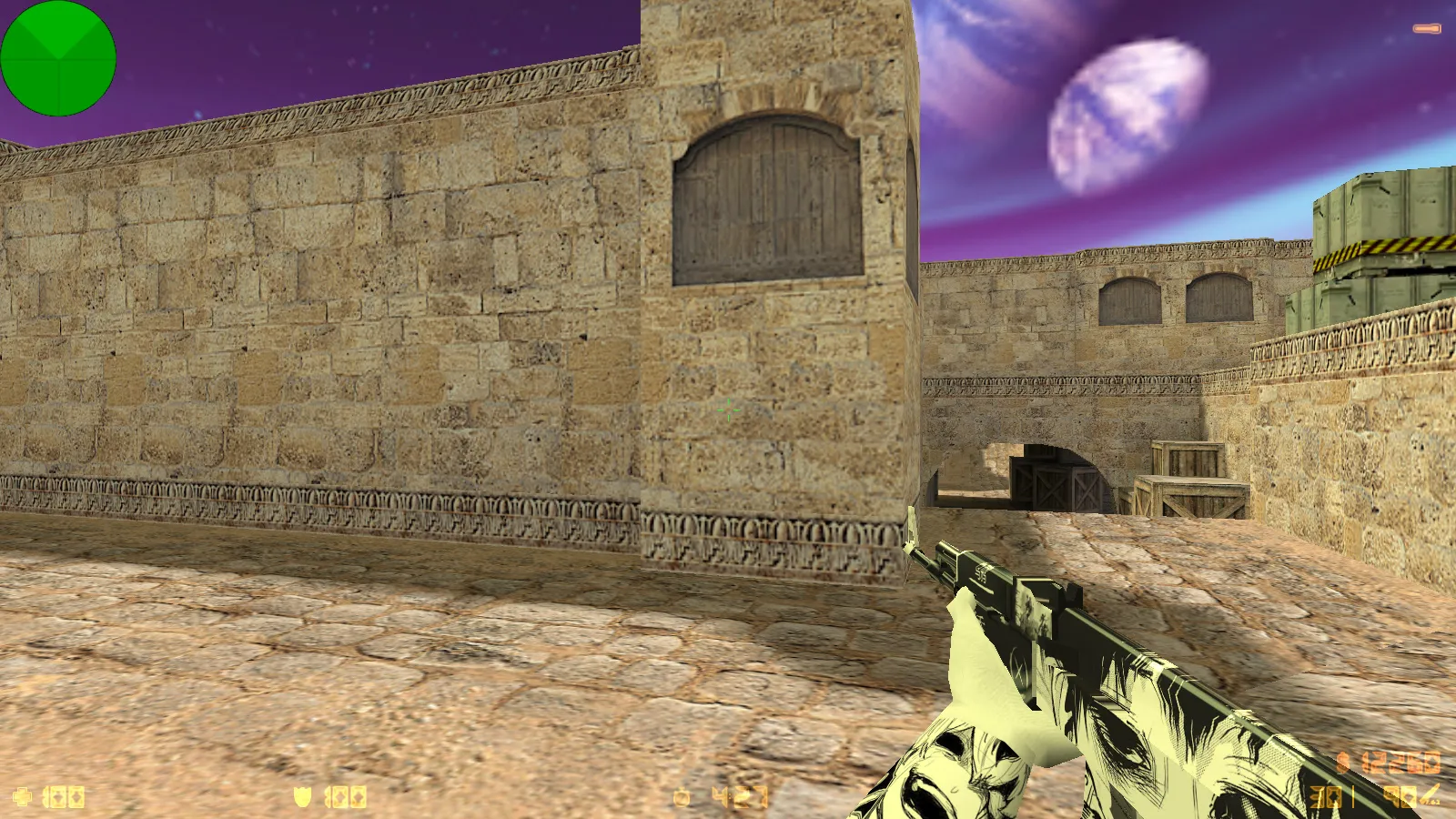
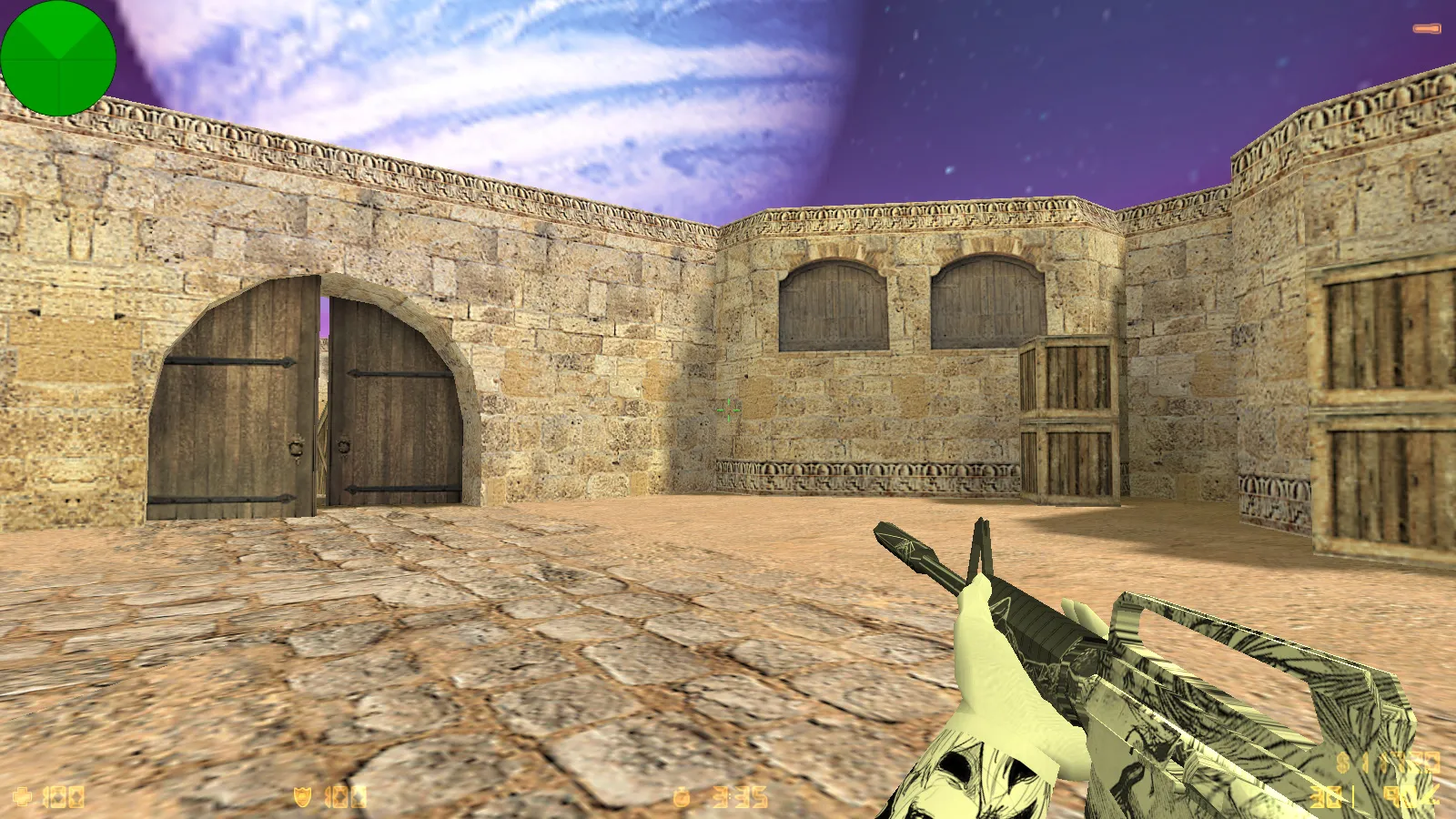
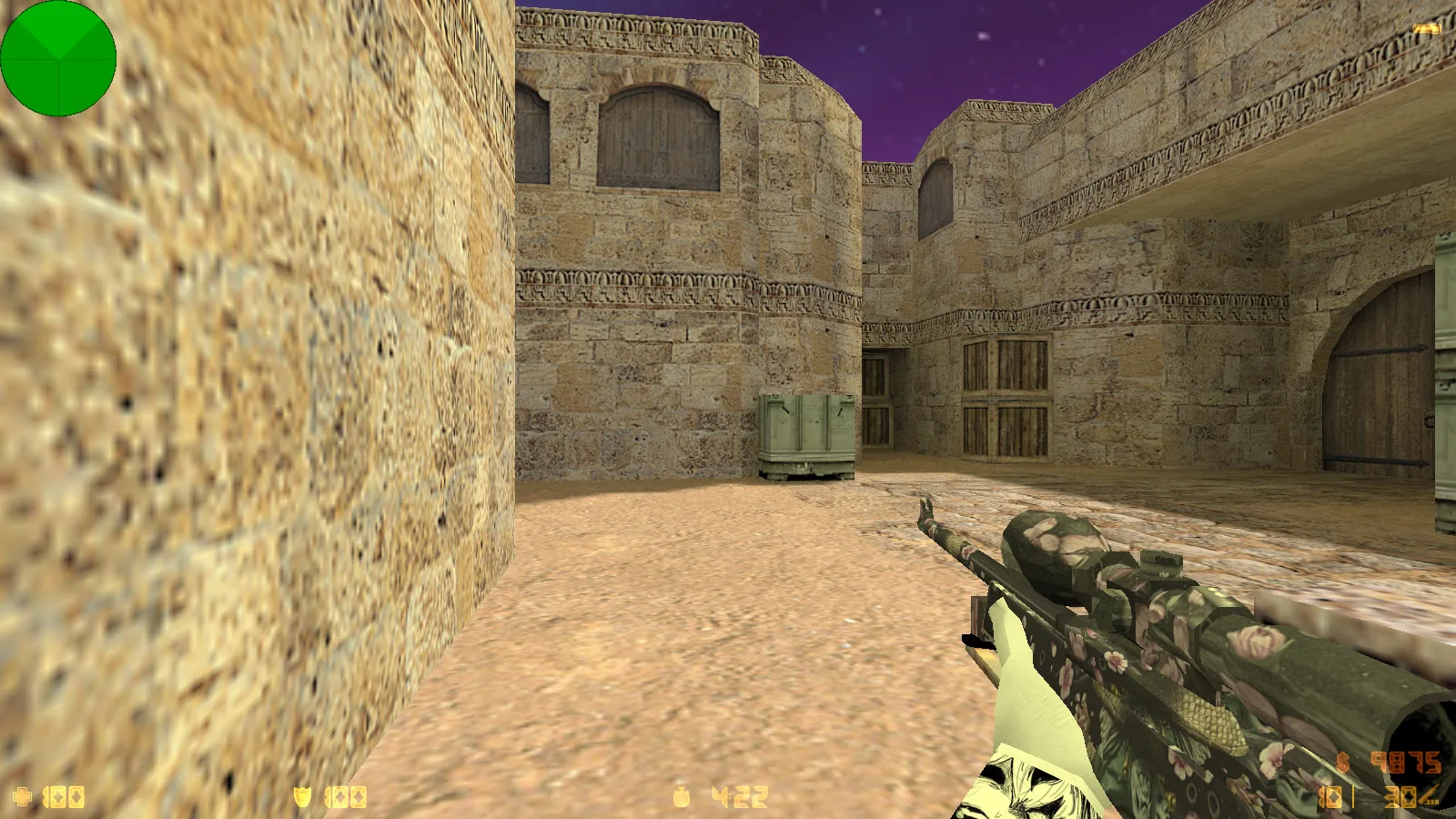
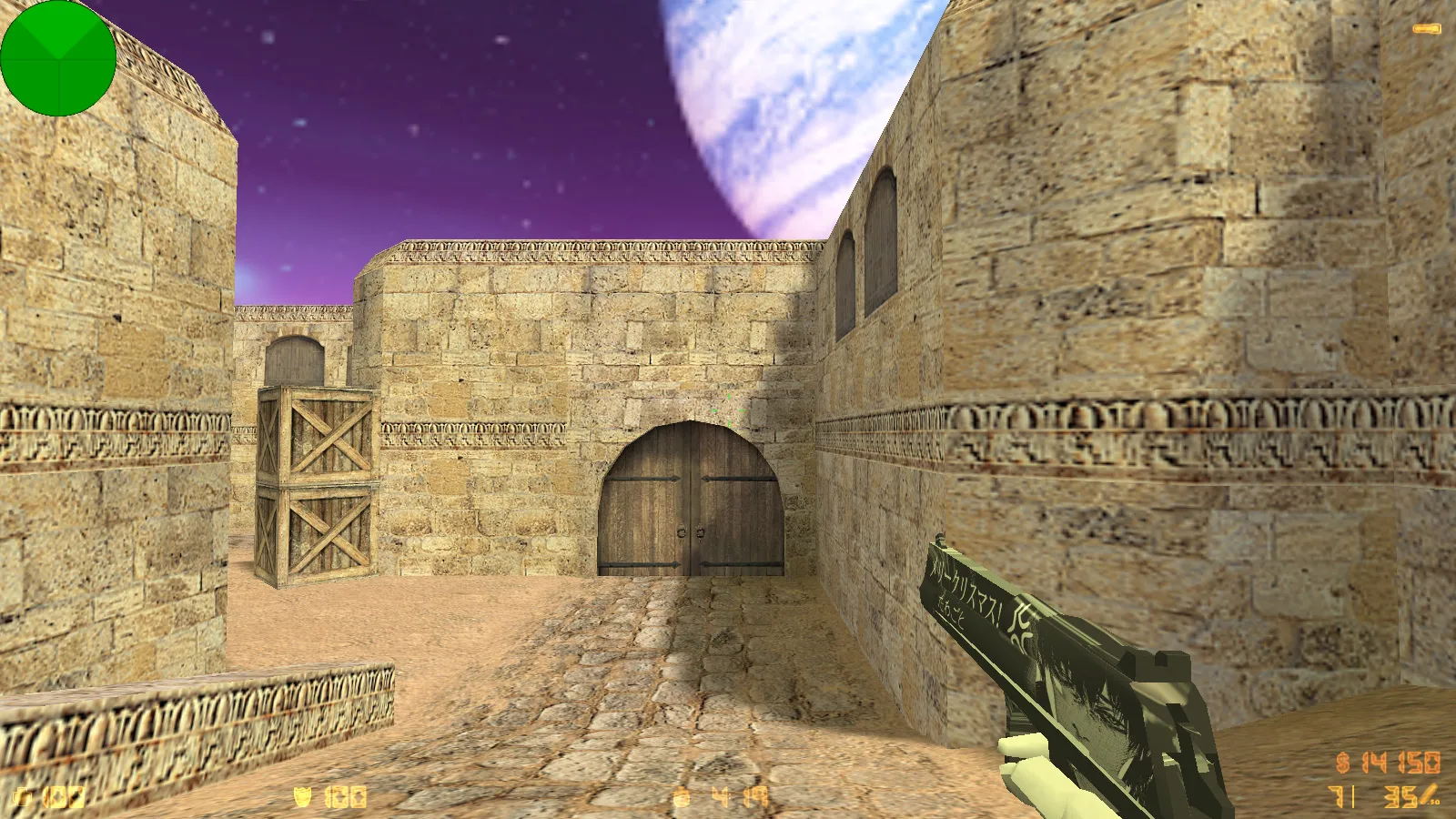
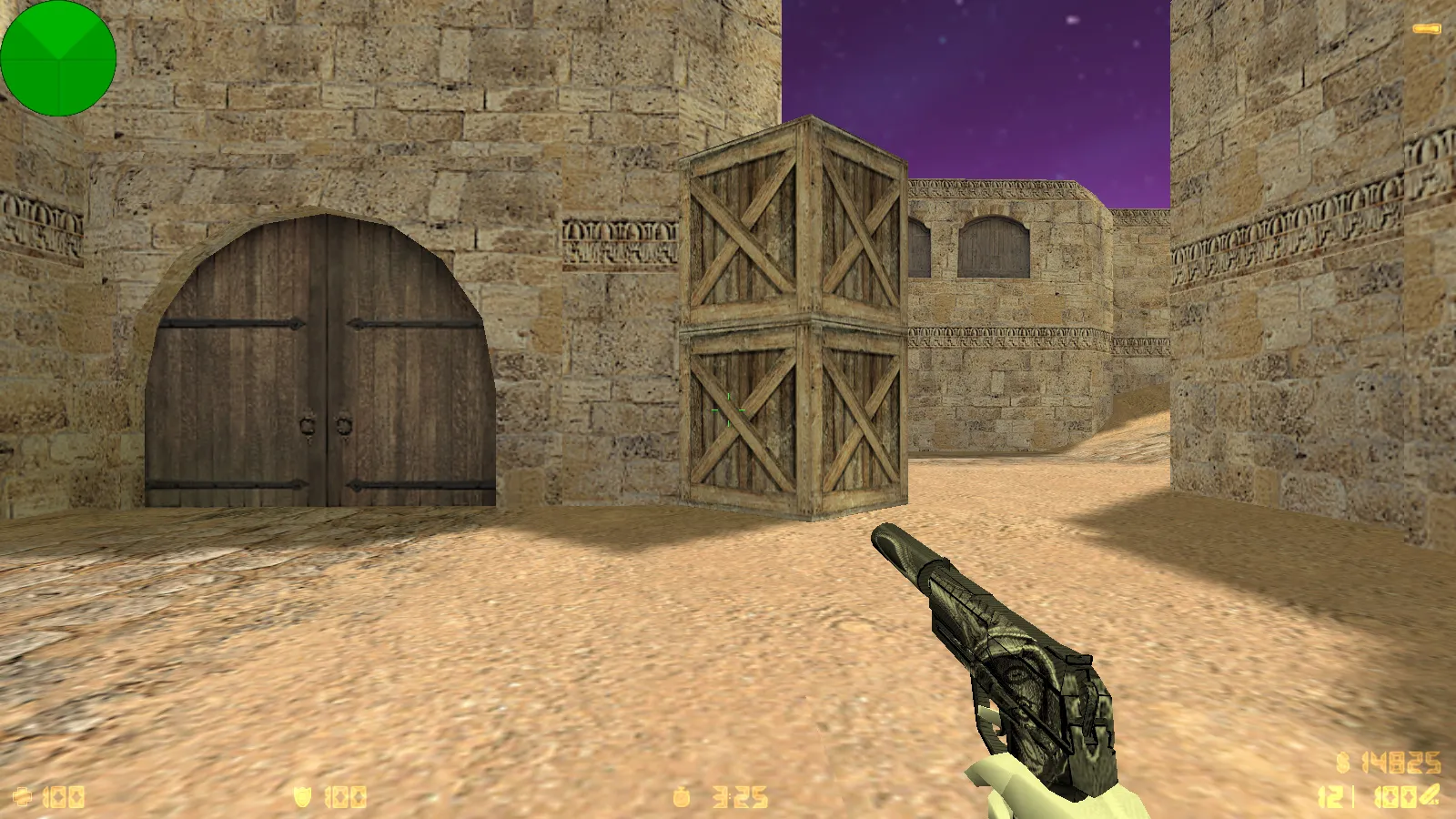
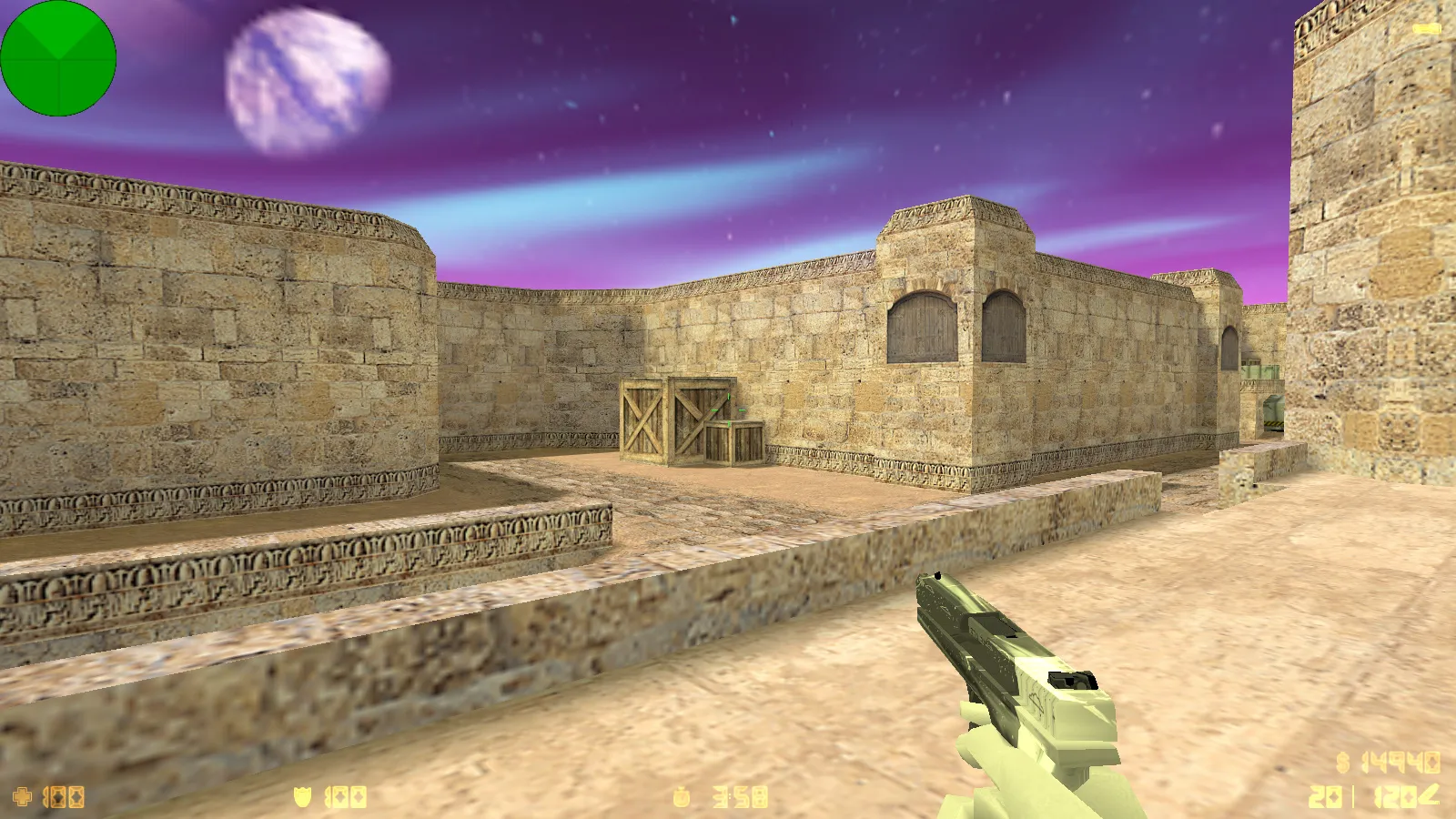
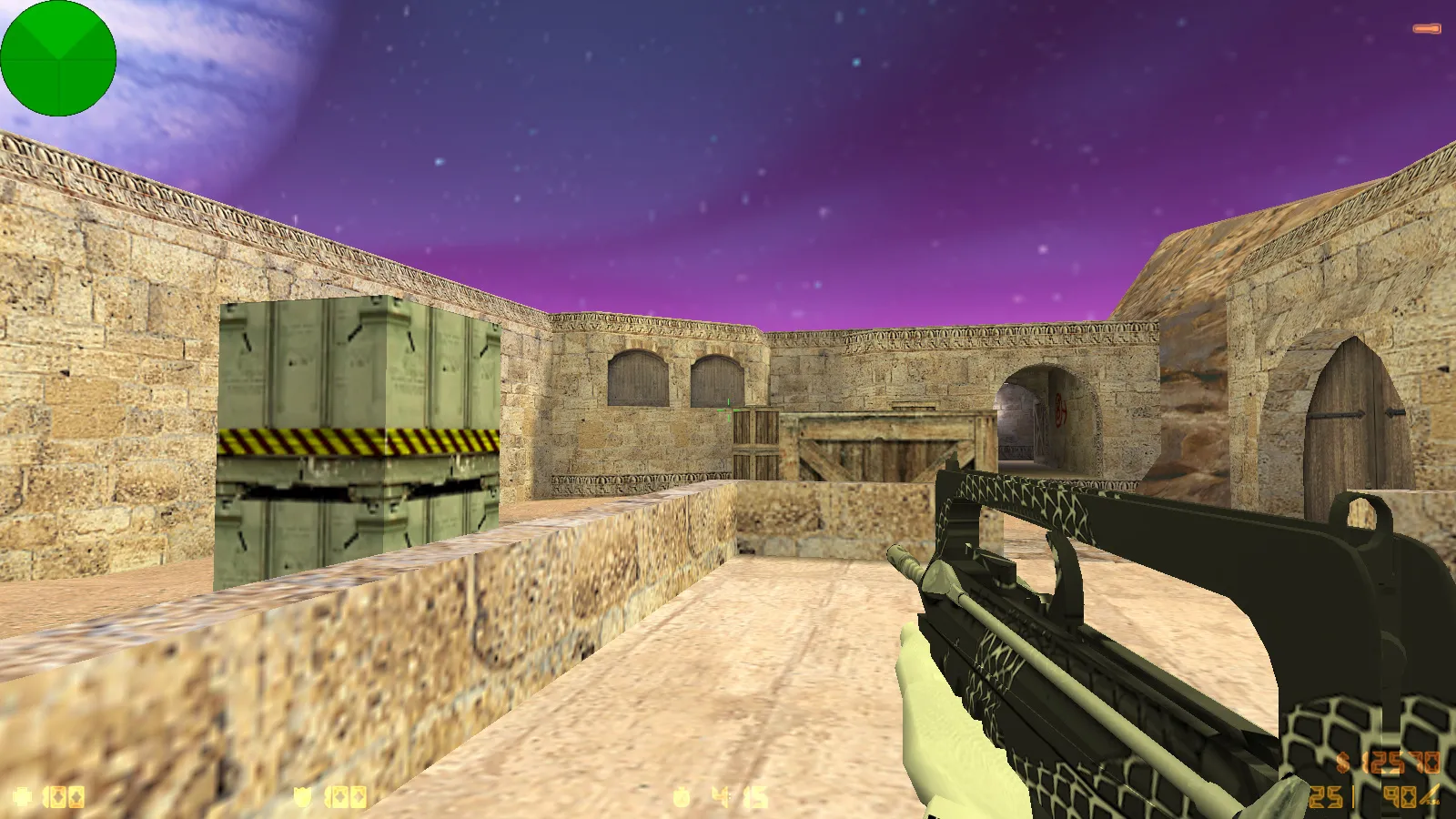
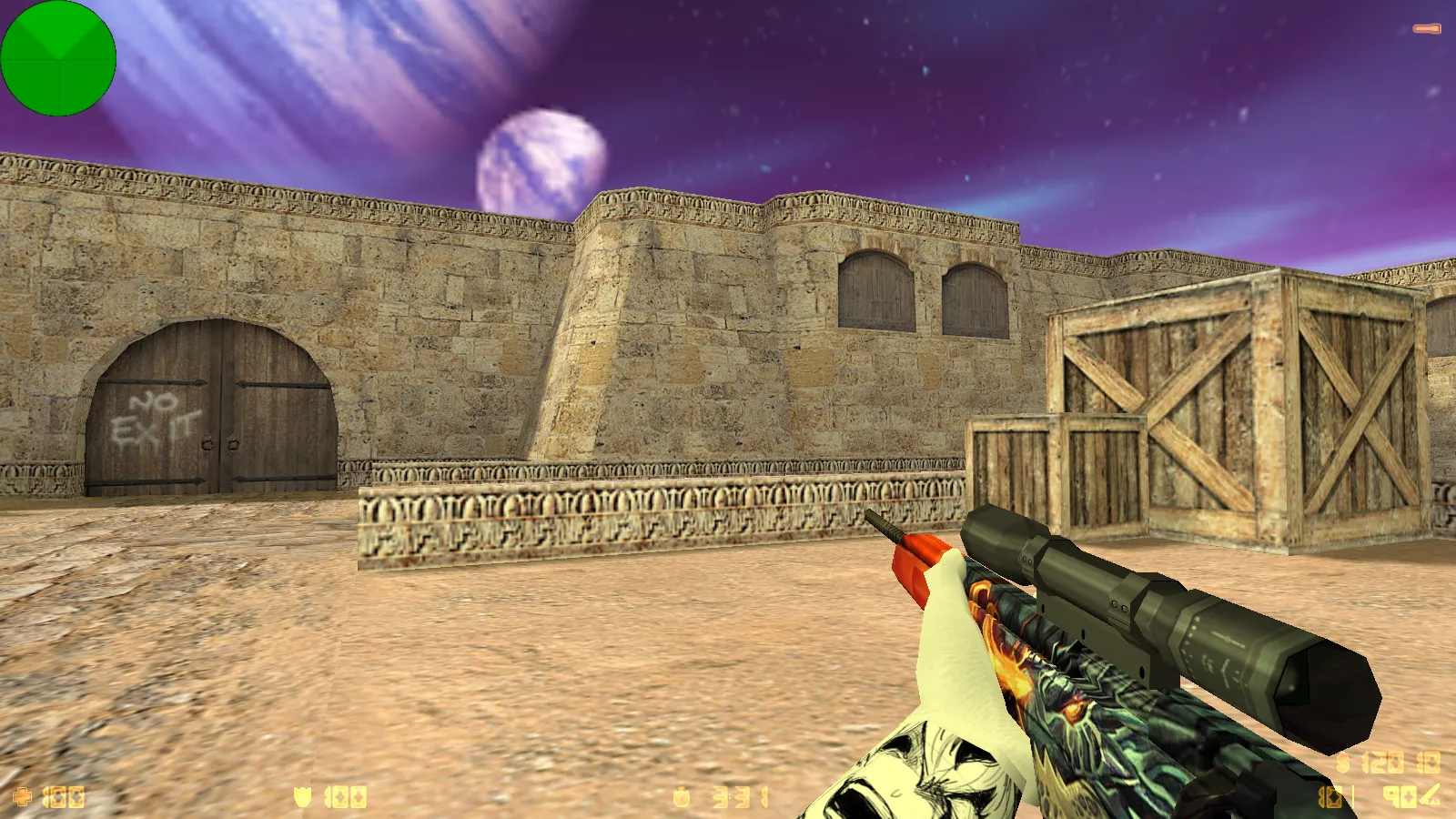
This Zehhs CS 1.6 package bundles adjustments for fluid gameplay and visual improvements. It ships with 8 major updates you notice immediately: a blue semi-transparent menu theme, background music in the menu, a refreshed skybox, and a custom launch icon. For players who appreciate style and clean visuals in their client, it delivers custom skins and a polished presentation without changing core mechanics.
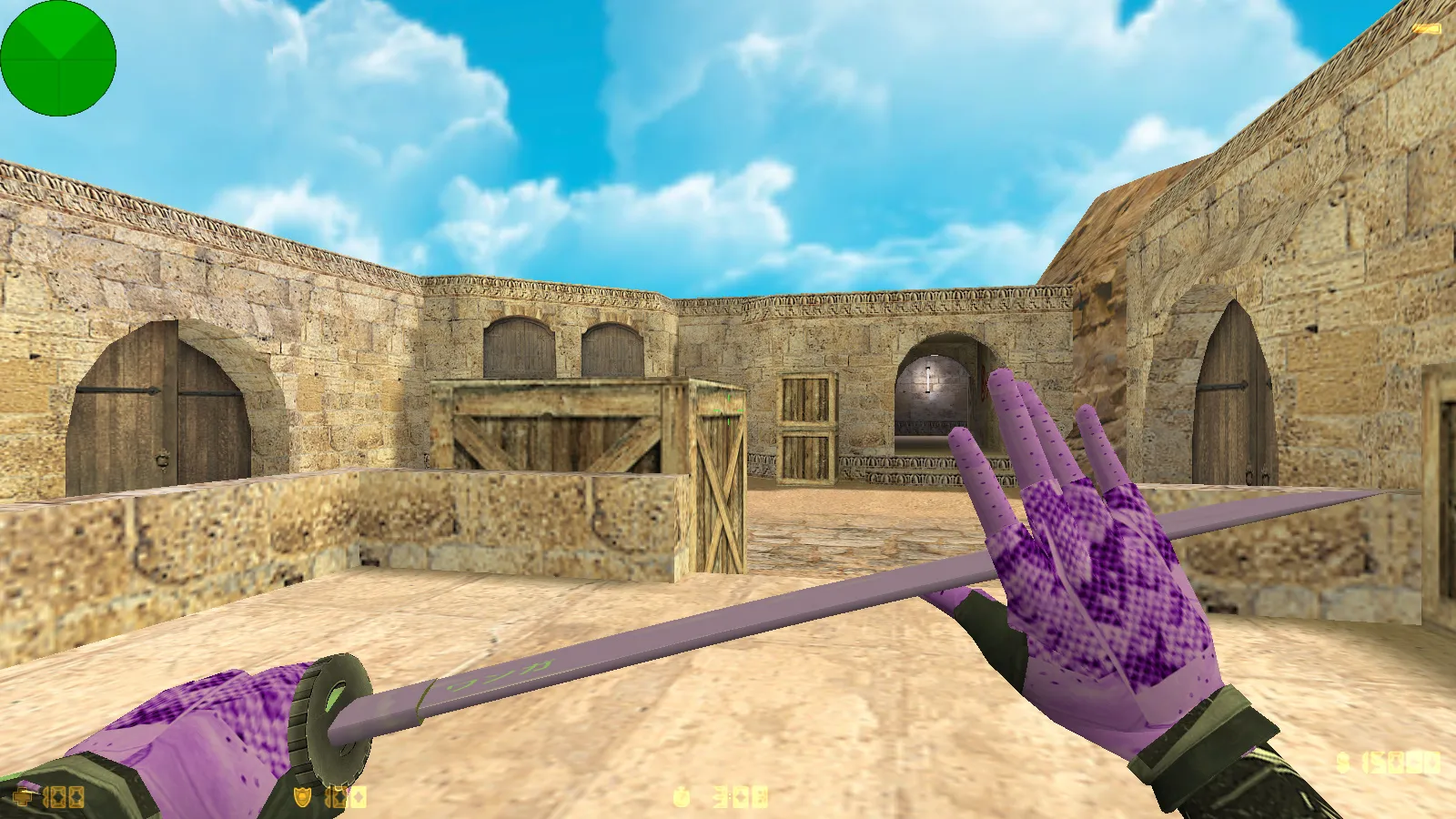
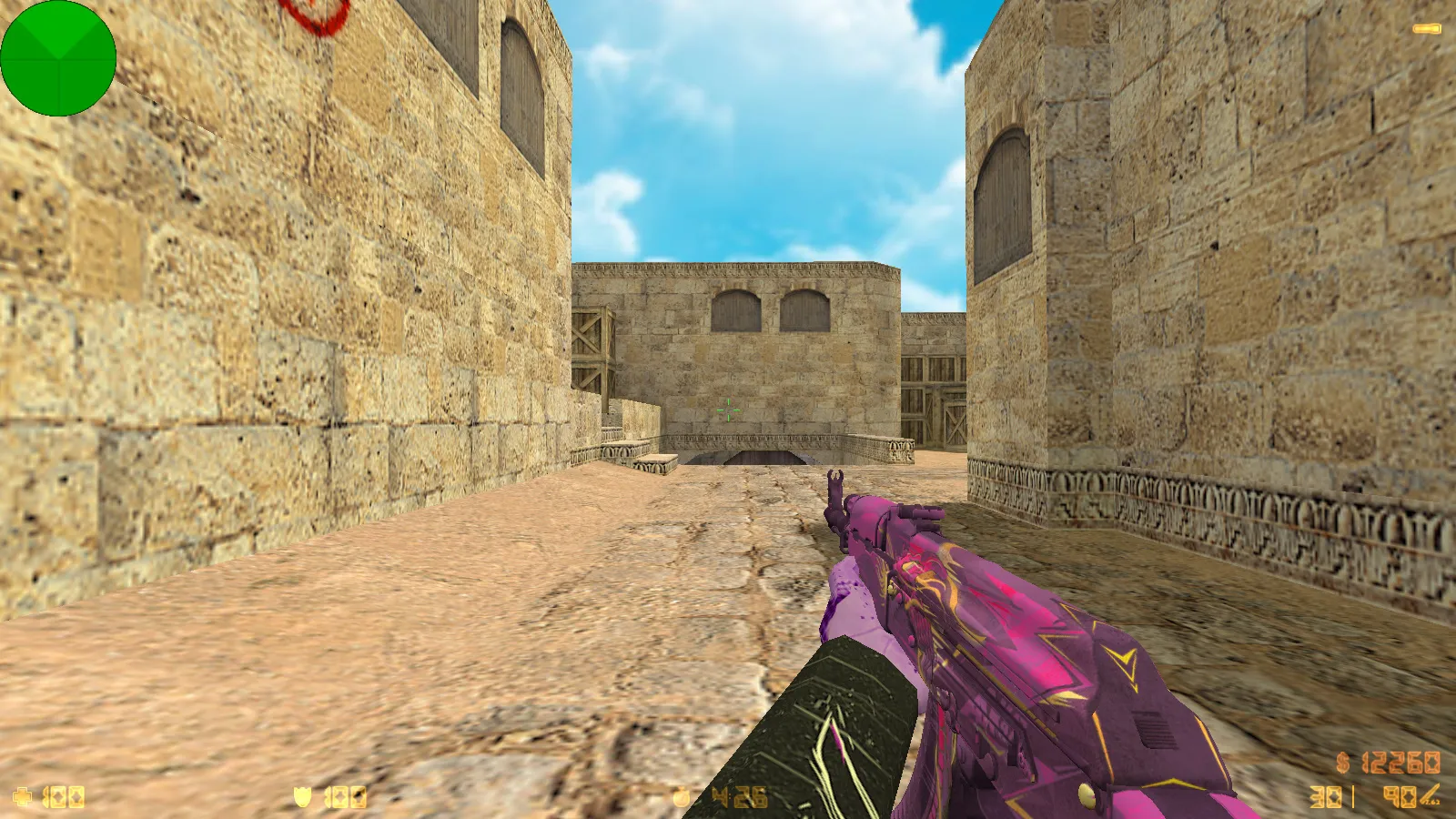
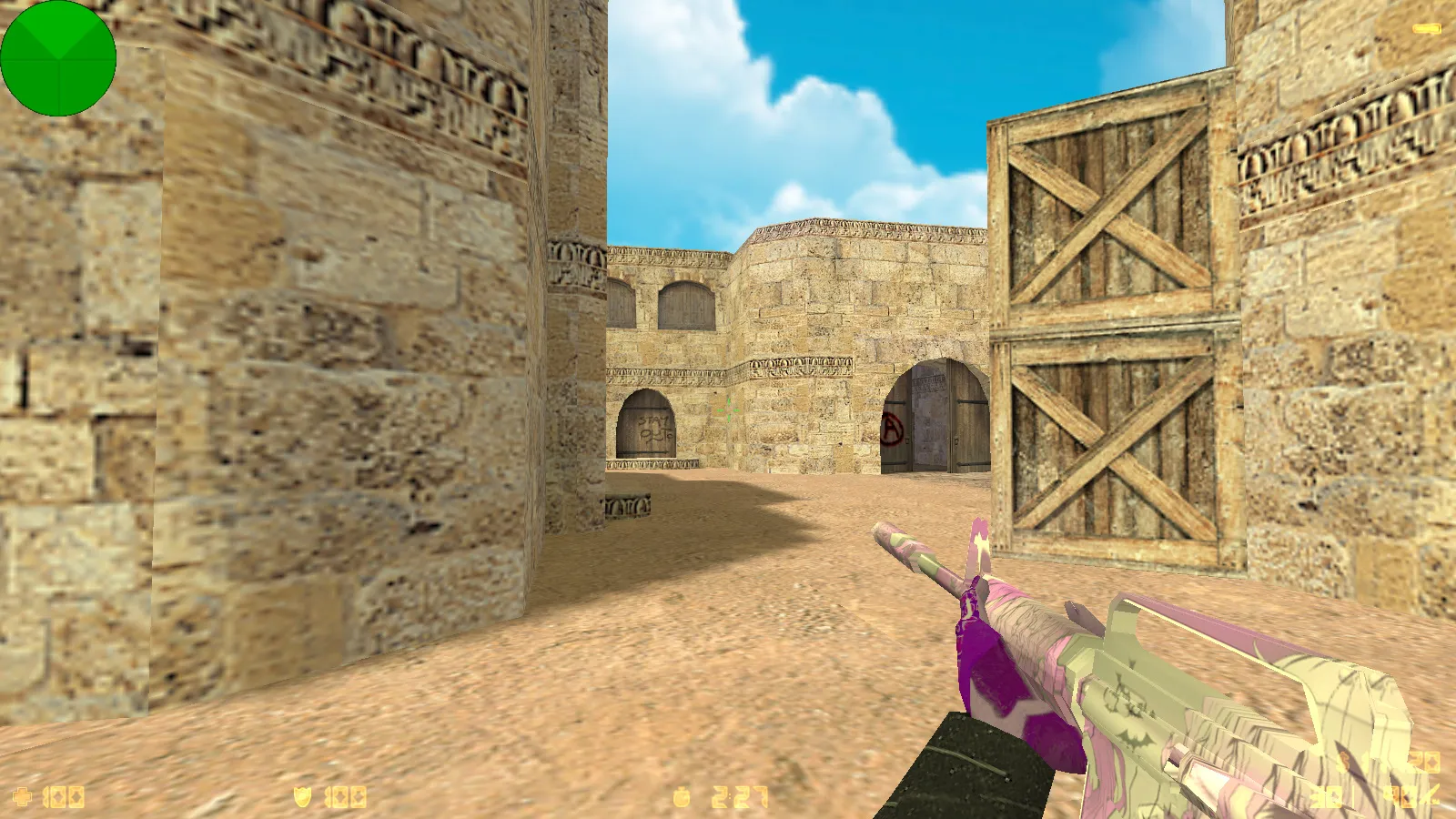
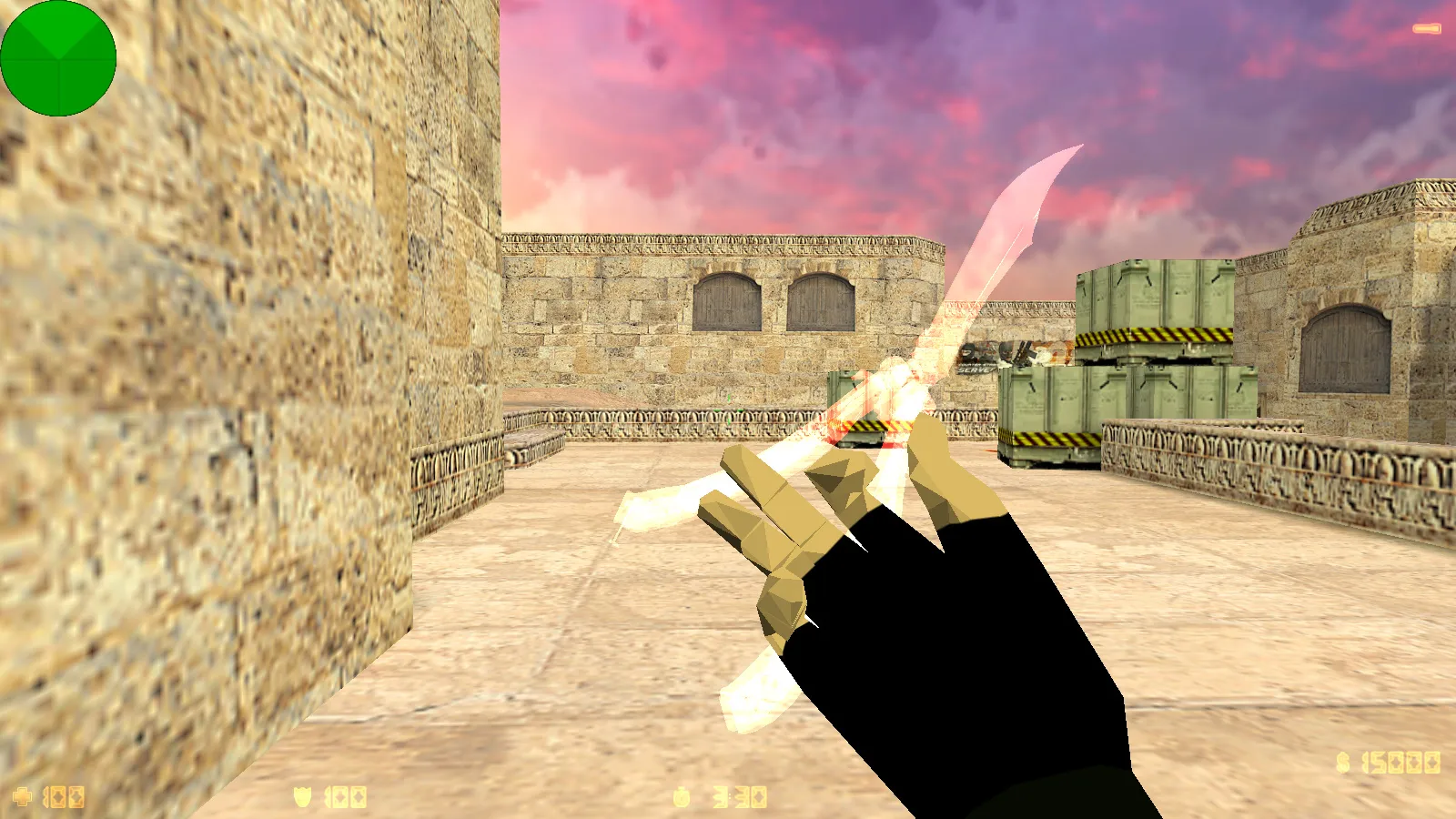
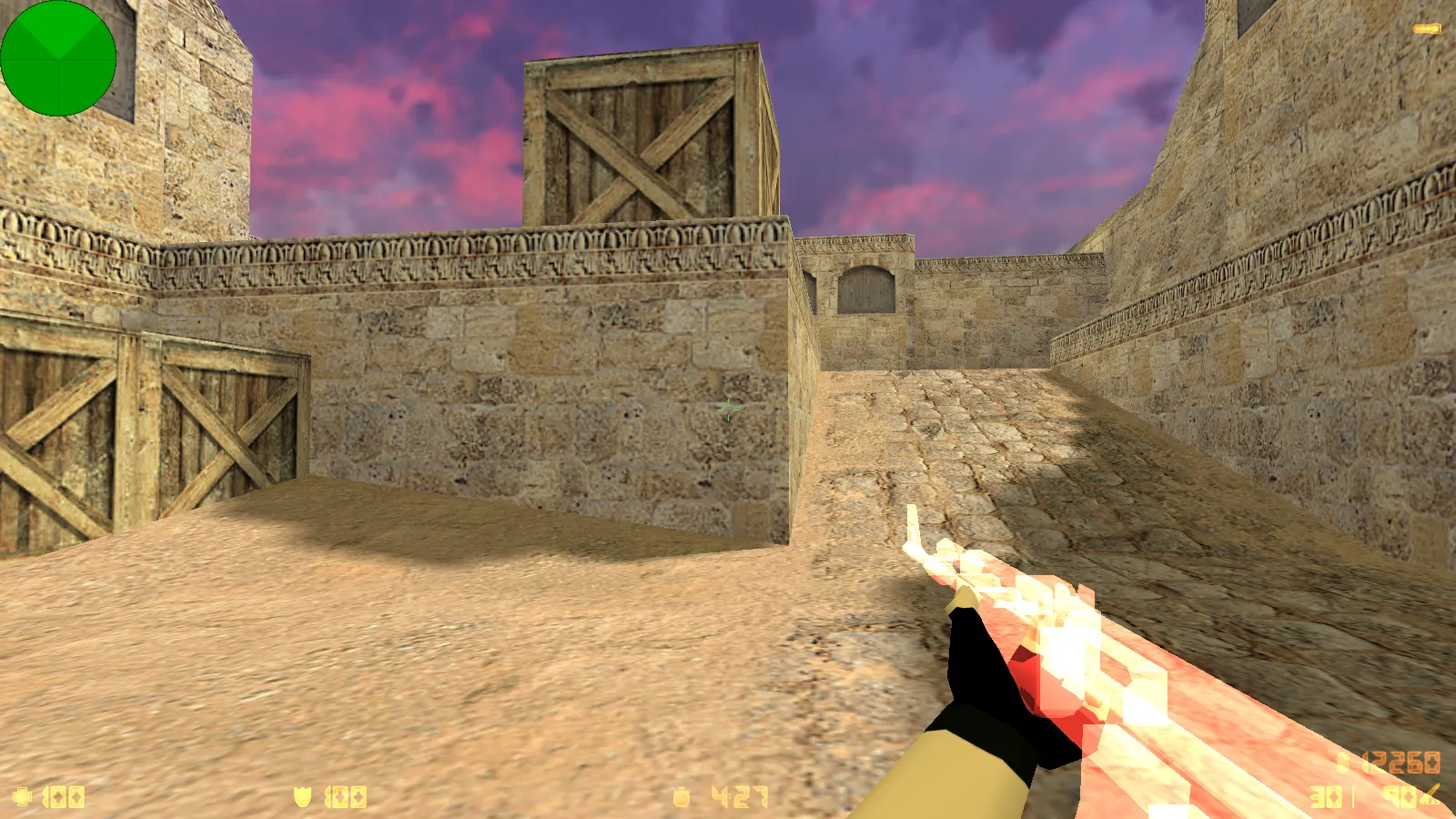
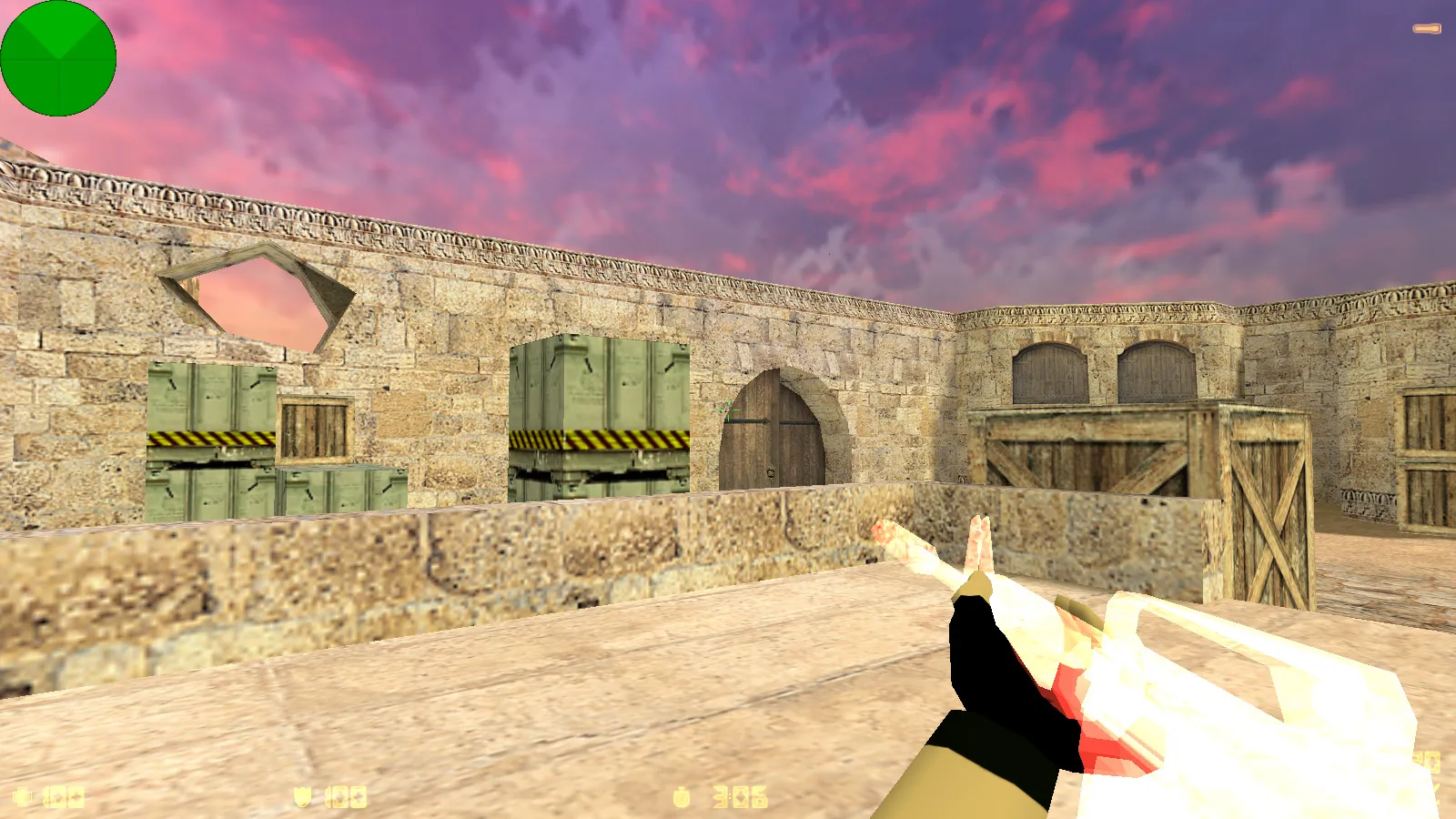
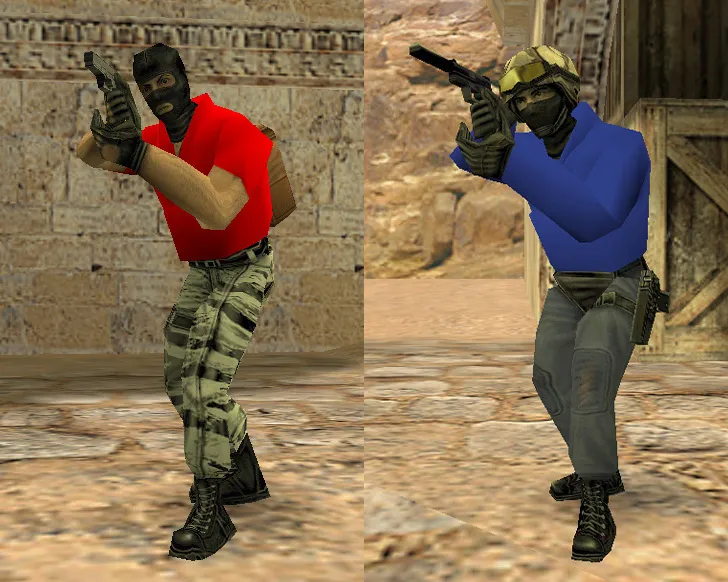
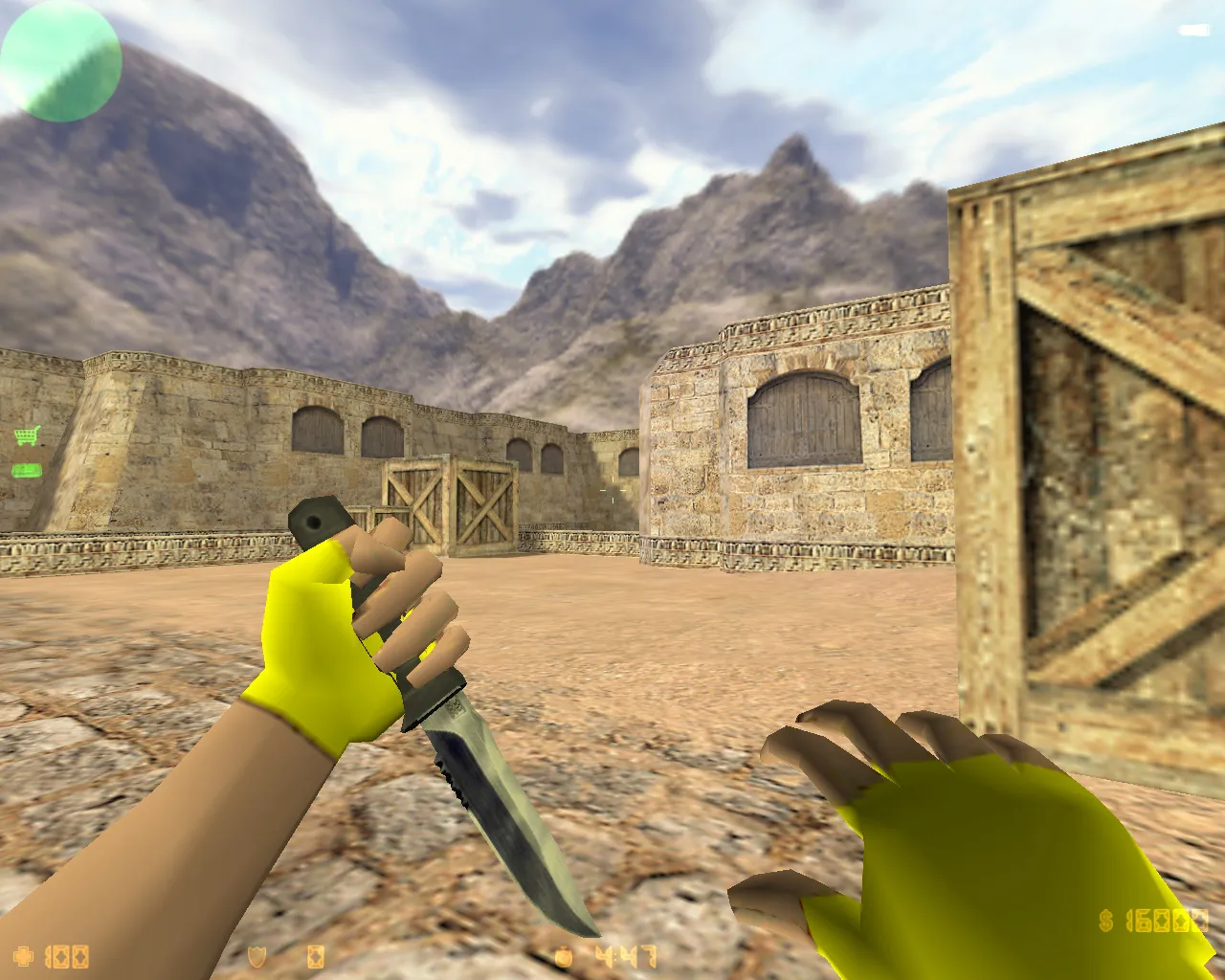
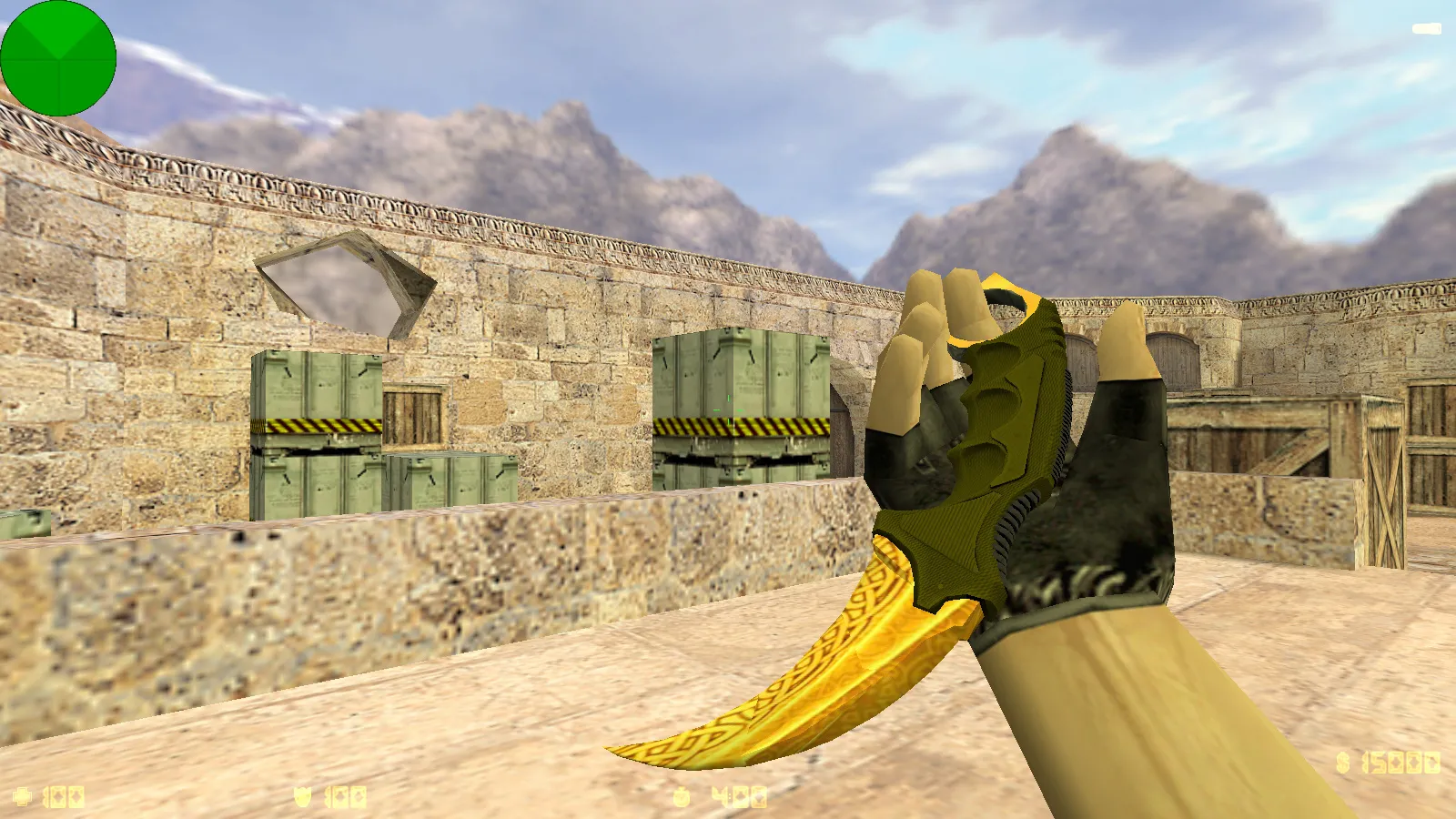
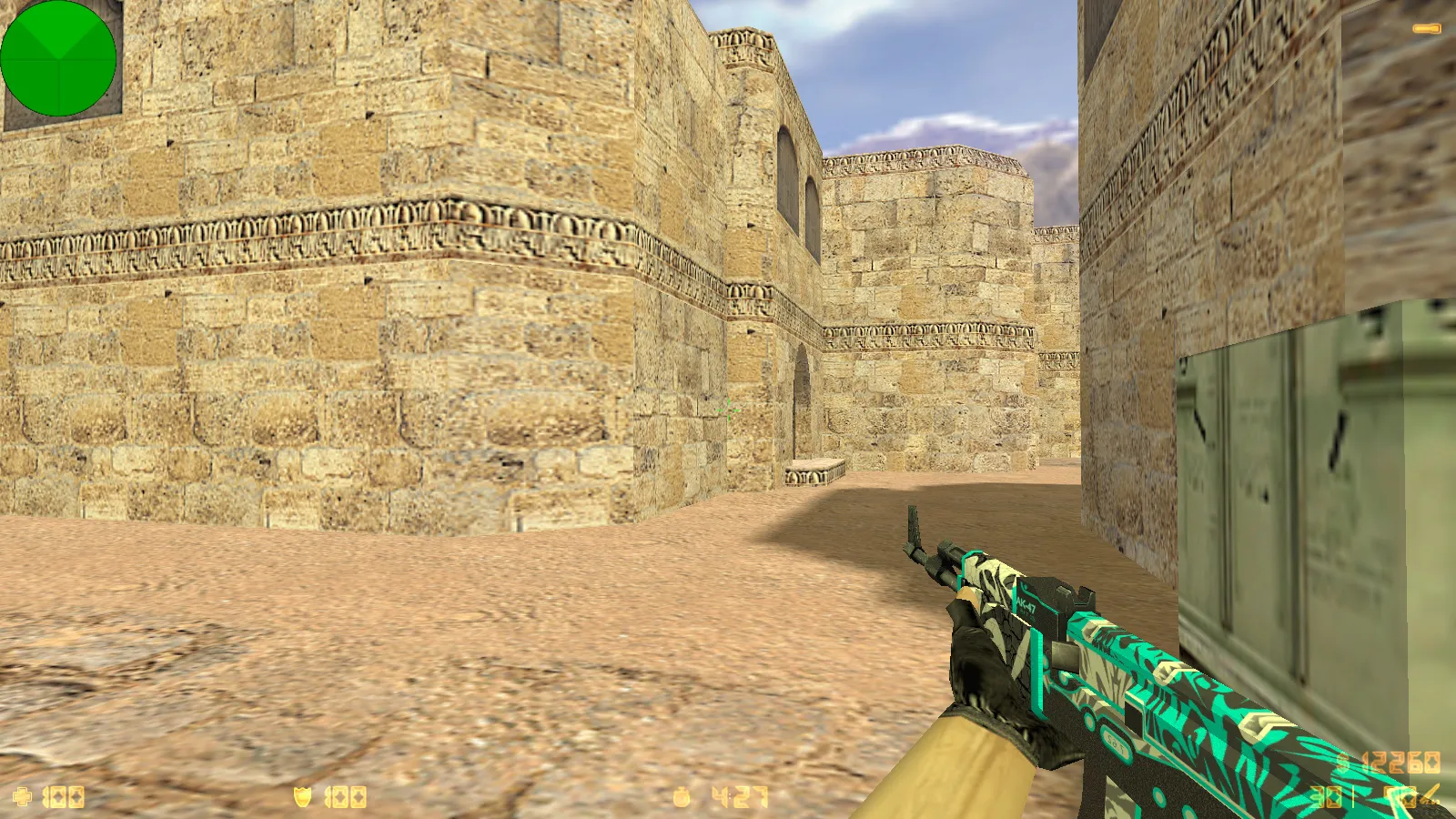
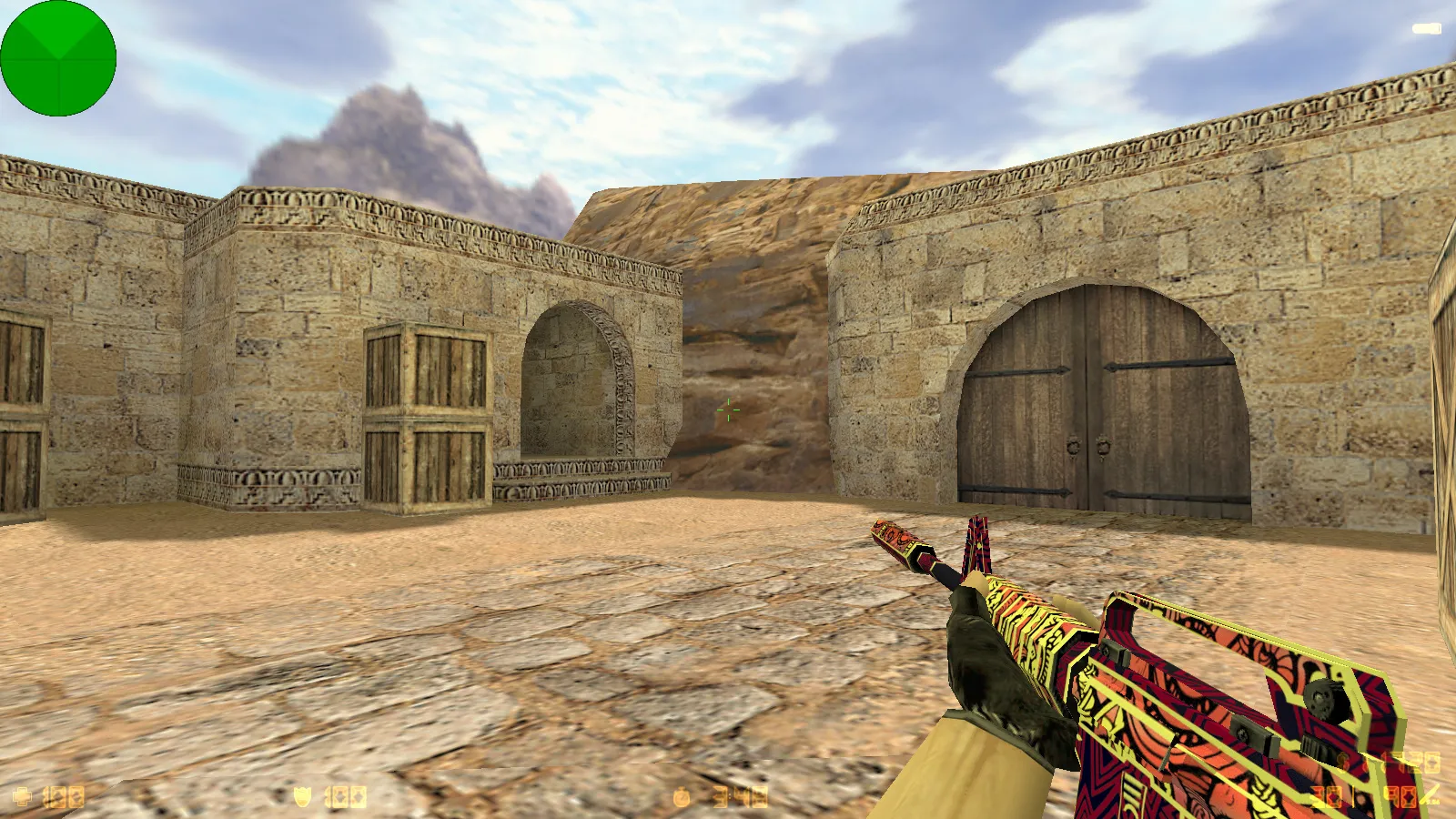
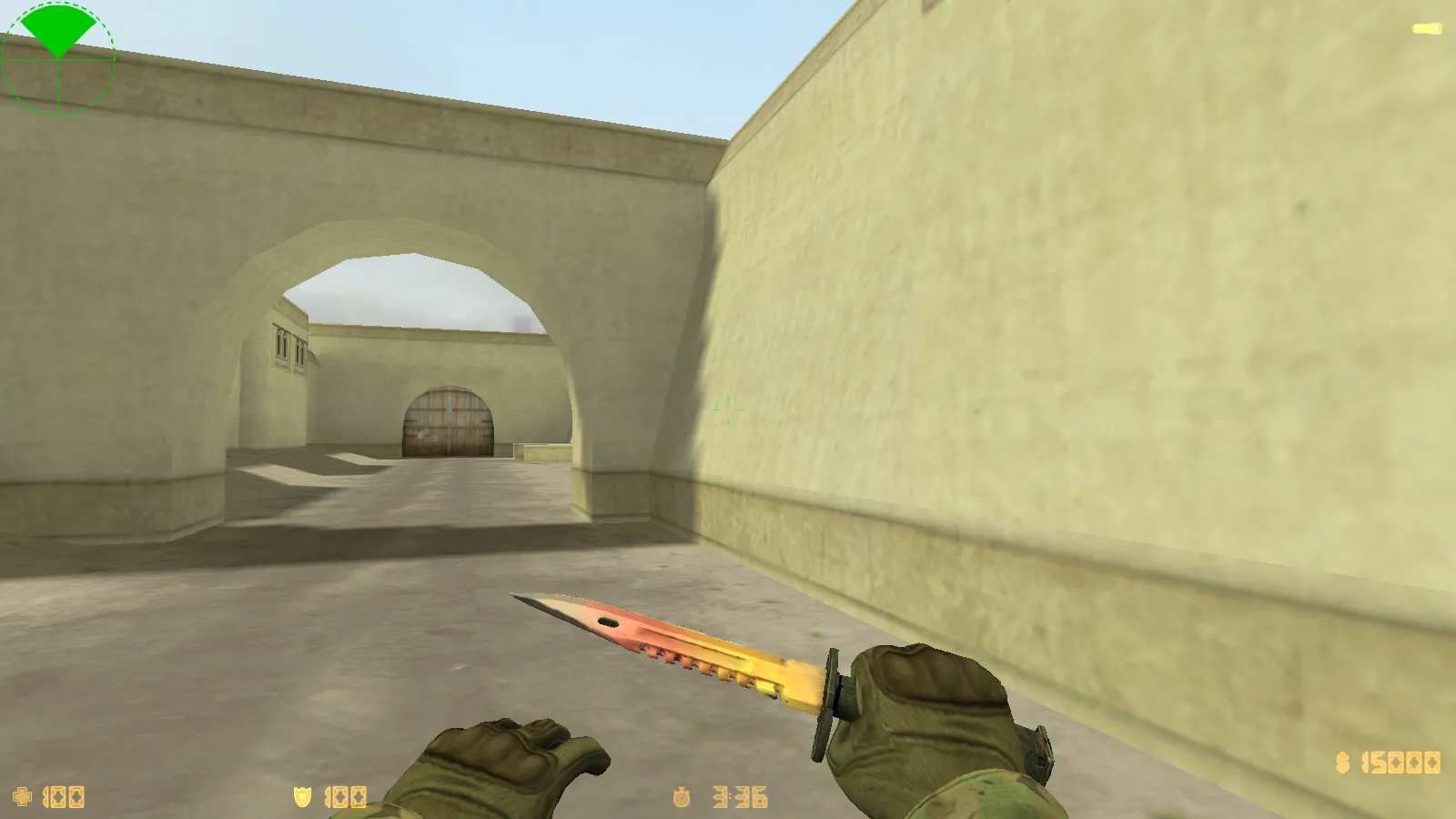
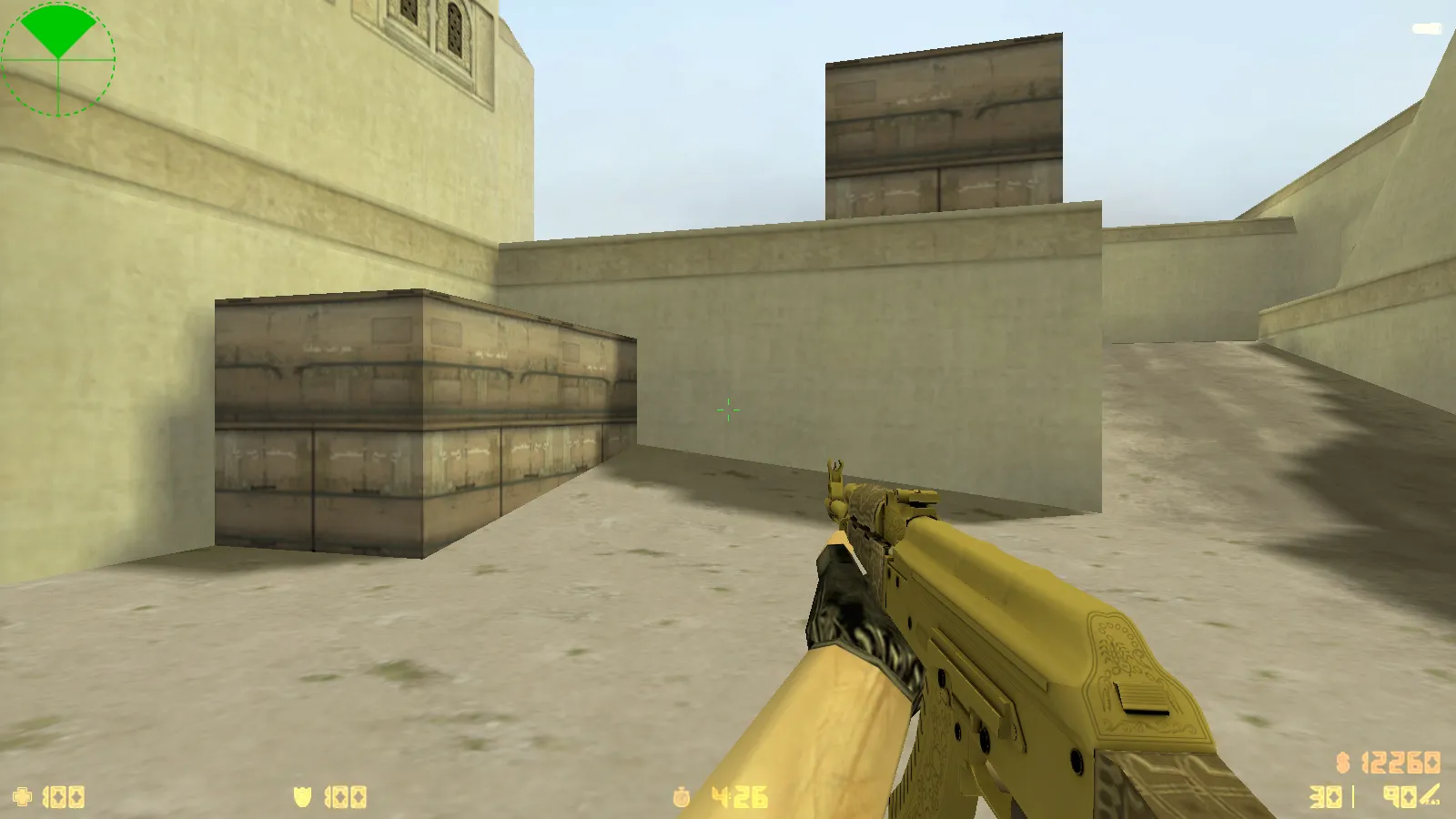
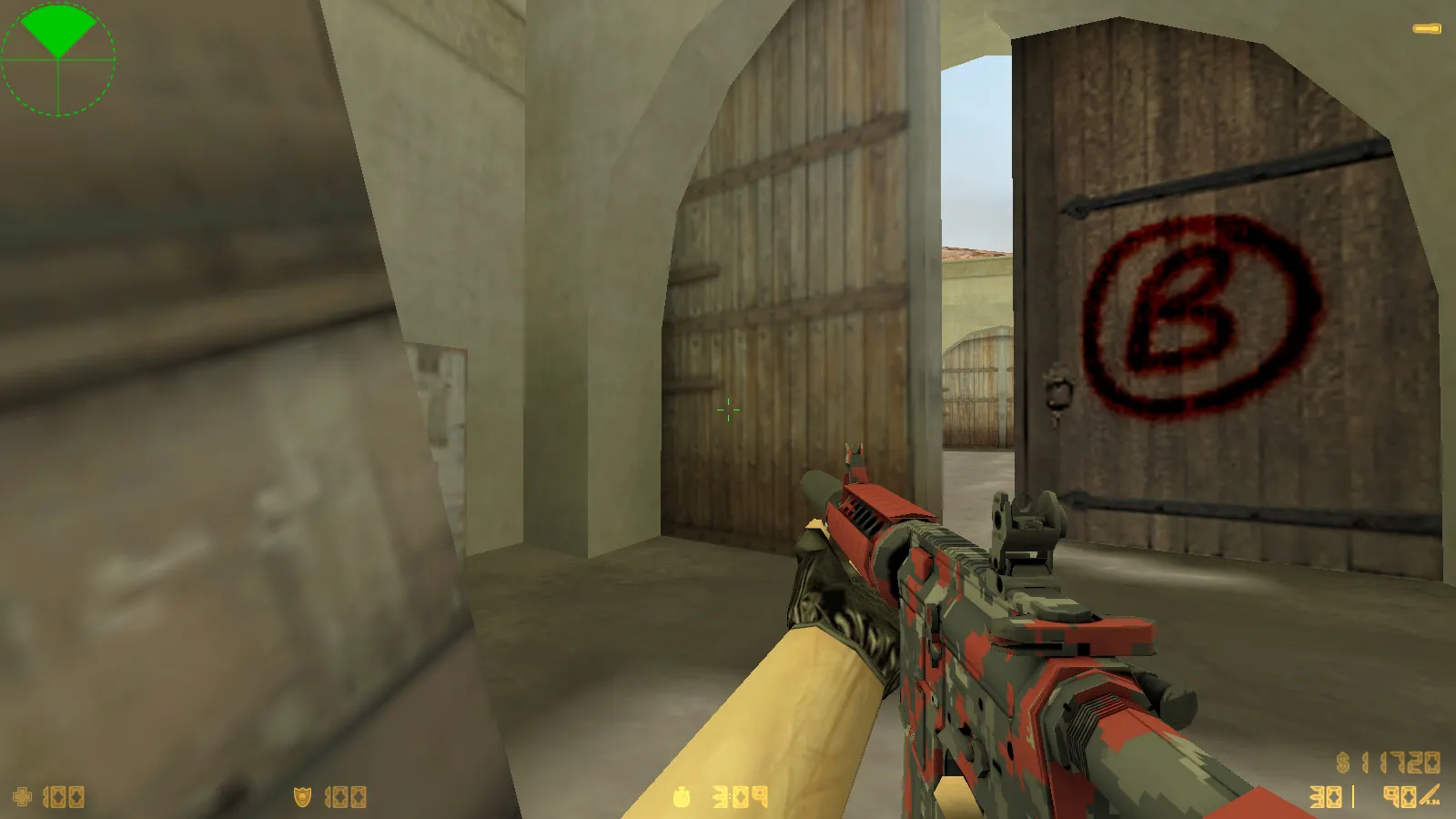
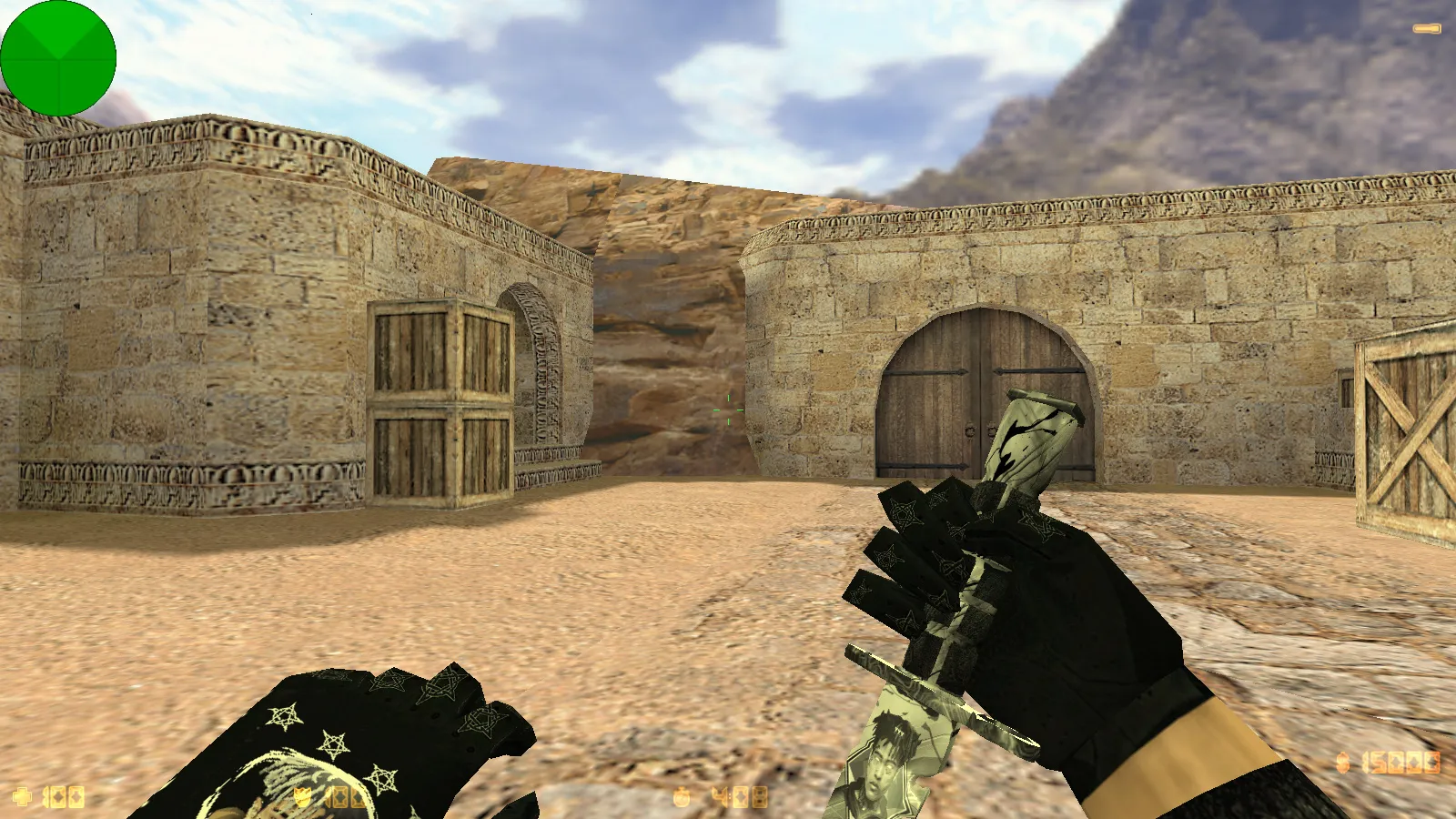
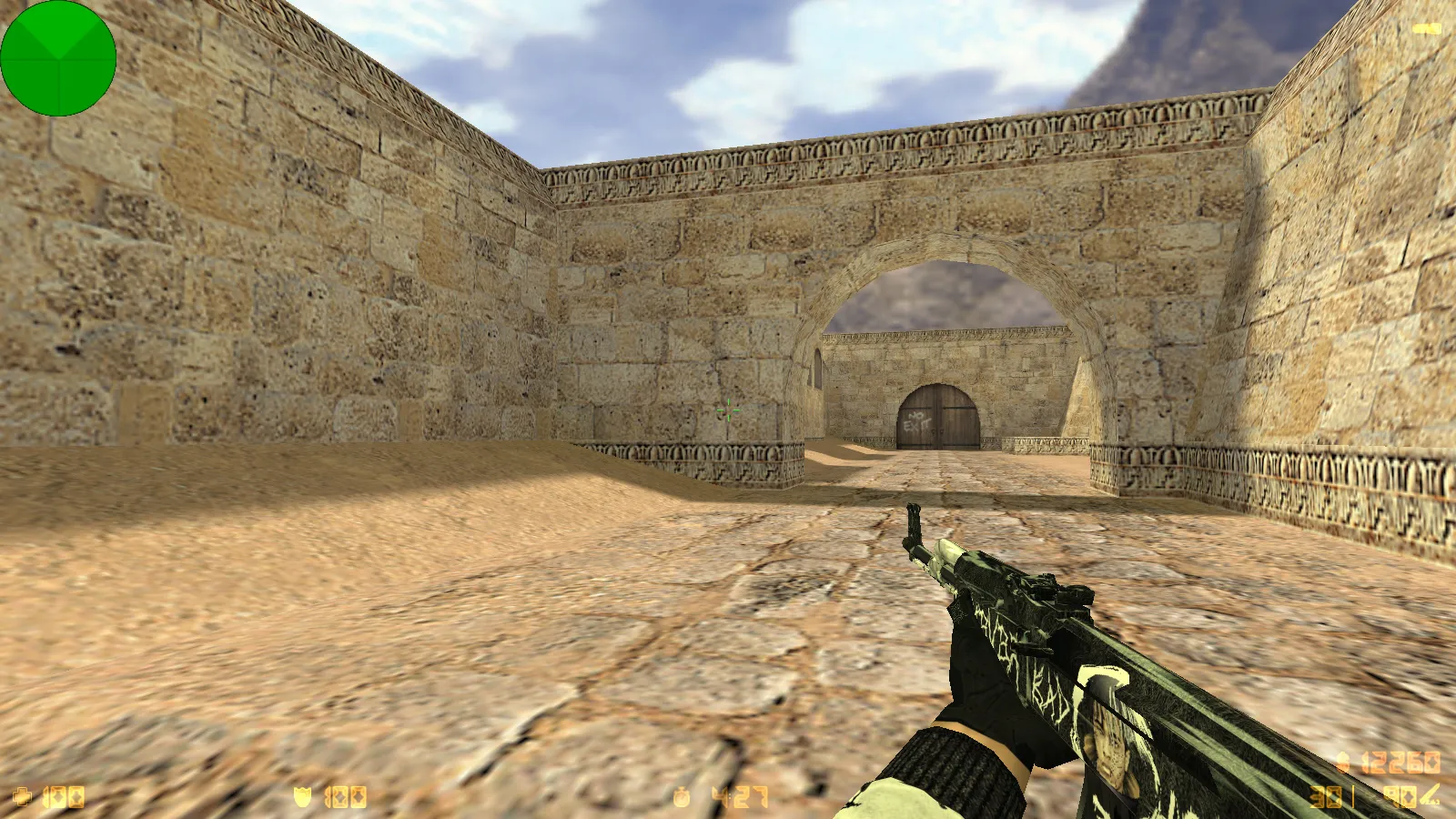
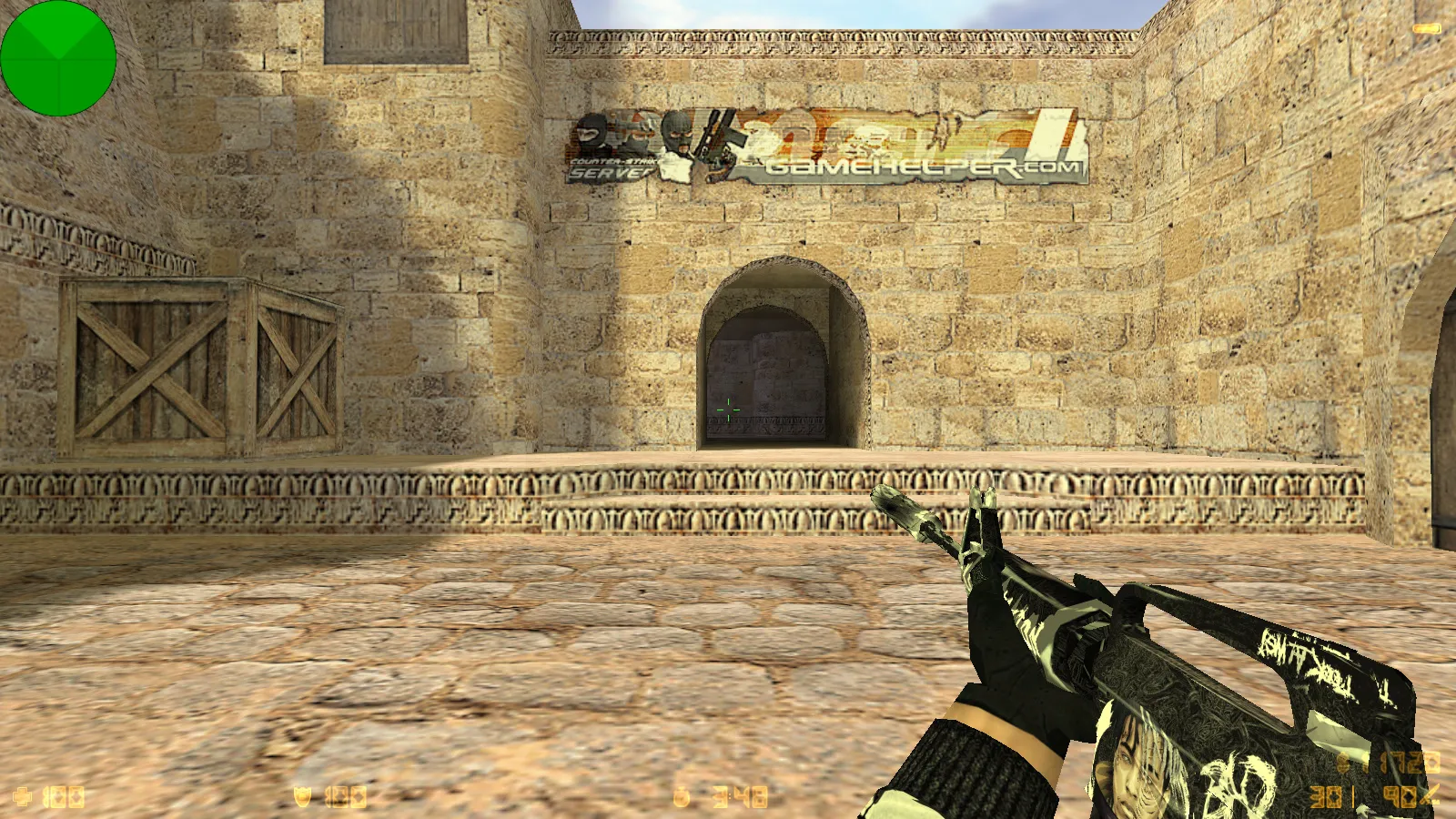
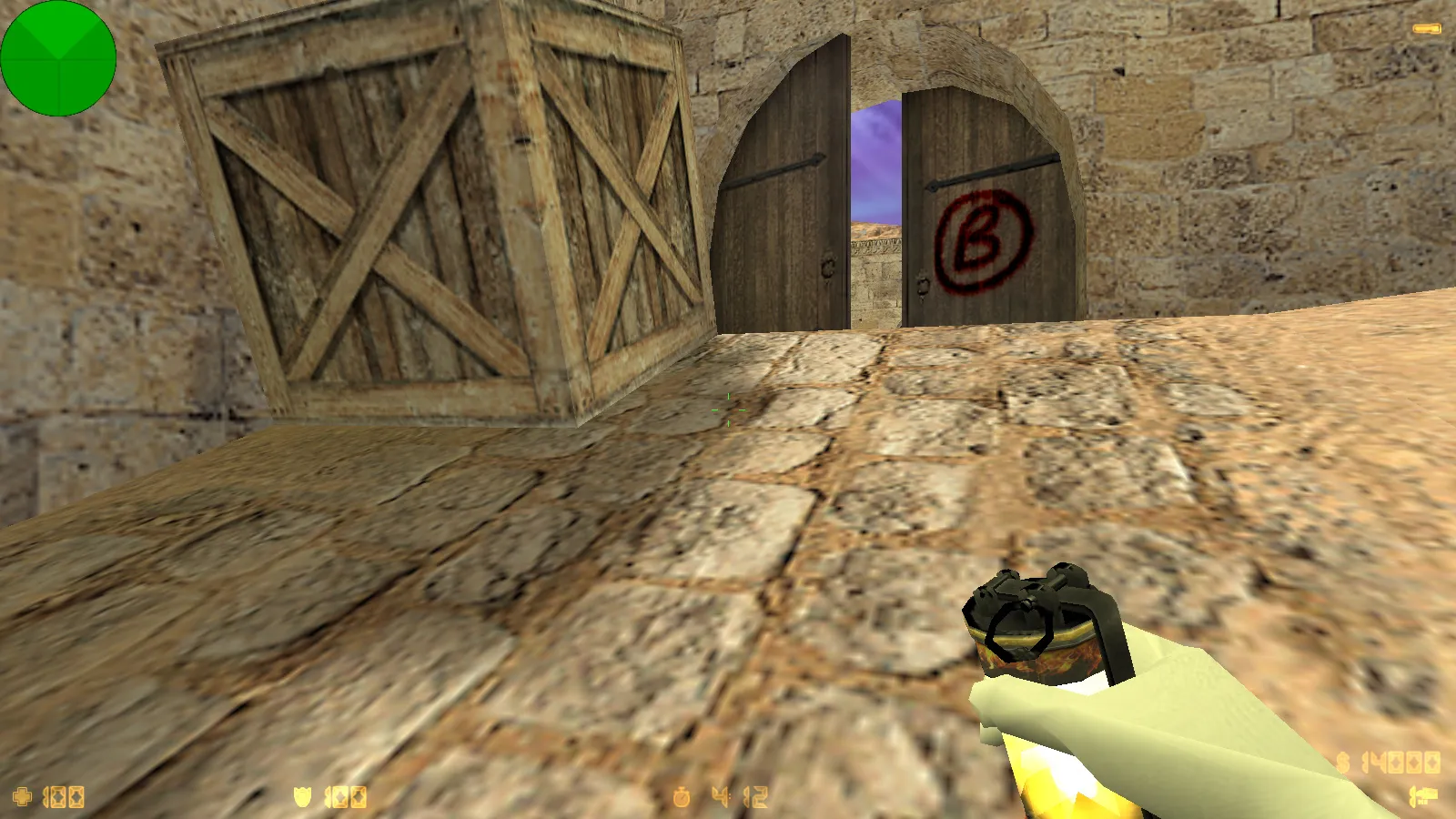
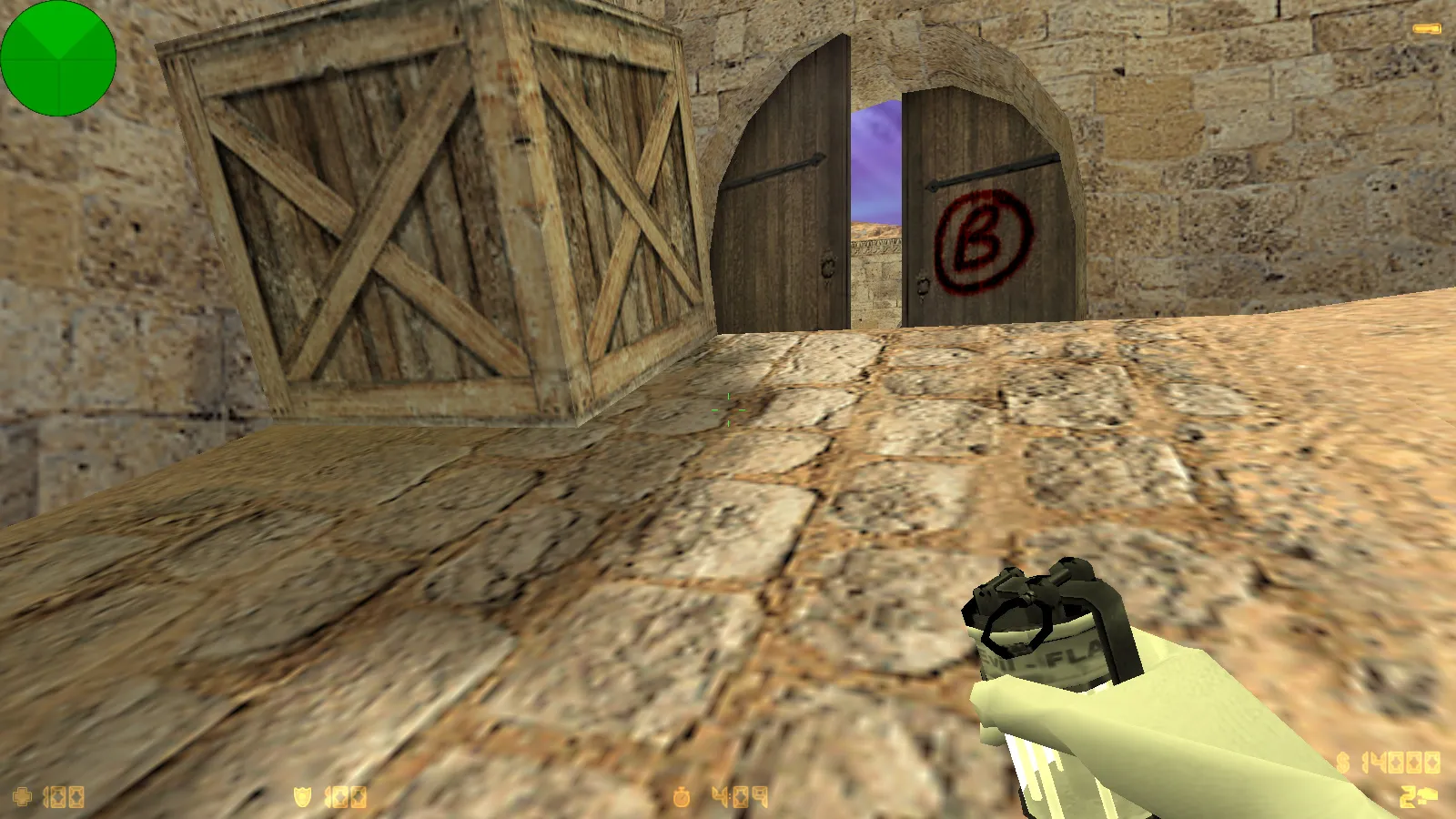
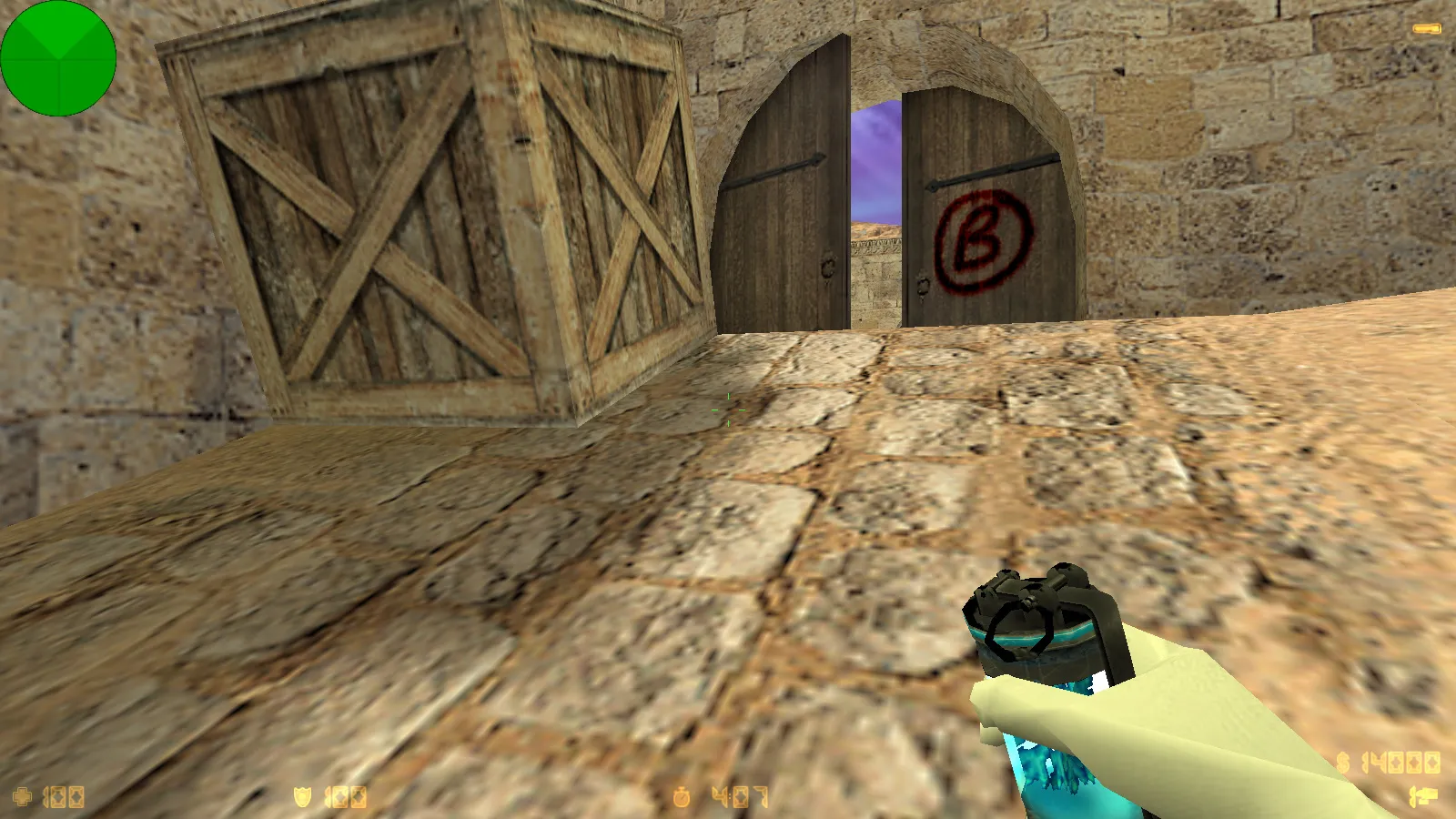
The visual emphasis sits on Zehhs-style skins. The pack provides 10 skins with white gloves for improved hand visibility in dim areas. Terrorist models carry a red tint for rapid team recognition, while counter-terrorist models use blue. The main menu backdrop displays a girl with long black hair in a white t-shirt next to an anime character. This touch boosts immersion but stays unobtrusive during matches. Player models and items adhere to CS 1.6 standards, with only on-screen visuals tweaked to match the theme. All skins keep hitbox accuracy and low polygon counts to prevent performance drops.
Gameplay Essentials and Compatibility
The build retains complete original CS 1.6 functionality. It runs on any Windows version, from XP through 11, and works with both Steam and Non-Steam installations with MasterServer protection for stable online connections. Join online servers-typically over 250 active-or play offline with bots on any map. Russian nicknames and chat function flawlessly for multilingual sessions. Add mods freely for variety; the client avoids auto-connect scripts and suspicious components. Installation is simple: extract to your CS folder, no viruses, no adware, no backdoors.
Config Tweaks and Performance Stability
Focus falls on the optimized config.cfg file. In packages like this, the aim is lag-free matches with consistent responsiveness. This stems from tuned rates and network settings for predictable behavior. The config follows a clean approach-no junk binds or overrides cluttering files. It helps maintain high FPS even on crowded maps with particle effects, targeting 100+ FPS on mid-range hardware.
Customize it further by editing config.cfg to suit your rig. For networking, typical settings include rate 100000, cl_cmdrate 100, cl_updaterate 100, and ex_interp 0.01 for tight synchronization without excess. Avoid random adjustments; modify one parameter at a time and test in a bot match. This build is based on protocol 48, compatible with Build 4554 or 8610 clients, ensuring no desync issues on public servers.
Gameplay Experience Breakdown
- Menu Interface: Blue semi-transparent theme, looping menu music, updated launch icon for quick access.
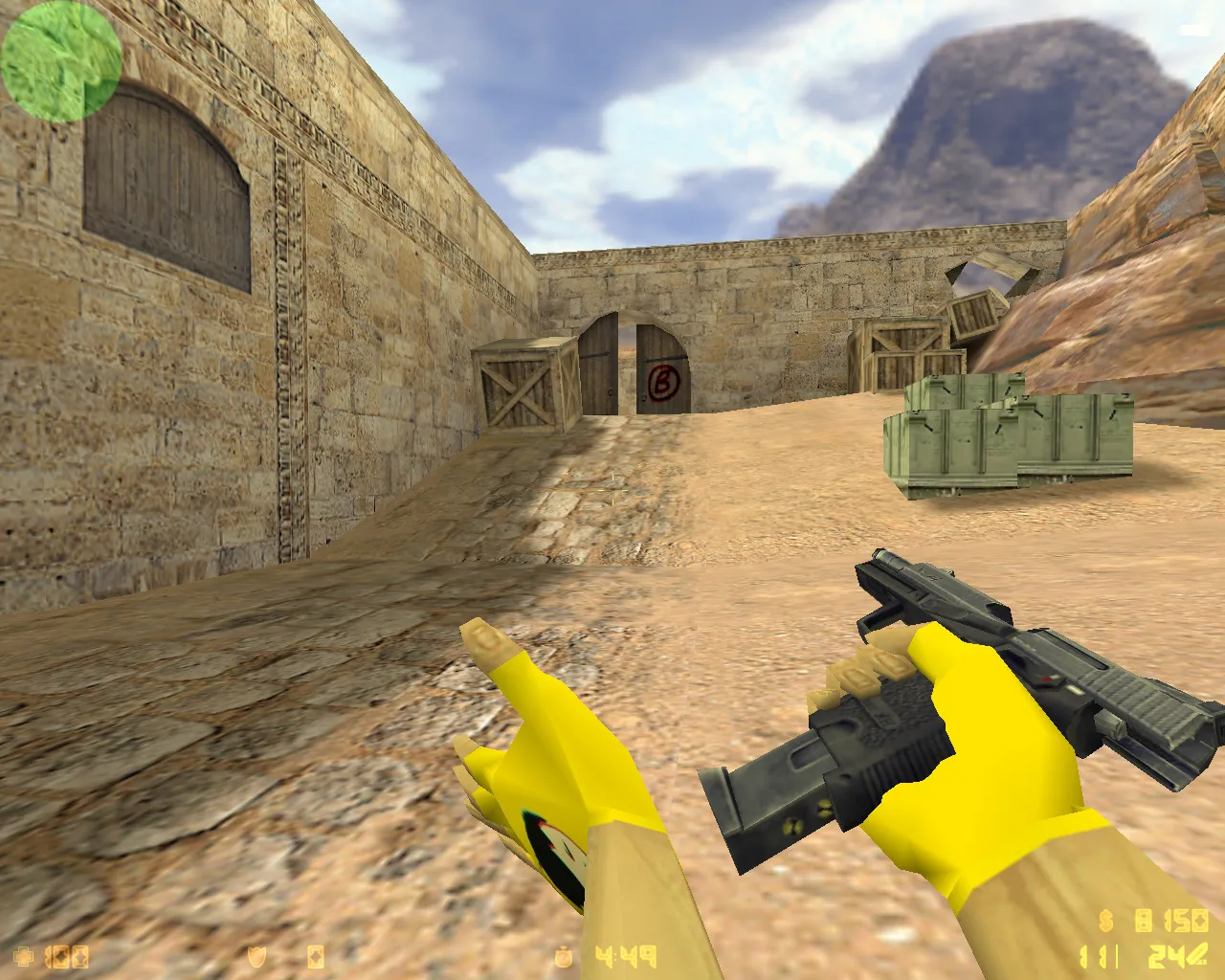
- Visual Customizations: 10 Zehhs skins with white gloves, red-tinted terrorist p_ models, blue counter-terrorist p_ models for ESL-style visibility.
- Main Menu Background: Character-themed wallpaper that doesn't impact framerates or controls.
- Networking: Full online support plus bot compatibility across all maps, including custom .nav files for AI pathing.
- Language Support: Russian nicknames and in-game chat without encoding glitches.
In action, the white gloves on v_ models improve weapon handling visibility during sprays, while team color tints aid quick spotting in smoke or dark corners like de_dust2's long angles. No-recoil feels stock, but the clean config reduces input lag for precise aim. Bots behave standard, with no altered hitboxes-pure vanilla CS 1.6 under the hood.
Safe Setup and Pro Tips
Before launching, verify the game folder extraction-no corrupted files. Start via the standard hl.exe or shortcut; skip third-party loaders demanding system access. When layering mods, install one by one to isolate conflicts. This preserves stability, especially for online queues.
If tweaks don't align post-install, reset config.cfg to defaults then apply changes incrementally. For server play, prioritize stable rates,
Install in three steps
-
1
Download the archive. Use the button on the right, or the Yandex.Disk mirror if the main server is slow.
-
2
Extract it into the game folder. Use 7-Zip or WinRAR. A path without non-Latin characters works best.
-
3
Launch the game. If something doesn't work, mark it below - that is how we know the file needs an update.
Did it work for you?
No sign-up needed. You can pick more than one.