Wolf Channel CS 1.6 Blogger Build: 8 New Features, Weapon Skins, Custom Menu, Sounds, and Optimized Config.cfg
Description
Wolf Channel CS 1.6 Blogger Build: Clean Assembly with Visual and Audio Upgrades
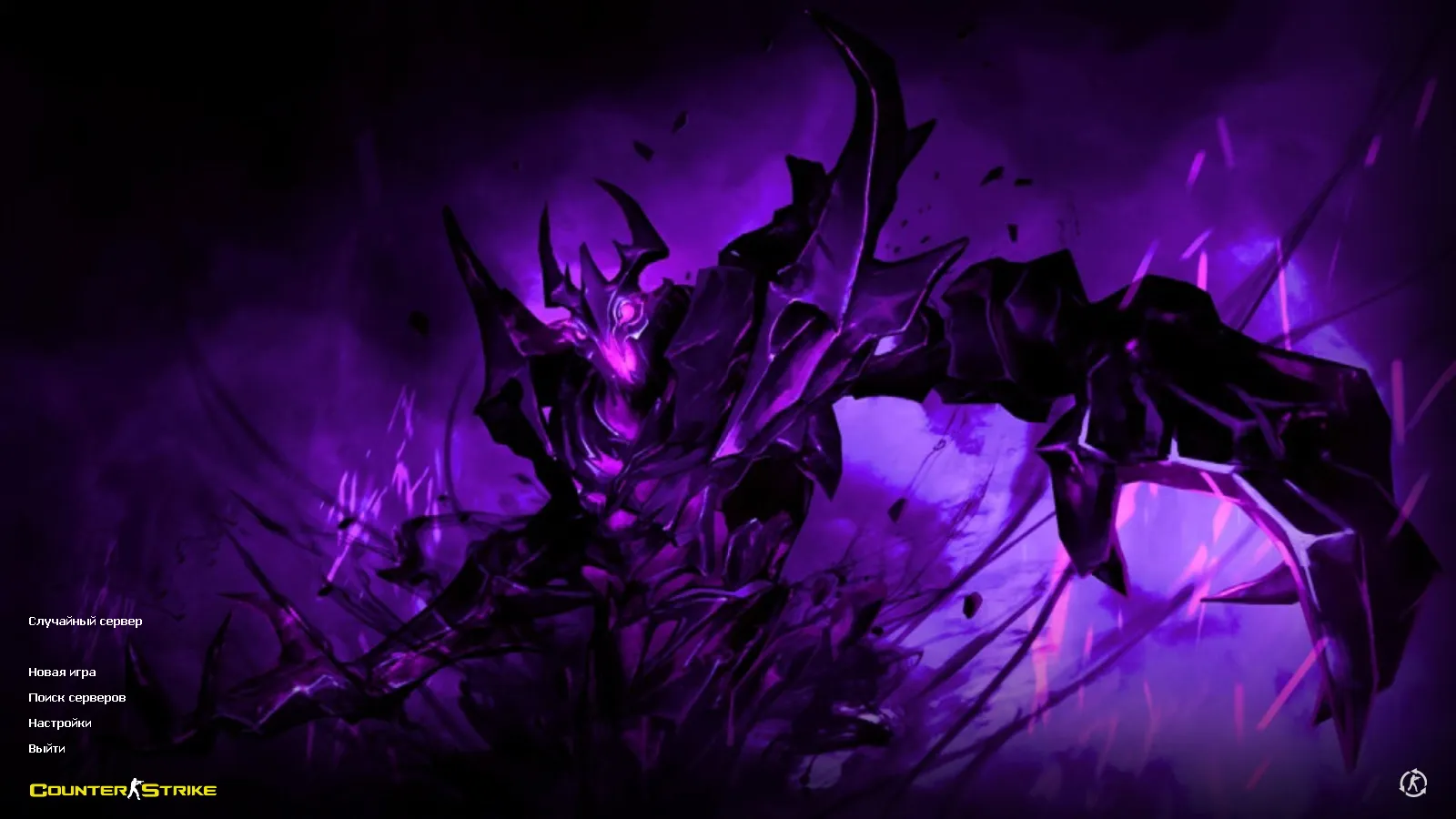
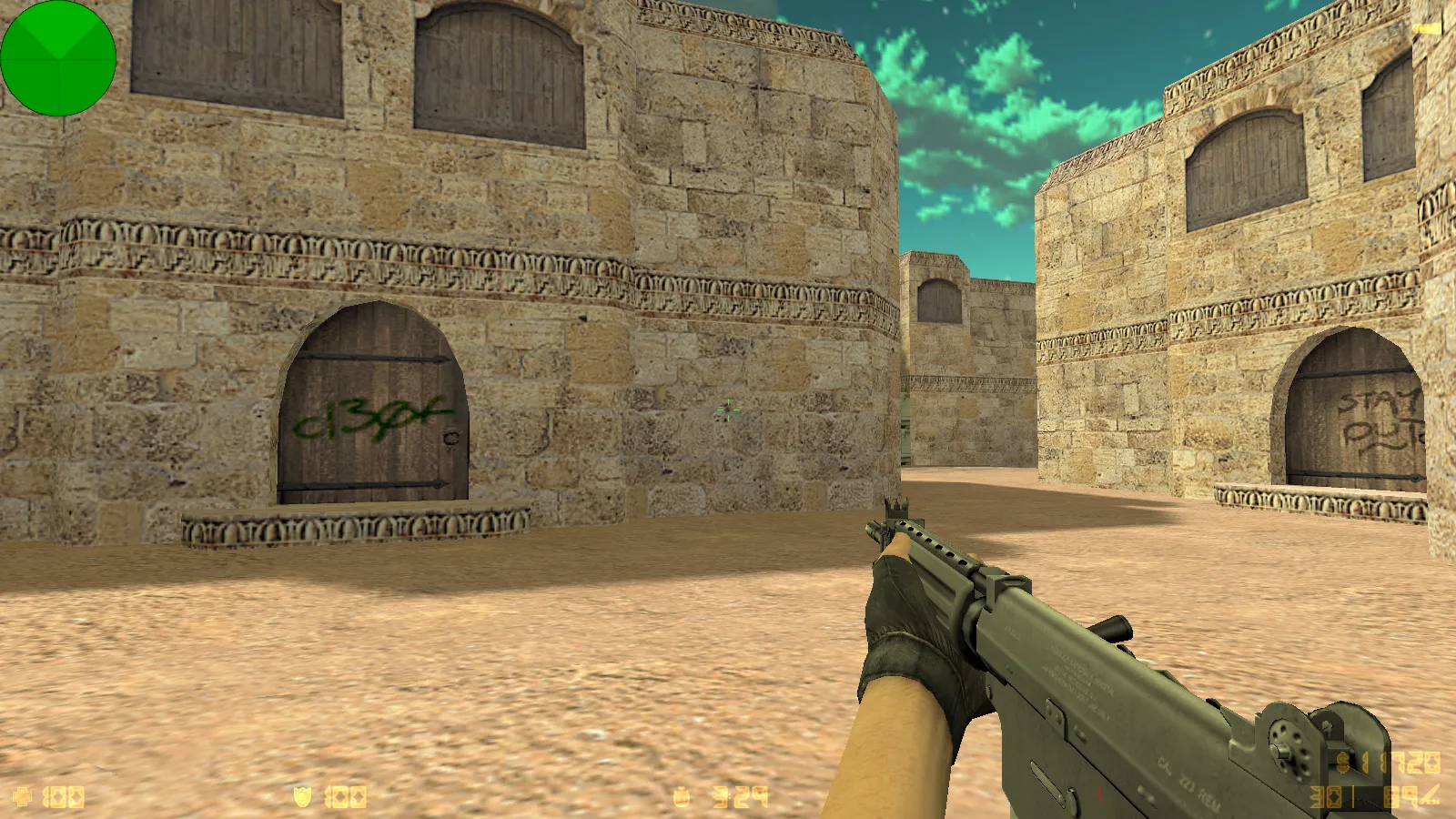
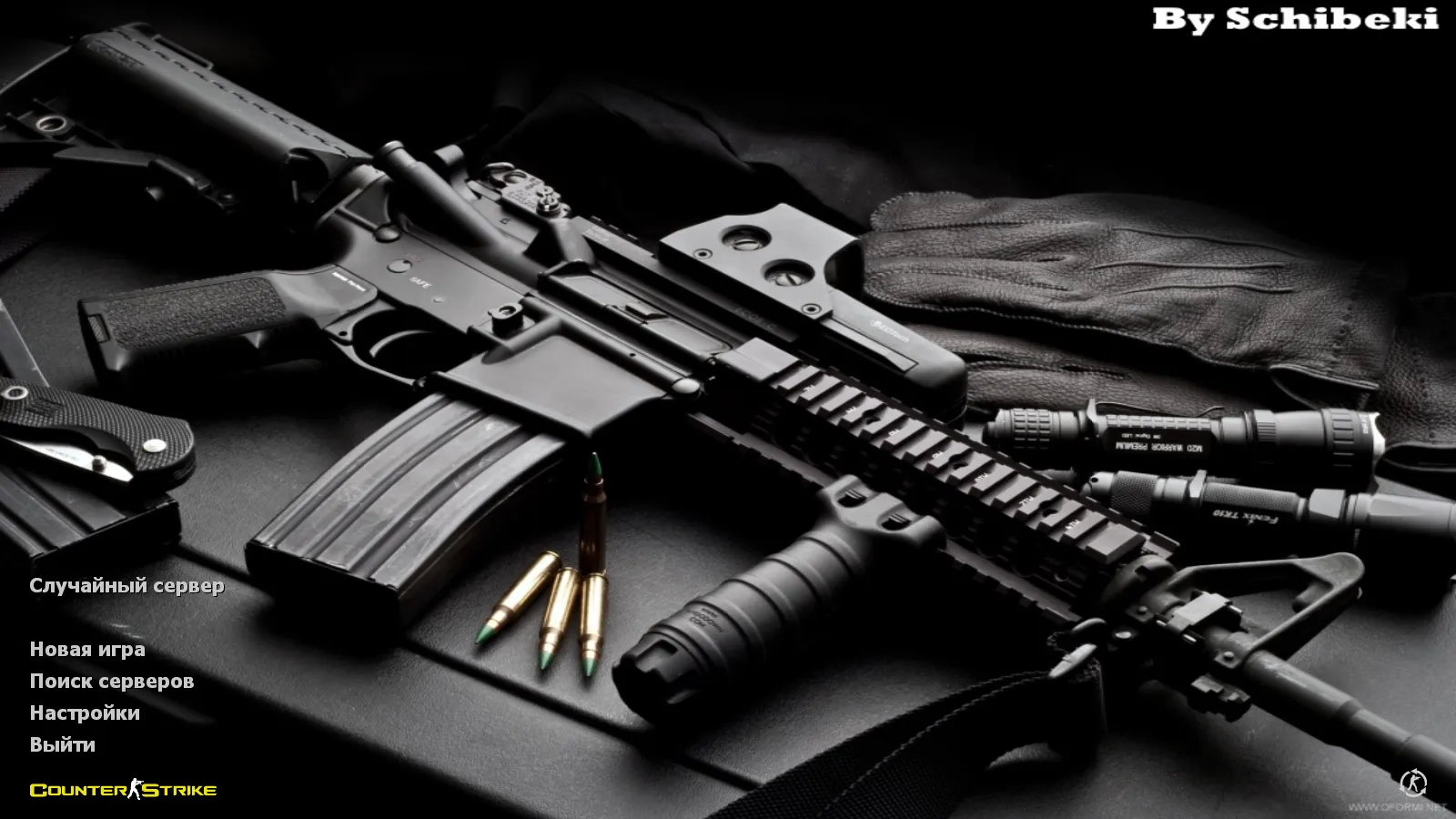
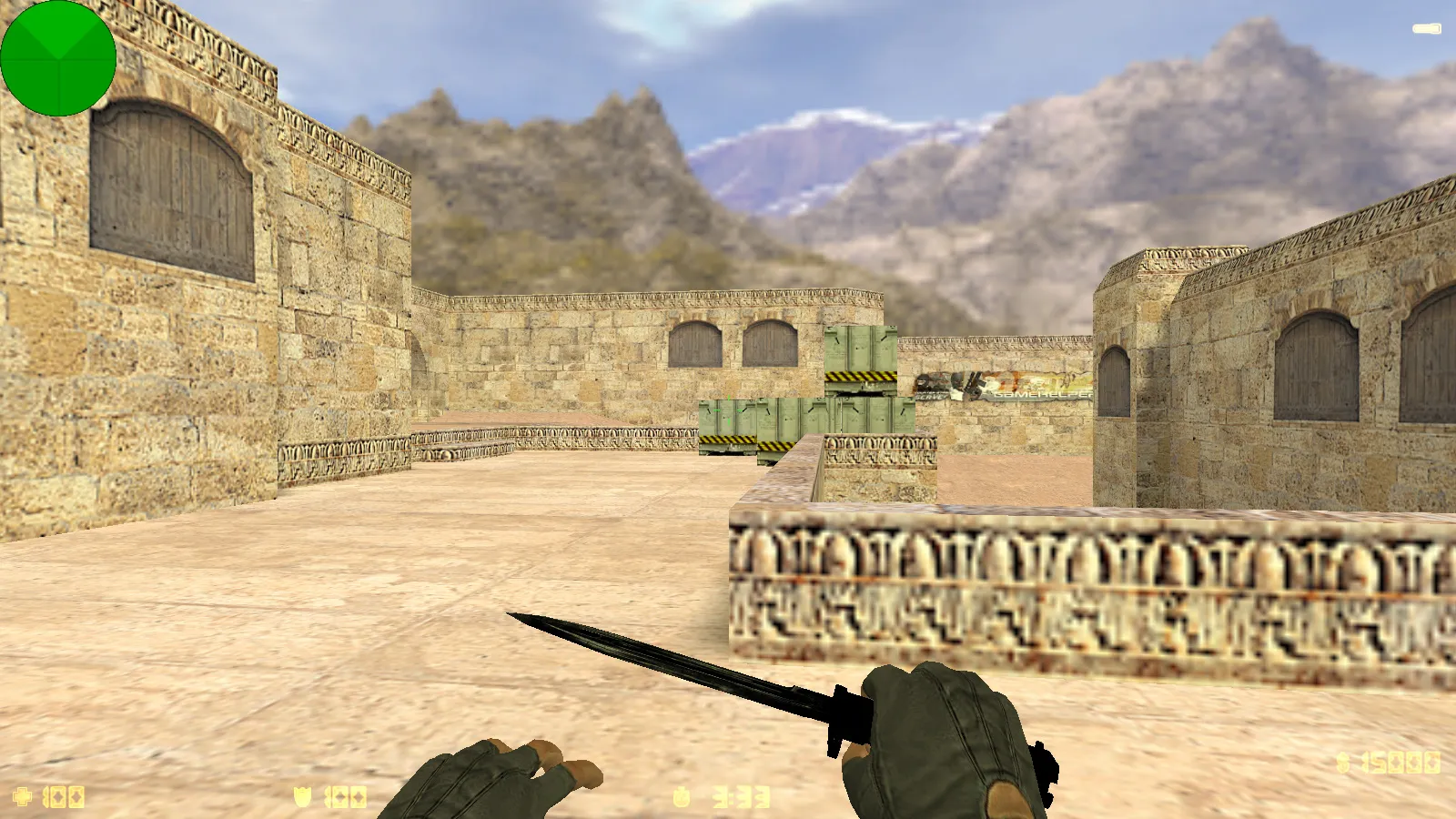
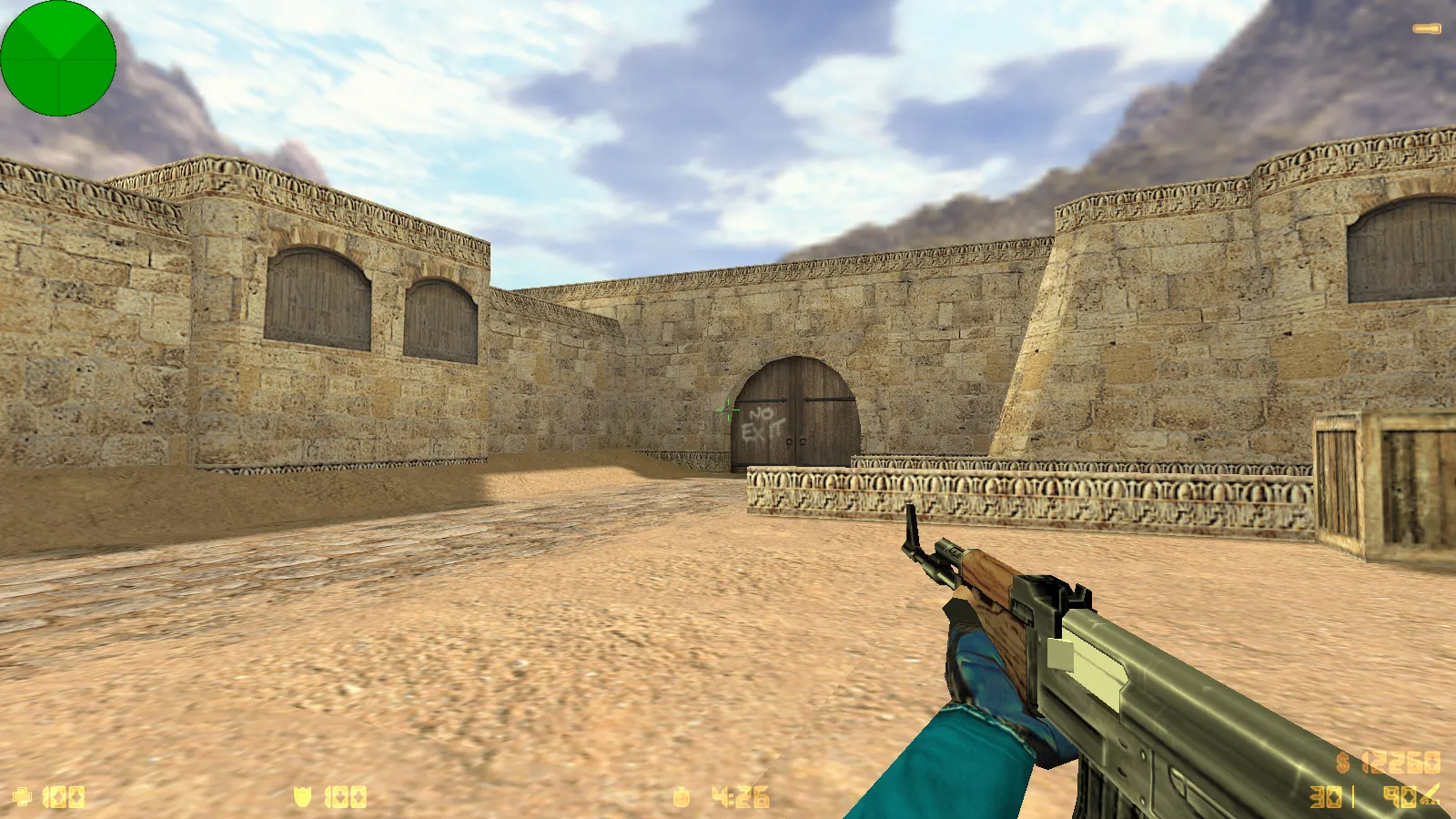
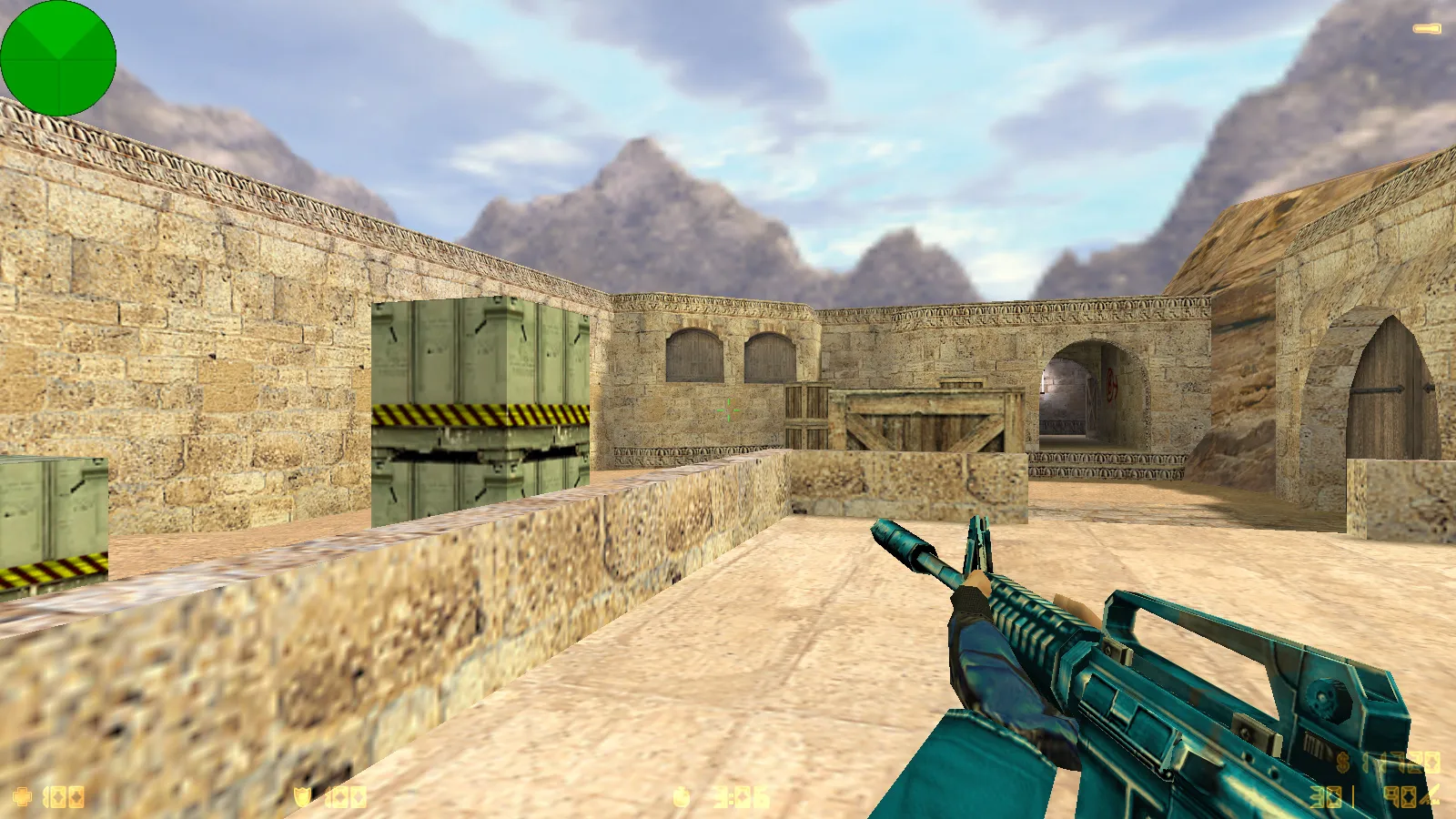
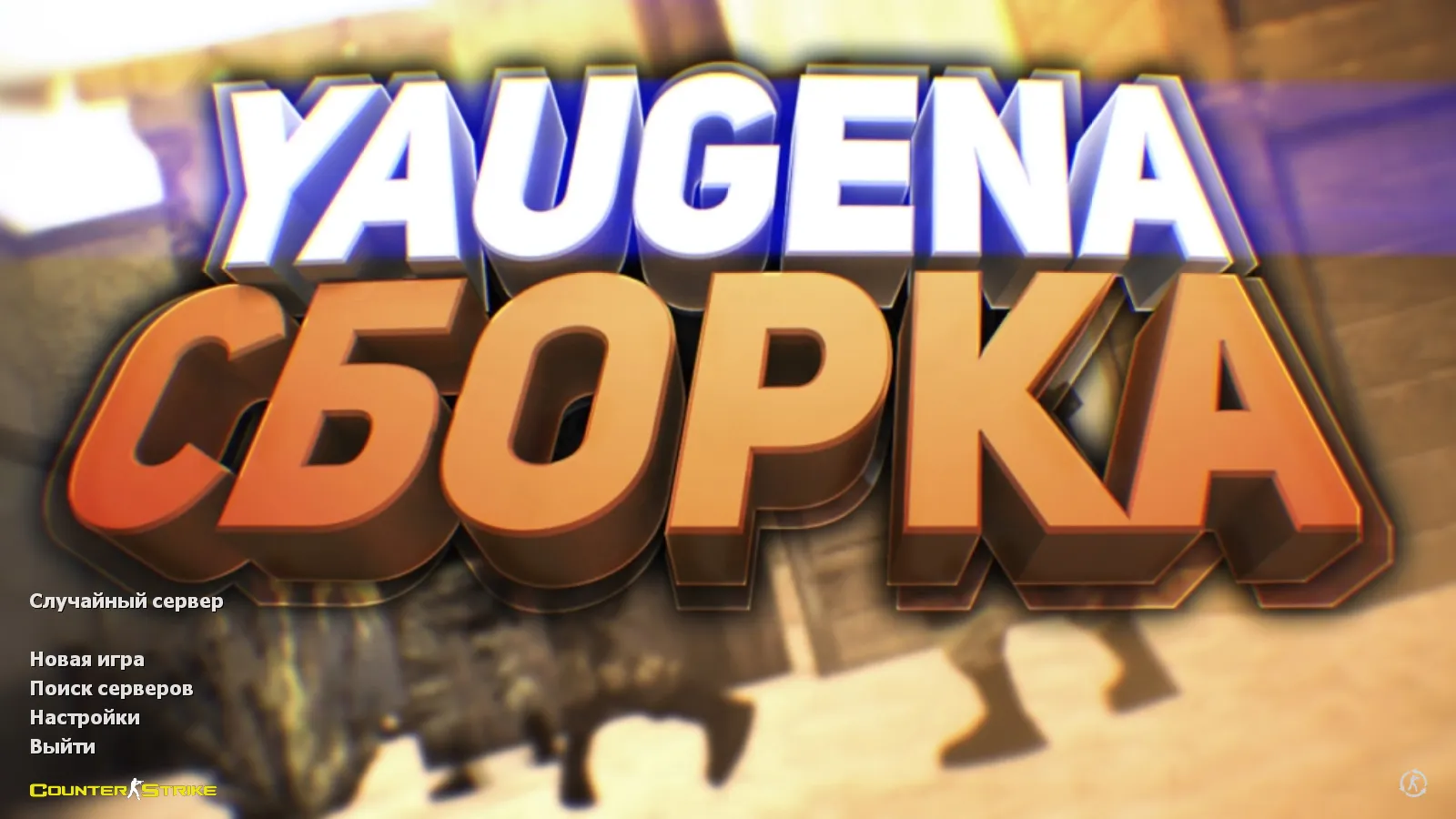
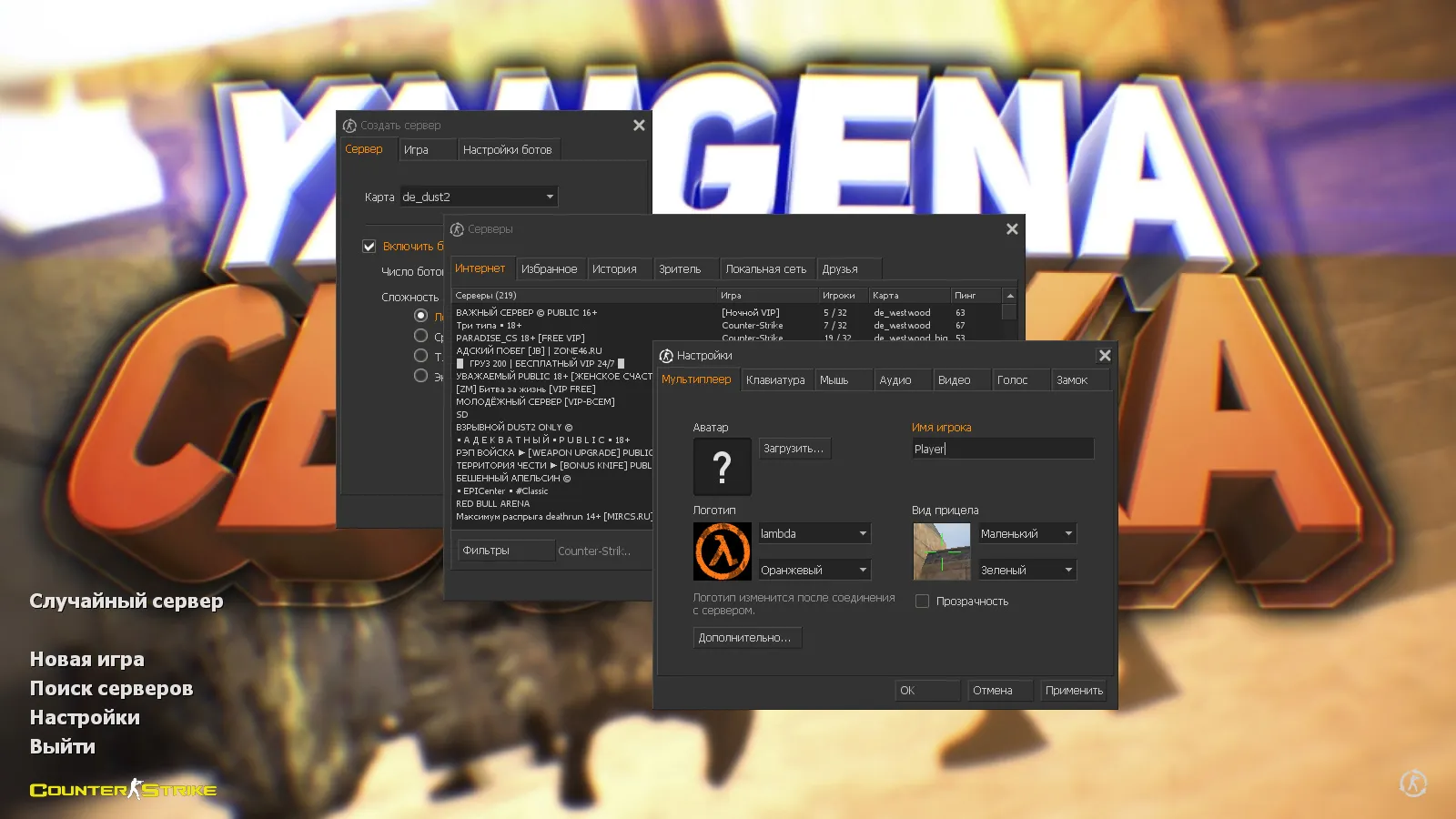
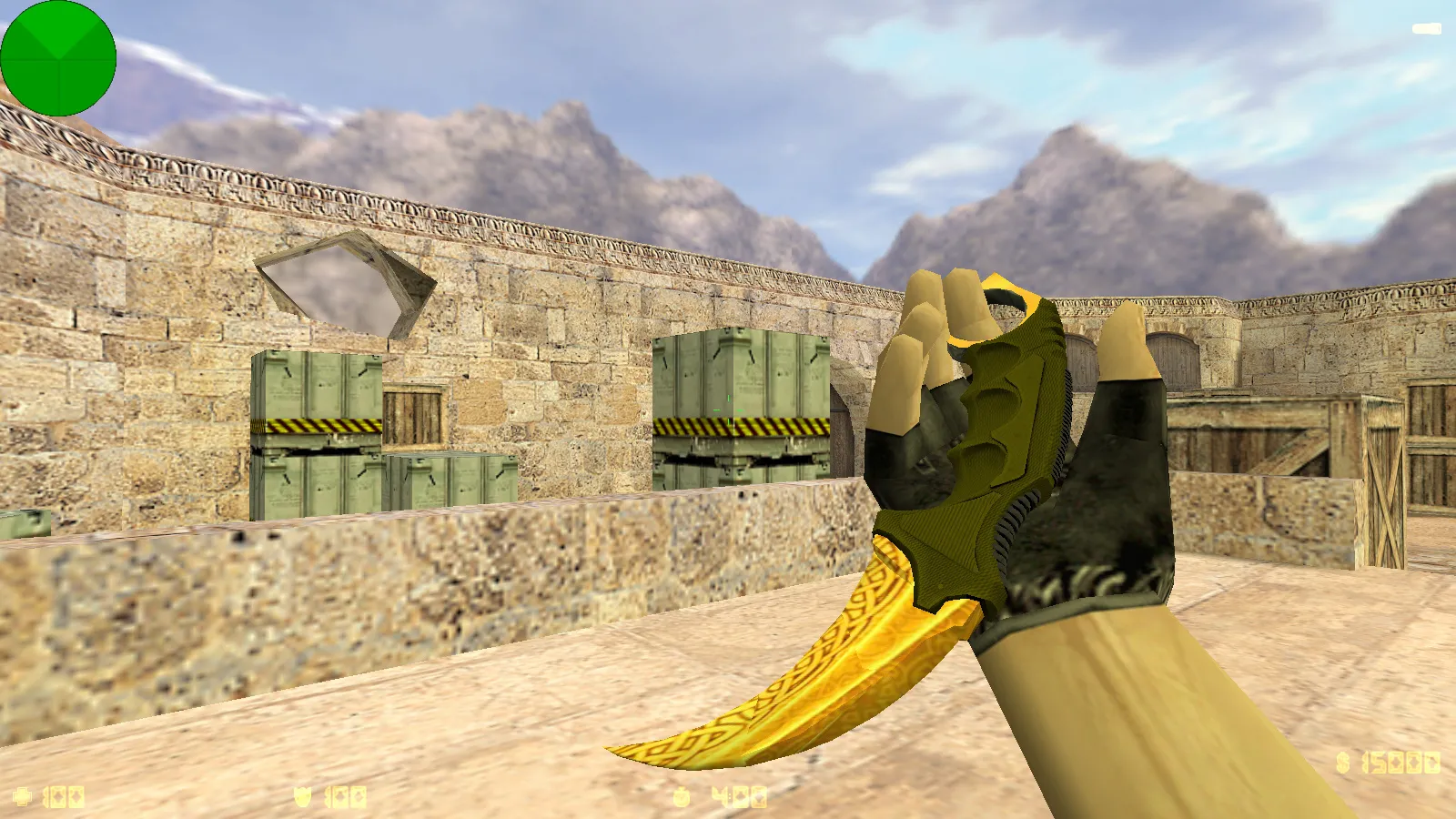
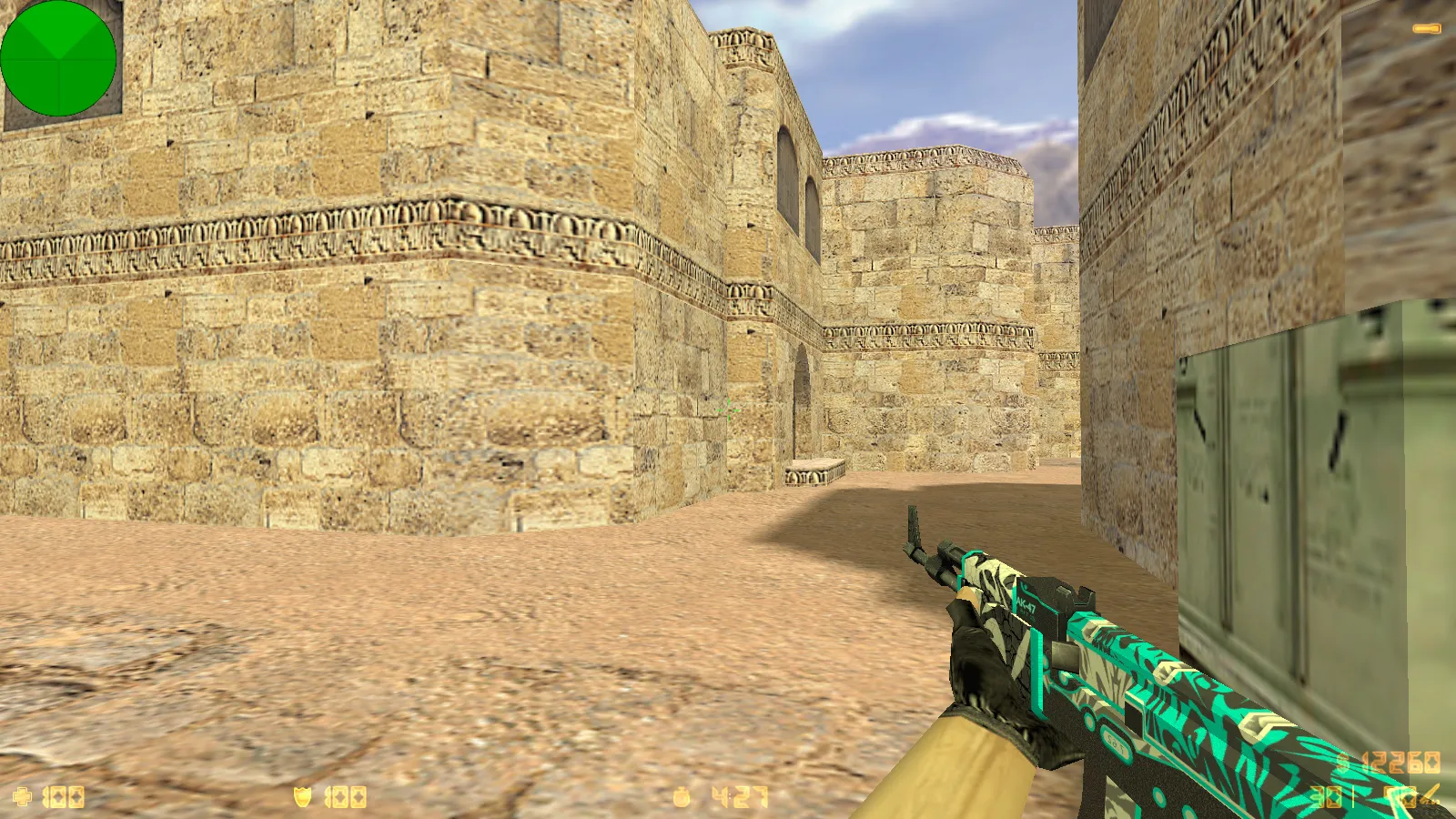
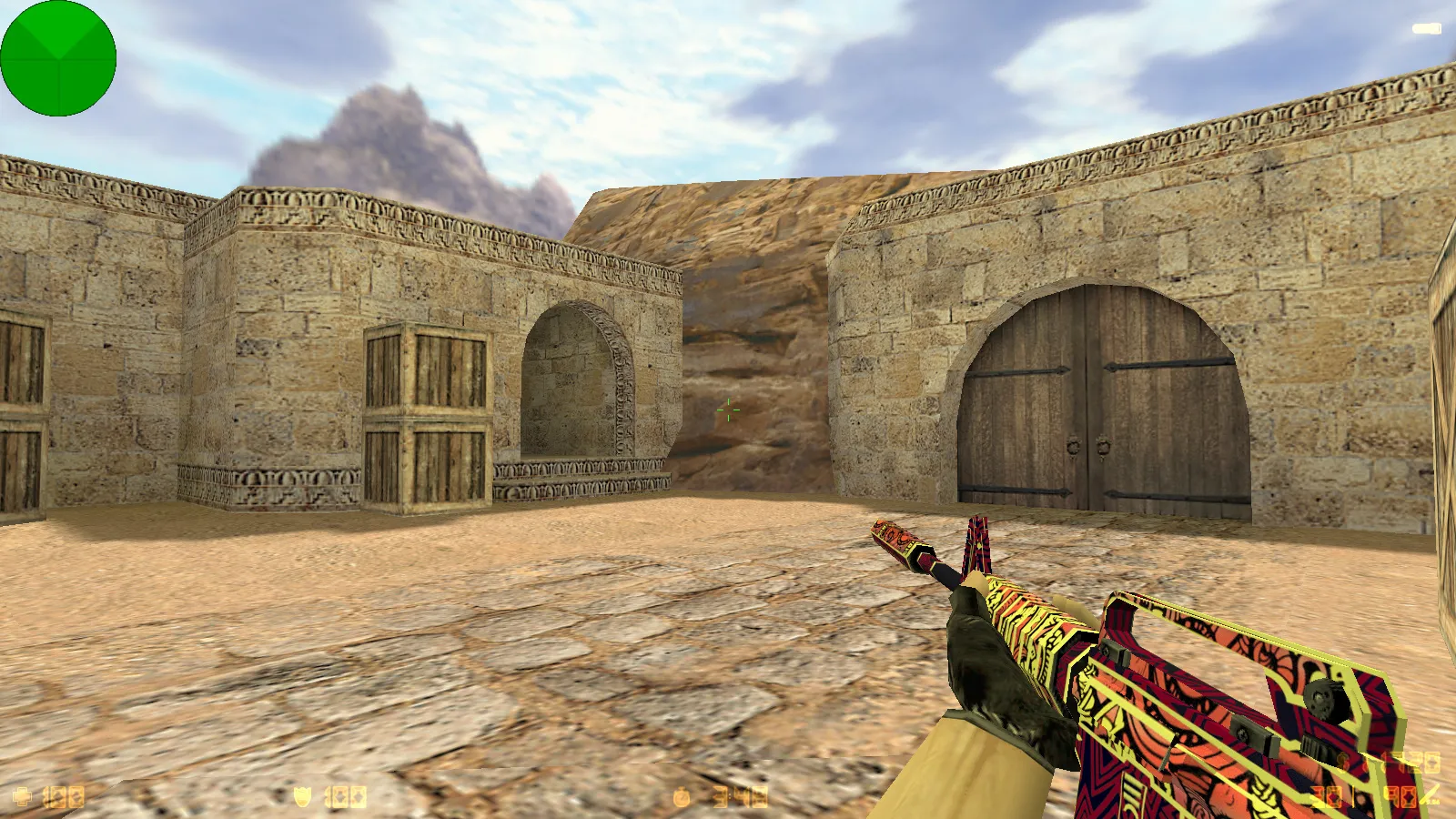
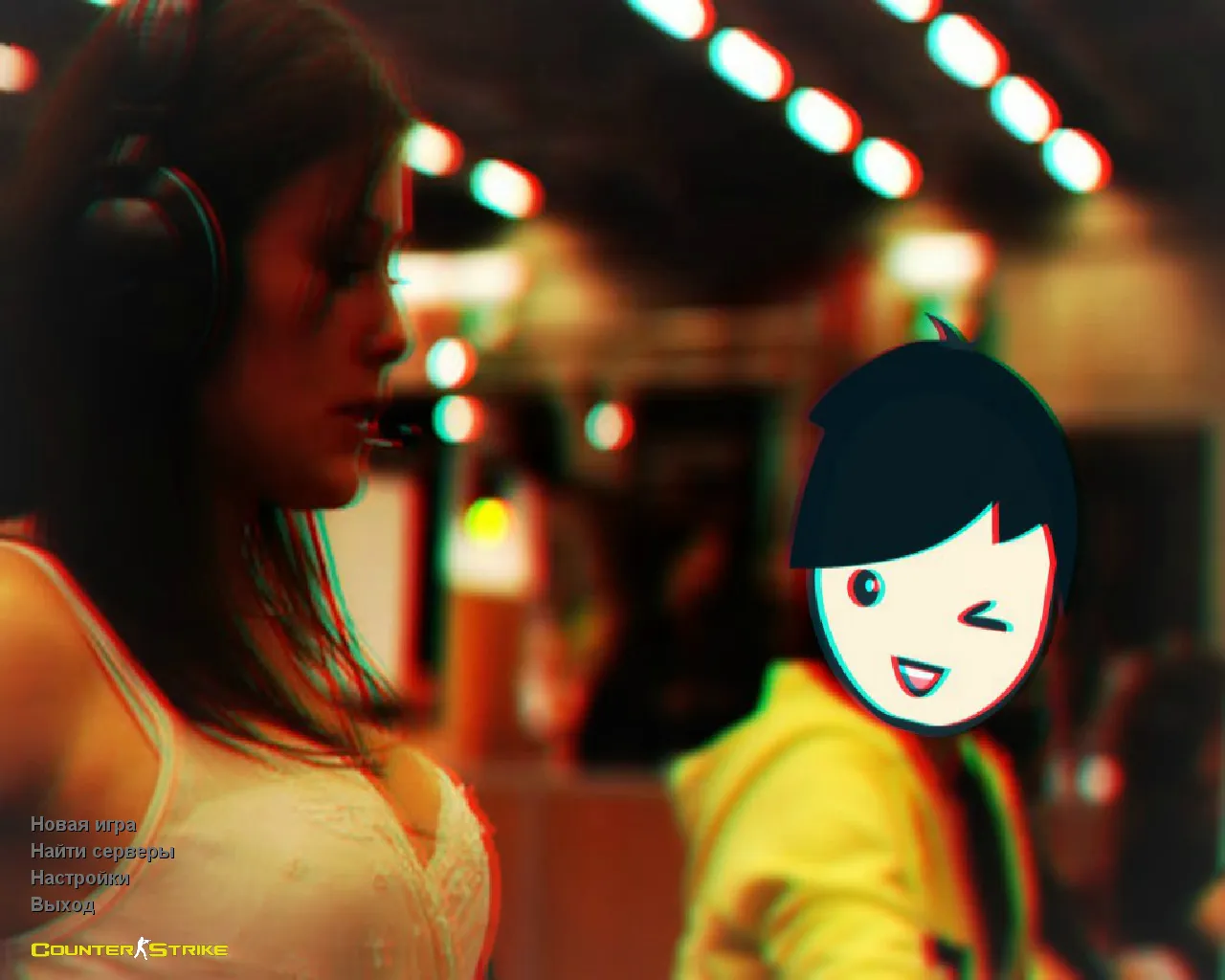
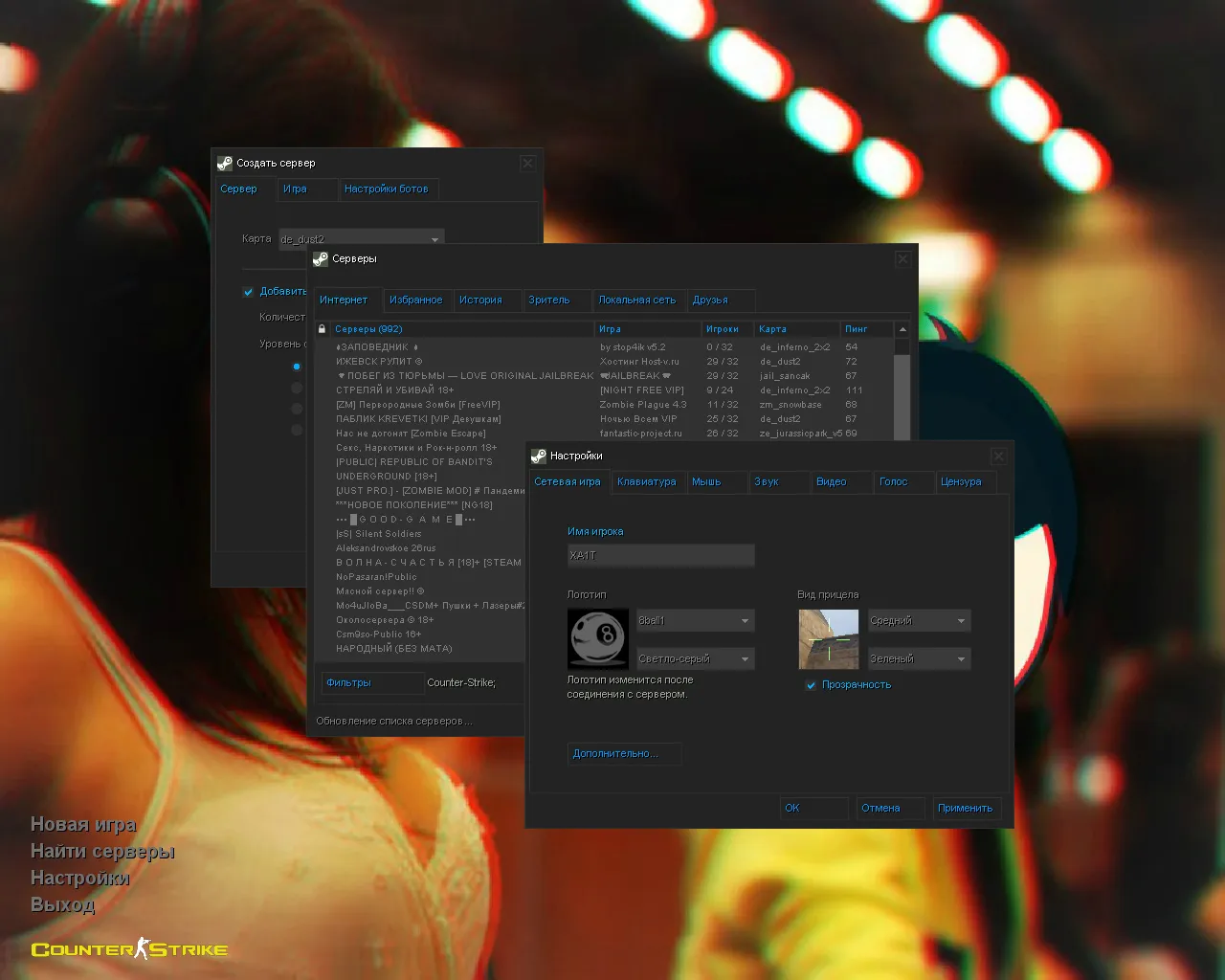
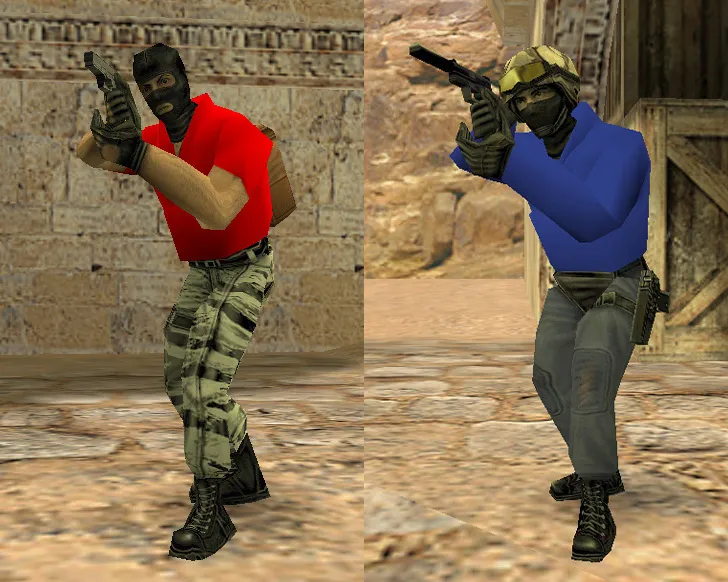
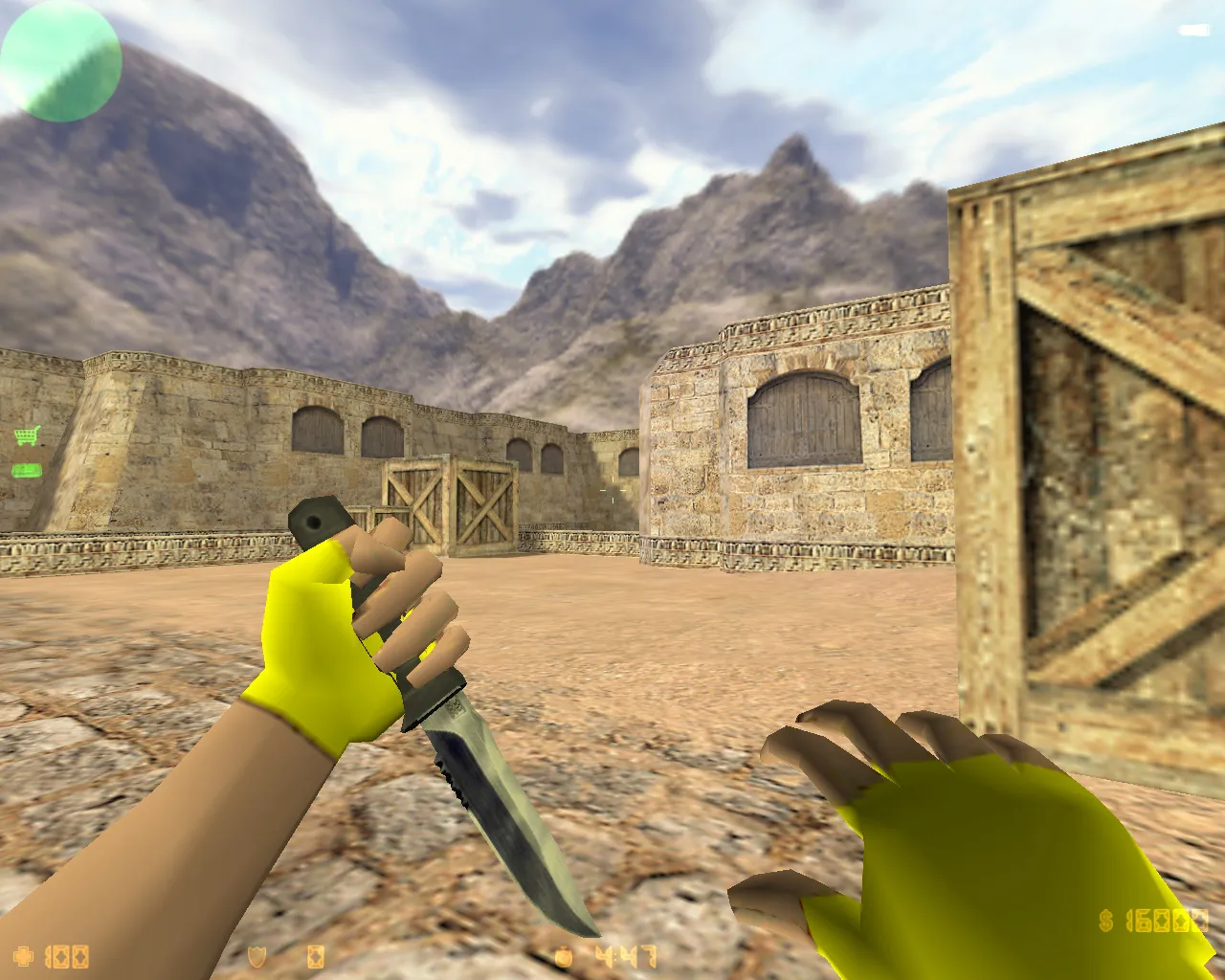
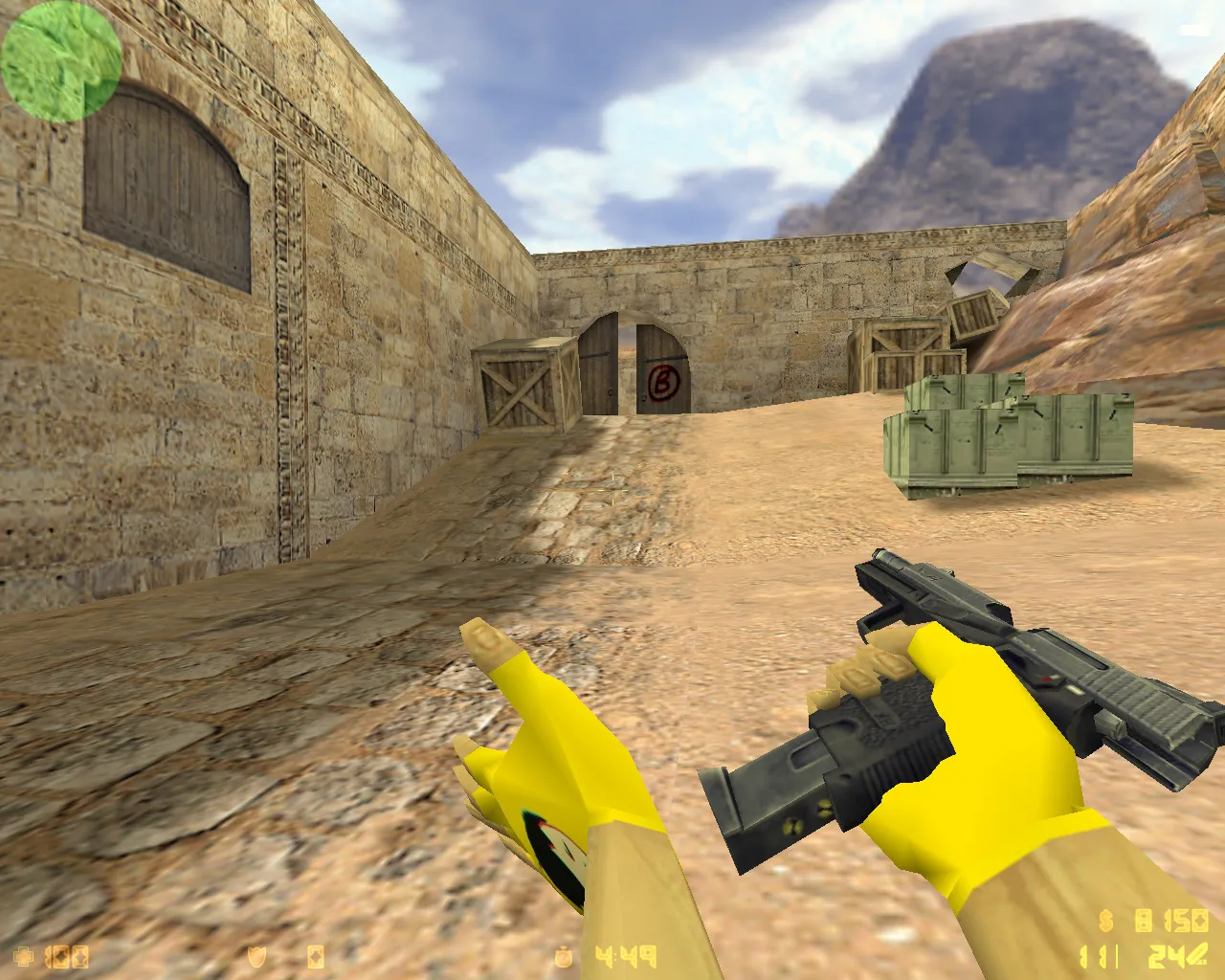
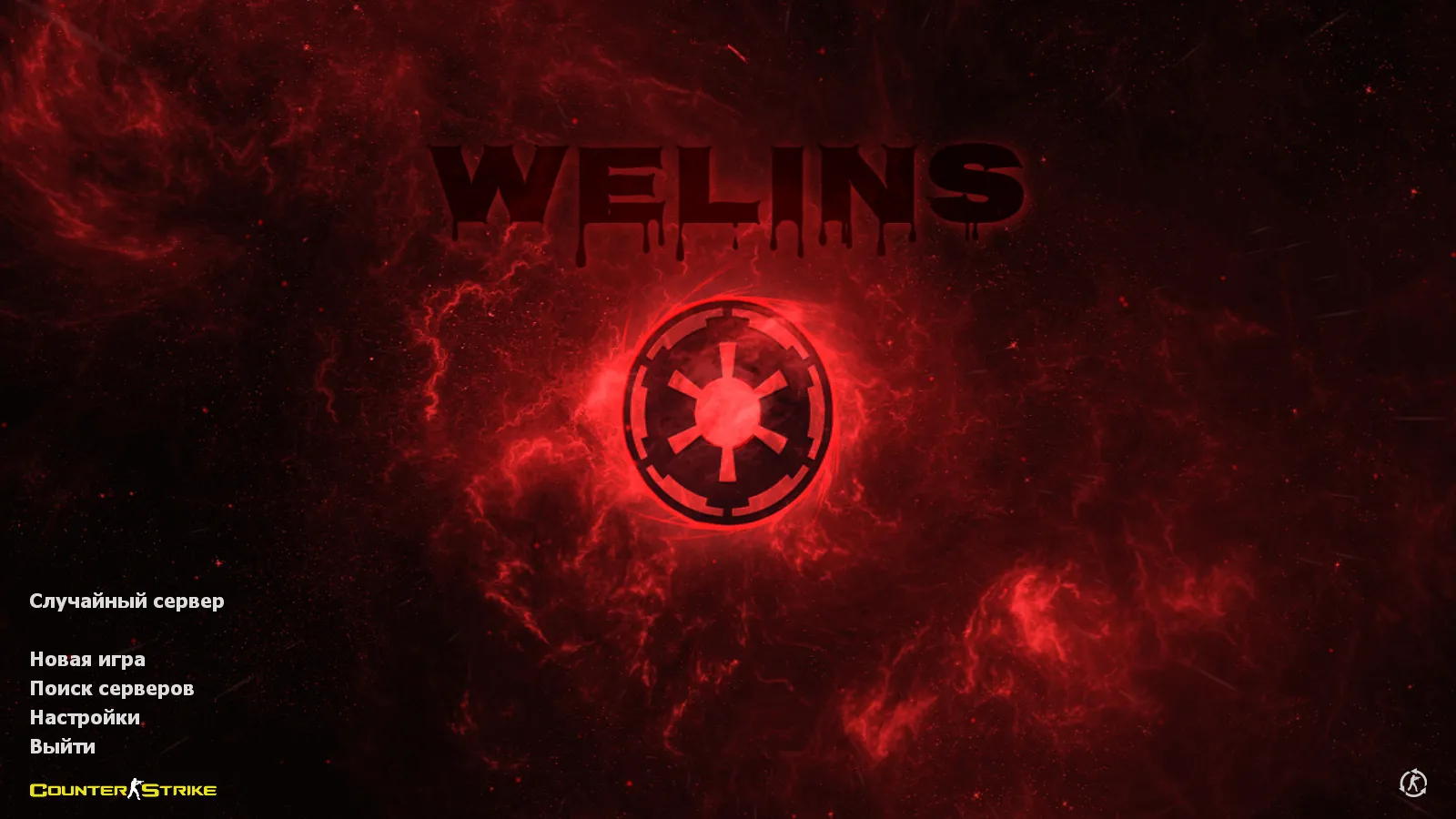
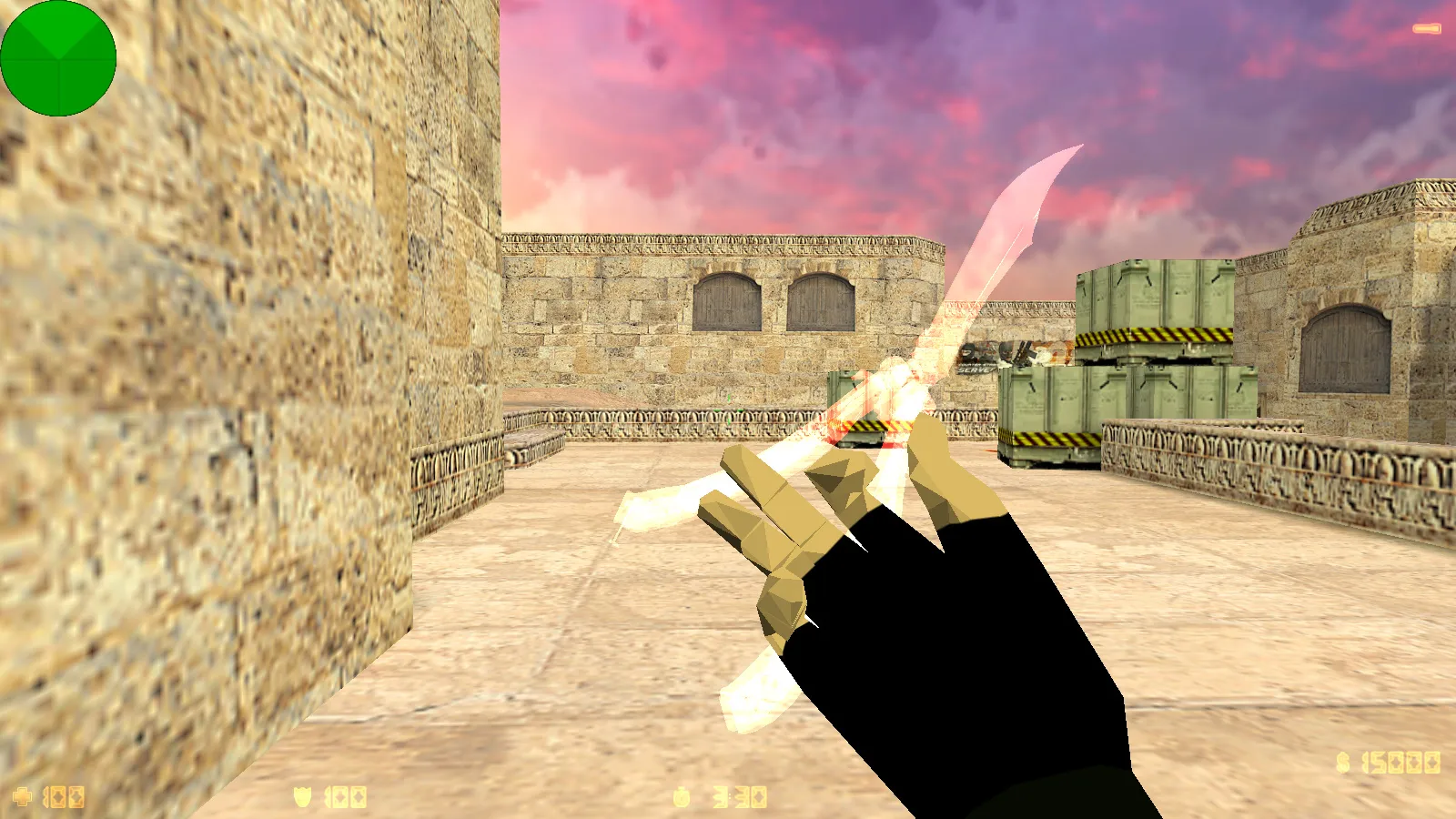
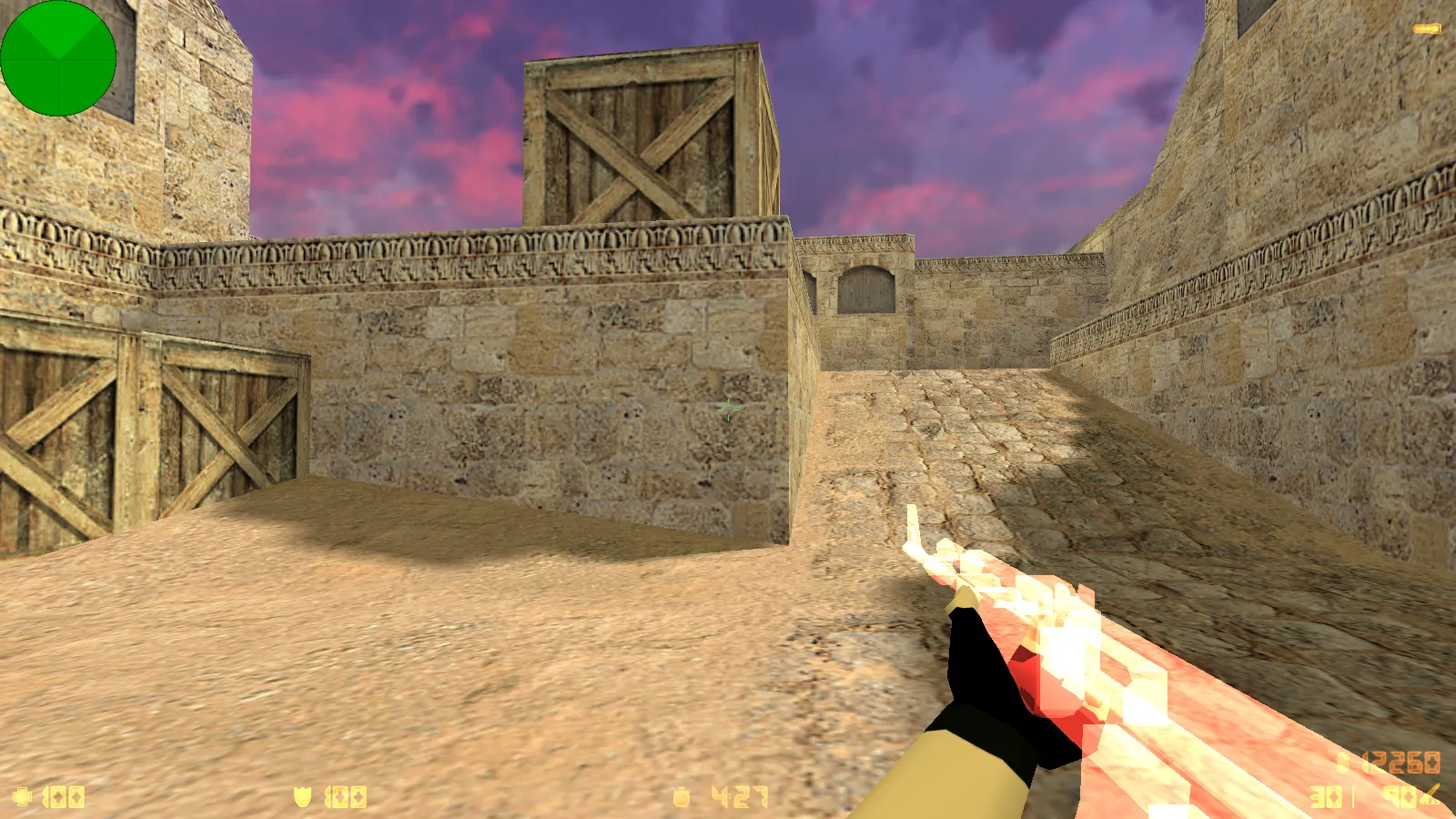
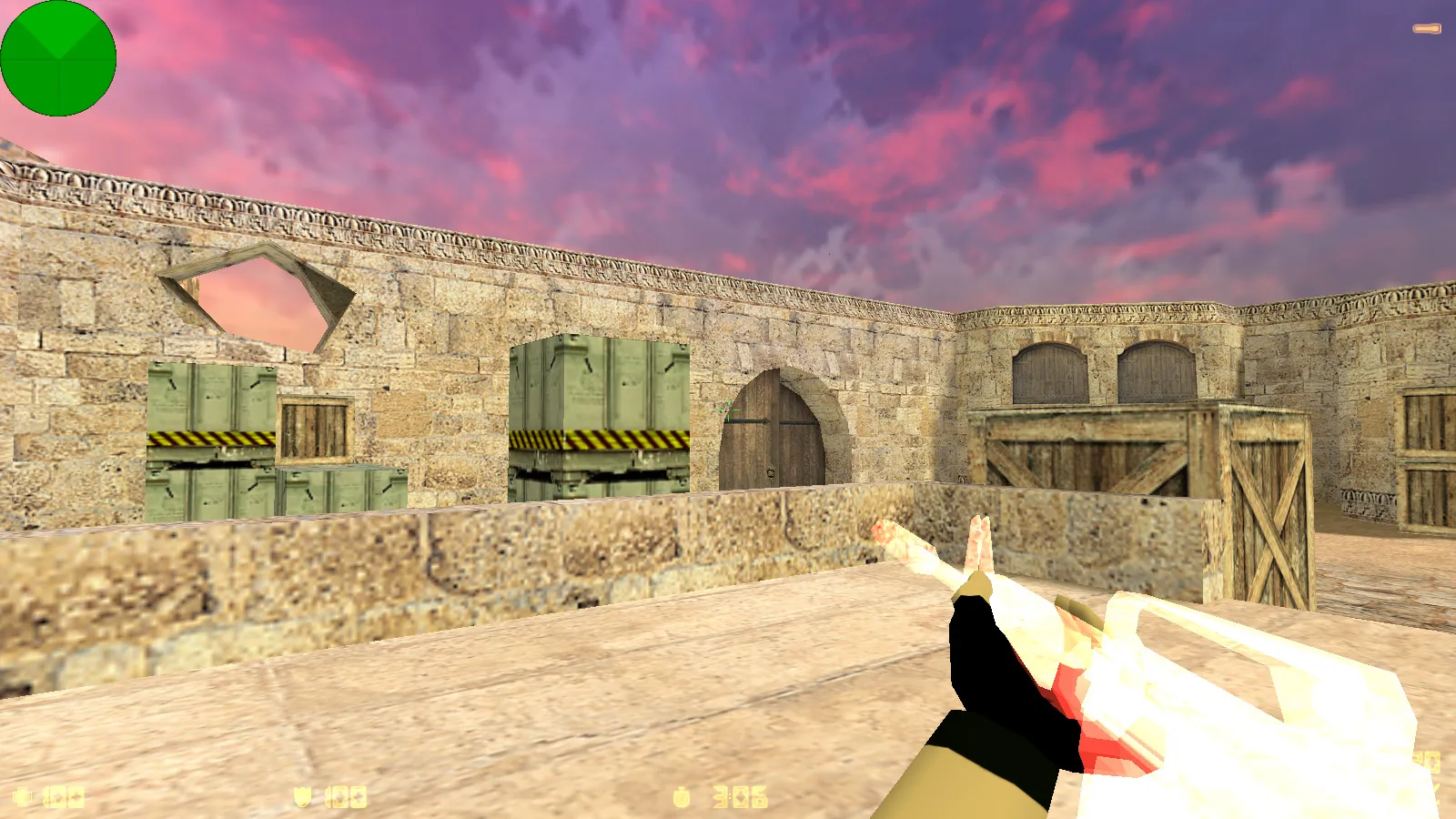
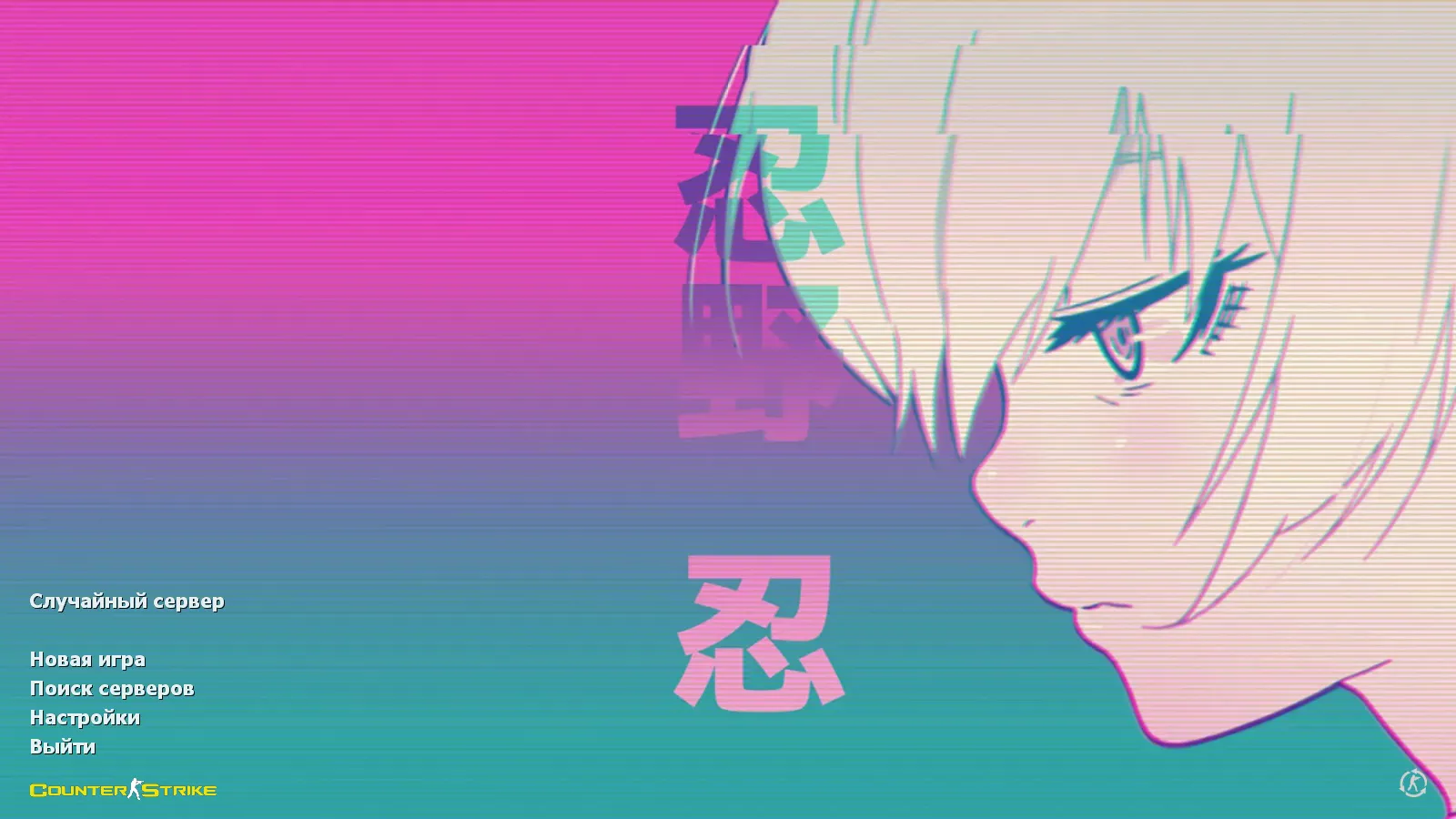
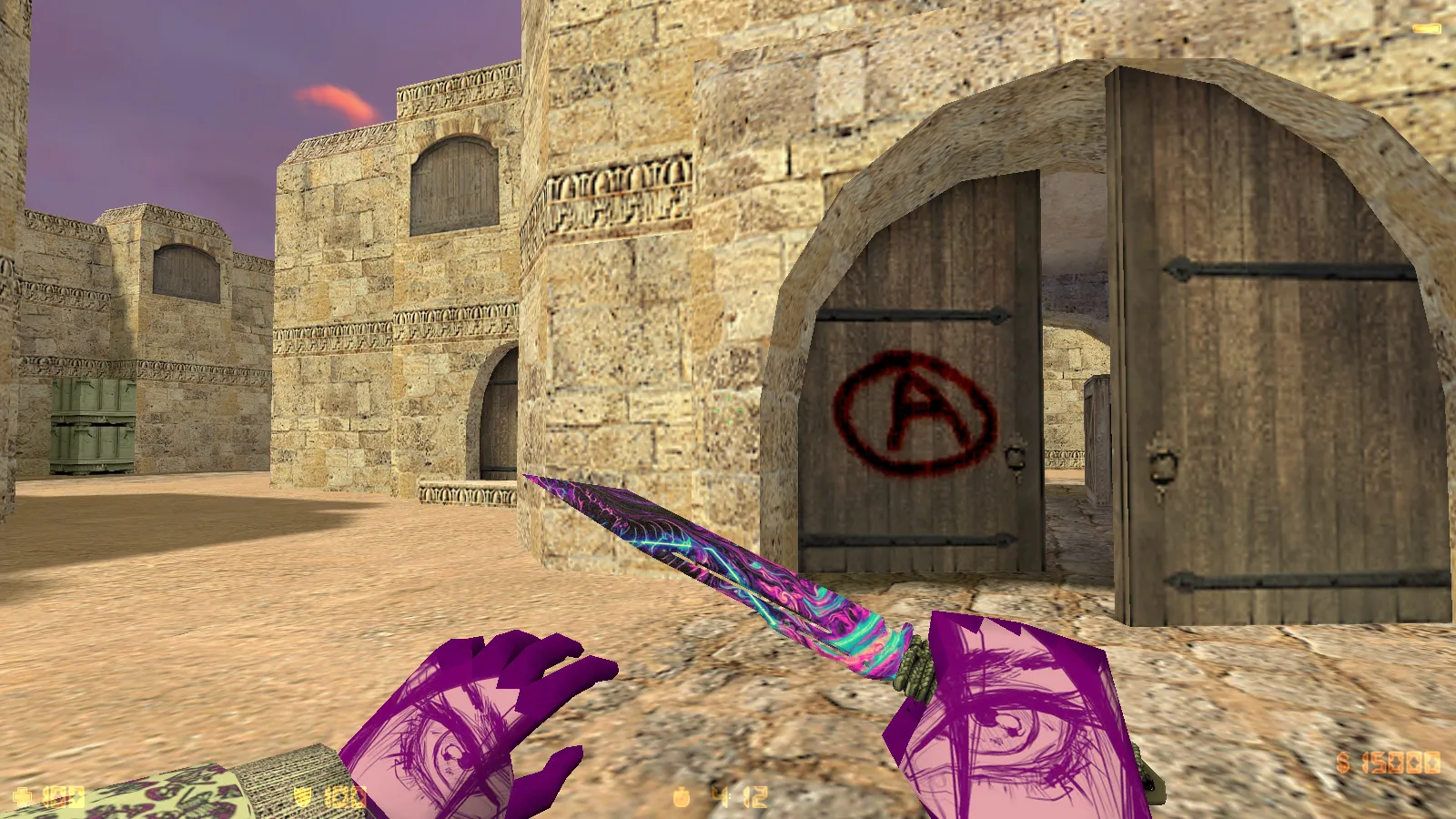
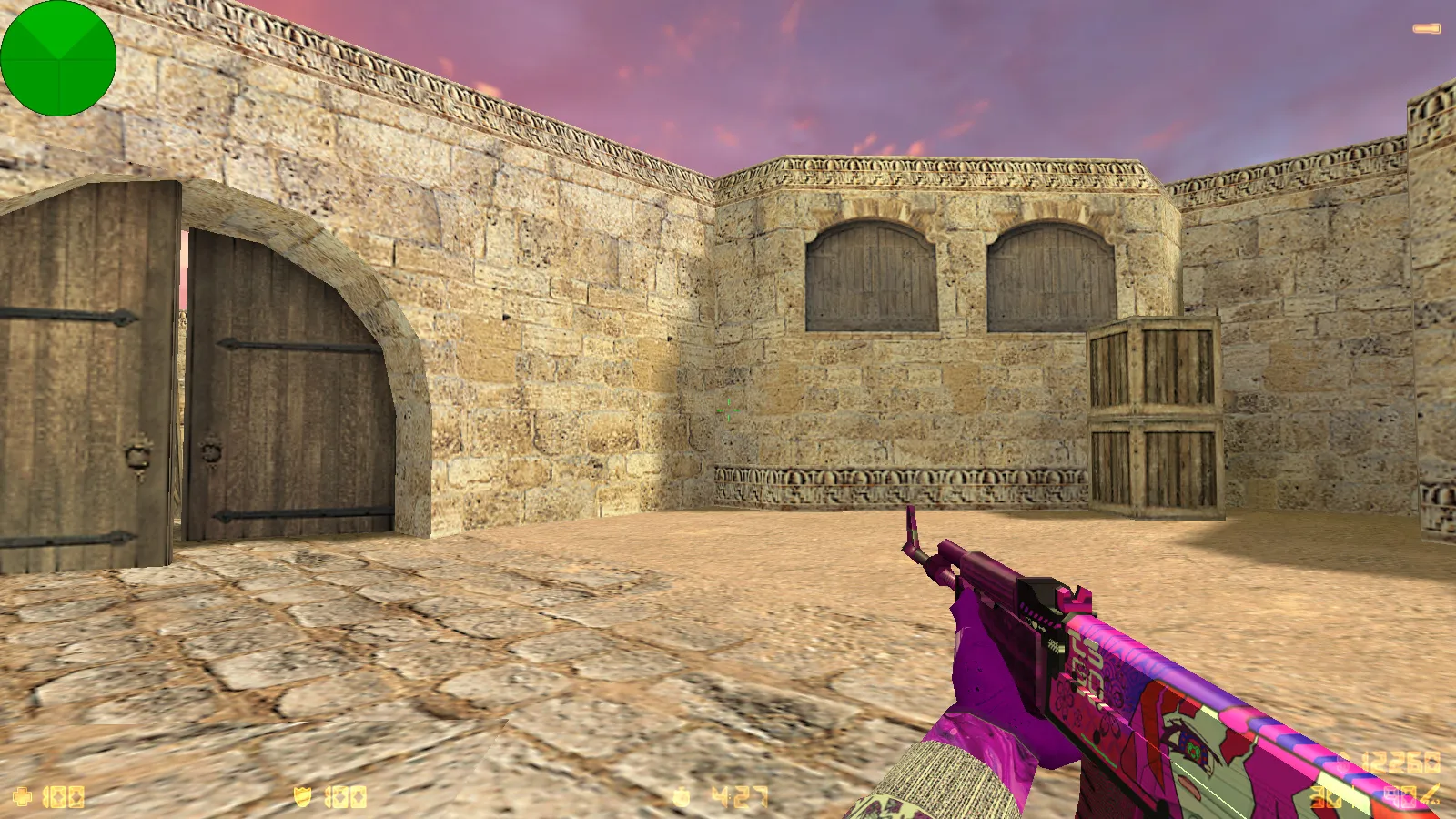
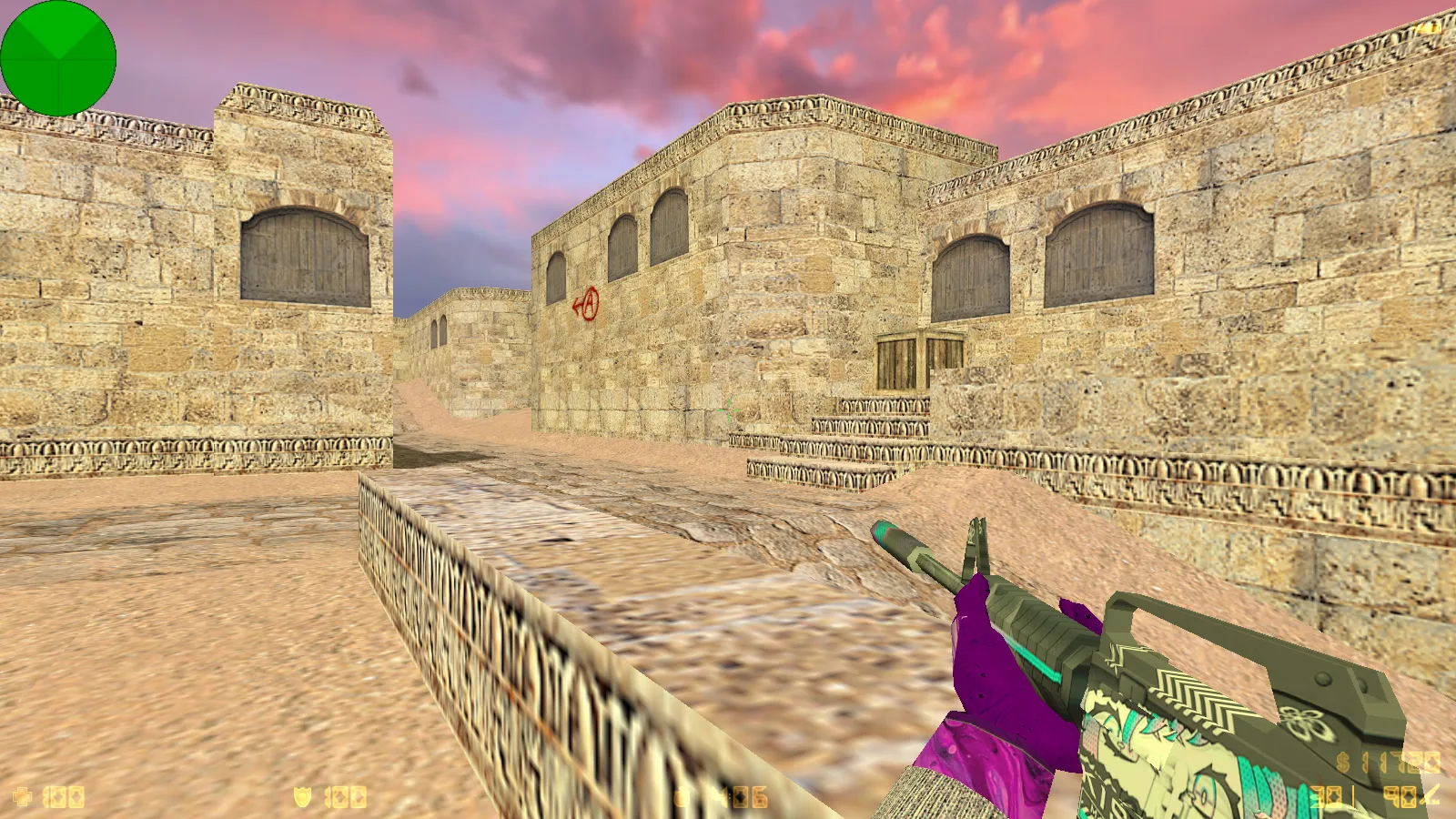
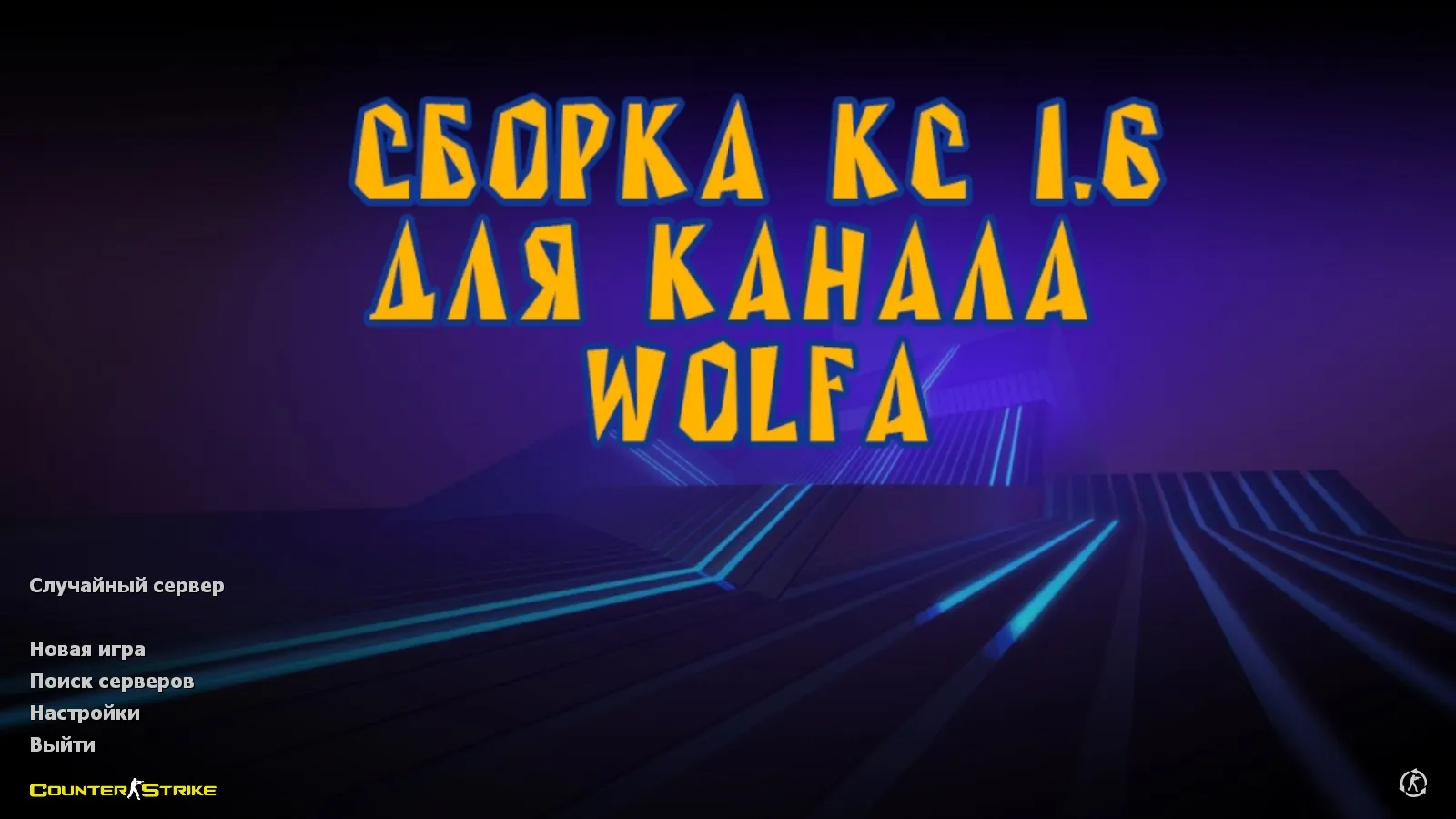
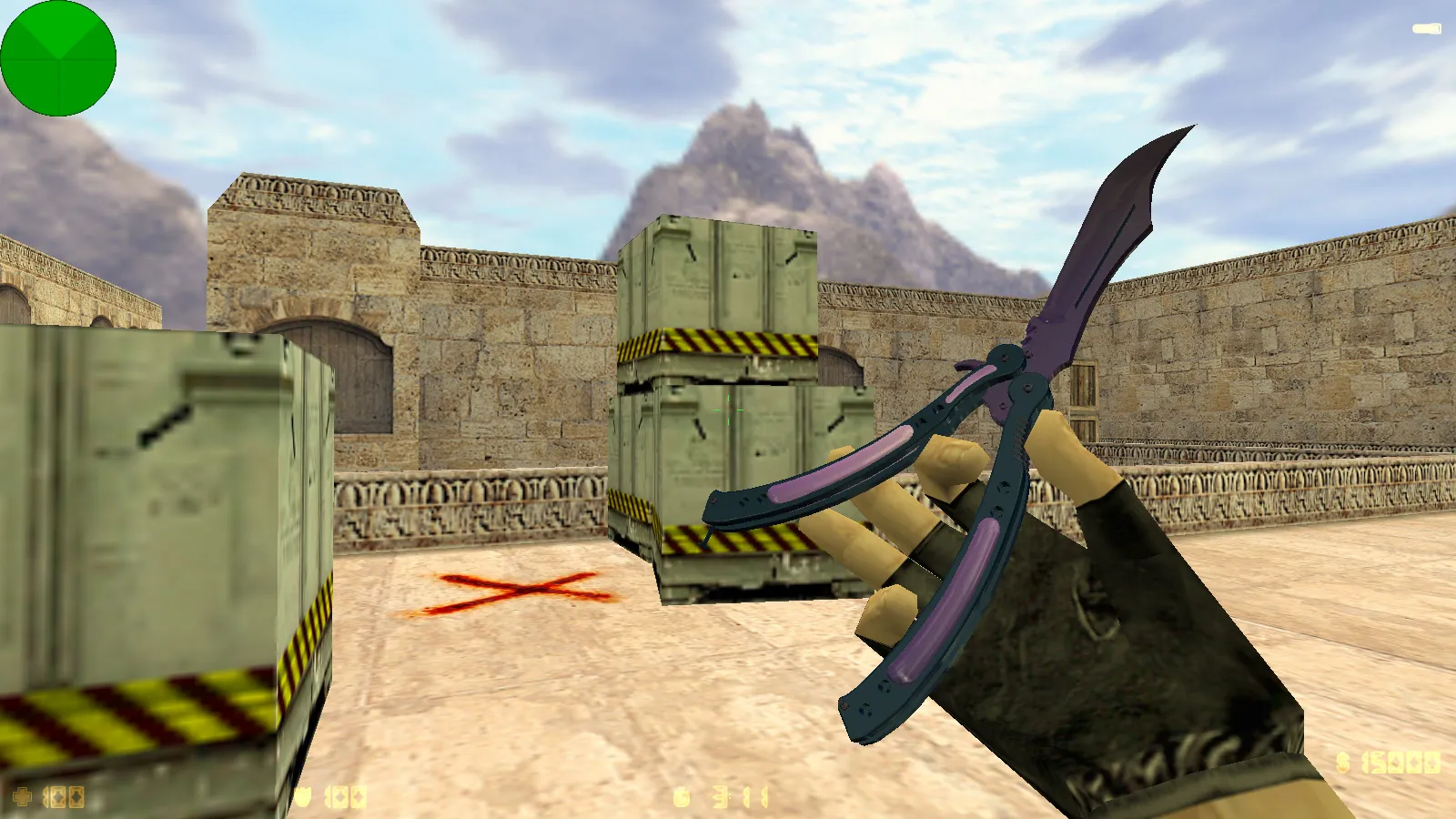
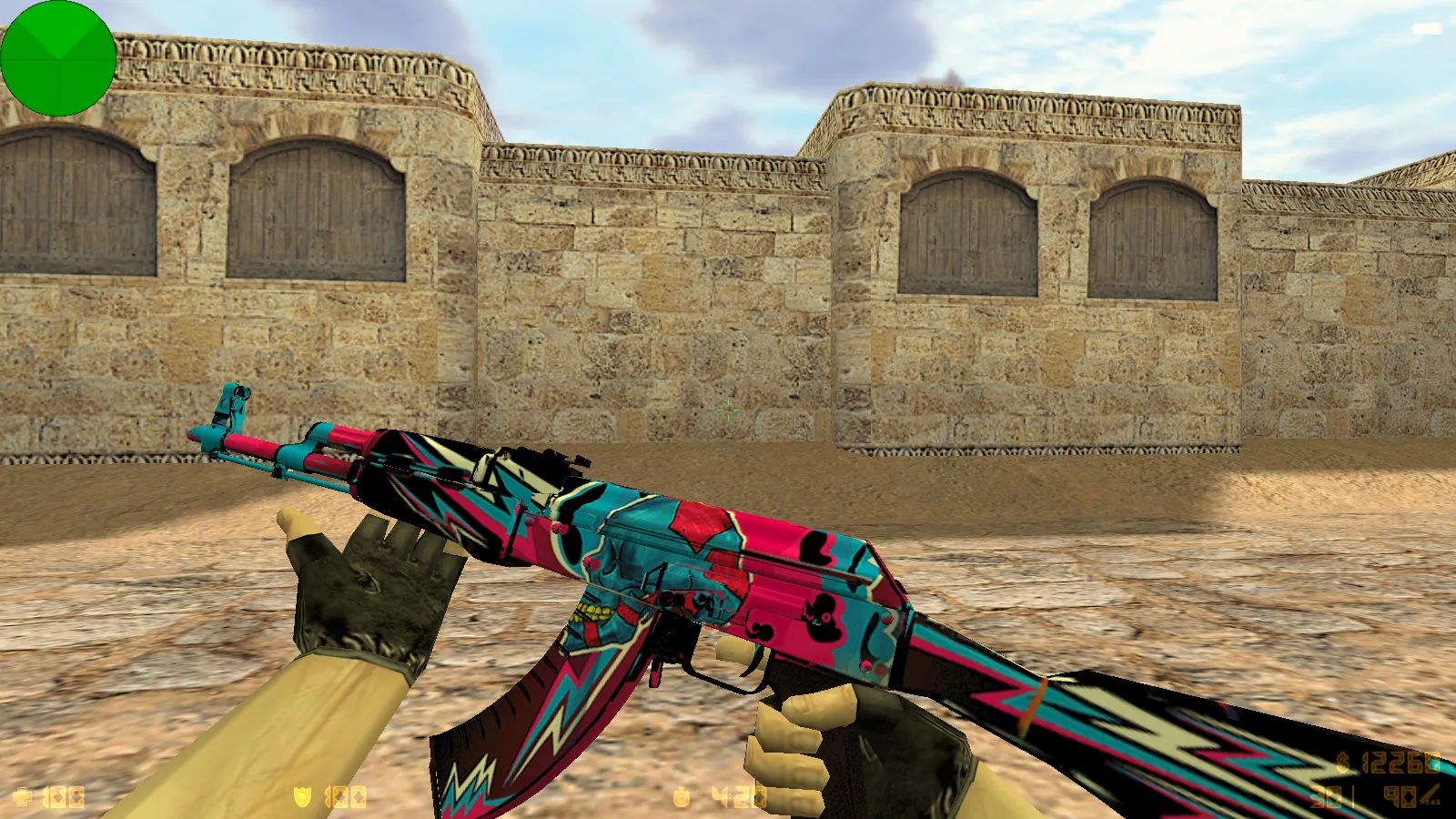
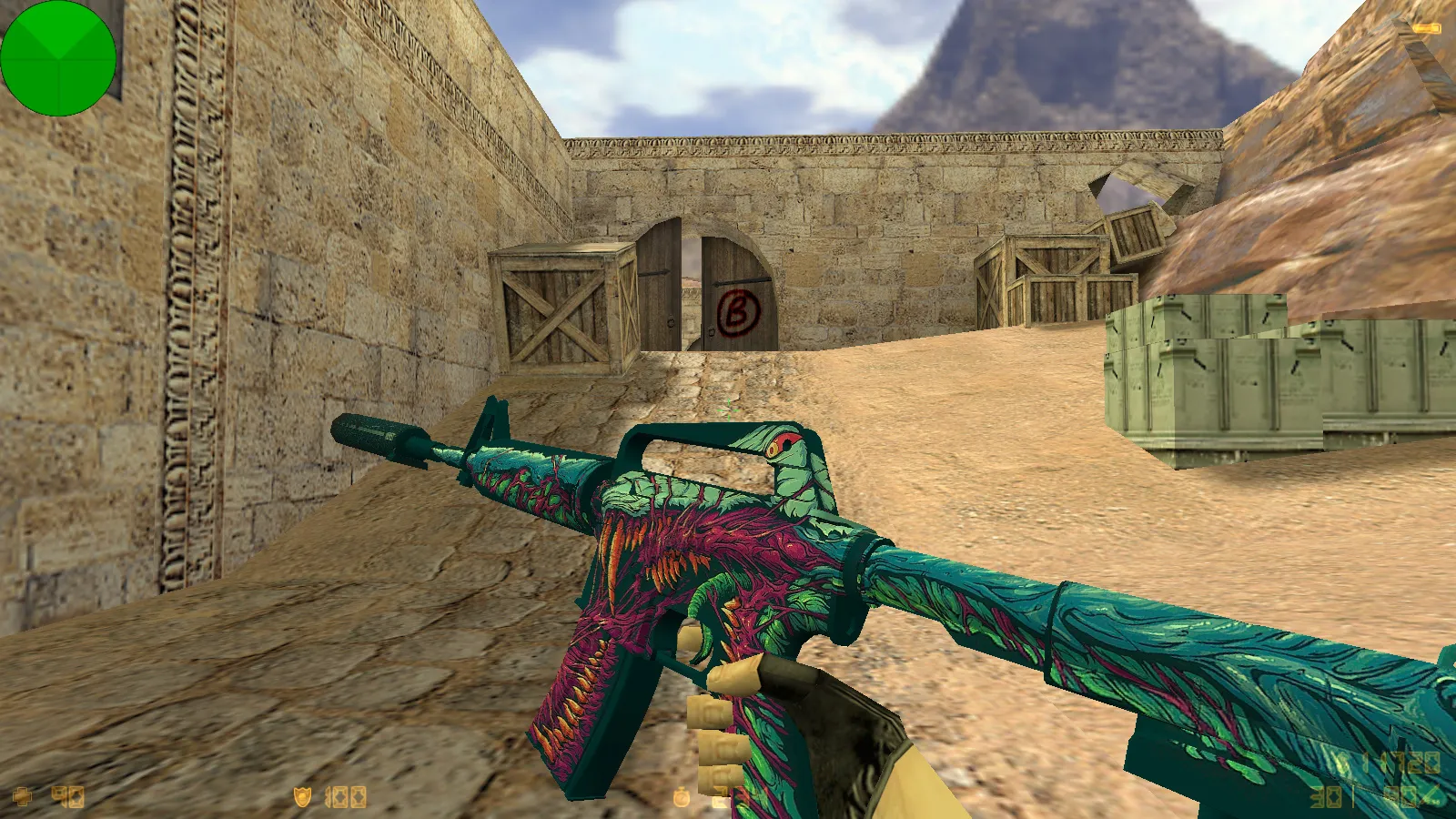
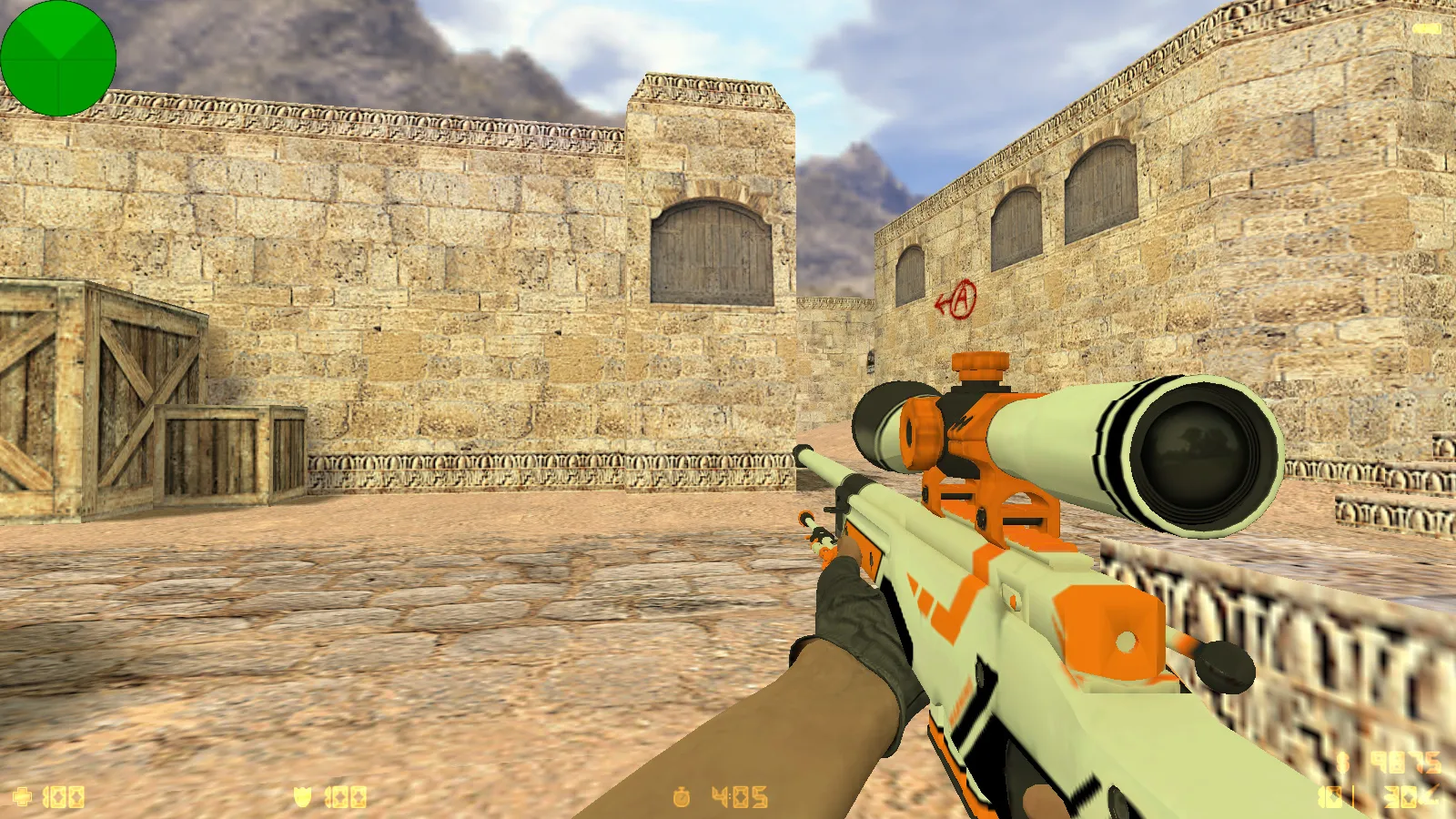
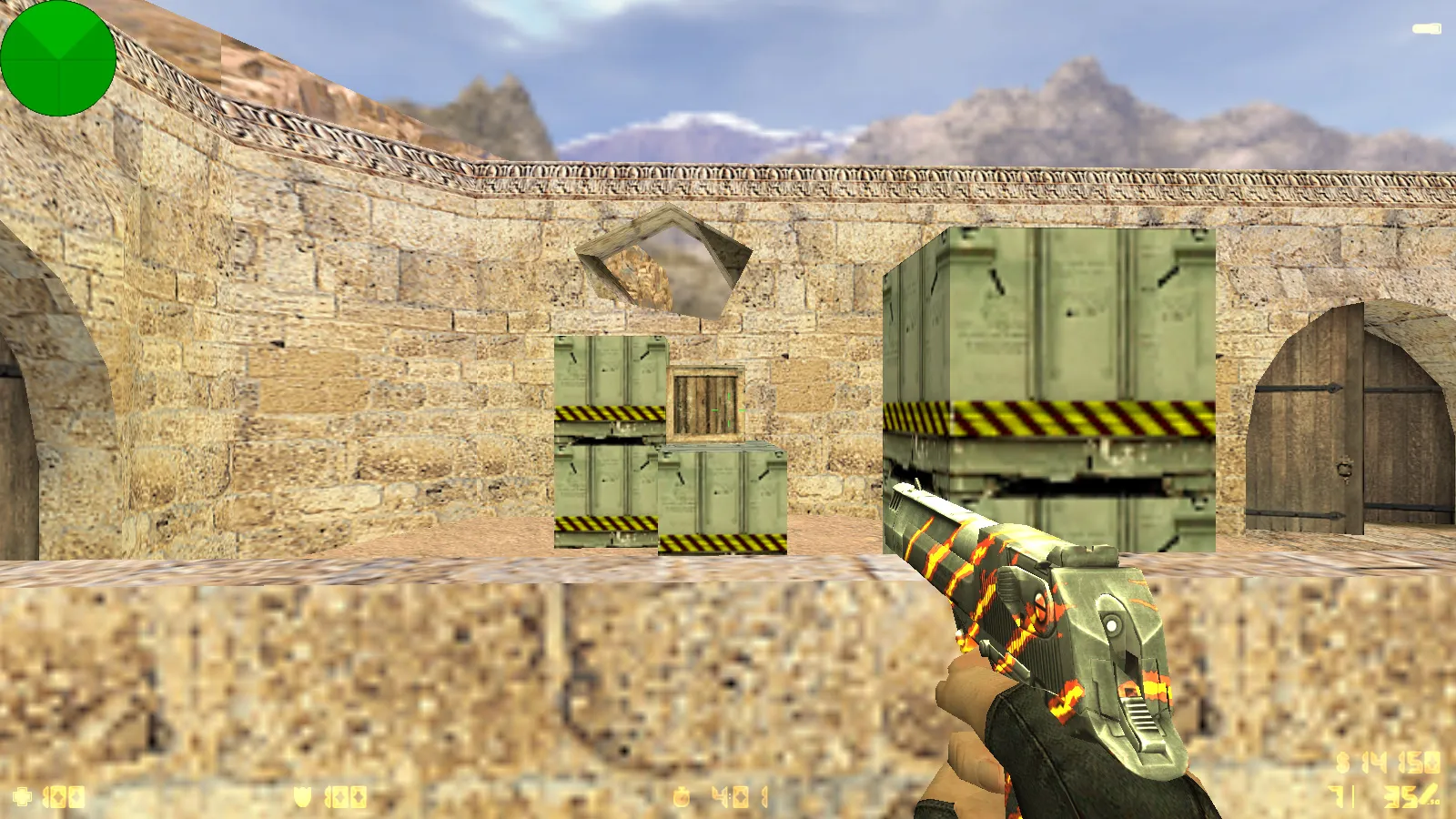
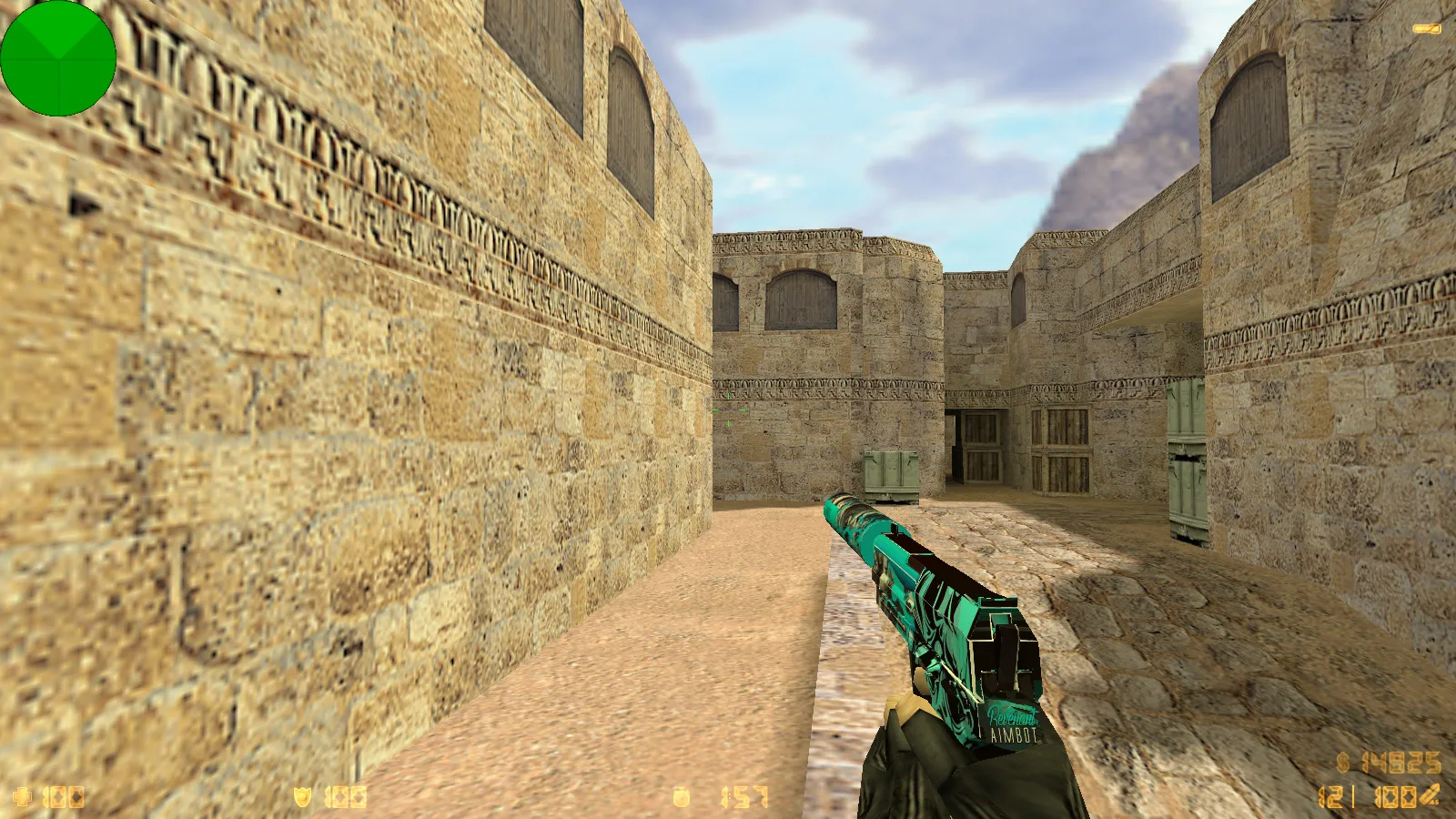
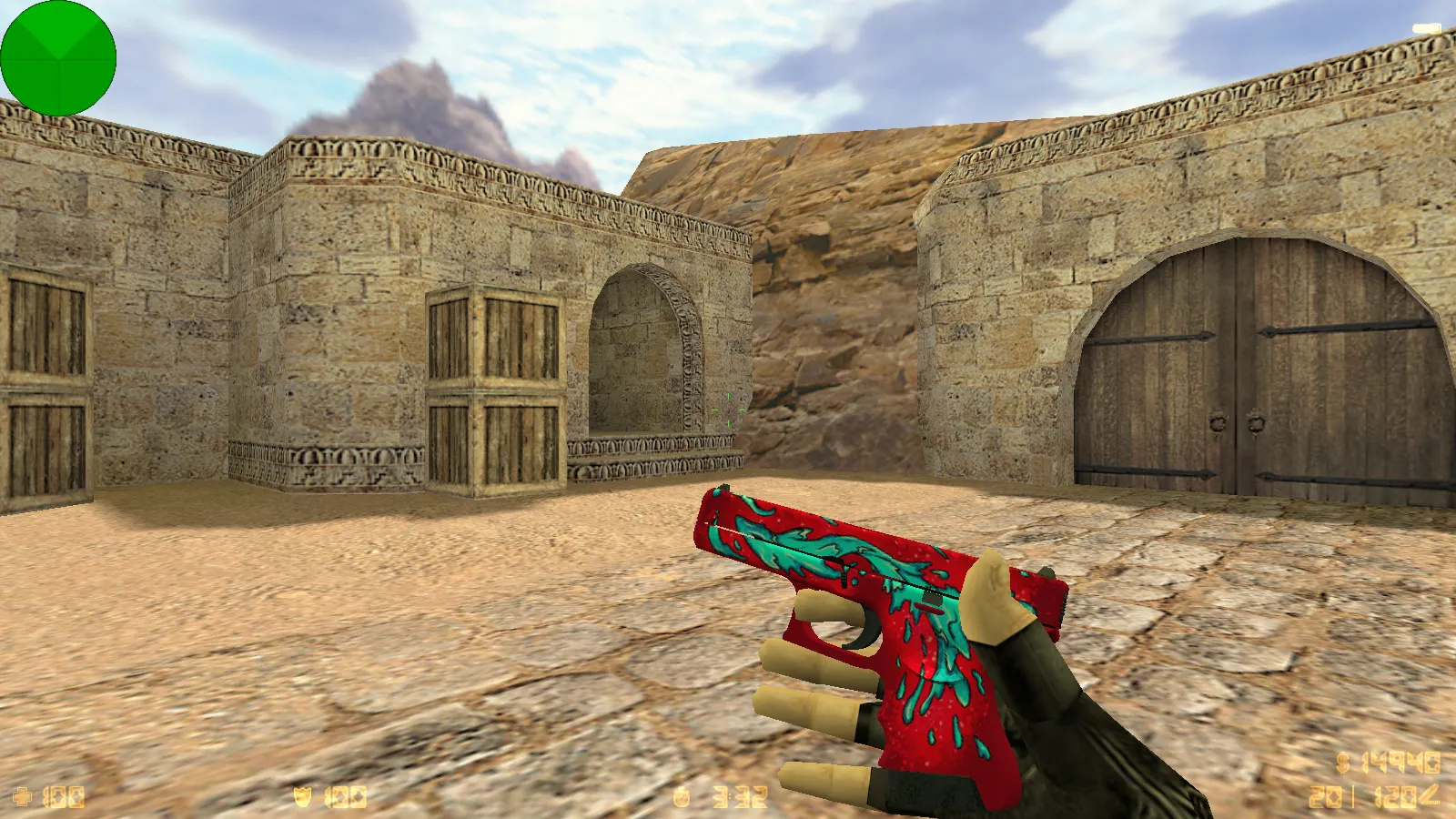
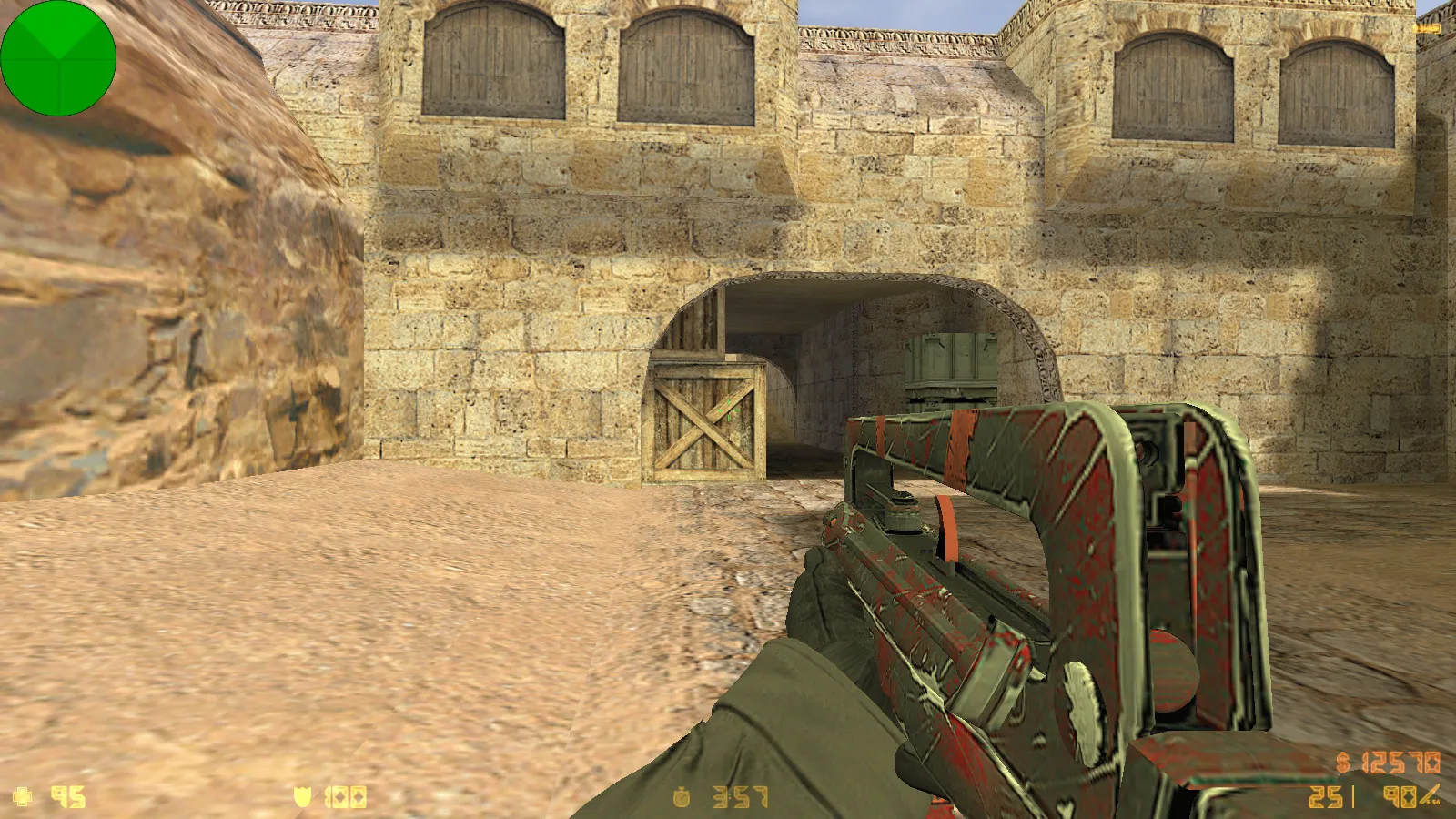
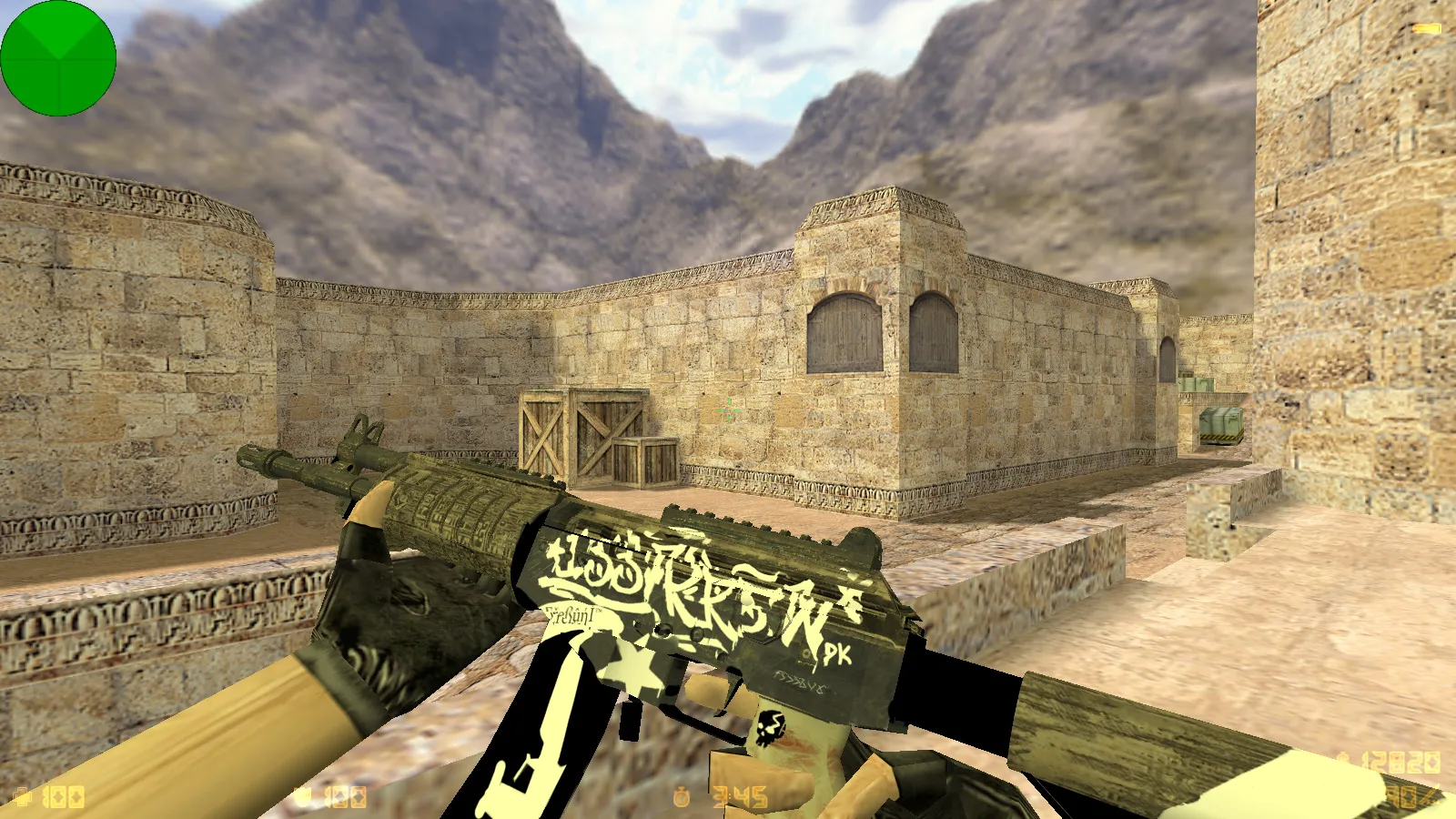
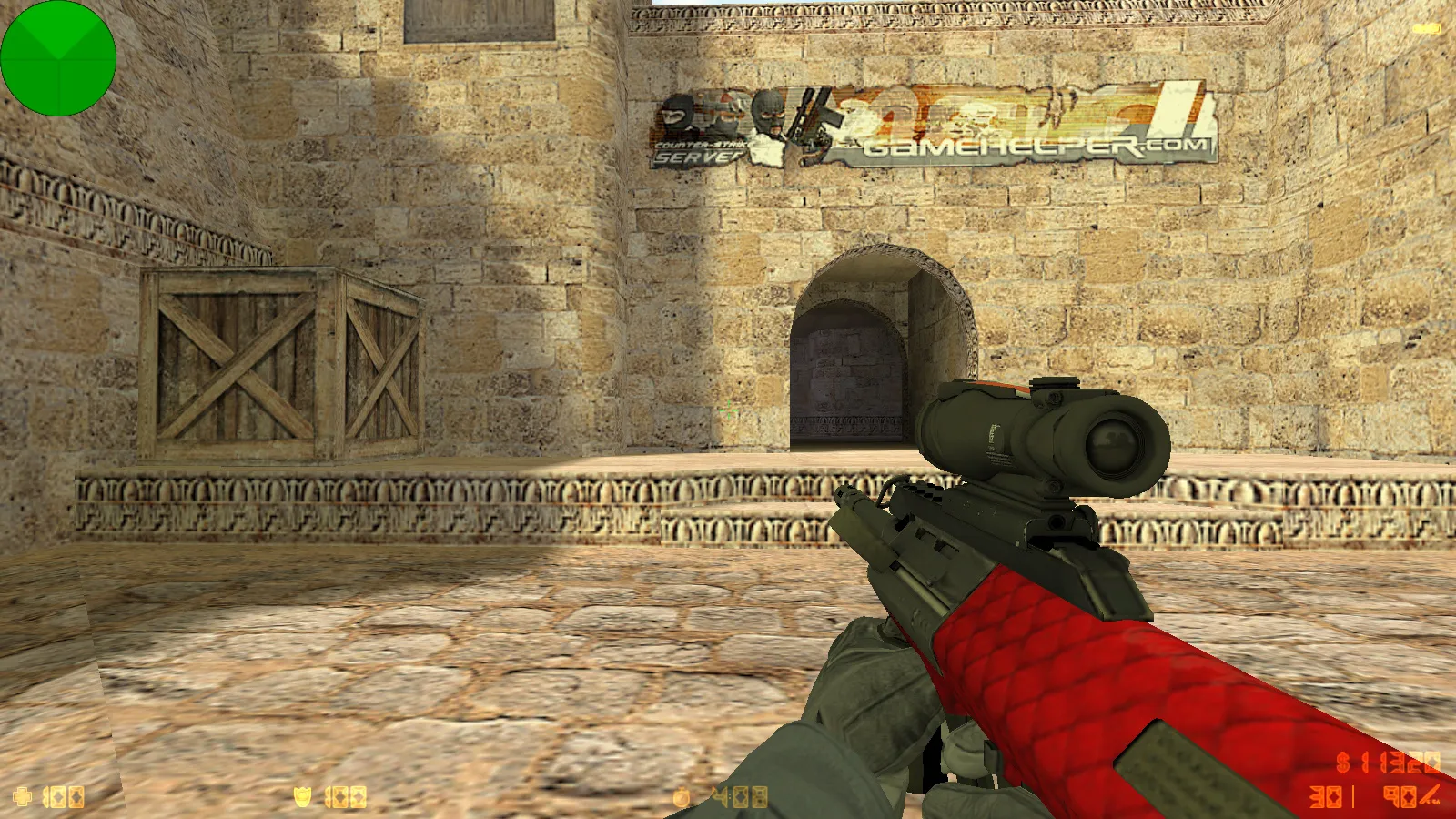
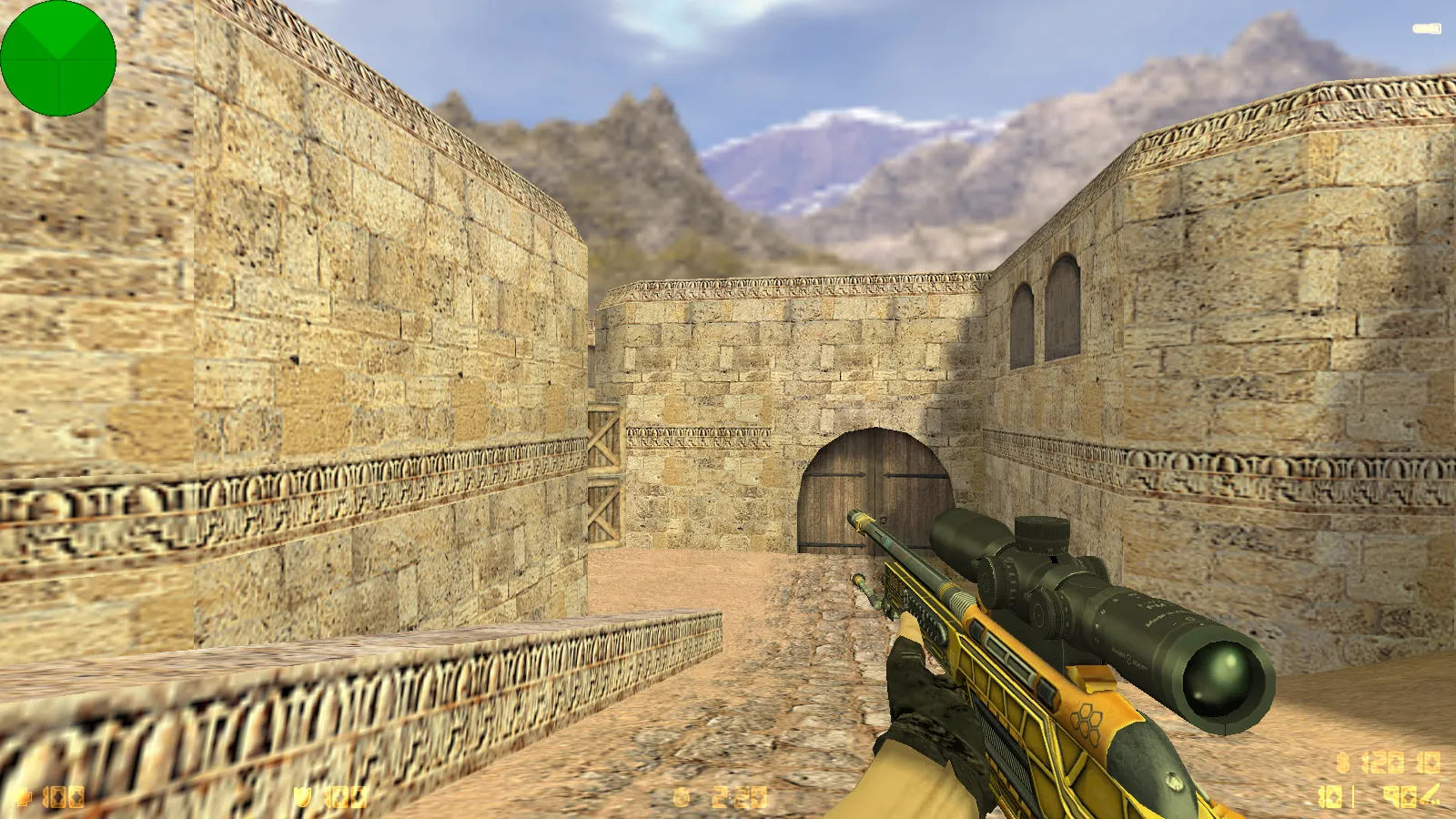
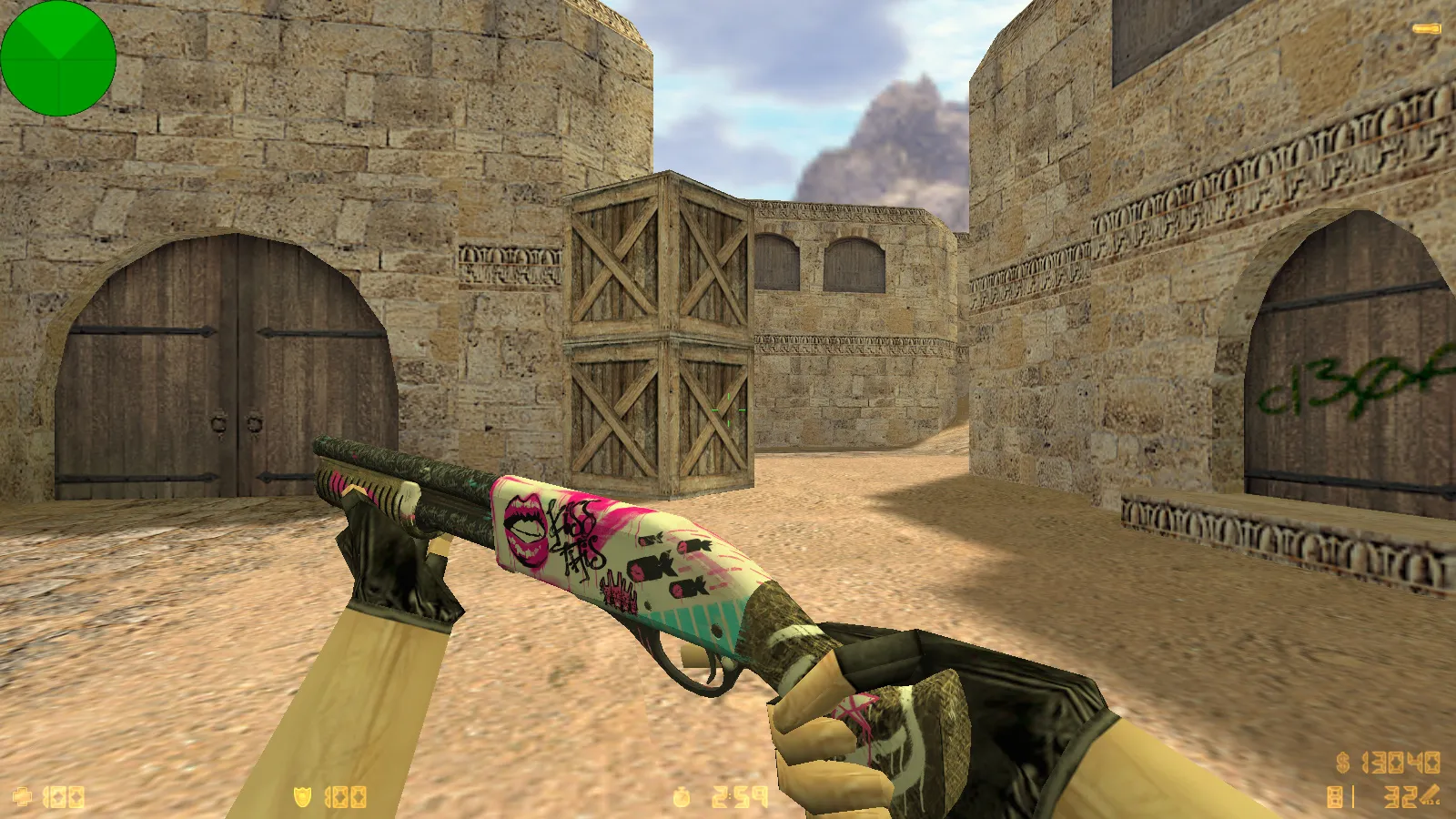
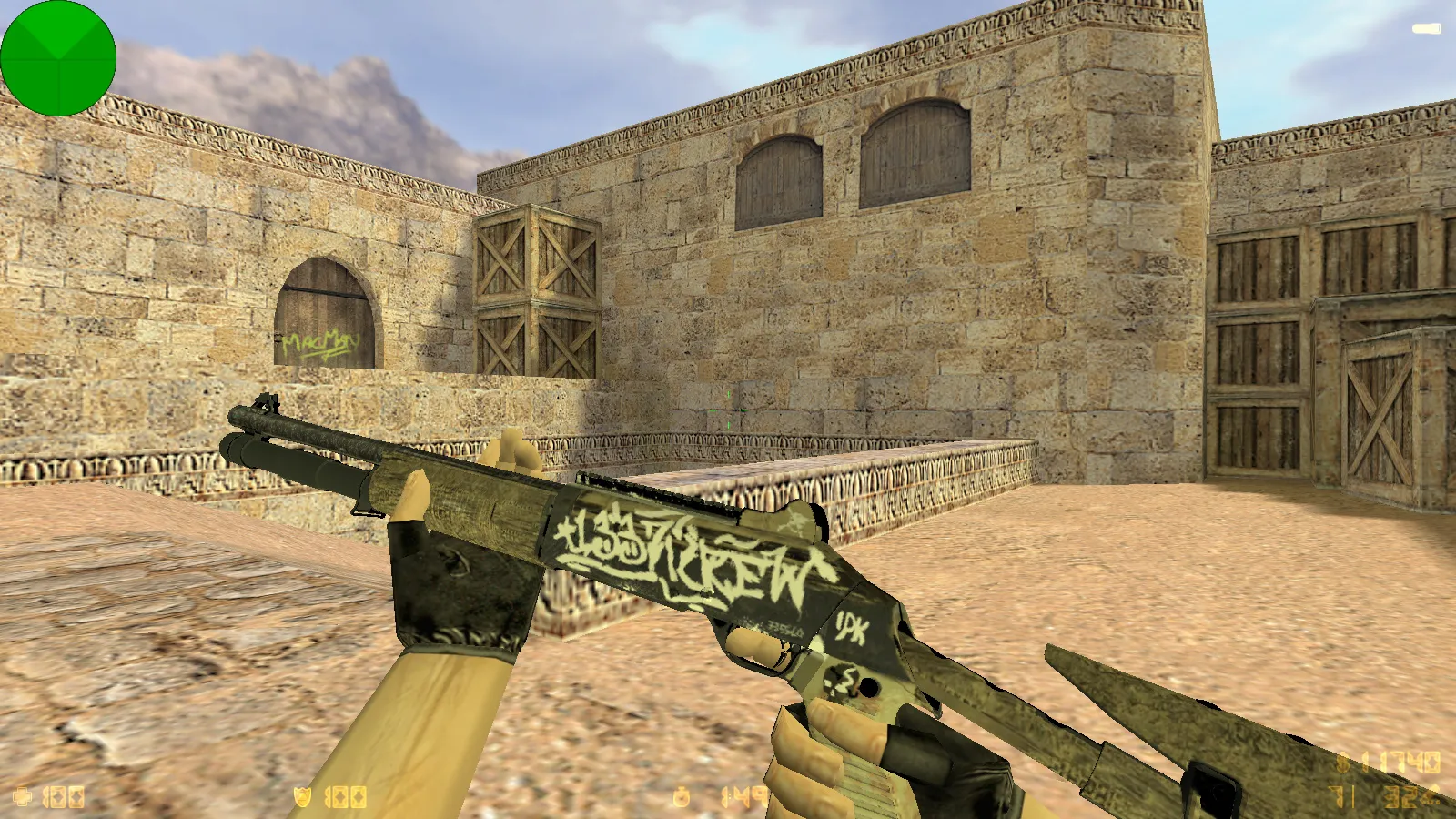
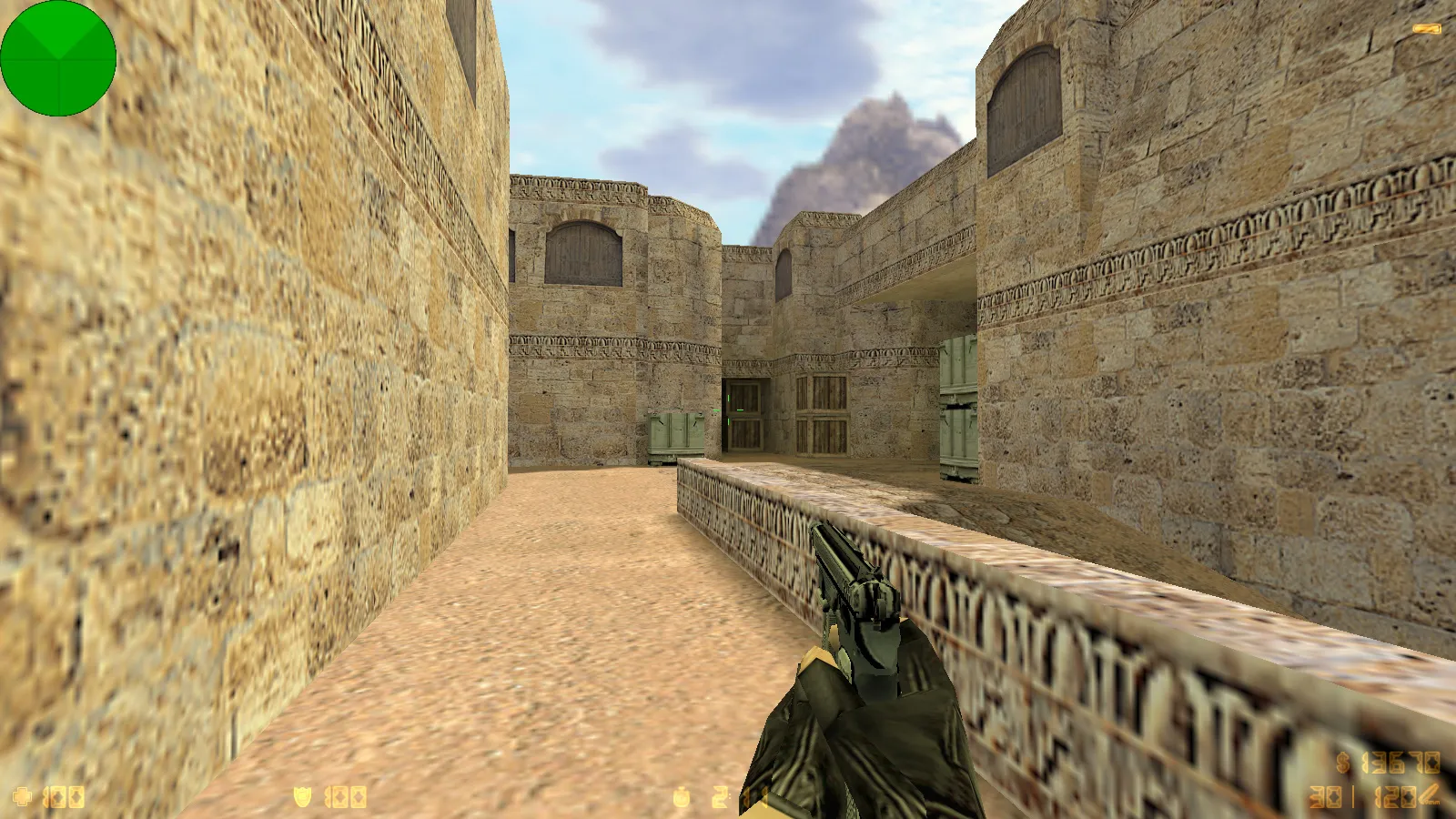
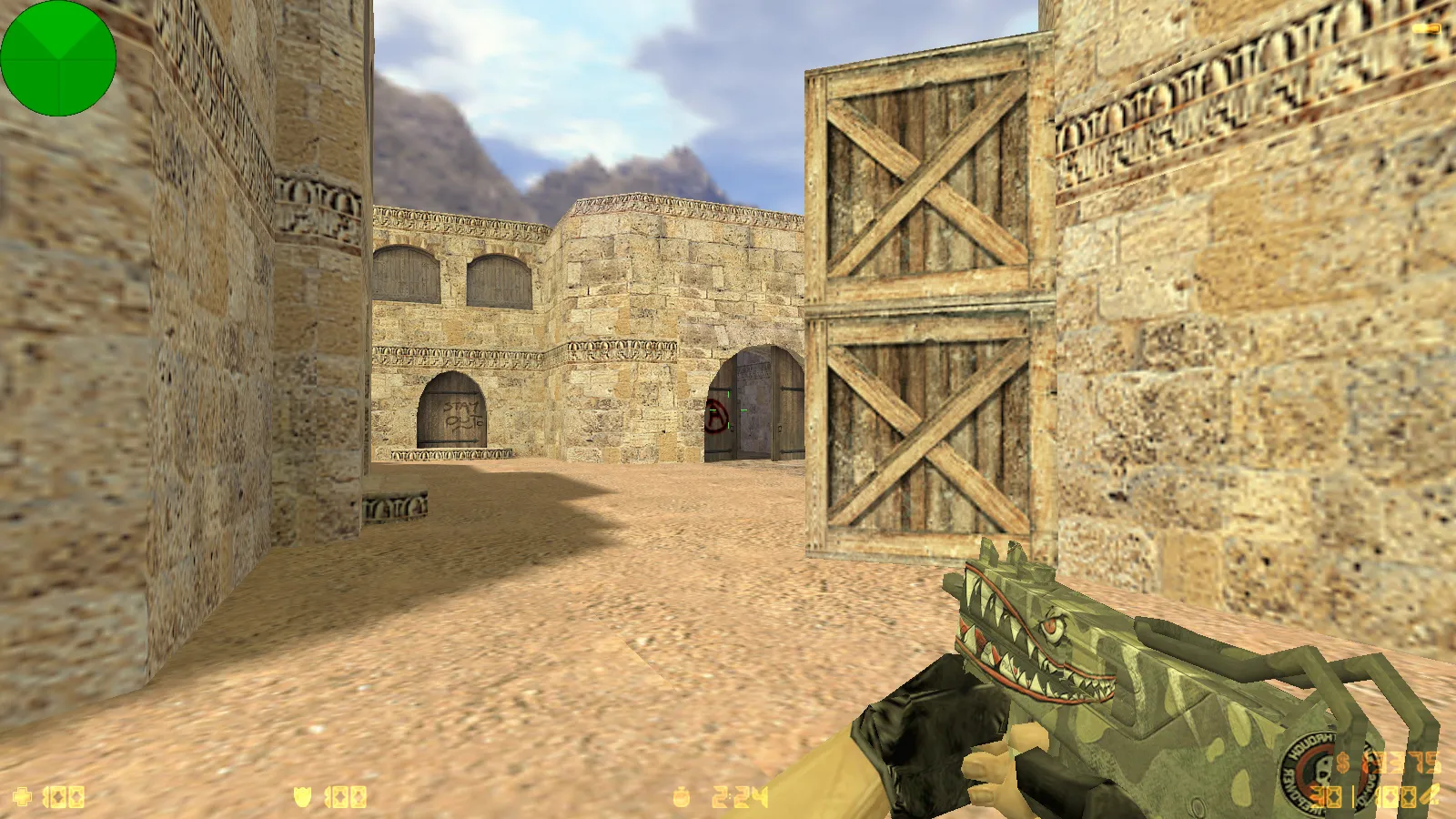
The Wolf Channel CS 1.6 package centers on graphical improvements, sound adjustments, and a smooth launch process. It bundles eight fresh features visible in the menu and while playing. Weapon finishes arrive with diverse hand models, red terrorist characters, and blue counter-terrorist characters, accompanied by a blue-themed interface. The main screen shows the creator's handle against a purple abstract backdrop. The whole thing runs on the vanilla CS 1.6 foundation, free of auto-connect routines or suspicious scripts. Setup follows the usual assembly routine: unpack and run to play.
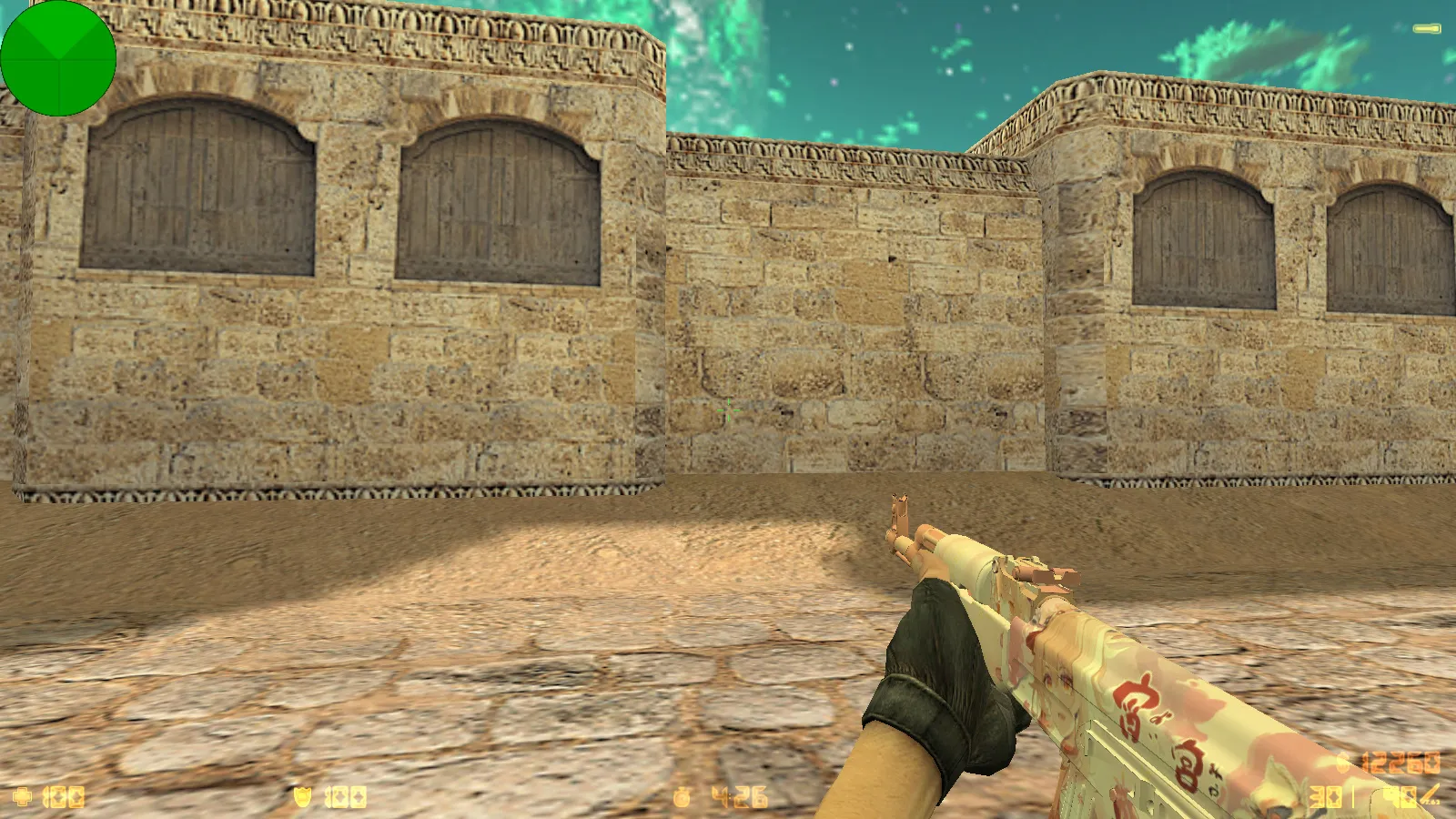
Audio receives a complete overhaul, covering menu music and the startup icon. Weapon models ship with correct v_, p_, and w_ files, including inspect animations. Textures remain solid when viewing angles shift, which matters during heated rounds where your viewmodel stays front and center. The visual package keeps consistency without blur or distortion, since source assets align perfectly with the engine.
Key Additions in the Build
- 8 new features for visuals and interface polish.
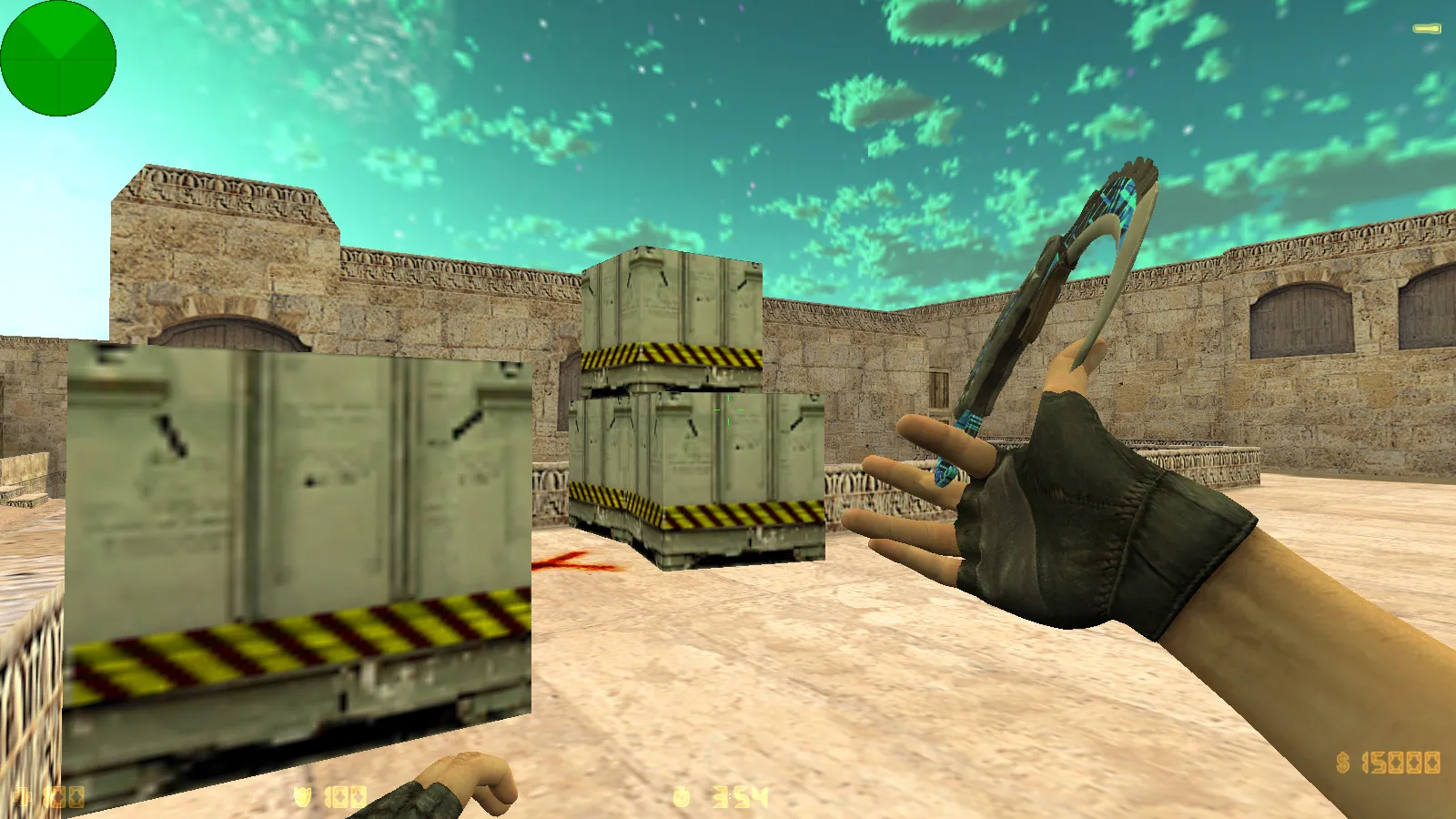
- 15 weapon skins curated by Wolf Channel.
- Varied hand models matched to each skin style.
- Red T models and blue CT models for team distinction.
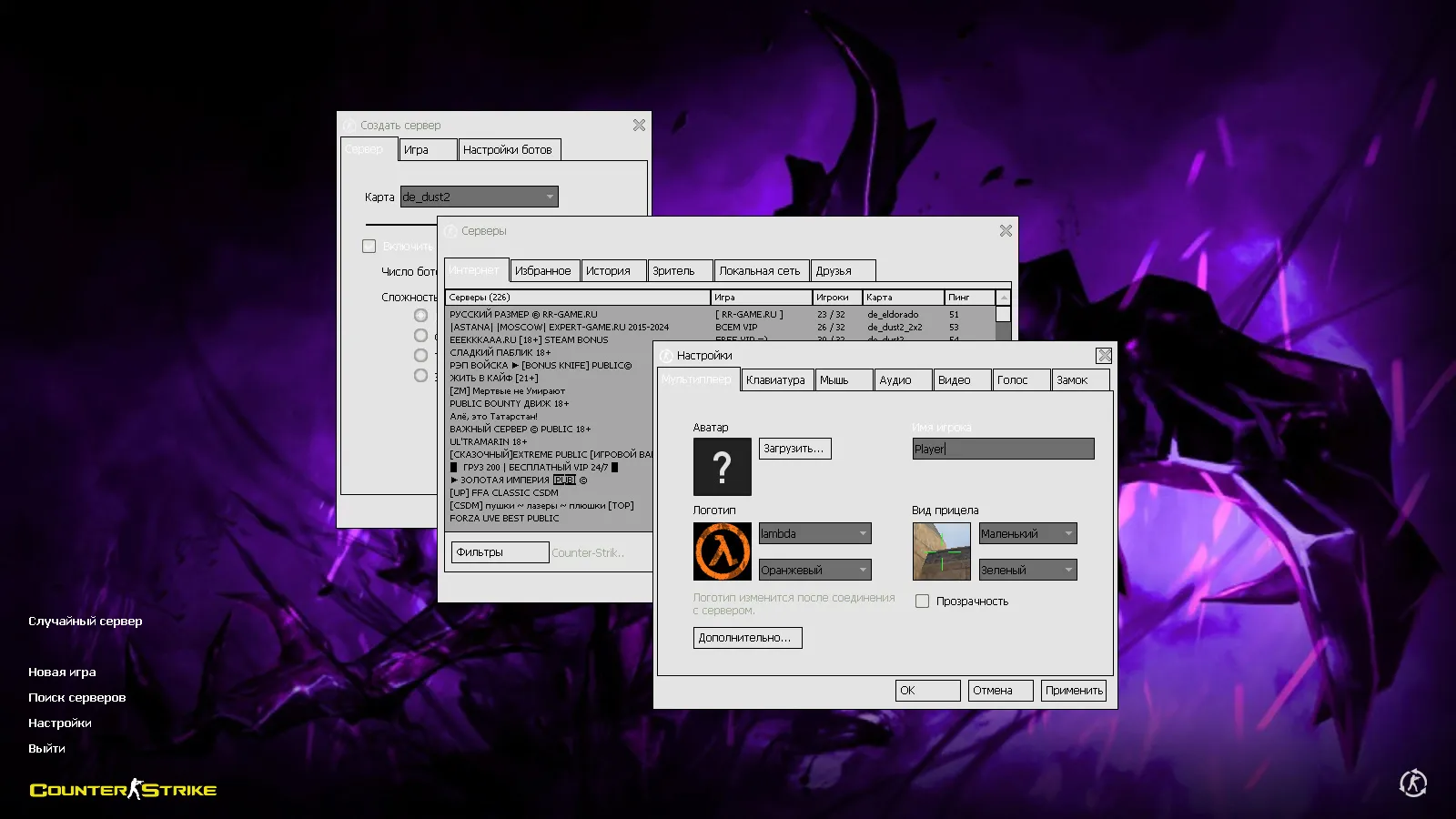
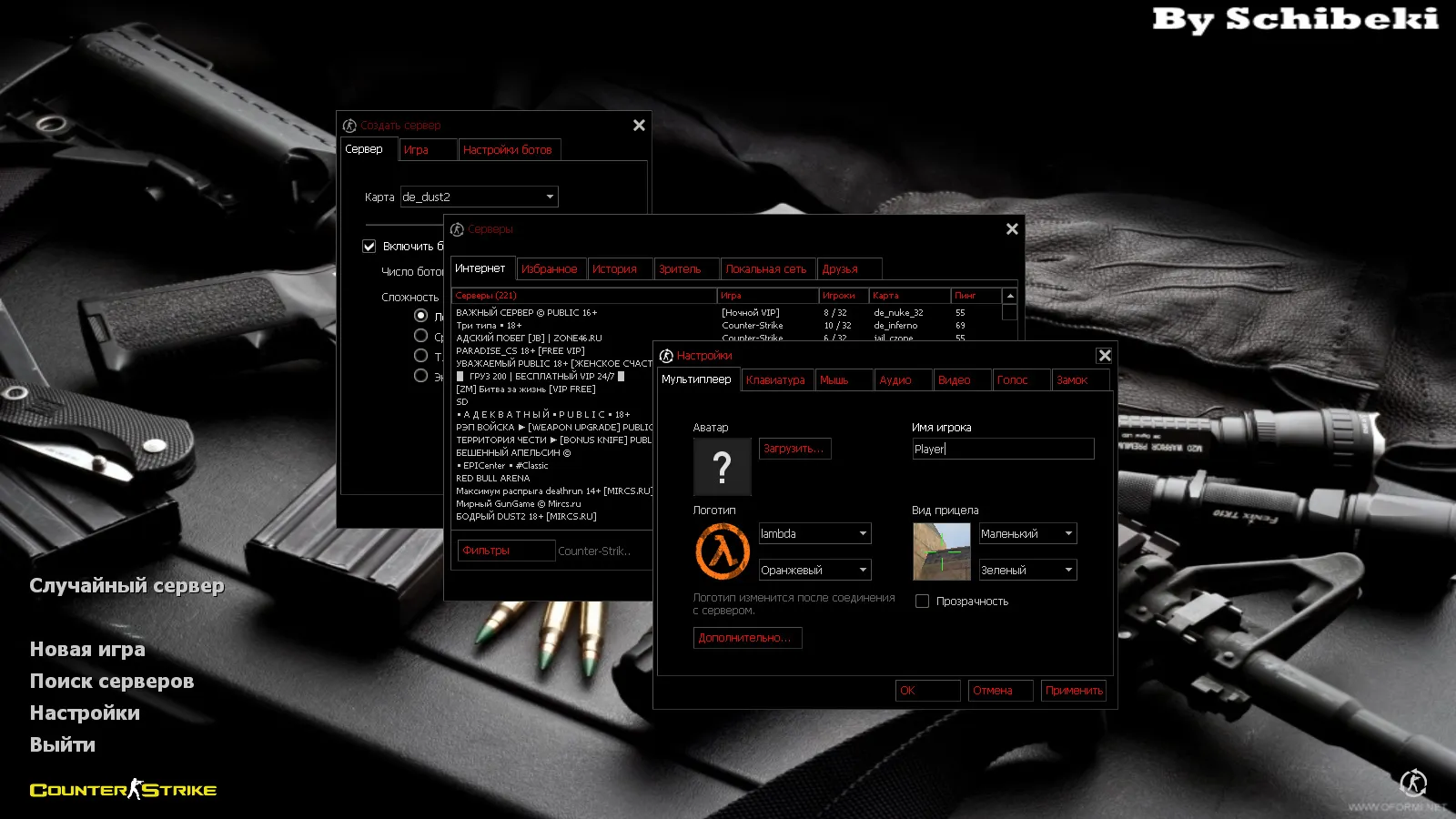
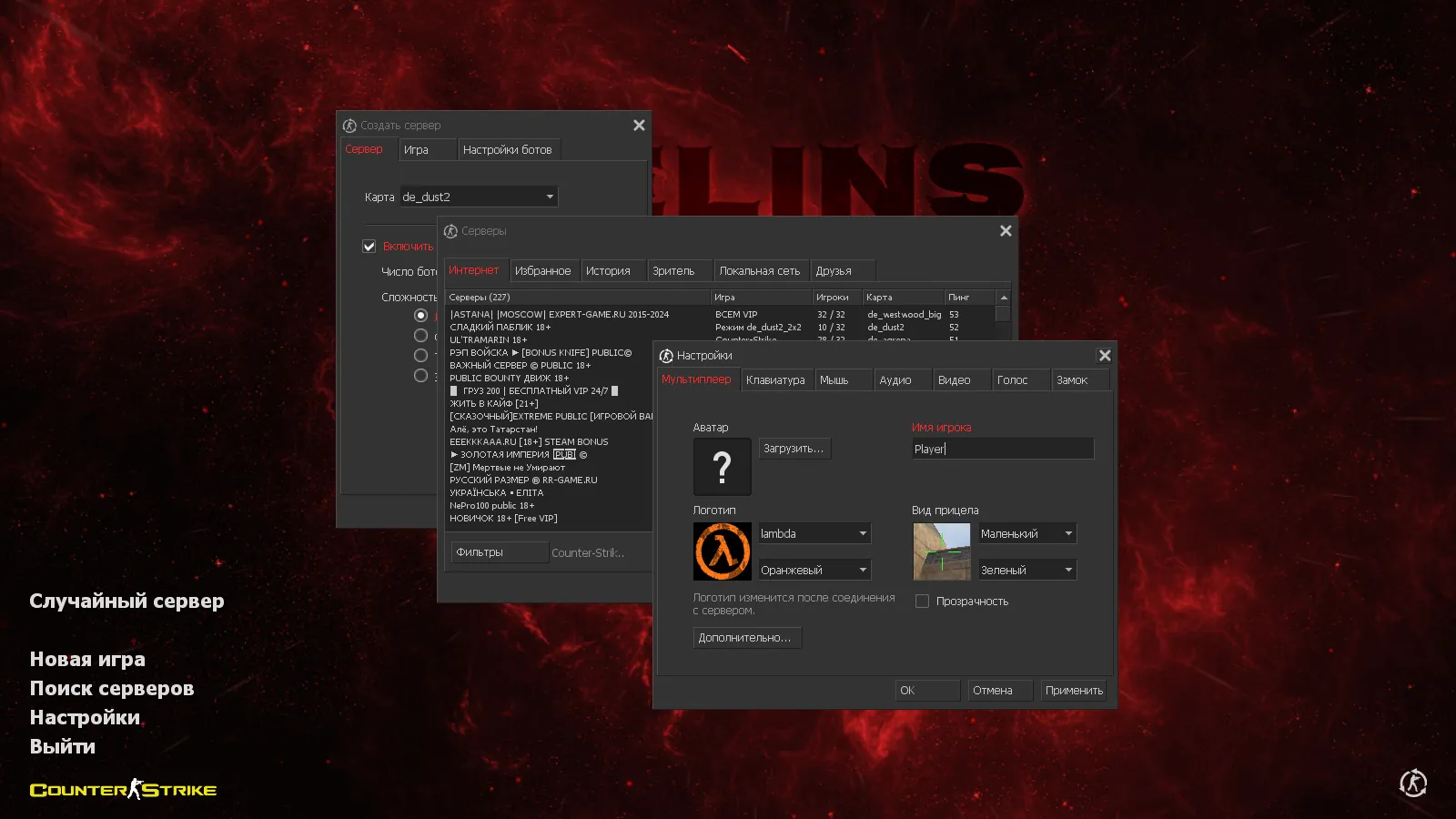
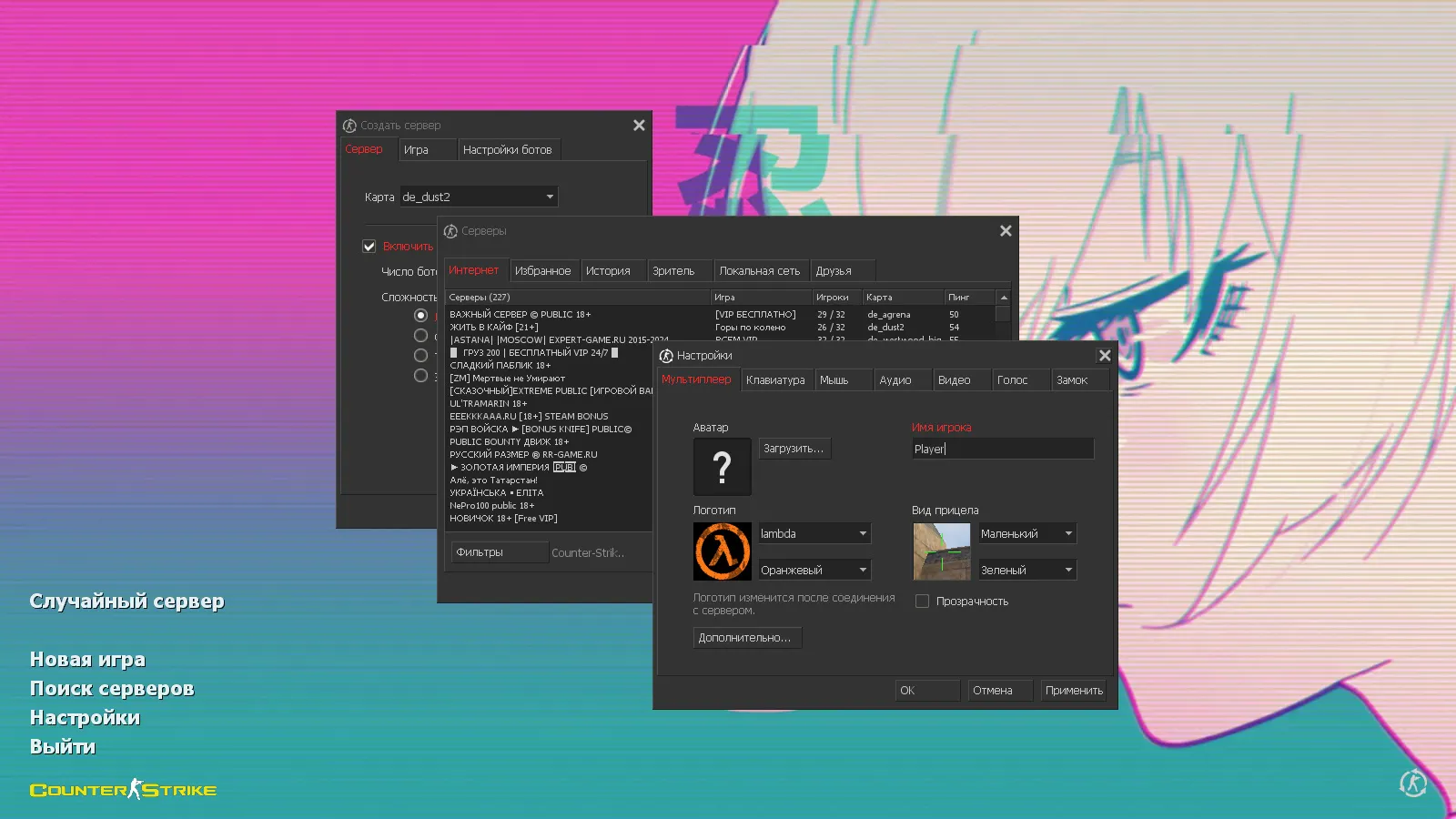
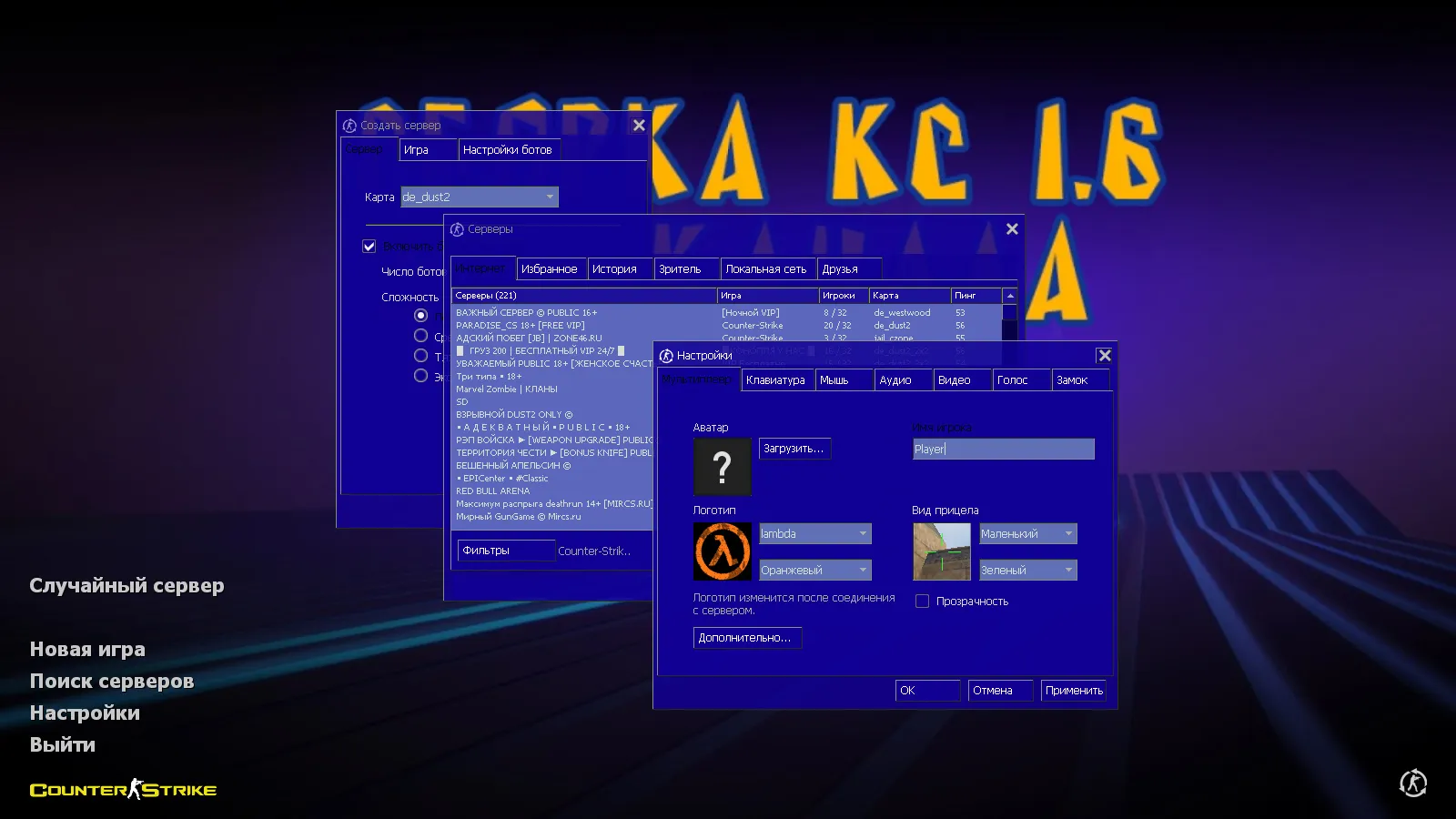
- Blue menu theme with custom main screen layout.
- Menu music and refreshed in-game sounds.
- Custom launch icon for easy access.
Skins and models integrate without disturbing gameplay. They preserve core mechanics and keep visuals crisp in combat. Player and weapon models stay clear while moving, stable across lighting conditions. This helps in smoke-filled zones or dark corners, where models remain readable and aiming avoids guesswork. Hitbox alignment holds true, ensuring no visibility glitches during engagements.
Compatibility and Game Modes
This package retains full original CS 1.6 functionality. It runs on every Windows version, from legacy builds to modern setups. Connect to over 250 online servers or play offline with bots on any map. Russian nicknames work fine, letting you chat in Cyrillic and issue commands without issues. For variety, add mods freely without build conflicts.
Aimed at users who value file control, the assembly keeps config.cfg tidy and settings organized. This allows quick resets to stable play after tweaks, avoiding config chaos in competitive sessions.
Optimized Config and Reliable Launch
The included config.cfg is tuned for performance, cutting frame drops in high-action moments and smoothing round flow. Before starting, verify config.cfg integrity and file placement. Compatible with both Steam and Non-Steam clients, the build includes MasterServer protection to prevent startup anomalies. Based on standard CS 1.6 protocols like Build 4554, it avoids turning your client into an unstable sandbox.
Play as usual: no viruses, no ads, no auto-connect, and no slow-hacks. The assembly sticks to the core CS 1.6 experience, with extras accessible via menu and standard controls. For high-fps stability, the config disables unnecessary effects while keeping w_ models lightweight.
Quick Setup Guide
- Extract the build to a dedicated folder.
- Launch the client and confirm menu loads with music.
- Select a server or load a bot map.
- Set your Russian nickname and test chat functionality.
- Add mods one at a time, checking compatibility each step.
For CS 1.6 players seeking blogger-style upgrades-skins, menu themes, sounds, and precise optimization-this Wolf Channel build delivers. It keeps the original base intact, adding fresh visuals and audio without compromising stability. In fast-paced matches on maps like de_dust2, the red T and blue CT models improve team spotting at long angles or B-sitepush
Install in three steps
-
1
Download the archive. Use the button on the right, or the Yandex.Disk mirror if the main server is slow.
-
2
Extract it into the game folder. Use 7-Zip or WinRAR. A path without non-Latin characters works best.
-
3
Launch the game. If something doesn't work, mark it below - that is how we know the file needs an update.
Did it work for you?
No sign-up needed. You can pick more than one.