
Esports
1 file
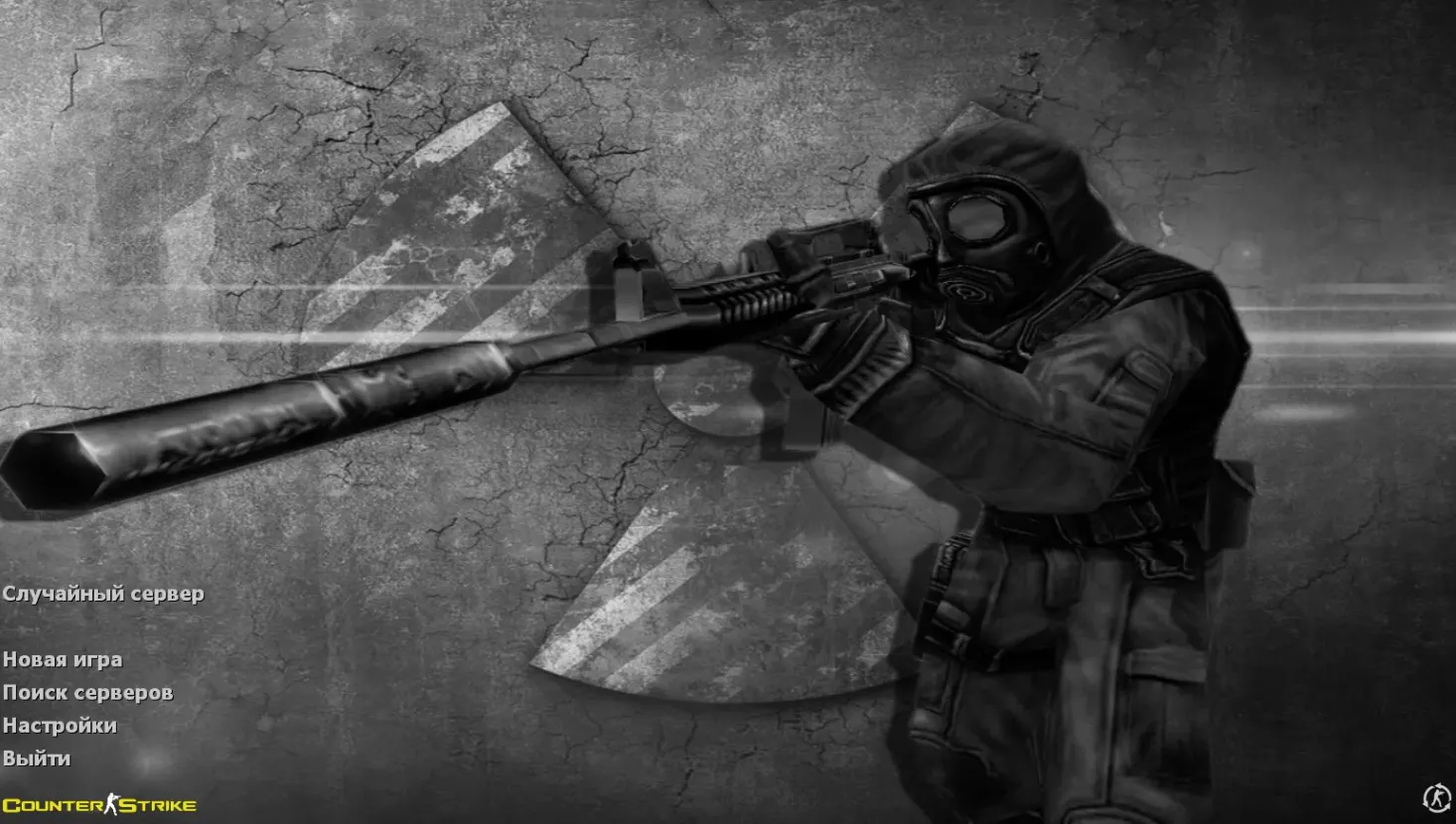
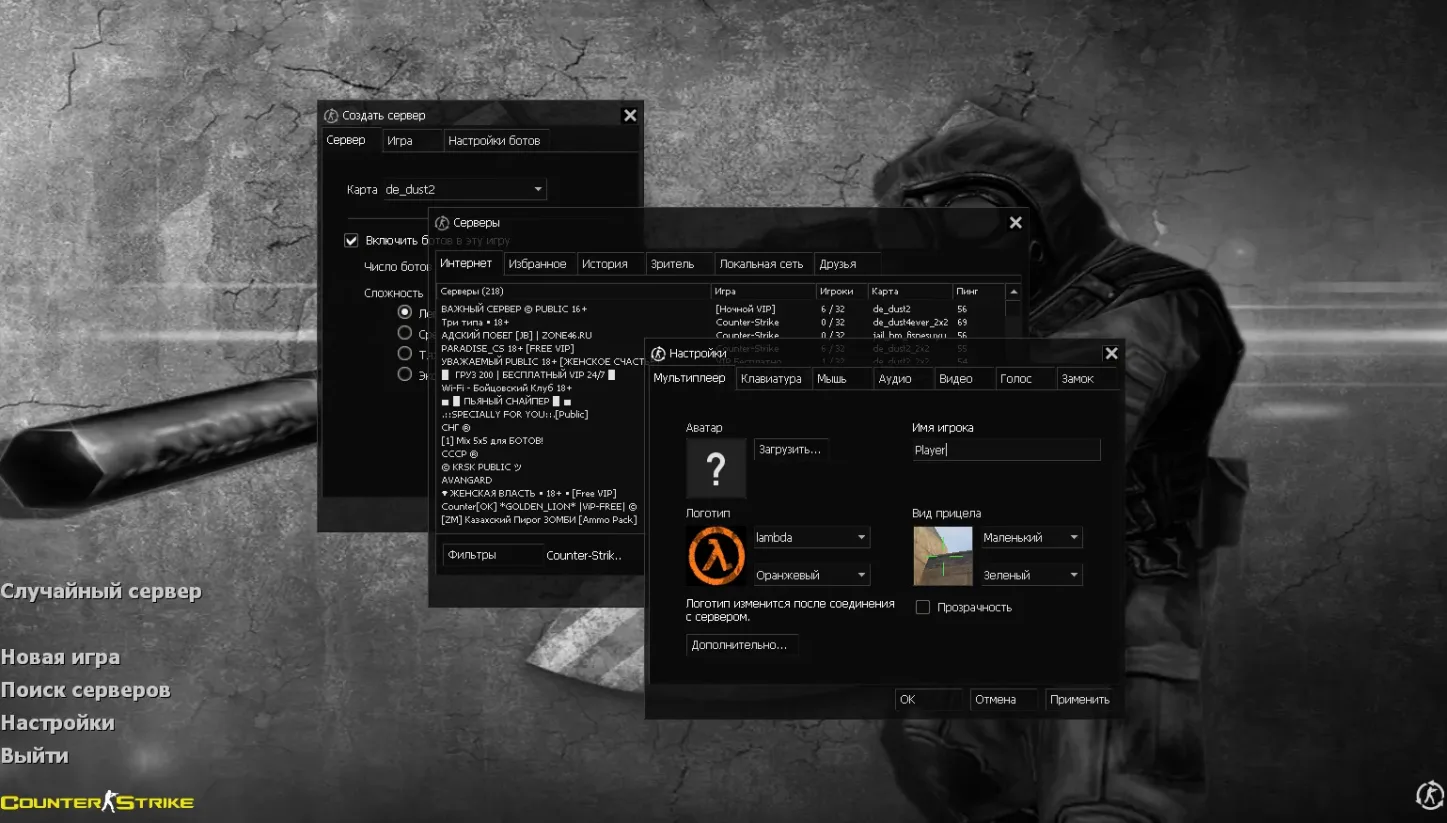
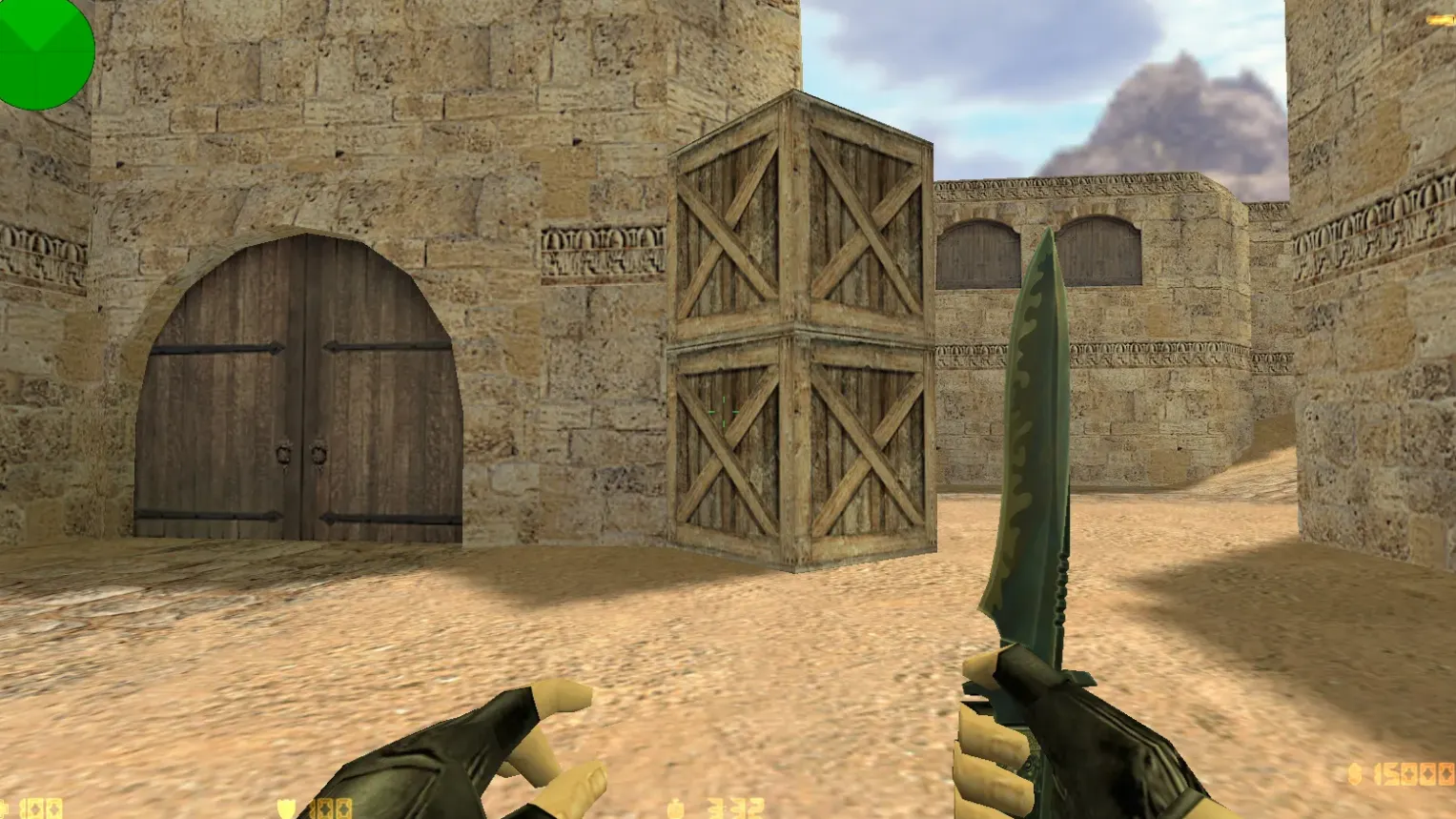
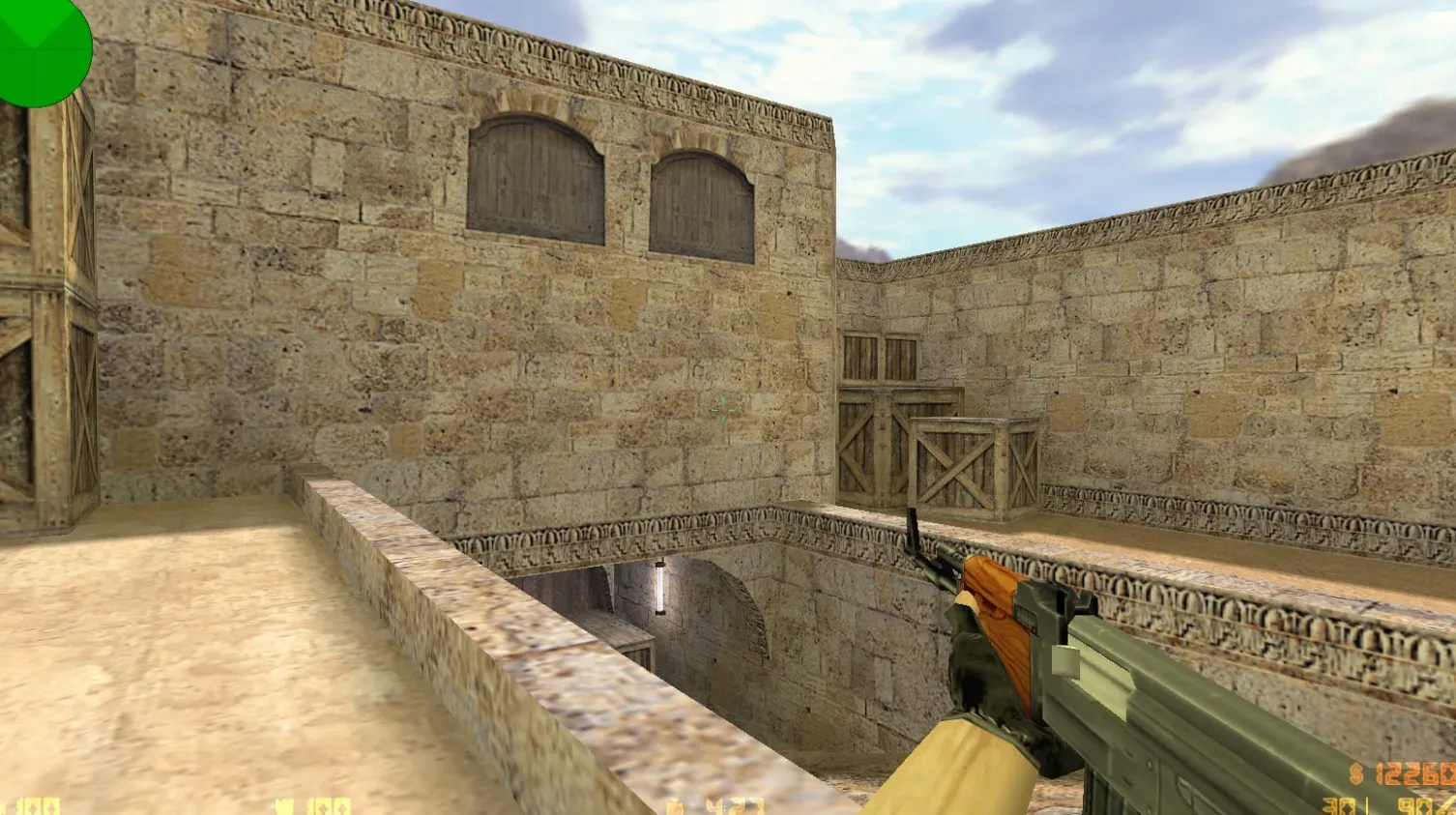
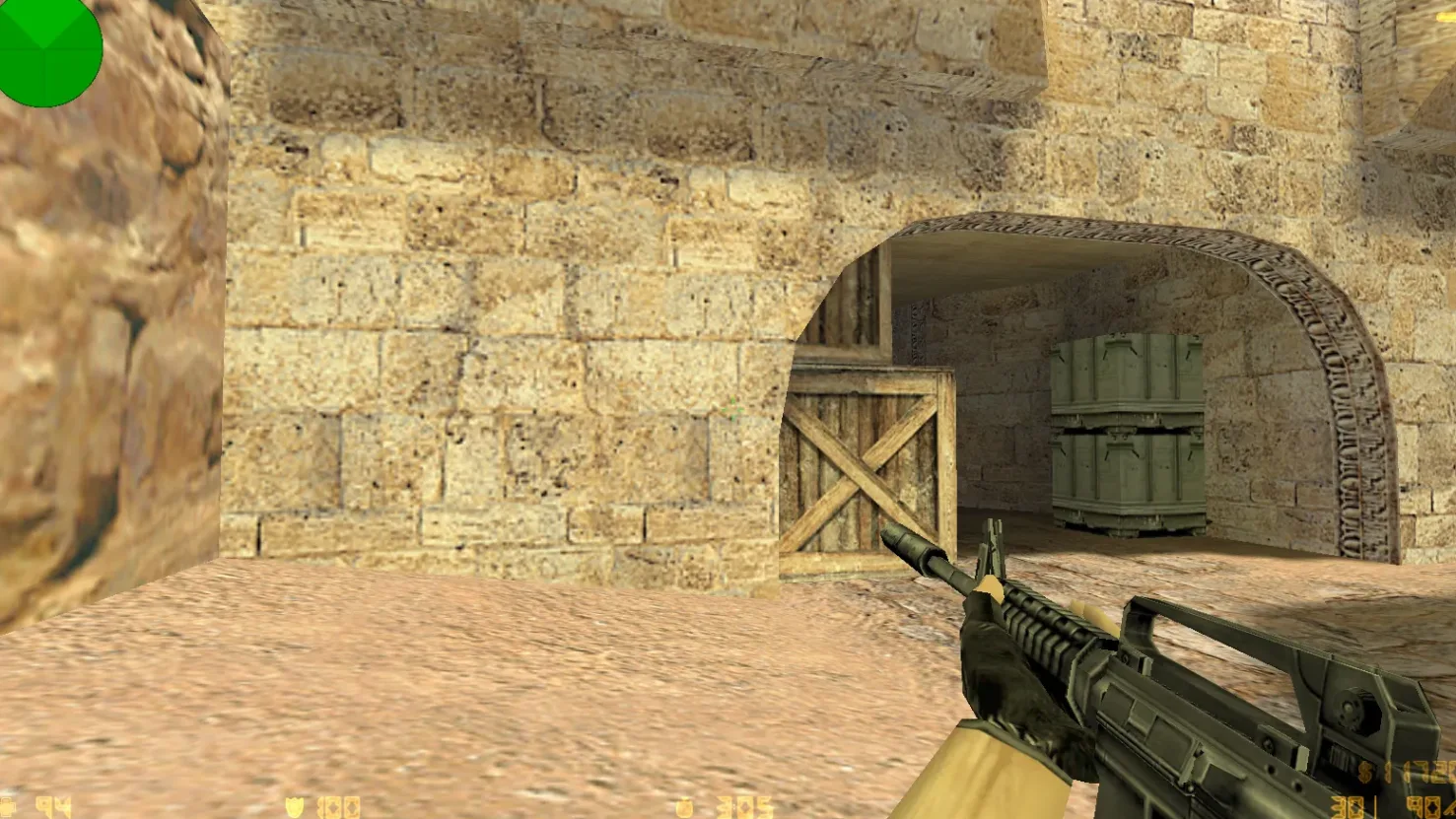
Get preconfigured esports builds for Counter-Strike 1.6. Tidy game versions, current patches, pro esports settings, standard maps, and configs. Comes with full setup guides.
FAQ
How do I set up a CS 1.6 esports build that includes weapon skins and player models?
Place the build files into your game directory, preserving the original folder layout. The mod folder is typically cstrike; for localized versions it might be cstrike_russian, and files there take precedence.
- Weapon models -
cstrike/models - Player models -
cstrike/models/player - Sounds -
cstrike/sound(keep the original subfolders, e.g.weapons) - Sprites, crosshairs, HUD -
cstrike/sprites
Before overwriting anything, make backups of the files you plan to replace.
In CS 1.6, where should I place v_ p_ w_ weapon model files?
Every weapon model goes into cstrike/models and overwrites the default files with identical names:
v_*.mdl- the weapon shown in first-person viewp_*.mdl- the weapon held by the playerw_*.mdl- the weapon on the ground
You must keep the exact original file names, or the game won't load the new model. First, back up the original .mdl files.
How do I install red and blue team player models in CS 1.6?
Player models are kept as cstrike/models/player/NAME/NAME.mdl - the folder name and the .mdl file name have to match exactly. Esports builds typically swap out the default CT and T models (urban, gign, leet, arctic, etc.), so preserving the original model names is what makes the new skins show up in game. If you use different names, the game will continue loading the standard models.
Which config files should I edit in a CS 1.6 esports build?
Most settings are in cstrike/config.cfg, but since the game overwrites that file, it's better to store your own values in userconfig.cfg or autoexec.cfg.
autoexec.cfg- runs automatically at game startuserconfig.cfg- usually loaded through anexecline from another config
This way your sensitivity, rates, and binds stay intact when config.cfg is regenerated.
CS 1.6 build crashes or models won't show - how to fix?
A crash or missing-model error usually comes from an incorrect path or a file name mismatch. Make sure weapon models are in cstrike/models and player models are in cstrike/models/player/NAME/NAME.mdl, and remember that files in cstrike_russian take priority over those in cstrike.
If the issue started right after installing the build, restore your backup files one at a time to identify the problematic replacement.
How to restore default CS 1.6 models, sounds, and config after installing a build?
The safest method is to replace the custom files with the backups you made before installing the build. If you don't have a backup, remove the added files from cstrike/models, cstrike/sound, and cstrike/sprites, and copy the originals from a clean game installation. To get default settings back, delete userconfig.cfg and autoexec.cfg and verify the values in cstrike/config.cfg.
Do CS 1.6 esports builds with skins work on online servers?
Weapon models, player models, sounds, and sprites are client-side files, so they only affect what you see and hear on your own screen. Whether they appear online depends on the server: many servers replace custom content with their own files or reject the connection when your files don't match the server's. Config settings like sensitivity, rates, and binds are always yours and work on any server.