
With CS2 Skins
1 file
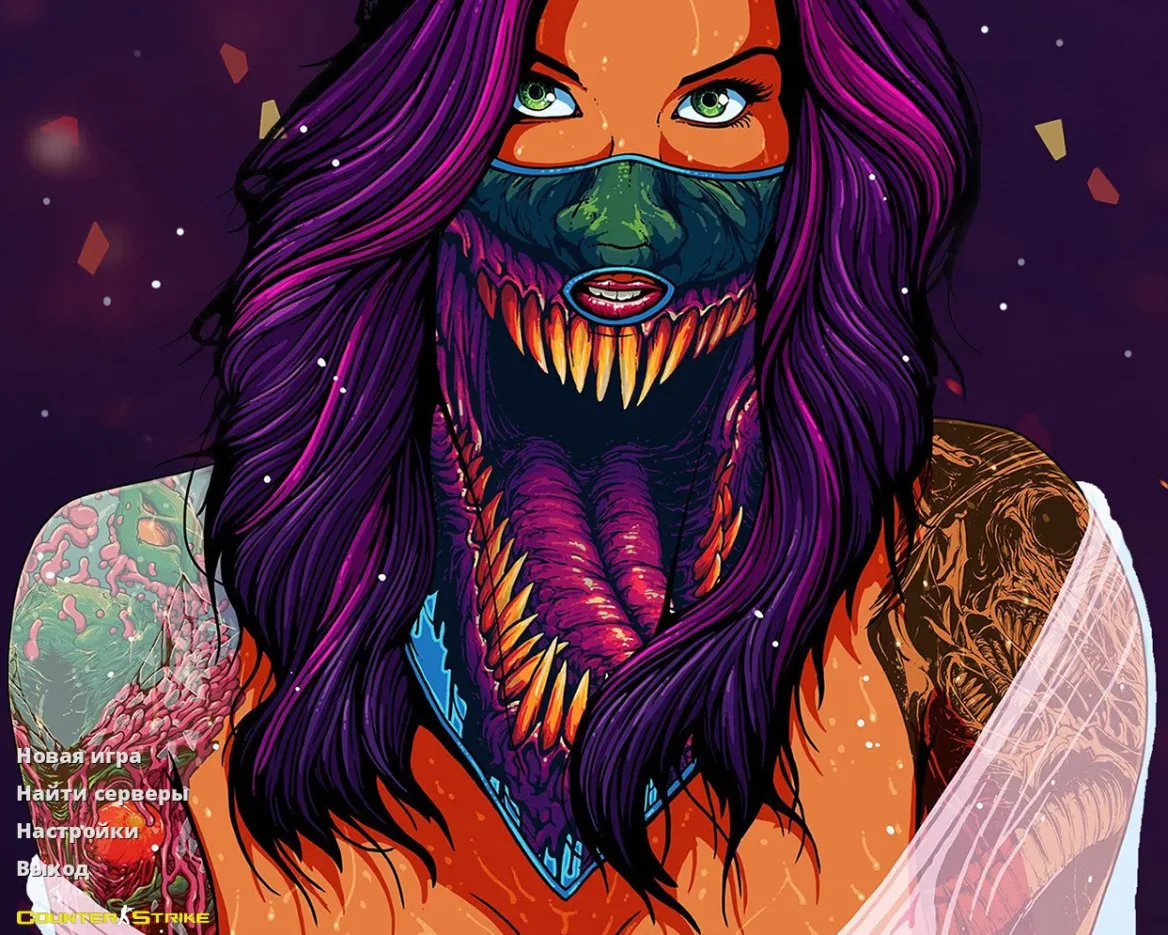
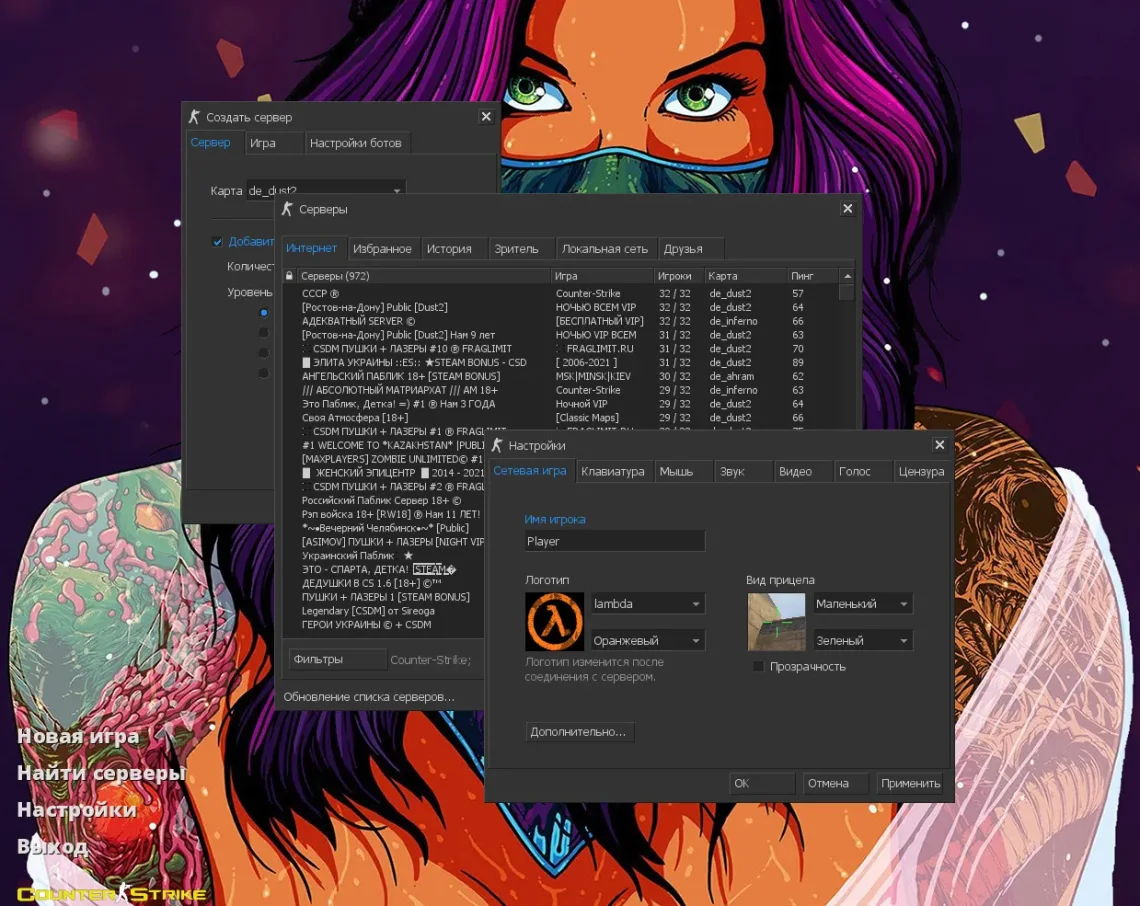
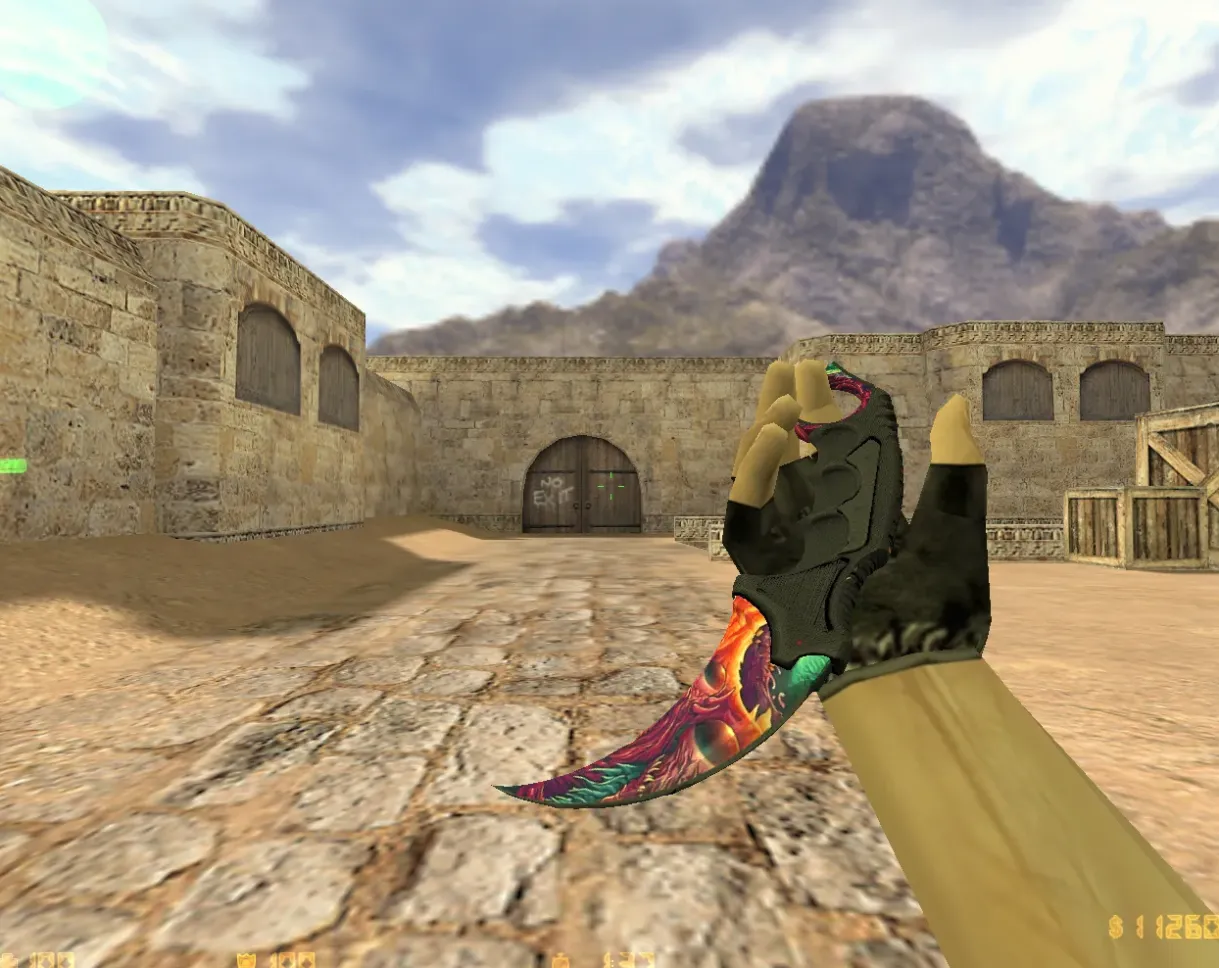
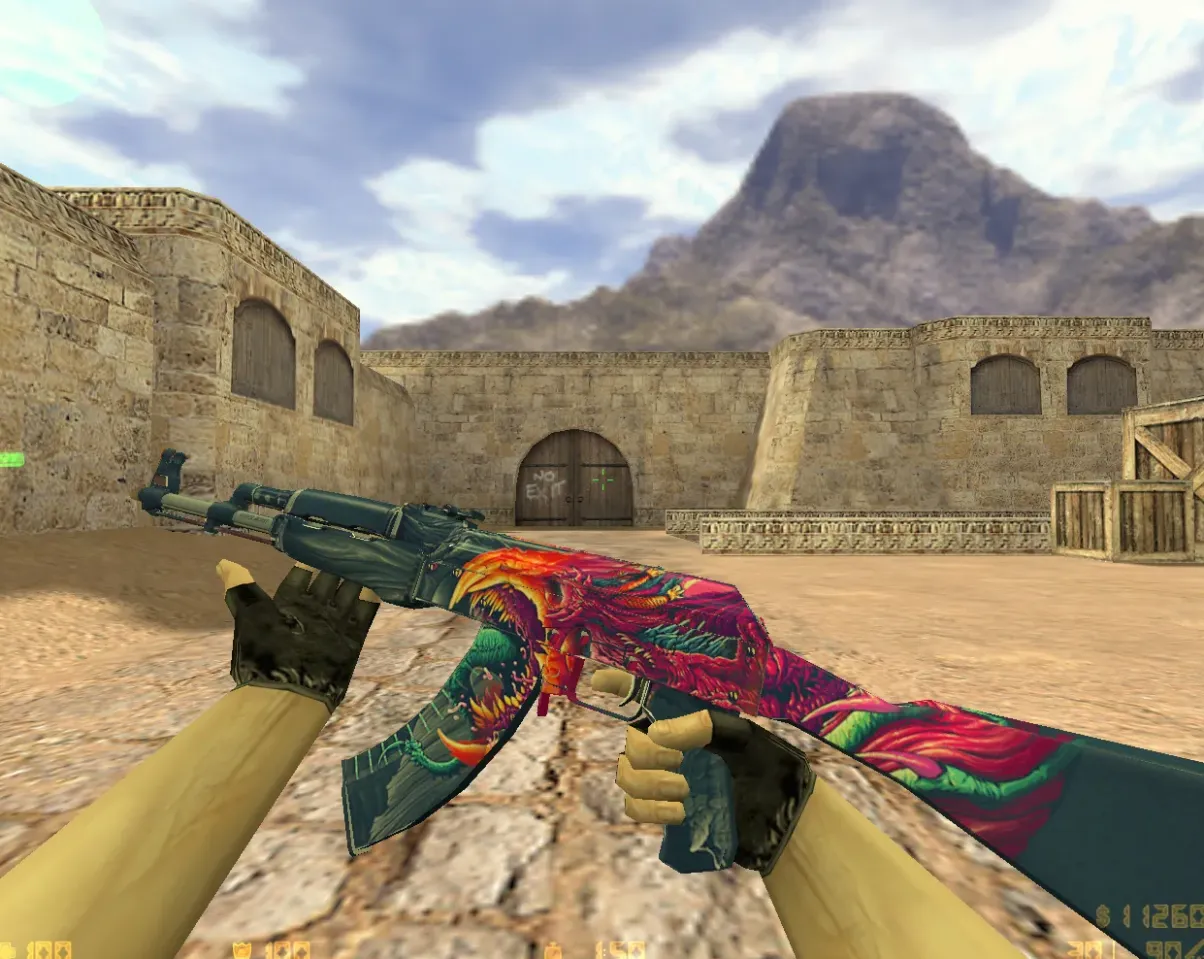
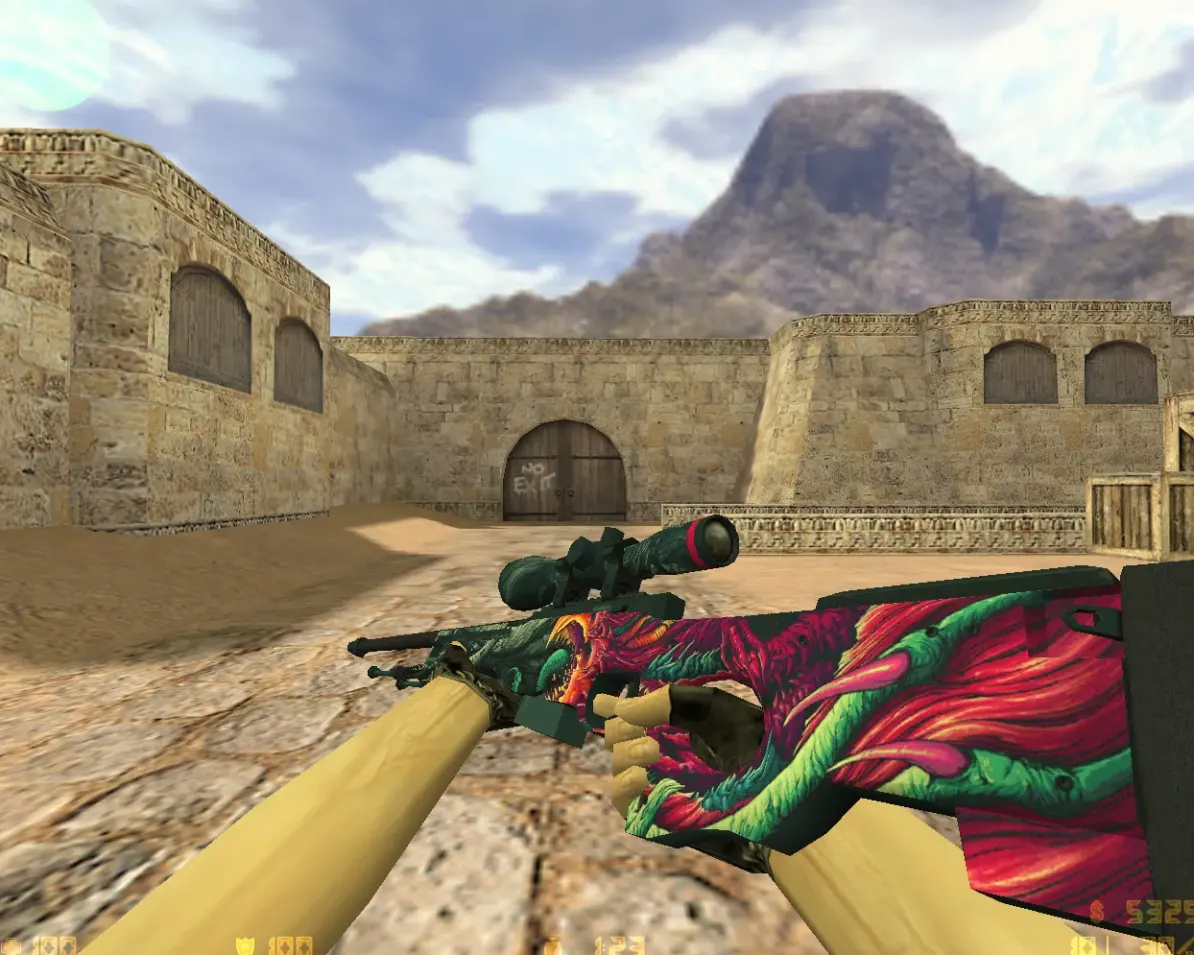
Grab CS 1.6 builds that include CS2 skins. Better weapon textures, player models, and maps for a nicer gaming experience.
FAQ
What is the process for installing a CS 1.6 build that has CS2 skins?
Get the build archive and unpack it. Move the cstrike folder into your Counter-Strike 1.6 directory, overwriting existing files when asked. Prior to doing this, create a backup of your original cstrike folder. In case your game runs on cstrike_russian, the files inside it take precedence, so look at both folders.
In CS 1.6, where should CS2 weapon skins be placed?
Weapon skins in the CS2 style come as model files. Put v_*.mdl, p_*.mdl, and w_*.mdl inside cstrike/models, swapping out the default files. Make a backup of the original models beforehand. If your version is localized, also look in cstrike_russian/models.
What steps activate CS2 skins in CS 1.6?
No dedicated switch exists. Skins function by swapping default models inside cstrike/models or player models inside cstrike/models/player. Should they fail to show up, confirm that file names correspond to the originals and that you aren't loading from cstrike_russian by mistake. After copying the files, restart the game.
CS 1.6 with CS2 skins crashes or the models are invisible - how do I fix it?
Verify that every replacement model includes a corresponding v_, p_, and w_ file; absent files may lead to crashes. Confirm the model was built for CS 1.6 rather than a different engine. If the game still won't launch, bring back your backup cstrike folder. For textures that are missing, also confirm that any needed files sit in the right subfolders.
How can I get the default CS 1.6 skins back after CS2 skins were installed?
If you saved a copy of your original cstrike folder, swap the modified folder out for that backup. If not, remove the custom model files from cstrike/models and cstrike/models/player. Through Steam, you can also check the game files to bring back the defaults. Afterward, restart the game.
Are CS2 skins usable on CS 1.6 online servers?
Custom skins are replacements on the client side, meaning only you can see them. A lot of servers run consistency checks and might swap your models or kick you when files don't match the server. Certain servers permit custom models, while others don't. Look over the server rules or try it on a local server first.
How do I swap player models in a CS 1.6 build that includes CS2 skins?
Player models live in cstrike/models/player/NAME/NAME.mdl, and the folder name and file name have to be the same. Swap the current .mdl files for the CS2-style versions, keeping the names unchanged. If the model doesn't appear, confirm the folder name and file name match exactly and that you put them in cstrike/models/player.