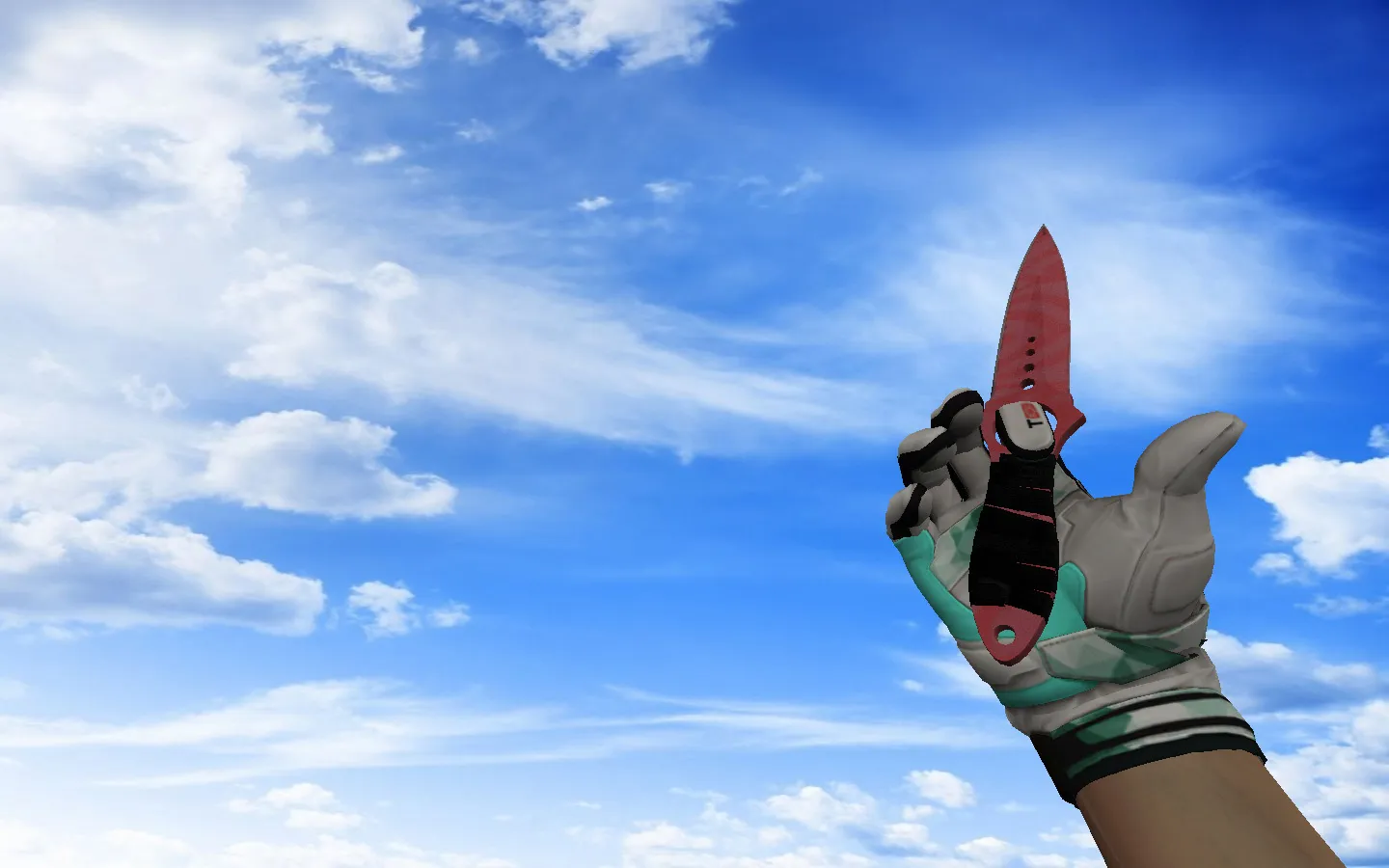
USP Club Knife Model for CS 1.6: v_ p_ w_ Files, Custom Sounds, Inspection Animation, and Texture Quality Check
Description
USP Club Knife Model for CS 1.6: Contents and Setup Instructions
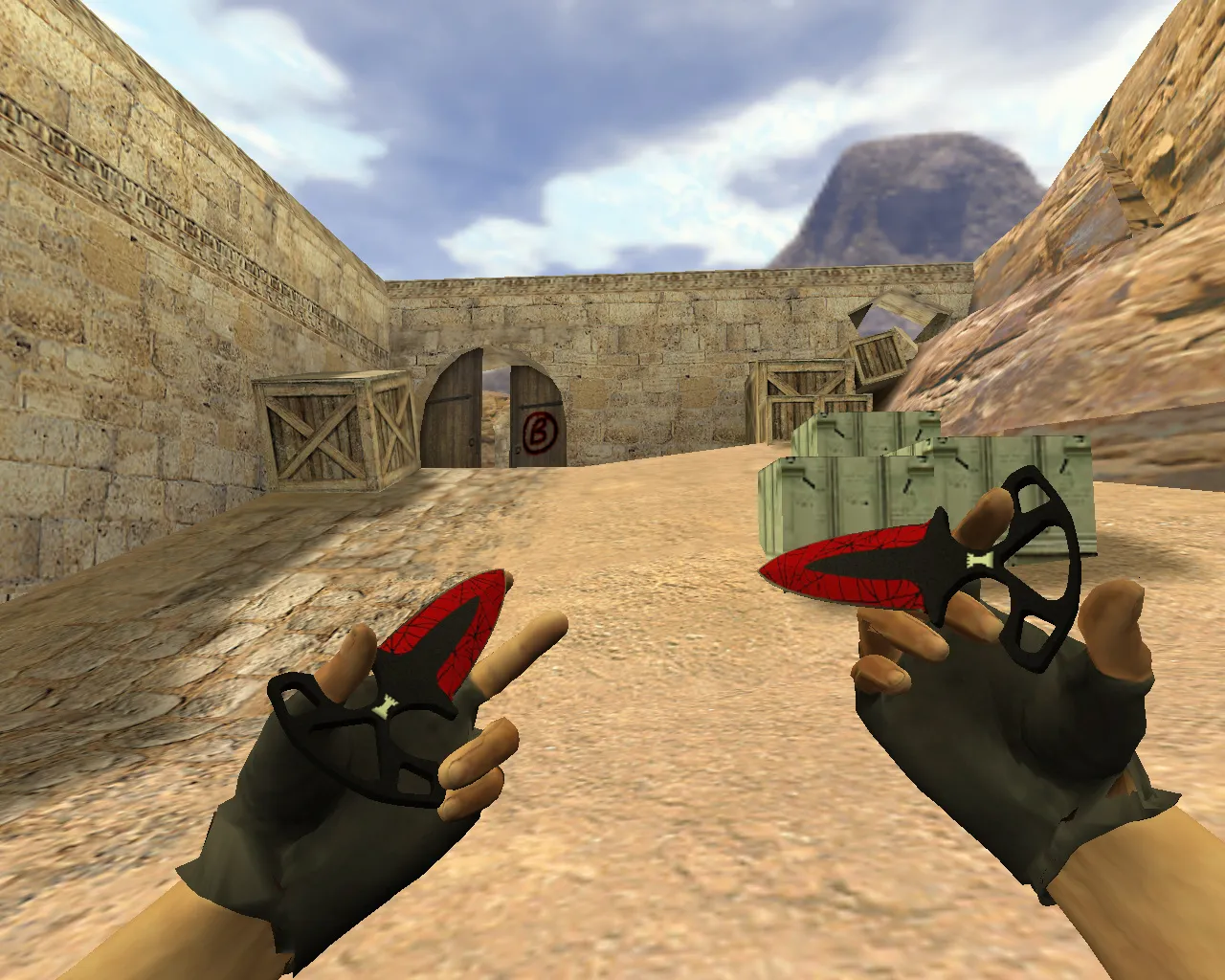
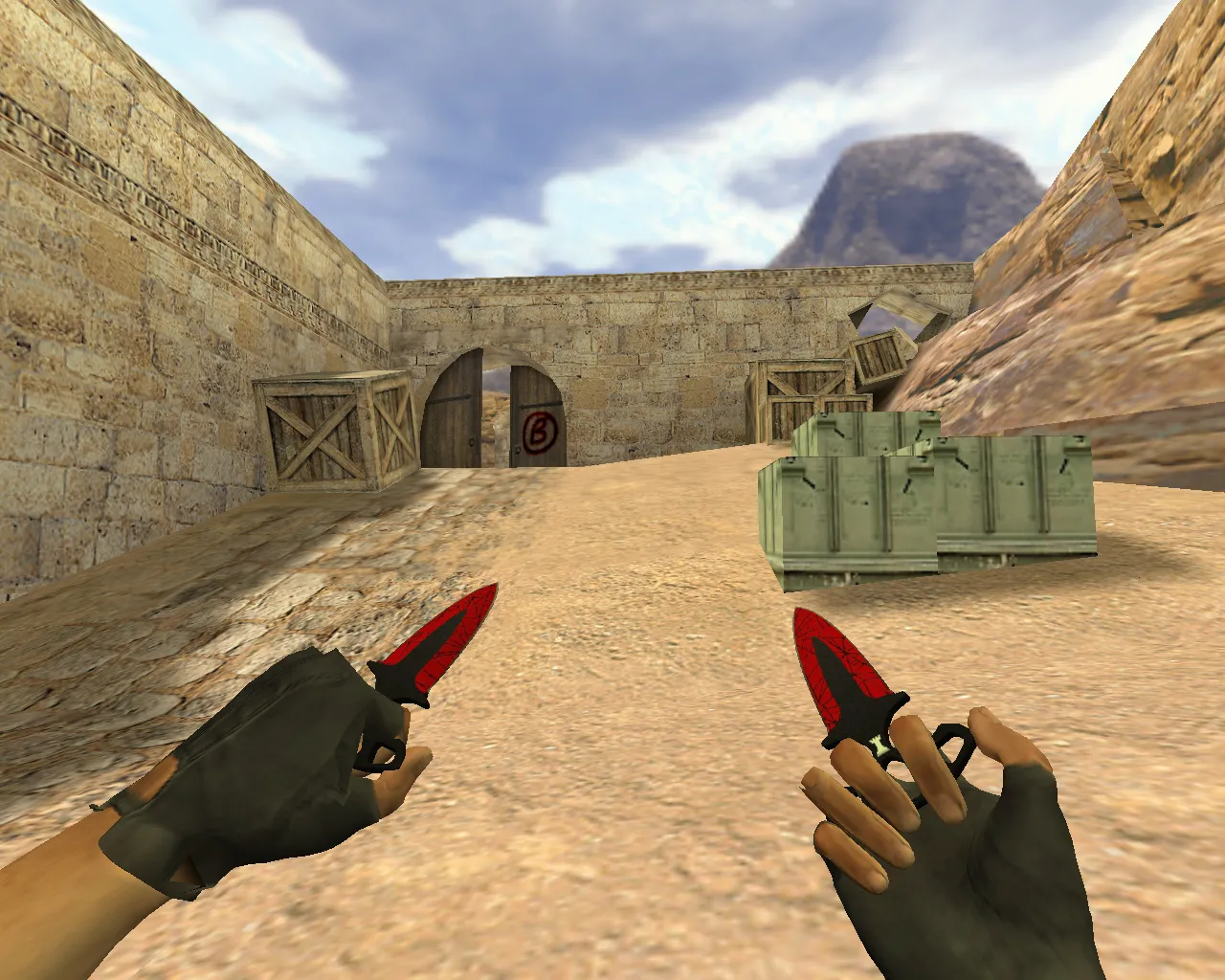
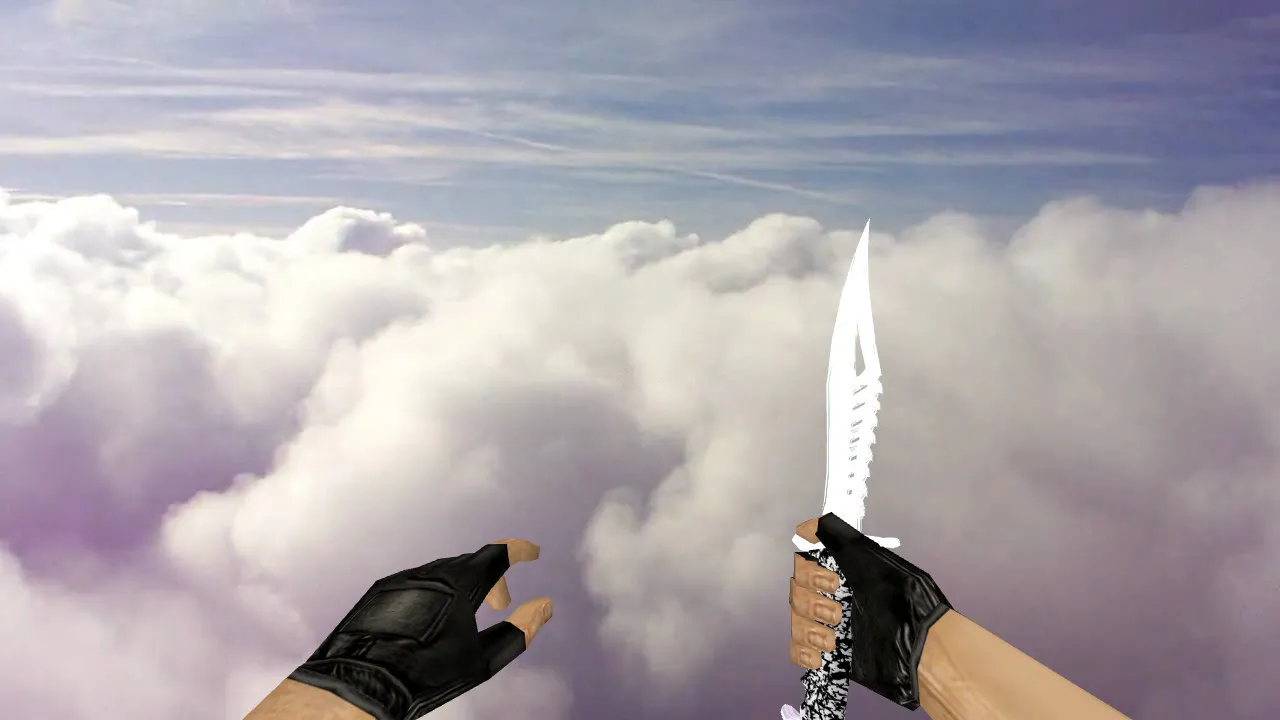
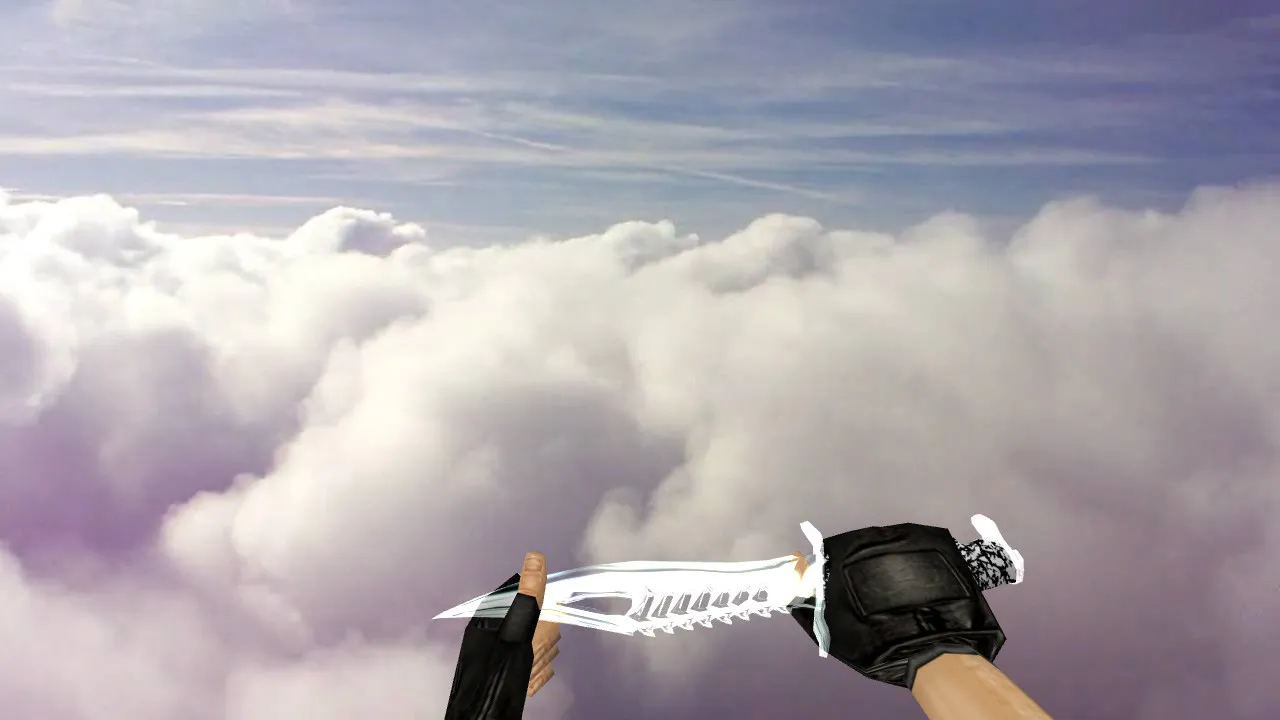
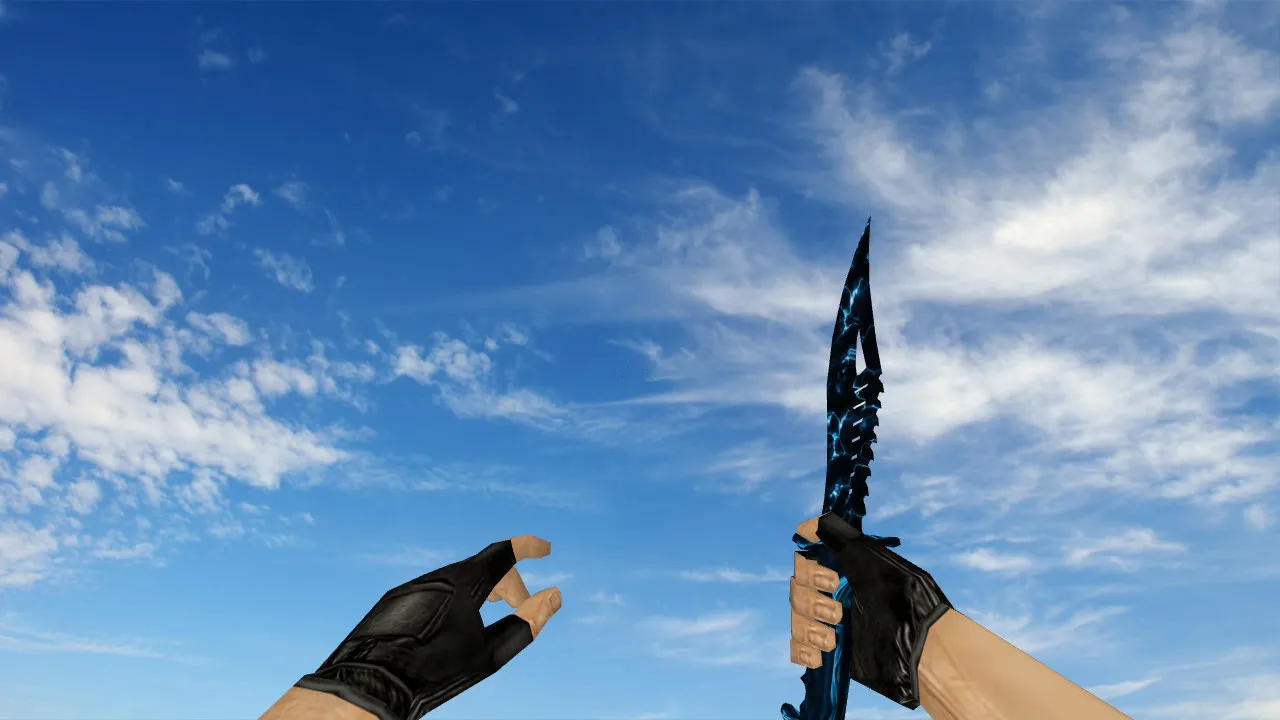
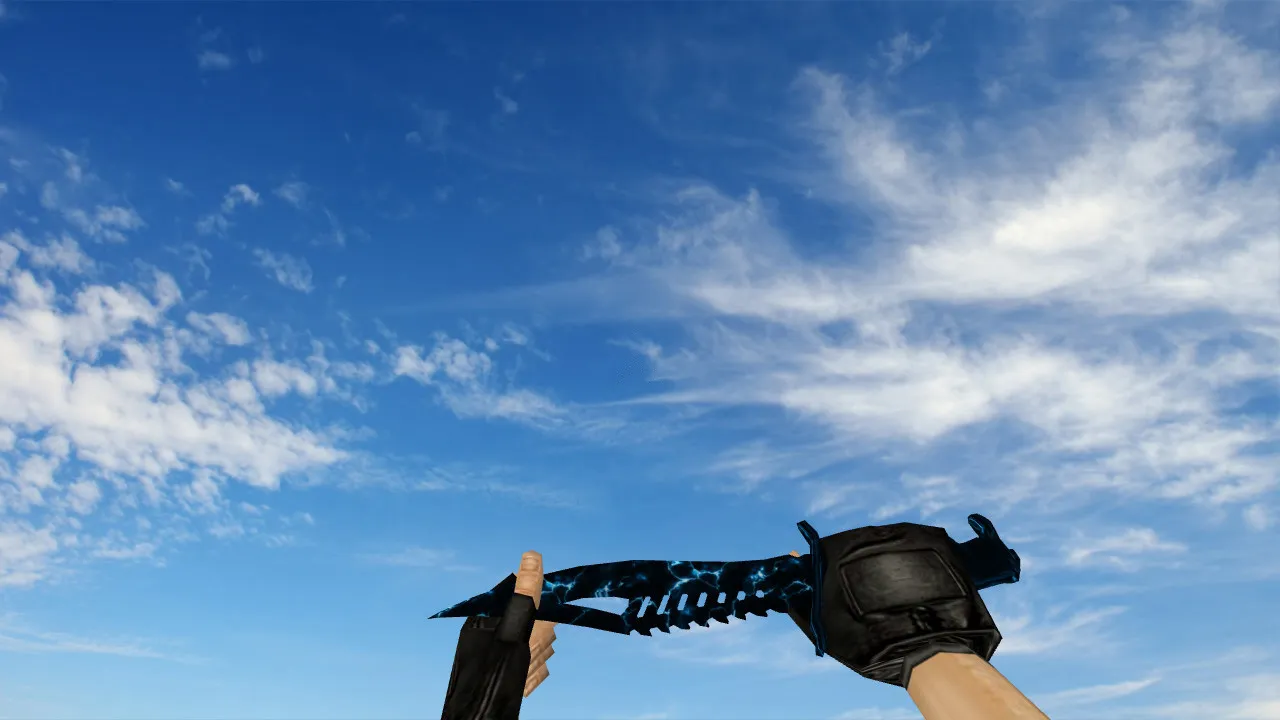
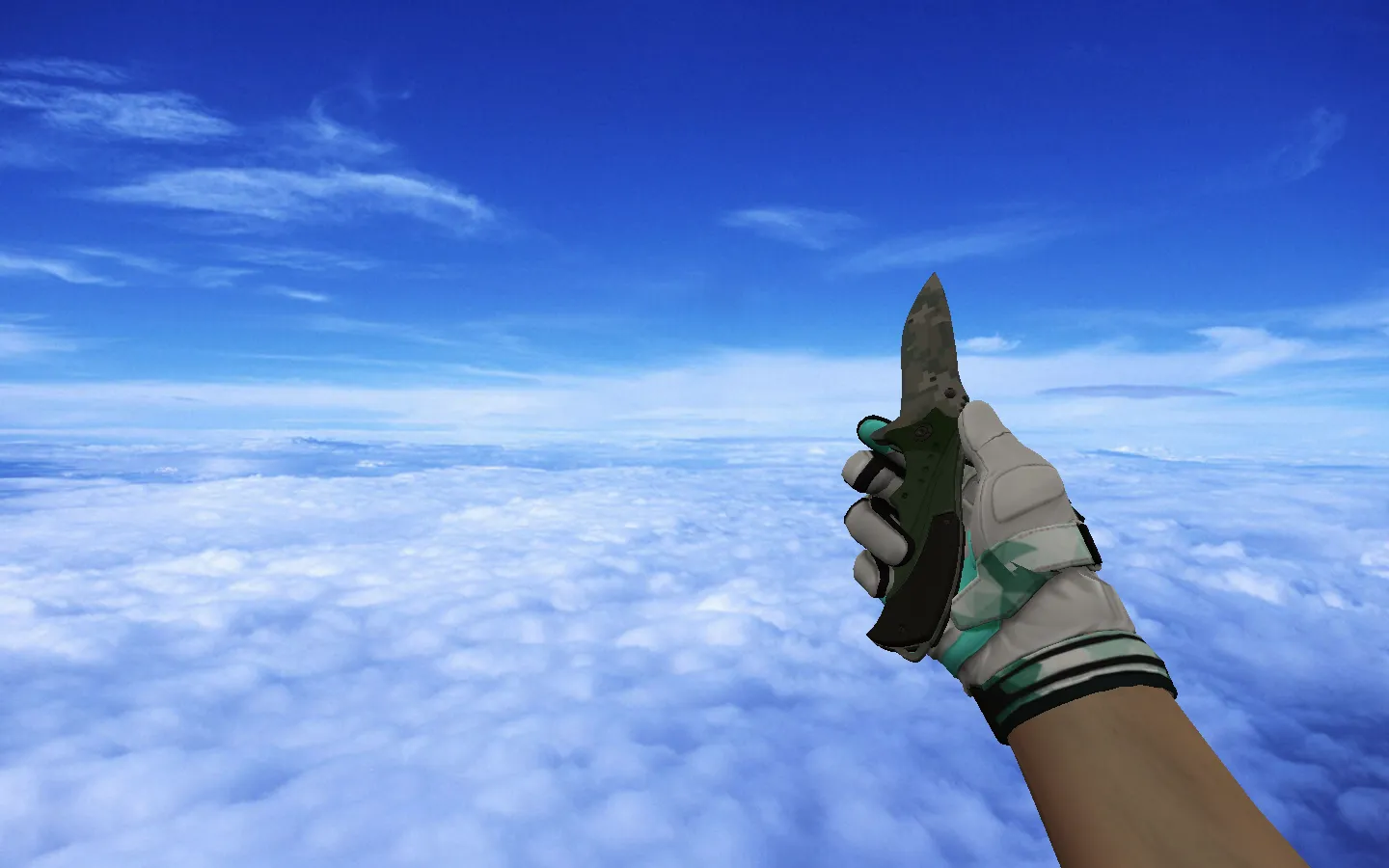
Knife models in CS 1.6 are notable for their in-game clarity and how they appear in the player's hands. The USP Club model conforms to the engine's standard specifications. The package generally contains v_, p_, and w_ models, guaranteeing a uniform look in first-person view, third-person perspective, and when the weapon lies on the ground. Be sure to check the custom sounds and inspection animation to prevent synchronization problems during weapon switches or inspection.
Before installing, remember the basic mechanics. CS 1.6 loads models from the game's folders. Putting files in the wrong location can stop the game from recognizing the replacement or lead to broken textures. Proceed with caution: back up the original files first, then move the new ones into place. For server play, verify client-server compatibility. It may function in local games but fail on protected servers that enforce file checks or config restrictions.
Key Details: v_ p_ w_ Models and Visual Elements
- v_ model controls the first-person view. Make sure outlines remain crisp without blurring, and textures do not smear during movement for improved hitbox alignment.
- p_ model is seen in the player's hands during camera rotation. Concentrate on smooth integration with hand models to remove gaps or clipping.
- w_ model governs ground display and certain in-game situations. Check visibility in dark areas and at long range, optimized for ESL-style low-light maps.
- Custom sounds must match attack inputs: strike sounds and switches should play without lag or cuts, preserving high-fps performance.
- Inspection animation requires smooth playback. Glitches here can make the model look distorted during viewing, disrupting polycount efficiency.
Post-Installation Testing
After replacement, start the game for a quick test. Open the console to review resource loading, then run cycles: equip the knife, inspect it, drop it, and re-equip. Test rotations while standing still and while sprinting. Jittering points to misplaced textures or model files in the directory structure.
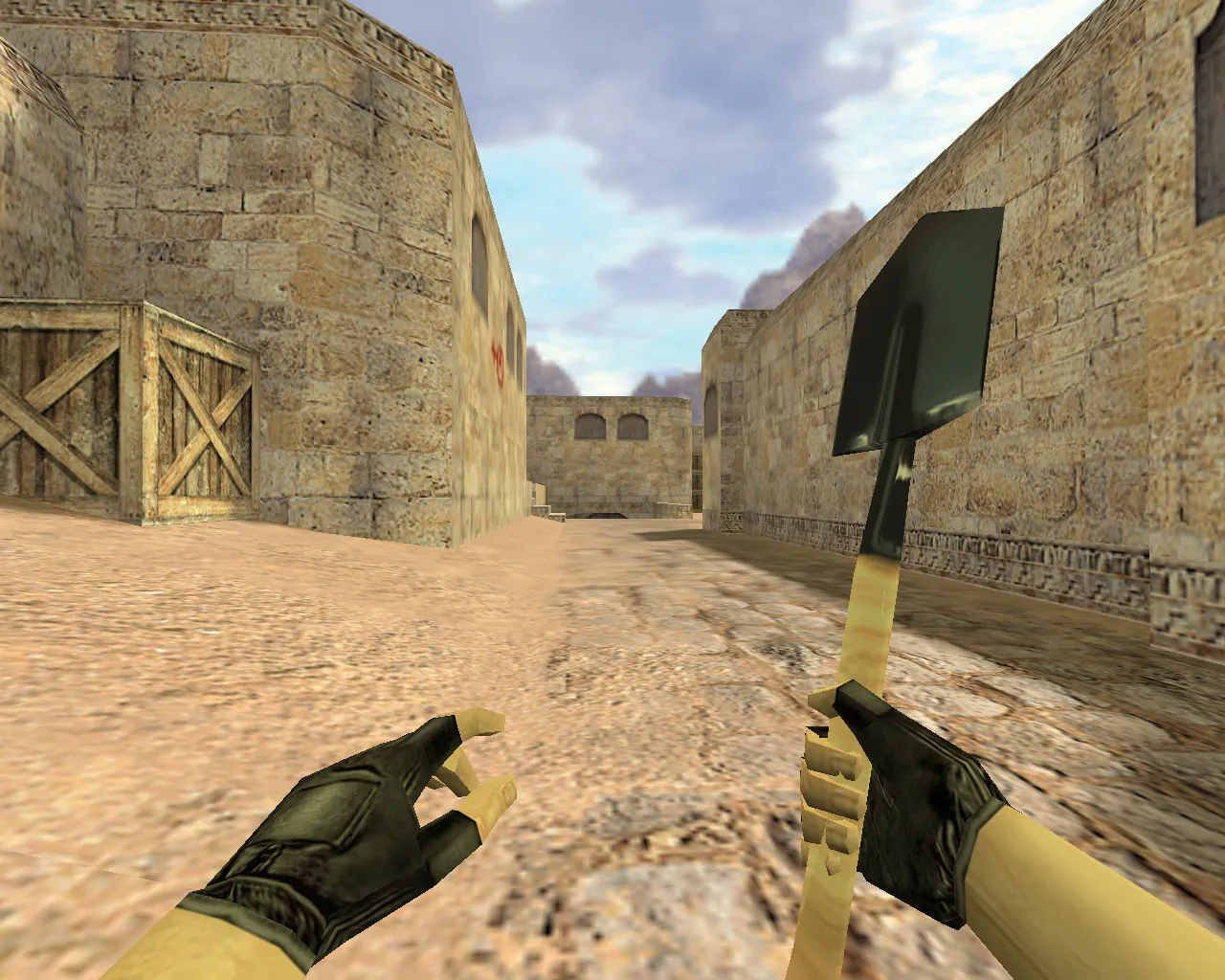
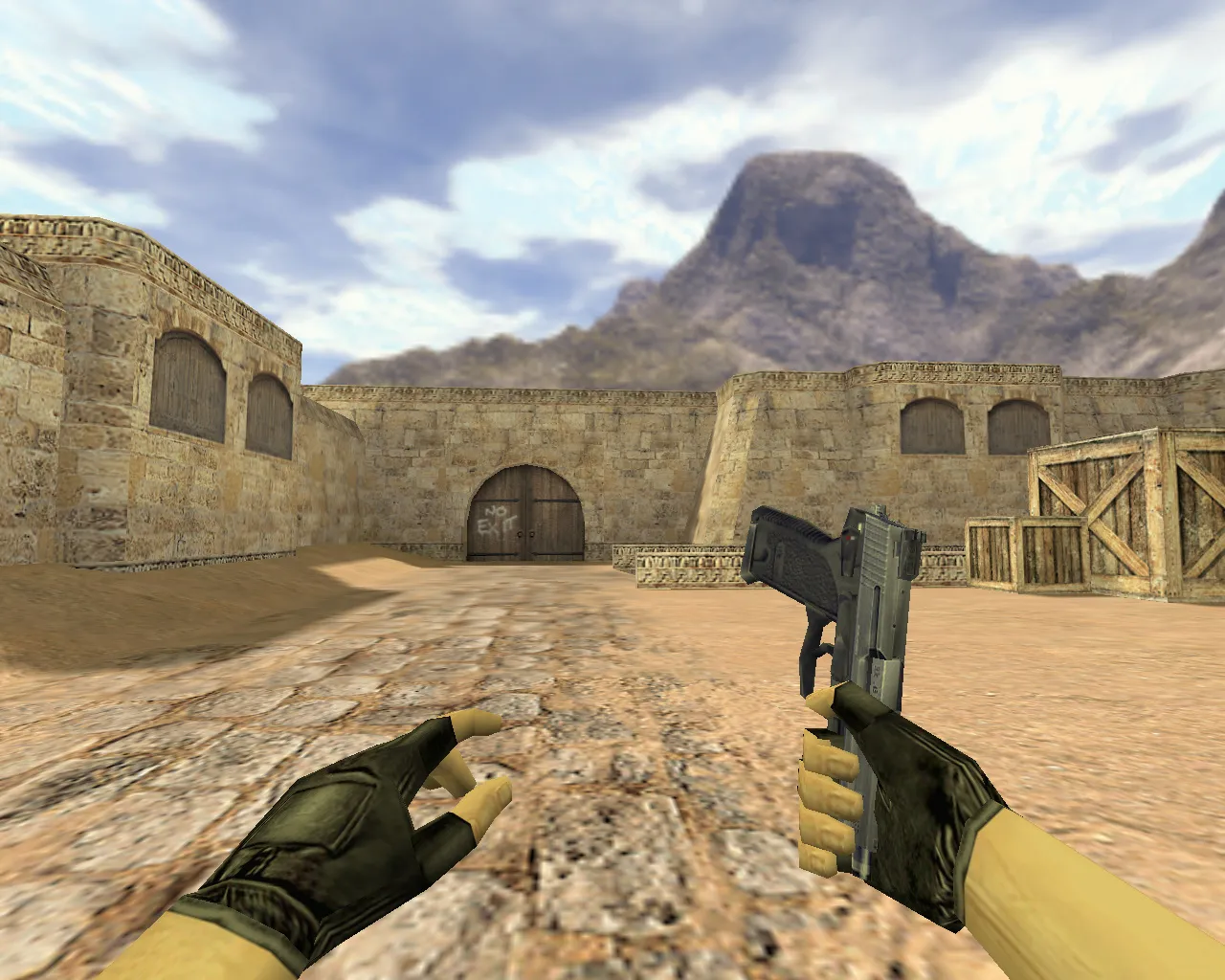
Assess readability in shadowed spots. CS 1.6 lighting differs across maps like de_dust2's long corridors or bombsite tunnels. If textures fade or details vanish, it shows during aiming or quick turns. The USP Club model must stay distinct against walls and smoke for solid visibility balance. Low polycount keeps it lightweight without sacrificing detail.
Safe Installation and Configuration
- Download only from trusted sources. Avoid suspicious files and disable auto-connect to prevent risks.
- Keep backups of stock models handy for quick restores.
- Resolve conflicts with other mods by removing prior changes; multiple replacements can overwrite paths.
- Maintain a clean config.cfg for stability, avoiding unverified tweaks.
- Ensure folder structure matches your Steam or Non-Steam setup for compatibility across builds like 4554 or 8613.
Final Notes
The USP Club knife model for CS 1.6 emphasizes accurate v_ p_ w_ files, reliable custom sounds, and fluid inspection animation. Back up originals, place files in the correct folders, then test first-person view, hand rendering, and ground drop. This confirms smooth performance in actual matches without glitches or compatibility issues. With HD 512x512 textures, it boosts visibility in dark corners while keeping no-recoil feel intact for precise swings.
For deeper tweaks, edit the sprite files in the wad for sharper outlines. Pair it with a clean config for MasterServer protection on public servers. No viruses or slow-hacks included-pure modding focus. Test on local bots with .nav files to simulate tactical knife plays, like close-quarters on de_inferno's banana site.
Install in three steps
-
1
Download the archive. Use the button on the right, or the Yandex.Disk mirror if the main server is slow.
-
2
Extract it into the game folder. Use 7-Zip or WinRAR. A path without non-Latin characters works best.
-
3
Launch the game. If something doesn't work, mark it below - that is how we know the file needs an update.
Did it work for you?
No sign-up needed. You can pick more than one.