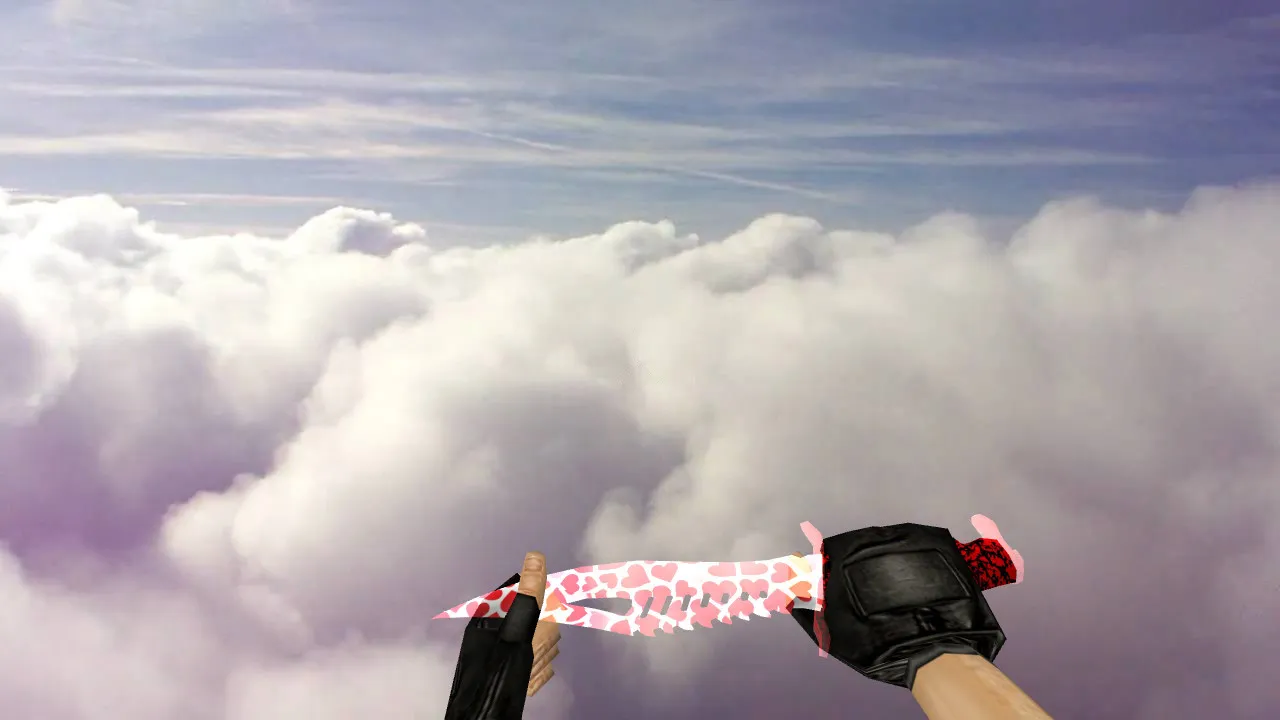
Bloody Web Poke Knives V_ and P_ Models for CS 1.6: Unique Audio, Inspect Anims, HD Textures
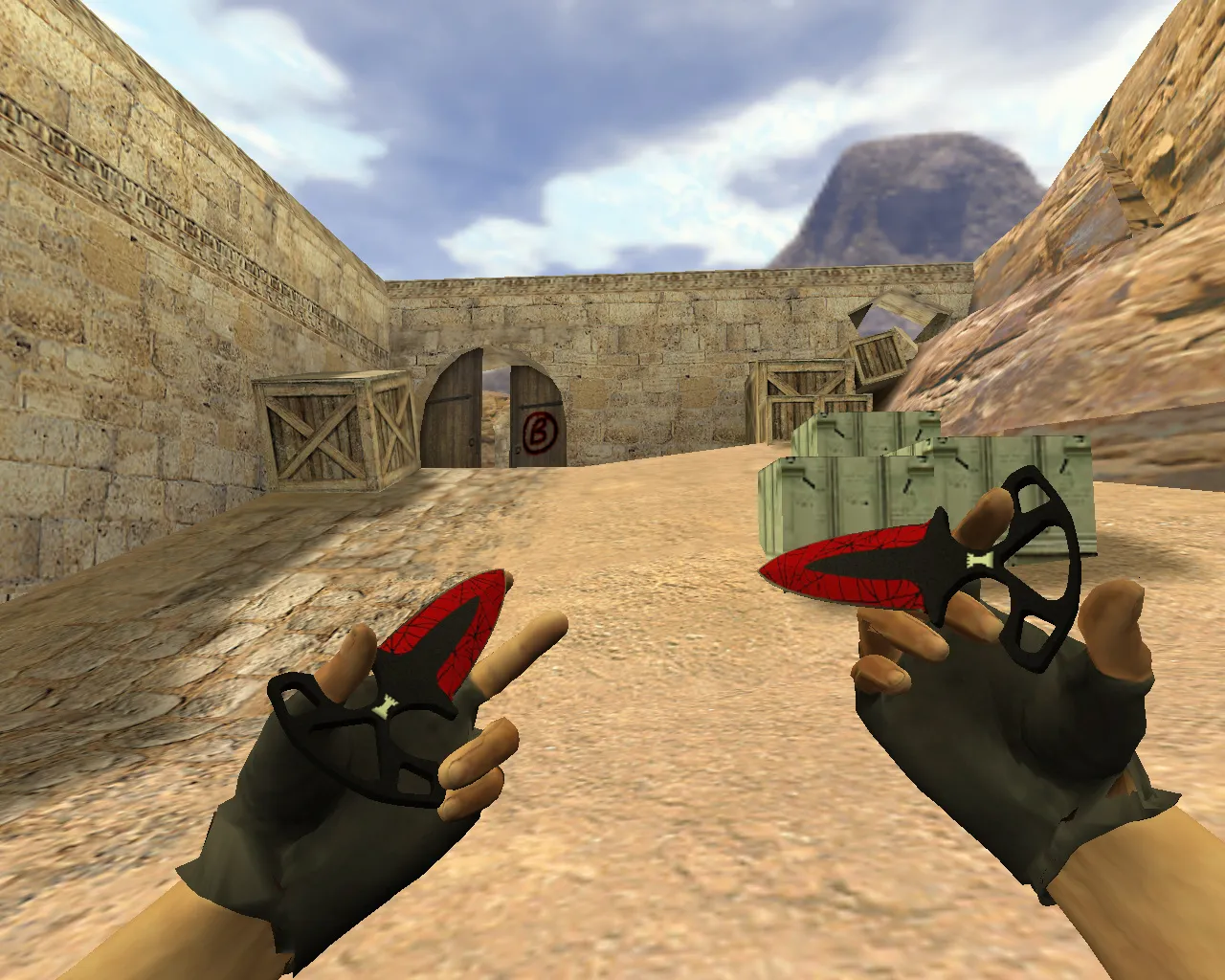
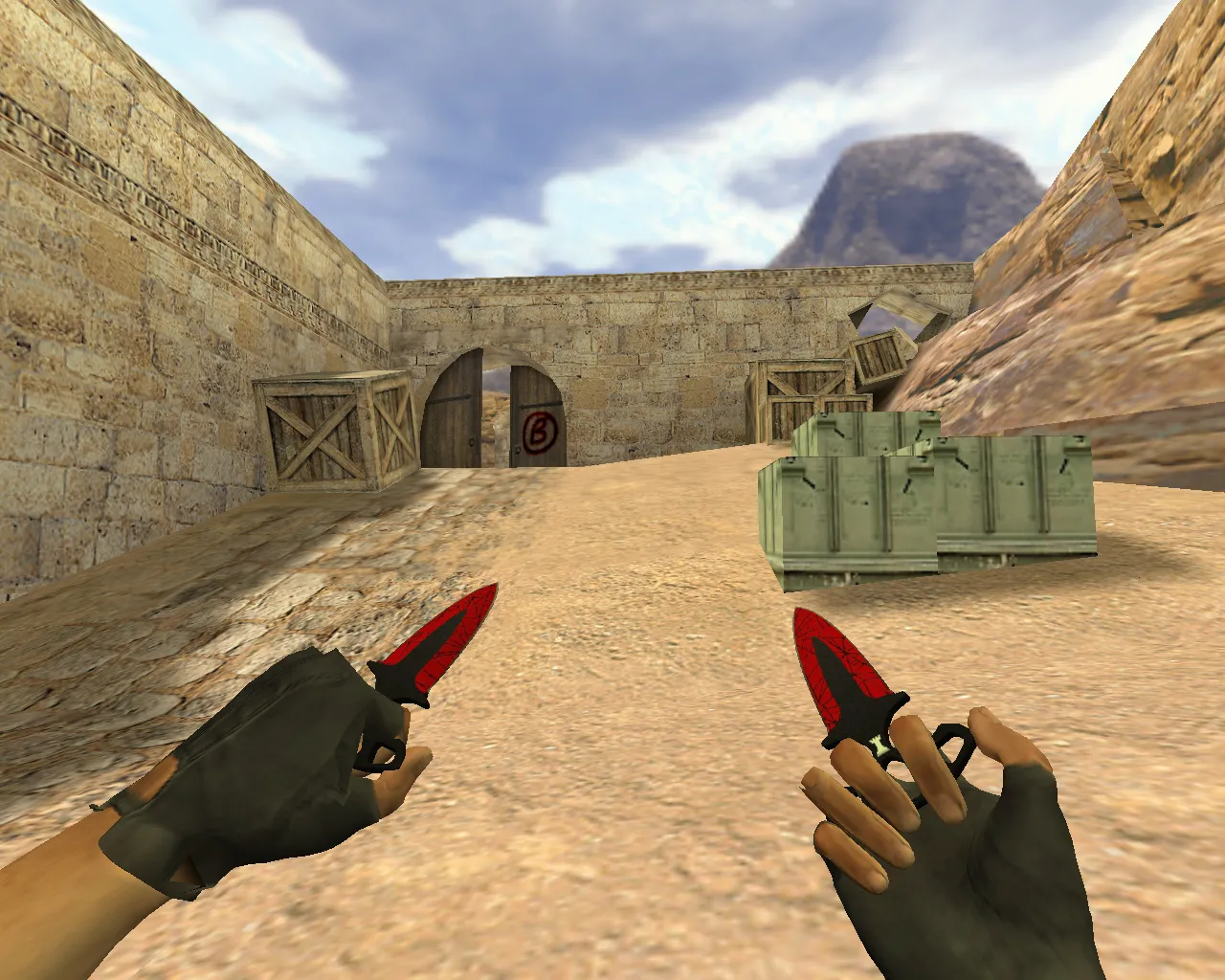
Description
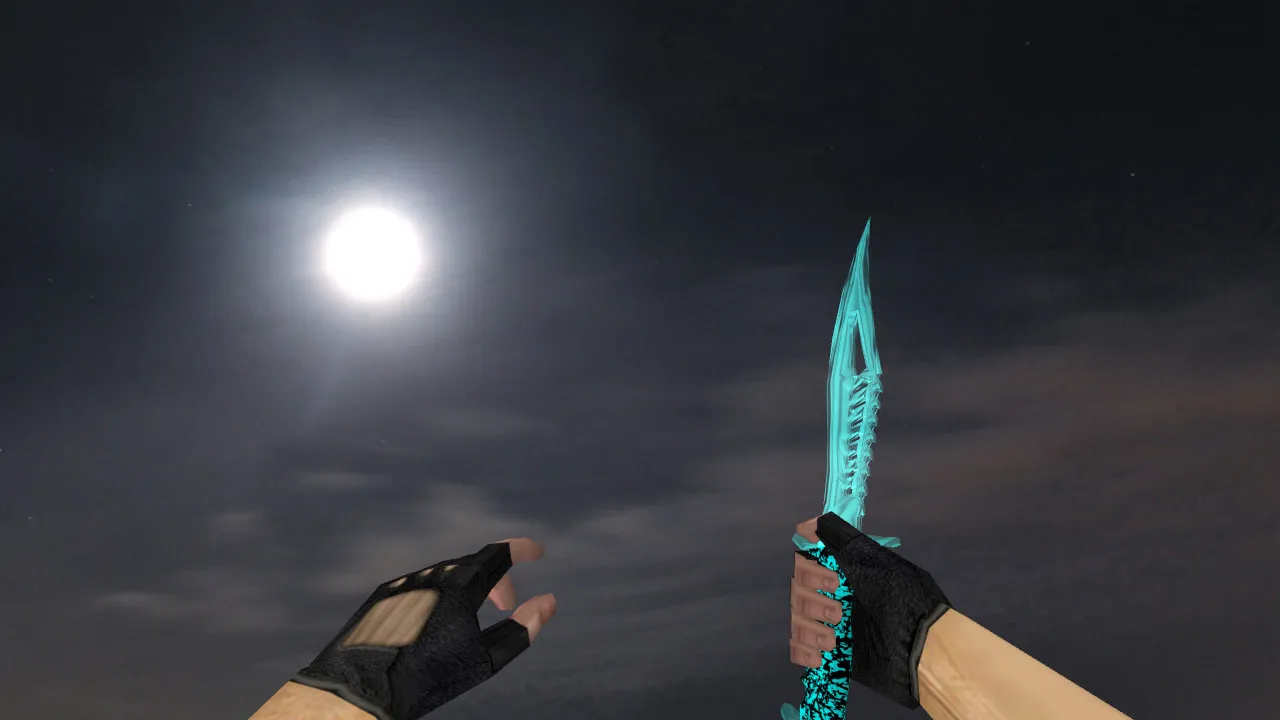
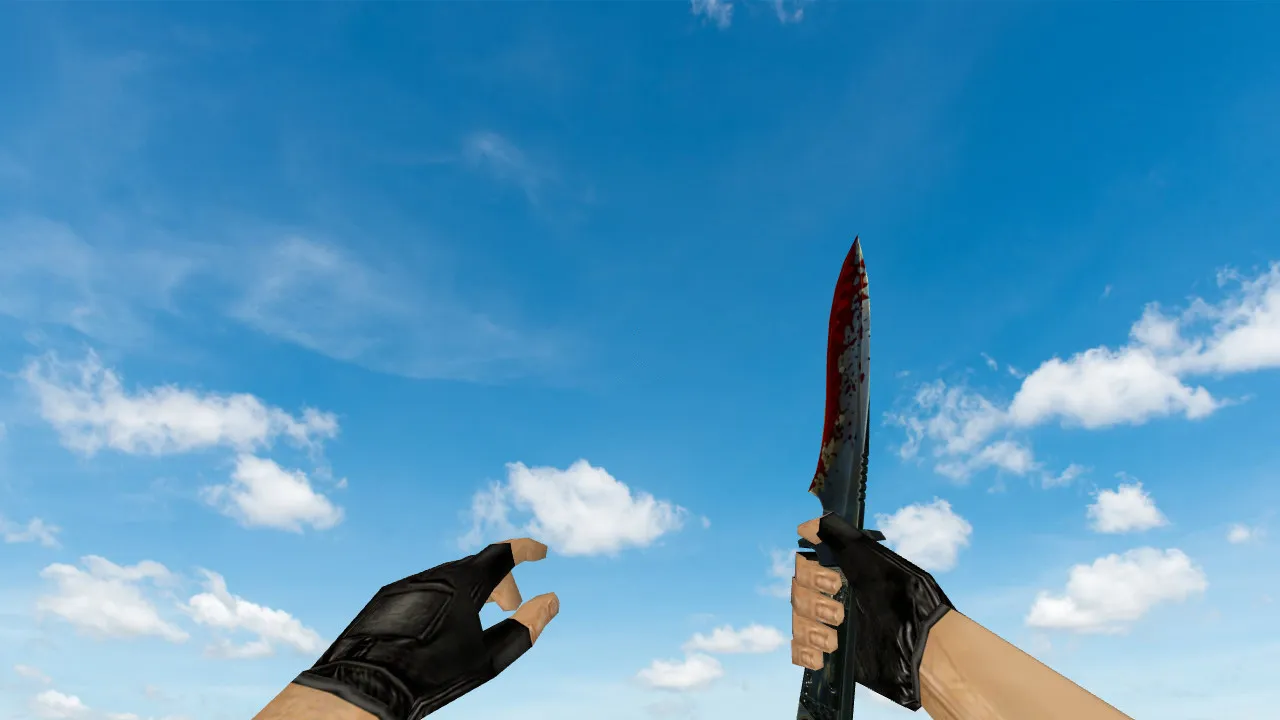
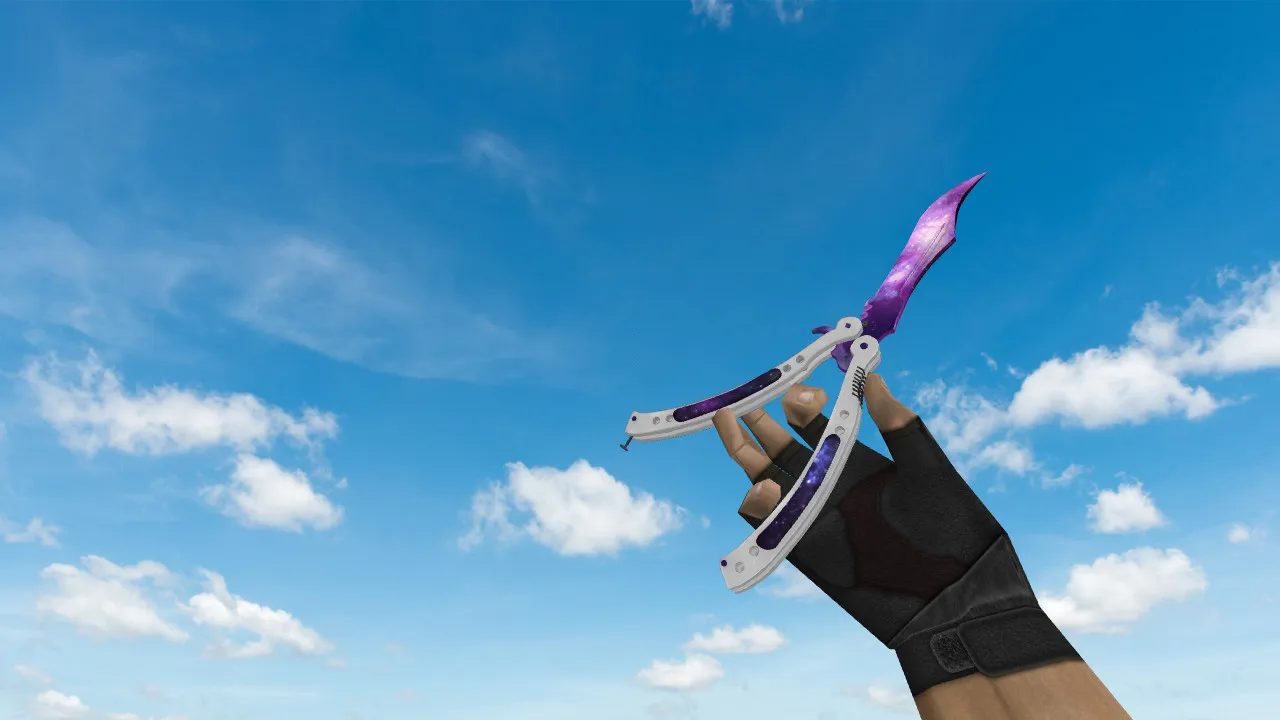
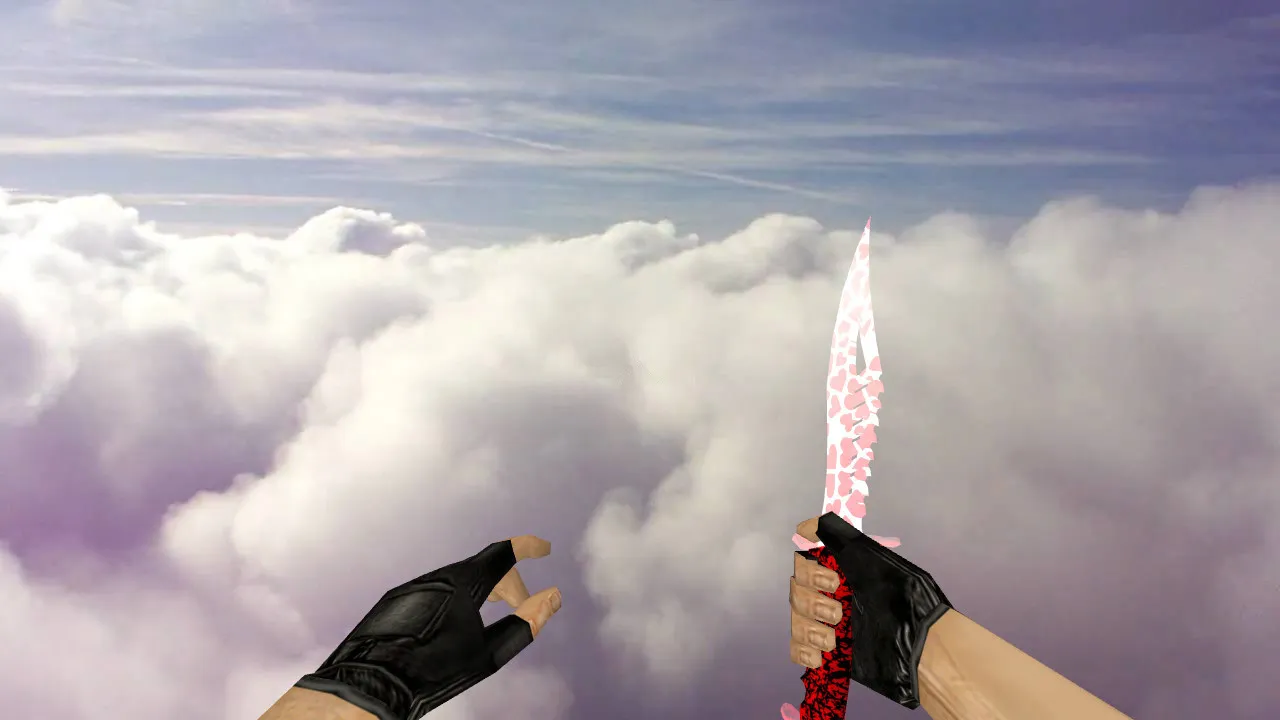
Bloody Web Poke Knives for CS 1.6
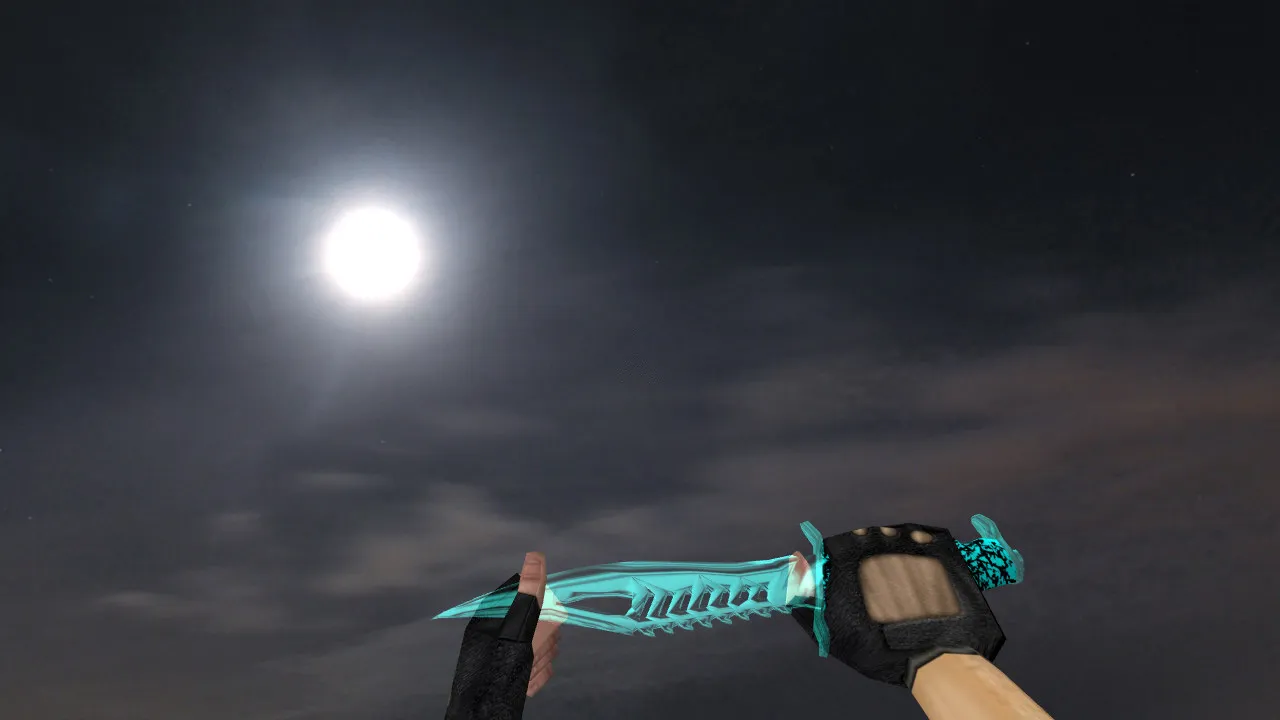
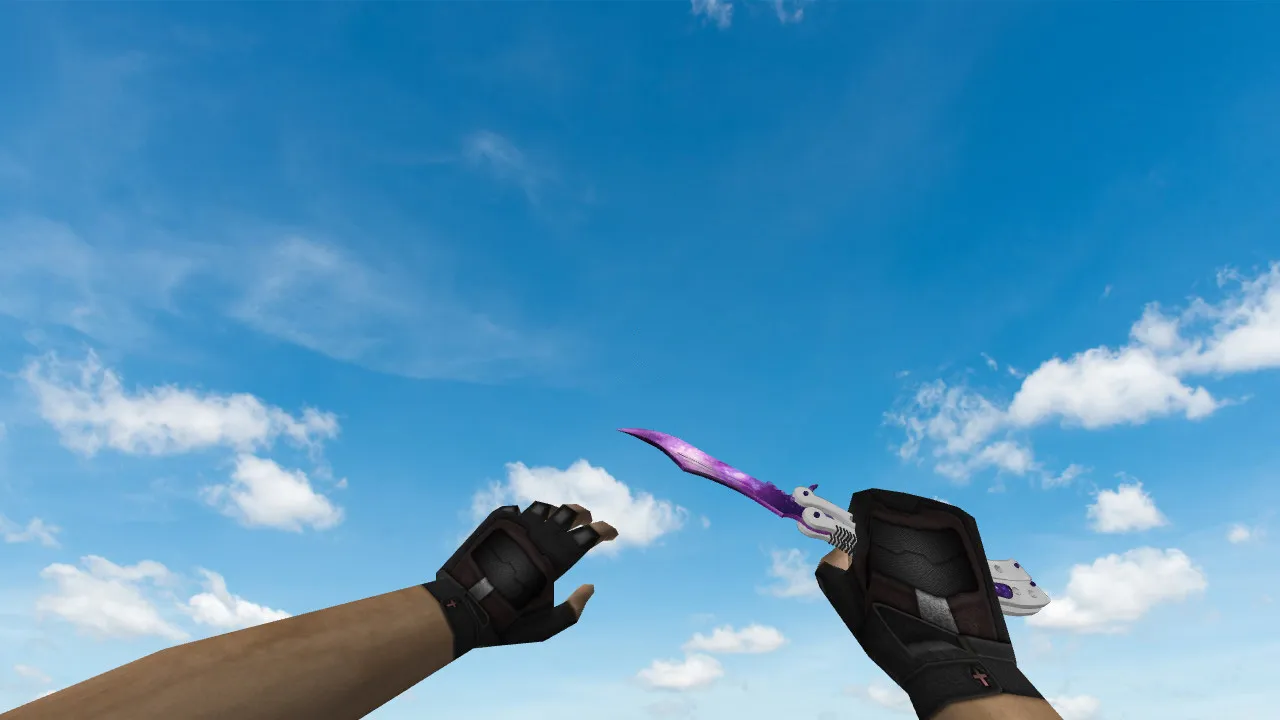
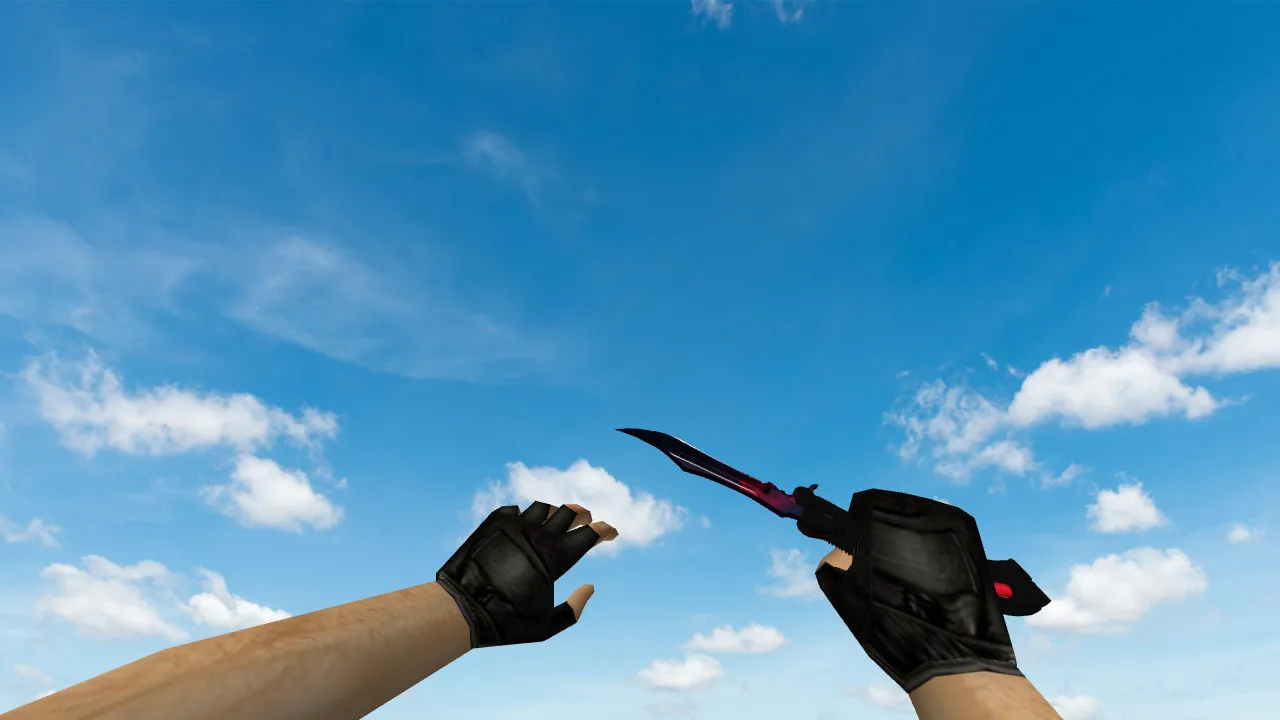
Designed for Counter-Strike 1.6 players who value clear hand visibility and intricate detail, the Bloody Web poke knife model delivers. This package provides correctly paired v_ and p_ files to guarantee flawless rendering in both first-person and third-person perspectives. Animations are a highlight: inspection sequences play without a hitch, and stance transitions register immediately on standard servers.
Built as an authentic poke knife, it functions as a close-quarters instrument for rapid confrontations. It proves highly effective during end-of-round pushes within confined spaces and tight map corridors. The key advantage is dynamic readability-the Bloody Web design remains crisp during motion, preventing it from blurring against other weapons or level geometry. Textures maintain integrity with distinct line work and surface detail at a 512x512 resolution.
Bespoke audio cues improve the experience without causing interference. In CS 1.6, knife sounds must align with the server mix-footsteps, draw sounds, and impacts blend naturally. On busy public servers, balanced volume levels prevent audio clutter and preserve situational awareness.
The model emphasizes stable visuals. Since CS 1.6 enthusiasts evaluate gear in shadows and corners, textures and reflections perform consistently across lighting scenarios. The knife stays recognizable, never dissolving into indistinct shapes. In dim hallways or smoke, the pattern endures with visible outlines for superior tracking.
Pre-Installation Checks
- Inspect Animation: Confirm knife draw and holster sequences run error-free.
- Sounds: Check volume levels and synchronization with player actions.
- Textures: Load in-game and review under various lighting conditions.
- Hand Display: Validate v_ (first-person) and p_ (third-person hand) models on a single map.
- Stability: Rely on reputable builds; steer clear of auto-connect features.
Using the Poke Knife In-Game
In Counter-Strike 1.6, the knife transcends aesthetics-it revolves around timing. With a poke design, concentrate on short bursts: lock down a position and hold close range, or capitalize on defensive lapses with speed. On maps featuring narrow passages such as de_inferno tunnels, it excels when opponents cannot rotate quickly enough to fire.
During tight engagements, observe how the model sits in the hand for strikes. Unobstructed attack paths and smooth stance shifts preserve control. Once calibrated, poke attacks feel intuitive, eliminating hesitation in your flow.
For advanced strategy, combine this knife with rush tactics on maps like de_dust2. Control mid for rapid A-site flanks, utilizing the poke for silent advances past bombsite defenders. In 1v1 clutch scenarios, the visible outlines assist in timing lunges against peeking enemies without overcommitting.
Secure Installation and Compatibility
Install manually into your CS 1.6 folders only. Bypass archives requiring elevated permissions or external tools-no malware, no slow-hacks, no advertisements. For play across multiple servers, keep configs separate and avoid modifications that blindly alter core files.
Back up your config.cfg before making changes; restore it after testing to identify any impact on visuals and performance. This maintains steady FPS, particularly on older machines running Build 4554. Compatible with both Steam and Non-Steam clients, though testing on a clean installation is advised to rule out conflicts with custom HUDs or bots.
Ultimately, this model enhances knife utility without jeopardizing server stability. Hitbox alignment remains stock, ensuring fair competition on ESL-style servers. The polygon count stays low at under 500 faces for high-FPS performance in populated lobbies.
Install in three steps
-
1
Download the archive. Use the button on the right, or the Yandex.Disk mirror if the main server is slow.
-
2
Extract it into the game folder. Use 7-Zip or WinRAR. A path without non-Latin characters works best.
-
3
Launch the game. If something doesn't work, mark it below - that is how we know the file needs an update.
Did it work for you?
No sign-up needed. You can pick more than one.