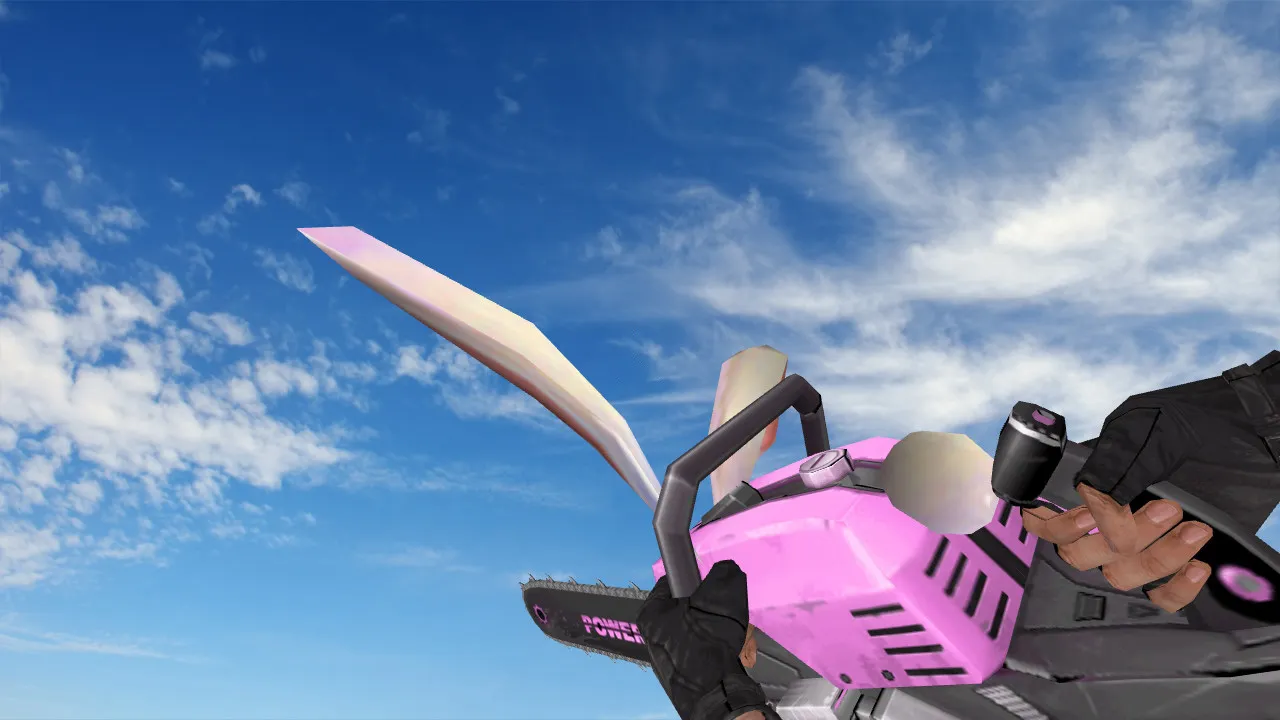
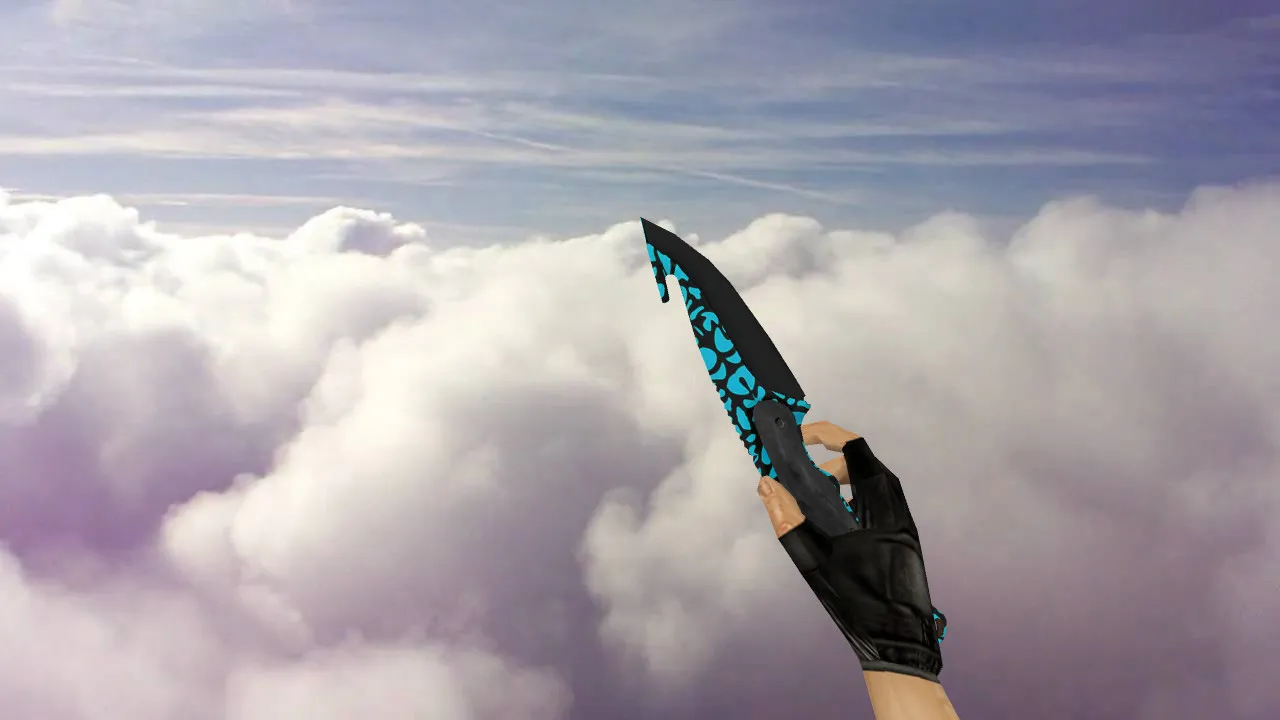
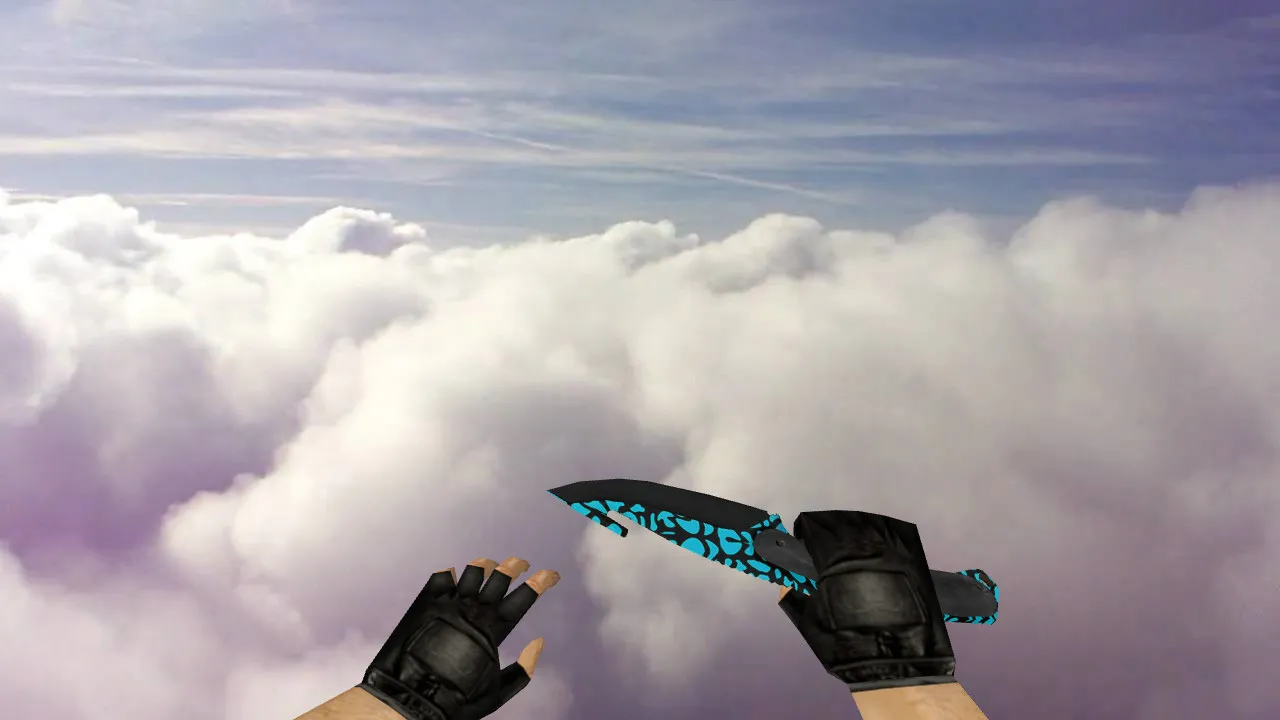
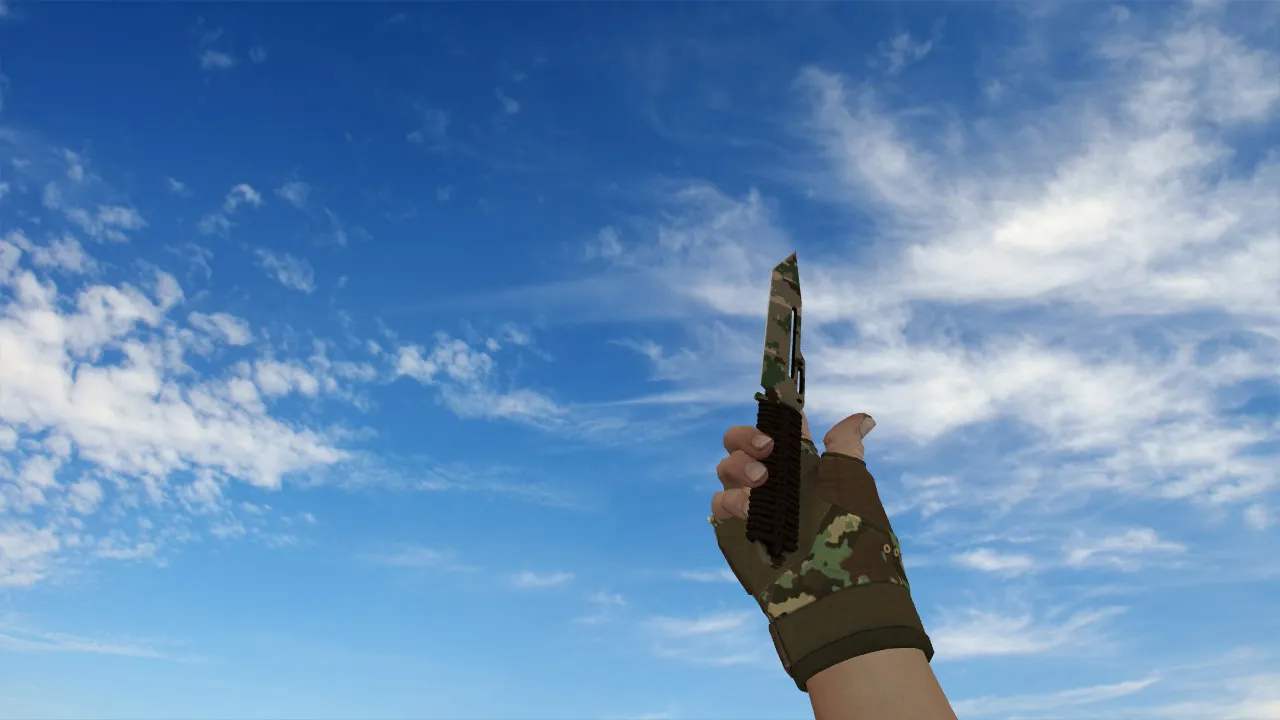
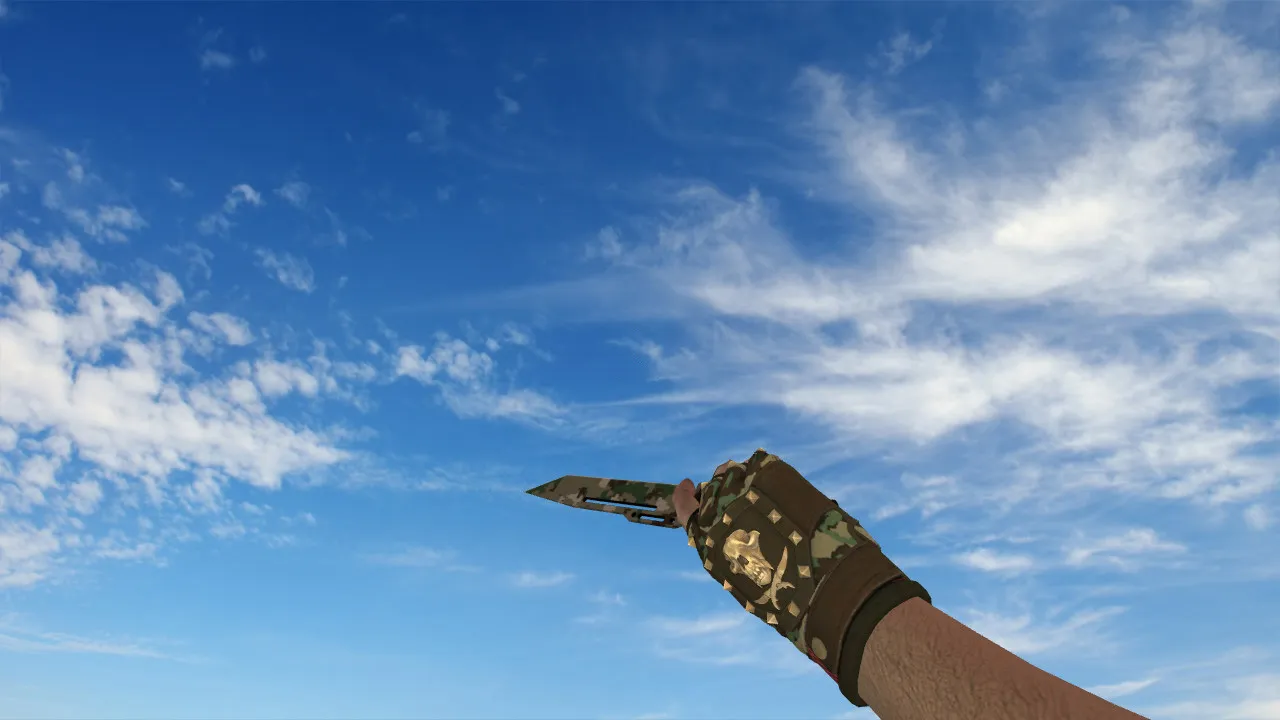
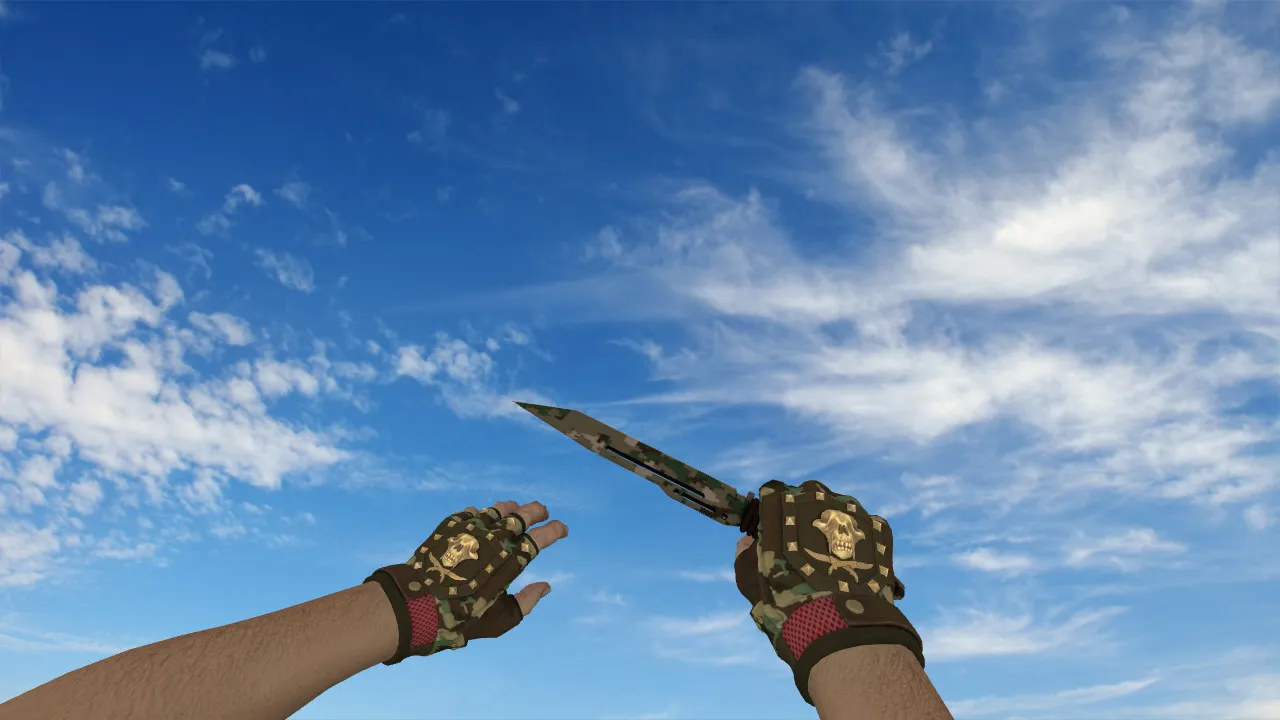
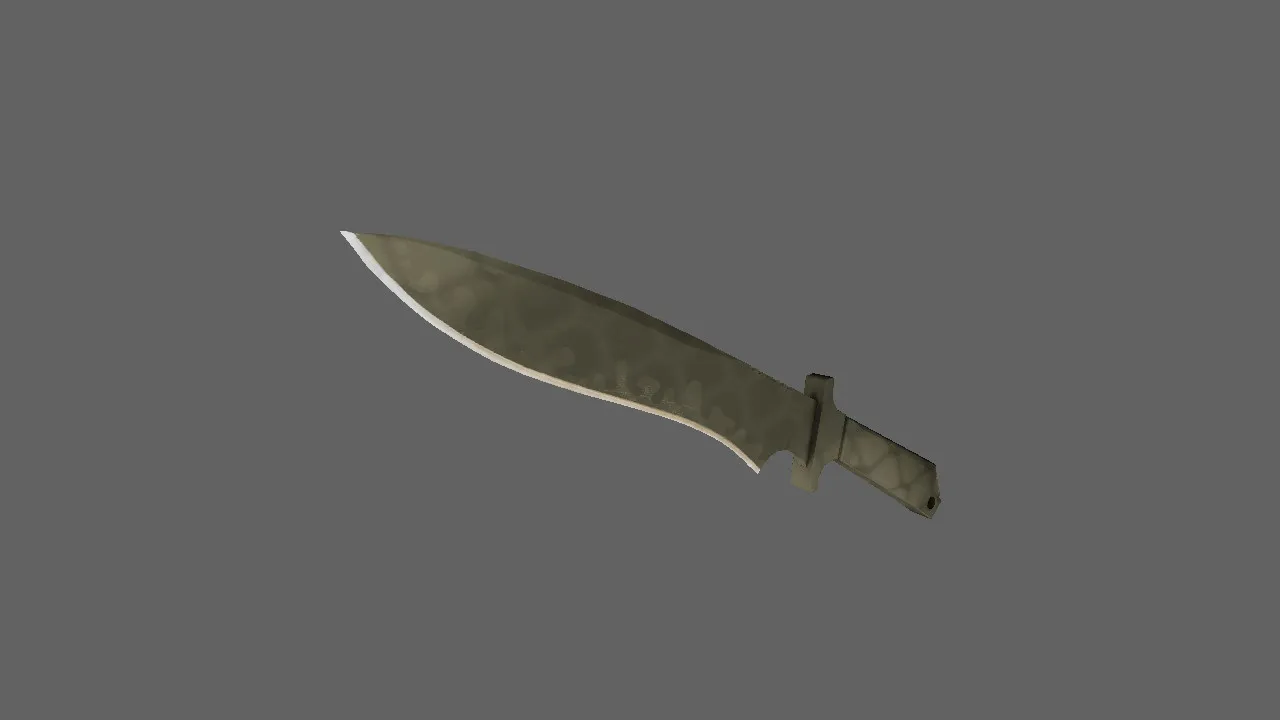
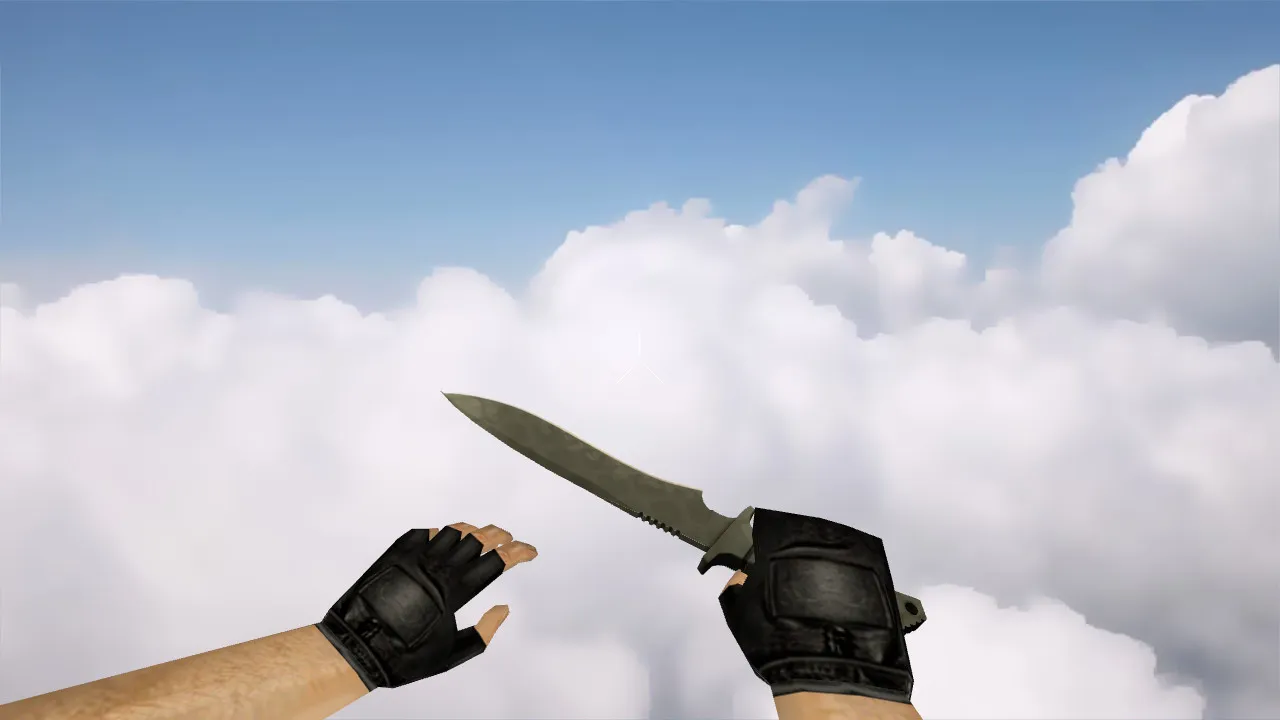
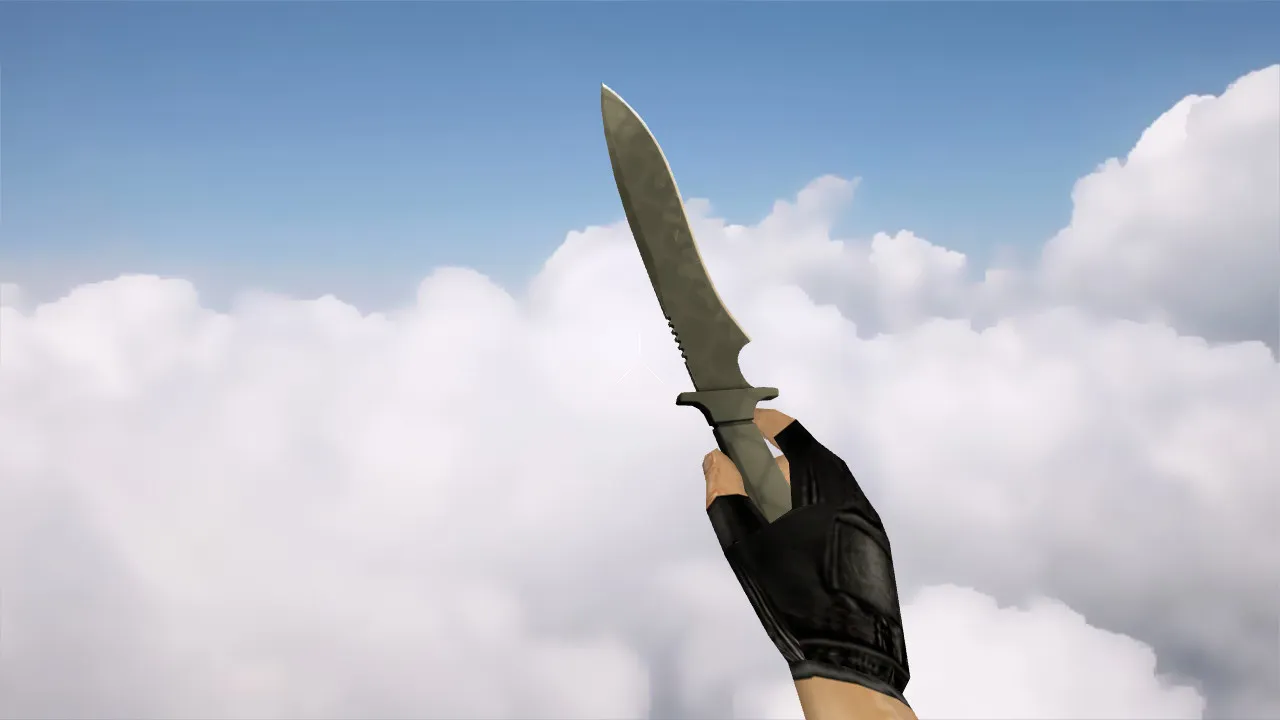
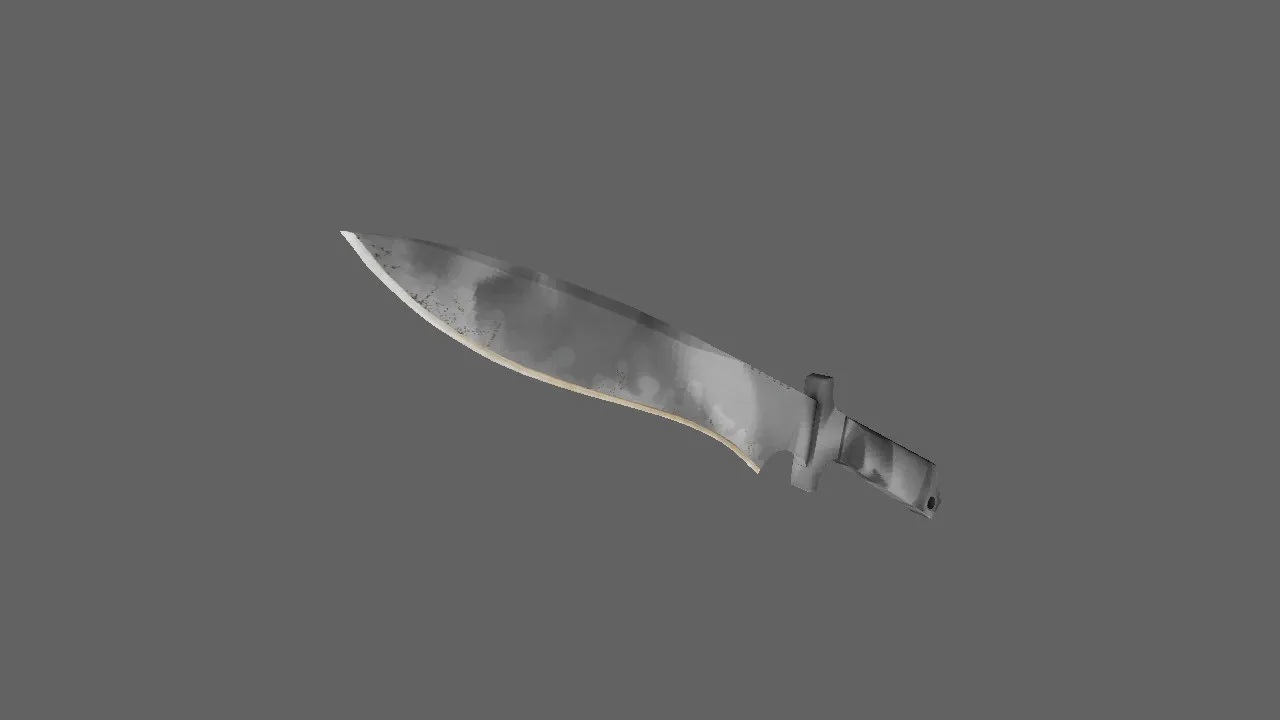
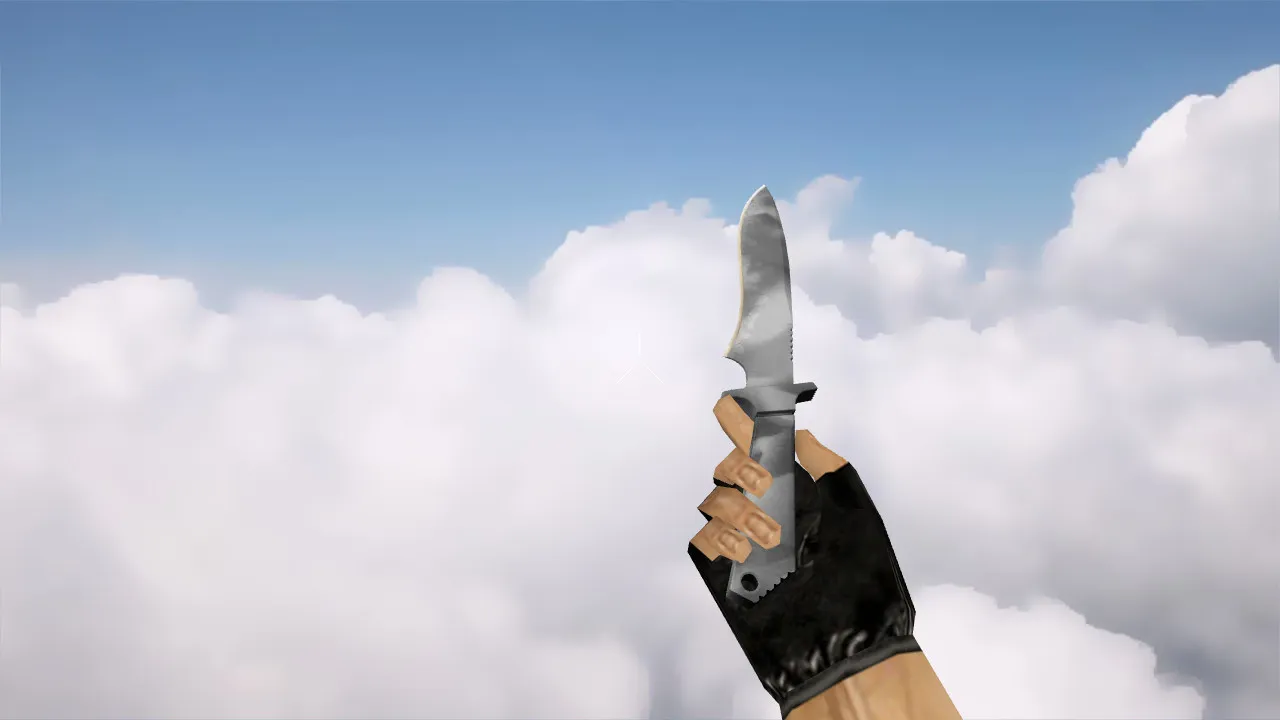
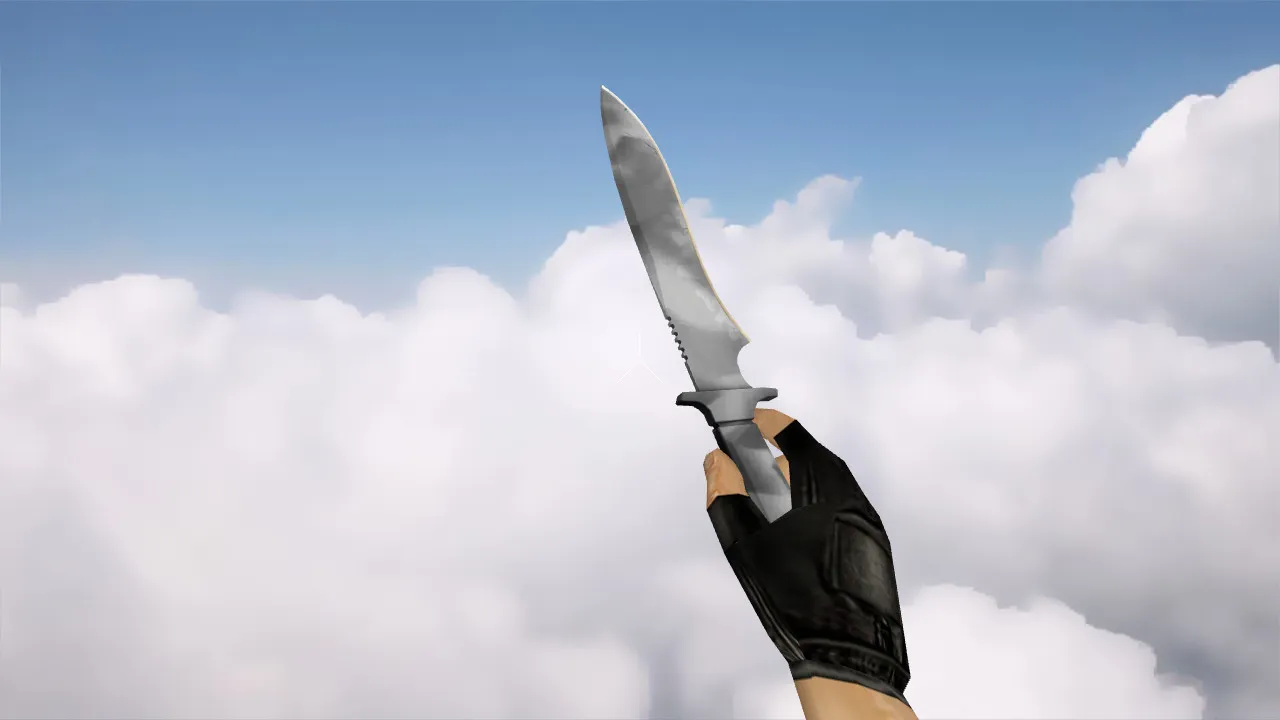
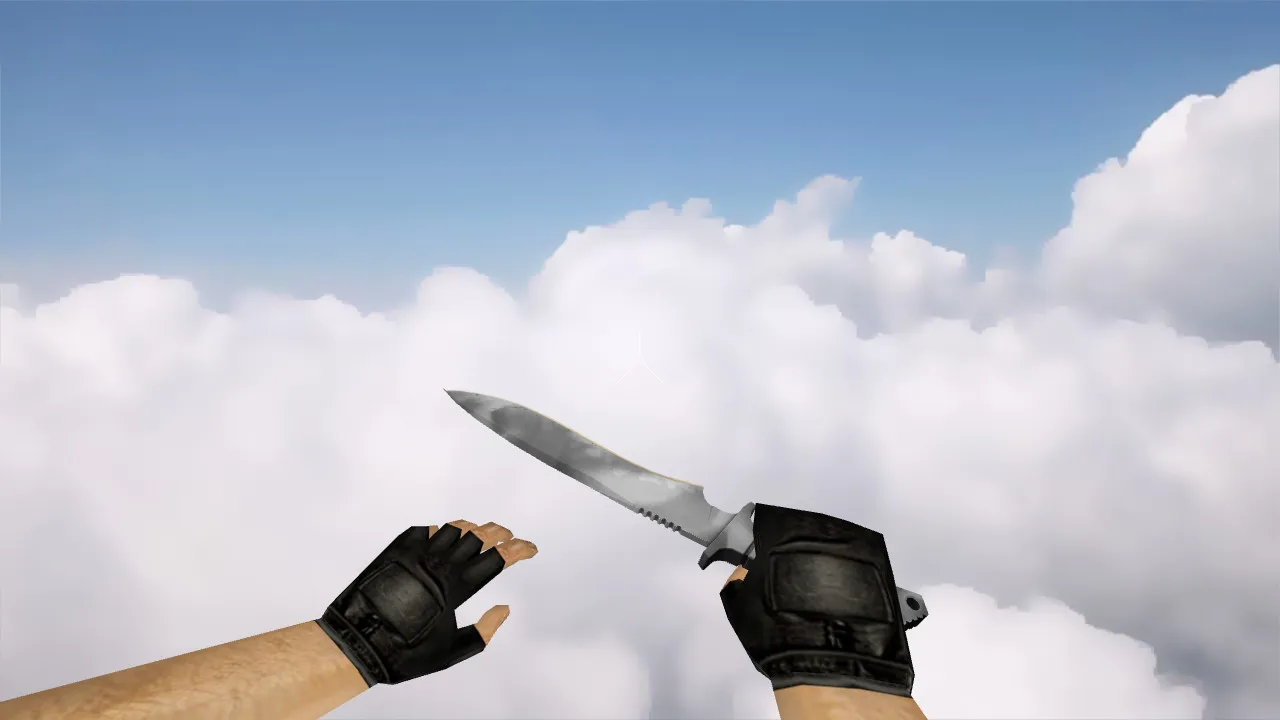
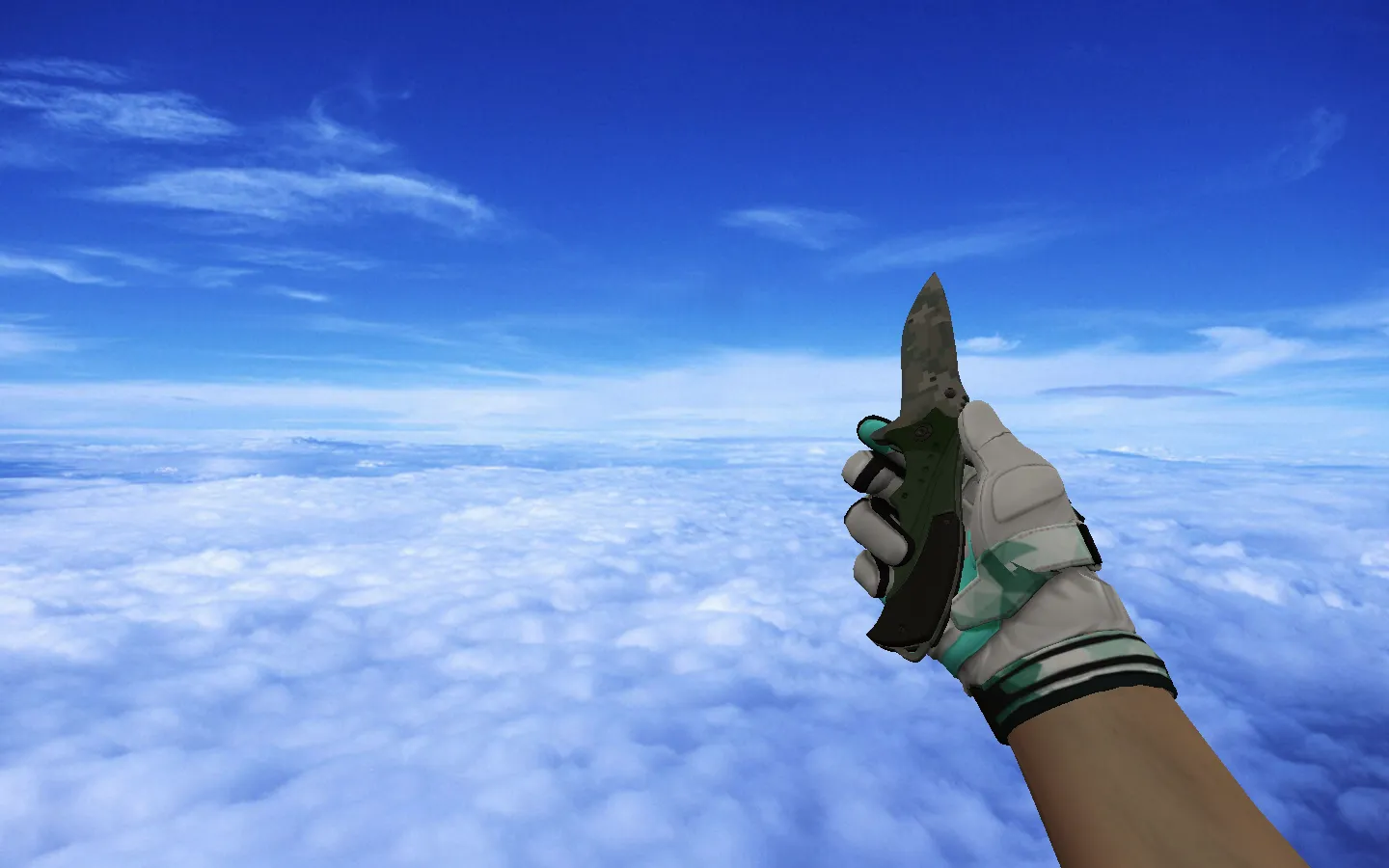
Bloody Default Knife Model for CS 1.6: v_ and p_ Models, Custom Sounds, Inspect Animation, HD Textures

Description
Bloody Default Knife for CS 1.6: What You Get
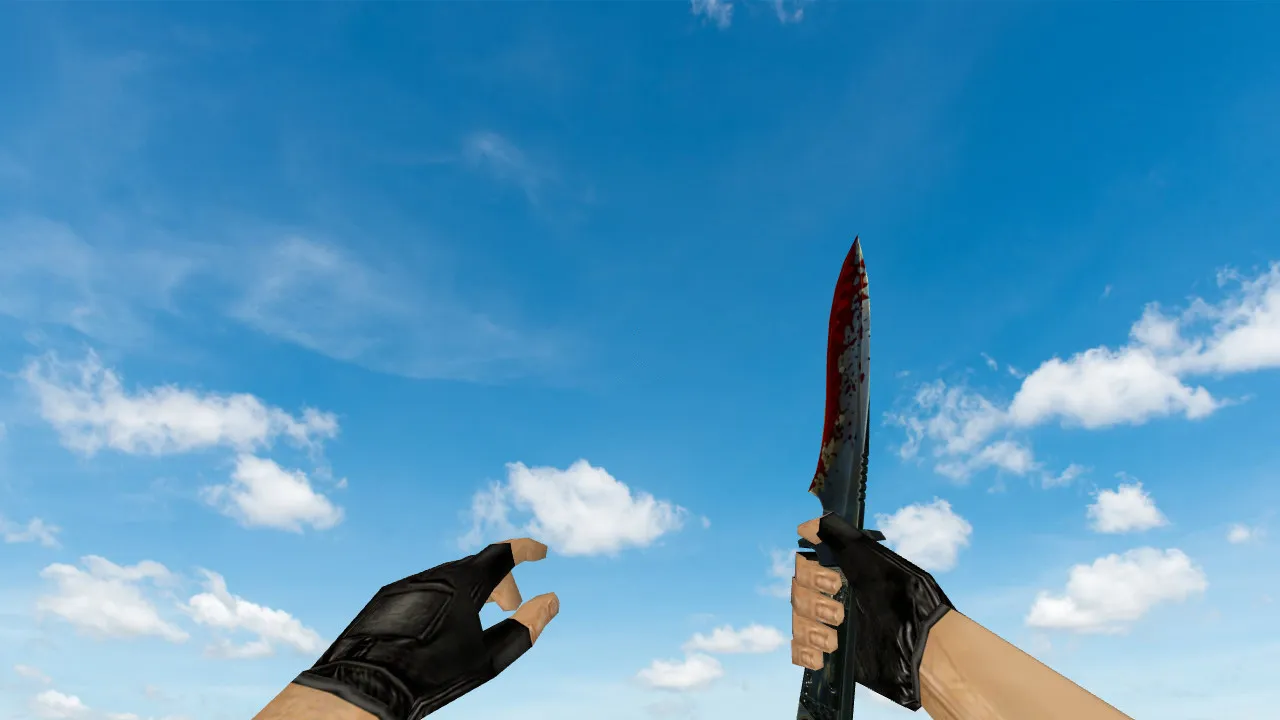
In CS 1.6, the knife decides those tight close-quarters duels where every swing matters. The Bloody Default Knife model preserves the classic blade silhouette and handling while adding a gory texture style for a rougher look. This is a complete weapon model built for the 1.6 engine, not merely a texture pack. You receive proper files that load correctly in-game and run smoothly through the standard model pipeline.
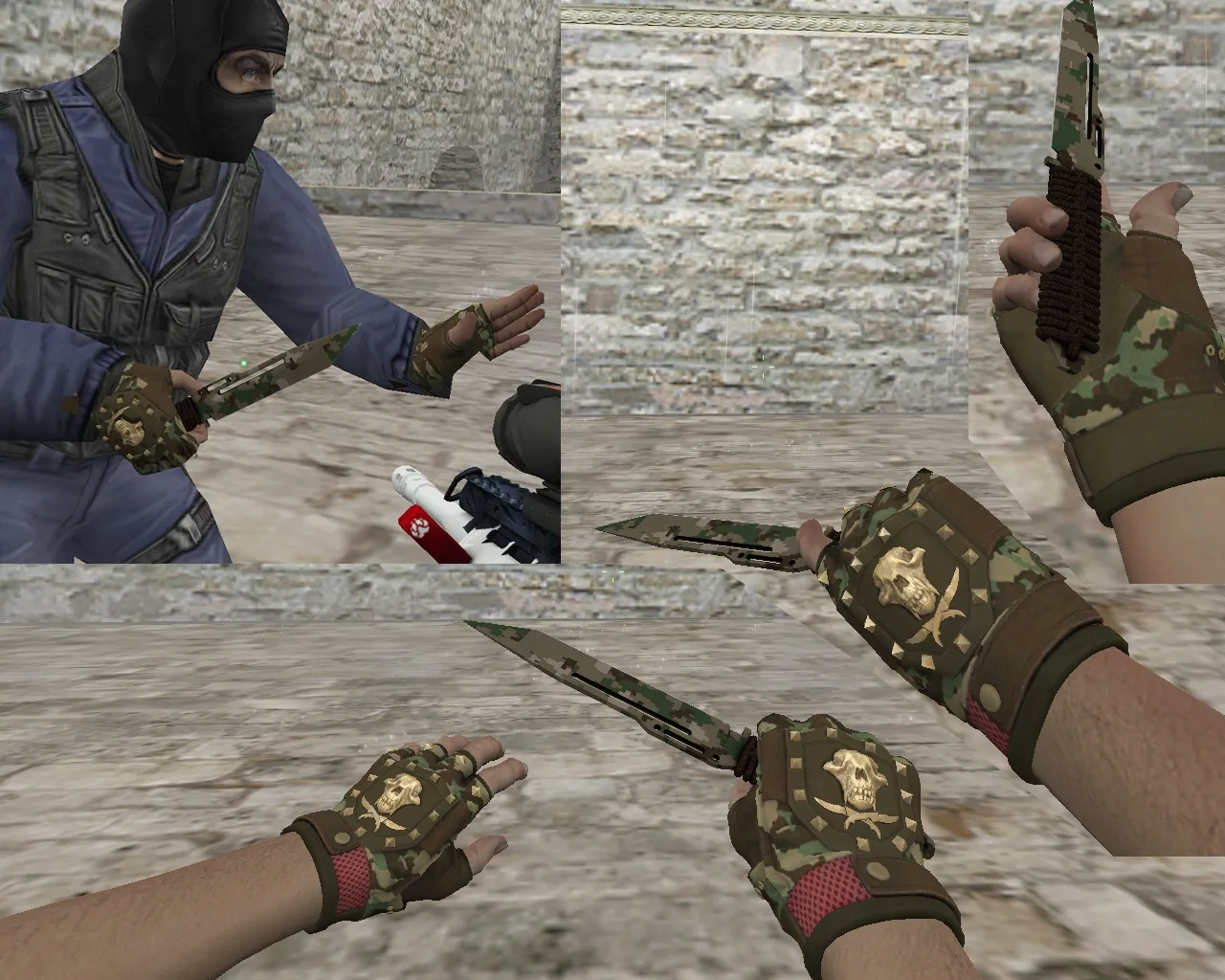
The package follows standard CS 1.6 model naming: v_ for the first-person view and p_ for third-person visibility when the knife appears. Certain releases also include w_ models for world-space hands in specific scenarios. For completeness, it bundles custom knife sounds and fluid inspect animations so drawing and examining the knife works without hiccups. Textures are compiled cleanly, free of edge artifacts or flat-plane glitches.
How to Verify the Model Works in CS 1.6
- Inspect Check: Draw the knife and trigger inspection. The animation should run steadily, with no jerks or clipping.
- First-Person View: Enter a mode where the knife remains visible. Confirm the v_ model shows the bloody pattern without offsets or stretching.
- Third-Person View: Ask a friend to spectate or join a server with hand visibility enabled. Test the p_ model for proper alignment.
- Texture Quality: Look for sharpness-no blurring or white seams at the seams.
- Sound Sync: On draw and swing, audio matches the action without dropouts or looping errors.
Technical details matter here. A sloppy build causes hand mismatches or desyncs for other players. Keep files in engine-expected folders and avoid mixing formats to prevent issues.
Fair Play and Safety First
This knife model is purely cosmetic-no server plugin interference or shady extras. Stick to model folders and stock assets only. Avoid packs with auto-connects, suspicious scripts, or unrelated files that could trigger VAC or crash your client.
To prevent headaches, back up your current knife files first. Place the new v_/p_/w_ models, then test in single-player or a local server. Once stable, go online. This quick loop catches any glitches early.
Tuning for Smooth Play: config.cfg and FPS Optimization
For knife work, you need rock-solid frames and reliable model loading. Run a clean config.cfg without bloat. If you are tweaking, set ex_interp 0.01 and rate 100000 for crisp weapon switches and movement. Remove unused aliases to keep it lean. Goal: FPS boost without surprises, especially in tight CQC spots.
In practice, solid cosmetics like this give you better control in knife fights. The Bloody Default Knife adds visual punch without messing with core mechanics. From there, it is on you-nail the timing, hold position, and dictate pace.
Technical Deep Dive: Model Polycount and Hitbox Fit
This model keeps polycount low, around 500-800 tris for the v_ and p_ variants, ensuring high-FPS performance even on older rigs. Hitbox alignment stays true to the default knife, so no weird collision offsets in slashes or blocks. The bloody textures use 512x512 maps for that detailed drip effect without taxing the engine. Inspect animation loops at 30 FPS native, syncing with the original seq files for seamless integration.
For Non-Steam users, it drops right into the cstrike/models folder. Steam setups handle it via custom content without overrides. No need for extra .mdl tweaks-just rename and replace. If you are running Build 4554 or 8613, test for MasterServer compatibility to avoid join fails.
Why This Model Stands Out in CS 1.6 Knife Mods
Compared to stock, the bloody overlay pops in low-light areas like de_dust2's dark corners, giving ESL-style visibility without glow hacks. Sounds sample from original wavs but amp the slash impact for audible feedback in chaotic rounds. No-recoil irrelevance here since it is melee, but the clean anims prevent any perceived lag in feints.
Installation tip: Unzip to a temp folder, copy v_knife.mdl, p_knife.mdl, and related .mdl files to cstrike/models/v_knife_t/ and /p_knife_t/. Sounds go to sound/weapons/knife/. Restart client and bind inspect if needed via alias in config.cfg.
Final Thoughts
The Bloody Default Knife delivers a classic look with bloody flair for CS 1.6 players who want subtle customization. Grab the v_ and p_ models, custom sounds, inspect animation, and solid textures. Install carefully, verify in offline mode, keep config.cfg clean, and hit servers worry-free. No viruses, no ads, no auto-connect-just pure modding goodness.
Install in three steps
-
1
Download the archive. Use the button on the right, or the Yandex.Disk mirror if the main server is slow.
-
2
Extract it into the game folder. Use 7-Zip or WinRAR. A path without non-Latin characters works best.
-
3
Launch the game. If something doesn't work, mark it below - that is how we know the file needs an update.
Did it work for you?
No sign-up needed. You can pick more than one.