Gut Knife Bussta Model for CS 1.6: v_ w_ p_ Files, Knife Sounds, Inspect Animation, HD Textures and Setup Guide

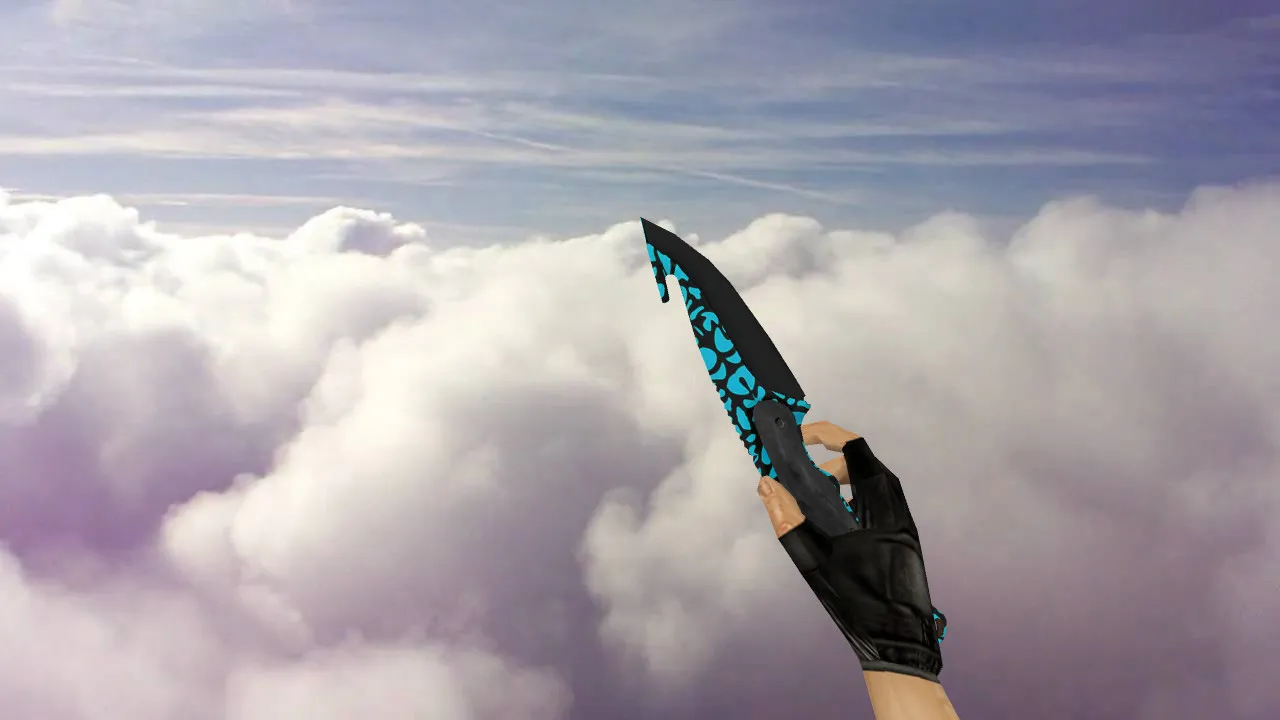
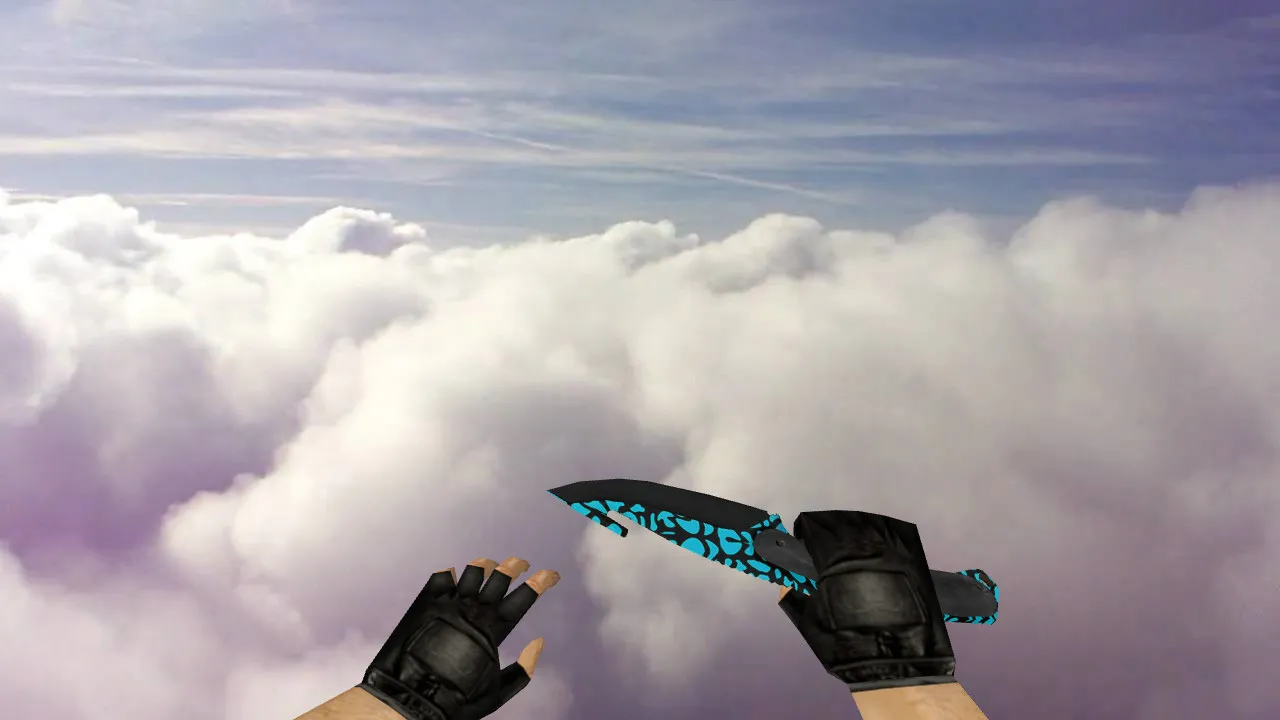
Description
Gut Knife Bussta for CS 1.6: Contents and Installation Instructions
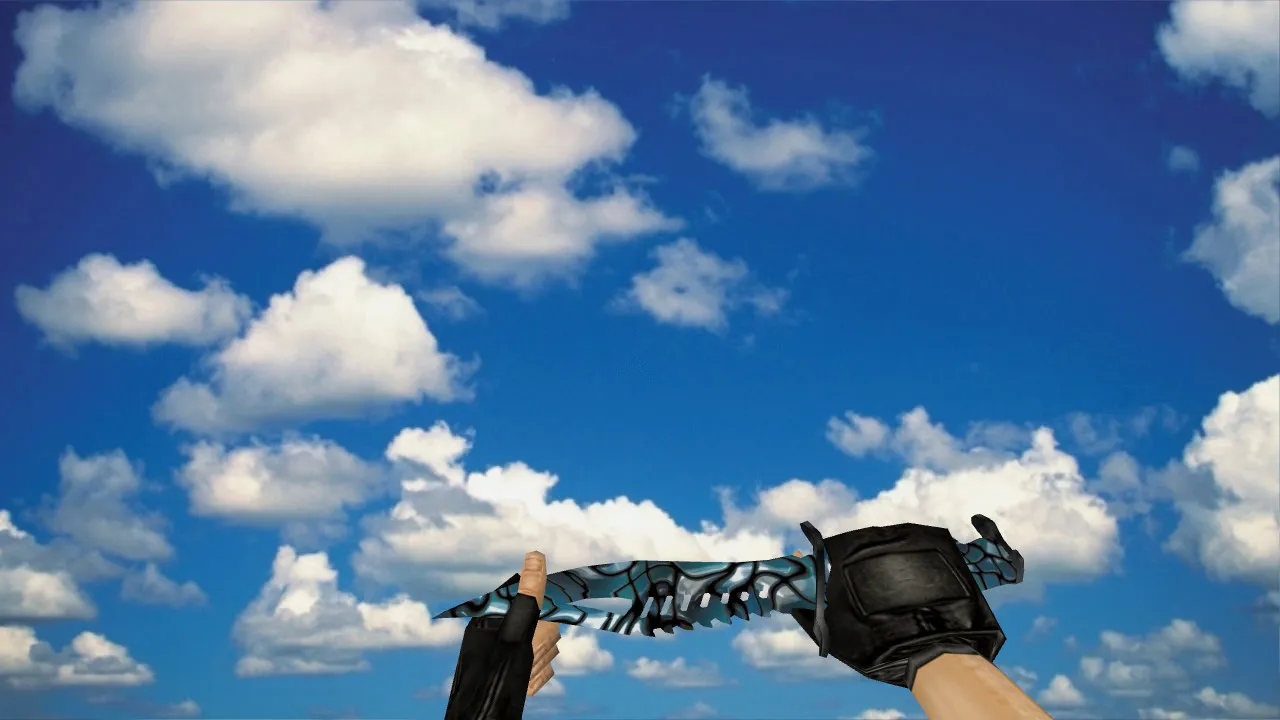
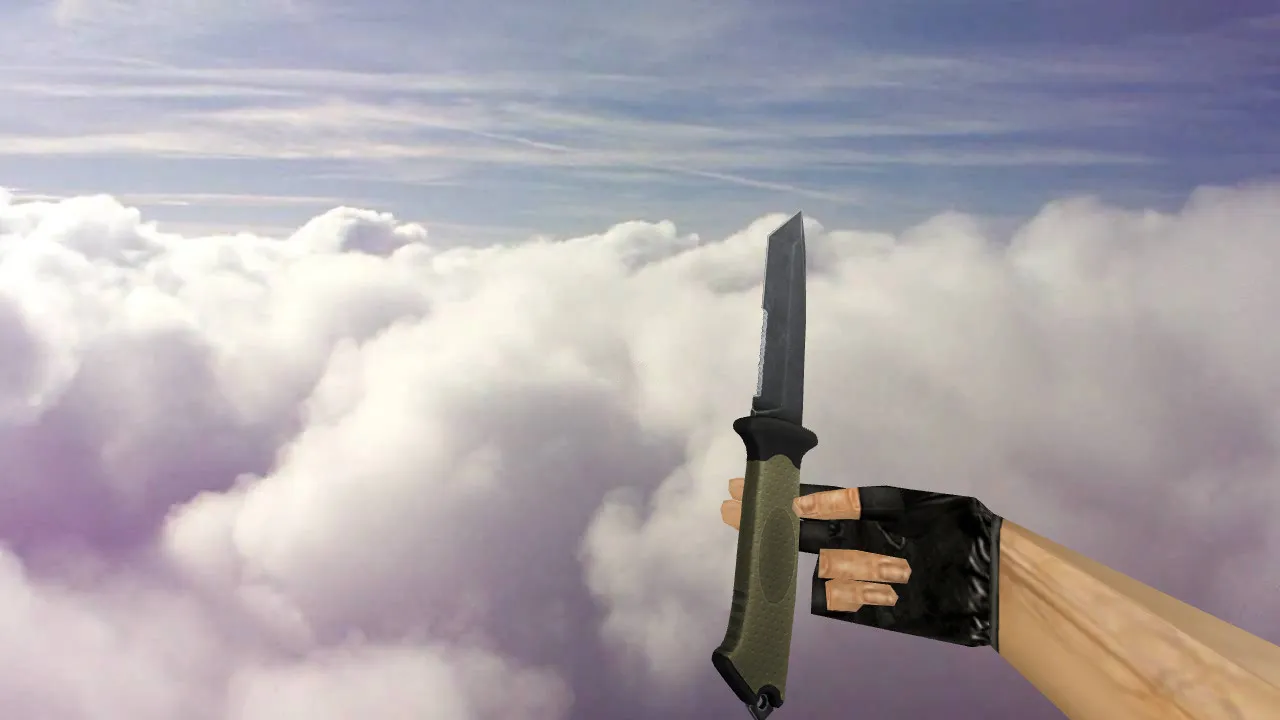
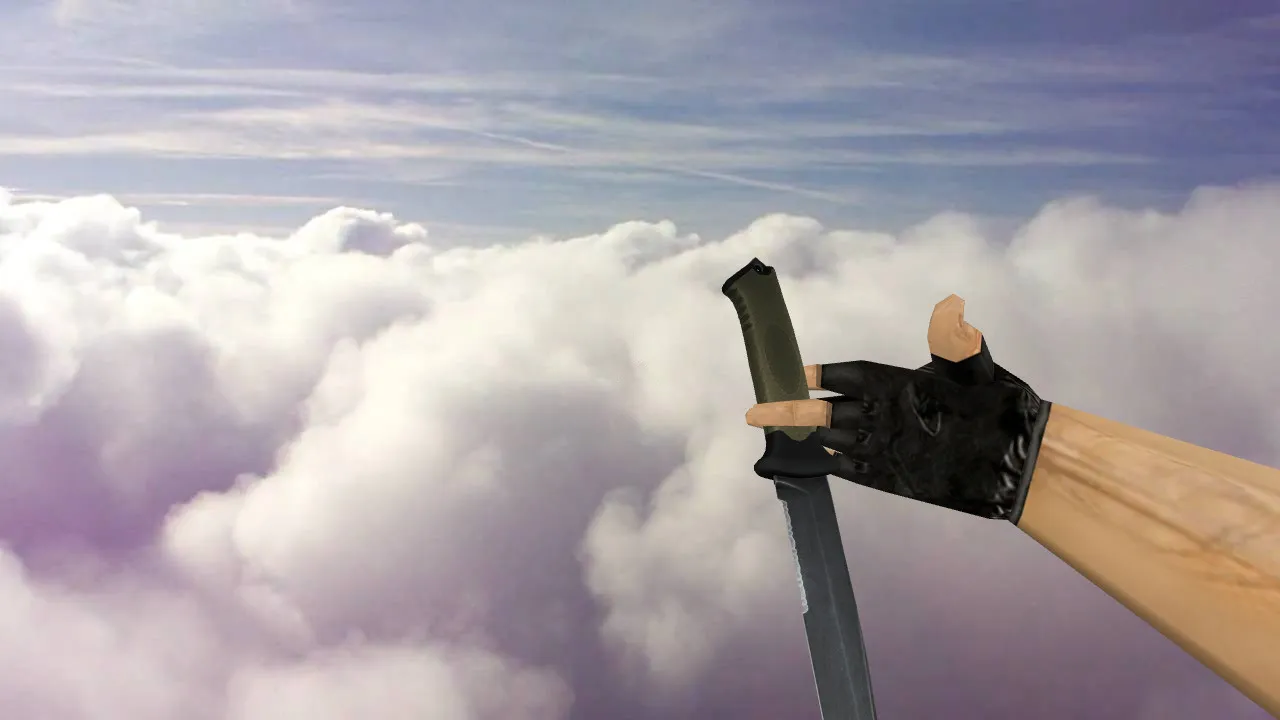
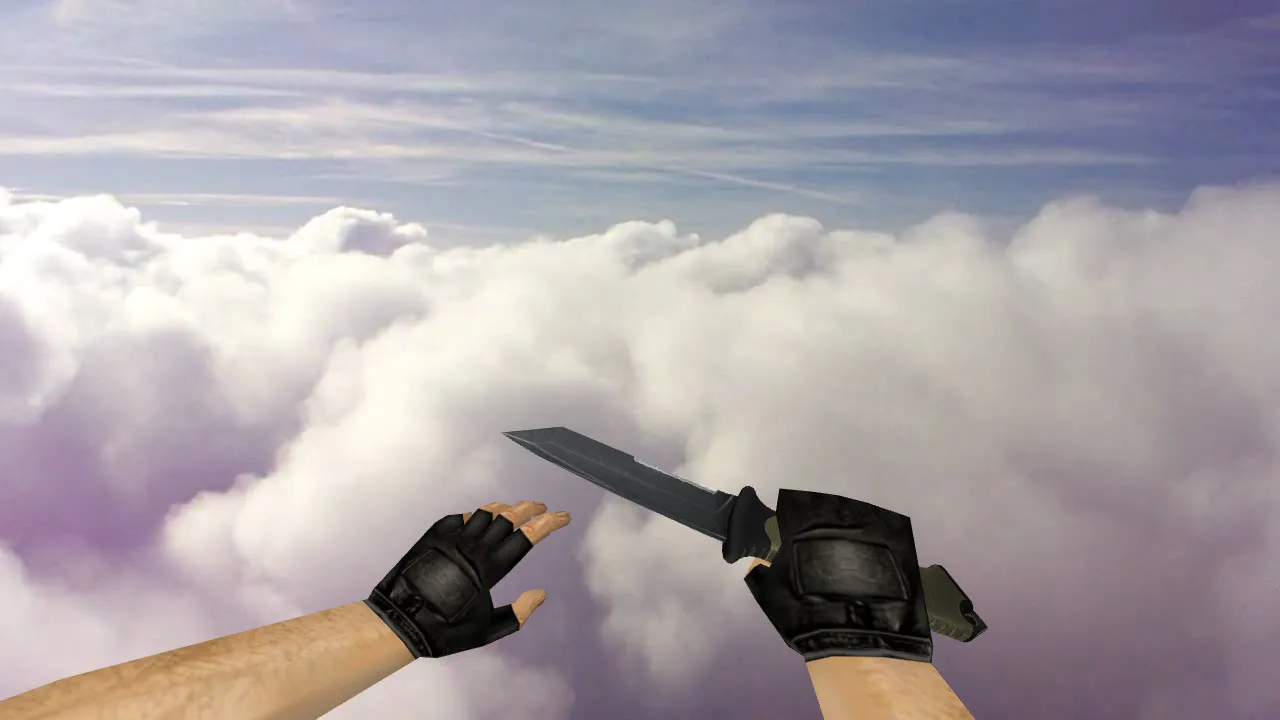
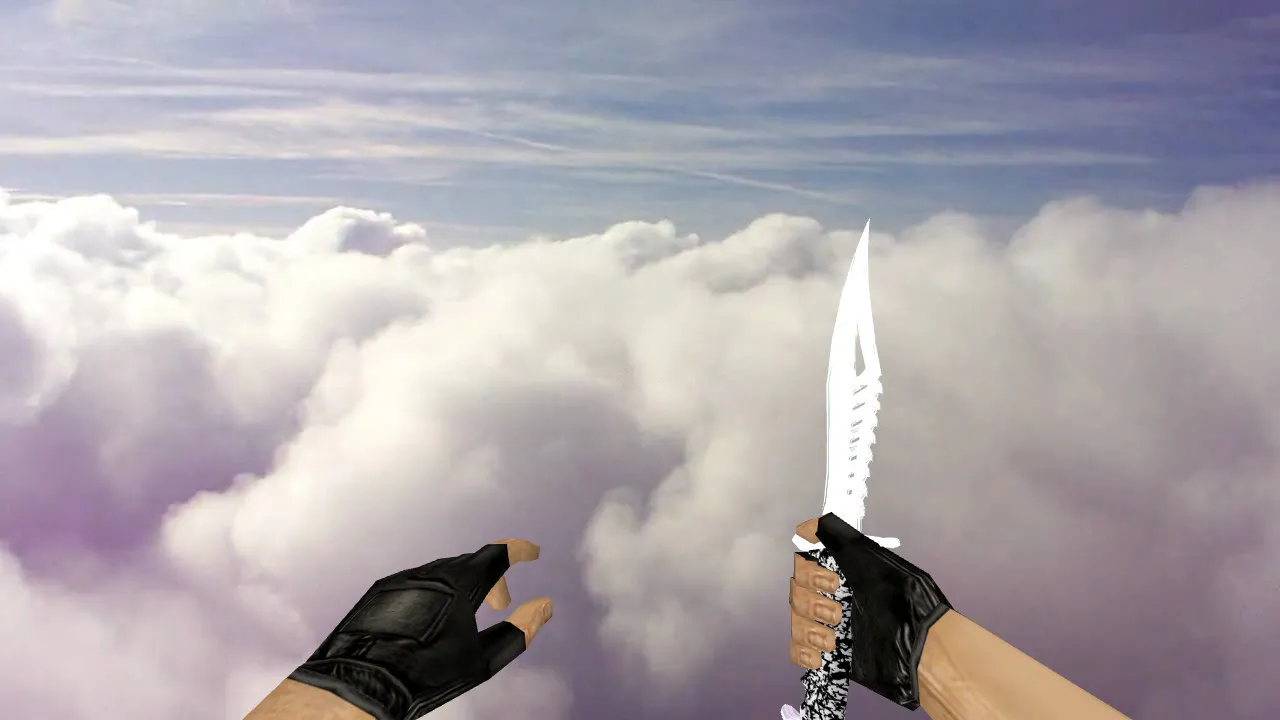
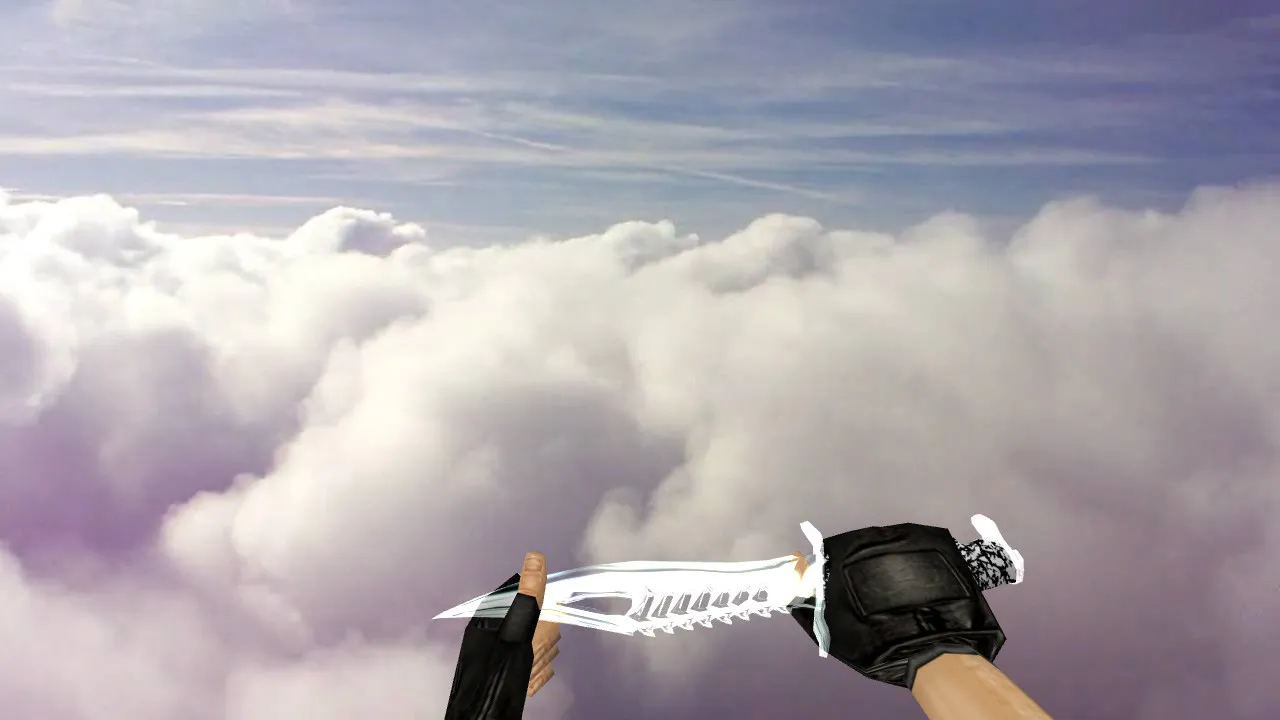
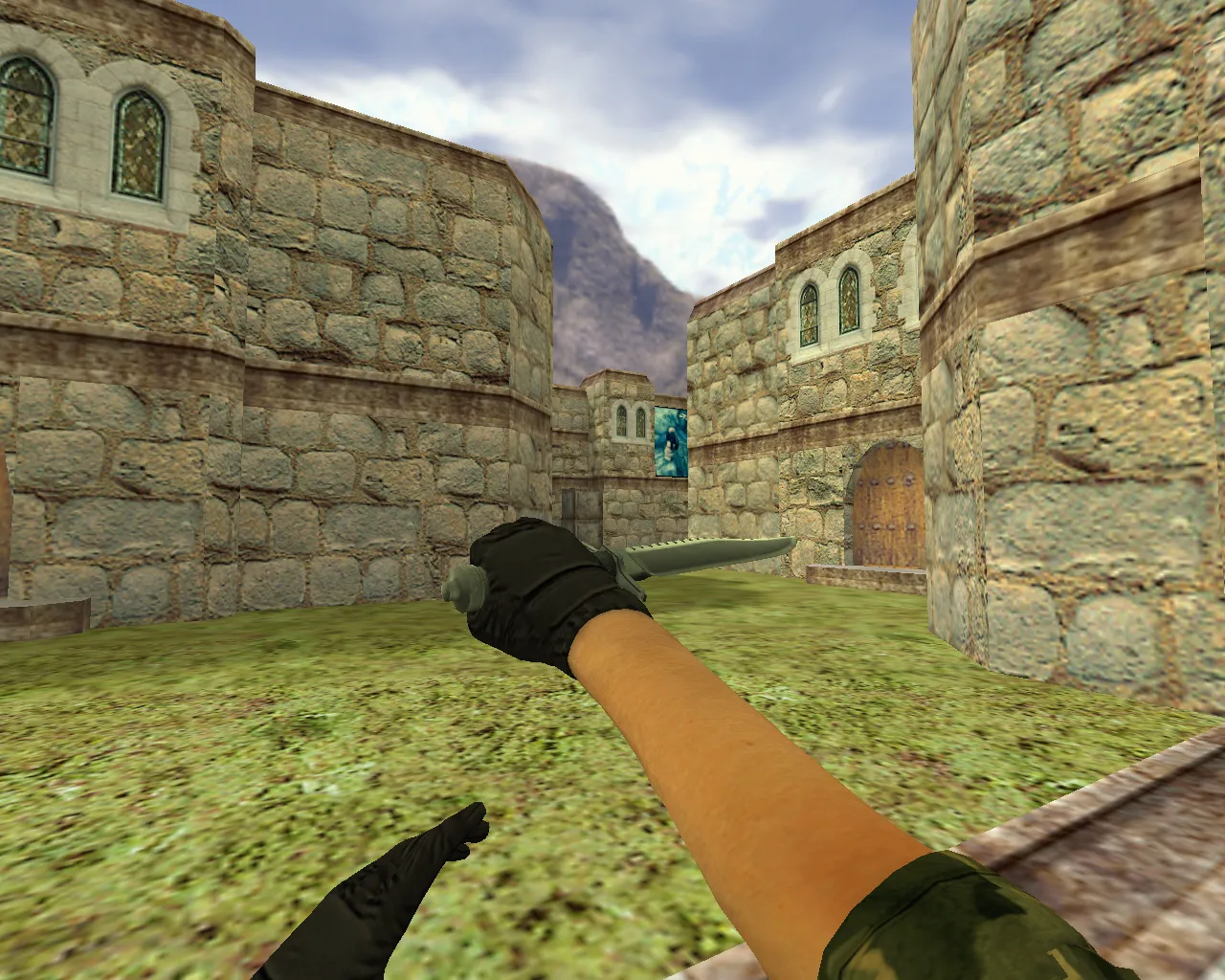
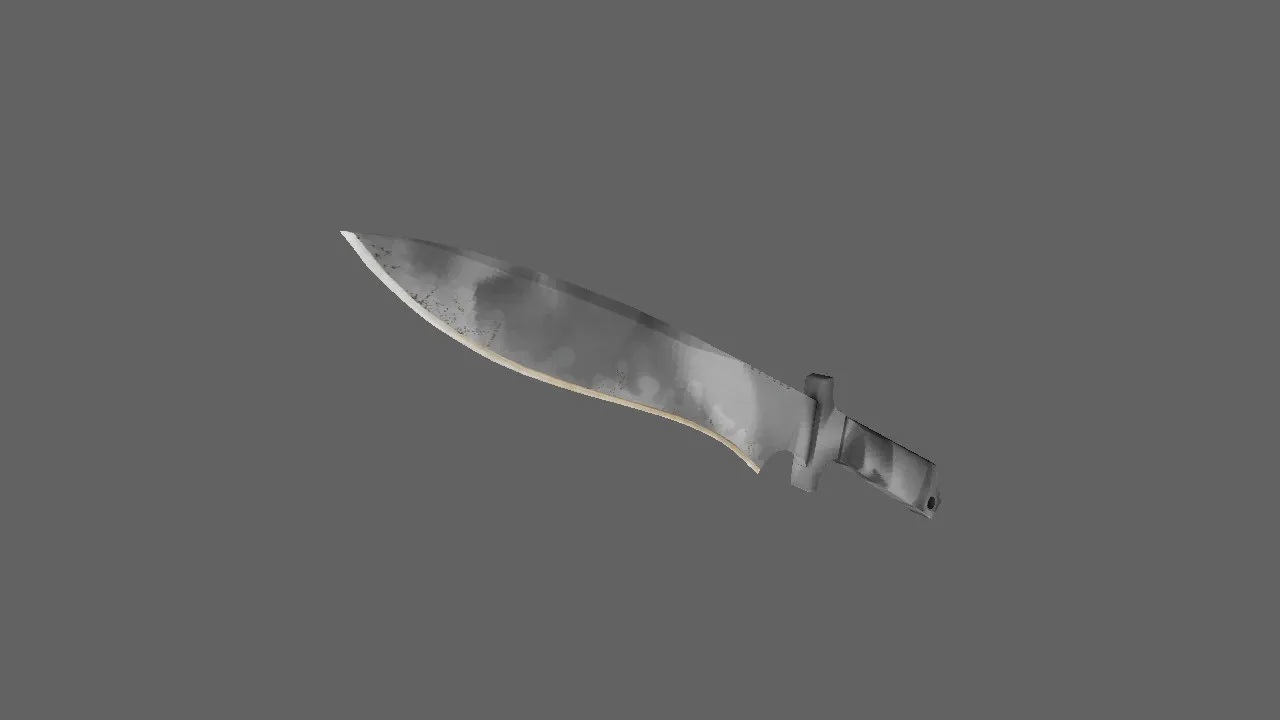
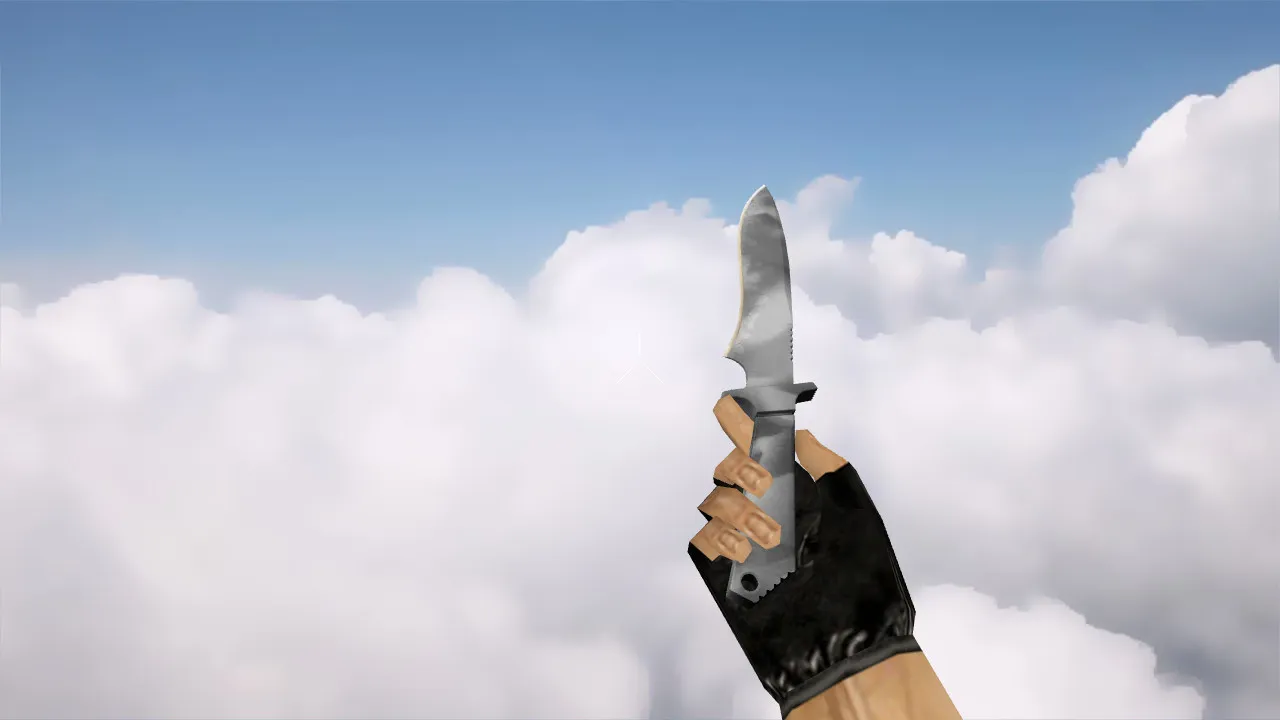
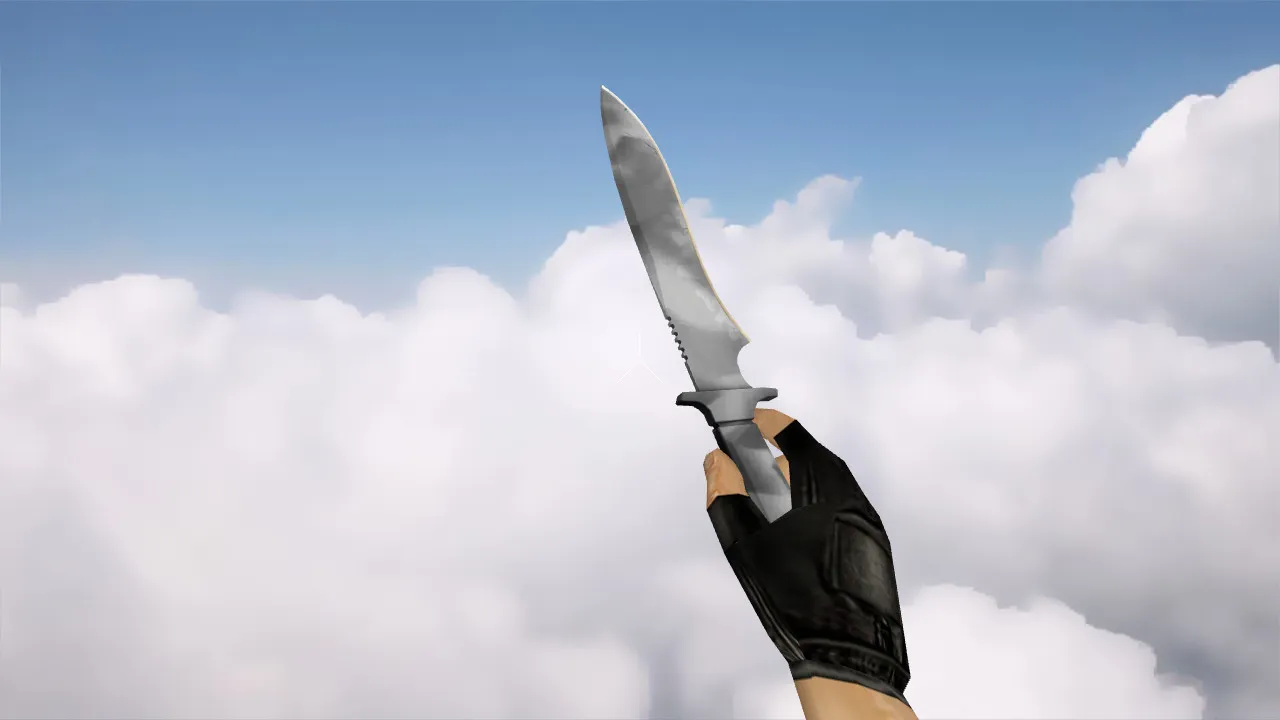
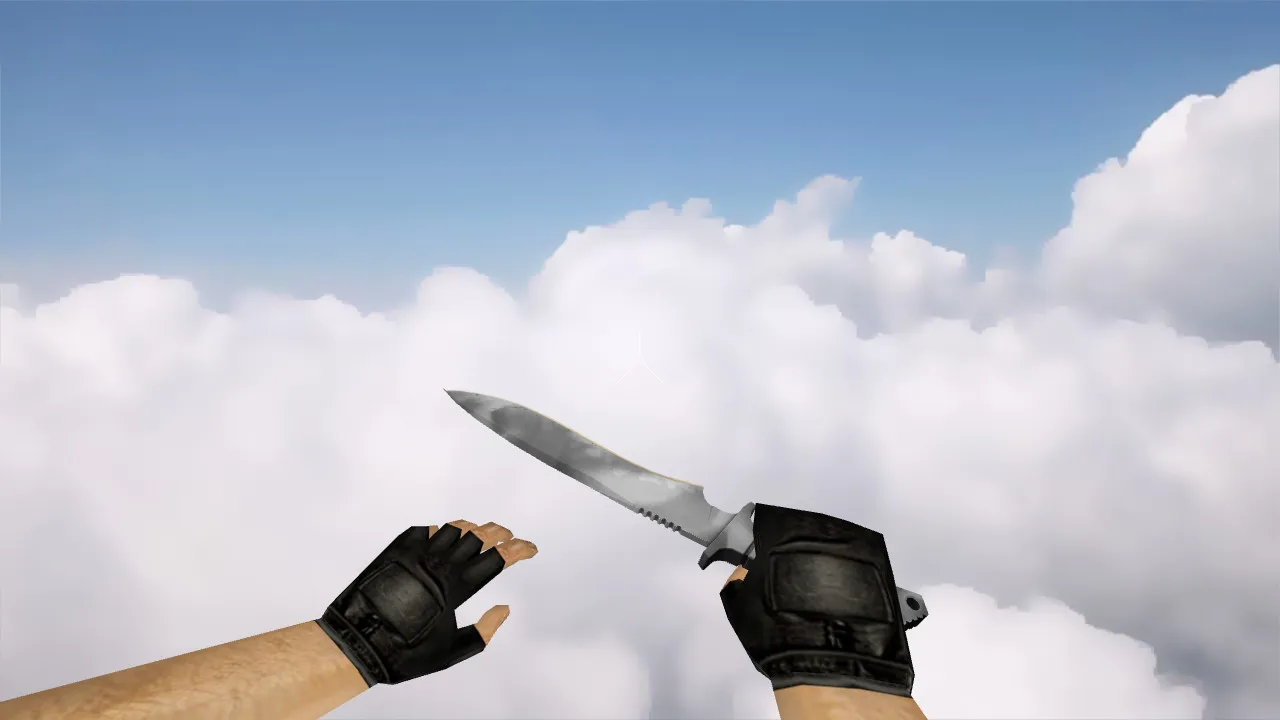
The Gut Knife Bussta model works with CS 1.6 configurations, providing a defined blade profile and stable handling in the first-person view. This package supplies the necessary files for smooth integration: v_ models for the in-hand perspective, p_ for player hand alignment, and w_ for world visibility. Knife audio matches swings and stabs correctly, while inspect animations keep the scroll wheel fluid without glitches. Textures operate at high resolution, preventing blur during fast movement or in dark areas.
In CS 1.6, knife details affect precise control. During inspection, edges remain sharp, and the blade blends cleanly with hand models. Visibility holds up in dim map sections like de_dust2 tunnels, thanks to optimized normals and texture lighting. This skin differs from default knives with its unique pattern, not merely a recolor, so it stands out in mixes or close-quarters trades.
Model Specifications
- Models: Complete v_ / p_ / w_ set for first-person, hand, and world rendering.
- Animation: Smooth inspect and weapon switch without stuttering or dropped frames.
- Sounds: Accurate audio files for slashes, impacts, and draws-no silent clips.
- Textures: Detailed material mapping with minimal aliasing or stretching.
- In-Game Handling: Crisp rendering in hand with predictable motion response.
- Polycount: Balanced for high-FPS performance, under 500 polygons for smooth 100+ FPS.
- Hitbox Alignment: Matched to stock knife for no recoil offsets or clipping problems.
Safe Installation in CS 1.6
Concentrate on placing only knife-related files to avoid conflicts with core game assets. Back up your models folder and config.cfg before proceeding for a quick rollback if necessary. This ensures compatibility across Steam and Non-Steam clients, including Build 4554 or 8613 versions.
- Download the Gut Knife Bussta archive from a trusted source.
- Extract directly to your CS 1.6 resources folder, usually cstrike/.
- Verify v_, p_, and w_ files land in models/ with correct paths.
- Check sound files in sound/weapons/knife/ to confirm paths match-no missing audio on load.
- Launch CS 1.6, open console (~ key), and type 'cl_knife_model 1' or similar bind to test loading.
- Run a local server or bot match to confirm world model visibility.
Servers with strict client resource limits might block custom models-test on LAN first. Stick to clean configs without auto-exec scripts that could interfere. No viruses, no slow-hacks, no ads, and zero auto-connect features in this pack. Use MasterServer protection for secure online play.
In-Game Setup and Testing
After installation, bind a key for quick knife switch (e.g., alias +knife "slot3;+attack2" in config.cfg). Inspect the blade by scrolling-watch for even rotation and texture stability. Pan your view in an empty map to check for warping on turns. If textures lag or artifacts appear, re-extract the archive and clear cache via console: 'r_dynamic 0; gl_clear 1'.
Evaluate distance rendering: the w_ model should stay legible from 10-20 units away, vital for spotting in de_inferno corners or mid-range engagements. Hand integration via p_ models prevents floating or misalignment during sprints. Keep your config lean-no extra binds or viewmodel tweaks that disrupt hitbox accuracy.
Why Players Choose Gut Knife Bussta
This knife earns a place in configs for its reliable v_ / p_ / w_ sync, eliminating hand drift or broken inspects. Sounds trigger on time, adding feedback to stabs without delay. It mirrors pro ESL setups with clean visibility, boosting comfort in 1v1 duels or eco rounds. Unlike generic reskins, the Bussta pattern adds distinction without performance hits.
Install carefully, test thoroughly, and maintain a virus-free client. You’ll get solid visuals, responsive animations, and full audio integration for better CS 1.6 sessions. For tweaks, adjust cl_bob settings in console to fine-tune sway without altering core model behavior.
Install in three steps
-
1
Download the archive. Use the button on the right, or the Yandex.Disk mirror if the main server is slow.
-
2
Extract it into the game folder. Use 7-Zip or WinRAR. A path without non-Latin characters works best.
-
3
Launch the game. If something doesn't work, mark it below - that is how we know the file needs an update.
Did it work for you?
No sign-up needed. You can pick more than one.