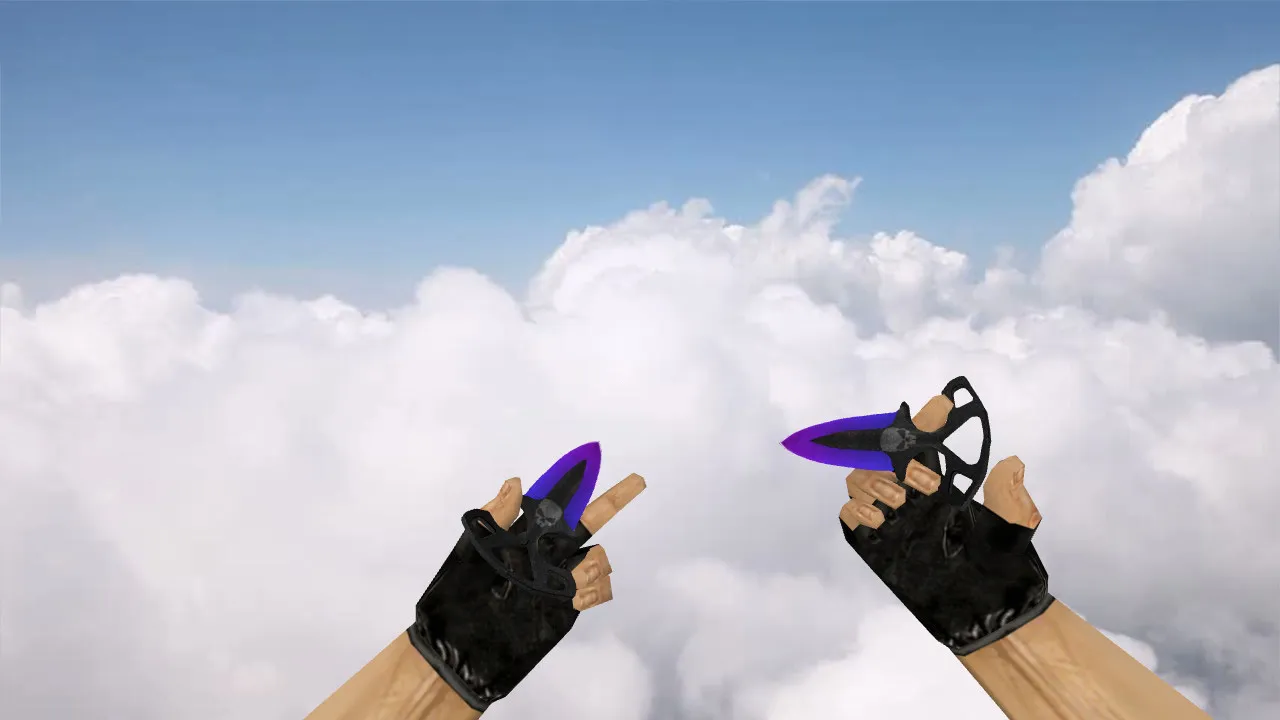
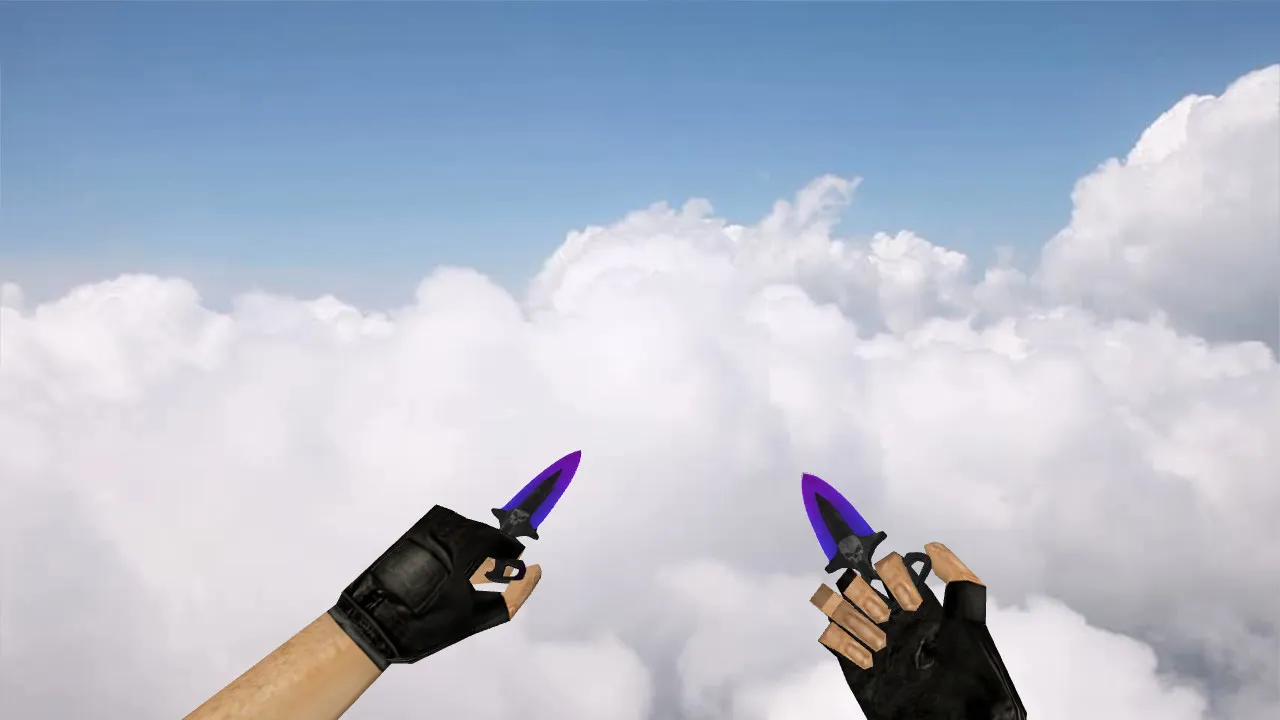
Nautilus Transparent White Knife for CS 1.6: View, Player, World Models, Audio, Inspect Animation, and Textures
Description
Nautilus Transparent White Knife for CS 1.6
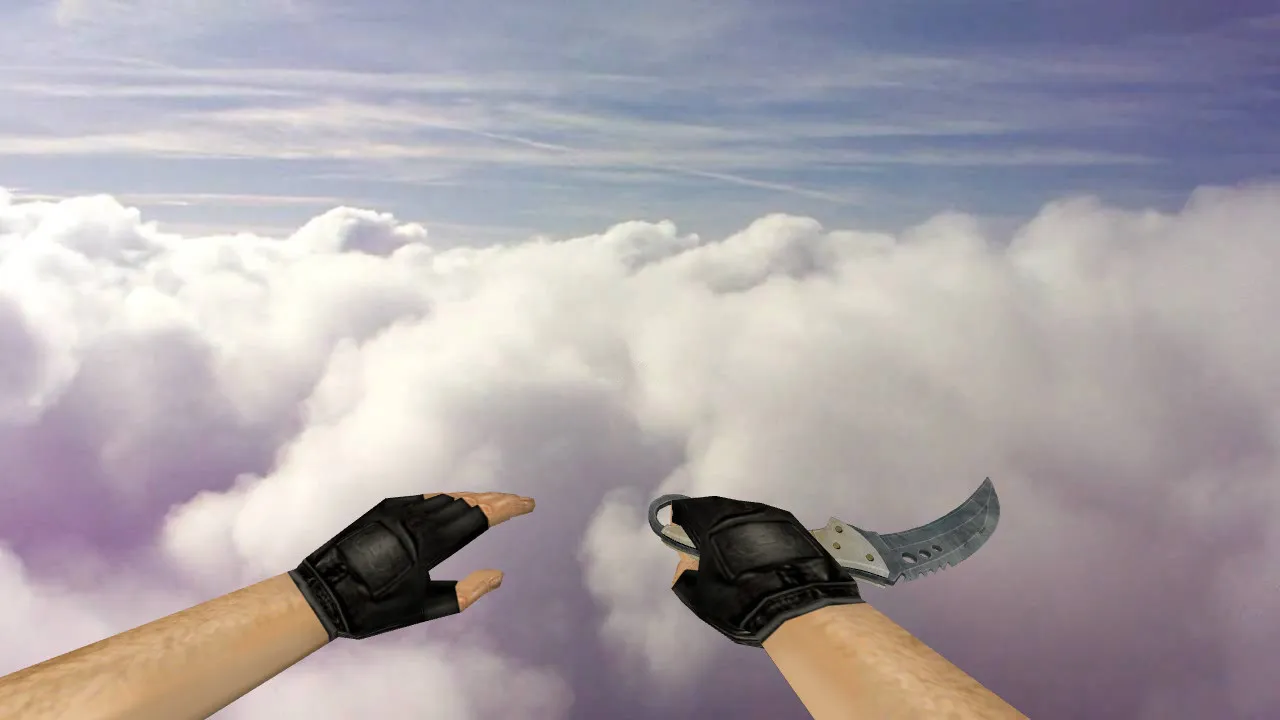
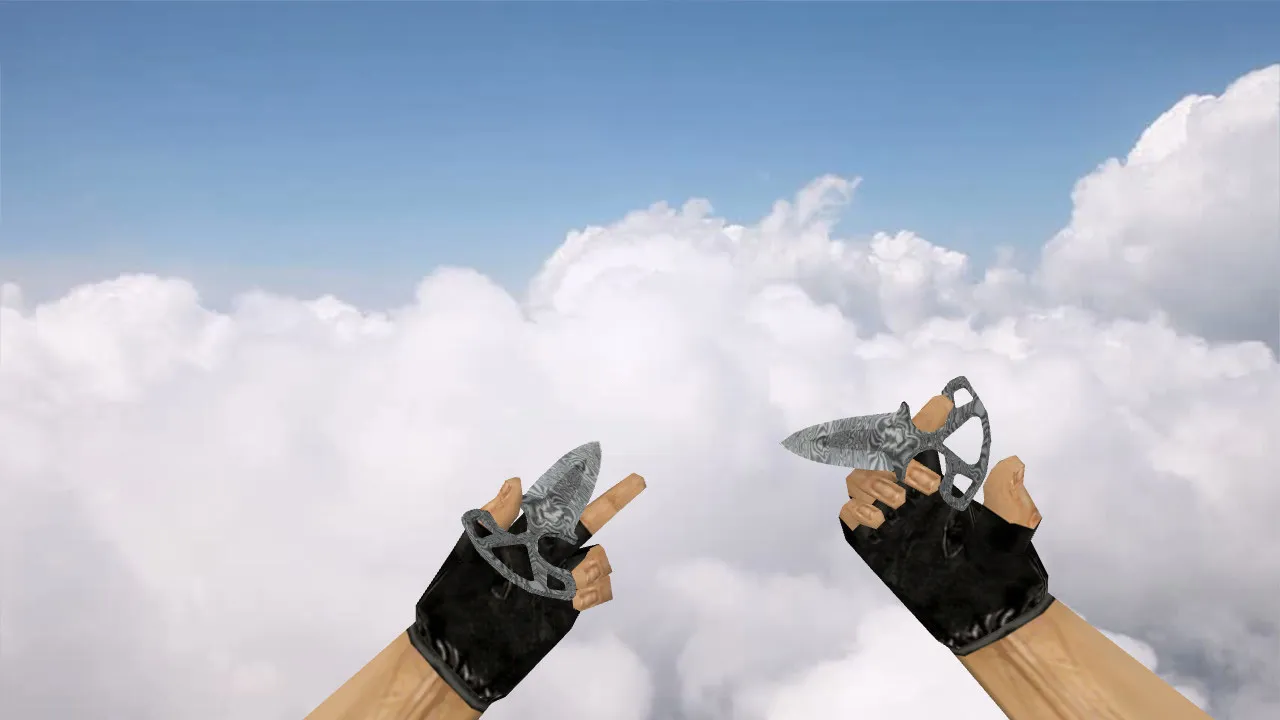
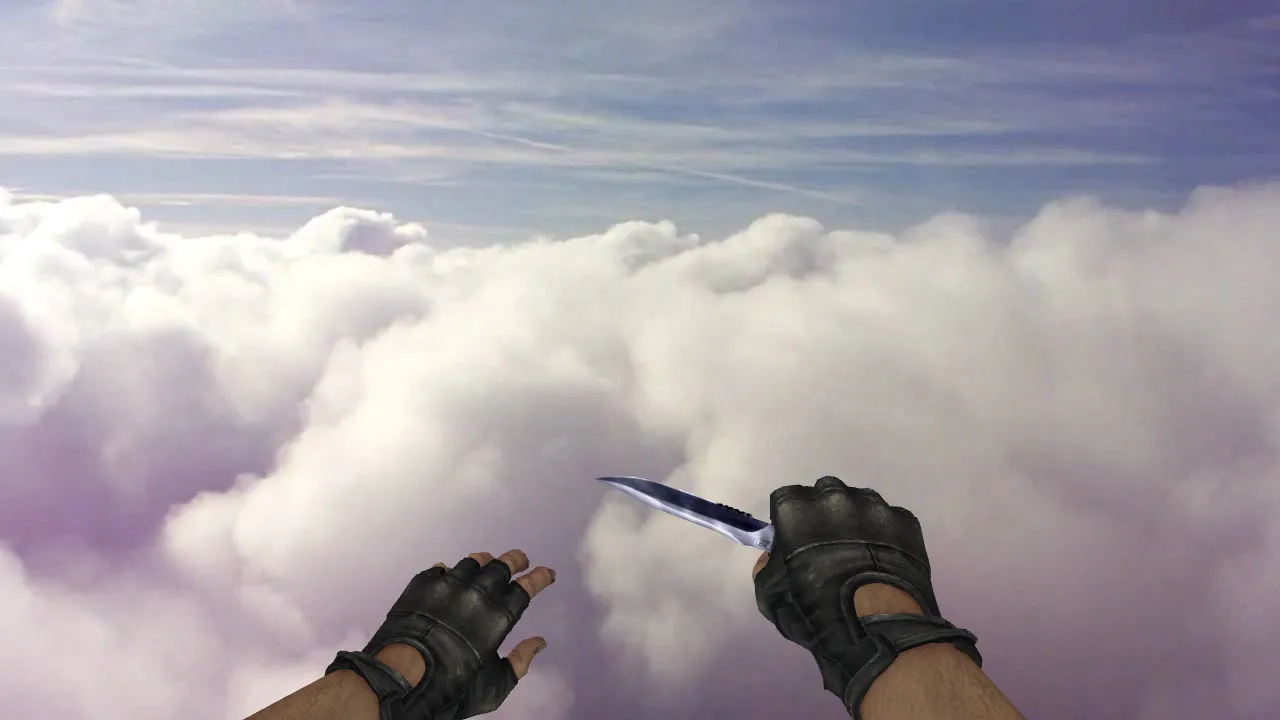
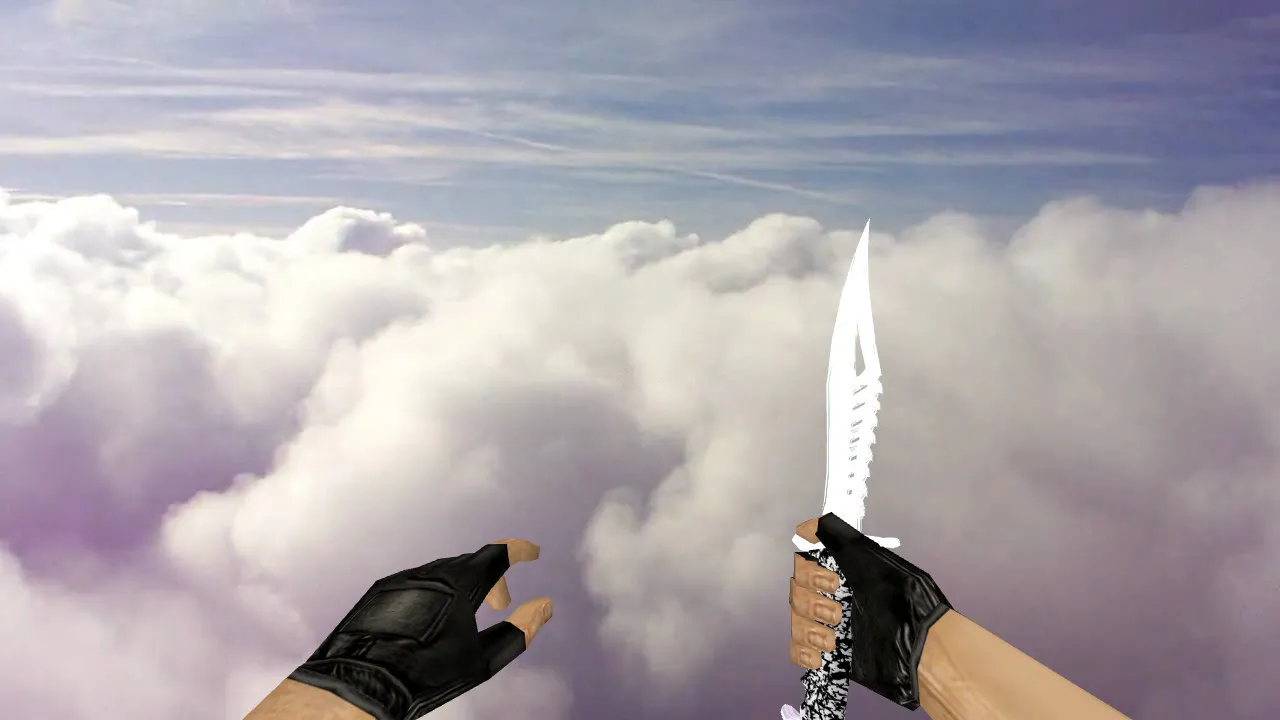
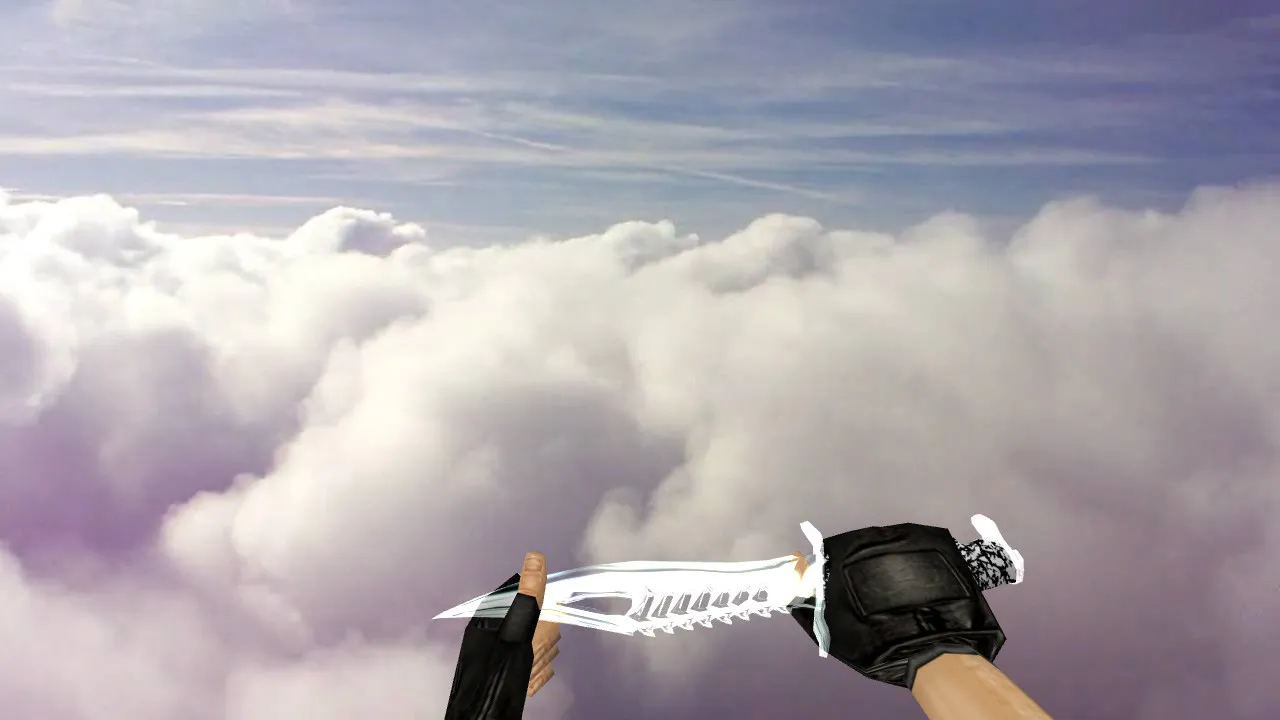
This knife replacement draws attention in lobbies and during mid-round engagements. It swaps the standard blade for a see-through white design that boosts visibility. Crafted specifically for CS 1.6, the package supplies all required assets for complete integration: a v_ viewmodel for the first-person perspective, a p_ model for third-person rendering, and a w_ world model for ground pickups and drops. The translucent white finish creates crisp outlines against dark map surfaces, making the weapon easier to follow in frantic knife duels.
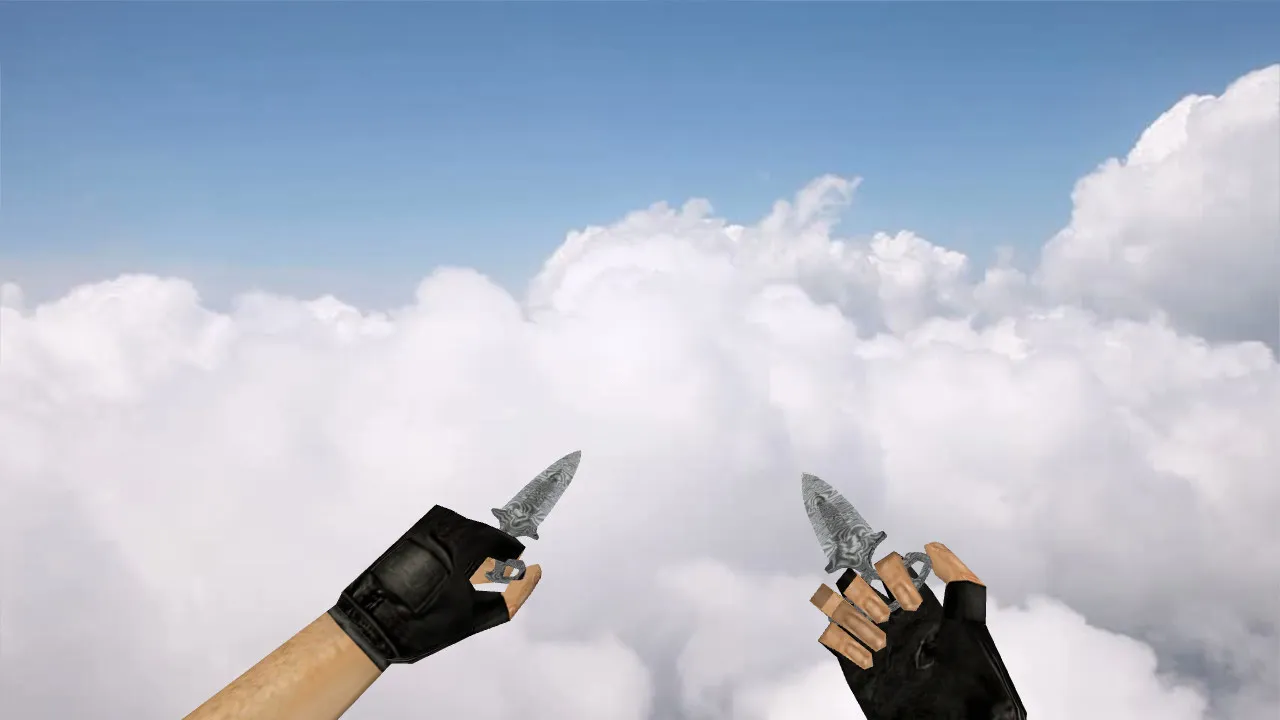
Installation depends on preserving the proper directory layout inside the models folder. This guarantees the knife draws correctly in first-person, on other players, and while inspecting. The model includes a dedicated inspect animation timed to match CS 1.6's rhythm, plus custom sounds for swings, stabs, and weapon switches. These pieces work together for a fluid experience-no clipped audio or jarring transitions when changing weapons.
Texture work emphasizes sharp, stable visuals. The white translucent material performs consistently under shifting lighting, from bright bomb sites to smoke-filled hallways. High-resolution textures around 512x512 pixels prevent pixelation, while a low polygon count maintains high frame rates even on aging hardware. The design avoids clashing with CS 1.6's core aesthetic, blending into maps like de_dust2 without looking out of place.
Installation Essentials
- Find the models folder in your CS 1.6 directory and put the v_knife, p_knife, and w_knife files in their correct spots.
- Back up the originals before overwriting-crucial for fast restores if problems appear.
- Skip auto-connect utilities or third-party launchers; install manually and launch via the executable for compatibility.
- Check file integrity after copying-corrupted files cause texture glitches or missing parts during play.
For both Steam and Non-Steam installations, this model functions without conflicts on Build 4554 or newer. It does not modify hitbox alignment, keeping gameplay fair on ESL servers. Combine it with a clean config.cfg to avoid interference from other binds or settings.
Testing the Model
Start a local server or join a private match to verify everything works. Inspect the knife in first-person view (v_model), on your character (p_model), and during inspect sequences. Watch for smooth animations without floating geometry or texture tearing. In dim areas like de_inferno's apartments, the transparent white should stay visible without washing out. Test audio on weapon switches and attacks-clean sound confirms a proper setup.
If the game stutters or the model fails to load, restore backups and re-examine paths. Common mistakes include mismatched filenames or folder permissions. Play a few buy rounds to simulate real matches; the knife's visibility helps quick decisions in close-quarters combat. For bots, ensure .nav files are intact-this mod has no impact on them.
Why Players Choose Nautilus Transparent White
In CS 1.6, knives matter beyond appearance-they boost situational awareness during rushes or defuses. The transparent white style cuts through motion blur, helping spot enemy positions during peeks. Inspect animations add a tactical pause, letting you assess without breaking flow. Paired with no-recoil configs or high-FPS tweaks, this model enhances overall precision.
Optimized under 1000 triangles, it runs smoothly at 800x600 resolutions. No viruses, no adware, no slow-hack risks-just clean files for a refreshed CS 1.6 experience. Test on community servers to confirm the world model drops correctly. This knife mod elevates knife rounds without compromising balance or server rules.
Expand your loadout with similar mods, but install one at a time to isolate issues. On dark maps like de_cbble, the contrast shines, reducing visual noise from sprites or decals. Sounds are sourced and edited for authenticity, matching vanilla knife volume levels. Overall, it's a solid pick for veterans seeking subtle upgrades in visibility and polish.
Install in three steps
-
1
Download the archive. Use the button on the right, or the Yandex.Disk mirror if the main server is slow.
-
2
Extract it into the game folder. Use 7-Zip or WinRAR. A path without non-Latin characters works best.
-
3
Launch the game. If something doesn't work, mark it below - that is how we know the file needs an update.
Did it work for you?
No sign-up needed. You can pick more than one.