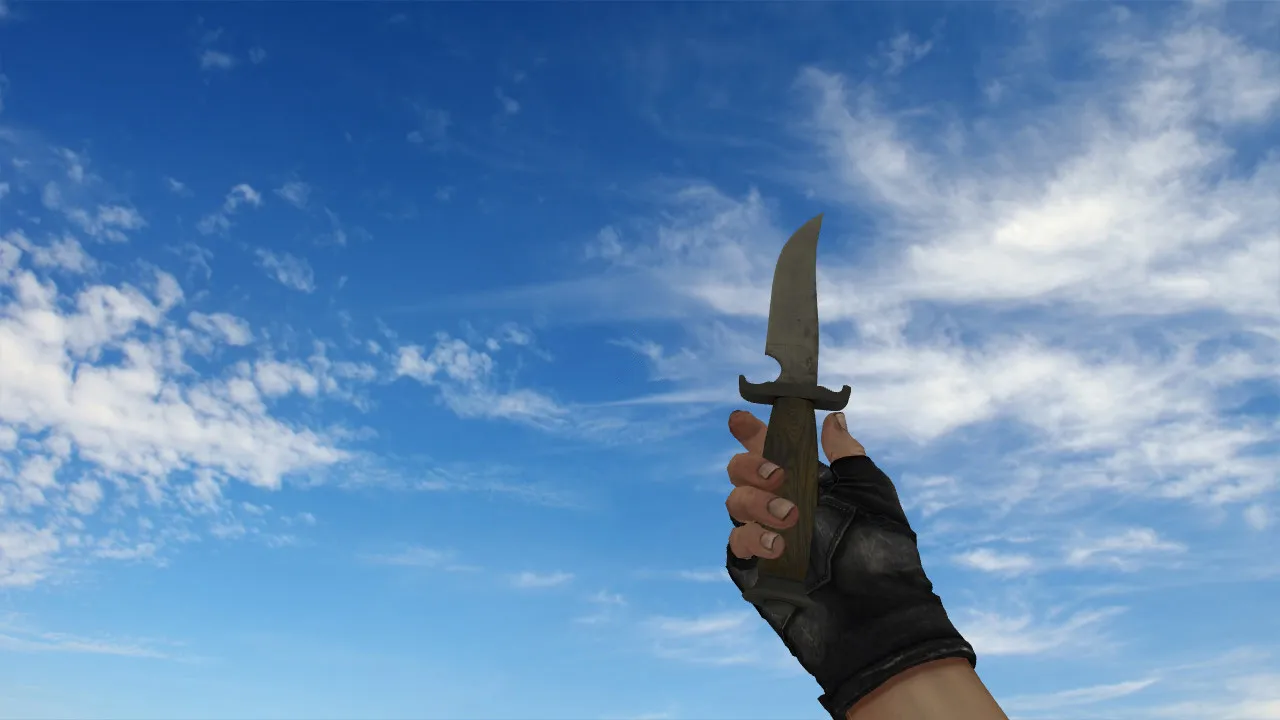
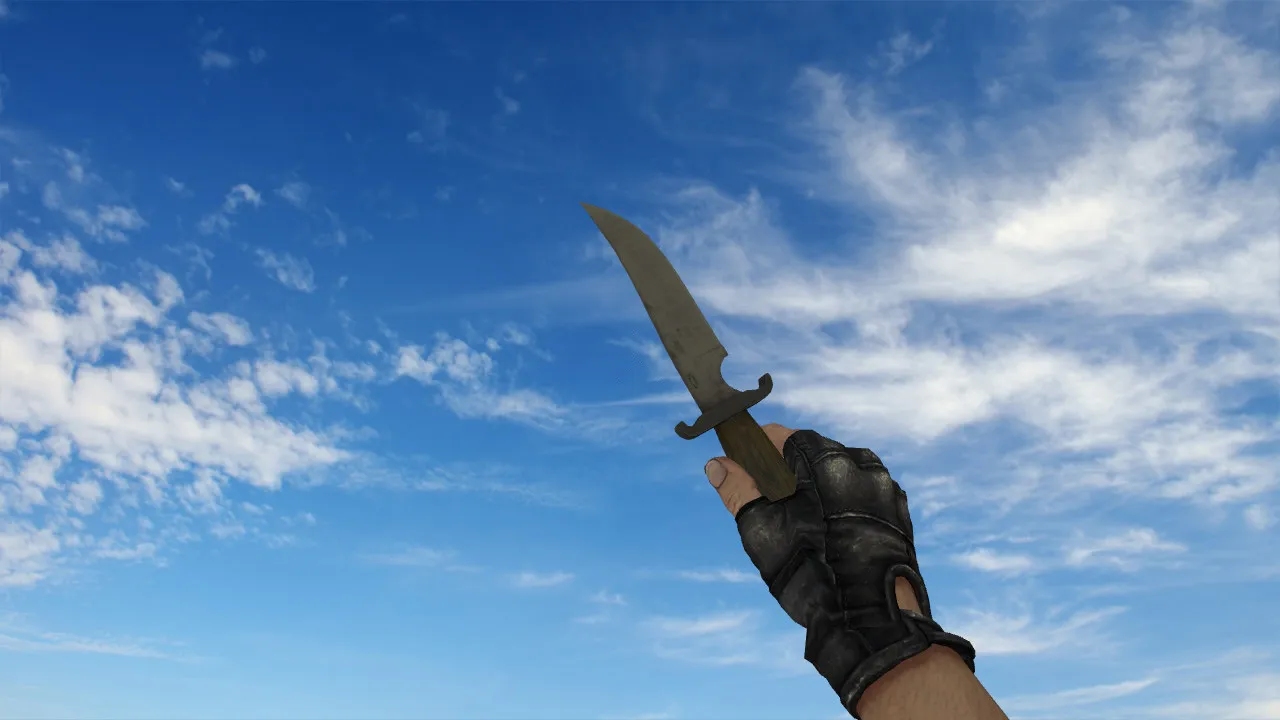
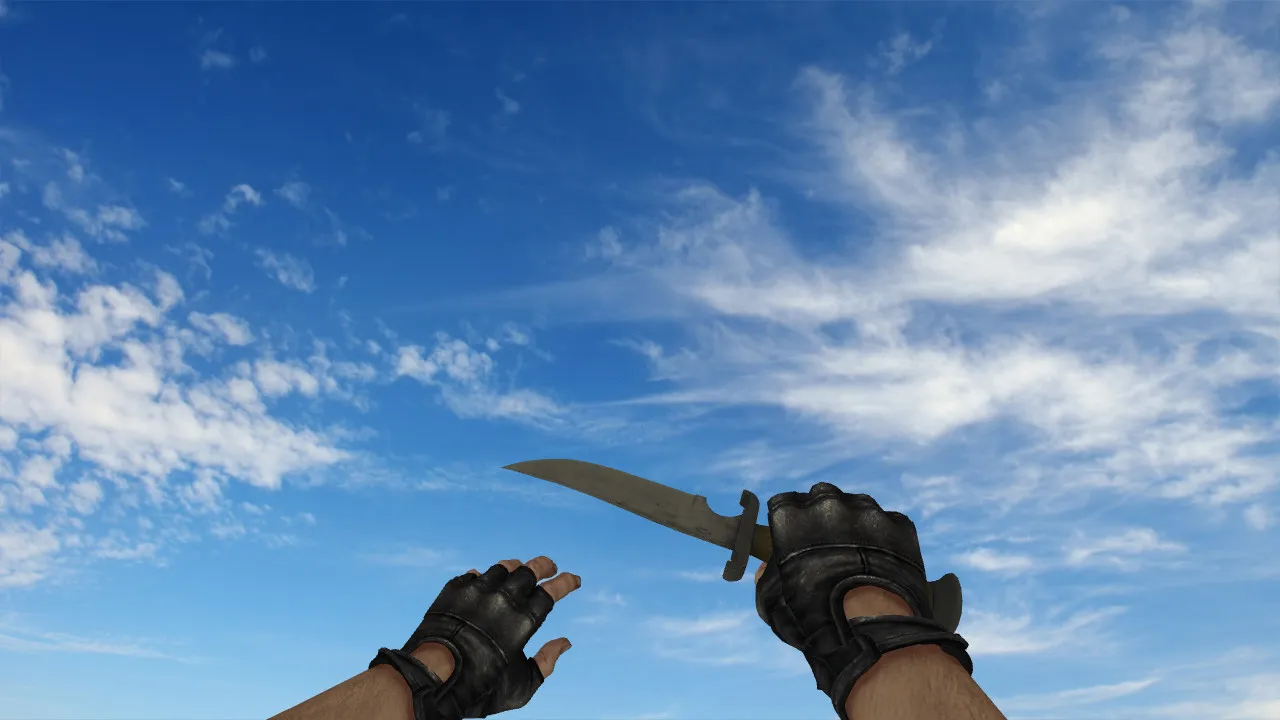
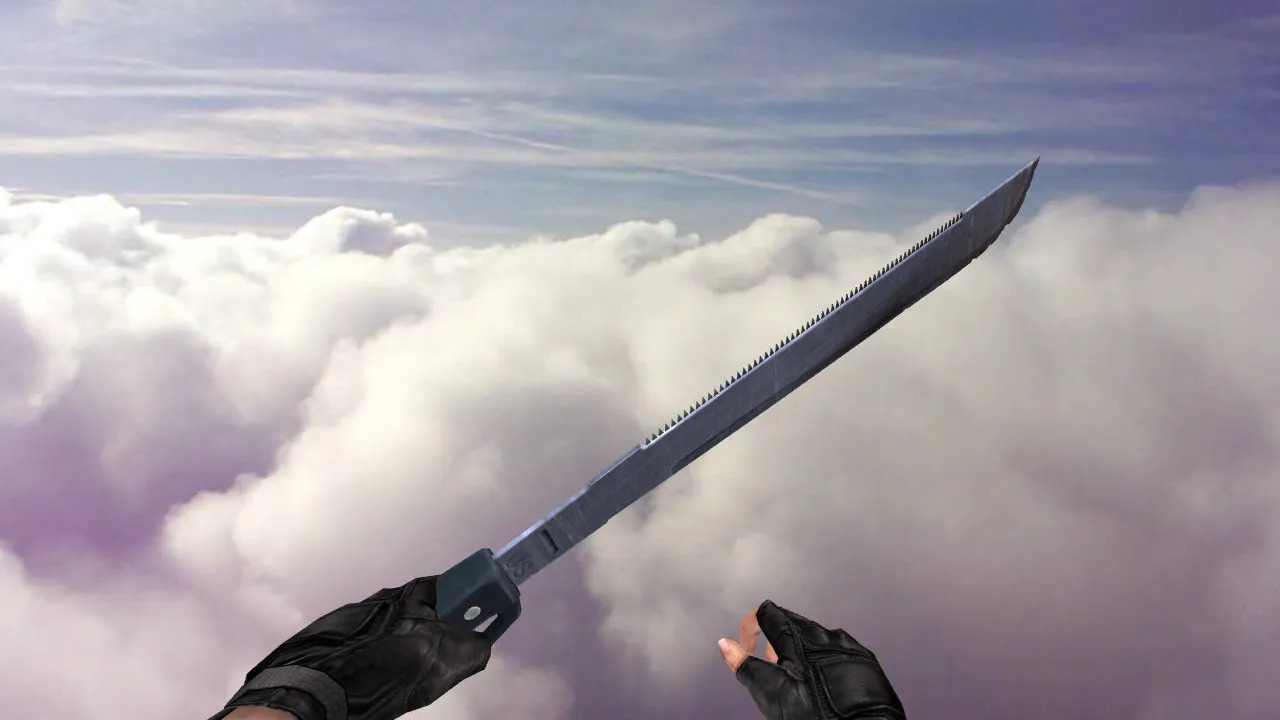
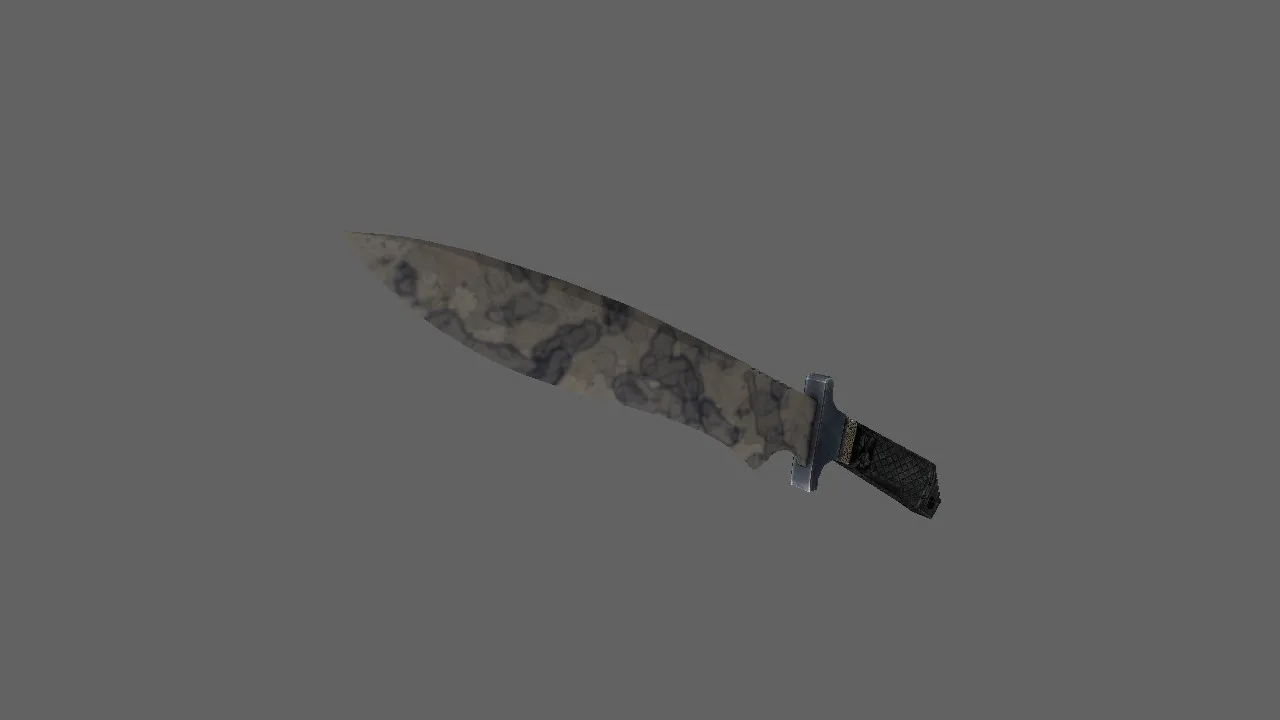
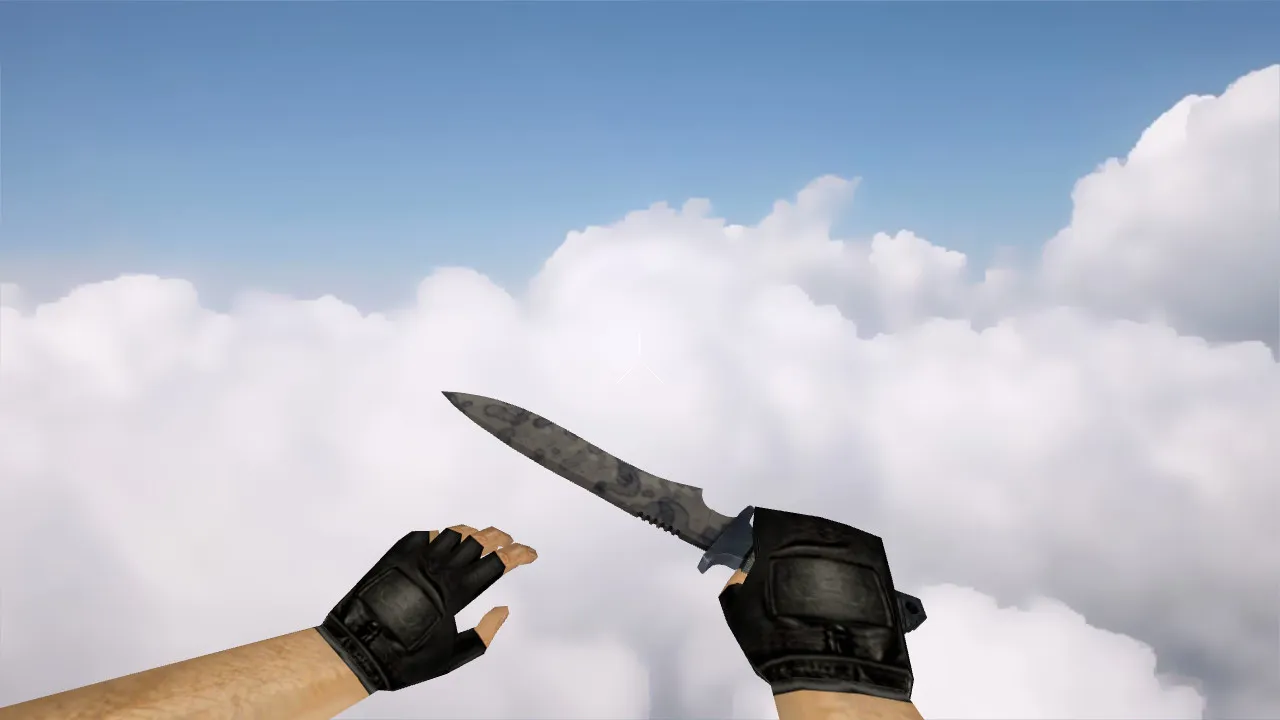
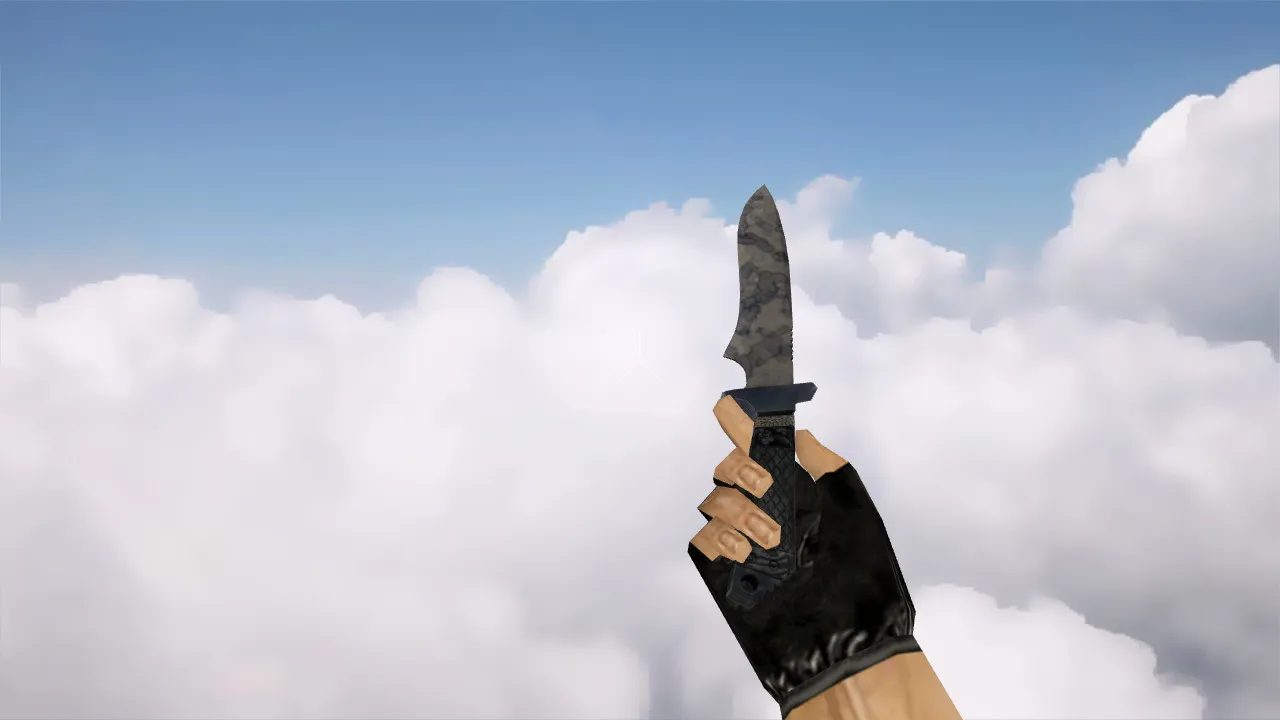
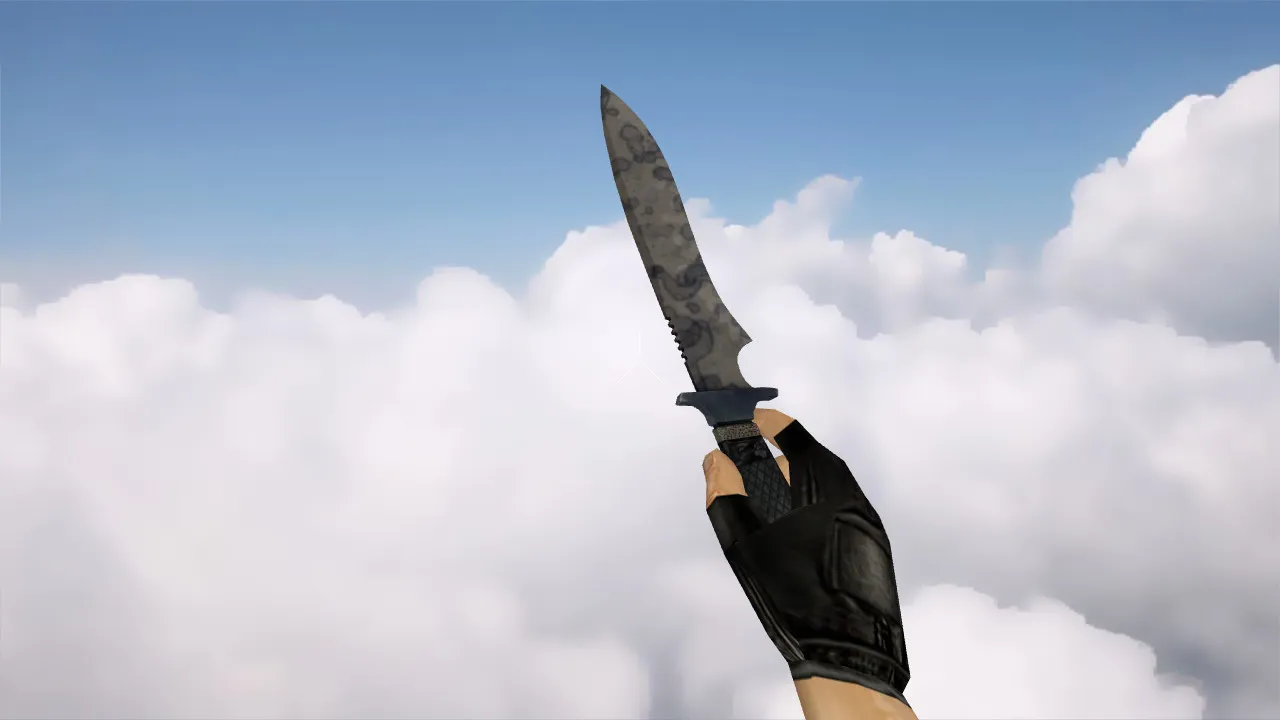
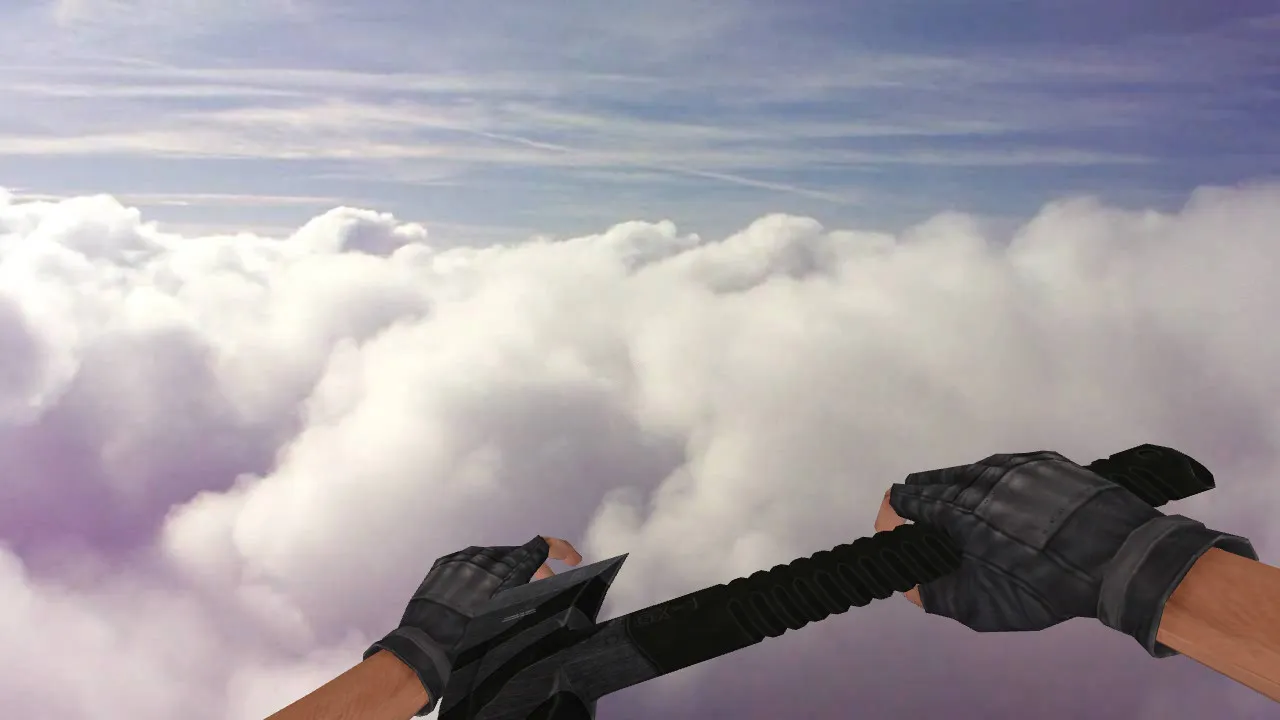
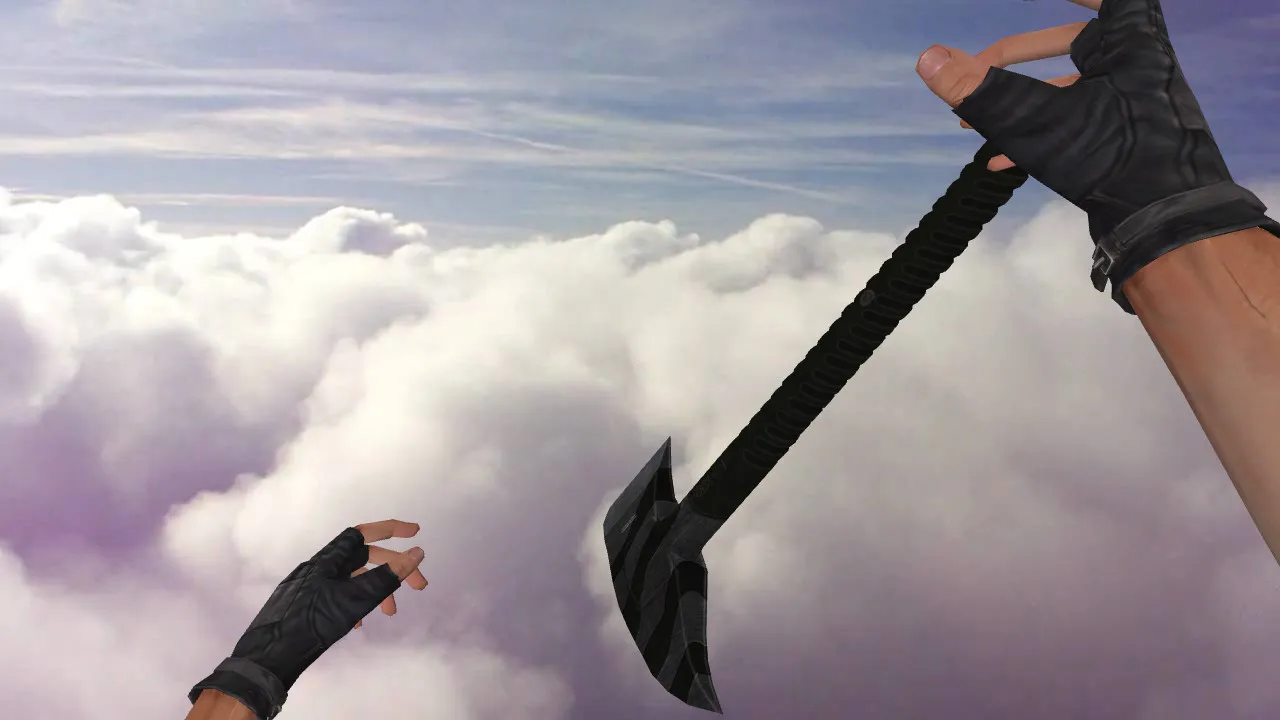
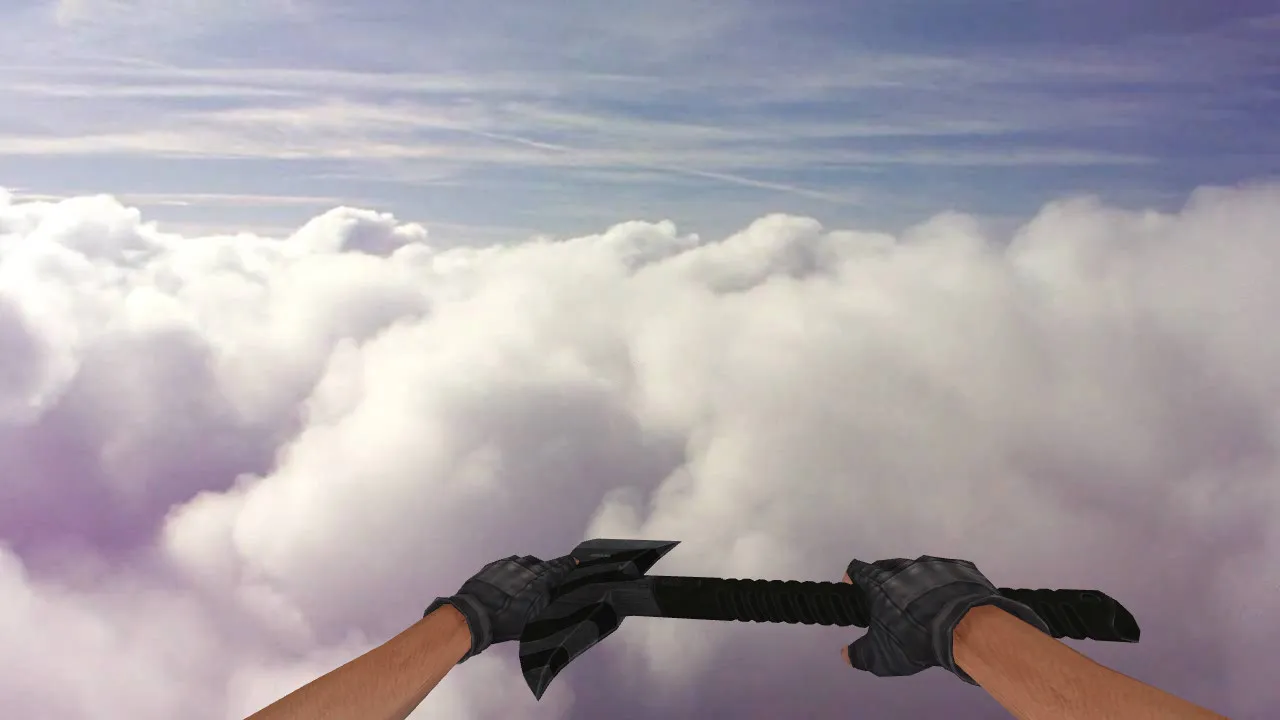
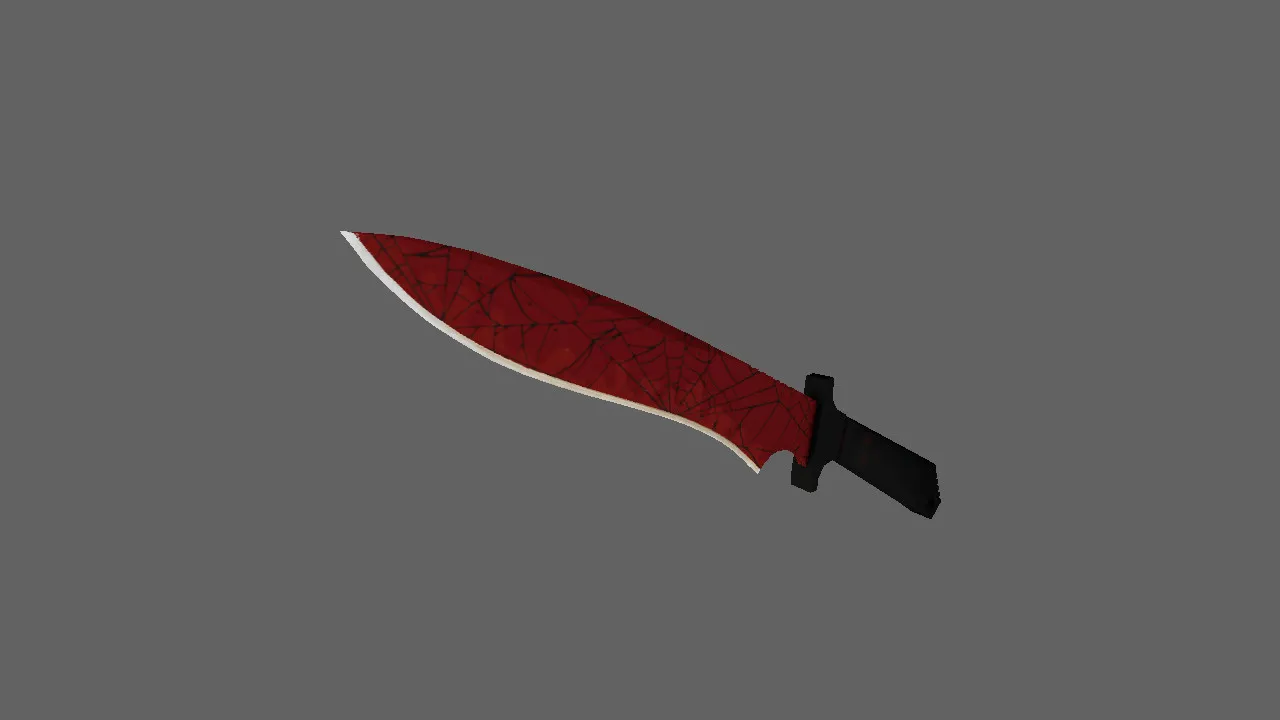
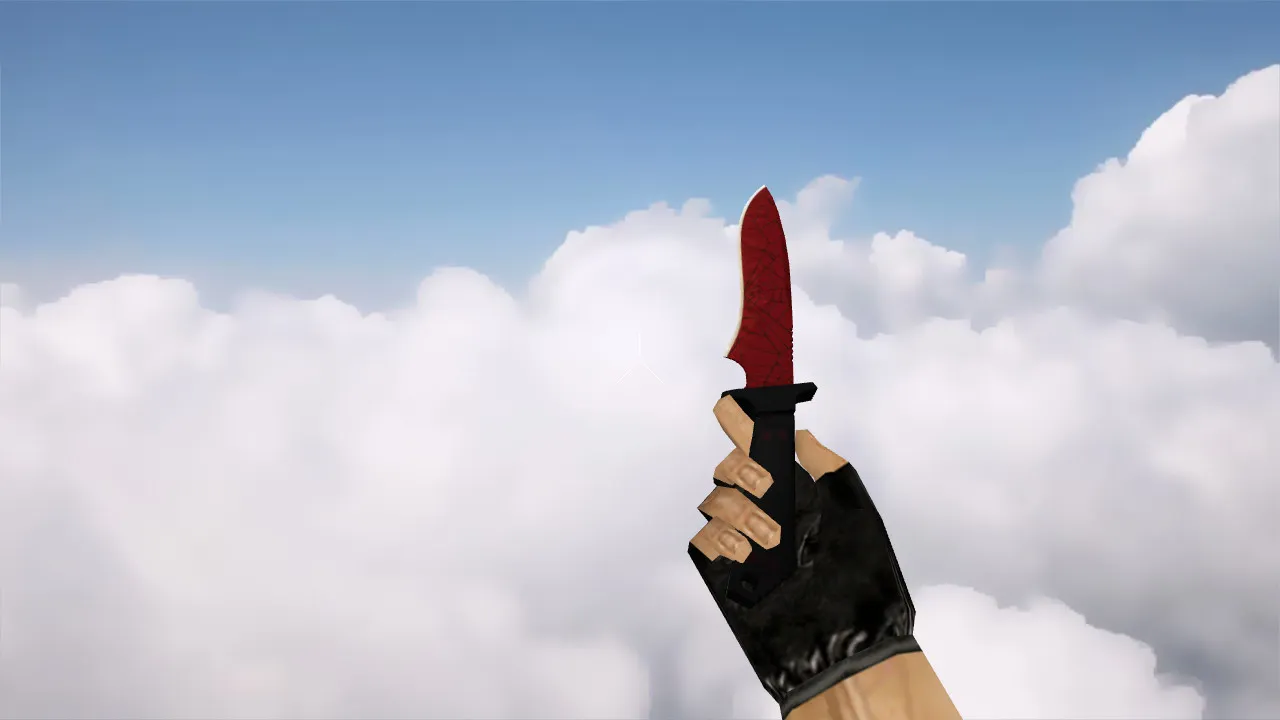
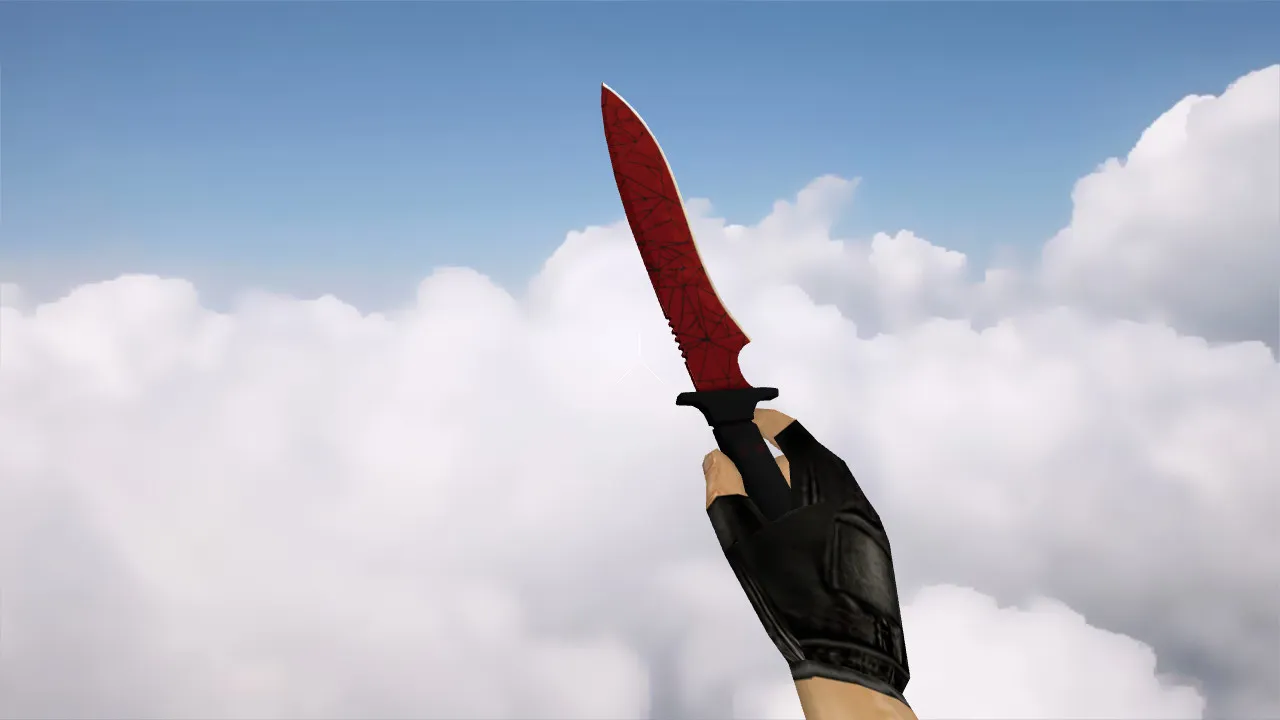
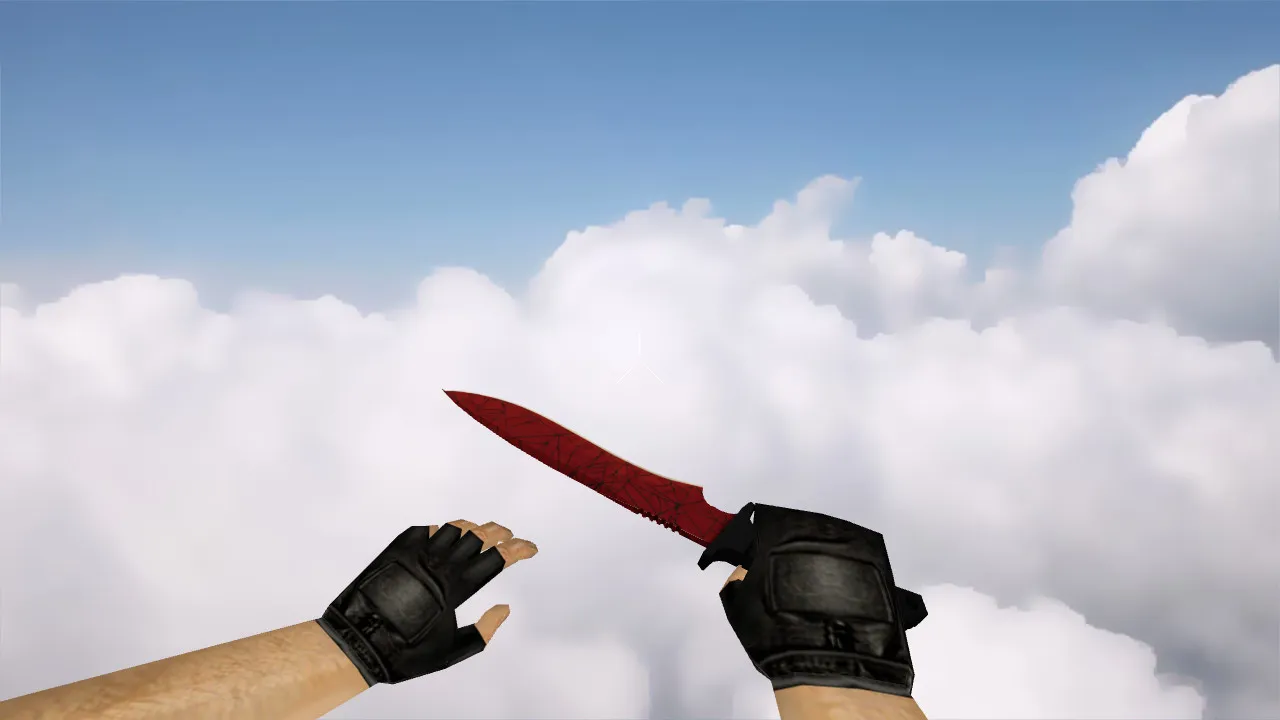
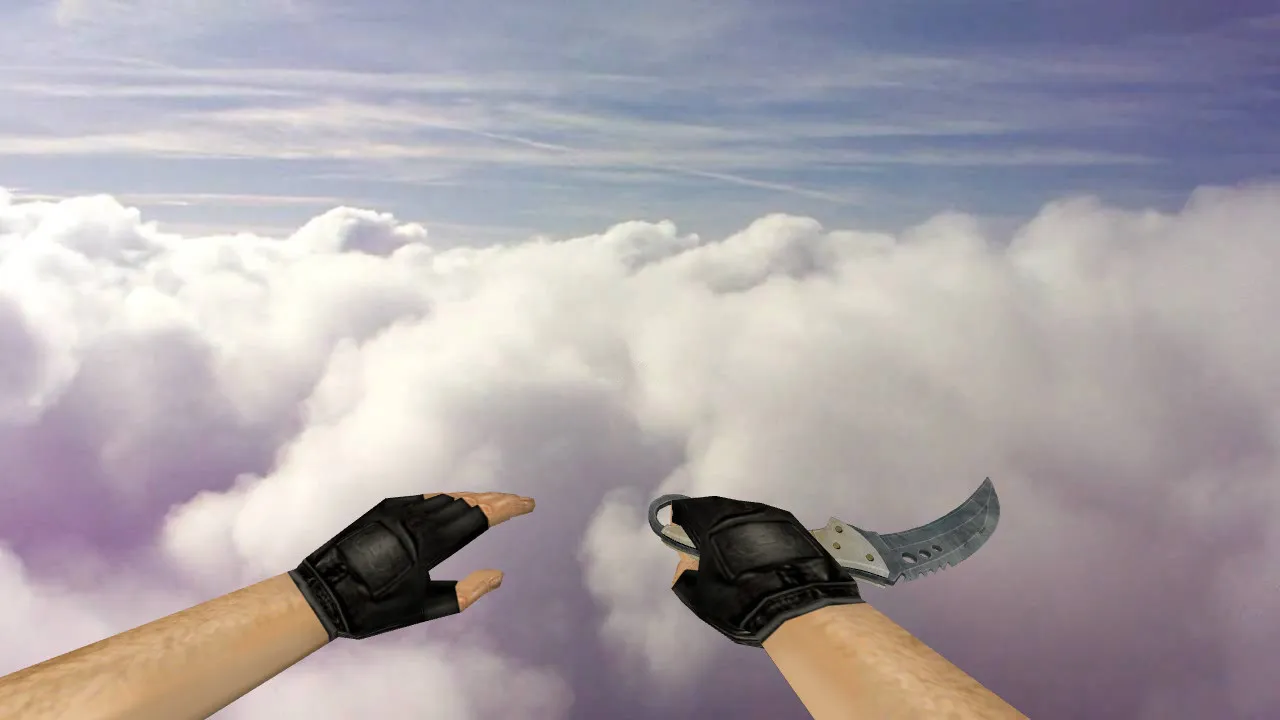
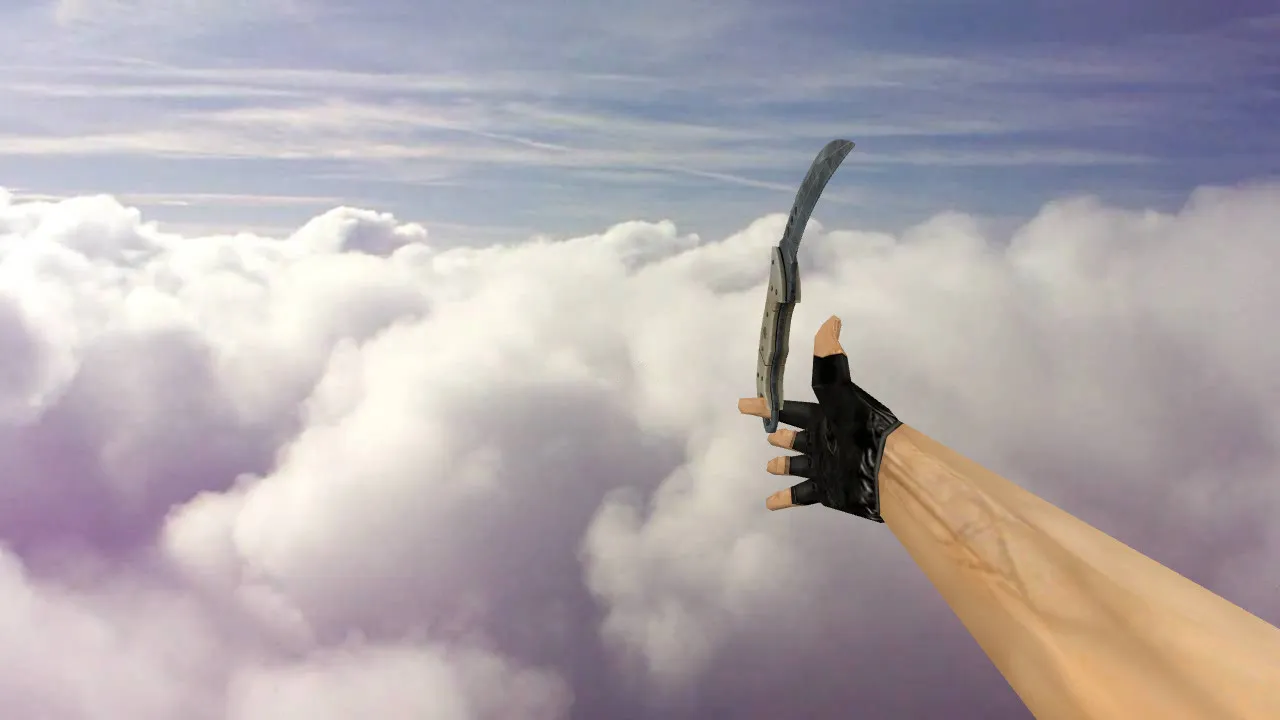
CS 1.6 Talon Vanilla Knife Model: v_knife Talon with Inspect Animation, Sounds & HD Textures

Description
Talon Vanilla Knife Model for CS 1.6: v_knife, p_knife, w_knife and Core Files
Looking for a Talon-style blade that blends perfectly into CS 1.6? Add the Talon Vanilla model and make sure you have the proper v_knife, p_knife, and w_knife files. In CS 1.6, these distinct renderings serve specific roles: v_knife handles the first-person perspective, p_knife represents player hands in third-person, and w_knife appears as the world model when dropped or seen from a distance.
For seamless integration, the model syncs with inspect animations. In CS 1.6, mismatched sequences cause stuttering when quickly switching back to combat. When tuned correctly, the knife switches cleanly, keeping hand placement steady without warping the outline. Custom knife audio enhances immersion, triggering accurately on draw and swing without silence or glitched clips.
Textures and In-Game Visibility
Textures need to stay crisp up close and resist blurring during motion. For knives, this is vital since they remain on screen constantly. The Vanilla variant balances clarity in bright spots and dark corners on maps such as de_dust2 or de_inferno. Quality UV mapping and detail balance prevent patchy artifacts during rotation.
Built for heavy use in CS 1.6-warm-ups, site entries, or post-round finishes-the model emphasizes clean geometry and stable polycount while spinning. Low polycount guarantees high-FPS performance, while hitbox alignment keeps melee swings accurate without visual offsets.
Safe Installation Guide for CS 1.6 Knife Model
Install manually without auto-connect tools or extra software. No viruses, no adware, no hidden loaders. Work directly inside game folders using model files only:
- Backup your current knife files in the models directory.
- Copy v_knife, p_knife, and w_knife to the correct subfolders like models/v_ and models/w_.
- Verify no conflicts with other mods, particularly sprite or wad files.
- Launch CS 1.6 and join a server that allows client-side custom models, Steam or Non-Steam.
- Test the inspect animation: Ensure the model doesn't clip or disappear during transitions.
- Check sounds: Knife draw and swing audio should play without errors or delays.
If elements fail to appear, inspect file paths or naming mismatches. Stick to clean config.cfg setups and avoid mixing with patched builds like 4554 or 8610 unless tested.
Post-Installation Quality Checks
Quick tests save match time. Focus on inspect animation smoothness, display stability, and weapon switch response. In CS 1.6, the knife must transition from a pistol or rifle without flickering, maintaining polycount efficiency for 100+ FPS.
Evaluate at varying distances: Lighting and shadows on maps can change texture perception. A solid Vanilla model stays readable, avoiding smearing from epoly/wpoly optimizations. For tactical play, the knife's shape aids quick sight alignment near the crosshair, without distracting lines-ideal for close-quarters in de_train tunnels or de_nuke vents.
Confirm hitbox accuracy: Melee strikes should register cleanly, with v_knife geometry matching p_knife for consistent third-person views. No-recoil configs pair well, but test in offline mode first to catch any animation desyncs.
Final Notes
The Talon Vanilla model for CS 1.6 delivers v_knife, p_knife, w_knife with tuned inspect animations, custom sounds, and HD 512x512 textures. Deploy in rounds emphasizing speed and visibility. Pure model files-no extras, no risks. Compatible across builds with proper folder structure.
Install in three steps
-
1
Download the archive. Use the button on the right, or the Yandex.Disk mirror if the main server is slow.
-
2
Extract it into the game folder. Use 7-Zip or WinRAR. A path without non-Latin characters works best.
-
3
Launch the game. If something doesn't work, mark it below - that is how we know the file needs an update.
Did it work for you?
No sign-up needed. You can pick more than one.