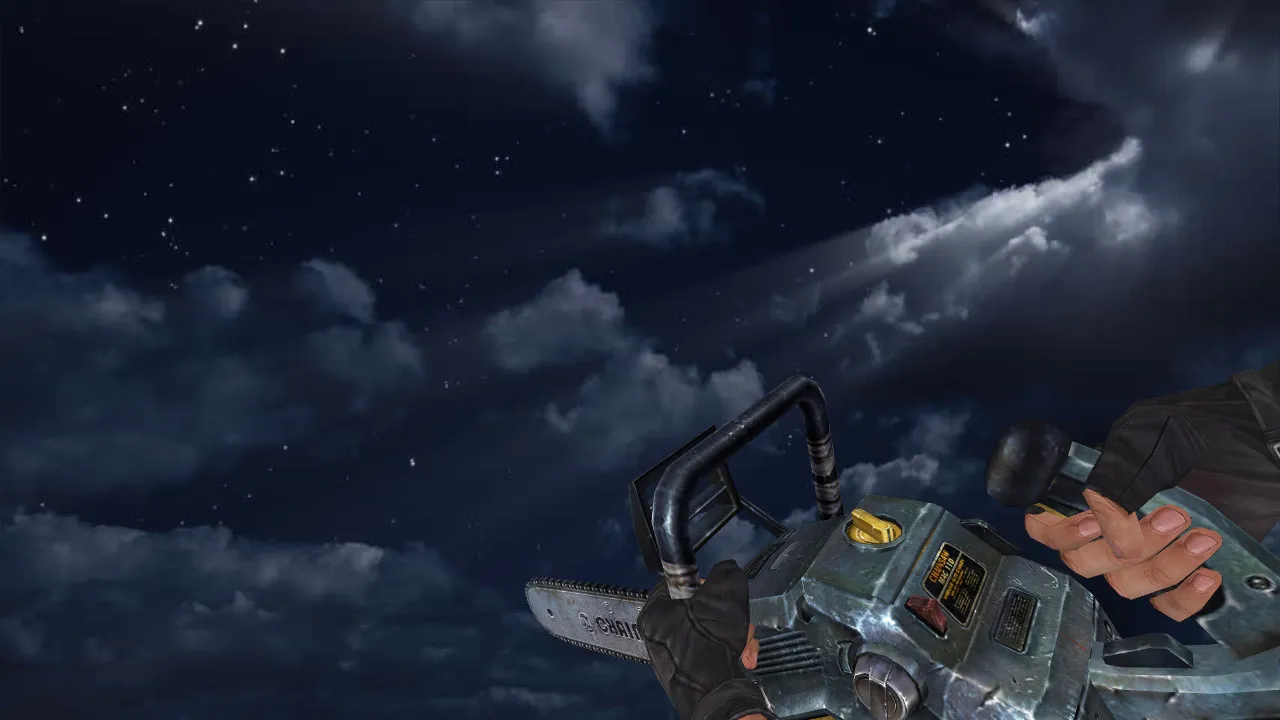
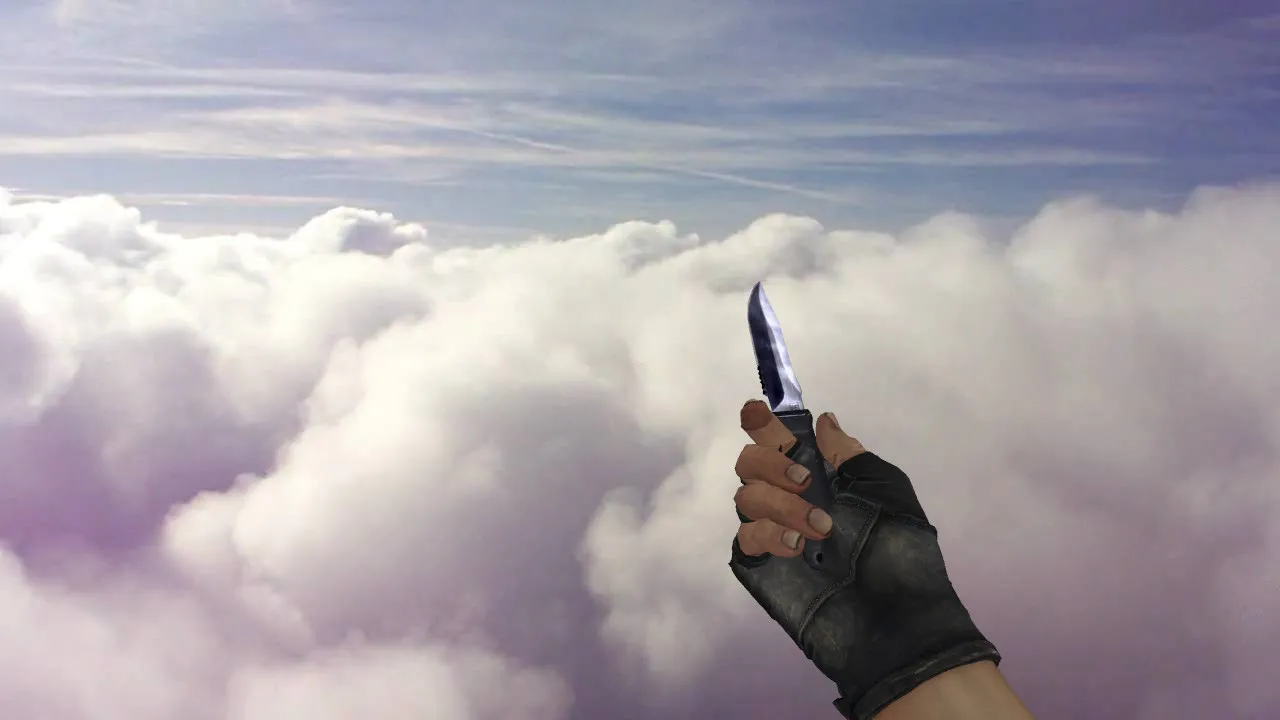
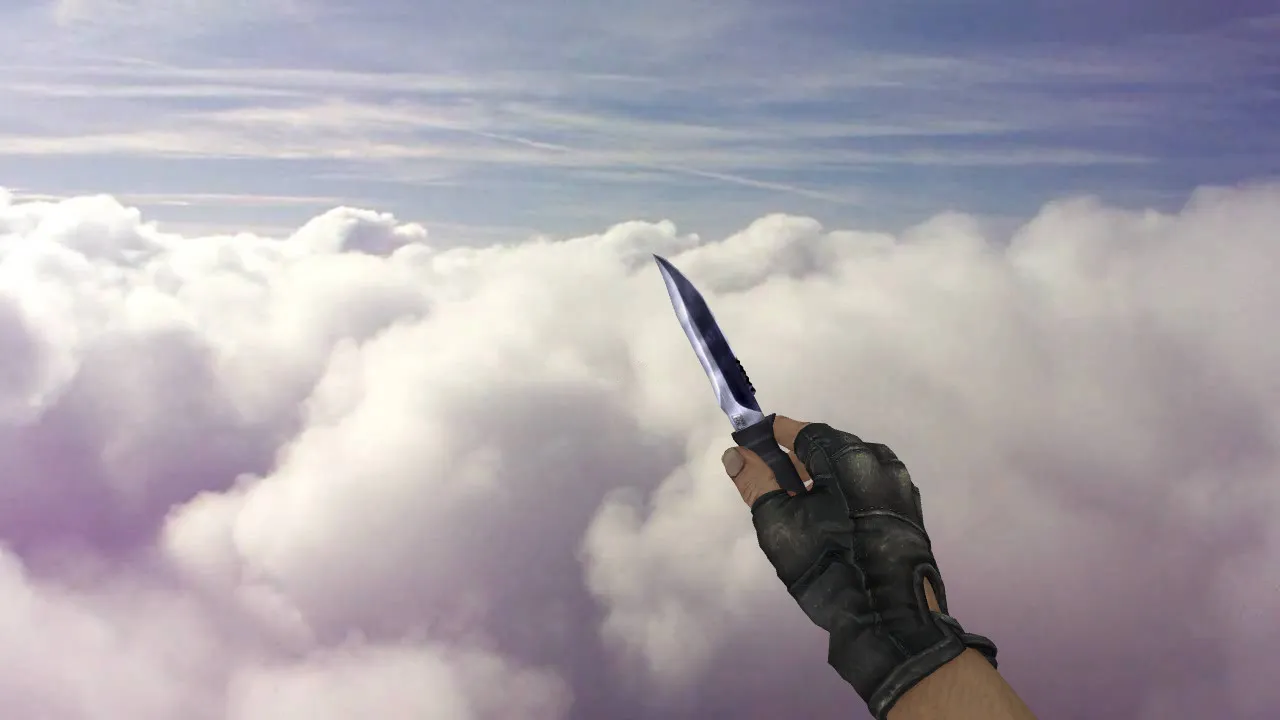
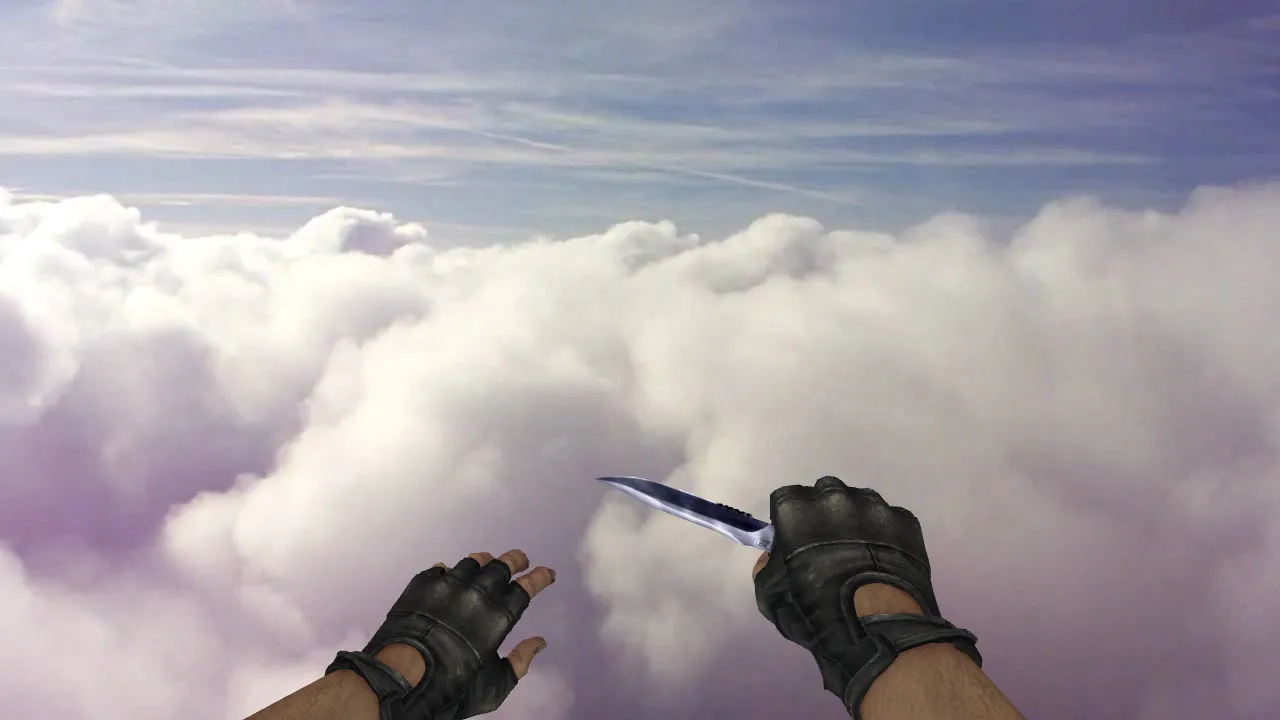
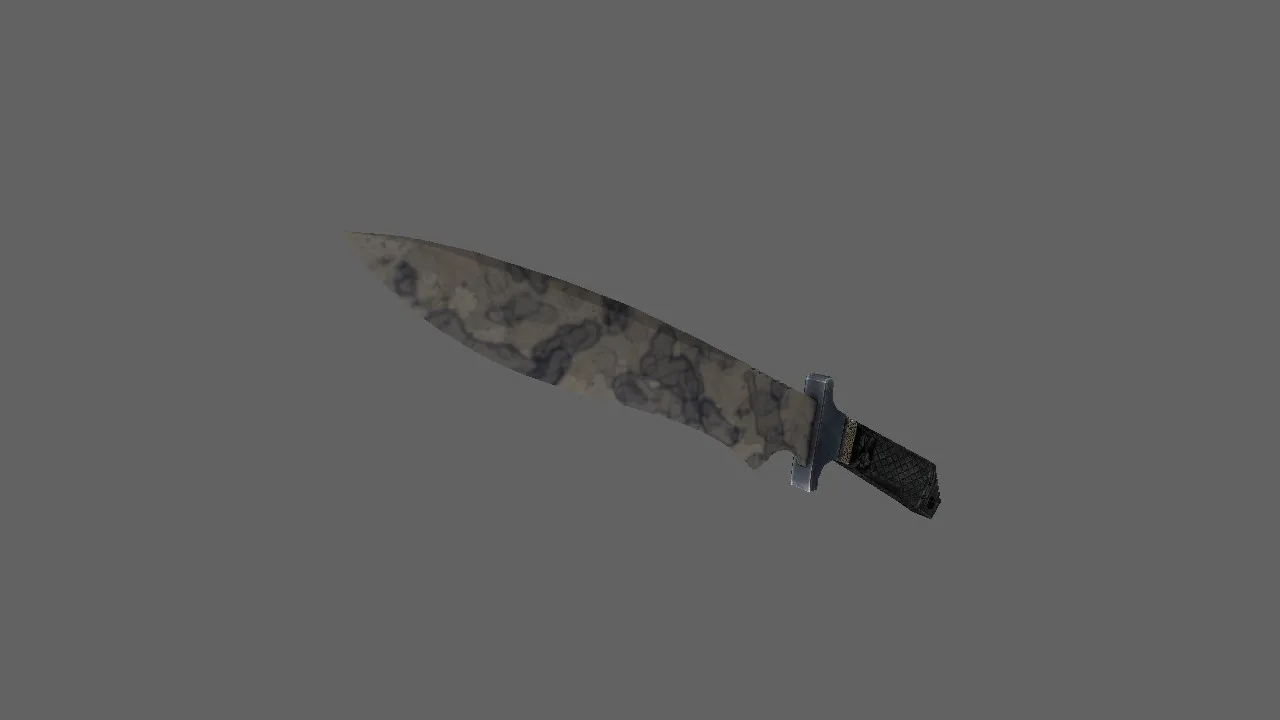
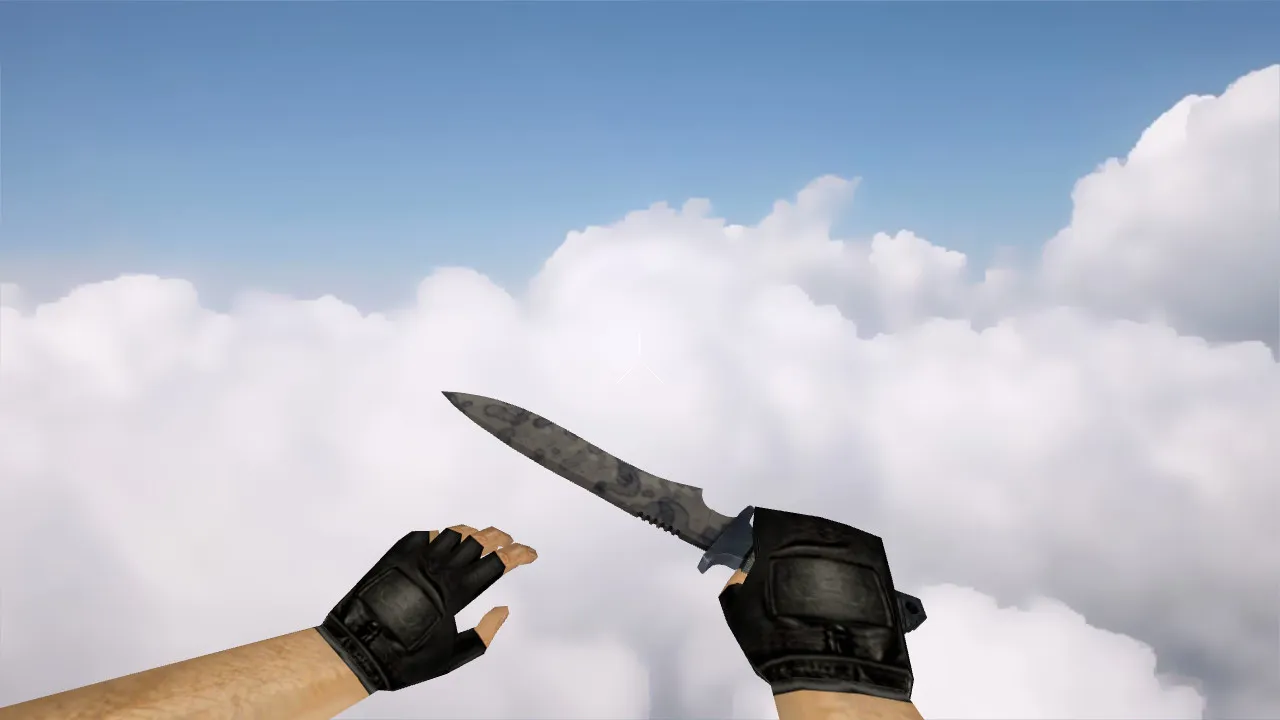
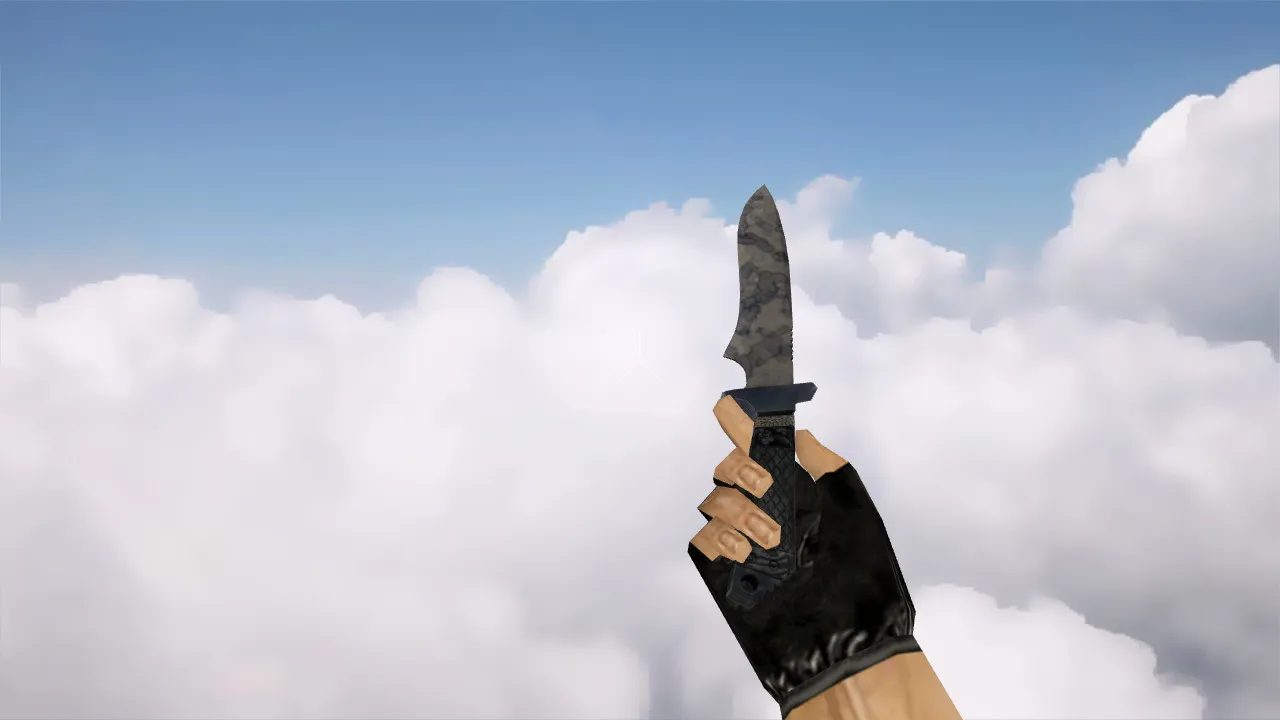
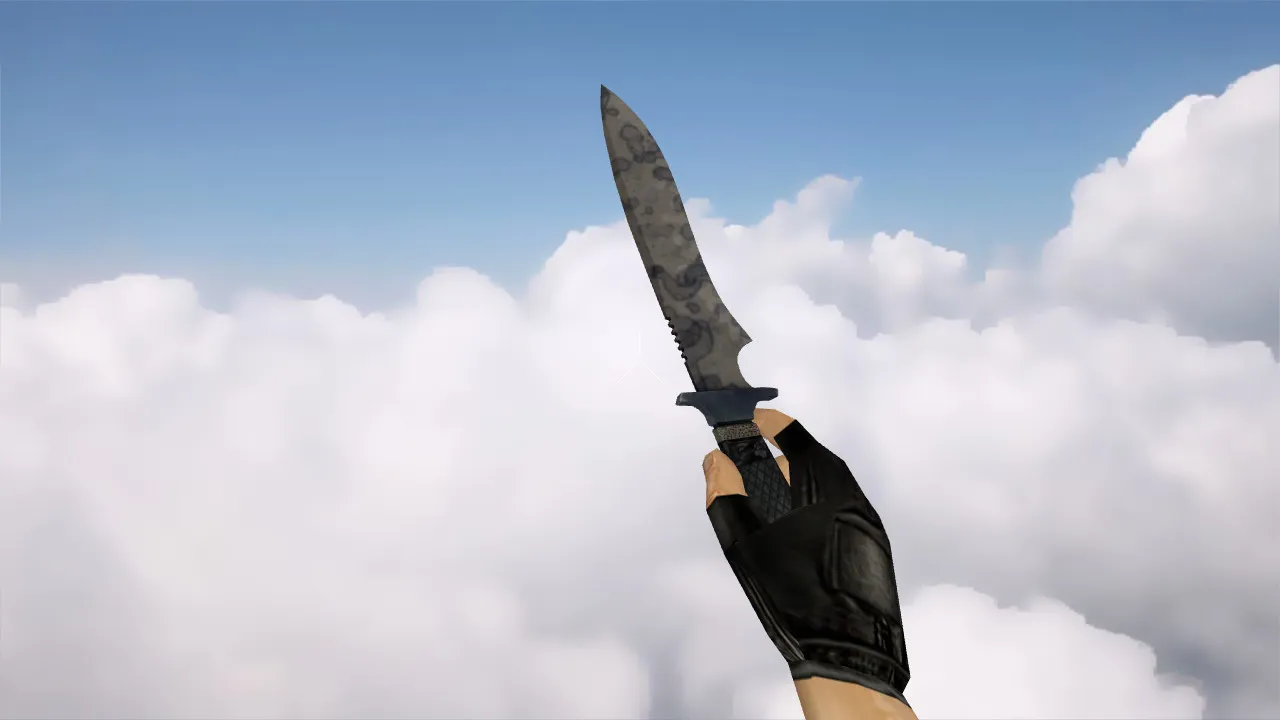
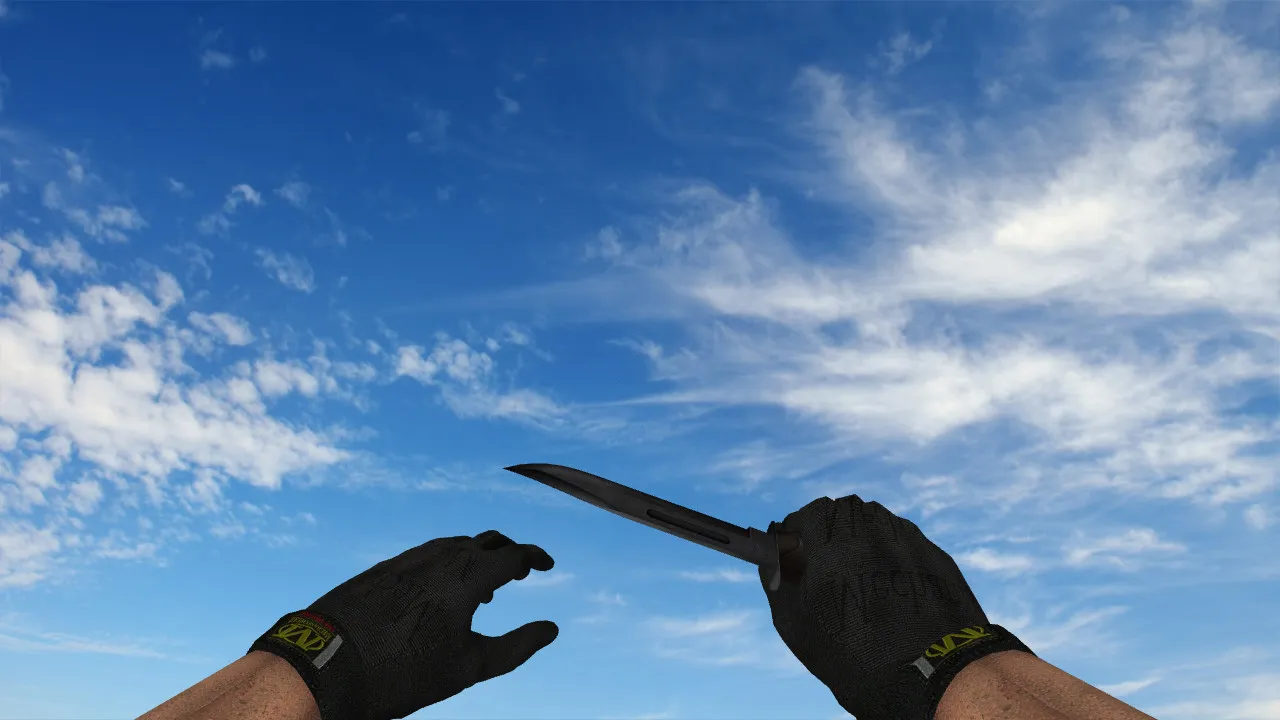
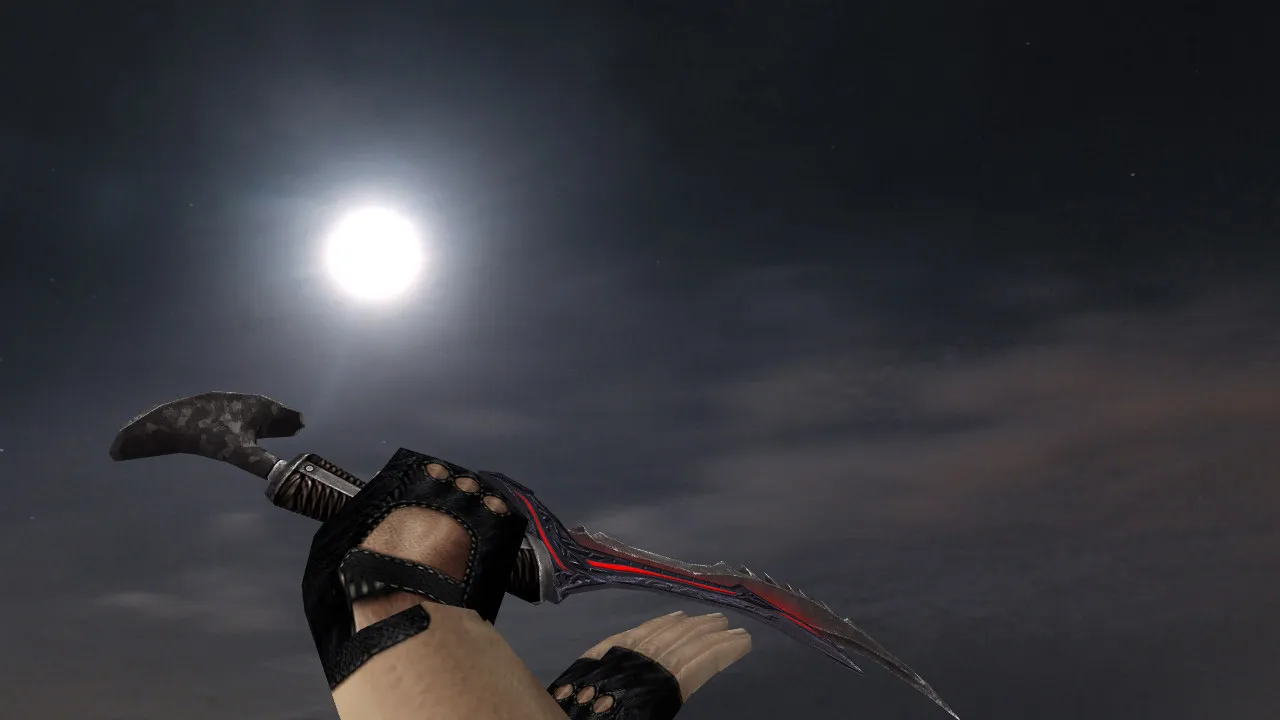
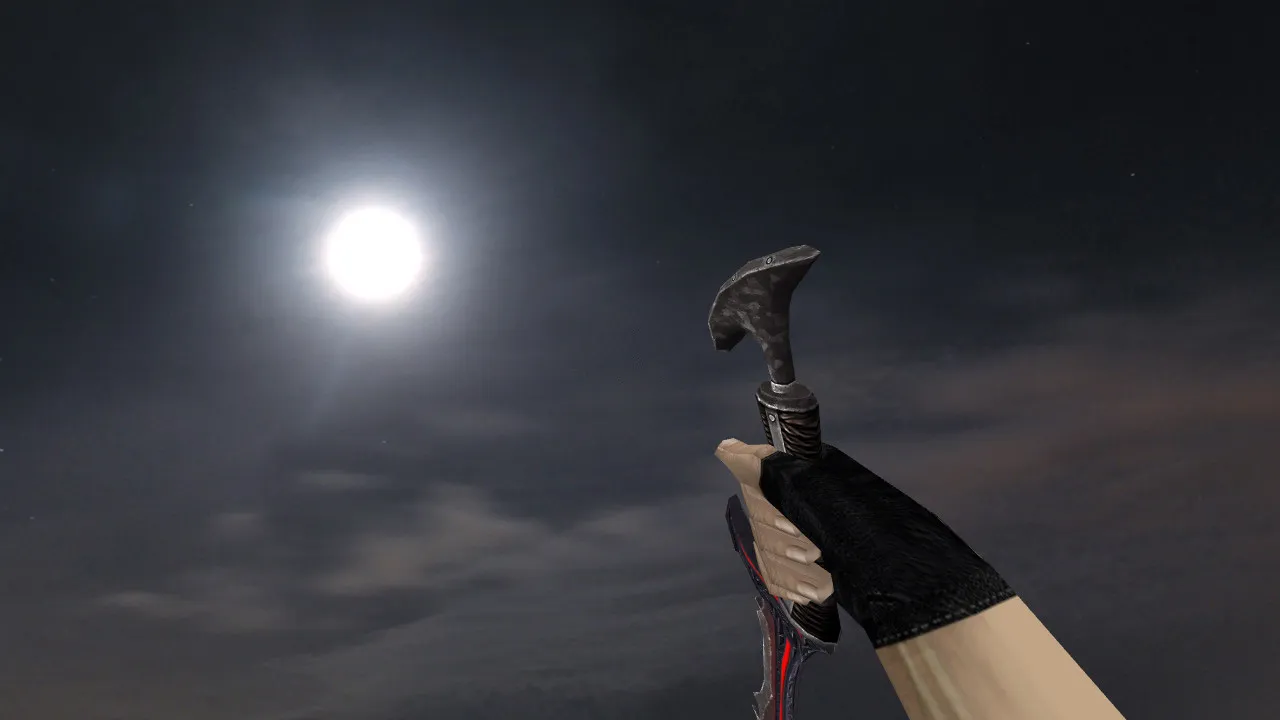
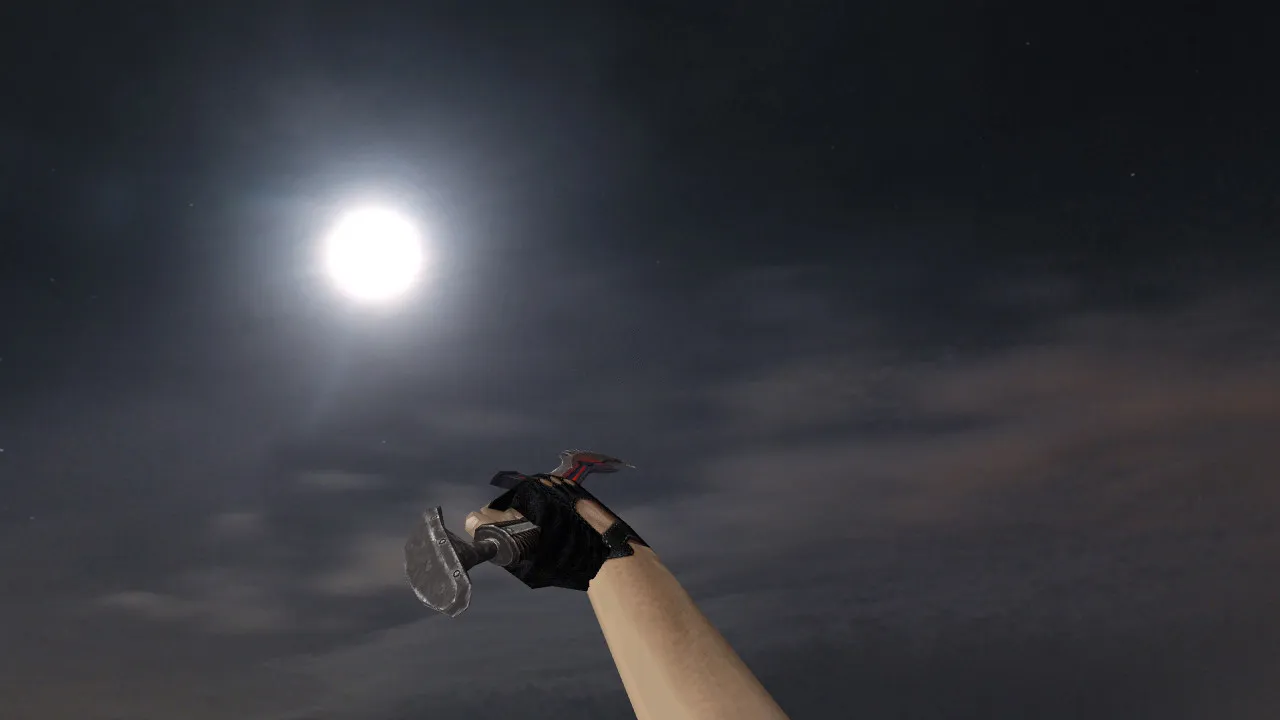
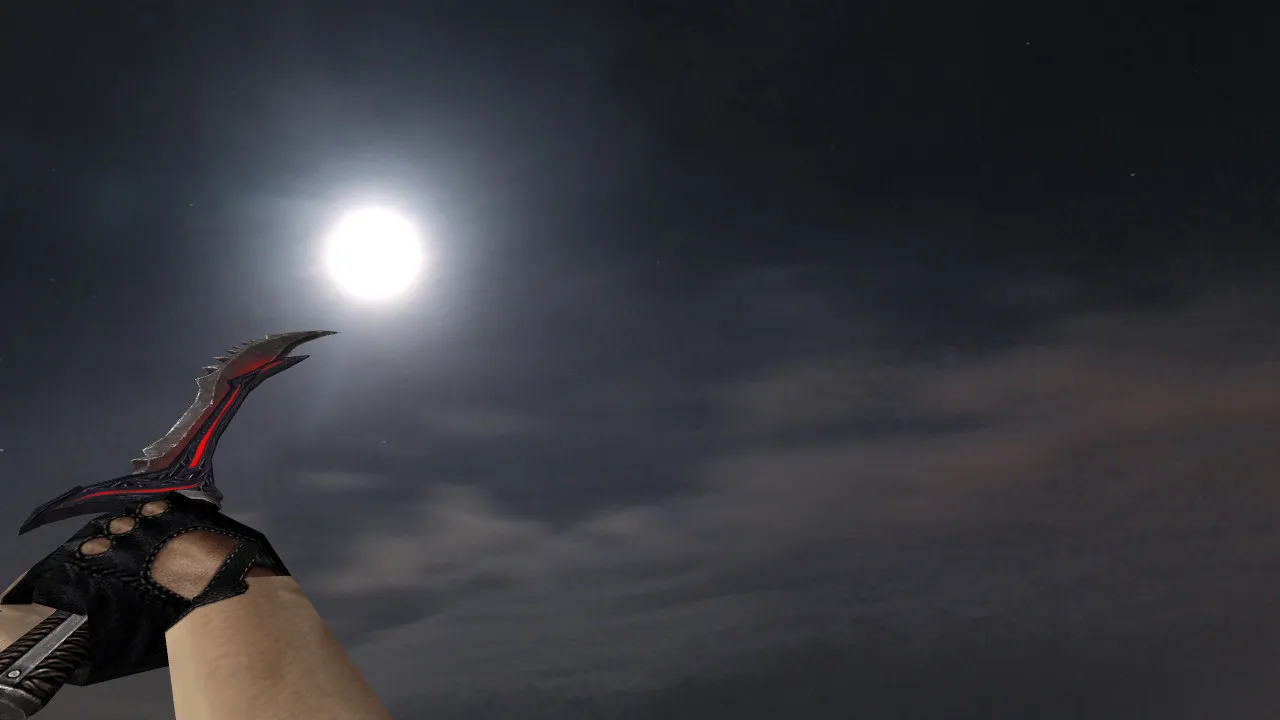
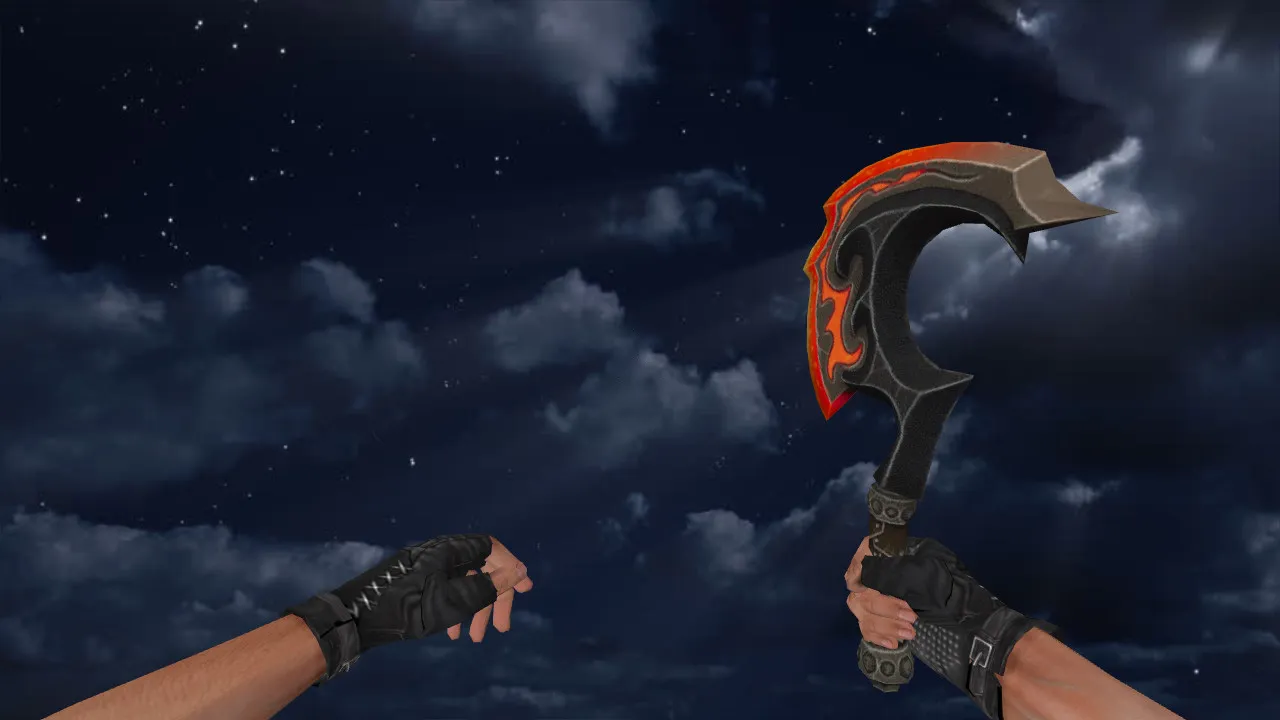
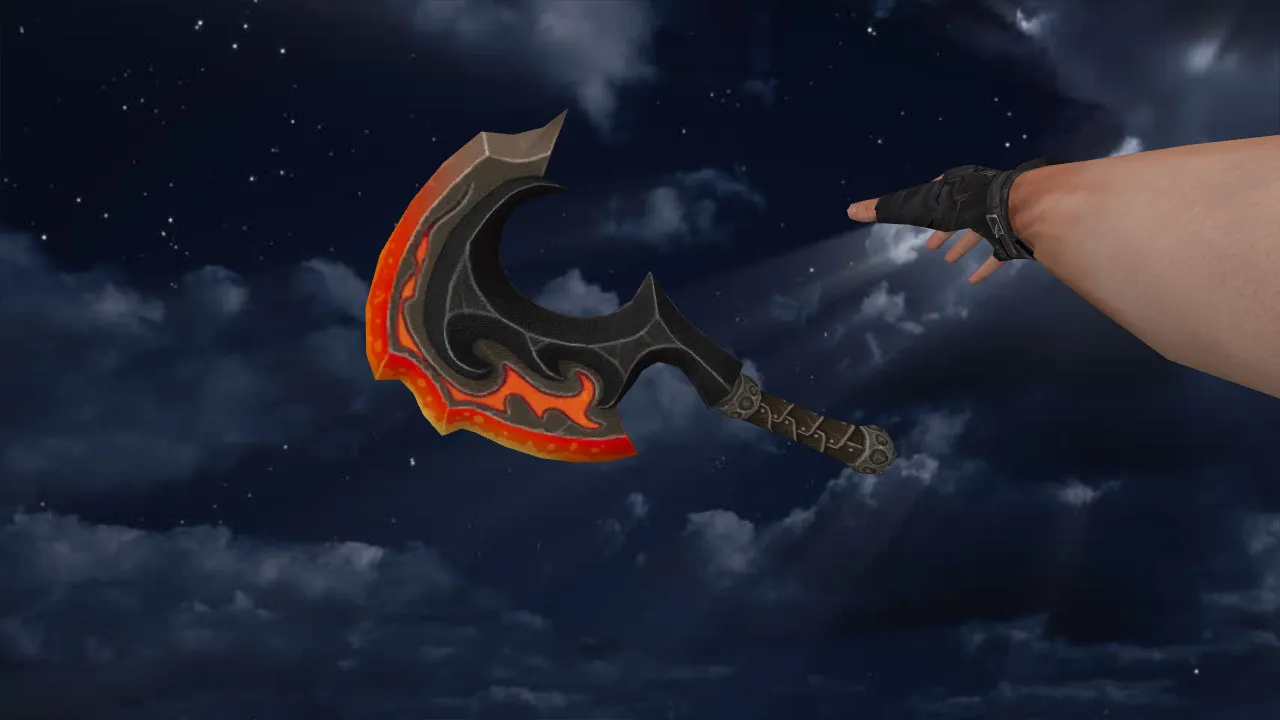
Default CSGO Terrorist Knife for CS 1.6: View & Player Models, Audio, Inspect Anim, Textures
Description
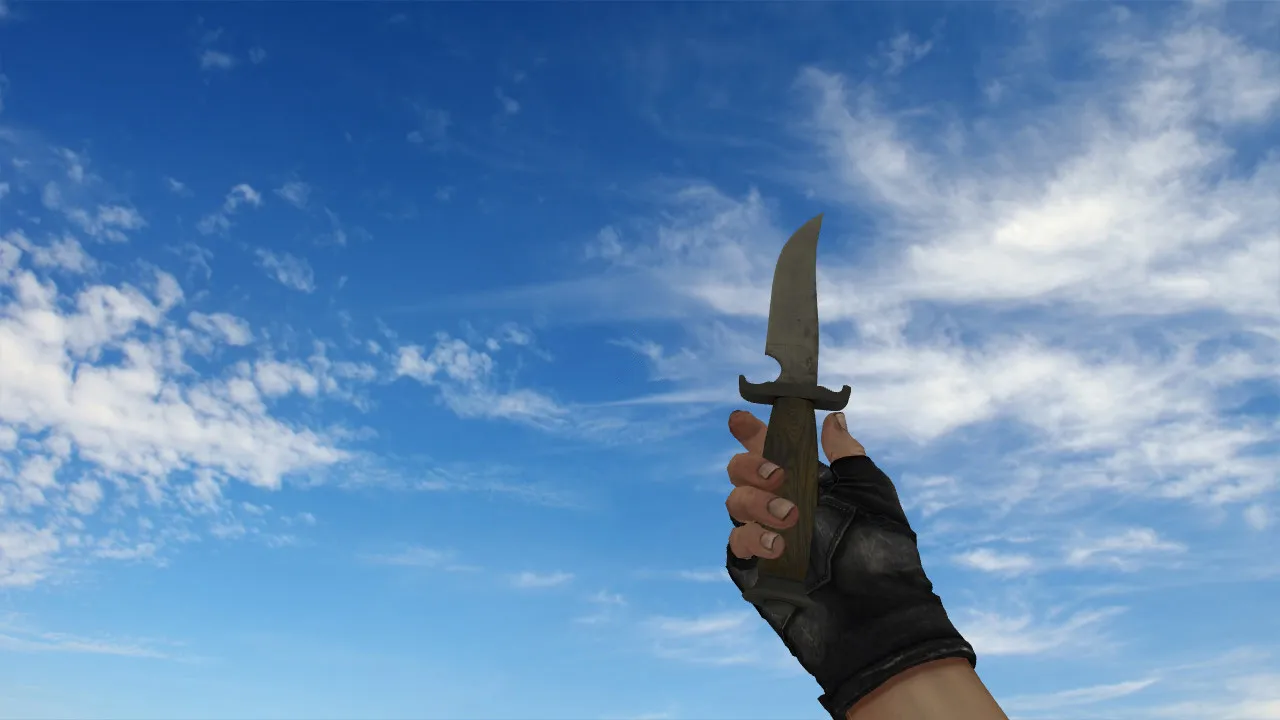
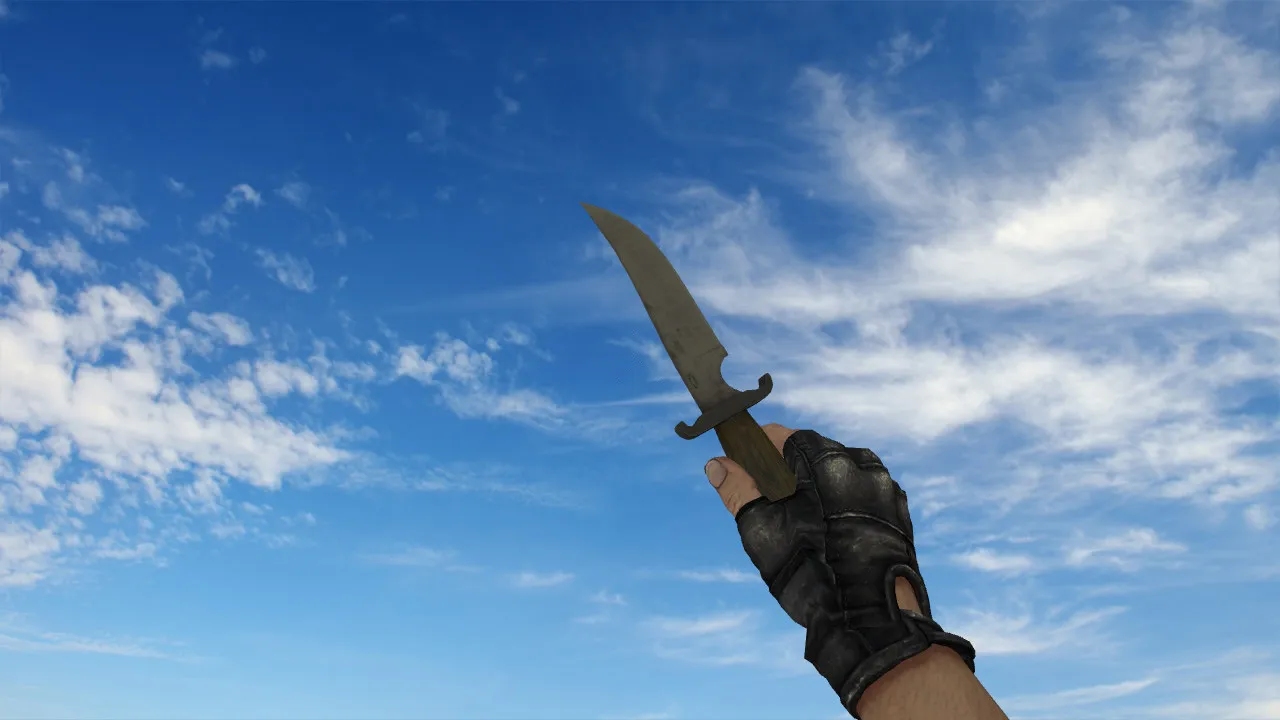
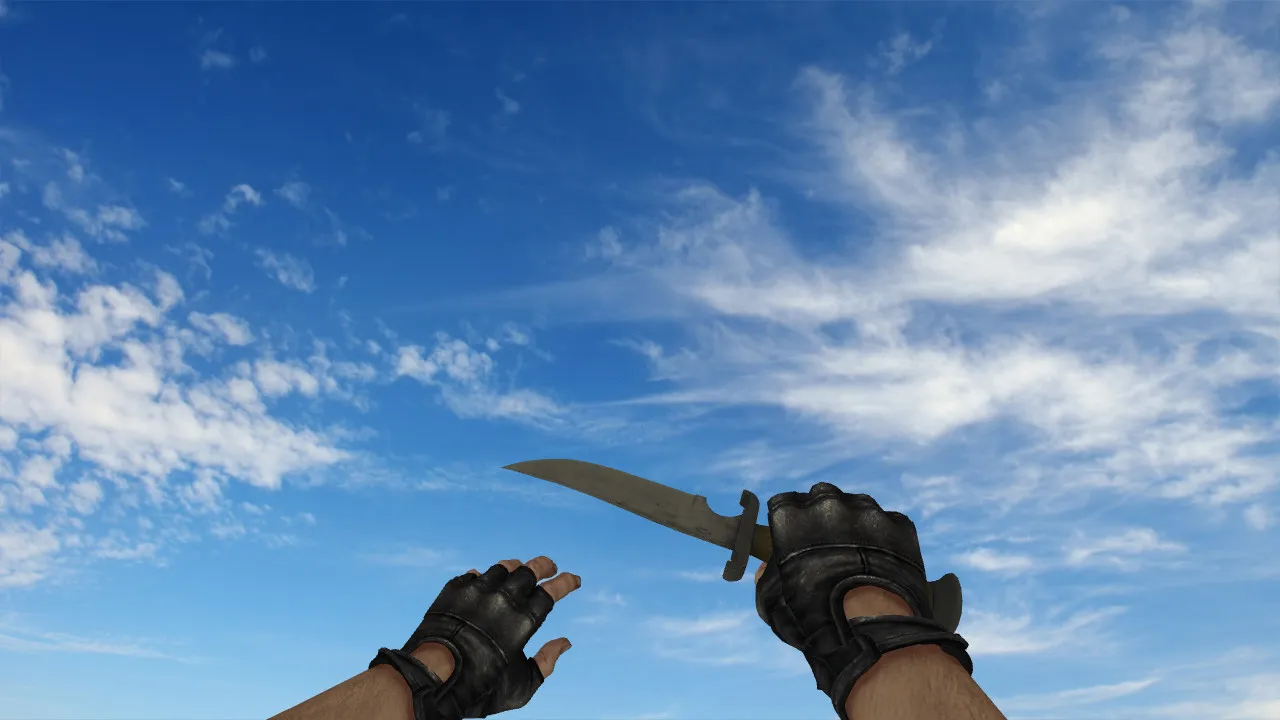
Default CSGO Terrorist Knife for CS 1.6
This Default CSGO Terrorist Knife for CS 1.6 swaps out local game files to alter how the blade looks in your hand during matches. The package follows standard conventions, supplying assets for the first-person perspective and third-person hand placement, along with the necessary material files for correct rendering.
Installing it demands careful attention to procedure. You must drop the files into the exact directories required, then confirm the game recognizes the new resources. Should the model fail to appear, double-check your folder paths and filenames; CS 1.6 requires precise directory structures and model prefixes to function correctly.
Package Contents and Functionality
The download bundles models tagged with v_ for the first-person view and p_ for the world/player view. It also includes custom audio cues and an inspect animation so the weapon feels dynamic rather than static.
The inspect animation creates fluid transitions when swapping to the knife. The sound effects add heft to drawing the blade at round start, after spawning, or during eco rounds. The textures render at a clean 512x512 resolution, free of color banding or edge artifacts, keeping the knife visible even in dim map sections like basement areas or stairwells.
The model respects CS 1.6's polygon budget, sitting at roughly 200-300 polys for the blade and grip. This ensures high framerates with no performance hitches during heavy firefights.
Hitbox Alignment and Visibility
The knife's geometry aligns with the game's internal parameters for world interaction and combat consistency. In CS 1.6, the model's shape and position must match the engine's trace calculations to prevent odd behavior during rapid movement or turning.
Readability in dark zones is a priority-high contrast styling keeps the knife distinct in shadows. Excessively dark textures or visual noise that lowers hand contrast are avoided, which helps you track the weapon during play.
Accurate hitboxes mean slashes connect properly without phantom range or dead zones, a critical factor for close-quarters combat in spots like the tunnels on de_dust2 or the tight bombsites on de_inferno.
Safe Installation Guide
- Grab the archive and unpack it to a folder on your drive.
- Confirm the presence of v_ and p_ model files along with any required subdirectories.
- Move the files into your CS 1.6 models folder, preserving the internal folder hierarchy.
- Place any included sound files into the game's sound directory.
- Start the game and verify the knife in both first-person and third-person views.
If the model is missing, audit your filenames and paths first. Disable other custom content to eliminate conflicts-testing with a fresh config.cfg helps isolate the issue.
Whether you use a Steam or Non-Steam client, confirm compatibility with Build 4554 or 8613. Client-side model swaps like this do not trigger MasterServer complications.
Security and Performance Notes
Only download from trusted origins. Do not execute unknown scripts or grant elevated permissions to archives. Perform the install manually by copying assets into the game directories-no auto-connect features, advertisements, or third-party launchers are involved.
This client-side modification runs cleanly without malware or performance-draining hacks. Once installed, you can adjust visuals via config files if desired, but core performance relies on the correct placement of models, sounds, and animations.
With all pieces in place, the Default CSGO Terrorist Knife blends smoothly into your CS 1.6 setup, upgrading knife rounds without hurting hitbox fidelity or framerate.
Extended use: Combine with no-recoil scripts for tighter slash control, or practice on bot matches using .nav files for tactical drills. In competitive environments, the HD textures pop under standard lighting, giving you a visibility edge on servers where spotting matters.
Install in three steps
-
1
Download the archive. Use the button on the right, or the Yandex.Disk mirror if the main server is slow.
-
2
Extract it into the game folder. Use 7-Zip or WinRAR. A path without non-Latin characters works best.
-
3
Launch the game. If something doesn't work, mark it below - that is how we know the file needs an update.
Did it work for you?
No sign-up needed. You can pick more than one.