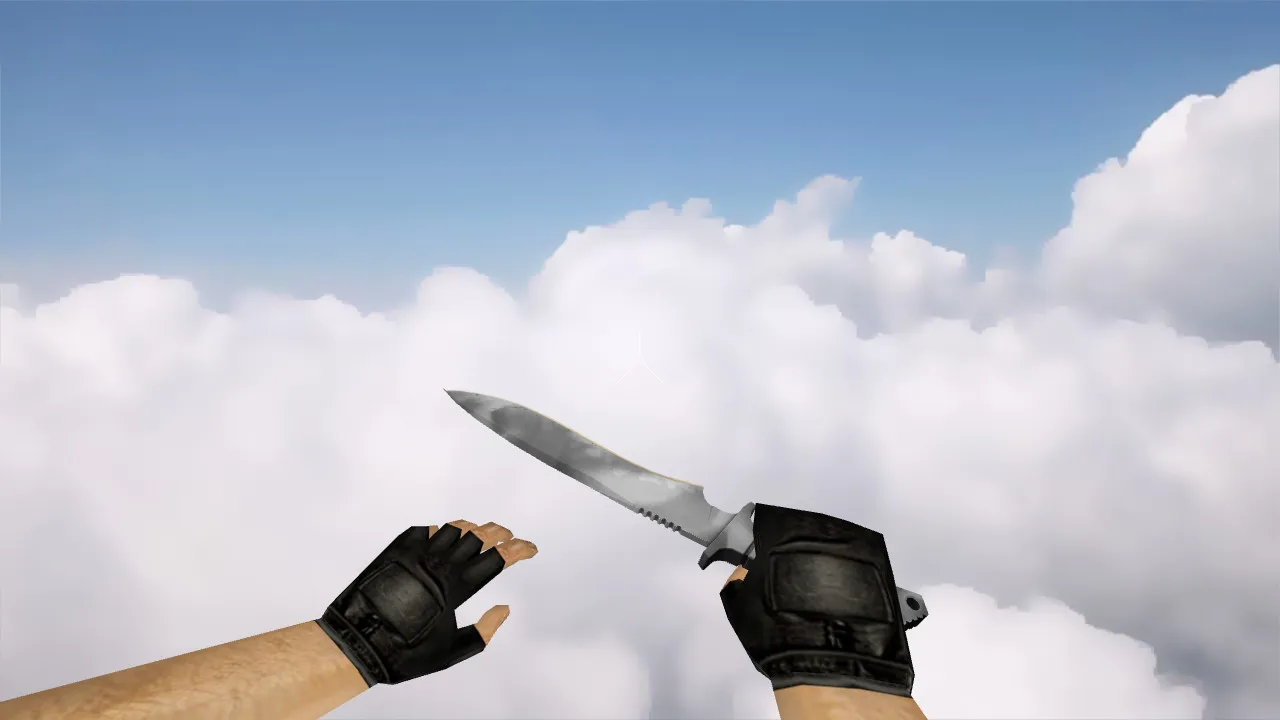
Classic Knife Patina Model for CS 1.6: v_, p_, w_ Versions, Sounds, Inspection Animations, and Textures
Description
Classic Knife Patina for CS 1.6
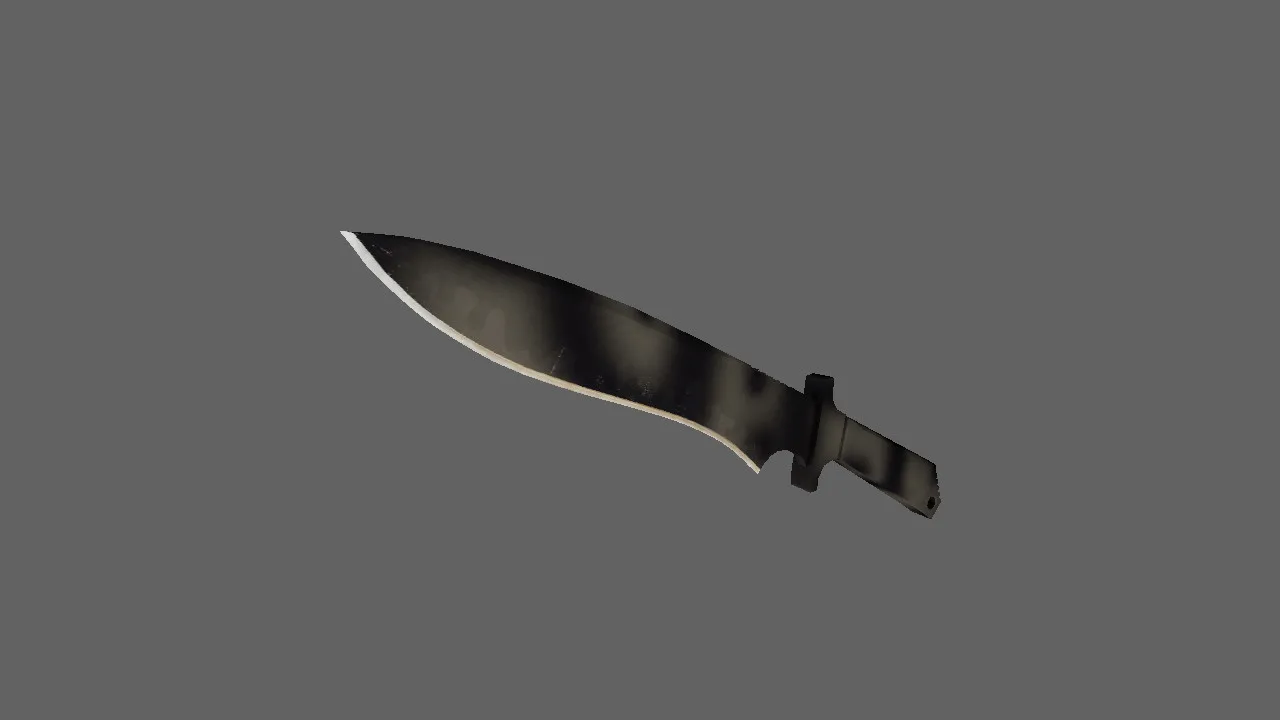
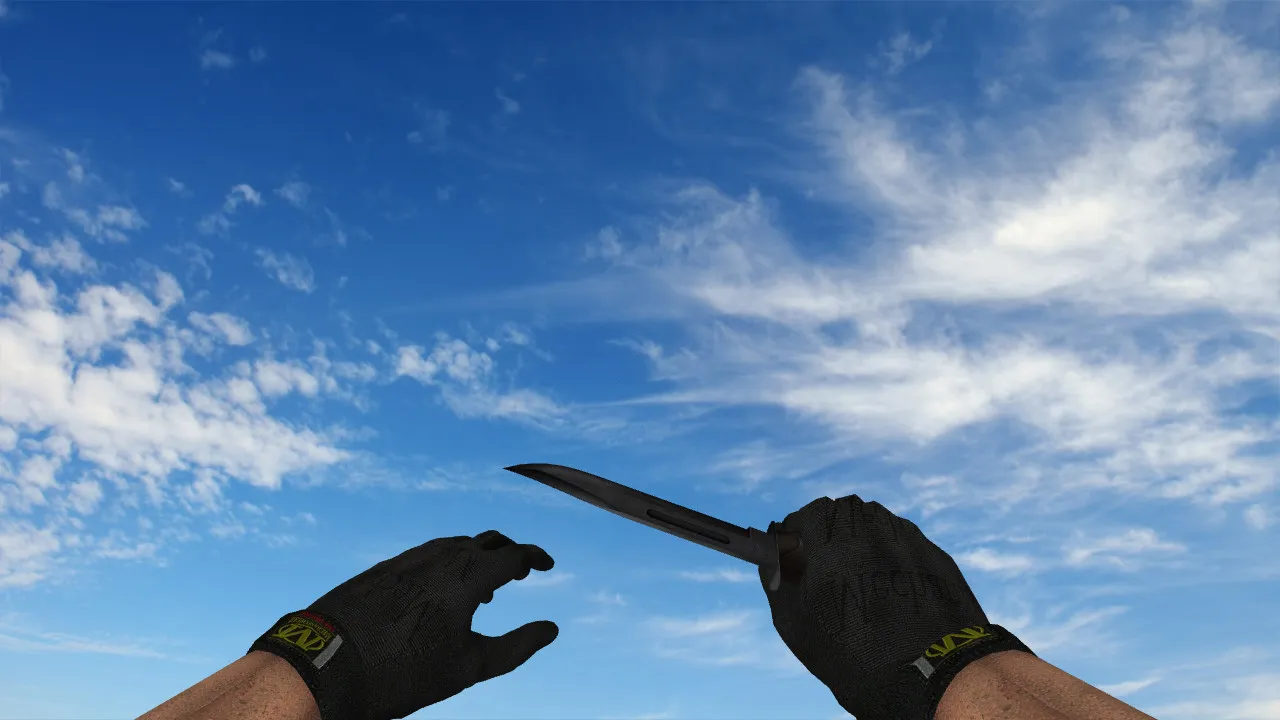
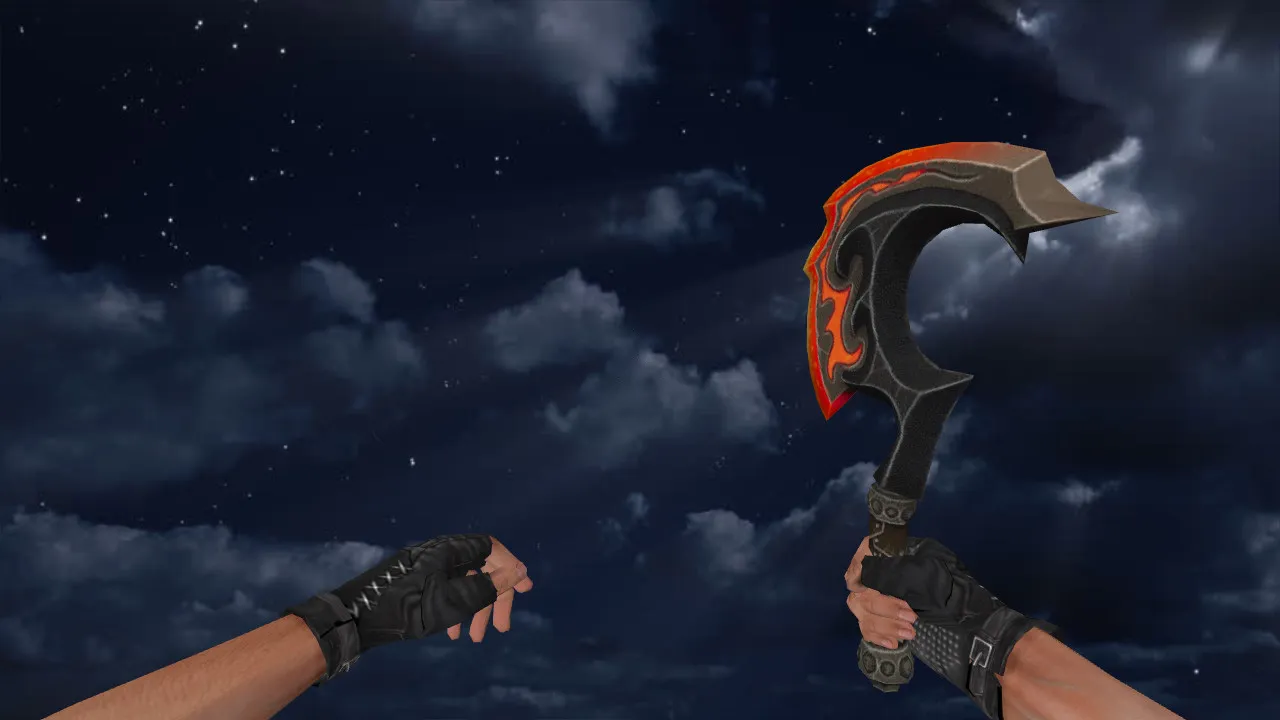
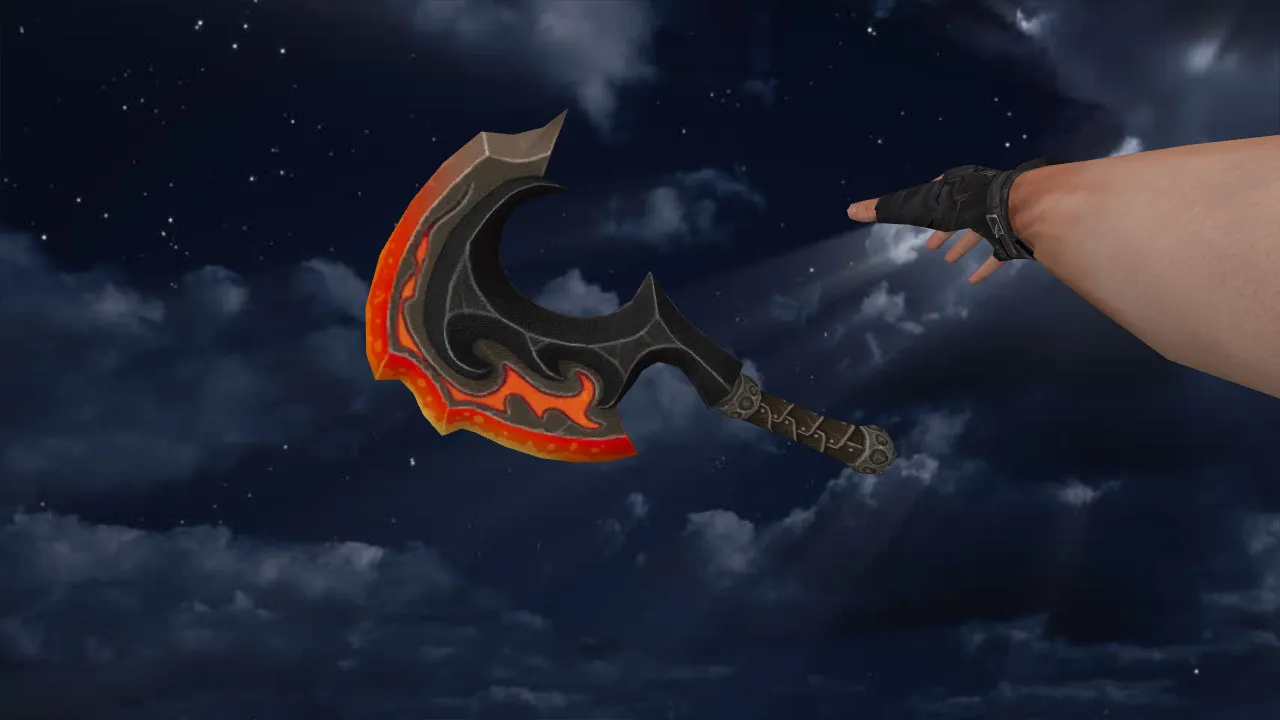
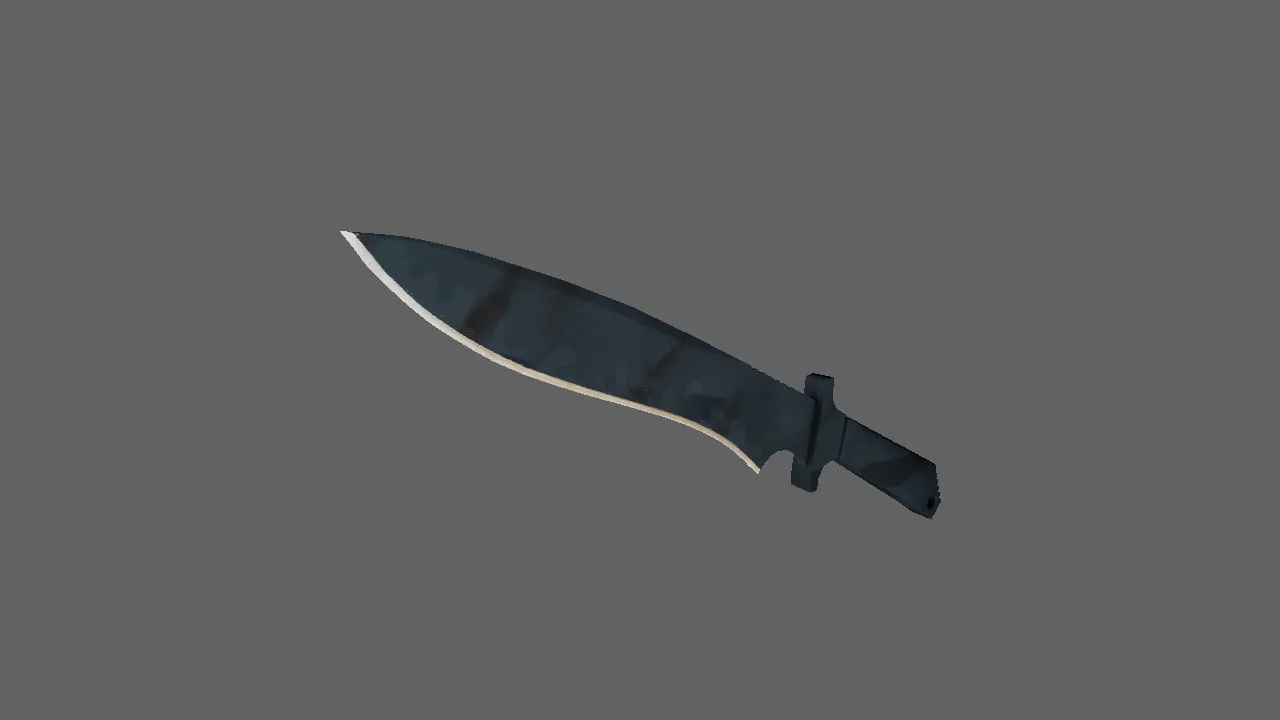
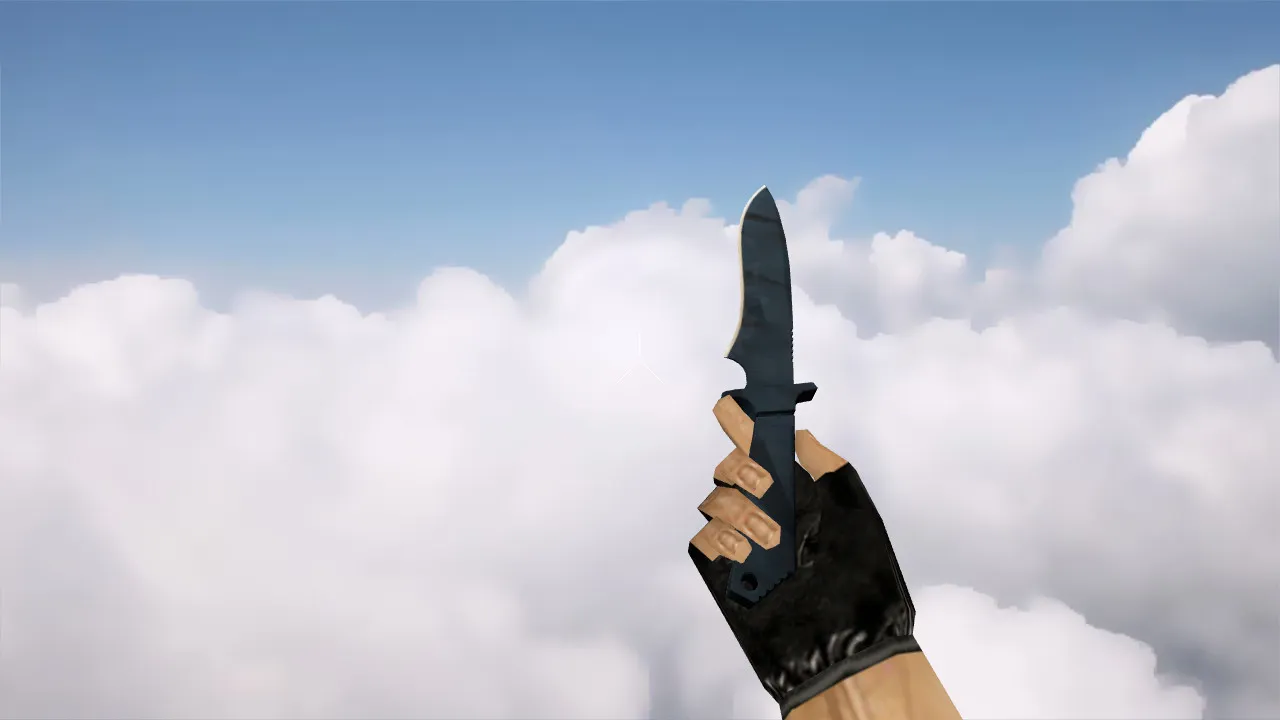
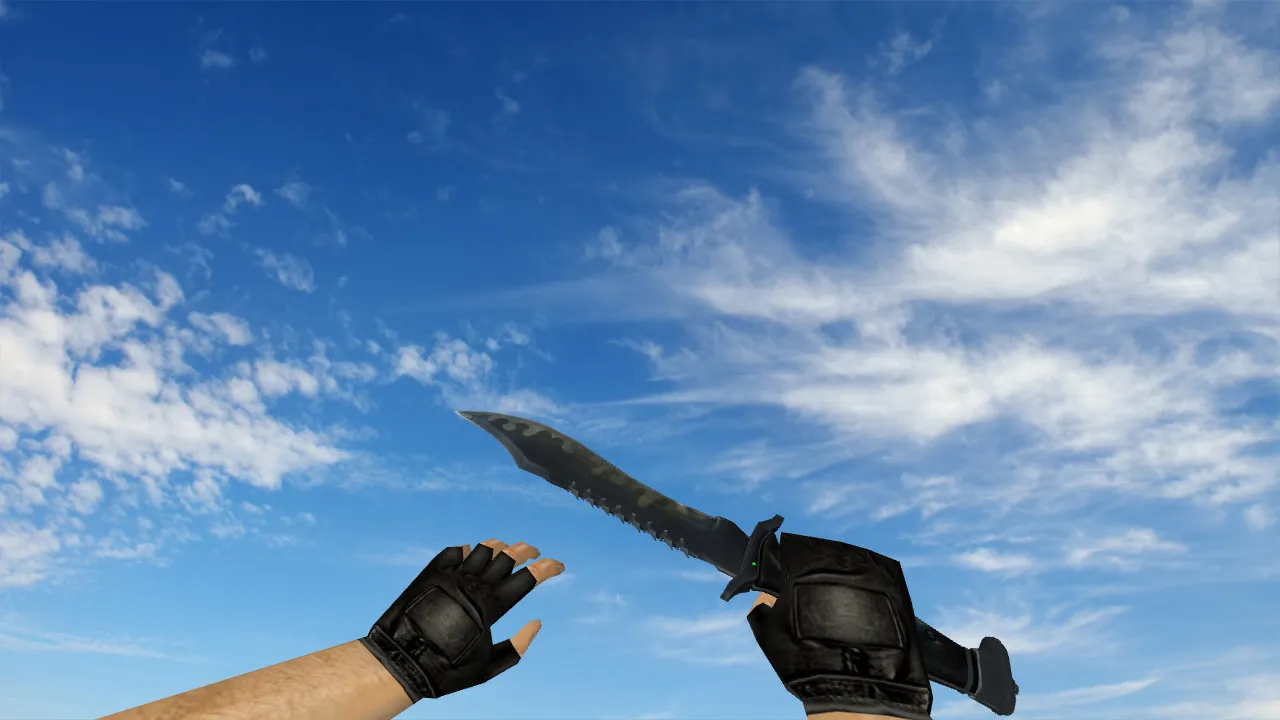
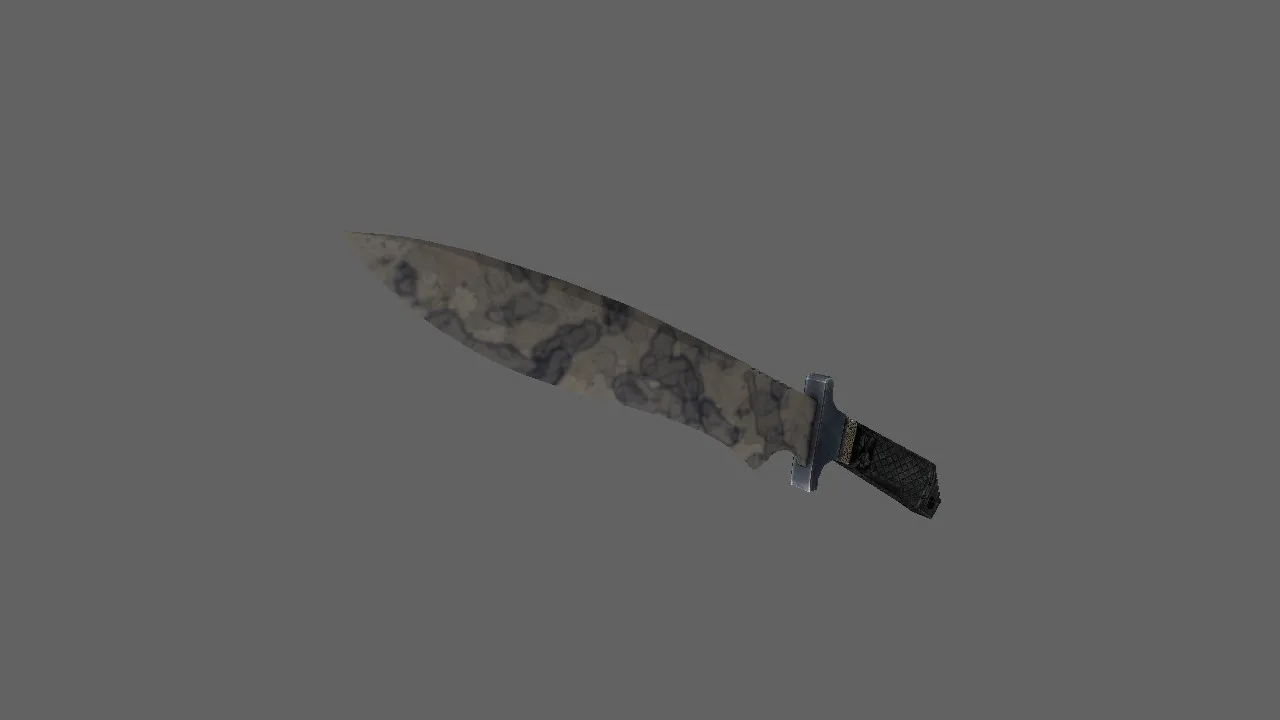
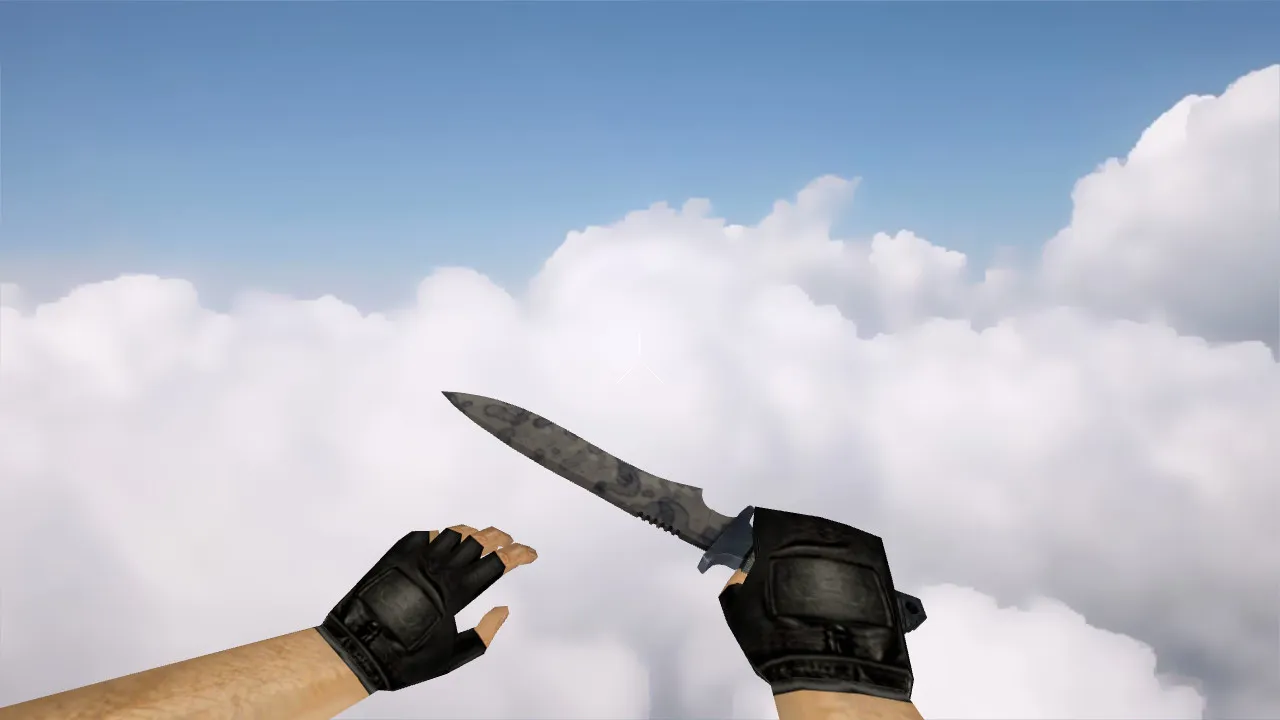
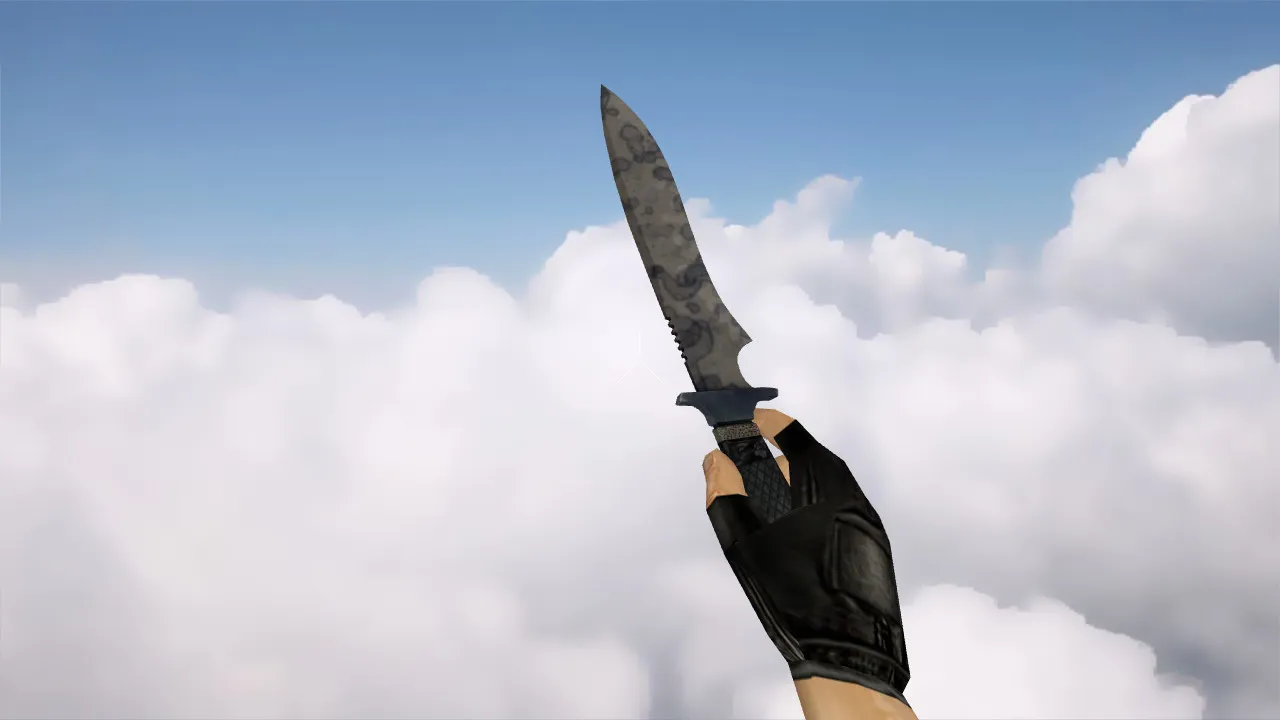
In a CS 1.6 round, the knife dictates the tempo. This Classic Knife | Patina model keeps visual consistency whether viewed up close or from afar. The key lies in matching proportions across the v_ model on the player's screen, the p_ model in third-person, and the w_ model lying in the world. Doing so prevents jitter during movement and visual shifts between rounds. The pack includes separate files: v_knife_patina, p_knife_patina, and w_knife_patina.
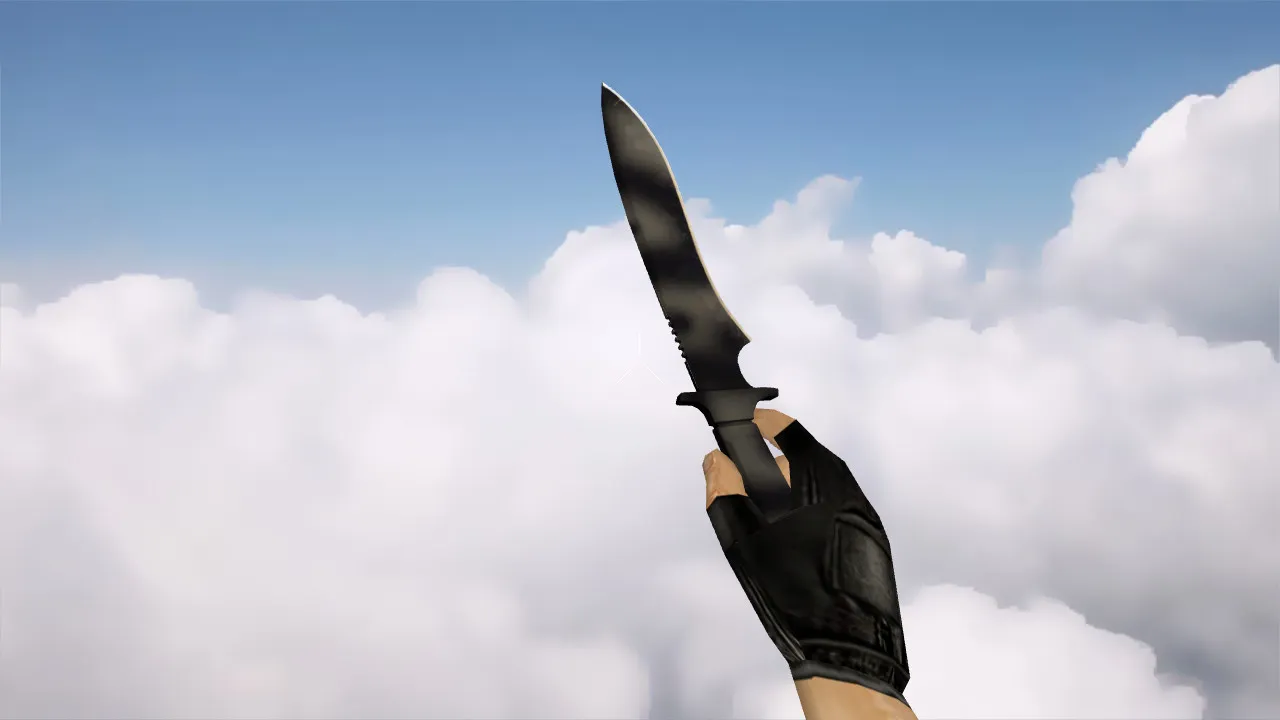
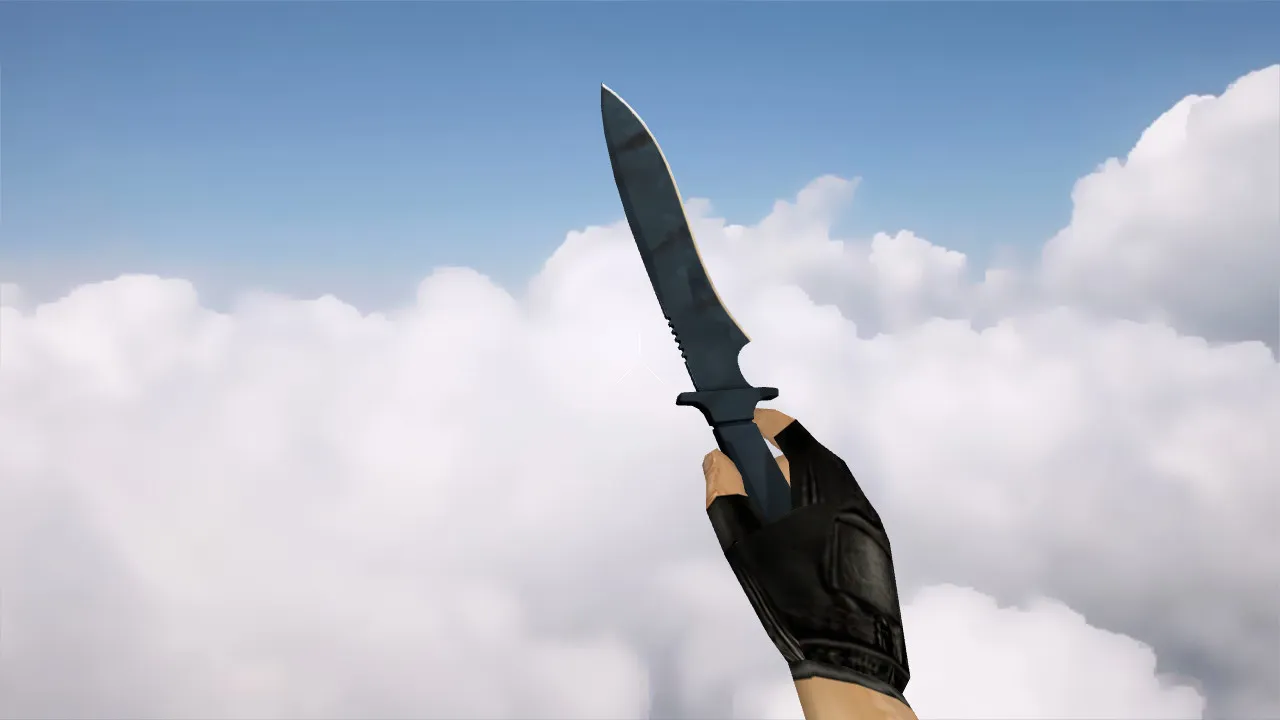
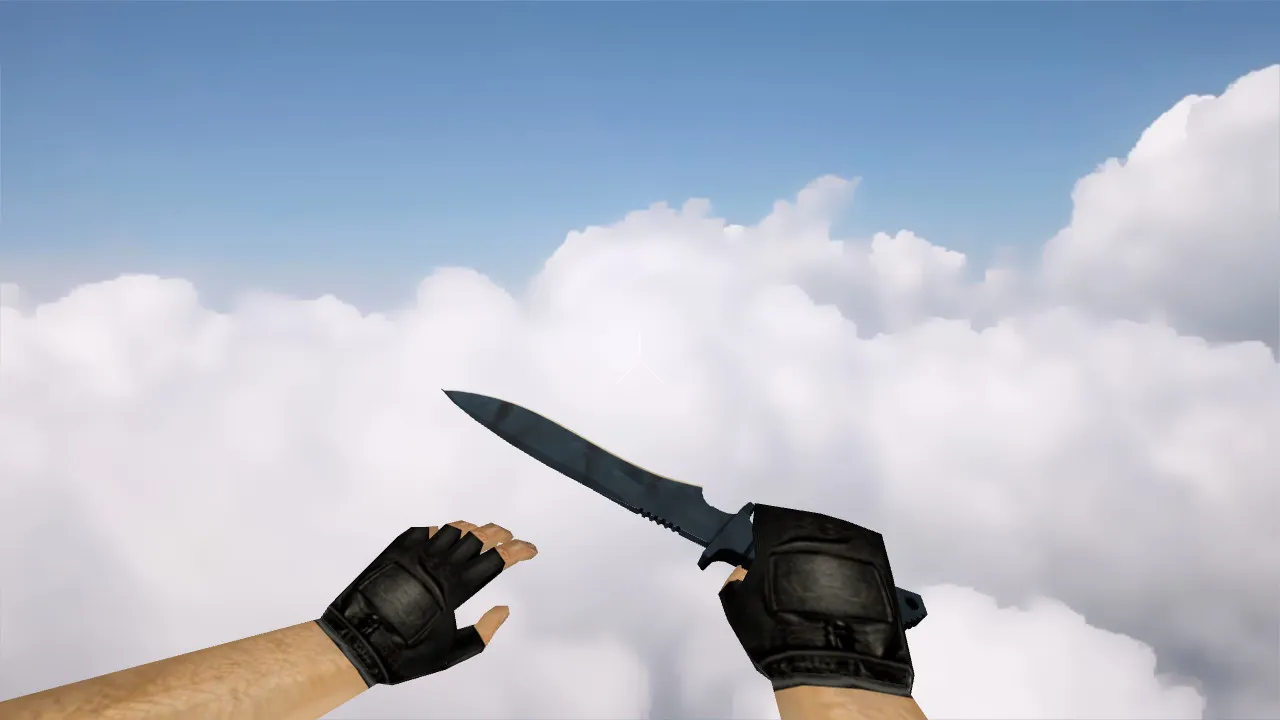
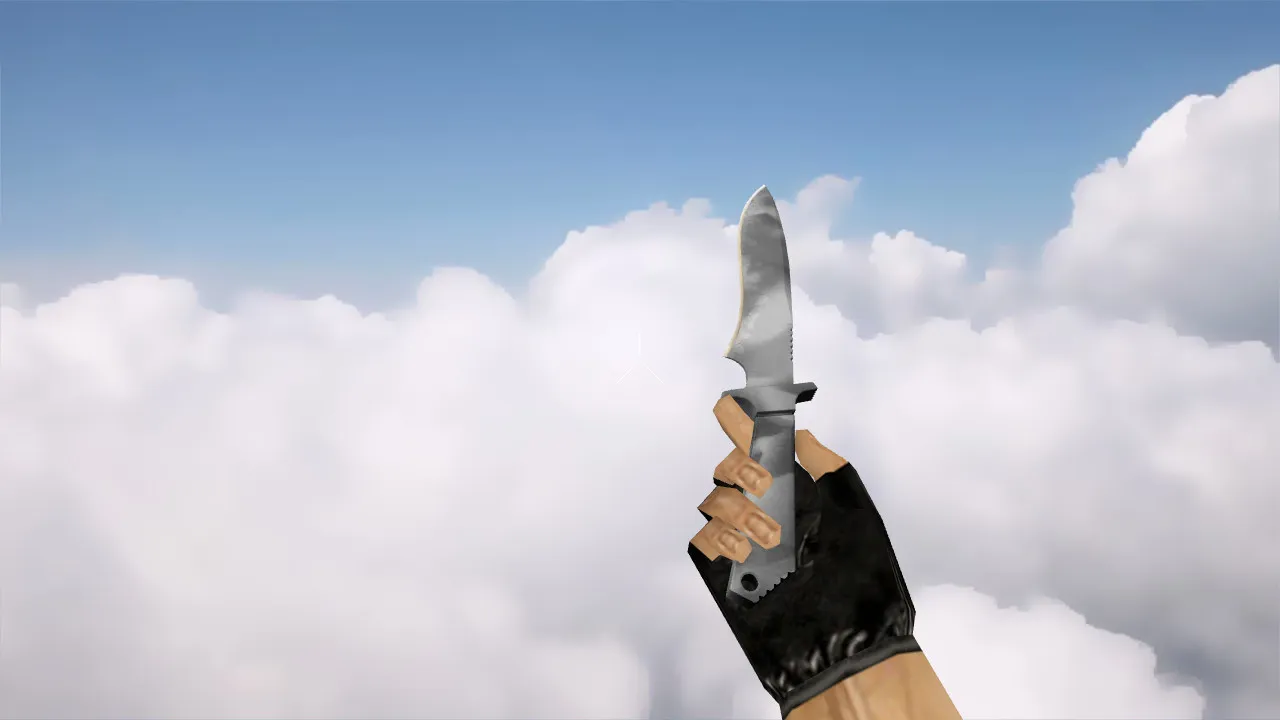
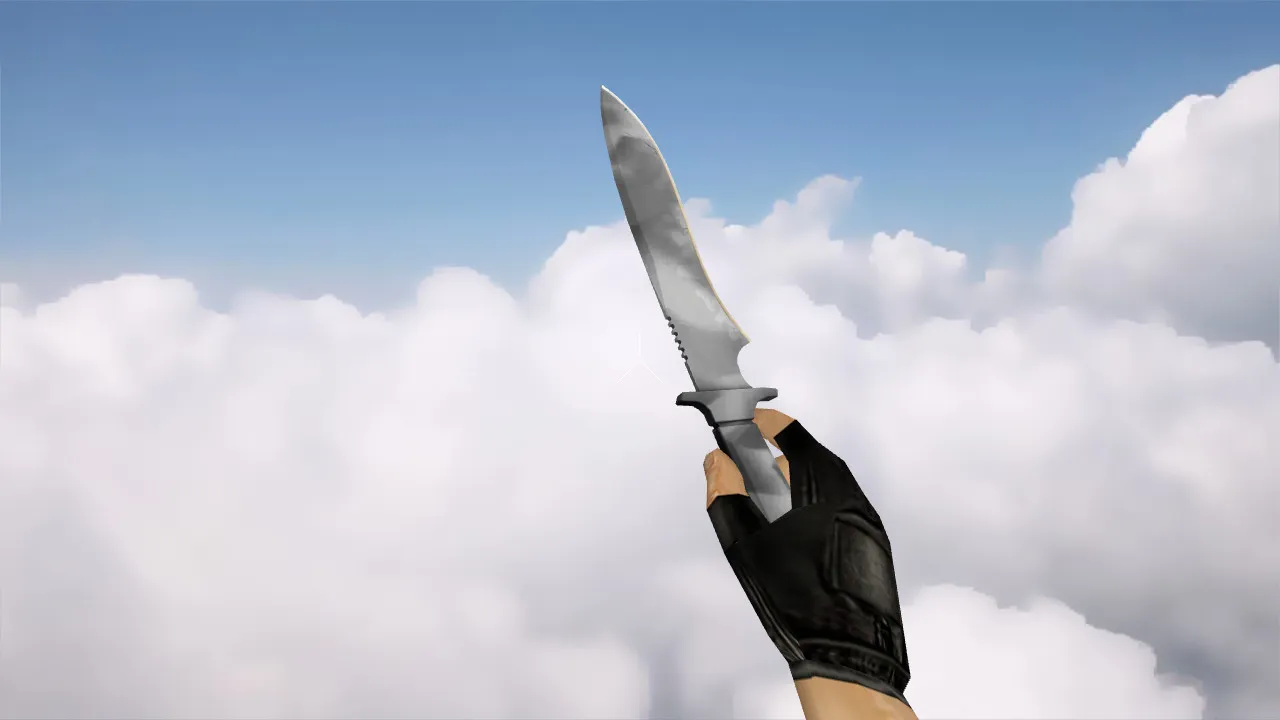
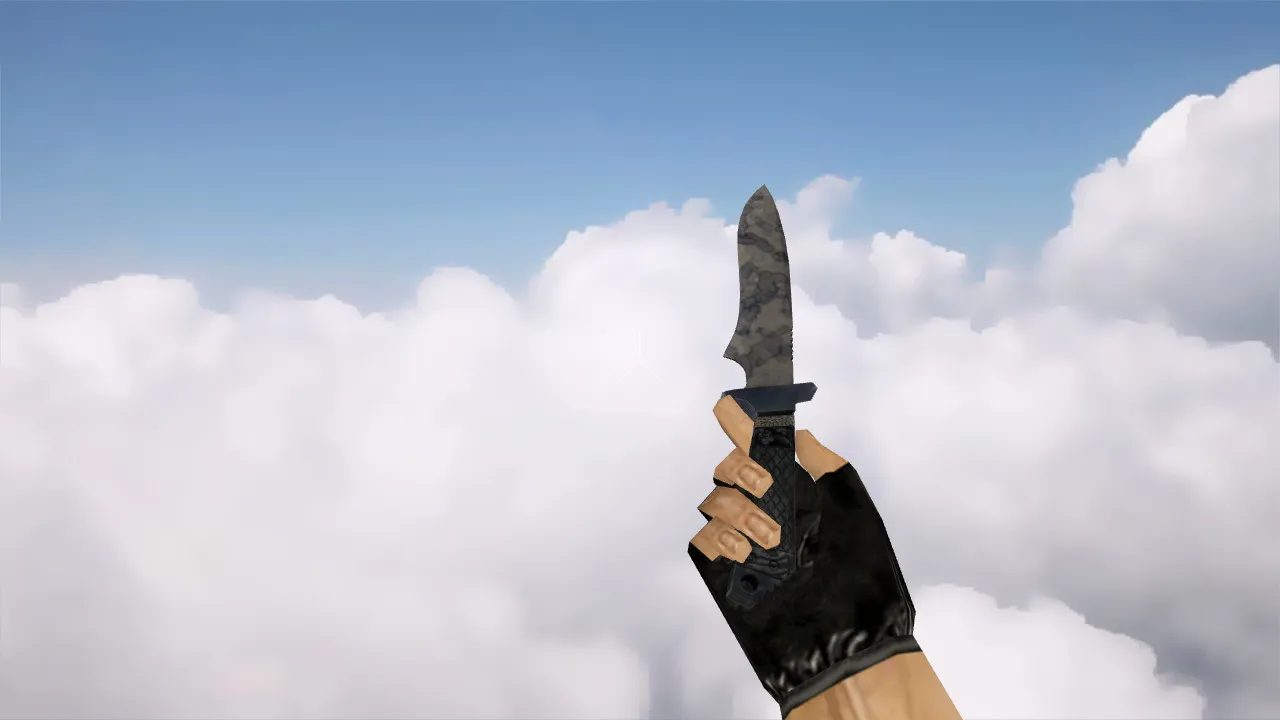
To replicate the original feel, custom audio and basic animation logic are included. Inspection relies on standard sequences: the player tilts the weapon to examine the blade, the view angle shifts, and the model remains intact without segment breaks. This is essential for weapon handling. Textures make sure the patina effect appears clearly in-game. In dark areas, it avoids blending into a flat gray. Lighting and contrast preserve details without distortion.
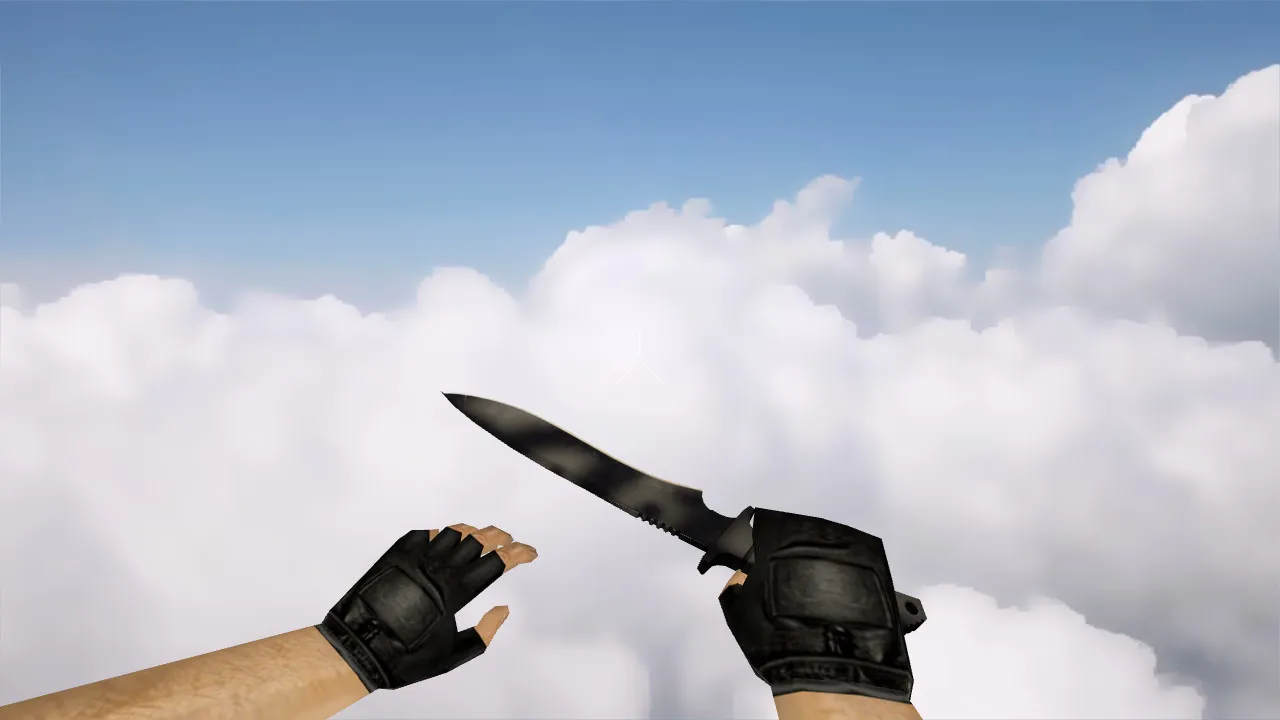
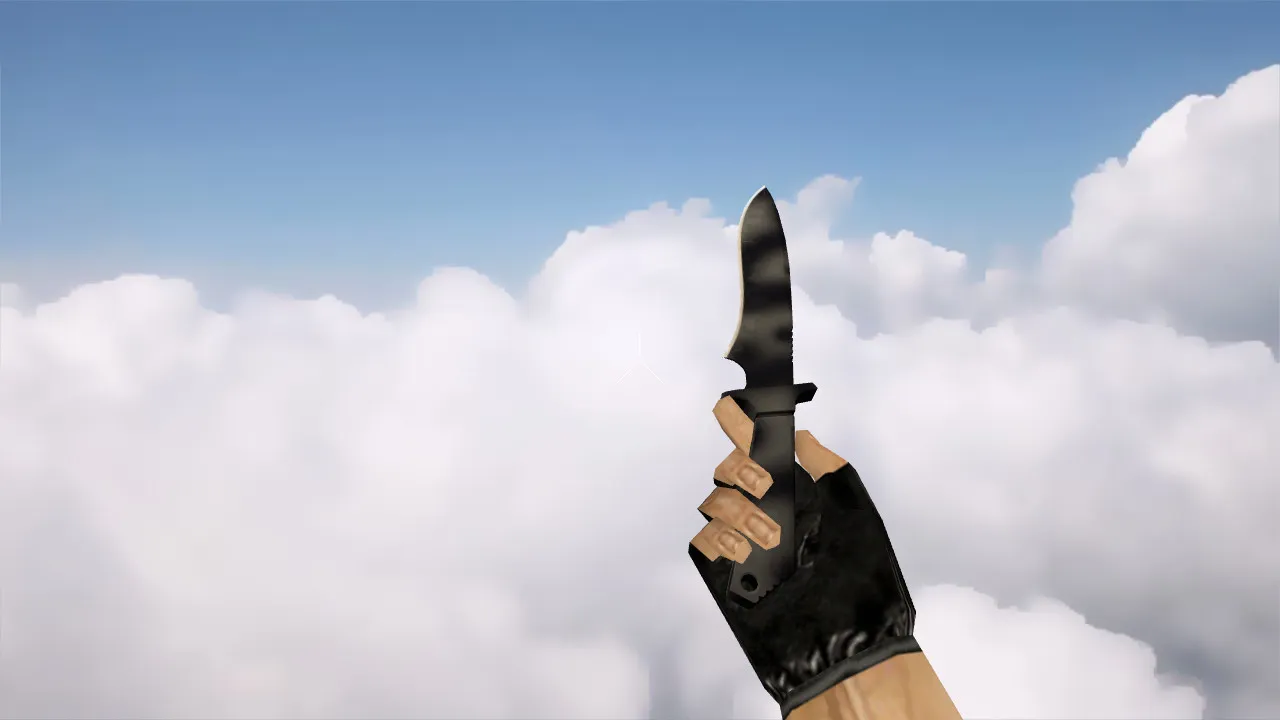
- v_knife_patina: First-person view featuring sharp outlines and stable hand attachment
- p_knife_patina: Third-person view with an accurate silhouette and proper player model fit
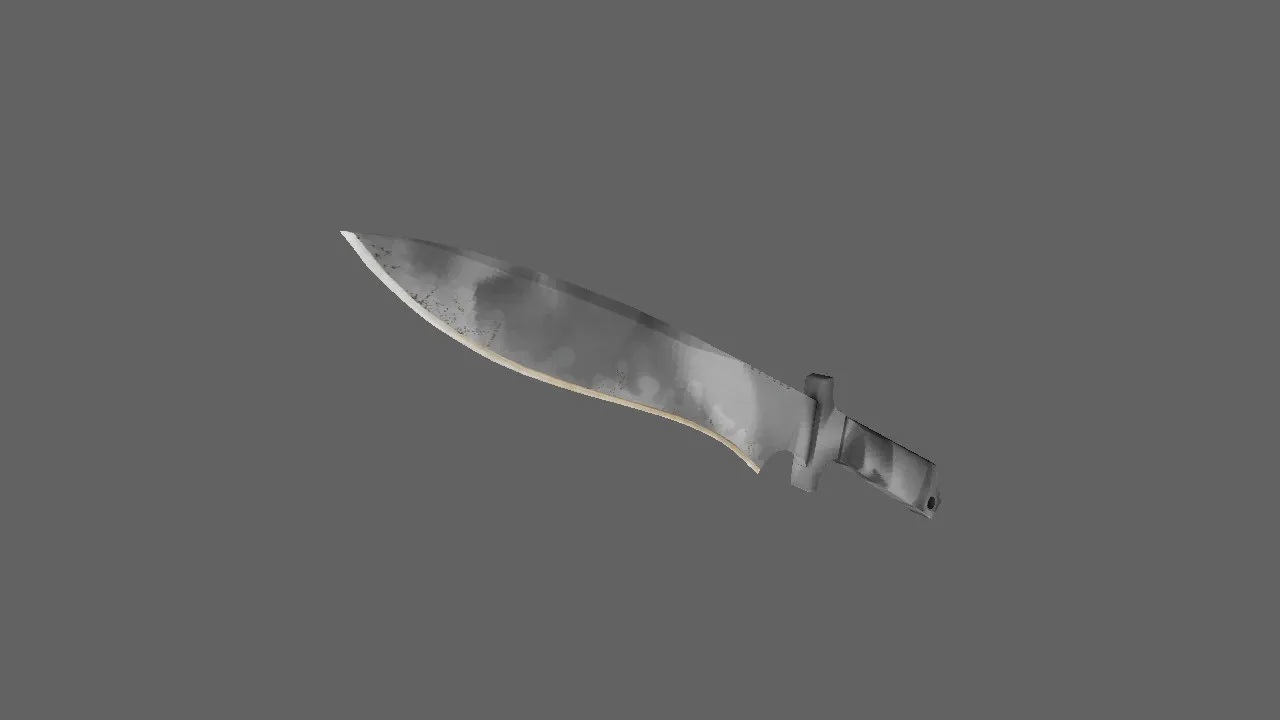
- w_knife_patina: World model with readable textures during motion and rotation
- Inspection animation: Standard logic, free of visual glitches
- Sounds: Click and impact effects so the knife isn't silent
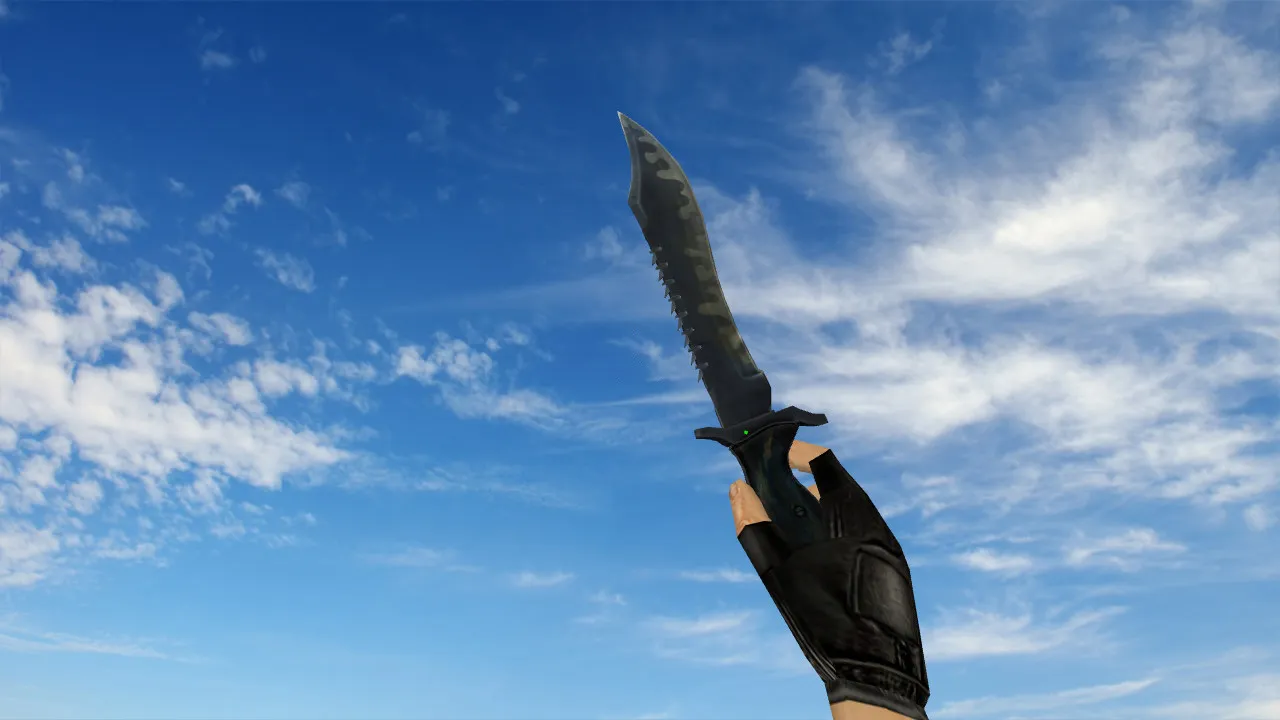
- Texture quality: Detailed patina coating for an authentic wear effect
The polygon count stays low for high-FPS performance, roughly 500-600 polys per model, optimized for older hardware. Hitbox alignment matches the vanilla knife, ensuring no recoil issues or misalignment in close-quarters fights. The viewmodel focuses on clean v_ rendering without oversized sprites or wad file conflicts.
Safe Installation Guide
Download only from trusted sources; no auto-loaders are included. No scripts or auto-connects-just pure model files. Back up original files first. Copy the models into the game's resource folders, matching exact filenames for config and CS 1.6 logic compatibility. If you run custom knives, verify that old files aren't overwritten.
After installing, open config.cfg and confirm weapon display parameters are intact. Stick to default settings for network and connection stability. Compatible with Steam or Non-Steam builds-file paths must align with your setup, such as Build 4554 or 8684. No viruses, no slow-hacks, no ads. Test in single-player first to catch any wad file mismatches.
For MasterServer protection, ensure no external .dlls interfere. A clean config.cfg means no bhop scripts or viewmodel tweaks that could break p_ rendering. If using ESL-style servers, this model improves visibility in low-light without glow hacks.
In-Game Performance Checks
During a match, the knife needs predictability. Test while running, turning, and spinning-the v_ should track smoothly without lag spikes. Inspection must avoid artifacts like clipping or texture pops. Verify that sounds on weapon switch and strikes match vanilla volume.
Dark area visibility is crucial in CS 1.6; shadows and lighting affect texture readability. The patina stays distinct without turning into a muddy blob. Proper setup delivers a controlled feel, especially for style plays holding distance or quick slashes.
Load a local game, check the dynamic display, then join servers. This avoids mod conflicts and keeps FPS steady. If hitboxes feel off, reset cl_bob settings in the console. This pack integrates seamlessly, enhancing knife duels without altering core balance.
Expand on tactics: use the patina knife for silent approaches on maps like de_dust2 long angles or cbble A-site. Low polycount ensures no frame drops during sprays. The custom inspect animation adds immersion without slowing input lag.
Install in three steps
-
1
Download the archive. Use the button on the right, or the Yandex.Disk mirror if the main server is slow.
-
2
Extract it into the game folder. Use 7-Zip or WinRAR. A path without non-Latin characters works best.
-
3
Launch the game. If something doesn't work, mark it below - that is how we know the file needs an update.
Did it work for you?
No sign-up needed. You can pick more than one.