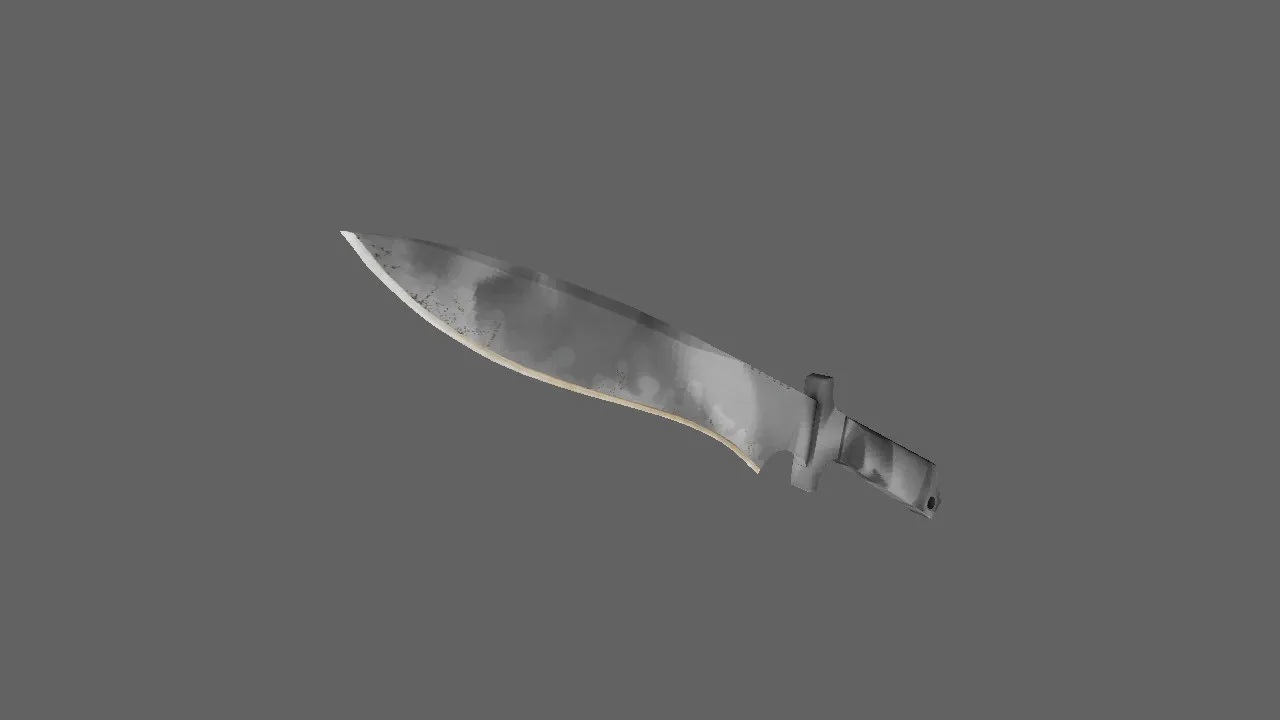
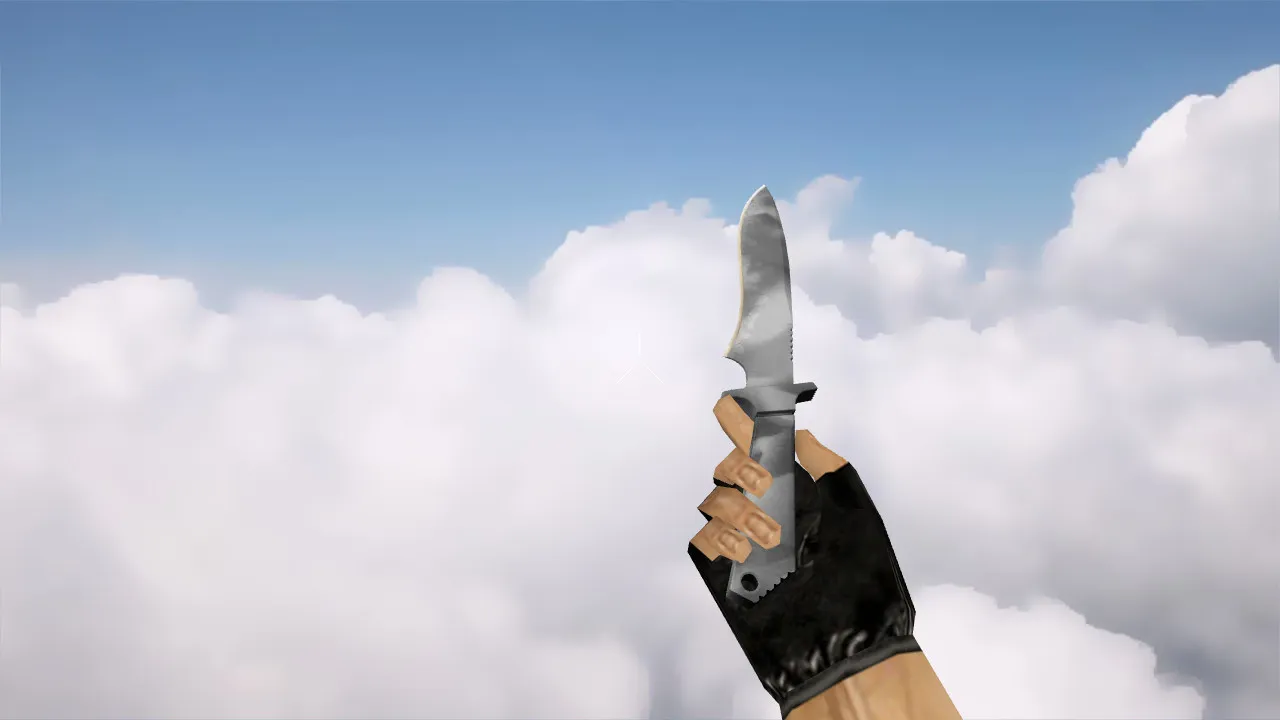
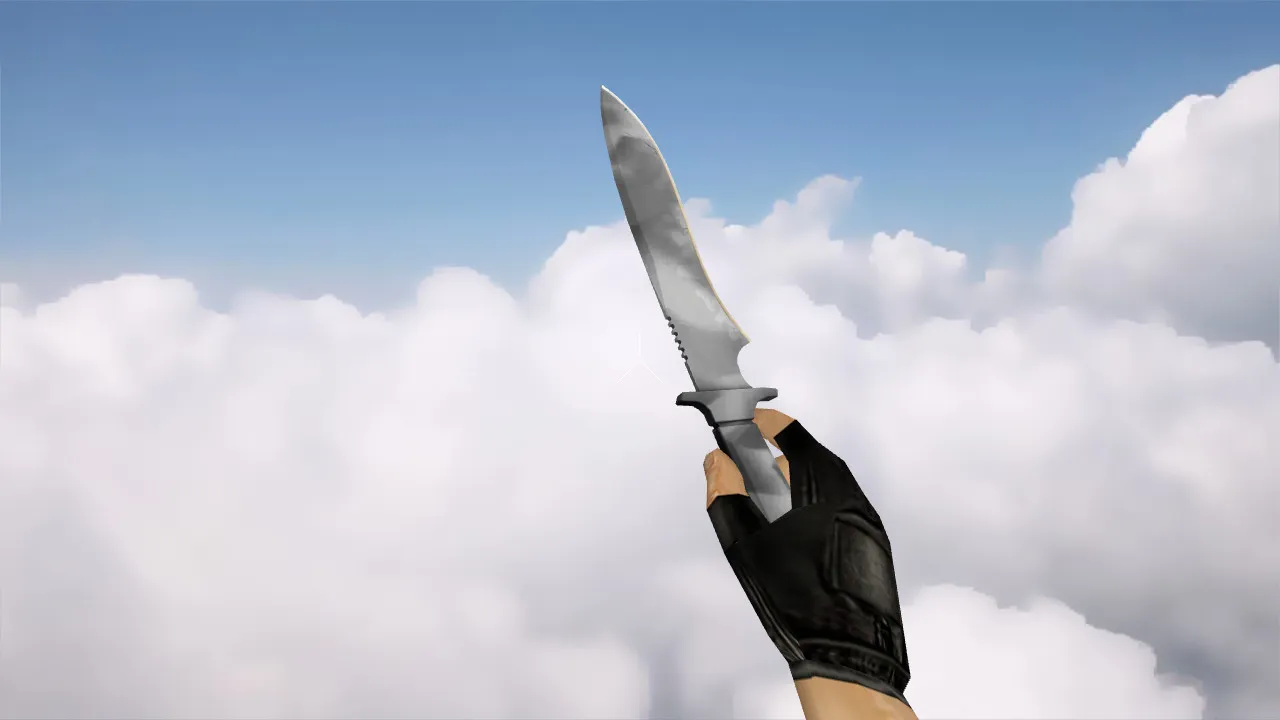
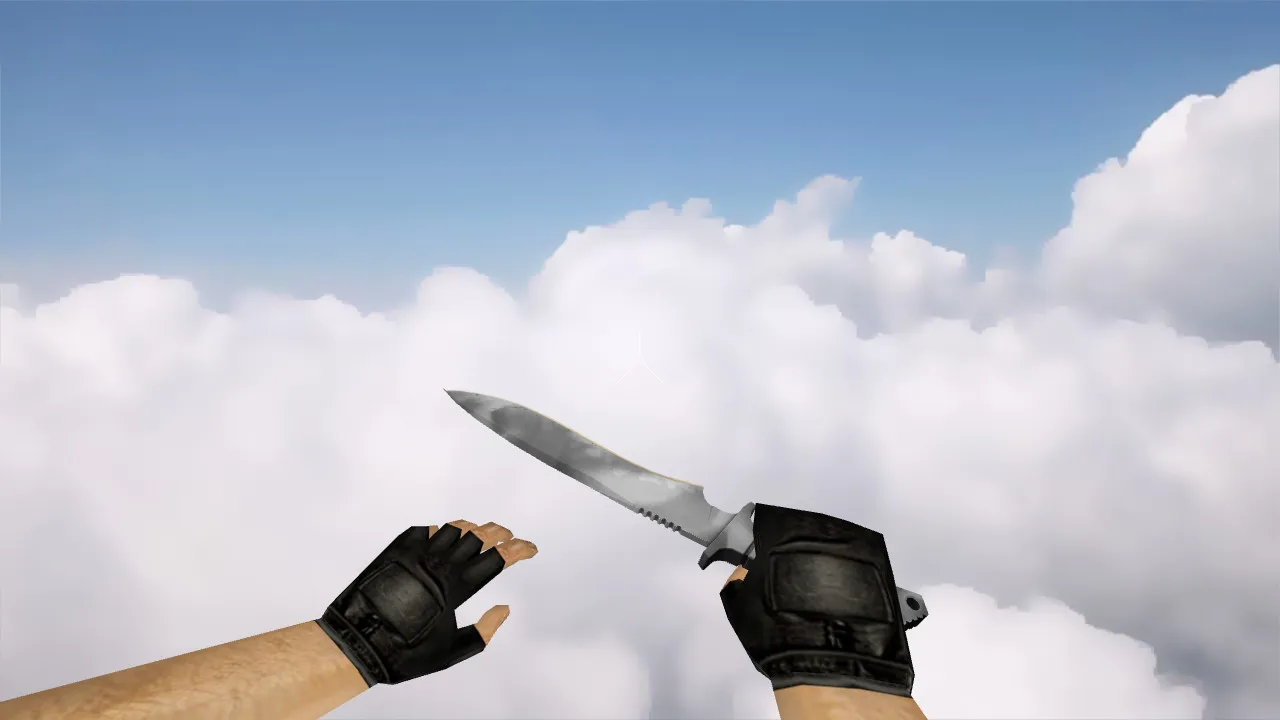
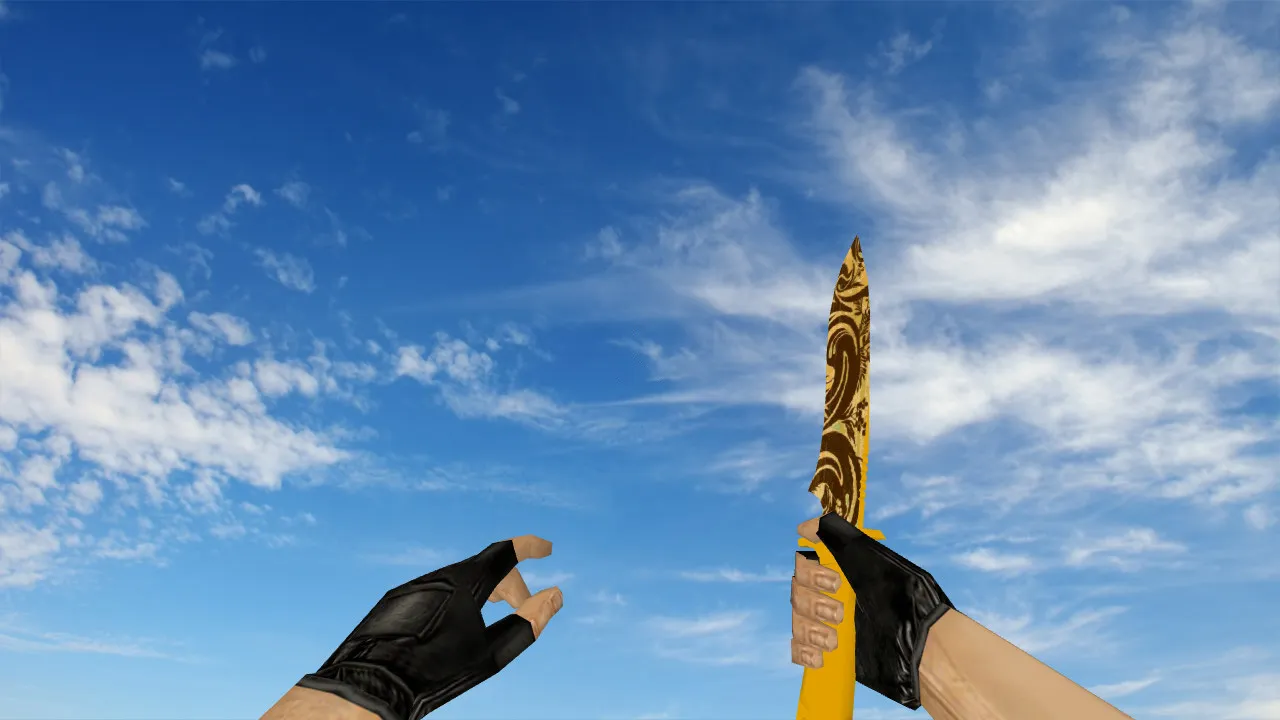
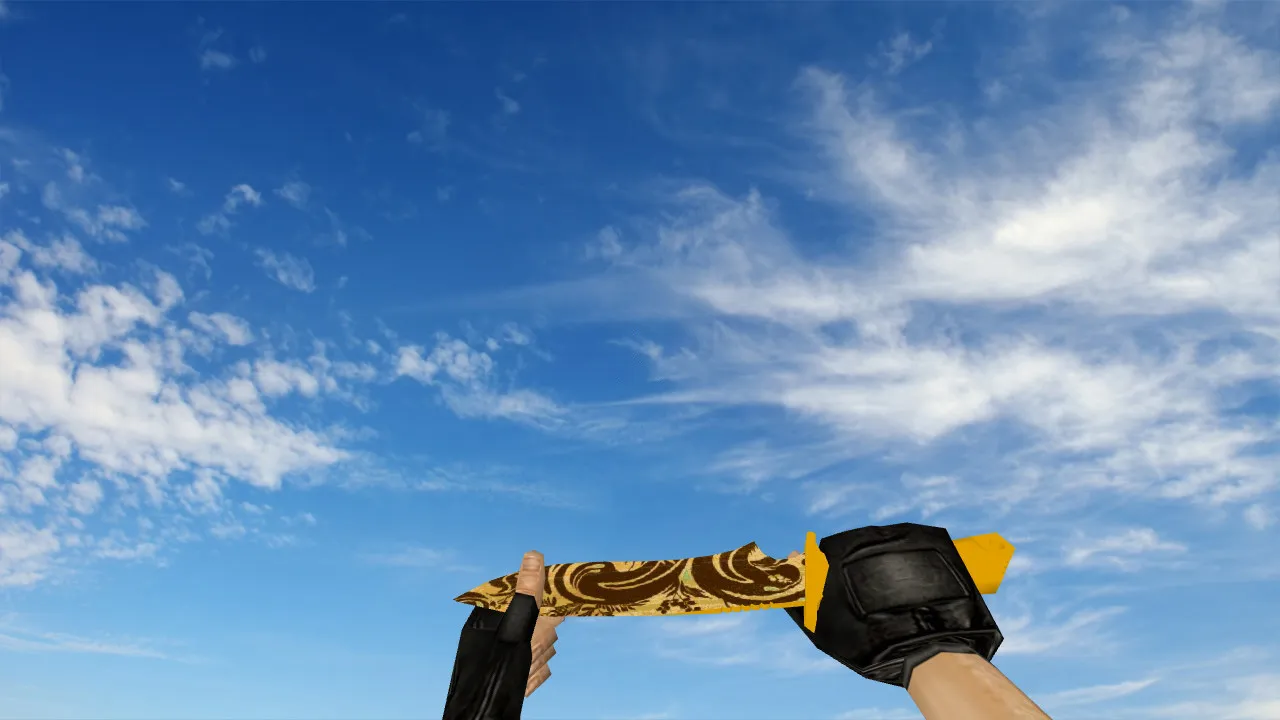
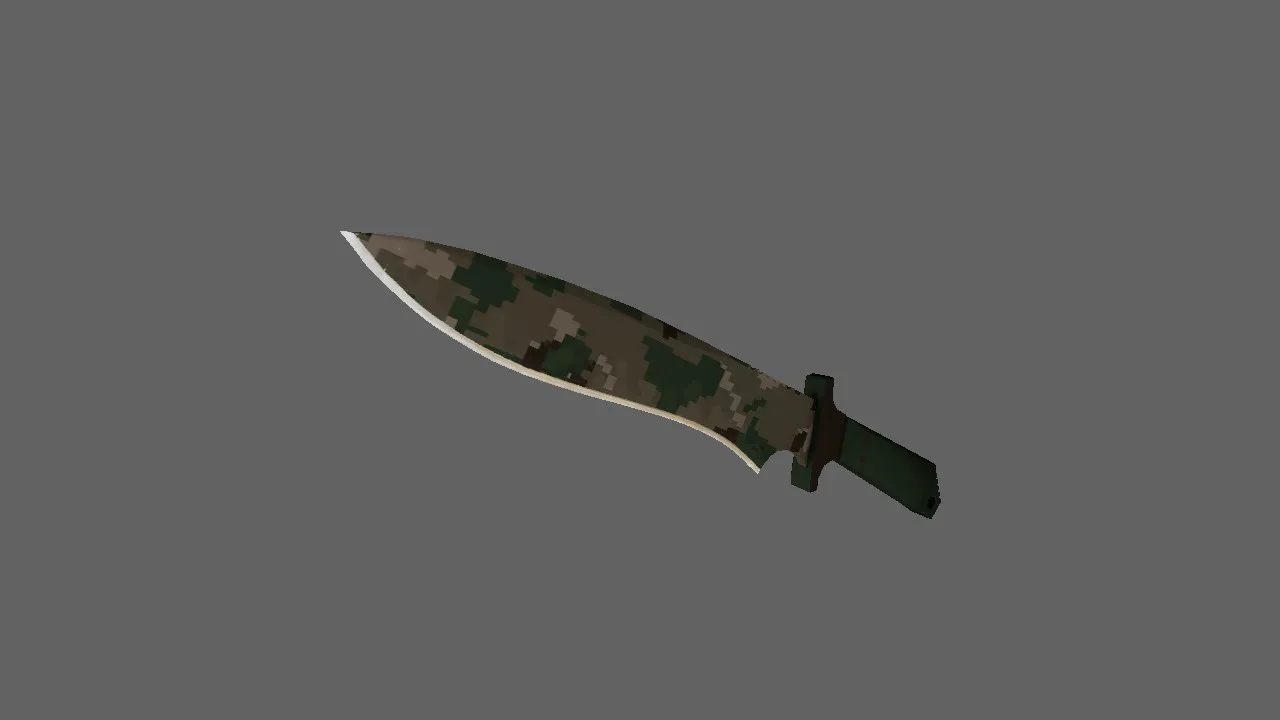
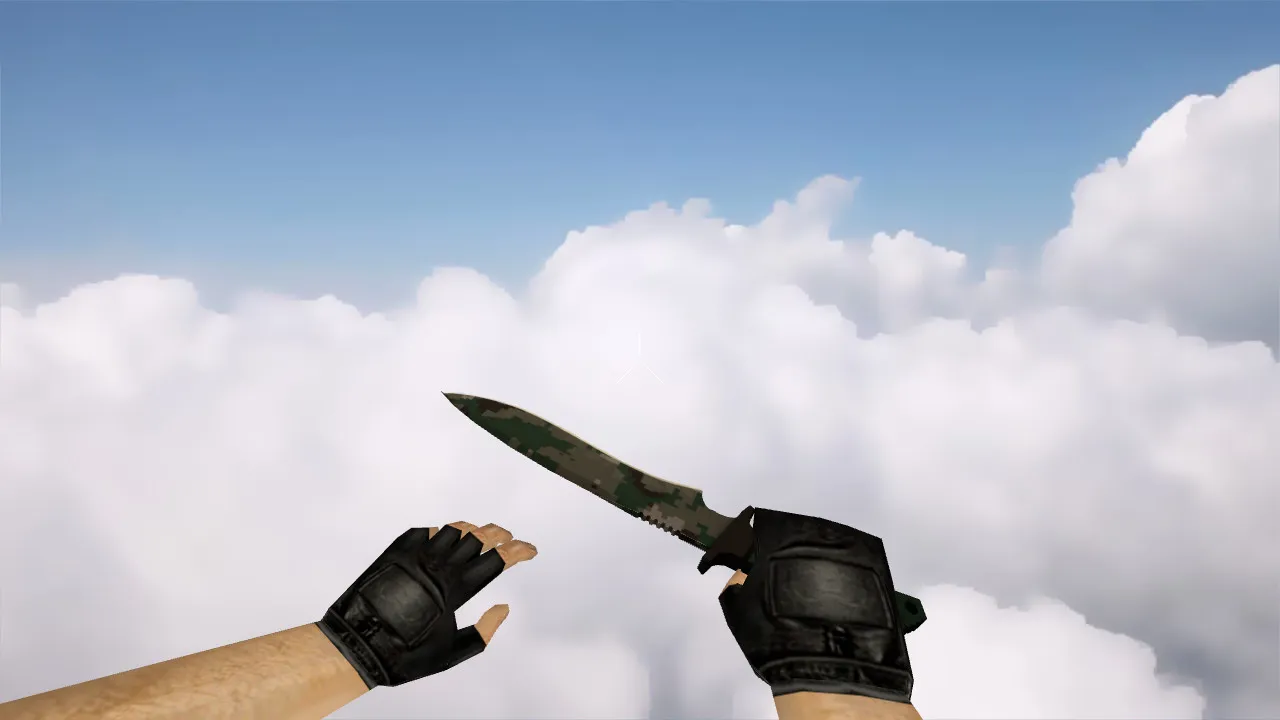
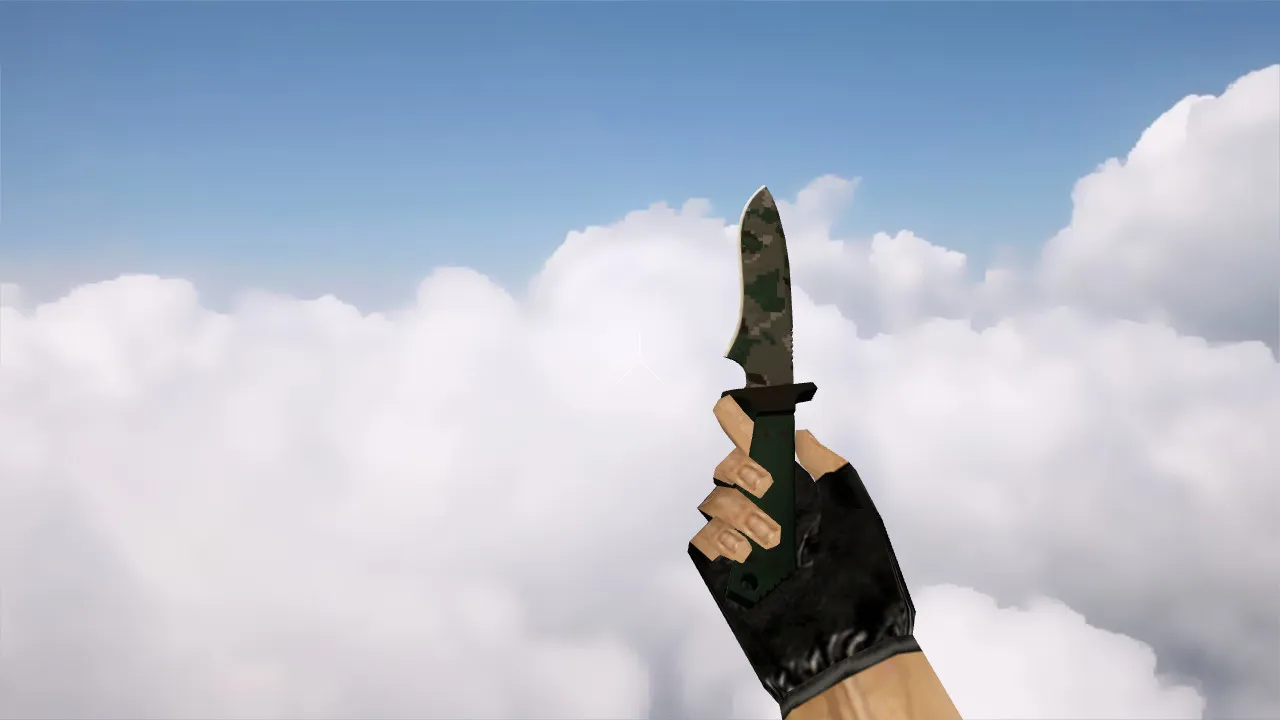
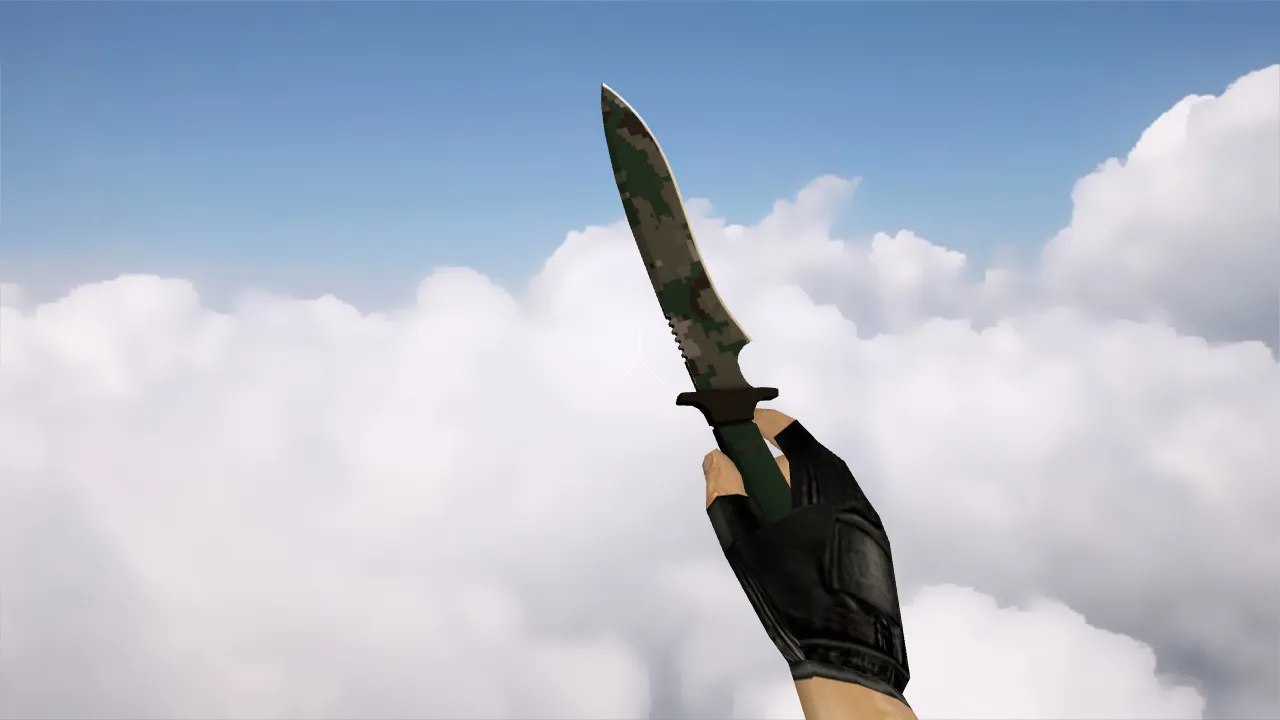
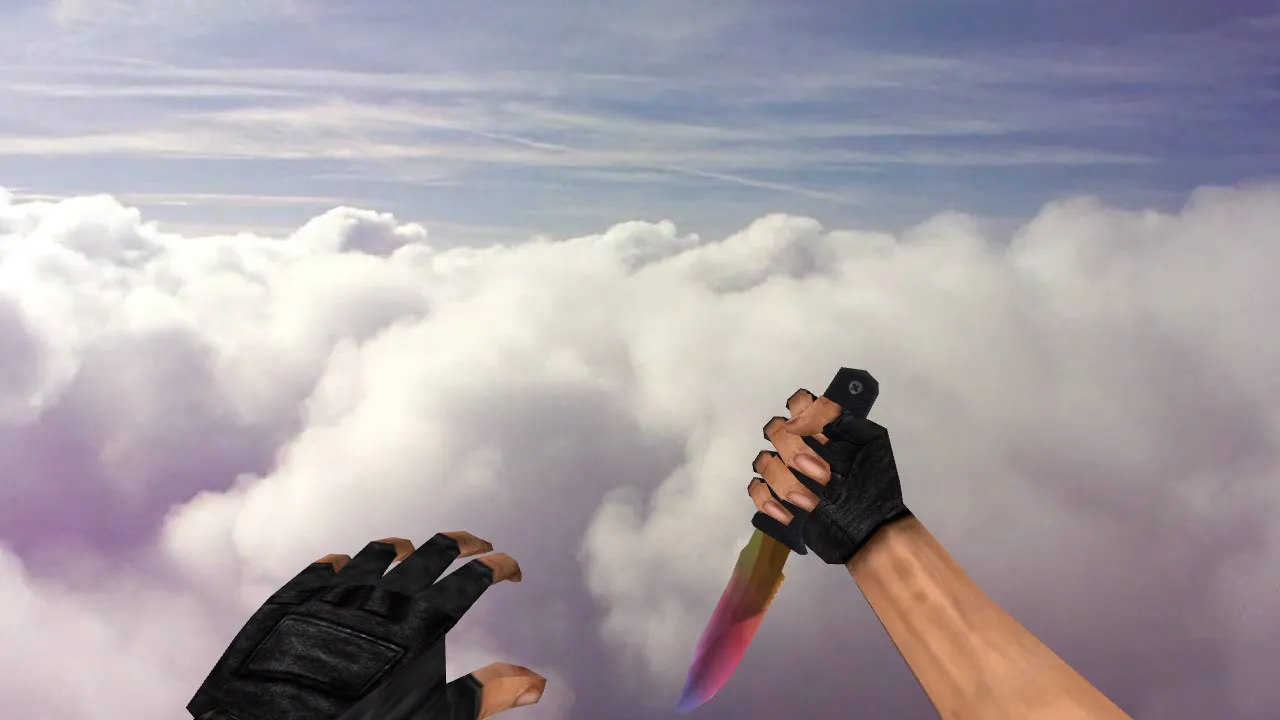
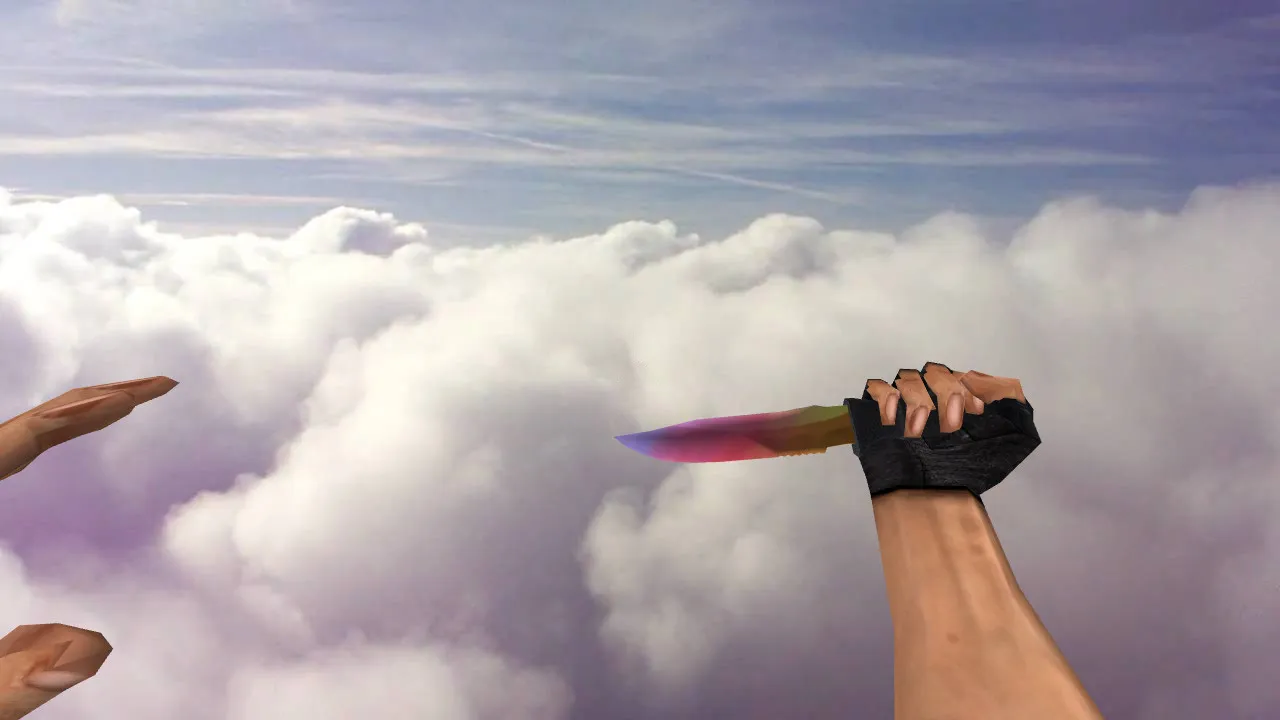
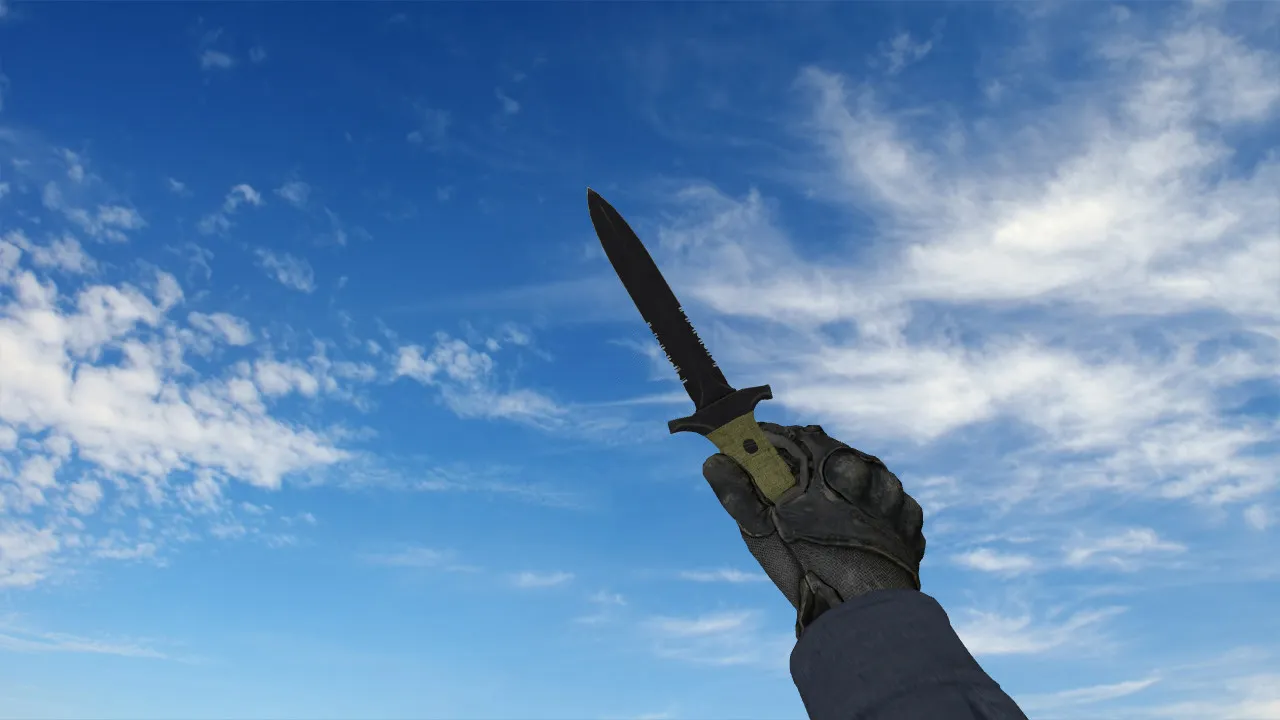
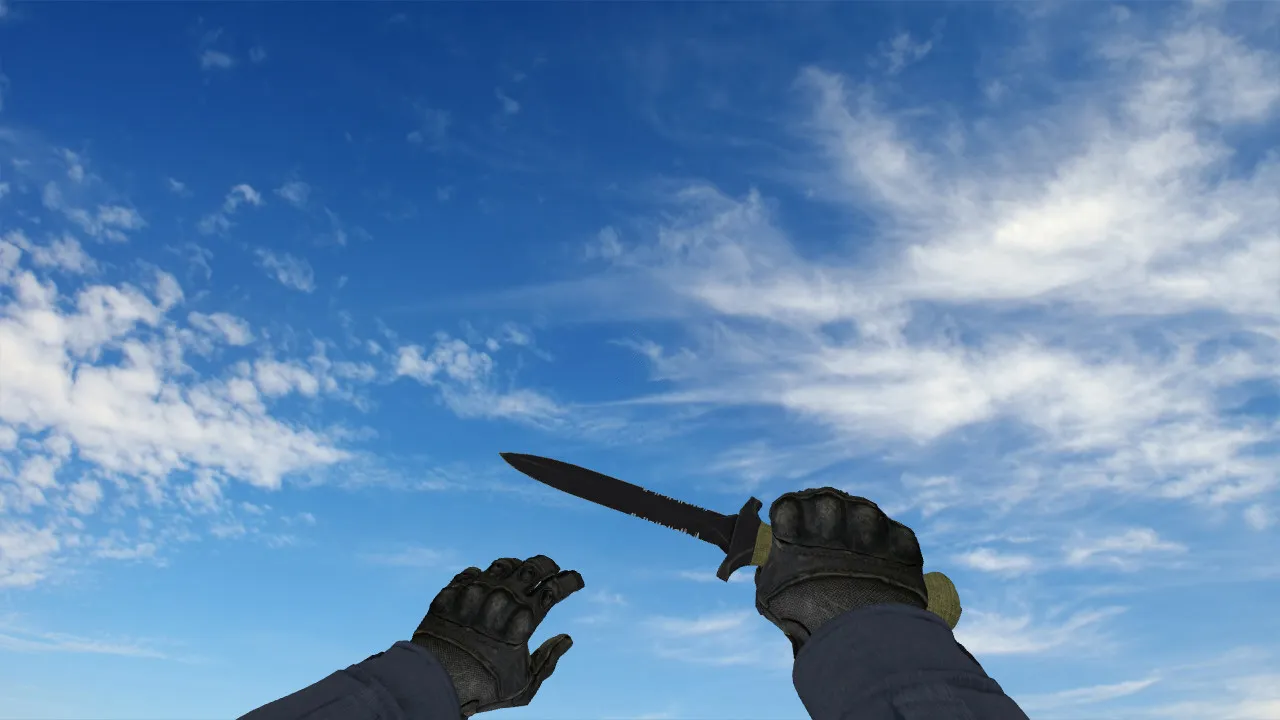
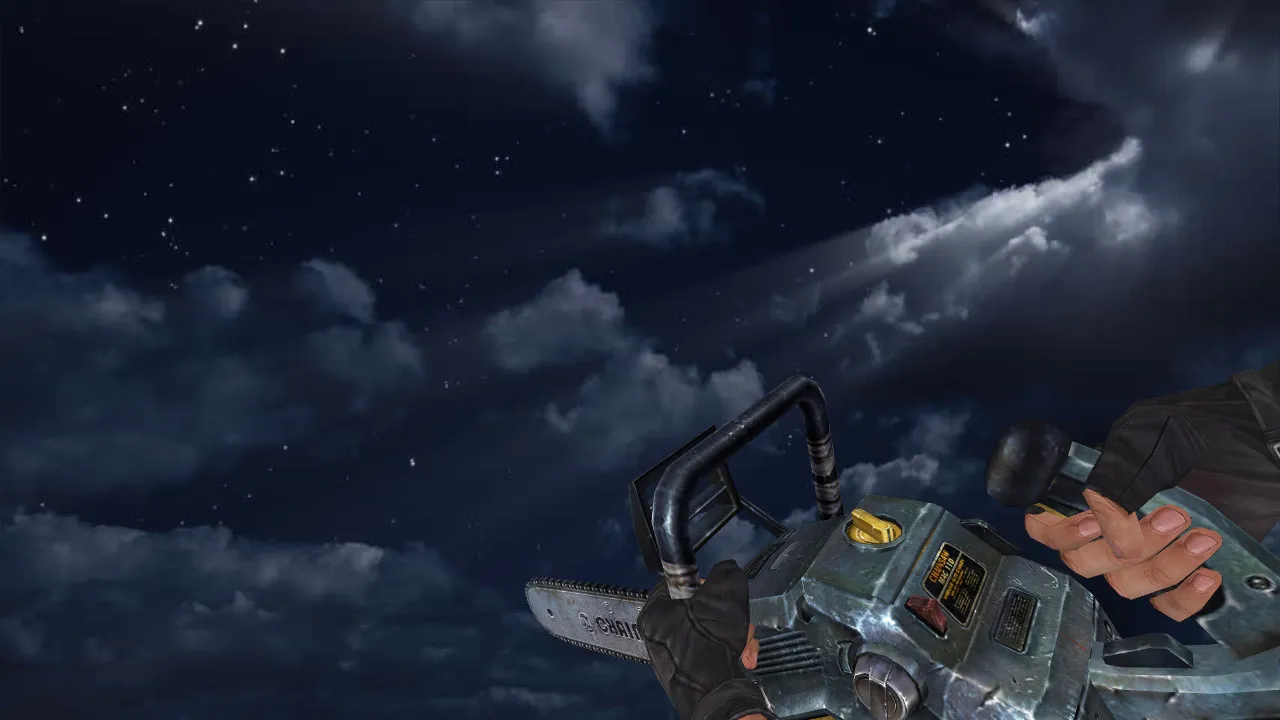
Chaos Knight Hook Knife Model for CS 1.6: v_, p_, w_ Versions with Sounds, Inspect Animation, HD Textures & Installation Guide
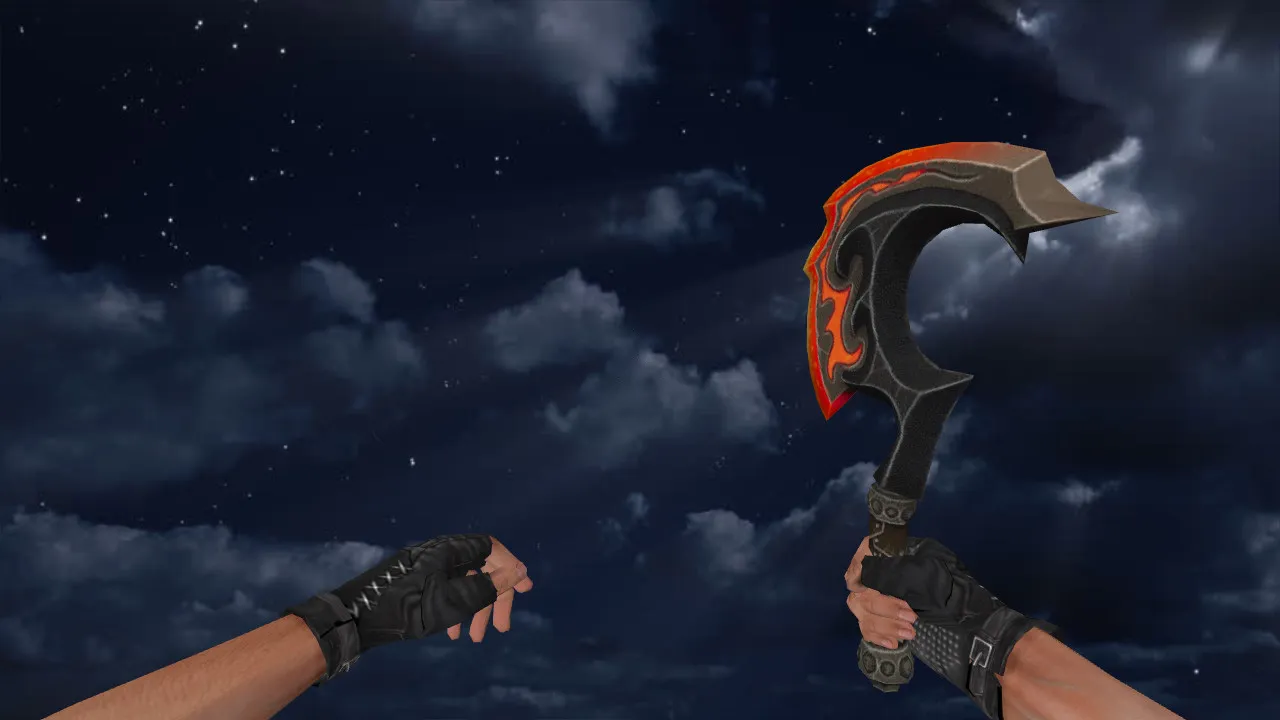
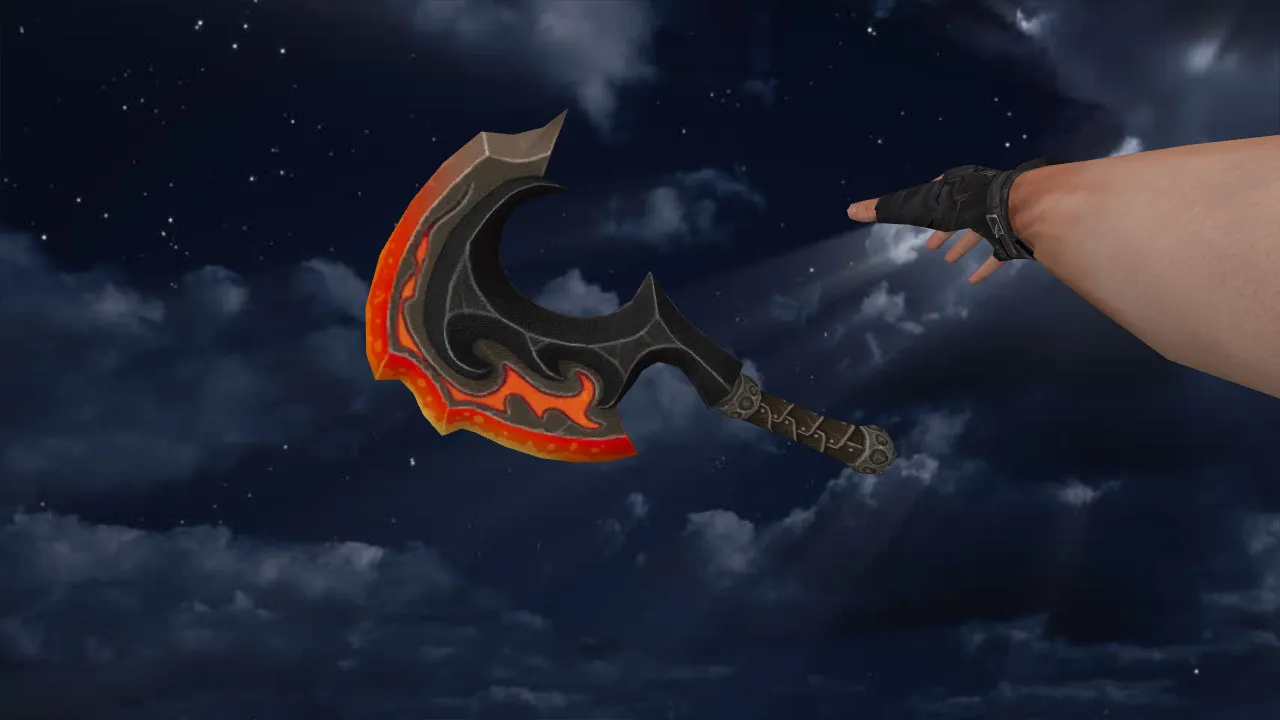
Description
Chaos Knight Hook Knife for CS 1.6: Contents and Setup Instructions
The Chaos Knight Hook knife model for CS 1.6 is aimed at regular server players who want a model that fits naturally in the hands. In CS 1.6, weapon models usually need several files: v_ for the first-person view, p_ for the third-person player hands, and w_ for the world model. This structure stops the model from breaking when switching modes and keeps animations stable during play.
Typical requirements for these models include custom sounds, fluid inspect animations, and crisp HD textures at 512x512 resolution or higher. For knives this is critical because you experience the game through the hand view and swinging motions while turning. Blurry textures or choppy inspect animations cause frame inconsistencies that can throw off your aim. Stick to putting files in the right folders and avoid mixing versions from different packs when installing.
Where to Put the Model Files
- Confirm the archive includes folders and files for v_, p_, and w_ models.
- Copy them into your CS 1.6 weapon models directory.
- For extras such as sounds or config snippets, place them next to matching resources to prevent loading gaps.
- Restart the game afterward so the client rebuilds the cache correctly.
This works identically for Non-Steam or Steam installations: just avoid running with a damaged config.cfg and skip auto-patches that modify files on the fly. A clean config.cfg reduces conflicts with other mods.
In-Game Testing: Hands, Inspect, and Audio
After installation, join a server and try the knife in action. Observe how the model holds its position during movement. Check the inspect animation: if it times correctly without shifting the knife's position, the model is assembled properly. Test sounds as well-switching and actions should sync perfectly, otherwise it feels like the wrong weapon.
Examine the knife's look in different modes: zoomed in and out. Some configs adjust FOV or hand settings, which can change the display. As long as behavior remains consistent after a restart, it is not a model issue.
Hitbox Alignment and Visibility in Low Light
For knives, visual alignment with hitboxes is essential for reliable swings. Hitboxes need precision so hits do not drift from your clicks. This appears in close-range duels or peeking corners where you rely on the knife for quick kills.
Model clarity in dark areas is also vital. CS 1.6 maps often have dim hallways and sharp light contrasts. With proper textures, the Chaos Knight Hook stays sharp without turning muddy. Low-quality ones lose detail and look flat, hurting visibility during night operations or shadowed areas like de_inferno's underpasses.
Optimization and Build Compatibility
This knife model will not tank your performance. On lower-end hardware, watch for overload from stacked mods. Careful installs without duplicates keep things smooth-the polygon count stays low at under 1000 triangles for the v_ model.
In builds packed with custom content, maintain order: whether Build 4554 or 8613, the model syncs with your client. For setups with MasterServer protection and steady Steam/Non-Steam connections, add mods one at a time instead of layering them. Backup your working config.cfg and test changes to catch issues early.
Config Setup Recommendations
- Set rates around 100k for network response that does not interfere with knife testing in motion.
- Keep ex_interp 0.01 for predictable interpolation during swings.
- Avoid overwriting aliases with other configs.
- For better FPS, disable auto-graphic switches and extra overlays.
After tweaks, load a map, run a few rounds, and gauge the feel. If the model reads clearly, sounds match events, and inspect runs smooth, the Chaos Knight Hook is ready for daily use. Expect improved swing visibility in tight spots without recoil interference or frame drops.
Safe Installation: No Viruses, No Slowhacks, No Ads, No Auto-Connect. Just extract the files, verify in-game, and get back to dominating CS 1.6 servers with this custom knife.
Install in three steps
-
1
Download the archive. Use the button on the right, or the Yandex.Disk mirror if the main server is slow.
-
2
Extract it into the game folder. Use 7-Zip or WinRAR. A path without non-Latin characters works best.
-
3
Launch the game. If something doesn't work, mark it below - that is how we know the file needs an update.
Did it work for you?
No sign-up needed. You can pick more than one.