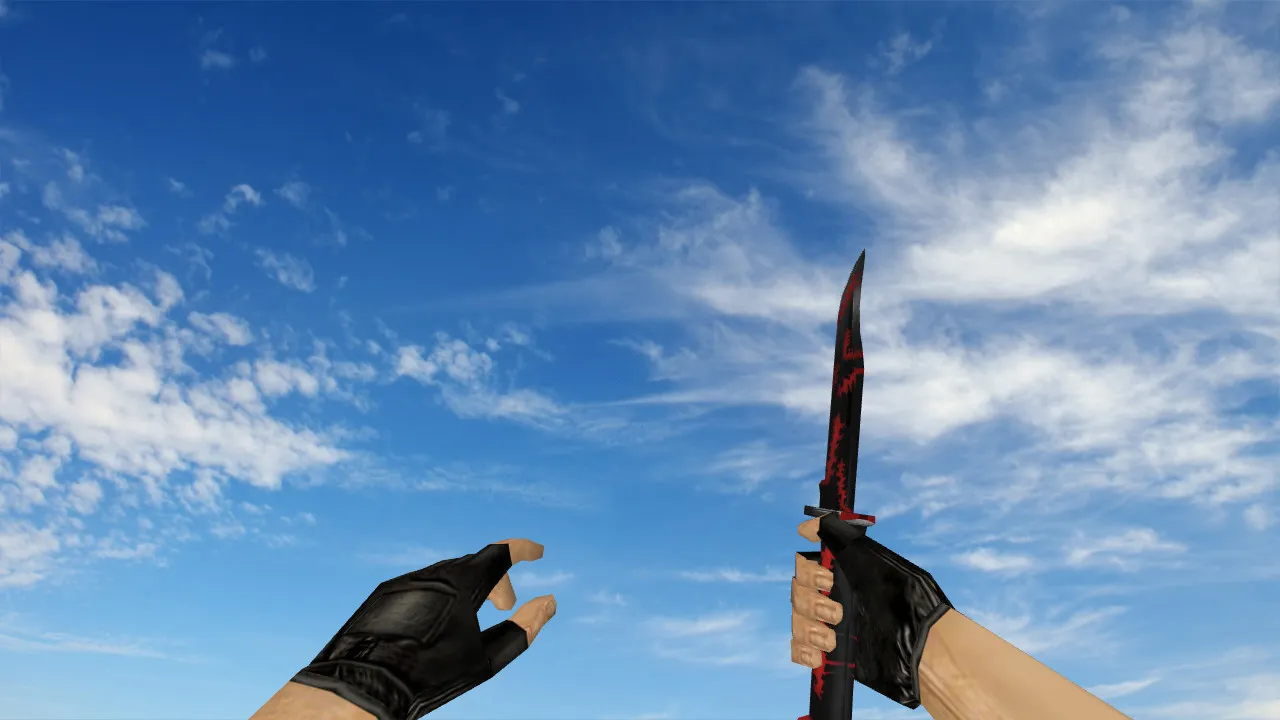
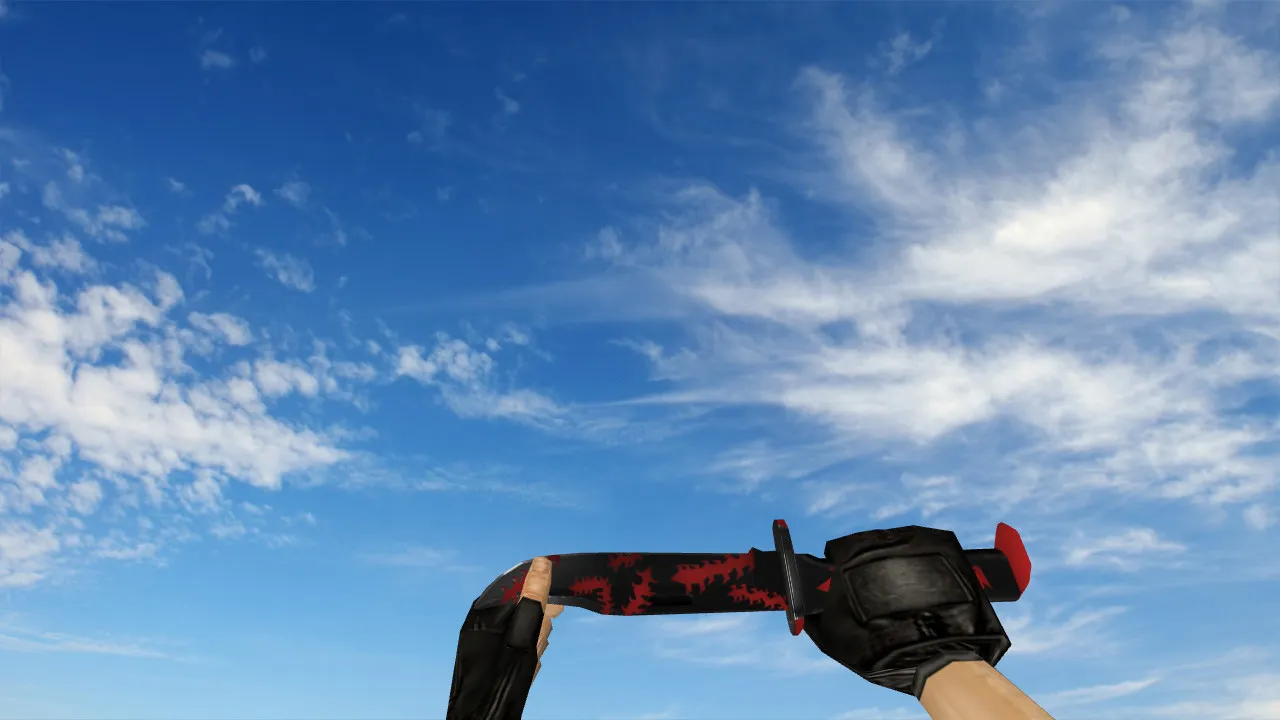
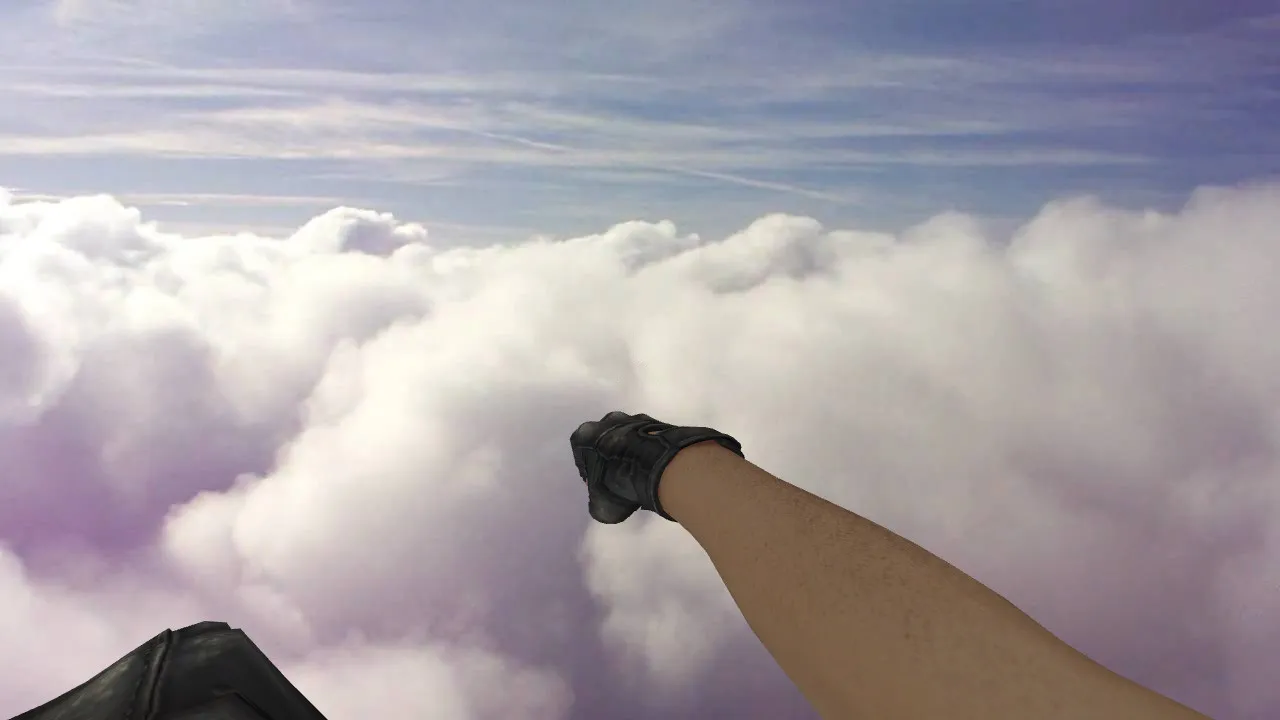
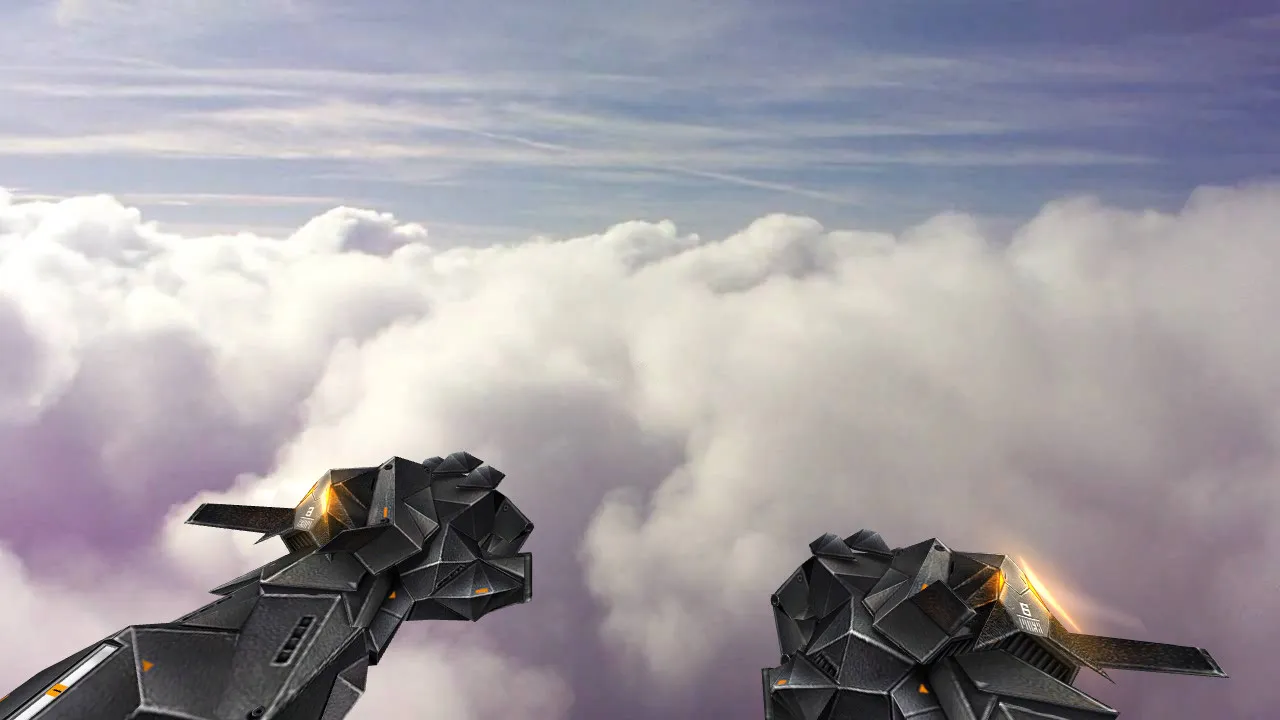
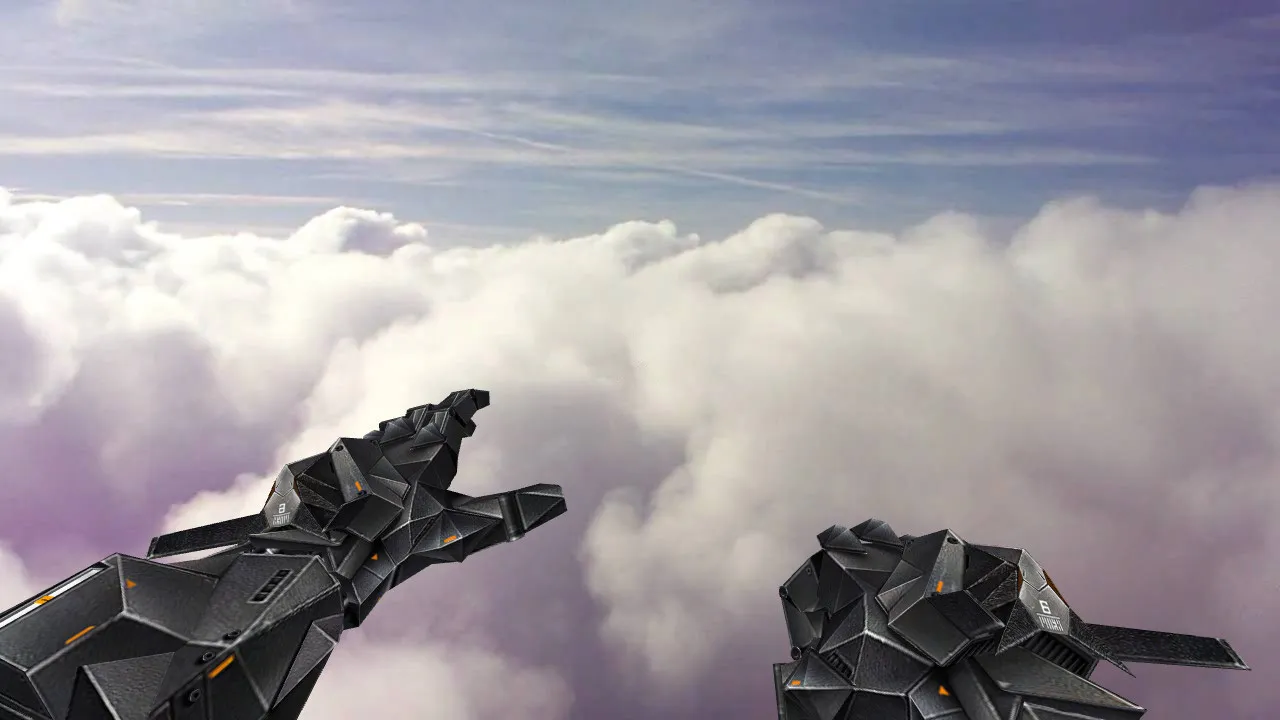
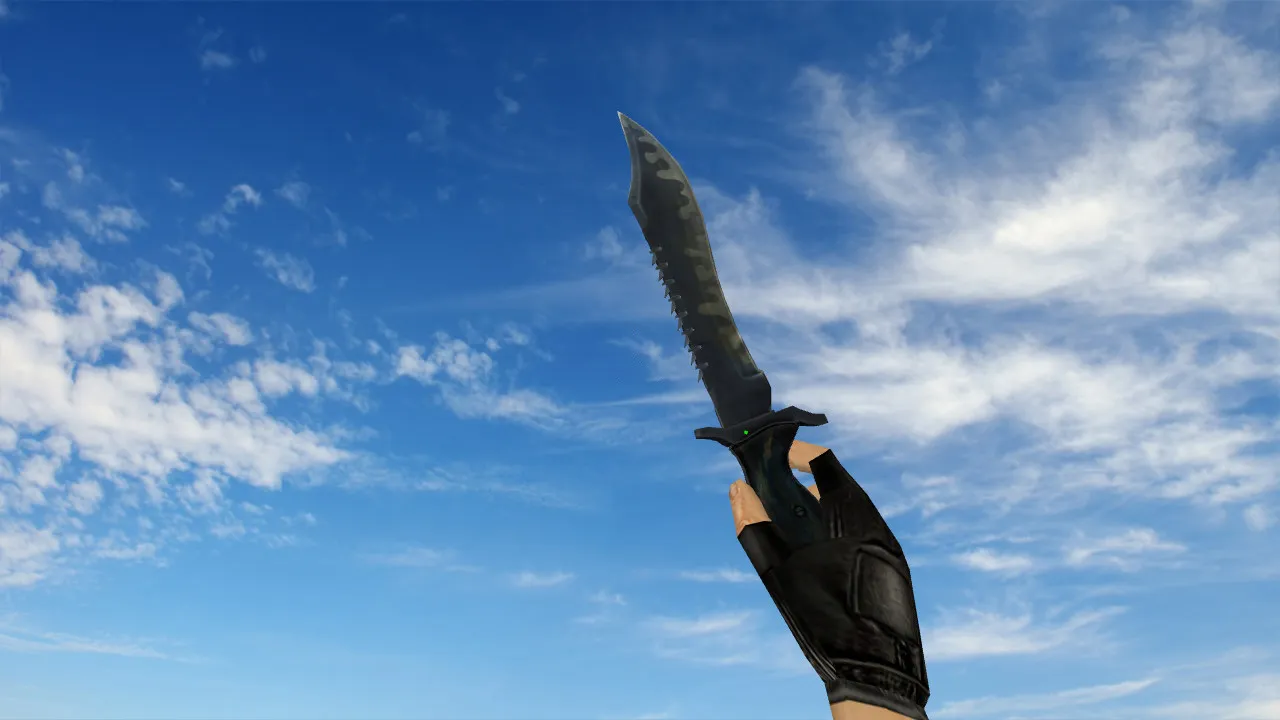
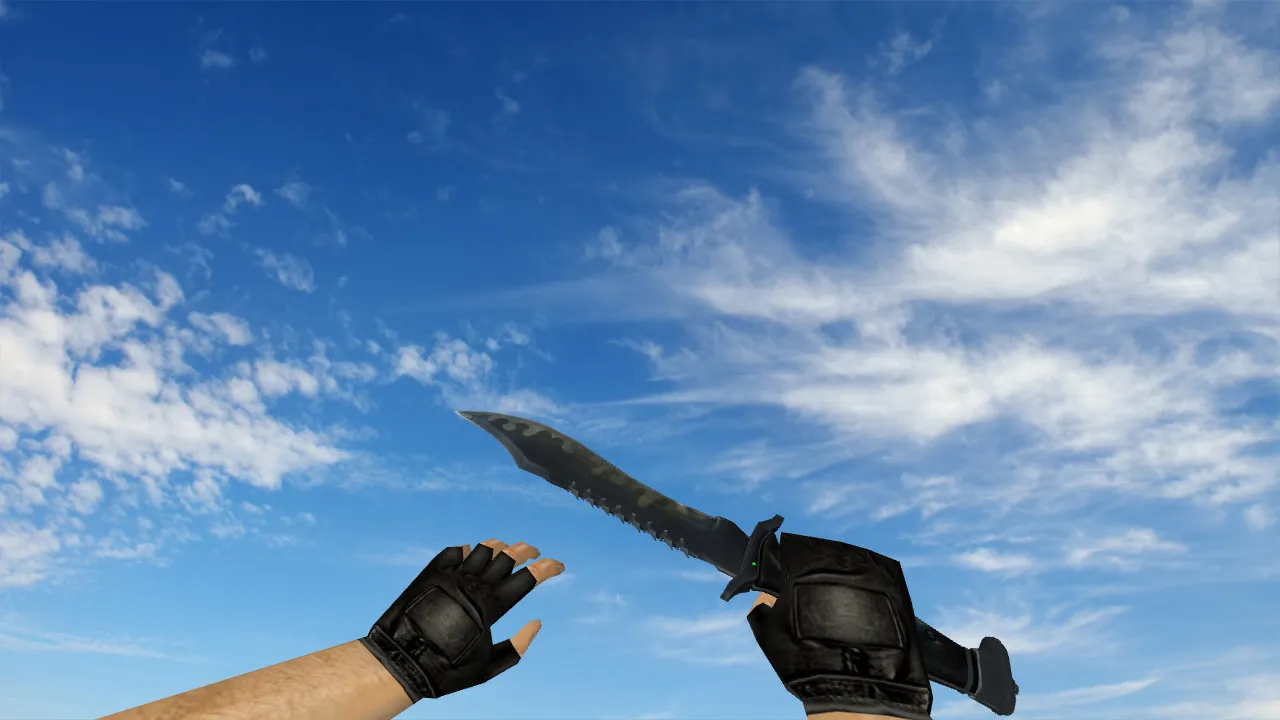
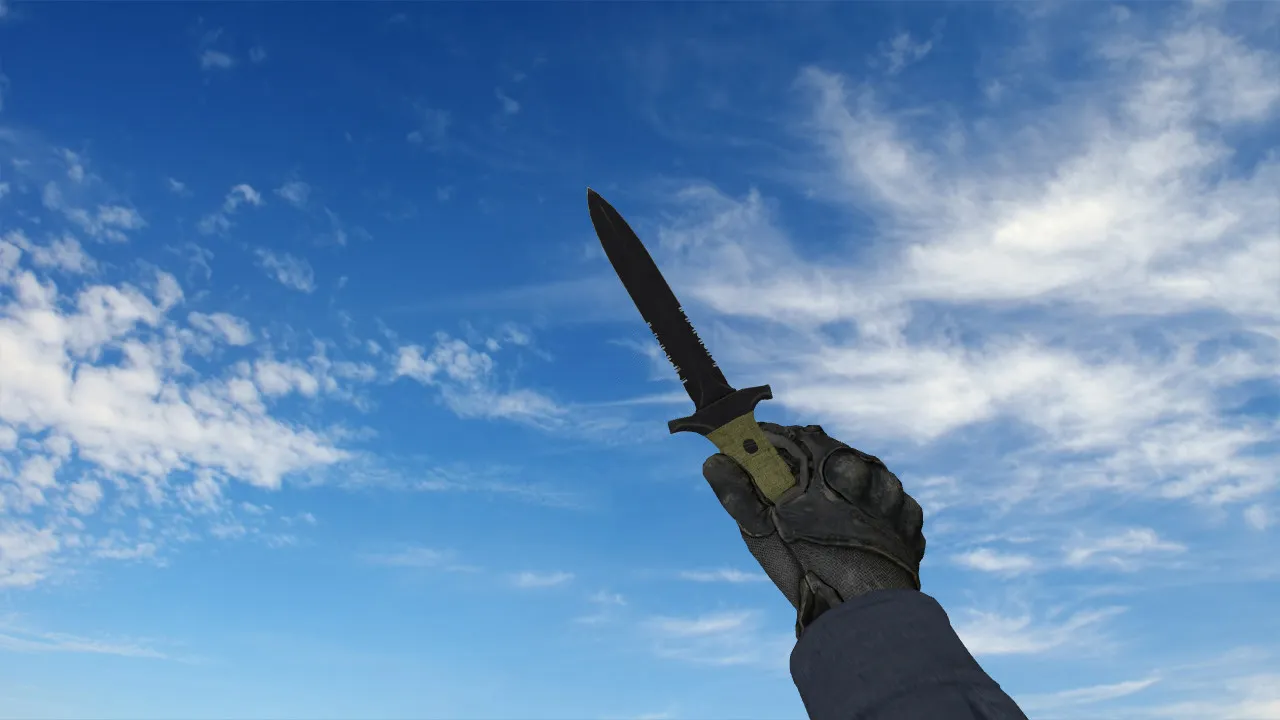
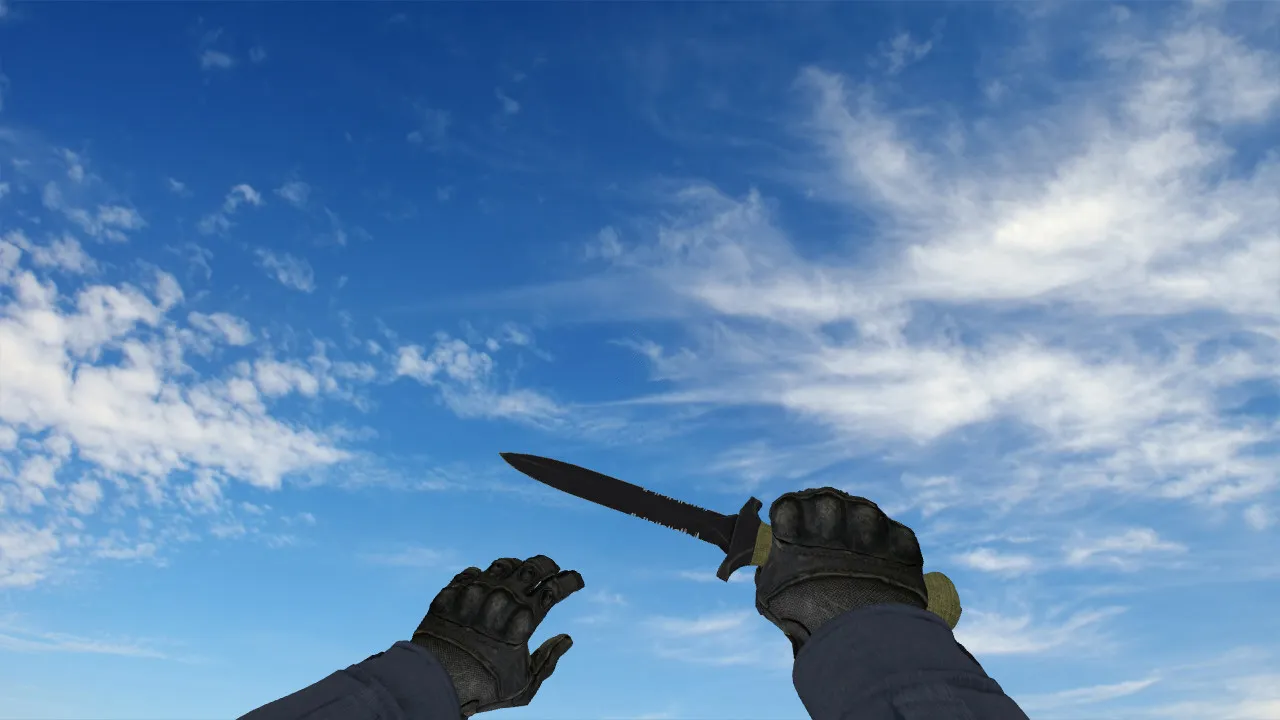
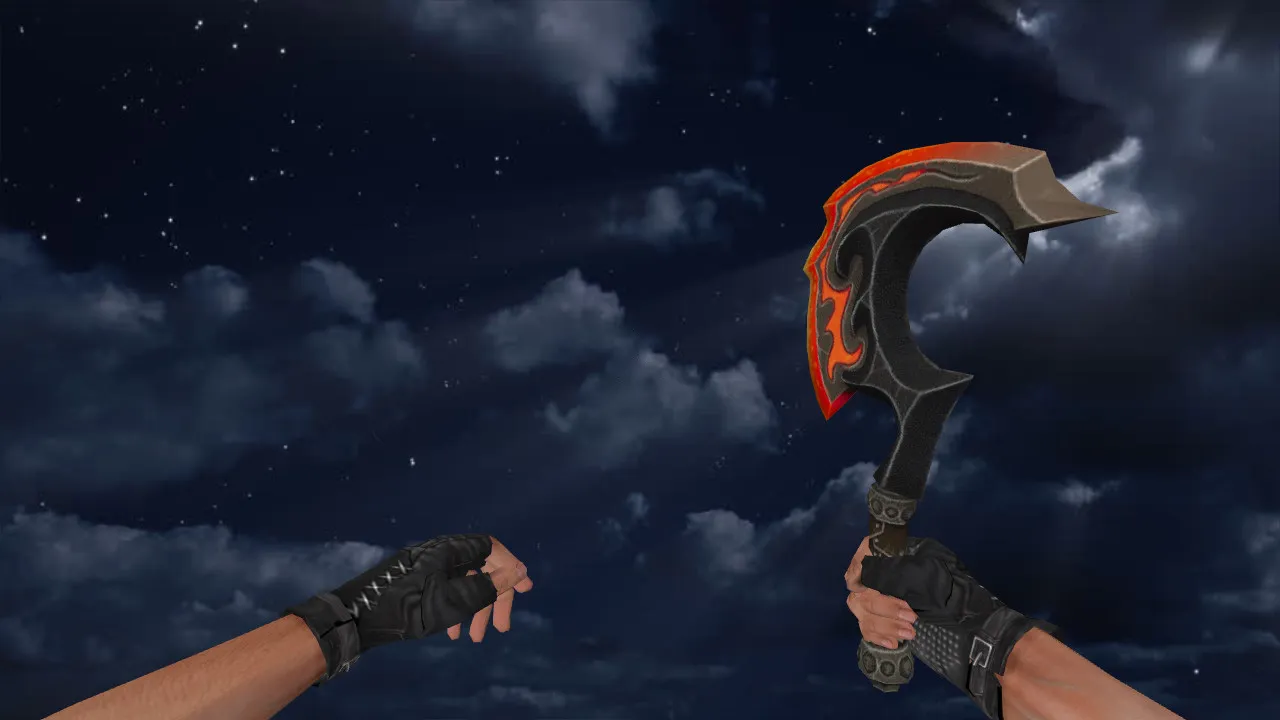
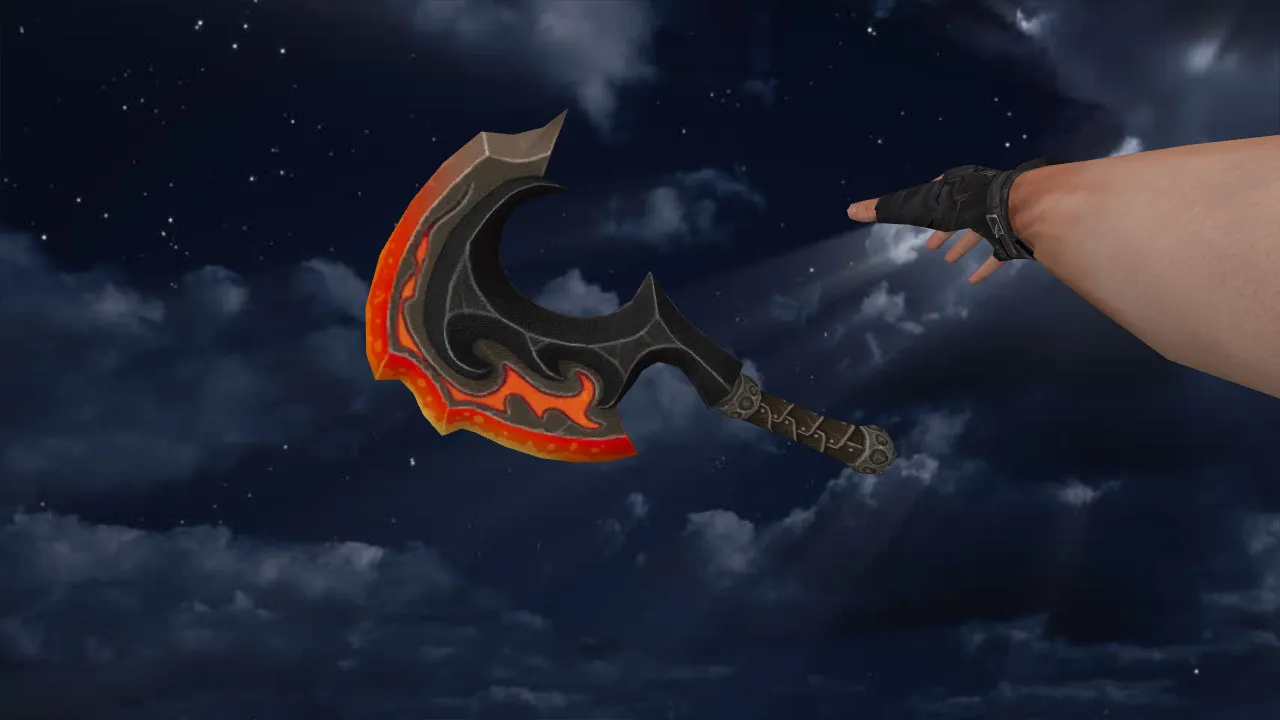
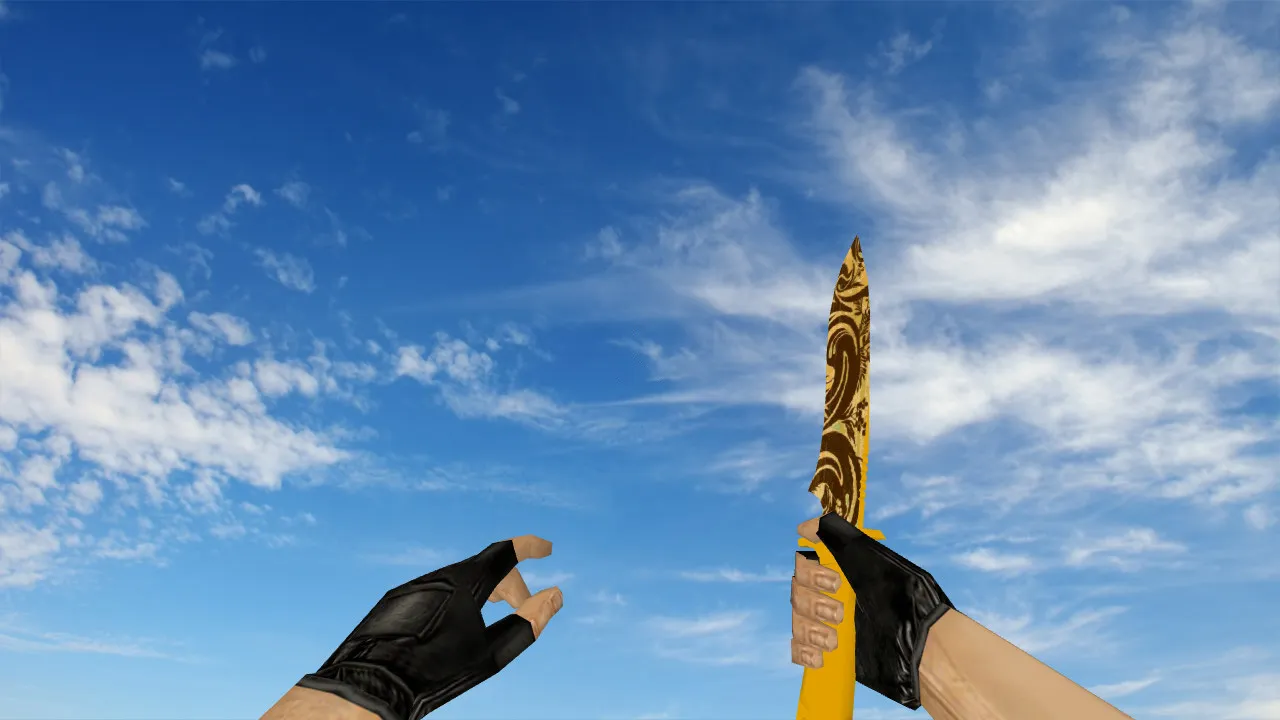
Default Knife Batik-ed Model for CS 1.6: v_, p_, w_ Files, Inspect Animation, Sounds, and HD Textures

Description
Default Knife Batik-ed for CS 1.6: Role in Close-Quarters Combat
The Default Knife Batik-ed provides a refined knife model built for Counter-Strike 1.6, where precision matters in melee duels and fast weapon swaps. This package guarantees the model renders properly in first-person, that inspect sequences play without stutter, and that audio cues fire immediately. In 1.6, these details determine success in tight engagements and smooth inventory control. The model adheres to the standard workflow using v_, p_, and w_ files, delivering consistent visuals from the player's view, third-person perspectives in server configurations, and world interactions.
On public or mix servers, format mismatches or bad packing frequently make models glitch or hover. This Batik-ed knife focuses on total compatibility, sporting solid geometry and clean animation links to remove jerks during spins or inspections. Texture clarity is a highlight-in dim areas, the complex batik designs stay crisp without turning into a blur. It keeps a visual advantage without disturbing the core gameplay loop.
Model Structure: v_, p_, w_ Files and Inspect Animation
Setup in CS 1.6 relies on correct file placement. The archive contains:
- v_ model for the first-person view, keeping the blade prominent during swings and stabs.
- p_ model for third-person visibility, helpful in specific server setups or demos.
- w_ model for world rendering, ensuring the knife looks right on your character or when dropped.
Inspect animations run without skipped frames, vital in CS 1.6 where mistimed sequences cause hand twitches and timing issues. Knife sounds blend in perfectly: switch clicks, slash impacts, and movement whooshes match client expectations, preventing a desynced feel. This makes the knife behave like default assets, avoiding anomalies that might trigger server checks.
Textures and Low-Light Performance
The Batik-ed aesthetic shines through detailed engravings on the blade and grip, requiring high-fidelity textures for constant visibility. These are smooth, low-grain 512x512 maps that preserve detail without aliasing. In dark map zones-such as de_inferno's underpasses or de_dust2's tunnels-the patterns keep their contrast and shape, unlike blurry defaults that wash out. This visibility helps with quick glances during knife rushes.
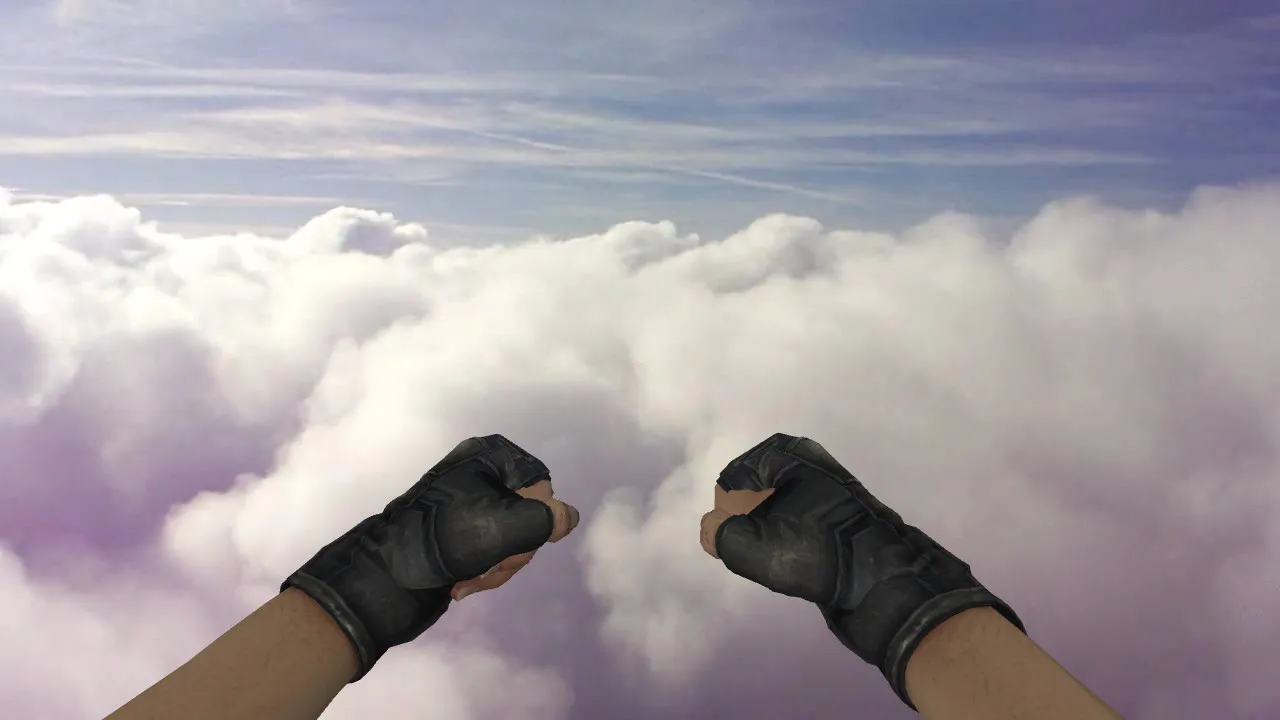
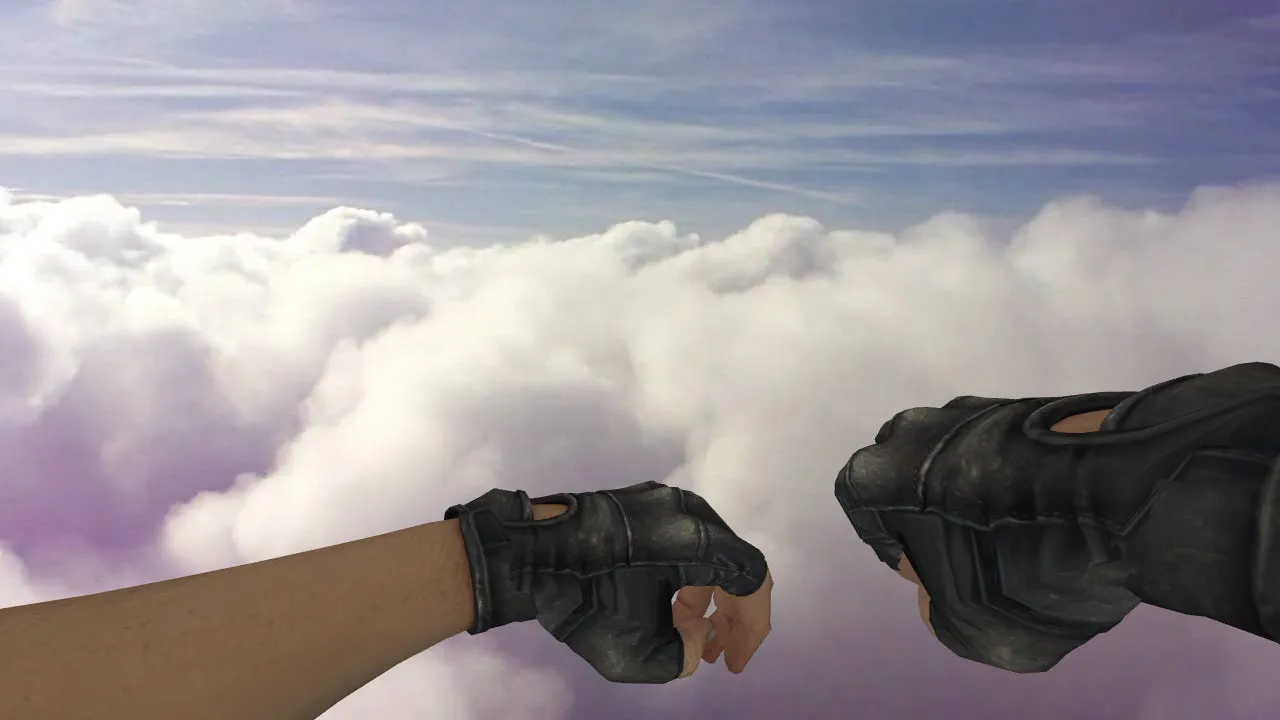
Model alignment with the hand is precise, stopping clipping during inspect spins. The knife rests naturally, improving comfort for players who use it for speed boosts or last-resort defense. Polygon count remains low at roughly 500 faces for the v_ model, guaranteeing high-fps performance even on older hardware without losing batik intricacy.
Safe Installation Guide for CS 1.6 Clients
Install without risks: no viruses, no slow-hacks, no adware, and zero auto-connect features. Manual file swaps only, into your clean client directories. Always back up originals first for an easy rollback.
- Confirm your CS 1.6 client has a clean file base, compatible with Build 4554 or 8684.
- Copy v_, p_, and w_ files to the models folder inside your cstrike directory.
- Start CS 1.6, join a local game, and test the first-person knife view, world drops, and inspect sequence.
- If problems appear-like animation skips-restore files and double-check naming conventions and .mdl formats.
After installing, test on a server without forced model downloads to confirm stability during weapon switches. Sounds should play without lag, and the model must hold up under rapid knife draws. For strict file-check servers, this client-side swap won't conflict, as it mimics stock behavior. Works flawlessly with Steam or non-Steam setups, including WON or MasterServer protected clients.
Final Thoughts: Practical Knife Upgrade for CS 1.6
Default Knife Batik-ed delivers a dependable visual overhaul for CS 1.6 with full v_/p_/w_ support, fluid inspect animations, and tuned sounds. Ideal for players wanting a knife that reads clearly in shadows without gameplay interference. Back up your files, install manually, verify in-game, and jump into matches with zero surprises. This model improves knife duels on maps like de_cbble, where close-quarters visibility turns the tide.
Install in three steps
-
1
Download the archive. Use the button on the right, or the Yandex.Disk mirror if the main server is slow.
-
2
Extract it into the game folder. Use 7-Zip or WinRAR. A path without non-Latin characters works best.
-
3
Launch the game. If something doesn't work, mark it below - that is how we know the file needs an update.
Did it work for you?
No sign-up needed. You can pick more than one.