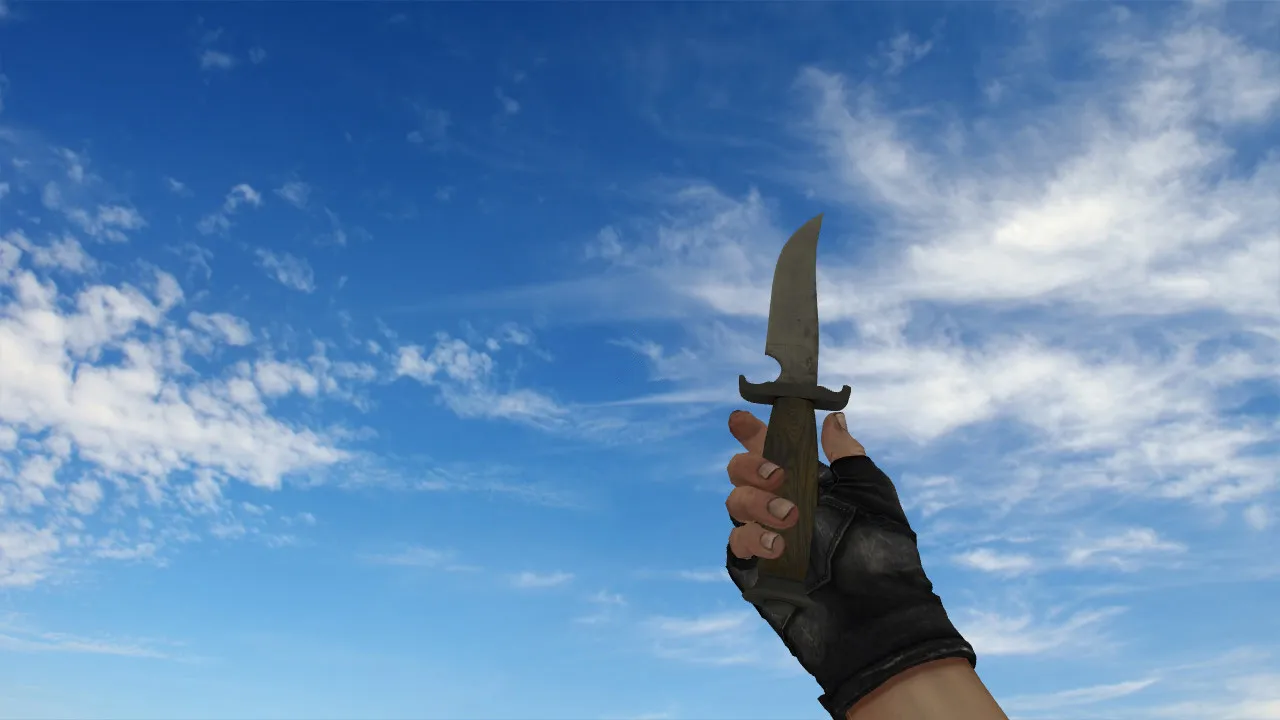
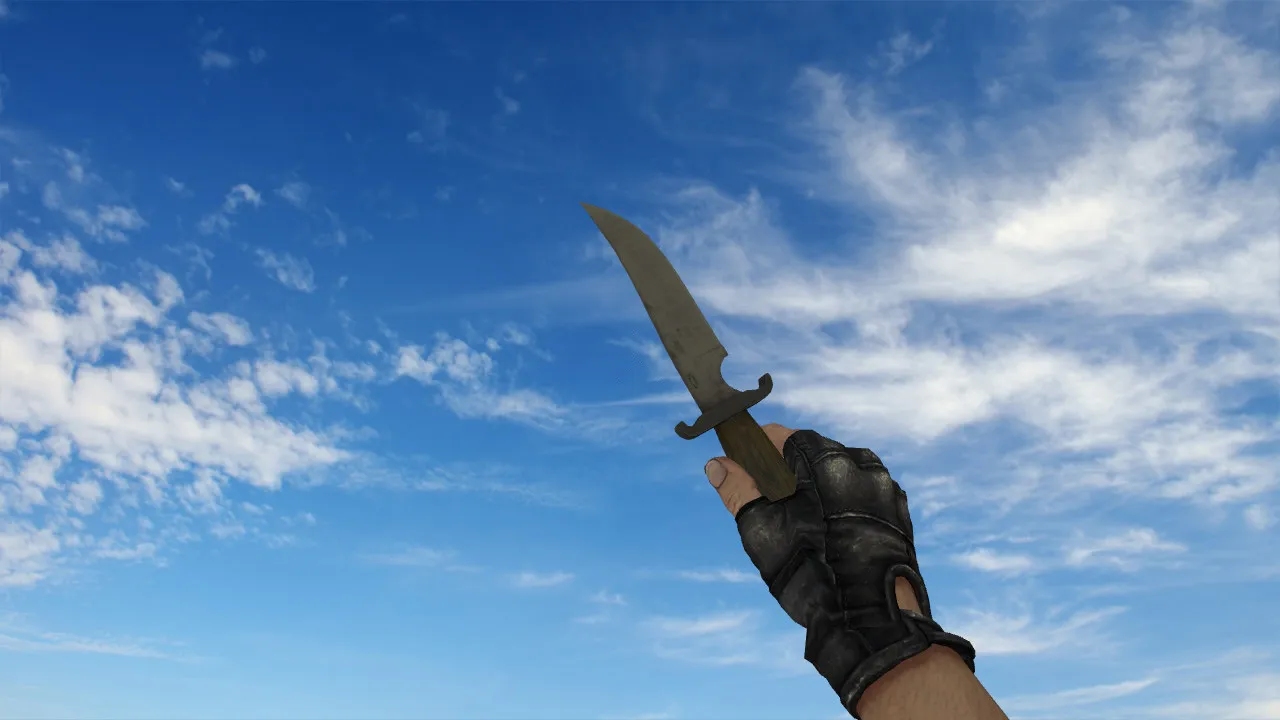
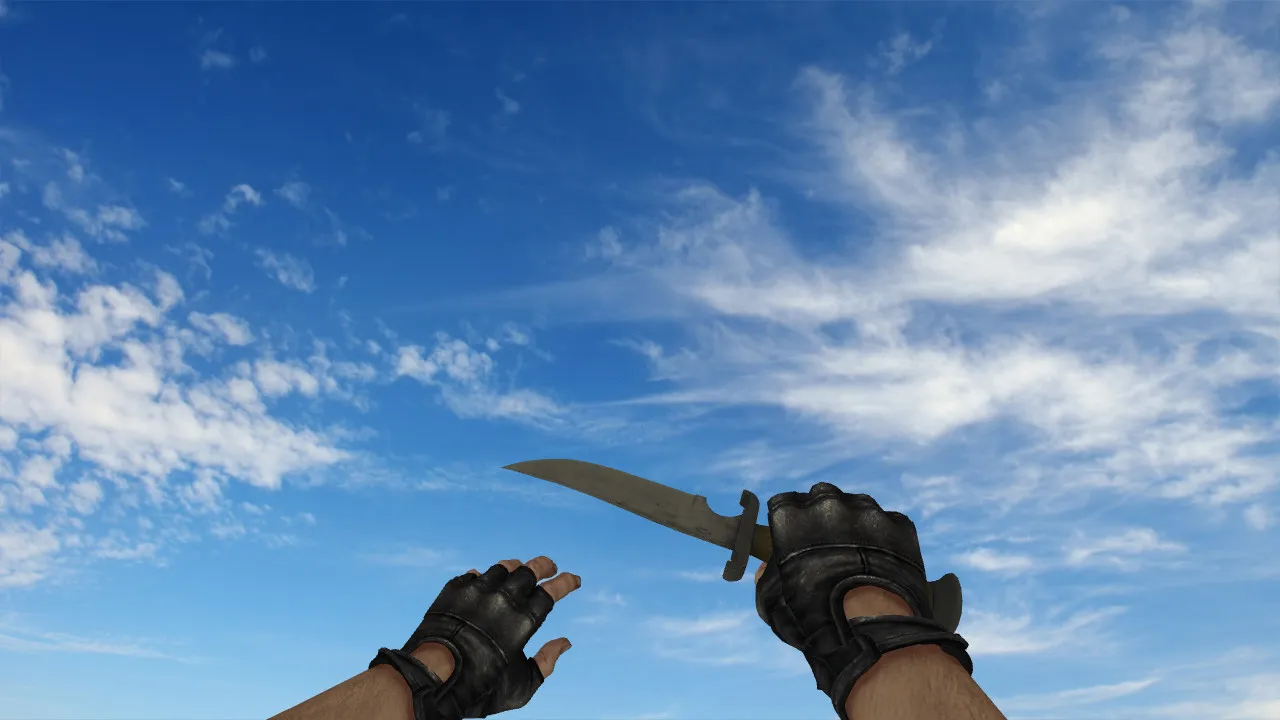
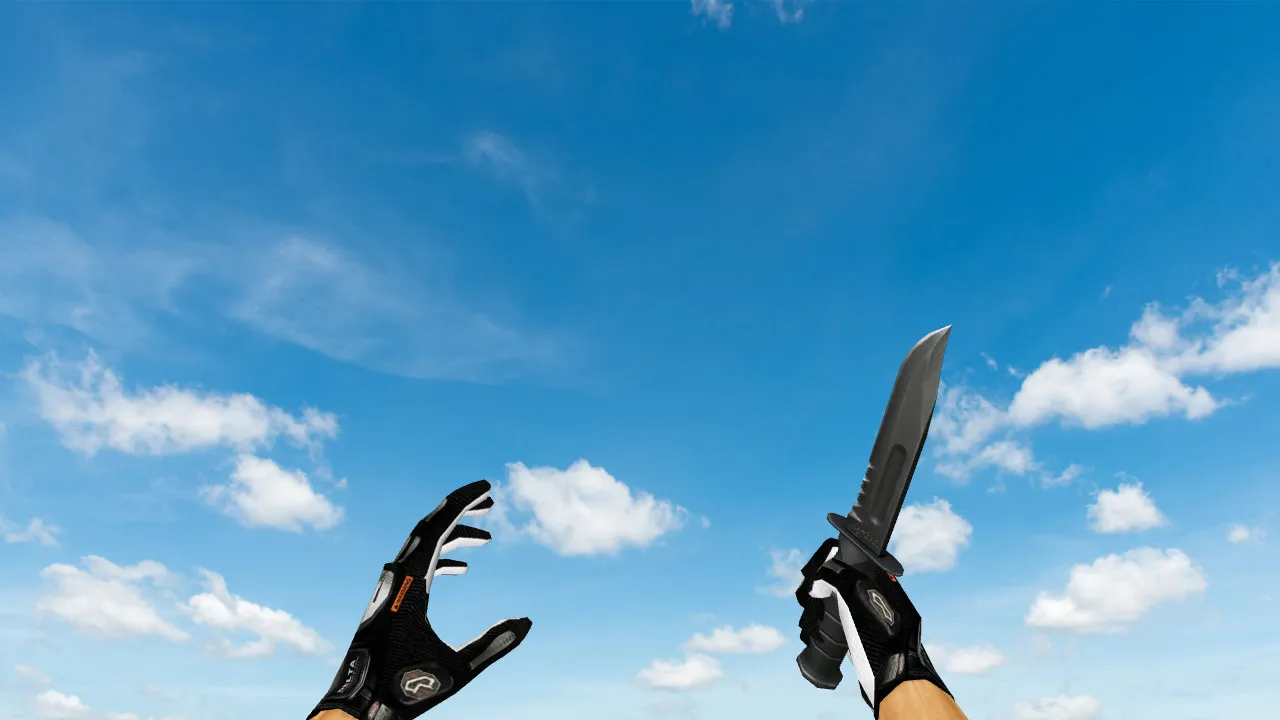
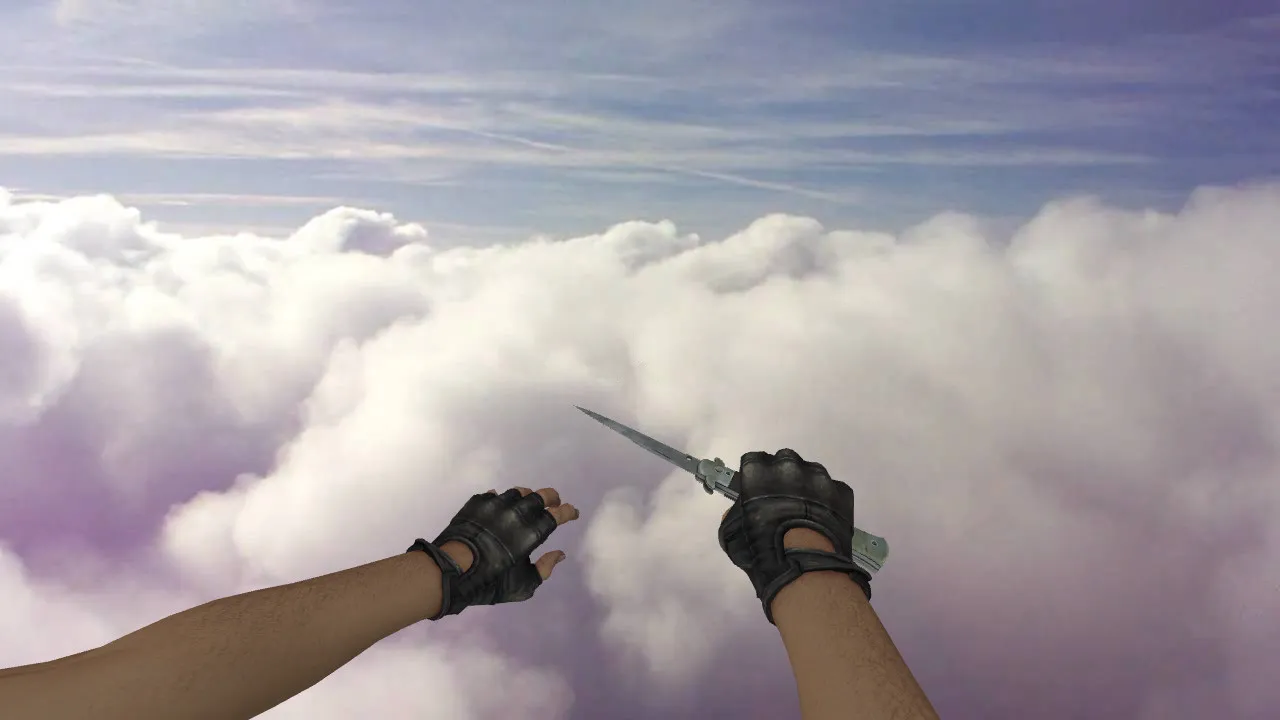
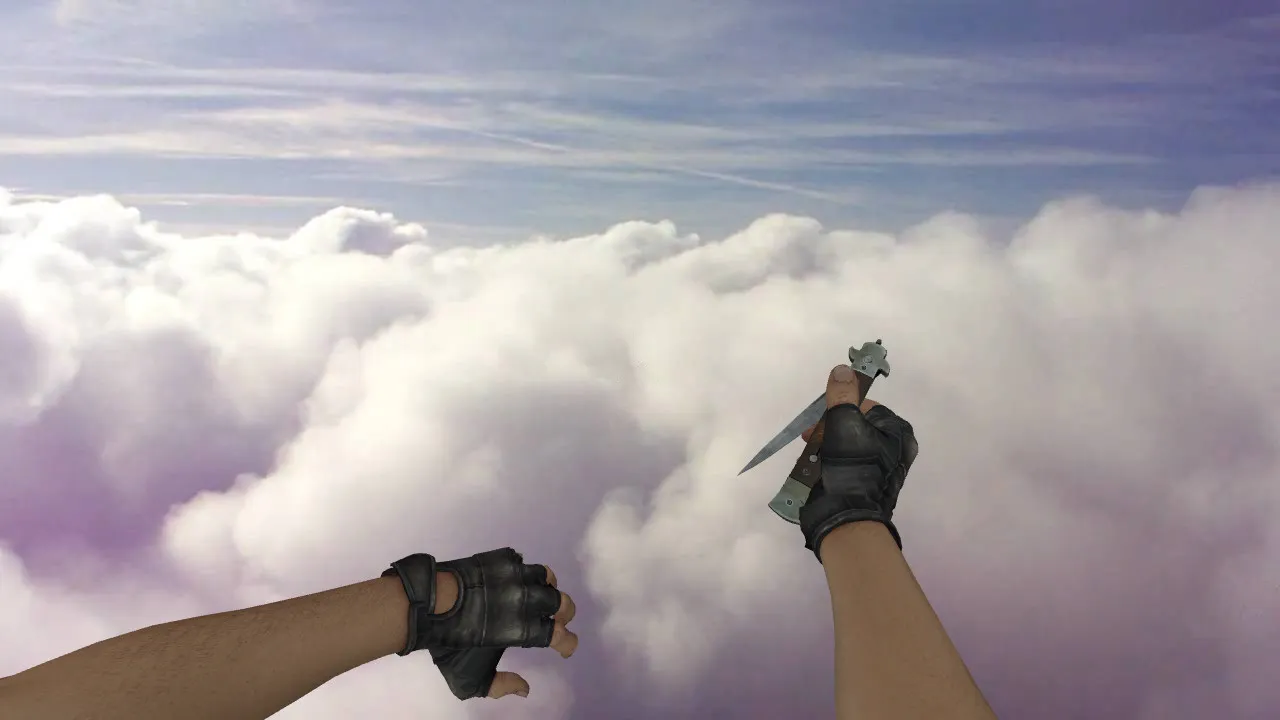
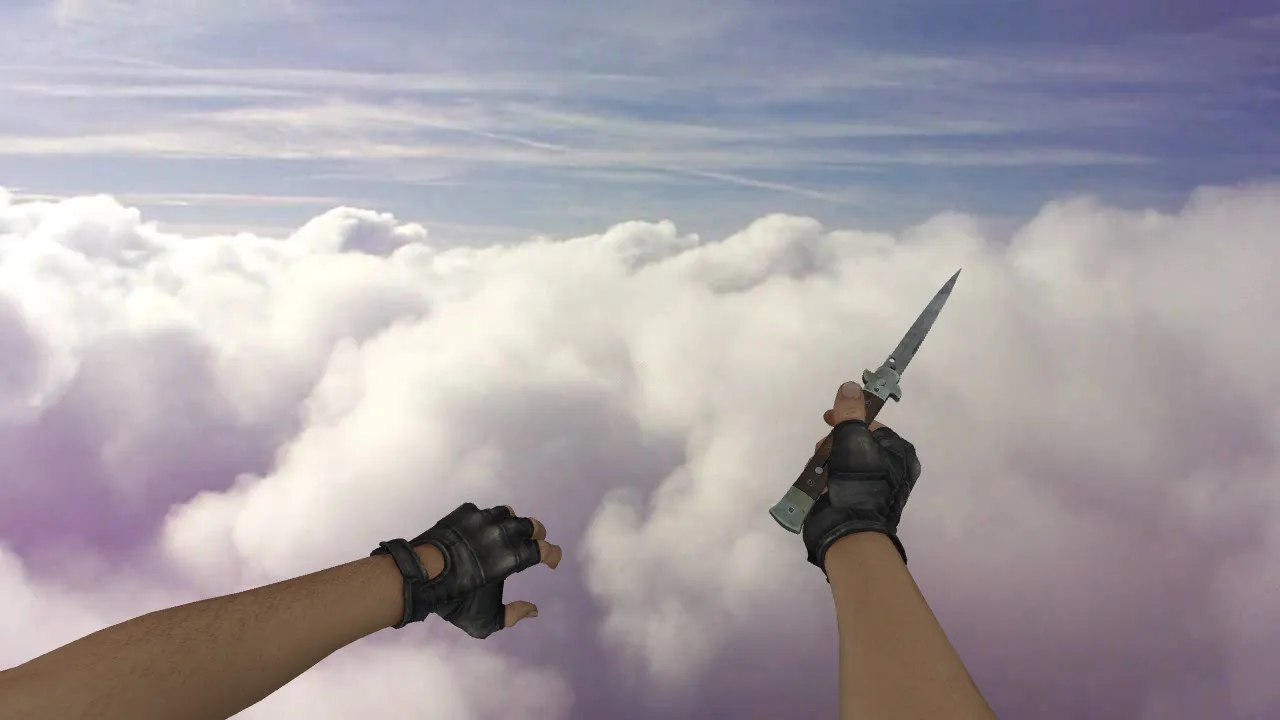
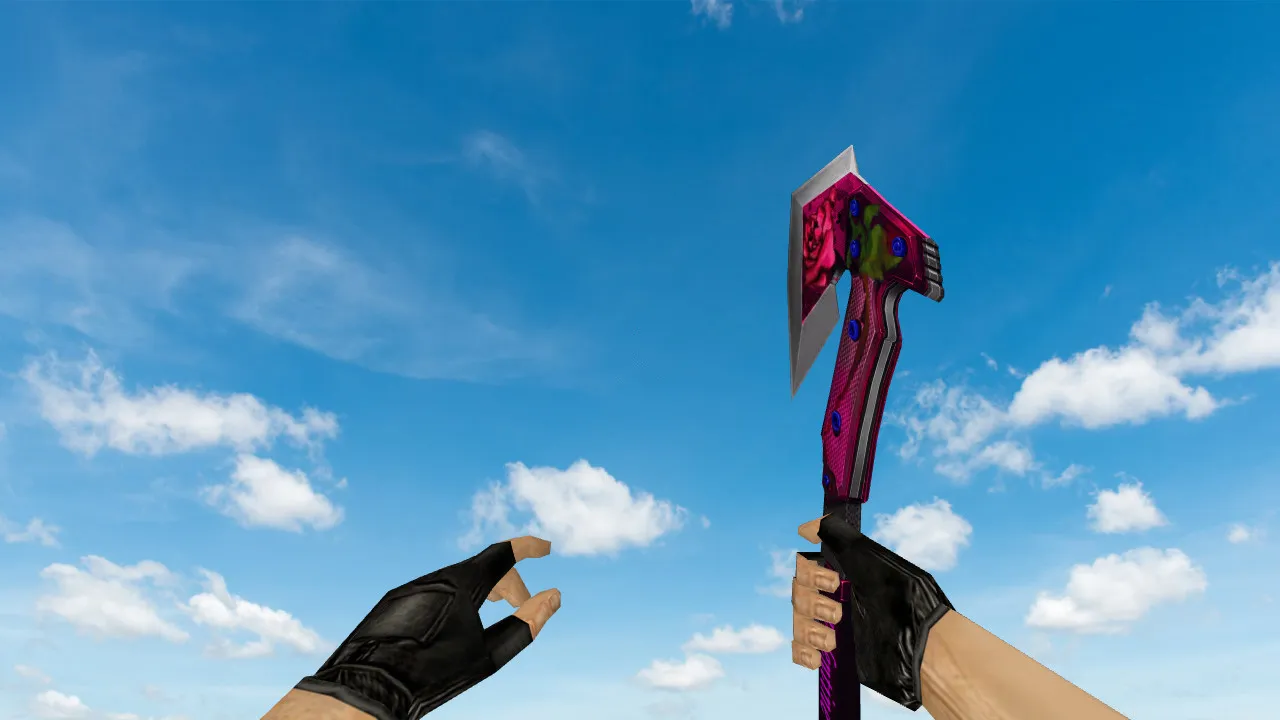
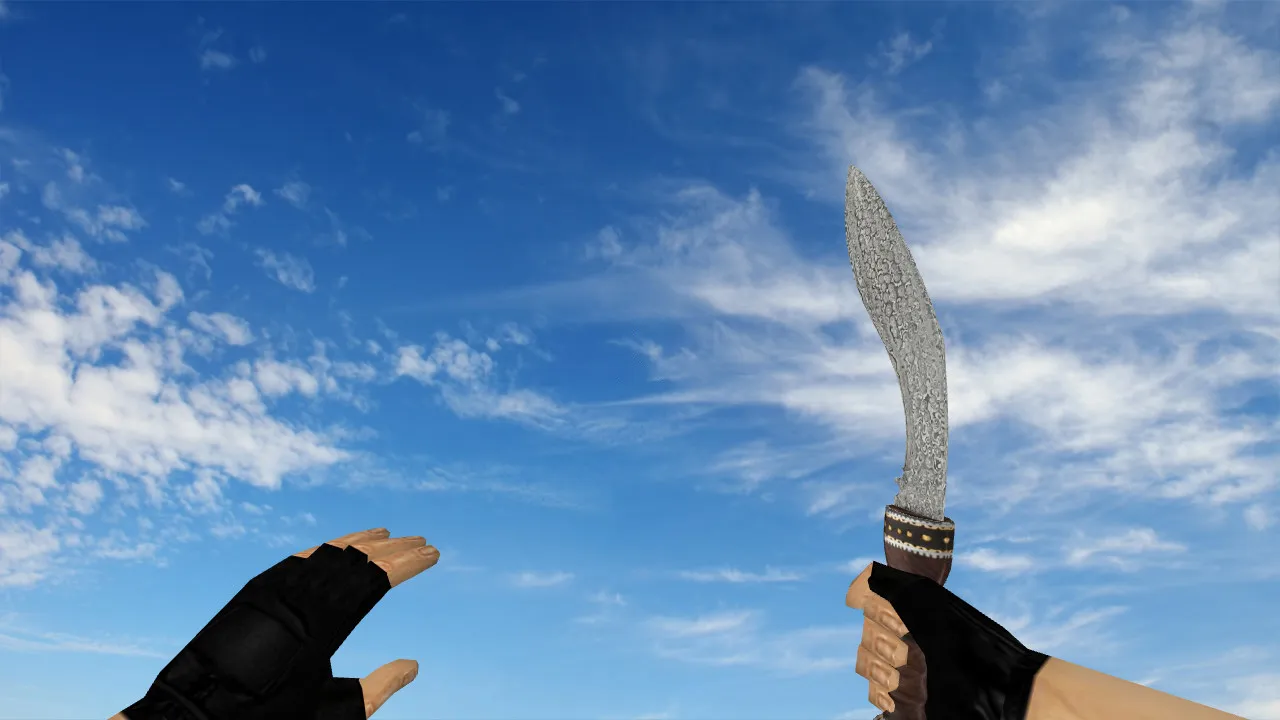
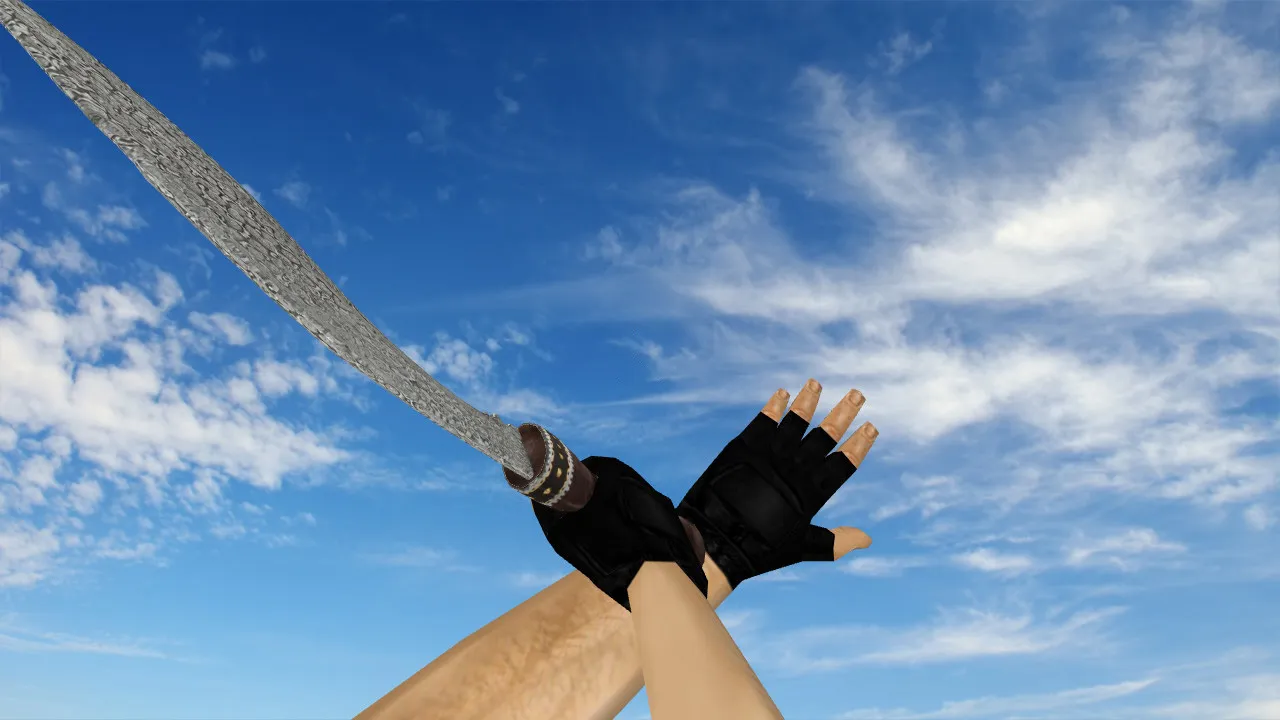
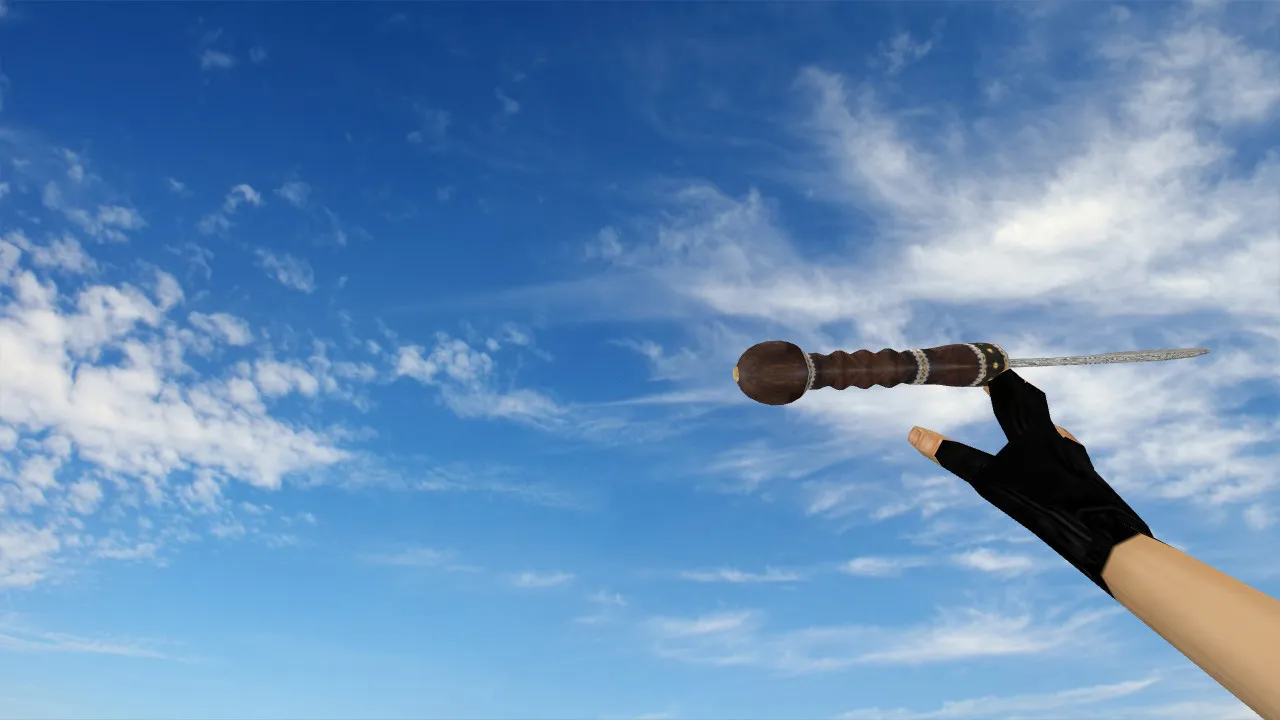
Death Red Knife Model for CS 1.6: v_knife_p, p_knife, w_knife with Sounds and Inspect Animation
Description
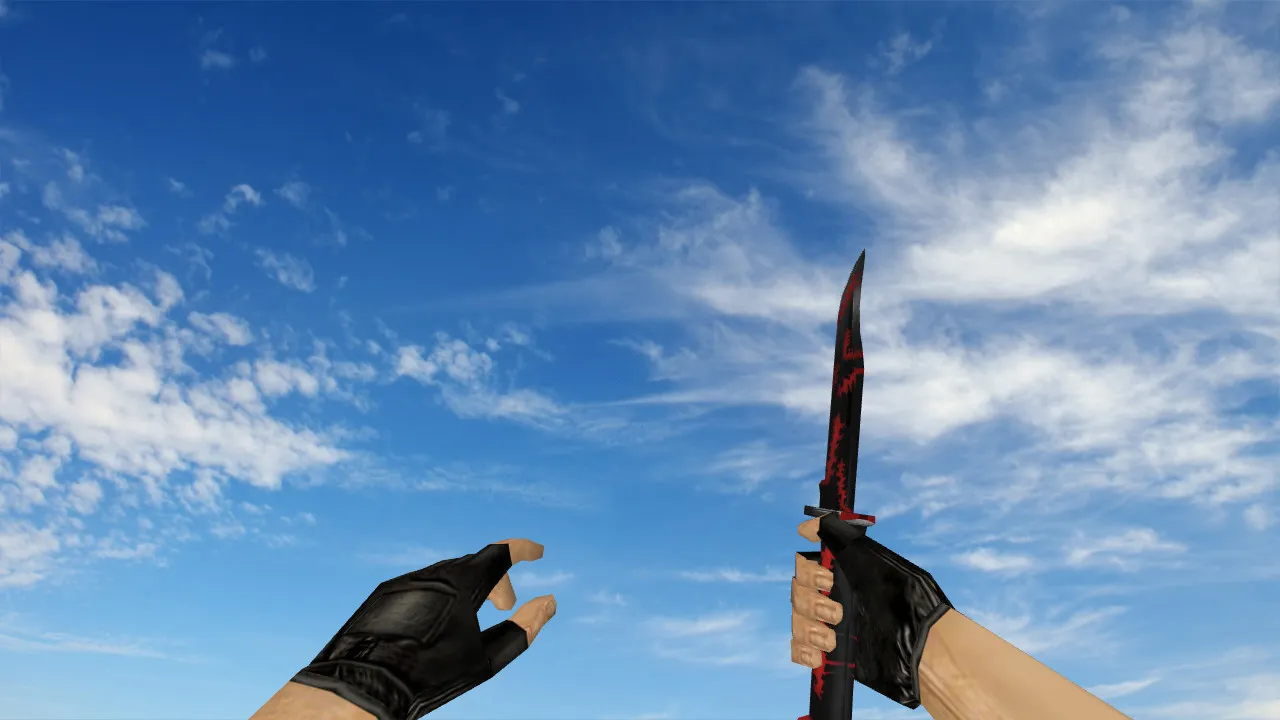
Death Red Knife for CS 1.6: v_knife_p, p_knife, and w_knife Models
The Death Red Knife acts as a straight swap for the default blade in Counter-Strike 1.6, placing directly into the models directory for instant use with no additional configuration required. The pack supplies v_knife_p for the first-person perspective, p_knife for other players' views, and w_knife for the ground model, guaranteeing correct rendering in every gameplay situation. Sharp textures are essential for fluid performance, holding up during camera movement to stop clipping or visual errors. Correct file structure and placement prevent glitches during heated rounds.
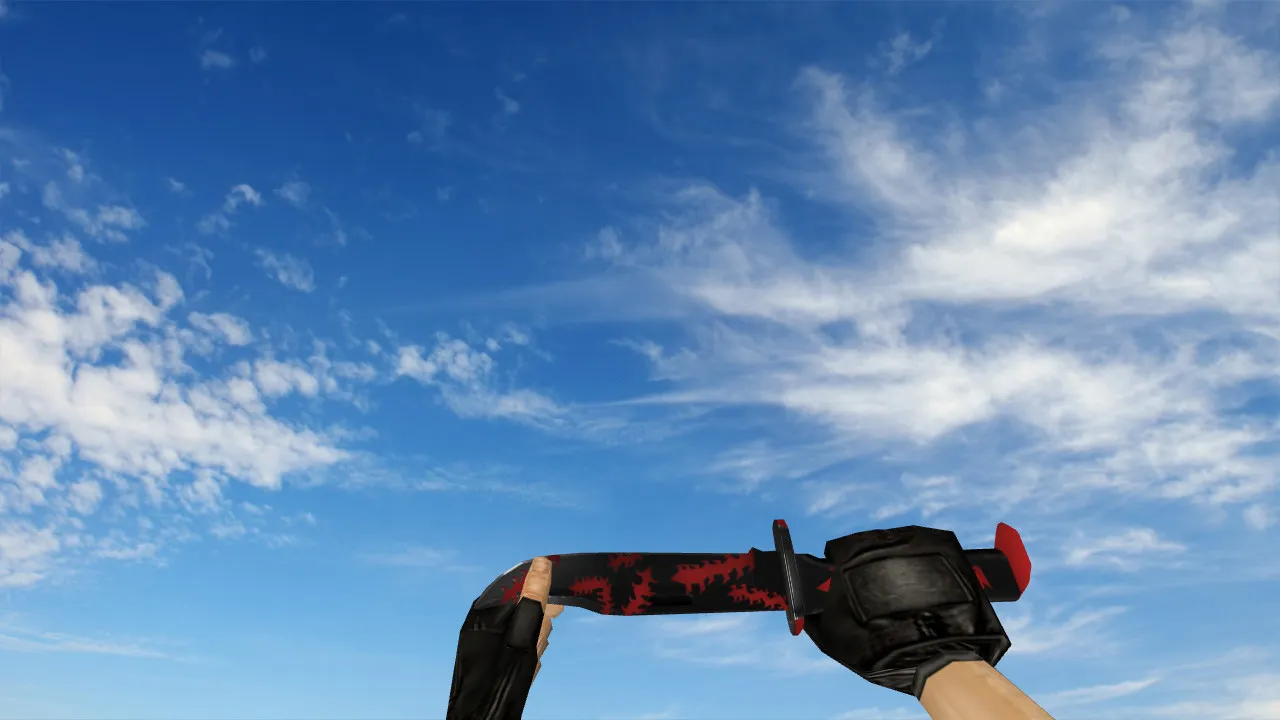
Inspect animations are a highlight. In CS 1.6, the knife requires smooth transitions when drawing or examining the weapon: hands line up naturally, with no jitter or positional offsets. Unique sounds improve the feel-while footstep audio is not part of the pack, swings, stabs, and weapon switches feature custom effects. These additions raise immersion and sharpen reaction times in clutch scenarios, such as pushing a site or holding an angle.
Visually, the Death Red Knife aims at first-person players wanting a distinctive weapon against walls and in dim corners. Knives see frequent use in CS 1.6 during flanks or close-quarters combat, so clear silhouette and color contrast are vital. The red highlights stand out sharply, yet balanced textures stop the model from fading into smoke or dark map zones, keeping it visible on spots like de_dust2's long corridor or inferno's apartments.
Safe Installation Guide for Death Red Knife
- Download the archive and unpack it straight into your CS 1.6 models folder. No auto-connect scripts or third-party injections are involved-keeping the process clean and virus-free.
- Confirm that v_knife_p, p_knife, and w_knife files exist. Missing even one causes incomplete rendering in third-person or dropped views.
- Textures arrive in dedicated folders-place them correctly to avoid blank or low-resolution surfaces that ruin the appearance.
- Back up your current knife files first. This permits an easy rollback if anything feels wrong after installation.
- Restart CS 1.6 and join a server to test. Check inspect flow and weapon swaps immediately.
In-Game Checks After Setup
- Position and Inspect: The knife locks into hand slots without axis shifts, remaining centered during view changes.
- Animation Smoothness: Weapon selection runs fluidly-no stutters or frame drops on older hardware.
- Texture Quality: Surfaces display no artifacts, blurring, or warping; expect solid 512x512 or higher resolution for detail.
- Sound Integration: Knife actions and switches trigger the included audio files accurately, syncing with animations.
- Visibility in Play: The model stays distinct in low light, avoiding full camouflage against backgrounds for better awareness.
Optimizing for Stable FPS with Death Red Knife
Knife models like this seldom hurt FPS compared to heavy maps or particle effects, but client health remains key. Keep a clean config.cfg-remove bloat for reliability. For smoother movement, adjust interpolation with ex_interp 0.01 to reduce latency without excess. Rate settings near 100k work well if your connection supports it, matching typical LAN or online setups.
Both Steam and Non-Steam users should verify files land in the proper directories to avoid mismatches. Steer clear of client-side mods that override server files, as they can cause desyncs on protected servers like those running Build 4554 or 8613. MasterServer compatibility remains intact, with no bans from visual tweaks alone.
This setup suits aggressive playstyles, pairing the knife with quick decisions in bomb defusal or hostage rescue. Install carefully, test animations and sounds thoroughly, and it integrates seamlessly into every match. Polygon count stays low for high-FPS sessions, and hitbox alignment matches stock for fair play-no exploits or visibility cheats included. If you run ESL-style configs, the contrast helps spotting in dark tunnels without breaking balance.
Expand on tactics: On maps like de_cbble, the red hue helps track knife rushes through mid without losing form in dust. Pair with no-recoil binds for hybrid loadouts, keeping the blade ready for silent flanks. Overall, Death Red Knife elevates standard knife work without compromising core CS 1.6 mechanics.
Install in three steps
-
1
Download the archive. Use the button on the right, or the Yandex.Disk mirror if the main server is slow.
-
2
Extract it into the game folder. Use 7-Zip or WinRAR. A path without non-Latin characters works best.
-
3
Launch the game. If something doesn't work, mark it below - that is how we know the file needs an update.
Did it work for you?
No sign-up needed. You can pick more than one.