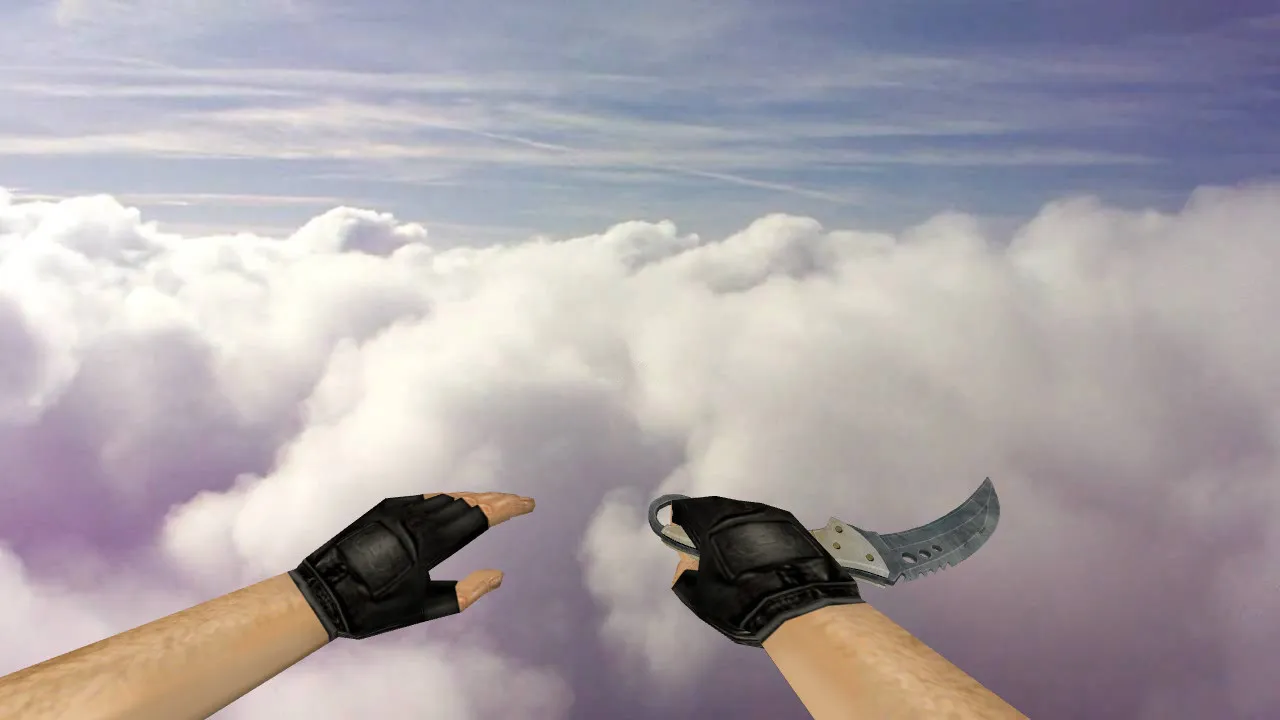
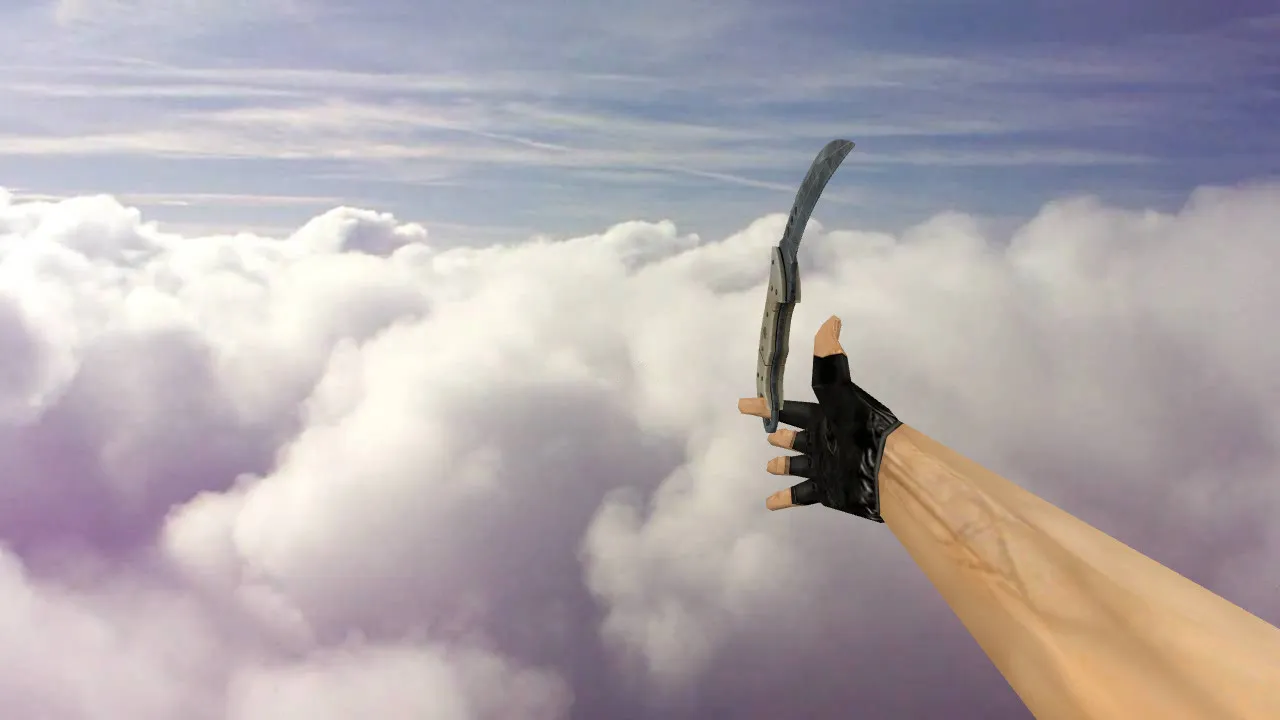
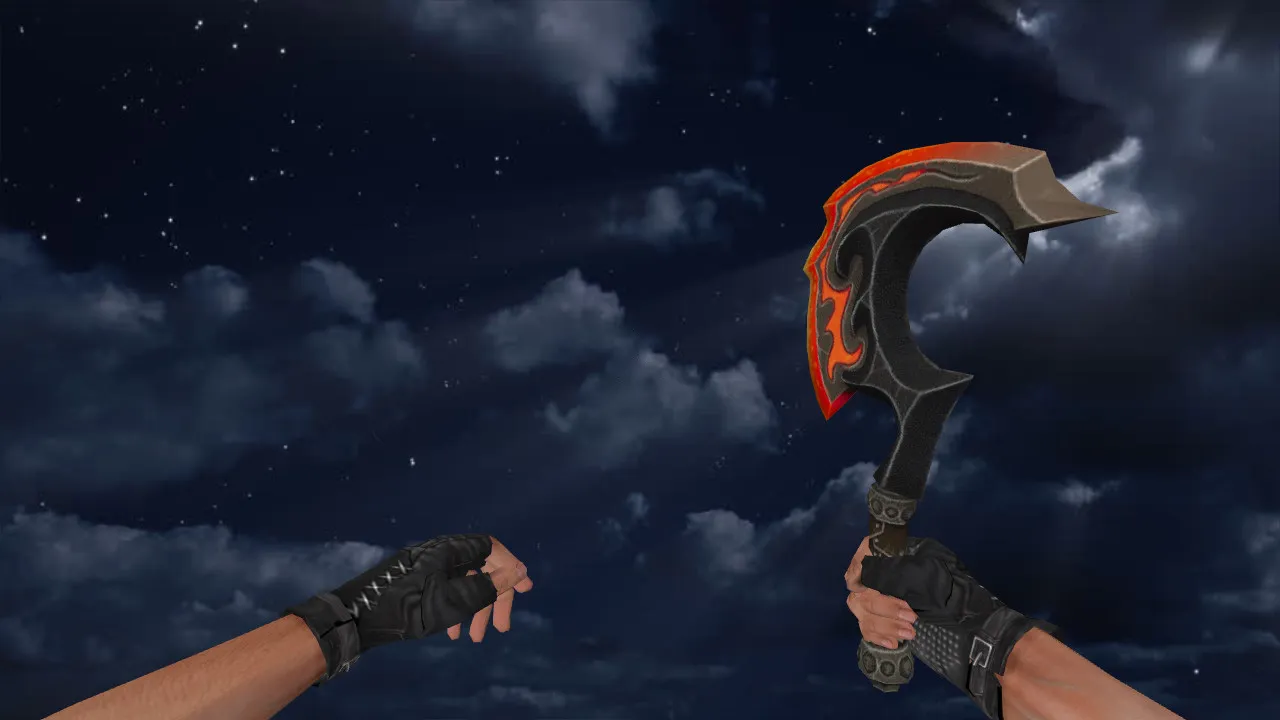
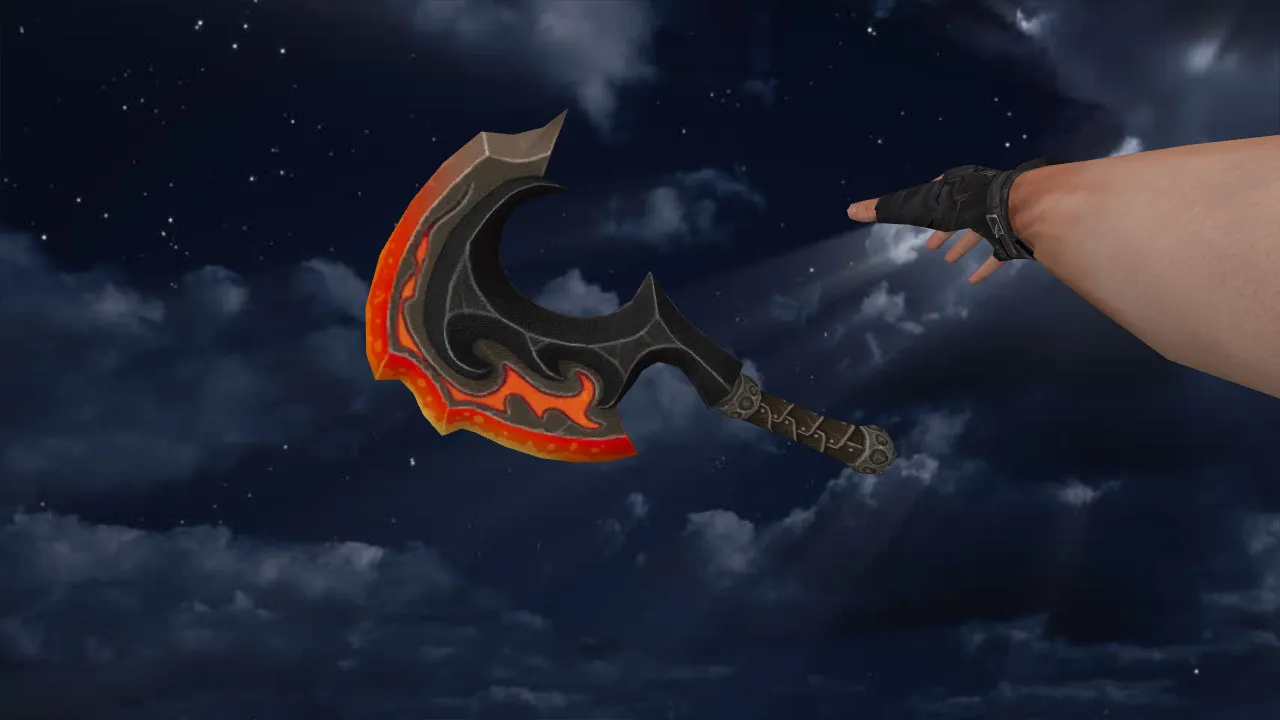
CSGO Stiletto Vanilla Knife Model for CS 1.6: v_knife, p_knife, Sounds, Inspect Animation, and Textures
Description
CSGO Stiletto Vanilla Knife Model for CS 1.6: v_knife and p_knife Setup
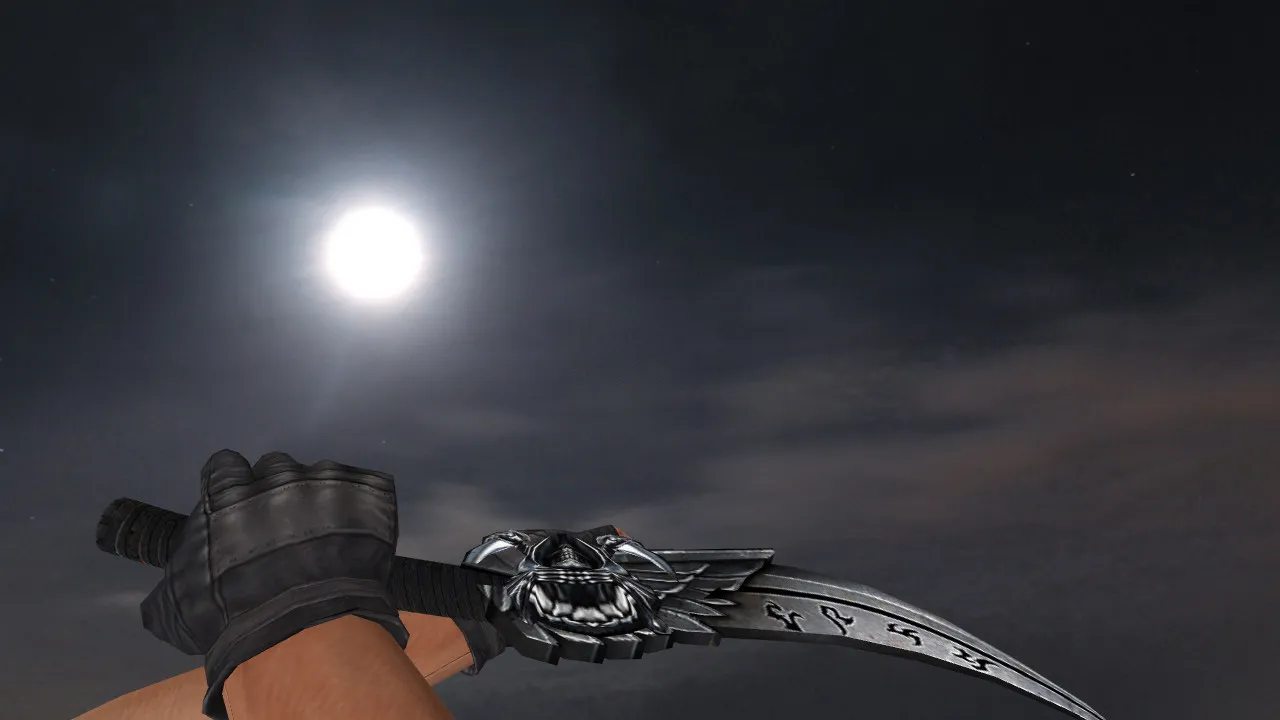
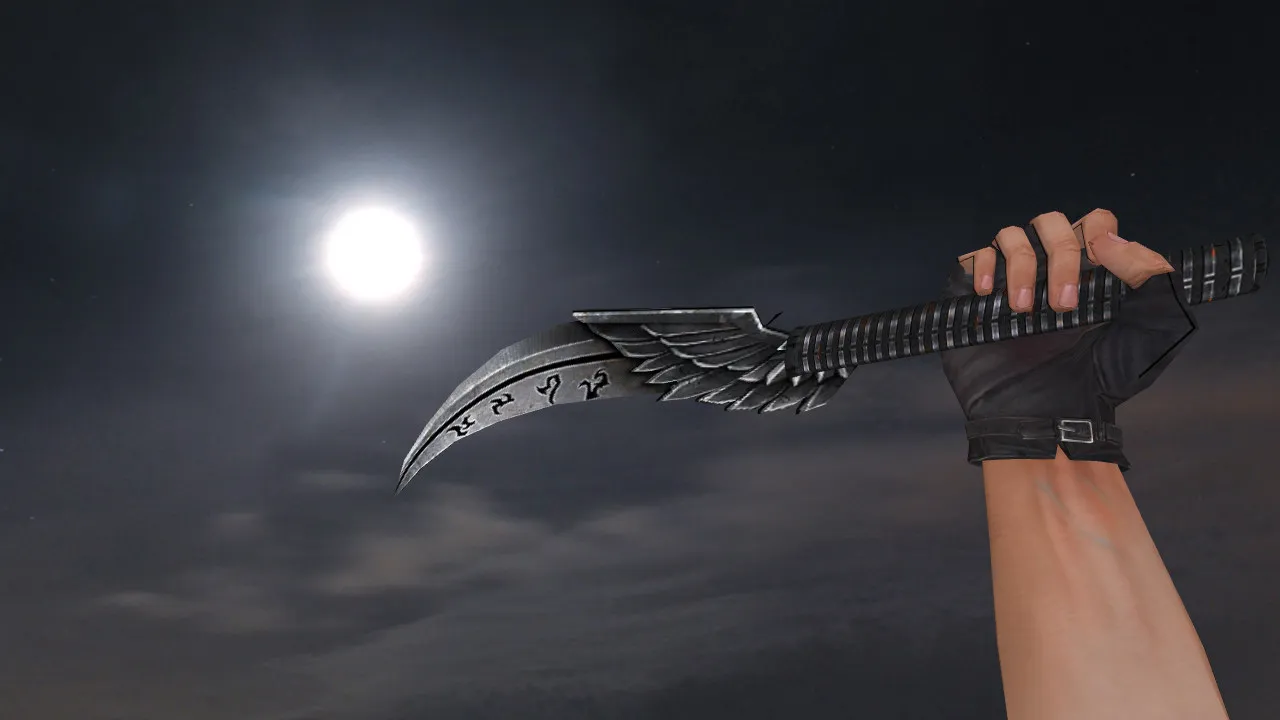
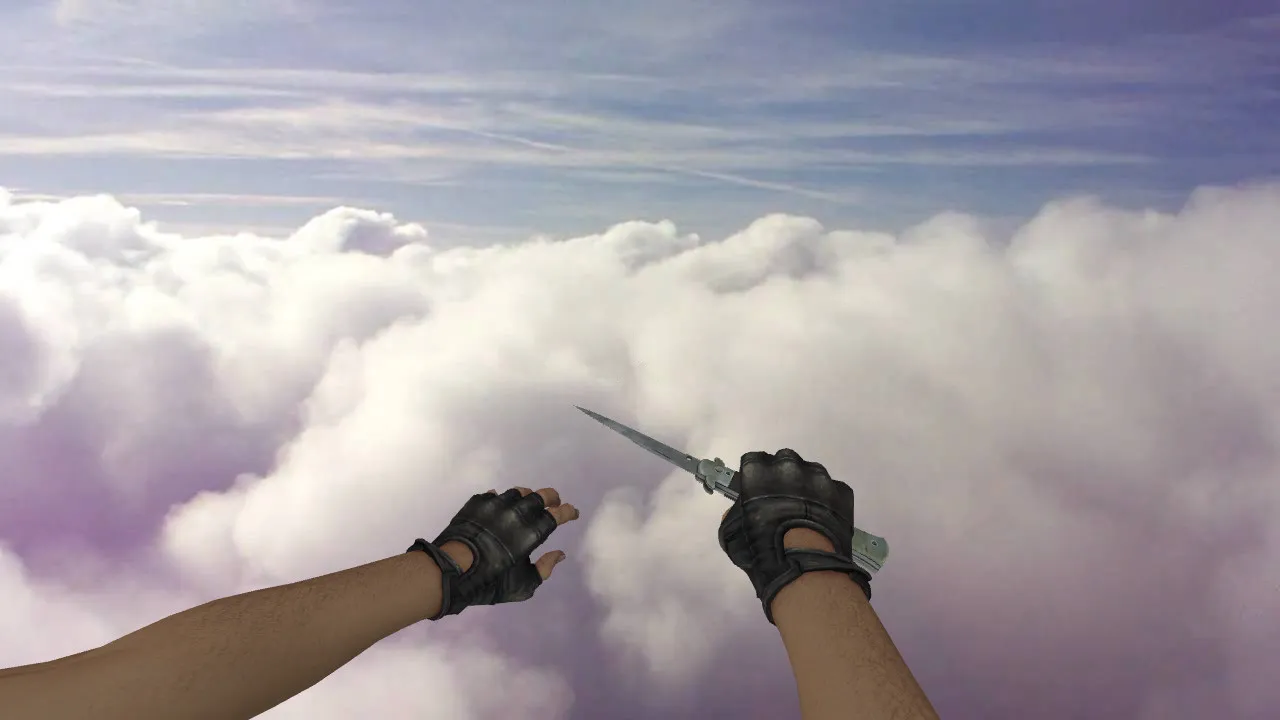
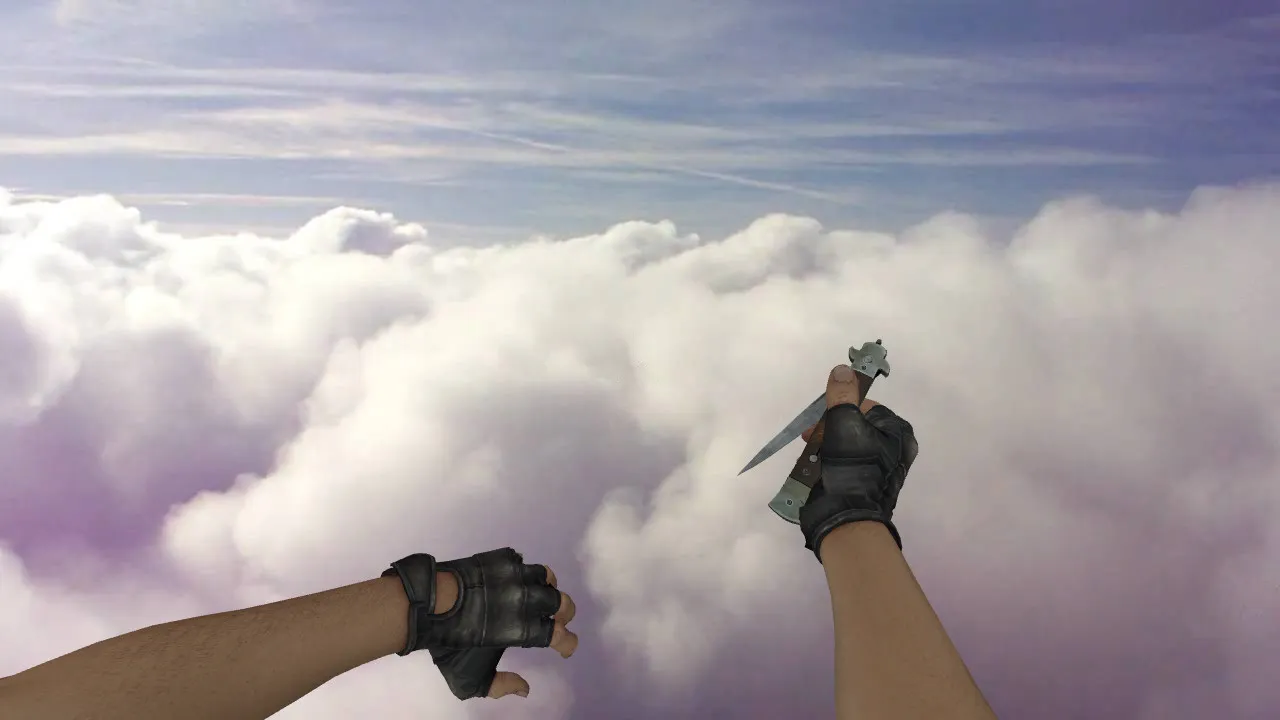
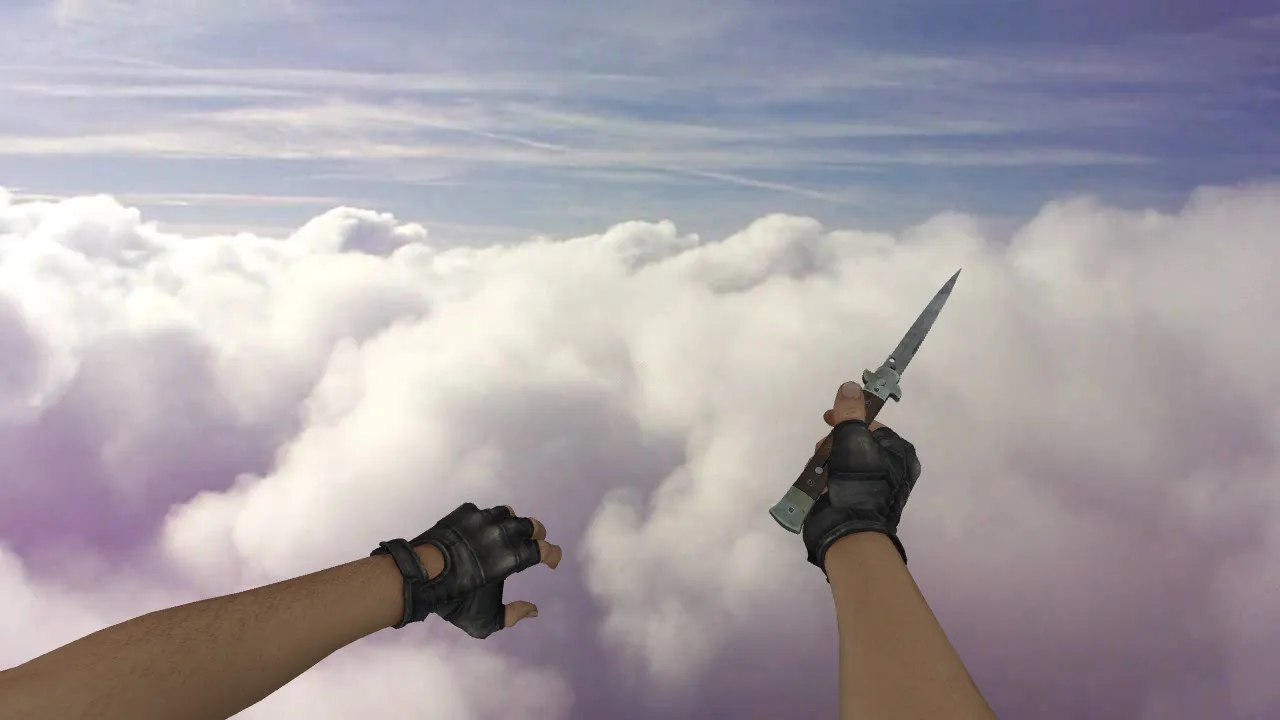
The CSGO Stiletto Vanilla knife model ports directly to CS 1.6 as a replacement weapon. Archive files include v_knife for first-person view, p_knife for player hand display, and w_knife for world model on the ground or in other players' hands. Key advantage lies in stable rendering: the model stays sharp during animations and holds form without clipping during inspections.
For knives in CS 1.6, details matter. This pack delivers inspect animation for smooth blade rotation and switching. Custom sounds match knife actions, ensuring footstep and click timings remain intact. Textures follow CS 1.6's pipeline with 512x512 resolution, preventing blur at distance and artifacts in low-light areas like de_dust2 tunnels.
Polycount stays low at around 500 triangles for the blade and handle, keeping high-fps performance on older rigs without MasterServer issues. Hitbox alignment matches stock knife for accurate melee swings, no need for config tweaks on Build 4554 or 8610.
Post-Installation Checks
After extracting to your cstrike/models folder, verify the model loads. Join a local server or offline match, switch to knife, and test three views: first-person, world model, and inspect. If shapes and sizes align, v_knife, p_knife, and w_knife integrated correctly.
- Knife sounds: Selection click and slash audio play without drops.
- Inspect: Blade rotates smoothly without jitter or offset.
- Textures: No black spots or seam tears on edges.
- World display: Knife remains visible, no transparency glitches.
Stick to model folders only-avoid altering sprites or wad files. For multi-mod setups, backup originals to rollback fast. Compatible with Steam and Non-Steam clients, no slow-hack risks.
CS 1.6 Configuration: Clean Integration
Knife installs require minimal changes. Place files in models/v_ and models/p_ directories, then restart CS 1.6 to refresh cache. If the model fails to appear, double-check file paths and .mdl extensions. Use a clean config.cfg to dodge conflicts from prior mods-remove any cl_lc or precache commands.
Maintain default graphics settings for response stability. Avoid mid-game tweaks to r_drawviewmodel. Goal: consistent knife presence without FPS drops or 'now you see it, now you don't' behavior. Works on ESL-style servers with no visibility exploits in dark corners.
In-Game Performance
The CSGO Stiletto Vanilla delivers a distinct silhouette for quick recognition during rushes or peeks. In close-quarters like ct_spawns on de_inferno, the animation stays predictable, not interfering with crosshair placement or movement. Blade visibility holds in shadowed areas, aiding tactical knife plays without distracting from aim.
Test in offline mode first: confirm texture quality under various lights, inspect animation timing, and sounds sync. No viruses, no auto-connect scripts, no adware-just pure model swap with verified safety. For bot matches, ensure .nav files load unchanged; knife doesn't affect pathing.
Quick Checklist
- v_knife, p_knife, w_knife files in place.
- Sounds trigger on selection and attacks.
- Inspect animation runs without stutters.
- Textures render clean in dark scenes, no smearing.
Installation complete. The knife operates seamlessly in CS 1.6 standard play. Expand your loadout with this model for better melee options, keeping polycount optimized and hitboxes precise. If running custom configs, alias the switch command for faster access: alias +knife "slot3; +attack".
For advanced users, pair with no-recoil scripts but test thoroughly-stock knife timings apply. Community feedback highlights the inspect feature as a standout, mimicking CS 1.6's fluid controls while adding modern flair. Download includes setup guide for Non-Steam users, ensuring broad compatibility across builds.
Install in three steps
-
1
Download the archive. Use the button on the right, or the Yandex.Disk mirror if the main server is slow.
-
2
Extract it into the game folder. Use 7-Zip or WinRAR. A path without non-Latin characters works best.
-
3
Launch the game. If something doesn't work, mark it below - that is how we know the file needs an update.
Did it work for you?
No sign-up needed. You can pick more than one.