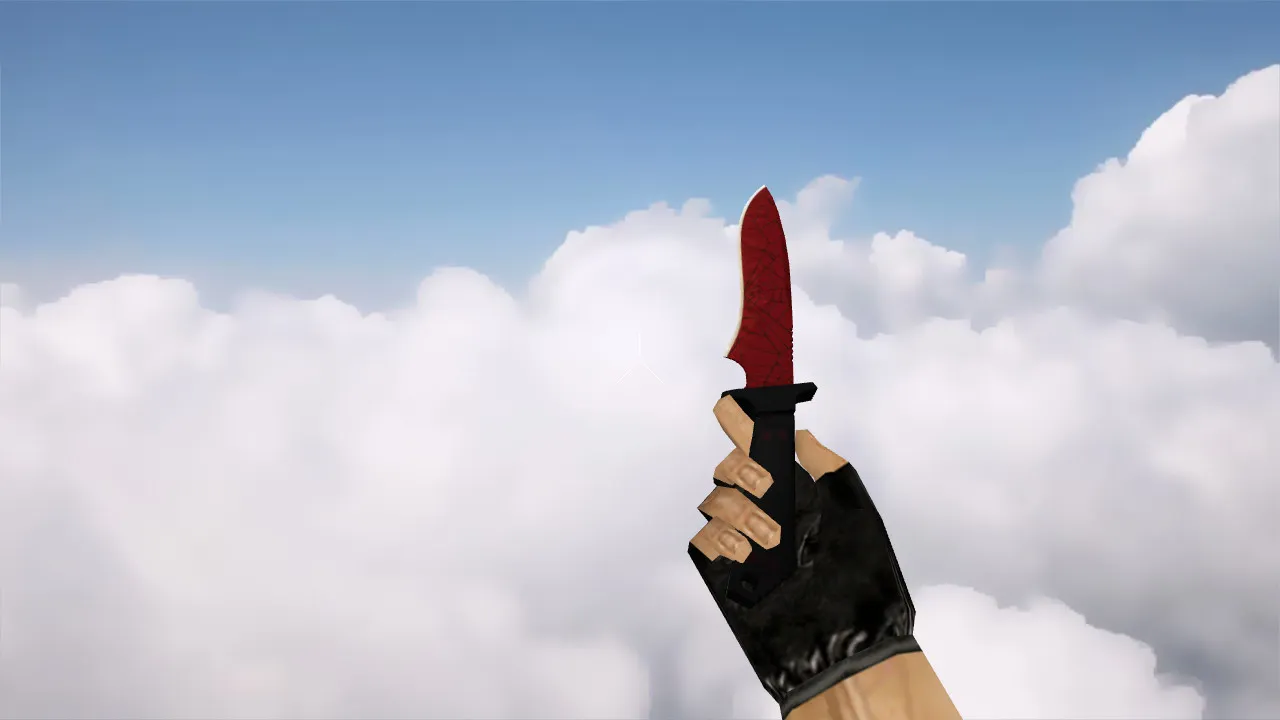
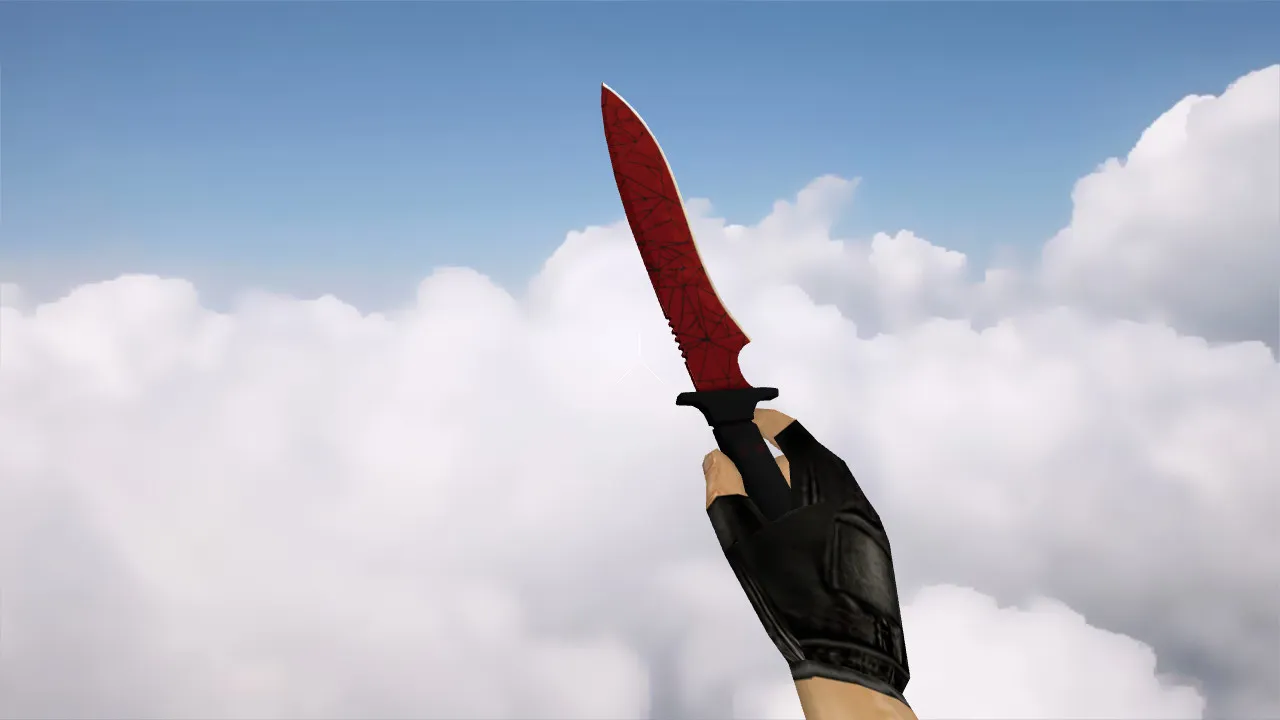
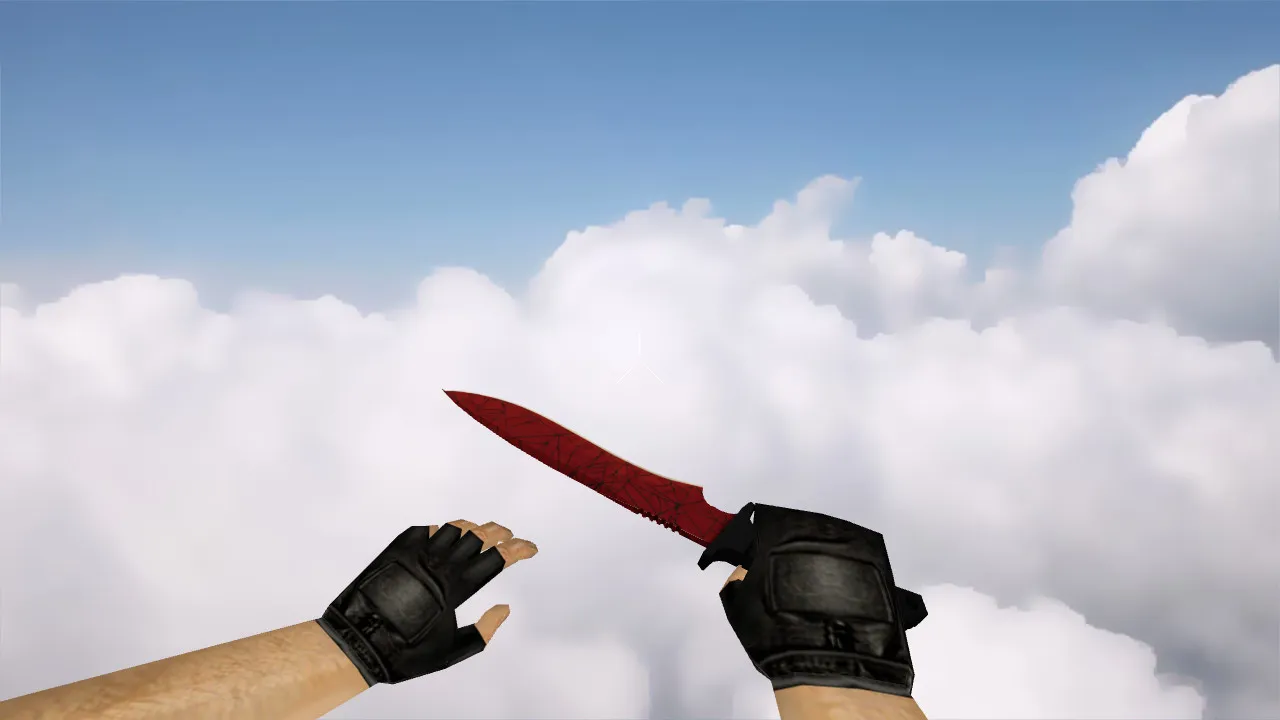
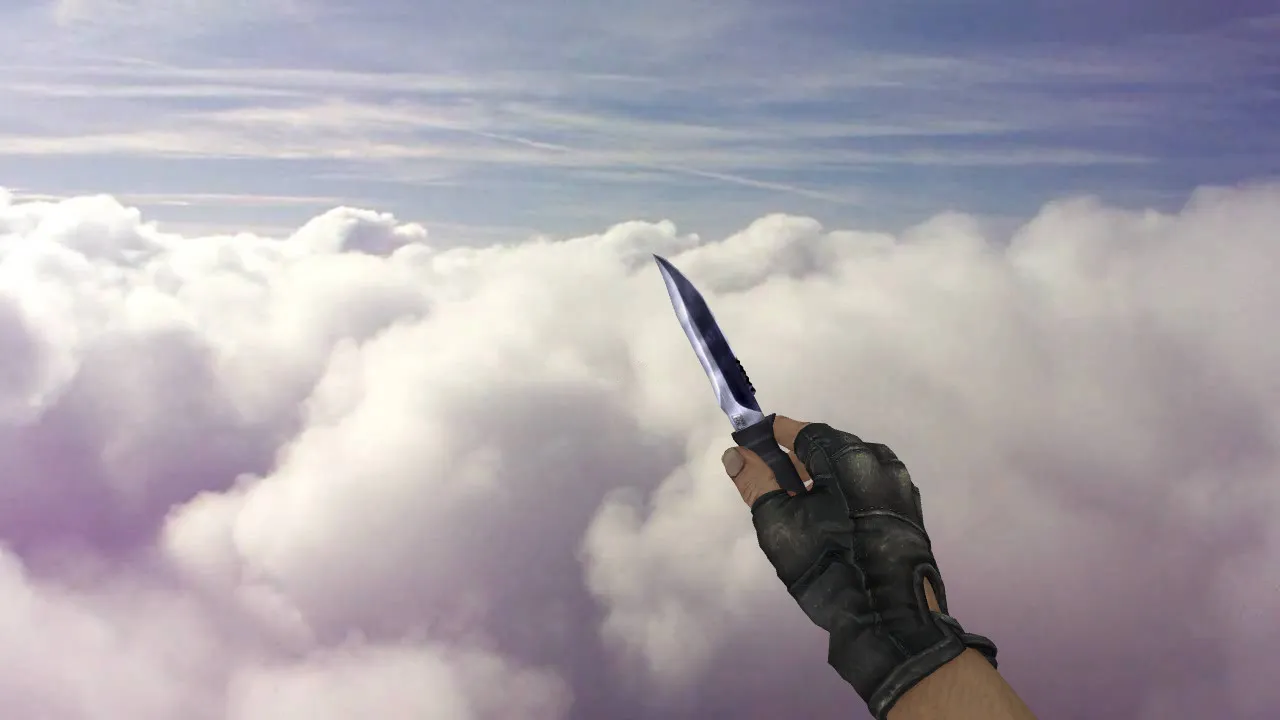
CS 1.5 Knife v_Model for CS 1.6: Inspection Animations, Custom Sounds, HD Textures, and Safe Setup Guide
Description
CS 1.5 Knife Model for CS 1.6: Contents and Safe Installation Basics
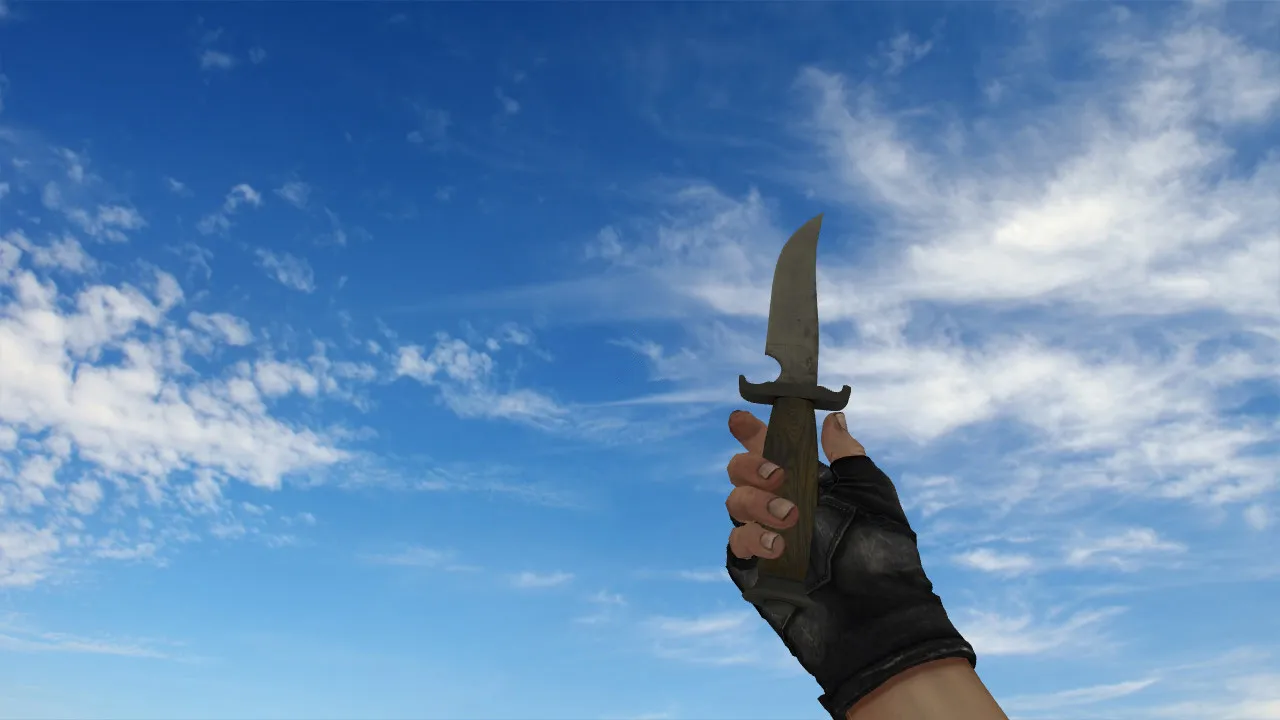
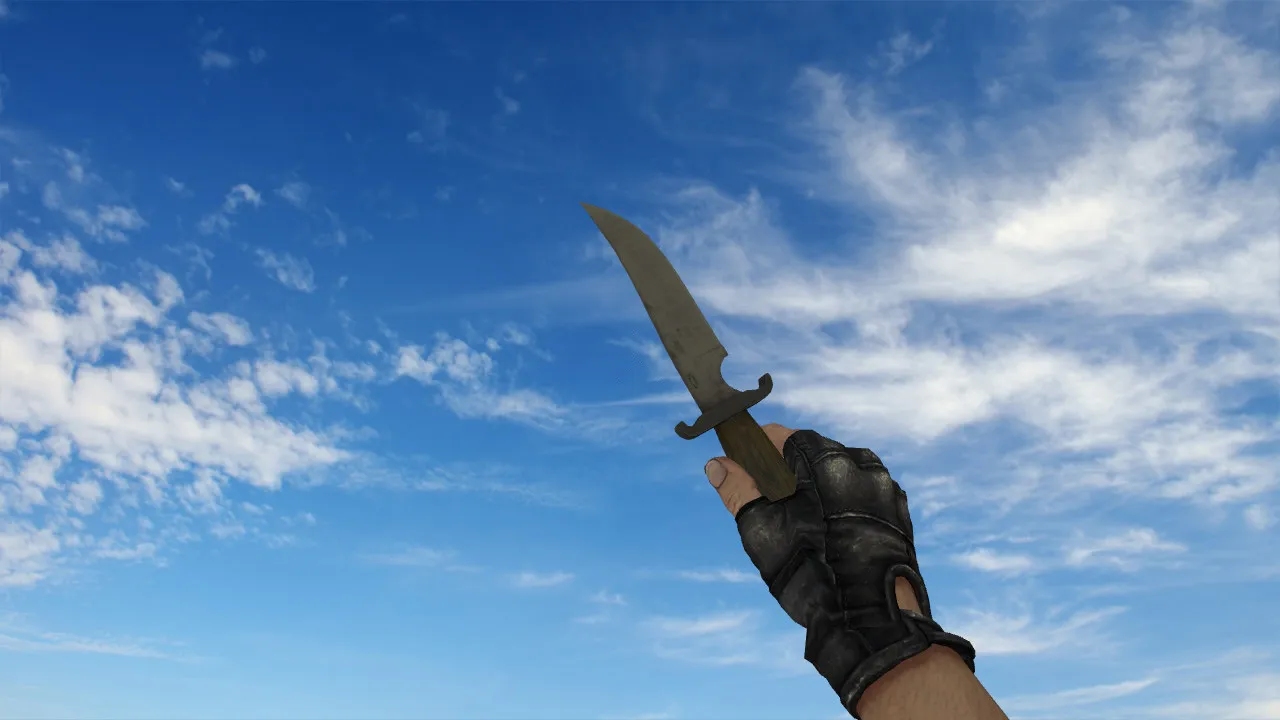
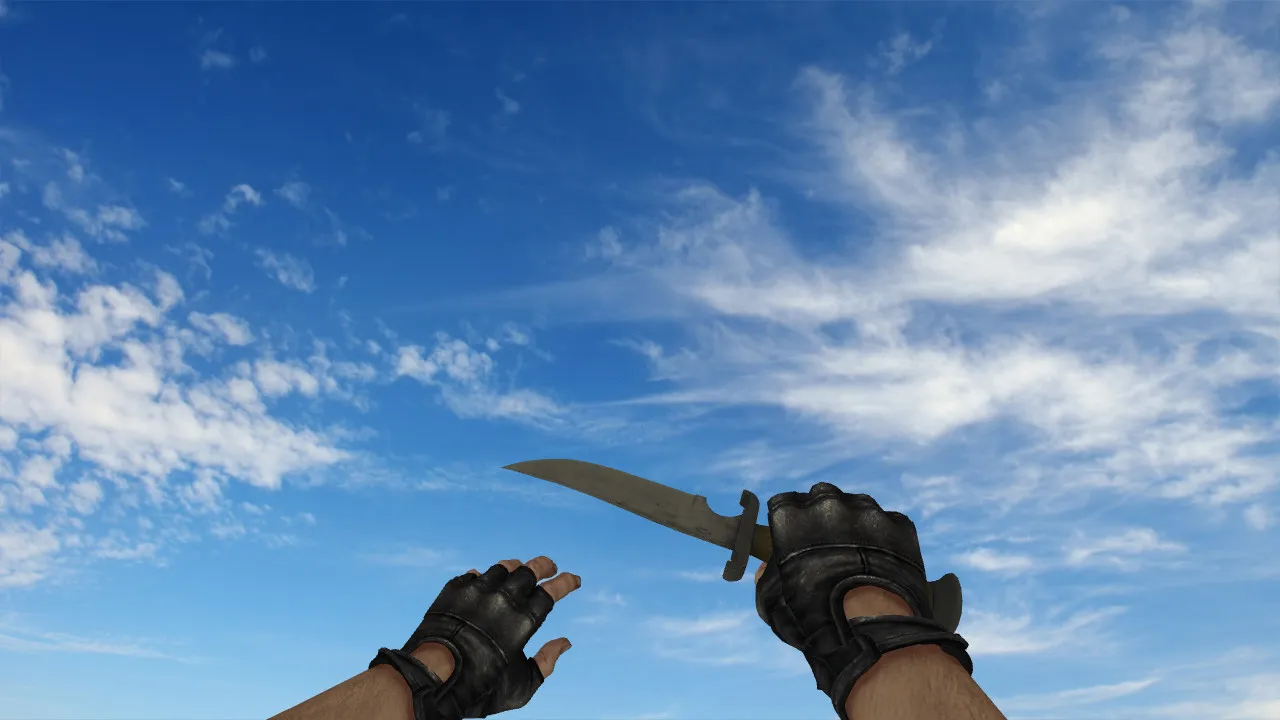
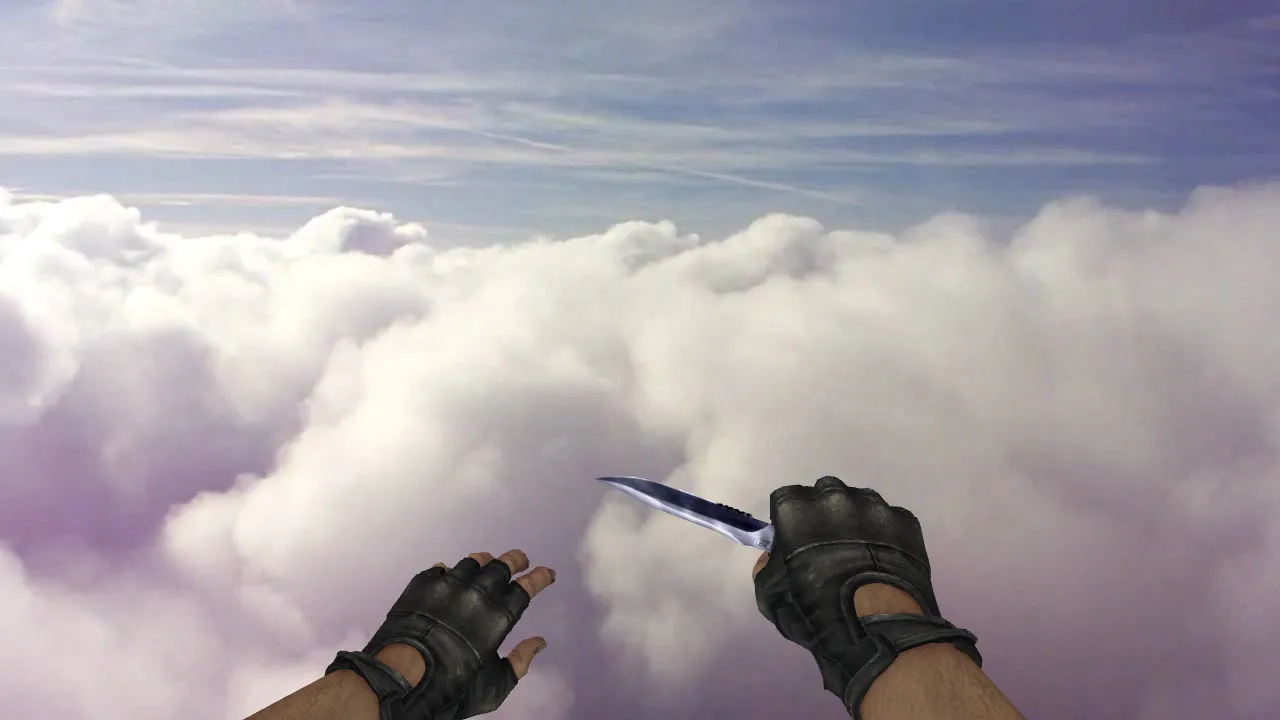
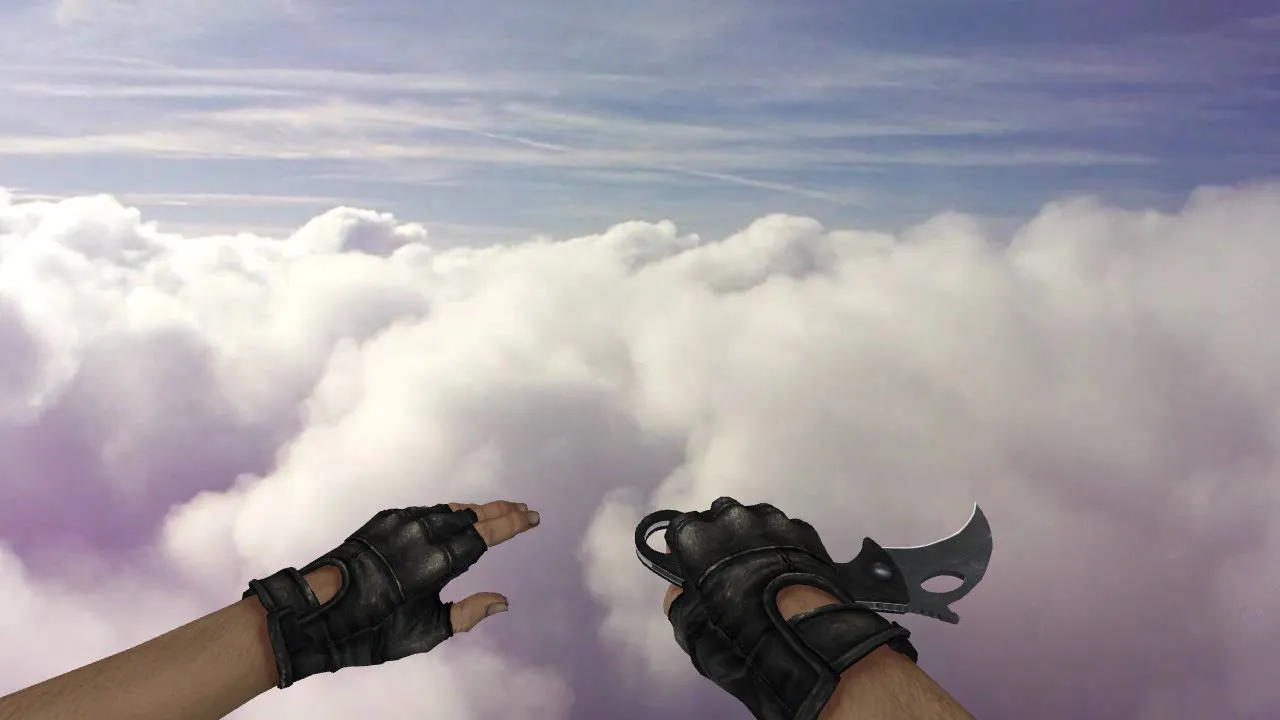
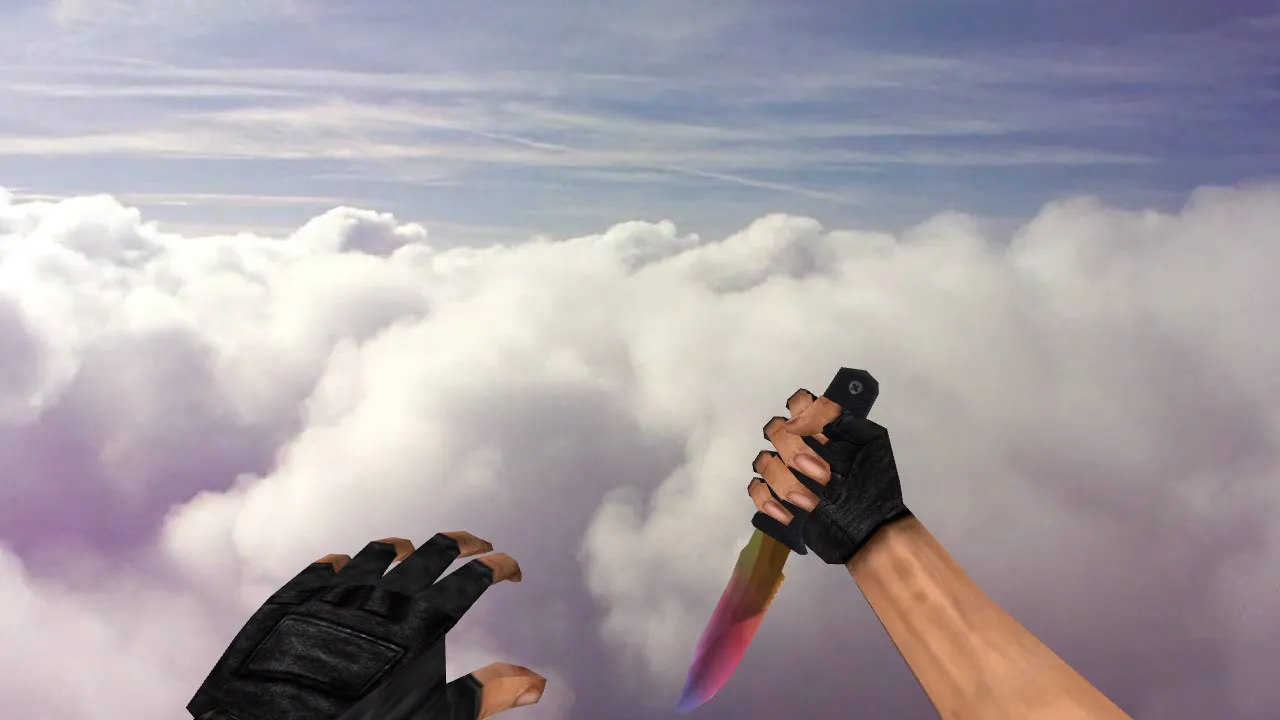
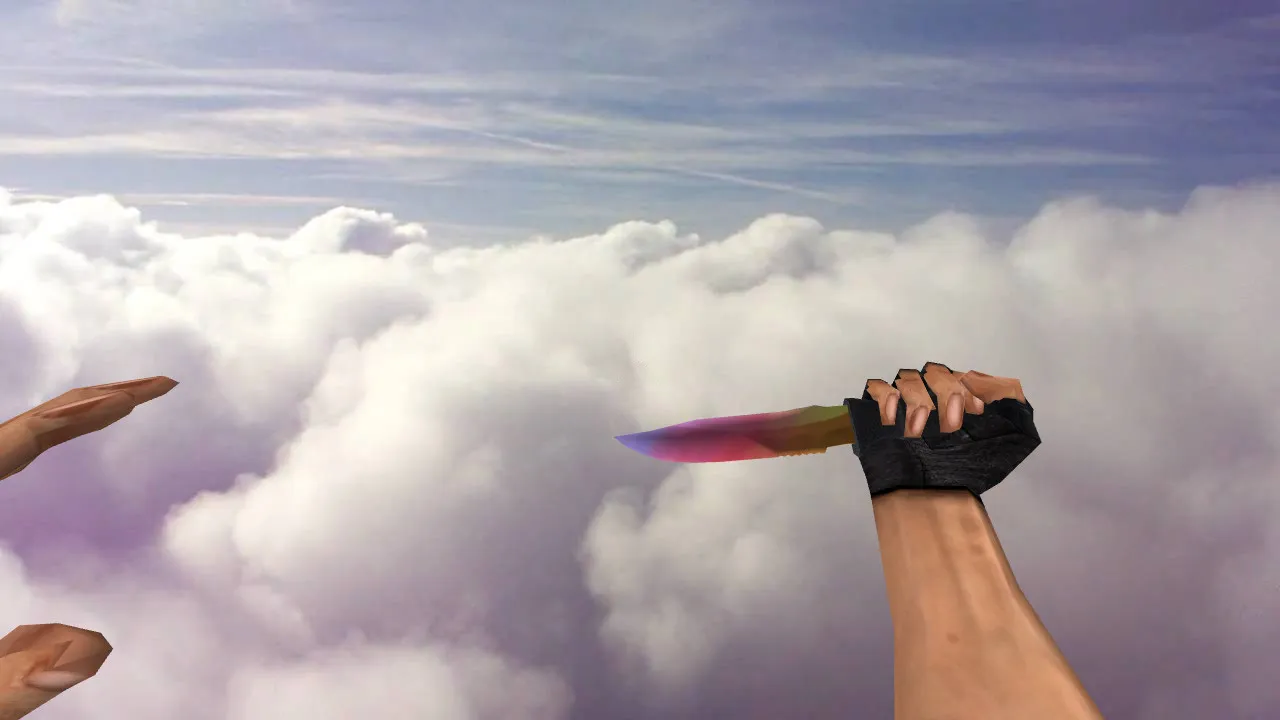
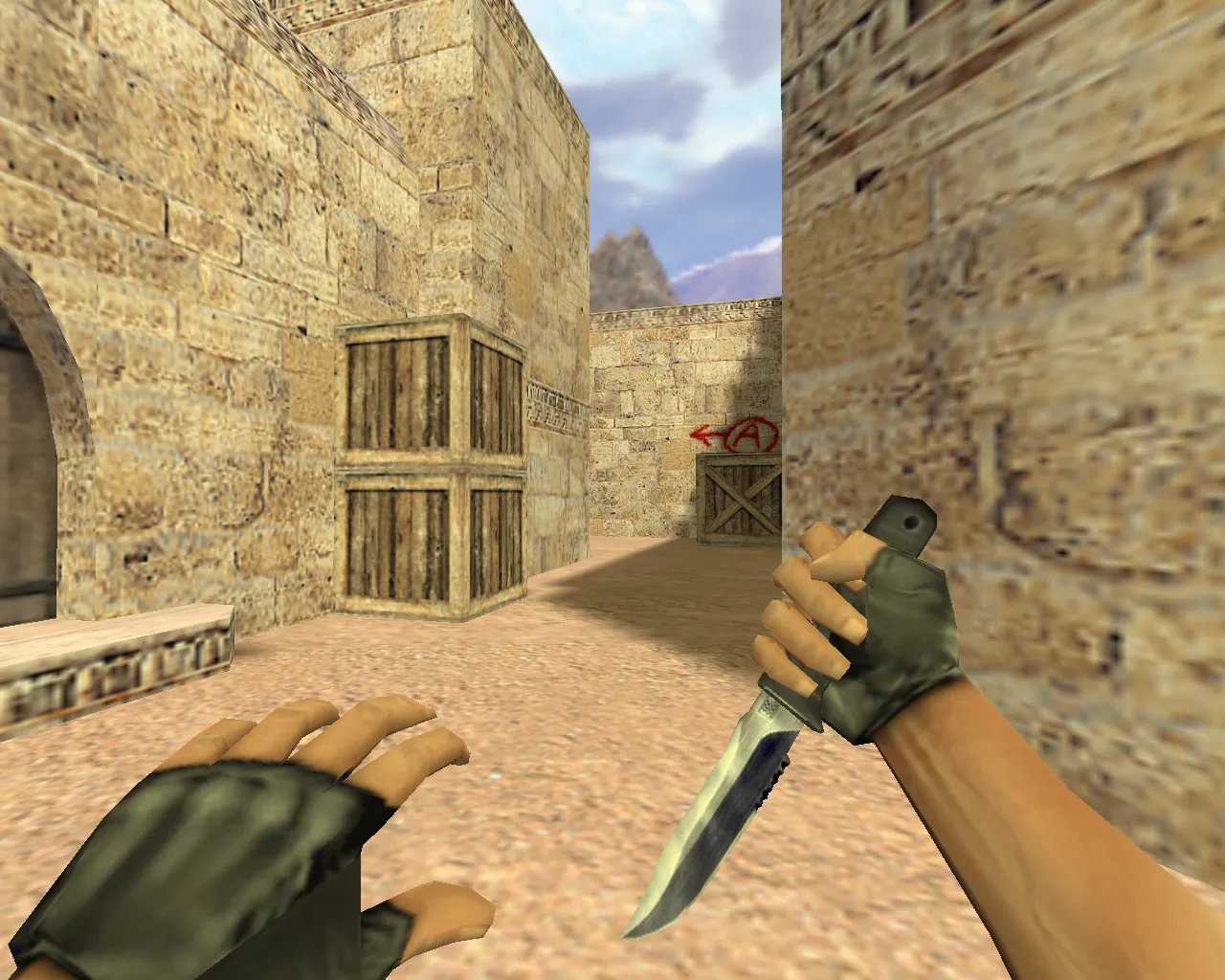
The CS 1.5 knife model transfers to CS 1.6 while preserving that vintage feel and fits directly into your loadout. Bundles usually supply the core files the engine expects: v_, p_, and w_ models. This arrangement keeps the blade looking uniform in first-person view, third-person player view, and as a dropped world item. Reliable inspection animations matter as well-swipes and rotations should flow without breaking combat tempo.
Review the audio separately. In CS 1.6, knife sounds define close-quarters duels. When the pack includes custom sound effects, they must line up with strike timing and weapon swaps. Mismatched audio makes the knife feel dull, even with solid textures. Textures need clarity-no blur or contrast loss. Older models often show seam artifacts on the handle and blade, so watch how they hold up during motion.
Model Quality in Matches: Pre-Kill Checks for Performance
A knife remains visible constantly. You see it while positioning, turning, rushing sites, or falling back after taking damage. Testing is mandatory for dependability.
- Clarity in Low Light: Confirm blade and handle visibility on dim maps or in smoke.
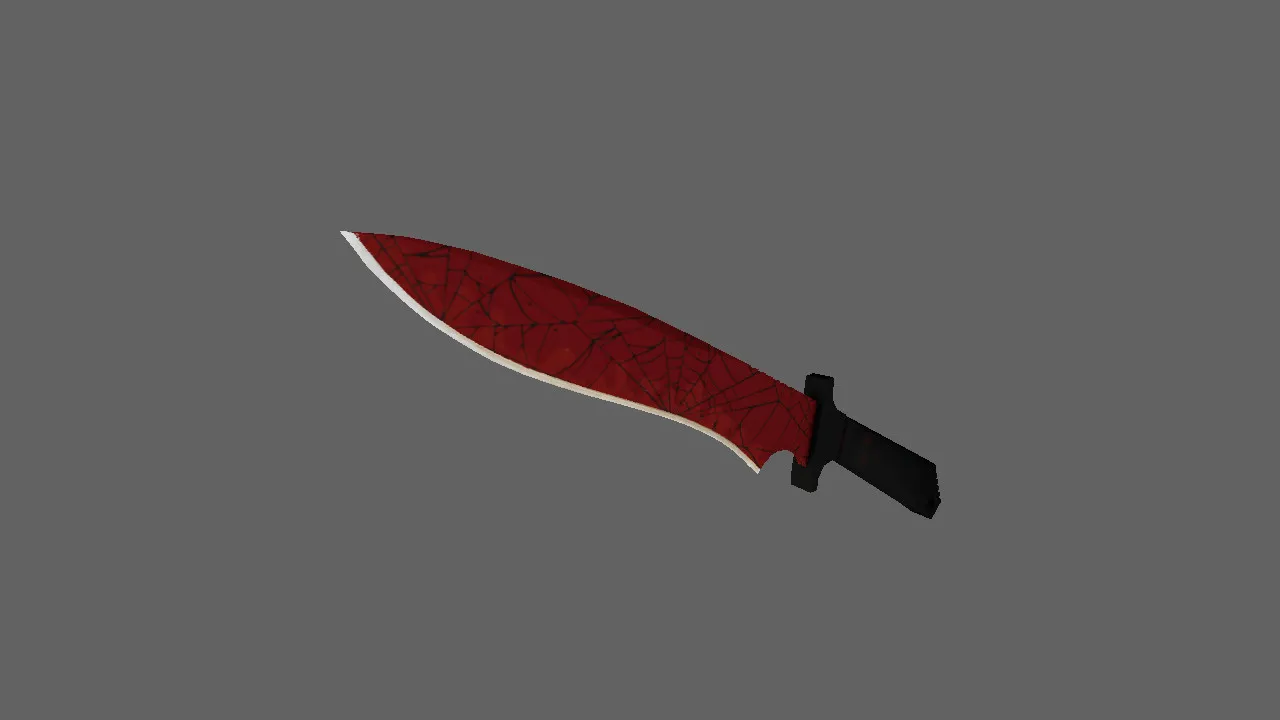
- Skin Distinctiveness: Make sure patterns and shape don't merge into generic knife silhouettes.
- Inspection Animation Smoothness: Verify no jerking or center shifts during inspect.
- Handheld Stability: Check that v_ and p_ models share exact proportions.
- World Model Behavior: Test w_ on the ground or when dropped for no distortion or misalignment.
Hitbox alignment must match the model's geometry, or close-range hits become unreliable. Core rule: flawed or offset geometry reveals problems quickly. Spend a minute testing to prevent disputed kills later.
For deeper integration, this model supports a polycount under 500 for high-fps performance on older rigs. It suits ESL-style visibility tweaks, shining in dark corners without overexposing in bright areas. No-recoil configs pair well, but the focus here stays on visual fidelity.
Installing the Knife Model: Manual Steps Without Auto-Connect Risks
Install manually and rely on trusted sources. Avoid shady packs or servers that demand logins for 'auto-setup.' CS 1.6 manages this through standard paths and clean methods-no viruses, no slow-hacks, no ads.
- Download the archive and verify it contains the models/ folder structure.
- Copy v_, p_, and w_ files to matching subfolders so the engine loads them correctly.
- For included sounds, place them in the proper directory tree to prevent conflicts with other mods.
- Scan for duplicates: Leftover files from previous installs can mix results and cause glitches.
- Restart the game and run a local session for initial verification.
With a clean config.cfg, the model loads seamlessly. Standard network and interpolation settings keep things stable, though not required for visuals. Avoid 'gray' mods that alter core files and break configs-stick to this for Build 4554 or 8613 compatibility, Steam or Non-Steam.
In-Game Testing: Confirming the Knife Fits Your Playstyle
Run a quick test: Equip the knife, spin around, trigger inspect, raise and lower it. Then drop it and check the world model on the floor. If everything aligns, this CS 1.5 knife revives old times in CS 1.6 without stability hits. Move to site holds, pace control, and CQC without second-guessing.
Expand testing to bot matches with .nav files for pathing accuracy-knife drops shouldn't confuse AI. On maps like de_dust2, verify visibility from long angles or B-site shadows. Polycount optimization ensures no frame drops during knife rushes. For skin variants, this base model allows texture swaps via wad files, keeping hitbox precision intact. Overall, it boosts inventory feel without compromising tactical depth in CS 1.6 servers.
Install in three steps
-
1
Download the archive. Use the button on the right, or the Yandex.Disk mirror if the main server is slow.
-
2
Extract it into the game folder. Use 7-Zip or WinRAR. A path without non-Latin characters works best.
-
3
Launch the game. If something doesn't work, mark it below - that is how we know the file needs an update.
Did it work for you?
No sign-up needed. You can pick more than one.