CS 1.6 CS 1.5 Knife Fade Model: v_ p_ w_ Models, Custom Sounds, Inspect Animation, HD Textures

Description
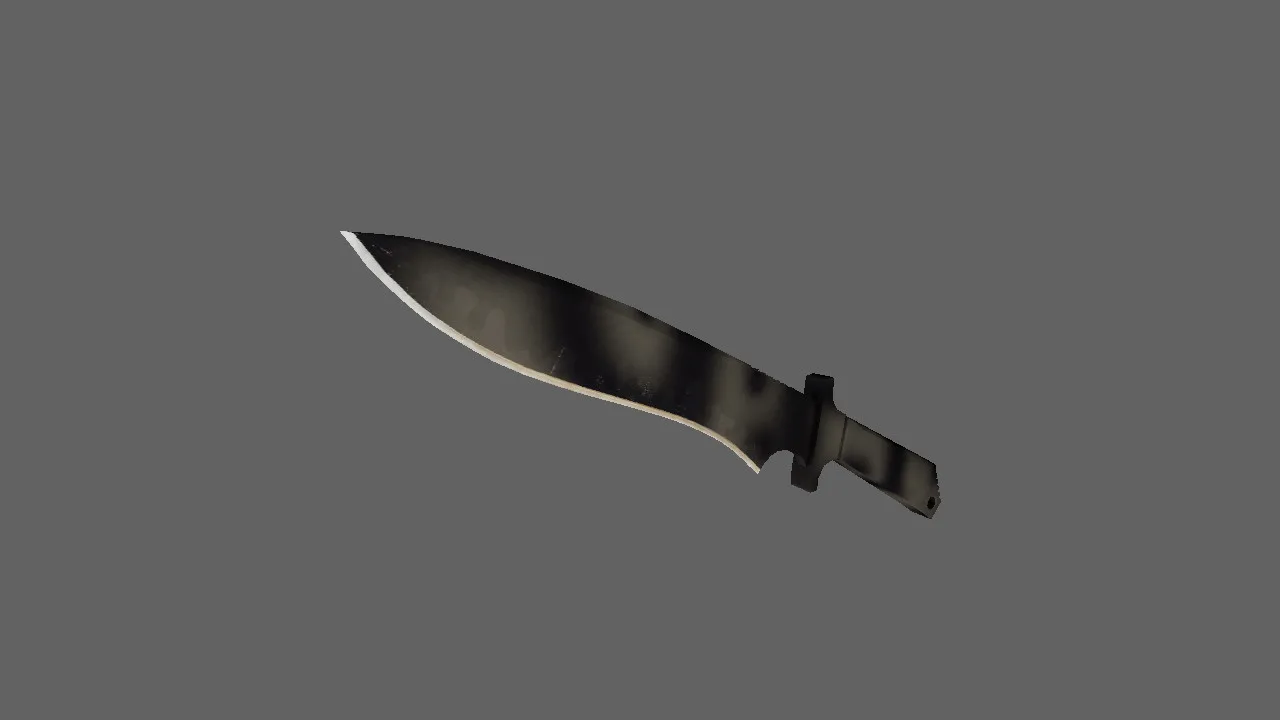
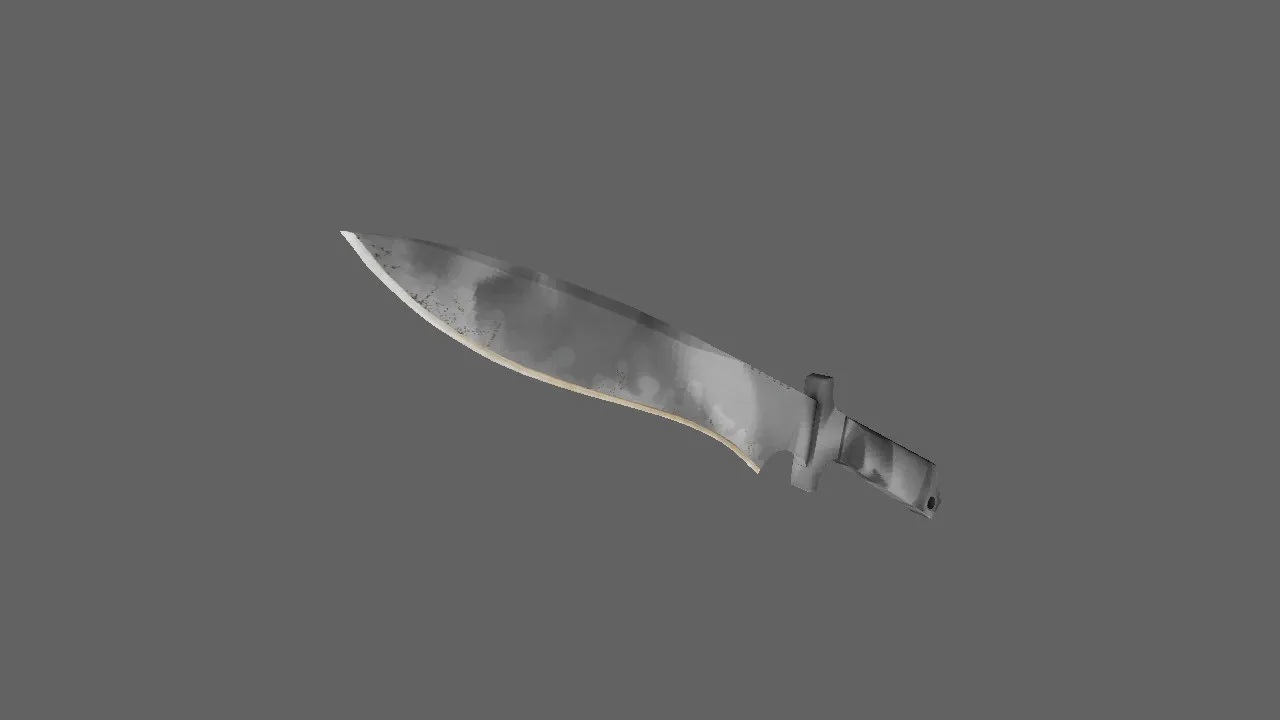
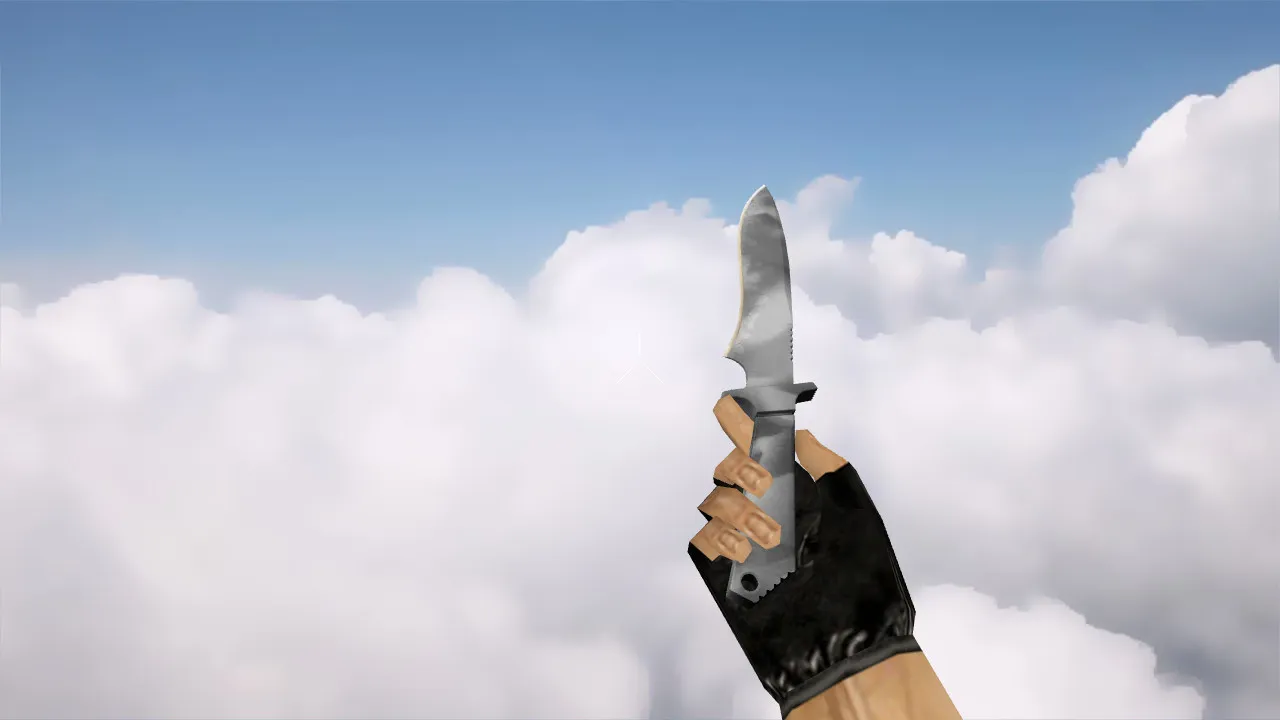
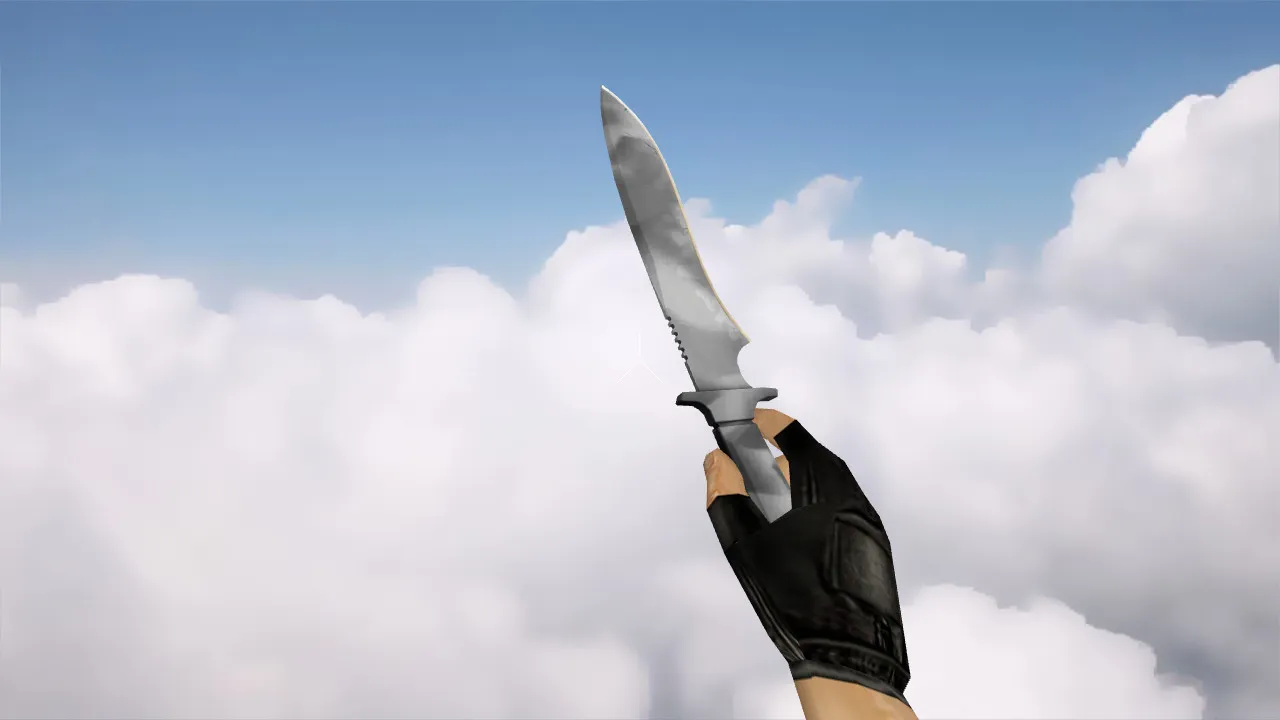
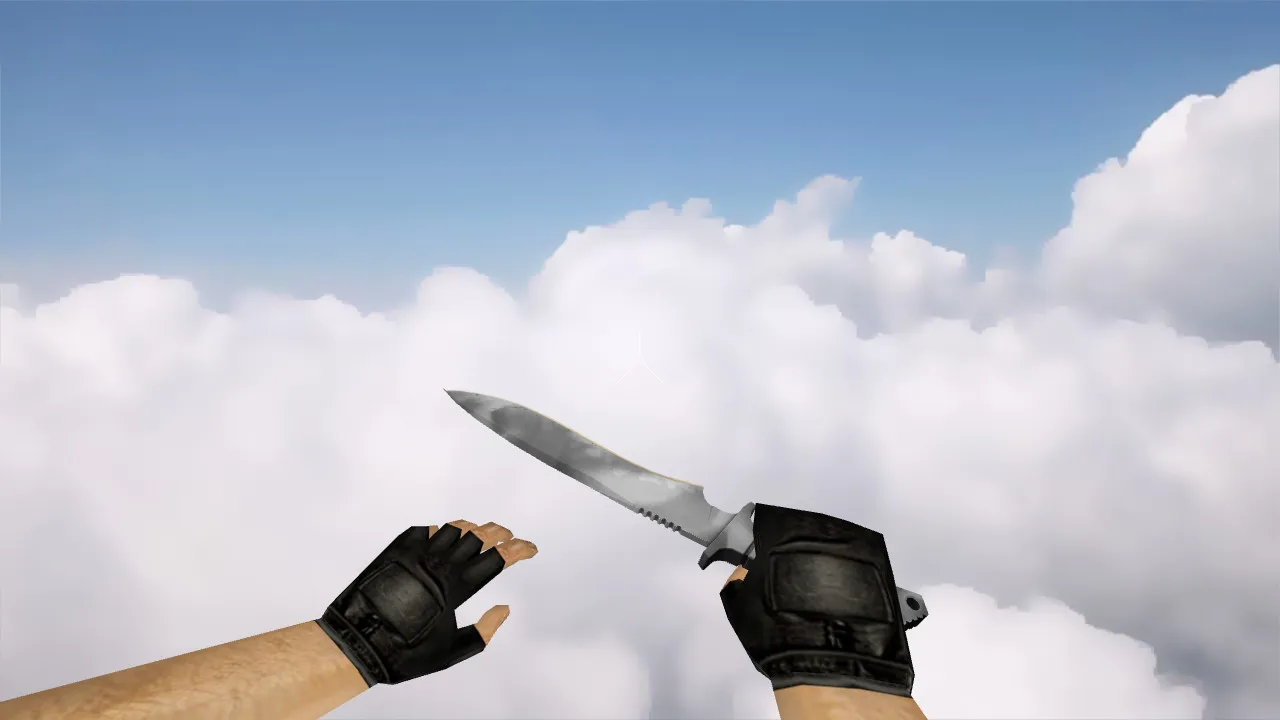
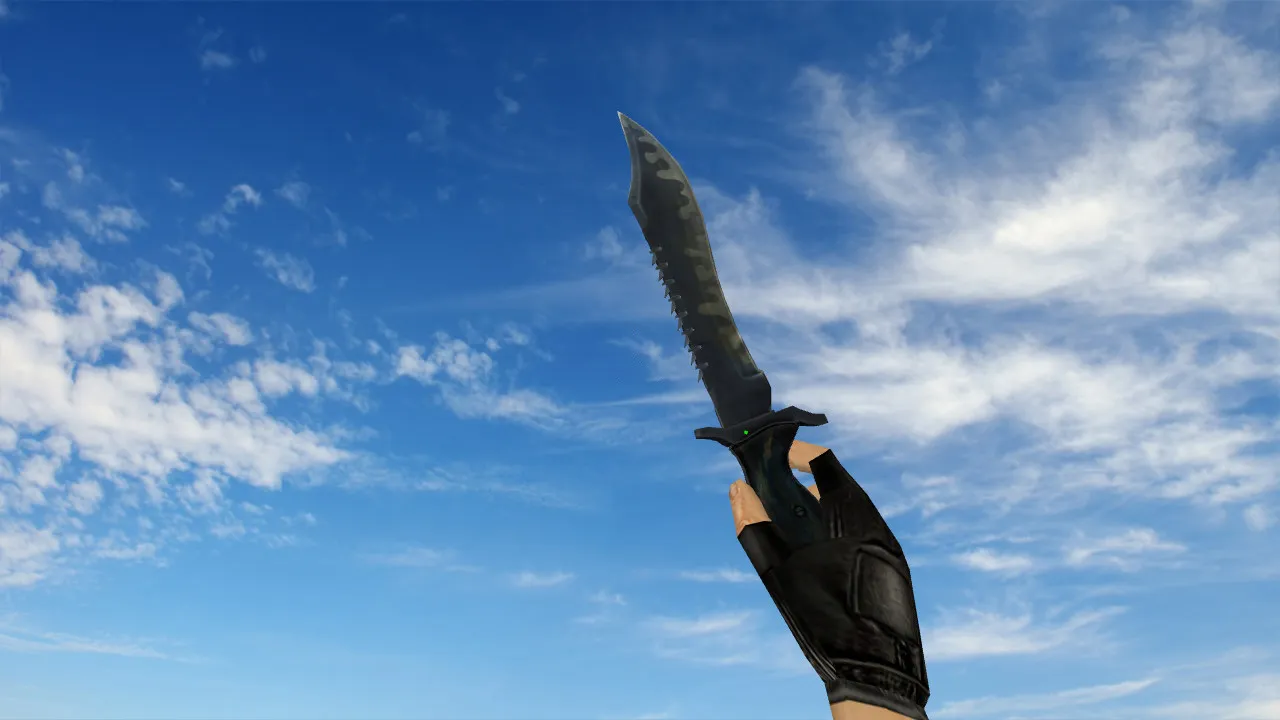
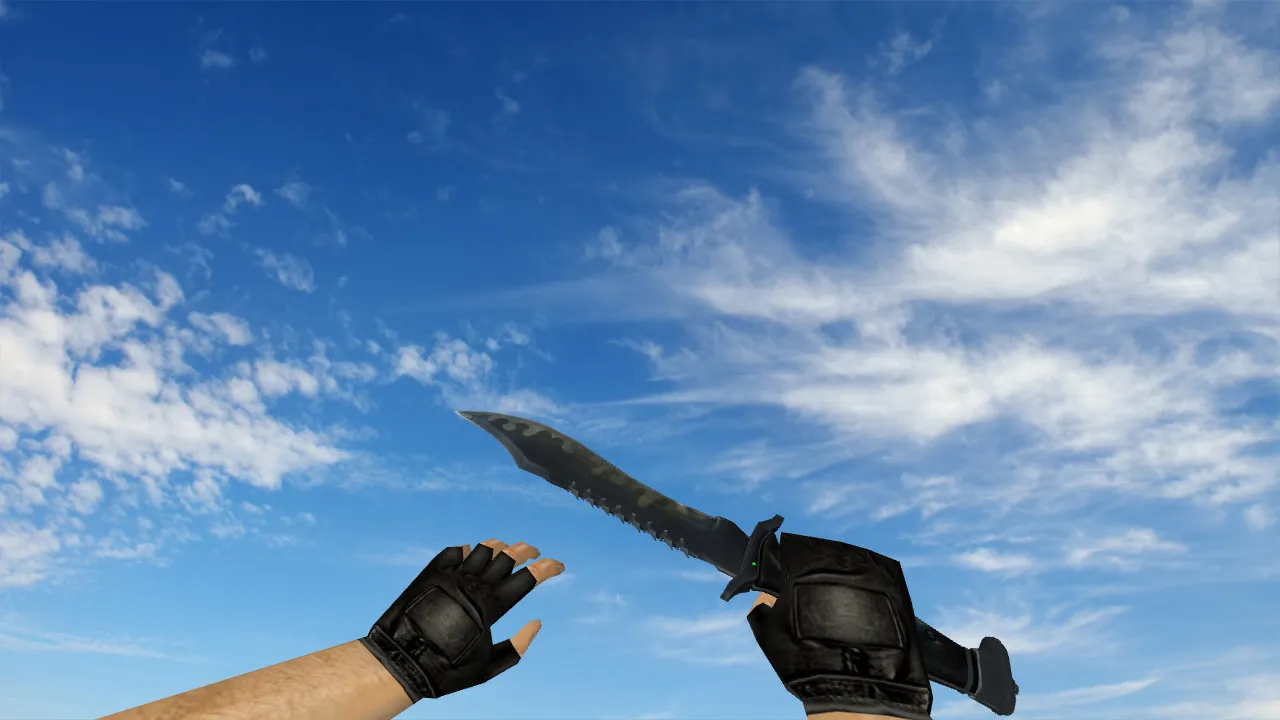
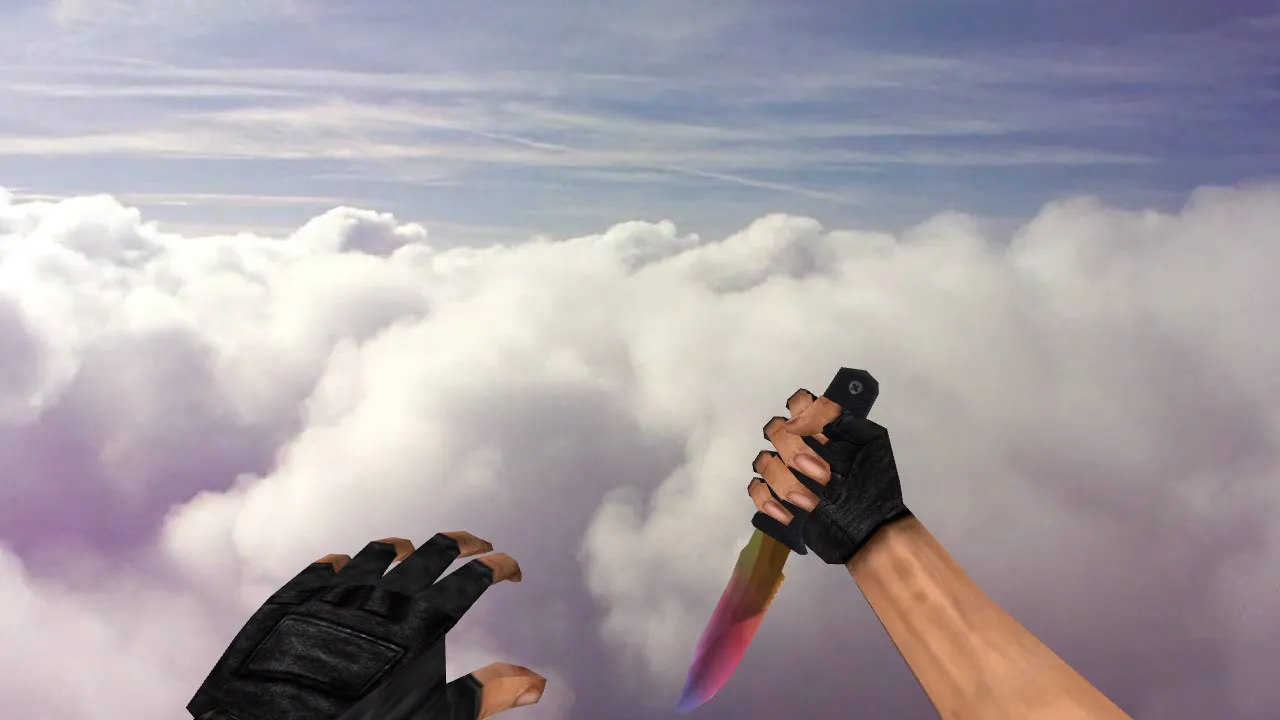
CS 1.5 Knife Fade Model for CS 1.6
In Counter-Strike 1.6, the knife manages those subtle details, and it is those details that provide an advantage during a match. The CS 1.5 Knife Fade model adheres to classic design principles: strong visibility in dim areas, crisp outlines, accurate edge rendering, and stable handling. During a hectic round, this is important because your focus remains on the weapon-whether you are peeking angles, exchanging fire, or repositioning.
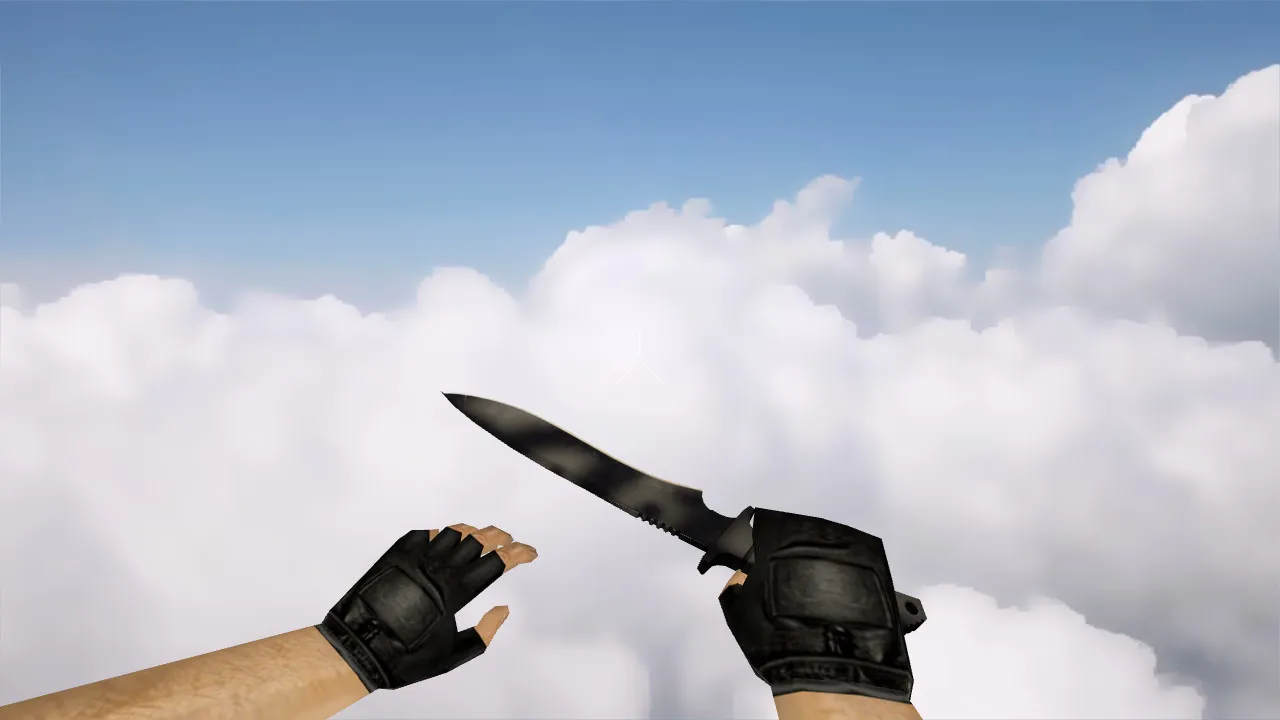
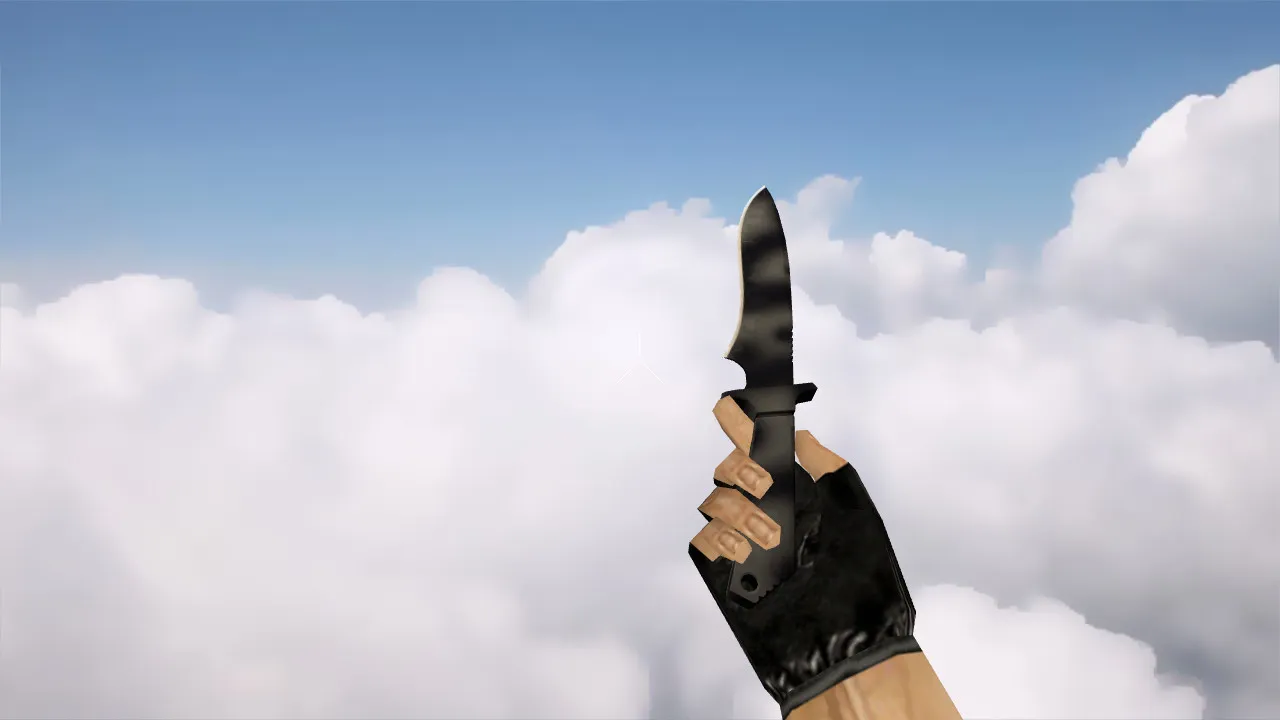
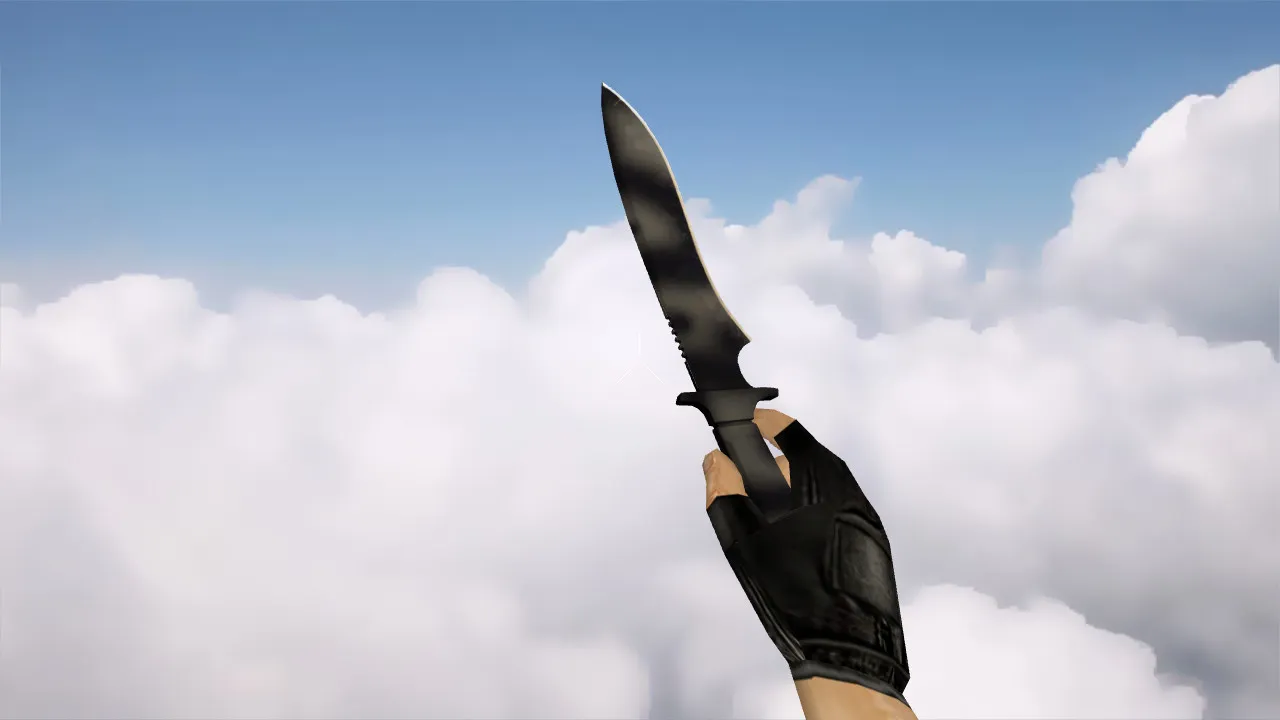
This model relies on standard engine components: v_ for the first-person perspective, p_ for third-person view, and w_ for world drops. This guarantees consistent rendering whether you are holding the knife close-up, viewing it from behind, or spotting it on the ground. Particular care was given to the inspect animation: frames line up perfectly when drawing or triggering inspection, with no stuttering or skipped frames. Custom audio matches the actions as well, making weapon swaps feel natural and avoiding that hollow weapon sensation.
Pre-Installation Checks for Smooth Performance
To prevent issues and ensure clean operation, run through these basic verifications. This quick checklist saves trouble and keeps your configuration stable.
- Hitbox Alignment: Confirm hitboxes correspond exactly to the knife's shape, preventing odd shots or visual desyncs during engagements.
- Dark Area Visibility: The fade effect must remain sharp in shadows; otherwise, it blurs on maps like de_dust2's tunnels or de_inferno's tight spaces.
- Texture Quality: Check for high-resolution 512x512 or better skins-no blurriness, artifacts, or clipped edges that could glitch during movement.
- Inspect Animation: Test for frame gaps or jerks when switching weapons; smooth playback maintains flow for rapid knife actions.
- Sound Integration: Verify clicks and swings synchronize with in-game timing, preserving the authentic CS 1.6 feel without audio mismatches.
Once these checks pass, the knife integrates seamlessly. The fade gradient allows for quick recognition, while tight geometry preserves the classic CS 1.6 aesthetic, boosting confidence in close-quarters duels.
Safe Installation Guide
Install the model securely to avoid risks. No viruses, no dubious installers, no auto-connect scripts-just clean files for your CS 1.6 directory. Always keep originals backed up.
- Back up the target folders first, such as models/v_models and models/p_models, to revert if necessary.
- Place files precisely: v_ in the viewmodel path, p_ for player models, w_ for world pickups-mismatches cause crashes.
- If the pack includes variants, choose the one with a clean file structure matching CS 1.6's sprite and wad expectations.
- Restart the game after installation, then test: draw the knife, inspect it, swap weapons, check the grip view, and verify drop visibility.
This method guarantees reliable operation without artifacts or performance dips, even on older systems aiming for high-fps configurations.
Why CS 1.5 Knife Fade Fits CS 1.6 Play
This knife balances retro styling with the eye-catching fade transition. The gradient reads quickly without overwhelming the screen, keeping focus on tactics. In-hand, it feels solid, and the inspect animation fits right into the round tempo. For players who rely on knife rushes, rapid switches, or pace control, this model sharpens visual feedback without distractions.
Load it up, confirm v_ p_ w_ rendering, and drop into matches. With polycount optimized for smooth bot navigation on maps with .nav files, it becomes your go-to for every spawn. Pair it with a clean config.cfg for no-recoil stability, and you are set for ESL-style servers or casual lobbies. Remember, this model's low overhead works across Steam and Non-Steam builds like 4554 or 8610, with MasterServer protection intact.
Expand your arsenal safely-test in a local server first to fine-tune hitbox accuracy and texture sharpness under various lighting. In CS 1.6, where every frame counts, this fade knife elevates those critical moments without compromising core gameplay.
Install in three steps
-
1
Download the archive. Use the button on the right, or the Yandex.Disk mirror if the main server is slow.
-
2
Extract it into the game folder. Use 7-Zip or WinRAR. A path without non-Latin characters works best.
-
3
Launch the game. If something doesn't work, mark it below - that is how we know the file needs an update.
Did it work for you?
No sign-up needed. You can pick more than one.